Customer Ratings & Reviews


- Model:
- S010311
- SKU:
- 6495778
Rating by feature
- Setup
Rating 4.8 out of 5 stars
- Range
Rating 4.7 out of 5 stars
- Signal Strength
Rating 4.7 out of 5 stars
Customers are saying
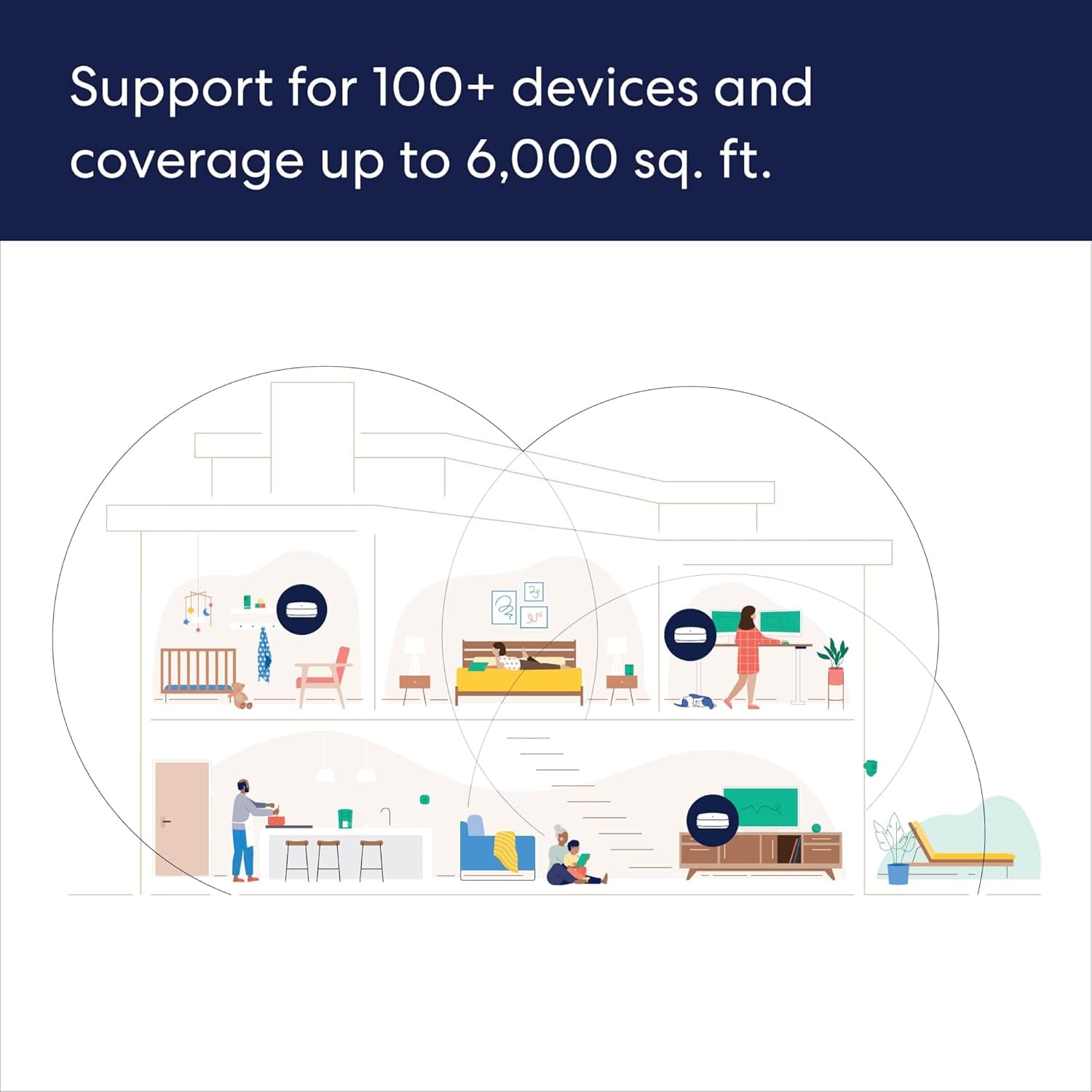
Customers praise the Pro 6E Tri-band Mesh Wi-Fi 6E System (1-pack) for its ease of use, speed, and strong Wi-Fi coverage. Many customers highlight the system's impressive performance and fast, easy setup. While some find the system to be a bit pricey, very few report issues with lag or missing features. Overall, the system's range and signal strength are well-received.
This summary was generated by AI based on customer reviews.
- Cons mentioned:Price
Yeah well they work ok
||Posted . Owned for 2 months when reviewed.This reviewer received promo considerations or sweepstakes entry for writing a review.Works pretty good. For the amount of money they cost I’m not real impressed
I would recommend this to a friend - Pros mentioned:Ease of use
Eero 6+
||Posted . Owned for 3 weeks when reviewed.This reviewer received promo considerations or sweepstakes entry for writing a review.Not very tech savvy but this was very easy to set up.
I would recommend this to a friend Good Buy!
||Posted . Owned for 3 weeks when reviewed.This reviewer received promo considerations or sweepstakes entry for writing a review.Great service i got better coverage than i had with google wifi.
I would recommend this to a friendExcellent coverage.
||Posted . Owned for 4 months when reviewed.This reviewer received promo considerations or sweepstakes entry for writing a review.Works well. Great, reliable coverage. Subscription for security is expensive and unnecessary. Use 1.1.1.3 as DNS instead.
I would recommend this to a friend- Pros mentioned:Ease of use
Good stuff
||Posted . Owned for 3 weeks when reviewed.This reviewer received promo considerations or sweepstakes entry for writing a review.Very satisfied with the product. Easy to set up and
I would recommend this to a friend - Pros mentioned:Ease of use
Mr
||Posted . Owned for 9 months when reviewed.This reviewer received promo considerations or sweepstakes entry for writing a review.I like it. Very user friendly and easy to setup. Speed ok
I would recommend this to a friend Solid Router
||Posted . Owned for 1 year when reviewed.This reviewer received promo considerations or sweepstakes entry for writing a review.All in all this has been a good router that I’m still using today. The mesh functionality could use some work, probably my only complaint. Devices will sometimes hang onto the wrong router depending on where you’re located!
I would recommend this to a friendWife network
||Posted . Owned for 6 months when reviewed.This reviewer received promo considerations or sweepstakes entry for writing a review.Great product works amazing. Would recommend. Great customer service.
I would recommend this to a friendBetter Than Orbi's
||Posted . Owned for 1 week when reviewed.This reviewer received promo considerations or sweepstakes entry for writing a review.I had Geeksquad install Orbi AX6000's to make sure they worked properly. No issues with previous wifi, but Orbi dropped iPhone 14 wifi calls reliably after a few minutes. Tried with wife's phone as well. Phones and Orbi's were all on latest firmware. Returned for These Eero's and have had no issues. Wish they had additional ports. Had to buy a switch for my Cat 8 cables to tvs
I would recommend this to a friendlong range - but no for higher speeds over 1gbps
||Posted .This reviewer received promo considerations or sweepstakes entry for writing a review.works great in open range, in my 2 stories setting, it does not suffer in penetration but lags in speed. For the price and for speeds over 1gbps i would look into another option
I would recommend this to a friendBrand response from Amazon Devices Customer Support
Posted .Hi RabihY. Thank you for providing feedback about your experience with the eero Pro 6E system. I'm sorry to hear that the speeds haven't met your expectations. The eero Pro 6E supports wireless speeds up to 1.6 Gbps, if you're receiving more than gig speeds into the house, but not seeing it on either eero, I would suggest performing a soft reset of your gateway eero (the one connected to your modem). To soft reset your eero: Hold the reset button until its LED flashes yellow (approximately 7 seconds). Once it flashes yellow, release it. As the eero boots up, the LED will flash white, then blue, and then return to solid white. Once the LED is solid white, you should be able to see your eero is back online in the eero app. If you're seeing full speed on your gateway eero but an extreme reduction in speed on your wireless nodes, you should might want to experiment with different placements to see if that helps. Here are some tips to follow: 1. Place eeros where they can talk to each other. 2. Place eeros on a hard, flat surface. 3. Keep your eeros out in the open. 4. Whenever possible, aim for direct line of sight between eeros. The fewer the walls between your eeros, the better. If this information doesn’t resolve your issue, call eero customer service at (877) 659-2347. They’re available Monday-Sunday 6am-8pm PT. I hope this helps. Have a great day!

- Pros mentioned:Ease of use
My improved wifi
||Posted . Owned for 1 month when reviewed.This reviewer received promo considerations or sweepstakes entry for writing a review.Somewhat better than my old eero easy to setup and work
I would recommend this to a friend We have WiFi
||Posted . Owned for 3 weeks when reviewed.This reviewer received promo considerations or sweepstakes entry for writing a review.Overall seems to work fairly well. When we didn't have to pay extra for anything though. Be better if we can override and choose ourselves which one each device connects to. Some reason sometimes a device will connect to the furthest eero where it has less signal.
I would recommend this to a friend- Pros mentioned:Wi-fi coverage
Eero 6e mesh router
||Posted . Owned for 1 month when reviewed.This reviewer received promo considerations or sweepstakes entry for writing a review.Relatively small and discreet and great wifi coverage
I would recommend this to a friend Review
||Posted . Owned for 3 weeks when reviewed.This reviewer received promo considerations or sweepstakes entry for writing a review.Great product. They do tend to dosconnect a few times a month
I would recommend this to a friendBrand response from Amazon Devices Customer Support
Posted .Hi TroyH. Thank you for your feedback on the eero Pro 6E system. I’m sorry to hear about your signal drops. Soft resetting your gateway eero (the one connected to your modem) can be a useful troubleshooting step. To soft reset your eero: Hold the reset button until its LED flashes yellow (approximately 7 seconds). Once it flashes yellow, release it. As the eero boots up, the LED will flash white, then blue, and then return to solid white. Once the LED is solid white, you should be able to see your eero is back online in the eero app. If you still experience connection drops, take note of the time of the drop and reach out to customer service so that they can troubleshoot further. They can be reached at (877) 659-2347. I hope this helps. Have a great day!
Great Mesh Wi-Fi
||Posted . Owned for 2 months when reviewed.This reviewer received promo considerations or sweepstakes entry for writing a review.We switched to this Mesh Wifi system and have been very impressed overall. If you are going to use this just make sure you know it only allows access to the devices through the phone app.
I would recommend this to a friendEeros
||Posted . Owned for 1 month when reviewed.This reviewer received promo considerations or sweepstakes entry for writing a review.The Geek Squad did a wonderful and seamless installation and integration.
I would recommend this to a friendRange Extended!
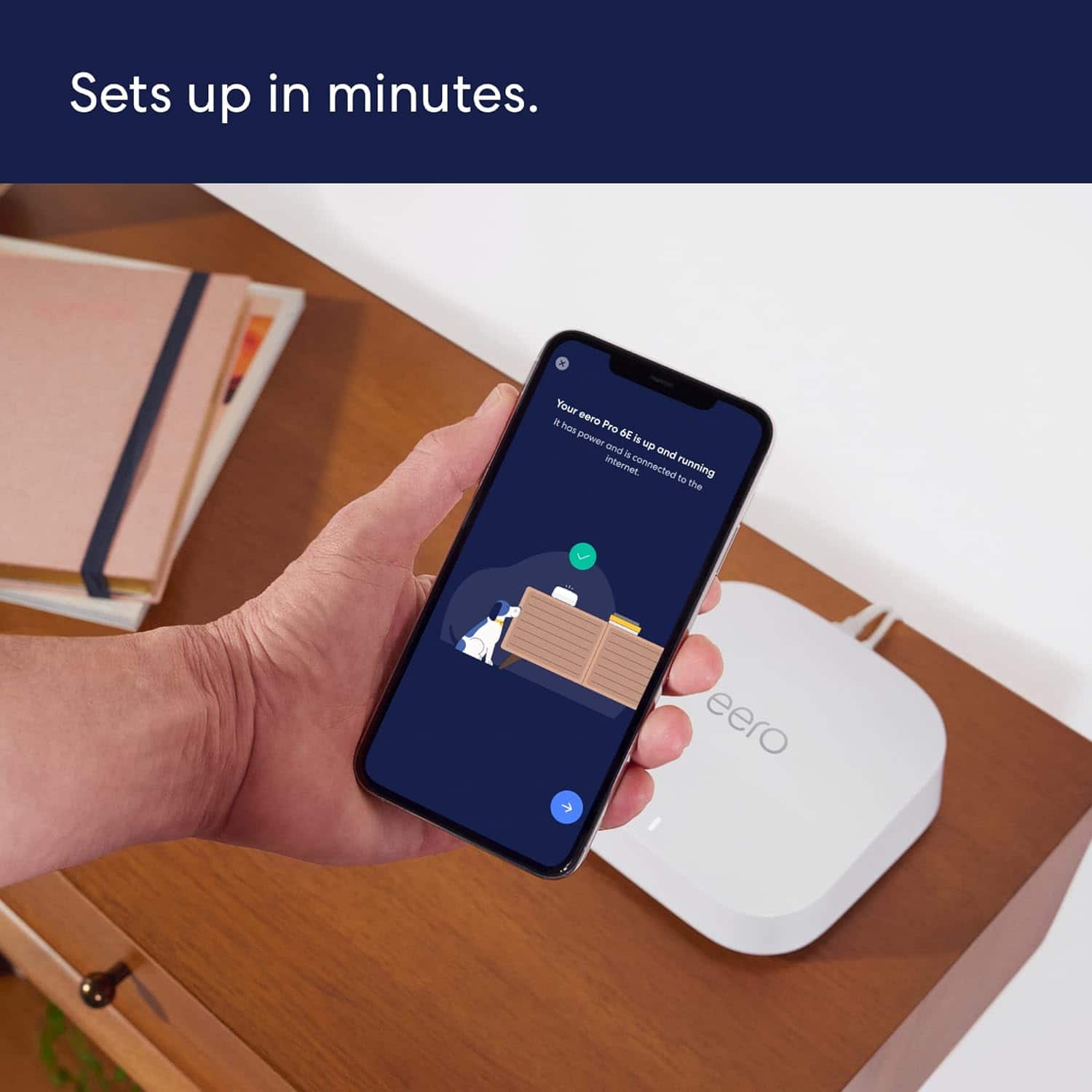
||Posted .This reviewer received promo considerations or sweepstakes entry for writing a review.Very easy to set-up. The App walks you through all the steps.
I would recommend this to a friendA must have
||Posted . Owned for more than 2 years when reviewed.This reviewer received promo considerations or sweepstakes entry for writing a review.Went from horrible coverage in the house to excellent everywhere. Definitely recommend this product to everyone!!!!
I would recommend this to a friendGood Mesh system
||Posted . Owned for 1 month when reviewed.This reviewer received promo considerations or sweepstakes entry for writing a review.Pretty good mesh system, I would probably need to spend more to get the 3rd point for better coverage. House is not big, but coverage from basement to 1st floor is pretty good overall much better than the original Google Nest system which was in place.
I would recommend this to a friend- Pros mentioned:Wi-fi coverage
EERO
||Posted . Owned for 3 weeks when reviewed.This reviewer received promo considerations or sweepstakes entry for writing a review.Great product, expanded my wi-fi throughout my home.
I would recommend this to a friend