Customer Ratings & Reviews


- Model:
- S010311
- SKU:
- 6495778
Rating by feature
- Setup
Rating 4.8 out of 5 stars
- Range
Rating 4.7 out of 5 stars
- Signal Strength
Rating 4.7 out of 5 stars
Customers are saying
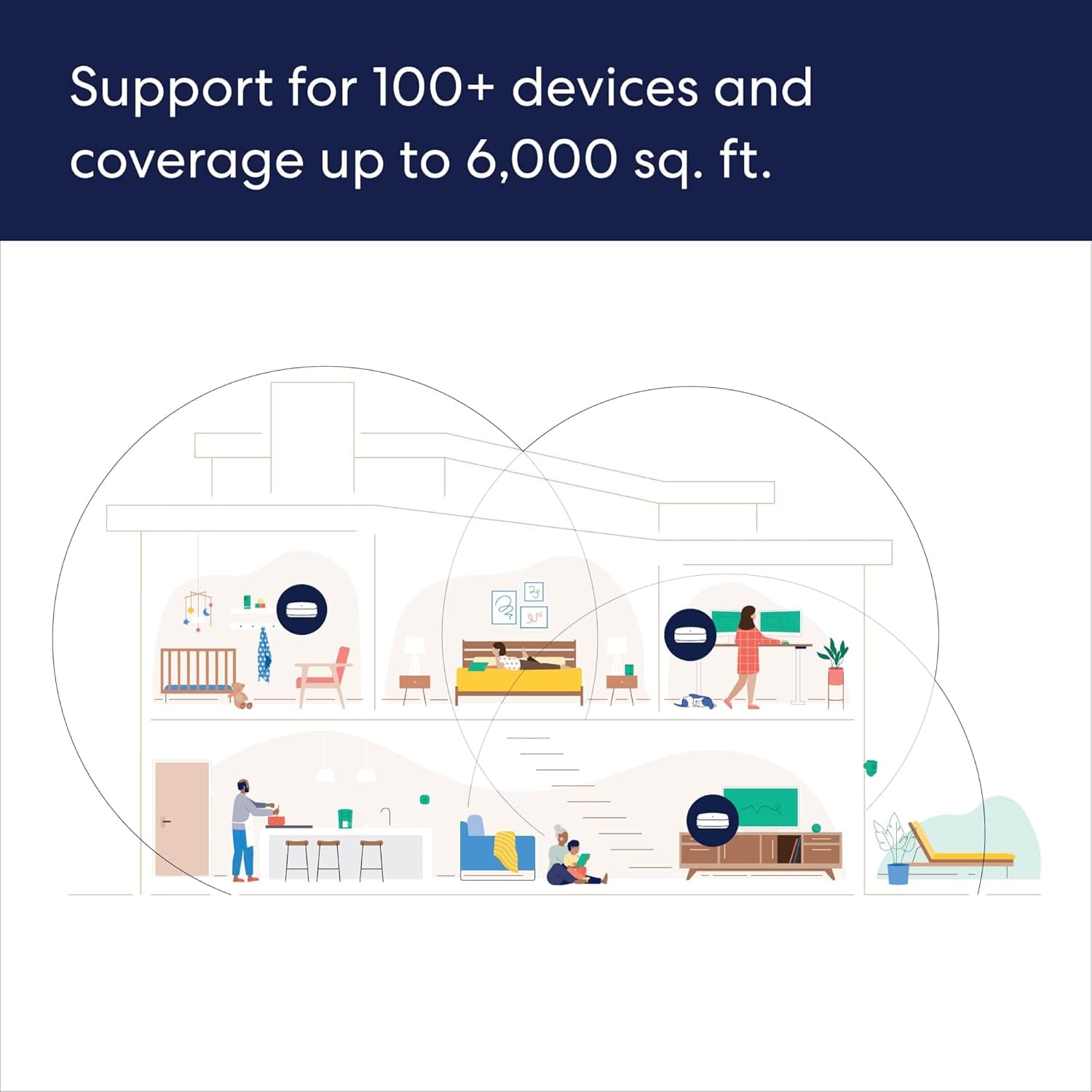
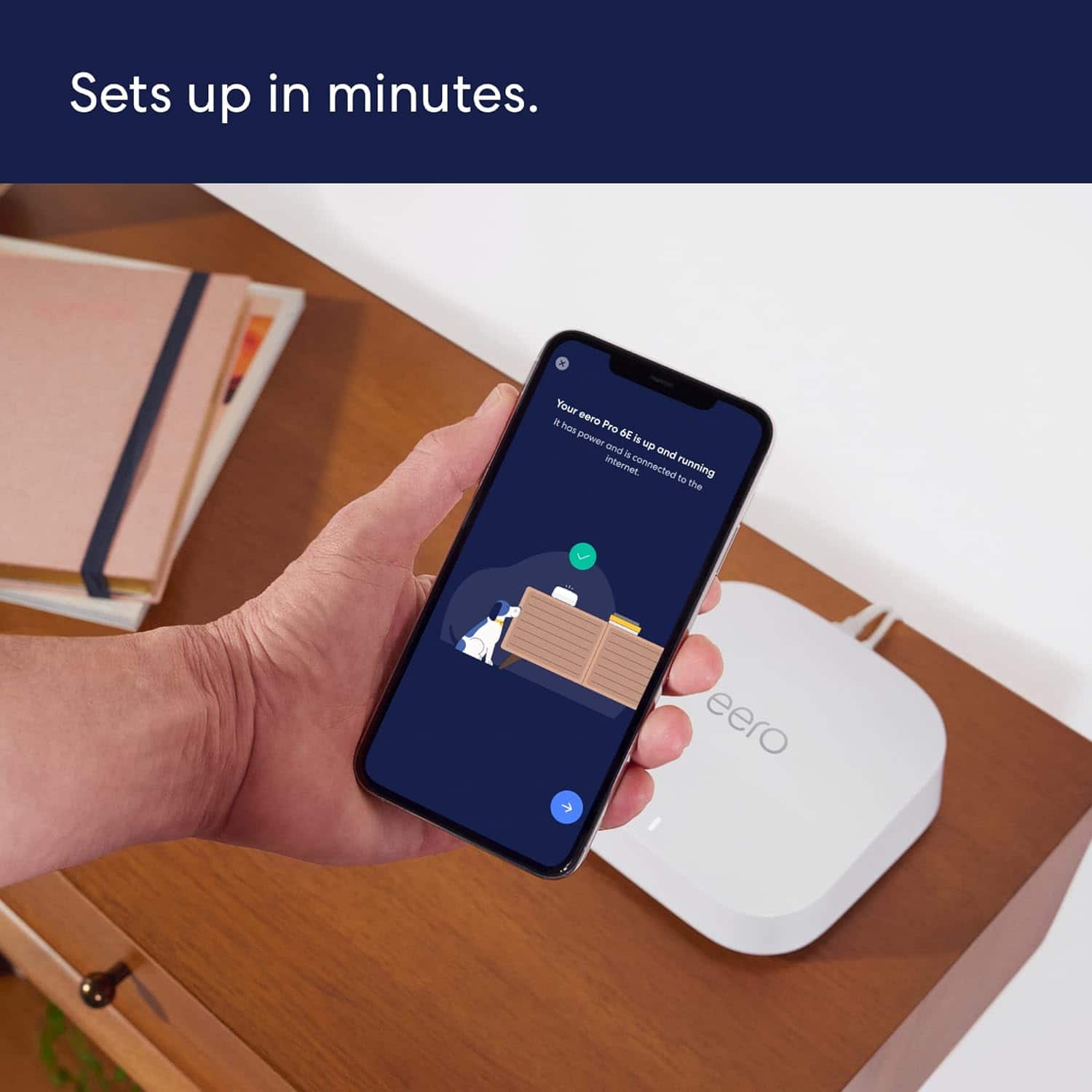
Customers praise the Pro 6E Tri-band Mesh Wi-Fi 6E System (1-pack) for its ease of use, speed, and strong Wi-Fi coverage. Many customers highlight the system's impressive performance and fast, easy setup. While some find the system to be a bit pricey, very few report issues with lag or missing features. Overall, the system's range and signal strength are well-received.
This summary was generated by AI based on customer reviews.
Eero
||Posted . Owned for 1 month when reviewed.This reviewer received promo considerations or sweepstakes entry for writing a review.Excellent product with easy installation. No issues to date now 3 months
I would recommend this to a friendGreat Purchase
||Posted . Owned for 1 month when reviewed.This reviewer received promo considerations or sweepstakes entry for writing a review.This was a great purchase and it resolved the problem I was having with expanding the square of WIFI connection.
I would recommend this to a friendAwesome Product
||Posted . Owned for 1 month when reviewed.This reviewer received promo considerations or sweepstakes entry for writing a review.Wifi around our ranch is great. we have these in buildings and barns to keep everyone in touch
I would recommend this to a friendExcellent product & in-store personnel
||Posted . Owned for 2 weeks when reviewed.This reviewer received promo considerations or sweepstakes entry for writing a review.This product solved a very longstanding problem w/ poor WiFi. In-store personnel were very knowledgeable and helpful.
I would recommend this to a friendMr
||Posted . Owned for 1 week when reviewed.This reviewer received promo considerations or sweepstakes entry for writing a review.It works really well I have it upstairs downstairs and actually outside. I would recommend this to anybody. Save me a lot of money on my router also
I would recommend this to a friendEeros mesh wifi
||Posted . Owned for 1 month when reviewed.This reviewer received promo considerations or sweepstakes entry for writing a review.Upon installing these the wifi in our house has been improved greatly
I would recommend this to a friendLove EERO PODS
||Posted . Owned for 1 month when reviewed.This reviewer received promo considerations or sweepstakes entry for writing a review.Work great!!!!! Thanks for your wonderful help Bestbuy!!!
I would recommend this to a friendGreat investment
||Posted . Owned for 1 month when reviewed.This reviewer received promo considerations or sweepstakes entry for writing a review.Excellent connection and wireless mesh. No longer have a router dropping the connection.
I would recommend this to a friendCan't even connect to Internet with some computers
||Posted .This reviewer received promo considerations or sweepstakes entry for writing a review.Slow speeds. Charges for features that are free with Asus and Netgear routers. I switched my fiber from CenturyLink to ting fiber. Confirmed with ting my speeds are 1gig up and 1 gig down. I rarely get even close using the recommended Wifi router from ting. I really wish I rented before I purchased so I could see they want me to pay a subscription and the speeds are horrible. The Wi-Fi router is on the next room, less than 20 feet away from me and yet my computer can't even pull up Internet speed test. Another issue. Sonos doesn't like 5ghz, likes 2.4. You can't pick like I could with my previous routers. I finally got the computer to run Internet speed (on my computer) test while writing this review on my phone. It started, then said can't complete because of a network error. Post Past the return window and as you know these routers are not cheap. Beware. Read Reddit (sure wish I did). Basic 30 second videos on my phone WiFi are out.
No, I would not recommend this to a friendBrand response from Amazon Devices Customer Support
Posted .Hi MaxP. Thank you for providing feedback about your experience with the eero Pro 6E system. I’m sorry to hear that you’ve been having connectivity issues. Soft resetting your gateway eero (the one connected to your modem) can be a useful troubleshooting step. To soft reset your eero: Hold the reset button until its LED flashes yellow (approximately 7 seconds). Once it flashes yellow, release it. As the eero boots up, the LED will flash white, then blue, and then return to solid white. Once the LED is solid white, you should be able to see your eero is back online in the eero app. If this information doesn’t resolve your issue, call eero customer service at (877)659-2347. They’re available Monday-Sunday 6am-8pm PT. I hope this helps. Have a great day!

Much better
||Posted . Owned for 3 weeks when reviewed.This reviewer received promo considerations or sweepstakes entry for writing a review.Did what I needed it to do Thank you Eero NO THANKS to my internet carrier and the lack of their customer service
I would recommend this to a friendOne of the best products you can buy for the home!
||Posted . Owned for 1 week when reviewed.This reviewer received promo considerations or sweepstakes entry for writing a review.All I can say is WOW!!! Before adding these we had decent WIFI connection but AFTER adding them...WOW...night and day! Setup is crazy easy too :)
I would recommend this to a friendWireless Mesh Decision
||Posted . Owned for 1 month when reviewed.This reviewer received promo considerations or sweepstakes entry for writing a review.System is working very well and super happy that we made the decision to use it!
I would recommend this to a friend- Pros mentioned:Ease of use
Rocks
||Posted . Owned for 1 month when reviewed.This reviewer received promo considerations or sweepstakes entry for writing a review.Very strong signal, east to deploy and replace previous solution
I would recommend this to a friend 
Great coverage
|Posted . Owned for 2 months when reviewed.This reviewer received promo considerations or sweepstakes entry for writing a review.[Employee of bestbuy] Just moved into a 2800 sq ft home. Plaster and brick, this still gives great coverage
I would recommend this to a friendNot worth the money
||Posted . Owned for 1 month when reviewed.This reviewer received promo considerations or sweepstakes entry for writing a review.We had 5-yr old Orbi routers, so they were due for an upgrade. We installed fiber optic internet at the house, then bought these to maximize our service. We have worse service with these than we do with the five-year-old Orbis. Regardless of how close to one of the arrows the device is, you never know if there’s going to be excessive buffering a la early 2000s when you’re trying to watch a movie. Save your money and invest in Orbis.
No, I would not recommend this to a friendI would stay away from this one for now
||Posted . Owned for 1 month when reviewed.This reviewer received promo considerations or sweepstakes entry for writing a review.I'm a tech. I know routers inside and out. I've had this new wifi 6+ for one month and a week, which means it is not returnable...and my devices will no longer connect. I have to reset it once an hour just to watch tv. I love eero products but this is just plain sad. Perhaps it was released too early, but you expect it to just work..once restarted everything works ok for about an hour. Maybe less, maybe more. Then tv shows stop,.and have to reset it again. I tried another router I have and the problem goes away so it is 100% this unit. I believe it's the software but it might also be hardware. Either way, I'm out a lot of time and money.
No, I would not recommend this to a friendRouter
||Posted . Owned for 2 weeks when reviewed.This reviewer received promo considerations or sweepstakes entry for writing a review.Excellent. A wise purchase for a multi level home or business
I would recommend this to a friendBE CAUTIOUS. Random Drops constantly.
||Posted . Owned for 1 year when reviewed.This reviewer received promo considerations or sweepstakes entry for writing a review.This system has been a nightmare. I have it installed at my house, that is 3400 sq ft; and at my bosses house that is roughly 5000 sq ft. I have so many issues with these pucks periodically just dropping connection for a minute, and then pop right back on. I get on with Tech Support, and they tell me to move the puck because something is interfering. I can only move these pucks to so many different locations and still, random drops. Truly, they are horrible. There only response to the drops is, "move the puck." I'm sorry, but I have and it doesn't work. I saw where someone on Reddit said they had a bad unit and Eero is replacing it. Someone replied and said they've been on their 3rd replacement, meaning it isn't the puck, it's the software or hardware. I wish I didn't have so much money invested into the pucks, because I'd switch immediately. But I'm holding out hope that Eero gets off their bottoms and actually creates a fix for this.
No, I would not recommend this to a friendBrand response from Amazon Devices Customer Support
Posted .Hello Jarrad. I am sorry to hear about the issues you are having with your eero Pro 6E 3-pack system. Here are some tips on placement that will help the coverage issues you are facing. DO’s: As you’re experimenting with placement, here are some tips to follow: Place eeros where they can talk to each other. While it might be tempting to place your eero in an existing dead zone or area with poor WiFi connectivity, it’s much more effective to place eeros halfway between your gateway eero and your existing dead zones. You can think of placing them like a WiFi relay – each eero is a link in the chain bringing WiFi to your dead spot. Place eeros on a hard, flat surface. Your eeros should be placed on a surface that is both stable and flat, such as tables, countertops, and nightstands. Aim high. eeros radiate their signal more upwards than downwards, but mostly along the plane they’re placed on. It’s best to place your eeros at a height halfway between the floor and the ceiling, not on the ground. Keep your space open. eeros communicate best when they’re not closed in. Keep them out in the open – try not to place your eero(s) inside a media console or cabinet. The thinner the barrier, the better. The fewer the walls (and the less substantial their inner material) between your eeros, the better your performance will be. Older houses with dense materials like plaster, lath, or chicken wire in the walls are particularly hard for WiFi waves. Placing your eeros near doors may help since wood is less dense and easier for WiFi waves to penetrate. Whenever possible, aim for direct line of sight between eeros. DON’Ts: Here are some things to avoid: Heavy metal. Stream as much Motörhead as you can stand, as long as you don’t put your eero(s) near your refrigerator or other heavy metal objects. These objects can interfere with wireless radios. If you’re placing an eero in the kitchen, we suggest placing it on a counter or shelf that’s as far from your major appliances as possible. Interference. eeros work best when they’re 20-30 feet away from objects that cause interference. Avoid placing your eero on top of, or near, these objects: Microwave oven, cordless phones (for your landline, not your cell phone) that use the 2.4GHz or 5GHz range, WiMAX, other 802.11 networks, power lines, power stations, or railroad tracks, radio leakage from Direct Satellite Service (DSS), older coaxial cable from certain types of satellite dishes. If you have an older satellite dish, contact the device manufacturer to get newer cables, fluorescent lights, bad electrical connections, radar, smothering your eeros. Keep your eeros out in the open and never put anything on top of them. When possible, also avoid having your eeros enclosed in a small space. Soft surfaces. Your eeros work best on a stable surface, so avoid putting them on chairs, cushions, and any other surface that doesn't allow for space beneath them to breathe. As always, you can reach out to eero customer support again. They are available Monday–Sunday 6:00 am – 8:00 pm PT. You can reach them at 877-659-2347. Hope this helps and have a great day!
Fire
||Posted . Owned for 3 weeks when reviewed.This reviewer received promo considerations or sweepstakes entry for writing a review.Works perfect in my house that 3,500 square feet helps with my computer downstairs and my sons computer also
I would recommend this to a friendGreat
||Posted . Owned for 1 month when reviewed.This reviewer received promo considerations or sweepstakes entry for writing a review.Excellent product, it’s just greater than what I expected.
I would recommend this to a friend