Customer Ratings & Reviews


- Model:
- S010311
- SKU:
- 6495778
Rating by feature
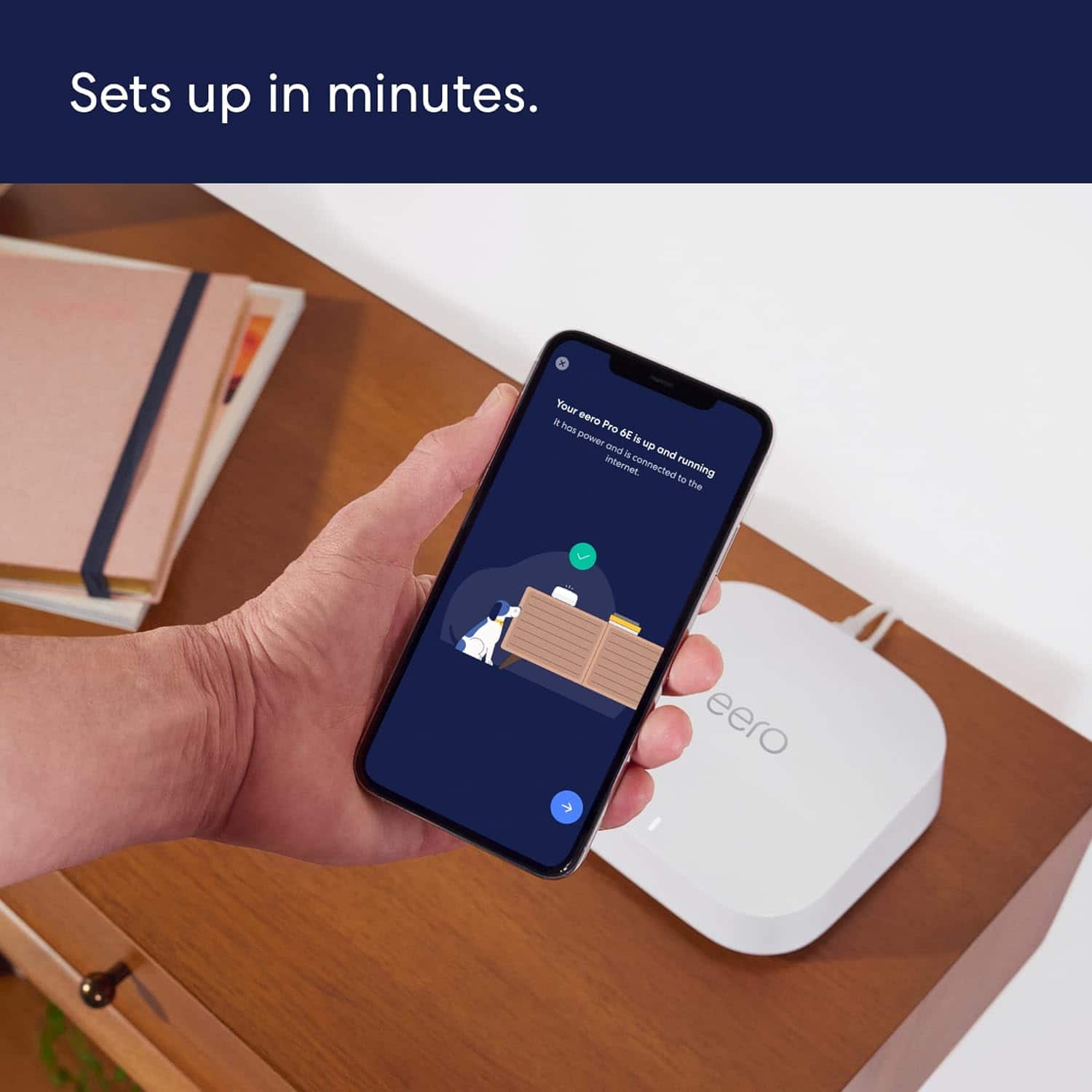
- Setup
Rating 4.8 out of 5 stars
- Range
Rating 4.7 out of 5 stars
- Signal Strength
Rating 4.7 out of 5 stars
Customers are saying
Customers praise the Pro 6E Tri-band Mesh Wi-Fi 6E System (1-pack) for its ease of use, speed, and strong Wi-Fi coverage. Many customers highlight the system's impressive performance and fast, easy setup. While some find the system to be a bit pricey, very few report issues with lag or missing features. Overall, the system's range and signal strength are well-received.
This summary was generated by AI based on customer reviews.
leaving xfinity wifi
||Posted . Owned for 3 weeks when reviewed.This reviewer received promo considerations or sweepstakes entry for writing a review.so far so good, we placed them and may have to rearrange, time will tell
I would recommend this to a friendDon’t waste your money
||Posted . Owned for 1 month when reviewed.This reviewer received promo considerations or sweepstakes entry for writing a review.Have a 4 unit mesh system. Worked great for 6 months. Unit stopped putting out a WiFi signal that was the correct speed. The hard woired speeds were too slow to run YouTube. I have called Eero support 5 times now and they refuse to switch out the units. We reset a bunch of stuff and it runs fine for about 2-4 hours. Then nothing works properly. They can access your network without any verification code. As Ana Amazon company it worries me about my privacy. Trash routers. Worse service. Stay away!
No, I would not recommend this to a friendNo Bueno for eero
||Posted . Owned for 2 weeks when reviewed.This reviewer received promo considerations or sweepstakes entry for writing a review.I purchased the eero 6E system to replace an older Netgear system. Within one week coverage began to fade and two of the satellites went out. Eero support was less than helpful so I returned it to Best Buy and went back to Netgear. Coverage was awful with this system. And a lot of the cool features that you need you had to pay a monthly or yearly fee for
No, I would not recommend this to a friendBrand response from Amazon Devices Customer Support
Posted .Hi Csewrx. Thank you for providing feedback regarding your experience with the eero Pro 6E system. I’m sorry to hear that the performance didn’t meet your expectations. Strategically placing your eeros is the single most important step you can take to ensure your system provides fast, reliable WiFi to every room in your home. Here are some tips to follow: 1. Place eeros where they can talk to each other. 2. Place eeros on a hard, flat surface. 3. Keep your eeros out in the open. 4. Whenever possible, aim for direct line of sight between eeros. The fewer the walls between your eeros, the better. If this information doesn’t resolve your issue, call eero customer service at (877)659-2347. They’re available Monday-Sunday 6am-8pm PT. I hope this helps. Have a great day!

Router and WiFi in one
||Posted . Owned for less than 1 week when reviewed.This reviewer received promo considerations or sweepstakes entry for writing a review.Just have use this for 2 days, so far they are good.
I would recommend this to a friendNot good coverage
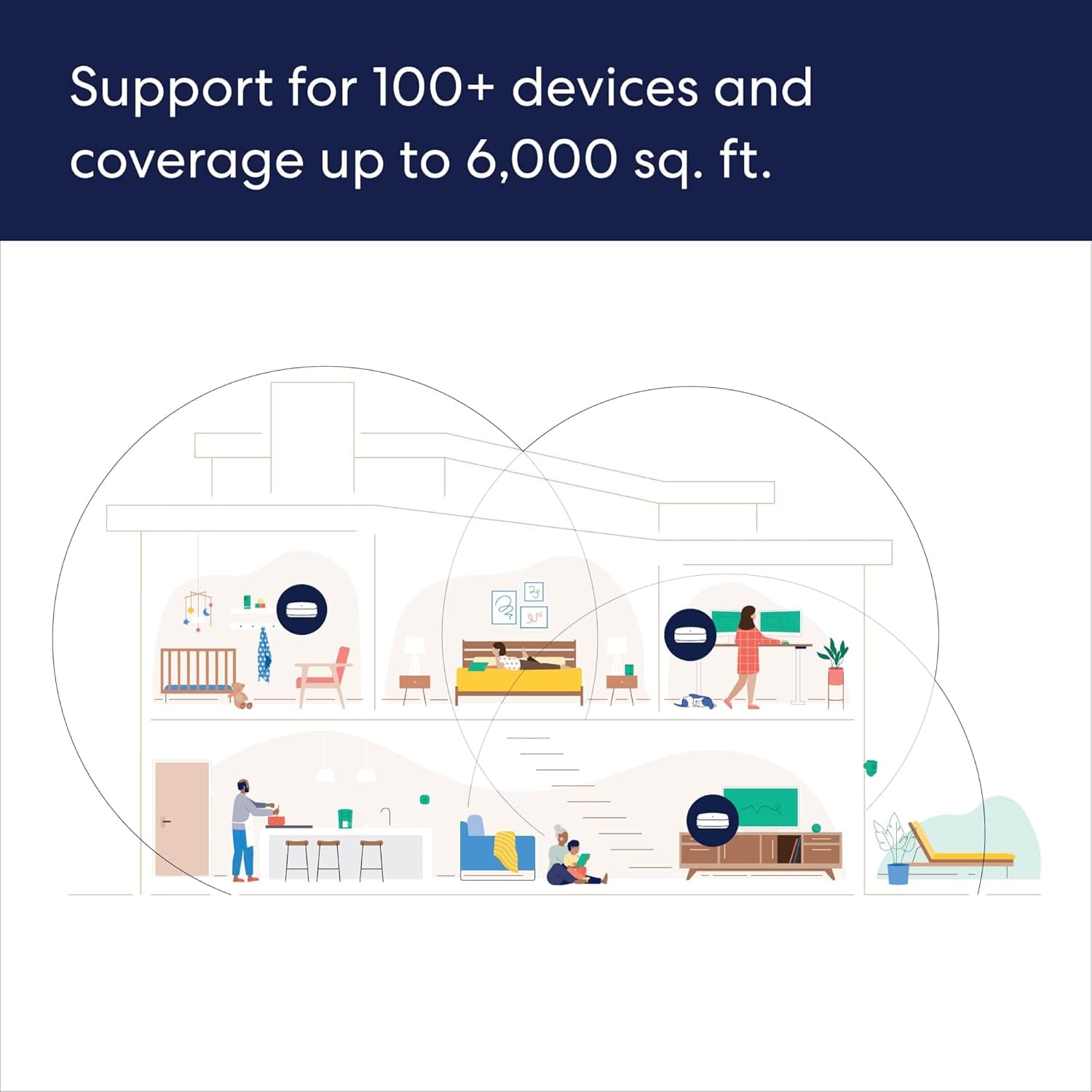
||Posted . Owned for 1 week when reviewed.This reviewer received promo considerations or sweepstakes entry for writing a review.Per apecification, it shluld be good for 6000 sq ft house. I have almost half of that and still not getting enough signals in complete house. Now kind of forced to buy 1 additional device to get complete coverage.
No, I would not recommend this to a friendNo option to choose strongest signal device.
||Posted . Owned for 7 months when reviewed.This reviewer received promo considerations or sweepstakes entry for writing a review.Works well for stationary devices, horrible for mobile devices like phones: I can be sitting right next to a mesh box but it wants to force me to connect to a weak signal on opposite side of house and periodically drop. Even if I shut off that mesh, it will disconnect from the strong signal box right next to me and reconnect to the weak box on other side of house when turned back on. No option to select which mesh to connect to. Unacceptable.
No, I would not recommend this to a friendBrand response from Amazon Devices Customer Support
Posted .Hello, PatW. I am sorry to hear about the issues you are having with the Eero Pro 6e system. If you see that a device isn’t connected to the closest eero, don’t worry as it may still have an excellent connection. However, if you’re seeing weaker connections when there is a closer eero, you can toggle wifi off and back on for the device to connect to a closer eero. It should automatically connect to the best eero. These decisions are ultimately made by the device. However, we are continuing to put in the work on our end to make sure eero can do whatever possible to make these experiences more seamless. If these steps do not help, or if you need additional assistance, call eero customer service at 877-659-2347. They are available Monday–Sunday 6:00 am – 8:00 pm PT. Hope this helps and have a great day!
Very powerful network web
||Posted . Owned for 1 week when reviewed.This reviewer received promo considerations or sweepstakes entry for writing a review.The net works well but too much power for my household
I would recommend this to a friendGood product
||Posted . Owned for 1 week when reviewed.This reviewer received promo considerations or sweepstakes entry for writing a review.It’s only been one week since I purchased the items.
I would recommend this to a friendOkay so far, may return…..
||Posted . Owned for less than 1 week when reviewed.This reviewer received promo considerations or sweepstakes entry for writing a review.So this is my first Eero system. I have been using Linksys and Netgear for years. I was actually about to buy the Netgear Orbi 6E mesh when this came out a few fays ago. After doing some research on Eero I decided to give it a try. I upgraded from Wifi 5 Linksys Velop mesh with is used with my Frontier 1 Gig service. I was getting around 200mb per second up and down with the Velop over wifi but the Eero pro 6E I am getting around 200-300 mb up and down. My phone is wifi 6 so im not sure why the speeds are so slow even when im standing right next to the router. Also the eero app is garbage. Its slow and information on it wrong or not there most of the time. I may return this after trying it out for 30 days and get the Orbi 6e mesh unless Eero puts out some updates on the app.
No, I would not recommend this to a friendlimited connection slots
||Posted . Owned for 3 weeks when reviewed.This reviewer received promo considerations or sweepstakes entry for writing a review.I had to buy extra switches to connect other devices as each unit only has one connection port. Each hub generates a lot of heat and it quite warm to the touch, i really like the eero app.
No, I would not recommend this to a friend2024 Christmas Grinch
||Posted . Owned for 1 week when reviewed.This reviewer received promo considerations or sweepstakes entry for writing a review.I spent about 12 hours working on this helping debug eero's problem. Their 2.5gbps ports are defective . Eeros admits it. Eeros said to take it back and exchange for a new one. I started with a Cat 8 cable. When i setup using the 1gbps port, it worked initially at 940mpbs at the router and 600mbps in another room, and 200mpbs in another room. Then left to go out to eat. Came back, and did a speed test and got 80mbps at the router(whoa). Unplugged and plugged it back in. and 860mpbs at the router. The 2.5gbps is a dud, and there is another unknown problem of signal dropping. I will try eero in another 5 years. Just not now. . For any router go and buy Cat 8 10ft cable.
No, I would not recommend this to a friendTerrible from box, awful support
||Posted . Owned for 5 months when reviewed.This reviewer received promo considerations or sweepstakes entry for writing a review.Had the device for 6 monthsish now and my experience has been less than favorable especially with the support they offer. About a month ago the router would very randomly pick devices as random points in the house and would throttle the speeds to around .25 mbps. This would happen at random and only to wifi 6 enabled devices. Ive been in contact with support for over a month and they've tried everything short of having me move homes. - They've tried to blame it on the fact that i have a 3000 sqft home using a 2500-6000sqft router and had me unplug all but one router - Change DNS - swap out all eeros with each other - now having me run ping overnight without my router trying to pin it on my ISP The customer services experience is awful, takes 2-3days per response and its always someone new. ive had 3 scenarios where they want me to try something that's already been addressed or to redo a test.
No, I would not recommend this to a friend- Pros mentioned:Wi-fi coverage
WiFi to the max
||Posted . Owned for 1 month when reviewed.This reviewer received promo considerations or sweepstakes entry for writing a review.Our home finally has enough Wi-Fi service to reach our entire 2 story home, including the deck, garage, and the front porch!
I would recommend this to a friend eero - Pro6e
||Posted . Owned for 1 month when reviewed.This reviewer received promo considerations or sweepstakes entry for writing a review.I bought on sale. I really wanted to love it, but my kids complained of wifi drop. I'm not sure if the device is defective because my kids never had a problem with my previous wifi mesh.
I would recommend this to a friend- Pros mentioned:Wi-fi coverage
Pricey, but Recommend
||Posted . Owned for 3 weeks when reviewed.This reviewer received promo considerations or sweepstakes entry for writing a review.Pricey, but Great coverage increase in my home. Recommend if you need better coverage for your tv's and other stuff.
I would recommend this to a friend Average
||Posted . Owned for 1 month when reviewed.This reviewer received promo considerations or sweepstakes entry for writing a review.I was dissappointed with these. The wifi speed fluctuated. Great speed then would slow. Depending on what devices you have, I had problems connecting MyQ garage door opener and Ring flood light. Geeks couldn't resolve either
No, I would not recommend this to a friendIts OK
||Posted . Owned for 2 months when reviewed.This reviewer received promo considerations or sweepstakes entry for writing a review.System works ok, but only being able to manage by an app is inconvenient at times. Very susceptible to outside radio interference.
No, I would not recommend this to a friendTried something new didn't work for me.
||Posted . Owned for 3 weeks when reviewed.This reviewer received promo considerations or sweepstakes entry for writing a review.Stayed connected pretty well though not high-speed. I pay for max speed available from Cox however only got approximately 100-150 at best. (65 items connected, 2 story home) The other issue to have internet protection for home and devices your required to pay $100 per year. Problem with that Asus routers come with security features for the life of the router for a little more up front. I tried something new was not a good fit so, returned this router to go back to Asus.
No, I would not recommend this to a friendNot parental friendly
||Posted . Owned for 1 year when reviewed.This reviewer received promo considerations or sweepstakes entry for writing a review.Although, you have the parental control option, your kids can find ways around the parental controls especially with the Apple Private MAC address that constantly changes Therefore, I will constantly get new notifcations of new device joining my network. For years customers been complaining about adding automatic block options but suprisingly they have yet to add that feature. Youre wasting your money on the subscription.
No, I would not recommend this to a friendBrand response from Amazon Devices Customer Support
Posted .Thank you for your feedback on the eero Pro 6E. I am sorry to hear about the issues you are having with the device not being parental friendly. To resolve this problem, you can disable the private address feature on the device in order to prevent it from using a temporary MAC address. To turn a private address off for a network - 1. Go to Settings > Wi-Fi, then tap. for a network. 2. Turn Private Address off. Important: For better privacy, leave Private Address turned on for all networks that support it. Using a private address helps reduce tracking of your iPhone across different Wi-Fi networks. I hope this is helpful and if you run into any issues, please feel free to reach out to eero customer service at 877-659-2347 available 6am - 8pm PT for any further questions or concerns. Have a great day!
Not so good
||Posted . Owned for 3 weeks when reviewed.This reviewer received promo considerations or sweepstakes entry for writing a review.Sales lied about available ports so I returned the product. Also coverage much better with a single router than with these two combined.
No, I would not recommend this to a friend