Customer Ratings & Reviews
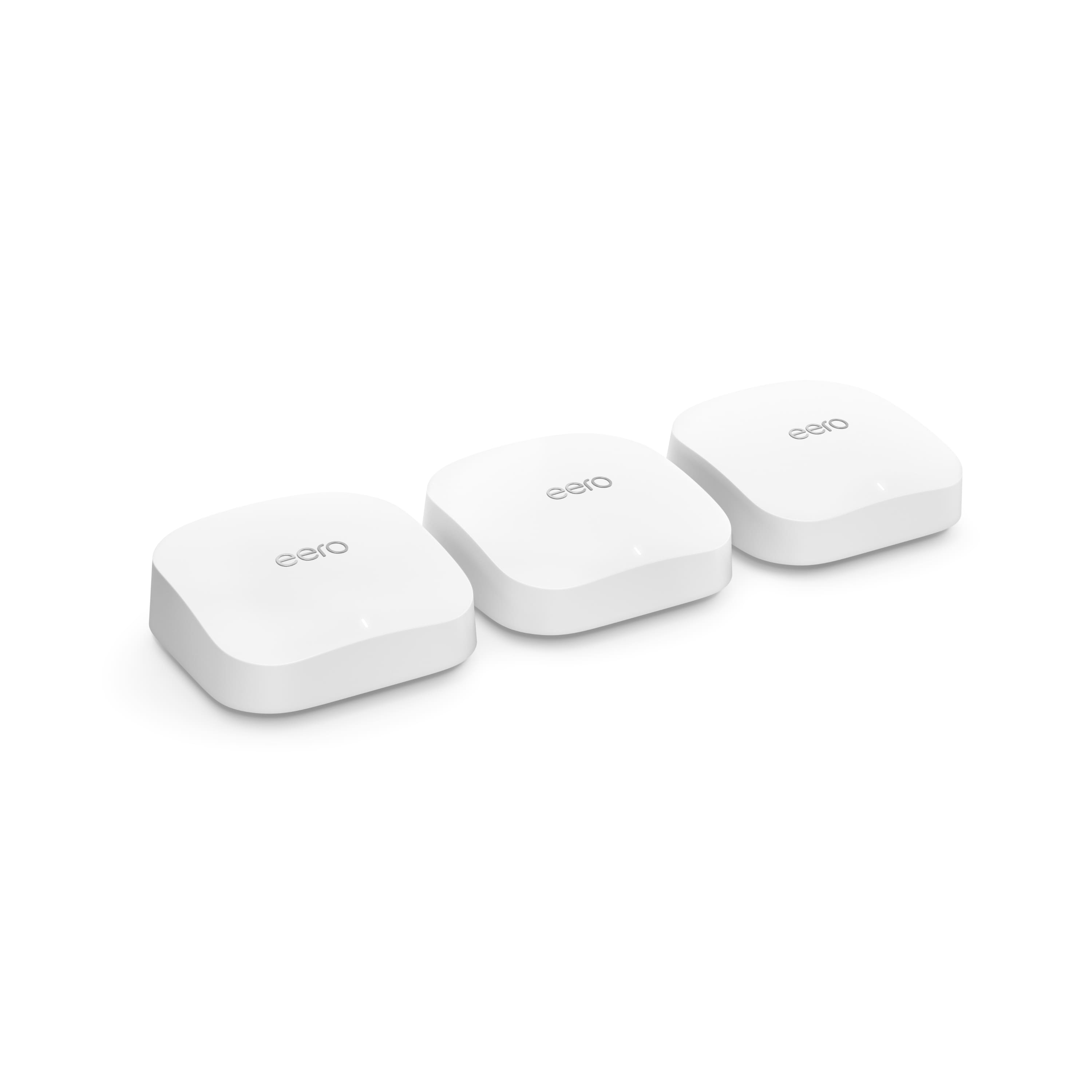

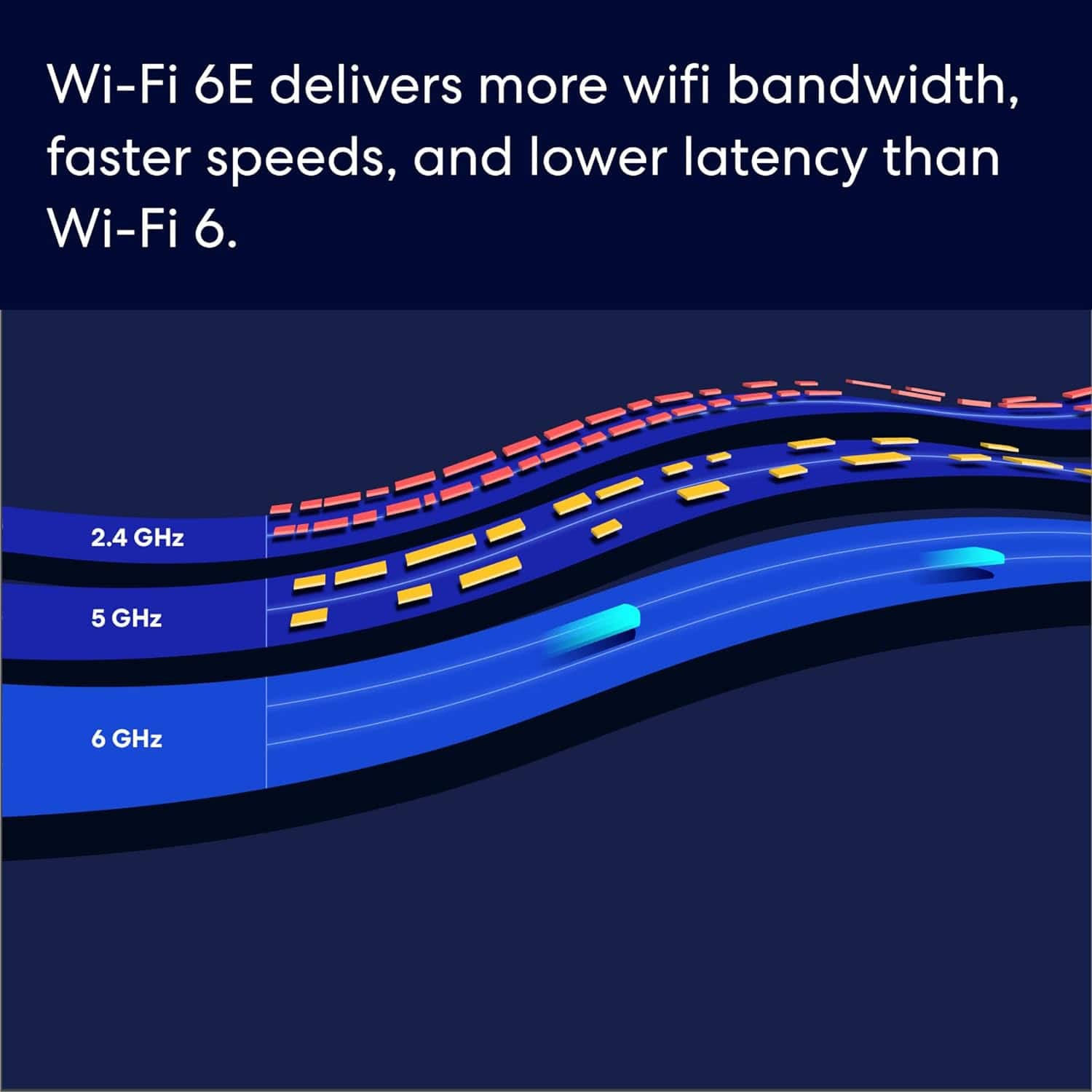
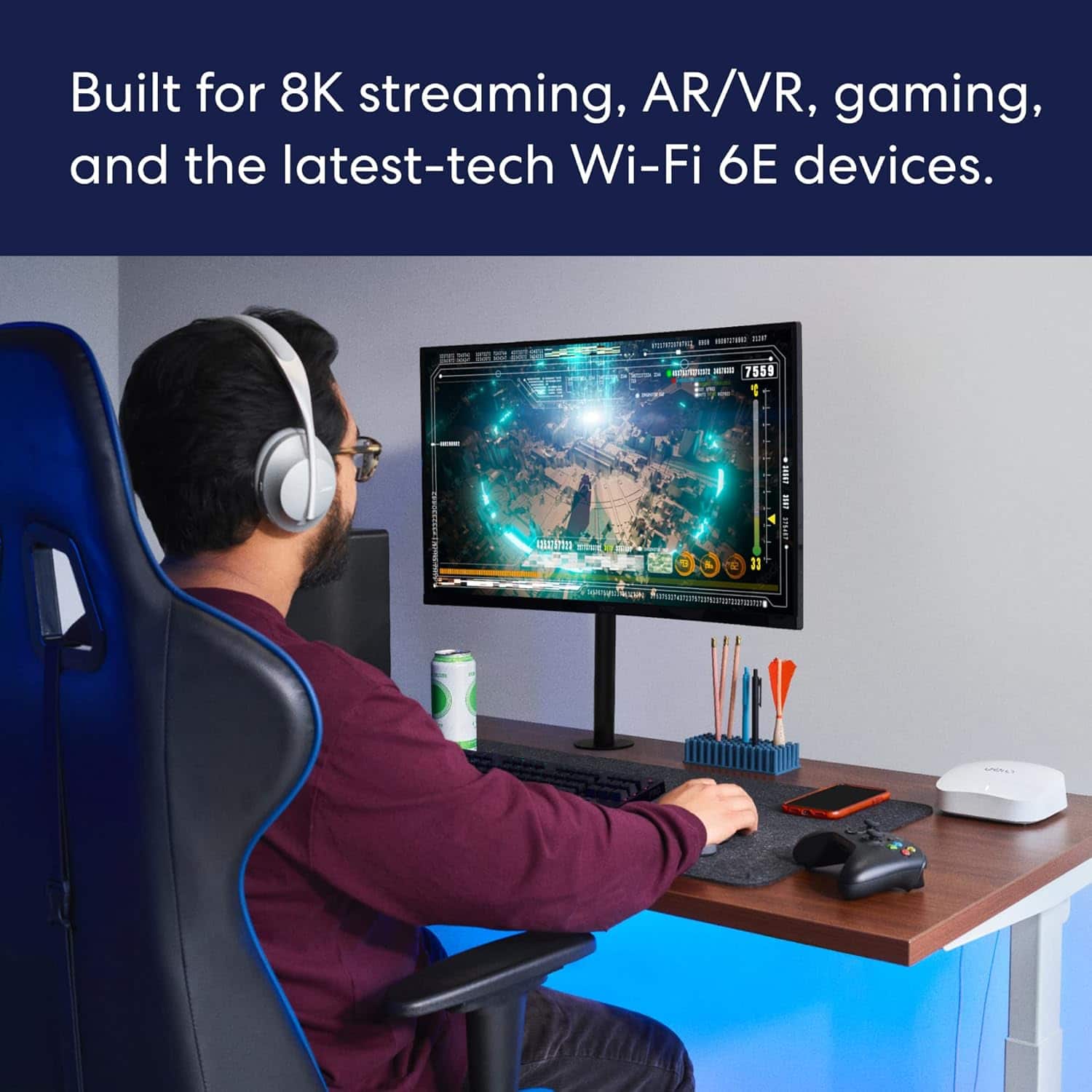

- Model:
- S010311
- SKU:
- 6495778
Rating by feature
- Setup
Rating 4.8 out of 5 stars
- Range
Rating 4.7 out of 5 stars
- Signal Strength
Rating 4.7 out of 5 stars
Customers are saying
Customers praise the Pro 6E Tri-band Mesh Wi-Fi 6E System (1-pack) for its ease of use, speed, and strong Wi-Fi coverage. Many customers highlight the system's impressive performance and fast, easy setup. While some find the system to be a bit pricey, very few report issues with lag or missing features. Overall, the system's range and signal strength are well-received.
This summary was generated by AI based on customer reviews.
NO REBOOT SCHEDULE AND IT NEEDS ONE.
||Posted . Owned for 4 months when reviewed.This reviewer received promo considerations or sweepstakes entry for writing a review.I have a smarthome and have a lot of devices that connect to my wifi. I bought this system because it says it handles 100+ devices. While it can, it doesn't do it for very long. After a few days it starts to get bogged down and my gig internet speeds go down to 30mb speeds and can no loger stream tv. This would not be a problem if the app had a reboot device scheduler but it does not and eero support keeps saying it doesn't need one. Just check out the eero support forums. This feature has been requested by many but Eero is not listening and insists it doesn't need one. I can tell you it needs one. Once i reboot my eeros manually my internet speeds return to normal 300 mb down and up. I purchased plug in timmers to manually power cycle my stupid eeros manually. This is my work around for a feature that should come on these routers. I am just going to use them this way till I feel I got my $575 out of these pieces of junk so I don't feel so wasteful replacing them in less than a year. Think about the earth. I plan on buying a router from a mfg with more history in making routers and better customer support next time.
No, I would not recommend this to a friend- Pros mentioned:Ease of use
Eero
||Posted . Owned for 3 weeks when reviewed.This reviewer received promo considerations or sweepstakes entry for writing a review.Easy set up improves our wifi strength, netflix stopped buffering
I would recommend this to a friend Great devices
||Posted . Owned for 1 month when reviewed.This reviewer received promo considerations or sweepstakes entry for writing a review.Only had them a couple months but so far they have worked great!
I would recommend this to a friendAvoid this brand. Horrible and waste of money.
||Posted . Owned for 4 months when reviewed.This reviewer received promo considerations or sweepstakes entry for writing a review.Just Google eero red light. These are the biggest pile of garbage I’ve ever owned. I’ve bought two sets thinking I got a bad first set. Nope they’re all junk. Thousands of people have same problem and their customer service is just as bad. Most technical people that’s had constant outages daily like myself state software is crap with eero and lacks the proper diagnostic ability to report back to eero. So glitches never get fixed even with software updates. Just avoid these, they may look appealing but they’re more trouble than they’re worth.
No, I would not recommend this to a friendUnderwhelmed
||Posted .This reviewer received promo considerations or sweepstakes entry for writing a review.This product is a lot less capable than advertised, and their technical support is very weak with respect to understanding why there is such a delta between what they say and what the actual product delivers. We now have fiber to the home, with 2 Gb at the modem, but their WI-FI only delivers 150 mb to Macs 50 feet away.
No, I would not recommend this to a friendCompicated.
||Posted . Owned for 1 month when reviewed.This reviewer received promo considerations or sweepstakes entry for writing a review.Difficult to change settings. I wanted to use just this but it also had Comcast net work too.
No, I would not recommend this to a friend- Pros mentioned:Speed
Worth Every Penny
||Posted . Owned for 1 month when reviewed.This reviewer received promo considerations or sweepstakes entry for writing a review.Outstanding speed and coverage! Best extenders I have owned!
I would recommend this to a friend not any improvement
||Posted . Owned for 3 weeks when reviewed.This reviewer received promo considerations or sweepstakes entry for writing a review.i am still asked to sign in to my wifi way too many times a day from very close to the mesh units.
No, I would not recommend this to a friendGood
||Posted . Owned for 2 weeks when reviewed.This reviewer received promo considerations or sweepstakes entry for writing a review.Its nice router but only difficulty is to connect with 2.5GHz band..wish it would been easier..
I would recommend this to a friend- Pros mentioned:Performance
Great Product!
||Posted . Owned for 2 weeks when reviewed.This reviewer received promo considerations or sweepstakes entry for writing a review.Very good performance. A peace of mind buy. Love it.
I would recommend this to a friend - Pros mentioned:Performance
Fantastic router.
||Posted . Owned for 3 months when reviewed.This reviewer received promo considerations or sweepstakes entry for writing a review.This is a fantastic unit. Works great with TDS cable.
I would recommend this to a friend - Pros mentioned:Speed
EERO Pro
||Posted . Owned for 1 month when reviewed.This reviewer received promo considerations or sweepstakes entry for writing a review.Impressive no slow down, No disconnection issues..
I would recommend this to a friend dont waste money
||Posted . Owned for 1 week when reviewed.This reviewer received promo considerations or sweepstakes entry for writing a review.dont extend your wifi if you have steel siding. router is 60 ft from my garage tried every possible placement and couldnt get signal 60 ft away because of steel siding. its 2024 siding shouldnt block any signal
No, I would not recommend this to a friend- Pros mentioned:Ease of use
Better late then never
||Posted . Owned for 3 weeks when reviewed.This reviewer received promo considerations or sweepstakes entry for writing a review.Should have bought this sooner. Very easy to set up
I would recommend this to a friend EERO Mesh Wi-Fi Coverage
||Posted . Owned for 2 months when reviewed.This reviewer received promo considerations or sweepstakes entry for writing a review.Does not provide sufficient (strong) Wi-Fi Coverage and I was lead to believe.
No, I would not recommend this to a friendMeh
||Posted .This reviewer received promo considerations or sweepstakes entry for writing a review.For a router this price tou would think they would throw in more customizable configs. They dont and they charge for AV protection
No, I would not recommend this to a friend- Pros mentioned:Wi-fi coverage
Just a marketin gimmick Not worth the extra money
||Posted . Owned for 2 weeks when reviewed.This reviewer received promo considerations or sweepstakes entry for writing a review.Its not worth the extra money. The speeds are good only when eero devices are connected via wires. If the access points are wireless, speeds are very slow. I have 1.2gb connection coming from a modem with 2.5gb port and connected to eero on the 2.5 gb port and wireless speeds to the wired eero are ~800 Mbps and ~170 Mbps when using wireless access points.
No, I would not recommend this to a friend Would not recommend.
||Posted . Owned for 1 month when reviewed.This reviewer received promo considerations or sweepstakes entry for writing a review.The signal wifi keeps dropping off on all our laptops, sporadic access to signal strength. Got worse after their last software upgrade. We use Cox with 600+ speeds and even when working it's still much slower than my old Netgear Nighthawk wifi 6.
No, I would not recommend this to a friendBrand response from Amazon Devices Customer Support
Posted .Hello RobertW! We know how frustrating this is. Here are several things you can try. But if all else fails, don’t hesitate to give eero a call! Try power cycling your eeros by unplugging the power cable from the back of your eero, waiting 30 seconds, and plugging it back in. This step can sometimes fix connectivity issues. The eero’s LED will turn solid white, then be flashing white while booting up. It takes about a minute to start up and begin broadcasting. You’ll know when the cycle completes because the eero’s LED will go solid white again. Restarting your modem can sometimes fix connectivity issues and improve performance. Unplug the power cable from your modem, wait 30 seconds, then plug it back in. Depending on the model of your modem, it can take a few minutes to restart. If you’ve got another router or a modem/router combo device double NATed to your eeros, this could be the cause of poor connectivity and performance. If you have a modem/router combo device, you can try putting it in bridge mode, which disables the wireless function on that device. We walk you through how to put your modem/router combo device in bridge mode here.If you have another router connected between your modem and gateway eero, you can try disconnecting the router in between and connecting your gateway eero directly to the modem. If these steps do not help, or if you need additional assistance with these steps, call eero customer service at 877-659-2347. They are available Monday–Sunday 6:00 am – 8:00 pm PT. Hope this helps and have a great day!

Good but not great
||Posted . Owned for 6 months when reviewed.This reviewer received promo considerations or sweepstakes entry for writing a review.Works well but not great. The Wi-Fi area does not extend to the back yard or the front yard.
I would recommend this to a friend- Cons mentioned:Price
Not what I expected
||Posted . Owned for 4 months when reviewed.This reviewer received promo considerations or sweepstakes entry for writing a review.Very overrated over priced. Did not provide the best instructions when trying to install.
No, I would not recommend this to a friendBrand response from Amazon Devices Customer Support
Posted .Ho Kokoloco. Thank you for providing feedback regarding your experience with the eero Pro 6E system. I'm sorry to hear that setup didn't go as smoothly as expected. If you need any assistance completing the setup process, please reach out directly to eero customer support at (877) 659-2347. Have a great day!