Customer Ratings & Reviews
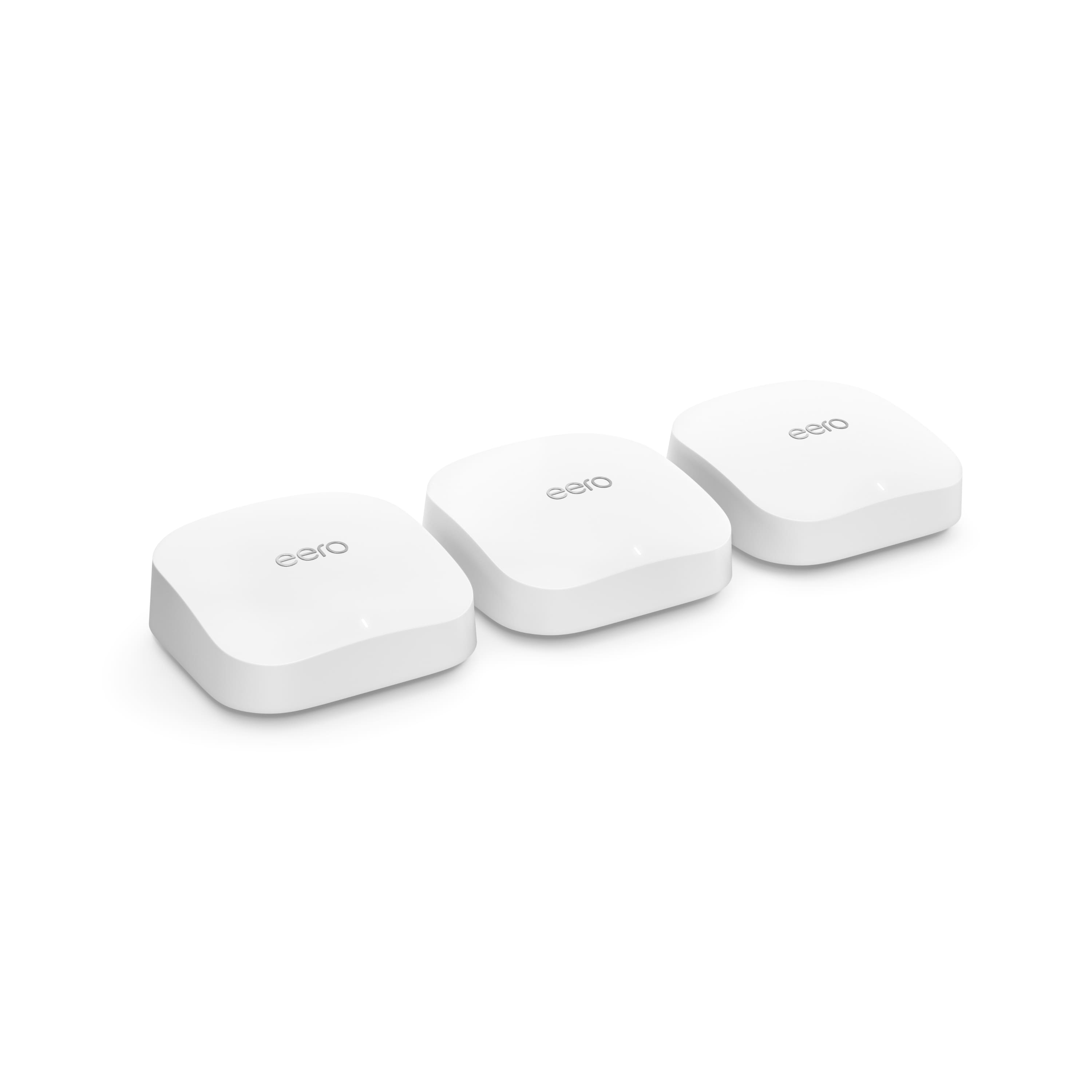

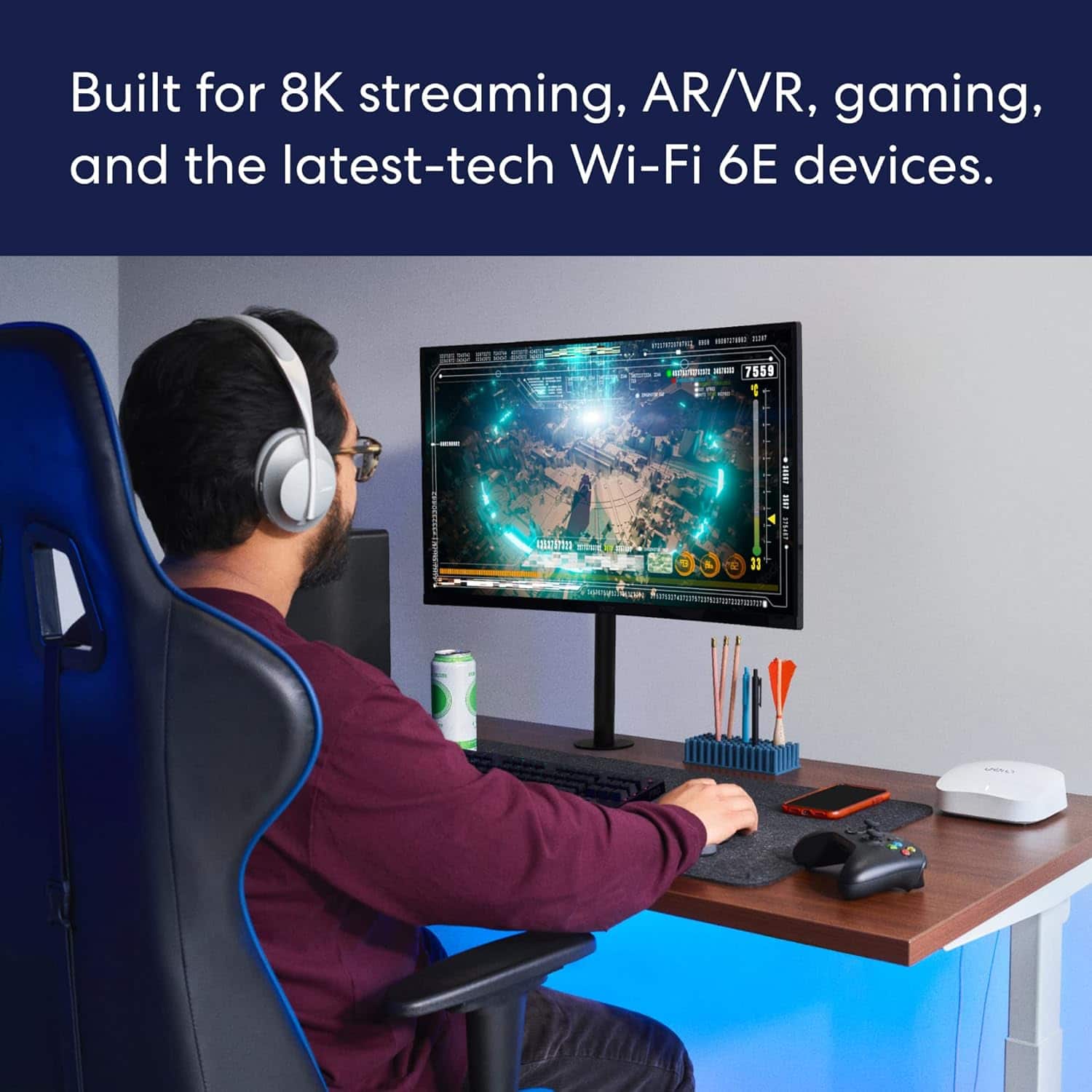

- Model:
- S010311
- SKU:
- 6495778
Rating by feature
- Setup
Rating 4.8 out of 5 stars
- Range
Rating 4.7 out of 5 stars
- Signal Strength
Rating 4.7 out of 5 stars
Customers are saying
Customers praise the Pro 6E Tri-band Mesh Wi-Fi 6E System (1-pack) for its ease of use, speed, and strong Wi-Fi coverage. Many customers highlight the system's impressive performance and fast, easy setup. While some find the system to be a bit pricey, very few report issues with lag or missing features. Overall, the system's range and signal strength are well-received.
This summary was generated by AI based on customer reviews.
Hard requirement of internet for internal network
||Posted .This reviewer received promo considerations or sweepstakes entry for writing a review.Requires internet to even set up (and based on reading to boot up even after setup). Yeah, I don't need my internal network requiring internet, not to mention who knows what this thing is reporting back if it's making this a requirement. Didn't get to test the router any further because I didn't proceed any further. Not going to have my internal network reliant on the internet at boot up. If my internet goes out I want to be able to still connect to devices on my internal network.
No, I would not recommend this to a friend- Pros mentioned:Setup, Speed

Very Fast Wide Coverage WiFi 6e
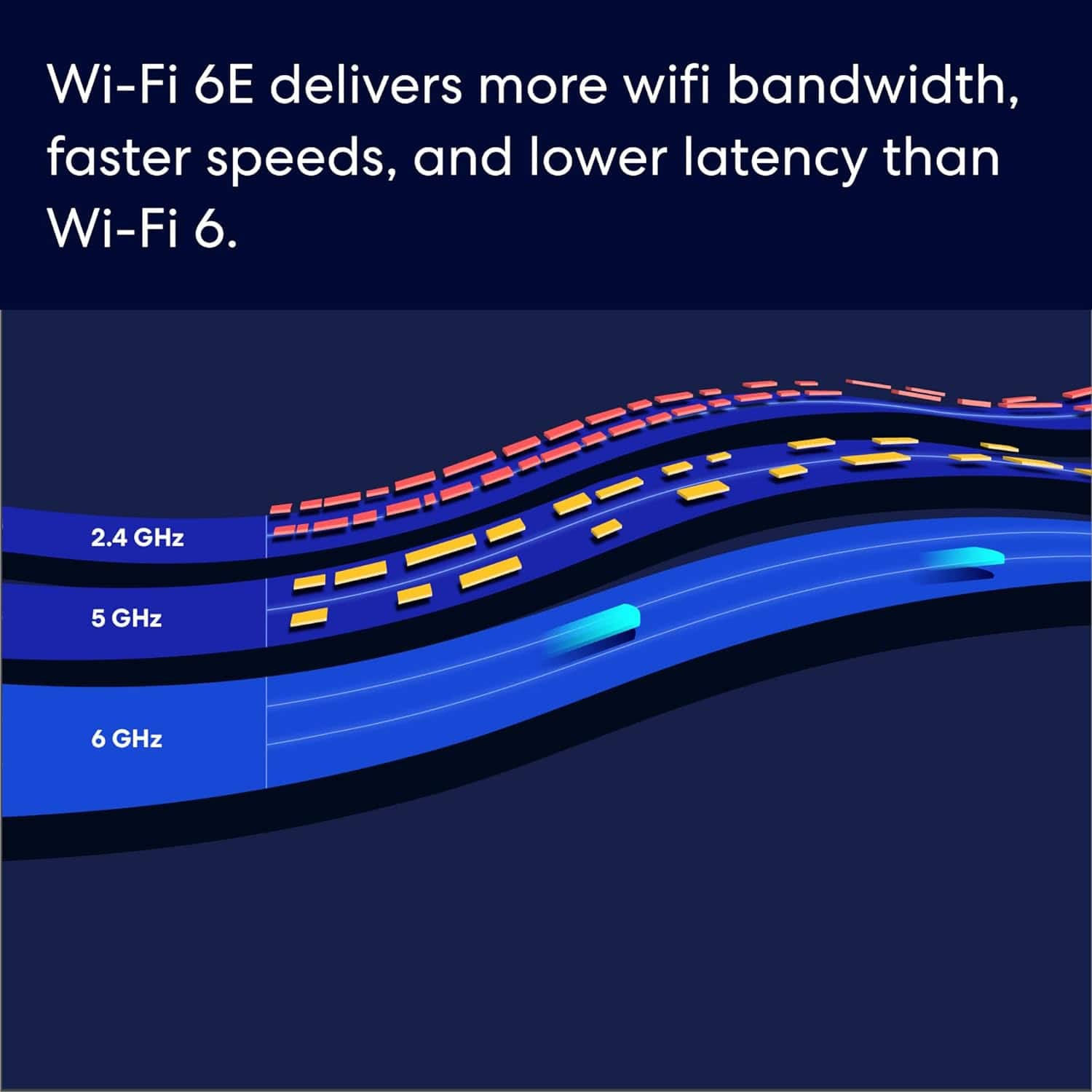
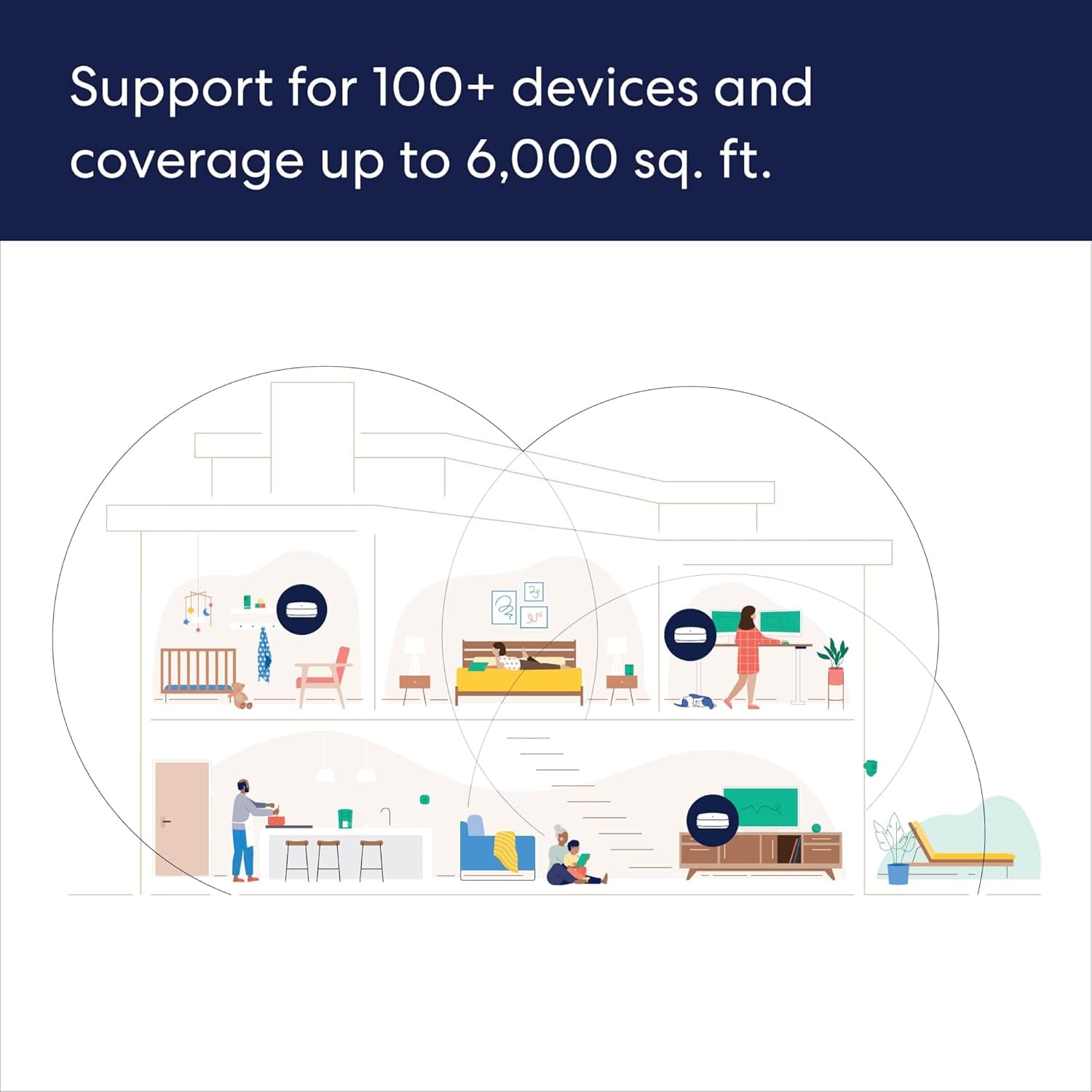
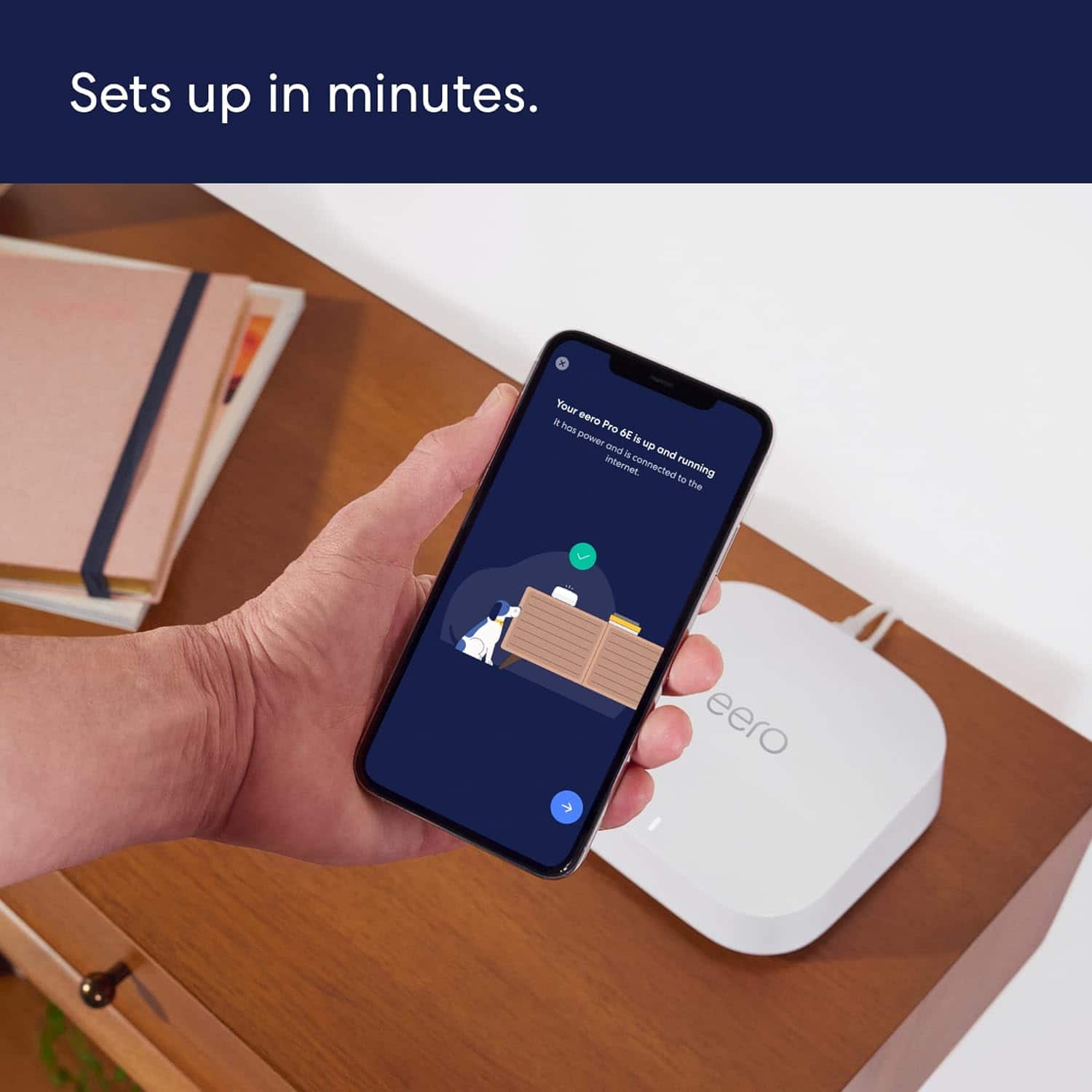
|Posted .This reviewer received promo considerations or sweepstakes entry for writing a review.This triband Wireless 6e router uses the latest in wireless technology to provide a low congestion 6ghz band signal to allow for faster and cleaner connections to your router to assist in offering the fastest speeds on your local network. Eero makes it so that anyone, no matter the tech level, can purchase and connect this mesh system, as long as they can download an app and follow directions. I loved the unboxing experience of this router. With 3 units, everything is packaged very neatly inside the box so you can grab one at a time and go through the setup process with each. The first step is getting the app and setting up an Eero account. Then follow directions for adding a router to your home network. It’ll guide you through the steps of disconnecting your old router and connecting your new one to your modem. Once complete, you can then use the app to set up additional units providing a wide range of wifi coverage across your home or property. My modem fairly centered to the living room but I wanted to expand wifi out to my front yard and garage. When adding the additional access points, I didn’t have any connection problems and was able to get good signal putting one in my bedroom (using only wireless internet connections and a power cable) and another in my garage. I didn’t want to fall back on my wireless connection while looking up how-to videos in my garage, so this was ideal. This is what I call an “app managed” router. This seems to be a more popular approach, but it simplifies the setup and management process for those who are not quite as savvy with adjusting technical settings of their home network. This is a plus and a minus in my book. On one hand, it makes things much easier for the majority of people, on the other hand, it also restricts you from fine tuning your network to your liking or wireless environment. With that being said, it’s very easy to see what is connected to your router as well as the ability to group different items to make parental controls and monitoring a walk in the park. I made a completely new network with the setup of this router so I could add each item one by one and group them based on function or type. For example, smart home devices, PCs, and personal devices (phones, tablets, watches) all got grouped in their respective categories. Although I do not have kids, I could see where this would be useful if you wanted to create groups for individual children for game consoles or phones to limit screen time. As for customization, it doesn’t leave you completely in the dark. You can still do, what I now consider a standard features, port forwarding and DHCP reservations. You can also adjust your DNS server, turn on or off your UPnP, as well as a feature called client steering which makes sure you’re on the router with the strongest signal and therefore likely the fastest connection. There’s also “Thread”, which is a low power wireless standard that devices can connect to. The device also has Zigbee built in so if you’re Smart home is built on this standard, you can use the eero as a hub. Performance seems right in line with what I expect with a clean 6ghz wireless signal. My PC which is one of my few 6e devices, negotiates at 2.1 gbps at the highest, but averages around 1.2 to 1.4 gbps. This is, on paper, FASTER than a wired connection. The reality is, depending on if your device is WiFi 6e capable and distance to your router, you may or may not see those speeds. BUT I will say, using fast.com to test my speeds, under the best conditions, I was hitting my advertised speeds (1 Gig Fiber) from my ISP which is very impressive considering I’ve only seen these speeds under wired connection (940 download and 800 upload on Eero wireless router). As for local network file transfers, well I have a windows PC as a server, and lets say SMB isn’t the fastest file transfer protocol, but I transferred a file across the network at 74 MB/s average. This was from a NVMe drive to a HDD, which is a common setup for network file backup. Another added bonus is if you want to wire your devices to the access points, each one comes with 2 ethernet ports. If you have a device that’s ethernet only or want to spread out wired devices so it doesn’t crowd the desk, this makes that convenient. The biggest downfall of this router is the subscription based parental controls and monitoring. Instead of building these into the product like other routers, eero has opted to get a few more bucks out of you by charging $99.99/year for these features. You don’t have to make the purchase, and the router works fine without them, but there are routers available that include this in their purchase price without a subscription. Another thing I would have liked to have seen would have been a QoS feature where I can prioritize traffic on the network by device. This is great for streaming or gaming devices where it’s network traffic is important to be prioritized to sustain the quality of picture and latency. It’s hard to see this labeled as “Pro” and not have some of these features. Hopefully this can be added in the future with a firmware update. All things said, I’m happy with this product, but there’s room for improvement. I have no complaints about the setup process, performance, or coverage. If you don’t have a technical savvy person in your home but need the coverage, you’ll find this is easy to setup, deploy and enjoy.
I would recommend this to a friend Wifi routers
||Posted . Owned for 1 month when reviewed.This reviewer received promo considerations or sweepstakes entry for writing a review.These are absolutely the best for getting signals throughout your entire home with no dead spots, even to the outside of my home I still have great coverage.
I would recommend this to a friendGuest user only router!
||Posted . Owned for less than 1 week when reviewed.This reviewer received promo considerations or sweepstakes entry for writing a review.Bought this 4 days ago and immediately there was a huge issue and it was insanely frustrating. Not what I paid for! The main network says password is incorrect and it is correct because I copied it from the app! So, I had to set up everyone in the house on the guest access to use this router. Really? $700.00! Not cool. It simply will not let me sign into the main network and there is no fix in sight, on the app. These companies telling everyone to use the app for everything need to re-think that approach. What happens if the app doesn't fix the issue? I know what happens, nothing. So I am going to return it and get a Netgear. At least I know their equipment works.
No, I would not recommend this to a friendDon’t waste your money
||Posted . Owned for 1 month when reviewed.This reviewer received promo considerations or sweepstakes entry for writing a review.Supposed to be the best mesh wifi network, its not. Constantly drops connections and has to be restarted. Poor coverage, does nothing at the best level.
No, I would not recommend this to a friend- Pros mentioned:Setup, Speed
top of the line mesh system, easy to set up
|Posted .This reviewer received promo considerations or sweepstakes entry for writing a review.This is an easy to set up router that supports the new 6 ghz wireless band, as well as 2.5 gig wired support. The problem there....you probably don't have a device that can support that (yet). I have a 3 story townhome, so this three pack was perfect: one for each floor. They are able to be connected via a wired or 6 ghz wireless backhaul to connect together. Obviously, you get better performance wired, but not everyone is able to support that. My test setup is as follows: floor 1 is the gateway (main) Eero, the 2nd floor connected via wire, the 3rd floor connected wirelessly. Setup: VERY easy for a wireless router. This is, though, a ROUTER and not a modem. You must have either a modem, or a broadband provider that provides an ethernet connection into the home in order to use this. My broadband service provides an ethernet connection into the home, which made setup even easier. One downfall, you MUST use a device that can support the Eero app from the Apple App Store or the Google Play Store. Once you have the app, you open it and follow the directions. It is seriously very easy. You start with the gateway Eero, which is the one connected to the internet. This does, however, use one of the two ethernet ports, which leaves only one for a wired connection. If you need more than the one, you'll have to purchase a separate ethernet switch. They are cheap, but it's not an elegant solution looks wise if that matters. Each Eero unit has 2 ethernet ports, so if you use a wireless backhaul you'll have two ports on each of the other units to use. Back to the setup....the app guides you though. Plug in the Eero, tap add and it uses bluetooth to find a device to set up. You simply name the first device, name your wifi network, and you're off and running. Add more devices until you are done and bingo. Customization: You use the app to make settings. This is a partial downfall as there is no built in GUI or anything to use to setup the wifi, you must use the app. This is easy to use, just be aware you have to use an app. Inside the app, you are able to customize quite a few things, but there is a not a huge pro level amount here. You are able to add a guest network, port forwarding, IP address reservations and a little more. You cannot, though, split the wifi band or change channels. Speed: I do not have any devices that can take advantage of the 6ghz wireless, but am excited to try. I have 1 gig broadband speed, and I test what I expect. With wireless devices, I am able to see download speeds of 300-600 gigs, which is expected. If I connect a computer via ethernet, I test in the 800-900 range. So, right on point. Connection strength: As a mesh system, this is supposed to take care of holes in the wifi network. I Have a 2500 square foot townhome divided in 3 levels. I have one dead zone that I cannot figure out. Well, maybe not a true deadzone, but it is a spot that it seems to struggle with changing to the correct device. It is the 3rd floor on the opposite side of where the Eero device is. If I walk up the stairs, and go immediately to that area, my device will show wifi strength, but with no connectivity. It takes a couple minutes to settle down and then I will eventually get back online, just at slower speeds. I'm hoping this will improve, as I understand it takes mesh systems time to "settle" in. Also, none of my devices are in an optimum spots. They are blocked by some metal and other object, so I will give them that. App: you use the app to set up the devices, and are also able to see some usage activity. You can see data usage by device, and in a weekly overview of total data used. Pay to play: There is an option where you can pay dollars per year to "unlock" some more features. I'm not sure that it is worth it. For one hundred dollars a year, you are able to see daily, weekly and monthly data usage. You are also able to connect a domain name to an ip address if you have a use for a DDNS service. There are also some more security features and content filters that you can use if you have a family. You can set up profiles and assign them to a MAC address (such as a Childs computer or iPad). You can then set up restrictions for them. easy to use, but I have no use for it. Overall: I am happy with this system. Very easy to setup, and I am able to see some useful info in the app. Speeds are great, and I'm excited to see the difference of wifi 6 when I get a device that supports it
I would recommend this to a friend Jury Still Out?
||Posted . Owned for 2 weeks when reviewed.This reviewer received promo considerations or sweepstakes entry for writing a review.See my post with the same title regarding the main router. This is for the three additional devices. We are experiencing connectivity issues and calling Total Tech to address them. The soonest appointment is 1 week away.
No, I would not recommend this to a friendGood mesh wireless solution
||Posted . Owned for 3 weeks when reviewed.This reviewer received promo considerations or sweepstakes entry for writing a review.Easy install. 3 units with hardwired ethernet access cover house well. Diagnostics from app detail wireless and hard wired devices. Very useful.
I would recommend this to a friendNot that great!
||Posted . Owned for 2 weeks when reviewed.This reviewer received promo considerations or sweepstakes entry for writing a review.Doesn’t work as well as my two Apple routers worked. While watching movies on Netflix I have to unplug and restart the router.
No, I would not recommend this to a friendBrand response from Amazon Devices Customer Support
Posted .Hello DavidP! Thank you for taking the time to provide feedback on how your experience is going with your eero Mesh System. While this should only ever happen on rare circumstances, one thing that may help speed things up some is you can actually restart your system from directly within the eero app on your smartphone. You can find this by selecting the router you want to restart from your home screen, tapping Advanced, and then at the bottom of that screen is Restart. This will reboot the selected router in the event that you're only experiencing issues with that one device. There are also help and support menus you can access to troubleshoot further as you may have an issue with your setup if you are having to do this too often. I hope this helps some and that you have a fantastic day!

Doesn’t work - loses speed
||Posted . Owned for 2 weeks when reviewed.This reviewer received promo considerations or sweepstakes entry for writing a review.Didn’t work for me, would lose speeds after 72 hours. Tried each of the three hubs as the router and all worked the same. You can choose which hub you want to be on and it isn’t smart enough to figure out which one you are closest to. Can’t prioritize devices. Other electronics really mess with the signal.
No, I would not recommend this to a friendNo more Dead areas
||Posted . Owned for 2 weeks when reviewed.This reviewer received promo considerations or sweepstakes entry for writing a review.This WiFi system solved all our issues with not receiving WiFi in almost every bedroom. Best system and worth every penny.
I would recommend this to a friendAdios AT&T
||Posted . Owned for 4 months when reviewed.This reviewer received promo considerations or sweepstakes entry for writing a review.We bought these to replace the extenders from AT&T and they're well worth the price. So glad we purchased this product.
I would recommend this to a friendWorst Service Ever
||Posted . Owned for 1 month when reviewed.This reviewer received promo considerations or sweepstakes entry for writing a review.The installation was incomplete and left that way. Important applications were not connected. I've called and called to get this fixed. You cannot reach a person and if you do, it's never their job to correct the issue. Spent hours just trying someone. After this experience, I expect not to purchase any other electronics from Best Buy
No, I would not recommend this to a friendBrand response from Amazon Devices Customer Support
Posted .Hello, ValerieW. I am sorry about your experience setting up the Eero Pro 6E mesh system. I suggest contacting Eero support so that they can assist you in real time with setup and connection. You can contact eero support at 877-659-2347. They are available to help Monday - Sunday 6 am - 8 pm PT. I hope this information helps, have a great day!
Router for eero mesh node system
||Posted . Owned for 1 month when reviewed.This reviewer received promo considerations or sweepstakes entry for writing a review.In combination with the 3 mesh-node systems, this works great to move your wi-fi signal around throughout the house.
I would recommend this to a friendNew mesh-node wi-fi system
||Posted . Owned for 1 month when reviewed.This reviewer received promo considerations or sweepstakes entry for writing a review.In combination with the router, this mesh-node system works great to move your wi-fi signal throughout the house.
I would recommend this to a friendNot worth it
||Posted .This reviewer received promo considerations or sweepstakes entry for writing a review.Got it today, and will return it back tomorrow. What a waste of time. Each time I update the Eero software the system hangs and I have to setup the network from scratch. My Linksys WHW0301 Mesh still works amazing. Upgraded for 6E but it isn't worth it. Going back to Linksys.
No, I would not recommend this to a friendGood choice for the price.
||Posted .This reviewer received promo considerations or sweepstakes entry for writing a review.Easy to setup. Wider area coverage helps connectivity. Smaller unit size makes for convenient location.
I would recommend this to a friendWait for like the 7 or 8
||Posted . Owned for less than 1 week when reviewed.This reviewer received promo considerations or sweepstakes entry for writing a review.Um. I see zero difference from the eero pro 6 model. I use relatively new devices no more than 2 years old such as laptop etc, and download speed and upload remains the same
No, I would not recommend this to a friendPoor Performance and Bad Setup
||Posted . Owned for 1 week when reviewed.This reviewer received promo considerations or sweepstakes entry for writing a review.There are two issues with this that keep me from recommending these let alone keeping them. First the setup. It would not set up using a Samsung flagship Android phone, S21 Ultra. I had the idea to use an old Android phone, a prepaid phone that's nearly 10 years old... It set up. Fine odd quick. Next I couldn't get any of my 6e capable devices to connect and when I did, they wouldn't stay on 6e. There are no separate SSID's and you can't dictate what a device uses. These are absolute entry level devices.
No, I would not recommend this to a friend- Pros mentioned:Setup, Speed
Outstanding!!
|Posted .This reviewer received promo considerations or sweepstakes entry for writing a review.Upgrading my home mesh Wifi from a 4 unit mesh from the big G to this Eero system with 3 units. Unbelievable difference in Wifi range, connectivity and speed! Unboxing this unit – this package includes the 3 mesh Wifi units, power cords and ethernet cable. The white eero units are like any other mesh unit - small footprint – with 2 ethernet ports on each unit and the power supply port. Setting up this system was ridiculously easy through the Eero app, which I find to be very pleasing and easy to use without using the paid service they tout. It’s simply not necessary. I decided to go ahead with the recommendations to name the Wifi the same as my previous one such that all the devices would simply connect to the new eero system. I have a smart home setup with over 60 connected devices and all of them connected flawlessly. While there are not many products out there that support 6e technology yet, they will likely come fast and furious as the tech standard evolves so this will be future proof for some time to come. Now to the fun part – the speeds on the system are simply phenomenal. I have G-fiber gigabit speed to the house and I have now doubled my download and upload speeds – download went from 450 to 900 and upload went from 260 to 550. My home is roughly 3000sq ft and there is not one dead spot. I can connect to this system from the end of my cul de sac which is about a football field length away. Simply stellar product! The only negative to this – and this is just personal choice – I wish it was sold in black as the white units simply don’t blend with anything you put them on – very few people have white furniture. I cannot recommend this system highly enough!
I would recommend this to a friend