Customer Ratings & Reviews
- Model:
- ME10311
- SKU:
- 6612697
Rating by feature
- Setup
Rating 4.9 out of 5 stars
- Range
Rating 4.7 out of 5 stars
- Signal Strength
Rating 4.7 out of 5 stars
to a friend
Customers are saying
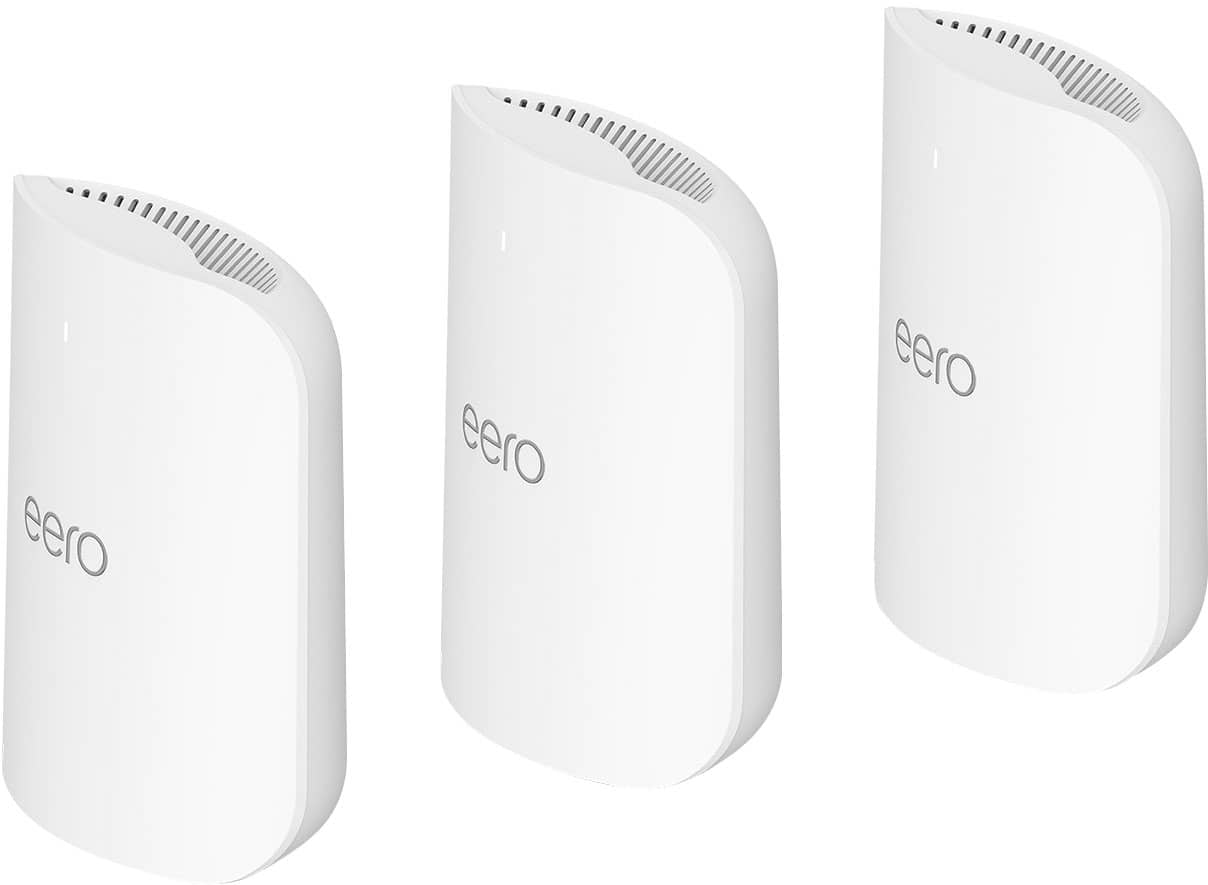
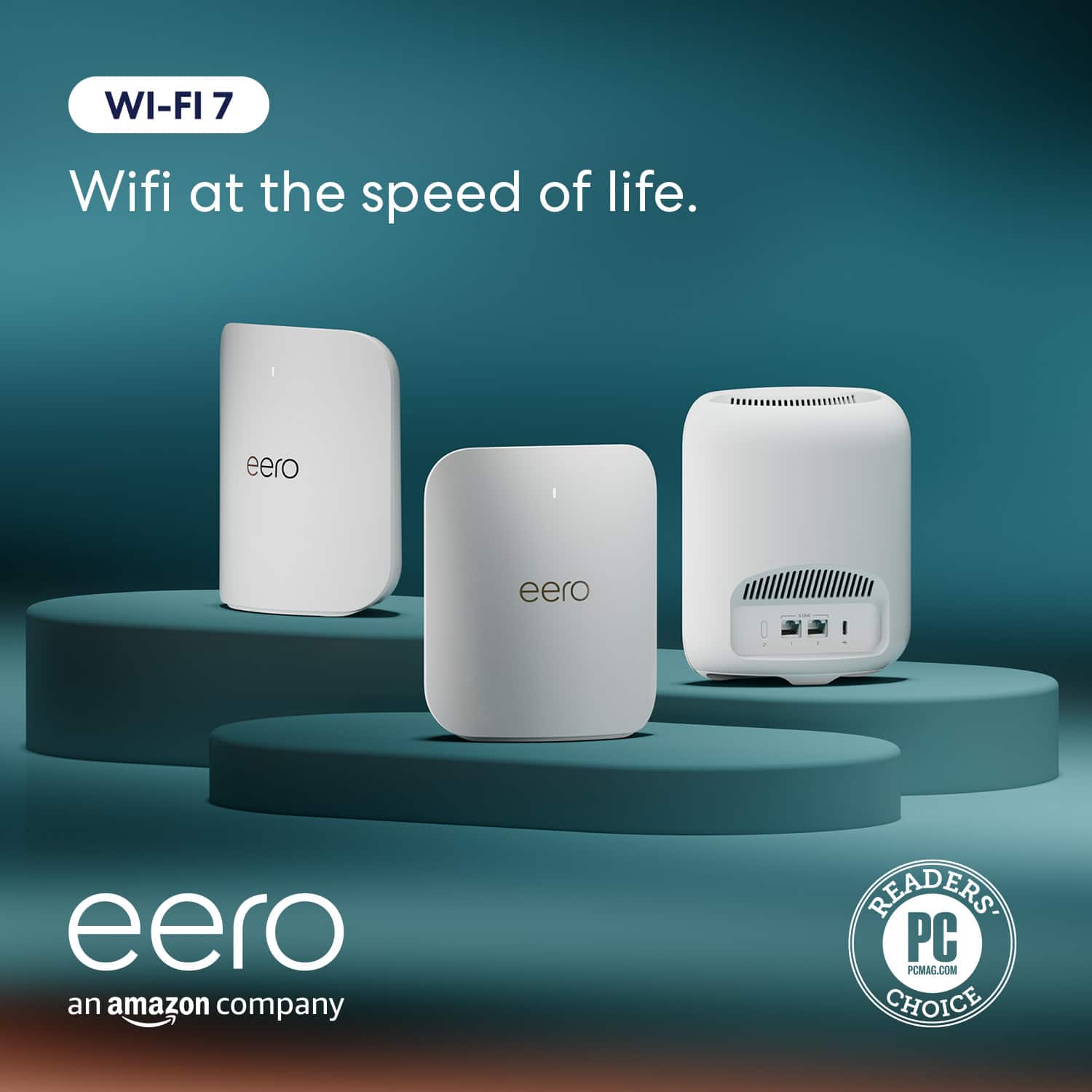
Customers have good things to say about the Pro 7 Tri-band Mesh Wi-Fi 7 Router, especially regarding its overall performance and easy setup. Users are also pleased with the router's coverage and speed, noting improvements in signal strength and range. Furthermore, customers appreciate the reliable connectivity options and ease of use.
This summary was generated by AI based on customer reviews.
Great product
||Posted . Owned for 1 month when reviewed.This reviewer received promo considerations or sweepstakes entry for writing a review.Great product, excellent coverage I would buy again.
I would recommend this to a friendeero
||Posted . Owned for 1 month when reviewed.This reviewer received promo considerations or sweepstakes entry for writing a review.we upgraded to these & glad we did they give great speed
I would recommend this to a friendGlad we made this purchase…
||Posted . Owned for 1 week when reviewed.This reviewer received promo considerations or sweepstakes entry for writing a review.Made a huge difference in our home. Change out older models of Orbi.
I would recommend this to a friendEero Pro7
||Posted . Owned for 2 weeks when reviewed.This reviewer received promo considerations or sweepstakes entry for writing a review.Our geek squad guy was amazing with installation and explaining what to do in case it doesn’t work. Weve had wonderful experiences with the Geek squad being a Best Buy Member. Always so helpful!
I would recommend this to a friendEero 7
||Posted . Owned for 3 months when reviewed.This reviewer received promo considerations or sweepstakes entry for writing a review.Great product, works as advertised. Future-proofing the network for years to come.
I would recommend this to a friendRouter
||Posted . Owned for 3 weeks when reviewed.This reviewer received promo considerations or sweepstakes entry for writing a review.Great router would recommend this to anyone but the price is just hight
I would recommend this to a friendGreat wifi signal
||Posted . Owned for 3 weeks when reviewed.This reviewer received promo considerations or sweepstakes entry for writing a review.Easy to set up. Instructions in the Eero app were easy to follow. I put the Pro 7 eeros in the same spots as my old eero 6’s. Great wifi signal.
I would recommend this to a friendImproved connection
||Posted . Owned for 2 weeks when reviewed.This reviewer received promo considerations or sweepstakes entry for writing a review.So far so good we hope these last longer than the orbit’s did.
I would recommend this to a friendEero 7
||Posted .This reviewer received promo considerations or sweepstakes entry for writing a review.Installed these around the house. Wish I would’ve done it sooner.
I would recommend this to a friendFast and seamless installation
||Posted .This reviewer received promo considerations or sweepstakes entry for writing a review.The router is well built. Very easy to install. Seamless. I really like this router
I would recommend this to a friendEasy setup
||Posted . Owned for 2 weeks when reviewed.This reviewer received promo considerations or sweepstakes entry for writing a review.Easy setup and plenty of ability to change network settings to meet your needs. Eero app is easy to navigate
I would recommend this to a friendGreat product
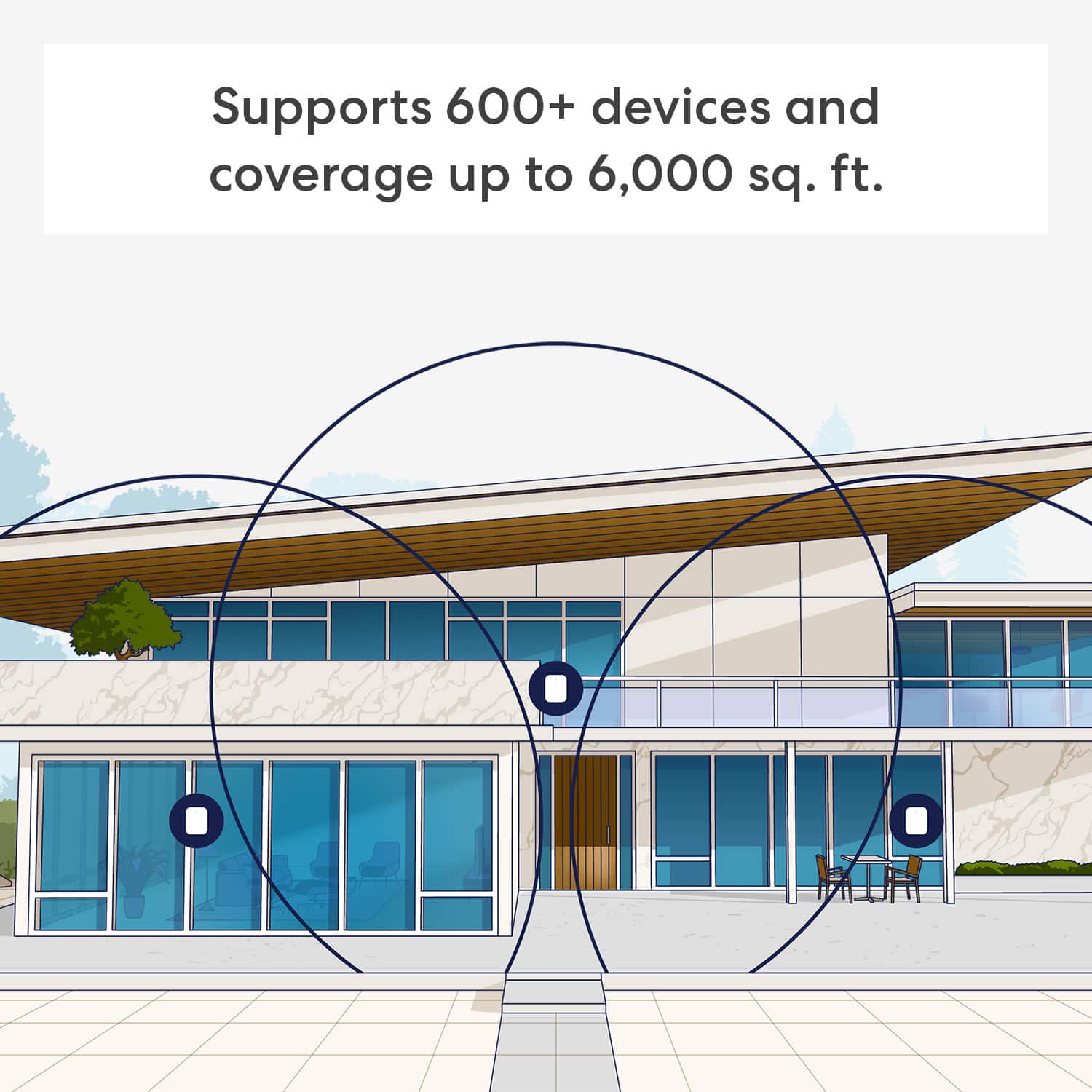
||Posted . Owned for 2 weeks when reviewed.This reviewer received promo considerations or sweepstakes entry for writing a review.Great WIFI signal everywhere in a large house now.
I would recommend this to a friendGreat coverage, no dedicated 2.4 GHz
||Posted . Owned for 1 month when reviewed.This reviewer received promo considerations or sweepstakes entry for writing a review.Great coverage. Does not allow for a dedicated 2.4 GHz channel
I would recommend this to a friendLove it!
||Posted . Owned for 6 months when reviewed.This reviewer received promo considerations or sweepstakes entry for writing a review.Upgraded from the Google WiFi. Love this it’s fast and reliable.
I would recommend this to a friendBest mesh wifi , easy to setup
||Posted . Owned for 2 weeks when reviewed.This reviewer received promo considerations or sweepstakes entry for writing a review.I've struggled with Wi-Fi dead zones and frustratingly slow speeds for far too long. After hearing rave reviews, I finally decided to upgrade. and I couldn't be happier with my decision!
I would recommend this to a friendReview
||Posted . Owned for 3 weeks when reviewed.This reviewer received promo considerations or sweepstakes entry for writing a review.Works.works also works does wifi looks good sits up
I would recommend this to a friendEero mesh network system
||Posted .This reviewer received promo considerations or sweepstakes entry for writing a review.The Eero mesh network system enabled much better WiFi coverage throughout the house. Ivan from Geek Squad did a great job setting it up.
I would recommend this to a friendGreat router for heavy users
||Posted . Owned for 3 weeks when reviewed.This reviewer received promo considerations or sweepstakes entry for writing a review.High power router for high power users. One of the best out there
I would recommend this to a friendGreat mesh router
||Posted . Owned for 2 weeks when reviewed.This reviewer received promo considerations or sweepstakes entry for writing a review.I recently upgraded to the eero Pro 7 WiFi 7 router and am extremely pleased. It was very easy to set up from the app on my phone. I would recommend this product as it offers excellent performance at a reasonable price.
I would recommend this to a friendonce installed, a screamer upgrade!
||Posted . Owned for 2 weeks when reviewed.This reviewer received promo considerations or sweepstakes entry for writing a review.great product to expand an existing mesh network. hazy process to replace an existing gateway.
I would recommend this to a friendBrand response from Amazon Devices Customer Support
Posted .Hello LG65OLEDTV! Thank you for your feedback on the eero Pro 7 system. I'm glad to hear it's working great for expanding your existing mesh network! I understand your frustration with the gateway replacement process being unclear, particularly when replacing a modem/router combo unit. This scenario is indeed more complex than replacing a standard gateway because you're transitioning from an all-in-one device to a separate modem and mesh system configuration.If your modem has a built-in router, we recommend that you put its routing functionality into bridge mode to make the best use of your eero(s). By putting your modem/router combo device into bridge mode, you are essentially turning off its WiFi capabilities and passing its Internet connection through to your eero. This step ensures your eero system can work its magic and you can take full advantage of its many advanced features. Instructions for putting your modem/router combo device in bridge mode will vary widely by ISP and device. Before you put your modem/router combo in bridge mode, set up your eero network. Once your network is set up, follow these instructions: 1. Find a device connected to your existing — non-eero — WiFi network. Open a web browser and go to the web interface of your modem/router combo device. You can usually find the link from your ISP’s webpage. 2. Log in and provide your username and password. If you don’t have the login information, we recommend giving your ISP a call. 3. From this interface, you should find the option to enable bridge mode. After the changes have been saved and applied, your modem/router combo should automatically reboot. If not, you’ll have to reboot it manually. You can do this by hitting the power button on and off or simply unplugging and replugging your device back in. Once it reboots, your device should function solely as a modem. 4. If for any reason, putting your modem/router combo into bridge mode causes problems, you should contact your ISP. They can usually enable bridge mode for you, or have a customer service representative walk you through the steps. 5. Once your combo device is in bridge mode, you should disconnect all devices from its LAN ports. The LAN ports are labeled, and there’s usually four of them on any combo device. 6. After all your devices have been disconnected from your combo device, connect your gateway eero to LAN port 1, then power up that eero. If your eero network were set up before enabling bridge mode, your other eeros wouldn't be affected by the change. 7. To re-connect certain devices to your eero network, you might need to forget your wireless network on your device and add it again. If you need further assistance, please reach out directly to eero customer support at (877) 659-2347. Thank you for sharing your experience, it highlights an important setup scenario that deserves clearer guidance! Have a great day!
