Customer Ratings & Reviews
Customer reviews
Rating 4.7 out of 5 stars with 392 reviews
(392 customer reviews)Rating by feature
- Value4.5
Rating 4.5 out of 5 stars
- Quality4.7
Rating 4.7 out of 5 stars
- Ease of Use4.5
Rating 4.5 out of 5 stars
to a friend
Rated 1 out of 5 stars
Doesn’t work as advertised
||Posted . Owned for 1 month when reviewed.This reviewer received promo considerations or sweepstakes entry for writing a review.Doesn’t work with the M series chips on mac had a laggy stuttering issue when recording and playing back the footage. Returned immediately with no issue works fine on windows or older macs
This review is from Elgato - 4K X 4K144 HDR10 External Capture Card with HDMI 2.1 for Nintendo Switch 2, PS5, PS4/Pro, Xbox, PC, and Mac - Black
No, I would not recommend this to a friendRated 5 out of 5 stars
Elgato Knocks it Out of the Park Again
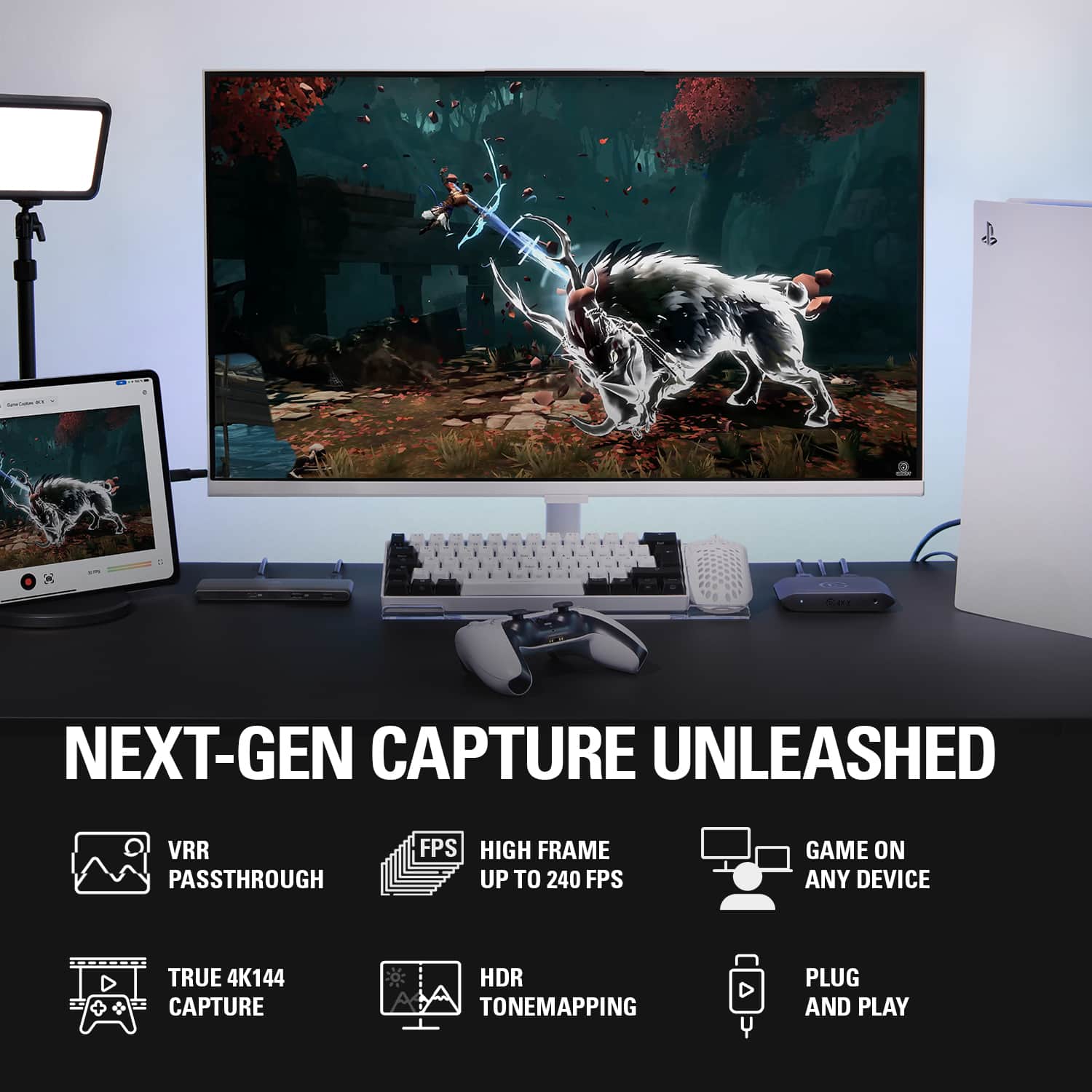
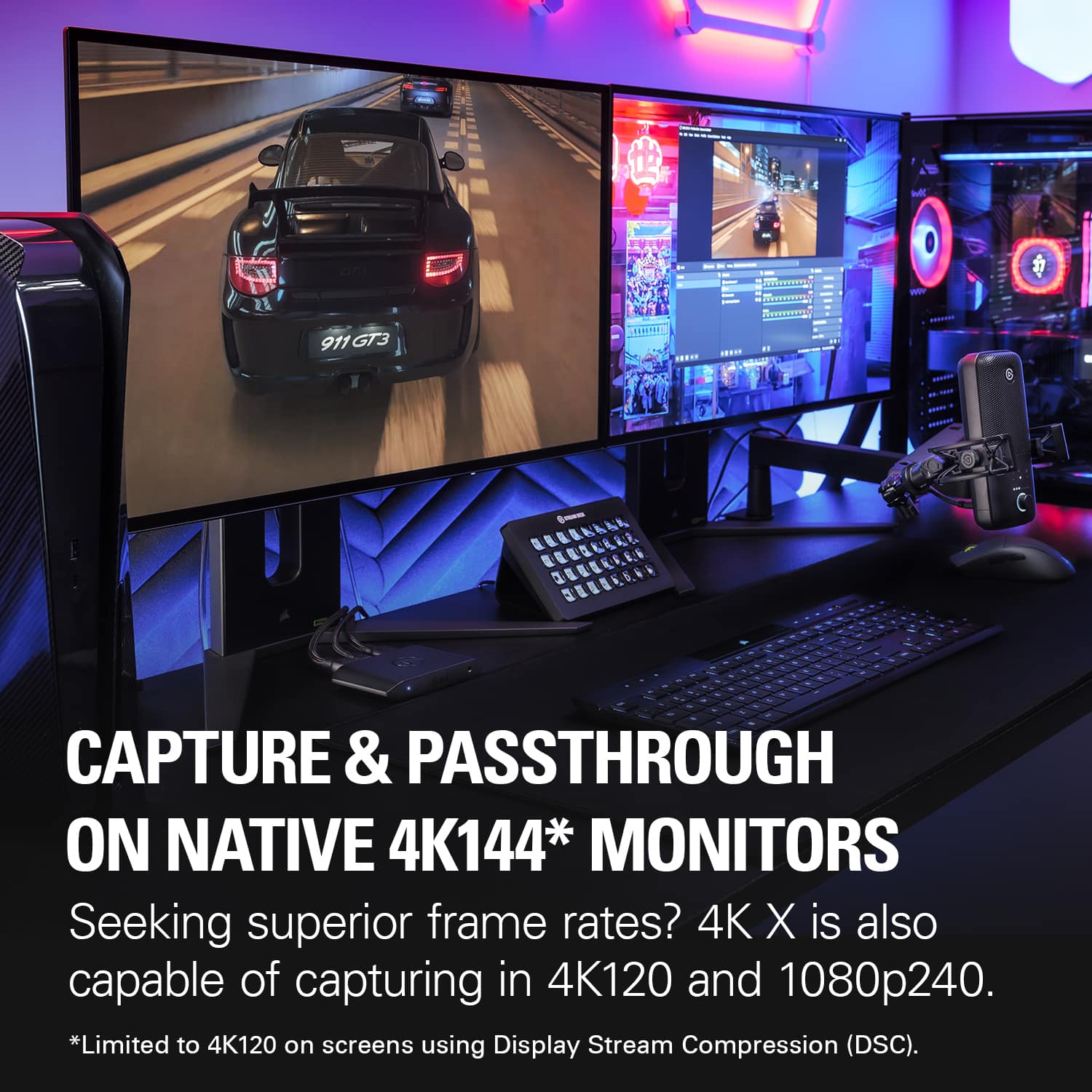
|Posted .This reviewer received promo considerations or sweepstakes entry for writing a review.Elgato has a chokehold on the industry when it comes to capture card technology. Simply put it is the truth. This new product, the 4K X 4K144 HDR10 is a wild step up in the game of capture card technology especially from the standpoint of a content creator. Frame Rates/Refresh rates are very key when engaging in gameplay that requires quick reflexes and reactions such as (Insert your favorite first person shooter here). Elgato has stepped up the game when it comes to that. Along with the fact now you can capture 4:4:4 in certain resolutions not sacrificing anything is astounding. Mind you it will take you a few minutes to figure out what the device allows and does not allow. Right now in 4K you can do 120FPS which is more than acceptable. If you lower the resolution to 2K then you get a higher refresh rate. Mind you that your PC needs to support USB-C 3.2 Spec to get the full features of this device. You can use a USB-A to C cable using a 3.0 spec port but you are going to sacrifice capture frame rate allowed due to the bandwidth the device requires. Overall I am still doing a lot of testing with this but if you want a device that gives you everything and the kitchen sink when it comes to capture cards you need look no further than this device. I was beyond impressed how easy the setup was and how amazing the capture quality was. Elgato... you've exceeded expectations once again!
This review is from Elgato - 4K X 4K144 HDR10 External Capture Card with HDMI 2.1 for Nintendo Switch 2, PS5, PS4/Pro, Xbox, PC, and Mac - Black
I would recommend this to a friendRated 4 out of 5 stars
Great! Passthrough anything and record up to 4K144
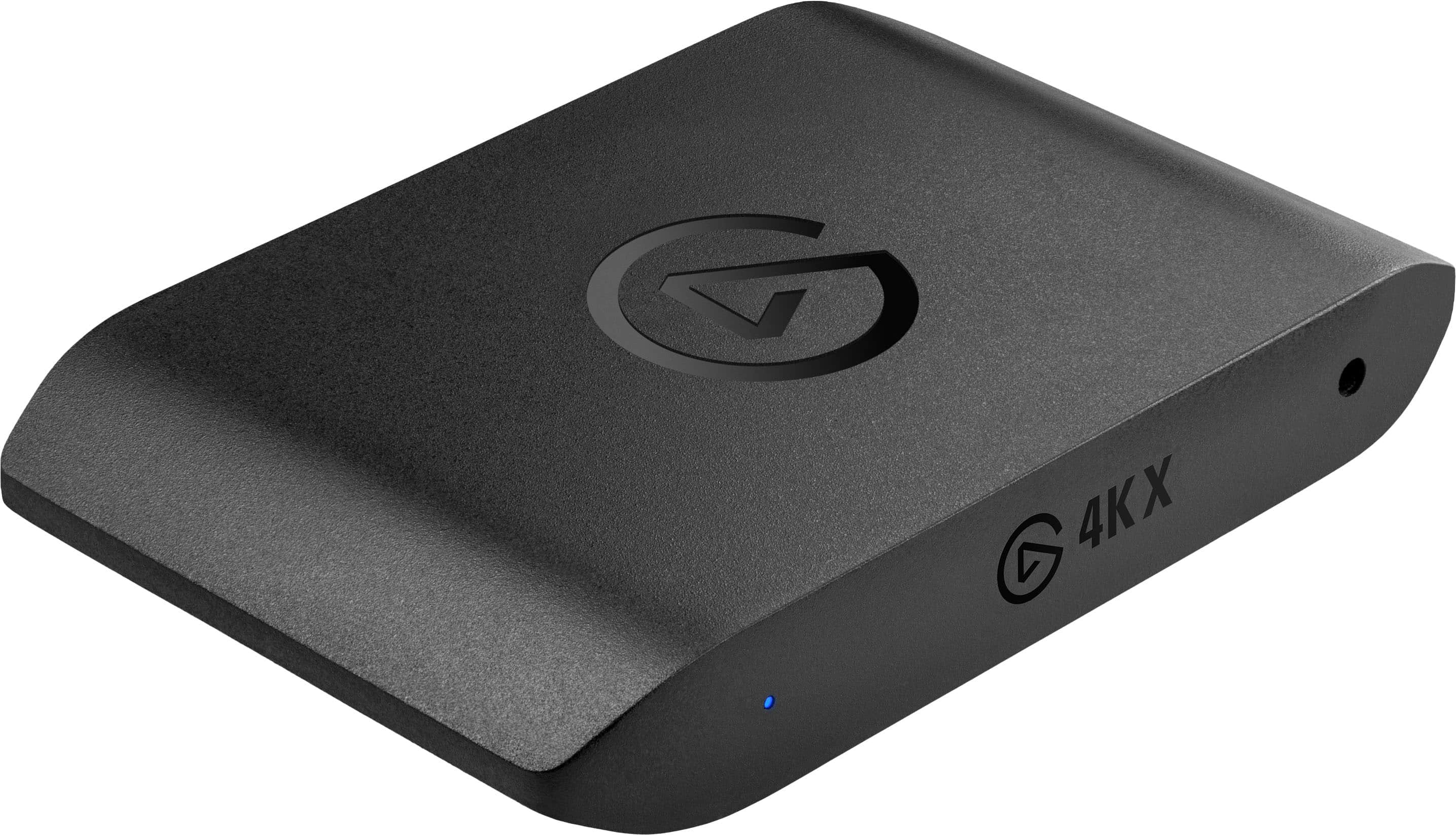
|Posted .This reviewer received promo considerations or sweepstakes entry for writing a review.Pro: Passthrough all major resolutions Capture up to 4K144 SDR, or 4K30HDR Certified braided HDMI cable included Con: Switching resolution can freeze the 4K Capture Utility Gets warm USB malfunction errors with Windows (multiple PCs) Having had many Elgato capture cards over the years, the 4KX improves over the last version (HD660X) and should satisfy anyone who wants to game and capture with little compromises. It looks identical to the HD60X, with the inputs/outputs in the back, keeping the wiring clean of the desk. The difference is that it now has HDMI 2.1 and a 10Gbps USB-C, so it should be able to handle most 4K signals. It includes a nice certified braided HDMI cable and USB-C cable. Capturing and streaming, it will pretty much passthrough any resolution up to 144 fps, including HDR and VRR. I don’t have to give up playing games with HDR at 4K144 to record/stream. You can record SDR up to 4K144 but is limited to max at 4K30 for HDR. The HDR to SDR tonemapping has improved greatly since I last tried with the HD60X. It does a great job at keeping the colors very similar, both in OBS and the Capture Utility. It does run a bit hot while capturing. While overall good, there are some issues that occurred regularly that I never had with the previous Elgato cards. I don’t know if it’s the card itself but it’s something I wanted to mention. One is that while using the 4K Capture Utility, whenever the game resolution changes, it freezes and must be forced shut down. For instance, on the PS5, going from the home screen to a game playing at 120fps, the capture freezes. This doesn’t seem to happen if I’m using OBS so it’s not a big deal to me since I rarely use the Capture Utility. Another issue is when I plug in the capture card, I get the “USB devices malfunction” error. This happened on multiple computers. Reconnecting fixes it, but it happens about half the time and something to be aware of. If I hadn’t encountered these issues, it would have been a perfect score. For an external card to be able to handle 4K144 is a big improvement. The HDMI 2.1 and the faster USB-C port allows for more compatibility. Unless you need 8K or higher than 144 fps, the 4KX should be just fine.
This review is from Elgato - 4K X 4K144 HDR10 External Capture Card with HDMI 2.1 for Nintendo Switch 2, PS5, PS4/Pro, Xbox, PC, and Mac - Black
I would recommend this to a friendRated 5 out of 5 stars
Best Capture Card
|Posted .This reviewer received promo considerations or sweepstakes entry for writing a review.This is my third ever capture card and my first time using Elgato. This by far is the best capture card and there is two main reasons why. The quality that can be played at and the quality that can be captured is above the competition. I will honestly be playing my PS5 more now. With the previous capture card I lost 4k and HDR. Other capture cards will say "supports 1080p60" and that's it. Support as in how? Can I play at a higher resolution? I have so many questions by the way the other companies describe it. I like that I can go on Elgato's website, find the 4K X spreadsheet and I can see that I can play 4k60 in HDR and can record in 1080p60 HDR. There is no guesswork. The other main reason that this Elgato capture card is the best is the software. I downloaded the software and within less than a minute I was able to see my PS5 screen on my computer. The other competitor I spent over 10 minutes installing drivers. Installing multiple software programs. Updating more modules within those programs. Just to have the capture card say I have no signal. I would have to reinstall, unplug the device or restart my computer to see a picture. So without a doubt, Elgato is the best capture card.
This review is from Elgato - 4K X 4K144 HDR10 External Capture Card with HDMI 2.1 for Nintendo Switch 2, PS5, PS4/Pro, Xbox, PC, and Mac - Black
I would recommend this to a friendRated 5 out of 5 stars
Small yet POWERFUL
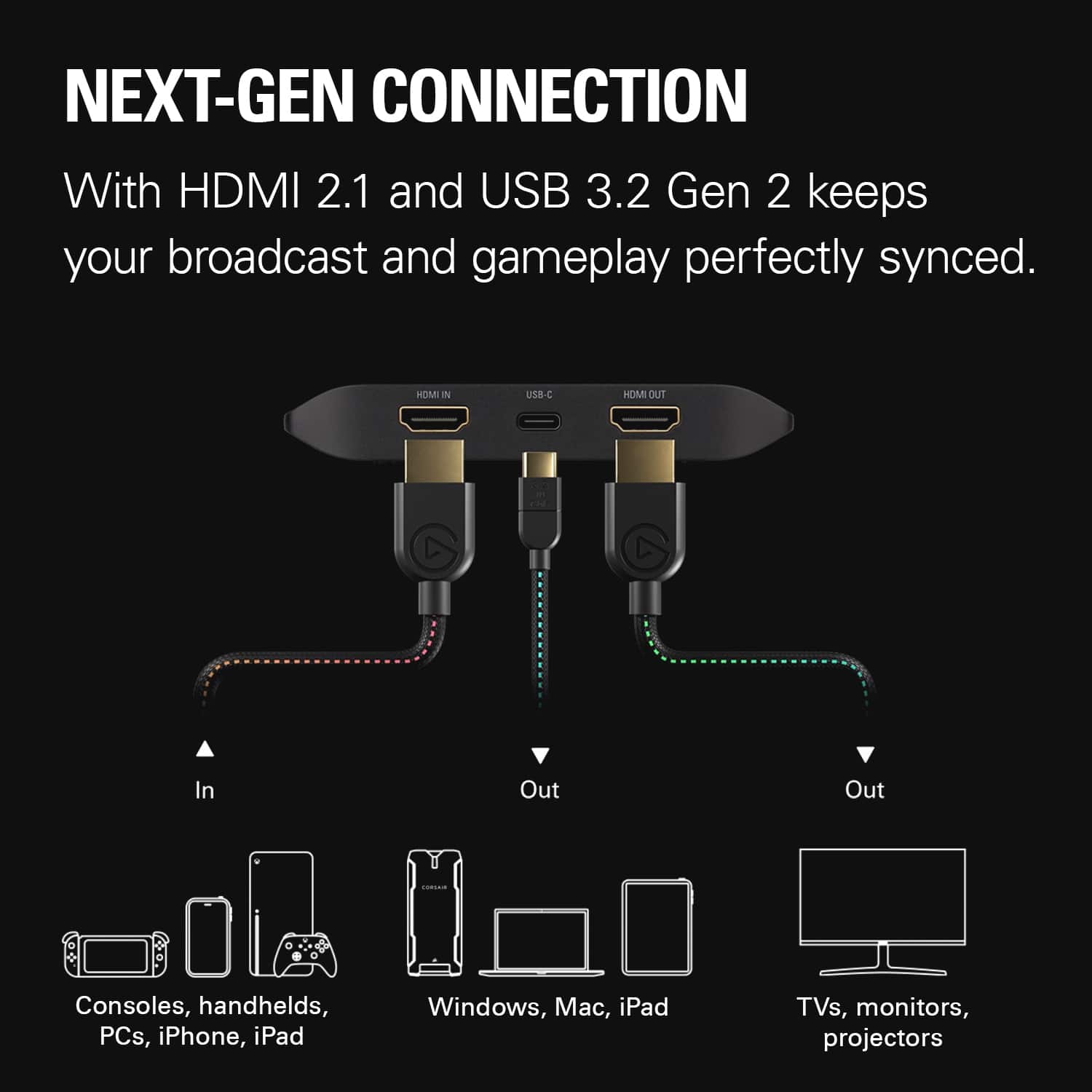
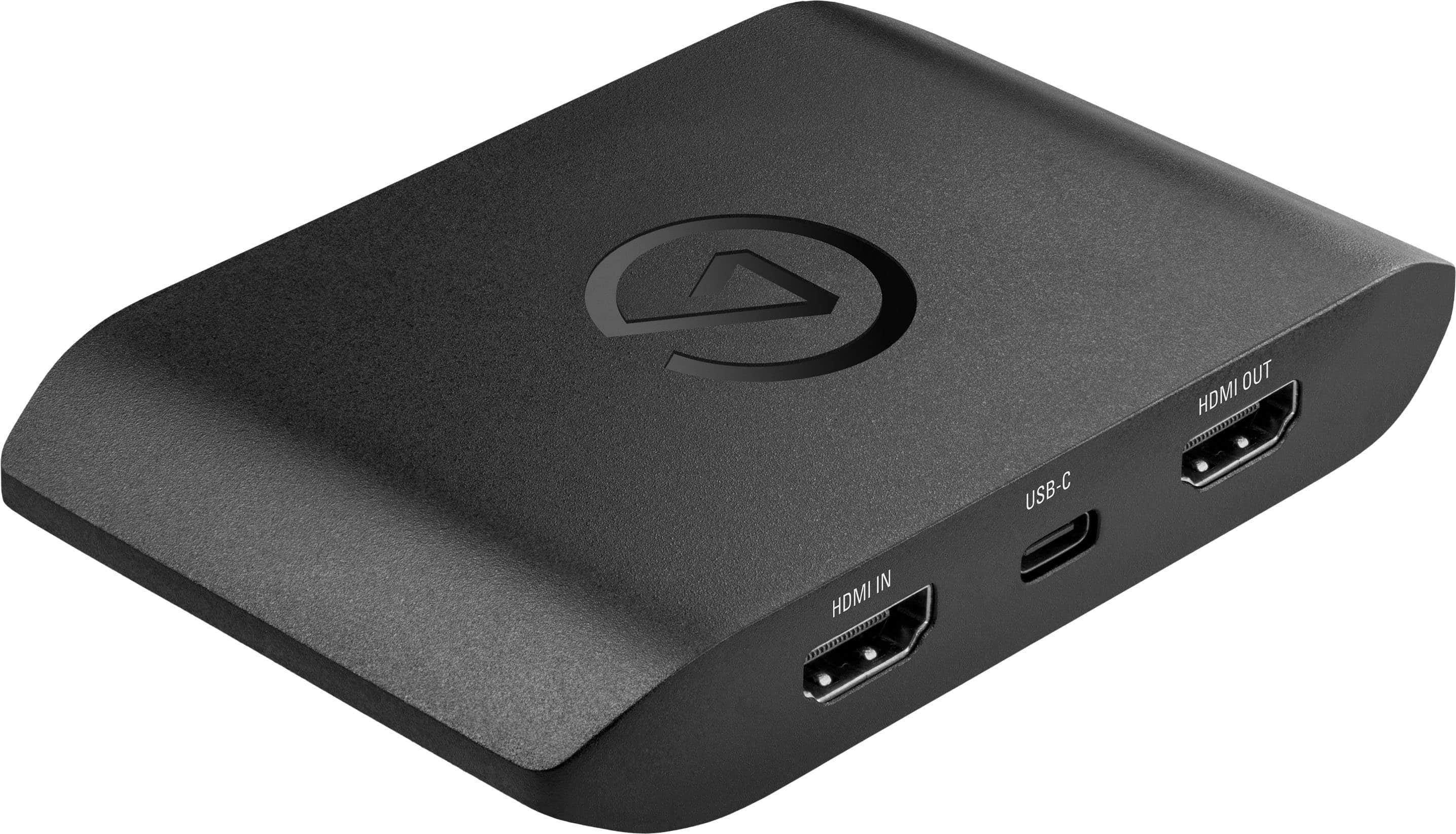
|Posted .This reviewer received promo considerations or sweepstakes entry for writing a review.The Elgato 4K external capture cars with HDMI 2.1 is a work machine. This is a very simple to use and set up device, that will take your gameplay replays to a whole new level. weather it is to watch your replays or to upload your gameplay to an online database Elgato takes it to a whole new level. The capture quality is amazingly clear and captures the sound also. The se up is very simple, it consists of downloading the capture utility and the rest is plug and play. The device feels flimsy but looks are definitely deceiving this device is a monster and simple to use. The pros about this device are simple to use, easy setup, capture quality of sound and video are amazing. The cables are long enough however if your set up is not close to a desktop then a laptop will be needed if you don't want to move your whole gaming set up. The con and only con about this device is that I personally dislike the fact that you have three wires HDMI in HDMI out and the USB-C that you need to have all plugged in if you would like to capture. The replay is better you only need the USB-C plugged in and the rest is done on the utility but overall is an amazing device.
This review is from Elgato - 4K X 4K144 HDR10 External Capture Card with HDMI 2.1 for Nintendo Switch 2, PS5, PS4/Pro, Xbox, PC, and Mac - Black
I would recommend this to a friendRated 2 out of 5 stars
DOA on arrival
||Posted . Owned for 2 weeks when reviewed.This reviewer received promo considerations or sweepstakes entry for writing a review.Bought it brand new - there was severe screen artifacting. Returned.
This review is from Elgato - 4K X 4K144 HDR10 External Capture Card with HDMI 2.1 for Nintendo Switch 2, PS5, PS4/Pro, Xbox, PC, and Mac - Black
No, I would not recommend this to a friendBrand response from Corsair
Posted .Hello,
That's definitely not the experience we'd want you to have whatsoever. If you repurchase, and have any issues, do contact our team directly right on our site for assistance.
-Art
Rated 1 out of 5 stars
It's crap
||Posted . Owned for 7 months when reviewed.This reviewer received promo considerations or sweepstakes entry for writing a review.Didn't work from out of the box, can't display to any of my TV's. Can't get a refund. Total complete waste of money!
This review is from Elgato - 4K X 4K144 HDR10 External Capture Card with HDMI 2.1 for Nintendo Switch 2, PS5, PS4/Pro, Xbox, PC, and Mac - Black
No, I would not recommend this to a friendRated 5 out of 5 stars
GAME CHANGER
|Posted .This reviewer received promo considerations or sweepstakes entry for writing a review.Amazing 4K capture card. I am very impressed. I have been wanting to record my xbox fortnite games to post on my social media channel and this has been a game changer for me. Lets dig into the features and experience Features With this version you get amazing 4K resolution and 60 frames per second. This level of detail ensures every moment is preserved with unparalleled clarity. This is perfect for live streaming or uploading to youtube later. This card also supports HDR10 passthrough, which allows you to maintain the colors and contrast of HDR content. One feature that stands out to me is the onboard HEVC encoding, which enables compression without losing quality. Translation, you can enjoy high-quality recordings without working about massive file sizes. And that means it is even easier to share your content. Genius, Finally this device integrates seamlessly into existing setups, with true plug and play functionality and compatibility with software such as OBS studio (my go to). Performance WOW…… the performance exceeds all my expectations. Setting up the device is a snap. There are only a few simple connections between your gaming console and your display. Once set up the capture device works with nearly zero latency. My go to was Fortnite and I had no issues with lagging and was able to compete just as if the device was not connected at all. Clearly one highlight of this device is it’s versatility. Clearly it captures game footage well from practically any device but it also supports a wide range of inputs including cameras, microphones, and external devices. Experience Form the intuitive setup and user friendy interface, the Elgato provides a streamlined workflow for managing your recordings. With easy start, stop and preview options, using only a few clicks. You also get advanced features such as flashback recordings, which automatically capture gameplay retroactively, so no event is missed. The compact design and ease of setup make this tops for anyone's list. From the novice to the professional, this device meets everyone's needs. This is a worthwhile investment for anyone looking to capture their footage and share their gameplay.
This review is from Elgato - 4K X 4K144 HDR10 External Capture Card with HDMI 2.1 for Nintendo Switch 2, PS5, PS4/Pro, Xbox, PC, and Mac - Black
I would recommend this to a friendRated 1 out of 5 stars
Not good
||Posted . Owned for 1 week when reviewed.This reviewer received promo considerations or sweepstakes entry for writing a review.Barely works and the softward you need to download is terrible
This review is from Elgato - 4K X 4K144 HDR10 External Capture Card with HDMI 2.1 for Nintendo Switch 2, PS5, PS4/Pro, Xbox, PC, and Mac - Black
No, I would not recommend this to a friendRated 5 out of 5 stars
Plug and play external capture card!
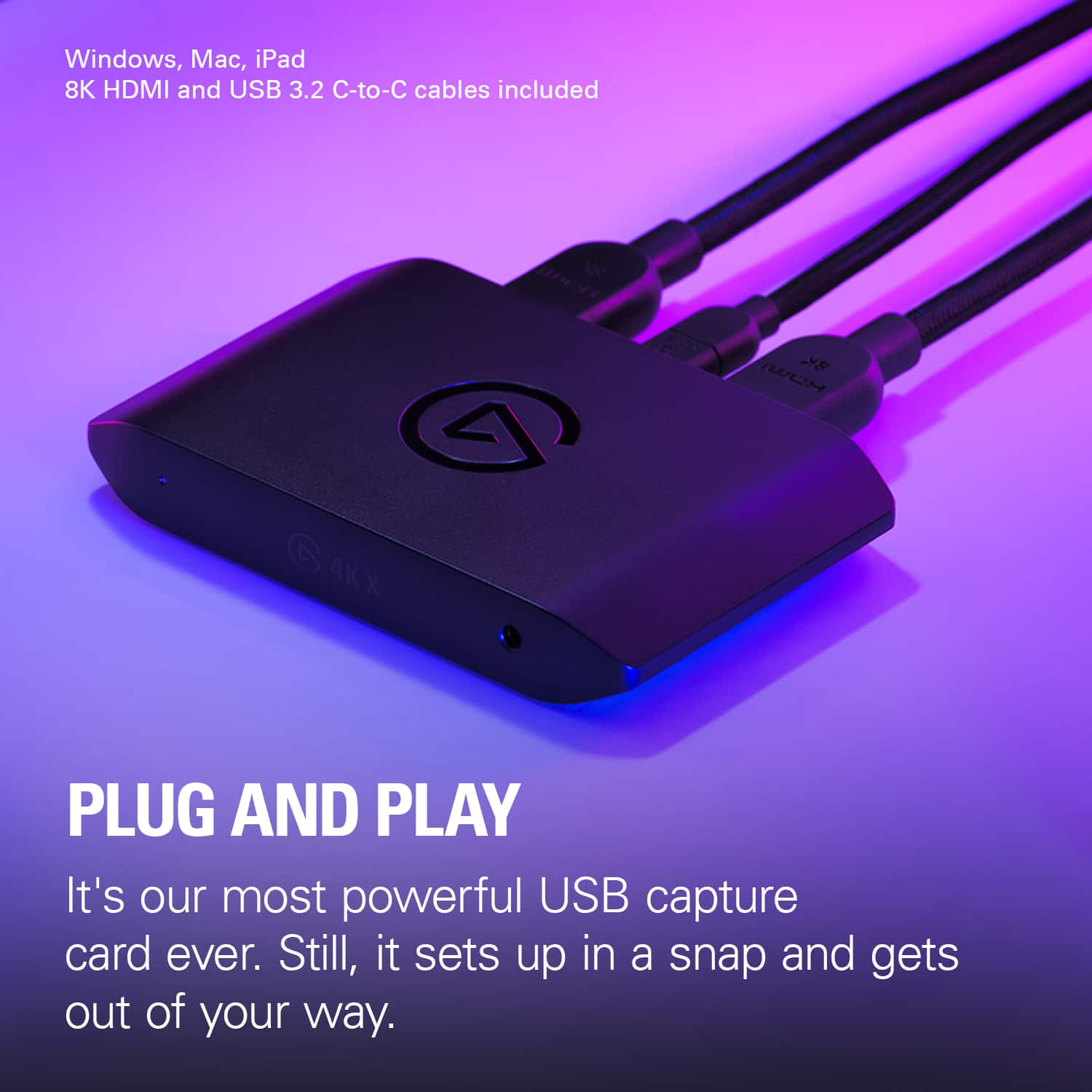
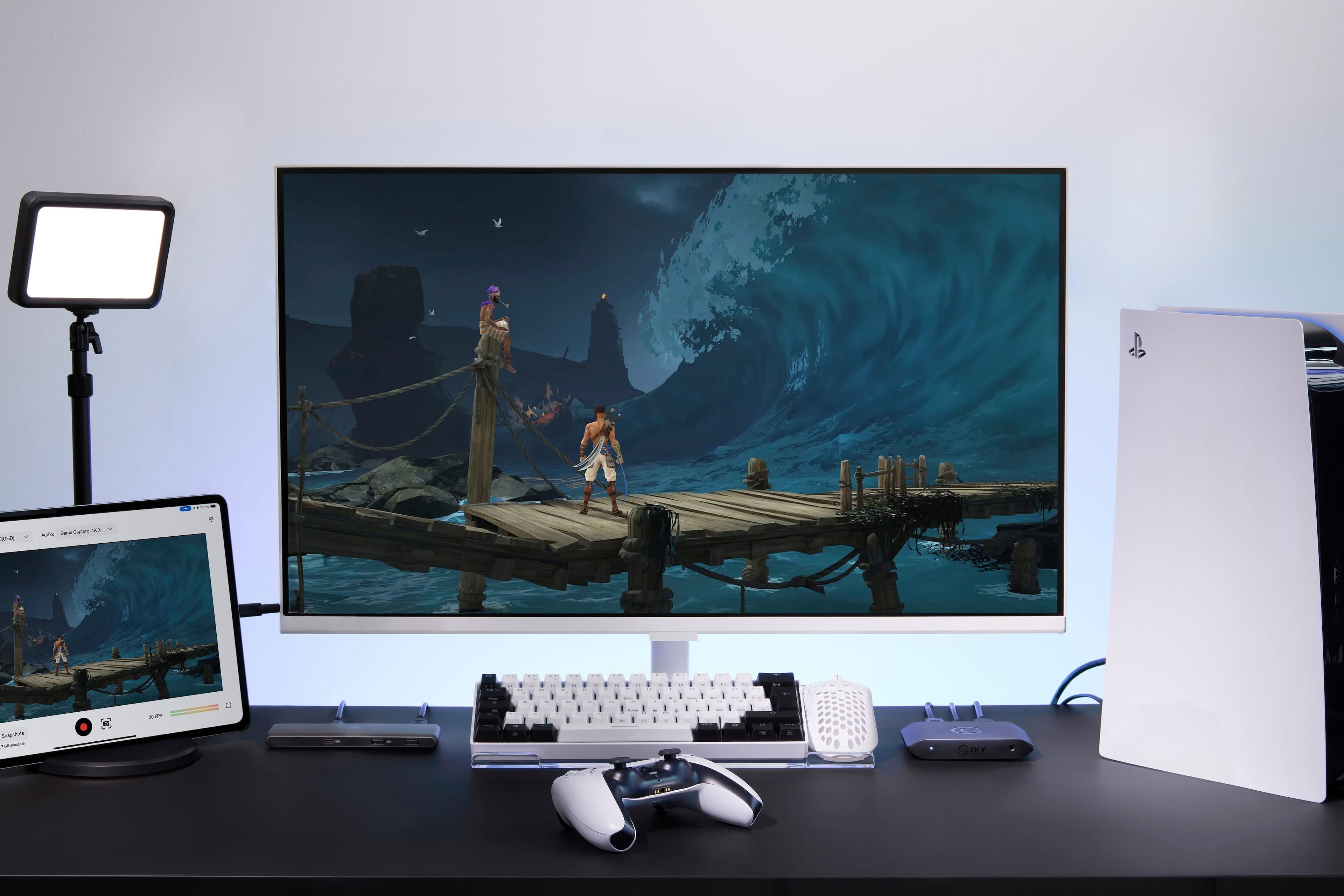
|Posted .This reviewer received promo considerations or sweepstakes entry for writing a review.The Elgato 4K X is an external capture card that gives you the ability to capture and record/stream video up to 4K 144Hz in HDR10. This is a great external device that allows you to record from multiple systems to your device of choice. With full HD input and output you can capture footage from your external consoles or gaming computer and capture or stream it from a Windows, Mac, or iPad. Using the USB port on this device you can even record straight to a USB SSD or SD card allowing you to edit your footage or clips later and put them out however you choose. This is a great device for anyone looking to get into content sharing, with it's high-definition inputs and outputs and multiple methods of streaming or capturing your content you can get your content out to your audience in whatever way works best for you. Setup and use is extremely simple and requires very little technical knowledge. You can hook up your console/computer to the HDMI input, output that to your television or monitor and using the USB-C port capture or stream your content to your platform of choice. This makes it easy to capture your content without requiring a specially built streaming or capture computer, you can even use an iPad and get your content out to your audience. I highly recommend this product to anyone looking to get into content creation who wants an easy method of capturing their content.
This review is from Elgato - 4K X 4K144 HDR10 External Capture Card with HDMI 2.1 for Nintendo Switch 2, PS5, PS4/Pro, Xbox, PC, and Mac - Black
I would recommend this to a friendRated 5 out of 5 stars
No compromises Highest quality
Posted .This reviewer received promo considerations or sweepstakes entry for writing a review.No lag, 120 fps 4k. Zero compromise, play and capture as if you weren’t even streaming. Seriously perfect. Comes with one 2.1 HDMI cable and a usb-C to C cable. Streaming from my MacBook Pro crystal clear quality.
This review is from Elgato - 4K X 4K144 HDR10 External Capture Card with HDMI 2.1 for Nintendo Switch 2, PS5, PS4/Pro, Xbox, PC, and Mac - Black
I would recommend this to a friendRated 5 out of 5 stars
This device is a must have for streaming
|Posted .This reviewer received promo considerations or sweepstakes entry for writing a review.I have been able to use this device for sometime. This beginning part has to do with the Elgato software. I had been using the Elgato 4K capture program and found some info talking to Elgato support about this program and its limitations. You are able to pass through 4k 144fps or 120fps(Console) to your tv or monitor but you are only able to capture via the 4K software at 4k 60fps. In order to make use of the 120fps you must use OBS to record it as stated by Elgato support. (I will attach a picture showing the setting they recommend.) That being said you might not get far. I have a 20 sec video and it was 700mb!!! So there needs to be some compression on that front. Now But if you are recording you can get some great quality footage from the capture software. It also make it very easy to setup. You will need a powerful computer and proper throughput for 4k 60. I am able to get 1440 60fps on a standard laptop on my from PS5 in the living room. On my Desktop PC I get 4k 60fps no problem. I have found to stream it is a lot easier to setup and get what you want with OBS. If you are just recording use the 4K software. This device is great for on the go game capture and ease of use. I can move it from room to room and it’s very plug and play.
This review is from Elgato - 4K X 4K144 HDR10 External Capture Card with HDMI 2.1 for Nintendo Switch 2, PS5, PS4/Pro, Xbox, PC, and Mac - Black
I would recommend this to a friendRated 1 out of 5 stars
Trash.
||Posted . Owned for 3 weeks when reviewed.This reviewer received promo considerations or sweepstakes entry for writing a review.Traaaaaaaaaaaaaaaaaaaaaaaaaaaaaaaaaaaaaaaaaaaaash.
This review is from Elgato - 4K X 4K144 HDR10 External Capture Card with HDMI 2.1 for Nintendo Switch 2, PS5, PS4/Pro, Xbox, PC, and Mac - Black
No, I would not recommend this to a friendBrand response from Corsair
Posted .Hi,
Sorry to hear about your experience. Did you encounter any issues specifically? Please get in touch with support via Elgato's website, we'd appreciate the opportunity to further look into any issues and provide a solution.
-Albert
Rated 5 out of 5 stars
Amazing Capture Card
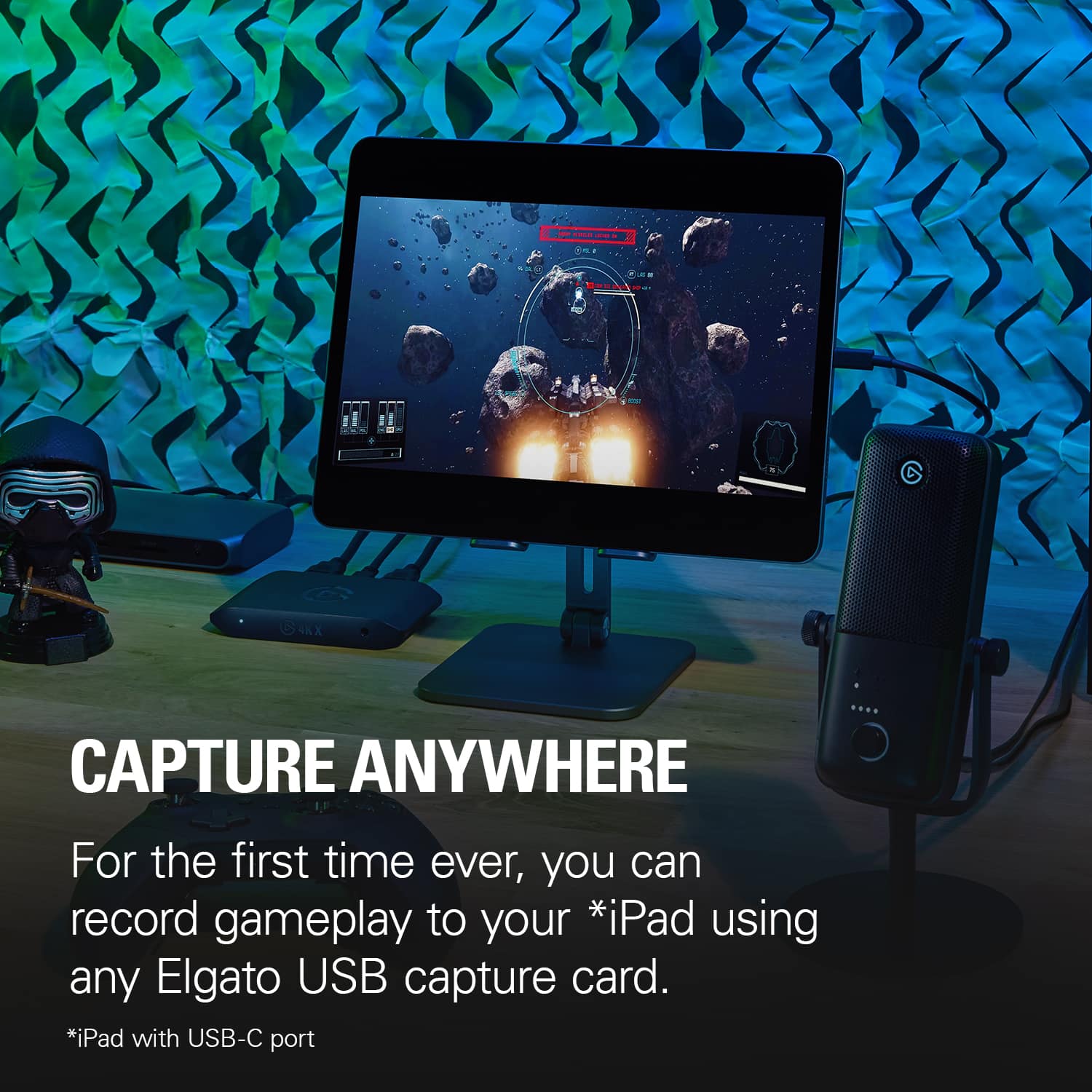
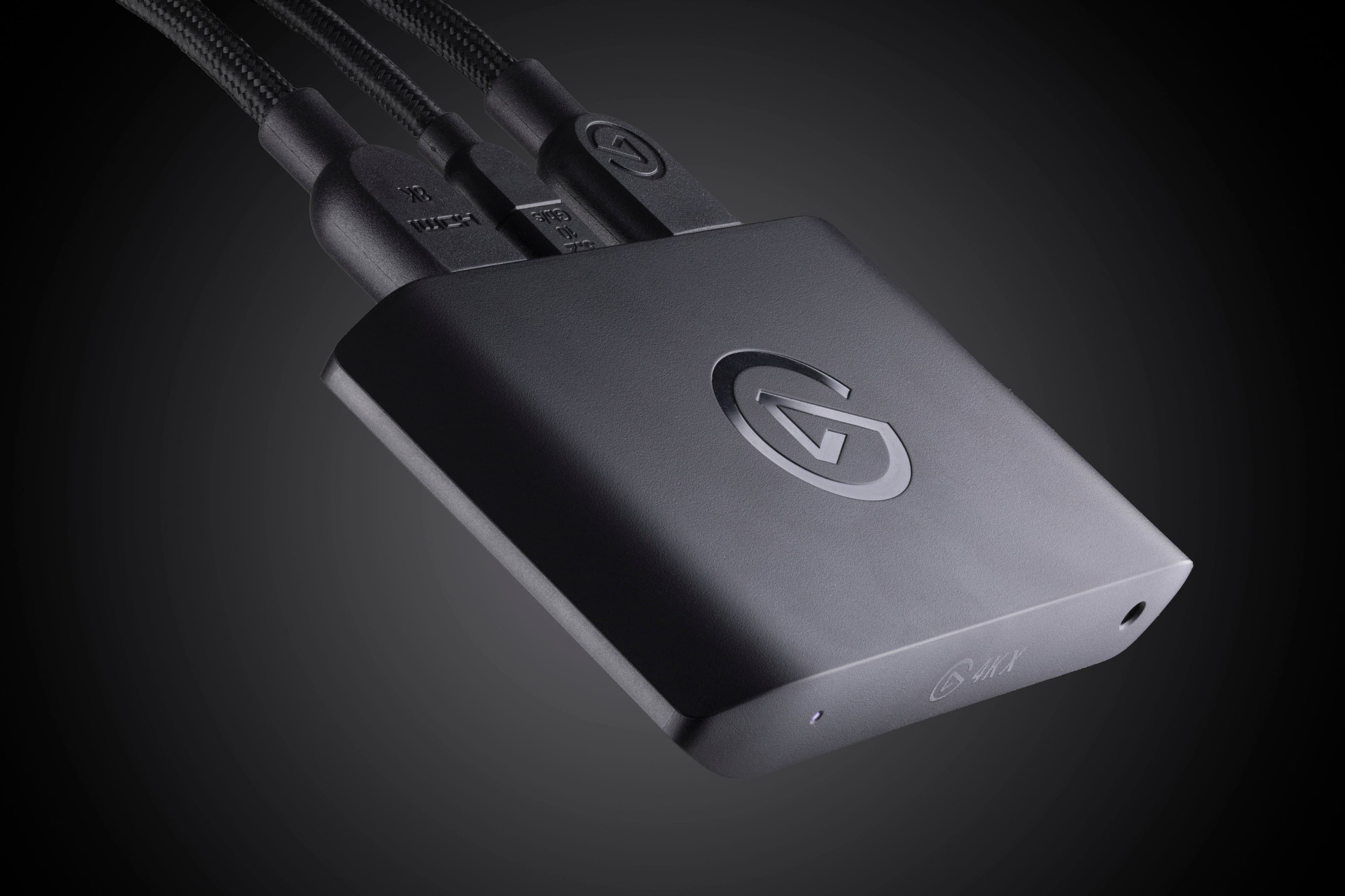
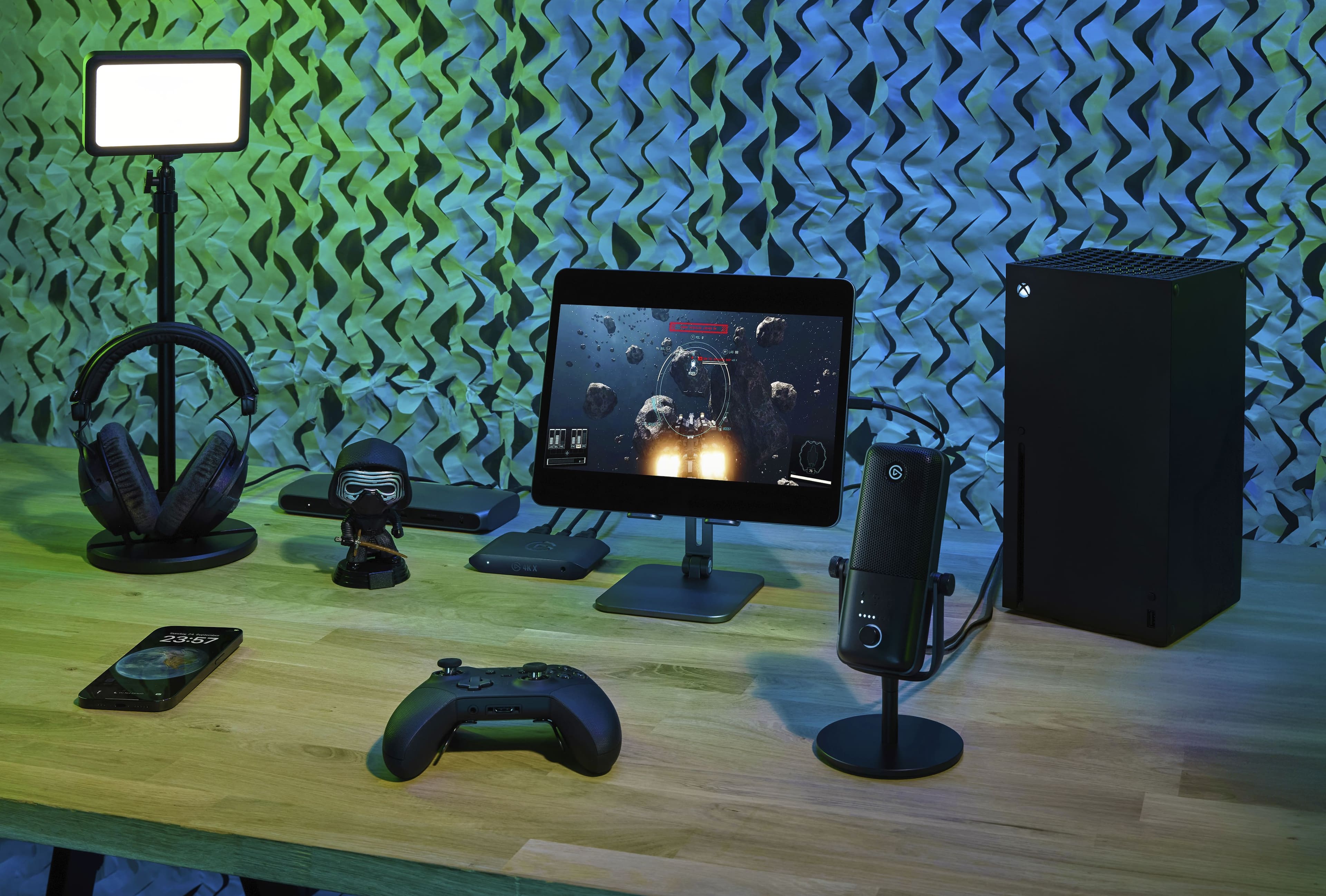
|Posted .This reviewer received promo considerations or sweepstakes entry for writing a review.If you are looking for a card that can capture video, this may be the most powerful card on the market. It is truly an amazing external card that can be used in so many different circumstances. Let me begin with the basics in the box. Inside you will find the external 4K X card along with a nice, braided HDMI cable and braided USB-C cable. The card is encased in plastic, so I wouldn’t want to step on it, but it is small and stylish. The instructions that come with it are not necessarily the greatest but set up is, for the most part (more on this later), self-explanatory. By connecting to a USB-C 3.2 Gen 2 port, you can record at 4K, 120 fps. It is truly amazing. I used my setup with a PS5. This is where the instructions are not perfectly clear. With the PS5, the console only supports gaming audio to one source. So, if you set up with the HMDI going into the card and then out to a monitor, you cannot use a wireless headset. There are workarounds for this. You can plug into a wired jack on the front of the 4K X card. The point is if you want to capture gameplay with voice chat and still use a headset, you will need to use a wired headset. Also, if you are on PS5, you may need to disable HDCP in the HDMI menu to get the setup to output to a separate monitor. The instructions really don’t cover this. Just be prepared to do a little tweaking with your set up. Once you are up and running though, this is an unbelievable capture card. It can capture anything your console is doing. In fact, you will most likely be limited by other sources you may use rather than the 4K X. Recording at 4K, 120 fps can be a massive workload for your system. If you prefer, you can downgrade this to a different format such as 60 fps. Streaming services such as YouTube and Twitch will limit you down to this frame rate anyway. There is a slight bit of latency, roughly on the magnitude of 150 milliseconds, between a direct-fed monitor and the record monitor. It is low latency enough that it won’t affect commentary but enough that if you used it for gaming, would likely make a difference. The onboard tone mapping also works remarkably well. This card is the best around. While I used it with PS5, you can just as easily use it with an X Box or Switch. There are even ways to use it to capture video from an iPad. This card is so versatile and portable, it can do it all. If I had to point out any negatives, I would say that if you have a Dolby vision monitor, this card does not support its function. So, you would have to disable those features to get your monitor to work. The other thing, which I think is obvious but I don’t want to confuse anyone, is this card does not have any internal memory. You do need a Mac or Windows machine to record your gameplay. I was blown away by the Elgato 4K X External Capture Card. This is the most powerful card on the market. It can do everything you want. You will be more limited by the other parts of the setup. It is amazing. I highly recommend this card to those looking to capture video from the gaming consoles.
This review is from Elgato - 4K X 4K144 HDR10 External Capture Card with HDMI 2.1 for Nintendo Switch 2, PS5, PS4/Pro, Xbox, PC, and Mac - Black
I would recommend this to a friendRated 4 out of 5 stars
Does what it says it does...but...
|Posted .This reviewer received promo considerations or sweepstakes entry for writing a review.To be clear, this is my first capture card. As someone who's gamed on PC forever, it's never been something I've really needed. My PC's have normally been strong enough to game and record. In terms of console gaming, I've normally leaned on whatever form of recording made available with more recent consoles. Using the Elgato - 4k X ultimately got me great results, but it wasn't as smooth and easy as I would have liked. When I first connected the Elgato 4k X to my PS5, I got no image. The instructions provided weren't clear. While it was clear what cord went where, it wasn't clear you have to go in and adjust certain settings on the PS5 to get it to work. I found this out when it didn't work and I searched the no source error message. I feel that if this is a known thing, it should have been explained in the provided instructions. Needing to turn of HDCP settings on the PS5 may be obvious to most (and, should have been obvious to me) for a first timer, this is something that could have left them puzzled for an extended period of time. When i got things working, they worked great. The video quality in regards to resolution and smoothness was great!I also like the organizational options provided by the 4k capture utility software. For someone looking to build a library of content, I feel this will help in a major way. Once things are good with the Elgato 4k X, they're great! Ultimately, the Elgato - 4k X 4k144 HDR10 does exactly what it says it does. Still, considering most people aren't viewing content at 4k, and current gen consoles provide the ability to capture content at lower (more commonly used resolutions), I feel the Elgato - 4k X 4k144 requires a lot is a great tool for it's niche audience. Add in the lack of detailed instructions provided in box, and I have to knock off a point.
This review is from Elgato - 4K X 4K144 HDR10 External Capture Card with HDMI 2.1 for Nintendo Switch 2, PS5, PS4/Pro, Xbox, PC, and Mac - Black
No, I would not recommend this to a friendRated 5 out of 5 stars
Way better than I thought and I expected a lot
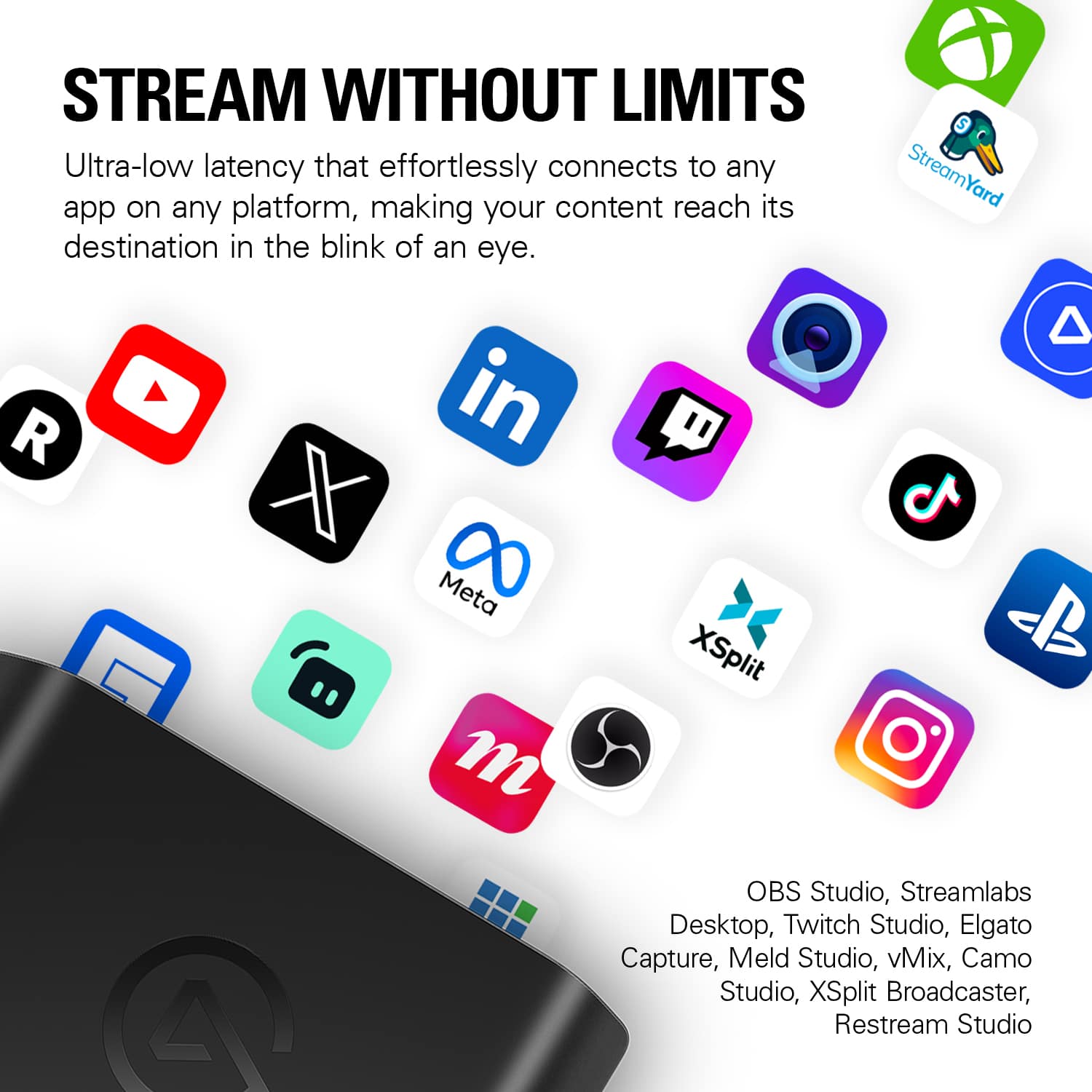
|Posted .This reviewer received promo considerations or sweepstakes entry for writing a review.This is way better than I initially expected it to be and I really expected a lot out of Elgato. Prior to this, I used a generic one that did the job just fine but it had its issues. After that, I got another one that is better but it still had issues with frame dropping and whatnot. When I got this one, I expected a lot more but this is still much better than that because it actually does 4k. Prior to that, the capture card I got only meant 4k passthrough but the capture is 1080p. This capture card actually captures at 4k. Passthrough is 4k at 144hz for me and the capture seems to be the same. This is super easy to setup too and the USB-C connector makes it easy for portability. Not to mention that the capture card's size is barely larger than a smartphone. I tested it with Twitch and OBS and it works perfectly and the compatibility is very good. This should work just fine with any console of choice including PC and honestly any video input too so if you're planning to use this for connection using your camera via HDMI, this will make your camera look amazing.
This review is from Elgato - 4K X 4K144 HDR10 External Capture Card with HDMI 2.1 for Nintendo Switch 2, PS5, PS4/Pro, Xbox, PC, and Mac - Black
I would recommend this to a friendRated 5 out of 5 stars
4Kx Review
Posted .This reviewer received promo considerations or sweepstakes entry for writing a review.Good capture card with good performance. Great purchase overall.
This review is from Elgato - 4K X 4K144 HDR10 External Capture Card with HDMI 2.1 for Nintendo Switch 2, PS5, PS4/Pro, Xbox, PC, and Mac - Black
I would recommend this to a friendRated 4 out of 5 stars
Simple PS5 capture, just not if you use a headset
|Posted .This reviewer received promo considerations or sweepstakes entry for writing a review.I completely misunderstood what this device would do - I was under the impression I could plug it my PS5 and into my ipad/pc and it would recording my fornite/pinball games and include the audio chat with my friends without any extra software, along with just streaming my games into Discord so my friends can see me whatever I'm playing. Sadly, upon setting this all up, I realized the flaw - this won't natively work with headsets - because the PS5 doesn't do 2 audio outputs. If I'm wearing a headset, then there is no sound on the stream. I could get around this by streaming the game and sound into discord, and then having others on discord audio, and then I can hear both games AND friends, but then I won't get the audio of the chat. So that rules out Fornite (for the way I play). This does allow my to stream my pinball tournaments right into discord, but not if I wear headsets (which I don't need headsets to play). It did not work connecting to my ipad (latest generation, just purchased), but that doesn't matter, because again, it wouldn't get my chat anyways. I would be able to record audio if i used different software, but that isn't what I wanted to do, I wanted to keep it simple. I tried to see if I could stream my old DVD movies (from the PS5) onto discord, movies that aren't available online for cowatching, but in order to get the capture device to work, you have to turn of HDCP. Once you turn off the HDCP, you can no longer open the DVD player, because of digital rights. So it does what it says it does, fairly easy to setup (turning off HDCP is the biggest step), it just doesn't do what *I* wanted to do!
This review is from Elgato - 4K X 4K144 HDR10 External Capture Card with HDMI 2.1 for Nintendo Switch 2, PS5, PS4/Pro, Xbox, PC, and Mac - Black
I would recommend this to a friendRated 5 out of 5 stars
4K gaming and streaming
Posted .This reviewer received promo considerations or sweepstakes entry for writing a review.Amazing product! Records perfect 4k games and streams in HD.
This review is from Elgato - 4K X 4K144 HDR10 External Capture Card with HDMI 2.1 for Nintendo Switch 2, PS5, PS4/Pro, Xbox, PC, and Mac - Black
I would recommend this to a friendRated 5 out of 5 stars
The video capture device you've been waiting for.
|Posted .This reviewer received promo considerations or sweepstakes entry for writing a review.The Elgato - 4K X 4K144 HDR10 External Capture Card might be somewhat of a game changer for video capture hardware. It's easy to use, after you've downloaded the software. I got this device as an alternative to recording clips on my xbox series x. With this device, I can now record directly from my Series X onto a PC. The instructions included could've been better at providing more detail on how to set this up. I think Corsair assumes a little too much with this product, there need to be clearer instructions than "go to this website" or "scan this QR code". That's my only nagging issue with this product. The fact that this doesn't require a PCI port is insane to me. You just hook it up to your pc/macbook, launch the software and record, it's that simple. I think this device will shake up the streamer landscape a little bit (here's hoping). If you're looking to get into content creation this is the ticket you're looking for. I guess it's time I started shopping around for a new hard drive for all these sweet Halo videos I'm gonna put together now!
This review is from Elgato - 4K X 4K144 HDR10 External Capture Card with HDMI 2.1 for Nintendo Switch 2, PS5, PS4/Pro, Xbox, PC, and Mac - Black
I would recommend this to a friend