Customer Ratings & Reviews

- Model:
- 1GC109901004
- SKU:
- 5187800
Rating by feature
- Value
Rating 4.4 out of 5 stars
- Quality
Rating 4.7 out of 5 stars
- Ease of Use
Rating 4.4 out of 5 stars
Customers are saying
Customers consistently note the Game Capture HD60 S's ease of use, high-quality streaming capabilities, and clear picture quality. Many appreciate its compatibility with various systems and the straightforward setup process. While some users experienced connection difficulties, the majority reported positive experiences with minimal lag.
This summary was generated by AI based on customer reviews.
Tea Time for Streamers
||Posted . Owned for 1 year when reviewed.This reviewer received promo considerations or sweepstakes entry for writing a review.This wonderful (sorta) device is great for those who are new to streaming, and those who are on console, don’t forget to purchase the Elgato Chat Link so your viewers can hear you and your friends (assuming you have friends.)
I would recommend this to a friendEasy to use
||Posted . Owned for 3 weeks when reviewed.This reviewer received promo considerations or sweepstakes entry for writing a review.This is very easy to use. Download the drivers from the website, then plug and play. Works great with a JVC camera and a Sony camera with OBS. Lag is very small, but clicking "use device timestamps" makes the sound align perfectly with the video every time.
I would recommend this to a friend- Pros mentioned:Ease of use
Works well
||Posted .This reviewer received promo considerations or sweepstakes entry for writing a review.Works well for beginners to get started. Would buy again.
I would recommend this to a friend Great device for streaming
||Posted . Owned for 3 weeks when reviewed.This reviewer received promo considerations or sweepstakes entry for writing a review.Great product for streaming on PS4 setup was easy!
I would recommend this to a friend- Pros mentioned:Streaming
Screencapture
||Posted . Owned for 3 weeks when reviewed.This reviewer received promo considerations or sweepstakes entry for writing a review.Outstanding for streaming however need more partnership with facebook and sony. Price should be reduced because the product need several manual tweaks to work. Great product but i will wait for 6 generation before upgrading.
No, I would not recommend this to a friendBrand response from Corsair Art
Posted .Hi,
Thank you for your feedback. If you have any questions/concerns, we'd be happy to help out: support.elgato.com
-Albert
Good Product but with a few mishaps.
||Posted .This reviewer received promo considerations or sweepstakes entry for writing a review.I got the HD60s over the HD60 to avoid the lag during the recordings. That feature seems to work well. Although there are some questions in relation to reliability, at least in terms of the software. In terms of streams i will really suggest using OBS. Nevertheless, it gets the job done.
I would recommend this to a friend2 HDMI cbls needed, can't capture specific window
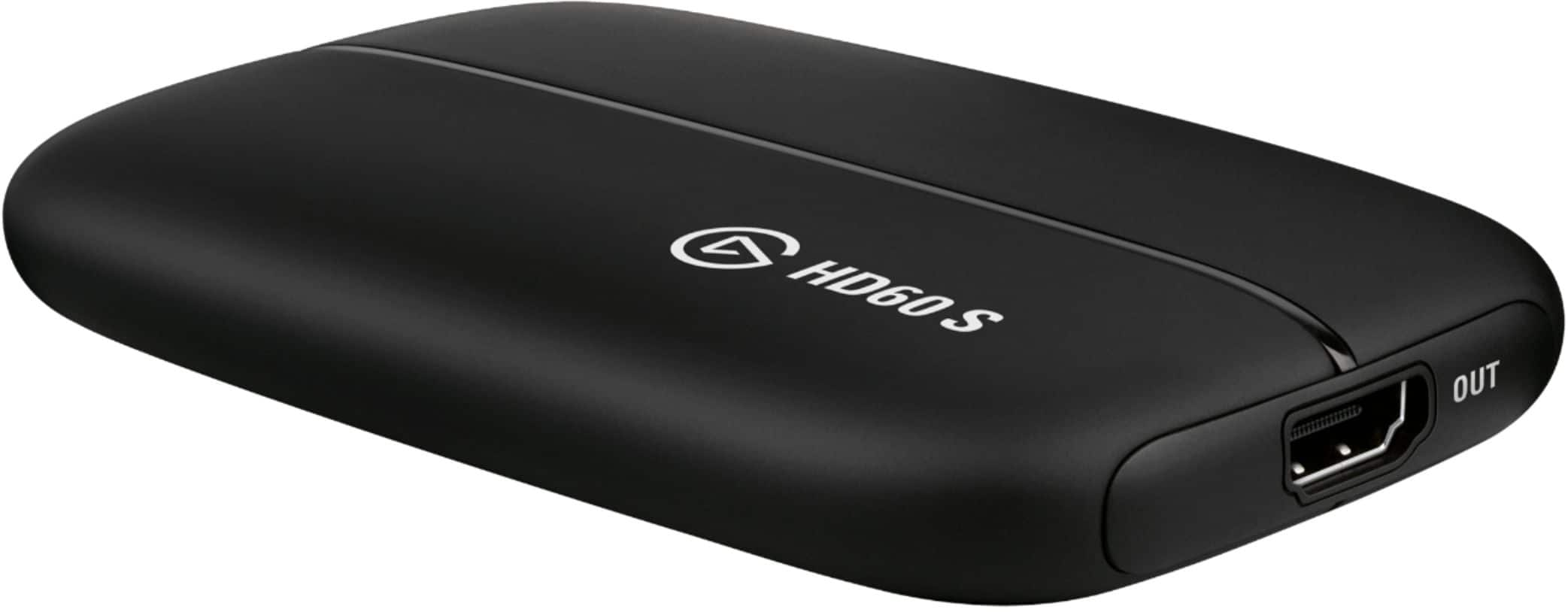
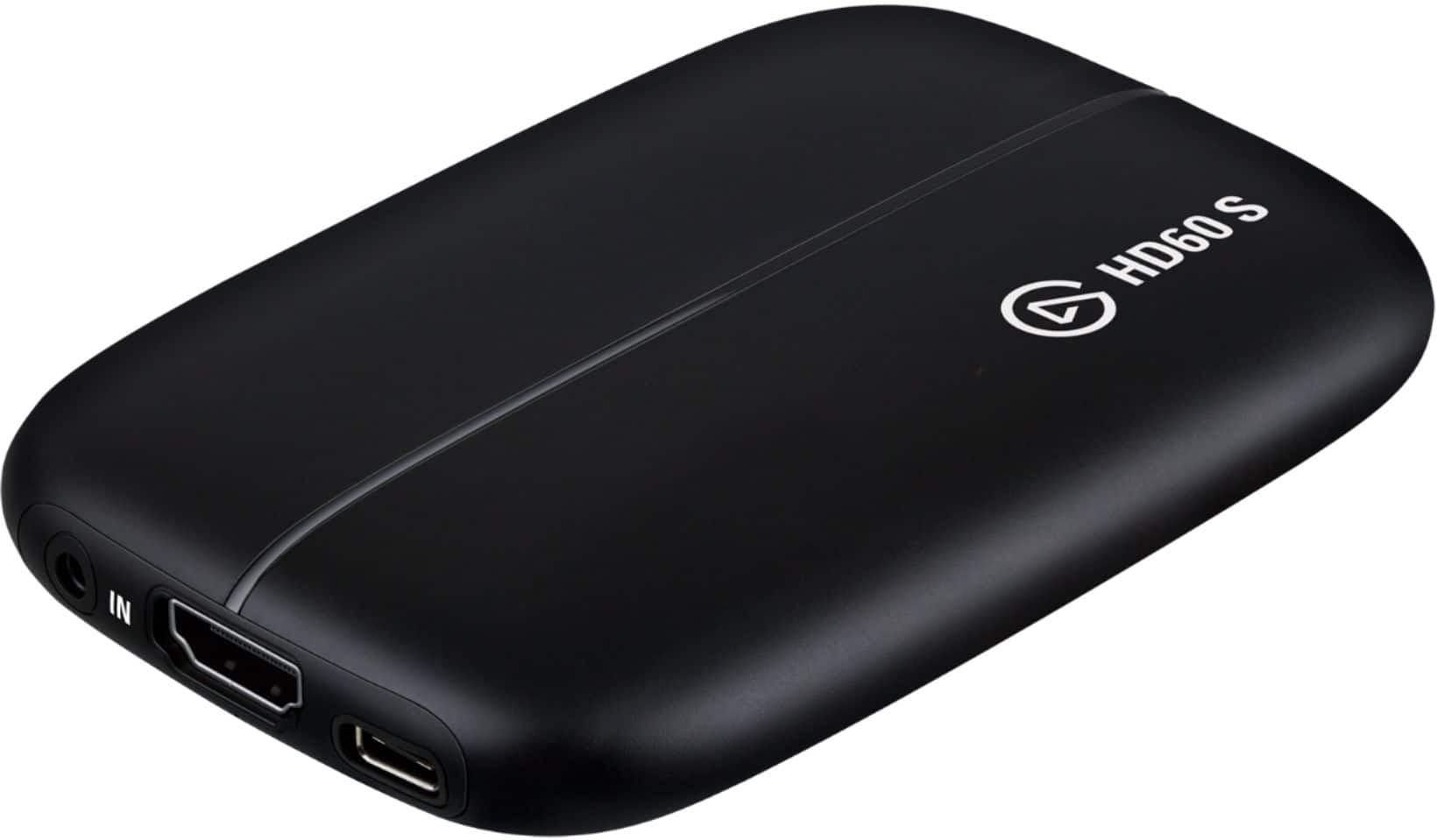
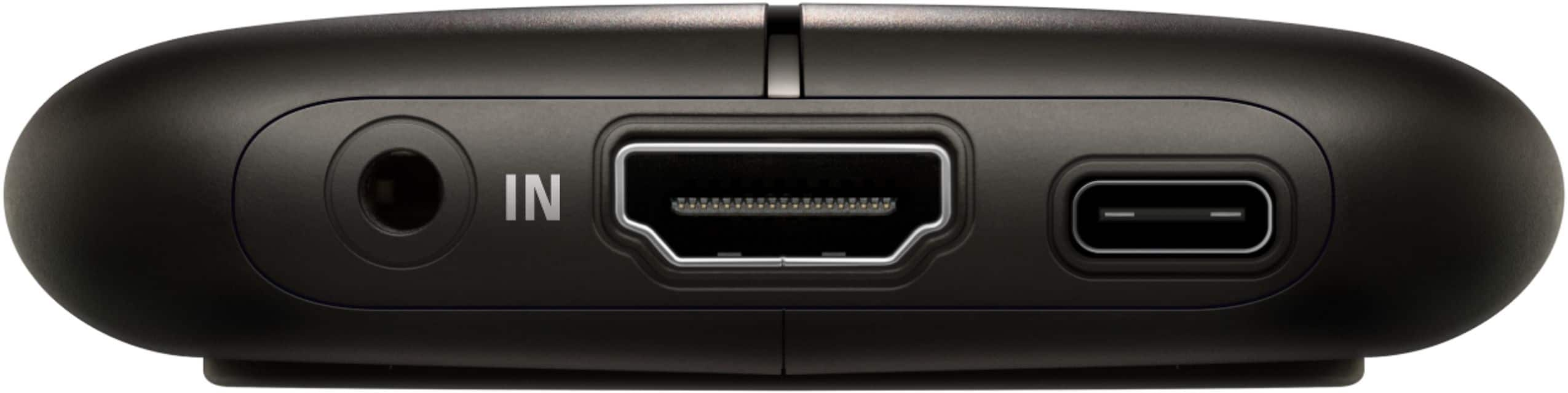
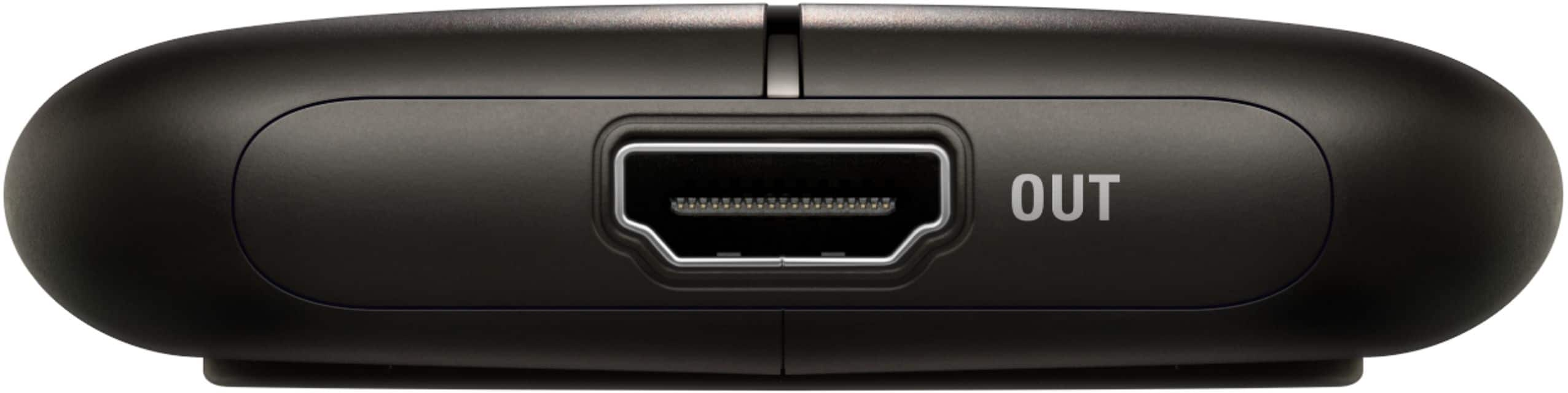
||Posted .This reviewer received promo considerations or sweepstakes entry for writing a review.As much as I wanted this to work, I was having some difficulties. I'm going to return the product because it did not unfortunately work for me. There is an HDMI in and out on this product. The IN connects to your computer while the OUT connects to your monitor. That means you'll be needing an extra HMDI cable since it only comes with one. With the Elgato you are only able to capture what's on your monitor. When plugged in to the computer the Elgato is recognized as a "display". That means if you have 2 monitors it will pop up as a third monitor. This ALSO means that you have to duplicate your default monitor (the one where you're playing games on) to the Elgato (3rd monitor in this case). Because you're doing this, it shows everything that is on your screen. If I get a message in my steam overlay, then my stream will see it. If there was a way SOMEHOW that I could capture a specfic window (like game capture in OBS) this would help a ton.
No, I would not recommend this to a friend- Pros mentioned:Ease of use
Gift for brother
||Posted .This reviewer received promo considerations or sweepstakes entry for writing a review.So far no issues reported from the brother. Easy to set up
I would recommend this to a friend - Pros mentioned:Ease of use
Very easy to use. Good for beginners and pros.
||Posted .This reviewer received promo considerations or sweepstakes entry for writing a review.Very easy to carry around and use anywhere. No kind of hassle to use.
I would recommend this to a friend - Pros mentioned:Ease of use
Works amazing
||Posted .This reviewer received promo considerations or sweepstakes entry for writing a review.Works fine just make sure you have the requirements for it
I would recommend this to a friend Great for streaming!
||Posted .This reviewer received promo considerations or sweepstakes entry for writing a review.This is the card to have to set up your stream overlays. Easy to setup if you're using their software but their software lacks some features. OBS is a featured pack software you can use but its difficult to set up initially.
I would recommend this to a friend- Pros mentioned:Ease of use
Great product
||Posted .This reviewer received promo considerations or sweepstakes entry for writing a review.This is great. Easy to use and intuitive. Excellent!
I would recommend this to a friend - Pros mentioned:Compatibility
Workable for a gamer
||Posted .This reviewer received promo considerations or sweepstakes entry for writing a review.Bought for son. He has stated it worked with his xbox
I would recommend this to a friend Instantly capture and share your gaming moments
||Posted . Owned for 8 months when reviewed.This reviewer received promo considerations or sweepstakes entry for writing a review.An excellent device for streaming and game capture. Bypasses the need to press capture buttons or select the correct recording duration, as all of my moments are instantly captured. Now I can simply review and pick out the highlights.
I would recommend this to a friend- Pros mentioned:Quality
awesome
||Posted .This reviewer received promo considerations or sweepstakes entry for writing a review.great product! runs smooth. the quality is top notch
I would recommend this to a friend - Pros mentioned:Streaming
DOPE for PS4 or XBOX1
||Posted .This reviewer received promo considerations or sweepstakes entry for writing a review.works really great nice HD video works ok.. with MAC
I would recommend this to a friend Pretty good
||Posted . Owned for 3 weeks when reviewed.This reviewer received promo considerations or sweepstakes entry for writing a review.Good product I Just wish it was a little more user friendly. They give you plenty of tutorials but it still can be difficult to set up. There's almost too many choices of different softwares so you don't know where to begin I feel like there's easier plug and play products that do The same thing.
No, I would not recommend this to a friendGood Choice, get the Plus for 4k!
||Posted . Owned for 7 months when reviewed.This reviewer received promo considerations or sweepstakes entry for writing a review.The software seems a bit unstable, but better than the other few capture devices I've used in the past. The image quality is good, and the latency on the output is negligible. I often use it just to let my friends see what I'm playing on my Switch in Discord!
I would recommend this to a friend- Cons mentioned:Lag
Not Sure
||Posted . Owned for 4 months when reviewed.This reviewer received promo considerations or sweepstakes entry for writing a review.When it works it's great. But most of the time there is a big lag in the feed that I can't fix. I have a very tried adjusting every setting but still have a lag. For the price tag I don't think it is worth it.
No, I would not recommend this to a friendBrand response from Corsair Art
Posted .Sorry to hear about the lag, we'd like to help! Please reach out to our support team so we can work with you directly: support elgato.com
-Brian
Tricky but will work!
||Posted .This reviewer received promo considerations or sweepstakes entry for writing a review.This thing was a headache at first but I don’t think it’s the devices fault. I was having issues with it capturing my Xbox video. Turns out, the Elgato program they tell you to download for the capture card, had to be completely uninstalled from the pc. Once I did that, it was able to pick up the video.
I would recommend this to a friend