Customer Ratings & Reviews
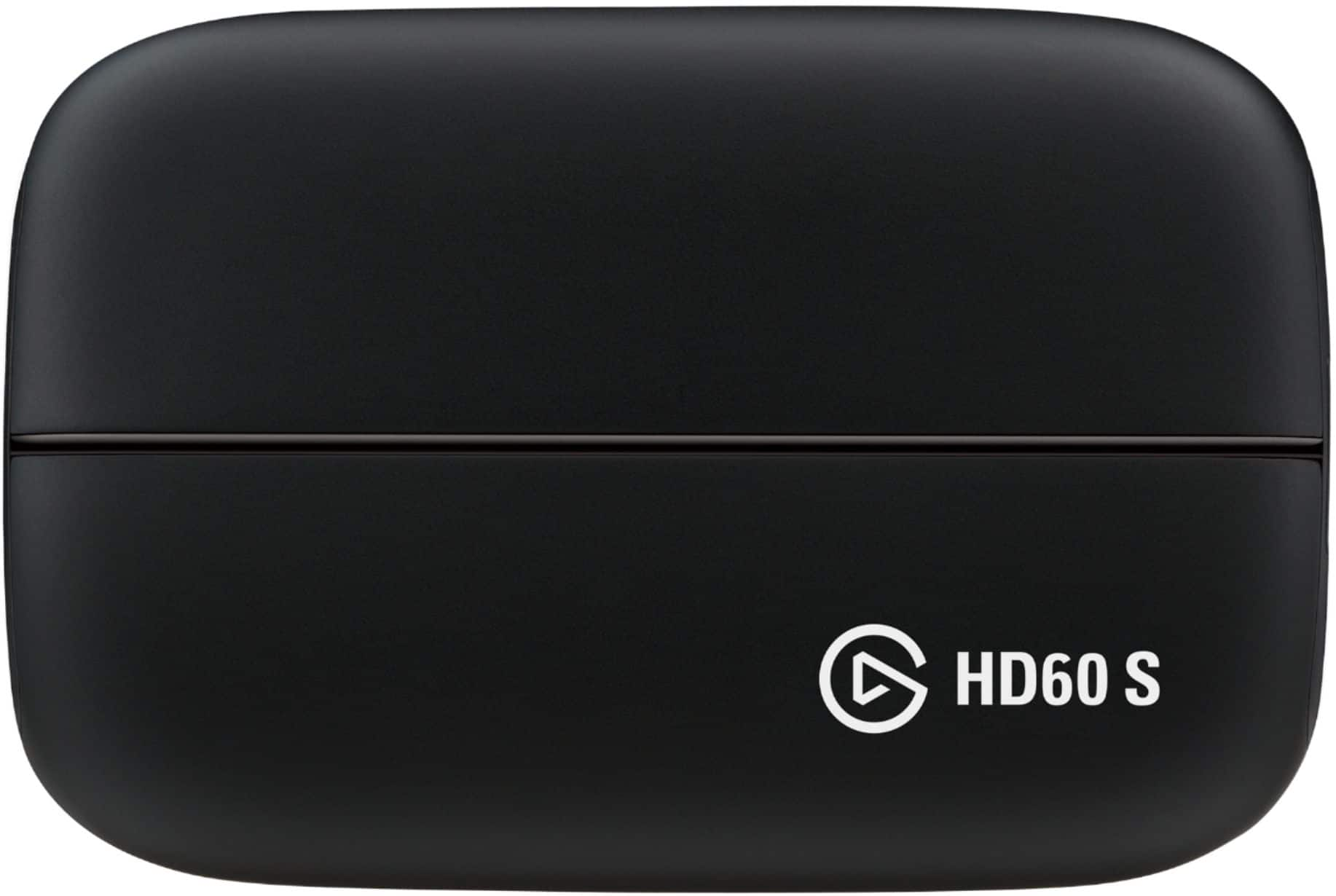
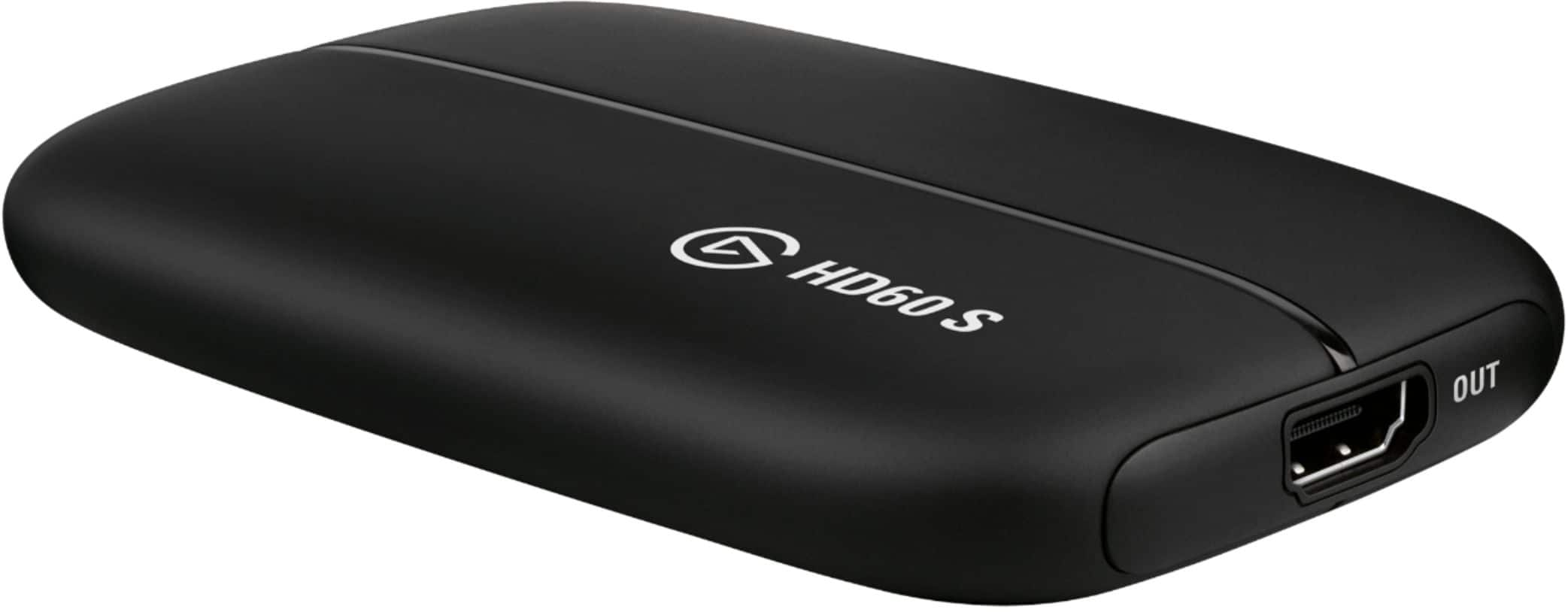
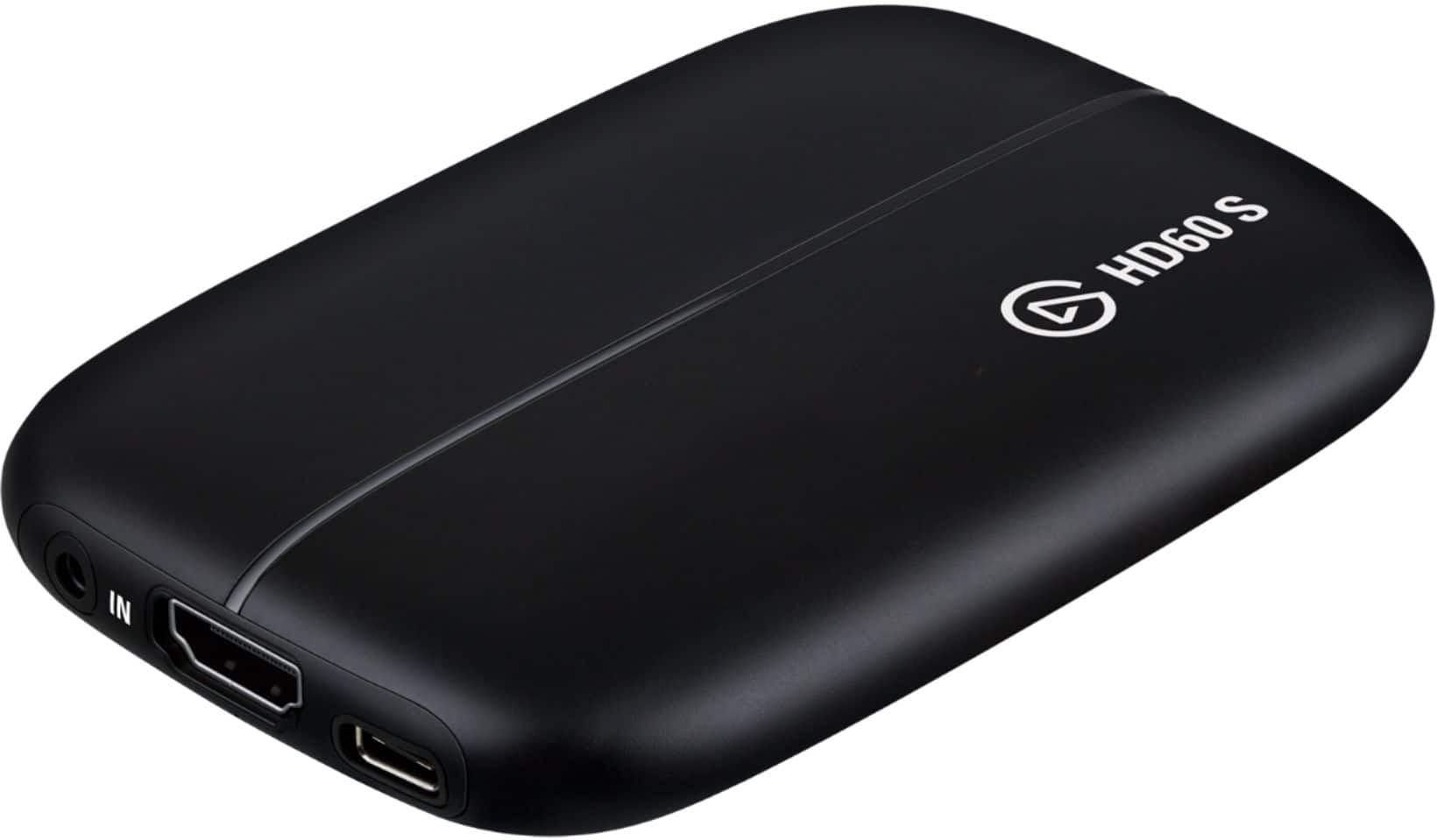
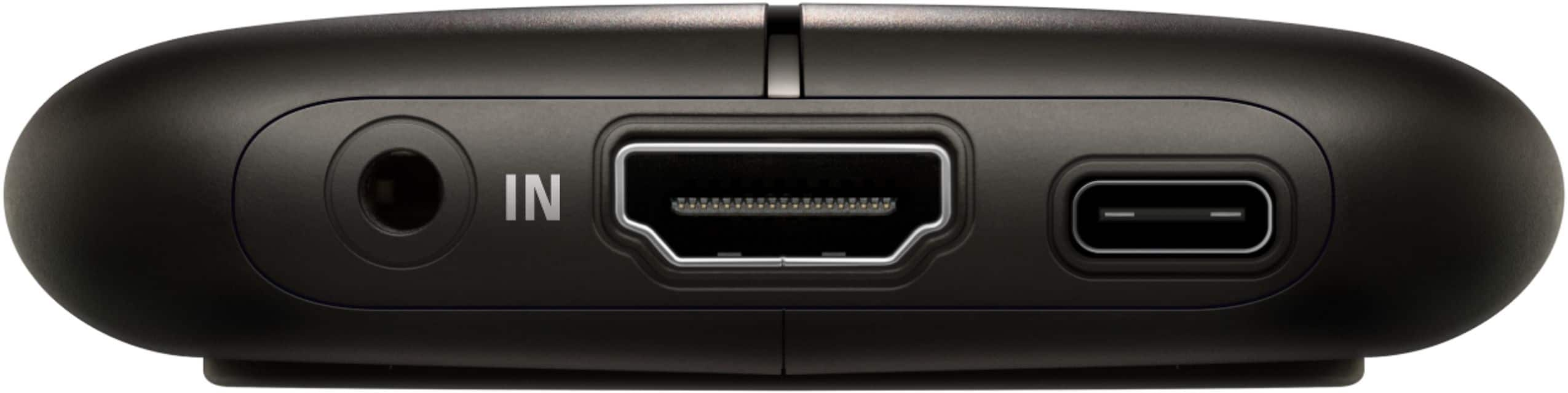

- Model:
- 1GC109901004
- SKU:
- 5187800
Rating by feature
- Value
Rating 4.4 out of 5 stars
- Quality
Rating 4.7 out of 5 stars
- Ease of Use
Rating 4.4 out of 5 stars
Customers are saying
Customers consistently note the Game Capture HD60 S's ease of use, high-quality streaming capabilities, and clear picture quality. Many appreciate its compatibility with various systems and the straightforward setup process. While some users experienced connection difficulties, the majority reported positive experiences with minimal lag.
This summary was generated by AI based on customer reviews.
Bad Software
||Posted .This reviewer received promo considerations or sweepstakes entry for writing a review.Very clunky software, hard to use. Returned product.
No, I would not recommend this to a friendBrand response from Corsair Art
Posted .Hello,
What was clunky? What was so hard to use? Please reach out with some feedback so we can assist: help.elgato.com
-Art
UNKNOWN
||Posted .This reviewer received promo considerations or sweepstakes entry for writing a review.Product was not compatible for my device so it was returned.
No, I would not recommend this to a friendNot as easy to set up
||Posted .This reviewer received promo considerations or sweepstakes entry for writing a review.needs outrageous stuff to be set up will not buy again
No, I would not recommend this to a friendDoes not work with a mac
||Posted .This reviewer received promo considerations or sweepstakes entry for writing a review.Does not work with a mac at all despite what it says.
No, I would not recommend this to a friend- Cons mentioned:Lag
Nintendo Switch + Mac
Posted .This reviewer received promo considerations or sweepstakes entry for writing a review.While I may utilize the capture and streaming capabilities this product was designed for in the future, I actually bought the HD60S because it allows me to connect my Nintendo Switch to my iMac display. On one hand it's a pricey solution for these purposes, but I don't have a TV that I'd connect the console to, and I'm not going to buy one, so it evens out. Other than a couple restarts of the Game Capture HD software due to the audio cutting out, everything's been working great. I think you need a pretty fast processor for optimal performance (I have a i7 4.2 7700K cpu). I stream full 1080p @60fps, with no perceptible lag from the wireless controllers. Everything looks great and runs smooth.
I would recommend this to a friend - Pros mentioned:Ease of use
Easy to use and reliable
Posted .This reviewer received promo considerations or sweepstakes entry for writing a review.It’s right product for me I’ve been streaming with it for long time. There is no problem and easy to use.
I would recommend this to a friend - Pros mentioned:Ease of use
Great for streaming
Posted .This reviewer received promo considerations or sweepstakes entry for writing a review.awesome capture device for entry level streaming. only drawback is the extra steps required of mac users
I would recommend this to a friend Good for the money
Posted .This reviewer received promo considerations or sweepstakes entry for writing a review.Used to hit sniping clips and record them with this bad boy. Its perfect if you want to get started with content creation!
I would recommend this to a friend- Pros mentioned:Quality
amazing
Posted .This reviewer received promo considerations or sweepstakes entry for writing a review.Elgato made a great product. it works perfectly, and it has amazing quality. if I were you I would buy this product as soon as possible, because it's on sale. And not a lot of people can spend 180.
I would recommend this to a friend Don't get this for a Mac
Posted .This reviewer received promo considerations or sweepstakes entry for writing a review.If you have a Mac, get the HD60 S+ instead of the S; the S+ runs natively on OBS for Mac (meaning you don't have to download any extra plugins) and is far less of a headache to use. The HD60 S works perfectly fine for Windows, but on Mac I had issues with the audio cutting out intermittently and couldn't find a fix. The audio thing is an issue I've seen for several other people as well. If you have a Mac it's fully worth the extra $20~40 to get the S+ and not run into unnecessary technical issues.
No, I would not recommend this to a friend- Pros mentioned:Streaming
Excellent product
Posted .This reviewer received promo considerations or sweepstakes entry for writing a review.A fine product haven’t used it yet but I do wish I got the hd60 plus for streaming but i got it for a good price.
I would recommend this to a friend First Review
Posted .This reviewer received promo considerations or sweepstakes entry for writing a review.Works perfectly, I love the 1080p60 <3 Just amazing little capture card.
I would recommend this to a friendStreaming
Posted .This reviewer received promo considerations or sweepstakes entry for writing a review.One of the best to use if your a multiplatform streamer
I would recommend this to a friendExcellent
Posted .This reviewer received promo considerations or sweepstakes entry for writing a review.Easy to use and it covers all the things I want to do. I'm picky and I love this good for gamers
I would recommend this to a friendSteaming was worse w/elgato
Posted .This reviewer received promo considerations or sweepstakes entry for writing a review.So I've been streaming without the Elgato with just in app on my Xbox or through obs and windows Xbox streaming. The streaming has been pretty good but was having issues not capturing audio. I was turned on to Elgato being told this will fix that problem. Well it fixed the audio problem butt my streams were now coming through laggy choppy and kept making my streaming provider buffer every 2 seconds. This was a waste of money I should have just stayed on the default programs I have on my computer and through my Xbox rather than buying this. This was supposed to cut down on CPU usage as it was not going through my computer butt I could not get nearly 50 frames per second with choppy and buffering on 720 on the lowest quality setting. If you stream I would highly recommend you do not get this piece of equipment as it will just be a waste of money when you can do it for $179 cheaper going through your computer
No, I would not recommend this to a friendPoor Mac Support
Posted .This reviewer received promo considerations or sweepstakes entry for writing a review.I bought this to capture an LCD monitor from a pinball machine, using Open Broadcast Studio on a Mac. Please be aware: you cannot do this. The Elgato does “technically” work with the Mac, but only when you use their own software instead of OBS. Their own software will not let you resize the video feed and forces it to be full screen. I took it back and got the Avermedia which worked immediately without a single issue.
No, I would not recommend this to a friendBrand response from Corsair Art
Posted .Sorry to hear this wasn't what your uses needed. If you have any further issues with any of our products please reach out to us and we can help.
Misinformed and misleading!!
Posted .This reviewer received promo considerations or sweepstakes entry for writing a review.After watching and reading many videos and reviews my son wanted this as a gift to make Youtube videos. After traveling 90 miles to Best Buy and speaking with two sales associates regarding the Elgato I was told it was the best and all I had to do was "just hook it up and go". Hook up was simple, however, I was not told all of the complex requirements that my computer had to have to even run the stupid thing! The computer is only 4 years old and "not compatible for Elgato". I called Elgato and they basically laughed about it!! I was on the phone twice with Best Buy and was disconnected both times!! Very disappointed that Best Buy did not disclose that the computer had to be Windows 10, 4th generation quad-core i5 CPU, GTX 600 series graphics and so on compatible as well as very disappointed in Elgato that they would require so much! My son is recording Xbox videos not producing an award winning film!!! Again, HIGHLY disappointed with Best Buy and Elgato!! If you have a high price and brand new computer it might work great but I guess we will never know!! Returning right away!!
No, I would not recommend this to a friendNot that great
Posted .This reviewer received promo considerations or sweepstakes entry for writing a review.My wife streams on Twitch regularly and this thing just didn't cut it. Mac support was terrible, but even on her gaming PC we had issues with dropped frames and horrible audio glitches. Ended up going with the HD60 (non S version) and it works much better, though Mac support still sucks. So if you're using a Mac, I'd look for something else.
No, I would not recommend this to a friendGlitchy software/set up process
Posted .This reviewer received promo considerations or sweepstakes entry for writing a review.Has several set up issues and elgato's customer service has been useless. Bought this to stream from the PS4 and spent several hours trying to even get my laptop to recognize the device. After finally getting it to work with my laptop, it says that the device needs a USB 3.0 port, even though it's already plugged into one. Elgato's help site has given me no useful information, and from what I can tell this seems to be a common issue with no reliable solution.
No, I would not recommend this to a friendBrand response from Corsair Art
Posted .Hi Anna,
Sorry to hear that set up has been difficult, we'd still like to help! Please reach out to our support again and ask for the matter to be escalated: support.elgato.com
-Brian
Must be DOA
Posted .This reviewer received promo considerations or sweepstakes entry for writing a review.Doesn't matter what I plug into it, the device will detect the input but I get nothing but a black screen and a popping sound. The install took forever, then I had to manually install the drivers because of a "rare" problem. Spent over 2 hours trying to get this thing to work with no success. It should not be this hard to get something like this working out of the box.
No, I would not recommend this to a friend