Customer Ratings & Reviews
- Model:
- 10GAR9901
- SKU:
- 6359930
Rating by feature
- Value
Rating 4.4 out of 5 stars
- Quality
Rating 4.7 out of 5 stars
- Ease of Use
Rating 4.5 out of 5 stars
Customers are saying
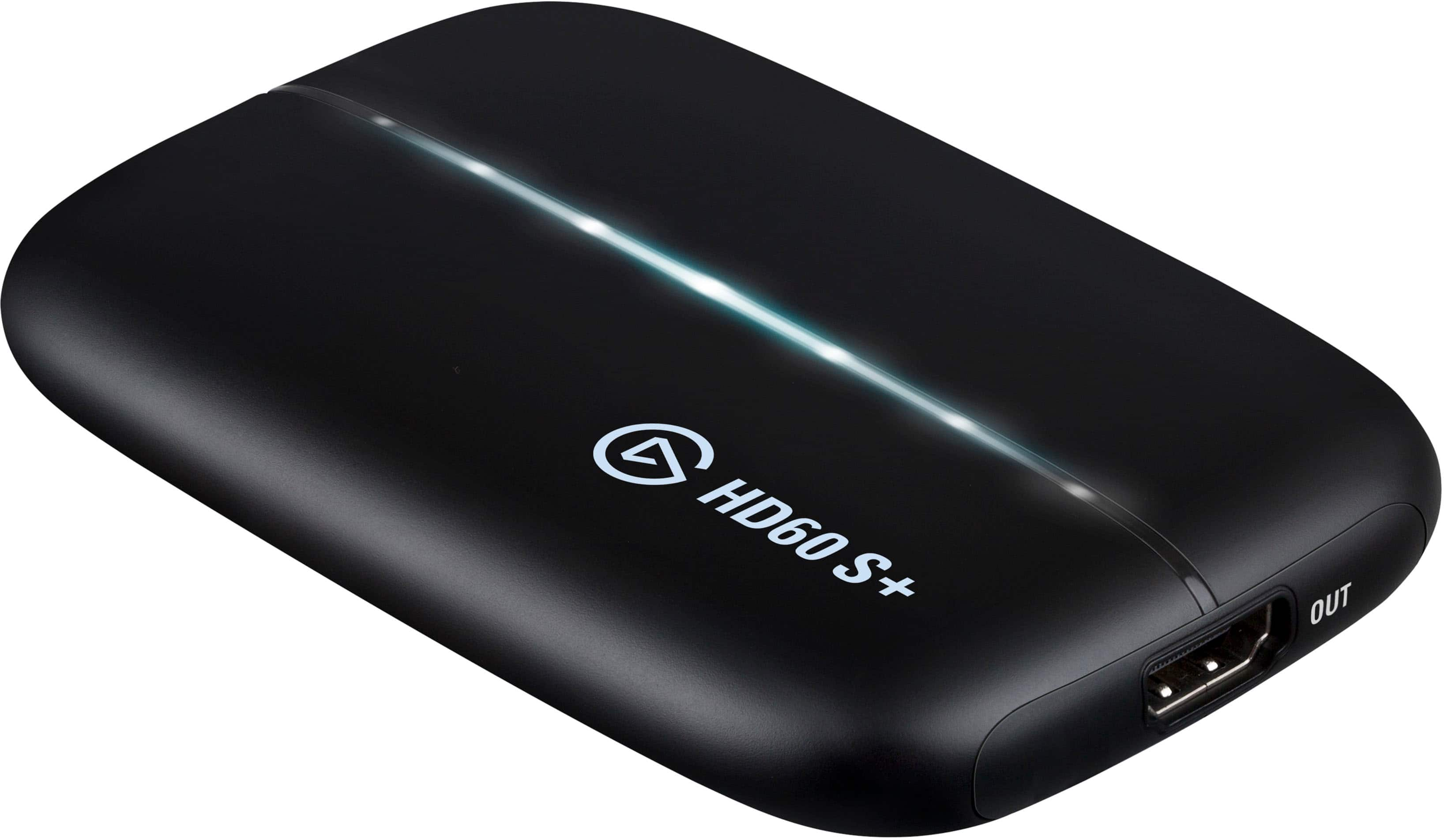
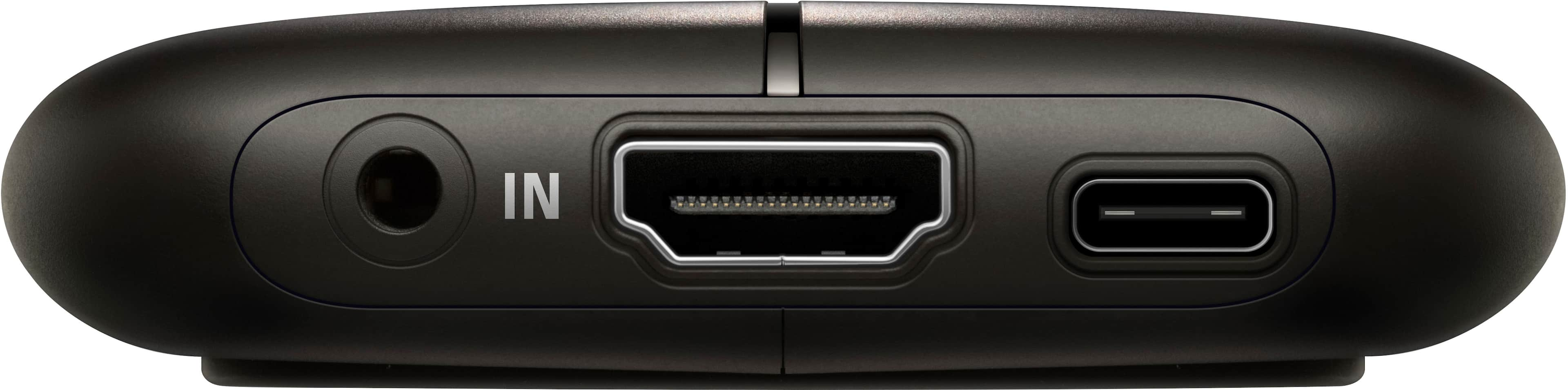
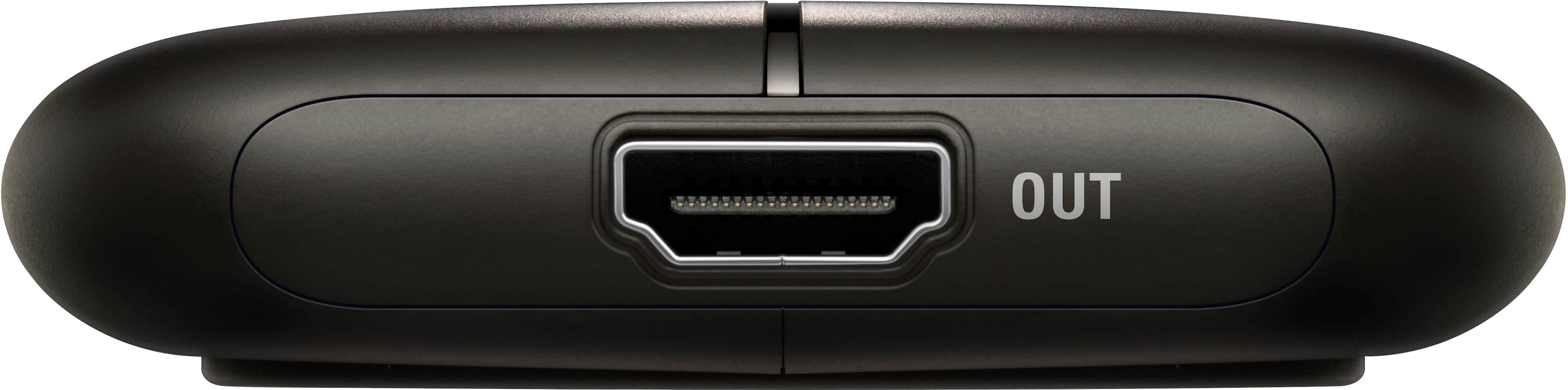
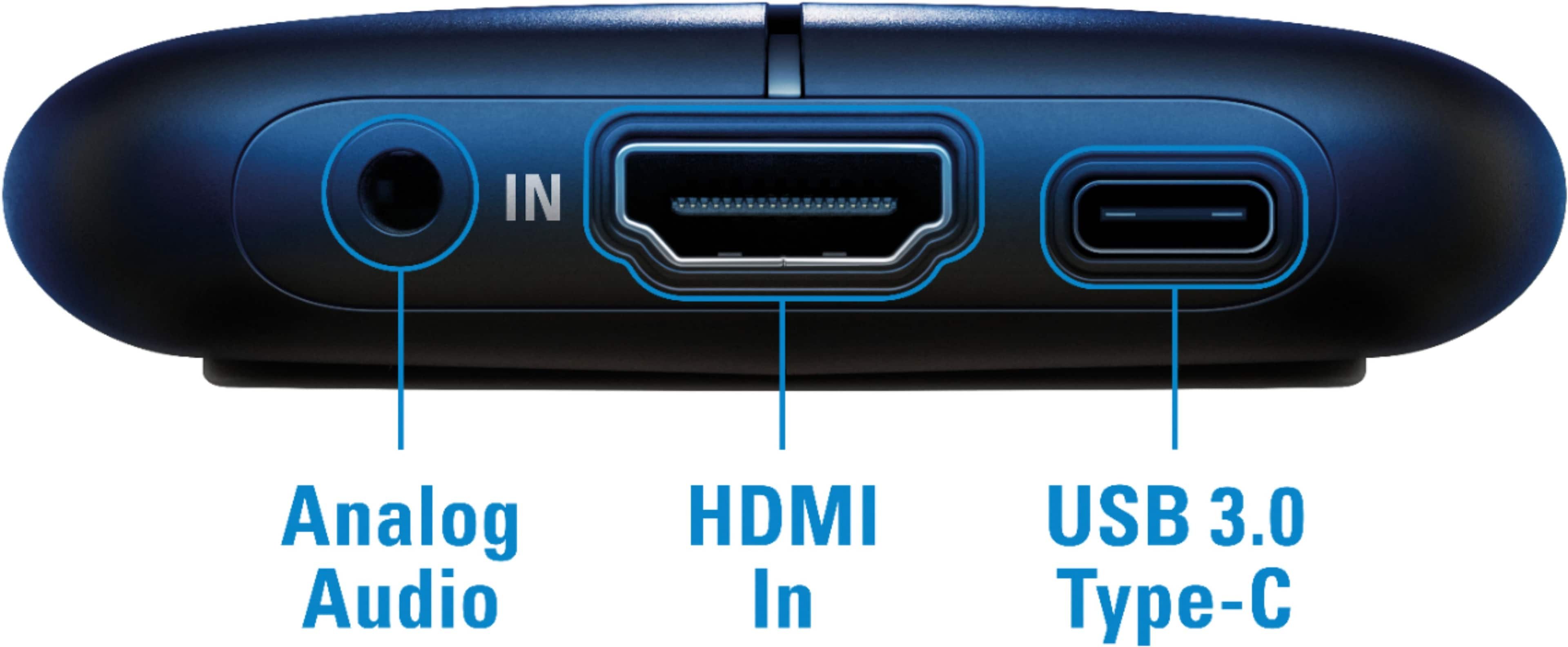
Customers praise the Game Capture HD60 S+ for its ease of use, excellent video quality, and compatibility with various platforms. Many appreciate the straightforward setup and the card's ability to capture high-resolution gameplay, even allowing for 4K gaming while streaming at 1080p. While some find the price high, most users report minimal lag and are satisfied with the overall performance. A few users mentioned some software-related issues.
This summary was generated by AI based on customer reviews.
- Pros mentioned:Video quality
The Capture
Posted .This reviewer received promo considerations or sweepstakes entry for writing a review.Great Quality and Speed. Sleek design and fits easily into my setup.
I would recommend this to a friend - Pros mentioned:Ease of use
THE laptop streaming device
Posted .This reviewer received promo considerations or sweepstakes entry for writing a review.I use one of these to stream PS5 and Switch games using my 2019 MacBook Pro. It was a little finicky at first, but I believe that to be user error. Once up and running the HD60 S+ is a great streaming device. The compact design is unobtrusive and fits easily into your laptop bag. If you have a laptop streaming rig, this is the device you need.
I would recommend this to a friend - Pros mentioned:Ease of use
Simple and Powerful
Posted .This reviewer received promo considerations or sweepstakes entry for writing a review.Does exactly what it says. Very easy to use. It is recognized as a video device just like a plug-and-play camera without any special drivers or software. OBS Studio recognized it out of the box.
I would recommend this to a friend - Pros mentioned:Video quality
Worth it
Posted .This reviewer received promo considerations or sweepstakes entry for writing a review.If you want to stream or record you’re videos its worth it
I would recommend this to a friend Great For PC horrible for Mac
Posted .This reviewer received promo considerations or sweepstakes entry for writing a review.I own a 2017 Macbook pro 15in, Elgatos site claims that the HD60S+ works with MacOS, but in my experience i've only had issues. Chief among them is the audio desync that occurs when review footage. I was going back and forth with support to find an issue but nothing helped. Eventually I decided to try using it in windows via bootcamp. And would you believe that it works without a hitch? Because it does. Aboslutely no problems, the 4k capture utility crashes sometimes but thats fine. The problem that I cant understand is, why launch a product that doesnt work and isnt fully supported on one of your specified platforms? Elgato is playing favorites and i shouldnt have to load into bootcamp to use a product that is "designed" to work on MacOS TLDR: Dont by this for Mac until they support it fully, works great with PC
I would recommend this to a friendBrand response from Corsair Art
Posted .Hi Jeremy,
I apologize for the issues you've had, I hope the support team made it clear that the issue is not usual on any supported OS, and I'm sure that if you reach out again and talk to a supervisor the team would be able to assist: help.elgato.com
Simple and effective
Posted .This reviewer received promo considerations or sweepstakes entry for writing a review.Simple plug and play installation allows me to stream ps4 on a Mac mini M1. Needed to do some minor tweaks on OBS and it works like a charm.
I would recommend this to a friendFast shipment
Posted .This reviewer received promo considerations or sweepstakes entry for writing a review.This order came in super fast .. i order it the other day love the fast shipment
I would recommend this to a friend- Cons mentioned:Price
Used twice, then never worked again.
Posted .This reviewer received promo considerations or sweepstakes entry for writing a review.I had the HD60 S for awhile. I was able to use it once or twice before the settings stopped working at all. Reinstalled drivers, replaced HDMI cables, double and triple-checked connections, and nothing. I upgraded to the HD60 S+. Same story; worked for about a week, then it just quit. Tried using it on my PS4, XB1, and Switch and none of them can get a signal out. Save your money and get an actual capture card, this doesn't seem to really work well.
No, I would not recommend this to a friendBrand response from Corsair
Posted .Hi winkyface9000,
Sorry to hear about your experience. Please get in touch with us, we'd appreciate the opportunity to look into this and get this resolved: support.elgato.com
-Albert
- Pros mentioned:Video quality
Never got audio to record.
Posted .This reviewer received promo considerations or sweepstakes entry for writing a review.Records great video with NO audio. Elgato customer support reached out, tried a few things, then went silent when their recommendations didn't work. The pass through video feature never worked either. The 4K recording tool would go blank when I plugged in the pass through TV and then come back on after I unplugged the TV. Elgato recommended I use a different monitor. An expensive piece of equipment should work out of the box. Now I'm stuck with an expensive paper weight.
No, I would not recommend this to a friendBrand response from Corsair Art
Posted .Hi Jeremy,
We will take care of you, please add more comments to your ticket so we can find a solution, and/or look at a refund.
If you have anything else we can help with, please reach out: support.corsair.com
-Art
Elgato
Posted .This reviewer received promo considerations or sweepstakes entry for writing a review.I purchased this in order to live stream from my camcorder. Never did get it to work. The software keeps saying “no capture device detected.”
No, I would not recommend this to a friendBrand response from Corsair Art
Posted .Hi Bob,
Your device may not be compatible. Please feel free to reach out if you still need help: support.corsair.com
-Art