Customer Ratings & Reviews

- Model:
- 10GBA9901
- SKU:
- 6470492
Rating by feature
- Value
Rating 4.7 out of 5 stars
- Quality
Rating 4.9 out of 5 stars
- Ease of Use
Rating 4.8 out of 5 stars
Customers are saying
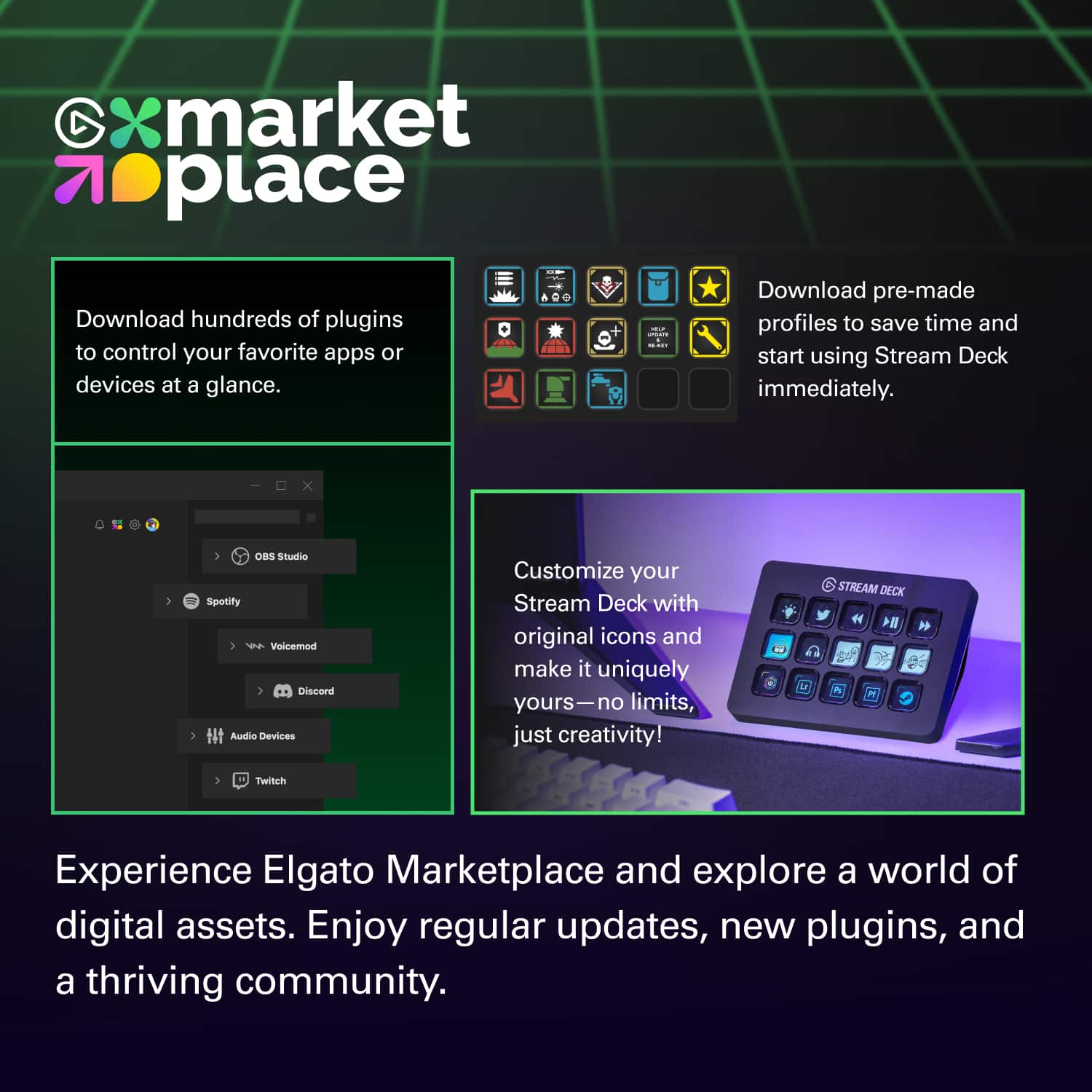
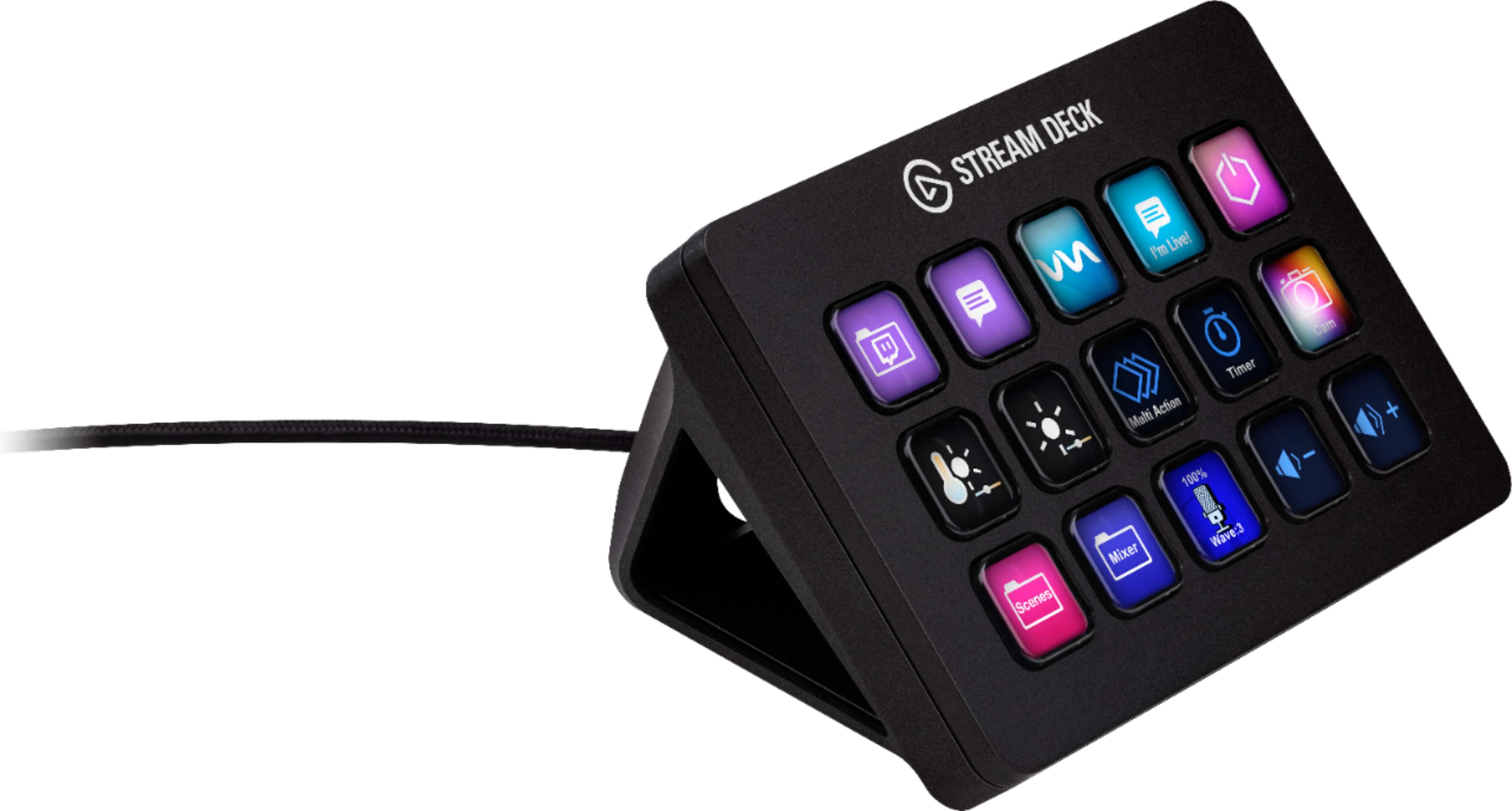
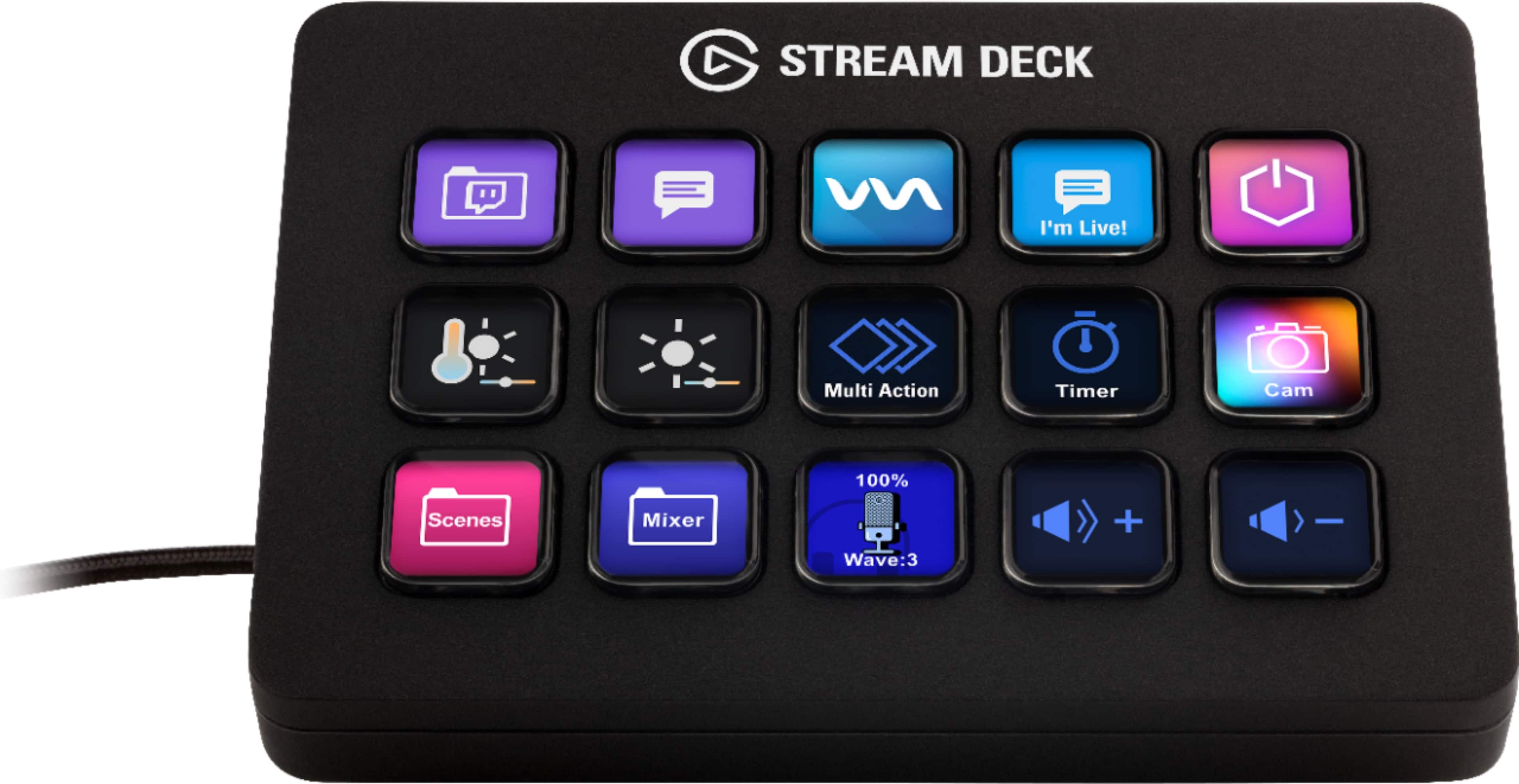
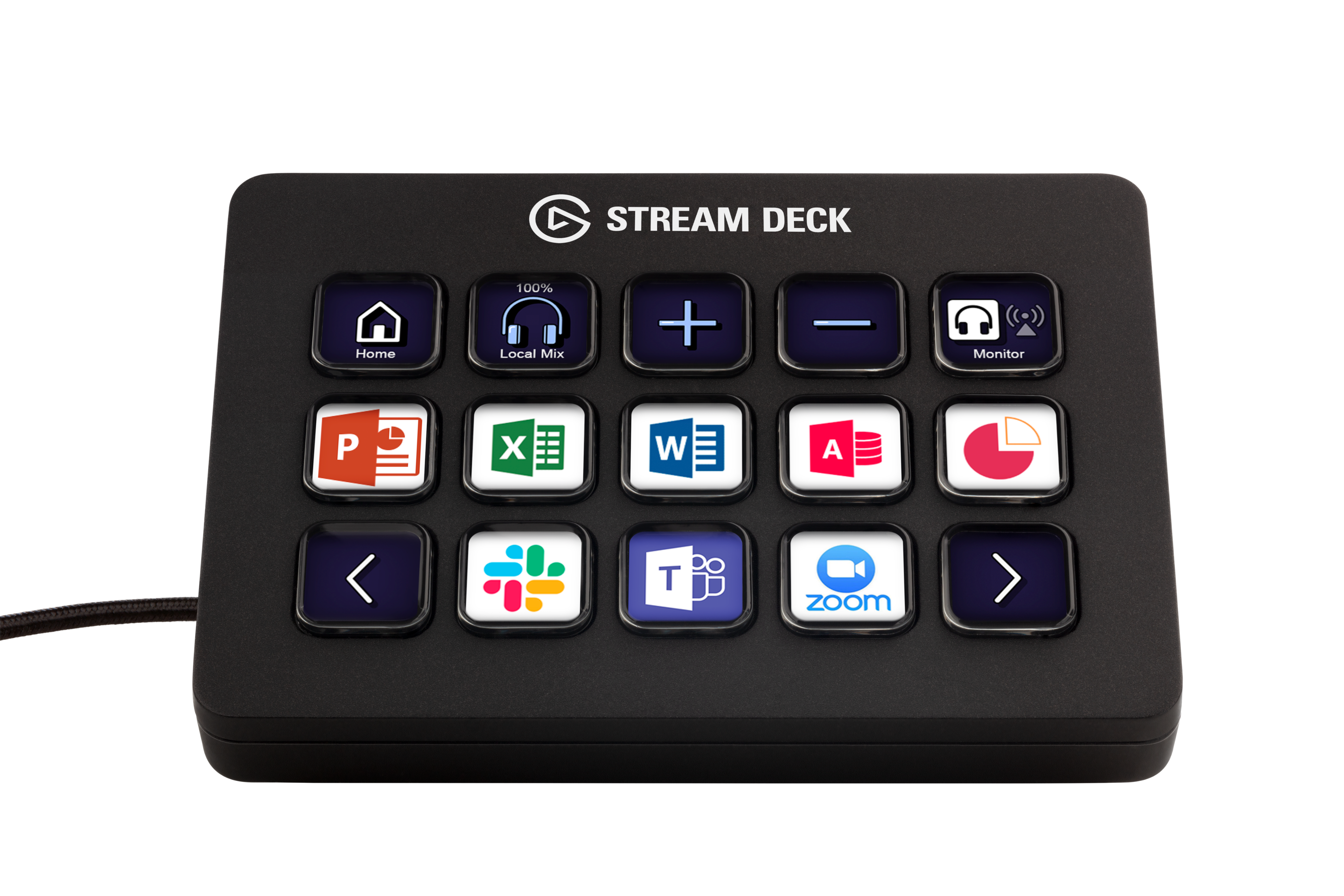
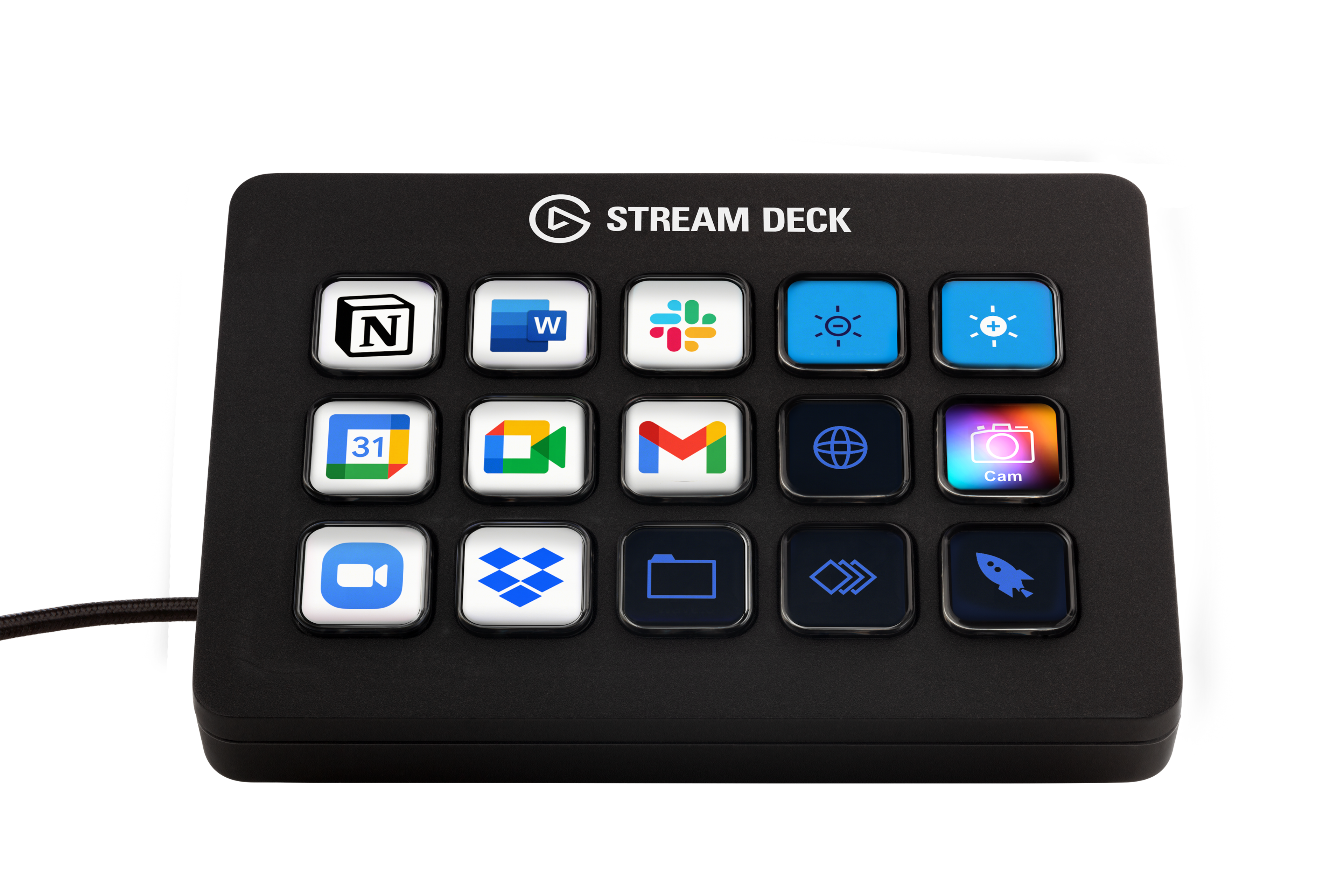
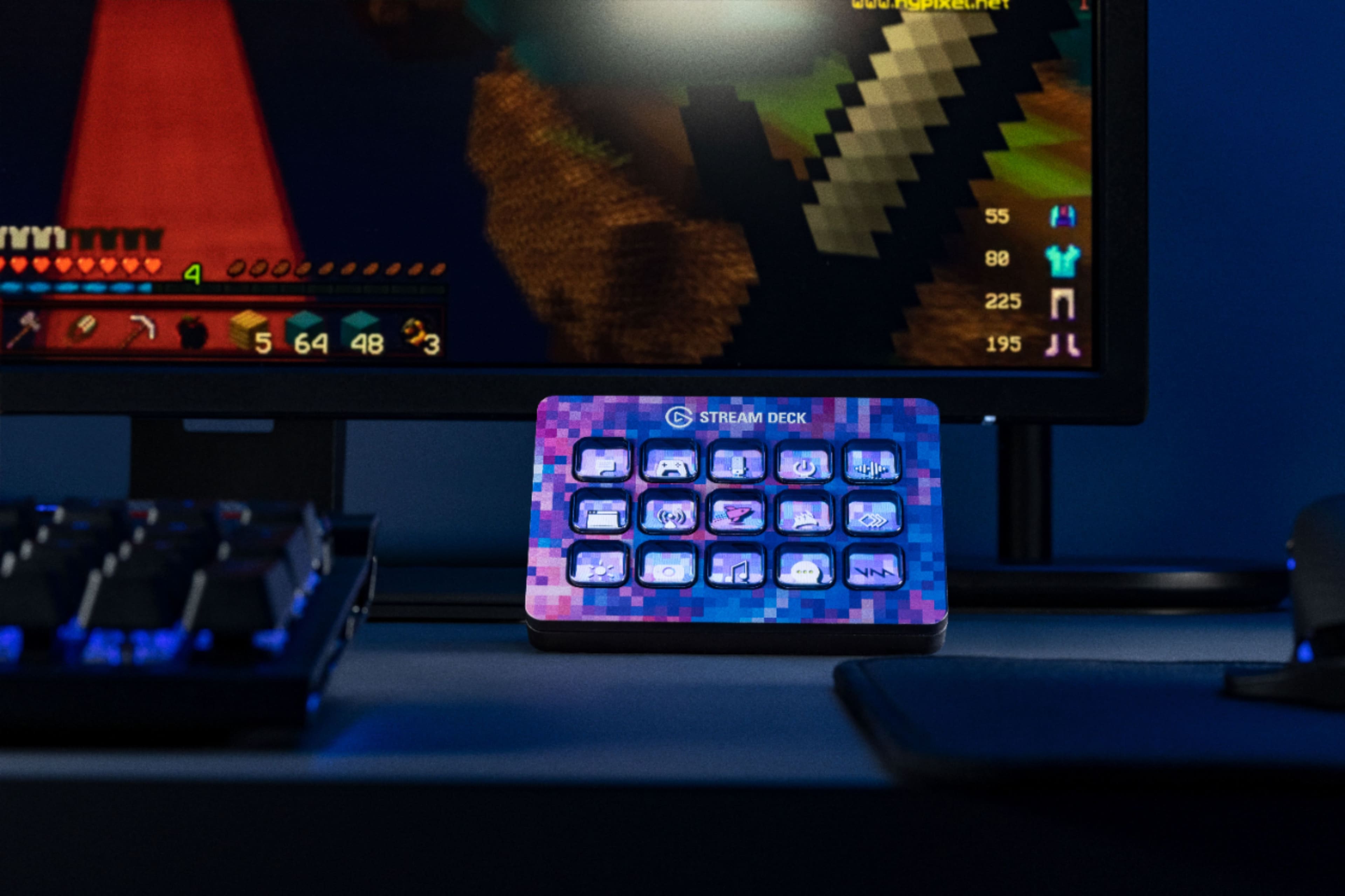
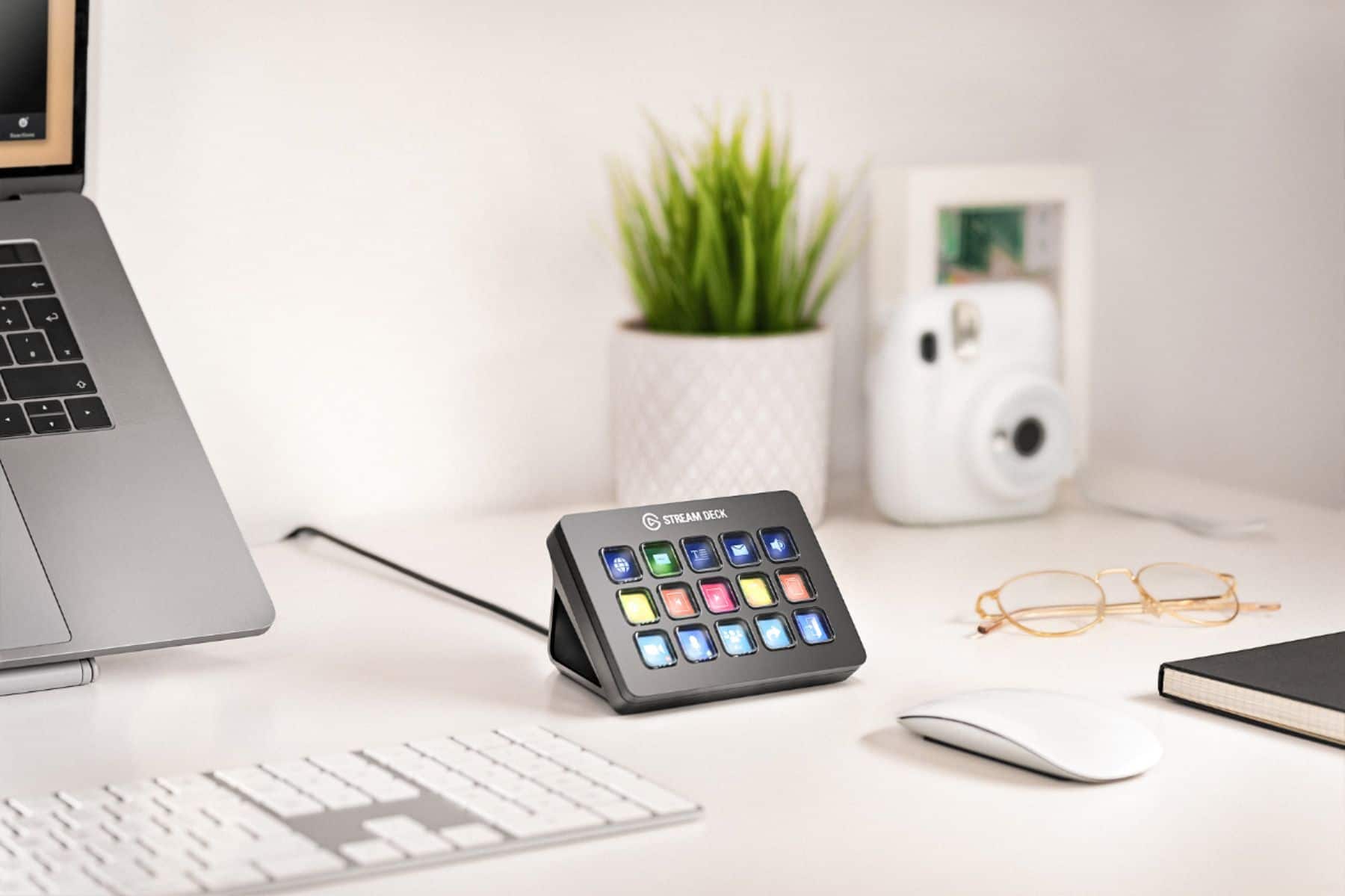
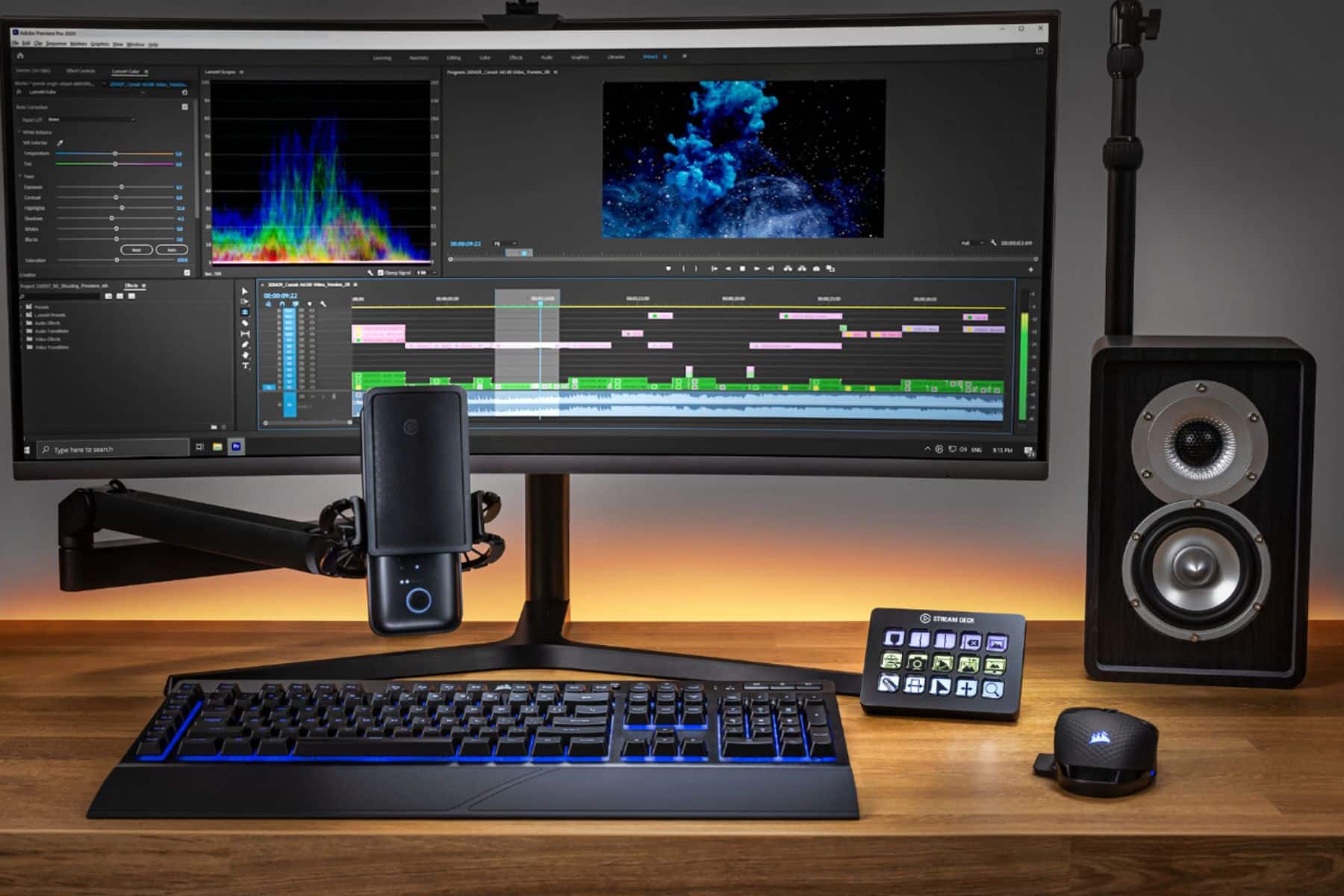
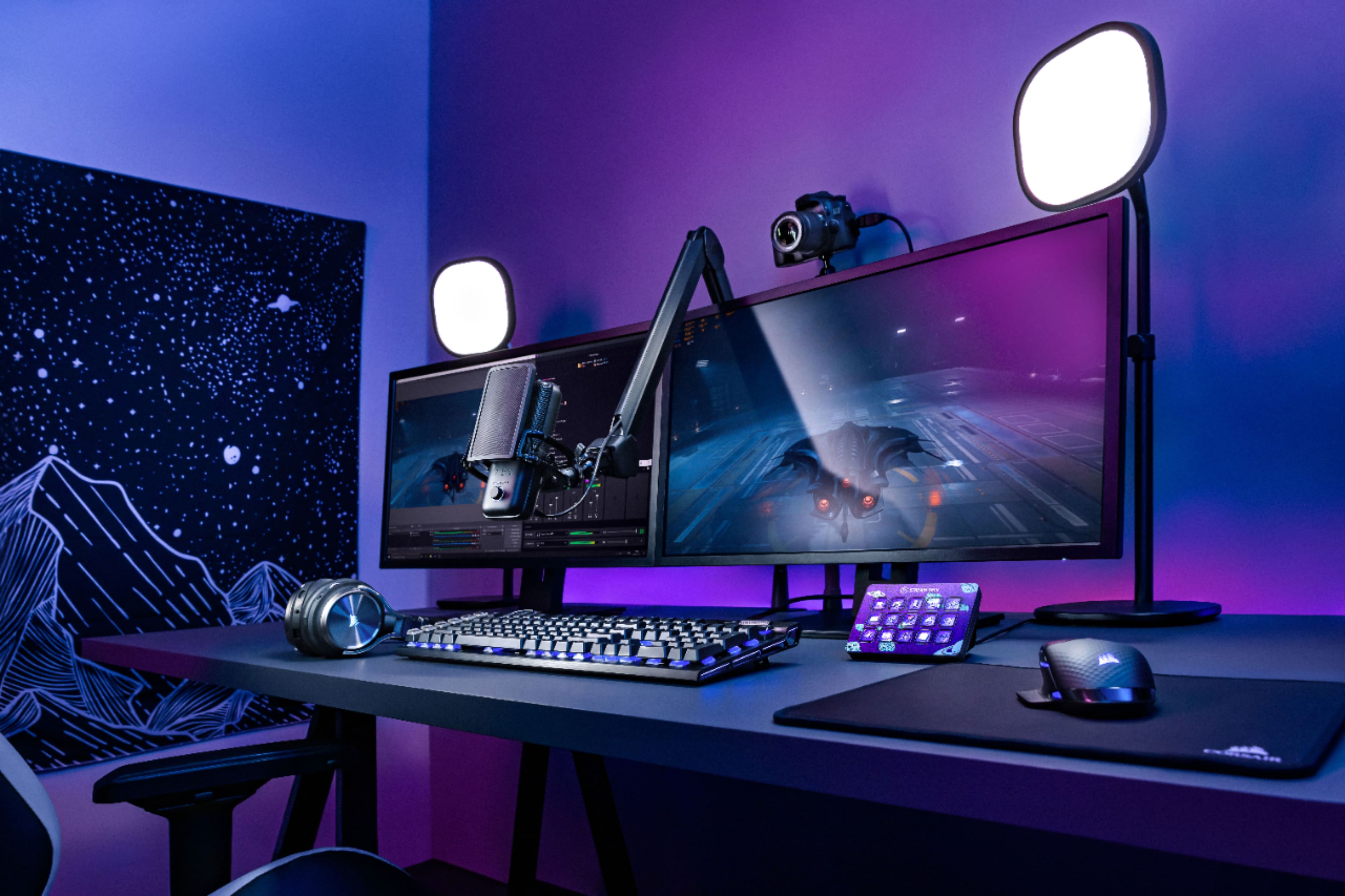
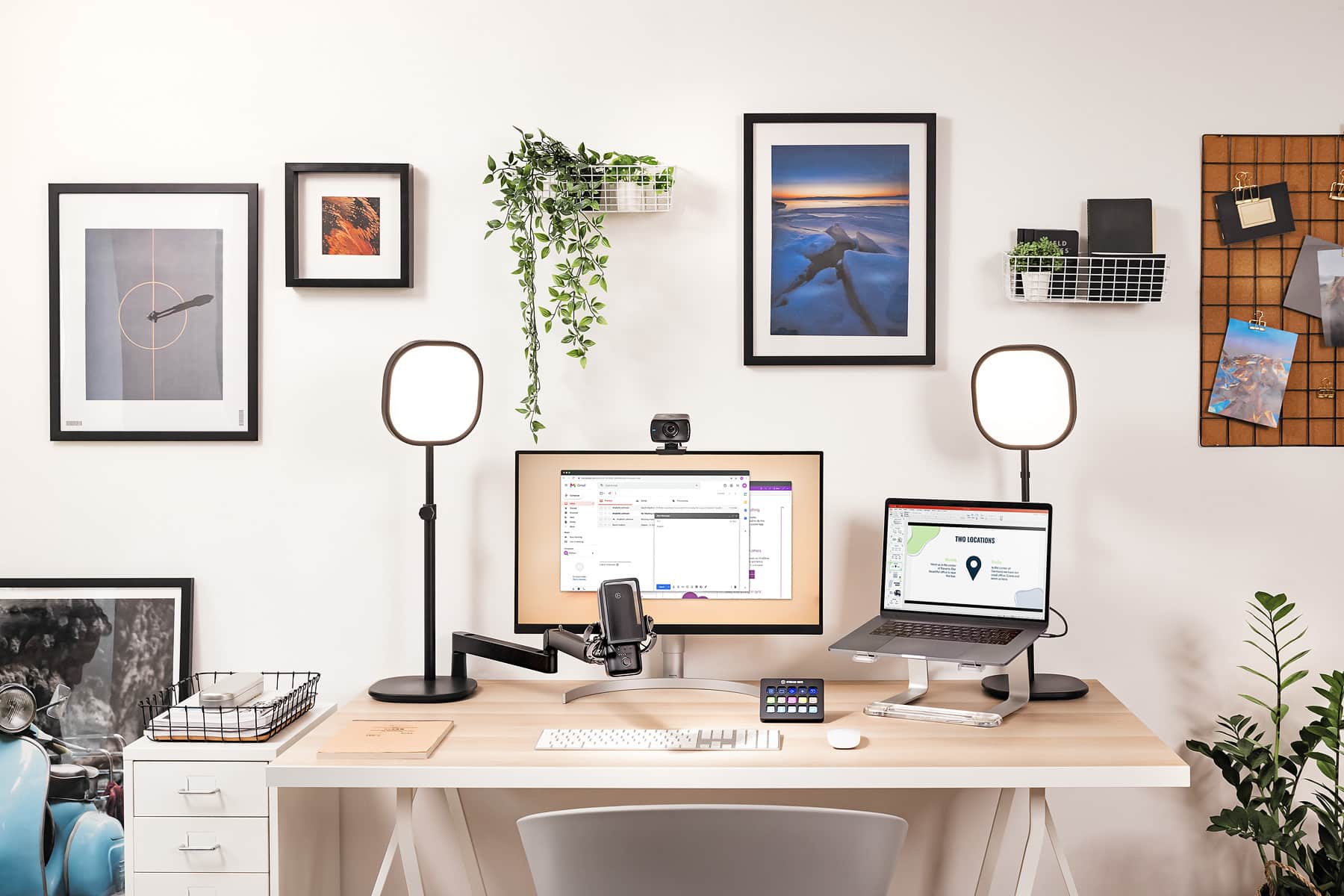
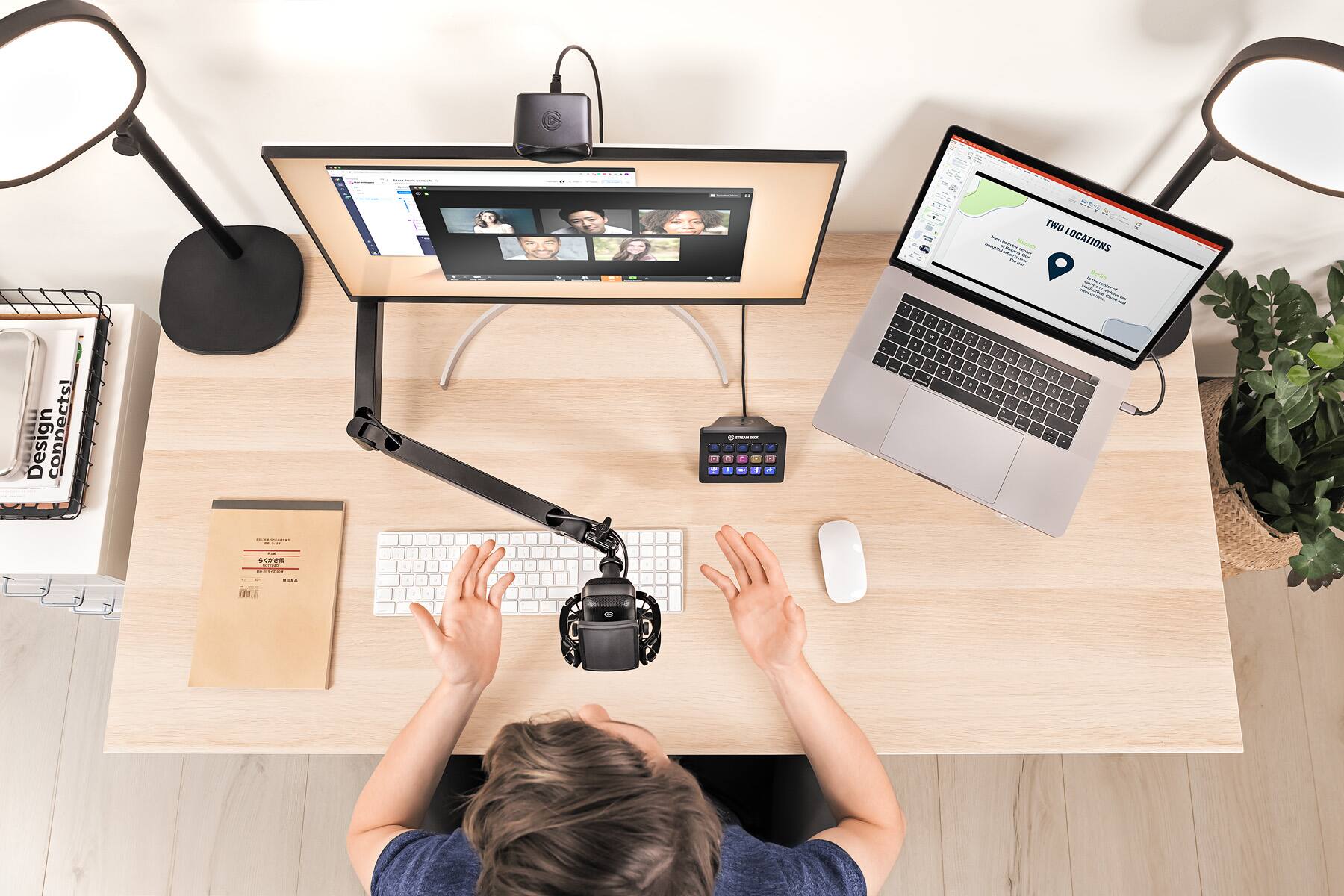
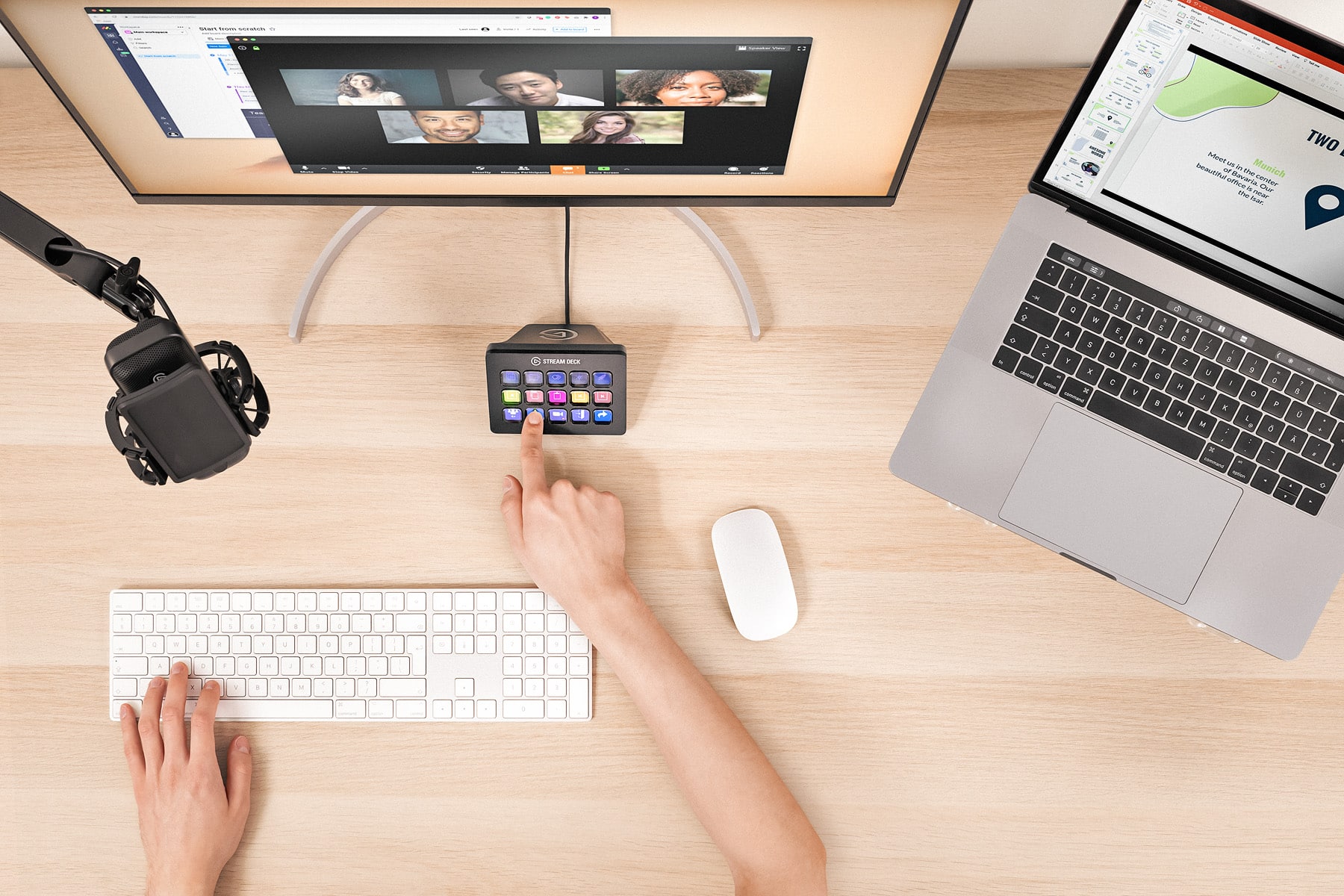
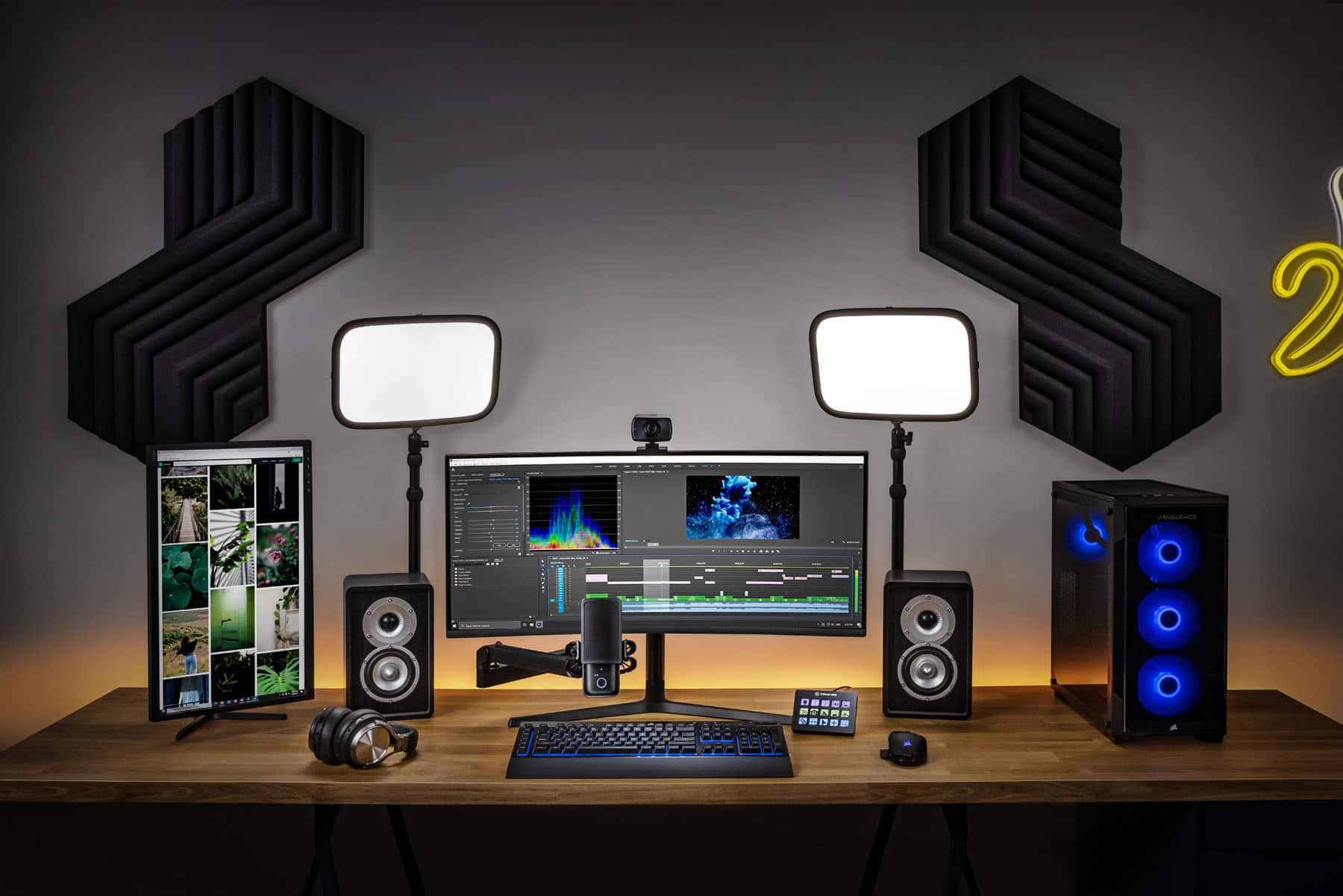
Customers express satisfaction with the product's ease of use, overall performance, and extensive customization options, which include customizable LCD keys and intuitive software. They also appreciate its helpful button functionality for quickly opening applications and its versatile size. However, some customers note that the price is high and express concerns about the stand not securely holding the unit.
This summary was generated by AI based on customer reviews.
- Pros mentioned:Ease of use
Easy to use
||Posted . Owned for 2 weeks when reviewed.This reviewer received promo considerations or sweepstakes entry for writing a review.The Elgato Stream Deck is a powerful and easy-to-use tool that lets you control apps, shortcuts, and streaming features with customizable LCD buttons. It makes tasks faster by allowing one-press actions for things like launching programs, muting audio, or switching scenes. Reviewers say it “makes streaming easier and more accessible” with intuitive software, though some note minor software quirks.  Overall, it’s a great productivity device for streamers, gamers, and anyone who wants quick control of their setup.
I would recommend this to a friend - Pros mentioned:Customization, Ease of use
The perfect add on to my setup!
||Posted . Owned for 3 weeks when reviewed.This reviewer received promo considerations or sweepstakes entry for writing a review.Streaming and recording made easy with this streamline professional piece of perfection! I love how I can change out the apps and it goes along with the gaming setup quite nice! I still have some learning to do with this one but having a blast!
I would recommend this to a friend - Pros mentioned:Lcd keys

Incredibly flexible, dynamic keyboard!
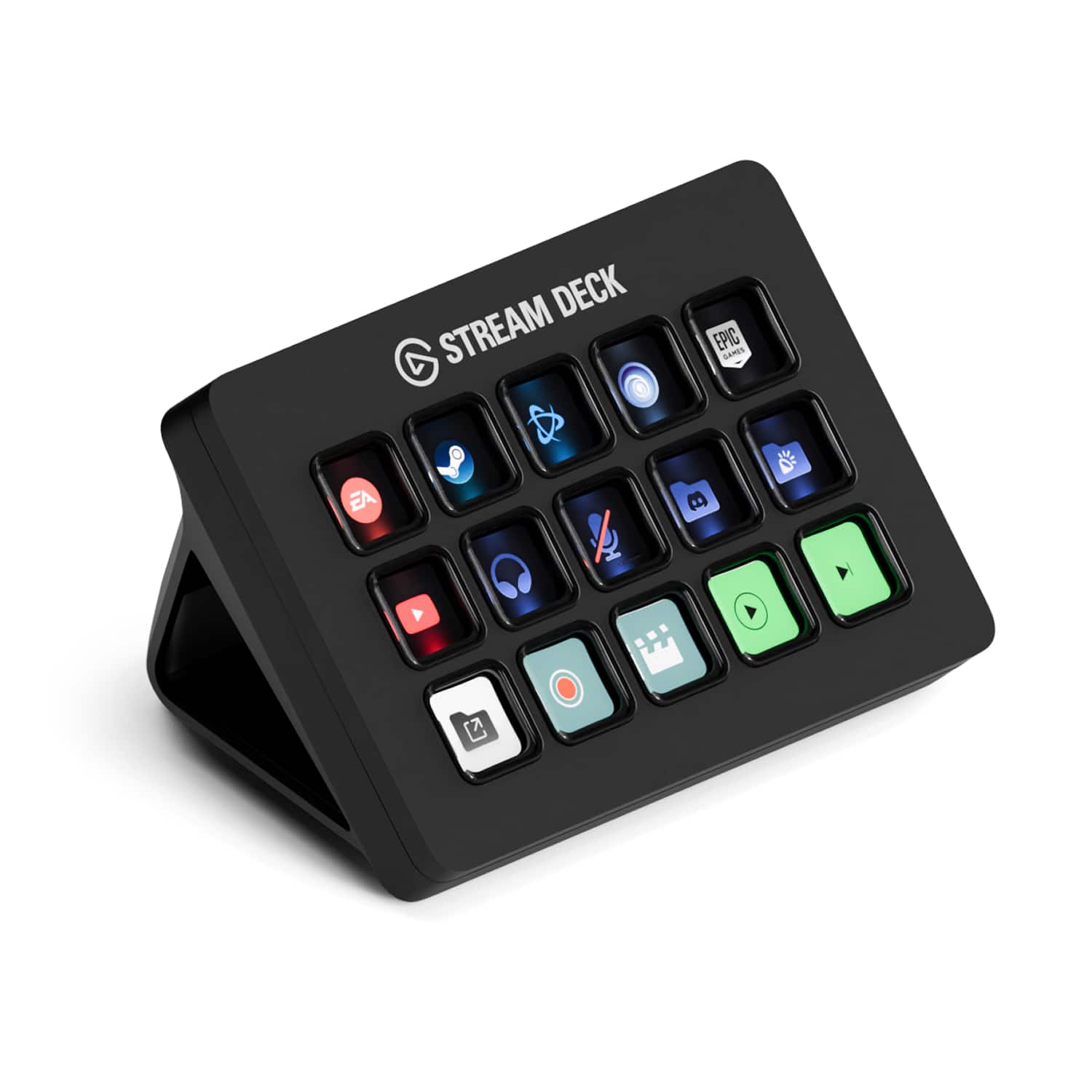
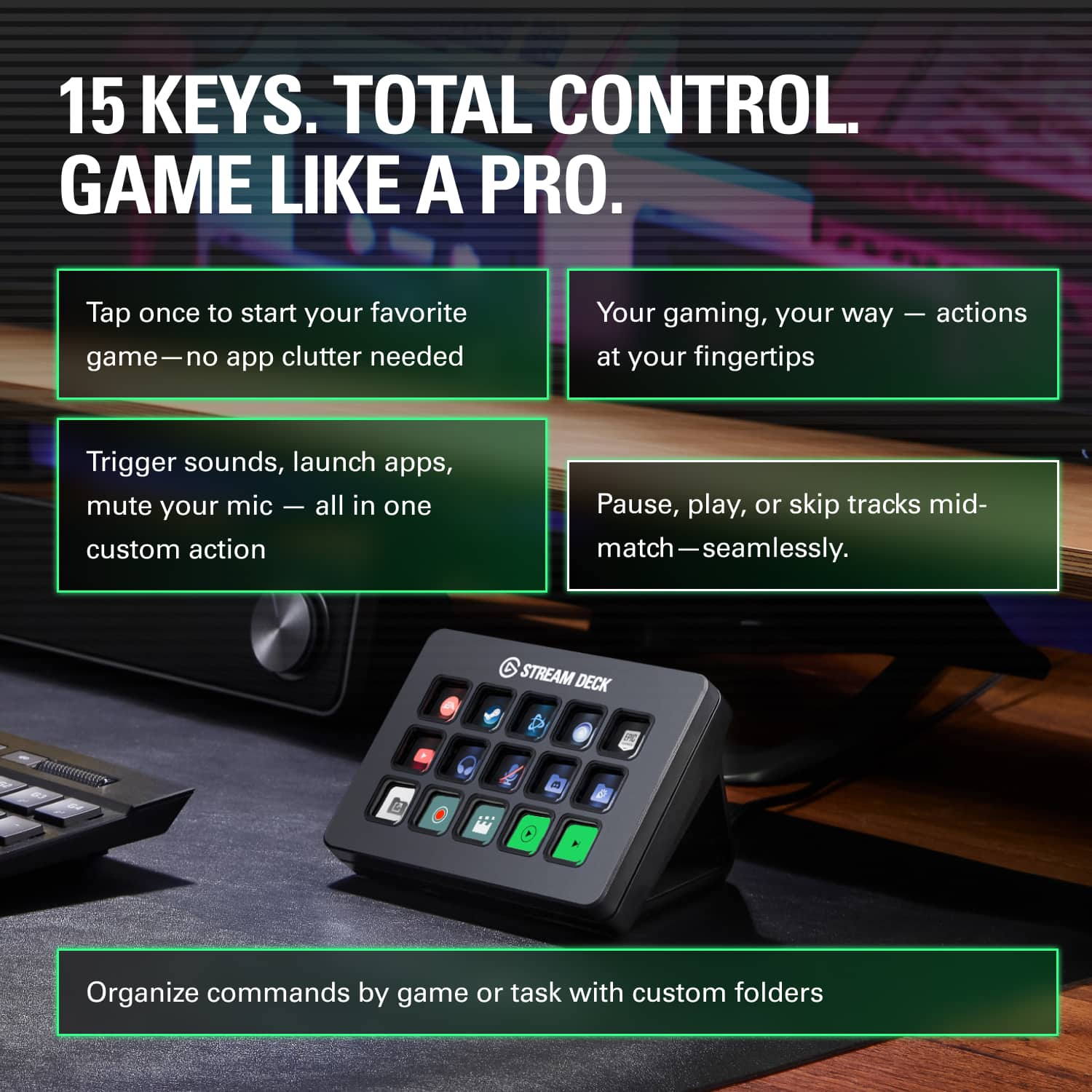
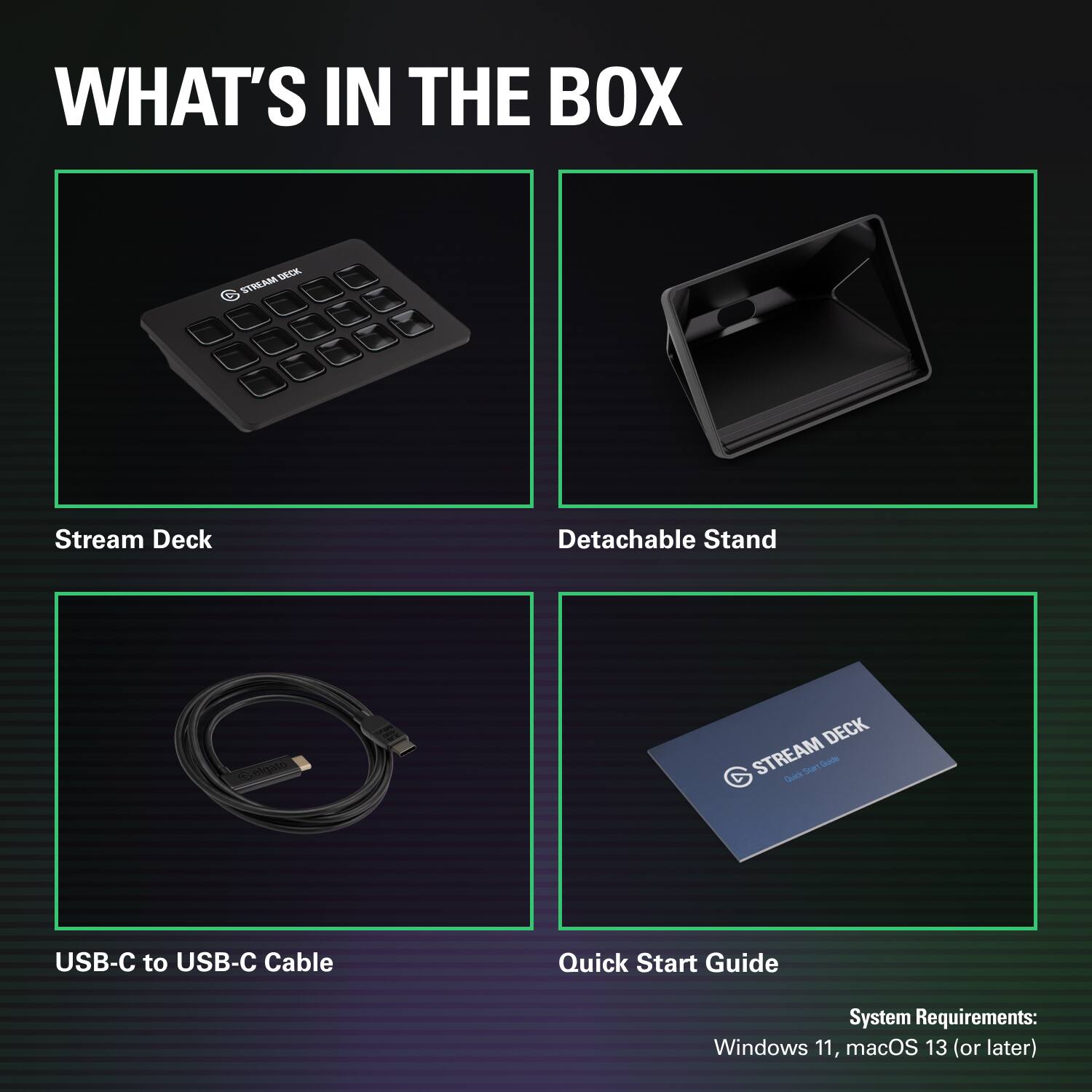
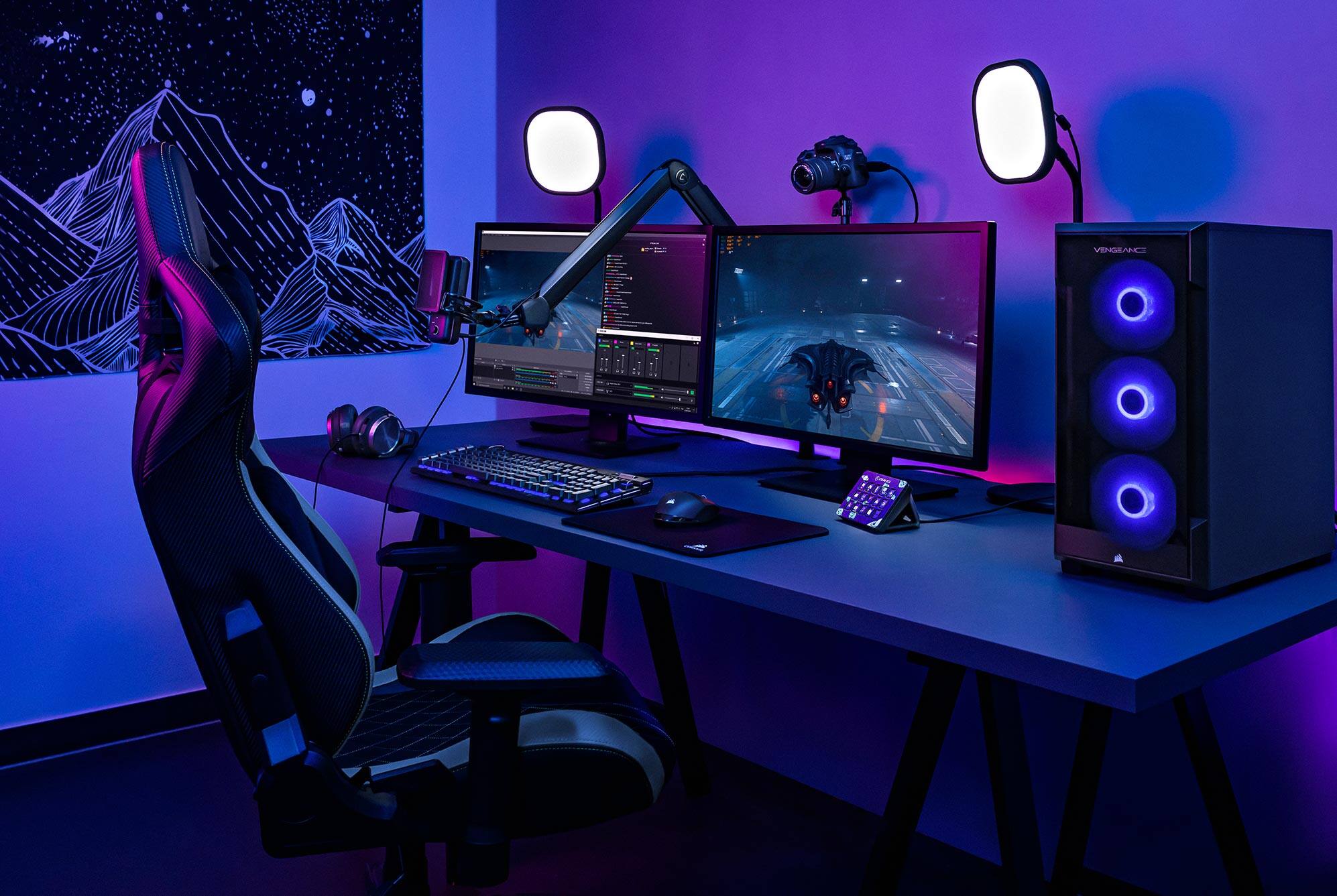
|Posted .This reviewer received promo considerations or sweepstakes entry for writing a review.This is an excellent update to the 15-key Stream Deck! The detachable USB-C cable and base/backplate make the physical device more capable, while the constantly improving software experience make this one of the best ways to add simplicity to your streaming setup. The dynamic LCD keys allow for visual macros and visual feedback by allowing you to instantly see that something is enables. For example, I have the various sources I switch between for my streaming setup displayed in a folder specific for Streamlabs OBS that allows me to quickly glance at the number of YouTube or Twitch viewer are currently watching, quickly respond with preset comment responses, and see what equipment is currently active! You are also able to find packs of options that allow you to integrate things like Hue lights and other smart devices to make managing environmental objects easier. Using folders for various tasks allows you to easily keep your current tasks organized for what you need for that particular task, bringing you just the keys and tools you set up for the task you're trying to complete. This is the best part of Stream Decks and was a life saver on the 6-key Mini that I had been using before upgrading to this 15-key! Folders and organization make the Stream Deck a great value add for your streaming setup. I would definitely recommend this to anyone who finds themselves using multiple macros for streaming or editing and especially those who like to integrate other devices into an easy control center! Highly, highly recommend!!!
I would recommend this to a friend - Pros mentioned:Customization, Overall performance
Easy Setup and a Great Tool for Streaming and Prod
||Posted . Owned for 2 months when reviewed.This reviewer received promo considerations or sweepstakes entry for writing a review.I have had a great experience using the Elgato Stream Deck. The setup process was simple and straightforward, and I was able to start using it quickly. The buttons are responsive, customizable, and make controlling streaming, apps, and shortcuts much easier. It has improved my workflow by saving time and keeping everything organized in one place. Overall, it is a well-designed, reliable device that works exactly as expected and is a great addition to any streaming or productivity setup.
I would recommend this to a friend - Pros mentioned:Overall performance
Perfect little Stream Deck
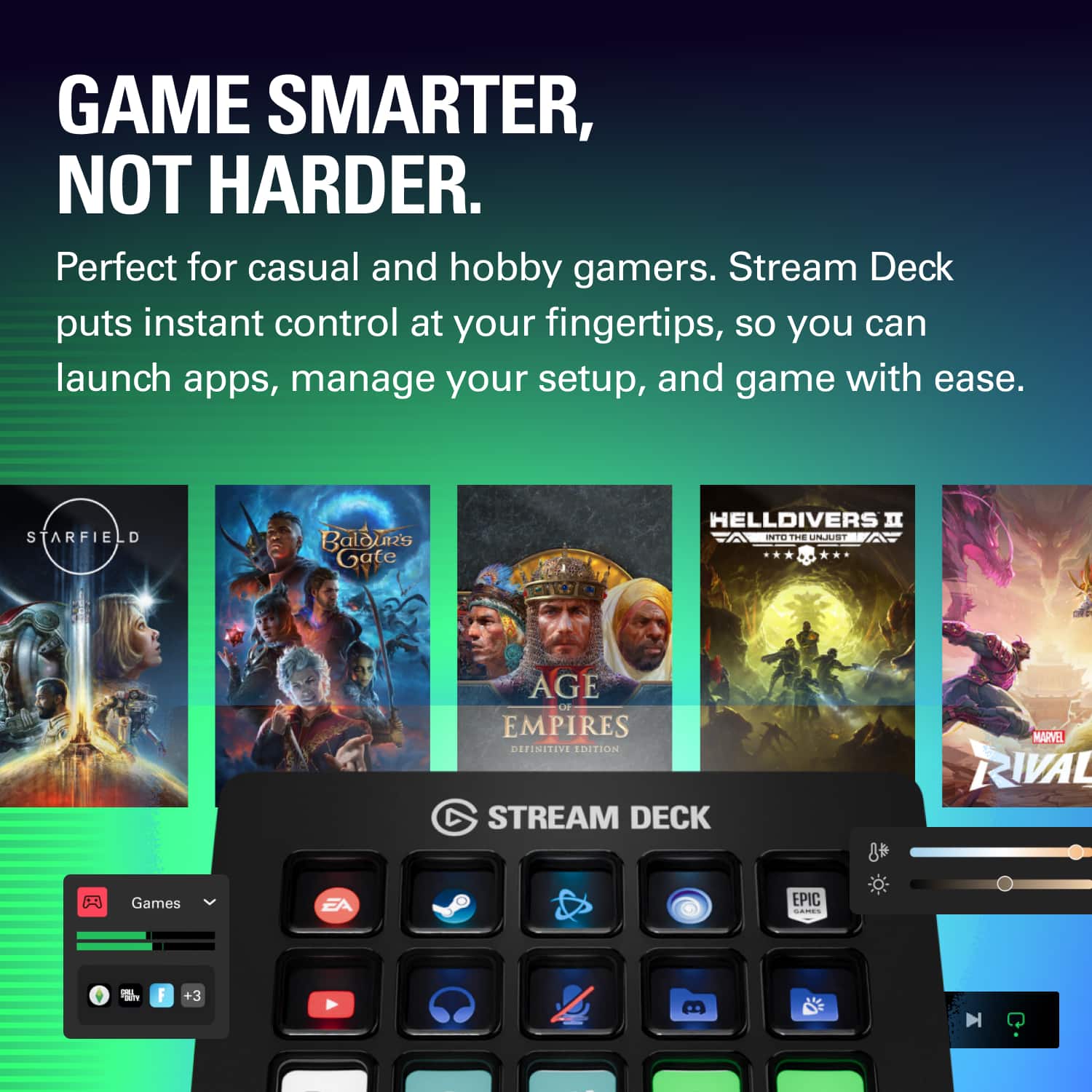
||Posted . Owned for 11 months when reviewed.This reviewer received promo considerations or sweepstakes entry for writing a review.This unit was a perfect addition for my PC setup, not too big but not too small either. I’m not a huge pc gamer so this suited me well.
I would recommend this to a friend - Cons mentioned:Stand
Nearly perfect refresh of a nearly perfect product
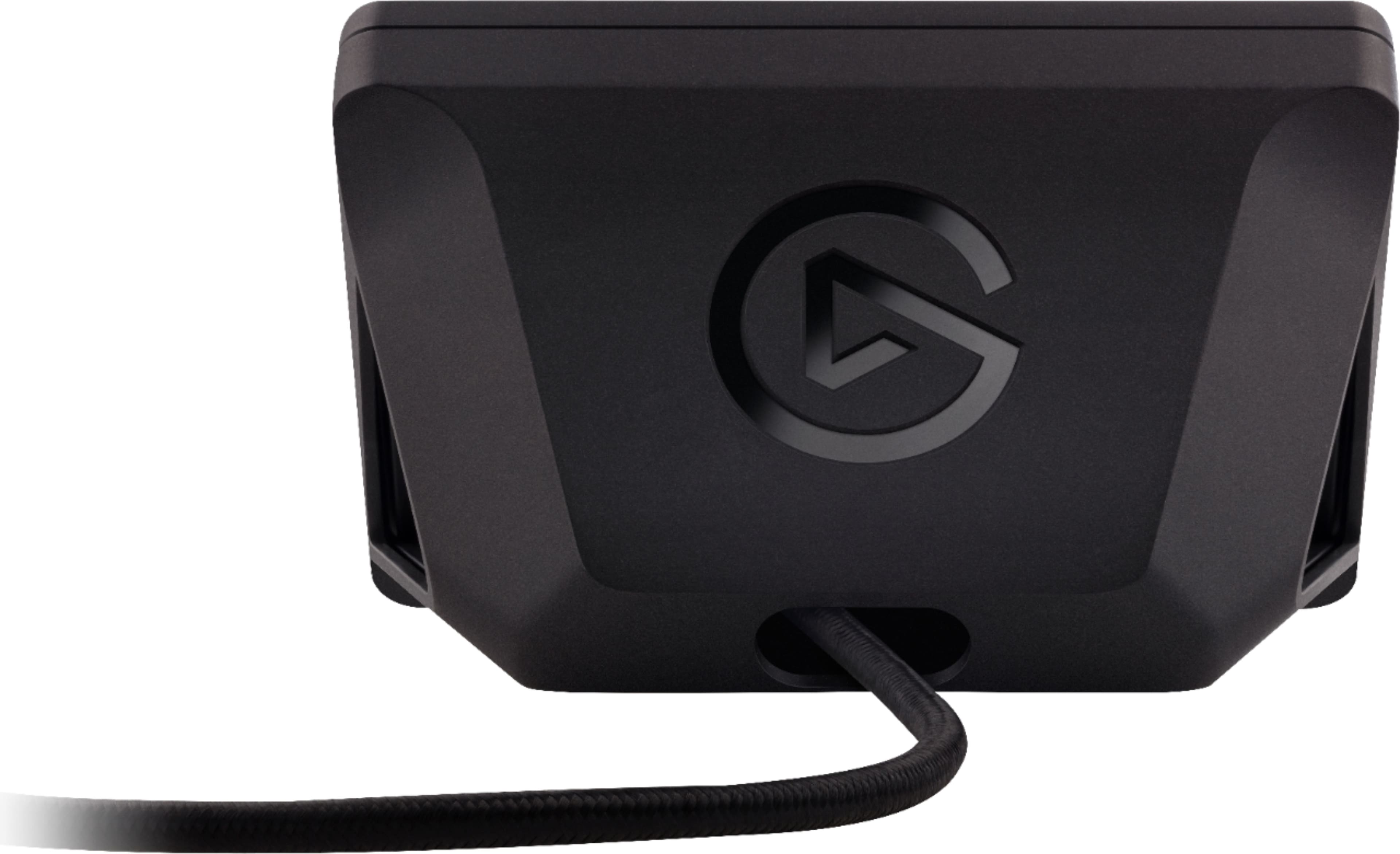
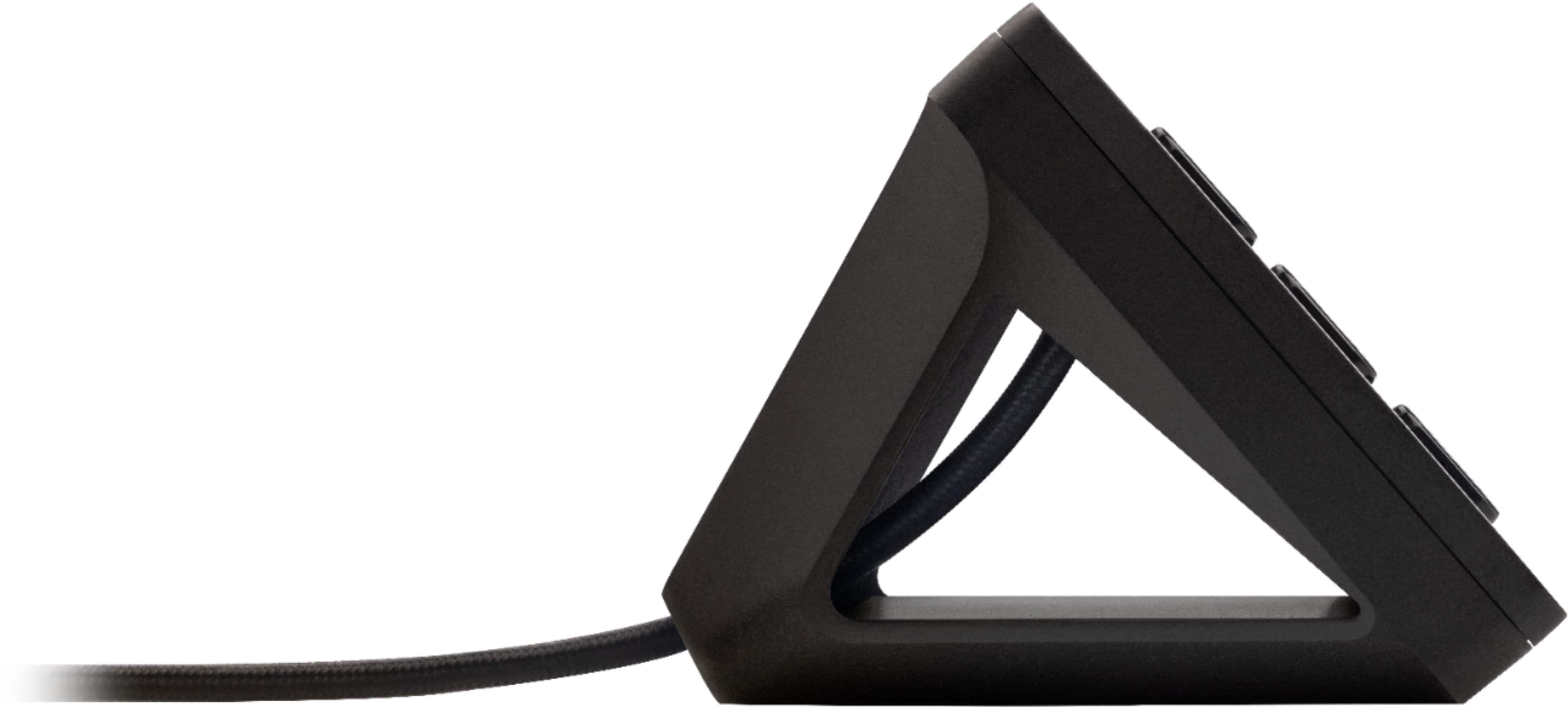
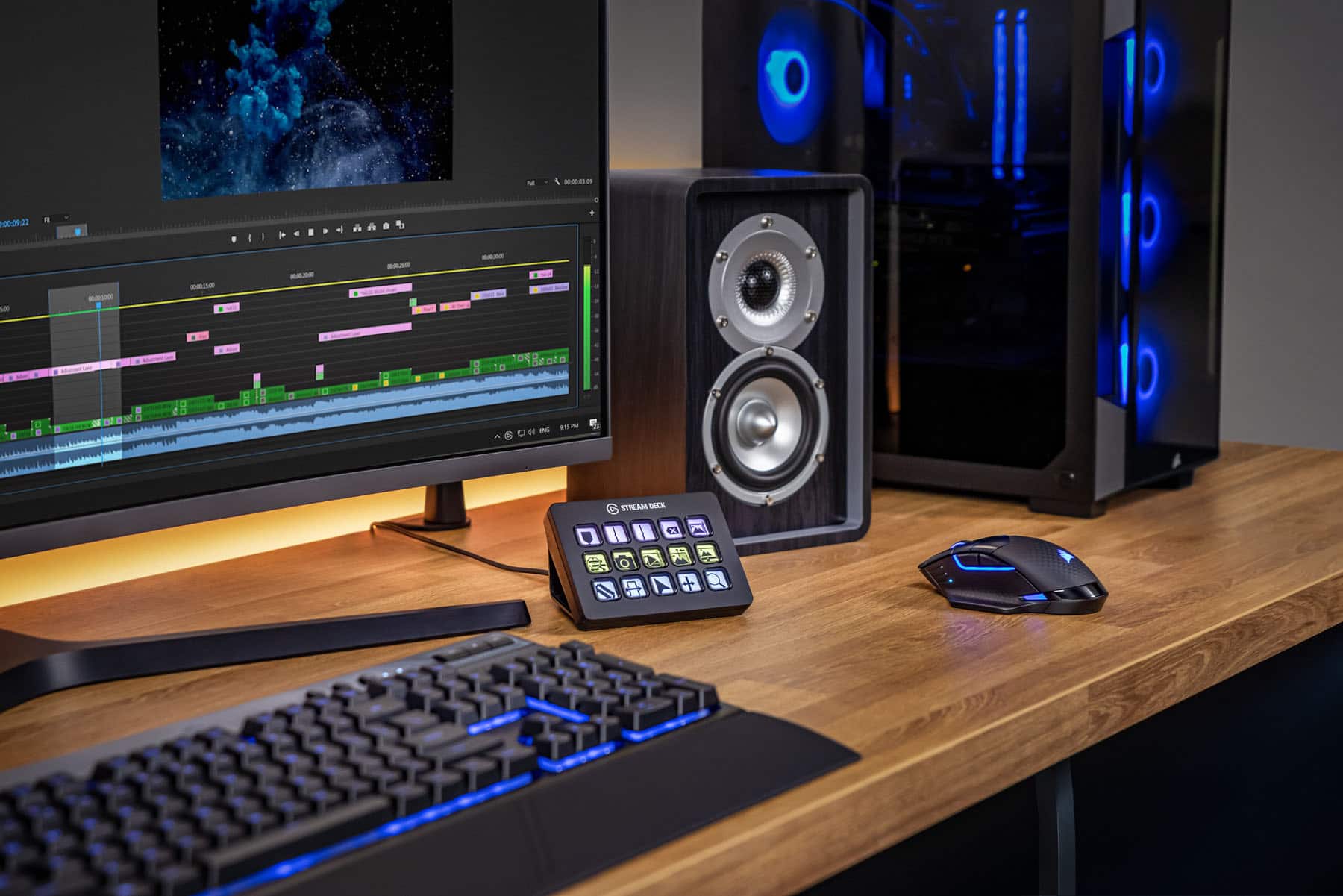
|Posted .This reviewer received promo considerations or sweepstakes entry for writing a review.There is not much say about the elgato stream deck that hasn't already been widely published elsewhere. This is a perfect companion for any streamer and honestly has applications for casual gamers and even potentially in a professional environment as a macro keyboard. From a streamer's perspective, the integrations and additional plug ins available help workflow tremendously. For such a relatively simple sounding product, there is few limitations to how you can apply it to better your everyday life. As far as the changes in this mk.2 version, everything is nearly perfect. I love the idea of interchangeable faceplates for customization, the removable USB-C cord has been a must forever and the new stand is very nice. HOWEVER, if I were to gripe about one thing it would be the fact that the unit does not secure itself to the stand. Comparing it to the Stream deck XL which has magnets in the feet to hold it in place securely, the stream deck simply rests inside of the stand which causes it to easily fall off if you are to move it by grasping just the front portion of the unit (as I do all the time and tried to illustrate in my picture). This really only amounts to an annoyance, but it is disappointing to see and feels cheap when compared to my stream deck XL that is sits right next to. Overall, if you are a streamer, content creator, or someone who is looking for a macro keyboard to speed up your life, you will not be disappointed if you purchase this.
I would recommend this to a friend - Pros mentioned:Ease of use, Lcd keys
Stream Deck decreases anxiety.
||Posted . Owned for 1 week when reviewed.This reviewer received promo considerations or sweepstakes entry for writing a review.This is an excellent device and the software makes it very easy to program for many functions. I like that as you program, the hardware is instantly updated. The keys are little screens, so they can have words and graphics on them for identification. I have the 16 key version and it fills up rapidly. Fortunately the system has the ability to swap all the key scripts so you can have multiple sets of keys for a particular program depending on what part of the program you are interacting with. One major limitation is that mouse clicks cannot be programmed, only key strokes. Hence if what you want to accomplish does not have shortcut keys you can't program it. Allied to this, it may be difficult to locate the short cut keys. Plugins are available (for free) to supersede some of these limits. I installed the Zoom plugin. My greatest utilization to date is using it for Zoom. I would like to have a key that would share and play preselected music. This sequence requires two mouse clicks in the middle so I have two keys and two mouse clicks. It would be desirable to be able to do this with one key. There doesn’t appear to be a way to open the settings in a context free way. Tools are available for developing plugins using procedural programming languages like JavaScript or objective C ... I don’t know how one could control an application such as Zoom if you don’t own Zoom if the application doesn’t provide a shortcut key.
I would recommend this to a friend - Pros mentioned:Ease of useCons mentioned:Price
The Stream Deck is more than you think...
||Posted . Owned for 1 month when reviewed.This reviewer received promo considerations or sweepstakes entry for writing a review.As someone deeply invested in optimizing my productivity, the Elgato Stream Deck has been a game-changer for me. This sleek little device might have been initially designed with streamers in mind, but its versatility extends far beyond the gaming realm. What I love most about the Stream Deck is its ability to adapt to my needs. With its customizable buttons, I've been able to create tailored shortcuts for all my frequently used tasks. Whether it's launching applications, executing macros, or even controlling my smart home devices, the Stream Deck puts everything I need at my fingertips. Setting up the Stream Deck was surprisingly straightforward, thanks to Elgato's intuitive software. However, I can see how it might be overwhelming for those less tech-savvy. Once you get past the initial learning curve, though, the possibilities are endless. The build quality of the Stream Deck is top-notch. The keys are responsive, and the device itself feels sturdy and well-built. It's clear that Elgato has put a lot of thought into the design and construction of this product. Of course, the Stream Deck isn't without its drawbacks. The price point might be a bit steep for some users, especially considering there are cheaper alternatives on the market. Additionally, while the software is powerful, it does require some time investment to fully harness its capabilities. If you're looking to supercharge your productivity and streamline your workflow, the Elgato Stream Deck is an excellent investment. Its customizable buttons, seamless integration, and solid build quality make it a must-have tool for anyone serious about getting things done.
I would recommend this to a friend - Pros mentioned:Lcd keys, Software
very cool device for loading apps
||Posted . Owned for 1.5 years when reviewed.This reviewer received promo considerations or sweepstakes entry for writing a review.**Versatile and Stylish Tool for Streamers** The Elgato Stream Deck MK.2 is an absolute game-changer for streamers and content creators. The 15 customizable LCD keys provide a level of control and convenience that is unparalleled, allowing for quick access to commands, shortcuts, and multimedia functions with just a tap. Setting up the keys is incredibly intuitive, and the software is user-friendly, making it easy to customize each key with unique functions and icons. This device has significantly streamlined my workflow, making my streaming sessions smoother and more professional. Not only is the functionality top-notch, but the design of the Stream Deck MK.2 is also impressive. The interchangeable faceplate in white adds a sleek and modern touch to my setup, and it’s great to have the option to change the look to match different aesthetics. The build quality is robust and feels premium, ensuring durability for long-term use. Whether you're a beginner or a seasoned streamer, the Elgato Stream Deck MK.2 is an essential tool that enhances productivity and adds a stylish flair to your streaming environment. Highly recommended!
I would recommend this to a friend - Pros mentioned:Customization, Lcd keys
A MUST HAVE FOR REMOTE WORK!
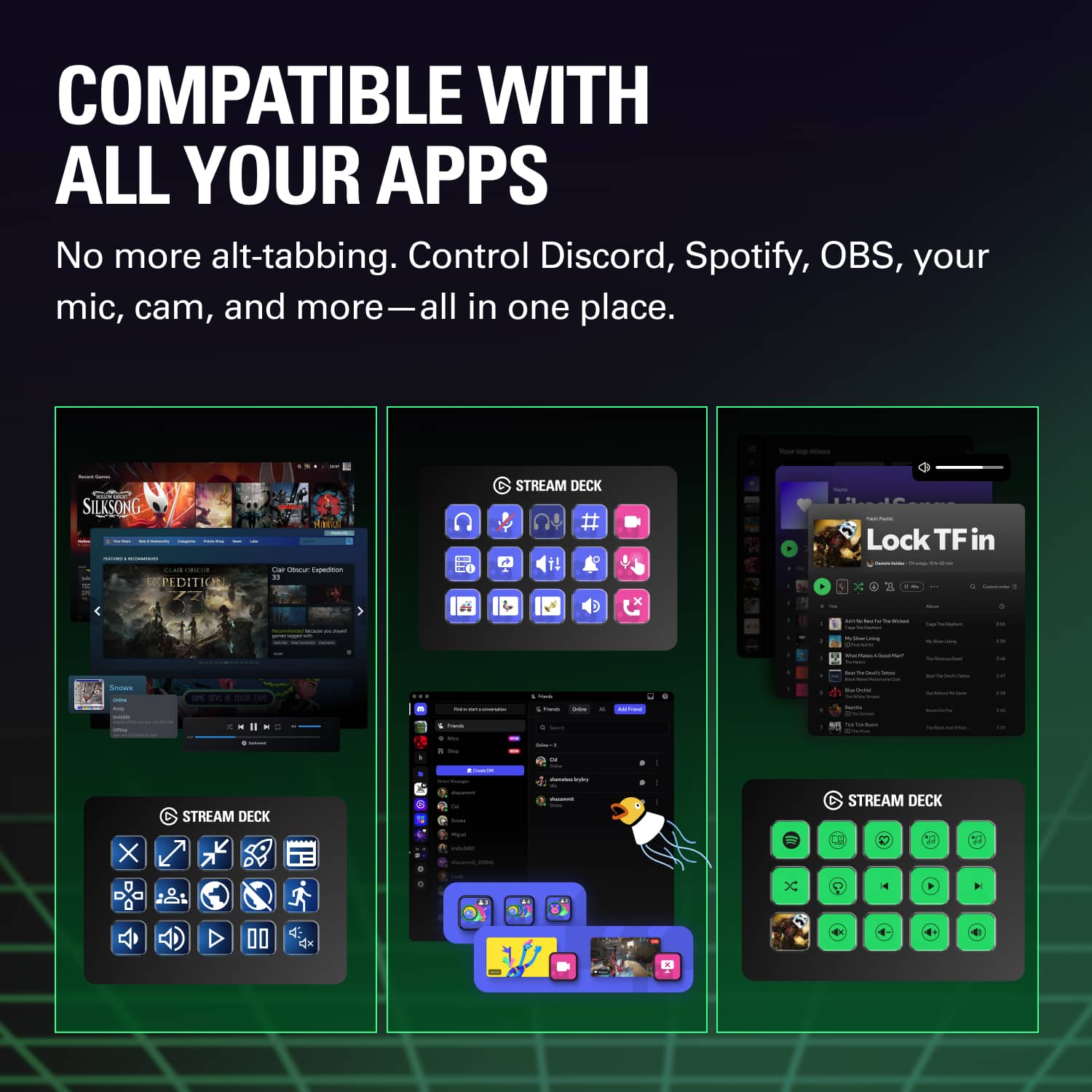
||Posted . Owned for 2 weeks when reviewed.This reviewer received promo considerations or sweepstakes entry for writing a review.As an avid streamer and content creator, this powerful device has revolutionized my workflow and enhanced my streaming experience in countless ways. Here's why I can't recommend it enough: First and foremost, the Elgato Stream Deck MK.2 features 15 customizable LCD keys that can be programmed to trigger any command with a single press. Whether it's launching applications, initiating complex macros, switching between scenes, or controlling your audio, the fully customizable keys streamline your workflow like never before. This level of customization delivers unparalleled convenience, efficiency, and seamless control over every aspect of your stream. The interchangeable faceplates of the Stream Deck MK.2 are a delightful addition. The sleek black design not only complements any setup but can also be personalized to match your style or branding. The ability to switch between faceplates allows for versatility and ensures a cohesive aesthetic with the rest of your equipment. Setting up the Stream Deck MK.2 is a breeze. The intuitive software provided by Elgato allows for simple drag-and-drop customization of the keys. The software integrates seamlessly with popular streaming platforms like OBS Studio, Streamlabs, and XSplit, making it effortless to control your stream in real-time. With just a few clicks, you can design your ideal layout, complete with custom icons and labels to further enhance your workflow. The build quality of the Stream Deck MK.2 is exceptional.
I would recommend this to a friend - Pros mentioned:Customization
Useful!
||Posted . Owned for less than 1 week when reviewed.This reviewer received promo considerations or sweepstakes entry for writing a review.I’ve been using the Elgato Stream Deck MK.2 and it’s honestly a game changer. Being able to customize each key for different actions makes everything so much faster and more convenient, especially for gaming, streaming, or even everyday tasks. The setup is simple, and once you get everything configured, it saves a ton of time. The LCD keys look really clean and are easy to recognize at a glance. It’s one of those things you don’t realize you need until you have it. Definitely worth it for improving your setup and workflow.
I would recommend this to a friend - Pros mentioned:Ease of use, Lcd keysCons mentioned:Price

Fantastic in every way.
|Posted . Owned for 1 week when reviewed.This reviewer received promo considerations or sweepstakes entry for writing a review.[Employee of bestbuy] The software is simplistic, as is the design. Its nearly plug and play, and it has unlimited uses. You can do anything from opening a game, to opening a website, to going live, to muting your mic, etc. It’s such a simple thing, and yet I can’t imagine my set-up without one now. It’s pricey, but if you can make full use of its features then its well worth it.
I would recommend this to a friend - Pros mentioned:Ease of use, Overall performance
Most useful piece of gear I’ve bought in a while.
||Posted . Owned for 11 months when reviewed.This reviewer received promo considerations or sweepstakes entry for writing a review.LOVE IT!!! This thing is incredibly useful and easy to navigate.
I would recommend this to a friend - Pros mentioned:Ease of use, Overall performance
Would buy again
||Posted . Owned for 2 months when reviewed.This reviewer received promo considerations or sweepstakes entry for writing a review.Got this for a friend thats trying to stream, it works great and gives faster accessibility to changing apps and settings while streaming 10/10 would recommend
I would recommend this to a friend Stream Deck 15 button
||Posted . Owned for 3 weeks when reviewed.This reviewer received promo considerations or sweepstakes entry for writing a review.The stream deck is a great piece of equipment. Even if you do not stream. The ability to add apps, games, web pages, etc to open at the touch of a button is amazing. Don't be fooled by the way, there is only 15 buttons on here, but you can add many, many pages. Works right out of the box but should update. The application software is very intuitive. Great piece of hardware. Would definitely get this if you are considering it. Especially when it is on sale.
I would recommend this to a friend- Pros mentioned:Ease of use, Overall performance
Love it
||Posted .This reviewer received promo considerations or sweepstakes entry for writing a review.Use it every Sunday on church. Good product, some task need advance routing but good and easy to use overall
I would recommend this to a friend - Pros mentioned:Ease of use, Lcd keys, Overall performance
Very useful
||Posted . Owned for 4 months when reviewed.This reviewer received promo considerations or sweepstakes entry for writing a review.Excellent product, extremely useful for speeding up processes, made of good quality. You can automate processes, and make shortcuts for everything you imagine, if there is an option on the keyboard. The screen on each key helps to markedly improve the visibility of the shortcut. Good support from the company and many presets from the user community.
I would recommend this to a friend - Pros mentioned:Ease of use
My stream deck
Posted .This reviewer received promo considerations or sweepstakes entry for writing a review.Its great u can have sound on it for you stream and have a voice mod on it too and its easy to use it. I use it everytime i stream and my chat like it
I would recommend this to a friend - Pros mentioned:Ease of use, Overall performance
A Streamers Dream
||Posted .This reviewer received promo considerations or sweepstakes entry for writing a review.An absolute banger and must have for any and all streamers looking to add value to their content. BEST BUY always offering top tier products Amazing product and quality hardware. Its so easy to learn how to use its essetially plug and play. Thank you Best Buy for always offeting top tier products
I would recommend this to a friend - Pros mentioned:Customization, Ease of useCons mentioned:Price
These are Awesome
||Posted . Owned for 2 weeks when reviewed.This reviewer received promo considerations or sweepstakes entry for writing a review.Ok, the price is a bit steep. But, you can use this for so many things, not just streaming. I set up a page to control my smart lighting in the room. One page of one touch app launchers ( no more clicking and scrolling to find programs. 2 pages are set up for my sim racing cockpit. You literally can use this thing to program shortcuts, play sound files, take screenshots, go to see your pc usage. The plugins are endless. And lastly yes, you can use it for streaming and keeping tabs on viewers, comments, likes, etc. I've had one for a couple years and this one I purchased for my son to use on his pc.
I would recommend this to a friend