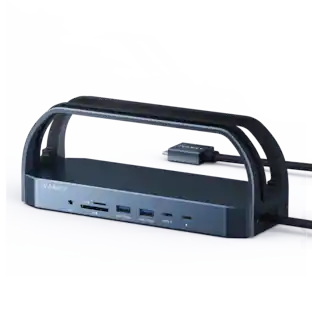
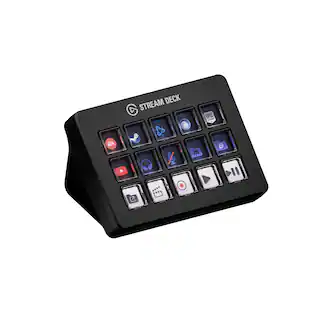
Elgato - Stream Deck MK.2 Full-size Wired USB Keypad with 15 Customizable LCD keys and Interchangeable Faceplate - Black
Customers are saying
Customers regard this product as highly intuitive and easy to use, making it a popular choice for enhancing gaming setups. Users particularly appreciate the extensive customization options provided by the fifteen LCD keys and the overall performance of the device. While some note that the price is on the higher side and the stand could be more secure, the software remains a standout feature for its accessibility and functionality.
Color
BlackFeatures
15 Customizable LCD Keys
Instantly control your apps, tools and platforms.
One-Touch Operation
Trigger single or multiple actions, launch social posts, adjust audio, mute mic, turn on lights, and much more.
Visual Feedback
Know that your command has been executed.
Powerful Plugins
Elgato 4KCU, OBS, Streamlabs, Twitch, YouTube, Twitter, Spotify, Philips Hue, and many more.
Hotkey Actions
Streamline your film editing, music production, photography workflow, etc.
Smart Profiles
Automatically switch between unique key configurations for different apps.
Interchangeable Faceplate
Choose from a growing range of designs or customize your own.
Stream Deck Store
Download plugins, icons, thousands of royalty-free tracks, SFX, and more.
Easy Setup
Drag and drop actions onto keys in the Stream Deck app, and assign icons.
Included Accessories
Detachable stand and USB-C cable.
Specifications
- BrandElgatoModel Number10GBA9901Product NameStream Deck MK.2 Full-size Wired USB Keypad with 15 Customizable LCD keys and Interchangeable FaceplateColorBlackLeague/AssociationNot ApplicableKeyboard TypeMacro keypad
Reviews
Rating 4.9 out of 5 stars with 812 reviews
- Ease of use (488)
- Overall Performance (140)
- LCD Keys (80)
- Customization (77)
- Software (25)
- Price (13)
- Stand (3)
Customer Images
The vast majority of our reviews come from verified purchases. Reviews from customers may include My Best Buy members, employees, and Tech Insider Network members (as tagged). Select reviewers may receive discounted products, promotional considerations or entries into drawings for honest, helpful reviews.
Compare similar products
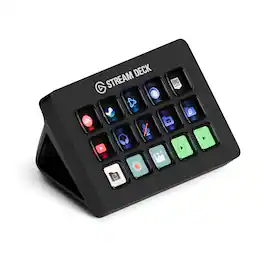
Stream Deck gives you 15 LCD keys to control your apps and tools. Trigger actions, launch social posts, adjust audio, play sound clips, activate lights, and much more. Get visual feedback to confirm your commands. Set Stream Deck to automatically switch key configurations as you jump between apps. It’s the ultimate workflow hack, and it’s fully customizable. Personalize your Stream Deck with custom icons, screensavers, and a growing range of interchangeable faceplates. Use the app to configure keys with ease, and hit the Stream Deck Store for app plugins, icon packs, thousands of royalty free tracks, effects, and more.
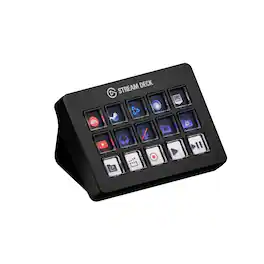
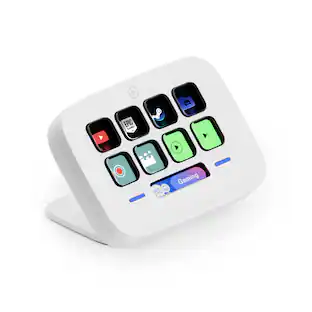
Same Stream Deck power, now with a sharper snap. Smooth, fast, and precise, every key press triggers an action no matter where you apply pressure. Control apps, platforms, and devices—your entire setup—in one place. There’s no need to navigate menus or memorize keyboard shortcuts. Every command you need is at your fingertips, clearly labeled and ready for instant deployment. Personalize your Stream Deck with custom icons, screensavers, and a growing range of interchangeable faceplates. Configure keys with ease in the app, and visit Elgato Marketplace for plugins, icons, royalty-free music, effects, and more.
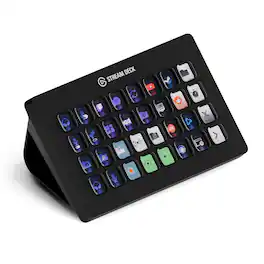
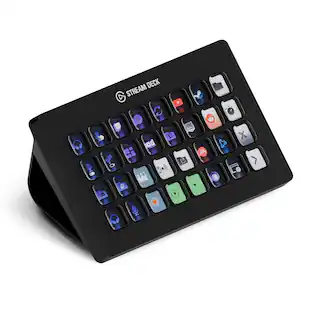
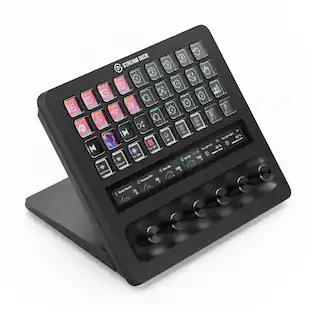
Improve the quality of online broadcasts with this Elgato Stream Deck XL advanced stream controller. The included app makes it easy to assign custom functions to the 32 touch-sensitive keys for easy access to actions and effects. This Elgato Stream Deck XL advanced stream controller is compatible with a variety of popular live streaming services.
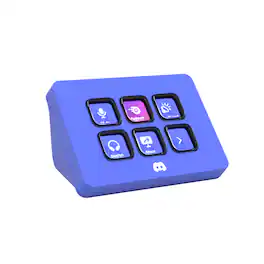
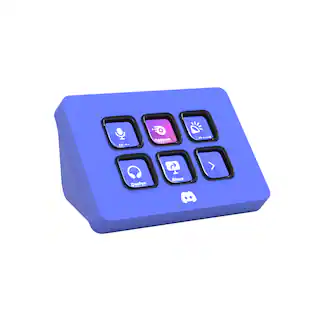
Meet the Elgato Stream Deck Mini – Discord Edition, the ultimate companion for Discord power users. With six fully customizable LCD keys and preloaded Discord actions, you can mute, deafen, screen share, and switch chats in a single tap. Wrapped in Discord’s iconic blurple and bundled with a free 1-month Discord Nitro voucher, this Stream Deck Mini goes beyond voice and chat. Whether you’re in-game, live streaming, or just hanging with friends, it lets you move fast, stay organized, and express yourself with ease. Plug it in, power up, and take control—because it’s your deck, your rules.
| Pros for Elgato - Stream Deck MK.2 Full-size Wired USB Keypad with 15 Customizable LCD keys and Interchangeable Faceplate - Black | |||
|---|---|---|---|
| Ease of use, Overall Performance, Customization, LCD Keys, Software | There were no pros for this product— | Ease of use, Overall Performance, Customization, Back Lighting, Size | Overall Performance, Ease of Use, Color |
| Cons for Elgato - Stream Deck MK.2 Full-size Wired USB Keypad with 15 Customizable LCD keys and Interchangeable Faceplate - Black | |||
| Price, Stand | There were no cons for this product— | Price | There were no cons for this product— |
Specs
Questions & Answers
OK While I am not new to computers and computer games I am very new to streaming. Is this easy to setup and use at the moment I am streaming via the twitch studio app Thanks
Answered by CorsairHi John, It'd be! Please do look it up on YT as we have content and many, many, many content creators use it in their setups as well. Feel free to reach out to our team directly on our site with any further questions. -Art

Can I trigger multiple actions with one touch?
Yes, you can trigger single or multiple actions.
This question and answer was generated by AI based on customer and product data.Does this keypad have a wired connection?
Yes, this keypad has a wired USB-C connection.
This question and answer was generated by AI based on customer and product data.Does this device allow visual feedback?
Yes, this device provides visual feedback for commands.
This question and answer was generated by AI based on customer and product data.Does this device come with a detachable cable?
Yes, this device comes with a detachable USB-C cable.
This question and answer was generated by AI based on customer and product data.
More to consider
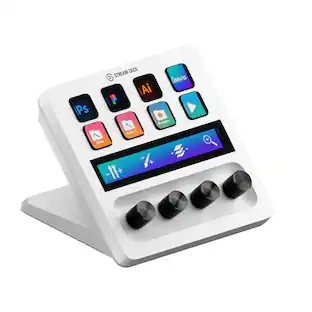 $159.99The price was $179.99
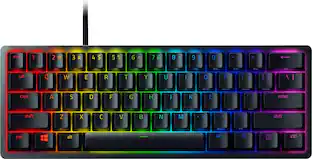 $69.00The price was $119.99
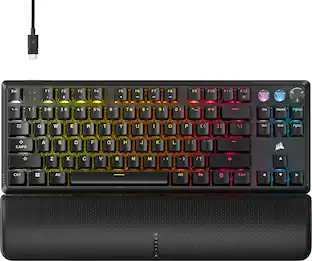 $139.99The price was $169.99
 $159.99The price was $219.99
 $129.99The price was $179.99

Explore tech essentials Sponsored
 $115.99The price was $144.99
Discover related products
 $229.99The price was $239.99
 $249.00The price was $275.00
 $12.99The price was $13.99
 $149.99The price was $159.99
 $149.99The price was $169.99