Elgato - Stream Deck XL Wired Keypad with Back Lighting - Black
Customers are saying
Customers appreciate the ease of use and straightforward setup process associated with this product. Users also frequently highlight the high level of customization, the effective backlighting, and the impressive overall performance. While the device offers a generous button count and broad compatibility, some users feel that the price point is a bit high.
32 one-touch hot keys
To instantly access the Internet, e-mail, media player, volume control, and more.
Backlit keys
Allow you to see your keyboard even in dim light.
USB interface
Enables a simple wired connection to your computer.
PC and Mac compatible
For use with your existing computer.
- BrandElgatoModel Number10GAT9901Product NameStream Deck XL Wired Keypad with Back LightingColorBlackLeague/AssociationNot ApplicableKeyboard TypeMacro keypad
Reviews
Rating 4.9 out of 5 stars with 787 reviews
- Ease of use (348)
- Back Lighting (81)
- Overall Performance (72)
- Customization (71)
- Size (35)
- Price (22)
Customer Images
The vast majority of our reviews come from verified purchases. Reviews from customers may include My Best Buy members, employees, and Tech Insider Network members (as tagged). Select reviewers may receive discounted products, promotional considerations or entries into drawings for honest, helpful reviews.





Compare similar products
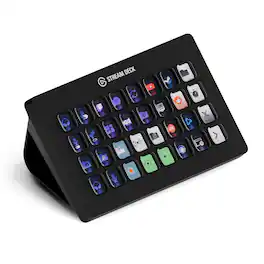
Improve the quality of online broadcasts with this Elgato Stream Deck XL advanced stream controller. The included app makes it easy to assign custom functions to the 32 touch-sensitive keys for easy access to actions and effects. This Elgato Stream Deck XL advanced stream controller is compatible with a variety of popular live streaming services.
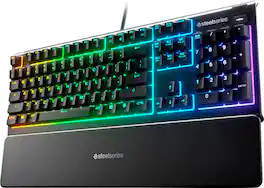
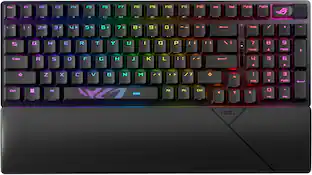
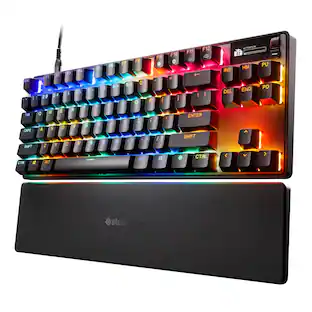
The Apex 3 gaming keyboard was built for the needs of gamers, with water and dust resistance for protection against spills and accidents, as well as premium features like low friction whisper quiet gaming switches, 10-zone RGB customization, a premium magnetic wrist rest, multimedia controls, and gaming-grade keys.
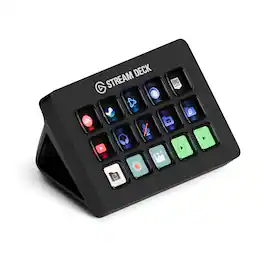
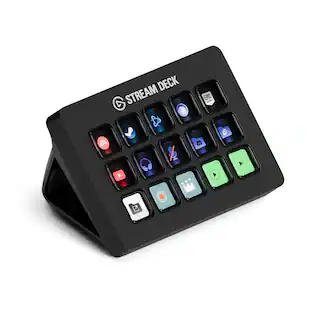
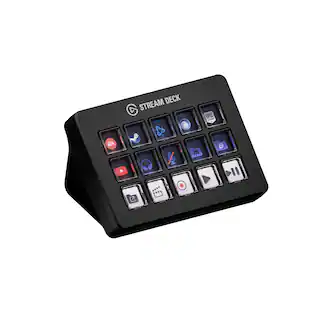
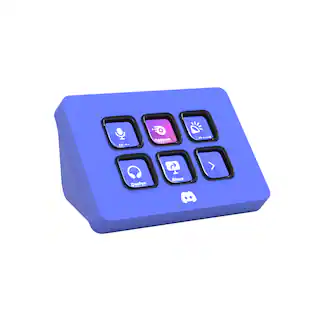
Stream Deck gives you 15 LCD keys to control your apps and tools. Trigger actions, launch social posts, adjust audio, play sound clips, activate lights, and much more. Get visual feedback to confirm your commands. Set Stream Deck to automatically switch key configurations as you jump between apps. It’s the ultimate workflow hack, and it’s fully customizable. Personalize your Stream Deck with custom icons, screensavers, and a growing range of interchangeable faceplates. Use the app to configure keys with ease, and hit the Stream Deck Store for app plugins, icon packs, thousands of royalty free tracks, effects, and more.
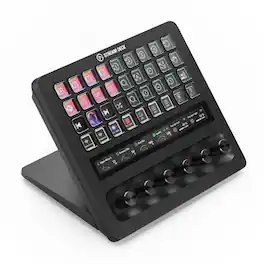
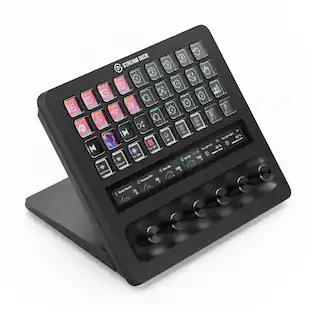
With dozens of customizable controls and real-time info monitoring, Stream Deck + XL lets professionals run entire productions and systems from a single, easy-to-use platform. Integrate everything from DAWs to camera equipment and creative apps with drag-and-drop setup on PC or Mac. Stay in command—32 macro keys and six multifunction dials streamline your work, while a touch strip display puts critical insights within easy view. Optional accessories expand your setup even further, letting Stream Deck + XL double as an audio interface or USB hub. It’s our biggest Stream Deck yet, built for your biggest workflows.
| Pros for Elgato - Stream Deck XL Wired Keypad with Back Lighting - Black | |||
|---|---|---|---|
| Ease of use, Overall Performance, Customization, Back Lighting, Size | Keyboard Quality, RGB Backlighting, Key Feel, Wrist Rest, Noise Level | Ease of use, Overall Performance, Customization, LCD Keys, Software | There were no pros for this product— |
| Cons for Elgato - Stream Deck XL Wired Keypad with Back Lighting - Black | |||
| Price | Size, Connectivity, Software | Price, Stand | There were no cons for this product— |
Specs
is there a way to make the windows or applications stay at the same position on the screen every time it opens by stream deck? I have a 2020 iMac. For example, the stream deck open Safari and Mail app, and each stay on left and right.
Answered by CorsairHi West, That should be dependent MacOS remembering your app position and reopening it in the same position. If you're having issues, please feel free to reach out to our support team, we'd be happy to help: support.elgato.com -Brian

Does the Elgato Stream Deck XL have a touchpad?
No, the Elgato Stream Deck XL does not have a touchpad.
This question and answer was generated by AI based on customer and product data.Is the Elgato Stream Deck XL compatible with both Windows and Mac computers?
Yes, the Elgato Stream Deck XL is compatible with both PC and Mac computers.
This question and answer was generated by AI based on customer and product data.How many hotkeys does the Elgato Stream Deck XL have?
The Elgato Stream Deck XL has 32 one-touch hotkeys.
This question and answer was generated by AI based on customer and product data.Does the Elgato Stream Deck XL have backlit keys?
Yes, the Elgato Stream Deck XL has backlit keys so you can see them in dim light.
This question and answer was generated by AI based on customer and product data.
More to consider
 $129.00The price was $179.99


Explore tech essentials Sponsored
Discover related products
 $614.99The price was $678.11
 $75.31The price was $77.05