Customer Ratings & Reviews

- Model:
- 10GBA9901
- SKU:
- 6470492
Rating by feature
- Value
Rating 4.7 out of 5 stars
- Quality
Rating 4.9 out of 5 stars
- Ease of Use
Rating 4.8 out of 5 stars
Customers are saying
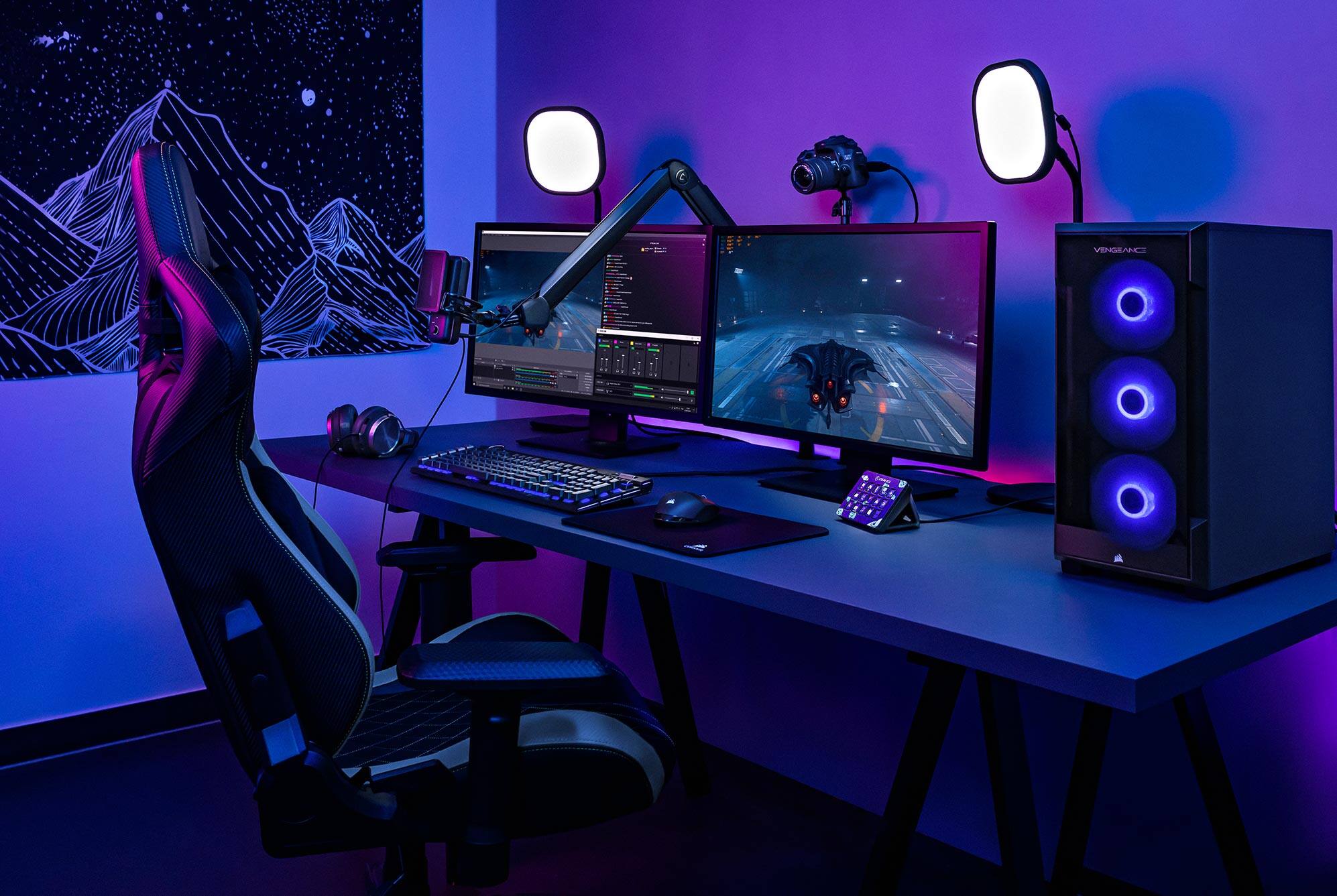
Customers value the Stream Deck MK.2 for its ease of use and overall performance. Users appreciate the customizable LCD keys and the extensive customization options available through its intuitive software. While the price is a concern for some, and there are a few comments about the button quality and stand, the positive aspects of the device appear to outweigh these drawbacks. Many customers find it enhances their streaming experience.
This summary was generated by AI based on customer reviews.
- Pros mentioned:Ease of use, Lcd keys
Zero Complaints
||Posted . Owned for 9 months when reviewed.This reviewer received promo considerations or sweepstakes entry for writing a review.This has been working flawlessly; no issues, no bugs. I setup the desktop app and just started doing my thing. I'd wish there was an extra column just for the page buttons, but otherwise I'm satisfied.
I would recommend this to a friend Pretty good monitoring device. Almost great.
||Posted . Owned for 1 week when reviewed.This reviewer received promo considerations or sweepstakes entry for writing a review.I bought this for the sole purpose of just using as a monitoring device. I know people use it as a shortcut king but for me only one of the buttons is a shortcut. I am monitoring CPU/GPU/FPS and some other stuff as shown in the picture. The only reason it is a 4 stars instead of 5 is because it requires an external monitoring program to make that work. They should work on having their own full fledged monitoring side of this as HWINFO is kind of meh sometimes.
I would recommend this to a friend- Pros mentioned:Ease of use
great for streamers
||Posted . Owned for 8 months when reviewed.This reviewer received promo considerations or sweepstakes entry for writing a review.helpful for ease of use with my pc and different streaming apps
I would recommend this to a friend - Pros mentioned:Customization, Ease of use
Making things easy!!
||Posted . Owned for 1 week when reviewed.This reviewer received promo considerations or sweepstakes entry for writing a review.Setup is easy!!! Plus I love being able to add custom buttons!!
I would recommend this to a friend - Pros mentioned:Ease of use

Enhance Productivity in Every Tool & Application
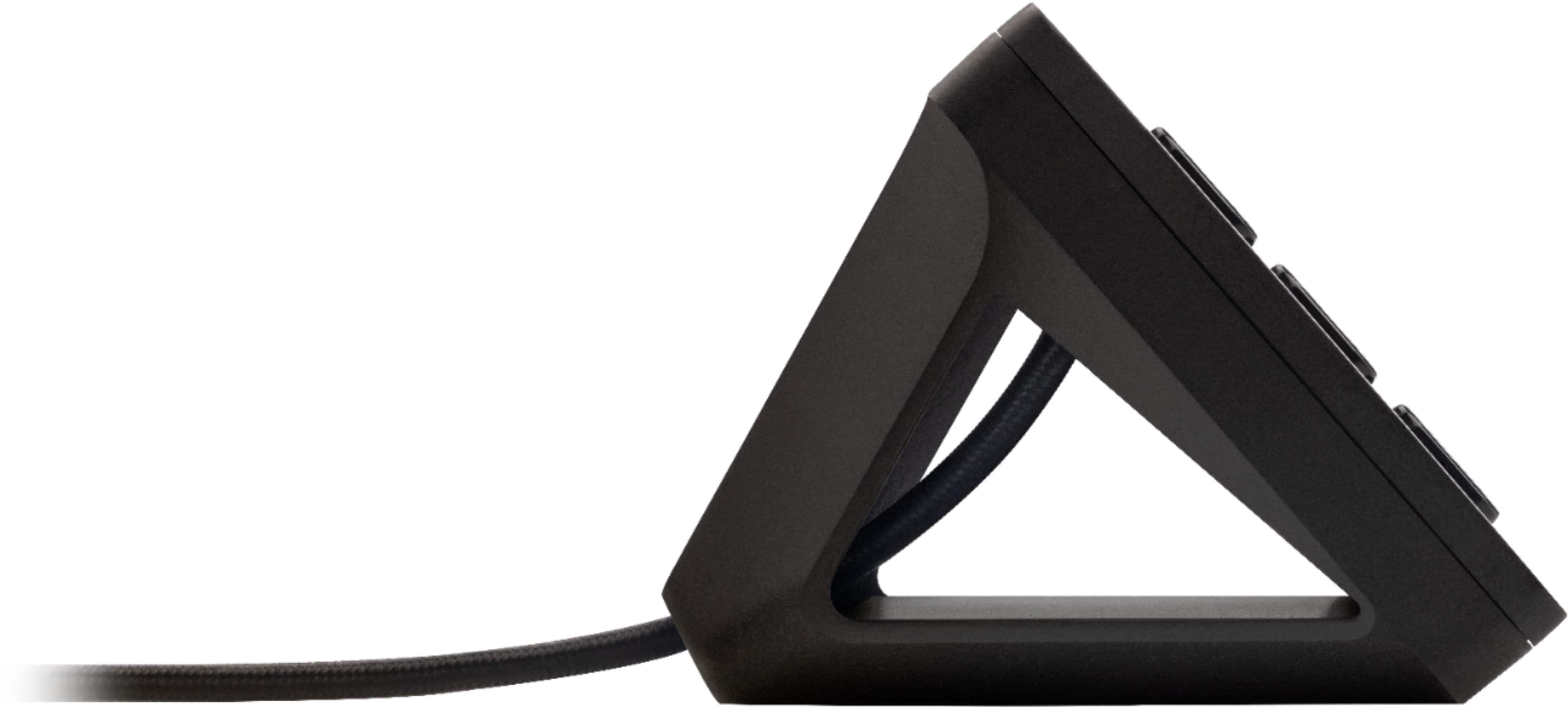
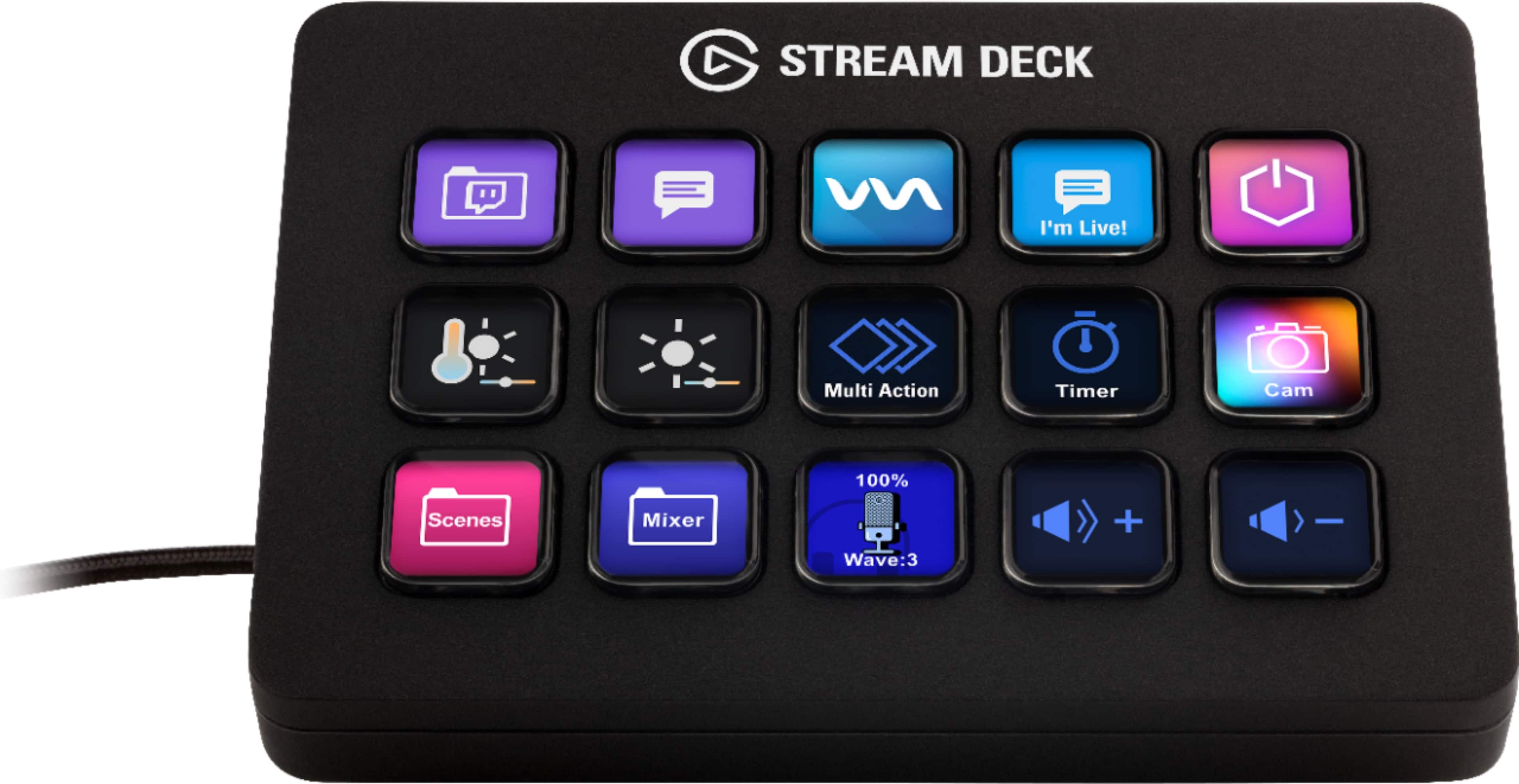
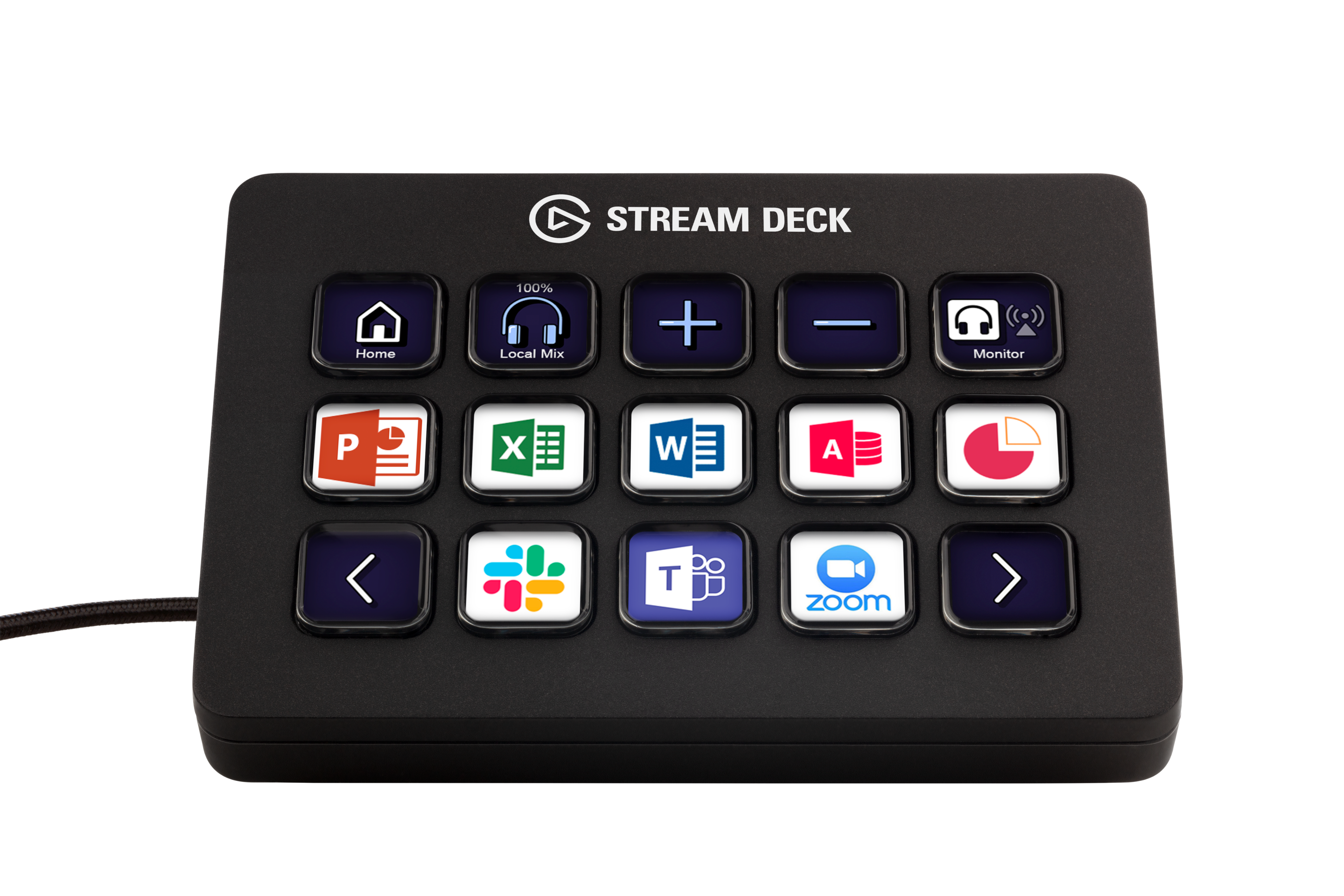
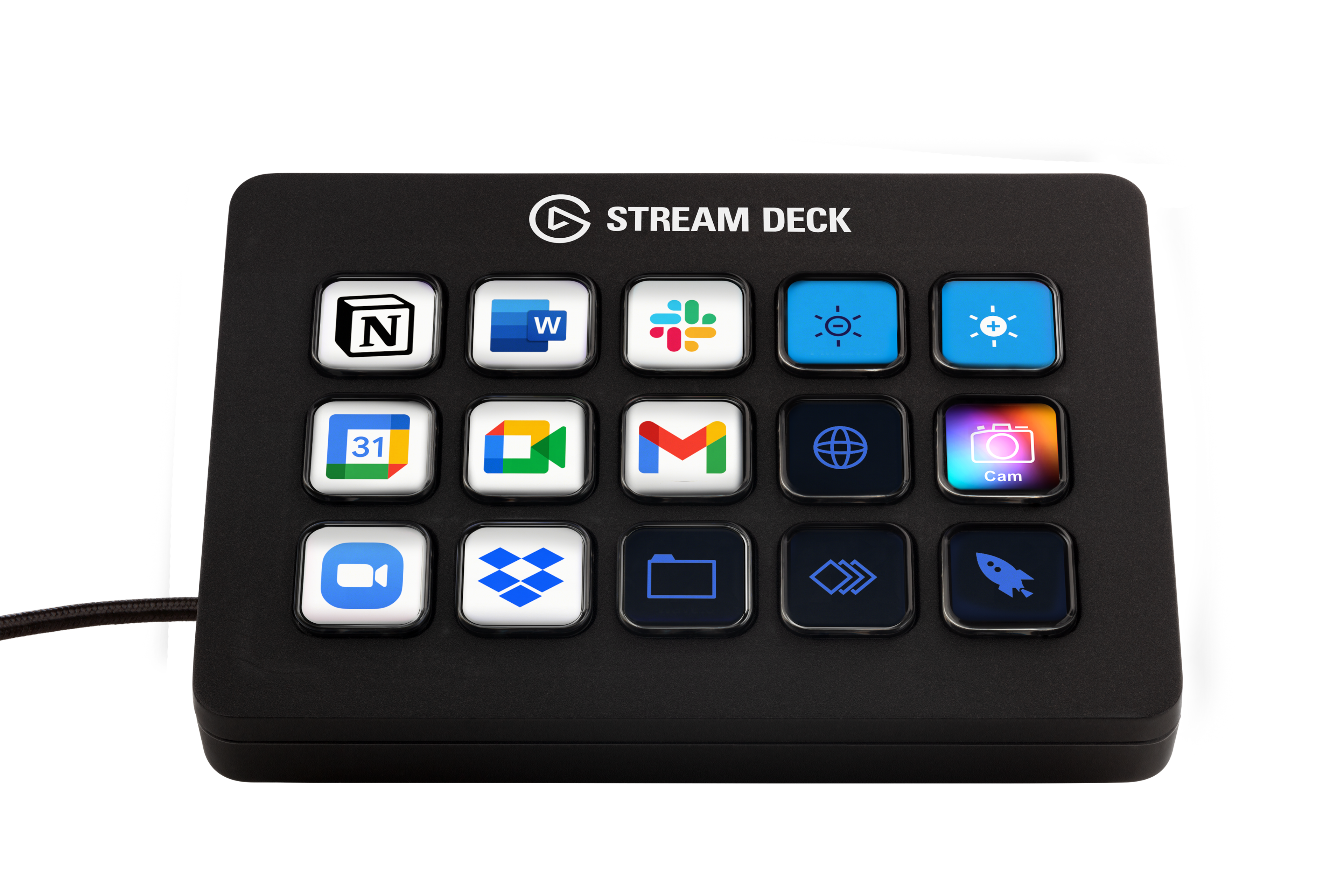
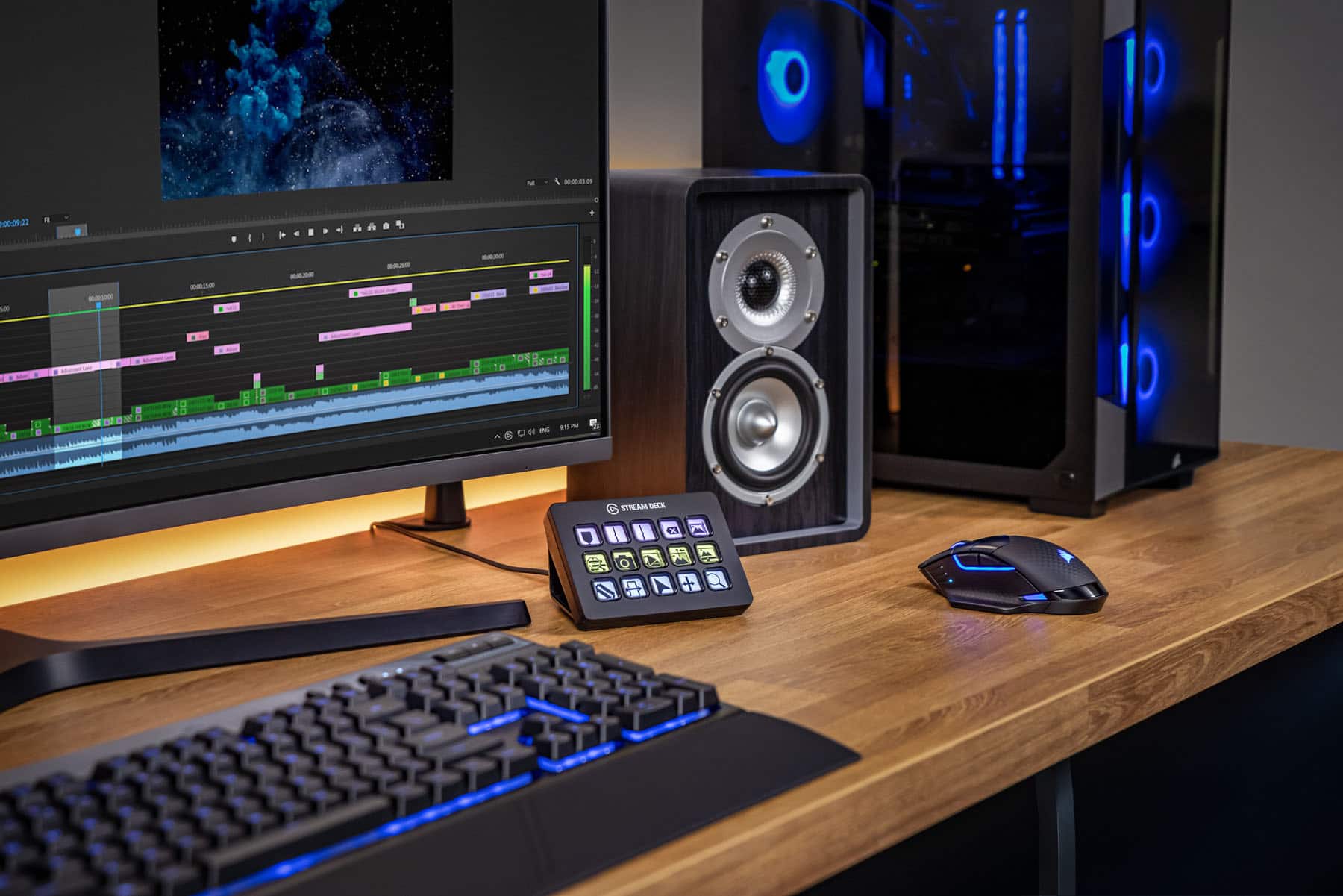
|Posted .This reviewer received promo considerations or sweepstakes entry for writing a review.The Stream Deck is well established as a useful tool for helping to improve the quality and ease of live streaming. But, the utility of the Stream Deck is phenomenal and its usefulness goes far beyond streaming alone. The Stream Deck has the ability to enhance productivity within virtually any program or activity on your computer. With preset icons packs for Premiere Pro, After Effects, Illustrator, Final Cut Pro, After Effects, Photoshop - the Stream Deck becomes an absolute necessity for accomplishing tasks, edits, and shortcuts with the quick push of a single button. I absolutely love the Stream Deck because of its incredible versatility. I am not limited to the 15 buttons, but instead can set up a folder for every task or system that I use. An extremely basic example would be making buttons which show all of the websites you frequent. And, because the buttons are all small LED screens, the image can reflect the icon of the website - or - the button can display a moving GIF Image that represents the task. Push one button and you’re on BestBuy ready to shop. Seriously, after using the Stream Deck I honestly feel as though I have been missing out. I don't know how customizable LED Image buttons haven’t been integrated into every gaming keyboard. There are, however, a few minor annoyances: 1) The clear plastic buttons are slightly concave and annoyingly reflect light causing a glare that is incredibly distracting. 2) The base/stand does not allow you the option to adjust the angle that the Stream Deck sits. If I could tilt the Stream Deck forwards, or backwards - I would be able to eliminate the glare. 3) While the bottom of the base is coated in rubber - the whole unit slides backwards each time I press one of the buttons on the outer edge. 4) The Stream Deck itself doesn't have any internal memory and runs off of software stored on the computer. This means that if you want to take your shortcut profile with you to a different computer, you will need to go through steps to export your profile and load it onto a new device. It would be much prefered if profiles were saved directly onto the Stream Deck - for a faster and more plug-and-play experience. 5) While basic tasks and shortcuts are easy to add to the various buttons, there is a sizable learning curve that may prevent many users from discovering just how versatile the options are. Many users will save a few shortcuts and never uncover the incredible options available. Elgato doesn't do a very good job of providing tutorials to teach users how to use the tool. Instead users must spend hours on YouTube learning how to put the tool to best use. I confidently recommend the Stream Deck to everyone. It’s amazing how simple buttons can make using every program easier. One feature that I use incredibly often is one button to launch a game from Steam and a 2nd button moves the game onto my 2nd monitor and resizes to my exact specifications. It’s incredibly convenient to use and now the Stream Deck automates tasks in every program that I use. I can’t wait to add home automation to the stream deck. This tool is incredible!
I would recommend this to a friend - Pros mentioned:Customization, Ease of use
More Efficient
||Posted .This reviewer received promo considerations or sweepstakes entry for writing a review.I got it to use as a device for shortcuts for Photoshop and other Adobe products. The ease of use and customization options made it really great and easy to do that. Highly recommend for people who automate certain key presses that they use constantly.
I would recommend this to a friend - Pros mentioned:Customization, Ease of useCons mentioned:Price
These are Awesome
||Posted . Owned for 2 weeks when reviewed.This reviewer received promo considerations or sweepstakes entry for writing a review.Ok, the price is a bit steep. But, you can use this for so many things, not just streaming. I set up a page to control my smart lighting in the room. One page of one touch app launchers ( no more clicking and scrolling to find programs. 2 pages are set up for my sim racing cockpit. You literally can use this thing to program shortcuts, play sound files, take screenshots, go to see your pc usage. The plugins are endless. And lastly yes, you can use it for streaming and keeping tabs on viewers, comments, likes, etc. I've had one for a couple years and this one I purchased for my son to use on his pc.
I would recommend this to a friend - Pros mentioned:Ease of use, Lcd keys
Great to speed up your workflow
||Posted . Owned for less than 1 week when reviewed.This reviewer received promo considerations or sweepstakes entry for writing a review.Pros: -If using OBS, you can have scenes assigned to keys so you can switch them on the fly -Very easy to assign functions to the keys -Makes most workflows a lot more fluid and you save a few seconds of time using it -It can be used for other things other than streaming. I use it for content creation using OBS. Cons: -No onboard memory. If you have multiple devices, you have to have the software installed in each one of them and reassign everything -Not actually a necessary device. This device was meant to save you a few seconds for things you can do simply with your keyboard and mouse Overall: This is more of a quality of life device. I use this mainly with OBS when creating videos. In OBS, you can assign pretty much anything with hotkeys on your keyboard making this Stream Deck rather overkill. And the fact that this device has no onboard memory is befuddling. I have a laptop and a PC rig and I create videos on both of them. If I were to unplug this and re-plug it onto my other device, it will not remember all the functions I assigned. You must configure each button on each computer separately. That's a major disappointment for a $150+ device. Overall, it's nice to have but I don't really think I actually have to have it. Like I said earlier, you can accomplish a lot of the 'shortcuts' using your keyboard and mouse. You save like a few seconds of time. Now if you're a hyperactive streamer, then yeah, I can see how beneficial this is. If you're gaming simultaneously while streaming, I can see how these quick keys can help you. I just don't think it's truly necessary.
I would recommend this to a friend - Pros mentioned:Ease of use, Lcd keys
Stream Deck decreases anxiety.
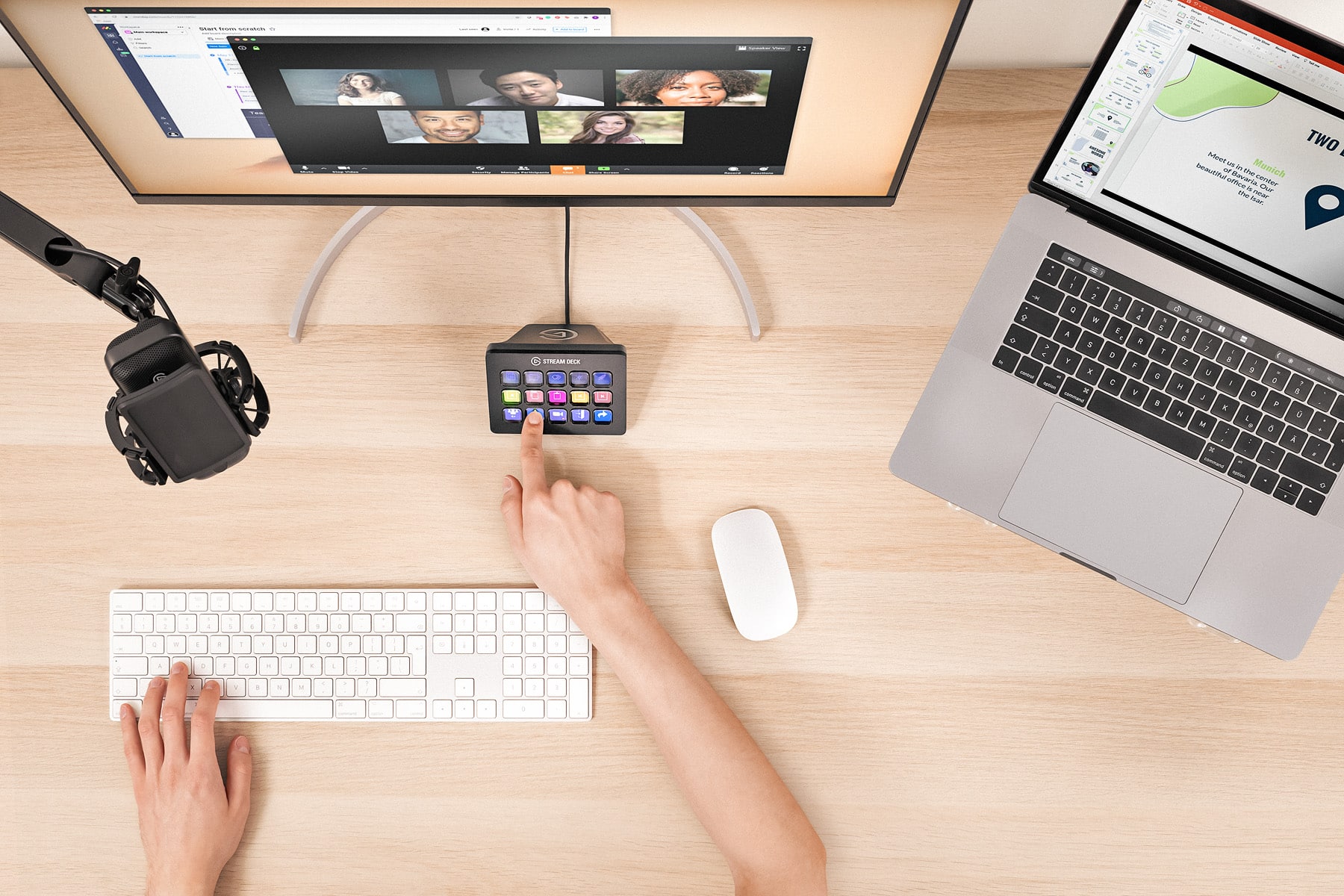
||Posted . Owned for 1 week when reviewed.This reviewer received promo considerations or sweepstakes entry for writing a review.This is an excellent device and the software makes it very easy to program for many functions. I like that as you program, the hardware is instantly updated. The keys are little screens, so they can have words and graphics on them for identification. I have the 16 key version and it fills up rapidly. Fortunately the system has the ability to swap all the key scripts so you can have multiple sets of keys for a particular program depending on what part of the program you are interacting with. One major limitation is that mouse clicks cannot be programmed, only key strokes. Hence if what you want to accomplish does not have shortcut keys you can't program it. Allied to this, it may be difficult to locate the short cut keys. Plugins are available (for free) to supersede some of these limits. I installed the Zoom plugin. My greatest utilization to date is using it for Zoom. I would like to have a key that would share and play preselected music. This sequence requires two mouse clicks in the middle so I have two keys and two mouse clicks. It would be desirable to be able to do this with one key. There doesn’t appear to be a way to open the settings in a context free way. Tools are available for developing plugins using procedural programming languages like JavaScript or objective C ... I don’t know how one could control an application such as Zoom if you don’t own Zoom if the application doesn’t provide a shortcut key.
I would recommend this to a friend - Pros mentioned:Ease of use
Small learning curve, great overall
|Posted .This reviewer received promo considerations or sweepstakes entry for writing a review.All in all I can easily say that this stream deck has increased my stream, both from an experience standpoint, but also from a navigation standpoint. This stream deck makes it easy to manage custom transitions, triggers and other effects that a will in turn deliver a satisfying experience for the viewers. I did find it a big tough to initially set up, but once I got over that hump it was smooth sailing moving forward. It easily synchs with most overlays out there too. Although there are 15 buttons to program, I rarely find myself doing so. All in all I would recommend this stream deck to those who are entering streaming or are in the process of changing over from manual transitions/effects to a more mechanical approach.
I would recommend this to a friend Just get it
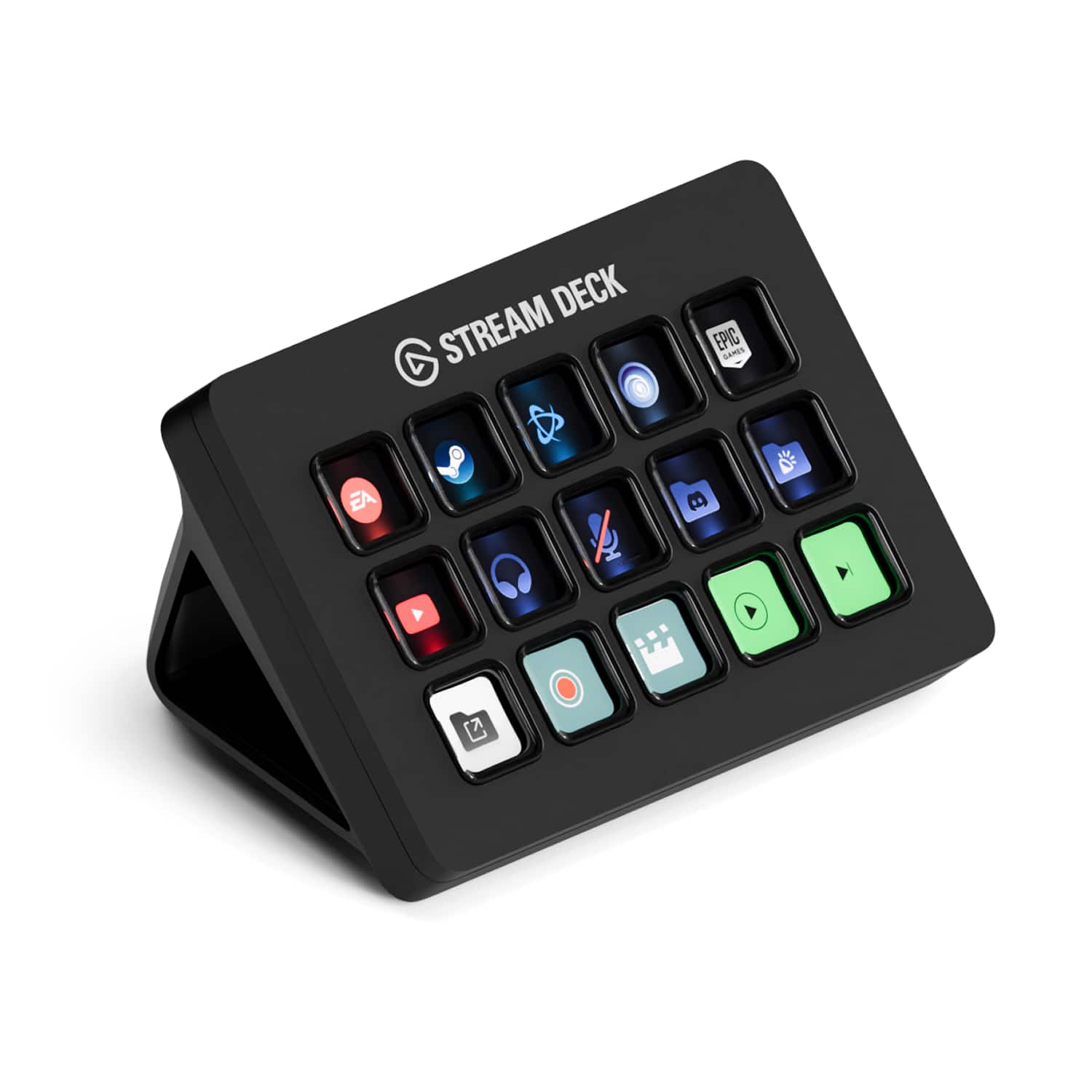
||Posted . Owned for 1 month when reviewed.This reviewer received promo considerations or sweepstakes entry for writing a review.Didn't think I'd like this as much as I do. The buttons are not as good as they could be, pretty mushy and a bit of wobble. The clarity of the icons are overall good apart from the very edge where there is some distortion. Apart from being able to quickly launch games and other programs, the most useful thing I was able to do is a toggle mute button for my mic which has a very weird mute button that barely works.
I would recommend this to a friend- Pros mentioned:Overall performance
Make sure you have a USB-C Port on your PC!
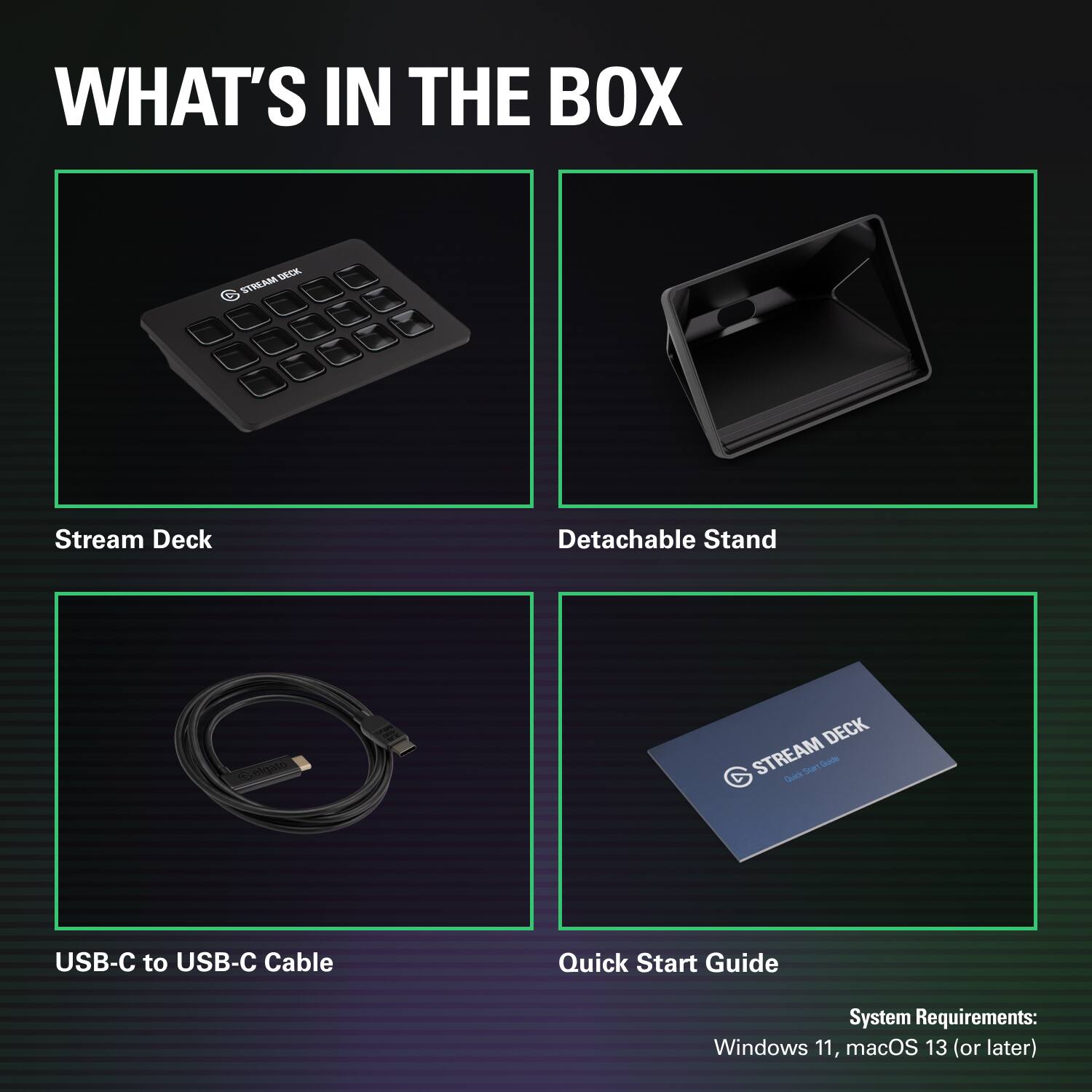
||Posted . Owned for 2 weeks when reviewed.This reviewer received promo considerations or sweepstakes entry for writing a review.I originally bought this for my wife’s PC as she was starting to get into Twitch streaming. But, the cable that was provided is a USB-C to USB-C cable. I have a plethora of USB-C to USB-A cables at home already, but I tried all of them, and they would only power the device, data was never sent. So I tried the factory cable on my own desktop that has a USB-C port, and it worked out of the box! And I additionally tried other C to C cables and those worked great too. So, now I need to buy a USB-C PCIe card to add to my wife’s PC to get this to work. But, the device does everything you need it to. Just a slight buyer beware.
I would recommend this to a friend - Pros mentioned:Ease of use
Great for Gamers or Streamers
||Posted . Owned for 1 month when reviewed.This reviewer received promo considerations or sweepstakes entry for writing a review.This Streamdeck was a gift for my son for Christmas as he is a gamer. He absolutely loves it! He has set up his regular visited sites on it as well as various streamer sounds he can use when making videos.
I would recommend this to a friend - Pros mentioned:Overall performanceCons mentioned:Price
Good but not the most bang-for-buck product.
||Posted . Owned for 7 months when reviewed.This reviewer received promo considerations or sweepstakes entry for writing a review.Elgato is known for making some pricey items for no special reason. This is no exception. I bought this full-priced new at $150 since there was nothing quite like it. I could have gone with the Mk.1 but wanted the latest and greatest. I wouldn't say that I regret my purchase, as I do use and enjoy this product, but I could be feeling a lot better about it if it was cheaper, around $100 instead. Unless you end up not using it, you will have a good product on your hands, arguably top-of-the-line and you won't regret your purchase.
I would recommend this to a friend - Pros mentioned:Customization, Ease of use
Not a gamer, but still love it for my dayo to day
||Posted . Owned for 3 months when reviewed.This reviewer received promo considerations or sweepstakes entry for writing a review.Definitely an excellent product, not just for game streamers but anyone who likes to organize their desk and have quick access to shortcuts and literally anything. Be creative.a
I would recommend this to a friend - Pros mentioned:Ease of use
A Satisfied Customer
||Posted . Owned for less than 1 week when reviewed.This reviewer received promo considerations or sweepstakes entry for writing a review.I’ve been using these for a couple of years now for work and decided to buy the newer model for myself. I’m not a fan of the new base but the functionality of device itself has remained consistent. I’m satisfied with this purchase and can not wait to try out the modified face plates.
I would recommend this to a friend - Pros mentioned:Ease of use
Legato Stream Deck
||Posted . Owned for 3 weeks when reviewed.This reviewer received promo considerations or sweepstakes entry for writing a review.I wasn’t sure about getting one of these because the reviews were either amazing or lackluster. However, i really enjoy having it. It makes switching music on, changing scenes, controlling cameras, etc really easy and convenient. Is it a necessary purchase to enjoy your PC? No. It’s more of a nice quality of life booster if you like to multitask, stream, etc. I would recommend! The only bad thing is the cord that came with it busted after two days and i thought the whole device broke until i replaced the cord with a normal type C cord. Otherwise great, easy, and nice to use.
I would recommend this to a friend - Pros mentioned:Ease of use, Software
Stream Deck
||Posted . Owned for 1 month when reviewed.This reviewer received promo considerations or sweepstakes entry for writing a review.Set up was really easy. Binding the macros can be somewhat complicated just due to thw amount of different things you can bind. The software is super easy to navigate though.
I would recommend this to a friend Iracing
||Posted .This reviewer received promo considerations or sweepstakes entry for writing a review.I’m using it for iracing game .. just no information on setup in game. Just a few buttons to hot key it to game I can’t get to work in time I will.
I would recommend this to a friend- Pros mentioned:Lcd keys
Buttons not just for gamers.
||Posted . Owned for 1 week when reviewed.This reviewer received promo considerations or sweepstakes entry for writing a review.If you grew up enjoying pushing buttons but now have to sit on endless Zoom calls for a paycheck this will get er done. Think over priced sound board meets NASA control board. Gotta turn off the camera cause your wife came in fussing at you for not cleaning up the kitchen? Button for that. Wanna add a button to switch inputs on your amazing powerpoint presentation? there is a button for that.
I would recommend this to a friend