Customer Ratings & Reviews


- Model:
- 10GBD9901
- |
- SKU:
- 12558470
Customer reviews
Rating 4.8 out of 5 stars with 405 reviews
(405 customer reviews)Rating by feature
- Value4.6
Rating 4.6 out of 5 stars
- Quality4.8
Rating 4.8 out of 5 stars
- Ease of Use4.6
Rating 4.6 out of 5 stars
Customers are saying
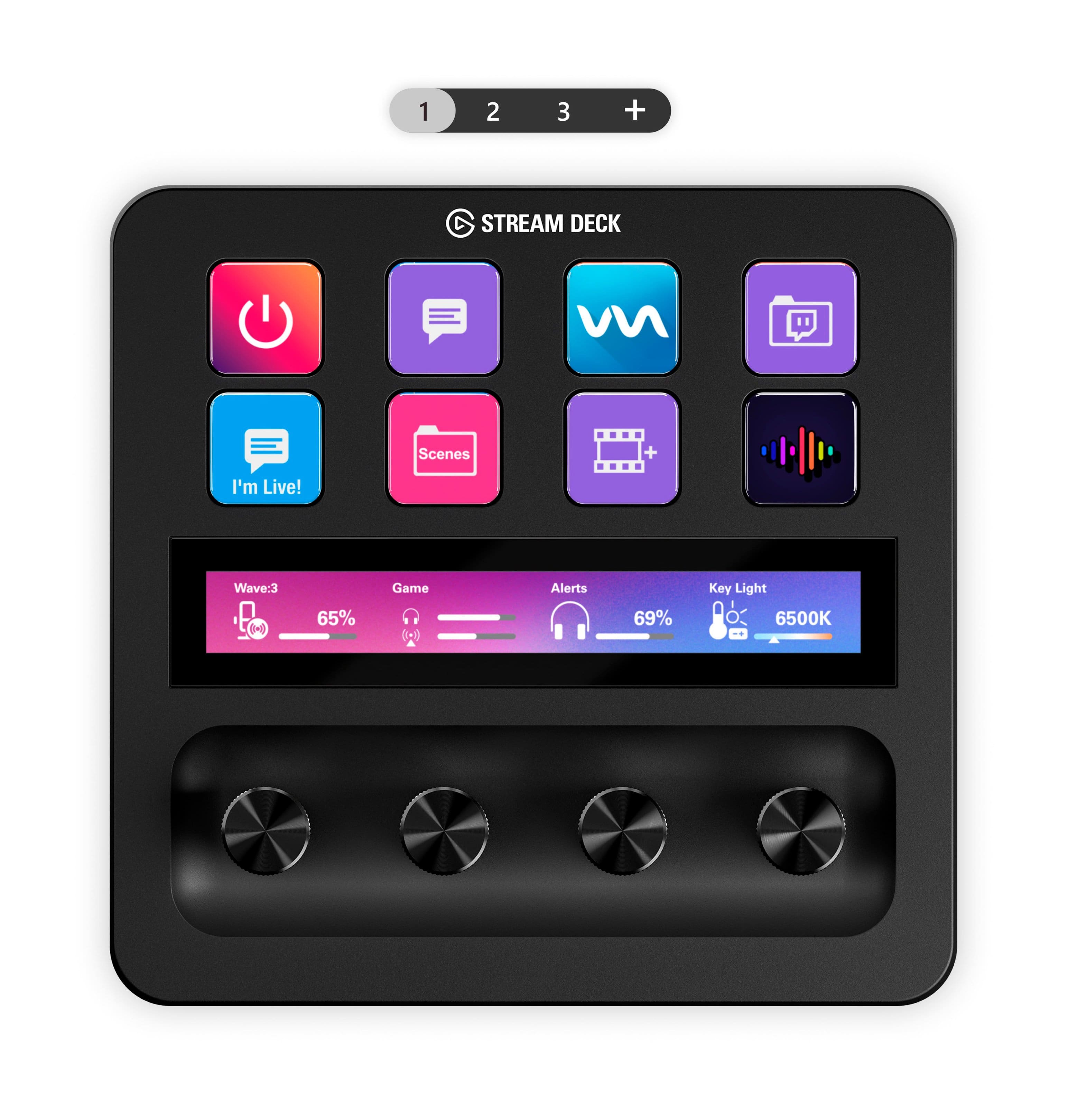
Customers are enthusiastic about the ease of use and overall performance of this device, which users describe as a high-quality piece of technology. Many appreciate the extensive customization options, including the tactile feel of the knobs and the functionality of the LCD buttons. While the software and touch strip are also highlighted as accessible features, some users have expressed concerns regarding the product's high price point.
This summary was generated by AI based on customer reviews.
- Pros mentioned:Ease of use
Rated 5 out of 5 stars
A Gamer must have!
||Posted . Owned for 2 weeks when reviewed.This reviewer received promo considerations or sweepstakes entry for writing a review.Very simple plug and play I love it. Right out the box ready to go. Buttons are big and bright.
This review is from Elgato - Stream Deck + Studio Controller with customizable touch strip and dials - Black
I would recommend this to a friend Rated 5 out of 5 stars
More than just a "Streamer" tool—A massive product
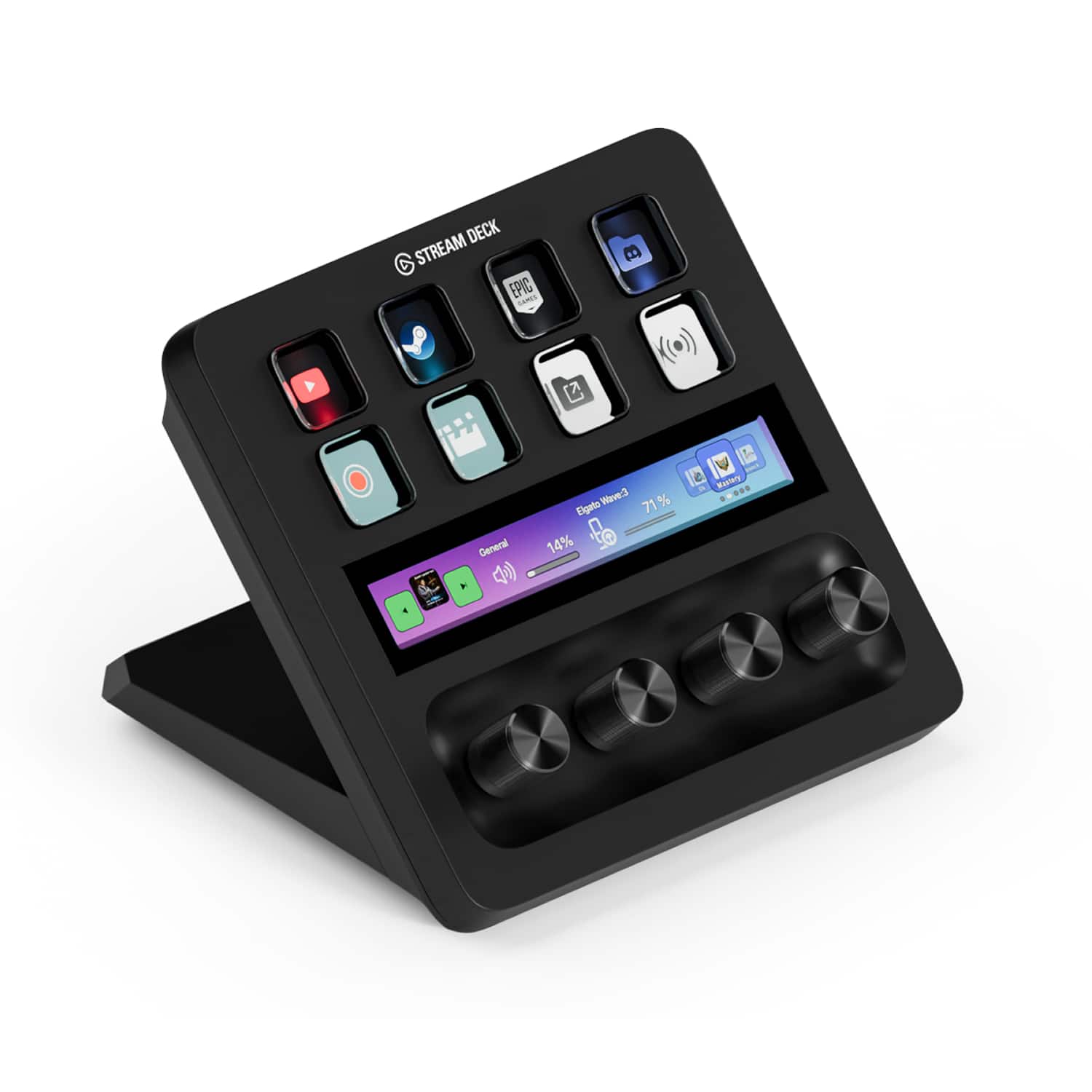
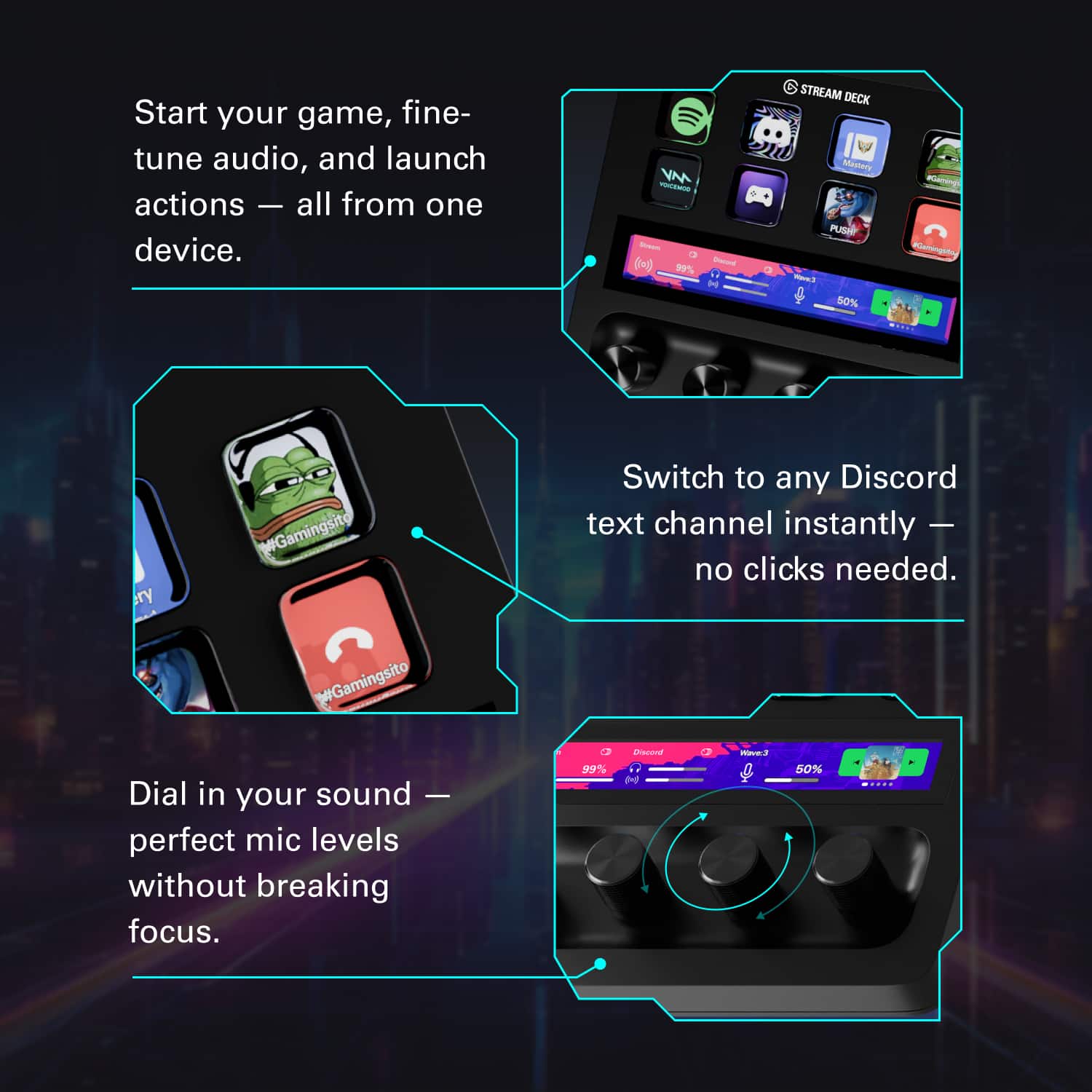
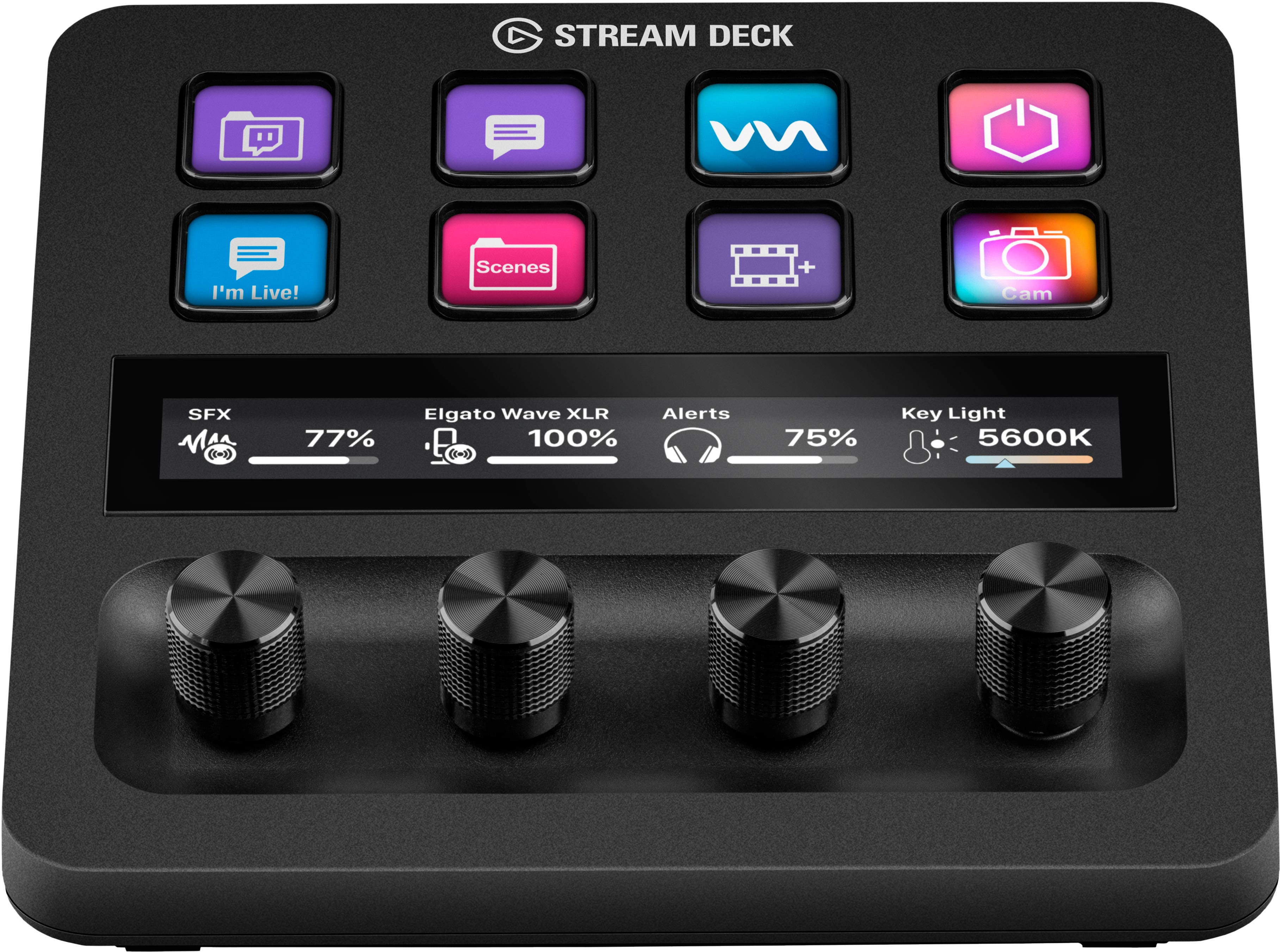
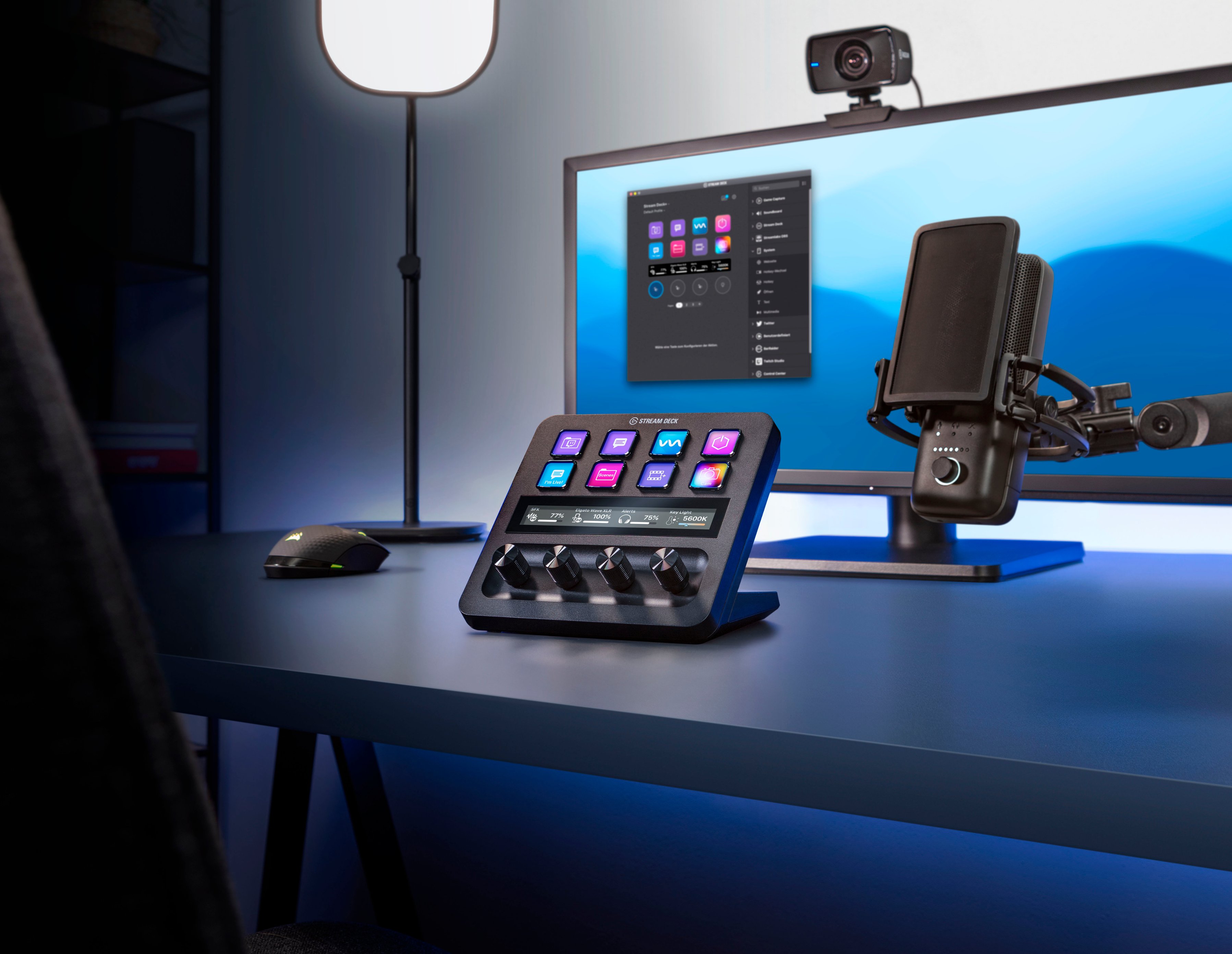
||Posted . Owned for 8 months when reviewed.This reviewer received promo considerations or sweepstakes entry for writing a review.I originally picked up the Stream Deck + to manage my audio during back-to-back meetings and gaming sessions, but it has quickly evolved into the most used piece of hardware on my desk. The addition of the four tactile dials is a game-changer for audio mixing; I can precisely adjust my mic gain or game volume without ever tabbing out of an application. What sets the "+" model apart for me is the LCD touch strip. I’ve configured it to switch between my desktop speakers and headset with a single swipe. Beyond audio, I use the physical buttons for complex keyboard shortcuts and macro executions that save me hours of repetitive typing. Recently, I’ve started using the HWiNFO and system monitoring plugins. While running heavy workloads or modern games, I have a dedicated page that shows my real-time CPU/GPU usage and temperatures right on the device. It’s much cleaner than having an overlay on my monitor. The build quality is solid, and the Elgato Marketplace makes it incredibly easy to find new plugins to expand what the device can do. Pros: Tactile Dials: Perfect for granular audio and lighting control. Consolidation: Replaced my separate audio mixer and several macro keys. System Monitoring: Great for tracking PC health during heavy tasks. Cons: Learning Curve: Setting up advanced "Smart Profiles" takes a bit of time to master.
This review is from Elgato - Stream Deck + Studio Controller with customizable touch strip and dials - Black
I would recommend this to a friendRated 5 out of 5 stars
My first Stream Deck; I'm glad I waited.
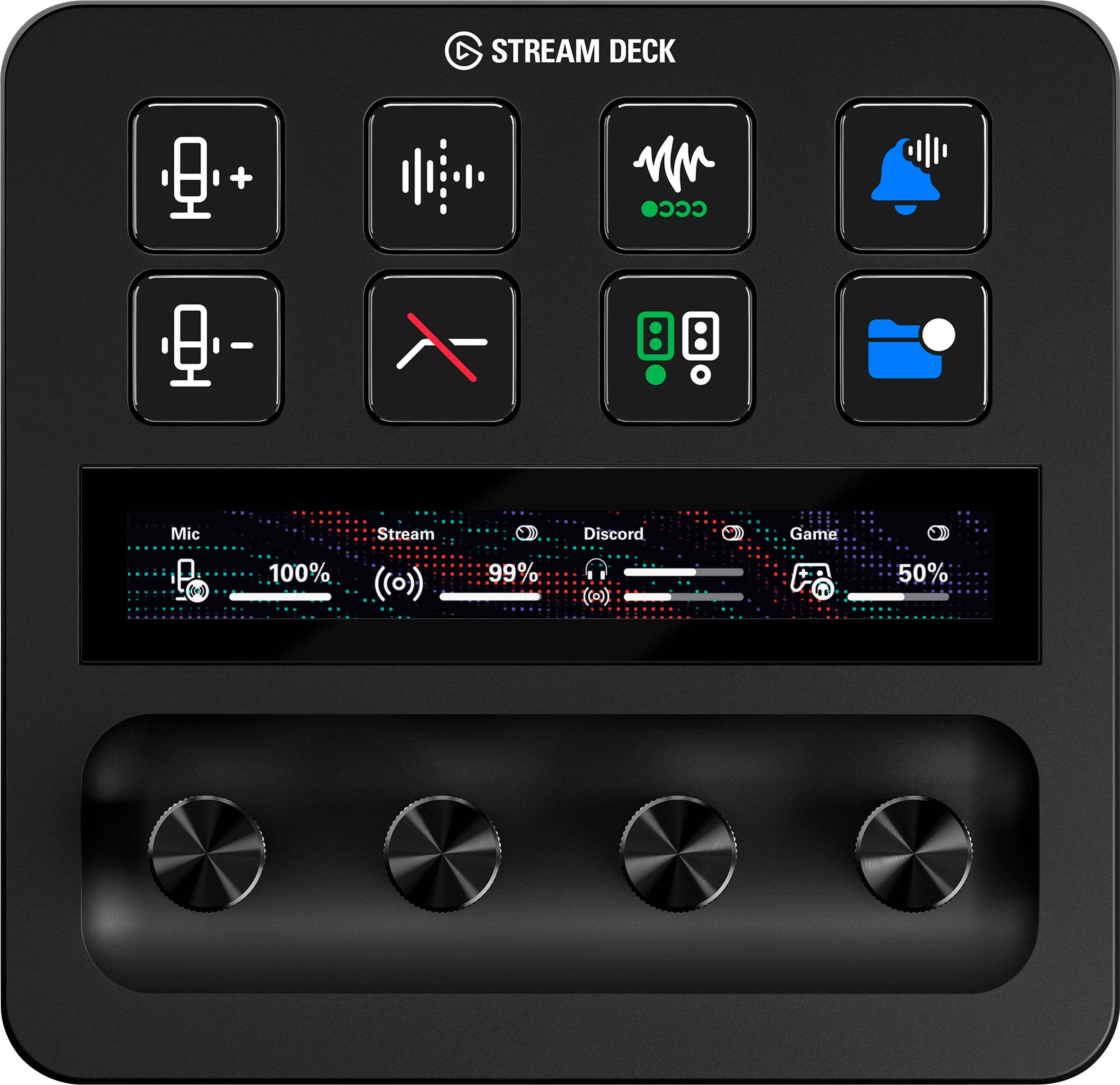
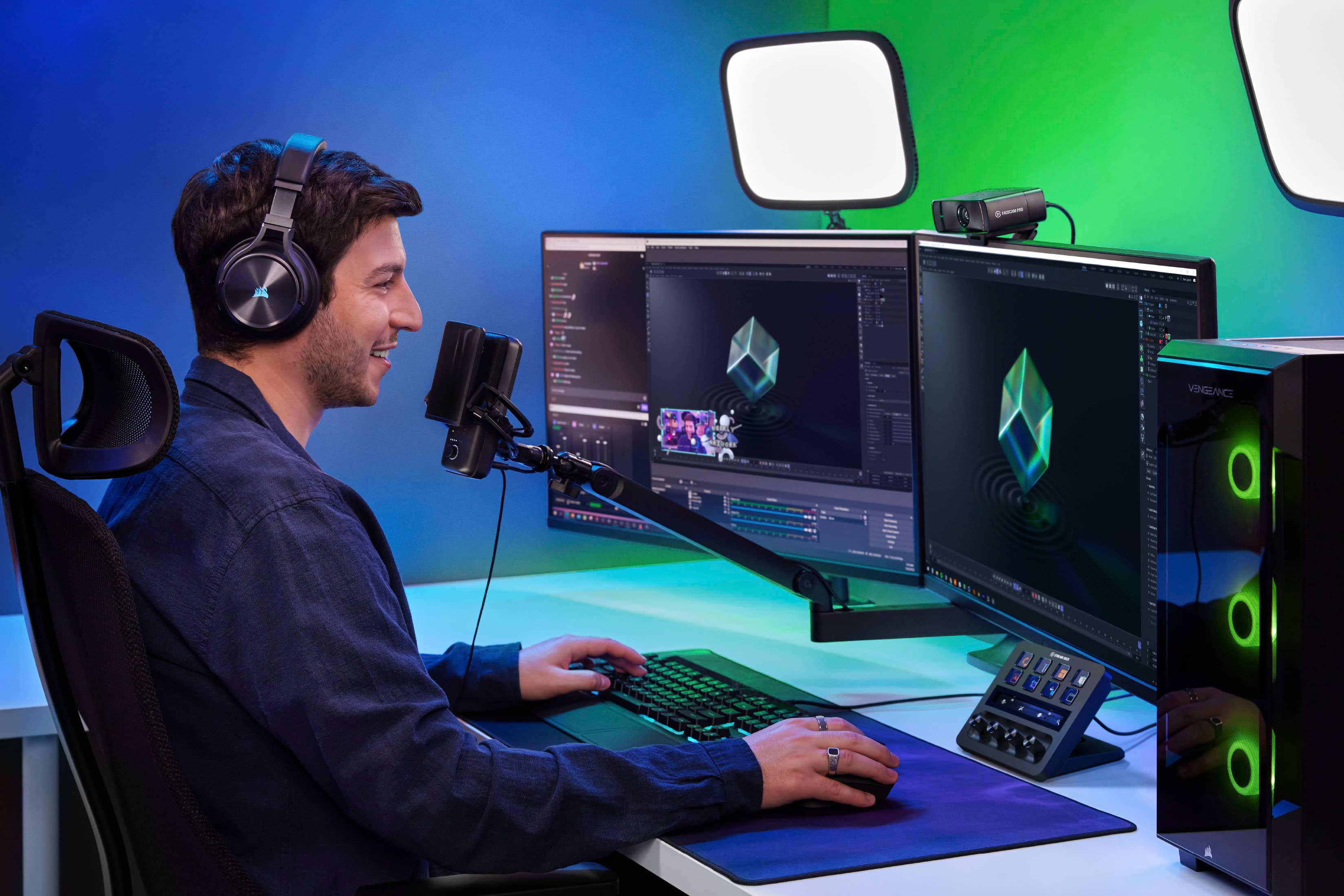
||Posted . Owned for less than 1 week when reviewed.This reviewer received promo considerations or sweepstakes entry for writing a review.I've been looking at the Stream Decks for a while now since I regularly stream using OBS and have a Discord call going at the same time, but couldn't ever justify buying one before. In my case, I could do most of what they did by just setting up some macros or using multiple monitors to have access to what I needed quickly. The Stream Deck plus with it's 4 rotary encoders though is a game changer. I have one set for my mic, one set for the Discord call, one set for the game volume, and one for the background music I play; all adjustable now at my fingertips. Naturally you still get all the other great features that come with a Stream Deck AND you don't have to assign buttons to move back and forth between your pages of buttons because all you need to do is swipe left and right on the touch panel. Beyond those things, the user interface is intuitive and easy to navigate and it feels very well built. I've read other reviews that talk about the buttons (on all Stream Decks) being a bit "mushy" and I agree they could have a more normal "click" feeling to them, but that would be my only minor complaint and for what the Stream Deck Plus offers dealing with "mushy" keys is well worth it.
This review is from Elgato - Stream Deck + Studio Controller with customizable touch strip and dials - Black
I would recommend this to a friend- Pros mentioned:Knobs, Overall performanceCons mentioned:Price
Rated 5 out of 5 stars
Quality Product
||Posted . Owned for 2 months when reviewed.This reviewer received promo considerations or sweepstakes entry for writing a review.Its a bit bulky compared to my older 15 button streamdeck, but it feels very high quality. The screen is very nice, the buttons are big and bright. The dials feel nice, metal and with nice detented movement. I wish it were a little cheaper
This review is from Elgato - Stream Deck + Studio Controller with customizable touch strip and dials - Black
I would recommend this to a friend - Pros mentioned:Customization, Ease of use
Rated 5 out of 5 stars
Great desk addition for pc
||Posted . Owned for 1 month when reviewed.This reviewer received promo considerations or sweepstakes entry for writing a review.Excellent item easy to set up and use great addition to pc for programable custom buttons
This review is from Elgato - Stream Deck + Studio Controller with customizable touch strip and dials - Black
I would recommend this to a friend - Pros mentioned:Volume control
Rated 5 out of 5 stars
Makes My Workflow Much Easier
||Posted . Owned for 2 weeks when reviewed.This reviewer received promo considerations or sweepstakes entry for writing a review.The Stream Deck + makes it much easier to control apps, audio, and common shortcuts from one place. The customizable buttons, touch strip, and dials are useful and feel intuitive after a short setup. It is a great addition for productivity and content creation.
This review is from Elgato - Stream Deck + Studio Controller with customizable touch strip and dials - Black
I would recommend this to a friend - Pros mentioned:Customization, Ease of use, Volume control
Rated 5 out of 5 stars
Perfect volume controller!
||Posted . Owned for 1 month when reviewed.This reviewer received promo considerations or sweepstakes entry for writing a review.So, I don't really use this thing to its full potential. I pretty much only use it to control apps individual volume levels, and for that, it's perfect. I know this thing is capable of so much more, but if you're looking for a device with dials that can change the volume levels of different apps on the fly, this is what you're looking for, and it does it exactly as you'd expect.
This review is from Elgato - Stream Deck + Studio Controller with customizable touch strip and dials - Black
I would recommend this to a friend - Pros mentioned:Knobs
Rated 5 out of 5 stars
Streamlined Streaming Control: Elgato Stream Deck
||Posted . Owned for 3 weeks when reviewed.This reviewer received promo considerations or sweepstakes entry for writing a review.The Elgato Stream Deck + Studio Controller is a game-changer for content creators and streamers. Its customizable touch strip and dials enable seamless control over scenes, audio, and more. Intuitive software and sleek design complete the package, making it a must-have for elevated streaming experiences.
This review is from Elgato - Stream Deck + Studio Controller with customizable touch strip and dials - Black
I would recommend this to a friend - Pros mentioned:Ease of use
Rated 5 out of 5 stars
Stream Deck Streamline
||Posted . Owned for 1 month when reviewed.This reviewer received promo considerations or sweepstakes entry for writing a review.I work in documentary film and wanted a device that would make it easier to scrub footage frame-by-frame as well as other increments and that search led me to the Stream Deck+. It works better than I could have imagined for streamlining my entire workflow in Google Sheets, media players, and more. I also GM for several TTRPGs and this has been an invaluable tool for both applications! The app to program your buttons and dials is extremely intuitive. The Deck is lightweight and easy to travel with.
This review is from Elgato - Stream Deck + Studio Controller with customizable touch strip and dials - Black
I would recommend this to a friend - Pros mentioned:Customization
Rated 5 out of 5 stars
Elgato stream deck plus
||Posted . Owned for 1 week when reviewed.This reviewer received promo considerations or sweepstakes entry for writing a review.15 macro keys per page, 10 pages, highly customiza I am not a streamer. Heck, I don't even game much anymore. But I had to give up my gaming keyboard and return to using an ergonomic keyboard to avoid repetitive stress injury. While I admit that I miss the frivolous flashing light show, what I really miss was the macro keys, which I used for trivial things like special characters. Now I have rapid access to frequently-used special characters, media controls, single-button access to my NAS, router, etc. The keys have little screens on them. The automatic images are generally descriptive enough and highly customizable, and you can also create 72 pixel squared custom images for individual keys for further customization. The only minor complaint that I have is that if you want to open an app, you have to have a path. Apps installed from the Microsoft store and certain utilities built into Windows may not have a path that the user can easily get to. Thus, for Notepad and MS Paint, I had to create a batch file and and create a custom image of a screenshot of the start menu to have an icon.
This review is from Elgato - Stream Deck + Studio Controller with customizable touch strip and dials - Black
I would recommend this to a friend - Pros mentioned:Ease of use
Rated 5 out of 5 stars
Great device that keeps getting better!
||Posted .This reviewer received promo considerations or sweepstakes entry for writing a review.I own another streamdeck (32 button version) but wanted this because of the dials and thought it would be a great addition since I use it so much with my work (programming, meetings, etc). I don't actually stream but find these to be an invaluable work tool. Originally, when I purchased it, the product was somewhat new and was just starting to get plugin adoption by the community. I honestly was really on the fence to return it because at the time the dials weren't really utilized. I'm glad I kept it as months later now both Elgato and the community have done a lot into having dial support. Now with the new features (Action Trigger, Action Wheel, and Dial Stack) this has now become my primary of the two stream decks that I use. The dials allow me to rotate through several hot keys / plugins / macros and select the one I want. The display bar is nice for showing me a nice large clock that I can use as a timer. The list goes on and on. I'm glad I didn't return this and my hats off to Elgato on continually developing the software to make it more and more useful. I love having two stream decks, but if I had to start over knowing what I know now, I probably would have picked up two of these dial versions instead of having the 32 button + dial version. My only wish/request for the products would be to have a 1/4 thread mount on the back so you can have it mounted on a telescoping arm and off the desk. I picked up a 3d printed adapter off Etsy that works great, but would have been nice if it had it by default. Great device - strongly recommend to others.
This review is from Elgato - Stream Deck + Studio Controller with customizable touch strip and dials - Black
I would recommend this to a friend Rated 5 out of 5 stars
Stream deck
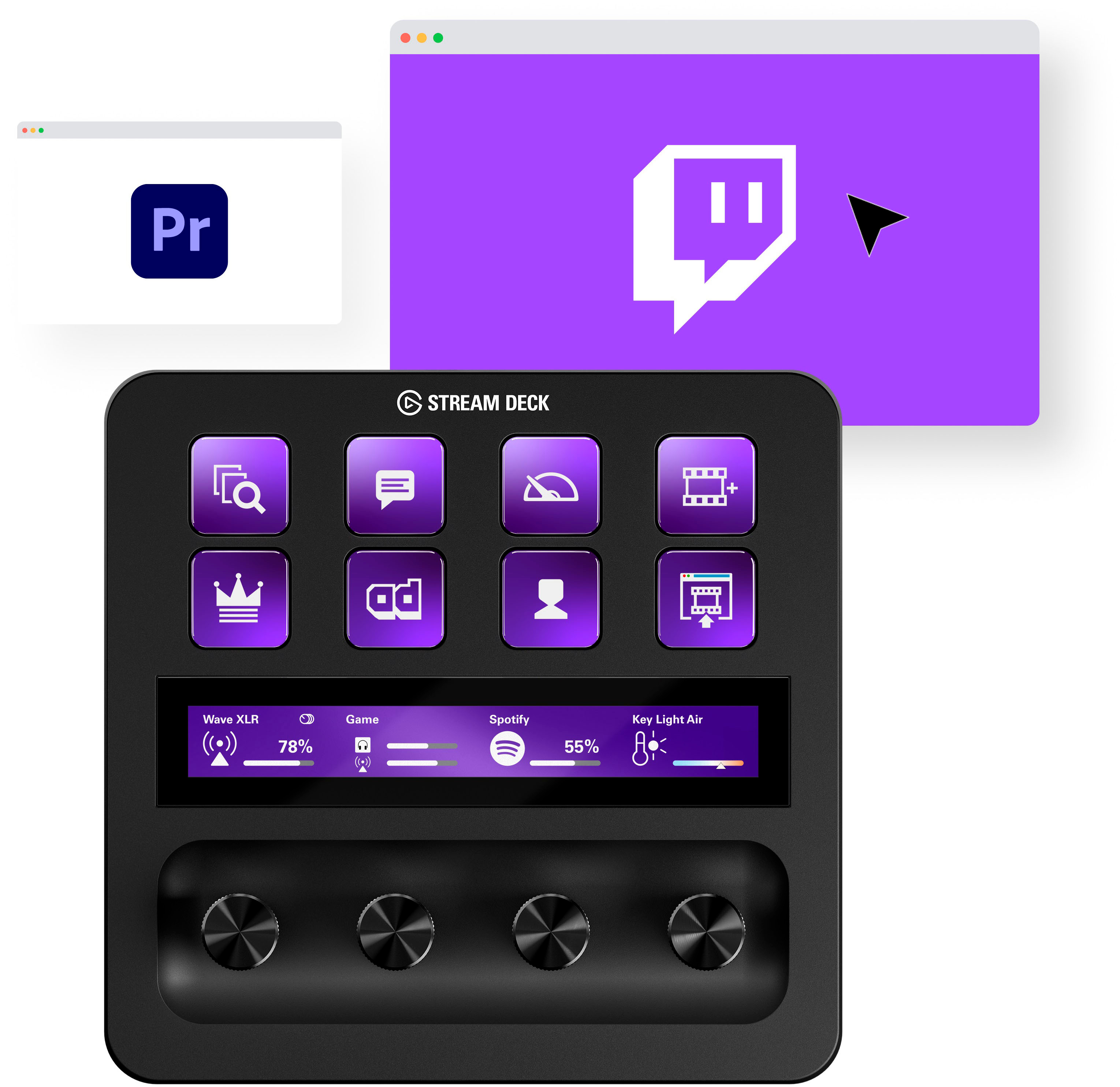
||Posted . Owned for 1 year when reviewed.This reviewer received promo considerations or sweepstakes entry for writing a review.I’ve been using the Elgato Stream Deck for a while now, and it’s honestly one of the best tools for making streaming or even everyday PC tasks easier. The customizable LCD buttons are awesome — you can set them up to launch apps, control your stream, adjust audio, or run shortcuts with a single tap. The setup software is easy to use, and there are tons of plugins for things like OBS, Twitch, Spotify, and smart lights, which makes it super flexible. The build quality feels solid, and the buttons light up nicely, though they can feel a little soft if you press them off-center. My only complaints are that it’s a bit pricey and the USB cable is short and not detachable, which can be annoying when setting up your desk. Still, once you get it set up, it saves so much time and makes things run smoother — it’s one of those devices you don’t realize you needed until you use it.
This review is from Elgato - Stream Deck + Studio Controller with customizable touch strip and dials - Black
I would recommend this to a friend- Pros mentioned:Ease of use
Rated 5 out of 5 stars
Very Useful
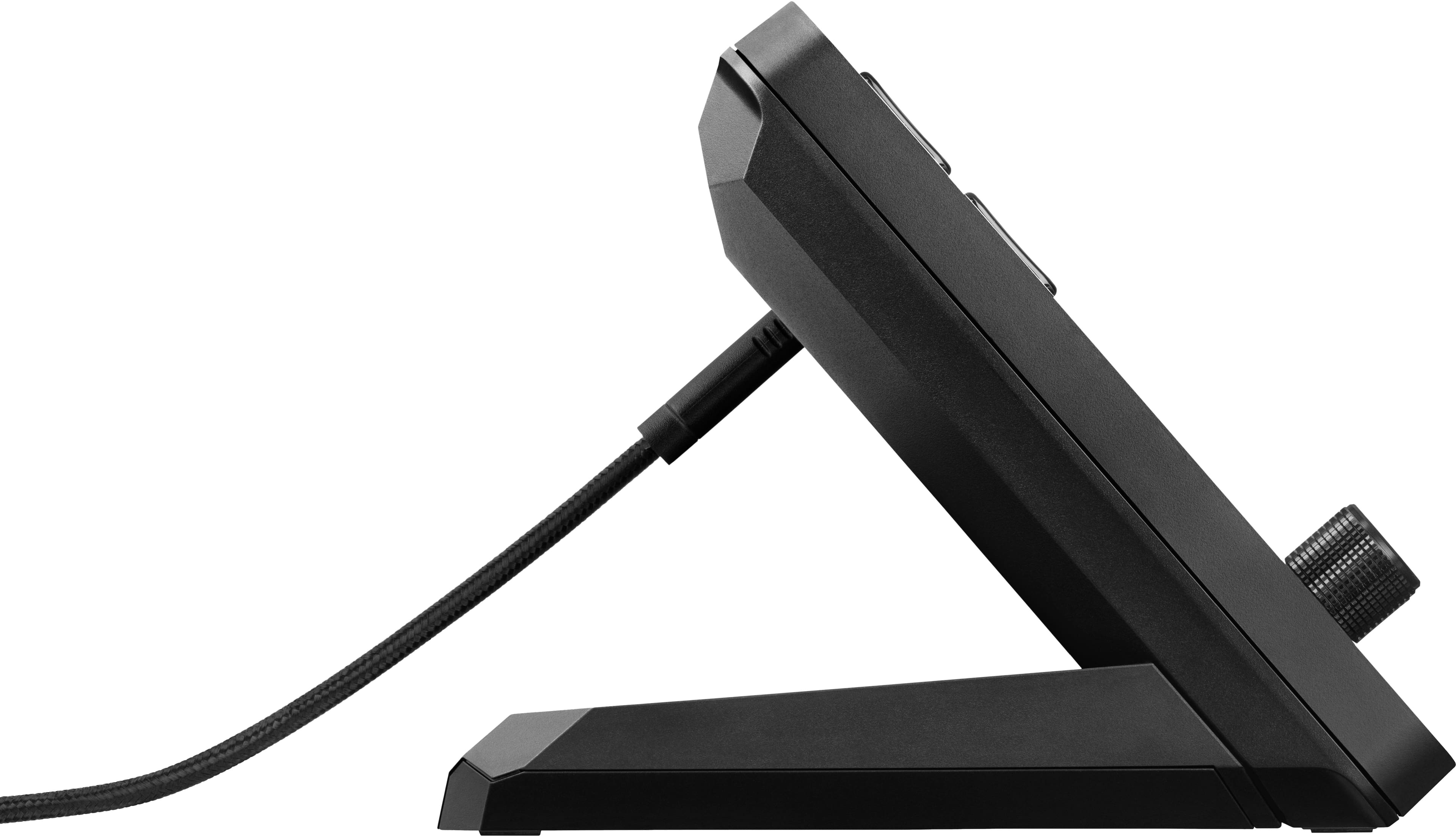
||Posted . Owned for 1 year when reviewed.This reviewer received promo considerations or sweepstakes entry for writing a review.The Stream Deck + by Elgato is a game-changer for content creators, streamers, and anyone looking to streamline their digital workflows. With its intuitive design and powerful functionality, the Stream Deck + offers unparalleled control and efficiency, making it an indispensable tool for professionals and enthusiasts alike. In this review, we'll delve into the features, performance, and overall value of the Stream Deck +. Design and Build Quality: The Stream Deck + boasts a sleek and compact design that exudes professionalism. Its solid construction ensures durability, making it suitable for both desktop and on-the-go use. The ergonomic layout of the customizable keys provides easy access to essential functions, while the adjustable stand allows for comfortable viewing angles. Whether placed alongside a high-end gaming rig or a minimalist workstation, the Stream Deck + enhances the aesthetic appeal of any setup. Features and Functionality: At the heart of the Stream Deck + lies its customizable LCD keys, which serve as tactile interfaces for executing commands and macros with precision. With 32 keys at your disposal, you can effortlessly switch scenes, launch applications, control media playback, and much more, all with a single tap. The intuitive drag-and-drop interface of the Stream Deck software makes it easy to assign actions to each key, allowing you to tailor the device to your specific workflow. Furthermore, the Stream Deck + offers seamless integration with popular streaming platforms such as Twitch, YouTube, and OBS Studio, as well as a wide range of compatible software including Adobe Photoshop, Premiere Pro, and Microsoft Office. This versatility enables users to streamline their tasks and unleash their creativity without being bound by technical limitations. Performance and User Experience: In terms of performance, the Stream Deck + delivers responsive and lag-free operation, thanks to its high-quality components and efficient software optimization. The tactile feedback of the keys ensures accurate input, while the customizable icons on the LCD display provide visual cues for quick recognition. Whether you're managing a live stream, editing a video, or controlling your smart home devices, the Stream Deck + enhances productivity and simplifies complex tasks with ease. Moreover, the user experience is further enhanced by the extensive support and resources available from the Elgato community. From online tutorials and user forums to regular software updates and firmware enhancements, Elgato remains committed to empowering users and enriching their experience with the Stream Deck +. Value and Conclusion: In conclusion, the Stream Deck + is a premium productivity tool that offers exceptional value for professionals and enthusiasts alike. Its intuitive design, customizable features, and seamless integration make it a versatile companion for content creators, streamers, and anyone looking to elevate their digital workflows. While the initial investment may seem steep, the enhanced efficiency and productivity gains provided by the Stream Deck + justify its price tag. Whether you're a seasoned professional or a budding enthusiast, the Stream Deck + is sure to revolutionize the way you work and create. Rating: 5/5 The Stream Deck + earns top marks for its innovative design, powerful functionality, and superior performance, making it a must-have accessory for anyone seeking to optimize their digital workflows.
This review is from Elgato - Stream Deck + Studio Controller with customizable touch strip and dials - Black
I would recommend this to a friend - Pros mentioned:Customization
Rated 5 out of 5 stars
Great fully customizable product
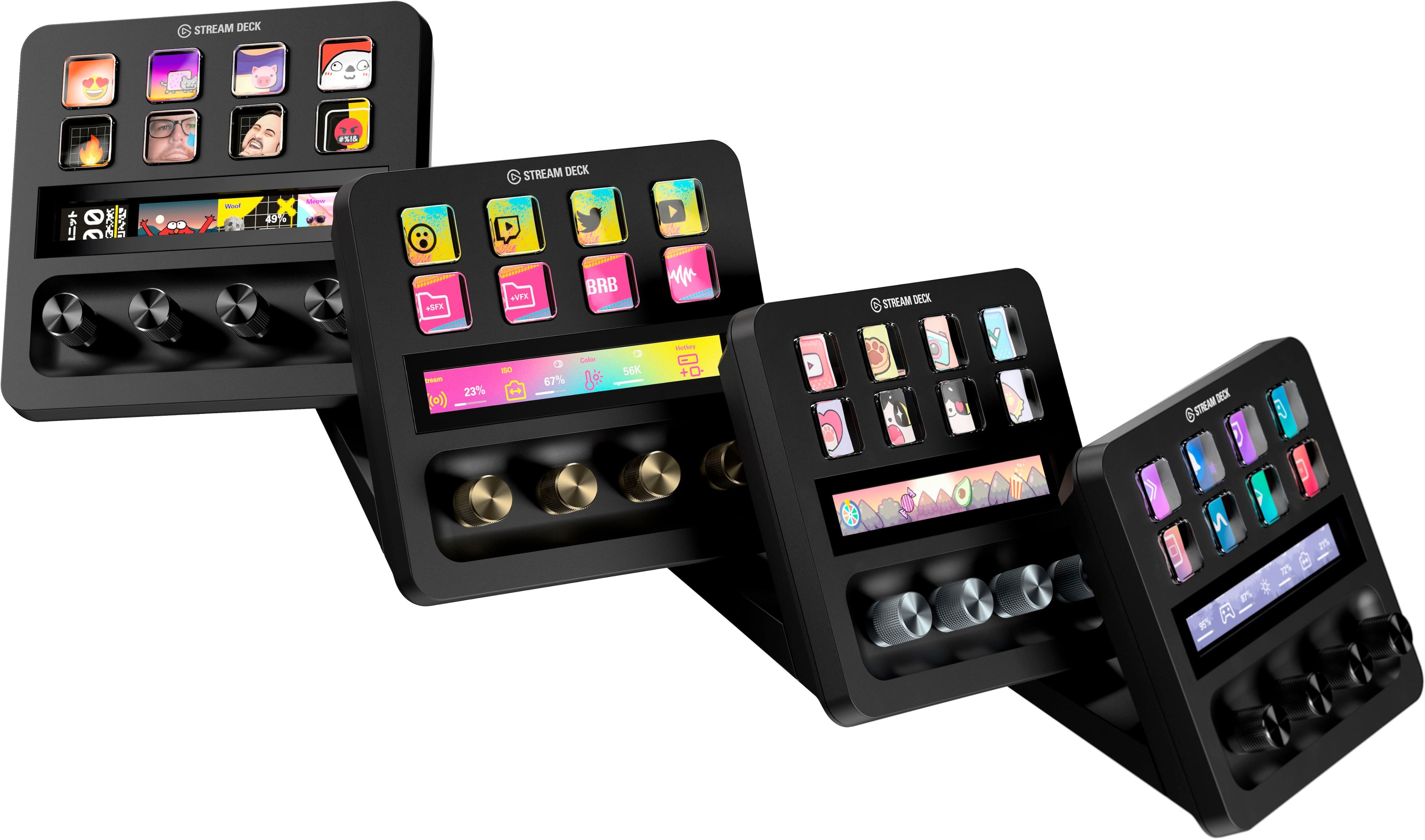
||Posted . Owned for 1.5 years when reviewed.This reviewer received promo considerations or sweepstakes entry for writing a review.The buttons are fully customizable down to the pictures on the stream deck. This is incredible for gaming and streaming.
This review is from Elgato - Stream Deck + Studio Controller with customizable touch strip and dials - Black
I would recommend this to a friend - Pros mentioned:Customization, Ease of use
Rated 5 out of 5 stars
Stream Deck+ - Elevating My Streaming Experience
||Posted . Owned for 1 year when reviewed.This reviewer received promo considerations or sweepstakes entry for writing a review.I've been using the Elgato Stream Deck for a while, but the Stream Deck+ is a significant upgrade. The tactile dials, LCD keys, and touch strip are fantastic additions. I've found it incredibly customizable, whether for audio, video, or lighting controls. Being able to trigger multiple actions and switch between different app configurations seamlessly is a remarkable feature. The Stream Deck Store offers useful plugins, icons, and more. Wave Link, the audio mixing software, is a great inclusion. With regular updates, the Stream Deck+ just keeps getting better. It deserves a solid 5 stars!
This review is from Elgato - Stream Deck + Studio Controller with customizable touch strip and dials - Black
I would recommend this to a friend - Pros mentioned:Ease of use
Rated 5 out of 5 stars
I love this thing
||Posted . Owned for 2 weeks when reviewed.This reviewer received promo considerations or sweepstakes entry for writing a review.This is the one. I’ve have the MK 2 without dials and was worried this would not have enough buttons for me but the dials and touchscreen strip encompass so many more functions that I don’t miss the extra buttons at all. Having one dial able to to turn volume up or down and mute is way better than 3 buttons to do the same thing. On top of that, the corresponding display for status of that dial level and name is so much cleaner than the old button method. All of the new dial related actions make this way more intuitive than an all button setup.
This review is from Elgato - Stream Deck + Studio Controller with customizable touch strip and dials - Black
I would recommend this to a friend - Pros mentioned:Ease of use, Volume control
Rated 5 out of 5 stars
For more then just streamers
||Posted . Owned for 3 weeks when reviewed.This reviewer received promo considerations or sweepstakes entry for writing a review.This thing is just amazing!!! So I’m not a streamer and I still use it for other things. My wife uses it for work like Microsoft, zoom meetings and to have one button app press on and controls the volume to the pc. I use it to start games, control my steel series head set volume, to control my discord and to open op other apps of my choice. It’s a small learning curve with it but once you ingest the hang of it you’ll you can do so much.
This review is from Elgato - Stream Deck + Studio Controller with customizable touch strip and dials - Black
I would recommend this to a friend - Pros mentioned:Overall performance
Rated 5 out of 5 stars
Amazing product for anyone on PC
||Posted . Owned for 2 weeks when reviewed.This reviewer received promo considerations or sweepstakes entry for writing a review.I bought this as a gift for my brother and he loves it. He uses it for streaming and even when he isn’t it really helps him out. It works so well I have considered buying myself one even though I don’t stream. I had purchased it for pick up but had something come up and the fact that I can switch it for next day delivery was perfect.
This review is from Elgato - Stream Deck + Studio Controller with customizable touch strip and dials - Black
I would recommend this to a friend - Pros mentioned:Ease of use
Rated 5 out of 5 stars
handy device
||Posted . Owned for 1 month when reviewed.This reviewer received promo considerations or sweepstakes entry for writing a review.really good for swapping apps quick, managing the sound, and other cool options with a click of a button
This review is from Elgato - Stream Deck + Studio Controller with customizable touch strip and dials - Black
I would recommend this to a friend - Pros mentioned:Knobs
Rated 5 out of 5 stars
LOVE IT!
||Posted . Owned for 1 week when reviewed.This reviewer received promo considerations or sweepstakes entry for writing a review.I love this thing and it's only going to get better! I've seen a few people complain about minor things like plugins needing to be updated etc to support the knobs. Hey, if you wanna wait for that and not enjoy what it can do now while you wait, then buy the old one and regret it later then! It already made using my keylights way easier cuz the knobs worked for that right away. Its just like OBS, if you want to wait to upgrade to the new version because some of the plugins arent yet compatible, then wait. But if you are going to buy a new stream deck, it makes no sense to me to buy one that does'nt support the knobs and all that this can do NOW. If you already have a stream deck maybe I could understand waiting a bit to buy this one, but I didn't have one yet at all, so I bought this one, and I LOVE IT, and have no regrets. It will only get better over time. I've been using the stream deck app on my ipad, so I am familiar with how it all works and what it does, and this already does alot more than a standard stream deck, so I don't get the hate just cuz it's new and some things need to be updated in software to support the new hardware features.
This review is from Elgato - Stream Deck + Studio Controller with customizable touch strip and dials - Black
I would recommend this to a friend