Elgato - Stream Deck + Studio Controller with customizable touch strip and dials - Black
Customers are saying
Customers frequently mention the product's ease of use and impressive overall performance as standout features. Users also appreciate the high level of customization available through the software and the tactile quality of the knobs and LCD buttons. While the device is highly regarded for its functionality and accessible controls, some users have expressed concerns regarding its high price point.
Color
BlackTactile Control
LCD keys, touch strip, and dials for audio, video, lighting, and more.
Fully Customizable
Audio mixer, studio controller, production console, etc.
Multi Actions
Trigger multiple actions at once or sequentially.
Visual Feedback
Know that your command has been executed and view dial information.
Smart Profiles
Automatically switch between interface configurations for different apps.
Powerful Plugins
Elgato Wave Link, Camera Hub, Control Center, OBS, Twitch, YouTube, Twitter, Discord, Spotify, Philips Hue, and many more
Stream Deck Store
Download plugins, icons, thousands of royalty-free tracks, SFX, and more.
Stream Deck App
Drag and drop setup and custom interface icons.
Unlock Wave Link
Powerful audio mixing software with effects.
Always Evolving
Regular updates and new plugins frequently added.
- Lighting TypeMulticolorForm FactorFull-sizeConnection TypeWired
Reviews
Rating 4.8 out of 5 stars with 417 reviews
- Ease of use (134)
- Overall Performance (64)
- Customization (36)
- Volume Control (24)
- Knobs (23)
- Price (6)
Customer Images
The vast majority of our reviews come from verified purchases. Reviews from customers may include My Best Buy members, employees, and Tech Insider Network members (as tagged). Select reviewers may receive discounted products, promotional considerations or entries into drawings for honest, helpful reviews.





Compare similar products
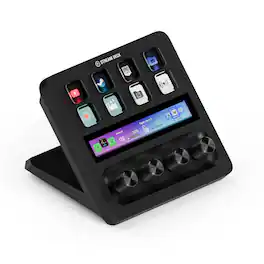
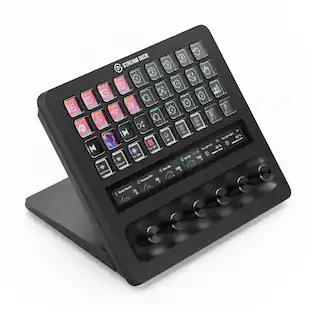
Iconic Stream Deck tech with LCD keys, dials, and touch strip. Fully customizable. Perfect for any workflow. Stream Deck + is your audio mixer, studio controller, production console – anything you want it to be. Trigger actions. Control mics and cameras. Adjust volume, lighting, and much more. Create limitless pages for different apps and swipe between them on the fly. Set up with ease in the Stream Deck app. Unlock Elgato Wave Link mixing software, and hit the Stream Deck Store for plugins, icon packs, thousands or royalty-free music tracks, sound effects, and more. With new plugins and updates added regularly, Stream Deck + evolves with your workflow.
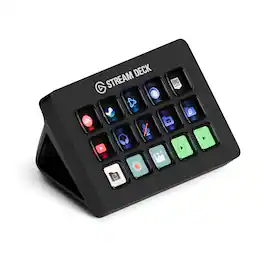
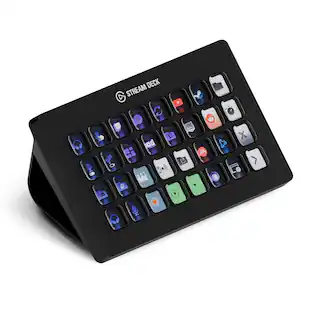
Stream Deck gives you 15 LCD keys to control your apps and tools. Trigger actions, launch social posts, adjust audio, play sound clips, activate lights, and much more. Get visual feedback to confirm your commands. Set Stream Deck to automatically switch key configurations as you jump between apps. It’s the ultimate workflow hack, and it’s fully customizable. Personalize your Stream Deck with custom icons, screensavers, and a growing range of interchangeable faceplates. Use the app to configure keys with ease, and hit the Stream Deck Store for app plugins, icon packs, thousands of royalty free tracks, effects, and more.
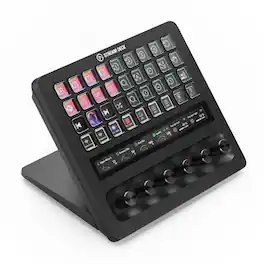
With dozens of customizable controls and real-time info monitoring, Stream Deck + XL lets professionals run entire productions and systems from a single, easy-to-use platform. Integrate everything from DAWs to camera equipment and creative apps with drag-and-drop setup on PC or Mac. Stay in command—32 macro keys and six multifunction dials streamline your work, while a touch strip display puts critical insights within easy view. Optional accessories expand your setup even further, letting Stream Deck + XL double as an audio interface or USB hub. It’s our biggest Stream Deck yet, built for your biggest workflows.
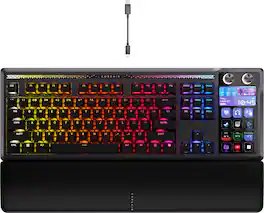
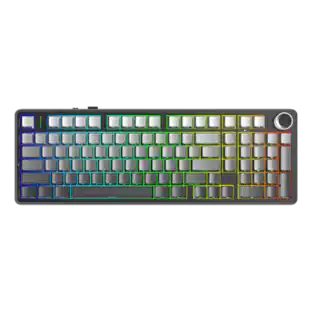
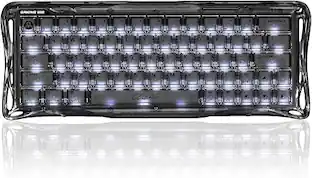
GALLEON 100 SD fuses iconic Stream Deck technology into a high-performance mechanical keyboard, giving you precise, real-time command of your entire gaming setup all from one device. Customizable shortcut keys and dials help you react faster without breaking focus, whether you're executing complex in-game combos or controlling apps like Discord and Spotify. Keep tabs on everything from hardware stats to your favorite Twitch channels on a fullcolor 5" LCD screen. The keyboard also delivers serious gaming performance with lightning-fast 8,000Hz hyperpolling, FlashTap SOCD, and smooth MLX Pulse switches. It’s more than just a keyboard—it’s a new era of input.
| Pros for Elgato - Stream Deck + Studio Controller with customizable touch strip and dials - Black | |||
|---|---|---|---|
| Ease of use, Overall Performance, Customization, Volume Control, Knobs | Ease of use, Overall Performance, Customization, LCD Keys, Software | There were no pros for this product— | Customization, Build Quality, Key Feel, Stream Deck Integration, Noise Level |
| Cons for Elgato - Stream Deck + Studio Controller with customizable touch strip and dials - Black | |||
| Price | Price, Stand | There were no cons for this product— | Software |
Specs
Customers often buy these together
Mice
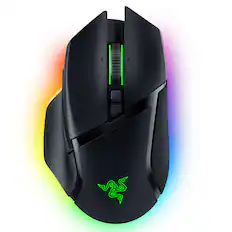
Razer - Basilisk V3 Pro Optical Gaming Mouse with HyperScroll Tilt Wheel - Wireless - Black
$99.99The price was $159.99

Mouse Pads

More recommended items
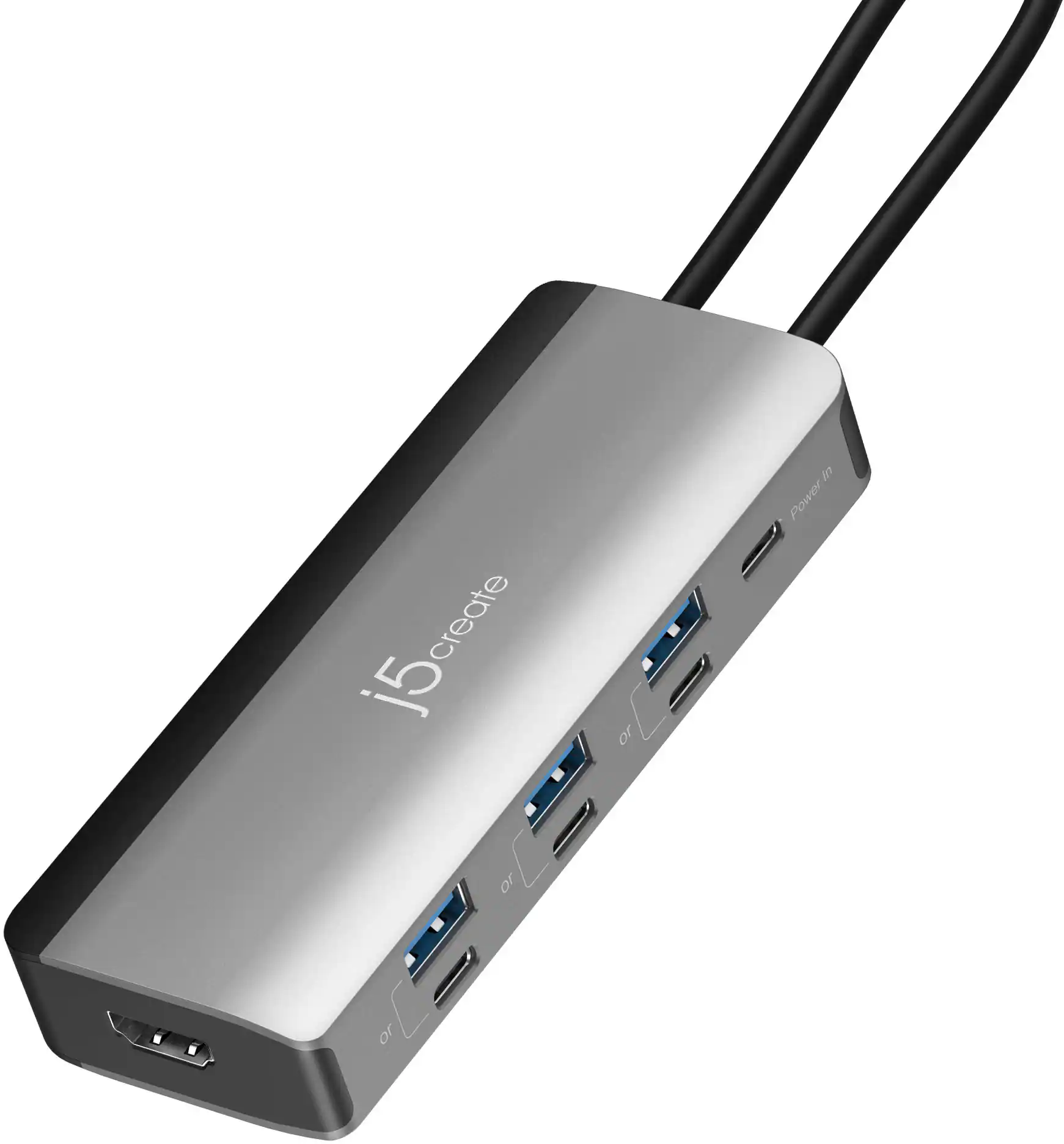 Laptop Docking Stations
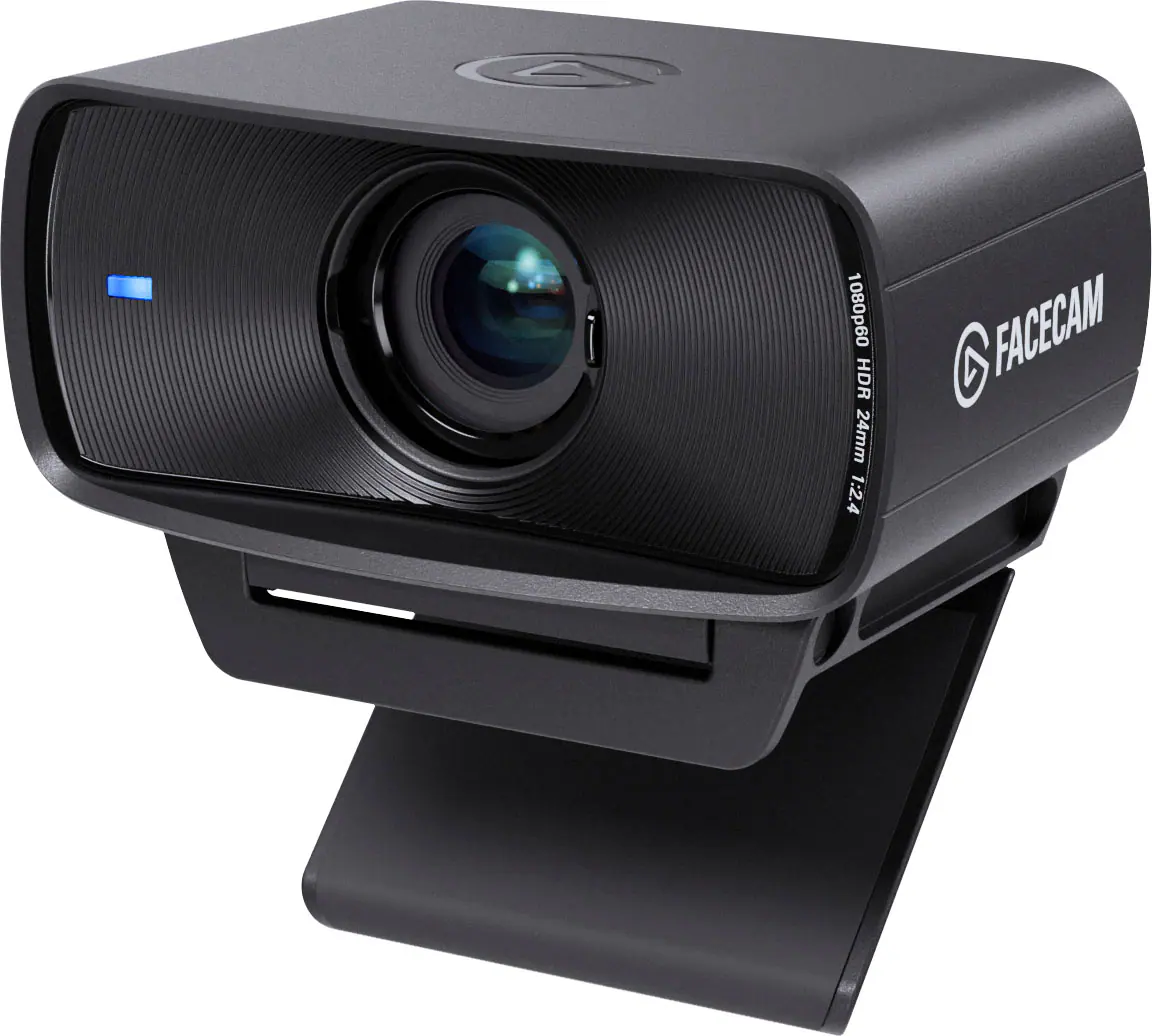 Web Cameras
 Cables and Adapters
Explore tech essentials Sponsored
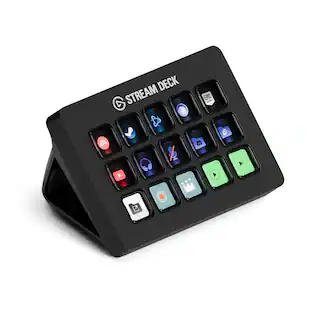 Top Deal$119.99The price was $149.99
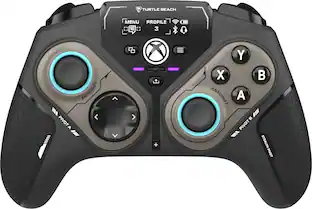 $99.99The price was $139.99
Discover related products
 $614.99The price was $678.11
 $351.99The price was $369.99
 $12.99The price was $13.99
 $7.99The price was $14.99




Keep exploring
 $129.95The price was $159.95
 $69.99The price was $99.99