Customer Ratings & Reviews

- Model:
- 10GAT9901
- |
- SKU:
- 6350572
Customer reviews
Rating 4.9 out of 5 stars with 780 reviews
(780 customer reviews)Rating by feature
- Value4.6
Rating 4.6 out of 5 stars
- Quality4.9
Rating 4.9 out of 5 stars
- Ease of Use4.7
Rating 4.7 out of 5 stars
Customers are saying
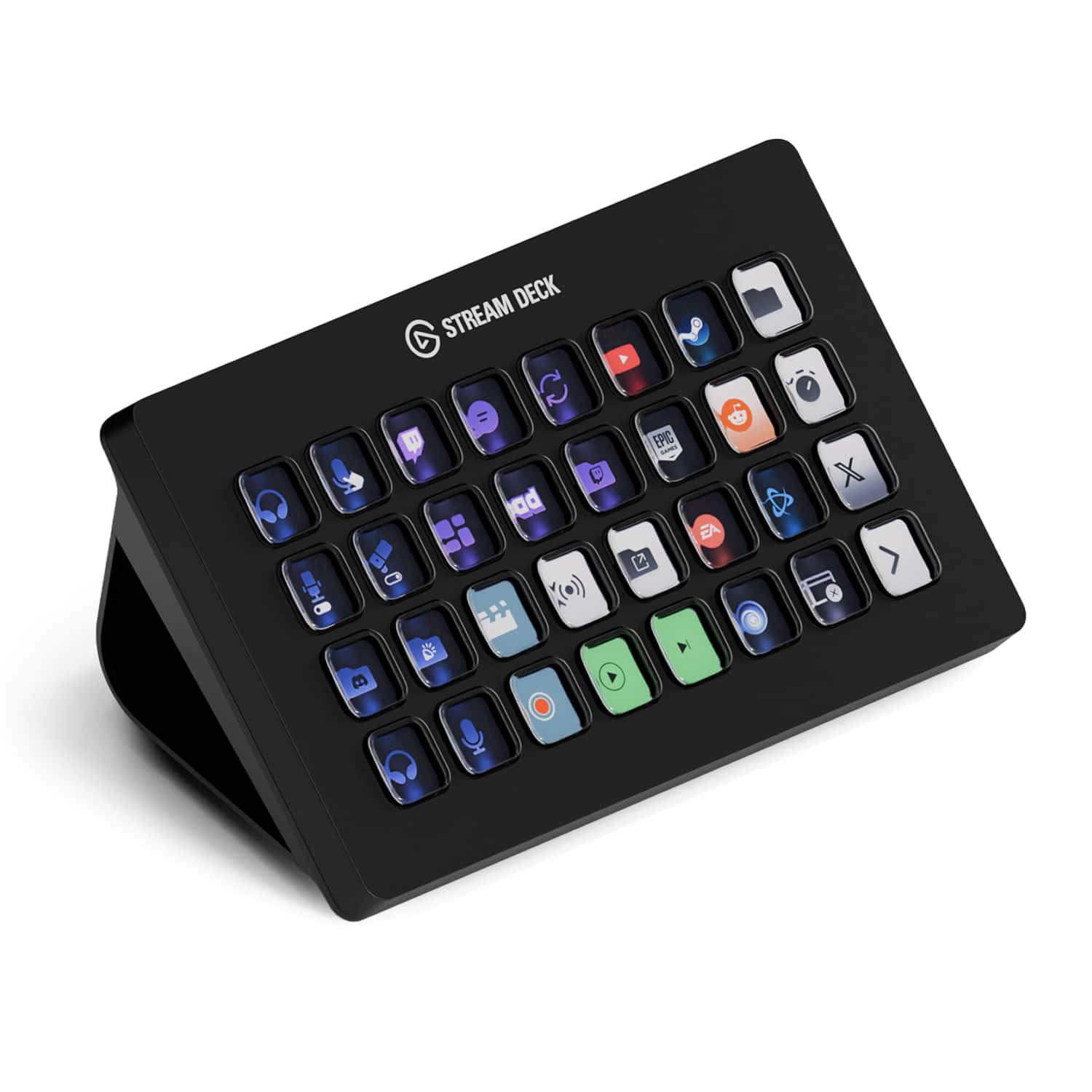
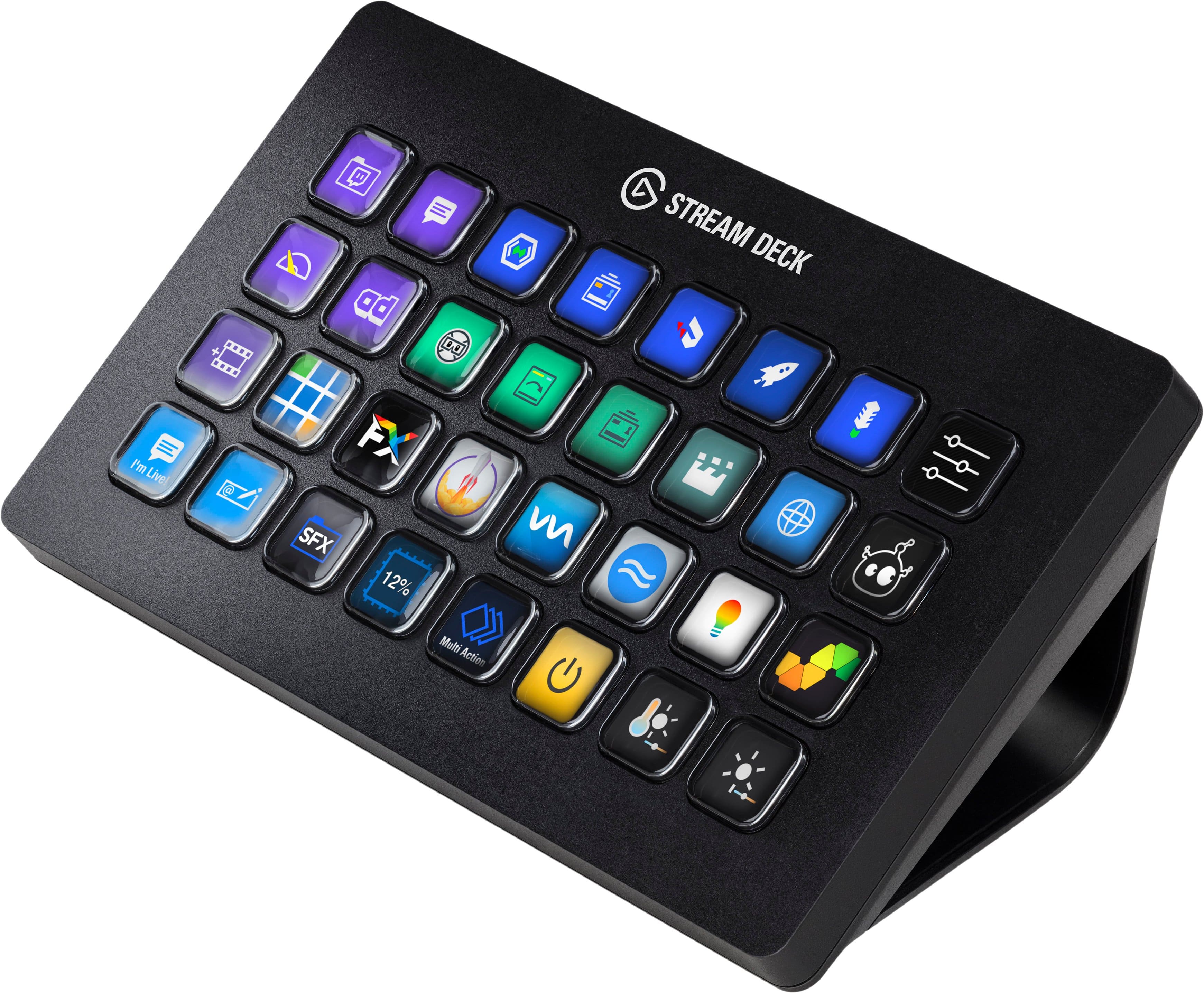
Customers love the Stream Deck XL Wired Keypad with Back Lighting for its ease of use, back lighting, and customization options. Users also appreciate its overall performance, size, and ample button count. The software is customizable and the product has great compatibility. The only concern mentioned by customers is the price.
This summary was generated by AI based on customer reviews.
- Pros mentioned:Ease of use
Rated 5 out of 5 stars
Best macro/quick launch/hotkey platform
||Posted . Owned for 3 weeks when reviewed.This reviewer received promo considerations or sweepstakes entry for writing a review.StreamDeck is just fantastic! The buttons have a great feel, the display is beautiful and the intuitive companion app makes changes to the display in real time as you make edits to the programming. Supports a wide range of actions and can be programmed with multiple pages of buttons. Replaced an aging, very clunky and unsupported iPad app with this, never going back.
I would recommend this to a friend - Pros mentioned:Back lighting
Rated 5 out of 5 stars
Not just for streaming!!!
||Posted . Owned for 1 week when reviewed.This reviewer received promo considerations or sweepstakes entry for writing a review.Our company purchased these units for several of our staff for command line programming of networking equipment and day to day computer operations using shortcuts and keystrokes. The possibilities are endless. Plugins are constantly being created and we are always finding new things to use the stream deck for. Great investment
I would recommend this to a friend - Pros mentioned:Ease of use
Rated 5 out of 5 stars
Amazing product!
||Posted . Owned for 1 month when reviewed.This reviewer received promo considerations or sweepstakes entry for writing a review.New streamer here. Setup for this is flawless and limitations endless! Putting animated gifs on different buttons, playing sound, this makes streaming so much easier!
I would recommend this to a friend - Pros mentioned:Ease of use
Rated 5 out of 5 stars
Truly The Tool For Livestreams
||Posted .This reviewer received promo considerations or sweepstakes entry for writing a review.I had heard so much about this as “the tool” for livestreaming. Well, it lived up to that title right out of the box. Easy to install, easy to set up multiple show profiles (took me 20 minutes to set up three while I was still learning how it all worked), and my first show was a dream. I should not have waited so long to pull the trigger and buy it.
I would recommend this to a friend - Pros mentioned:Ease of use
Rated 5 out of 5 stars
More than double the keys of the previous model
||Posted . Owned for 2 weeks when reviewed.This reviewer received promo considerations or sweepstakes entry for writing a review.I use it primarily while streaming to switch between scenes and activate a soundboard. I also use it when playing certain games for either quick options, or to replace some keyboard functionality when I can't reach said keyboard (when using joysticks for instance)
I would recommend this to a friend Rated 5 out of 5 stars
Bigger and Better than the original
||Posted . Owned for 1 month when reviewed.This reviewer received promo considerations or sweepstakes entry for writing a review.The company that brought the best capture cards in the business then brought the stream deck, well here's its bigger brother more keys for macros and shortcuts with the same amazing software that made the original stream deck so amazing, must have for anyone looking to up there production value in streaming, podcasting, or editing.
I would recommend this to a friendRated 5 out of 5 stars
Work smarter not harder
||Posted . Owned for 1 month when reviewed.This reviewer received promo considerations or sweepstakes entry for writing a review.If youre thinking about buying a stream deck. You should buy a stream deck. The amount of productivity you gain from all the crazy stuff you can do with this is worth every penny
I would recommend this to a friend- Pros mentioned:Ease of use
Rated 5 out of 5 stars
Great device with many, many options!
||Posted . Owned for less than 1 week when reviewed.This reviewer received promo considerations or sweepstakes entry for writing a review.I absolutely love this device. I use it for FiveM gaming on the G3 Network and also with flightsim. I haven’t set it up for more yet but plan too. Extremely versatile. I used the StreamDeck app on my iPad prior and felt it would be worth the actual device and more buttons.
I would recommend this to a friend - Pros mentioned:Ease of use
Rated 5 out of 5 stars
Love this
||Posted . Owned for 2 weeks when reviewed.This reviewer received promo considerations or sweepstakes entry for writing a review.This control deck is a must have for anyone interested in live streaming. Relatively easy to set up and use. Instructions are not the best so anyone non-tech savvi will need some assistance with setup and use. The user interface quickly makes anyone a pro.
I would recommend this to a friend - Pros mentioned:Ease of use
Rated 5 out of 5 stars
Xl Stream Deck
||Posted . Owned for 1 month when reviewed.This reviewer received promo considerations or sweepstakes entry for writing a review.I use this for Sim racing and it has met all require plus more. I have recommended this to a few other friends for its functionality with Photoshop and other apps.
I would recommend this to a friend - Pros mentioned:Ease of use
Rated 5 out of 5 stars
Everything i didn’t realize i needed
||Posted . Owned for 1 week when reviewed.This reviewer received promo considerations or sweepstakes entry for writing a review.I’m a streamer ( hit up my YouTube “wtfisajuice” and sub please) and I thought I was fine without this. My life is 1000x better with this device. I’m having so much fun figuring out new and interesting things to do with this thing. Can’t recommend it enough!
I would recommend this to a friend - Pros mentioned:Overall performance
Rated 5 out of 5 stars
Stream deck xl
||Posted . Owned for less than 1 week when reviewed.This reviewer received promo considerations or sweepstakes entry for writing a review.Best purchase I’ve made makes running games easier
I would recommend this to a friend Rated 5 out of 5 stars
Loved it
Posted .This reviewer received promo considerations or sweepstakes entry for writing a review.This was the perfect Father’s Day gift for my husband!
I would recommend this to a friendRated 5 out of 5 stars
Mr. K
||Posted .This reviewer received promo considerations or sweepstakes entry for writing a review.Was a gift for daughter. She could not be happier.
I would recommend this to a friend- Pros mentioned:Ease of use
Rated 5 out of 5 stars
Great item everyone needs it
||Posted . Owned for 1 week when reviewed.This reviewer received promo considerations or sweepstakes entry for writing a review.Love it! Wish we had gotten the big ones from the beginning instead of the medium 15 button one. It is amazing, works great, easy to set up and very user friendly. I’d recommend this to anyone doing anything streaming or production work. Makes life so easy!
I would recommend this to a friend - Pros mentioned:Ease of use
Rated 5 out of 5 stars
Good product
||Posted . Owned for 1 month when reviewed.This reviewer received promo considerations or sweepstakes entry for writing a review.==== Easy to setup and use. Highly recommended. ===
I would recommend this to a friend - Pros mentioned:Size
Rated 5 out of 5 stars
Wow awesome!!
||Posted . Owned for 1 week when reviewed.This reviewer received promo considerations or sweepstakes entry for writing a review.I have the smaller version of this, and being that it’s so useful, I just had to buy the more robust version. The amount of things they keep adding to this unit is unbelievable. Definitely worth it.
I would recommend this to a friend - Pros mentioned:Customization
Rated 5 out of 5 stars
Customizable and aesthetic!
||Posted . Owned for 4 months when reviewed.This reviewer received promo considerations or sweepstakes entry for writing a review.So many plugins and ways to customize this, I love it!!
I would recommend this to a friend - Pros mentioned:Ease of use
Rated 5 out of 5 stars
Great product!
||Posted . Owned for 1 week when reviewed.This reviewer received promo considerations or sweepstakes entry for writing a review.This was a Christmas present for my son. He loves it! Works perfectly!
I would recommend this to a friend - Pros mentioned:Back lighting
Rated 5 out of 5 stars
My Best Purchase of 2020
||Posted . Owned for 2 weeks when reviewed.This reviewer received promo considerations or sweepstakes entry for writing a review.I am so incredibly happy with my Elgato - Stream Deck XL. It is one of the best things I have purchased all year! If you are deciding between the regular stream deck or the XL, I highly recommend the XL. The Keys fill up fast ...I personally like having an empty key every other one. You won’t be disappointed, I promise!
I would recommend this to a friend