Customer Ratings & Reviews
- Model:
- 10GAT9901
- SKU:
- 6350572
Rating by feature
- Value
Rating 4.6 out of 5 stars
- Quality
Rating 4.9 out of 5 stars
- Ease of Use
Rating 4.7 out of 5 stars
Customers are saying
Customers consistently note the product's exceptional ease of use, making setup straightforward for many. They also appreciate its overall strong performance, effective backlighting, and simple customization options, including its software and button count. While its compatibility is also a positive aspect, some customers find the price to be a bit high.
This summary was generated by AI based on customer reviews.
Works well
||Posted . Owned for 3 weeks when reviewed.This reviewer received promo considerations or sweepstakes entry for writing a review.Extremely fun, works great with voice mod I use it in call of duty and it gives everyone a good laugh!
I would recommend this to a friendAwesome purchase!
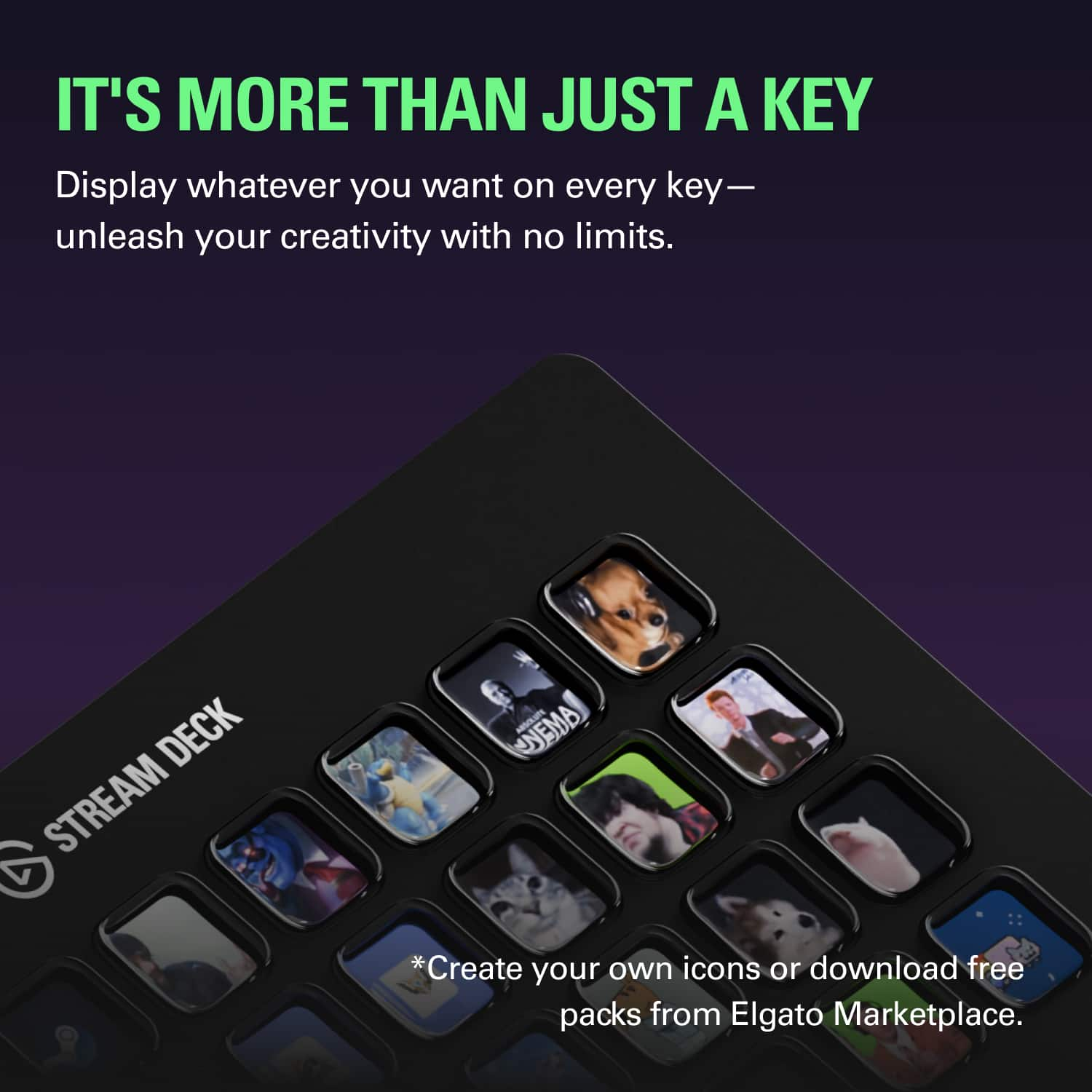
||Posted . Owned for 6 months when reviewed.This reviewer received promo considerations or sweepstakes entry for writing a review.100% recommend! So many uses for anything. Customizable icons, volume controls, scene selections, and soundboards!
I would recommend this to a friend- Pros mentioned:Ease of use
Works great
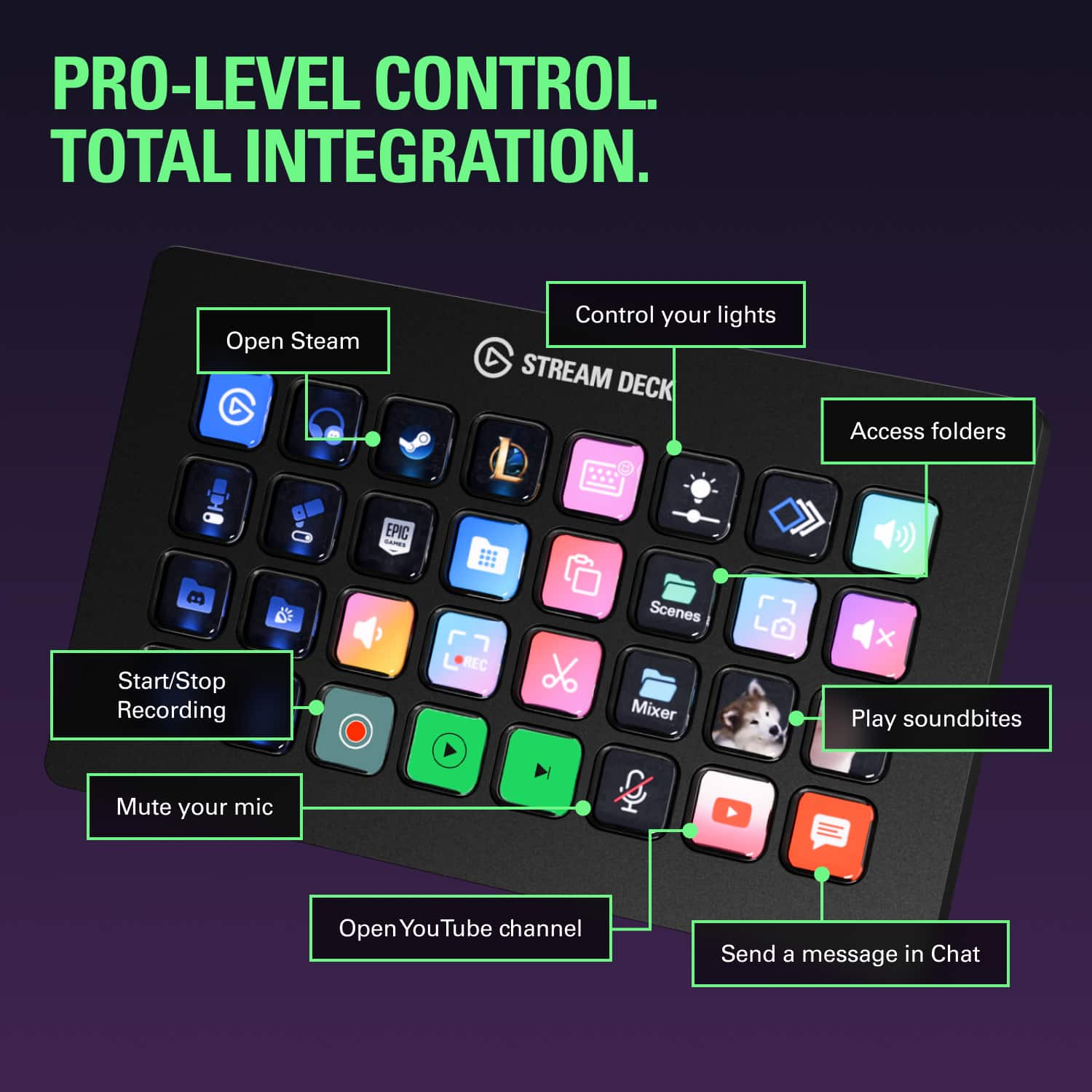
||Posted . Owned for 1 week when reviewed.This reviewer received promo considerations or sweepstakes entry for writing a review.I am able to do exactly what I wanted to. I use it for a soundboard, to start games, to mute my mic, and to shut down my pc plus many other actions!
I would recommend this to a friend - Pros mentioned:Size
Twice as good!
||Posted . Owned for 1 week when reviewed.This reviewer received promo considerations or sweepstakes entry for writing a review.Got this one to replace standard 15 key model Along with some 3rd party profiles it is just what I needed
I would recommend this to a friend - Pros mentioned:Ease of use
Awesome Product
||Posted . Owned for 2 weeks when reviewed.This reviewer received promo considerations or sweepstakes entry for writing a review.Not just for streamers. I use it for productivity work and gaming. Such a multifaceted tool to have in your arsenal.
I would recommend this to a friend - Pros mentioned:Ease of use
Gamers love this
||Posted . Owned for 1 month when reviewed.This reviewer received promo considerations or sweepstakes entry for writing a review.He was so shocked to get this as a gift. He jumped for joy and gamers love this.
I would recommend this to a friend - Pros mentioned:Customization, Ease of use, SizeCons mentioned:Price
love this
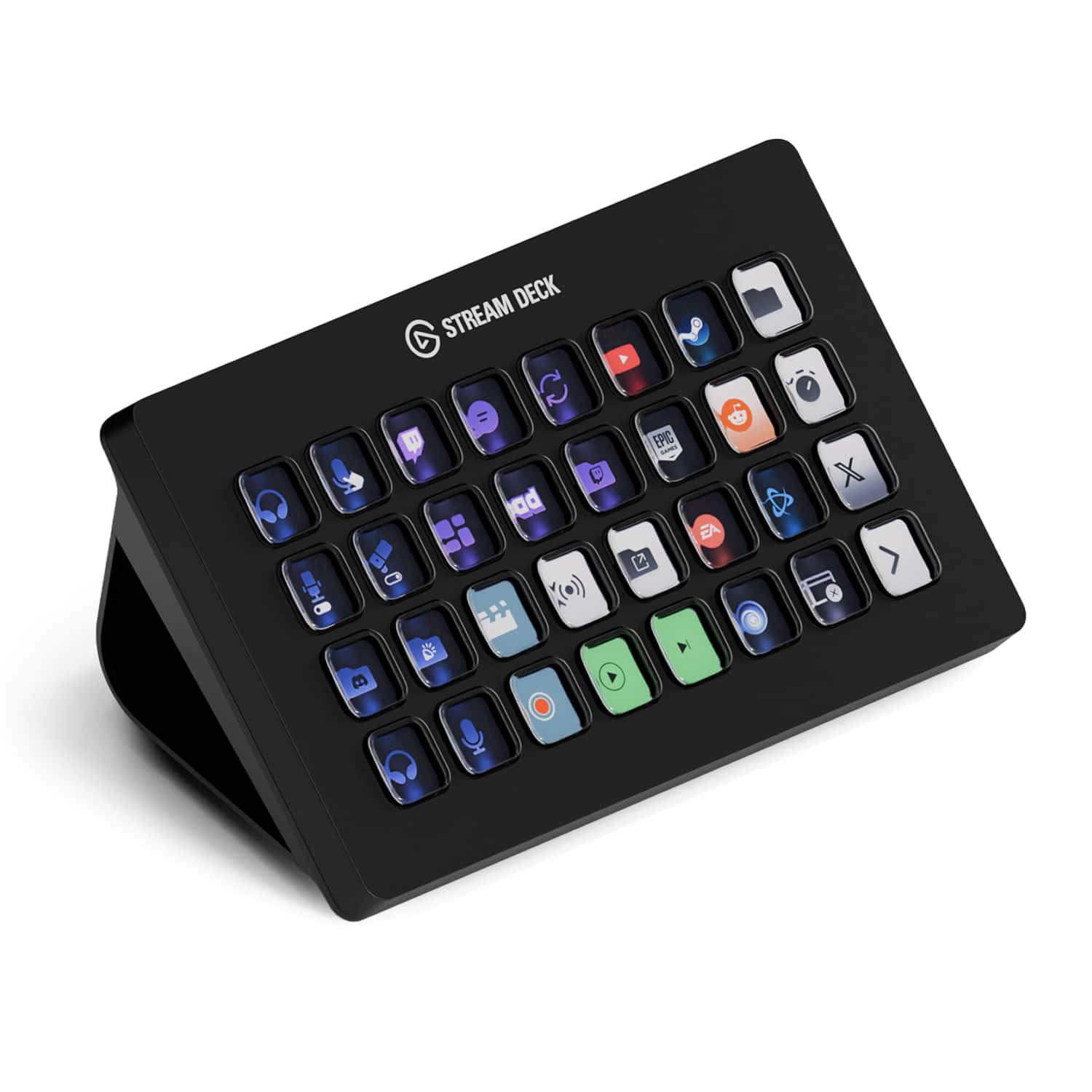
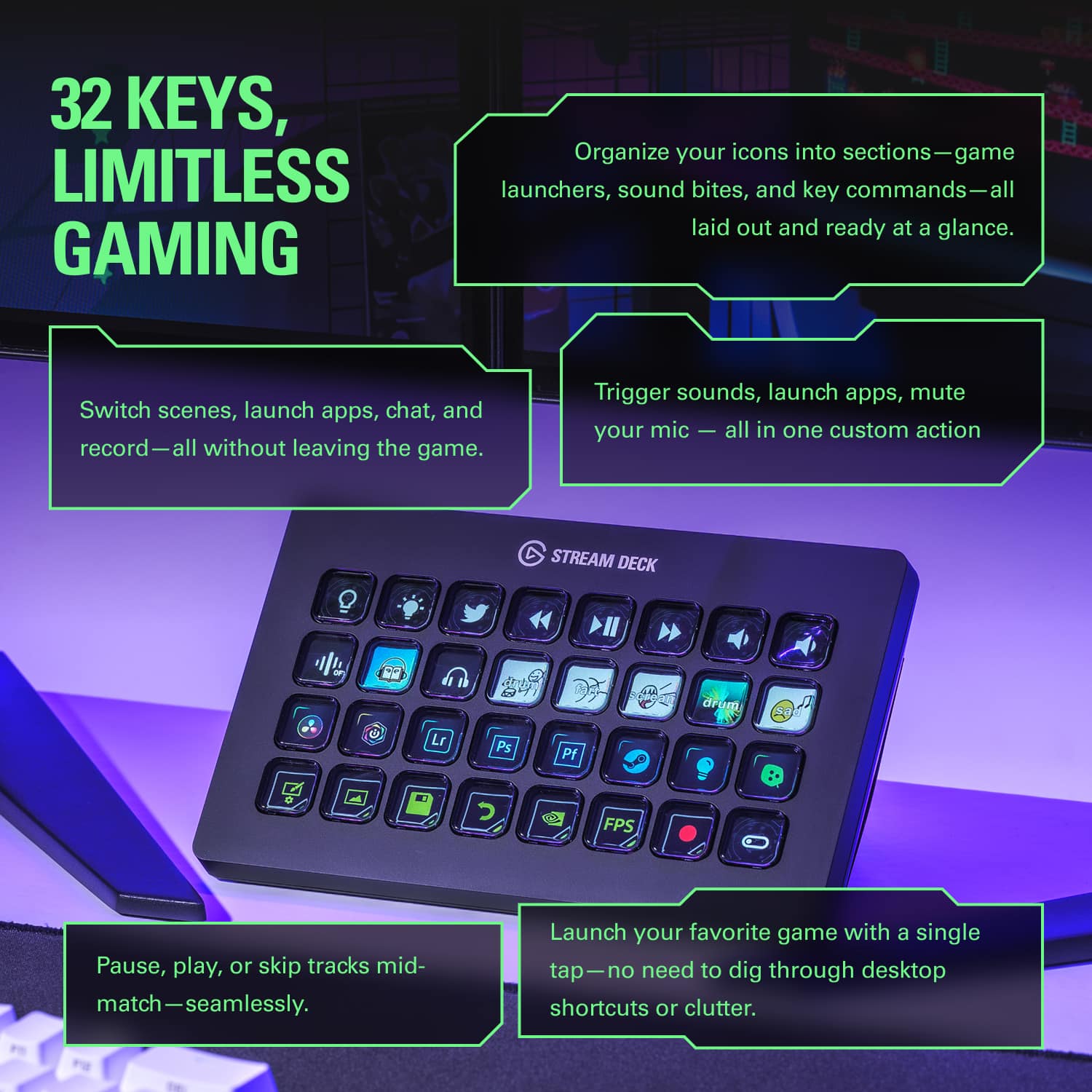
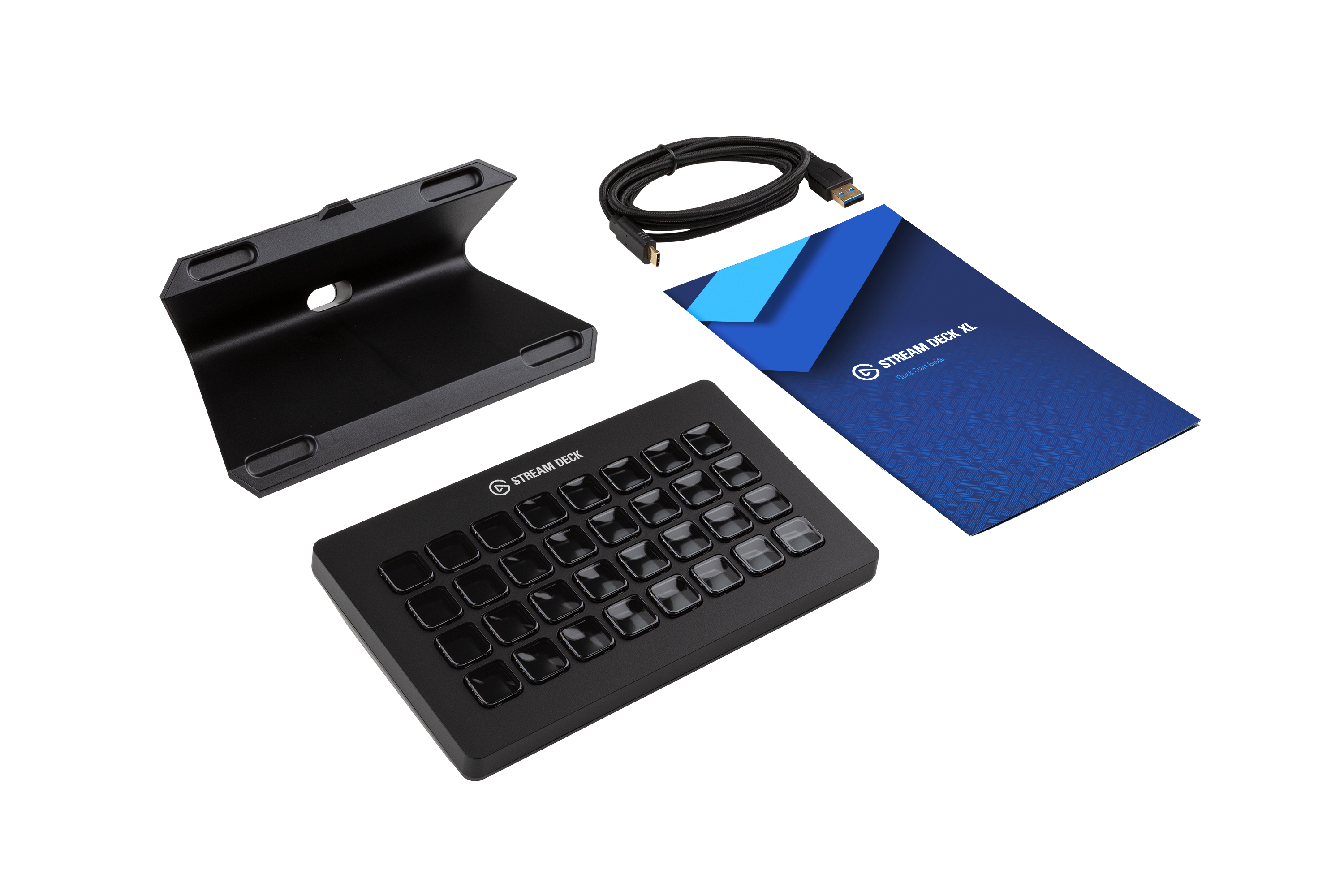
||Posted .This reviewer received promo considerations or sweepstakes entry for writing a review.I love this beast. its pricy but does the job. I had a 6 button one and that was to small. I made it work and great starter. I debated this one and the 15 button one and a few reasons I went with this one. the 6 button is 100$ the 15 is 150$ this was 250$ so less then double the 15 button and has double the buttons with 2 more. so price per button its the best deal. also my best buy store was out of the 15 button and I wanted one now lol. I like that the front piece can come out and you can lay it down. the cord can come out and its a usb c so you can put it in easily. I thought it was going to be a lot bigger then what it was. yes its a good size but it fits under my monitor with a good amount of room with my monitor all the way up. I am glad I went with this one because I use sounds, as well as scenes for my stream. both of those combined I think I use about 21 or so of the buttons. this leaves room so I can also add twitch, and a few other buttons and all on the same page so to speak. cord is braided so that is also a nice touch. I loved that because I had the 6 button, when I plugged this one in, it asked me if I wanted to import my settings. I did, and it saved it just like the 6 button one. I then was able to copy each button, paste it where I wanted the button at and then delete. this way all of my buttons where on the same page at the moment. what is great about having a stream deck regardless of size, is that you can do folders within folders etc. I look at it like a iPhone, or other phones that have apps and then you can go to the next page with more apps. when ever I set up a page, you auto have in the upper left a back button (unless very first page). but it does not set up next page button. so I always like to make my bottom right a next page button so if I fill up that page and need to continue I can. for instance if you set it up for songs, and have 50 songs, then you would be able to have 30 songs on the page, with a back button and then like I said a next button, then you can put your other 20 songs on the next page. so its 32 buttons, but you can go page after page after page with it. like a phone can have x amount of apps on a page but you swipe and now have that amount on the next page etc. I have had my 6 button for a year or more. a while anyways. and hopefully I get the same with this. its not a need, and for most the 15 button probably would work well. I mean the 6 button works well and gets the job done. but once you have it, its nice to have. once I realized I was able to put all of my stream stuff onto a single page and that it was more then 15 buttons, I was glad I got this. I recommend this especially if you are going to be streaming. I also love that you can customize the buttons. known apps like twitch, facebook etc you can show those icons. other things you can type what you want so you know the buttons. a lot of the songs I use for streaming, well just small clips, I use things like the Mario death sound, we are the champion, jeopardy, etc. so I was able to kinda use those names so I know which one is what. for the most part it was pretty easy to set up and use. just time and fairly easy once you get using it and get used to it. can be tricky at first but not to bad overall.
I would recommend this to a friend Elgato Stream Deck KiLLeR Controller ToTaLLY RoCKS
||Posted . Owned for 1.5 years when reviewed.This reviewer received promo considerations or sweepstakes entry for writing a review.This Thing is ToTaLLY AWEsoME!! I need to buy More you can also download more apps to use it to control other stuff thru MIDI like lights screen sizers and organizers YOU NEED THIS NOW!!!!!
I would recommend this to a friendJust one year later....,
||Posted . Owned for 1 year when reviewed.This reviewer received promo considerations or sweepstakes entry for writing a review.A few buttons turned white after just 1 year. I’m not sure if this is a defect or if the lifespan of the Stream Deck XL is only about a year.
No, I would not recommend this to a friendBrand response from Corsair
Posted .Hello,
Please do contact our team directly right on our site for assistance with this.
-Art
- Pros mentioned:Customization
Outstanding Buttons, Zero Cats… (Suspicious)
||Posted .This reviewer received promo considerations or sweepstakes entry for writing a review.I bought the Elgato Stream Deck expecting a powerful productivity tool, and I got exactly that. What I did not get—despite careful inspection of the box, foam inserts, and USB cable—was a single cat. Let’s start with what is included: beautifully clicky buttons, customizable icons, instant control over streaming, editing, lighting, and basically my entire digital existence. One press and OBS obeys. Another press and my lights change color. It’s like having a tiny command center for my desk. Fantastic. But nowhere in the setup process did a cat appear. No helpful feline assistant. No judgmental stare while I configure macros. No cat sitting directly on the Stream Deck while I’m trying to use it. Frankly, disappointing. Performance-wise, it’s flawless. Every button responds instantly, unlike a cat, who responds only when food is involved. The software is intuitive, powerful, and does exactly what you tell it to do—which again, is very un-cat-like. I docked zero stars because despite being called a Stream Deck, it does not summon cats from the internet, does not include a cat, and does not even meow when pressed. Missed opportunity. Overall: 5/5 stars. Incredible tool, rock-solid build, life-changing workflow upgrade. Just be aware: if you want cats, you must supply your own.
I would recommend this to a friend - Pros mentioned:Customization, Ease of use, Size
Awesome Productivity Tool even if you don't stream
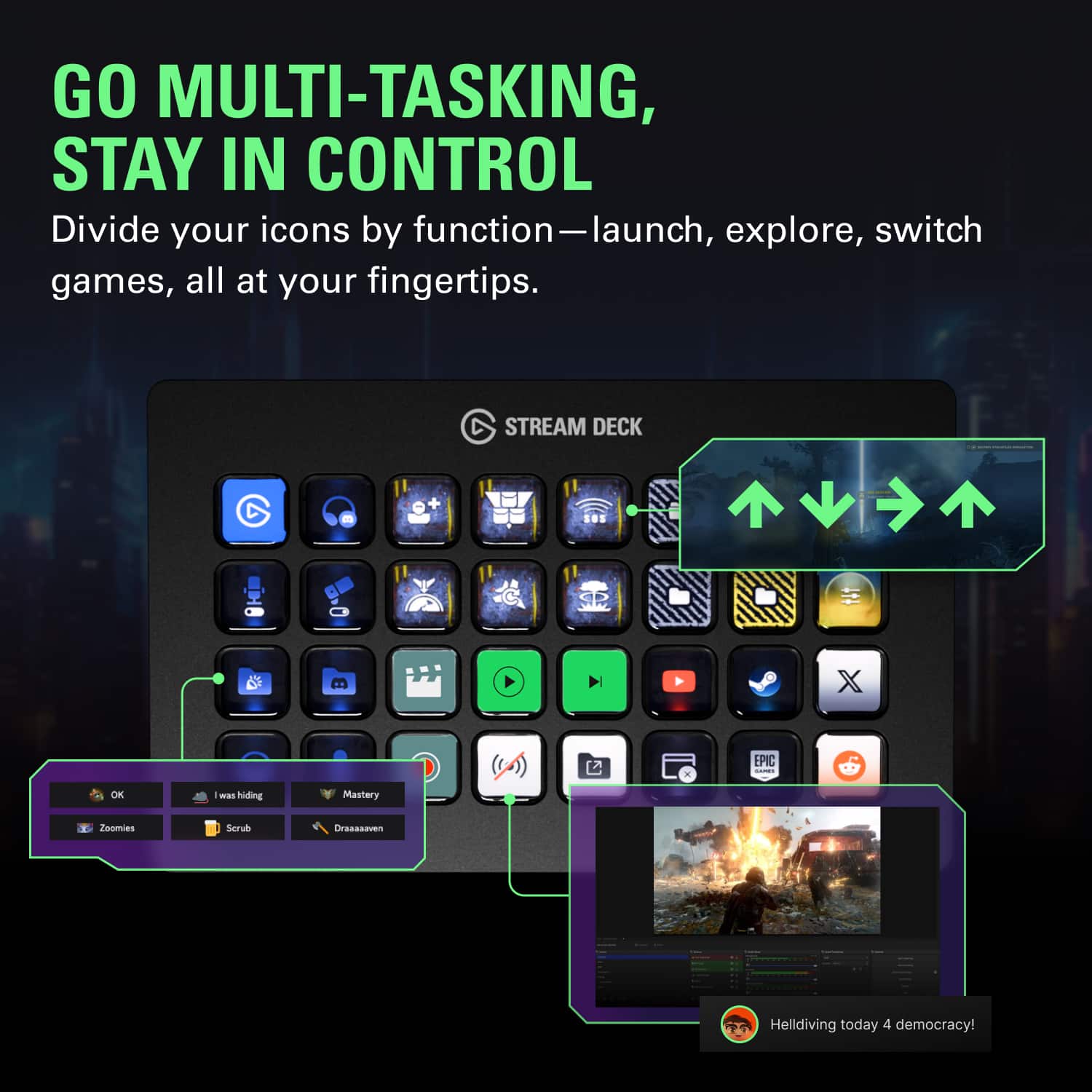
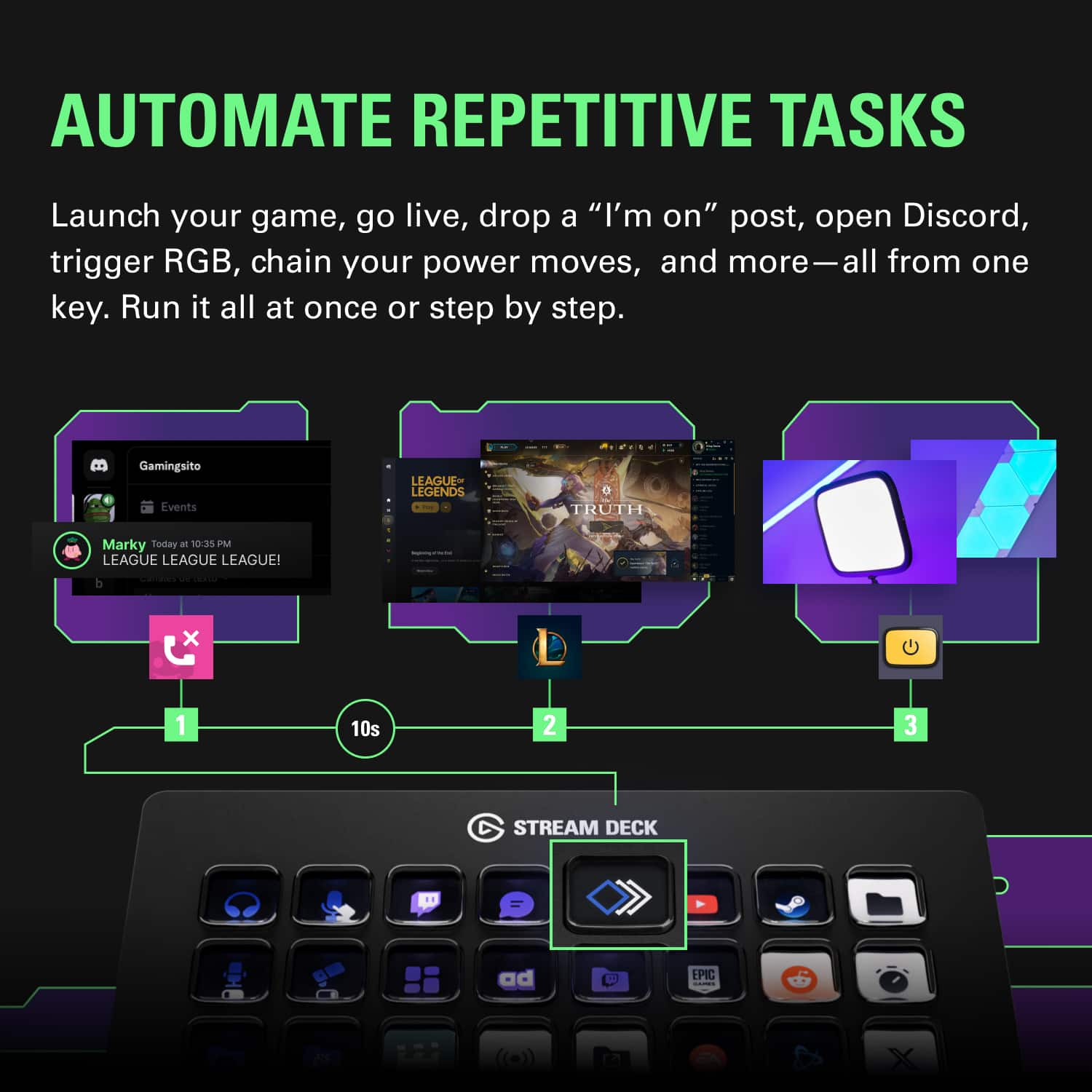
||Posted . Owned for 3 weeks when reviewed.This reviewer received promo considerations or sweepstakes entry for writing a review.First, I'm not a streamer of any form. I work from home, I have lots of online meetings, I do lots of programming and DB development, and tech doc write ups. I originally was going to buy the smaller version but decided I would make the jump and got this larger version. I'm glad I did because I keep finding new ways to use it. This has been an amazing tool for every aspect of my life, both work and play. Takes macros to a new level. Some things that are not immediately obvious: • you can have sub folders where you store more things so effectively you have infinite buttons here • supports automatic profile switching so you can have a layout automatically display when you are using your different apps (i.e. word, excel, web browser, etc) • Supports multiple actions at the press of a single button (i.e. can run a bunch of different shortcuts, open different apps, icons, etc. all tied to a single button push) • Really good community support, even for those who don't stream • Bunch of plugins that lets you display your system stats (cpu usage, disk free space, temperatures, etc) • Great tool if you have multiple monitors, I've got mine setup so I can move apps to different screens, consolidate everything to a single monitor, etc. • Lots of icon packs you can download for free (tons of free content for everything, I haven't paid anything else beside the initial hardware purchase) • Some fun things you can do with it too: • use it as a screensaver (splits a picture across all the icons) • I have a pac-man screensaver I let run when I want a distraction • I even have a Memory Tile game I play with now and then There is so much you can do with it - I'm only scratching the surface in my 1 month of using it now. I highly recommend for you to get, if the large one is out of your price range, grab the smaller, it's still going to be amazing. You will just need to nest some stuff in sub-folders if you have lots of things you want to do which honestly is not a big deal to setup and use.
I would recommend this to a friend Exellent Devices!
Posted .This reviewer received promo considerations or sweepstakes entry for writing a review.This devices are excellent. I use my 2 devices for navigation, web searching, but most importantly, I use them for shortcuts in Ableton Live 12 when creating, editing, and recording music. It saves me lots of time when producing music. Shortcuts are the best here. No need to memorize or look at the manual. Just program the "Hotkeys" and you're good to go!
I would recommend this to a friend- Pros mentioned:Customization, Overall performance
I'm not a streamer, nor am I a gamer, but love it
||Posted .This reviewer received promo considerations or sweepstakes entry for writing a review.I don't use this in the way that the creators envisioned this to be used *at all*. Mine has keys programmed to simplify my computing life. A key for the multitude of programs I open every morning. A key to the Microsoft Characters Map. A key to my portable apps launcher. A key to my digital "inbox". A key to search using a specific string of words I use on a website. This device allows me to program keys to certain actions, none of which have to do with content creation or gaming. As such, it's a time-saver!
I would recommend this to a friend - Pros mentioned:Customization, Ease of use, Size
Great for flight sims like DCS
||Posted . Owned for 2 months when reviewed.This reviewer received promo considerations or sweepstakes entry for writing a review.I purchased this primarily to play my flight sims, specifically DCS. There is a plugin that makes add toggle and push buttons, annunciators, and more really easy. The streamdeck itself is fantastic. It's very intuitive, and lets you create multiple layers of folders housing hundreds and hundreds of buttons. If you are thinking this is just too expensive for essentially a pushbutton box, think about this: each button has it's own customizable screen, you can add whatever image you want. You can have that image change to a different image, color, or font when that button is activated. Additionally, this one box can replace an entire cockpit's worth of buttons, so you regain precious real estate around your desk. For those looking at this that are not interesting in flight sims, I think this is a really neat device that provides easy macros to launch programs, or send complex key strokes. I can play my games and launch discord on the fly without alt-tabing. I know these are geared more towards streamers, but these are fantastic for gamers as well!
I would recommend this to a friend - Pros mentioned:Ease of use
A delight to use
||Posted . Owned for 1 month when reviewed.This reviewer received promo considerations or sweepstakes entry for writing a review.Works like a charm, flexible in how I can sit it on the desk (flat or mounted), and the software's a breeze to get layouts working amidst a variety of different programs. I have different setups of audio recording, video recording, live streaming, all swappable at the tap of a key (and if you're like me and want something that lets you make little notes or changes mid-recording with minimal audio footprint: the buttons push in cleanly and softly, no clicks or loud burst). Highly recommend if you need a larger selection at a glance of keys than the stock Stream Deck in smaller sizes.
I would recommend this to a friend - Pros mentioned:Ease of use, SizeCons mentioned:Price
Bigger is better!
||Posted . Owned for 1 month when reviewed.This reviewer received promo considerations or sweepstakes entry for writing a review.Love this Streamdeck! It has so many ease of life uses even past streaming. I had thought about getting the regular streamdeck but opted into going with the XL. I'm so glad I did. Even with creating multiple folders, I often find myself using close to 10-13 keys per folder. So the XL was definitely the better choice for me. It is a little pricey at $250, but the product certainly delivers and is worth the price overall. A quick note, if you have multiple sets of Key Lights or Key Light Air's connected to your network, the Streamdeck will pick up all of them. So I had to hide my roommates Key Lights so I didn't accidentally turn his on or off and vice versa.
I would recommend this to a friend - Pros mentioned:Customization, Ease of use
he Ultimate Tool for Streamers and Content Creator
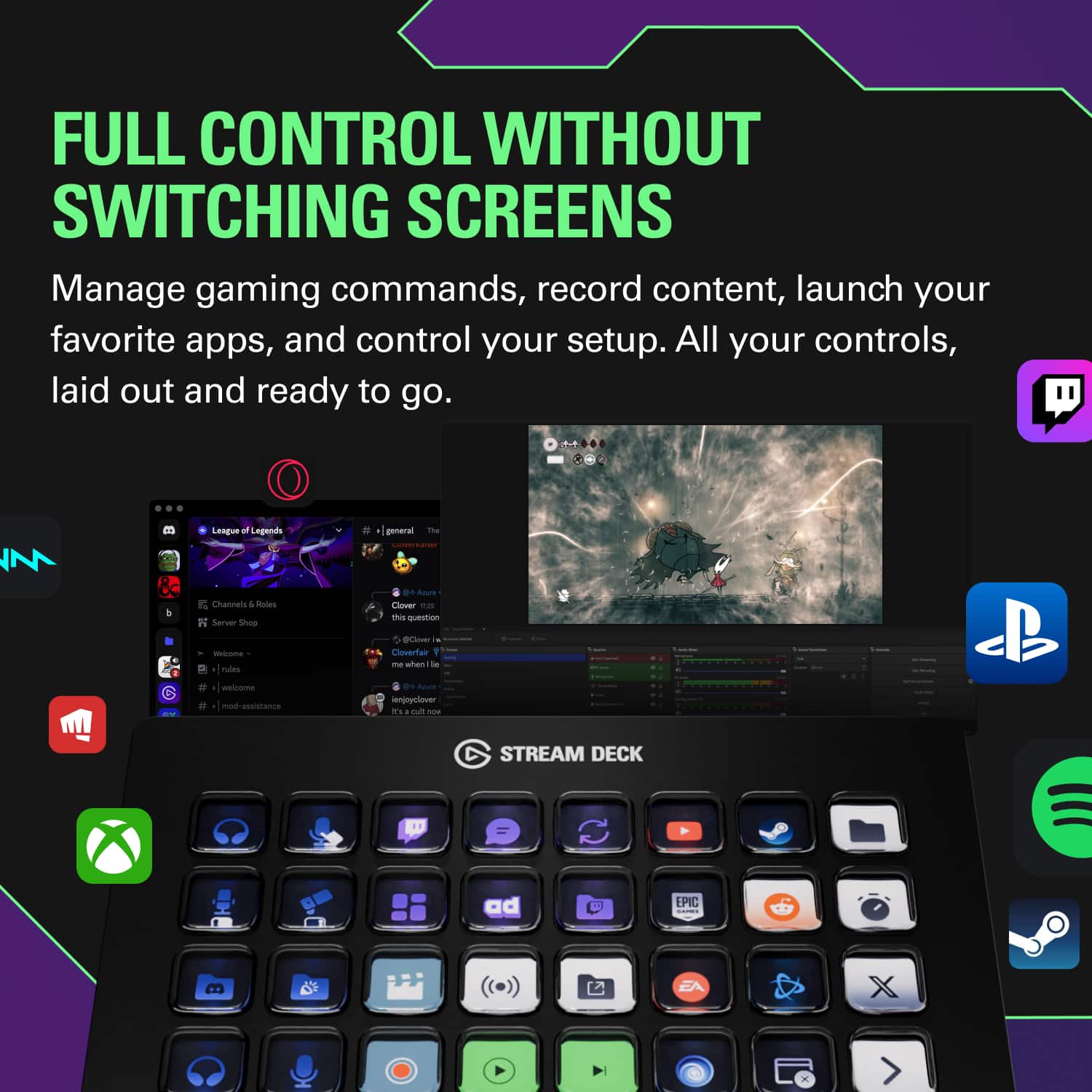
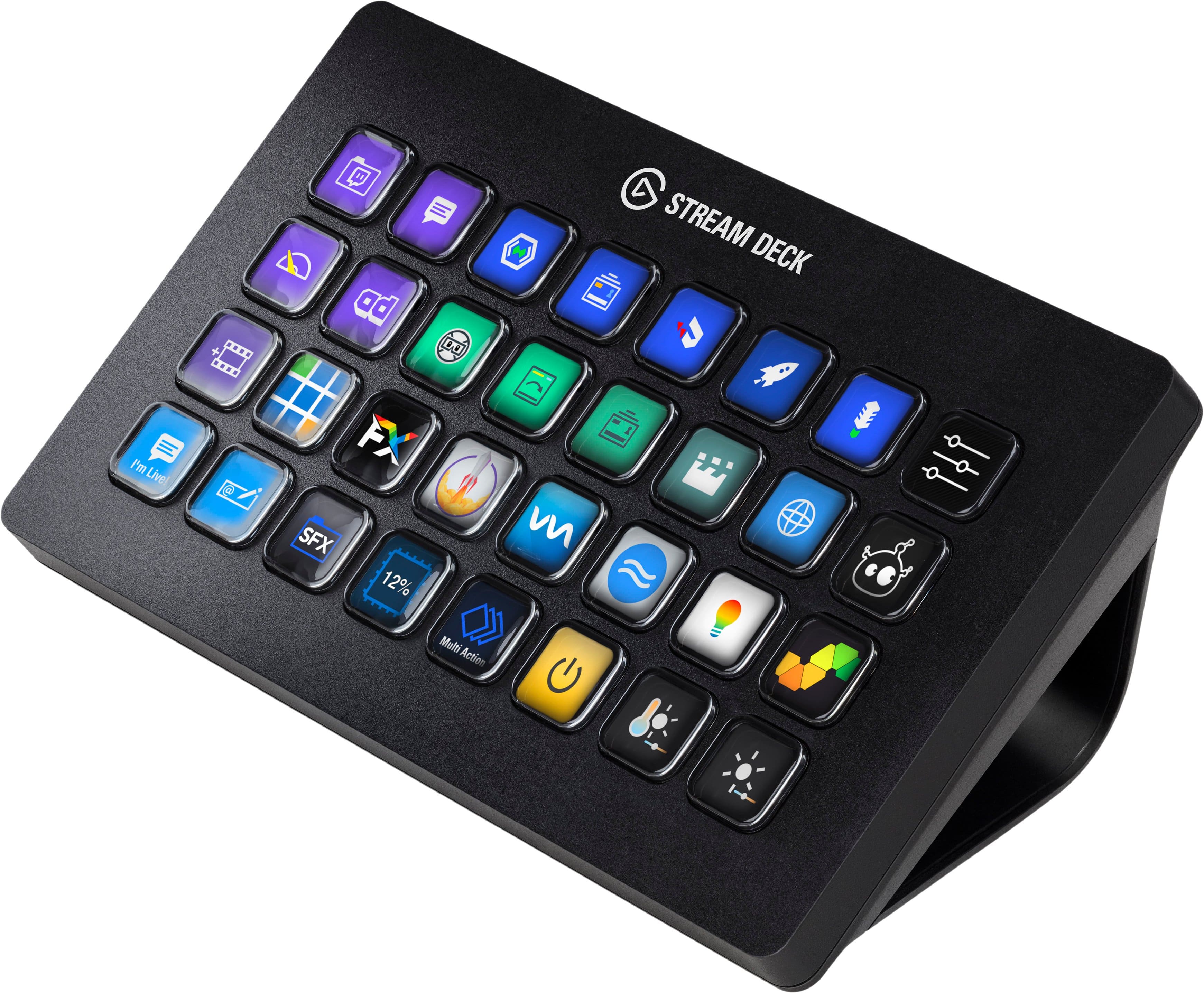
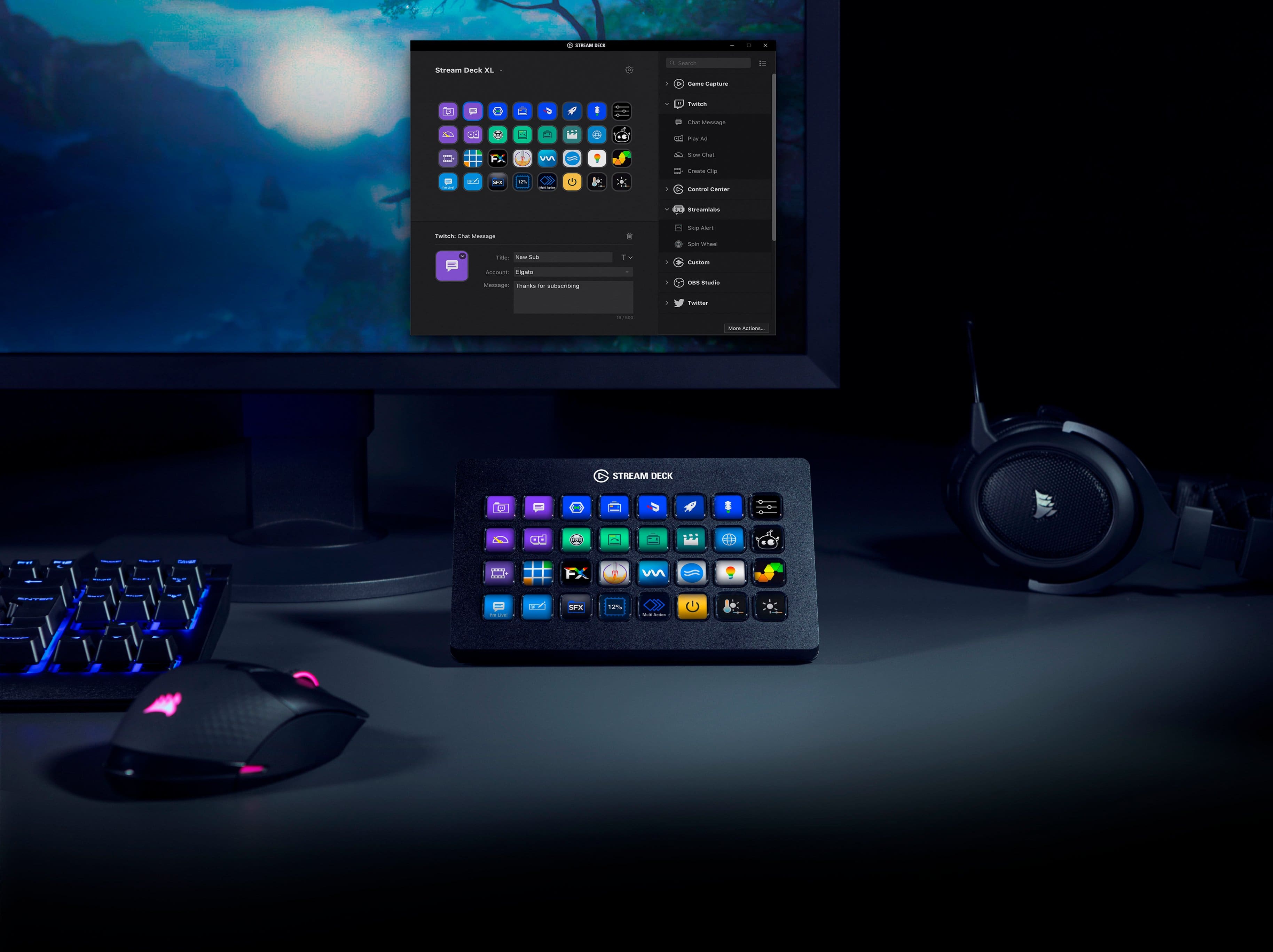
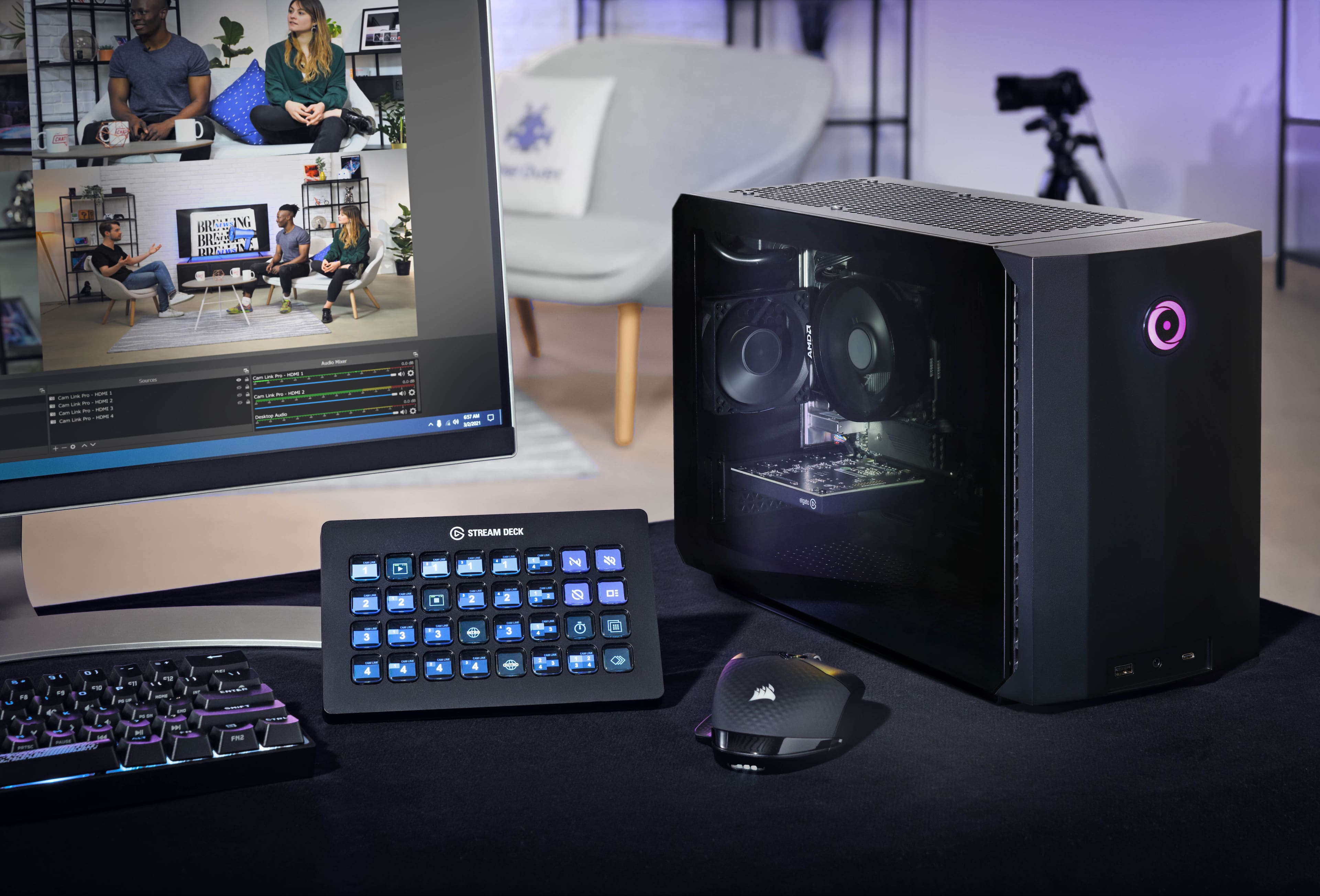
||Posted . Owned for 1.5 years when reviewed.This reviewer received promo considerations or sweepstakes entry for writing a review.The Elgato Stream Deck XL has been a game-changer for my workflow! With 32 customizable keys, it offers an incredible level of control that’s hard to match. Each key is an LCD button that can display custom icons, giving you quick access to scenes, media, chat functions, and more—all at a single press. The setup is user-friendly, and Elgato’s software makes it easy to create custom actions and macros. You can even set up multi-actions, where one keypress performs multiple tasks, saving time and adding a professional edge to any stream or production. And because it integrates with so many platforms and applications, from OBS to Adobe, it truly adapts to any need. For streamers and content creators, the Stream Deck XL is more than just a tool—it’s an essential part of a streamlined workflow. It’s reliable, intuitive, and has taken my setup to the next level. Highly recommend it for anyone serious about content creation!
I would recommend this to a friend - Pros mentioned:Ease of use
First hand review of stream deck
||Posted . Owned for 2 months when reviewed.This reviewer received promo considerations or sweepstakes entry for writing a review.As a beginner in streaming and coding, learning about the plethora of usages the stream deck offered I had to try it out myself. Ordered and picked one up same day. Through a little research and some time playing with the thousands of options the stream deck had to offer. I found that this product was helpful in more ways than I could imagine. From starting a stream to integrating a button to enter in a copy and paste of lines of code to adjusting lights in my room. The stream deck can really do it all from office work to relaxing and gaming and I would recommend it to any one of my friends
I would recommend this to a friend - Pros mentioned:Back lighting, Size
Upgrade from my original size deck and is amazing
||Posted . Owned for 3 weeks when reviewed.This reviewer received promo considerations or sweepstakes entry for writing a review.So many buttons to do automated tasks with. The software is amazing and you can pretty much do anything on your pc with a custom push button. Went from the original size (15 buttons i think?) And this is so much nicer than flipping pages all the time. You can do folder which basically turn one button into a whole new screen you can set all new buttons then just go back to the other one. If you stream or edit then this thing is such a timesaver.
I would recommend this to a friend - Pros mentioned:Customization, Ease of use
Easier to use than I thought!
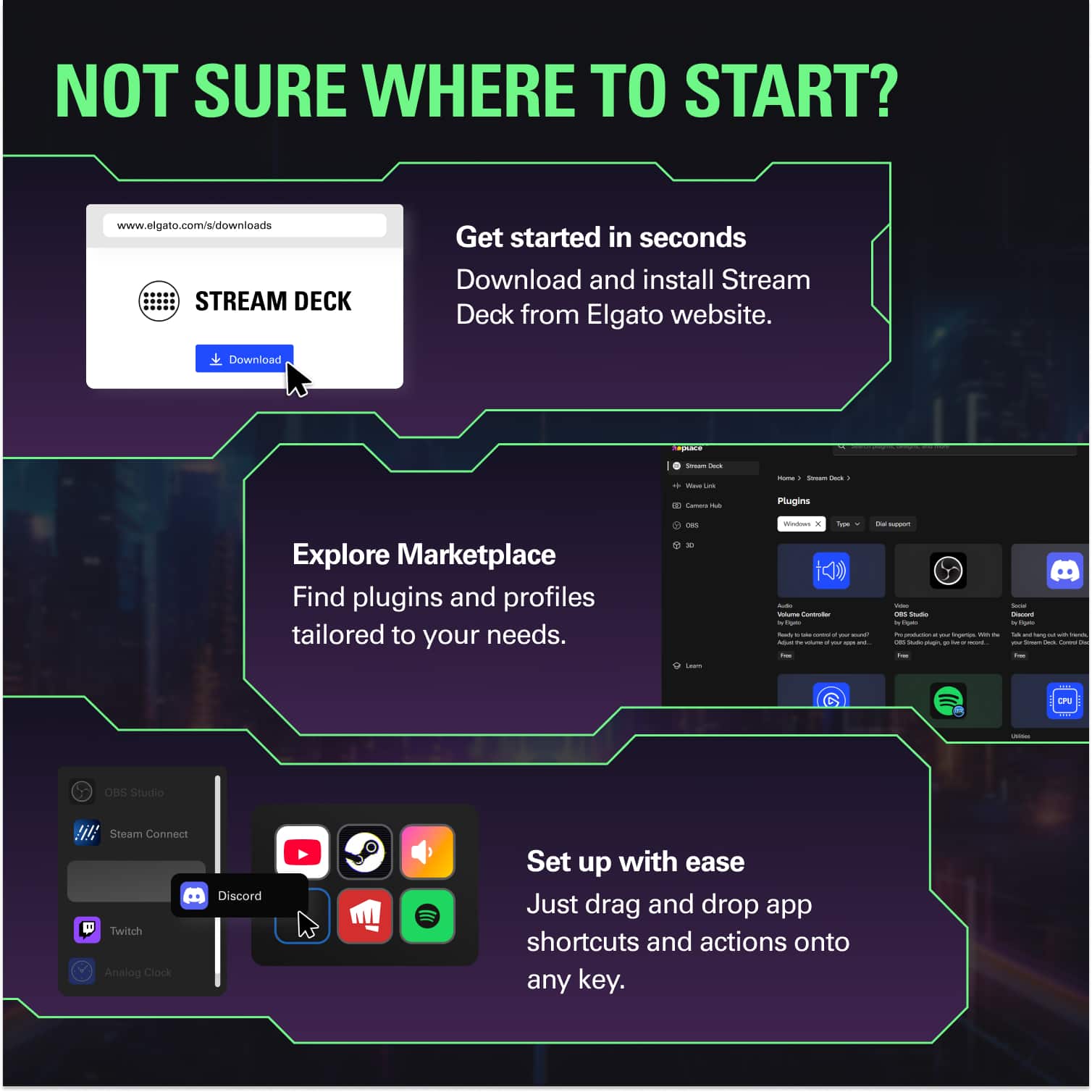
||Posted .This reviewer received promo considerations or sweepstakes entry for writing a review.Better than I expected, and I expected a lot. It has a lot of built-in buttons and effects to get you started. Most of the Streamer oriented items are covered. It does let you program the buttons and the actions performed. It linked to my Lumiastream setup with no issues, it's connected to my OBS for scene transitions, and I even connected some IFTTT devices to turn on and off the main lights (several segments on my stream feature LED Lights). I had it up and running with a few quick tasks in half an hour. By the end of a few hours, I had it set up to control lights, scenes, and sounds.
I would recommend this to a friend