Customer Ratings & Reviews
- Model:
- 10GAT9901
- |
- SKU:
- 6350572
Customer reviews
Rating 4.9 out of 5 stars with 783 reviews
(783 customer reviews)Rating by feature
- Value4.6
Rating 4.6 out of 5 stars
- Quality4.9
Rating 4.9 out of 5 stars
- Ease of Use4.7
Rating 4.7 out of 5 stars
Customers are saying
Customers consistently note the product's exceptional ease of use, making setup straightforward for many. They also appreciate its overall strong performance, effective backlighting, and simple customization options, including its software and button count. While its compatibility is also a positive aspect, some customers find the price to be a bit high.
This summary was generated by AI based on customer reviews.
- Pros mentioned:Overall performanceCons mentioned:Price
Rated 5 out of 5 stars
Elgato is the best.
||Posted . Owned for less than 1 week when reviewed.This reviewer received promo considerations or sweepstakes entry for writing a review.Elgato makes the best streaming gear. This Stream Deck XL is no different. The quality of the product and the software that it works with is top notch. My only complaint is the price of the XL. Don't get me wrong, I love the stream deck line, I have a mini and now the XL but I did wait an extra year to pull the trigger just because of the price. If you need hardware buttons for any type of workflow you can't beat Elgato.
I would recommend this to a friend Rated 5 out of 5 stars
Compatibility
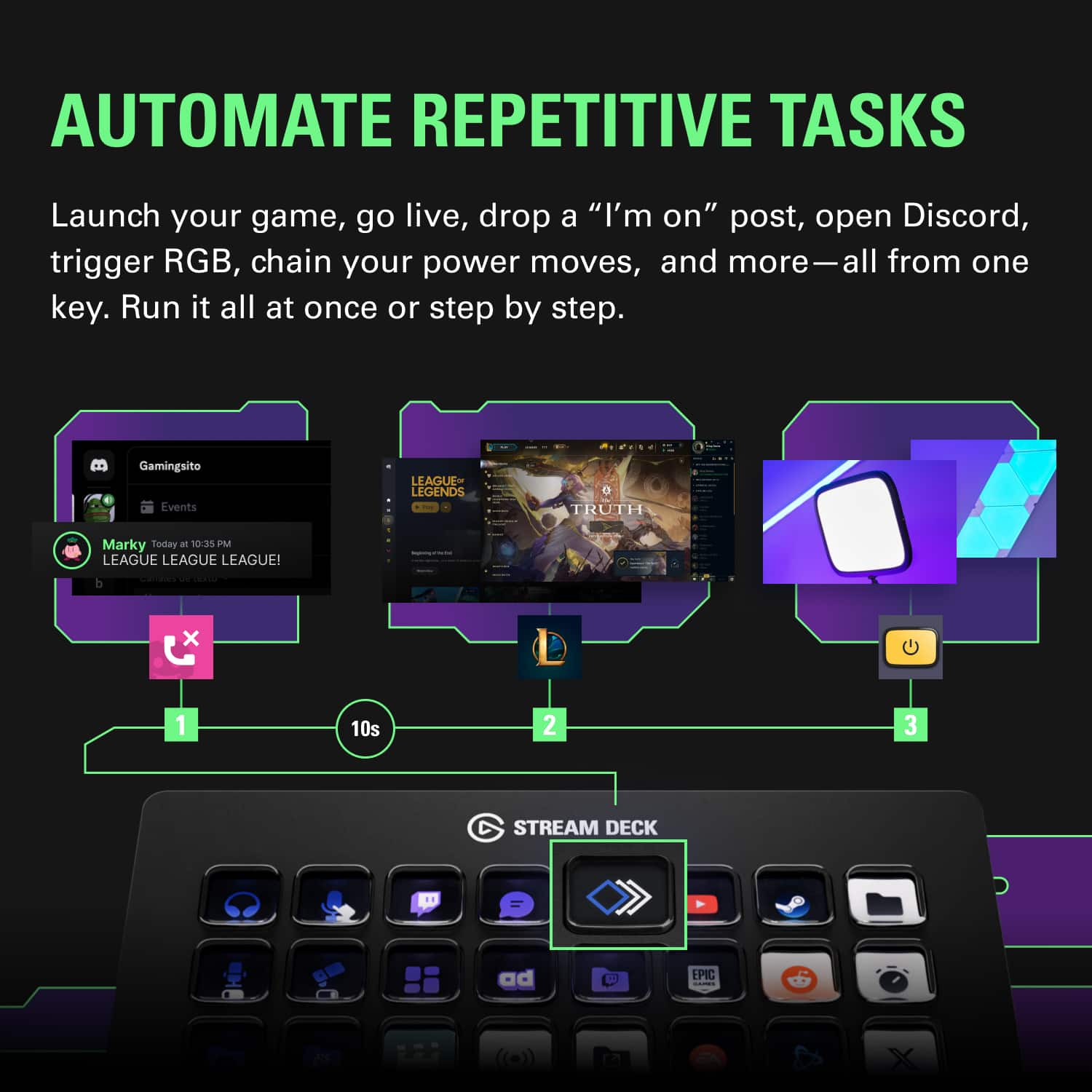
||Posted . Owned for 1 month when reviewed.This reviewer received promo considerations or sweepstakes entry for writing a review.The compatibility of the stream deck was way better than i expected. Being able to use commands in game quickly instead of typing them out everytime i wanted to use one was a completely game changer in my gaming experience. And being able to open apps when i turned my computer on instead of finding them all individually almost made me feel like some sort of fighter pilot getting ready for flight
I would recommend this to a friend- Pros mentioned:Customization, Overall performance
Rated 5 out of 5 stars
SO many uses for this...
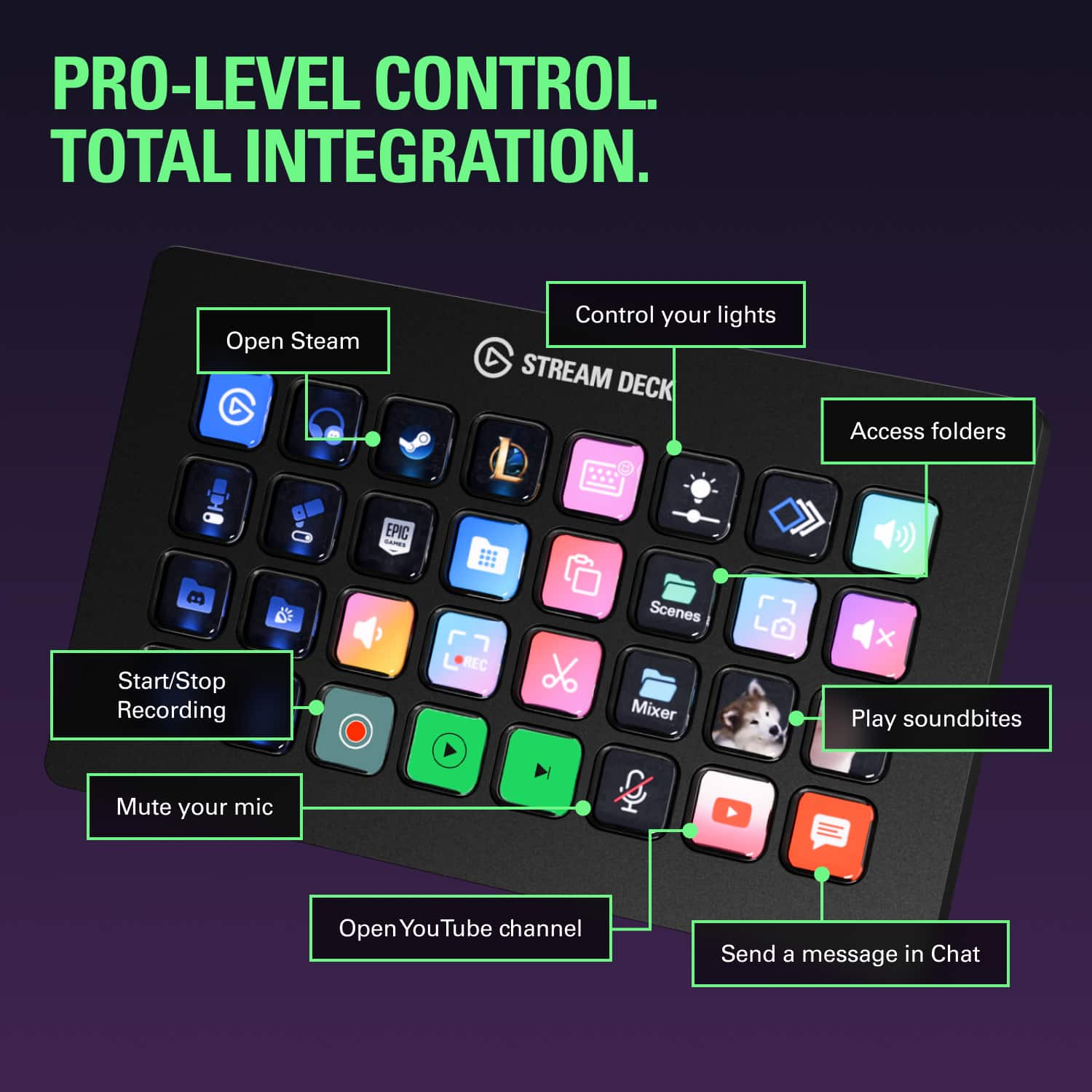
||Posted . Owned for 2 months when reviewed.This reviewer received promo considerations or sweepstakes entry for writing a review.This is handy tool. So many uses, and so many ways to set it up. You can program each button to do a different task, or multiple tasks at once. They act as a hotlink to open up a webpage, or to, let's say play an intro and use sound effects while live streaming or just recording. It's a blast to use.
I would recommend this to a friend - Pros mentioned:Ease of use
Rated 5 out of 5 stars
All the buttons
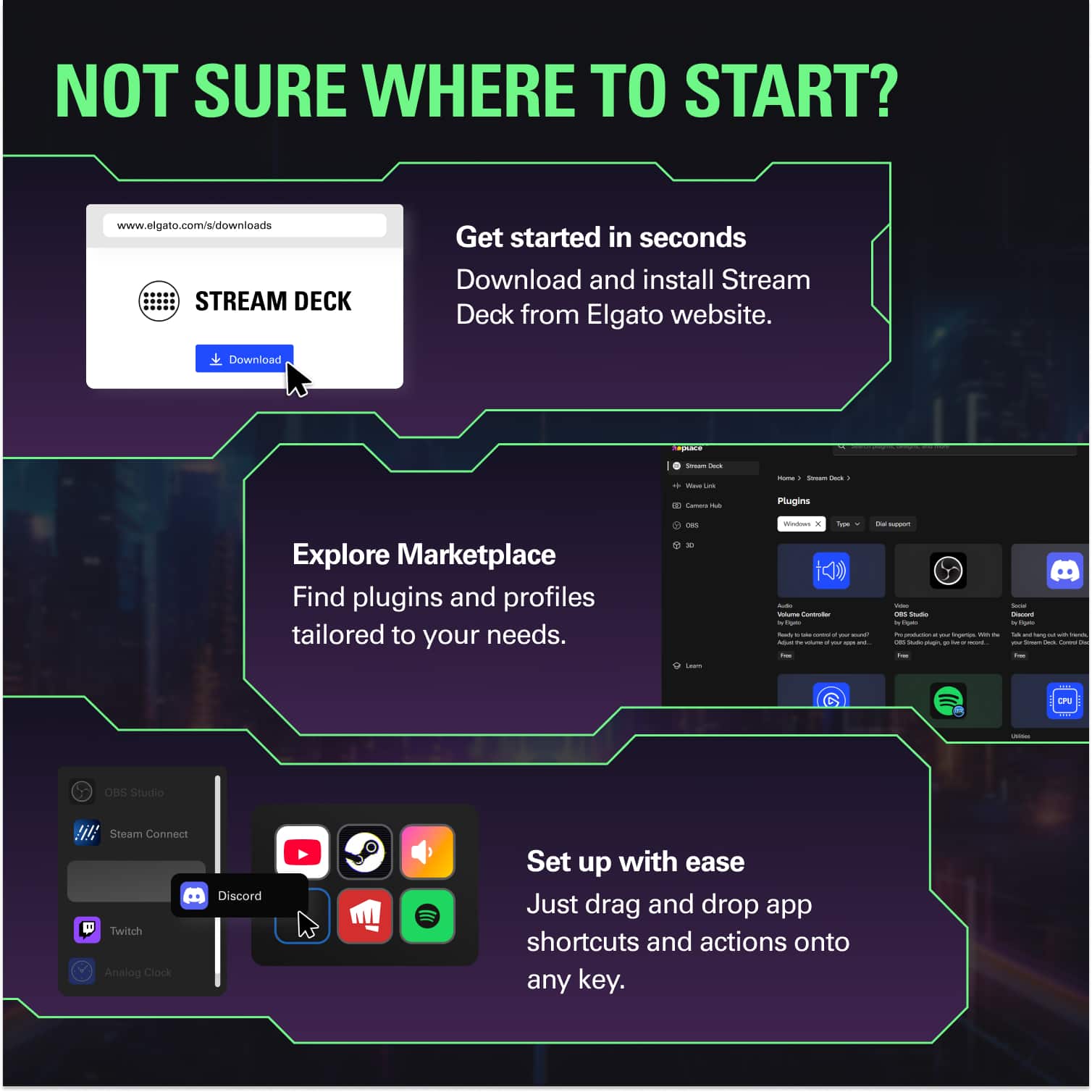
||Posted .This reviewer received promo considerations or sweepstakes entry for writing a review.First time ever using a stream deck but very easy to set up and program, makes streaming so much easier with the programable buttons to fit all your needs.
I would recommend this to a friend - Pros mentioned:Back lighting, Ease of use
Rated 5 out of 5 stars
You can basically program this to do anything
||Posted . Owned for 3 months when reviewed.This reviewer received promo considerations or sweepstakes entry for writing a review.I have a Stream Deck Mini and I love it. I just wished I had more buttons, so rather than go with the regular Stream Deck, I had to go with the XL because I keep thinking of different macros and uses for this device. You can even turn on your lights in your house with this. Way easier than autohotkey or IFTTT (which it does integrate with). It makes adjusting programs in the background easy without leaving whatever task you have in the foreground.
I would recommend this to a friend - Pros mentioned:Back lighting, SizeCons mentioned:Price
Rated 4 out of 5 stars
Stream Deck for work
||Posted . Owned for 2 months when reviewed.This reviewer received promo considerations or sweepstakes entry for writing a review.Good Accessory , I used for work and multitasking. Apps that i use are hotkeys, open multiple pages, saved text, direct access to programs, stocks. I still need to unlock some other features, but I can say that every time I need to implement an idea for work, Stream deck help me somehow to achieve it. Depending on size it, I choose XL because I didn't wanted to get limited of what I could do at work and also the price (get it if you see it with a nice discount $$$). If you feel like testing probably the small version will be ok and then you can decide to jump either to the regular size or the XL.
I would recommend this to a friend - Pros mentioned:Overall performance
Rated 5 out of 5 stars
Life Changing!
||Posted . Owned for 1 month when reviewed.This reviewer received promo considerations or sweepstakes entry for writing a review.This is amazing. I was skeptical about the investment since I was using it for business and it's marketed for more streamers and graphic design but man has this made my life easier at work. Definitely recommend!
I would recommend this to a friend - Pros mentioned:Ease of useCons mentioned:Price
Rated 5 out of 5 stars
Working great for me.Easy to program but expensive
||Posted . Owned for 1 month when reviewed.This reviewer received promo considerations or sweepstakes entry for writing a review.This USB accessory keyboard is working great for me. It is easy to program application or OS shortcuts, commands and the keys can be programmed with preexisting icons or you can program your own. I’m using on windows10 without any problems. Your programming is limited by your abilities. You can even download already created modules to use with your setup. My main limiting factor is time, but I’m slowly getting it configured the way I want. I bought the XL bc I don’t see the usefulness of the smaller versions. I guess if you have limited space the smaller ones may work for you. I guess the only criticism I would have is the expensive price. It comes down to what are your willing to pay for the benefits you may get from the product.
I would recommend this to a friend Rated 5 out of 5 stars
Sweet button box for Sim rig.
||Posted . Owned for 3 months when reviewed.This reviewer received promo considerations or sweepstakes entry for writing a review.This thing is awesome I personally use it as a button box on my sim rig. I have one press short cut to open up all my software, I have buttons mapped in game to make on track adjustments on the fly. There’s millions of things you can do with the stream deck. It can be time consuming to setting it up but once it is, it can be a productivity boost. 100% recommended in specific use cases.
I would recommend this to a friend- Pros mentioned:Overall performance
Rated 5 out of 5 stars
Awesome streaming addiction
||Posted . Owned for 3 weeks when reviewed.This reviewer received promo considerations or sweepstakes entry for writing a review.This product has been an awesome addition to my streaming platform. Thinking about adding a second one.
I would recommend this to a friend - Pros mentioned:Back lighting
Rated 5 out of 5 stars
For Broadcast/ Pro AV use, fits the bill nicely.
||Posted . Owned for less than 1 week when reviewed.This reviewer received promo considerations or sweepstakes entry for writing a review.I use this for professional broadcast control using BitFocus Companion, rather than the included software. But this is the most bang-for-your-buck broadcast controller on the market, lots of buttons, and everyone I know in production has several. For reference there are several other programs for controlling AV / Production equipment with a StreamDeck, including Octopus and Central Control. All three (including Companion) have slightly different feature sets, and slightly different costs. I own 2 StreamDeck XLs and 2 Streamdeck Origional/regular size controllers, and love them all. I always need more buttons! The purchase date listed was for my most recently added XL, but I've been using StreamDeck products since they came out.
I would recommend this to a friend - Pros mentioned:Customization, Overall performance
Rated 5 out of 5 stars
Works Well
||Posted . Owned for 6 months when reviewed.This reviewer received promo considerations or sweepstakes entry for writing a review.Works well and gives multiple custom setup choices. Useful for streaming and opening needful apps. I like the option to setup mute and volume controls for mics.
I would recommend this to a friend - Pros mentioned:Customization, Ease of use
Rated 5 out of 5 stars
Works exactly as I expected
||Posted . Owned for 9 months when reviewed.This reviewer received promo considerations or sweepstakes entry for writing a review.I am primarily using this as a button box for my simulation games and it works perfect for that. I also plan on using it to essentially script the starting of all the helper apps I use for iRacing so I don't have to manually start them each time I play. Its easy to configure and there are plenty of button labels out there to make it clear what the button is for. I occasionally had slow key response when going through a hub but moved it to a motherboard USB port and haven't had the issue since.
I would recommend this to a friend Rated 5 out of 5 stars
Makes my life SO much easier!
||Posted . Owned for 2 weeks when reviewed.This reviewer received promo considerations or sweepstakes entry for writing a review.I LOVE this thing! I don't stream but I use it as a launch pad for apps, volume control, opening folders and web sites. I can open several things with the touch of one button! I can change to different profiles (sets of button settings) depending on which program is open and has focus. I can have it open a site AND sign in with ONE KEY!
I would recommend this to a friend- Pros mentioned:Back lighting, Ease of use
Rated 5 out of 5 stars
Takes you to the next level
||Posted . Owned for 2 weeks when reviewed.This reviewer received promo considerations or sweepstakes entry for writing a review.I saw so many streamers use this and i got it for my stream but it isnt just for streaming the fact you can use it for photoshop,audio mixing and just about anything on your PC weither it be a laptop or desktop I would recommend it for anyone who has a pc that wants to make things easier. To say I like it is a understatement ive had it for awhile and bought a second one for my other pc and I went woth the 32 instead if the 15 just cause it was on sale and it was 50$ more for more than double the keys so thats the only reason try youll love it
I would recommend this to a friend - Cons mentioned:Price
Rated 5 out of 5 stars
Outstanding for streaming & productivity.
||Posted . Owned for 1 month when reviewed.This reviewer received promo considerations or sweepstakes entry for writing a review.I have to say that I love this thing. I read a majority of the reviews here on Amazon before I placed my order, and I can say that 95% of the complaints in other reviews are unwarranted. Complaints others have had: - Short/Fixed USB Cable :: I don't understand this one. Every single wired keyboard and mouse I've ever owned had a fixed cable of the same length. If it doesn't work for you, neither do your mouse and keyboard. - LCD "ripples" when you press buttons :: Try not pressing buttons like a 200lb gorilla. Mine doesn't ripple unless I really try to make it do so. - There's no built-in functions for MYSOFTWARE :: ... This one annoys me greatly. It's built for streaming software. It literally has STREAM in the name. That said, you can set up custom key binds with custom images for the keys all you want. They work great. I have mine doing a dozen functions that technically aren't supported for OBS, Photoshop, and several other programs. - It feels cheap/cheaply made :: What planet these people live on is beyond me... This thing is amazingly well built. - There's a long delay when I press buttons! :: Try not streaming on a potato. Mine works beautifully. Any delay is on the users end. (too much BS running in the background/slow computer) - It's overpriced! :: If you think this is overpriced, you haven't looked at similar products. Programmable keypads with similar functions (with NO LCD) are just as/more expensive. - There's only one LCD, it's not individual displays for each key! :: Who cares? It functions and looks great in the process. My Complaints: - Fairly minimal native OBS options. This is easily overcome with custom key binds, it would have just been nice to have things like mute mic built-in. - Always on display. It really needs to pick up on when the PC display shuts off due to inactivity and do the same. (or shut off when the computer is locked, either way) The TLDR: It's great. It works beautifully for streaming, and just as well as a general productivity helper. I don't regret ordering mine and I doubt anybody else will either.
I would recommend this to a friend - Pros mentioned:Ease of use
Rated 5 out of 5 stars
Wish I had bought it long ago!
||Posted . Owned for 3 weeks when reviewed.This reviewer received promo considerations or sweepstakes entry for writing a review.I heard about this device in the Podcast The automators. I don't stream, I use it to control my M1 MacBook Pro and various applications. I use Keyboard Maestro to trigger macros from the Stream Deck XL. I can't believe what an amazing tool this is. I control my web browser (open up a bunch of pages, switch between them, inset text into search fields, etc.) mail application (choose mailboxes, move emails to various mailboxes. Photoshop, Lightroom, Photo Mechanic 6, etc. It will do what you want, and if you are a Mac power user, this is a tool you will find thousands of tasks for it to control.
I would recommend this to a friend - Pros mentioned:Overall performance
Rated 5 out of 5 stars
Worth the buck$
||Posted . Owned for 3 weeks when reviewed.This reviewer received promo considerations or sweepstakes entry for writing a review.I dont know what to put here except. It is what you would expect to see. It performs as advertised. The cost is a bit much for what it does, but worth the bite if you need its abilities
I would recommend this to a friend Rated 5 out of 5 stars
Powerful Productivity Tool for Fast File Access
||Posted . Owned for 2 weeks when reviewed.This reviewer received promo considerations or sweepstakes entry for writing a review.I’m really impressed with the Stream Deck XL. The sheer amount of customization and options available is incredible. It’s not just for streaming. I use it heavily for quick selection and organization. It makes finding and opening detailed files incredibly fast, saving me a lot of time in my daily workflow. If you want a device that offers total control and speeds up repetitive tasks, this is it!
I would recommend this to a friend- Pros mentioned:Ease of use
Rated 5 out of 5 stars
A must have for serious content creators/
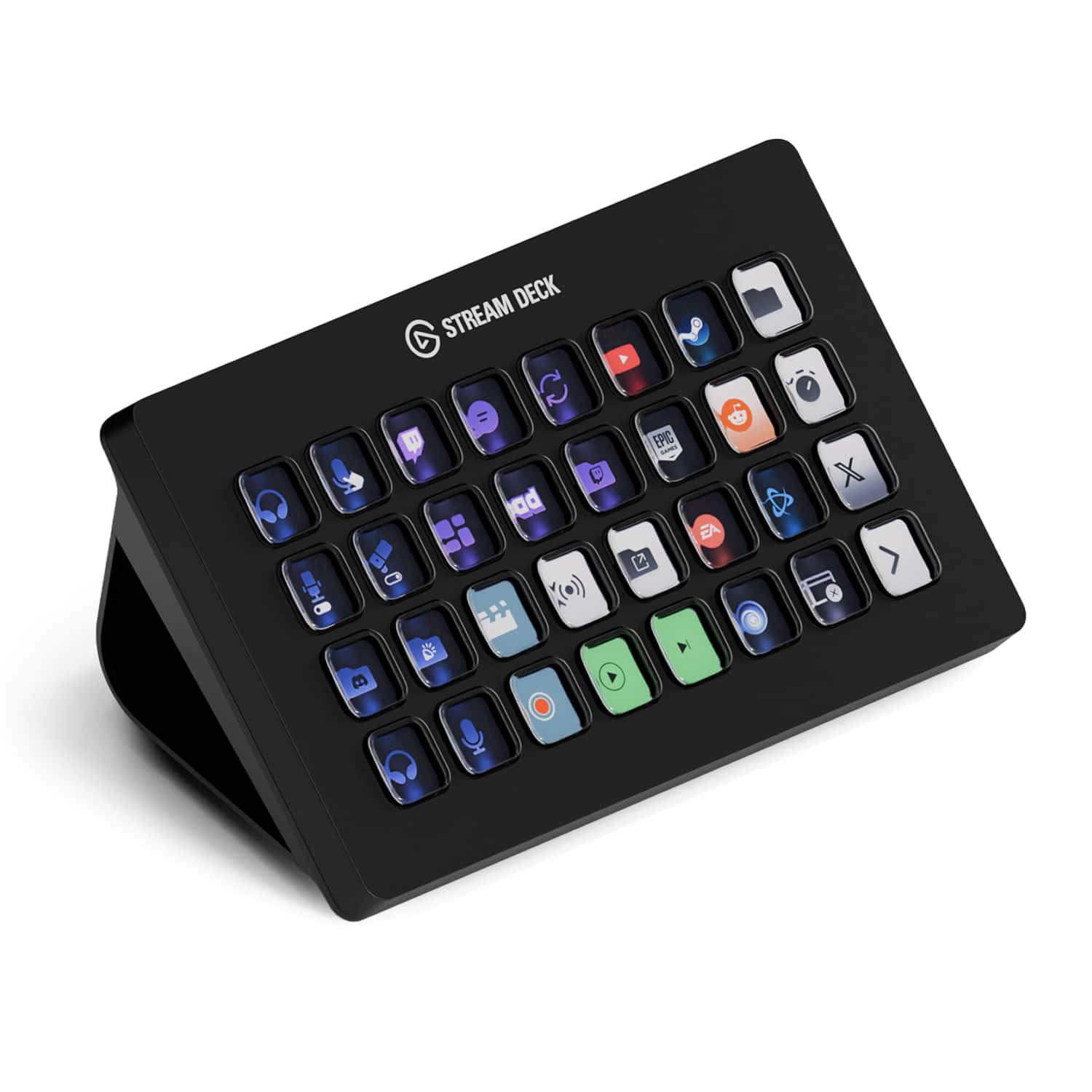
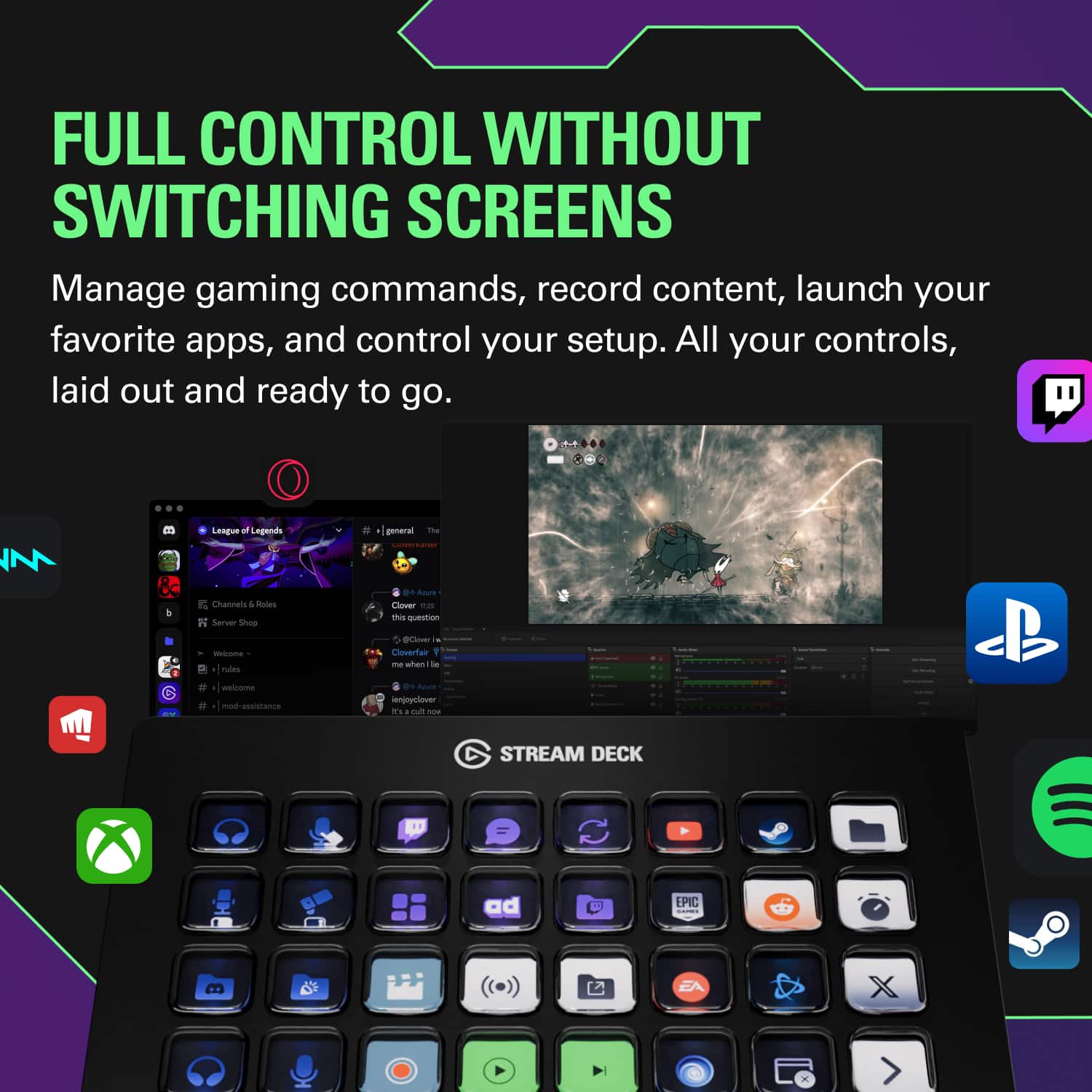
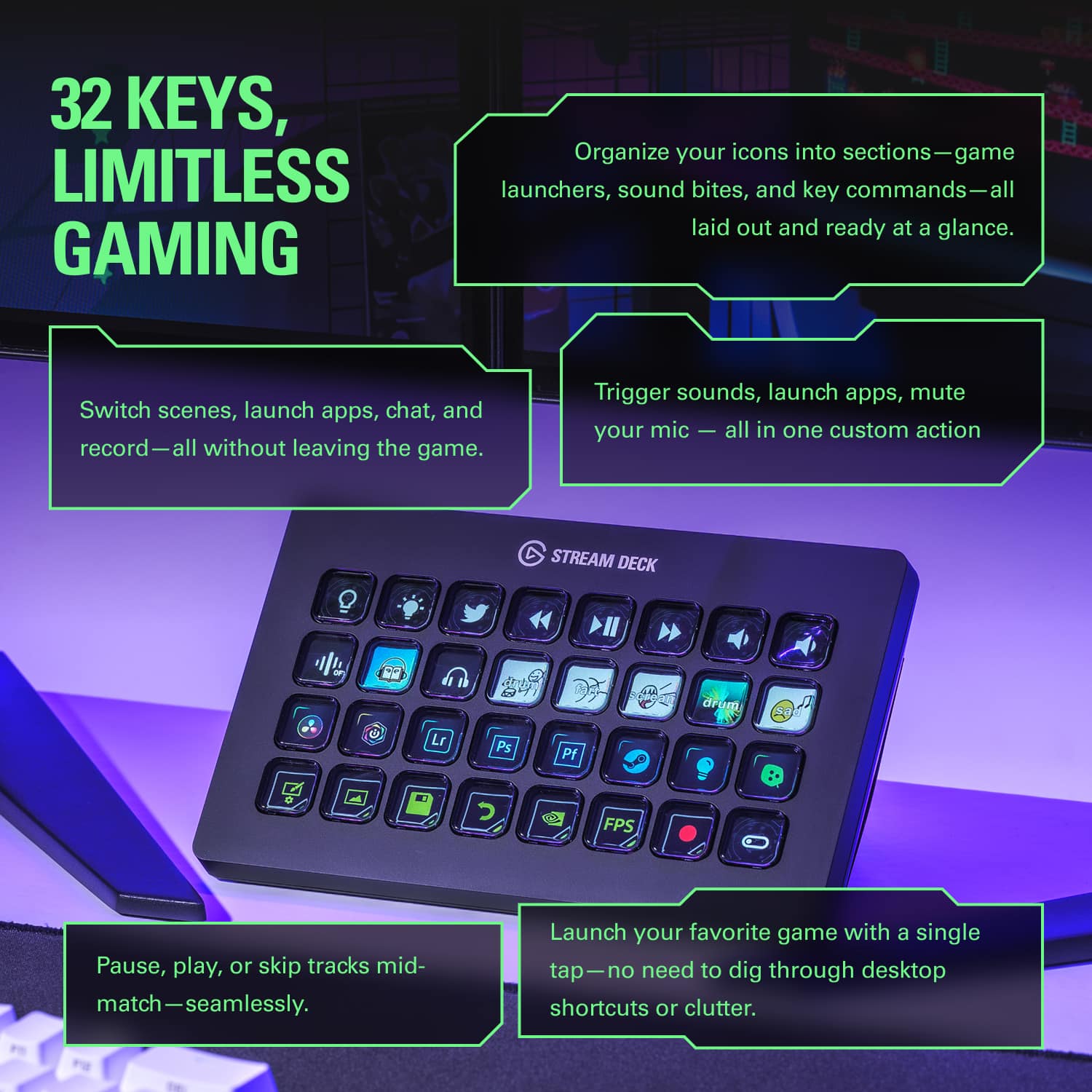
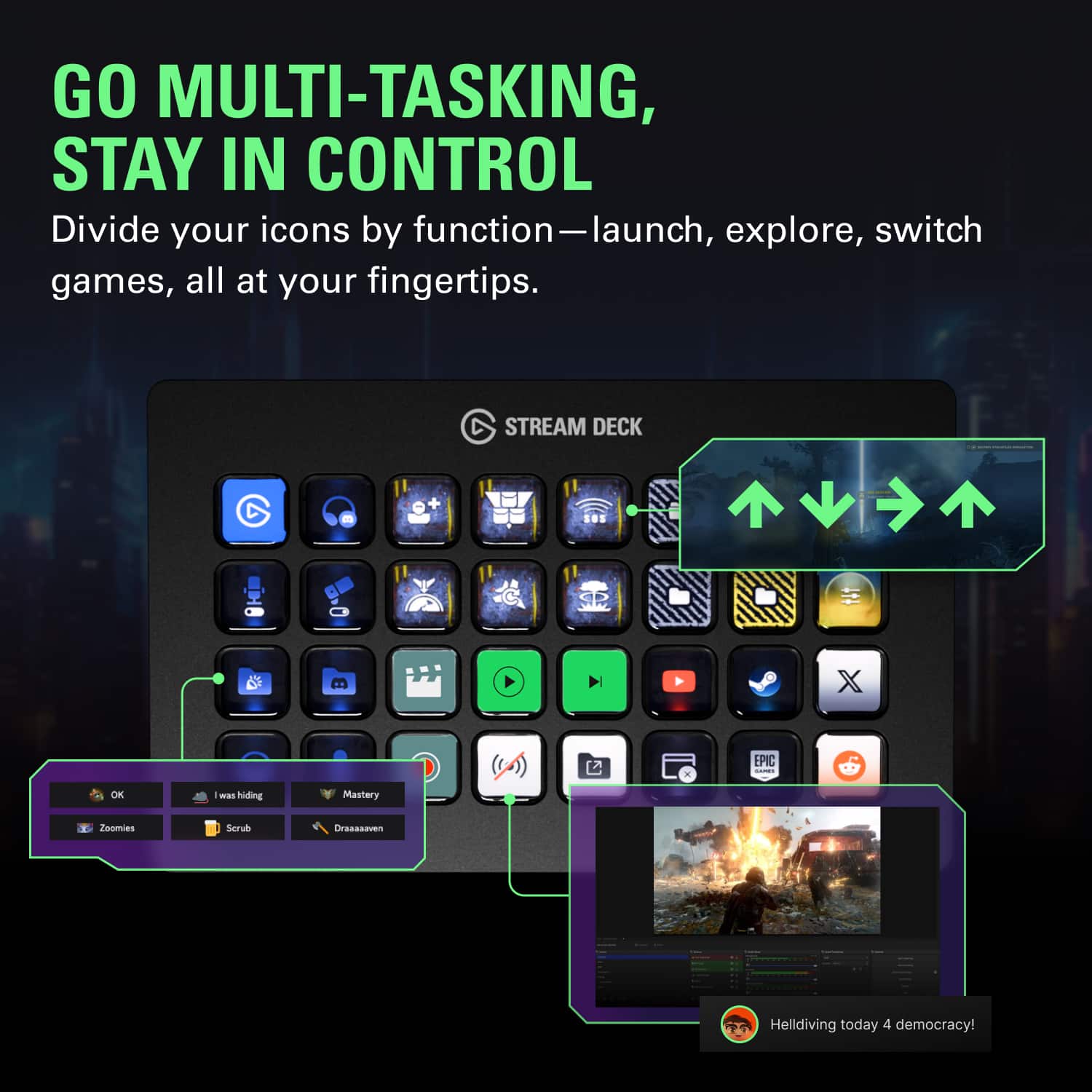
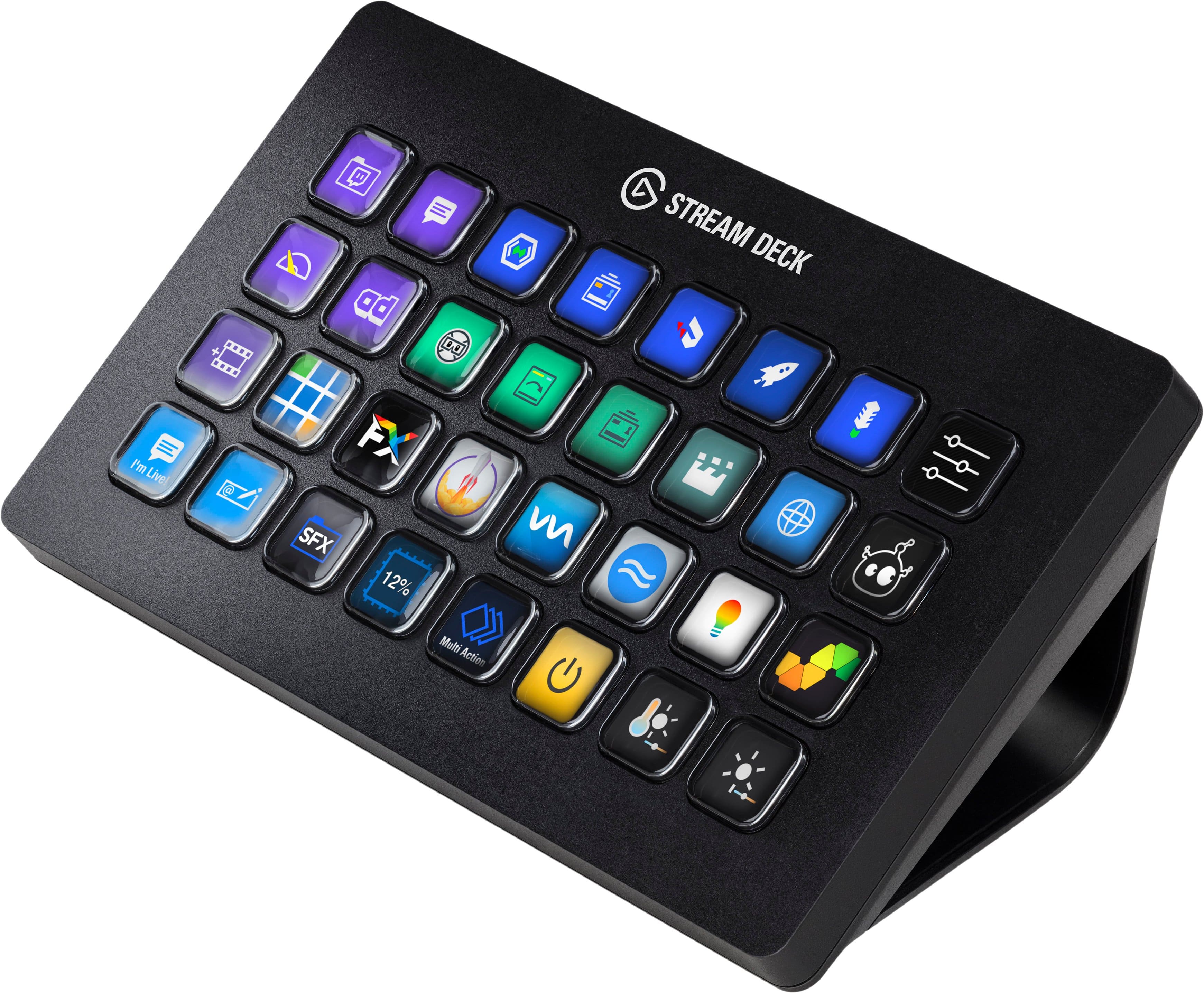
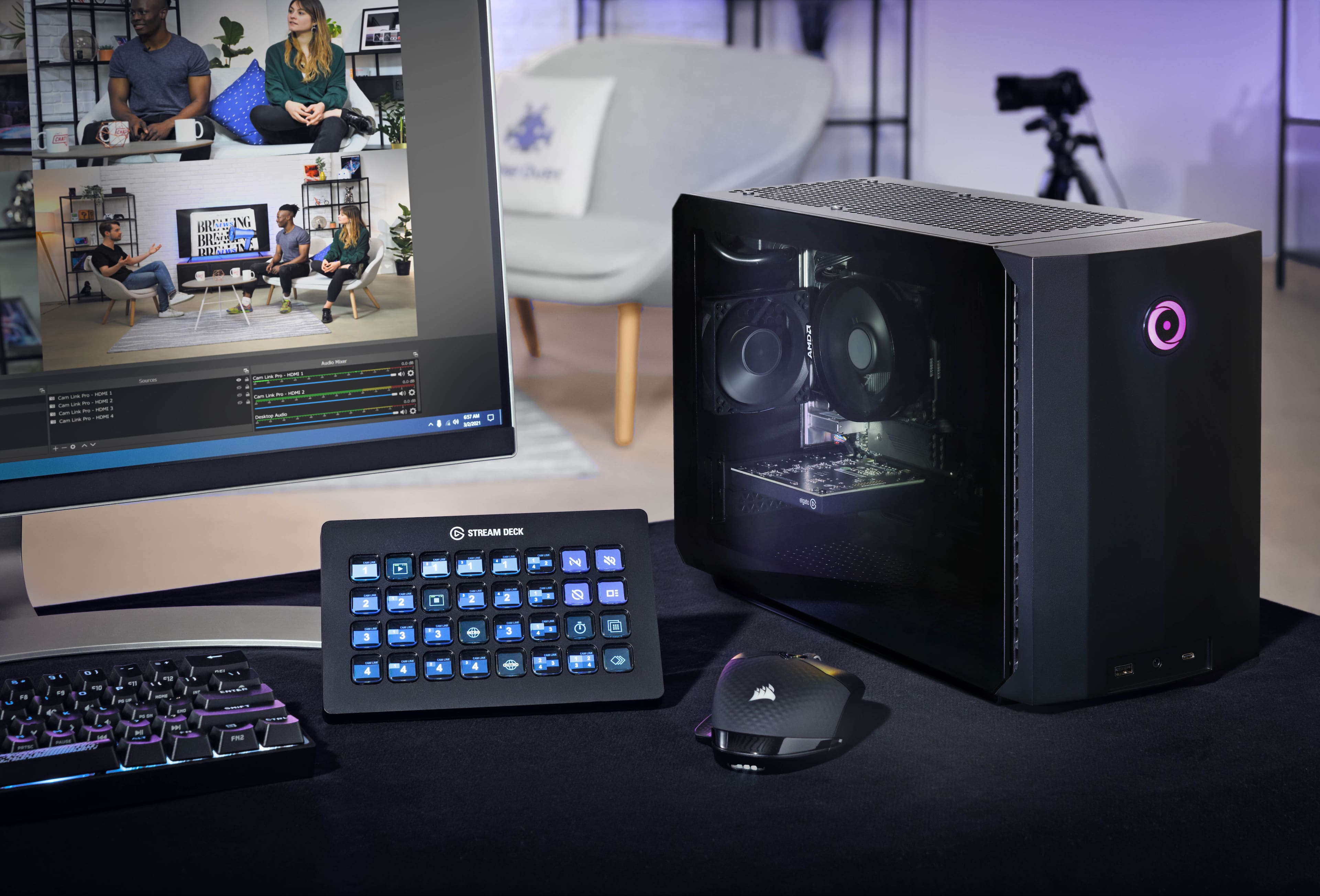
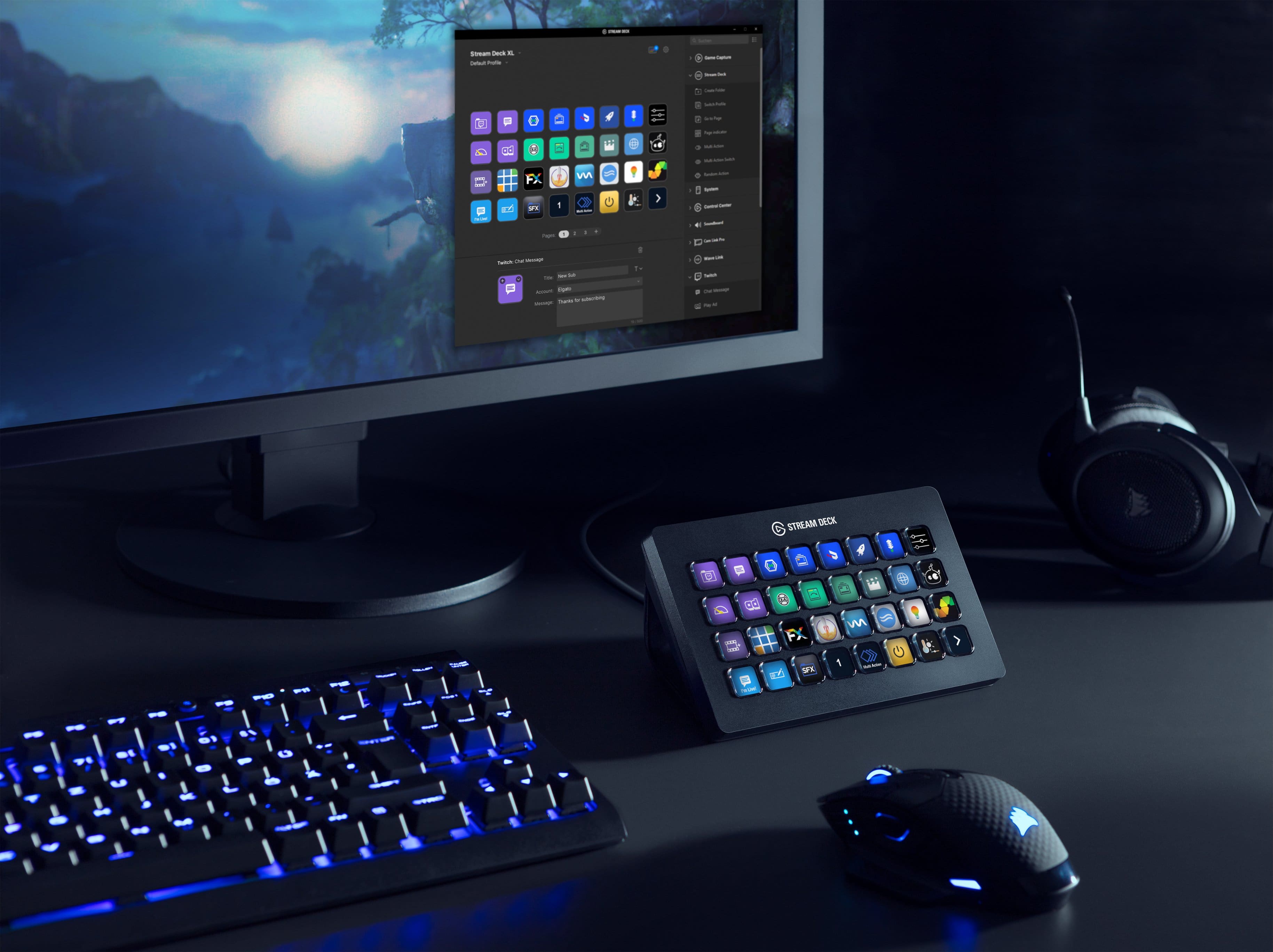
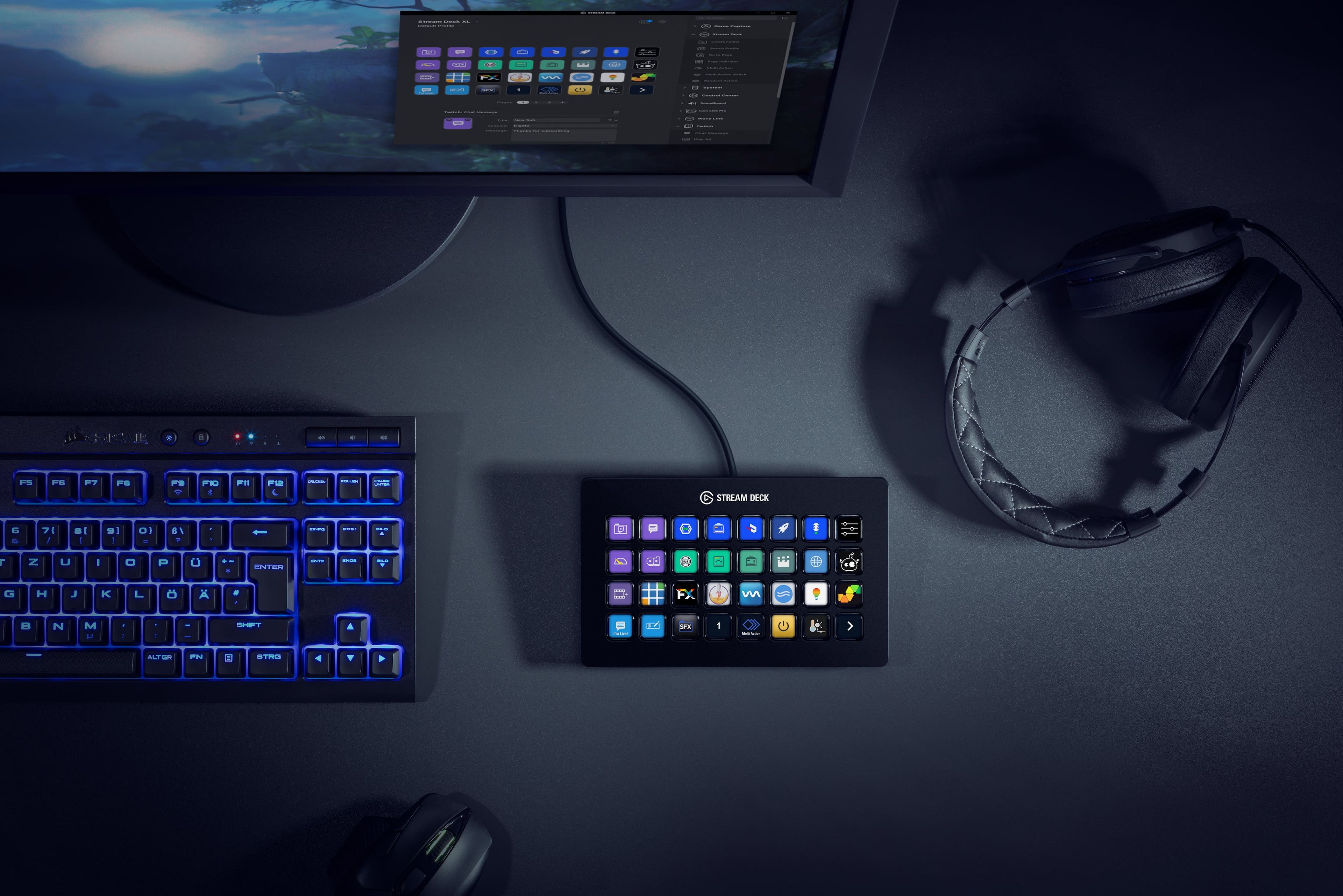
||Posted . Owned for 1 month when reviewed.This reviewer received promo considerations or sweepstakes entry for writing a review.The Elgato Stream Deck XL is an impressive piece of hardware that streamlines the process of live streaming, video production, and content creation. It is the larger version of the Elgato Stream Deck, featuring 32 LCD keys that can be programmed to perform a variety of tasks with a single press. One of the most significant advantages of the Elgato Stream Deck XL is its ease of use. The device connects to your computer via USB, and once the software is installed, you can customize the keys to perform a wide range of functions. This makes it easy to switch between scenes, launch applications, control your music, and interact with your viewers all without having to take your eyes off the screen. The build quality of the Stream Deck XL is excellent, with solid construction and a premium feel. The device has a weighty feel that provides a sense of durability and sturdiness. The keys are responsive, and the LCD displays are bright and clear, making it easy to see what each key is programmed to do. One of the most significant advantages of the Stream Deck XL is its versatility. The device can be used with a wide range of software, including OBS, Streamlabs, and XSplit, making it an excellent choice for streamers, content creators, and video editors. Additionally, it can be used to control your smart home devices or launch your favorite applications with a single button press. Overall, the Elgato Stream Deck XL is an excellent choice for anyone who wants to streamline their workflow and improve their productivity. While it may be a bit pricey compared to other macro-keyboards, its ease of use, versatility, and build quality make it an excellent investment for anyone who values their time and wants to improve their content creation or live streaming experience.
I would recommend this to a friend