Customer Ratings & Reviews
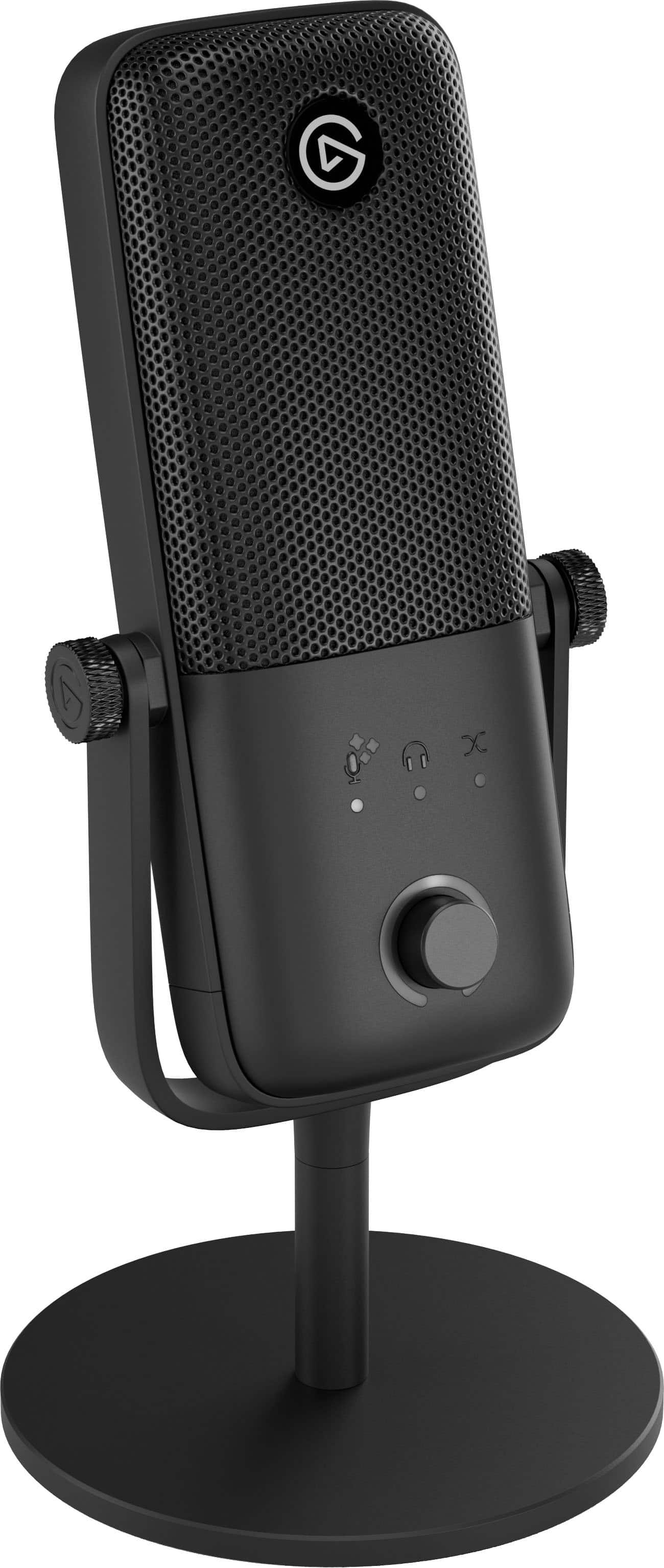
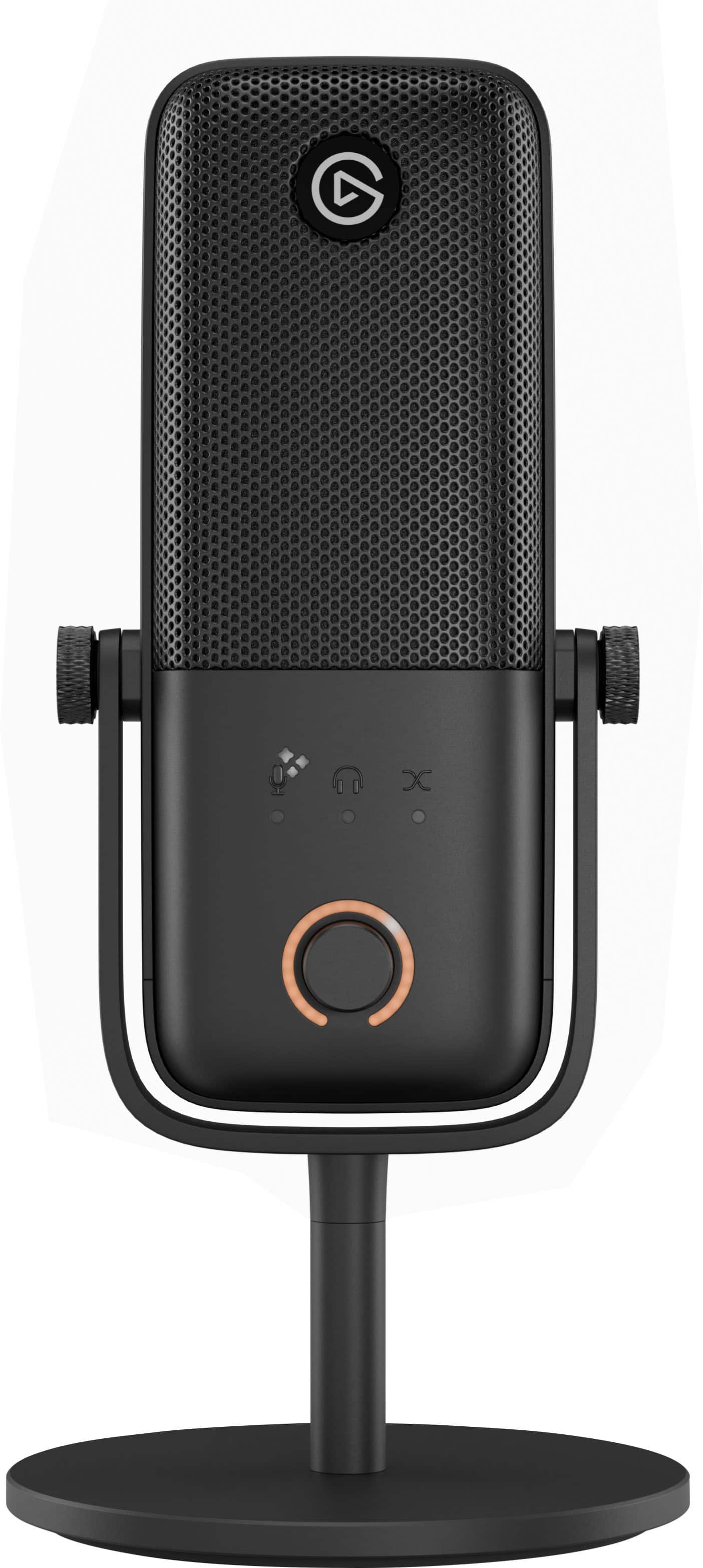
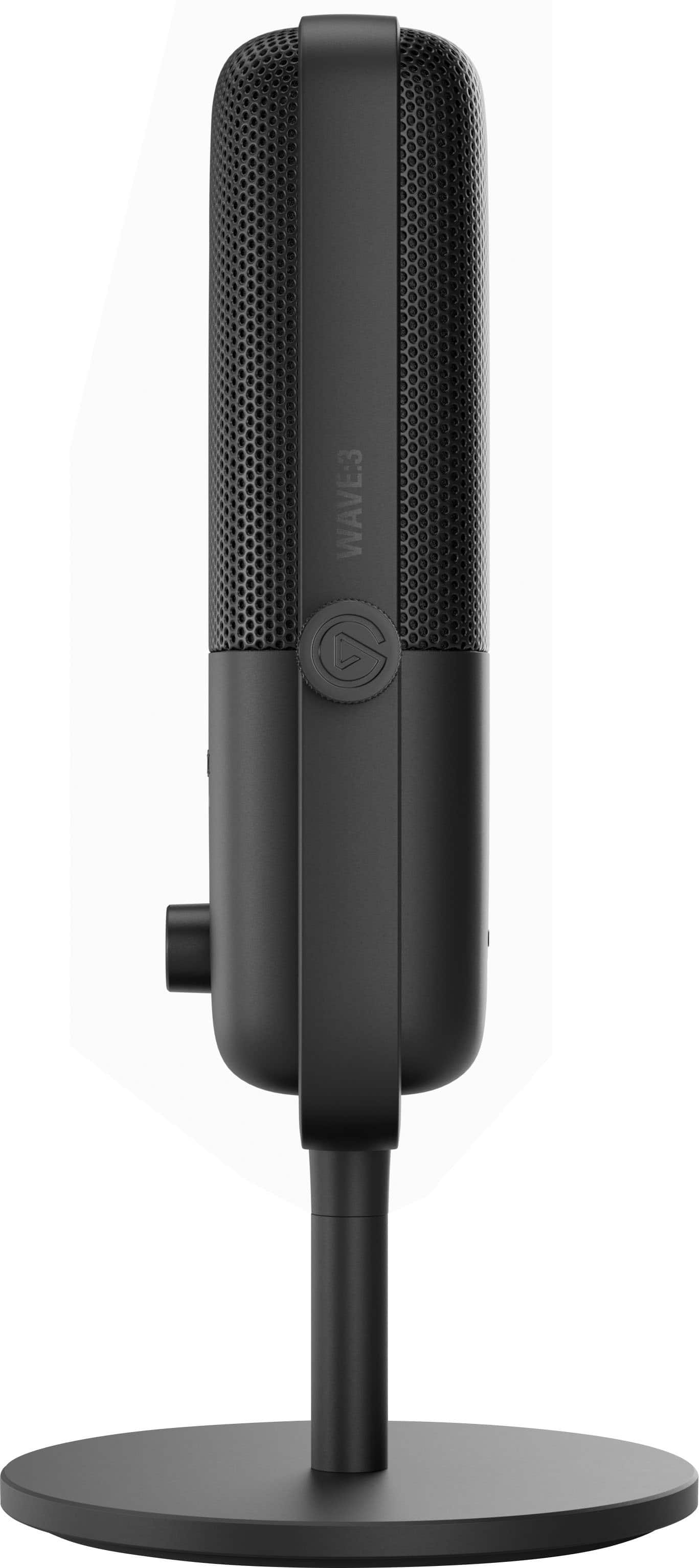
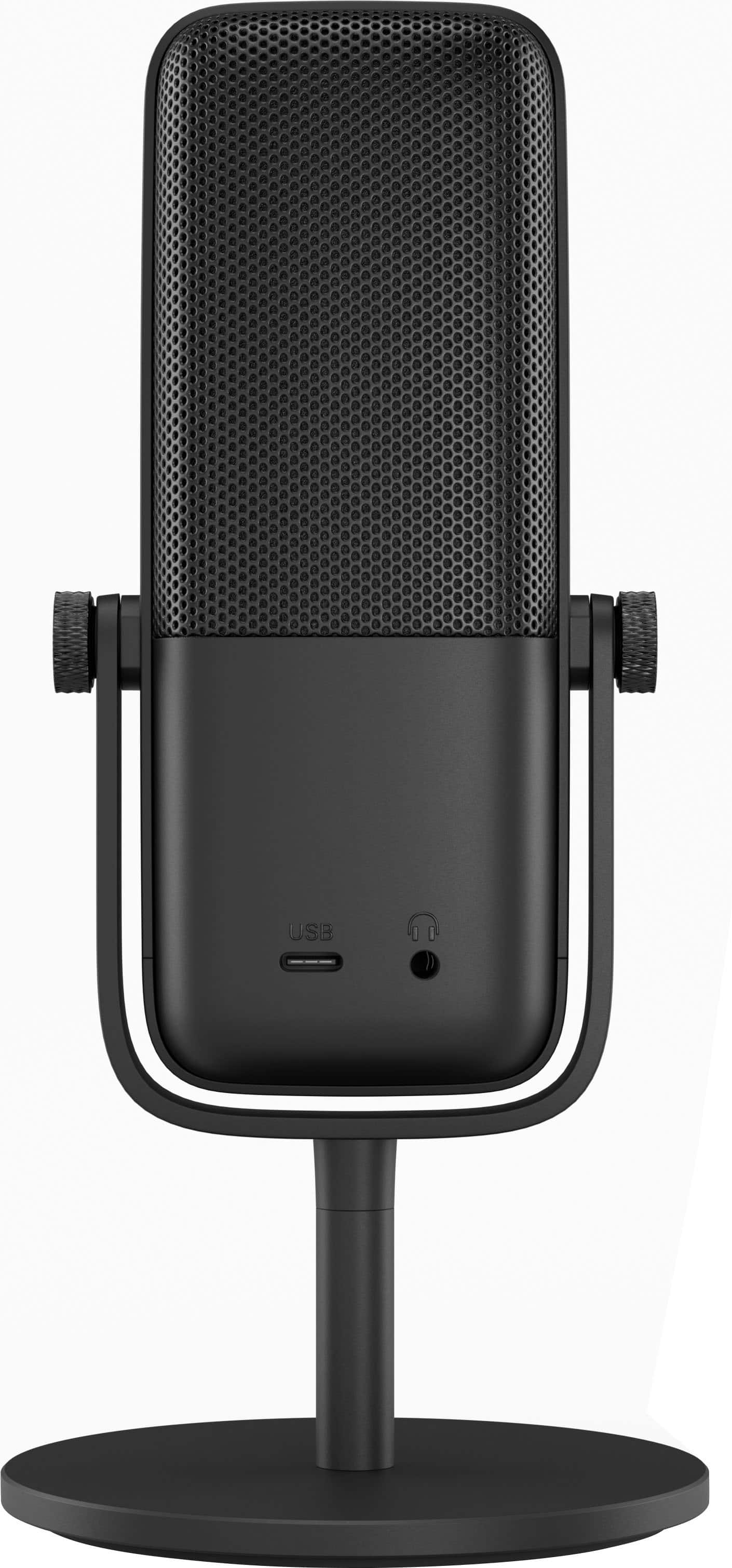
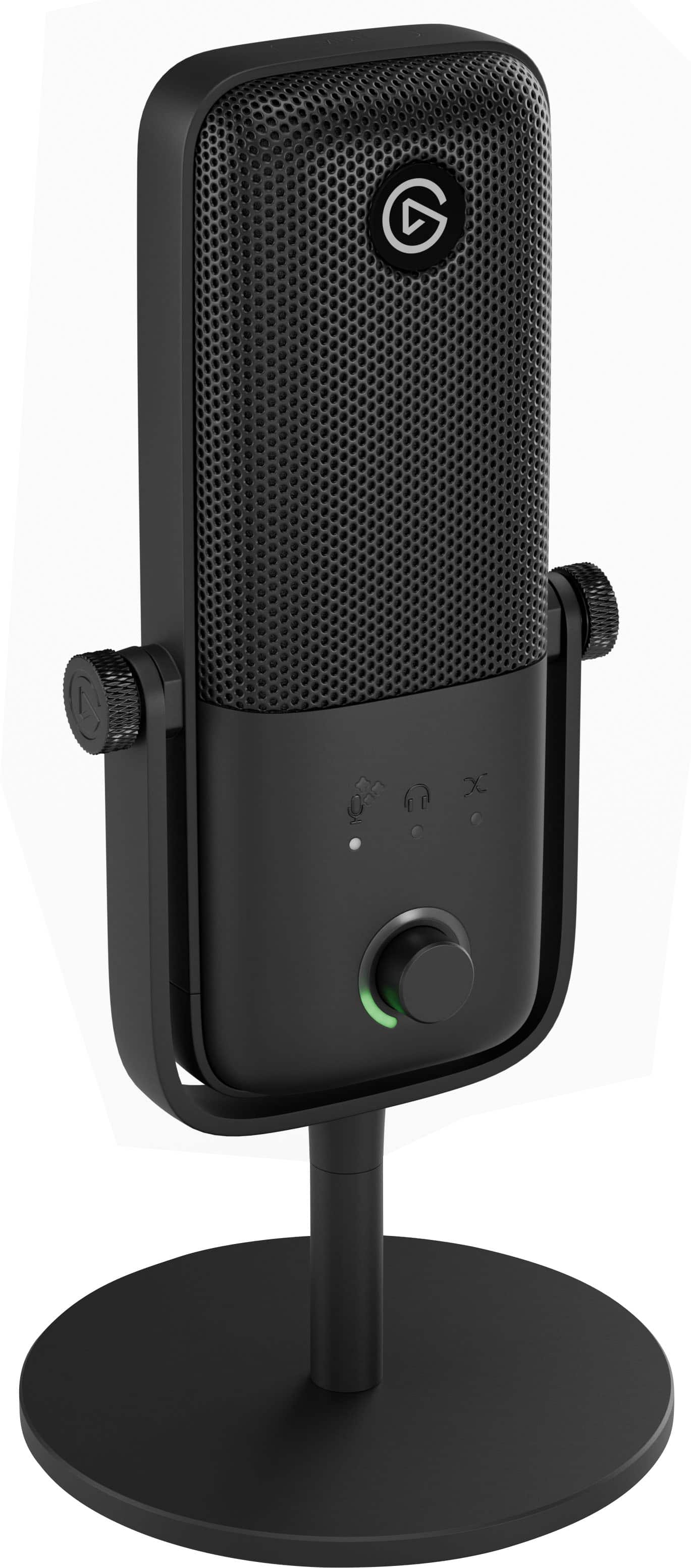
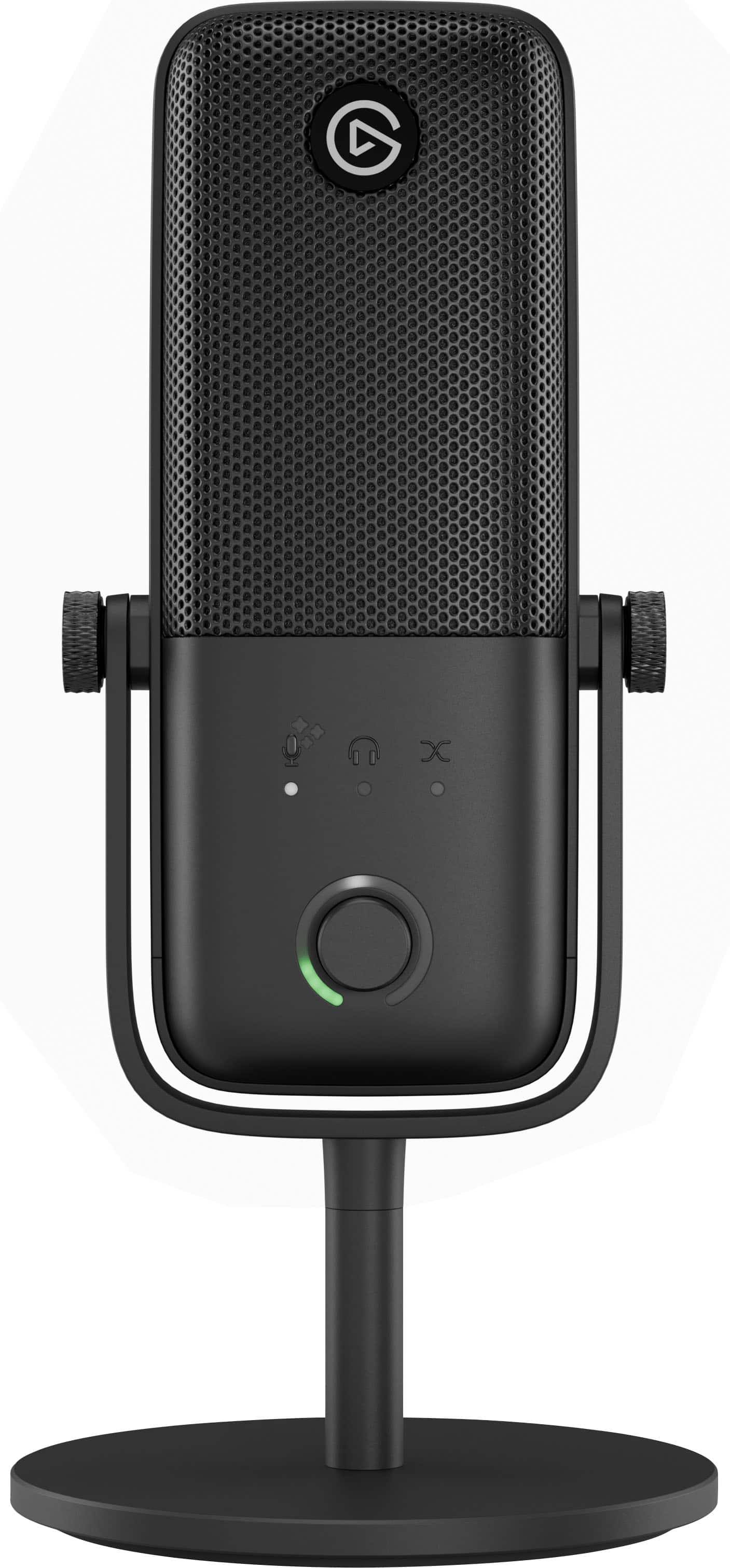
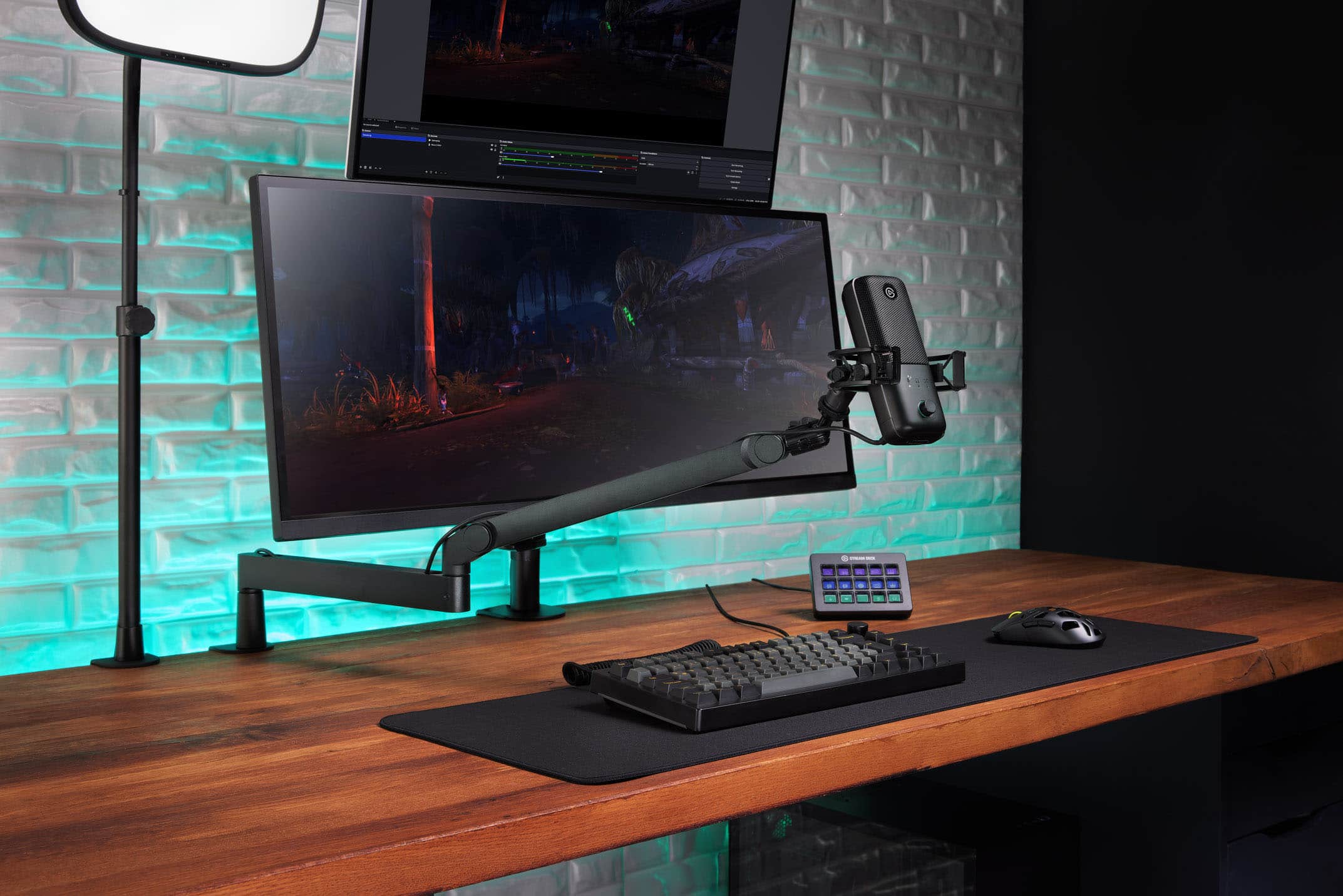
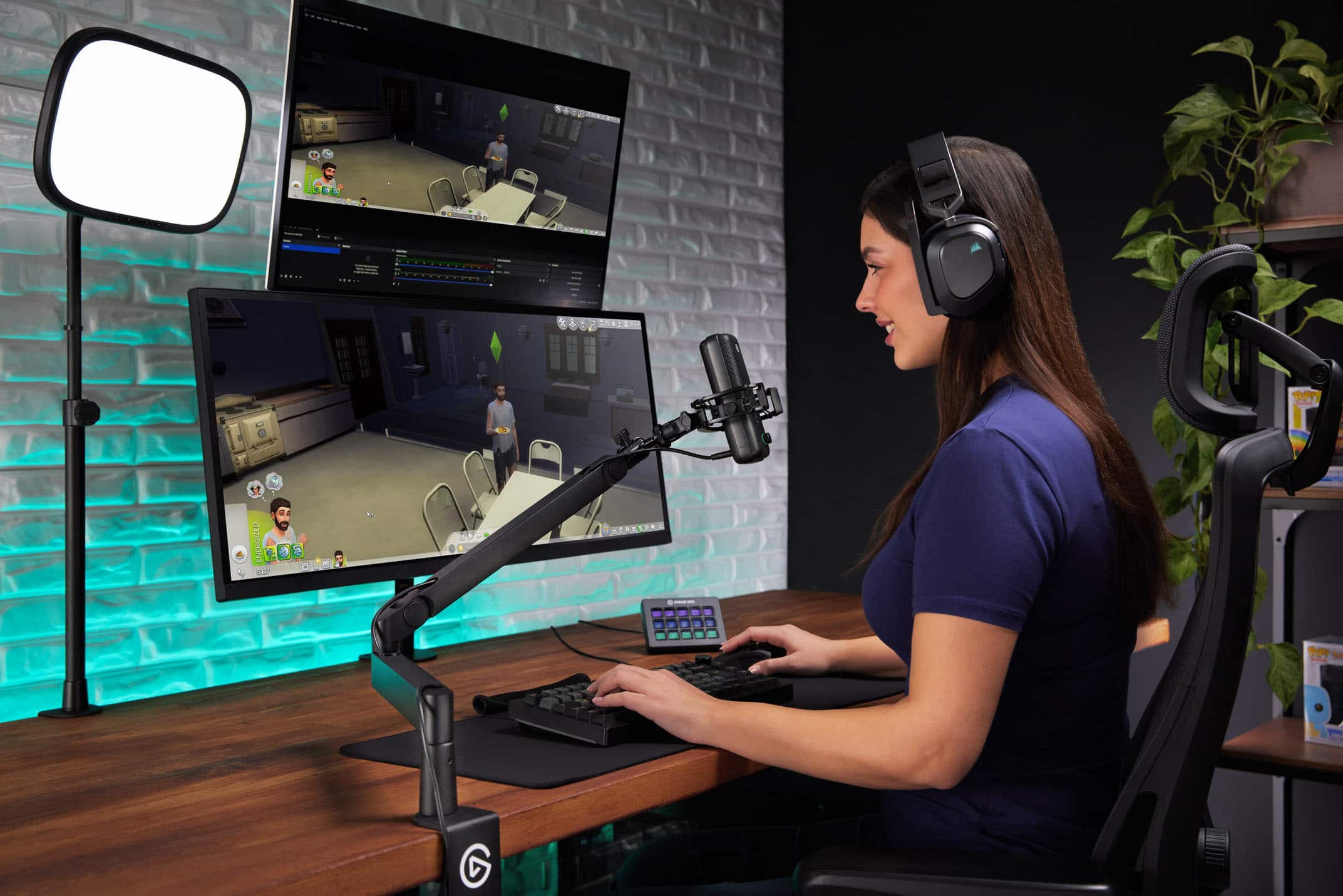
- Model:
- 10MAO9901
- SKU:
- 12648535
to a friend
- Pros mentioned:Audio quality

More Than Just A Microphone!
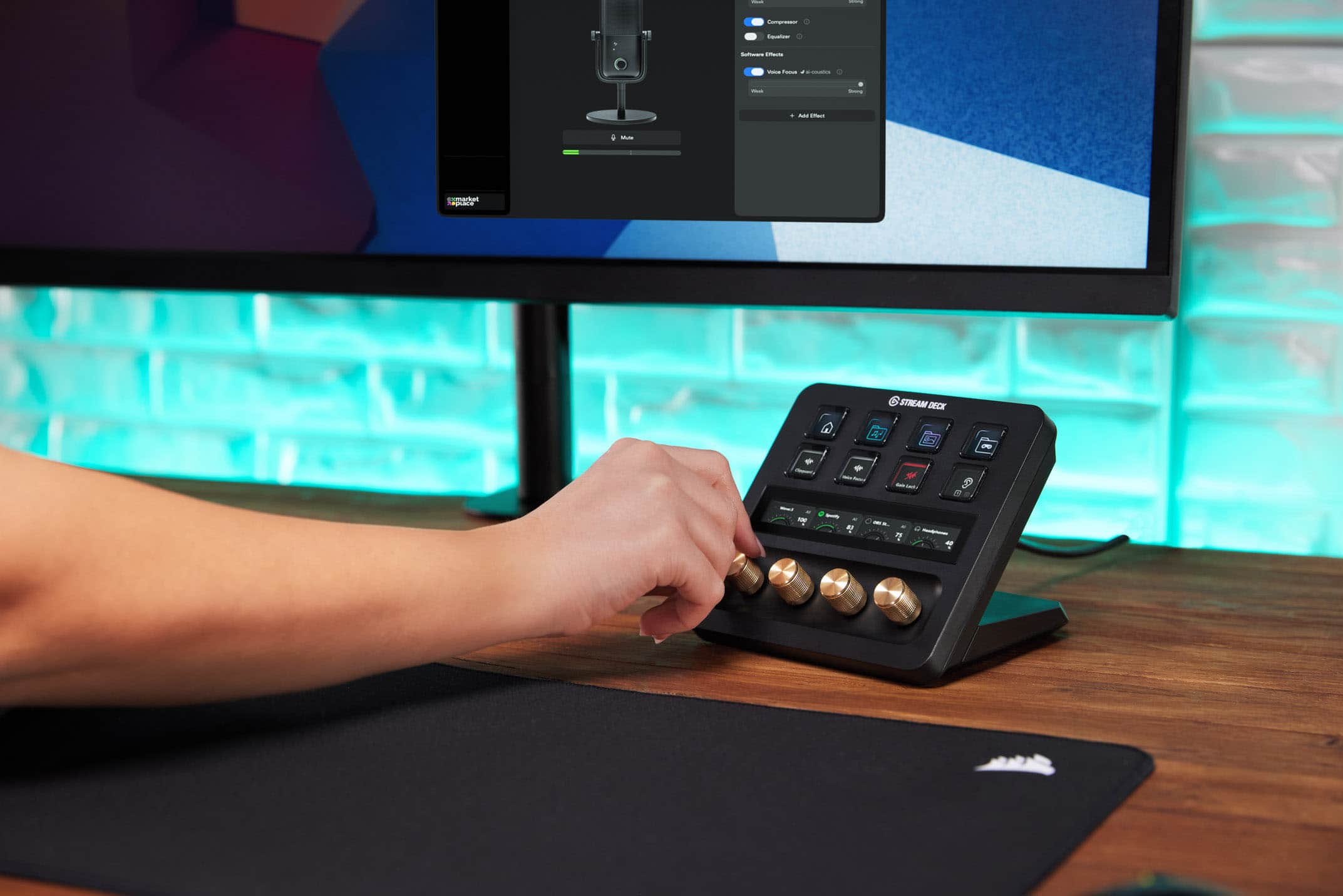
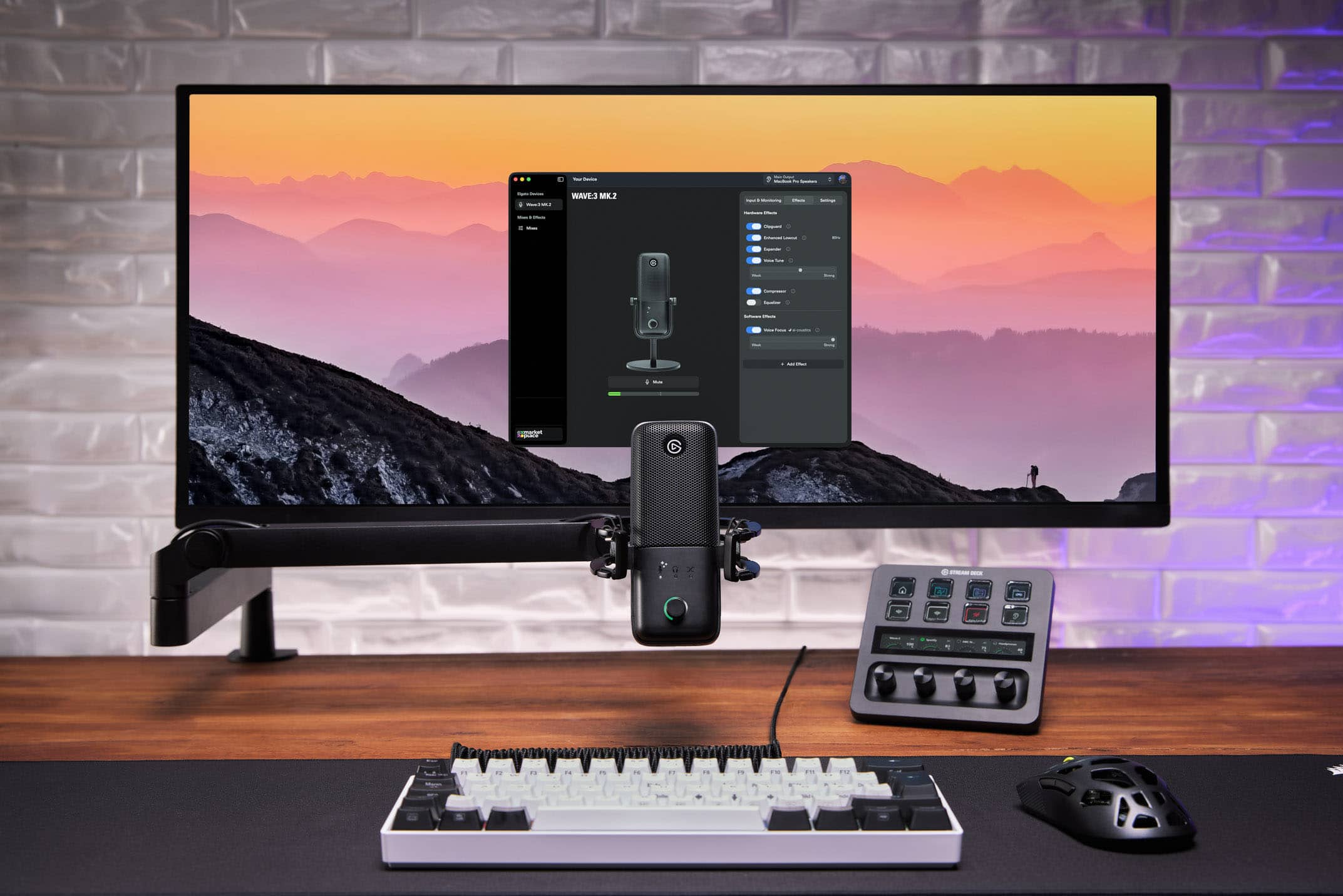
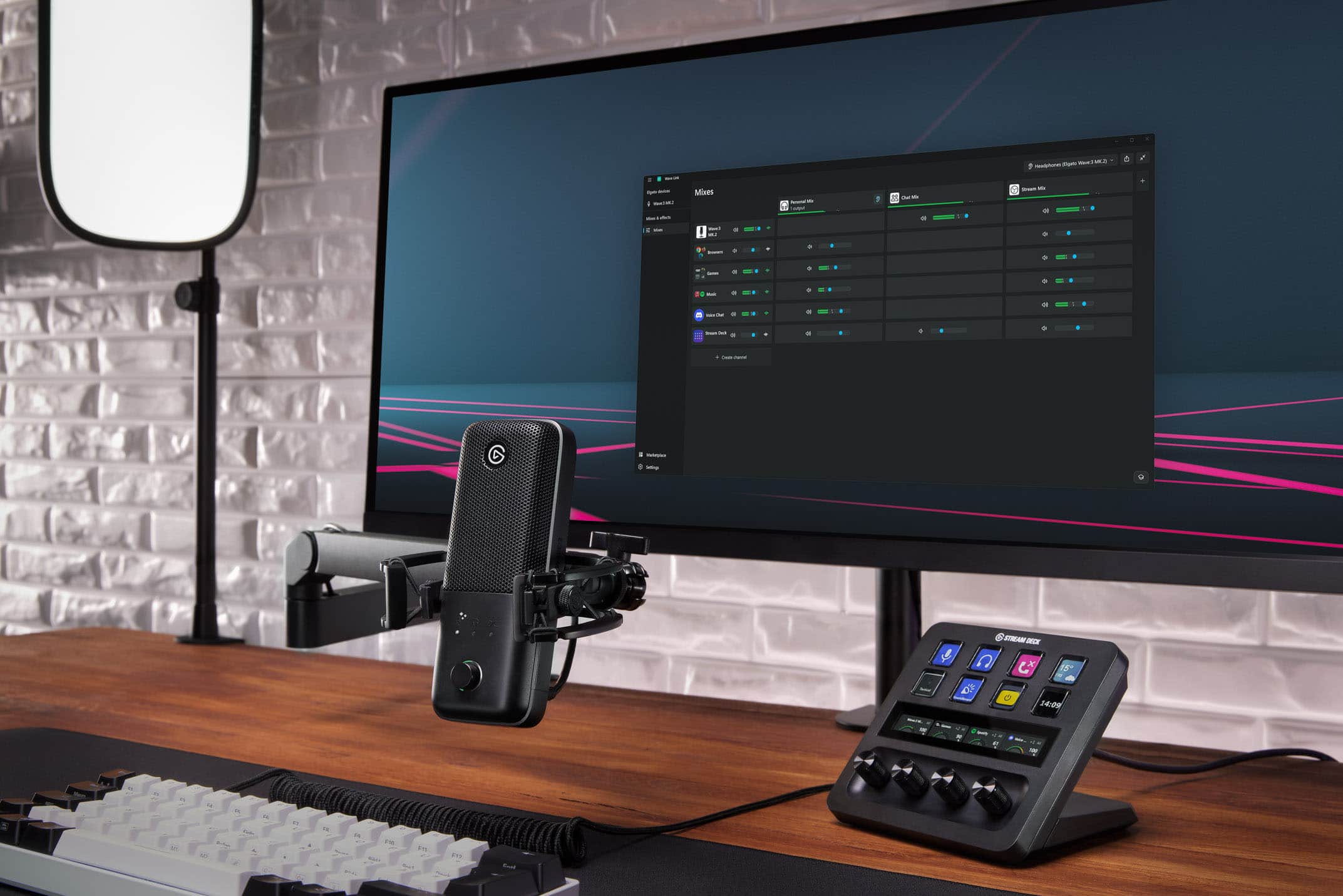
|Posted .This reviewer received promo considerations or sweepstakes entry for writing a review.I bought the Elgato Wave 3 MK 1 around four years ago. It has been my go-to microphone since then. So upgrading to the Elgato Wave MK 2 was a no-brainer for me. The Microphone still has its amazing simple professional design to it. The Mk 2 will also take all the same Elgato accessories. The New Mk 2 has some upgraded tech internally. It has a new version of ClipGuard. It also has some VST effects already installed. So plugging it in straight out of the bow is ok. But, to experience the full Elgato Wave 3 Mk 2, you have to download Wavelink. Again, I was more familiar with the software. So, all I had to do was upgrade to the 3.0 version. With Wavelink you get full control of your audio on your device. I remember the days when you could only do this on their Elgato devices. It's nice to see they changed that. The ClipGuard was always a good feature that worked. I've never had a problem with audio with any of my Elgato products. This one is no different. With the internal additions this eliminates having to do much in the software downloading VST. The simple ones are already added. This is a Microphone that can do it all. Your audio is clear and you get the best audio software on the market. Also, once you join the Elgato ecosystem you will see what I mean.
I would recommend this to a friend - Pros mentioned:Audio quality
Nice upgrade to the system
|Posted .This reviewer received promo considerations or sweepstakes entry for writing a review.Like most people, I've been using the mic on my headset for communicating online. It works and no real issues with it however, every once in awhile, the mic will cut out along with the headset or some other issue will pop up with the system. I opted to use this stand alone mic along with my newer headset for my PC system in hopes it'll give me a more reliable setup. I'll be honest, it takes a little while getting used to the stand alone mic if you've never used one before. I will say that it is a little more convenient having this separate peripheral however I do recommend getting a boom arm or something to mount this mic to. I'm looking for something similar just to allow me greater range of motion with this and putting it wherever I want to. Performance wise, I see no issues with this setup in terms of reliability. I haven't had any issues with the mic cutting out or getting crossed out/over with the headset mic. Everything seems to be working great for the time being. My companions have also noted how different/better my voice sounds now with this mic. You have the option to adjust/refine your voice with this mic as well as some built-in faetures that enhance overall sound and such.
I would recommend this to a friend Perfect Out Of The Box!
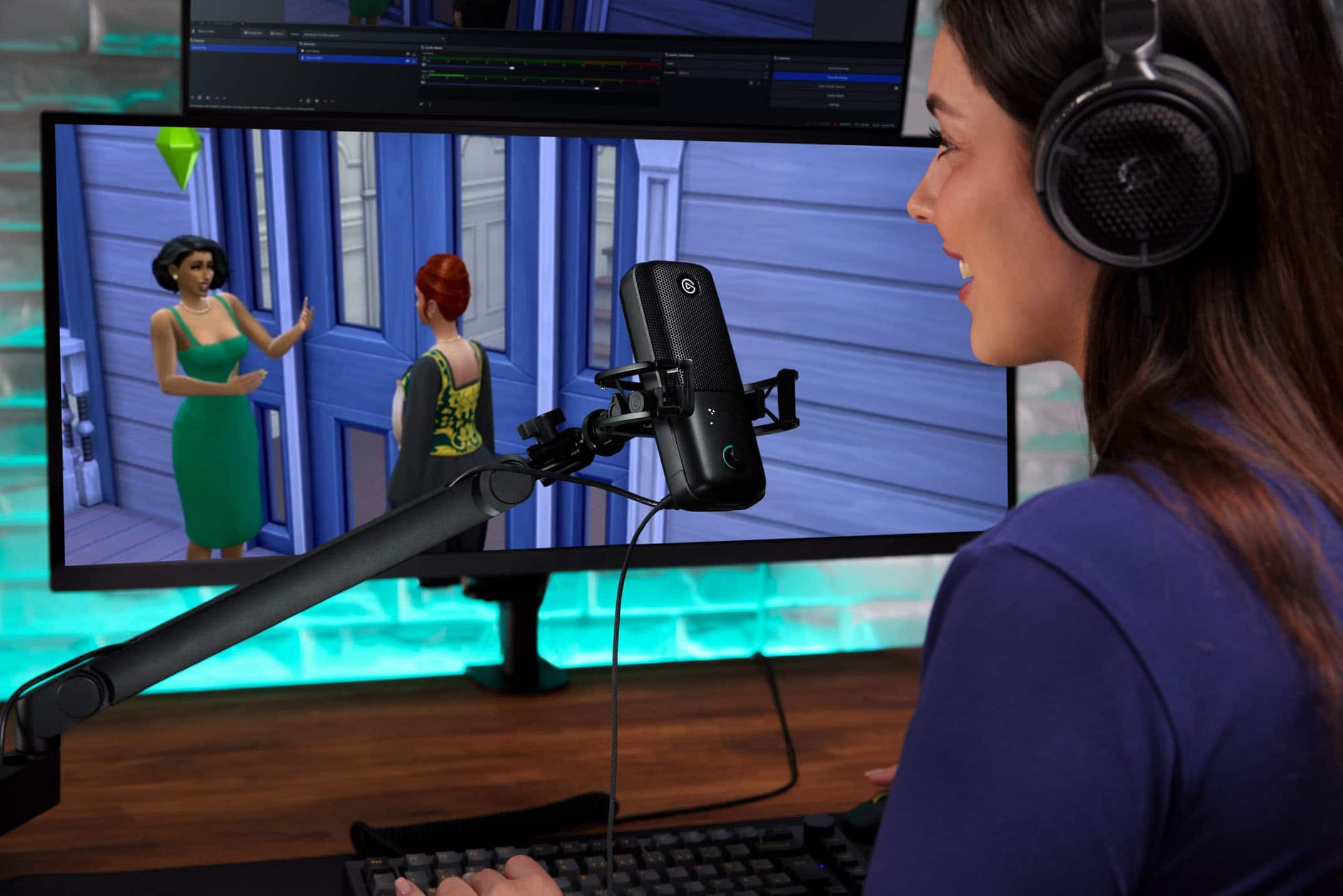
|Posted .This reviewer received promo considerations or sweepstakes entry for writing a review.This review will not go in-depth on every feature and technical advantage this mic has over its competitors. You may be asking why, and it’s because it’s just great out of the box. If you’re an audiophile, I could see you tweaking the settings. I’ve owned a different brand of mics for the past ten years. You HAD to adjust the de-esser, de-popper, limiter, noise reduction, etc. This Elgato mic is plug-and-play. I’m actually so shocked. I like to stream as a hobby. Every time I got the competitor mic, I spent up to an hour adjusting my settings. I would watch multiple tutorials. Even after spending that time, I feel like I never got it perfect and to be honest, I’m not even sure if perfection was possible. Out of the box, the Wave 3 is great at removing sounds from far away. You cannot hear any fans, loud cars passing by (they are barely audible), or computer noises. It doesn’t even pick up chewing noises! If you are eating, the person on the other end cannot hear it. This blew my mind, and it’s funny because my audience is used to my chewing ASMR. They call this feature “voice focus,” and it’s turned on by default. I like the muting functionality. I just slide a finger over the top of the mic to mute. Then the indicator light turns red to show you are muted. You can also tap it. The pop filter is built in. What!? Let me say that again… The pop filter is BUILT IN. No sock or external pop filter needed. Has any competitor even done that yet? I know ClipGuard is keeping me from peaking. Basically, if I get excited on stream, the software will prevent me from being ear-piercingly loud to my audience. This is turned on by default. What I do find a little distracting is the gain meter. However, I did find out you can lower the brightness to 0%, effectively hiding the lights. It does hide the mute, though. I hope they make them separate options. One brightness for mute and one brightness for dial adjustment. Since my software can tell me if I’m muted or loud, I will most likely just change the brightness to 0%. Out of the box, you get a heavy-weighted stand for the mic and an 8-foot USB-C to USB-C cable. You can twist your mic into an existing microphone arm if you have one. I’m more ecstatic about this mic than I have been for other reviews I’ve left on Best Buy. It’s a game-changer of a product. Other microphones are a D out of the box. They become a B grade after some tweaks. This is an A out of the box, and I can imagine the potential for an A+ is there. Unfortunately, I have not had enough time to tweak it. There is a section called mixer, where you can adjust the volume levels of other programs and change how your microphone sounds in other programs. Even if you add a lot of effects, you can still get live feedback on how you sound without those effects. There is a marketplace to download effects. There are several basic adjustments in the software that can be made. A lot fewer settings than its competitors, so it’s much simpler in that regard. Well done.
I would recommend this to a friend- Pros mentioned:Audio quality
USB mic with good build but pop issues
|Posted .This reviewer received promo considerations or sweepstakes entry for writing a review.The Corsair Elgato Wave:3 MK.2 is a USB-C microphone that you can use with your laptop. It comes with a premium condenser capsule with an internal pop filer. The button on the front of the mic is multifunctional. You can use it to change the mic gain, headphone volume mix and overall mix. There’s a tap to mute button on the top of the mic that quickly allows you to mute and unmute the microphone. There’s a headphone jack on the rear of the mic that allows you to listen to the mic recording and mix. There’s an Elgato Wavelike app that allows you adjust mic settings, effects and mixes. The app has quite a few features. The mic has a good sound. However, I’ll have to give it a knock because I had issues with sound pops and sound glitches. I’m not sure if it’s the mic, the MacOS version that’s on my laptops or a conflict somewhere. I tried it on my MacBook Pro and MacBook Air running Garage Band, Audacity and Apple Voice Notes. I would hear glitches while reoccurring and listening to playback. The sound would also glitch if I have the Elgato Wave Link app running in the background. I would have to Quit and close it for the mic to work better while using other apps. It appears to be a solid device, but it didn’t fair well for me.
No, I would not recommend this to a friendBrand response from Customer Care
Posted .Thank you for this thoughtful review — we really appreciate the detail you put into describing your setup. Pops and glitches that change behavior depending on which apps are running usually point to something specific in the signal flow between Wave Link 3.0, macOS audio routing, and the recording app being used, and it's the kind of thing that's much easier to untangle one-on-one than to guess at from the outside. Our team at help.elgato.com would genuinely like to take a look — with the setups you've already tested across two MacBooks and three apps, we'd have plenty to work with. We're glad the build and sound impressed you, and we'd love the chance to get the rest of the experience there too.
Good Quality Mike But Close Range and Pricey
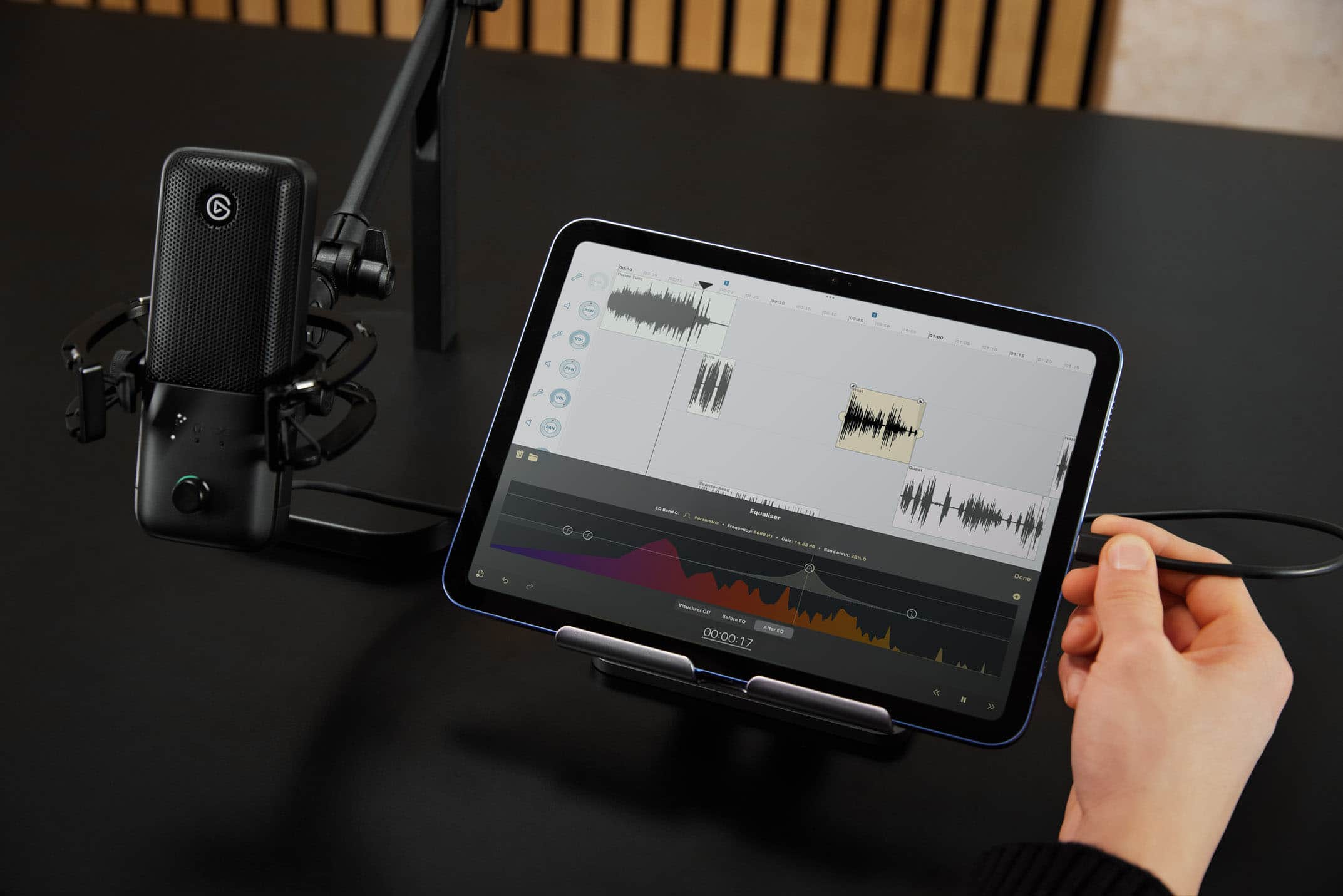
|Posted .This reviewer received promo considerations or sweepstakes entry for writing a review.The Elgato Wave 3:MK 2 comes out of it's classy box like a high-end product. Included is a heavy metal stand, a tripod adapter, and a good quality USB-C cable. No instruction manual or link to view one online. The usual graphics on the box to show you how to connect the microphone etc. But there is a QR code to find and install the Wave Link software to help control and customize your use of the microphone. The mike itself contains processing ability in the way that it doesn't tax the processor of the recording device. The microphone connected easily to a Windows machine and the Wave Link app worked as planned. I used a free ages-old audio recording and editing app (Audacity) for the test in Windows, and aside from having to place the mike so close to the mouth (distance from your extended pinky finger to your extended thumb.) Wow--in some people's cases with short stubby fingers that could be as close as five or six inches. It would not work on my iPad. There is no Wave Link version for iPad, and I couldn't get it to work. It worked well in Windows, great sound quality and effects. I think it has stiff competition in the price department.
I would recommend this to a friend