Customer Ratings & Reviews
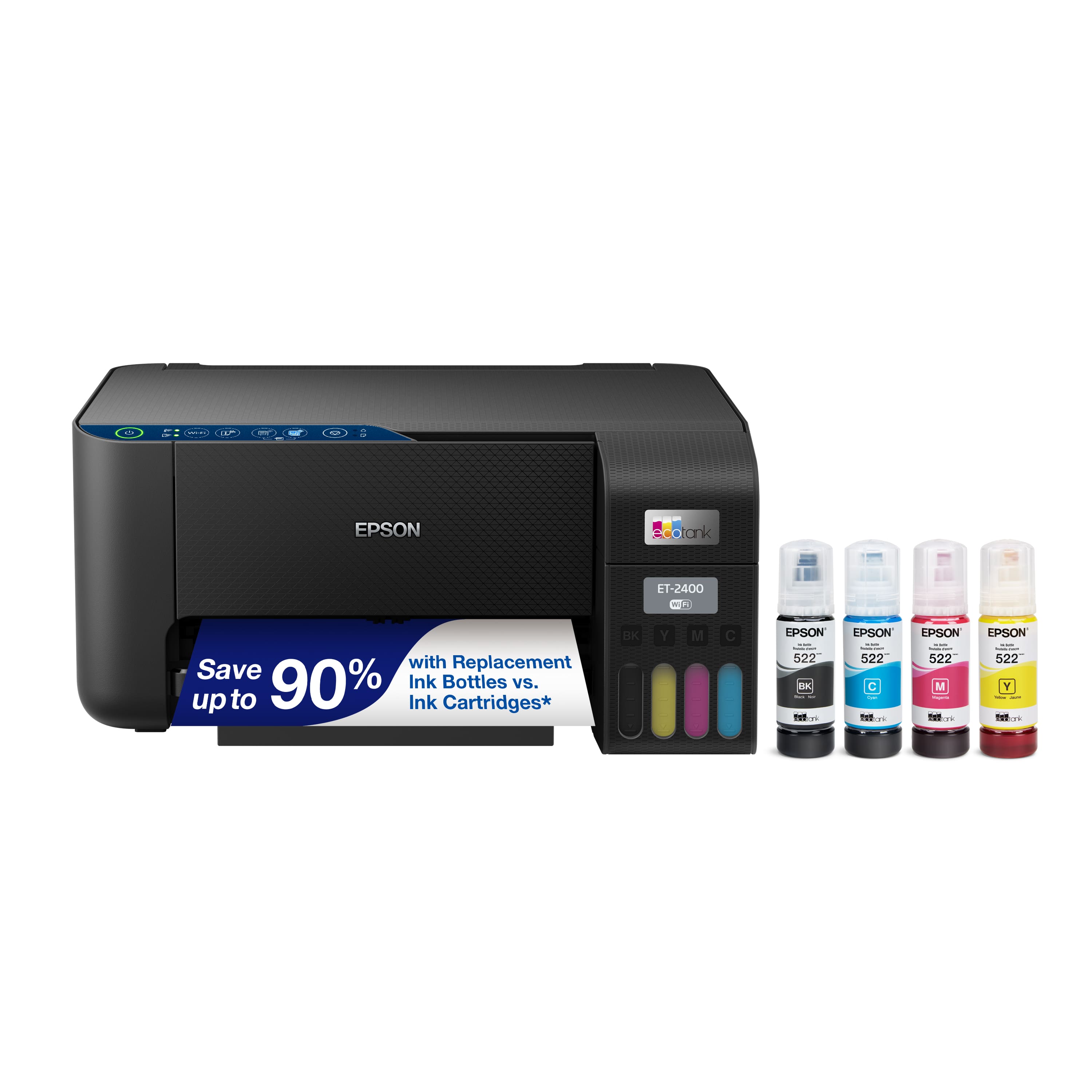
.](https://pisces.bbystatic.com/image2/BestBuy_US/images/products/28afc8f0-f7e1-4a65-9a99-b4755f04ff64.jpg)
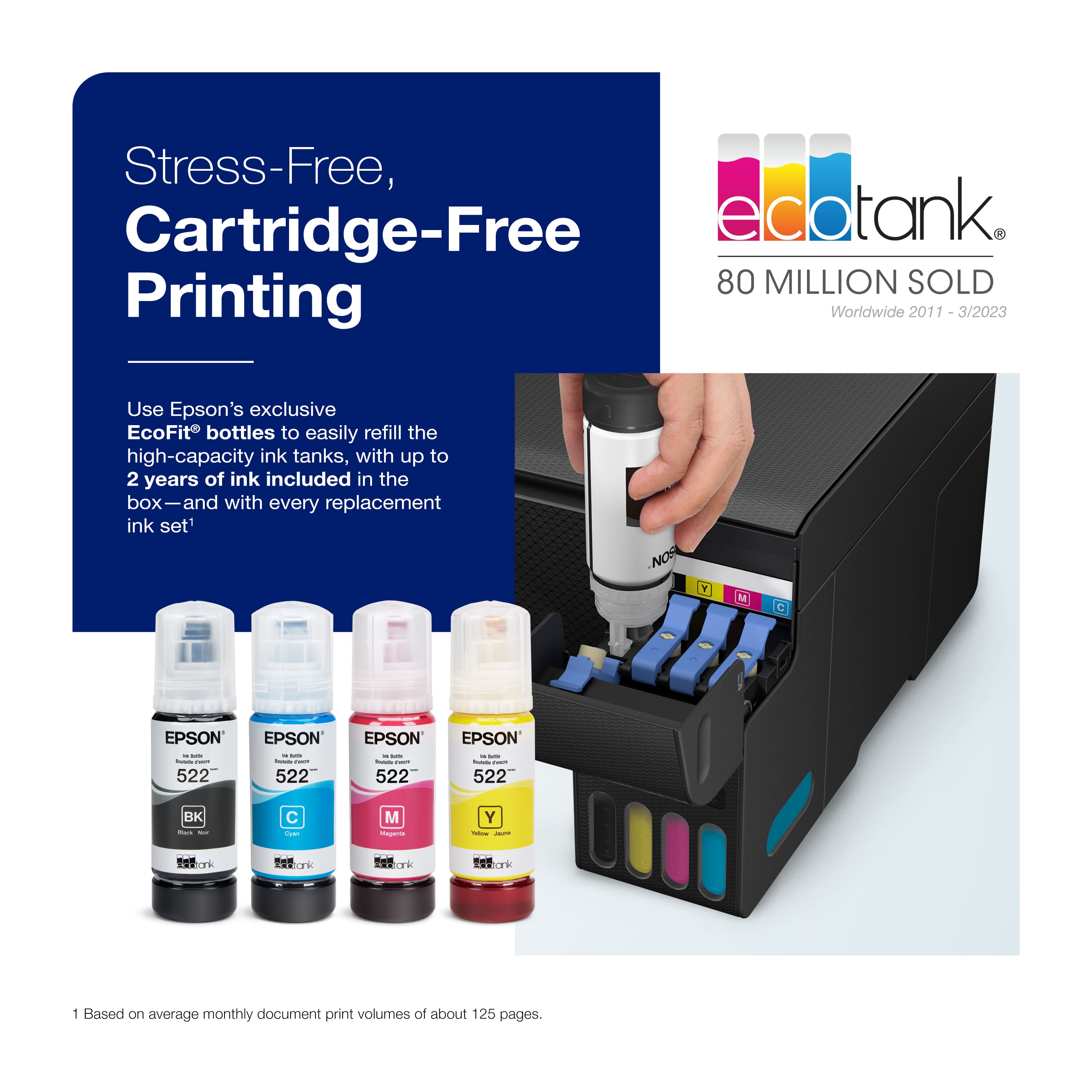
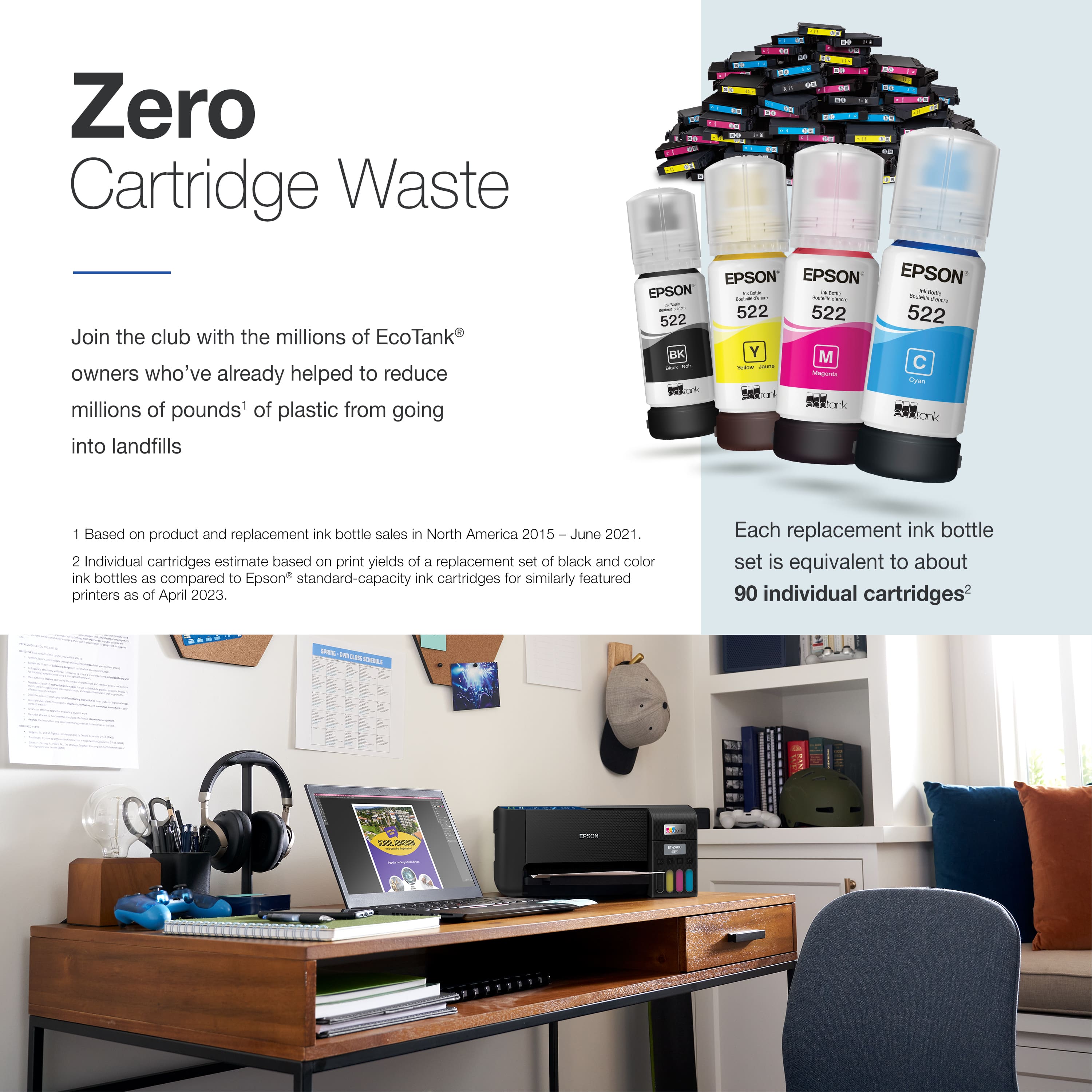
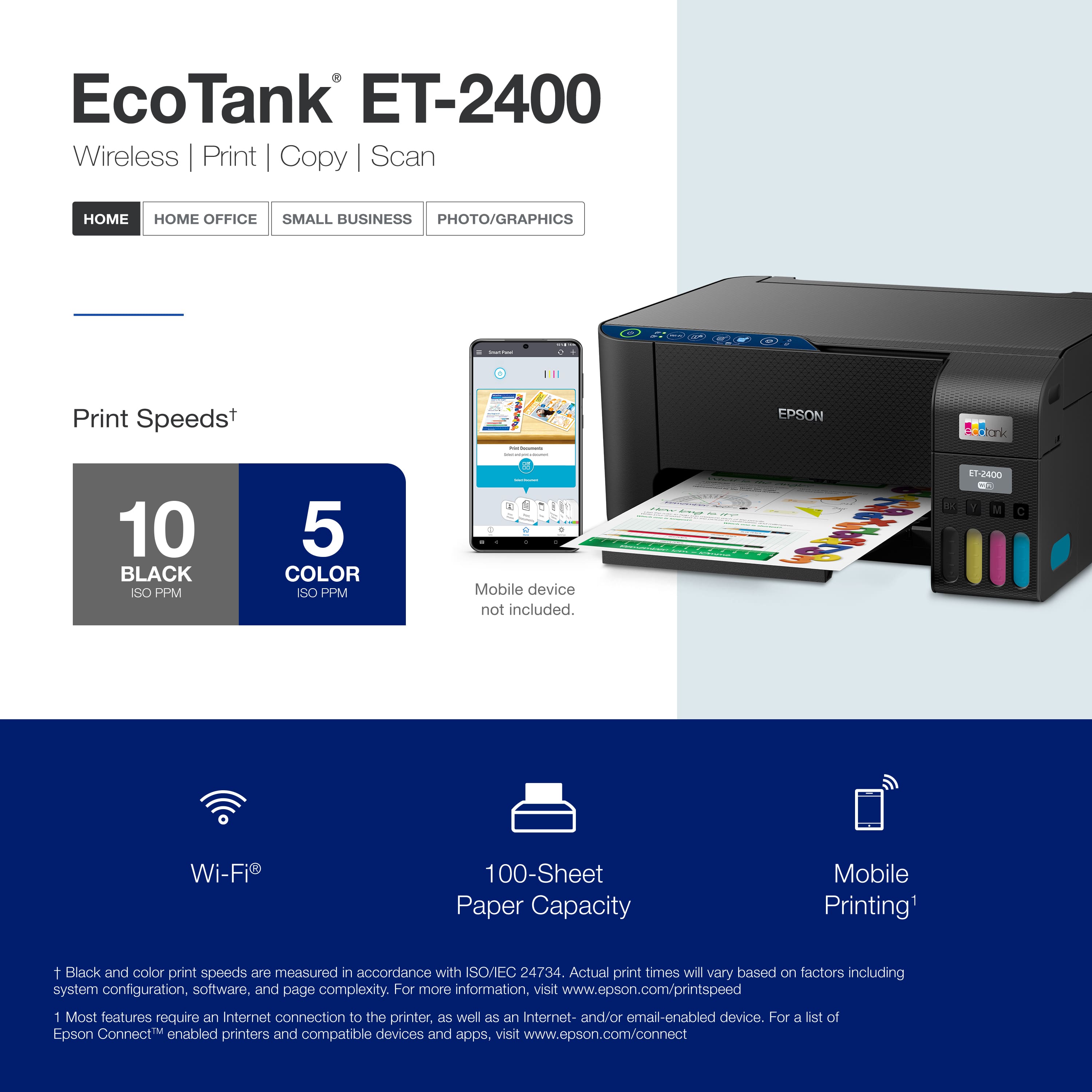
. 1 Most features require an Internet connection to the printer, as well as an Internet- and/or email-enabled device. For a list of Epson Connect enabled printers and compatible devices and apps, visit [www.epson.com/connect](http://www.epson.com/connect).](https://pisces.bbystatic.com/image2/BestBuy_US/images/products/cf74ddb8-bf34-4aee-be55-646a62d0ed34.jpg)
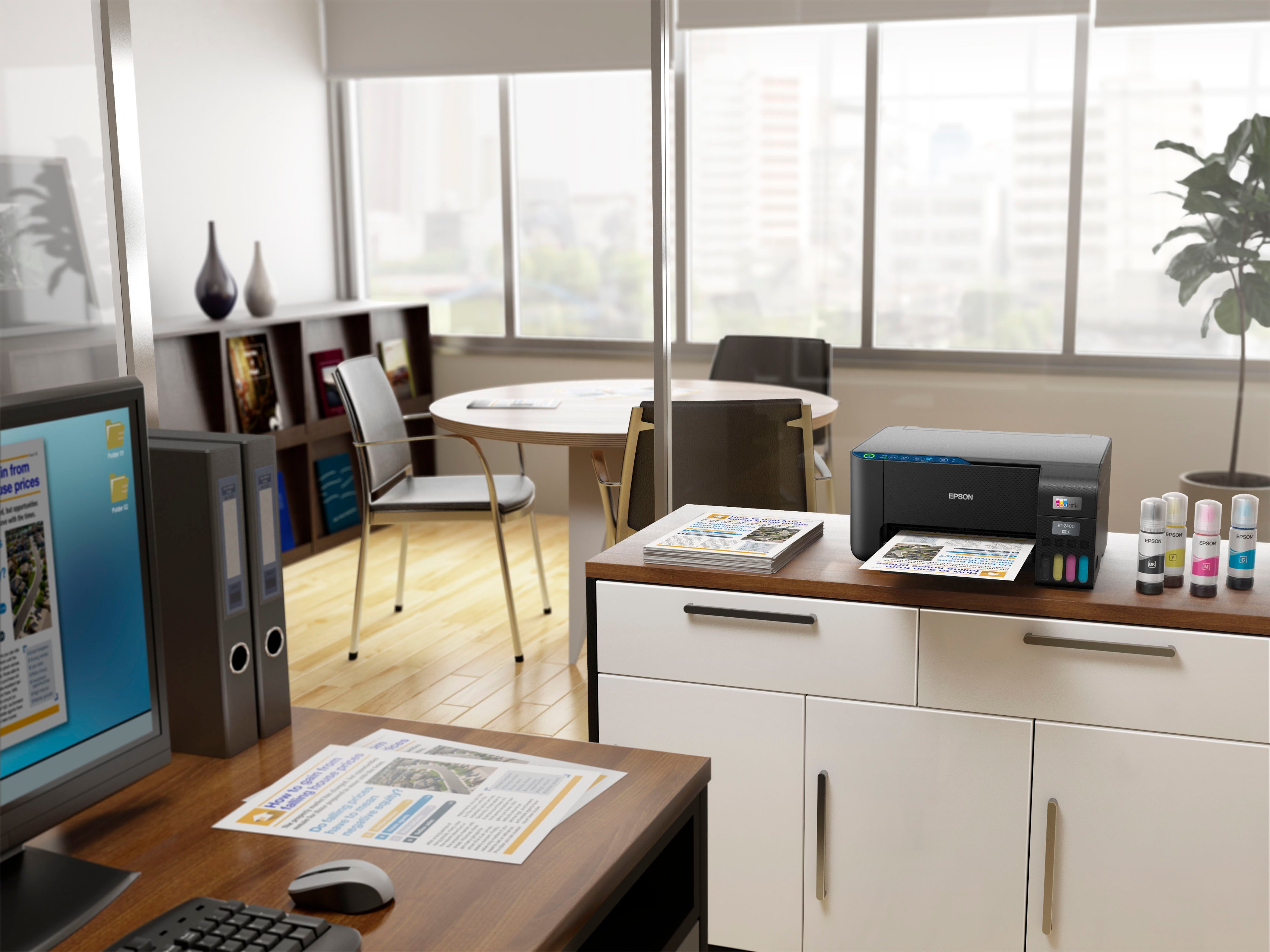

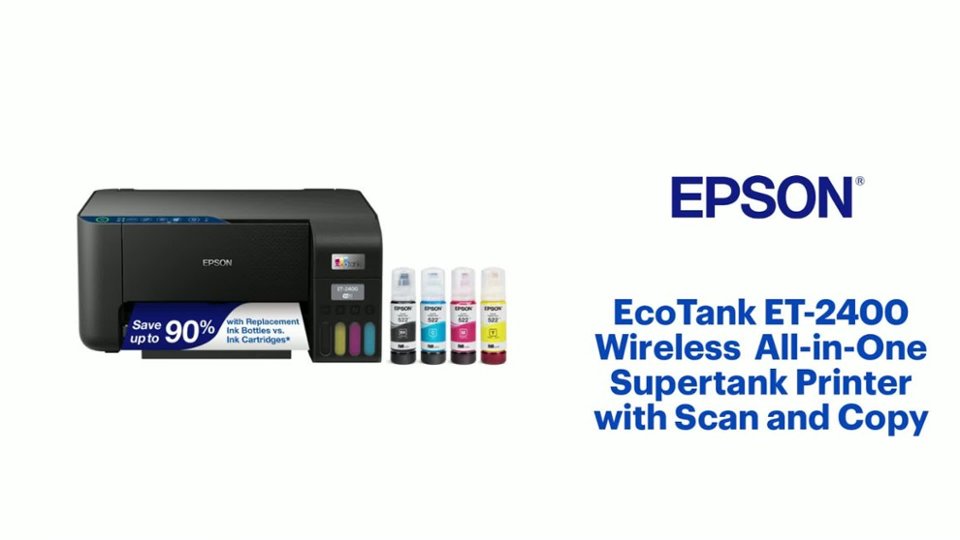
- Model:
- C11CJ67201
- SKU:
- 6525631
Rating by feature
- Value
Rating 4.4 out of 5 stars
- Quality
Rating 4.4 out of 5 stars
- Ease of Use
Rating 4.3 out of 5 stars
Customers are saying
Customers admire the EcoTank ET-2400 for its print quality and ease of use. Many find the overall performance satisfactory and appreciate the straightforward setup process. However, some customers have expressed concerns about connectivity issues, with the printer not connecting to 5G networks, while others have noted the printer's noise level. Additionally, a few users have experienced paper jams.
This summary was generated by AI based on customer reviews.
Amazing Printer.
||Posted . Owned for 1 month when reviewed.This reviewer received promo considerations or sweepstakes entry for writing a review.I have bought dozen of these Ecotank. These are handsdown the best inkjet printers.
I would recommend this to a friendGreat
||Posted . Owned for 1 year when reviewed.This reviewer received promo considerations or sweepstakes entry for writing a review.Great printer. Like refillable tanks. Can be switched over to sublimation printing.
I would recommend this to a friendWas a gift.
||Posted . Owned for 2 months when reviewed.This reviewer received promo considerations or sweepstakes entry for writing a review.They seem happy about the printer. It was a gift, i haven't used it.
I would recommend this to a friendA good option
||Posted . Owned for 3 months when reviewed.This reviewer received promo considerations or sweepstakes entry for writing a review.Good product and Very smart. We can print from anywhere.
I would recommend this to a friendGreat Product
||Posted . Owned for 1 month when reviewed.This reviewer received promo considerations or sweepstakes entry for writing a review.Fantastic product. No problems at all. The ink setup works very well.
I would recommend this to a friendPrinter
||Posted . Owned for 2 months when reviewed.This reviewer received promo considerations or sweepstakes entry for writing a review.Love my printer. If it ever goes out I will be getting me another one
I would recommend this to a friendDifficult to install
||Posted .This reviewer received promo considerations or sweepstakes entry for writing a review.The install is difficult even with an hour on the phone with tech support
No, I would not recommend this to a friendBrand response from Epson
Posted .Hi Lora, we are sorry to hear about the disappointing experience you've encountered with our Customer Support team. Epson takes into consideration all feedback to improve the performance, quality, and support of our products. We will forward your feedback to the relevant department. If the issue still persists, you may reach out directly to our Advanced Epson Support Team at 1-800-241-5794. We appreciate your time and we look forward to your call. Kind Regards, Joseph – The Epson Team.

Great printer
||Posted . Owned for 7 months when reviewed.This reviewer received promo considerations or sweepstakes entry for writing a review.Works as it should you are able to print from your phone without being at home this thing is great
I would recommend this to a friendEffecient. Fair enough for ink-saving printer.
||Posted . Owned for 1 month when reviewed.This reviewer received promo considerations or sweepstakes entry for writing a review.Very efficient and cost-saving printer. Though the picture printout is not that great but fair enough for other documents.
I would recommend this to a friendThe little printer that could!
||Posted . Owned for 1 week when reviewed.This reviewer received promo considerations or sweepstakes entry for writing a review.This is a no brainer for 189. Great eco tank features that saves money!
I would recommend this to a friendGift
||Posted . Owned for 3 weeks when reviewed.This reviewer received promo considerations or sweepstakes entry for writing a review.Bought as a gift for my mother. I actually can’t wait to use it myself
I would recommend this to a friendLong lasting
||Posted . Owned for 5 months when reviewed.This reviewer received promo considerations or sweepstakes entry for writing a review.Economical,affordable in cost ,long lasting ink supply.
I would recommend this to a friend- Pros mentioned:Print quality
Defective
||Posted . Owned for 2 months when reviewed.This reviewer received promo considerations or sweepstakes entry for writing a review.The initial print test worked perfectly but after that it would jam on every print attempt. Had to get the slightly more expensive version(only $20) with the integrated screen and so far it has been a 5 star printer. Mine could have just been a fluke, dont let a single review determine your decision.
No, I would not recommend this to a friendBrand response from Epson
Posted .Hi RW69, we are sorry to hear that you are having issues with your Epson ET-2400 printer. Epson provides useful information on paper loading and clearing paper jams in the product User’s Guide at https://epson.com/Support/Printers/All-In-Ones/ET-Series/Epson-ET-2400/s/SPT_C11CJ67201#faq-8796127504460 If you continue to have problems with your printer, our Epson Support Team would be happy to help you and can be reached at (562) 276-4382; Hours: Monday – Friday, 7 a.m. – 4 p.m. PT. Sincerely, Jacob – The Epson Team.
Snake lady
||Posted . Owned for 1 month when reviewed.This reviewer received promo considerations or sweepstakes entry for writing a review.Print could be darker, otherwise very good product.
I would recommend this to a friendNice printer
||Posted . Owned for 1 month when reviewed.This reviewer received promo considerations or sweepstakes entry for writing a review.I'm fond of the texture AND vividness my printer offers
I would recommend this to a friendVibrant Color
||Posted . Owned for 3 weeks when reviewed.This reviewer received promo considerations or sweepstakes entry for writing a review.I love the color and the fast printing for all projects.
I would recommend this to a friendNOT apple airplay compatible
||Posted . Owned for 1 month when reviewed.This reviewer received promo considerations or sweepstakes entry for writing a review.Took a while to set up, couldn’t get it to connect wirelessly. Then I plugged it into my desktop (had to buy a cable). That worked. But I only can print wirelessly from iphone with the Epson app (not just by using “print”). I researched & found the 2400 isn’t airplay compatible. I’m gonna return it & prob get the 2800, which is compatible. Surprised that none of the other reviews mentioned this.
No, I would not recommend this to a friendBrand response from Epson
Posted .Hello EyeWorkFromHome, we apologize for your disappointing experience with the ET-2400 printer. Epson considers all feedback to improve the performance and quality of our products. Epson also provides helpful information on FAQs and self-help tools on the product support web page at https://epson.com/Support/Printers/All-In-Ones/ET-Series/Epson-ET-2400/s/SPT_C11CJ67201#questions. Your printer also includes a 1-year Limited Warranty plus free lifetime technical support. Please get in touch with our support team directly at (562) 276-4382 between 7 am - 4 pm (PT), Monday - Friday, if you need further assistance.
Sincerely, Sam - The Epson Team
Printer
||Posted . Owned for 1 month when reviewed.This reviewer received promo considerations or sweepstakes entry for writing a review.I bought this as a gift, he loves it. I have a similar model and absolutely am thrilled to have it.
I would recommend this to a friend- Pros mentioned:Print quality
Nice printer
||Posted . Owned for 1 month when reviewed.This reviewer received promo considerations or sweepstakes entry for writing a review.Its a good printer, nice quality. Only fault i find is that for the price it should have at least a small lcd screen to make it easier to navigate features. Otherwise you will really like this
I would recommend this to a friend Will not recommend.
||Posted . Owned for 3 weeks when reviewed.This reviewer received promo considerations or sweepstakes entry for writing a review.Printer did not met my expectations,, Printer build is cheaply made and also the performance. Printing speed is really slow. Wish i can returned.
No, I would not recommend this to a friend