Customer Ratings & Reviews
.](https://pisces.bbystatic.com/image2/BestBuy_US/images/products/28afc8f0-f7e1-4a65-9a99-b4755f04ff64.jpg)
. 1 Most features require an Internet connection to the printer, as well as an Internet- and/or email-enabled device. For a list of Epson Connect enabled printers and compatible devices and apps, visit [www.epson.com/connect](http://www.epson.com/connect).](https://pisces.bbystatic.com/image2/BestBuy_US/images/products/cf74ddb8-bf34-4aee-be55-646a62d0ed34.jpg)
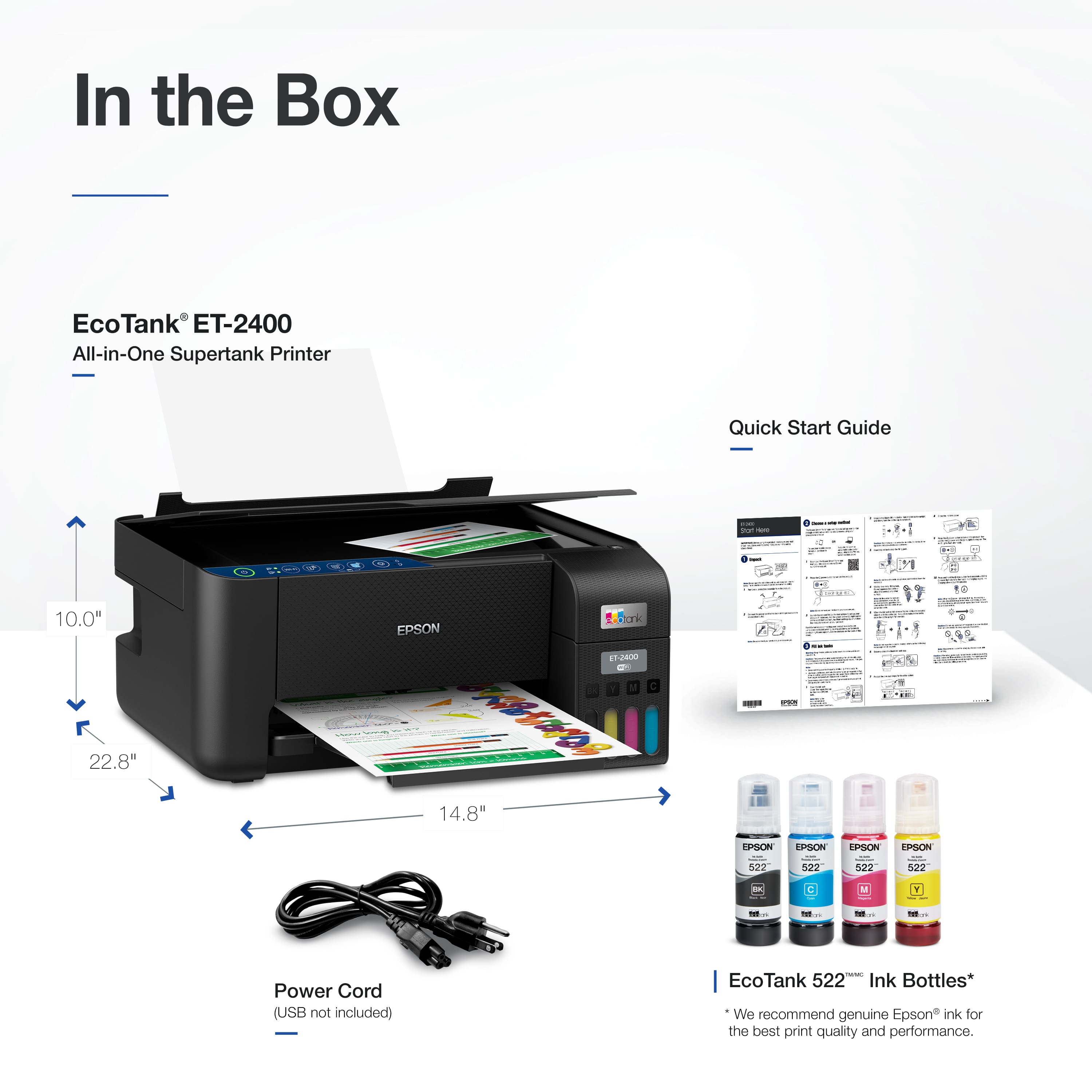
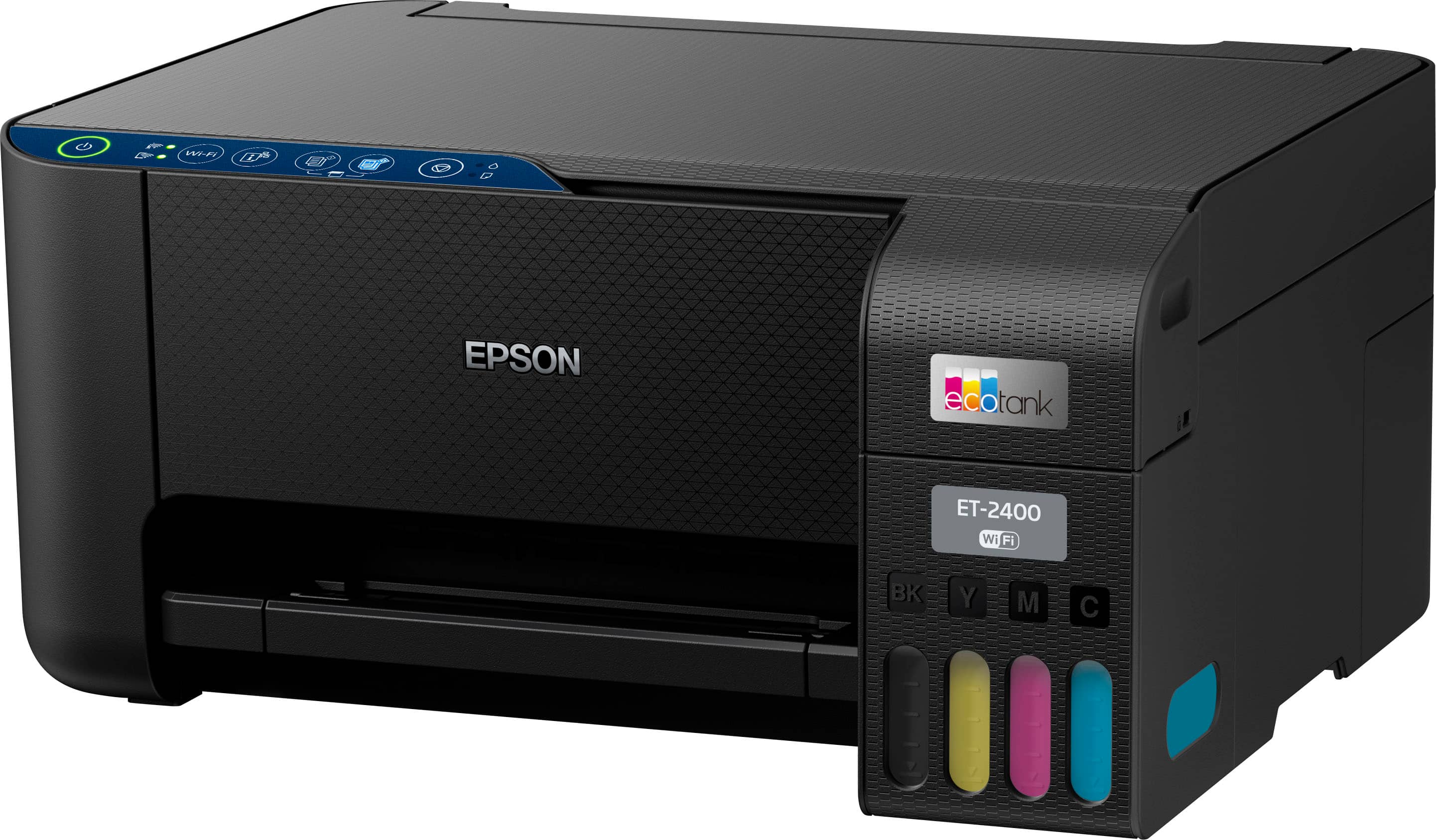
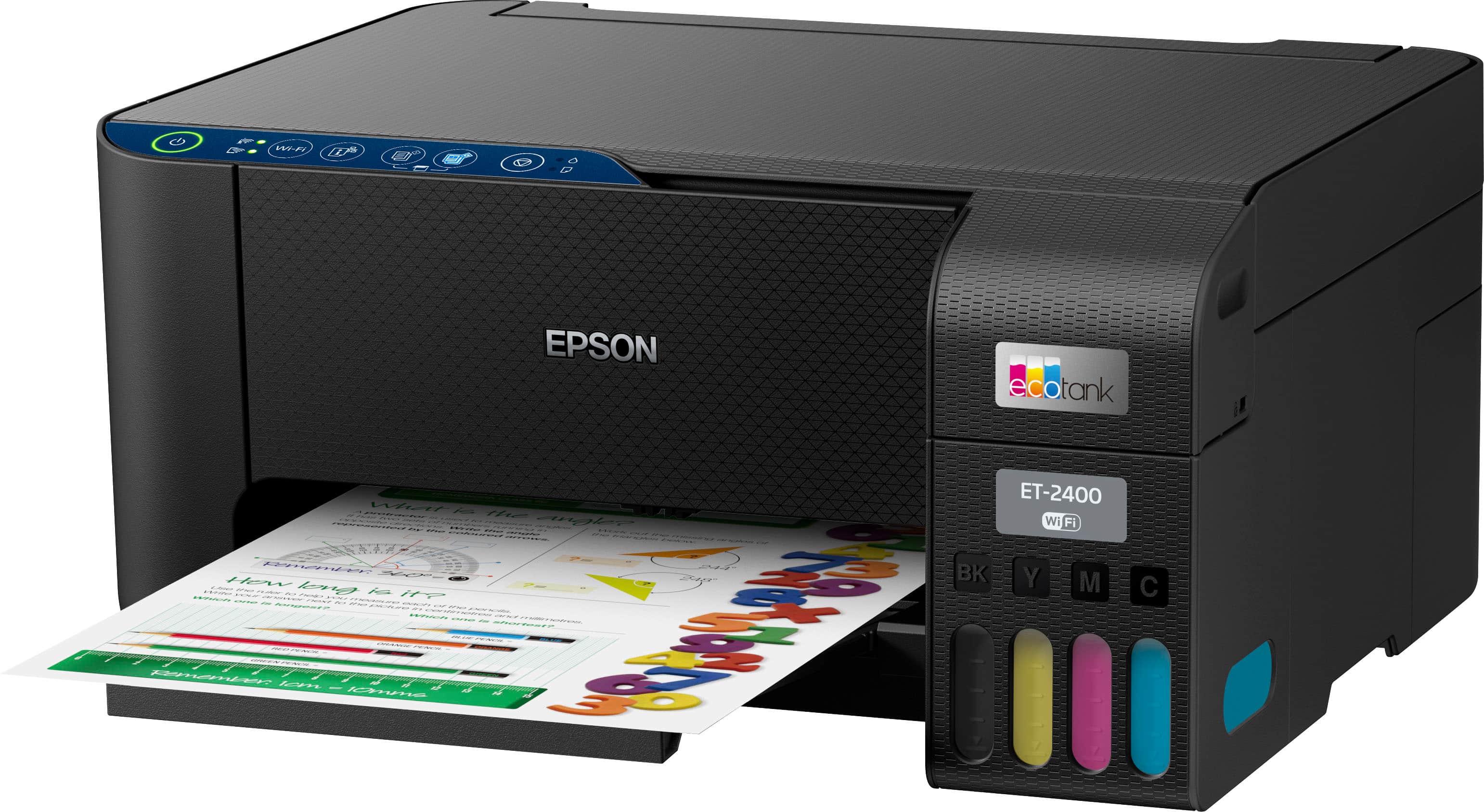
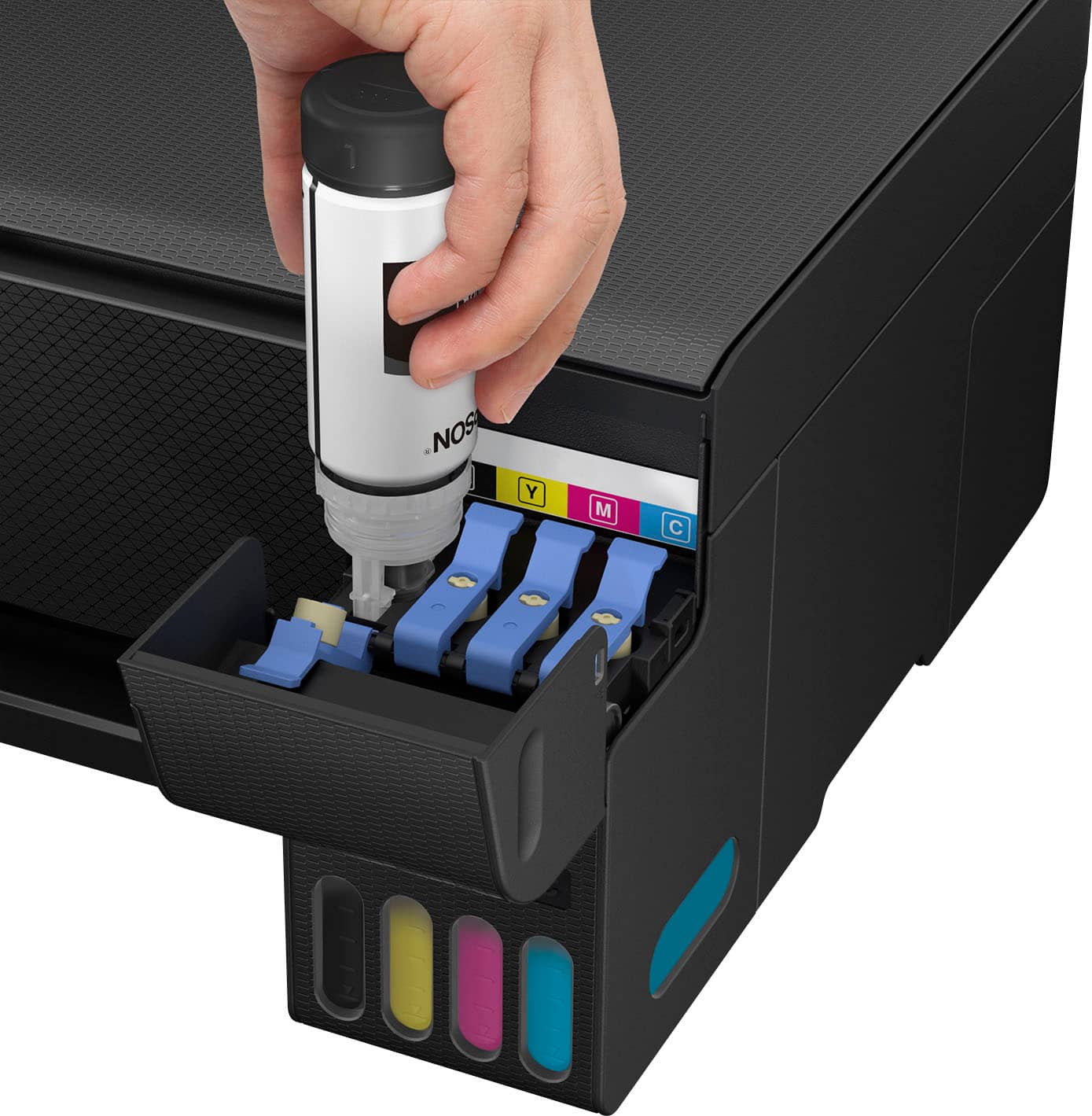
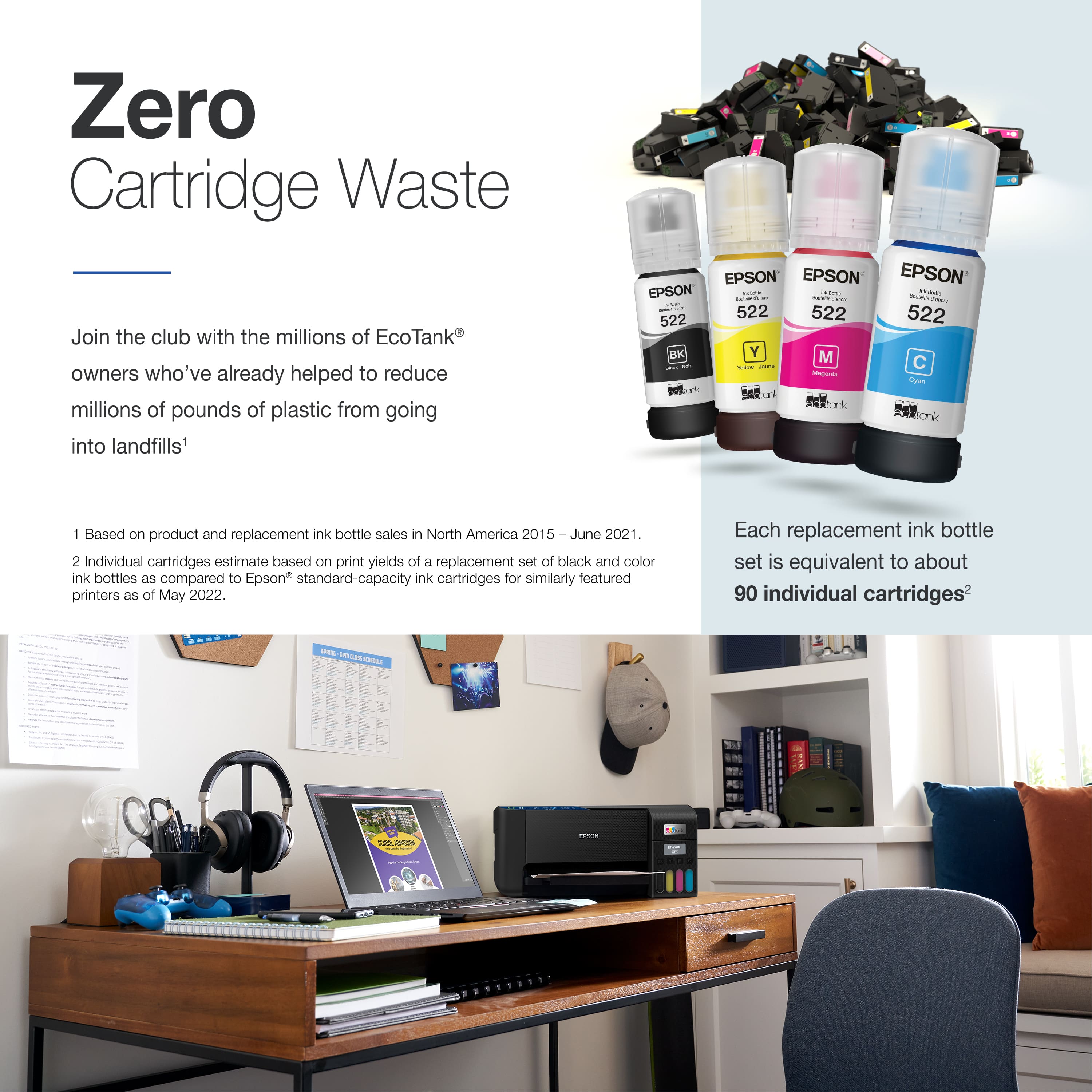
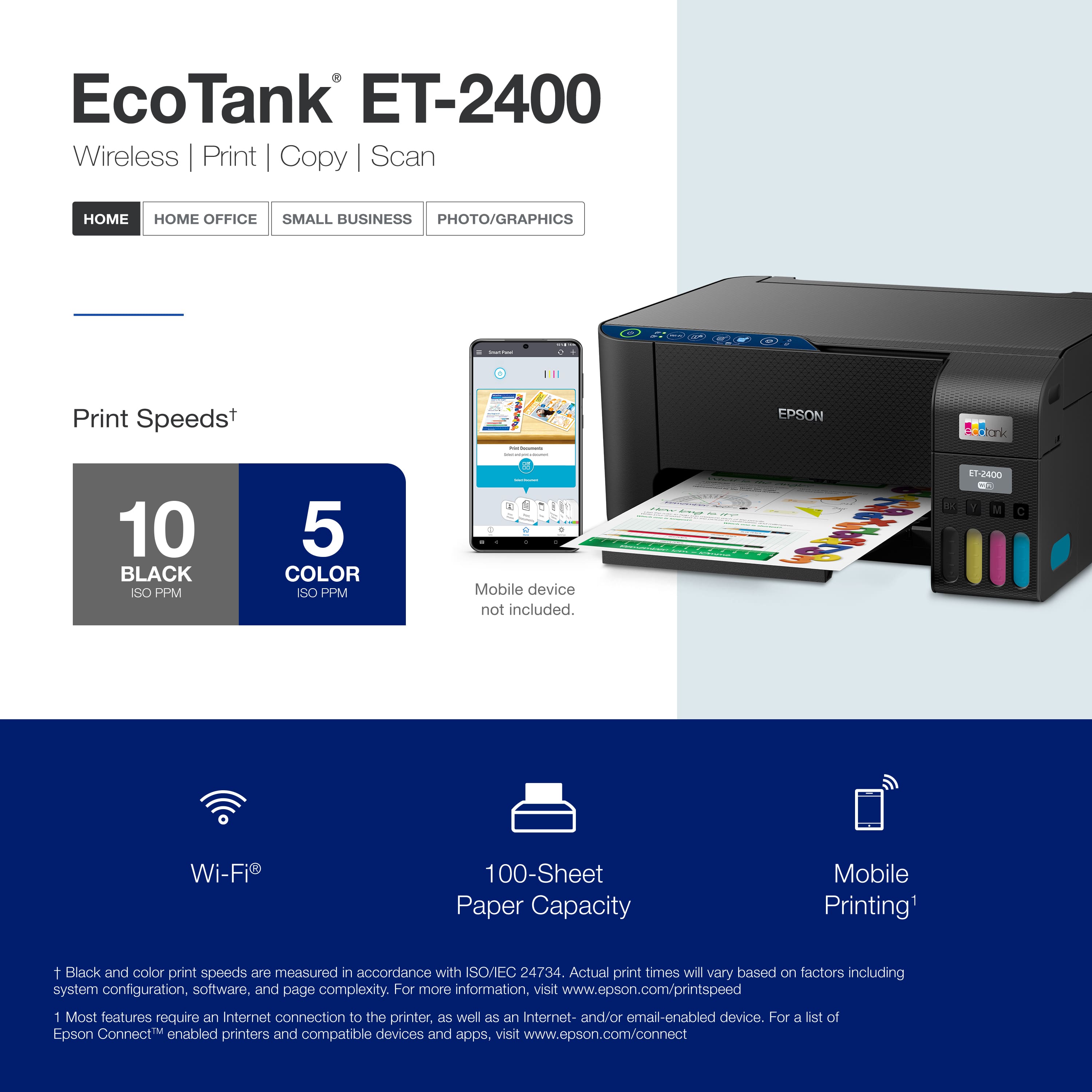
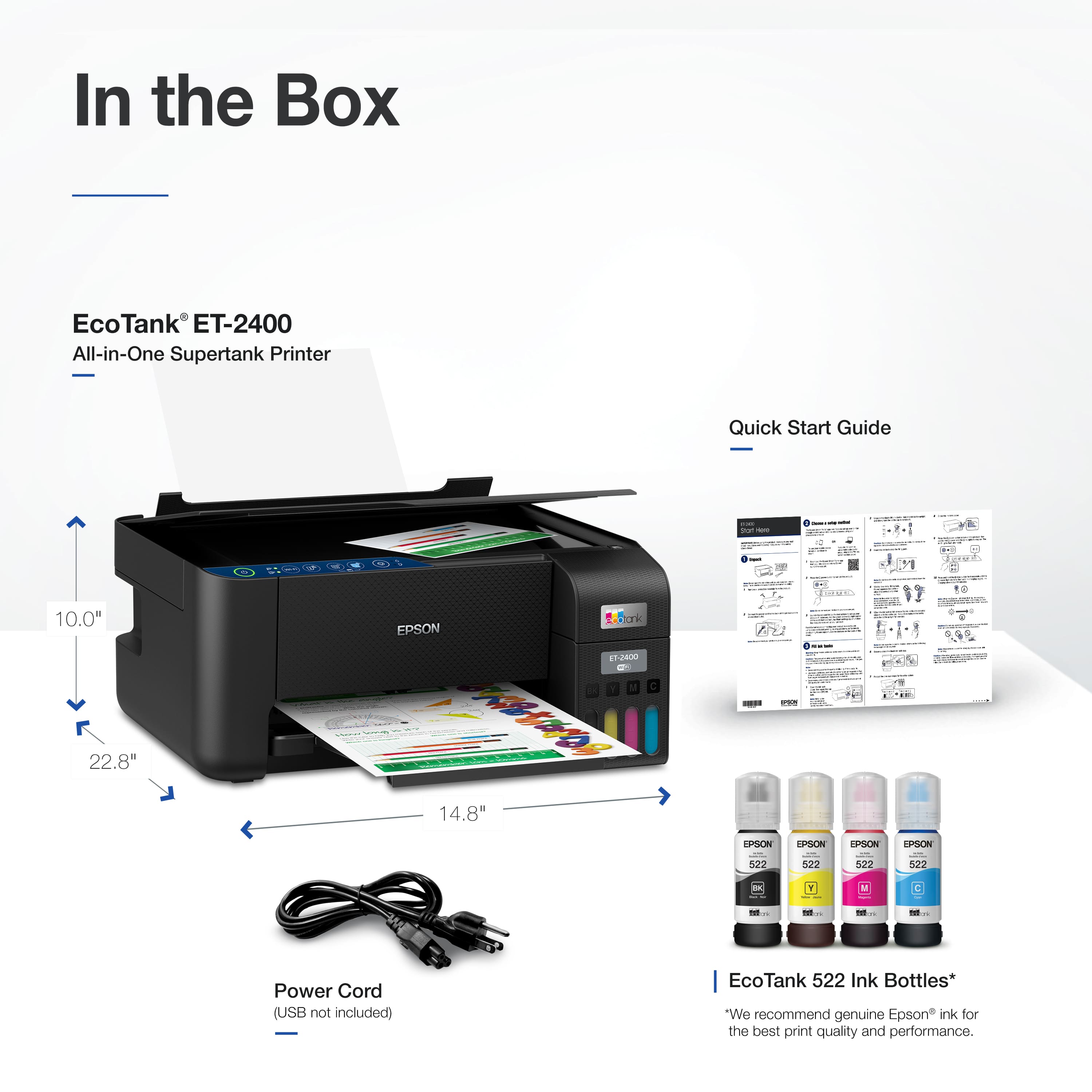
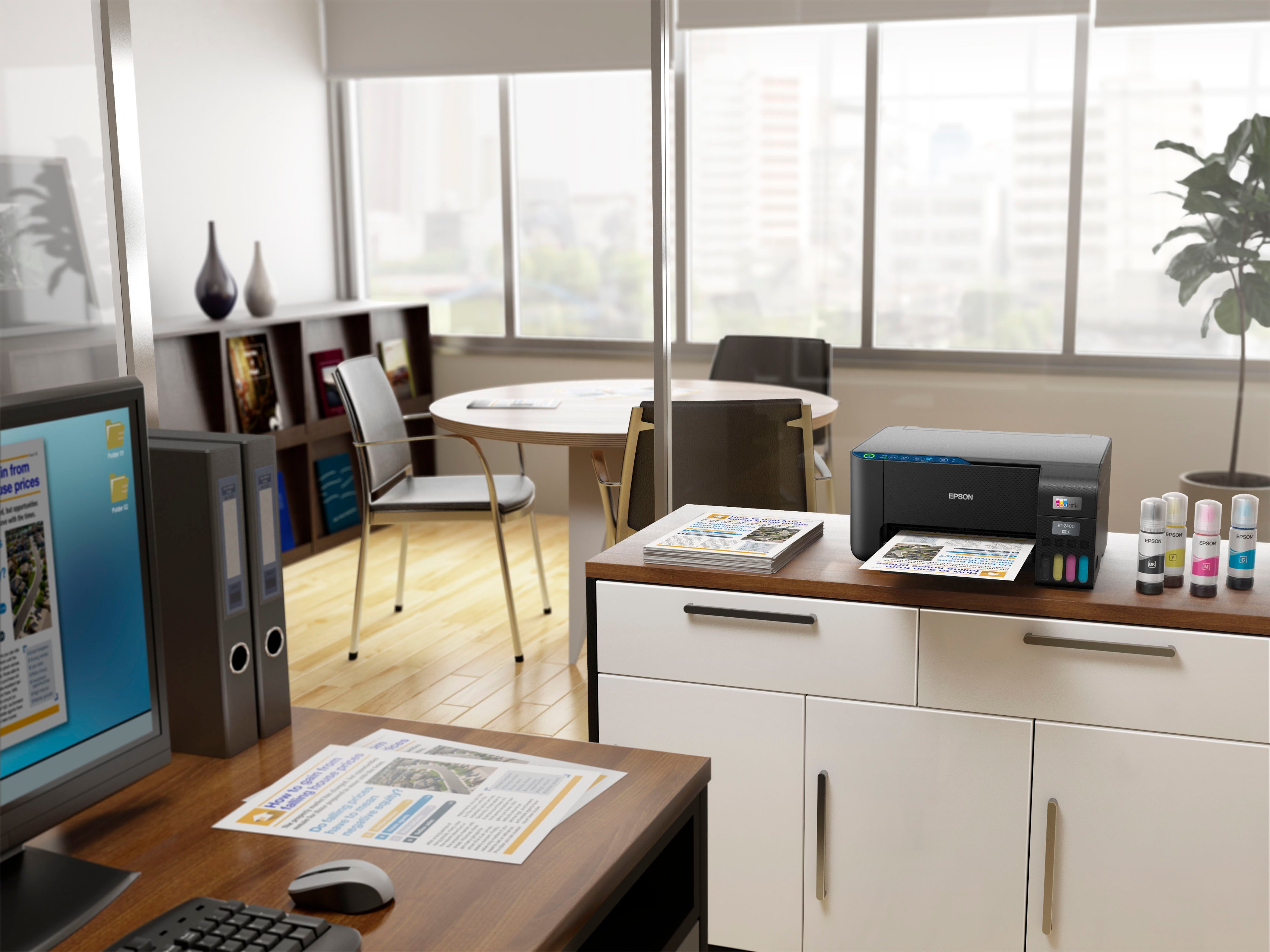

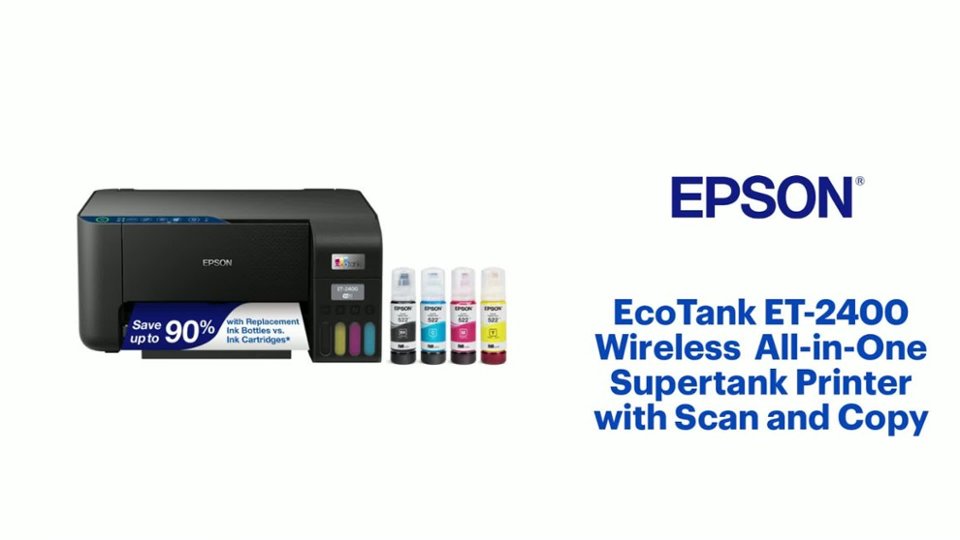
- Model:
- C11CJ67201
- SKU:
- 6525631
Rating by feature
- Value
Rating 4.4 out of 5 stars
- Quality
Rating 4.4 out of 5 stars
- Ease of Use
Rating 4.3 out of 5 stars
Customers are saying
Customers admire the EcoTank ET-2400 for its print quality and ease of use. Many find the overall performance satisfactory and appreciate the straightforward setup process. However, some customers have expressed concerns about connectivity issues, with the printer not connecting to 5G networks, while others have noted the printer's noise level. Additionally, a few users have experienced paper jams.
This summary was generated by AI based on customer reviews.
Stop working
||Posted . Owned for 4 months when reviewed.This reviewer received promo considerations or sweepstakes entry for writing a review.Stop working after 3 months. So upset i needed for my school and it's stopped, printing blank papers.
No, I would not recommend this to a friendEco tank printer
||Posted . Owned for 3 weeks when reviewed.This reviewer received promo considerations or sweepstakes entry for writing a review.Returned this product. It was the wrong product printer
No, I would not recommend this to a friendSorry, Epson, this one wasn't any good
||Posted . Owned for 5 months when reviewed.This reviewer received promo considerations or sweepstakes entry for writing a review.Stopped working after 6 months. Probably just a lemon, but expensive experiment.
No, I would not recommend this to a friend- Pros mentioned:Overall performance
Printer
Posted .This reviewer received promo considerations or sweepstakes entry for writing a review.This item replaced an earlier printer and is working out for the best.
I would recommend this to a friend - Pros mentioned:Ease of use, Print quality
best printer ever
Posted .This reviewer received promo considerations or sweepstakes entry for writing a review.this is the second ET 2400 that I have purchased , the first one has been about two and half years , still running perfect and still have half the extra ink I purchased , very simple and easy to use , best printer ever , including the ten thousand dollar printers at work . ( btw , its a gift this time )
I would recommend this to a friend - Pros mentioned:Print qualityCons mentioned:Noise level
Epson Printer
Posted .This reviewer received promo considerations or sweepstakes entry for writing a review.Prints well, but is quite noisy. I like that it uses ink instead of cartridges and also that the paper is back-loading.
I would recommend this to a friend - Pros mentioned:Ease of use, Print quality
My HP printer
Posted .This reviewer received promo considerations or sweepstakes entry for writing a review.Very slik looking easy to setup and print very sharp color and clarity printing very happy and I recommend this printer to everyone
I would recommend this to a friend - Pros mentioned:Ease of use, Print quality
mrs
Posted .This reviewer received promo considerations or sweepstakes entry for writing a review.Excellent printer. Easy to install. Replacement ink is 1/3 the cost of cartridges for old printer.
I would recommend this to a friend - Pros mentioned:Print qualityCons mentioned:Automatic document feeder
Not a great value for the money
Posted .This reviewer received promo considerations or sweepstakes entry for writing a review.This printer doesnt have an automatic document feeder for the copy/scan function. This is an expectation in this day and age. It prints quickly. I had a terrible time setting it up and called Epson Tech Support who didnt know how to get it to work. Finally I found the fix myself. So I am not happy with Epson support.
No, I would not recommend this to a friendBrand response from Epson
Posted .Hello JanetS, we apologize for your disappointing experience with the ET-2400 printer. Epson considers all feedback to improve the performance and quality of our products. Epson also provides helpful information on FAQs and self-help tools on the product support web page at https://epson.com/Support/Printers/All-In-Ones/ET-Series/Epson-ET-2400/s/SPT_C11CJ67201#questions. Your printer also includes a 1-year Limited Warranty plus free lifetime technical support. Please contact our support team directly at (562) 276-4382 between 7 am - 4 pm (PT), Monday - Friday, if you need further assistance.
Sincerely, Sam - The Epson Team
- Pros mentioned:Print quality
Nice option
Posted .This reviewer received promo considerations or sweepstakes entry for writing a review.Good primting and easy to useon cell phones and has internet
I would recommend this to a friend - Pros mentioned:Ease of use
Great copier
Posted .This reviewer received promo considerations or sweepstakes entry for writing a review.Easy to set up and use, connect to wifi and our devices. It makes good copies and is lightweight. We love the eco feature--you fill the ink from bottles, no expensive cartridges. That was easy to do, too. It doesn't make 2-sided copies, though.
I would recommend this to a friend Epson -EcoTank
Posted .This reviewer received promo considerations or sweepstakes entry for writing a review.My work IT colleague recommended this printer/scanner to me. I never doubt him, and once again, he was right. The ink tank was easy to fill with the ink bottles. There was no mess. It did take me awhile to connect the printer to my home's wifi, but once connected, there has been no problem. The scanner had an easier set up. I have been very pleased with the ease of scanning and the quality of print material. I am very happy with my Epson printer.
I would recommend this to a friend- Pros mentioned:Print quality
Grab u one!
Posted .This reviewer received promo considerations or sweepstakes entry for writing a review.I really enjoy this printer it is so unique with the different features and sleek look. I am use to the standard printer. The standard printers do not allow u to print from your phone or device with Bluetooth This printer will pick up the connection within seconds and give you quality pages at the same time.
I would recommend this to a friend - Pros mentioned:Setup
Simplicity
Posted .This reviewer received promo considerations or sweepstakes entry for writing a review.Easy set up, connects to any device quickly, clean & clear copies. All for a Great price
I would recommend this to a friend - Pros mentioned:Print quality
Great printer for the price.
Posted .This reviewer received promo considerations or sweepstakes entry for writing a review.The product was easy to setup, and prints very nice crisp details. Love the ink cartridges, easy to refill. don't have to replace all cartridges at once, only refill the color that needs it.
I would recommend this to a friend - Pros mentioned:Print quality
Love this printer
Posted .This reviewer received promo considerations or sweepstakes entry for writing a review.Love this printer My other Epson wasn't working any more to mother natue so I had some one from Best Buy come out to my home an he sold this printer and i love it. I would recommed it to anyone
I would recommend this to a friend - Pros mentioned:Print quality
A little trouble
Posted .This reviewer received promo considerations or sweepstakes entry for writing a review.Everything set up great. I’ve had the printer about a month. I was printing some things and it keeps reading low ink when it’s not low or even half empty yet. I did try to use the rest of the bottles to fill up the ink again and none of the bottles would empty the rest of the ink out. I need a day to look at it and see what might be causing this or contact the store to see if they can help if I can’t figure it out. It’s nice and prints well over all.
I would recommend this to a friendBrand response from Epson
Posted .Hello His6905, we appreciate your feedback on the ET-2400 printer. Epson considers all feedback to improve the performance and quality of our products. Epson also provides helpful information on FAQs and self-help tools on the product support web page at https://epson.com/Support/Printers/All-In-Ones/ET-Series/Epson-ET-2400/s/SPT_C11CJ67201#questions. Your printer also includes a 1-year Limited Warranty plus free lifetime technical support. Please contact our support team directly at (562) 276-4382 between 7 am - 4 pm (PT), Monday - Friday, if you need further assistance.
Sincerely, Sam - The Epson Team
- Pros mentioned:Print quality
Great buy!
Posted .This reviewer received promo considerations or sweepstakes entry for writing a review.Very nice printer,copier and scaner. The printing comes out nice and bright and I like how you can fill the ink yourself. Over all a nice buy!
I would recommend this to a friend - Cons mentioned:Automatic document feeder
Good printer
Posted .This reviewer received promo considerations or sweepstakes entry for writing a review.It’s cheap, but great printer if you dont mind the lack of a feeder st the top. I see a lot of complaints about the lack of a display, but the smart control app works grewat or the windows driver for whatever settings.
I would recommend this to a friend - Pros mentioned:Print quality
GREAT PRINTER
Posted .This reviewer received promo considerations or sweepstakes entry for writing a review.I print a lot of product labels and stickers for business and this printer has saved me time, money, paper!! Absolutely love it.
I would recommend this to a friend