Customer Ratings & Reviews
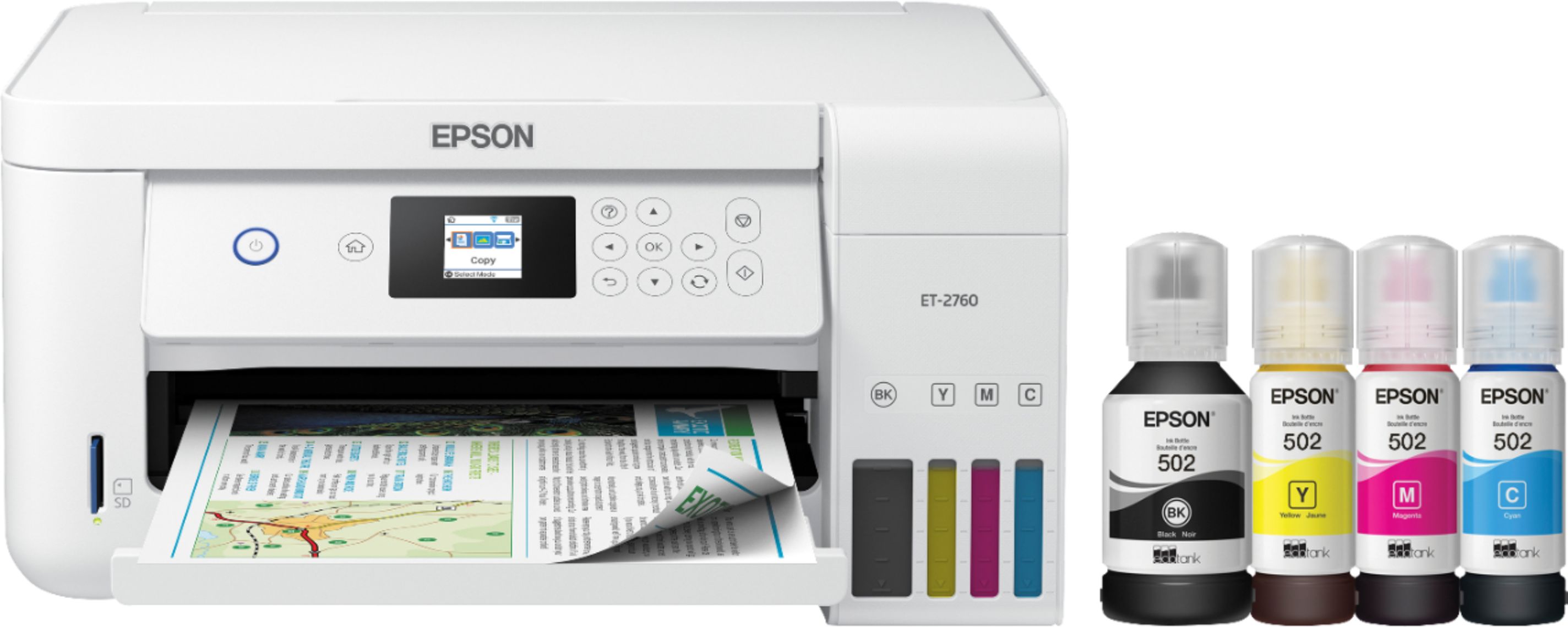
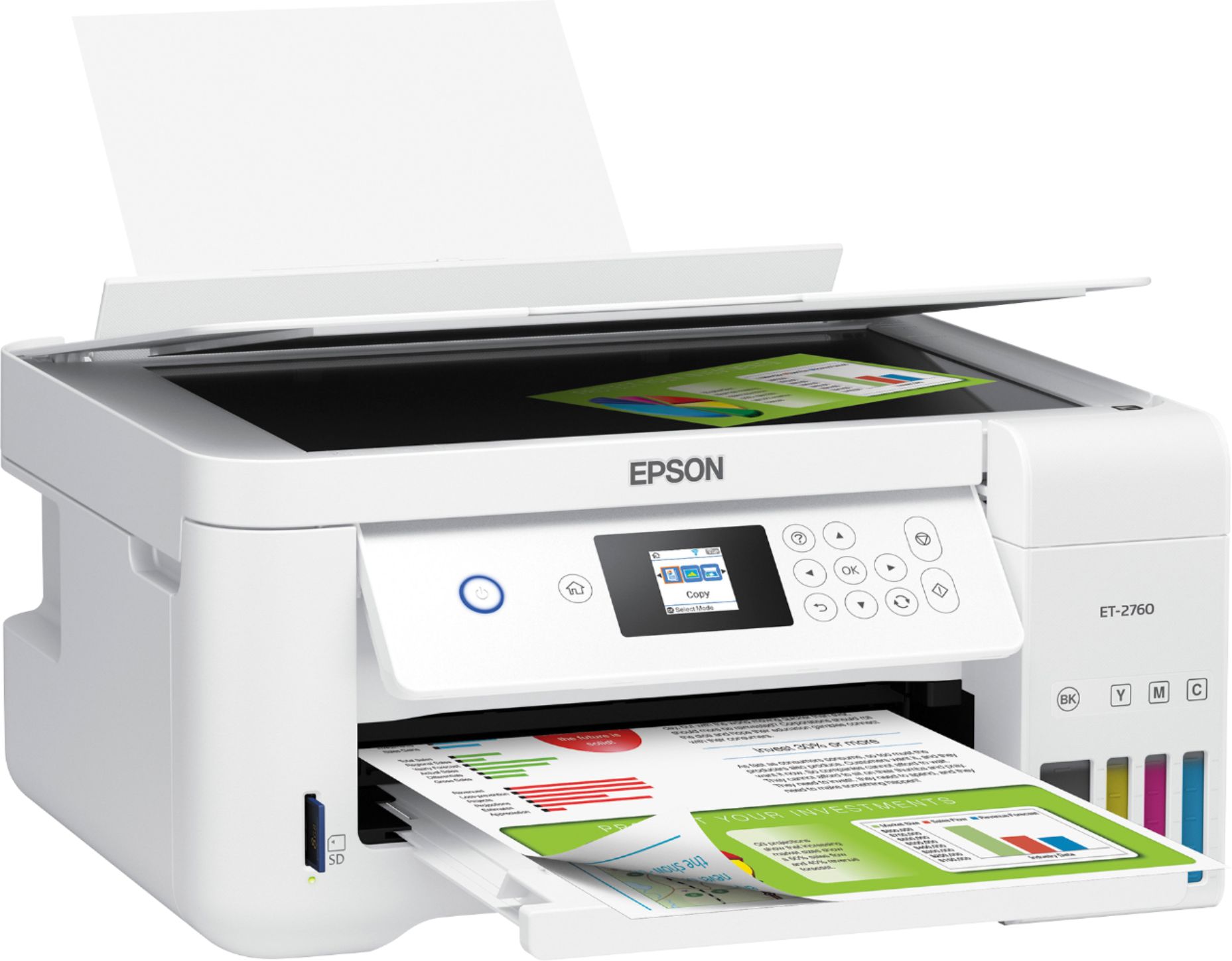
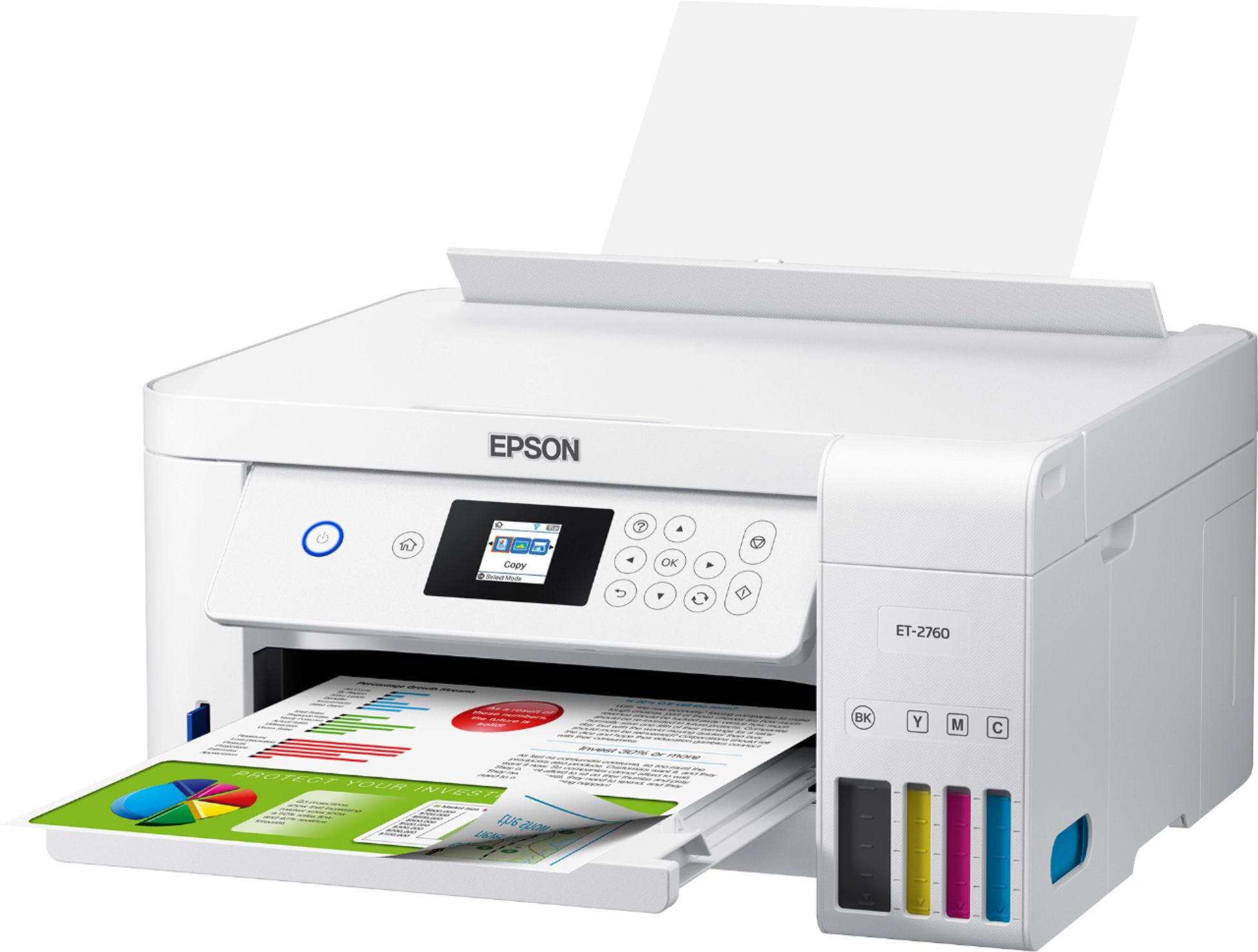
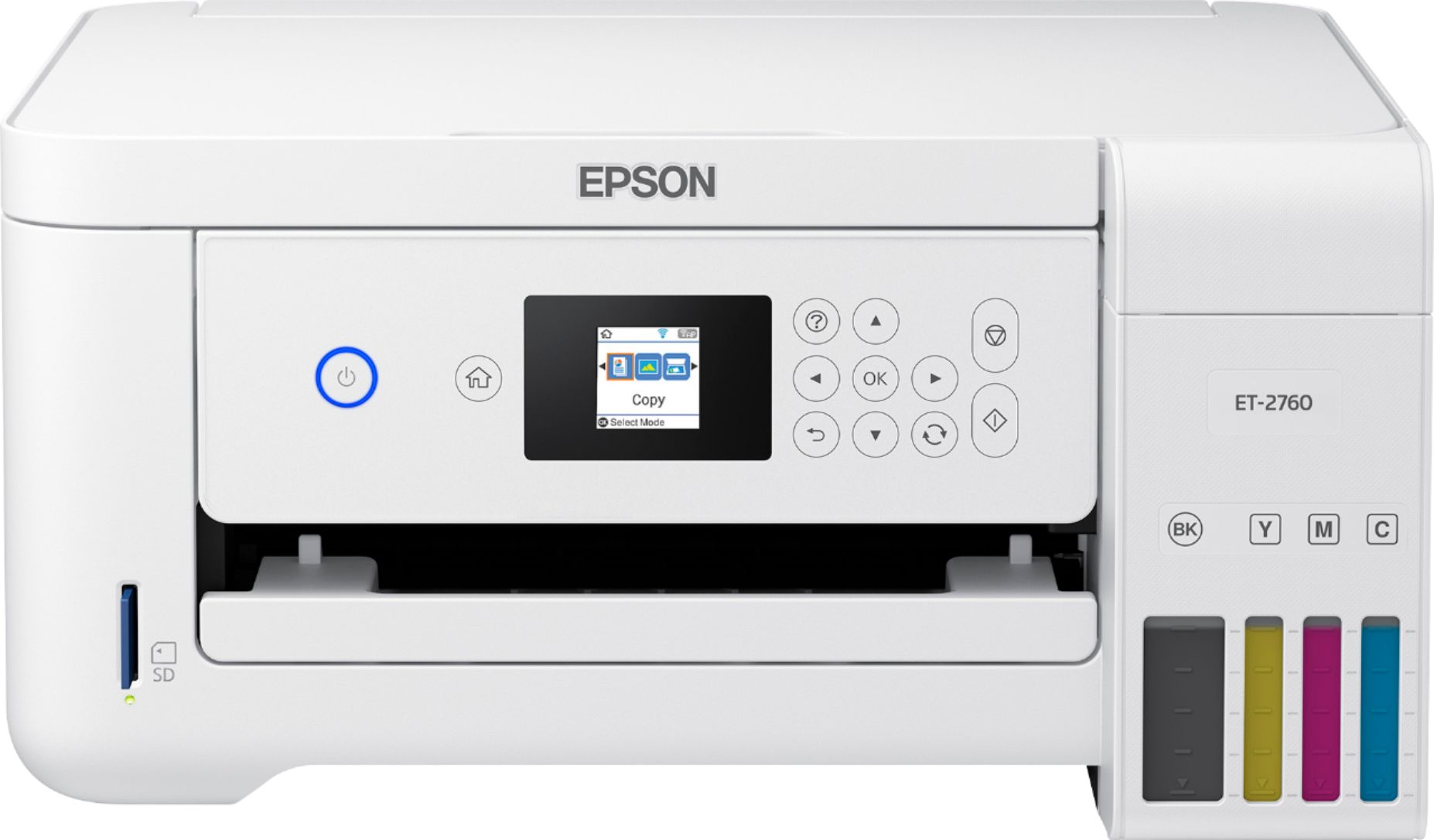




- Model:
- ECOTANK ET-2760 PRINTER C11CG
- SKU:
- 6347458
Rating by feature
- Value
Rating 4.4 out of 5 stars
- Quality
Rating 4.5 out of 5 stars
- Ease of Use
Rating 4.4 out of 5 stars
Customers are saying
Customers enjoy the EcoTank ET-2760's high-quality prints and user-friendly design, frequently praising its ease of use and setup. The printer's compact size is also a plus for many users, along with its wireless connectivity options and affordable price. However, some customers have reported concerns about the printer's reliability and noise level during operation.
This summary was generated by AI based on customer reviews.
Junk!!!
||Posted . Owned for 2 months when reviewed.This reviewer received promo considerations or sweepstakes entry for writing a review.if I could give it no stars I would! had this printer for 2 weeks before it had a hard drive failure, Called Epson to get told it is under warranty but I would have pay $200 to send it back for a return um probably not!!! I will cut my losses!!!
I would recommend this to a friendBrand response from Epson
Posted .Hello hansen8179, we're sorry to hear about the issue you've encountered with the ET-2760 printer. Epson takes into consideration all feedback to improve the performance and quality of our products. Epson offers helpful information, including FAQs and self-help tools, on the product support web page at https://epson.com/Support/Printers/All-In-Ones/ET-Series/Epson-ET-2760/s/SPT_C11CG22203#questions. Additionally, your EcoTank printer includes a 1-year Limited Warranty, plus free lifetime technical support. Epson does not charge for replacing your printer. If you need any assistance, our Epson Support Team would be happy to help you and can be reached at (562) 276-4382; Hours: Monday - Friday, 7 am - 4 pm PT; Sincerely, Sam - The Epson Team.

A waste of a money and mental health
||Posted . Owned for 3 weeks when reviewed.This reviewer received promo considerations or sweepstakes entry for writing a review.What a terrible printer! Constant pages jammed, it loses the Wi-Fi, without reconnecting to it. On top of all those "blessing" there is No USB port. It puzzles me, how did it get such a high rating? It's a failure of the rating system.
No, I would not recommend this to a friendBrand response from Epson
Posted .Hello Beetlejuice, we sincerely apologize for the frustration that you've experienced with the Epson ET-2760. Epson takes into consideration all feedback to improve the performance and quality of our products. We'll make sure your feedback is sent to the appropriate product teams for review. If we can help you with anything else, please call Epson Support at (562) 276-4382; Hours: Monday - Friday, 8 am - 4 pm PT. Kind Regards, Bobby D. - The Epson Team.

Great Small Business Printer
|Posted .This reviewer received promo considerations or sweepstakes entry for writing a review.When I saw the release of the Epson EcoTank ET-2760, I was excited by the prospect of having up to two years worth of ink without having to buy cartridges. In fact, this printer does not use cartridges - it uses ink storage tanks! The printer comes with four bottles of ink in black, red, blue, and yellow. The setup of the printer involves removing the blue strips of shipping tape from outside and inside the printer. Next is the filling of the ink tanks, which is done by pouring ink from the bottles into the individual containers. Do not worry, though. The process is as simple as raising the lid of the tank and inserting the nipple of the ink bottle into a slot at the top of the tank. The ink is gravity fed into the tank until it is full. Repeat the process for each color to fill the tanks completely. Next is the powerup and putting the printer into setup mode. This takes around 10 minutes and then is followed by printer head alignment. The Wi-fi configuration was a little painful since there is no keyboard and you have to use a tiny screen on the panel for switching through numbers and letters. A network configuration sheet confirms the settings. For registration of the printer, a sheet with the instructions is printed. Once the wi-fi configuration was completed, it was easy to locate the printer and print from my computers and devices. To take advantage of the scanning ability of the printer, I downloaded the ET-2760 Drivers and Utilities installer from the Epson.com site. A test scan of a full-color magazine cover in both PDF and JPG formats appeared correctly on my desktop computer. Scanned images can also be sent to a memory card, as an email format to a computer, and as WSD format to a computer. Photo quality copying of the color magazine cover appeared with clear and sharp details without any skipping or streak lines in the copy. Printing of a photograph onto photo paper also was clear and bright without any streaking. Overall, I highly recommend the Epson EcoTank ET-2760 printer for any home business or small business. It might be a bit overwhelming, setting it up and using as a personal home printer, but if you have some technical skills, you might be very comfortable with it. My only complaint with the printer is the very tiny display screen for the menu controls, which requires me to put on my reading glasses.
I would recommend this to a friend- Pros mentioned:Print quality, Setup, Size
Great features
Posted .This reviewer received promo considerations or sweepstakes entry for writing a review.I’m so happy I was given the opportunity to review this product, it’s amazing. I first want to say that the whole setup process was simple and fast, very understandable. It took me about 20 to 15 mins to complete setup. The first thing I did to test my new EcoTank was print a picture from my phone in color on a non gloss paper and it still came out great. The WiFi option was easy to connect. There’s not a lot of buttons that will confuse you it’s all pretty straight forward on if you want to scan print or make a copy. The power cord is easy to plug into the EcoTank. The ink is very good and easy to refill and at first I didn’t believe it would last 2 years but now I think it truly would, I’ll just have to wait and see for myself. The EcoTank is light weight and doesn’t take up much space. This is a review for the Epson EcoTank ET-2760 All-In-One SuperTank Printer that I received free of charge to do a beta test and review.
I would recommend this to a friend - Pros mentioned:Ease of use, Print qualityCons mentioned:Noise level
Great Quality and Save on Ink :-)
Posted .This reviewer received promo considerations or sweepstakes entry for writing a review.This Epson printer was easy to set up. To fill the ink tanks, it was easy and not messy at all. As the ink tank fills up you can hear it so it’s easy to tell when it stops. I like that you can see the ink levels from outside the printer. I was impressed with how easy it was to print from my phone also. The print quality is good. I really like that it comes with plenty of ink to last almost 2 years. With ink being expensive that is a huge plus for me. It has a color screen I do wish the screen was a touchscreen. I also wish it was quieter while preparing the ink. Overall, It’s worth the money for the ink longevity along with the print quality. I am please with this printer. This is a review for the Epson EcoTank ET-2760 All-In-One SuperTank Printer that I received free of charge to do a beta test and review.
I would recommend this to a friend - Pros mentioned:Print quality, Wireless connectivity
Truly Multi-Functional and Efficient
Posted .This reviewer received promo considerations or sweepstakes entry for writing a review.My Epson EcoTank ET-2760 All-In-One SuperTank Printer just arrived today via Fedex. It arrived in the product box, which shows the contents/product on the exterior. I immediately, and carefully, unpacked the contents of the box. Inside was a securely packaged printer, instruction manuals, the power code in a separate baggie, and the four ink bottles—each individually vacuum-sealed in baggies. The ink colors are the typical printer colors (black, yellow, magenta, and cyan). This is the first time that I’ve used liquid ink before in any printer—normally I’d use a toner cartridge or individual ink replacements. After taking out all of the contents, I grabbed the quick start brochure, which contained very simple, step-by-step instructions on how to set-up and begin using the printer. Part of the set up process is transferring the ink from the pre-packaged bottles to the actual printer itself, but do not let this scare you away (as it almost did me)! The tops of the bottles are formed in a way that they won’t spill when you turn it upside down, but rather it empties the contents into the ink port of the printer almost like a baby’s sippy cup in reverse. It won’t spill until connected to the ink port. The ink released very quickly and took maybe 3 minutes to empty all of the ink bottles—the printer has a clear side to the ink, so that you can see the ink levels! There are a couple more set-up steps, but once you actually get to printing the test page—it comes out quickly, sharp, vibrant, and clean! Being that I haven’t had the product for a long period of time yet, I am unable to attest to the advertisement of the long-lasting ink, but I certainly feel that with normal use I will come close! The label says that the four ink bottles are equivalent to about 80 individual cartridges. It also says that there is enough ink to print up to 7,500 black pages or 6,000 color! What I like the most about this device is that it truly is multi-functional! You can: color print, scan, remote print, scan to cloud, scan to email, Epson iPrint, print photos from an SD card, and easily connect to Wi-Fi (or via USB, if you prefer). It is also Energy Star certified. It is not a touch screen display, but the buttons have a clean and sleek design, so it almost looks as if it were touch screen. I like that I can print from my computer directly to the printer, or just email it to my printer’s own email address. There is just so much efficiency packed into a “regular” sized device. I definitely recommend this to anyone in need of the above-mentioned functions. This is a review for the Epson EcoTank ET-2760 All-In-One SuperTank Printer that I received free of charge to do a beta test and review.
I would recommend this to a friend - Pros mentioned:Ease of use, Print quality, Size
The perfect printer
Posted .This reviewer received promo considerations or sweepstakes entry for writing a review.I work at home, so I have to have a good printer but finally I found the perfect printer for my job. This Epson Eco Tank 2760 was easy to install, easy to connect to my wifi. It comes with 4 different ink bottles and of course the instructions. It the just a perfect good printer that will save some money and the print quality is just great. This Eco printer is not so big so you can place it anywhere. Love my new printer. I'd definitely recommend it. This is a review for the Epson EcoTank ET-2760 All-In-One SuperTank Printer that I received free of charge to do a beta test and review.”
I would recommend this to a friend Lots of printing on a long term budget
|Posted .This reviewer received promo considerations or sweepstakes entry for writing a review.If you are the type of person that prints thousands of pages of paper at home, you know how it is to go through ink. With the standard inkjet printer you are talking on average less than 1000 pages to replace. With the Epson EcoTank they claim about 7,500 for one bottle of black which costs about the same as single black cartridge for the standard inkjet printer. So, the ink per page is far cheaper than other options out there. However, a “normal” inkjet printer with similar features, without the refillable tanks, is far cheaper up front. So, when it comes to this EcoTank series, it is all about comparing your usage. If you will be printing 7,000+ pages within 2 years time frame, you would easily make up for what you would have spent on replacement cartridges. If you are under 1,000 in 2 years, you might consider a different model. The Epson EcoTank 2760 took a bit longer to set up than the typical printer because you have to fill the tanks and let it load the ink. However, the process was fairly simple following the calibration and I was printing from multiple devices on my network in less than 30 minutes. With Epson connect and cloud print options you can print beyond your network, even allowing people to print simply by sending to a customizable email address. Network connection is 2.4Ghz b/g/n only and you can also connect it by USB cable, not included, or Wi-Fi direct. There is also a standard SD card slot if you want to print from a card directly. As for the quality of the printing, it is decent for general use. When using the default settings while printing photos, the pictures looked washed out and lacking detail. However, changing the printer options through the computer software to best gave it better clarity and detail, the colors still looked a little faded though. Printing black text is good and the tone difference is only noticeable when placed against a different printers text. Paper is back fed, up to 100 sheets. This is convenient if you swap out paper type often, or like to easily see the paper you have remaining without having to pull out a tray. This printer also does automatic double sided printing, but I found it to be a bit slow as it paused between printing the other side. The flatbed scanner allows for nice quality scans or photo copy, but it is single page scan, while their higher models have the automatic document feeder. Overall, if you are looking to print a lot and want to save from buying multiple cartridges over the years, this will get the job done.
I would recommend this to a friend- Pros mentioned:Print quality
Easy Setup & Great Print Quality
Posted .This reviewer received promo considerations or sweepstakes entry for writing a review.This was my first experience with an Epson and I have to say, I was not sure what to expect. All in all, setup unloading, reading through instructions, ink and paper installation and connection to my laptop, all took about an hour and I’m extremely happy with my new Epson! I'm giving 4 stars overall, because I thought the instructions could have a little more detail at the end of setup, which is detailed below, printer itself is definitely 5 star! Below is a detailed review of the instructions and setup process, so you can see how easy it was. I found the box to be very light weight and not heavy, which was a plus, since I was getting and setting up the printer on my own. It’s well packaged and easy to unload. I was happy to see that the instructions included picture diagrams, but text as well for easy to follow instructions for setup. You will want a pair of scissors nearby during setup, as the bottles of ink are vacuum sealed and you will need to cut them open. I have a slightly slanted ceiling in my office area. The top of the lid for scanning or to peek inside the printer itself, both lifted easily, did not hit my ceiling and locked into place so I could work on what I needed to, hands free. This is where you pour your ink at, yes I said pour, this was my first experience with this, I have always had cartridges in the past. It was actually a much easier and not as messy a situation as I thought it would be. You unscrew the cap and tip it upside down over the proper color coded location and the bottle and container fit together easily like a puzzle piece and I could just let go and it dispensed until it was filled. I actually didn’t find this task any more time consuming than cartridges, they are located right up front and can be filled when the printer is not even on, since they are not hiding on a carriage tucked inside the printer that needs to roll out by being powered up, like previous printers I’ve owned. However, during step 12, you start the process of “charging the ink” and the instructions tell you it takes approximately 10 minutes, the sound of this occurring is not necessarily disruptive, but I would also not classified it as “quiet” either. The instructions also indicate after the charging is complete, you will be able to add the remaining ink from the bottles into the tank, confused as I thought everything had dispensed, I went back to the bottles and yes, there was a little remaining, so this is kind of a double process, as you will dispense the remaining ink into the respective slots again. Now you load the paper, I was a little confused as to how this would work, because loading is completed from the back of the printer, at first my paper was just resting on the feeder guard, but not really inserted, but I figured out the edge guides, come closed, once I slide those out, the paper dropped right in to the printer and it holds quite a few pages at a time. The next set of instructions goes right into install software, however, I think the instructions could have used a little more detail here, you want to arrow through the menu and find the wireless setup option, simply take the recommended options and select your network and enter your password by following the instructions on the screen of the printer. I have to say that first print out from the printer, is fantastic!! Clear, no smudges and printed quickly, I’m a satisfied customer! Additional note, there are no instructions regarding adding your printer to your computer. So if you have never ever done setup before for a printer, you would find this very confusing. Yes you will need the app that it refers to if you want to scan documents, which apparently it saves to pictures. However, actual direct printing from your computer, you will need to go into settings and add the printer, upon doing a search, it should just detect it and you can install, it will then automatically install the necessary driver for your computer. This is a review for the Epson EcoTank ET-2760 All-In-One SuperTank Printer that I received free of charge to do a beta test and review.
I would recommend this to a friend - Pros mentioned:Ease of use, Print quality, Wireless connectivity
Great printer for personal use
Posted .This reviewer received promo considerations or sweepstakes entry for writing a review.I got the printer this month and i really love it. Its very easy to install and I got 4 big bottles of ink which i know it will last long. The printer is All in one, you can print, scan and photocopy it is also wireless and can easily print using my phone and tablet. Its wifi connected. (Its not touchscreen but it have keypad for the settings) This is a review for the Epson EcoTank ET-2760 All-In-One SuperTank Printer that I received free of charge to do a beta test and review.
I would recommend this to a friend - Pros mentioned:Print quality, Wireless connectivity
Epson nailed it!
Posted .This reviewer received promo considerations or sweepstakes entry for writing a review.I use the Epson EcoTank ET-2760 for both business and personal use. To say this printer exceeded my expectations is an understatement- it truly is that amazing! Set up time from unboxing to printing took less than 15 minutes. I was able to connect the printer instantly through my wireless router. Instructions were crystal clear, which is so refreshing. The feature I love most is the ability to print up to 7500 pages in black and 6000 pages in color, before having to replace the ink. This saves me hundreds of dollars per year in ink! The ink tanks are conveniently located in the front of the printer- making ink levels easy to see. The process of filling ink is both simple and mess-free. Print quality is incredible and pages print quickly too- around 10 pages per minute. The text is clear and sharp. One of my favorite features is the ability to use voice-activated printing. My kids love the photo printing. There is an accessible memory card on the front of the printer. The EcoTank ET-2760 really does have it all- Epson nailed it! “This is a review for the Epson EcoTank ET-2760 All-In-One SuperTank Printer that I received free of charge to do a beta test and review.”
I would recommend this to a friend - Pros mentioned:Print quality, Size
Love how much ink it holds!5
Posted .This reviewer received promo considerations or sweepstakes entry for writing a review.I homeschool and have a little home business so I print and scan a lot. I have been a fan of Epson but hated dealing with how much ink cost and how often I had to replace it. This does away with replacing it all the time. It was super easy to get set up and going. The EcoTank ET-2760 scans and prints fast. The colors are bright, vivid, and crisp. I have had no jams and I have printed about 500 pages as I needed to print a workbook out for my kids and they were colored so it tested out all the colors and black and white. It did great. I would totally recommend this AIO as it is also on the small size. This is a review for the Epson EcoTank ET-2760 All-In-One SuperTank Printer that I received free of charge to do a beta test and review.”
I would recommend this to a friend - Pros mentioned:Print quality
Excellent printer!
Posted .This reviewer received promo considerations or sweepstakes entry for writing a review.Upon receiving my EcoTank ET-2760 All in One printer, the first thing that impressed me was its lightweight and comfortable size! When opening the box, the printer was included, well packaged, a power cord, a package of instructions and four ink cartridges. I was really surprised and a little scared, because I have always used ink cartridge printers and thought it would be very complicated to put the ink to the printer. But to my surprise it was the opposite. The ink is put extremely quickly and easily and the best thing is that I will not have to be buying ink every month because it lasts for long months. Another quality that I love about the EcoTank ET-2760 All in One printer is that the space for the inks is on the front of the printer, on the right side and not on the inside as it happens with the ink cartridges. a little difficult to replace the cartridges. And the best thing is that this part of the printer where the inks go is transparent plastic, which makes it easy to see how much ink I have left. That does not happen with other printers, which must be verifying how much ink they have left and sometimes they give us surprises! Here there are no surprises and the content of the ink is always visible. Its front panel has a simple and easy to use viewer, this makes it easy to use the printer quickly and effectively. It was also easy to set up the wireless network and found my home network quickly and connected without problems. I was ready to print. I was even able to print immediately from my laptop and from my cell phone. I did not have to do anything else, contrary to my previous printer that was a real odyssey to configure it with my laptop and in my cell phone I could never print. Here I did it immediately and without any problems! The printing on plain paper was of high quality. I loved it! And he does it relatively quickly. The printing has very good quality even though the paper was not of the best quality. I have not yet been able to print photos on a photo paper but I did a test on plain paper and the result was very good, so I hope that using the right paper is the same quality I've seen so far in general prints. I like where the paper is placed, in the back of the printer, because it makes it easier to replace the paper when it is finished. Scanning with the EcoTank ET-2760 All in One printer is also extremely easy and quick and easy. The configuration from the application on the laptop is done in a simple way too, which greatly facilitates my work. I liked this printer a lot and I admit that I was surprised by its easy configuration and all its processes. I am pleasantly surprised and I know that this printer and I are waiting for many days of satisfactory work because working with such an extraordinary team makes any job easier and more pleasant. I love my EcoTank ET-2760 All in One! This is a review for the Epson EcoTank ET-2760 All-In-One SuperTank Printer that I received free of charge to do a beta test and review.
I would recommend this to a friend - Pros mentioned:Ease of use, Print quality
Epson best printer
Posted .This reviewer received promo considerations or sweepstakes entry for writing a review.I'm so amazed of how easy was setting up the printer. Now imagine fill up the tank were the paint go its was much easier. And the think I like was the every tank has where I was going to insert the bottles of each color its was so nice of how easy was filling the tank. And then when I finish setting up all about the ink. I start setting up the paper where its goes. Them I went to get my computer to download the file and set up everything. But I noticed that my printer was missing the disk but no worries I was able to download the drive without it. And them when I finish setting everything up I started to print some pictures to see if it works and I was so happy that everything went good the prints came out so nice and fast and I said I'm with this amazing brand. This is a review for the Epson EcoTank ET-2760 All-In-One SuperTank Printer that I received free of charge to do a beta test and review.”
I would recommend this to a friend - Pros mentioned:Ease of use, Print quality
Innovative Printer
Posted .This reviewer received promo considerations or sweepstakes entry for writing a review.I’ve had the EcoTank printer for a few weeks now and I’ve been thoroughly impressed. The design and appearance are both sleek and modern. Print Quality is good and the scan quality is perfect. The ink replacement style is innovative and easy to refill. We print often and experienced a jam but it was almost effortless to fix! My husband and I are extremely happy with this printer. This is a review for the Epson EcoTank ET-2760 All-In-One SuperTank Printer that I received free of charge to do a beta test and review.”
I would recommend this to a friend - Pros mentioned:Print quality, Setup
Does it all & a snap getting it
Posted .This reviewer received promo considerations or sweepstakes entry for writing a review.I received this printer last week and once i opened it i was amaze of how lightweight it was compared to my older printer. Had it unboxed, up and running, logged in to WiFi in about 30 minutes total. Amazed on how easy it is to setup and fill the ink. After a few days of using it im astounded of how fast it prints and the quality of the printing. Honestly, I rarely give 5 star reviews to things, but this printer really does deserve it, from price point to set up to functionality and features. . “This is a review for the Epson EcoTank ET-2760 All-In-One SuperTank Printer that I received free of charge to do a beta test and review.”
I would recommend this to a friend - Pros mentioned:Print quality
Dummy Proof!
Posted .This reviewer received promo considerations or sweepstakes entry for writing a review.I absolutely love this printer. Sometimes I am not very tech savvy and I followed all the instructions on this it was super easy to setup. The ink is very neat and completely spill proof not a drip was dropped. Everything is convenient and self explanatory. It has amazing features as well as being easy to use. I can print directly from my phone and even has a awesome feature of voice activated printing. I can tell it to print things. The ink is very flawless. Having four small children I love to print pictures and I do photography in my spare time and this printer has hardly used any ink and I have printed hundreds of pictures already. I really like the see through ink compartments so I do not need to open it up or anything to check my ink levels. This is by far the top of the line in printers the quality is amazing. This is a review for the Epson EcoTank ET-2760 All-In-One SuperTank Printer that I received free of charge to do a beta test and review.
I would recommend this to a friend - Pros mentioned:Print quality, Setup
happy printing
||Posted . Owned for 1 week when reviewed.This reviewer received promo considerations or sweepstakes entry for writing a review.after having my Kodak ESP 7 for 12 years it finally died on me.....looking around for a good printer and hate to pay the outrages prices for cartridges, which don't last very long , mine always dried out, because don't print enough, I opted for the Epson -Eco Tank......reviews seemed very promising ... I am not a computer wiz, so set up was surprisingly very easy, I just followed the instructions, filling the tank was also easy ( was worried about it) printed about 15 4x6 pictures, very clear color print... no smear or lines as some complaint in their reviews..... printed document and no problems there.... can print with my smart phone and tablet as well..... and when I checked the tank after all the picture printing, I hardly could see that any color was used, What a different to the cartridges..... Lets hope for the future the Printer does as advertised...time will tell since printer is just in use for a week now. Printer maybe a little more expensive, but the refills are much cheaper and supposed to last a lot longer
I would recommend this to a friend - Pros mentioned:Ease of use, Print quality, Wireless connectivity
Great product
||Posted . Owned for 1 month when reviewed.This reviewer received promo considerations or sweepstakes entry for writing a review.I purchased this printer at the suggestion of the Best Buy rep who helped me. I explained that I had previously bought several inkjet printers but didn’t like because of the ink would always dry out after just a few months. I told him the replacement cartridges were just too expensive. He suggested I buy this eco tank printer because the ink lasts much longer and it doesn’t cost as much to replace. And he was right. I have already printed at least 300 high quality pictures and there is still plenty of ink left! The print quality is good and the copy and scan quality is great also. This printer is simple to setup and only took about 15 minutes. And the best part is it is wireless so the only cord you need to connect is the power cord. Overall I am very happy with this printer and if u want good printer that makes good quality prints, is easy to setup and use plus has ink that last a lot longer than a standard inkjet then this is for you. Well worth the price!
I would recommend this to a friend - Pros mentioned:Ease of use, Print quality, Wireless connectivity
Good color printer for small jobs
||Posted . Owned for less than 1 week when reviewed.This reviewer received promo considerations or sweepstakes entry for writing a review.Only thing to consider is the paper input tray doesn't hold a lot of paper. Photo prints are good quality, fine for most uses. Prints come out dry, no danger of smearing. Setup was easy. Printing from desktop and Apple iPhone/iPad over AirPrint worked first time. Printer is all plastic, and construction quality if fine, but I'd be careful with opening the scanner lid and output tray as they'd be easy to break if too much force is applied.
I would recommend this to a friend