Customer Ratings & Reviews




- Model:
- ECOTANK ET-2760 PRINTER C11CG
- SKU:
- 6347458
Rating by feature
- Value
Rating 4.4 out of 5 stars
- Quality
Rating 4.5 out of 5 stars
- Ease of Use
Rating 4.4 out of 5 stars
Customers are saying
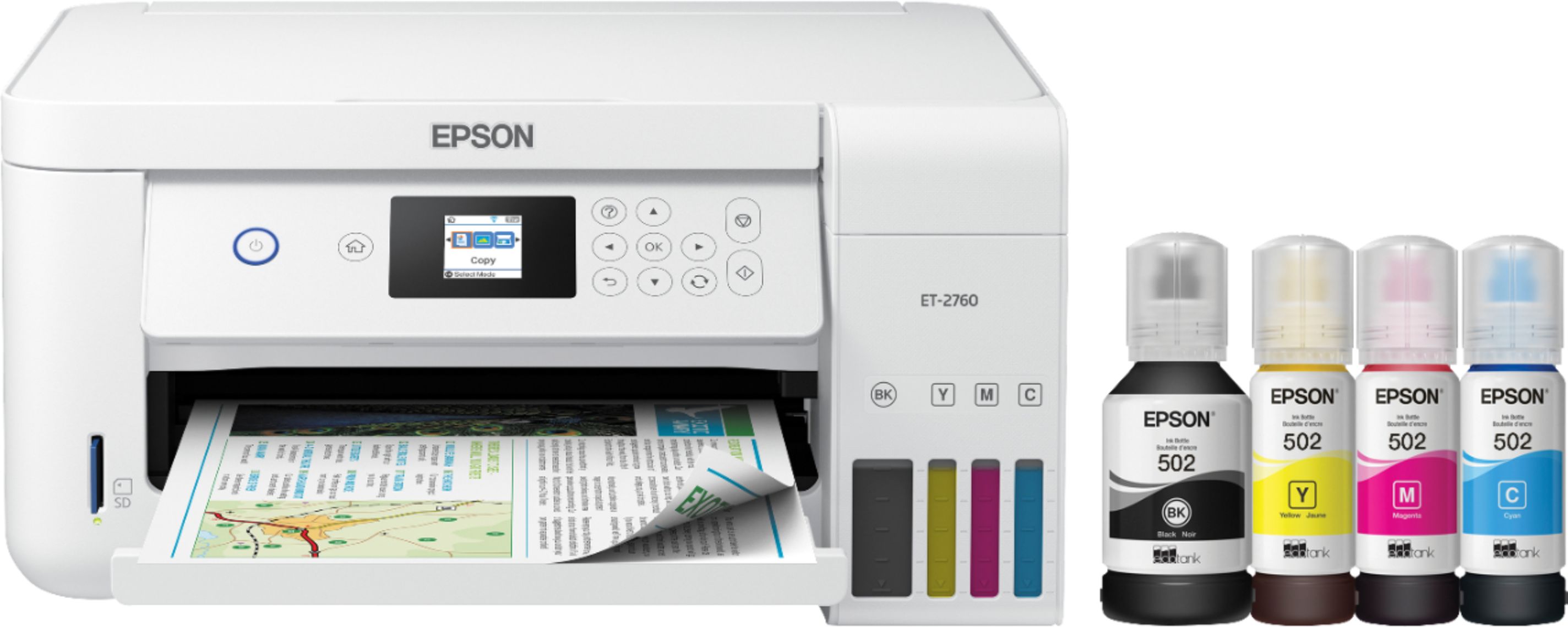
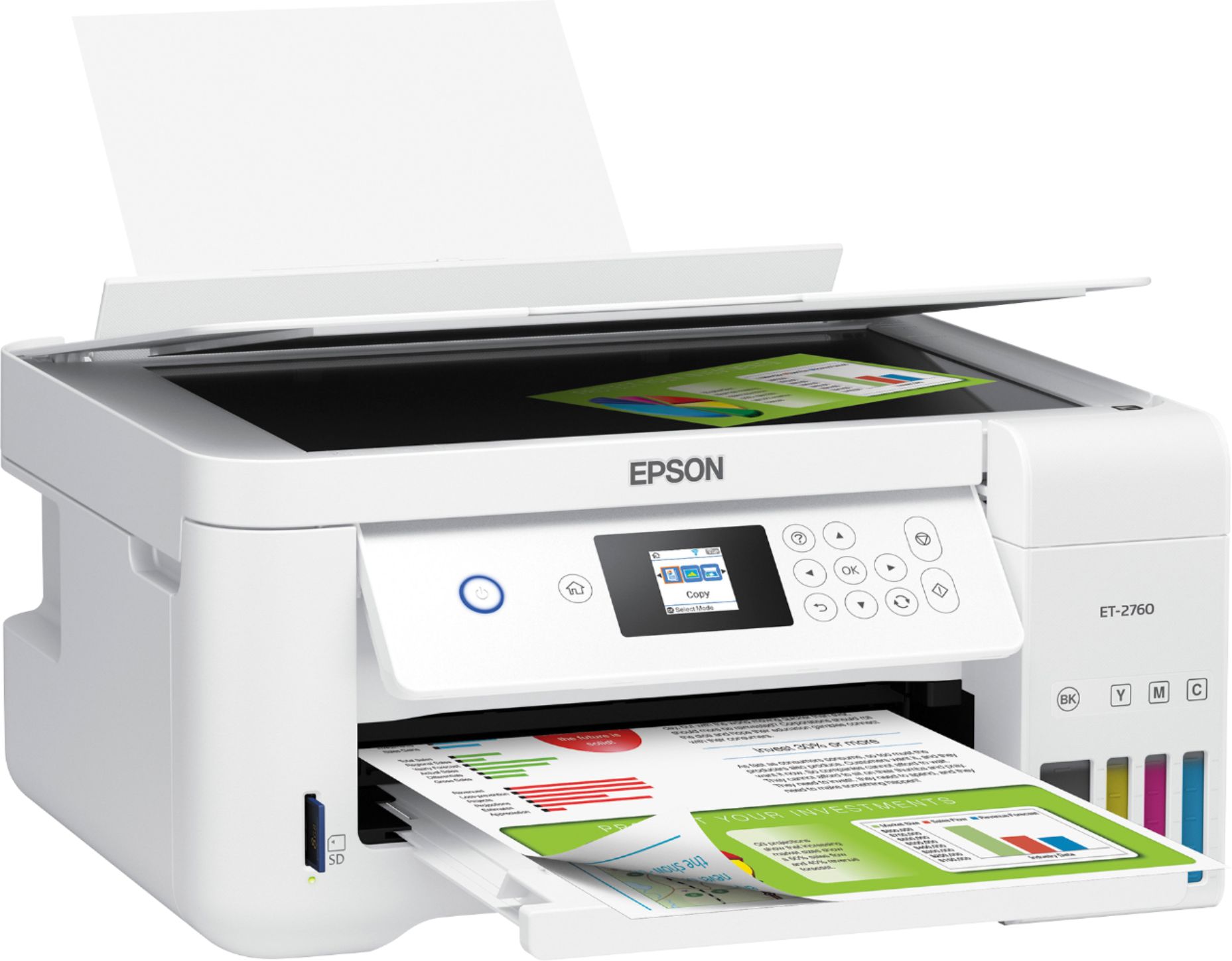
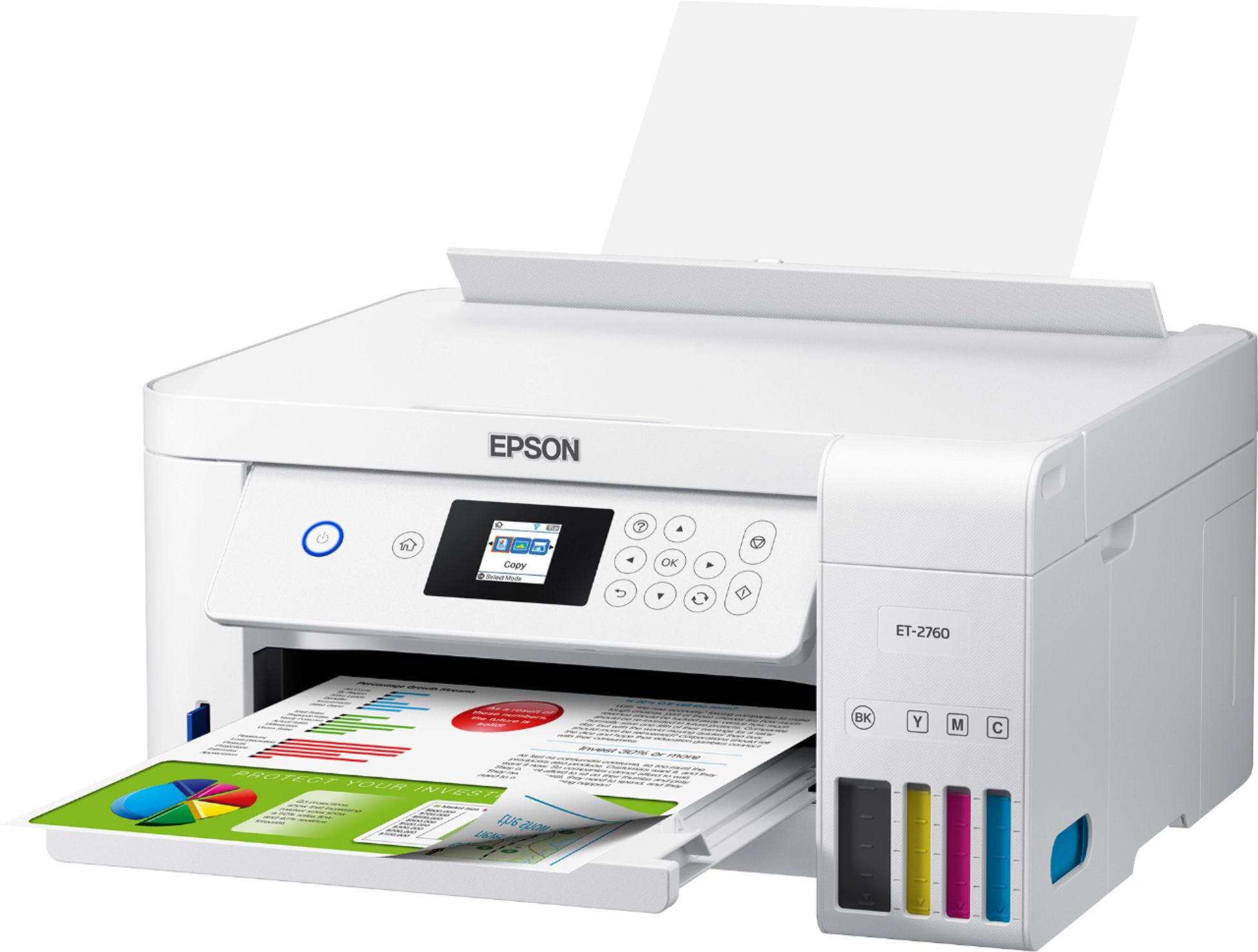
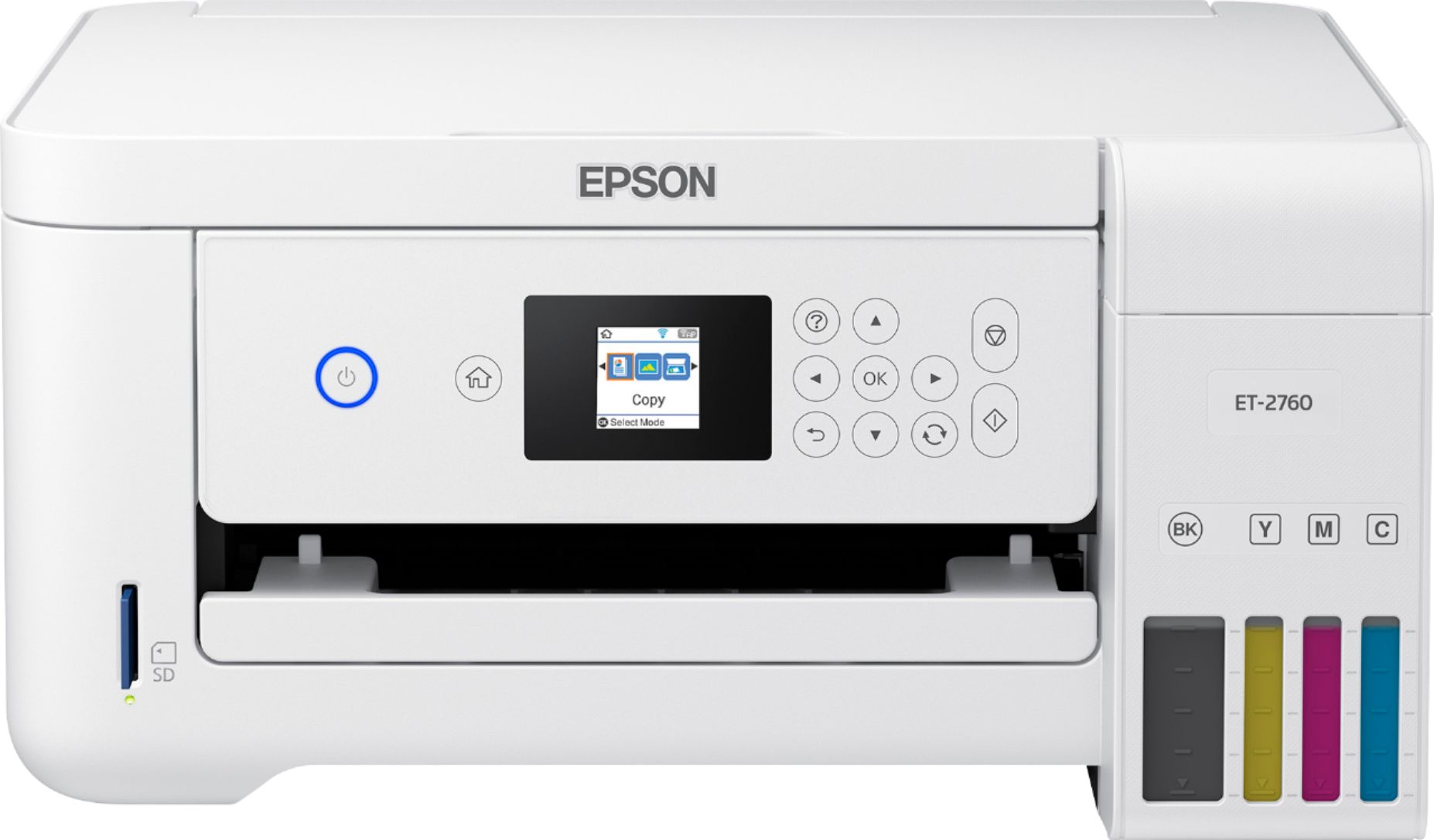
Customers enjoy the EcoTank ET-2760's high-quality prints and user-friendly design, frequently praising its ease of use and setup. The printer's compact size is also a plus for many users, along with its wireless connectivity options and affordable price. However, some customers have reported concerns about the printer's reliability and noise level during operation.
This summary was generated by AI based on customer reviews.
No feeder scanner Wireless printing doesn't work
||Posted . Owned for 3 weeks when reviewed.This reviewer received promo considerations or sweepstakes entry for writing a review.I didn't realize this printer didn't come with a feeder for scanning multiple papers at once. The printer can't find the computers connected to the Wifi network. It worked good the first day and now I can't get it to find the computers. I restarted my modem, restarted printer, and looked for updates thinking maybe it's a software issue but it still loses them after a while. It's very frustrating and disappointing that the wireless printing doesn't work like it should. I had to go buy a printer cable and hook up direct.
No, I would not recommend this to a friendBrand response from Epson
Posted .Hello MrsDelta, we apologize for the difficulty that you've encountered during the initial setup. Your business is important to us, and we're here to help. Epson provides information to help troubleshoot most issues with network printing in the FAQs at http://www.epson.com/s/SPT_C11CG22203#faq-8796127635532. If you cannot find a solution in the FAQs, your EcoTank ET-2760 includes free lifetime technical support, and our support team can be reached at (562) 276-4382 between 7 am - 4 pm (PT), Monday - Friday. Sincerely, Bobby D. - The Epson Team.

Not the greatest quality of print
||Posted . Owned for 1 month when reviewed.This reviewer received promo considerations or sweepstakes entry for writing a review.Good value, easy to install quality is less than expected on normal prints, copies and pictures. I wish there was away to improve the quality but there seems to be no adjustments.
No, I would not recommend this to a friendWaste of time
||Posted .This reviewer received promo considerations or sweepstakes entry for writing a review.I have had to exchange this printer several times and pay many warranties trying to get one that worked. The issues included rollers not feeding, color printing issues and Wifi not connecting despite several times of reloading printer software, I imputed the Wifi information several times on the printer, directly hooked it up to the computer with a printer cable and tried to hook it up to another computer ruling out computer issues. Decided to go with another model.
No, I would not recommend this to a friendBrand response from Epson
Posted .Hello Happytrails, we're sorry to hear you were not satisfied with your ET-2760. Epson takes into consideration all feedback to improve the performance and quality of our products. If we can help you with anything else, our support team can be reached by phone at (562) 276-4382; Hours: Monday - Friday, 7 am - 4 pm PT. Hopefully, we can assist you with a future product. Sincerely, Sam - The Epson Team.
Flawed software
||Posted . Owned for 9 months when reviewed.This reviewer received promo considerations or sweepstakes entry for writing a review.Its definitely value printer but software glitch continues to plague the printer including, random shutdown, mismatched alignment even after multiple troubleshooting phone call with Epson, losing WiFi credentials, locking into "printer mode set jig". If I have to make a cheat-sheet to troubleshoot the printer and tuck it under it so I don't have to search for it everytime... yeah... Can't complain about the ink coverage/cost. But I went back to laser with more expensive cartridge but with less error.
No, I would not recommend this to a friendBrand response from Epson
Posted .Hi Seong, thank you for taking the time to share your experience. We're sorry to hear your experience with the Epson ET-2760 was disappointing. We'll forward your feedback to the appropriate product teams for review. If you ever need assistance, your EcoTank printer includes free lifetime technical support, and our support team can be reached at by phone at (562) 276-4382, Monday - Friday, 7 am - 4 pm PT; or by email at https://epson.custhelp.com/app/ask/p_model_name/Epson%20ET-2760. Once again, thank you and have a beautiful day. Kind Regards, Bobby D. - The Epson Team.
- Cons mentioned:Reliability
Doesn’t work right
||Posted . Owned for 1 year when reviewed.This reviewer received promo considerations or sweepstakes entry for writing a review.Only worked correctly for the first 30 days and then hasn’t worked correctly since then. Currently won’t print in color, even though the ink is full. Previously it printed stuff so light you couldn’t see it, and then just stopped one day. Sometimes it prints in landscape when you tell it to print in portrait. It has a mind of its own and won’t work. Biggest hunk of junk. Save your money.
No, I would not recommend this to a friendBrand response from Epson
Posted .Hello Megantechjunkie, we're sorry to hear about the issues that you had encountered. Your EcoTank ET-2760 is backed by a 1-year Limited Warranty and includes free lifetime technical support. Please reach out to our support team for assistance by phone at (562) 276-4382 or by email at https://epson.custhelp.com/app/ask/p_model_name/Epson%20ET-2760; Hours: Monday - Friday, 7 am - 4 pm PT. We look forward to hearing from you. Kind Regards, Bobby - The Epson Team.
Good
||Posted .This reviewer received promo considerations or sweepstakes entry for writing a review.So far so good, but not the best. I have a little bit trouble when you print. I am not sure what wrong. But it is okay for what I want for.
No, I would not recommend this to a friendBrand response from Epson
Posted .Hello Emad, we're sorry to hear about the trouble you're having with the ET-2760 printer. Your EcoTank printer is backed by a 1-year Limited Warranty and includes free lifetime technical support. Epson provides useful information in the FAQs to help address most problems with printing at www.epson.com/Support/Printers/All-In-Ones/ET-Series/Epson-ET-2760/s/SPT_C11CG22203#questions. If you need further assistance, please reach Epson Support directly at (562) 276-4382 between 7 am - 4 pm (PT), Monday - Friday. Kind Regards, Sam - The Epson Team.
Epson Printer-Scanner ET-2760
||Posted . Owned for 3 weeks when reviewed.This reviewer received promo considerations or sweepstakes entry for writing a review.Set up difficult, particularly ink loading & sinking with your computer. Print quality comparable with other HP printers which sell for 1/3 the price.
No, I would not recommend this to a friendBrand response from Epson
Posted .Hello oversold, we appreciate your feedback, and we'll forward this information to the relevant department to help improve future Epson products. Your EcoTank ET-2760 printer comes with a 1-year Limited Warranty and free lifetime technical support. If you ever need assistance, Epson provides useful information, including FAQs and self-help tools, on the product support page at www.epson.com/s/SPT_C11CG22203. You can also contact our support team at (562) 276-4382 between 7 am - 4 pm (PT), Monday - Friday. Kind Regards, Bobby - The Epson Team.
Worst product purchase I've made - don't buy it!
||Posted . Owned for 7 months when reviewed.This reviewer received promo considerations or sweepstakes entry for writing a review.I bought this printer at Best Buy. I did so in order to save on ink, as the ink for my HP printer costs about as much as the ET-2760 with its ink. But the print quality of the Epson printer is horrible. The magenta stopped printing, and I've only printed ~200 copies. I've followed all the maintenance and troubleshooting steps, and nothing fixes the problem. I tried printing some stuff for a job interview, and the quality was so terribly that I went to Office Depot and had them print stuff for me. Also, note that I'm using the best quality paper for the Epson printer (in case someone wants to say that's the problem). On top of the magenta ink not printing, the wireless connection goes in and out. And it's next to my modem and router, so that's not the issue, as my other connected devices further away from the router do not lose their wireless connection. I've contacted Epson, and crickets. Fortunately it's still under warranty, although Epson hasn't replied to that either, so not sure what to do. At least I only paid $200+ for the Epson printer, so if I throw it in the trash, I won't feel too terribly bad, but I'll never purchase an Epson printer (or anything) again. I will be going back to my old faithful HP printer and just suck it up when it comes to paying the high price for 951 and 953 ink for it. Best Buy - Any suggestions? You want this printer back?
No, I would not recommend this to a friendBrand response from Epson
Posted .Hello ToddInReston, we sincerely apologize for the disappointing experience you encountered with our support and the Epson ET-2760. We value your business, and we're here to help. Please give us another chance to help by calling our Advanced Support Team directly at 1-800-241-5794; Hours: Monday - Friday, 8 am - 4 pm (PT). We appreciate your time and we look forward to your call. Kind Regards, Bobby D. - The Epson Team.
Broken but I read good reviews
||Posted . Owned for 1 month when reviewed.This reviewer received promo considerations or sweepstakes entry for writing a review.Parts of it was dented as if it was dropped and I’m having a hard time connecting it back to the WiFi It barely work
I would recommend this to a friendBrand response from Epson
Posted .Hello Nice, we're sorry to hear about the Wi-Fi issue with your ET-2760 printer. Epson takes into consideration all feedback to improve the performance and quality of our products. Epson provides helpful information on the product support web page, including FAQs and self-help tools at https://epson.com/Support/Printers/All-In-Ones/ET-Series/Epson-ET-2760/s/SPT_C11CG22203#questions. Additionally, your Ecotank printer includes a 1-year Limited Warranty, plus free lifetime technical support. If you need any assistance, our Epson Support Team would be happy to help you and can be reached at (562) 276-4382; Hours: Monday - Friday, 7 am - 4 pm PT; Sincerely, Sam - The Epson Team.
Nice printer
||Posted .This reviewer received promo considerations or sweepstakes entry for writing a review.Nice looking printer and I like the white color for a change from the black. Colors of print are not as vibrant as they were on our HP printer.
No, I would not recommend this to a friendBrand response from Epson
Posted .Hello Gmom11, thank you for your feedback on the Epson ET-2760. If you need assistance with troubleshooting problems with print quality, Epson provides useful information in the product FAQs at www.epson.com/s/SPT_C11CG22203#faq-8796127537228. Your can also contact our support team by phone at (562) 276-4382, Monday - Friday, 7 am - 4 pm PT; or by email at https://epson.custhelp.com/app/ask/p_model_name/Epson%20ET-2760. We'll forward your feedback to the relevant departments for review. Kind Regards, Bobby D. - The Epson Team.
Great until is wasn’t.
||Posted . Owned for 1 year when reviewed.This reviewer received promo considerations or sweepstakes entry for writing a review.Seemed great at first. A year later issues. Tanks are near full but nothing printing. Tried everything.
No, I would not recommend this to a friendOverpriced slow printer
||Posted .This reviewer received promo considerations or sweepstakes entry for writing a review.It prints every time with no problem even both sides. The biggest issue is it is very loud and slow at printing even though it says it can do 10ppm or 12ppm depending on ink. It lacks auto document feeder for such a high price while others are half the price has them and their ink cost is similar. Go somewhere else for your value but it does look beautiful and sleek.
I would recommend this to a friendBrand response from Epson
Posted .Hi Meaadh, thank you for sharing your thoughts on your Epson EcoTank. Customer feedback is very important to us. Your ET-2760 comes with a 1-year Limited Warranty and free lifetime technical support. If you ever need assistance, please call our support team at (562)276-4382 between 6 am – 8 pm (PT), Monday – Friday, or 7 am – 4 pm (PT) on Saturdays. Once again, thank you.
Kind Regards,
Bobby - The Epson Team
It’s ok too pricey
||Posted . Owned for 1 month when reviewed.This reviewer received promo considerations or sweepstakes entry for writing a review.Works ok having trouble connecting wirelessly to my work computer. Using the app on the phone for now. Scanning images is ok not the best.
No, I would not recommend this to a friendBrand response from Epson
Posted .Hello Rp84, we're sorry you're having issues with your new Epson ET-2760. Your printer includes a 1-Year Limited Warranty, plus free technical support for the life of your product. If you'd like to discuss the issue you are experiencing, our Epson Support Team can be reached at (562) 276-4382; Hours: Monday – Friday, 6am – 8pm PT; Saturday, 7am – 4pm PT. Sincerely, Elizabeth – The Epson Team.
It's OK, gets job done
||Posted . Owned for 11 months when reviewed.This reviewer received promo considerations or sweepstakes entry for writing a review.It's OK. It stopped working after a few months. O fixed it but still not the happiest. The ink last forever which is good.
No, I would not recommend this to a friendBrand response from Epson
Posted .Hello Jonscottcorp, we're sorry to hear about the trouble you had encountered with the Epson ET-2760. We appreciate your feedback, and we'll pass this information along to the relevant product teams. If you ever need assistance again, your EcoTank printer includes free lifetime tech support, and our support team can be reached at (562) 276-4382 between 7 am - 4 pm (PT), Monday - Friday. You can also find useful information, including FAQs and Guided Assistance, on the product support website at www.epson.com/s/SPT_C11CG22203. Sincerely, Bobby - The Epson Team.
ET-2760
||Posted . Owned for 1 month when reviewed.This reviewer received promo considerations or sweepstakes entry for writing a review.Constantly drops its wireless connection to my iMAC! Difficult to install with our Widows pc as well. Would not buy again.
No, I would not recommend this to a friendBrand response from Epson
Posted .Hello, we're sorry to hear about the trouble that you had experienced with the Epson ET-2760. Your EcoTank printer includes free lifetime tech support, and we're here to help. Epson provides useful information in the FAQs at www.epson.com/s/SPT_C11CG22203#questions to help troubleshoot most problems with Wi-Fi connectivity and setup. You can also contact Epson Support directly at (562) 276-4382 between 7 am - 4 pm (PT), Monday - Friday. Sincerely, Bobby - The Epson Team.
Good alternative for laserjet color printers
||Posted . Owned for 3 weeks when reviewed.This reviewer received promo considerations or sweepstakes entry for writing a review.I am still trying to figure out how to set up the printing options. Results so far are not great, but once set up, we are hoping for better results
No, I would not recommend this to a friendBrand response from Epson
Posted .Hi Somanath, we’re sorry to hear that you’re having issues with your Epson printer. Epson provides useful information starting on page 68 of the User’s Guide at https://files.support.epson.com/docid/cpd5/cpd57083.pdf on tips on how to optimize your print settings. Additionally, your EcoTank ET-2760 includes free technical support for the life of your product, so if you ever need assistance, feel free to contact us at (562) 276-4382; Hours: Monday – Friday, 6am – 8pm PT; Saturday, 7am – 4pm PT.
Kind Regards,
Bobby – The Epson Team
- Pros mentioned:Print quality, Setup

Good prints. Cheap ink.
|Posted .This reviewer received promo considerations or sweepstakes entry for writing a review.Pro: -Good print quality -Easy to set up -Ink is cheaper Con: -Setup was slow -Scanning lack some advanced color correction -LCD screen is small I like the overall design of this printer. It’s light and compact and easier to fold and stow away. It does feel somewhat hollow and plasticy though. The display is small and isn’t a touch screen, but other than when inputting text, it’s perfectly fine. I’d rather have buttons than a bad touch screen, like on my last printer. The ink is not a typical cartridges but instead comes in individual bottles that you pour into the tank in front of the printer. The bottles are spill proof and specifically keyed to avoid mistakes. A pack of the bottles is cheaper than the cartridges and is supposed to last much longer. Setting up was easy, albeit slow. On the printer side, it takes about 15 minutes to load and charge the ink. Setting up the wifi through the Epson software was slow, and in my case, gave me an error. It’s best to avoid the hassle and manually set up the wifi on the printer. Once setup was complete, wireless printing was working well. There’s no additional step needed to use it with my iOS devices. There’s an option where you can sign up and use the printer over the internet without the need to install drivers on every computer, but I opted to not use it. Print quality was good. I didn’t have any banding and the gradient was smooth. The printing speed was also good. For a full page image, the colors reproduction was a bit washed out and a bit grainy but is still pretty close to the original source. The scanning and copying was fine, but the scanning utility seems to lack advanced color correction settings (levels and balance) from previous versions I’ve used. Using the functions at the printer could use some streamlining. I had to hop through a few options to do a simple 2 sided copy. I did have issues trying to get it to scan directly on the printer and sending it to the computer, but it’s unlikely that would be part of my workflow, so I didn’t give it much thought. So far this seems like a good home printer for occasional use. I’ve had a few Epson printers and have always prefer their print quality. This new ink system is much cheaper and hopefully will last longer than cartridges.
I would recommend this to a friend Average printer. For general purpose
||Posted . Owned for 3 weeks when reviewed.This reviewer received promo considerations or sweepstakes entry for writing a review.The printer does great on regular print, but lacks fine print detail on smaller print when down loading forms and trying to print them off.
I would recommend this to a friendBrand response from Epson
Posted .Hello Codywatash, thank you for sharing your experience. This may be related to print settings, and we’d like to help you address this issue. Please call Epson Support at (562)276-4382 between 6 pm - 8 pm PT, Monday - Friday, or from 7 am - 4 pm PT on Saturdays. We appreciate your feedback and will be sure to pass the information along to our product teams. Sincerely, Bobby - The Epson Team.
- Pros mentioned:Ease of use, Print quality, Setup
Best Printer Ever for Home or Office!!
Posted .This reviewer received promo considerations or sweepstakes entry for writing a review.First, let me start by saying that this is my first experience with an InkTank printer. I absolutely love it!! In general, one of my biggest hassles with any printer is dealing with the cartridges. This printer completely eliminates that problem and the stress that comes along with it! The EcoTanks provide a lot of ink with an easy install. In addition, the current ink levels are visible on the front of the printer. This is extremely helpful because I print large volumes and now I know when to refill my ink. The worst thing is when you run out of ink in the middle of a print job. The printer is nicely designed with a modern, sleek appeal to it. Perfect for my desk since it’s not bulky. The setup process was so simple. Printing directly from your phone? Printing wirelessly? No worries, it is so easy to setup! In fact, the total use of this printer is a breeze. It has so many great features and all of them work effortlessly! One of my favorite is the the voice activated printing. I feel like a CEO when I use that feature. Also, the print speed it noteworthy. I typically print larger quantities of paper at once. The time it takes is noticeably faster than my previous printer. I definitely recommend this printer to anyone for the home or office! This is a review for the Epsom EcoTank ET-2760 All-In-One SuperTank printer that I received free of charge to do a beta test and review.
I would recommend this to a friend Don't Buy
||Posted . Owned for 1 month when reviewed.This reviewer received promo considerations or sweepstakes entry for writing a review.I am giving this a 2 not a one b/c it is nice that you don't have to buy cartridges. The Cons; -Color printing not strong at all! I tried everything to make images bolder, did not work. -In every page that is printed, there are 6 lines that do not print well, making it difficult to read! This is unacceptable and I will be returning this printer!
No, I would not recommend this to a friendBrand response from Epson
Posted .Hello Lovetocreate, we're sorry to hear about your disappointment with the print quality on the ET-2760 printer. Epson takes into consideration all feedback to improve the performance and quality of our products. Epson provides helpful information on the product support web page, including FAQs and self-help tools at https://epson.com/Support/Printers/All-In-Ones/ET-Series/Epson-ET-2760/s/SPT_C11CG22203#questions. Additionally, your EcoTank printer includes a 1-year Limited Warranty, plus free lifetime technical support. If you need any assistance, our Epson Support Team would be happy to help you and can be reached at (562) 276-4382; Hours: Monday - Friday, 7 am - 4 pm PT; Sincerely, Sam - The Epson Team.