Customer Ratings & Reviews




- Model:
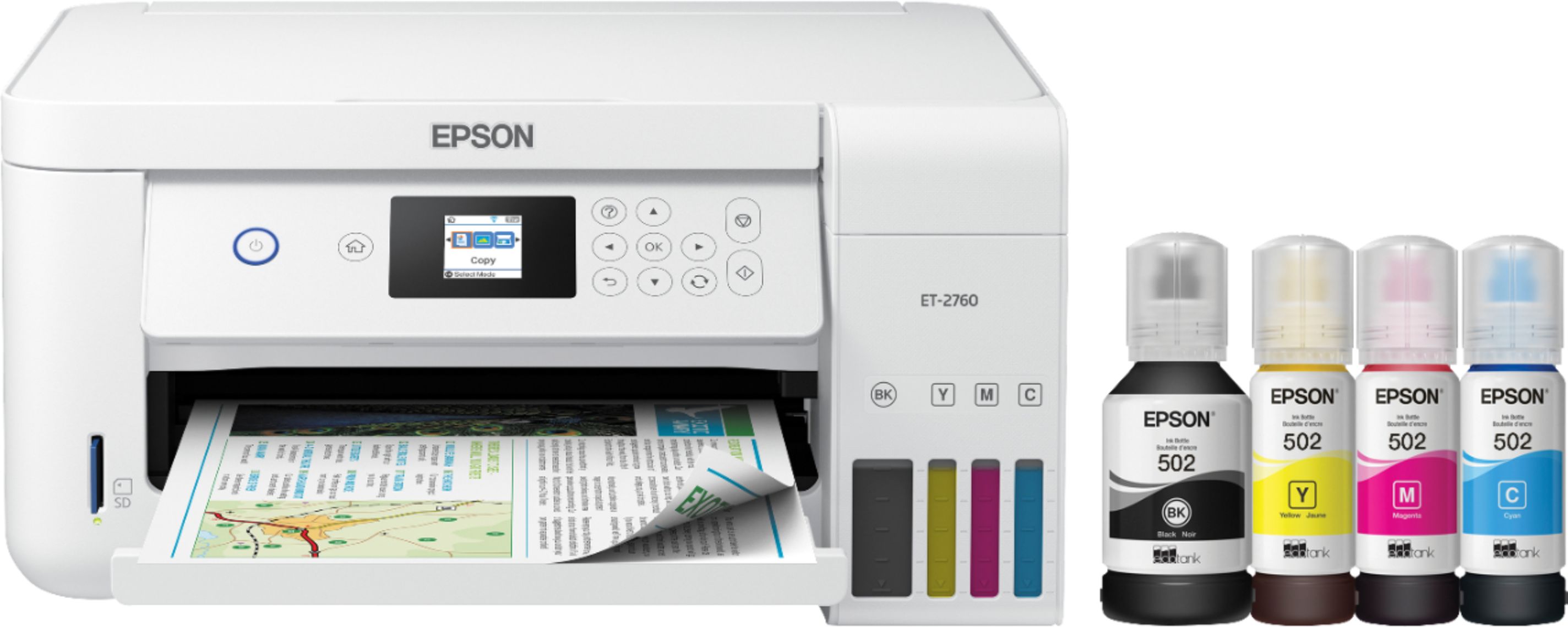
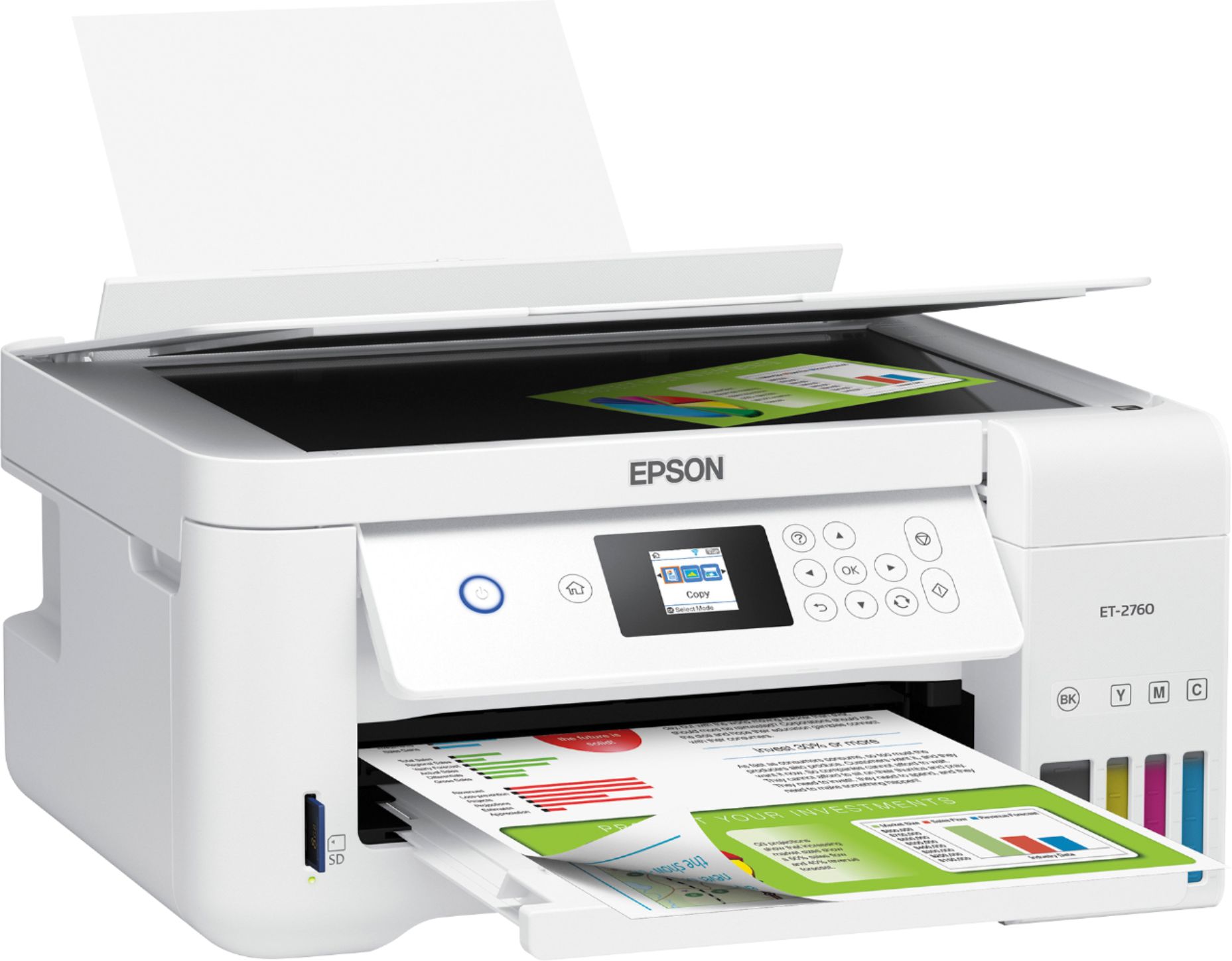
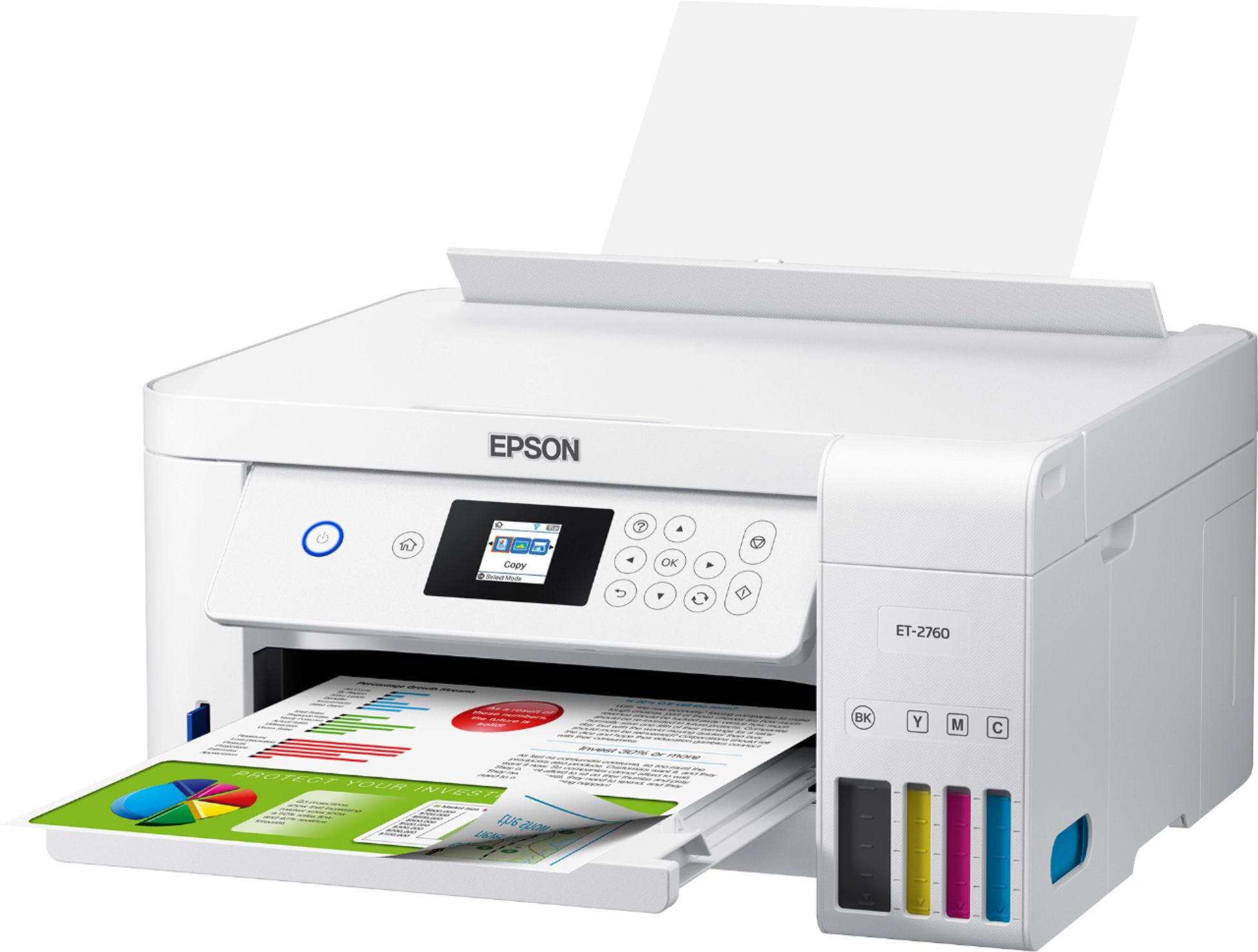
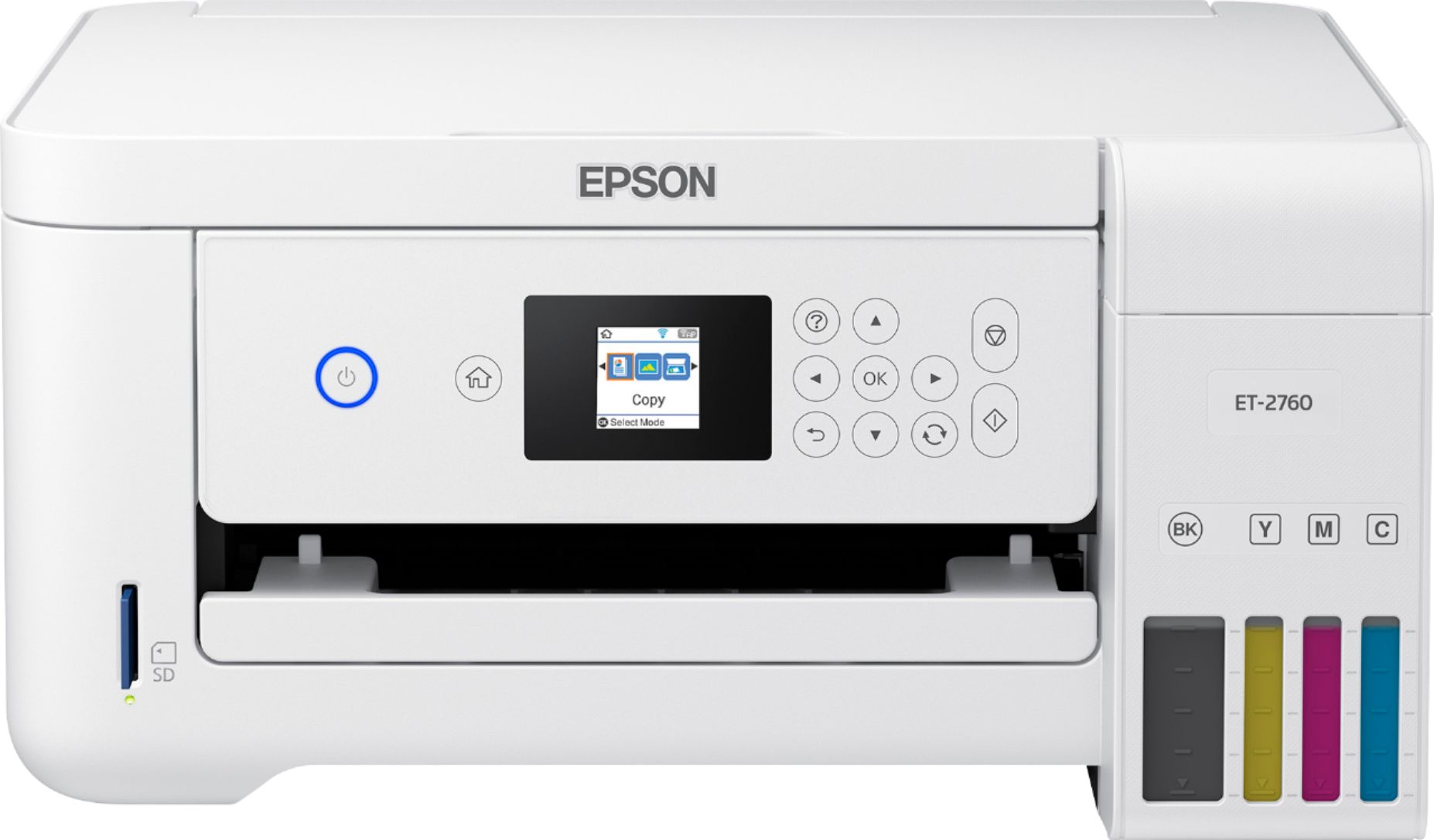
- ECOTANK ET-2760 PRINTER C11CG
- SKU:
- 6347458
Rating by feature
- Value
Rating 4.4 out of 5 stars
- Quality
Rating 4.5 out of 5 stars
- Ease of Use
Rating 4.4 out of 5 stars
Customers are saying
Customers enjoy the EcoTank ET-2760's high-quality prints and user-friendly design, frequently praising its ease of use and setup. The printer's compact size is also a plus for many users, along with its wireless connectivity options and affordable price. However, some customers have reported concerns about the printer's reliability and noise level during operation.
This summary was generated by AI based on customer reviews.
Meeeehhhhhhh
||Posted . Owned for 1 month when reviewed.This reviewer received promo considerations or sweepstakes entry for writing a review.Purchased this for my crafting hobby thinking the color quality would be much richer when printing on sticker paper, but its not. It's nothing spectacular so far. I could have saved myself a couple hundred dollars and used my old HP Envy until it wasn't working anymore.
No, I would not recommend this to a friendBrand response from Epson
Posted .Hi Becky, thank you for sharing your experience with the EcoTank ET-2760. Epson takes into consideration all feedback to improve the performance and quality of our products. We'll forward your feedback to the relevant department as we're always looking to make our future products better. If we can help you with anything else, our support team can be reached at (562) 276-4382 between 7 am - 4 pm (PT), Monday - Friday. Once again, thank you. Sincerely, Bobby - The Epson Team.

Clogged Printheads will Render Printer Useless
||Posted . Owned for 11 months when reviewed.This reviewer received promo considerations or sweepstakes entry for writing a review.I am on my second Epson EcoTank, and I have to say that for the price point, I expected better performance. Sure, there is endless ink, but this becomes irrelevant if the printhead gets clogged and no cleaning cycle you run will fix this problem. On the first printer the magenta print head became clogged after a few weeks of use. It could have been a fluke of that particular printer, so I took it back to BestBuy for service and they didn't bother with service, they just exchanged it for another one. This new printer now has a clogged cyan printhead after a few months of use. This is completely unacceptable. I wish I hadn't gotten rid of my $25 HP for a "nicer" printer because at least that one printed all of the colors.
No, I would not recommend this to a friendBrand response from Epson
Posted .Hello rmarti23, we apologize for the disappointing experience that you had encountered. Your EcoTank ET-2760 printer is backed by a 1-year Limited Warranty and includes free tech support for the life of the product. Please allow us to assist by calling our Advanced Support Team directly at 1-800-241-5794 between 7 am - 4 pm (PT), Monday - Friday. Additionally, performing regular maintenance, such as a daily nozzle check, could greatly reduce the need for print head cleaning. Kind Regards, Bobby - The Epson Team.
Suspect Quality
||Posted .This reviewer received promo considerations or sweepstakes entry for writing a review.The printer was great when i first bought it, i barely print. In less than a year it stopped working. The printer ink dries up in the lines, they should tell you to print something every couple weeks.
No, I would not recommend this to a friendCompatibility with MacBook Air Beware!
||Posted . Owned for 1 week when reviewed.This reviewer received promo considerations or sweepstakes entry for writing a review.Disappointed no one knew before I brought this item it was not compatible with my MacBook Air !! On the tags in the store said it was compatible but not the case had to call Apple myself to resolve issue
No, I would not recommend this to a friendBrand response from Epson
Posted .Hello Fontsizestickler, we're sorry to hear about the trouble that you've encountered. The Epson ET-2760 printer is compatible with computers running the Mac OS 10.6.x - 11.x. Your EcoTank printer includes free lifetime technical support, and our support team would welcome the opportunity to assist. For further assistance, our support team can be reached by phone at (562) 276-4382 or by email at https://epson.custhelp.com/app/ask/p_model_name/Epson%20ET-2760; Hours: Monday - Friday, 7 am - 4 pm PT. Kind Regards, Bobby - The Epson Team.
False advertisement
||Posted . Owned for 5 months when reviewed.This reviewer received promo considerations or sweepstakes entry for writing a review.It prints with my dell computer wireless. It will not print wireless from our I phones or Mac laptop. The document goes into the printer q but the printer won’t wake up. We have talked to Epson several time and they blamed on our Mac and then on the modem. At and t said the modem has the specs the printer needs. Best Buy geek squad wanted us to buy a contract on my wife’s Mac. So when Best Buy get new printed in stock this printer is going back. What a piece of crap. When you google this printer you see a lot of people that are having the same problem. I have been fighting this for so long it’s driving me nuts! It has done this from day one. By the way it has a strong internet connection. It just won’t wake up to print.
No, I would not recommend this to a friendBrand response from Epson
Posted .Hello Bobo, we're very sorry for the disappointing experience that you've encountered with our support and the Epson ET-2760. Your EcoTank printer comes with a 1-year Limited Warranty and includes free lifetime technical support. Please give us another chance to help by calling our Advanced Support Team directly at 1-800-241-5794 between 7 am - 4 pm (PT), Monday - Friday. Your business is important to us, and we're here to help. Sincerely, Bobby D. - The Epson Team.
- Cons mentioned:Reliability
Buyer beware go online and read reviews
||Posted . Owned for 1 year when reviewed.This reviewer received promo considerations or sweepstakes entry for writing a review.This product is simply trash I should have listened to the reviews on line I purchased his printer in May 2020 it lasted a little over a year and stop working a total waste of $320.
No, I would not recommend this to a friendBrand response from Epson
Posted .Hello Gregg35mm, we're sorry to hear you weren't satisfied with your ET-2760 printer. Epson takes into consideration all feedback to improve the performance and quality of our products. Epson provides useful information, including FAQs and self-help tools, on the product support web page at https://epson.com/Support/Printers/All-In-Ones/ET-Series/Epson-ET-2760/s/SPT_C11CG22203#questions. Additionally, your Ecotank printer includes free lifetime technical support. If you need any assistance, our Epson Support Team would be happy to help you and can be reached at (562) 276-4382; Hours: Monday - Friday, 7 am - 4 pm PT; Sincerely, Sam - The Epson Team.
Poor Quality, annoying high-pitched whine in use
||Posted . Owned for 1 week when reviewed.This reviewer received promo considerations or sweepstakes entry for writing a review.First of all, I love the idea of no cartridges... that's about it. I set up the printer as instructed and immediately notice the high-pitched frequency when in use. I performed all of the setup and quality tests twice, and nothing helps the lines seen inside colored or shaded areas. I use many different fonts, and too many of them come out looking blurry. The black is not a good solid black, and the colors seem muted. I will try to return this and get the new parts required to bring my HP 8720 back to life.
No, I would not recommend this to a friendBrand response from Epson
Posted .Hello MBR23, we're here to help! Based on your description, the issues that you're experiencing may be related to print settings. Your Epson ET-4760 includes free lifetime technical support, so if you'd like help, please call our support team at (562)276-4382; Hours: Monday – Friday, 6 am – 8 pm PT; Saturday, 7 am – 4 pm PT. We look forward to your call.
Sincerely,
Bobby - The Epson Team
Works When It Feels Like It
||Posted . Owned for 1 year when reviewed.This reviewer received promo considerations or sweepstakes entry for writing a review.Worked for a while on and off; seems to have tremendous difficulty being found over WiFi. It will go for days or weeks working perfectly fine, then start throwing errors for seemingly no reason. Can’t connect to printer, printer error, contact support, then after ten restarts, reinstalling the printer application and starting the printer from default it works again,Now it won’t print through WiFi or through a wired connection. Didn’t even get through one round of ink. To be fair, I have never owned a good printer, so these issues did not come as a shock to me. Will not be purchasing from Epson again.
No, I would not recommend this to a friendNot for artist
||Posted . Owned for 3 weeks when reviewed.This reviewer received promo considerations or sweepstakes entry for writing a review.Printer and MACs aren’t very compatible. The color prints on glossy paper are washed out. I would not recommend this printer for a Mac, or an artist wanting to make prints.
No, I would not recommend this to a friendBrand response from Epson
Posted .Hi Rick, we're sorry to hear you're having print quality issues with the Epson ET-2760 printer. Epson provides useful information such as FAQs and the User’s Guide to help you troubleshoot print quality issues at https://epson.com/Support/Printers/All-In-Ones/ET-Series/Epson-ET-2760/s/SPT_C11CG22203#faq-8796127537228. Additionally, your EcoTank printer is backed by a 1-year Limited Warranty and includes free lifetime tech support. We would like to hear more about the "washed out" issue you encountered. Please reach out to our support team for assistance by phone at (562) 276-4382; Hours: Monday - Friday, 7 am - 4 pm PT. We look forward to hearing from you. Sincerely, Sam - The Epson Team.
its not working anymore
||Posted . Owned for 1 year when reviewed.This reviewer received promo considerations or sweepstakes entry for writing a review.it was very good printer we .it doesn't print any more work only 1 year ,purchase Epson printer refill inc follow factory recommendation for refiling ,didn't work before or after refilling
No, I would not recommend this to a friendDisplay is extremely small.
||Posted . Owned for 1 month when reviewed.This reviewer received promo considerations or sweepstakes entry for writing a review.The display is very small and the icons in the small display are extremely difficult to see. Setup is fairly straight forward. But the display is almost useless.
No, I would not recommend this to a friendBrand response from Epson
Posted .Hello Gwen, thank you for sharing your feedback on the Epson WF-2760. We apologize for the disappointing experience you’re having and will be sure to pass the information along to our product teams. Your product comes with free lifetime tech support and we’d be happy to assist you. Please call Epson Support at (562) 276-4382; Monday - Friday, 7 am - 4 pm PT. Regards, Kevin - The Epson Team.
- Pros mentioned:Print quality

Economical ink usage - reasonable output quality
|Posted .This reviewer received promo considerations or sweepstakes entry for writing a review.The ET-2760 is one of the latest in Epson's line of "Eco Tank" printers designed to up-end the established "razor and razorblades" model for printer ink sales where the printer is a loss leader for expensive ink cartridges. I'm a fan of the concept, and anybody who does a lot printing should find this model much more economical than traditional ink jets. Epson accomplishes this by selling ink in relatively large bottles which can be used to top up large internal ink tanks without the need to replace cartridges. The system works well and the bottles are designed to avoid spilling the ink. That said, this model does result in printers that have fewer features or less fancy hardware than traditional inkjets at the same price point. The ET-2760 is a reasonable balance between cost and capability, but is best used for home environments where quality (especially graphics and photos) is not the paramount concern. Pros: 1. Very economical printing. Ink tanks should last for several thousand pages and replacements cost only $19.99 for black and $12.99 for each color. 2. Solid print quality, especially for text and charts. Fine lines stay straight across and down the page, and charts print cleanly. I observed NO VISIBLE BANDING of any kind, which is amazing for a printer at this level. 3. Text output is reasonably quick for text and charts - I observed about 10-20 seconds for a page of formatted text. 4. Automatic duplexing is a nice bonus. 5. Support for Airprint and a variety of cloud print services. 6. Built in scanner and copy functions provide reasonably faithful images. 7. Small footprint and attractive white design. Cons: 1. No full paper tray. Paper is fed through a sheet feeder at the top rear of the printer. Expect to be able to stack about 80 sheets of letter size ink jet paper. 2. No auto-feed on the document scanner - sheets must be inserted one at a time. 3. Problematic network setup and detection of the printer on networks. I ultimately had to give up and just use USB (which worked perfectly). 4. Colors can be a little muted. High quality mode is better, but still a bit flat. Better quality paper helps, but just don't expect this to be a unit on which you print high quality sales materials. 5. Pages with a lot of graphics, especially color, can be slow to output. I timed a full color PDF page from an automotive brochure at just under 2 minutes. 6. Printer firmware updates require the user to run a special Epson utility that installs with the drivers. 7. LCD screen is small and can be difficult to read. Network Issues Many network printers have issues with being detected by driver software and/or being lost after some time has lapsed. The ET-2760 exhibited both of these issues. Windows was unable to find the printer on our Wifi network. I had to resort to entering the specific IP address, but later in the day the computer could no longer see the printer even with this manual measure taken. This is not unique to Epson. Running the printer through USB produced perfect connectivity every time, so I recommend a hard wired connection for best reliability. In fairness, our network topography is complex, so your results may vary. Summary Overall, this is a good little printer for anybody who needs to print a high volume of reasonably simple output and doesn't require high end print quality or high end features such as auto-feeding scanners, etc. It's very compact on the desktop, quiet, and produces great general output for office type documents at a fraction of the cost of a traditional inkjet. Epson has perfected the ink bottles and filling mechanism at this point, so no need to worry about spills. As long as your expectations are reasonable (and assuming you don't need rock solid network functionality in a complex environment), this unit is easy to recommend. If you need high quality photo and business graphics output for sales materials, I suggest looking for a higher end unit.
I would recommend this to a friend Disappointing, not recommended
||Posted . Owned for 3 weeks when reviewed.This reviewer received promo considerations or sweepstakes entry for writing a review.1. After printing 10-12 pages the printer stopped working with an error message that indicated a hardware failure. The good news - called Epson and they sent a replacement within a few days. I had to send the broken one back, but that's better than needing to go to Best Buy. 2. The "screen" on the printer is ludicrously small and the navigation among functions is challenging. 3. The standard print quality is barely better than draft printing on other printers. Although the ink may last for years, this printer was not worth the $300 cost.
No, I would not recommend this to a friendBrand response from Epson
Posted .Hello, we're sorry to hear about the disappointing experience you had with the ET-2760 printer. Your EcoTank printer is backed by a 1-year limited warranty and includes free lifetime technical support. Additionally, Epson provides useful information, including FAQs and self-help tools, on the product support website at www.epson.com/Support/Printers/All-In-Ones/ET-Series/Epson-ET-2760/s/SPT_C11CG22203#questions. If you need further assistance, please reach our support team directly at (562) 276-4382 between 7 am - 4 pm (PT), Monday - Friday. Sincerely, Sam - The Epson Team.
- Pros mentioned:Print quality
Another Great Epson Printer!
|Posted .This reviewer received promo considerations or sweepstakes entry for writing a review.I've been using an Epson Workforce 635 printer user for many years and was really excited to try the new Epson EcoTank ET-2760 printer. One of the features that really excited me is the Apple AirPrint support, but ended up really liking the EcoTank feature. The printer is well packed and in the box there is the printer, power cord, user's manual/setup guide and the 4 ink bottles. The unit is secured with a handful of blue tape that needs to be removed before setup. Wow, the white color is really cool and contemporary-looking! Once out of the box, it literally took about 15 minutes to print the first page. The included setup guide walks the user through every step and is very well documented and includes pictures. I'll admit I was a bit skeptical about installing ink, but the process couldn't have been easier. The ink bottles will only fit into the appropriate color tank and connect well so there's no leakage. Let them fill and they automatically stop when filled. It will take a bit of time to see how many pages I get out of the tanks vs. my older Epson cartridge printer, but wanted to point out that this process is absolutely manageable and super easy and should be considered when looking for a new printer. Once the ink is charged, it's time to load paper and install the Epson software. Again, these steps are all very straight forward and outlined in the setup guide. I set this printer up wirelessly after connecting to my home/office network and entered the password. In terms of printing, I have a small home office for my real estate business and use my printer primarily for office documents, spreadsheets, etc. With the change to the EcoTank, I've also started printing out multi-page color documents and pictures. The print quality is top notch and very easy to set up for different sizes and layouts. I've just started scratching the surface of all the print options, but so far, so good! Apple AirPrint - this is such a great option as I can now print from my iPhone or iPad. Sometimes I'll multi-task at night when watching TV on my iPad. In the past, I'd make a To Do list or have to remind myself to print an article or contract. Now, I can simply print from my iPad and everything is waiting on the printer in the morning! Pros: - EcoTank - way easier to use than I ever imagined, looking forward to the cost savings with more time/use. - Sleek and contemporary design and the white color looks great in my small office - AirPrint Support - Great print quality and easy scanning functions. Cons: - Lack of a document feeder for multi-page scanning jobs. (Being compared to another Epson printer which had this feature). Overall, the Epson EcoTank ET-2760 is a great home office printer option packed with features and great print quality and speed. It's smaller size fits well into my limited space and looks great. I would certainly recommend this printer to anyone looking for a new printer.
I would recommend this to a friend Printer
||Posted . Owned for 1 year when reviewed.This reviewer received promo considerations or sweepstakes entry for writing a review.I'm not a fan of the printing quality of this printer. Colors look faded and am constantly needing to clean nossle due to print jobs getting ruined by splats of ink.
No, I would not recommend this to a friendBrand response from Epson
Posted .Hi Acorn, we're sorry to hear about the issues that you've encountered. Your EcoTank ET-2760 is backed by a 1-year Limited Warranty and includes free lifetime technical support. If we can help you with troubleshooting issues with print quality or anything else, our Advanced Support Team can be reached 1-800-241-5794 between 7 am - 4 pm (PT), Monday - Friday. Kind Regards, Bobby - The Epson Team.
Great!...when it worked
||Posted . Owned for 11 months when reviewed.This reviewer received promo considerations or sweepstakes entry for writing a review.Worked for just under 1 year. Stopped printing Cyan. Tried cleaning heads & nozzels multiple times with no success.
No, I would not recommend this to a friendEco Printer stopped working
||Posted . Owned for 1 year when reviewed.This reviewer received promo considerations or sweepstakes entry for writing a review.Printer stopped printing images last month. I removed and added printer, shut down and restart, reset print spooler. Still same issue. I spoke with Geek Squad ,and I was told it would be best to replace printer. I bought this printer before the 24 month free replacement with Total Tech Support. Now I have to replace with a higher model more expensive printer. This printer is sold out. Not happy about this.
No, I would not recommend this to a friendIt’s ok
||Posted .This reviewer received promo considerations or sweepstakes entry for writing a review.Like the tank idea. Not impressed with color printing. Everything comes out more magenta then ever. Need to go to more colors for better color printing
No, I would not recommend this to a friendBrand response from Epson
Posted .Hello Shoeld, thank you for your feedback on the Epson ET-2760. We'll forward this information to the relevant department to help improve the quality and performance of our future products. If we can help you troubleshoot problems with print quality or address anything else, your EcoTank printer includes free lifetime tech support, and our support team can be reached at (562) 276-4382 between 7 am - 4 pm (PT), Monday - Friday. You can also contact Epson Support by email at https://epson.custhelp.com/app/ask/p_model_name/Epson%20ET-2760. Once again, thank you. Sincerely, Bobby - The Epson Team.
Not reliable
||Posted . Owned for 7 months when reviewed.This reviewer received promo considerations or sweepstakes entry for writing a review.Product stopped printing in color less than 5 months after purchase. Tried every troubleshooting informed by Epson and nothing. Had bought the extended protection plan and am returning the product right now just to Best Buy to tell me the extended warranty I paid for is not to be part of the refund; does not make sense at all!!!
No, I would not recommend this to a friendChrome book users beware
||Posted . Owned for 5 months when reviewed.This reviewer received promo considerations or sweepstakes entry for writing a review.The printing function works with my chrome book but it doesn’t recognize the chrome book operating system for the scan feature. Also the 1.4 inch screen is difficult to read.
No, I would not recommend this to a friendBrand response from Epson
Posted .Hello Chromebookuser, thank you for sharing your experience with the Epson ET-2760. Customer feedback is very important to us. We'll ensure your feedback gets to the relevant departments as we're always looking to make future Epson products better. If you need further assistance, please call our Advanced Support Team directly at 1-800-241-5794; Hours: Monday - Friday, 7 am - 5 pm (PT). Sincerely, Bobby - The Epson Team.