Customer Ratings & Reviews




- Model:
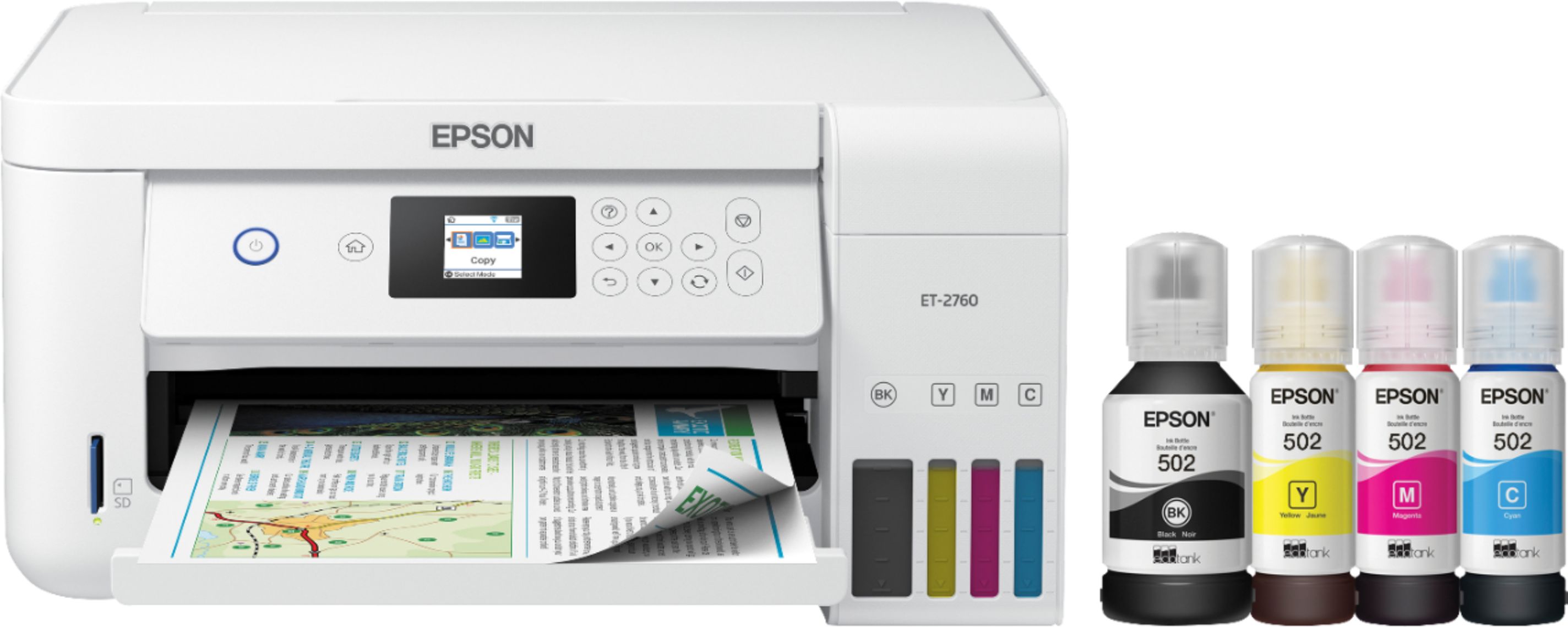
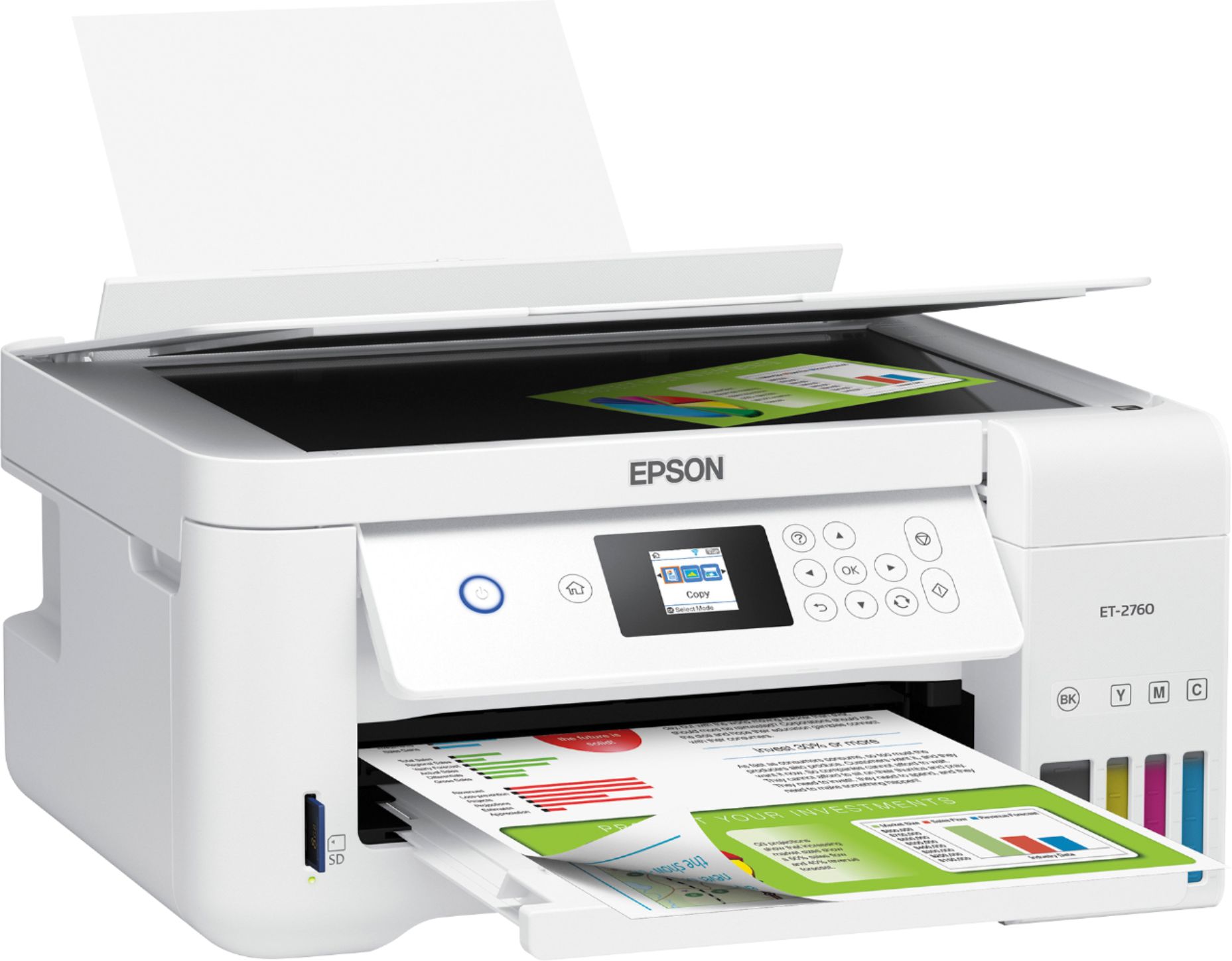
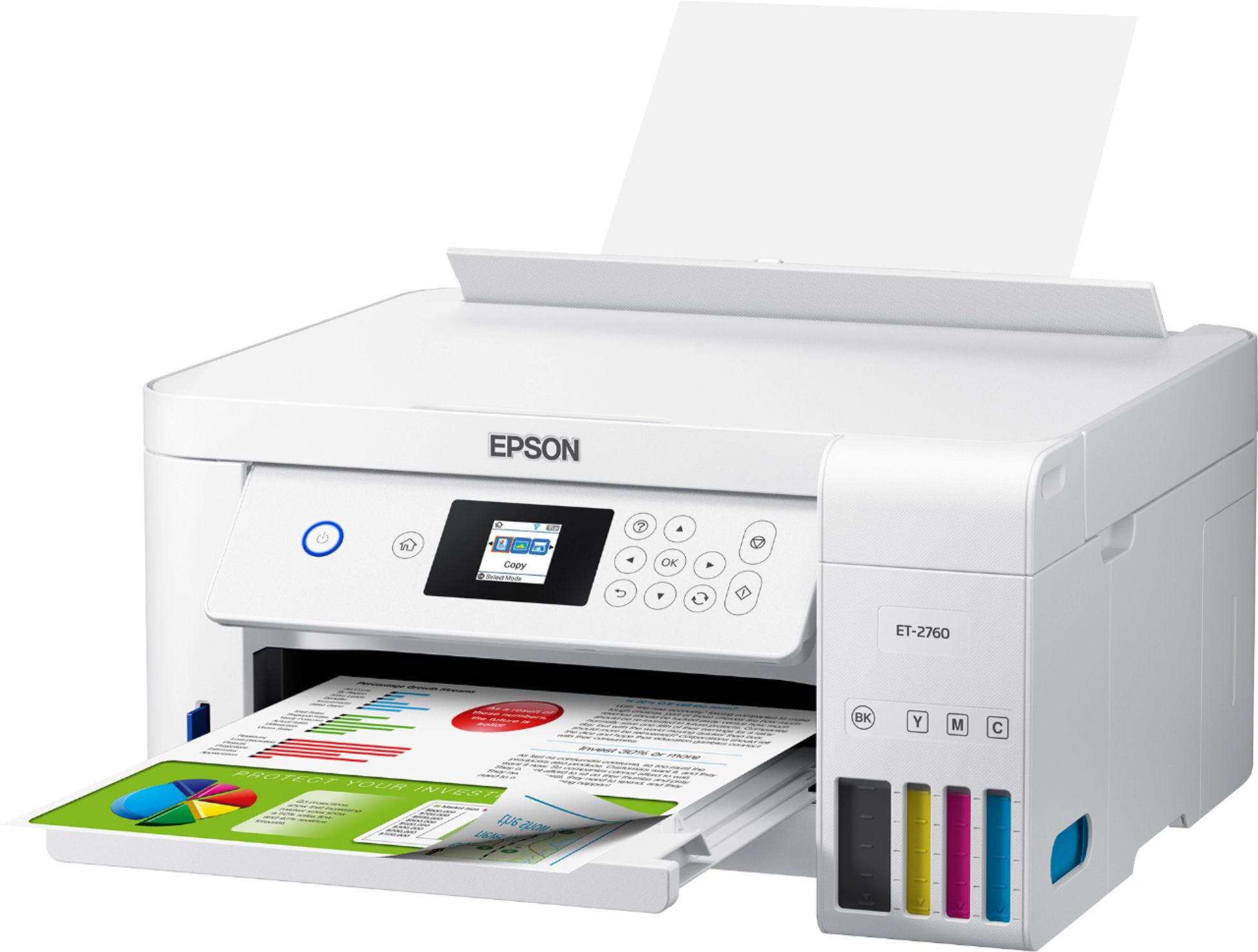
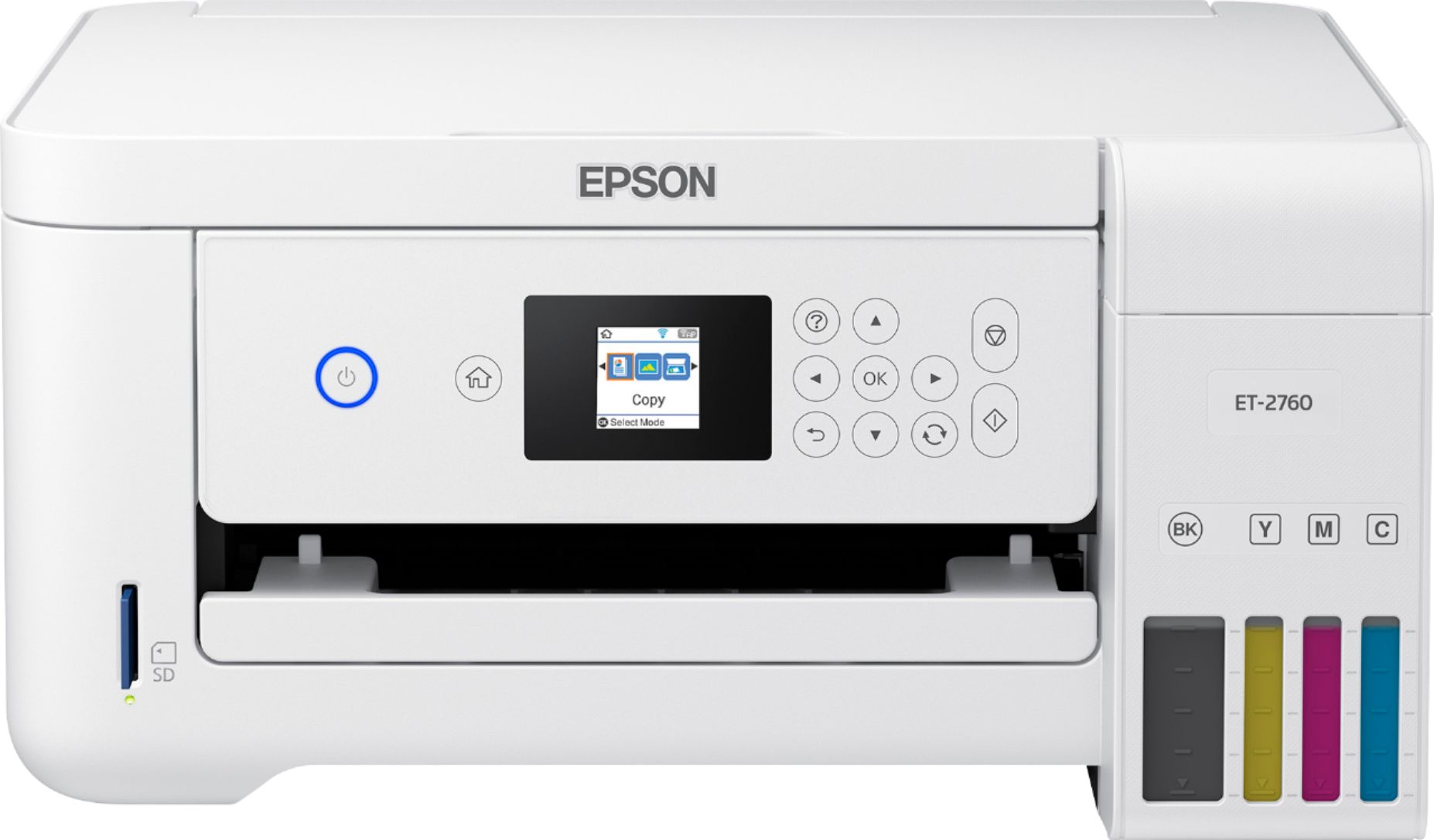
- ECOTANK ET-2760 PRINTER C11CG
- SKU:
- 6347458
Rating by feature
- Value
Rating 4.4 out of 5 stars
- Quality
Rating 4.5 out of 5 stars
- Ease of Use
Rating 4.4 out of 5 stars
Customers are saying
Customers enjoy the EcoTank ET-2760's high-quality prints and user-friendly design, frequently praising its ease of use and setup. The printer's compact size is also a plus for many users, along with its wireless connectivity options and affordable price. However, some customers have reported concerns about the printer's reliability and noise level during operation.
This summary was generated by AI based on customer reviews.
SETUP AND SCREEN ARE HORRIBLE
||Posted . Owned for 3 weeks when reviewed.This reviewer received promo considerations or sweepstakes entry for writing a review.This is possibly the worst setup imaginable with a tiny tiny screen. If you want a low price this looks good, however its usability is questionable--due to the crappy screen and 270 page manual. It is too late for me to return, but I would if I could, and would warn others who want to get their "best buy" to get a better printer!
No, I would not recommend this to a friendBrand response from Epson
Posted .Hello JohnS, we're sorry to hear you were not satisfied with your ET-2760. Epson takes into consideration all feedback to improve the performance and quality of our products. If we can help you with anything else, our support team can be reached by phone at (562) 276-4382; Hours: Monday - Friday, 7 am - 4 pm PT. Hopefully, we can assist you with a future product. Sincerely, Sam - The Epson Team.

not good for me
||Posted .This reviewer received promo considerations or sweepstakes entry for writing a review.had too many problems with this printer. had to buy another one of a different brand
No, I would not recommend this to a friendBrand response from Epson
Posted .Hi Archer, we're sorry to hear about the trouble you had with the ET-2760 printer. Epson takes into consideration all feedback to improve the performance and quality of our products. We'll forward this information to the appropriate department for review. If we can help you with anything else, our support team can be reached by phone at (562) 276-4382; Hours: Monday - Friday, 7 am - 4 pm PT. Hopefully, we can assist you with a future product. Sincerely, Sam - The Epson Team.
- Cons mentioned:Reliability
another printer bites the dust
||Posted . Owned for 10 months when reviewed.This reviewer received promo considerations or sweepstakes entry for writing a review.Printer stopped working right after warranty expired
No, I would not recommend this to a friendBrand response from Epson
Posted .Hello, we're sorry to hear about the scanner issue that you had experienced. Your ET-2760 printer includes free lifetime technical support. Please allow us to assist by contacting our support team by phone at (562) 276-4382; Hours: Monday - Friday, 7 am - 4 pm PT. We look forward to hearing from you. Kind Regards, Sam - The Epson Team.
not great results for my home use
||Posted . Owned for 3 weeks when reviewed.This reviewer received promo considerations or sweepstakes entry for writing a review.not happy with it scans from I photo are compromised. and the agent answering an Epson chat to help me install on my computer was a member of a company who scammed me and still has access to my computer through trojans left remotely in my computer. installing is still incomplete, I believe. I wish I had purchased a more expensive model
No, I would not recommend this to a friendBrand response from Epson
Posted .Hi Sarah, thank you for sharing your experience with the Epson ET-2760. Your EcoTank printer includes free technical support for the life of the product. If you've been asked to pay for technical support, please go to www.epson.com/support/fraud to learn how to file a complaint against the company that charged you. Our Advanced Support Team can be reached directly at 1-800-241-5794 between 7 am - 4 pm (PT), Monday - Friday. Sincerely, Bobby D. - The Epson Team.
Worst Printer Ever
||Posted . Owned for 10 months when reviewed.This reviewer received promo considerations or sweepstakes entry for writing a review.This printer is by far the worst. It always says that there is no paper in the feeder when there is. Also it now doesn't work. Whenever I turn it on the screen appears black and says some codes that I makes no sense and there is no way of getting rid of it. Do not purchase this product it will just be a waste of money.
No, I would not recommend this to a friendBrand response from Epson
Posted .Hi Selina, we're here to help, and our support team would like to hear more about the issues that you've encountered. Your EcoTank ET-2760 includes a 1-year Limited Warranty, plus free lifetime technical support. Our support team can reached by phone at (562) 276-4382, Monday - Friday, 7 am - 4 pm PT; or by email at https://epson.custhelp.com/app/ask/p_model_name/Epson%20ET-2760. We look forward to hearing from you. Sincerely, Bobby D. - The Epson Team.
Frustrated at 70 years old
||Posted . Owned for 3 weeks when reviewed.This reviewer received promo considerations or sweepstakes entry for writing a review.Connecting and installing this printer was way over my head! I had to ask a friends husband to help and it took him hours to complete. Now my images of the print are so fuzzy I can't read them. Now I don't know how to correct it! Why does this printer cause me sure frustration?
No, I would not recommend this to a friendBrand response from Epson
Posted .Hello Howell, we're sorry to hear about your frustration with the ET-2760 printer. Epson takes into consideration all feedback to improve the performance and quality of our products. Epson provides useful information, including FAQs and self-help tools, on the product support web page at https://epson.com/Support/Printers/All-In-Ones/ET-Series/Epson-ET-2760/s/SPT_C11CG22203#questions. Additionally, your Ecotank printer includes a 1-year Limited Warranty, plus free lifetime technical support. If you need any assistance, our Epson Support Team would be happy to help you and can be reached at (562) 276-4382; Hours: Monday - Friday, 7 am - 4 pm PT; Sincerely, Sam - The Epson Team.
Ink Printer
||Posted . Owned for 4 months when reviewed.This reviewer received promo considerations or sweepstakes entry for writing a review.DIdn't like it. Returned it. Too hard and too expensive with the ink.
No, I would not recommend this to a friendBrand response from Epson
Posted .Hello MsPacMan, we're sorry to hear you were not satisfied with the EcoTank ET-2760 printer. Epson takes into consideration all feedback to improve the performance and quality of our products. If we can help you with anything else, our support team can be reached by phone at (562) 276-4382 or by email at https://epson.custhelp.com/app/ask/p_model_name/Epson%20ET-2760; Hours: Monday - Friday, 7 am - 4 pm PT. Hopefully, we can assist you with a future product. Sincerely, Bobby - The Epson Team.
Poor choice for a six page a month family like us
||Posted . Owned for 2 weeks when reviewed.This reviewer received promo considerations or sweepstakes entry for writing a review.We never even opened the box. Salesman said it was a great economical printer. I bet it is but not for a extremely low volume family like us. The reviews I read said it would load up some sponge inside and stop working. I'm thinking a low capacity HP would be better, they have the printhead on the cartridge. Now I got 25 bonus points. :)
I would recommend this to a friendBrand response from Epson
Posted .Hi Charlie, thank you for sharing your thoughts on your Epson ET-2760 printer. Customer feedback is very important to us. We will forward your feedback to the relevant Epson department, as we are always looking to make future Epson products better. If you have questions, feel free to call our Epson Support Team at (562)276-4382; Hours: Monday – Friday, 6am – 8pm PT; Saturday, 7am – 4pm PT. Hopefully we can assist you with a future product.
Sincerely,
Bobby — The Epson Team
Don't Buy!!
||Posted .This reviewer received promo considerations or sweepstakes entry for writing a review.This printer did not work. It continually said that it was offline, yet no other device was. It also would say that my paper was not the correct kind for two sided printing. Best Buy did replace and the 3760 works much better.
No, I would not recommend this to a friendBrand response from Epson
Posted .Hello Steve, we're sorry to hear you were not satisfied with the ET-2760 printer. Epson takes into consideration all feedback to improve the performance and quality of our products. If you need assistance, our EcoTank printers include free lifetime technical support, and our Advanced Support Team can be reached at 1-800-241-5794 between 7 am - 4 pm (PT), Monday - Friday. Sincerely, Bobby - The Epson Team.
not happy
||Posted .This reviewer received promo considerations or sweepstakes entry for writing a review.sorry I got this printer. I cannot get it to print. The window box is hard to read and confusing. came with no instuctions for problems or general question of use and no usb cord to try to see if it will work that way. cannot get it to print, although it says I am connected to wifi.
No, I would not recommend this to a friendBrand response from Epson
Posted .Hi epsonprinter, we're sorry to hear about the trouble you're having with the initial setup. Your ET-2760 printer is backed by a 1-year limited warranty and includes free tech support for the product's life. Please allow us to assist by calling our Advanced Support Team at 1-800-241-5794 between 7 am - 4 pm (PT), Monday - Friday. You can also find useful information in the FAQs at https://epson.com/Support/Printers/All-In-Ones/ET-Series/Epson-ET-2760/s/SPT_C11CG22203#questions to address most issues with the Epson software and connectivity. Sincerely, Epson - The Epson Team.
- Pros mentioned:Print quality, Size

OK Printer
|Posted .This reviewer received promo considerations or sweepstakes entry for writing a review.Disclaimer: I received this item for free in exchange for my honest review of the product. Pros: The Eco Tank. This thing (supposedly, obviously I can't have tested the longevity of the ink yet) can hold up to 2 years of ink in one tank! I scoped the ink refills out in a couple of different stores, and it seems like ink-wise this guy is definitely a good deal - the refills were much less than the ink cartridges for my old Canon printer Wireless. This is my first time using wireless printing in my own home (my parents have a wireless printer and we use one at work, though, so I'm not new to the technology) and I love it. I recently moved and my living room is still a mess and full of boxes, and my desk is not set up; it is so nice that I could hook up this printer and not have to make space to hook up my laptop to print! I can be in my room or on the couch and print something without connecting wires, which is a huge plus. All-In-One. Always a plus to be able to copy and scan documents in addition to printing! Small size. It's definitely a compact printer, which is great for small spaces like my studio apartment! Set up. The set up was a breeze! Straightforward and clear directions were included! Just make sure to read very closely about what plastic coverings to remove and what not to remove because I nearly removed a vital part of the insides because I didn't pay close attention! Cons: Print quality. Maybe it's because I use cheap, recycled printer paper, but contrary to what others have said, the print quality for me was subpar. There were ink smears in the corners, and despite running the set up and head alignment set up, I still get better, clearer prints on my older Canon ink jet. I was wanting to print some recent pictures I took on photo paper with this printer, but I don't think I'm even going to bother, I'll just use my other printer. I also ran into paper feeder problems, where it was refusing to accept the paper into the feeder and print, even though it was inserted correctly. I'm going to continue to mess around with settings and see if I can get better results. I will say the quality is still decent, just not as clear and crisp as I would expect from a printer with these specs and this price point.
No, I would not recommend this to a friend - Pros mentioned:Print quality
An affordable alternative to cartridge printing
|Posted .This reviewer received promo considerations or sweepstakes entry for writing a review.I've owned numerous Epson printers in my three decades of personal computing use and am glad that Epson has innovated their ink tank technology into the lower priced consumer field. FIRST IMPRESSIONS Set up was far more lengthy than just popping in assorted cartridges and then printing your first page or image. I carefully followed the instructions and the overall set up took roughly 15 minutes (10 of which was taken up by the printer charging up the system with ink). I was not in a hurry so this did not bother me in the least. I did top off the ink tanks with the remaining ink in the bottles which added a few more minutes. INSTALLATION NOTES Aside from some confusing on what the screen was asking me to do to the printer, I found the installation to be smooth if not fast. The screen on the printer is really small and the clarity of what button to push next was just a bit questionable - a bigger screen would have made the symbols larger to see and easier to understand. Wifi set up was a breeze until I had to actually enter the password - small screen - allowing so much space between alphanumeric inputs on the screen had me thinking I was adding a space somehow between the inputs. I was not but the screen made it look that way. After understanding the quirk of the system, the printer found and accessed the wireless network of choice without fail. The main computer found the printer and installed the necessary drivers. Additional computers also found the network and installed drivers without issue - all of these were windows machines. An iphone also found the printer without question. USAGE POINTS Unlike the pictures on the box that show a very intense color to each tank, that was not the reality. They all looked pretty much the same so visually checking ink levels was not as easy as it seemed. You can still check to see the fill level from outside of the case, but it would have been nice if maybe the tanks could have been backlit with an LED light. Printing speed was not a problem nor was it remarkable. This is an average consumer printer with a novel resolution of those expensive ink cartridges COST OF REPLACEMENT INK According to the printer box information, you SHOULD get around 7,000 black and 5,000 color pages printed out of the ink that installs on day one. Usage will vary and there is also the factor of having to clean print heads should you be used to only printing a few pages per month. Epson says there is 2 years of ink included. However, I wanted to know how these "bottles" of ink compare to "cartridges" so I shopped the Best Buy site and found that these bottles are EXTREMELY cost effective: BLACK - 502 - $19.99 CYAN - 502 - $13.99 (also magenta 502 and yellow 502 same price). This looks to be a very value oriented purchase with minimal cost to refill ink - so if you are going to have to clean print heads anyway, you are wasting less expensive ink than with a cartridge printer. CLOSING THOUGHTS This is an extremely nice printer with some up front time investment that produces excellent quality print on even cheap paper and the images printed on coated paper were equal to other Epson printers (which are themselves above average). Considering that you'll save money over the life of the printer, you are doing yourself a favor by investing upfront on the hardware and 2 year ink instead of those cheap and worthless ink jet printers with low entry price but outrageous cartridge refill prices. The more you use this, the more you'll save in the long haul!
I would recommend this to a friend dissatisfied buyer
||Posted .This reviewer received promo considerations or sweepstakes entry for writing a review.Very slow, below average quality. Wouldn’t buy it again
No, I would not recommend this to a friendBrand response from Epson
Posted .Hello, thank you for your feedback on the Epson ET-2760. We'll forward this information to the relevant department to help improve the quality and performance of our future products. If we can help address issues with print quality or anything else, your EcoTank printer includes free lifetime tech support, and our support team can be reached at (562) 276-4382 between 7 am - 4 pm (PT), Monday - Friday. You can also contact Epson Support by email at https://epson.custhelp.com/app/ask/p_model_name/Epson%20ET-2760. Once again, thank you. Sincerely, Bobby - The Epson Team.
- Pros mentioned:Print quality
EcoTank is EcoNomical
|Posted .This reviewer received promo considerations or sweepstakes entry for writing a review.This printer is an AIO (All-In-One) printer that can print, copy and scan. It has a small front panel (non-touch screen) for controlling the printer. Paper tray capacity holds up to 100 sheets of plain paper or up to 20 sheets of photo paper. My #1 favorite feature, and the reason I selected this particular printer, is that it has an auto-duplexer for two-sided printing. This makes for a real money saver by spending less money on paper. It has a flatbed scanner and can hold letter-sized paper. There is a slot for a memory card (SD) to print pictures. This is a great feature since you don’t need to use your computer to print pictures. The second reason I chose this printer is because it comes with plenty of ink, and since I don’t print a lot it will last a long time without needing more ink added. You pour the ink into the tanks, replacing only what you need. You can view the ink tanks on the front of the printer to see which colors are getting low. I only fill each tank with what I think I will be using within the month, since I don’t use the printer every day. In doing this, I feel I save on the ink drying out like it has in the past with cartridge ink on other machines I have had. This does not have an Ethernet port to connect to a computer directly. However, it does have a USB-B port (square hole) to connect directly to your computer. Personally, I use it with the WiFi, so I really don’t see any need for this. It prints black and white documents rather quickly and the same can be said for color prints. Printing photos does take a bit longer, but since it is a photo it is understandable. This is not the best printer for printing photos, but it does a decent job. Scanning is very good. It scans documents with a crisp look to the text and pictures have good sharp colors. It is interesting that you can use Alexa with the printer. I have not done anything with that yet, but definitely plan to try it sometime in the future, such as printing my to-do list and/or my grocery list. This is a great printer for home use.
I would recommend this to a friend Dissatisfied
||Posted . Owned for 2 weeks when reviewed.This reviewer received promo considerations or sweepstakes entry for writing a review.The printer did not function properly with the computer.
No, I would not recommend this to a friendBrand response from Epson
Posted .Hello te7777777, we're here to help, and our support team would like to hear about the issues you've experienced. Your EcoTank ET-2760 printer is backed by a 1-year Limited Warranty and includes free lifetime technical support. Please contact us by phone at (562) 276-4382 or by email at https://epson.custhelp.com/app/ask/p_model_name/Epson%20ET-2760; Hours: Monday - Friday, 7 am - 4 pm PT. Kind Regards, Bobby - The Epson Team.
The Epson ET 2760 wasnt what expected
||Posted . Owned for 1 week when reviewed.This reviewer received promo considerations or sweepstakes entry for writing a review.Return the ET 2760 was inferior to info found on researching online Epson just doesn't measure up to even my older HP printer Sorry wont purchase a Epson at all
No, I would not recommend this to a friendNot copy right after a month & a update.
||Posted .This reviewer received promo considerations or sweepstakes entry for writing a review.Will not copy in landscape and will not print double sided.
No, I would not recommend this to a friendBrand response from Epson
Posted .Hello Furst, thank you for your feedback on the Epson ET-2760. We're would like to hear more about the issues that you've encountered with copying and printing. Your EcoTank printer includes free lifetime technical support, and our support team can be reached by phone at (562) 276-4382, Monday - Friday, 7 am - 4 pm PT; or by email at https://epson.custhelp.com/app/ask/p_model_name/Epson%20ET-2760. We look forward to hearing from you. Sincerely, Bobby D. - The Epson Team.
ET- 2760 PRINTER PROBLEMS
||Posted . Owned for 8 months when reviewed.This reviewer received promo considerations or sweepstakes entry for writing a review.This printer has had a problem since I set it up. EPSON has been NO help. The tech from EPSON couldn't fix it. It now displays a error code and the Tech couldn't clear it. So npw the printer is useless. The printer was purchased 13 months ago.
No, I would not recommend this to a friendBrand response from Epson
Posted .Hi Mygusto, thank you for taking the time to write this review on the Epson ET-2760. We're really sorry to hear that you have encountered an error code that could not be fixed. Your printer includes free lifetime technical support. If there is anything else we can help you with, you can contact our Advanced Support Team directly at 1-800-241-5794 between 7 am - 4 pm (PT), Monday - Friday. Once again, thank you. Sincerely, Kevin - The Epson Team.
Capitan Beyond
||Posted .This reviewer received promo considerations or sweepstakes entry for writing a review.This printer is a piece of junk. Every time I print something, the print is horrible. I locked at Consumer Reports and they consider this printer junk also. I should have looked at CR before I decided to buy this printer.
No, I would not recommend this to a friendBrand response from Epson
Posted .Hello HoChiMinh, we're sorry to hear about the print quality issues you've encountered with the ET-2760. Your business is important to us, and we're here to help. Please reach out to our Advanced Support Team directly at 1-800-241-5794 between 7 am - 4 pm (PT), Monday - Friday. We look forward to your call. Sincerely, Kevin - The Epson Team.
- Pros mentioned:Print quality
Good but not good enough
Posted .This reviewer received promo considerations or sweepstakes entry for writing a review.Epson ET-2760 Eco Tank Printer Note: This is MY personal opinion after using the ET-2760 about 3 year. MY biggest complaint with this printer is the “menu system” 1. The display window is entirely too small which, does not allow for text characters that are large enough to read without difficulty. 2. When setting up this printer to be wireless, no ethernet port, you have to figure out how to navigate the absolute worst text input screen I have ever worked with I my 30+ years in the desk top computer industry. 3. Paper path: the paper is loaded nearly vertically in the back of the printer holding 250 +/- sheets of paper. OK but cheap. My previous “ET” printer had a paper tray underneath the printer where one could insert nearly half a ream of paper. If Epson wasn’t so darn cheap, they would left the paper underneath the printer and increase the holding capacity to a full ream of paper. 4. I only wish that the ET printer(s) weren’t the only/best printing “tank” printers on the ”shelf”. I would consider buy the competition next time just to see if I like it better. 5. Then there is the scanning software. The software should be rewritten. It really is less than wonderful. It needs better “direction”, meaning that it’s not very intuitive. Yes, it does what you need it to do but lacks user friendly functionality. Does not follow the industry standard, Mac or Windows, when it comes to selecting the folder where you want your scanned documents to be saved. All the settings are there but you are forced to use multiple windows to access all the settings. There is plenty of room on my 15” MacBook Pro to have all the settings in a single window. 6. The scanner hardware is what it is. As with all low-end printer/scanners it’s relatively slow. The higher the resolution, the slower the scan. I have both a ET-2760 (glass bed only) and a ET-4760 with an Automatic Document Feeder and they are both slow in my opinion. 7. Stripping: why does a $300.00 +/- printer in 2022 “stripe” if not used for several days to a week. My ET-2760 started striping pictures and background colors about 6-8 weeks after I bought it. The resolution is to “clean the nozzles” which wastes lots of ink. This purges dried ink from the face of the nozzles and thus temporarily stops the striping. I have had to run a nozzle cleaning about every 6 weeks. In closing let me say that although I have only listed the negative aspect of the ET-2760 I must say that it does produce quality output. I use the 2-sided print feature every week to print the bulletin for my church as well as for some larger documents I print from time to time. While typing the previous paragraph, I realized that I was very critical of the point that I don’t like and although the text input feature, and the “micro screen” is used very infrequently, I do feel that it is somewhat less than “user friendly”. Epson needs to have an application that reliably runs from the computer desk top, Mac and Windows, and thus control all the functions of the printer. I have yet to locate one on the Epson website as of the review. It is truly sad to think that a printer, and subsequently the company, that rates a review like this is the best tank printer on the market in its price range. CONCLUSION: With all the out sourcing to 3rd world countries these days, Epson could address the issues I have noted without increasing the consumers cost much at all. If they spend time & money redesigning a printer paper part from underneath the printed to the back of the printer they could have used the same time & money to fix real problems/issues that would make the printer of better use to the consumer.
No, I would not recommend this to a friend