Customer Ratings & Reviews




- Model:
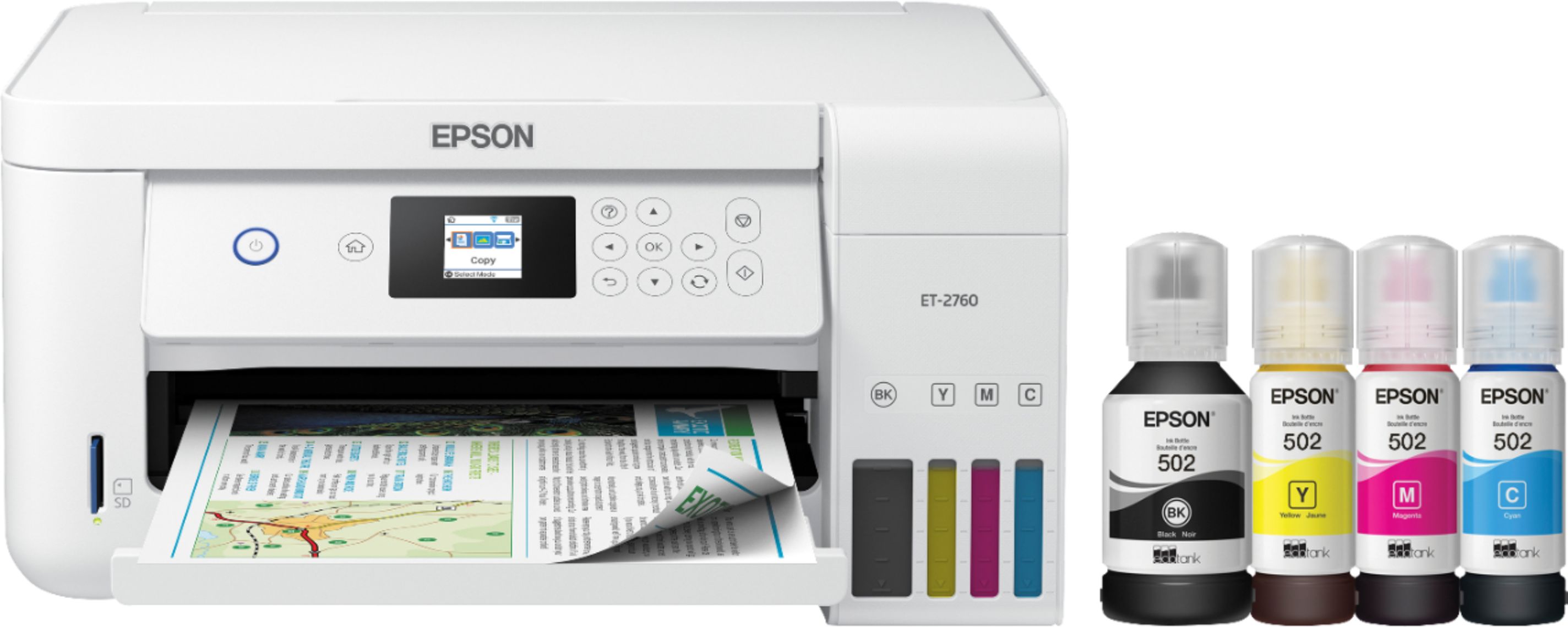
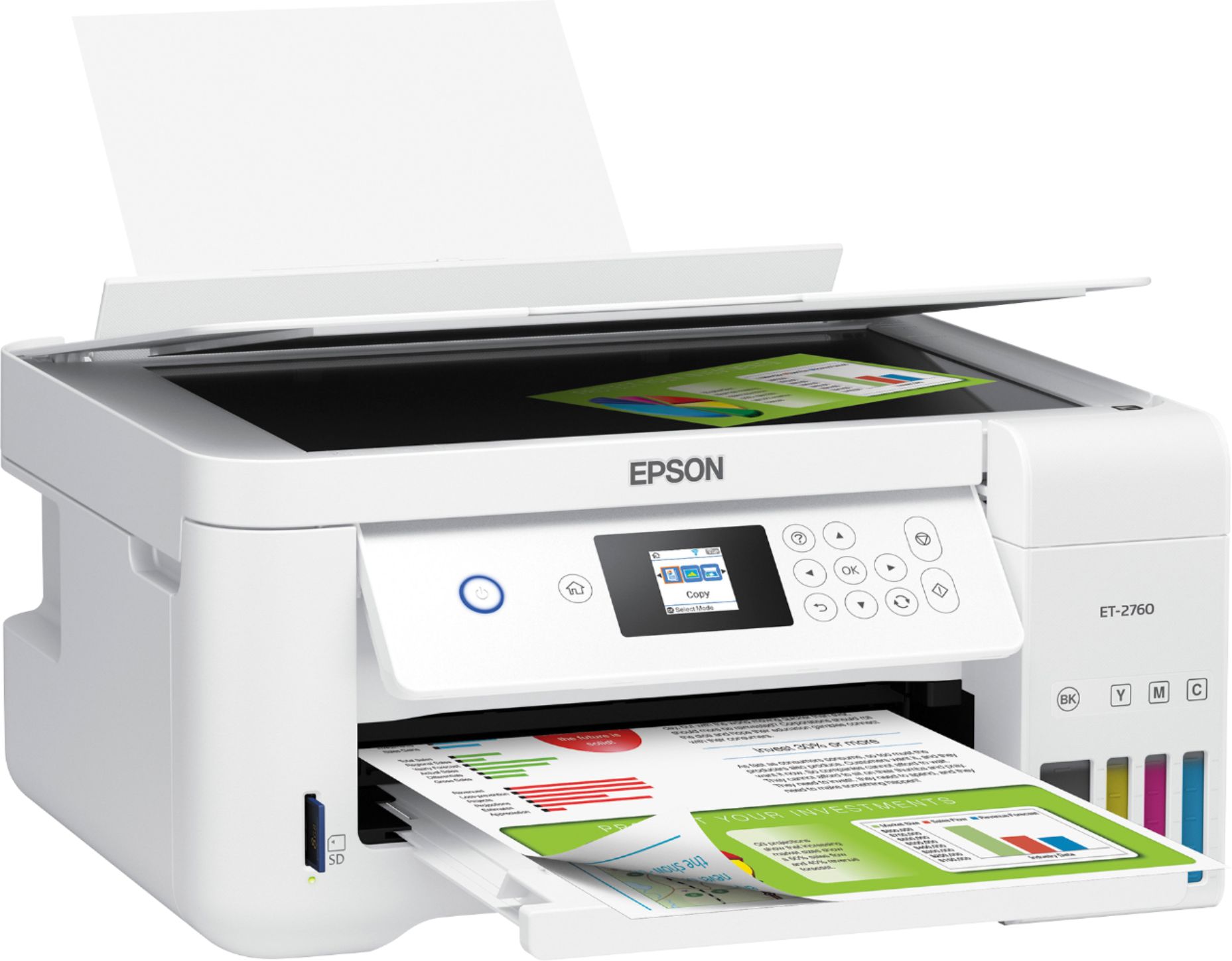
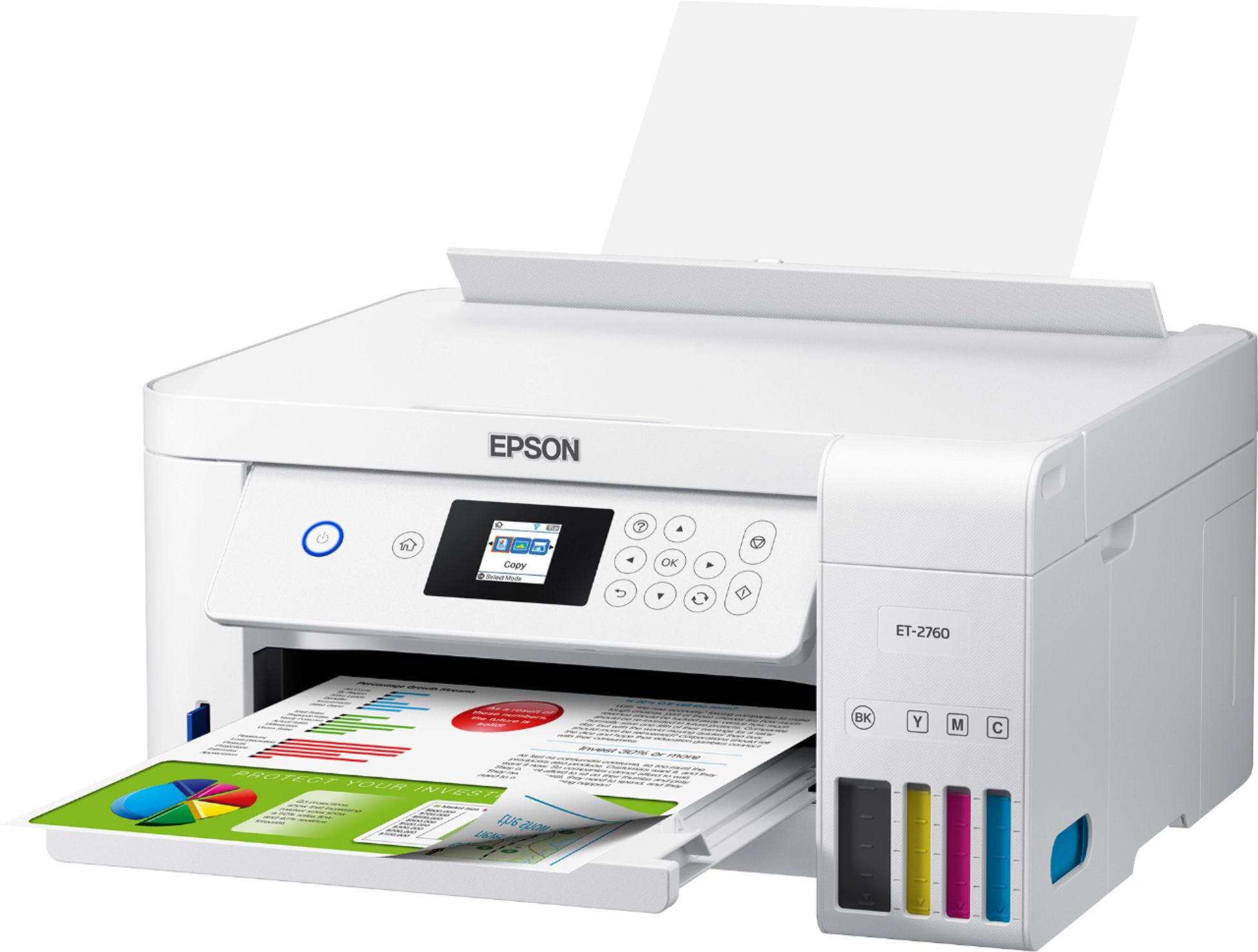
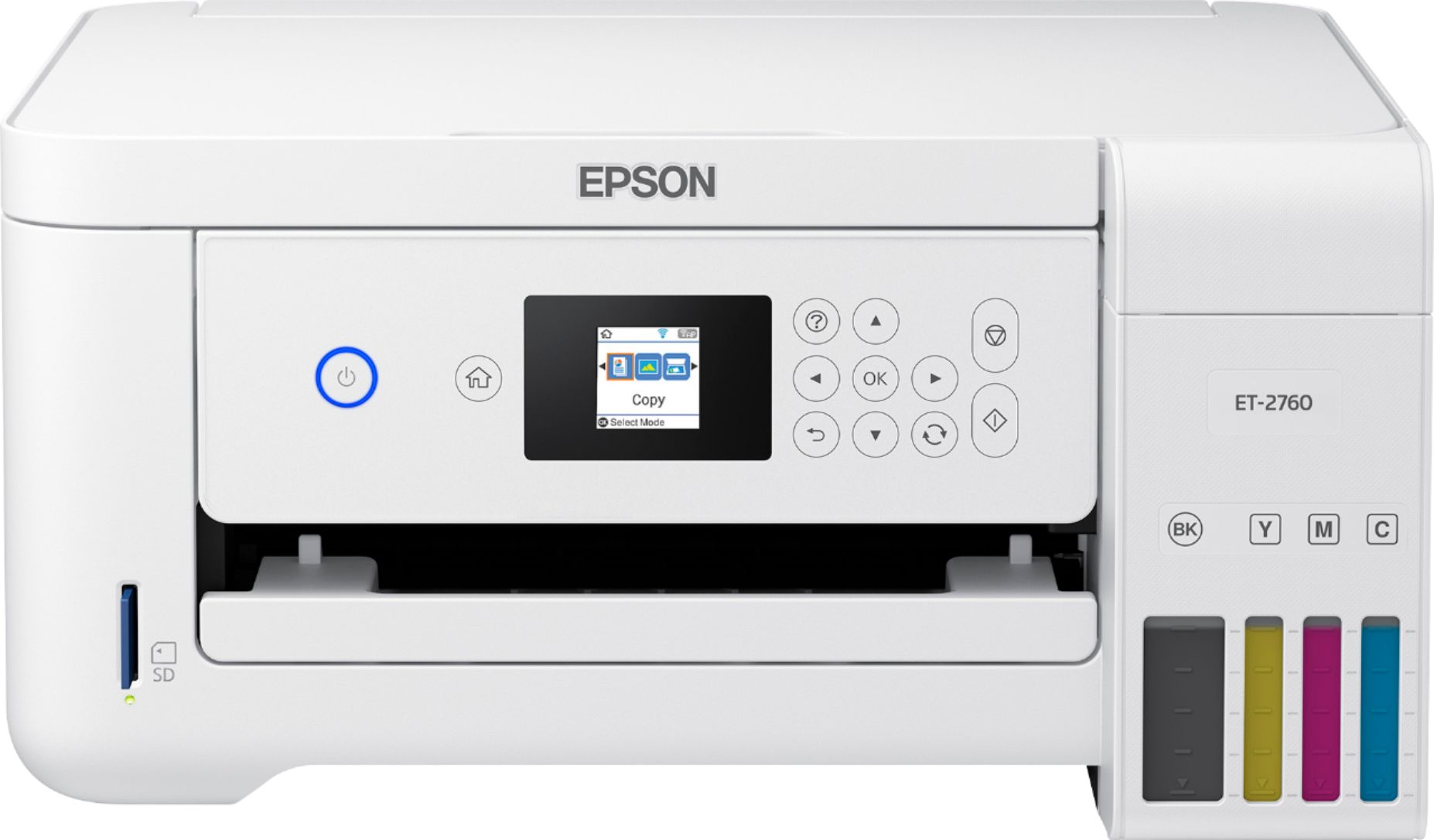
- ECOTANK ET-2760 PRINTER C11CG
- SKU:
- 6347458
Rating by feature
- Value
Rating 4.4 out of 5 stars
- Quality
Rating 4.5 out of 5 stars
- Ease of Use
Rating 4.4 out of 5 stars
Customers are saying
Customers enjoy the EcoTank ET-2760's high-quality prints and user-friendly design, frequently praising its ease of use and setup. The printer's compact size is also a plus for many users, along with its wireless connectivity options and affordable price. However, some customers have reported concerns about the printer's reliability and noise level during operation.
This summary was generated by AI based on customer reviews.
DO NOT BUY EPSON
||Posted . Owned for 1.5 years when reviewed.This reviewer received promo considerations or sweepstakes entry for writing a review.DO NOT BUY THIS PRINTER! THIS IS MY SECOND ONE IN LESS THEN TWO YEARS. EPSON WOULD NOT HELP WITH THE SECOND ONE! THE PAPER WILL NOT FEED. EXACT SAME PROB AS THE FIRST ONE......DONT BUY EPSON!
No, I would not recommend this to a friendpoor software conection
||Posted . Owned for 8 months when reviewed.This reviewer received promo considerations or sweepstakes entry for writing a review.This model has problems with Wi Fi connection. Need to install and reinstall once and again. When I call customer service, the person sent me to the web page for assistance.
No, I would not recommend this to a friendBrand response from Epson
Posted .Hello ecoarias, we sincerely apologize for the disappointing experience that you had encountered with our customer support team. Your EcoTank ET-2760 comes with a 1-year Limited Warranty and free lifetime technical support. Please give us another chance to assist by calling our Advanced Support Team directly at 1-800-241-5794 between 7 am - 4 pm (PT), Monday - Friday. We hope to hear from you soon. Kind Regards, Bobby D. - The Epson Team.

- Pros mentioned:Print quality, Setup
Great with one exception
Posted .This reviewer received promo considerations or sweepstakes entry for writing a review.I go through peaks and valleys with my printing and I can't tell you how many times I've had to run to the store in order to buy a truly nightmare inducing cartridge. So right off the bat I'm excited that this printer has up to two years of ink included in the box. Plus the replacement ink bottles are about the same as one ink cartridge and it'll last way longer. As someone that often needs to print things, especially in color, I'm beyond excited. Setting it up is fairly easy. One thing that irked me was there was no USB connecting cable included in the box, that seems like it needs to be standard for me because wifi doesn't always work. There is a slot for it and luckily I just took one from my old printer and didn't have to go get one. I was really nervous about filling the ink tank up, I was so prepared for a spill. But there was nothing! The bottles won't dispense ink until they're locked in which was a big relief. That was the most nerve inducing part for me and it ended up being the easiest. The included directions flyer is clear and easy when it comes to basic setup. The only problem I've had with it is that there are about nine different ways to connect this thing to the internet and the only one that doesn't work for me is the one on the sheet. I'm running Sierra OS and no matter how many times I install the driver, it still won't pop up like it does of the sheet of instructions. So right now there's just one computer I can't print from without sitting down and trying to figure out the problem. But, this is why there has to be a USB cable included with the product, so the printer is still usable when wifi is down. (I'm not sure how much it is but it's an essential purchase in my opinion) I've printed about 250 pages since then (black ink) and haven't seen any real drop in the levels yet which is exciting. (The biggest pro in my opinion is that the ink level is clearly visible on the front of the device so you always know the ink level and there's no more surprises about low ink.) Overall, I really like this printer. I think the pros far outweigh the cons, especially when it comes to cost of ink. This is a review for the Epson EcoTank ET-2760 All-In-One SuperTank Printer that I received free of charge to do a beta test and review.
I would recommend this to a friend - Pros mentioned:Print quality

Print on forever!
|Posted .This reviewer received promo considerations or sweepstakes entry for writing a review.The Epson's ET-2760 printer is a multitasking compact printer that's wireless, makes copies and scans. If your the average consumer you probably cringe at the thought of having to replace one or more of your expensive ink cartridges. It seems like every time I change one of my cartridges and I print a few pages, my ink levels indicate low. Enter the Epson EcoTanks series! The manufacturer claims that replacement ink bottles will yield 7,500 pages of black prints, and 6,000 pages of color prints. That's a lot of prints. This by far is the best selling point of this product! I love this printer! The printer was easy to set up, as the enclosed start up guide was well written and easily followed. The printer is supplied with ink bottles and filling the tanks was effortless and yielded no spills or drips. A very nice filling system. During my testing of this printer, I put it through the paces of printing documents as well as some of my favorite photographs. I found the printed material to be super crisp with no visible smudges. The printing of my color photographs was a little slow, but not any slower than any other color printer that I have utilized in the past. In my opinion, colors were true to life. No dealbreaking complaints here. I found it cumbersome that the paper tray is only accessible from the rear of the printer. The tray pulls out from the back, meaning that if you locate your printer on a shelf or close to a wall, you will be forced to move your printer forward to reload a stack of paper. Pros: ****All-in one printer ****Fast printing. ****Connectivity options ****Nice quality color and black and white prints ****Easy set up ****Mess free ink filling ****Approximately 2 years of ink allows plenty of printing Cons ****Paper loads from the rear of the printer The burning question: Is this the right product for you and is it on my recommended list? Most definitely YES! I'm very happy with the printer as I think I'll be printing for a very long time.The output quality of this printer is awesome. Crisp clear documents are the norm. You'll be quite satisfied with this purchase.
I would recommend this to a friend - Pros mentioned:Print quality
Great printing, lotsa ink!
|Posted .This reviewer received promo considerations or sweepstakes entry for writing a review.I got this printer right before I headed to a livestock conference. As a member of the conference committee, I knew I would need to make lots of copies, print receipts and more. I slid the printer out of the box and took about ten minutes to get it set up. Wow! That is a lot of ink that it holds! I really like the ink system on this printer and think it is ideal for someone who prints a lot of color copies or who wants to save money. Or both! The instructions for adding the ink were very clear and I accomplished this without spilling a drop. The screen display on the front of the printer does angle upward so that it is easier to see from above. However, the print size is pretty small (this knocked off part of the fifth rating star). There are symbols on the screen which indicate which button you are to push for a desire outcome, but the symbols are so small that I had to put my face really close to see which symbol they were. This could be solved by increasing the screen size by 20 or 30% . The screen is ALMOST large enough. Also note that this is not a touch screen. On printing, the printer was fast and quiet and made good quality. I do not like the paper supply feed, which was another factor lowering my overall rating. the paper 'stands up' at the back of the printer. I live and work in humid areas, so while I was using the printer, the paper began drooping over the support within three hours. This could be solved by having a support that actually supports the entire width of the paper. On the other hand, it will be easy to yank out the blank paper, insert envelopes, and print envelopes. Overall, I think the high capacity printer ink will prove to be an outstanding feature. Some low cost tweaks will make the next version even better.
I would recommend this to a friend DO NOT BUY!
||Posted . Owned for more than 2 years when reviewed.This reviewer received promo considerations or sweepstakes entry for writing a review.The worst printer I have ever owned. Worked less than 3 months. Epson Customer Service is nonexistent. Will never buy another Epson product.
No, I would not recommend this to a friendCouldn't get it to install properly
||Posted . Owned for 4 months when reviewed.This reviewer received promo considerations or sweepstakes entry for writing a review.I was never able to install this on my wireless network, and found the instructions difficult. I returned it for a refund and replaced it with a Canon that was less expensive and has worked well for me.
No, I would not recommend this to a friendBrand response from Epson
Posted .Hello Mike, thank you for sharing your experience with the Epson ET-2760. We're so sorry for the issues that you had encountered with the Wi-Fi setup. We'll forward your feedback to the relevant product team for review. If we can help you with anything else, our support team can be reached by phone at (562) 276-4382 or by email at https://epson.custhelp.com/app/ask/p_model_name/Epson%20ET-2760; Hours: Monday - Friday, 7 am - 4 pm PT. Hopefully, we can assist you with a future product. Sincerely, Bobby D. - The Epson Team.
Poor printer
||Posted . Owned for less than 1 week when reviewed.This reviewer received promo considerations or sweepstakes entry for writing a review.Horrible printer! I only had it 4 months thank God I had Geek Squad protection had to return it went back to HP. IF I could get away with giving it "no stars "I would have.Poor quality
No, I would not recommend this to a friendBrand response from Epson
Posted .Hello BBGirl, we're very sorry for the disappointing experience that you had encountered with the Epson ET-2760. If you ever need assistance again, your EcoTank ET-2760 includes free lifetime technical support, and our support team can be reached by phone at (562) 276-4382 or by email at https://epson.custhelp.com/app/ask/p_model_name/Epson%20ET-2760; Hours: Monday - Friday, 7 am - 4 pm PT. Your business is important to us, and we're here to help. Sincerely, Bobby - The Epson Team.
Don't buy it
||Posted . Owned for 2 months when reviewed.This reviewer received promo considerations or sweepstakes entry for writing a review.Only 2 months and i have to print 5 o 6 pages to get a "good" one ..... I have wasted my money and can't return it what a shame.... for that price could be better printers out there...
No, I would not recommend this to a friendBrand response from Epson
Posted .Hello Ykpl, we're sorry to hear you're having trouble with the Epson ET-2760. Your EcoTank printer is backed by a 1-year Limited Warranty and includes free lifetime technical support. Our support team would like to hear about the issues you're experiencing and can be reached by phone at (562) 276-4382 or by email at https://epson.custhelp.com/app/ask/p_model_name/Epson%20ET-2760; Hours: Monday - Friday, 7 am - 4 pm PT. We hope to hear from you soon. Sincerely, Bobby - The Epson Team.
Returned printer and bought another one
||Posted . Owned for 1 month when reviewed.This reviewer received promo considerations or sweepstakes entry for writing a review.very disappointed with this printer. Photos came out lack luster and the screen is much too small for old eyes.
No, I would not recommend this to a friendBrand response from Epson
Posted .Dear Turtle, we apologize for the disappointing experience that you've encountered with the Epson ET-2760. Your EcoTank printer includes free lifetime technical support and our support team can be reached at (562) 276-4382 between 7 am - 4 pm (PT), Monday - Friday. We're here to help. Sincerely, Bobby D. - The Epson Team.
- Pros mentioned:Ease of use, Print quality
Great, eco-friendly printer that does so much more
Posted .This reviewer received promo considerations or sweepstakes entry for writing a review.I was anxious to set up my new printer and assumed that it would be quick and painless to do so. Well, it was very easy to unbox it and remove all of the contents. Setting it up did not prove to be the easiest thing that I have ever done. Be sure that you have a great deal of time set aside in order to set it up because it took me a lot longer than anticipated and I'm pretty tech savvy. I was setting it up on an iMac. Trying to get it to connect wirelessly was a pain and I almost just looked for a USB cord because of the problems I was having. I finally got it connected to my wireless internet. Before I get to all of that, I should say that I really like the idea of the ink bottles instead of cartridges. It claims that you will be able to use what is included in the box for 2 years so we will see how that goes. Filling the ink was easy and painless. I like how it is better for the environment than throwing out a bunch of cartridges. I looked online and the replacement bottles don't seem to be that expensive either. It is not marketed as a photo printer but I was able to print photos that were pretty good. I found that it was especially easy to set it up to print from both my iPhone and my iPad. Setting up the Chromebook wasn't that difficult either, although a bit more to it than the phone and iPad. It also has voice activated printing but I have not used that. It prints very quickly and the colors look nice and vibrant. I did have one issue where I was trying to print something and it hung up. I could not get it to work without cancelling the print job and powering the printer on and off and then trying to print again. All in all, I would say that I would recommend this printer. It scans, copies and prints and does an especially great job of printing from your phone or other mobile devices. Just be prepared for a longer set-up process and have some patience. This is a review for the Epson EcoTank ET-2760 All-In-One SuperTank Printer that I received free of charge to do a beta test and review.
I would recommend this to a friend - Pros mentioned:Print quality
Outstanding ink jet color printer!
|Posted .This reviewer received promo considerations or sweepstakes entry for writing a review.Setup is quick and easy for Epson EcoTank ET-2760 All-in-One Supertank multifunction color ink jet printer. I have configured the printer with PC using USB cable as well as Wi-Fi printing. I have downloaded the software and driver from Epson site and installed the same. This printer have lot of great features. It has 1.44” of diagonal display with 4 individual ink tanks configuration. It is wireless ready and supports Apple Airprint, Google Cloud print etc. This printer has max copying speed of 7.7 ppm (mono) and 3.8 ppm (color) with 400% document enlargement. It has automatic duplex printing feature. It came with 4 ink bottle (black, cyan, magenta and yellow). It supports max printing resolution of 5760x1440 dpi (mono) and 5760x1440 dpi (color) with max printing speed of 10.5 ppm (mono) and up to 5 ppm (color). This printer is using Epson Micro Piezo Inkjet technology. For document & media handling, It supports A4 and Legal paper sizes. Input tray can hold 100 sheets and output tray hold up to 30 sheets. It has printer / copier and scanner functions. For scanner, it supports up to 1200 x 2400 dpi optical resolution and 9600 dpi interpolated resolution. It comes with 2 year warranty with registration. It is an excellent and revolutionary product. It has easy to fill, supersized ink tanks with 2 years of ink in the box The print and scan quality is outstanding and it prints / scans really fast as well. I am using this printer every day for my kids school work for print, copy and scan features. I have printed more than 300+ pages already and it is working perfectly.
I would recommend this to a friend Do not buy
||Posted . Owned for 1 year when reviewed.This reviewer received promo considerations or sweepstakes entry for writing a review.Worst printer I have ever purchased. Paper jams as soon as I purchased. I followed all recommendations and still an issue. Unable to use it.
No, I would not recommend this to a friendNot worth it
||Posted .This reviewer received promo considerations or sweepstakes entry for writing a review.This was really cheap feeling and It had no paper tray only a slot in the top , I just packed it back up and sent it back for this price it was cheap feeling
No, I would not recommend this to a friendBrand response from Epson
Posted .Hi kvdulley, we apologize for the disappointing experience that you had encountered with the ET-2760 printer. Epson takes into consideration all feedback to improve the performance and quality of our products. If we can help you with anything else, you can reach our support team at (562) 276-4382 between 7 am - 4 pm (PT), Monday - Friday. Hopefully, we can assist you with a future product. Sincerely, Sam - The Epson Team.
Outstanding value.
|Posted .This reviewer received promo considerations or sweepstakes entry for writing a review.Color inkjets have been around for many years and the start-up cost is low. You can buy an inexpensive color inkjet for less than $50, but once you run out of the inks, it will cost you, and most of the time, dearly. This is how the manufacturers make money. The ink cartridges of the older models were not less expensive than the newer ones but the newer models had the electronic chip in them that communicates to the printer. Sometimes the ink was not even empty and the printer stopped working. (It makes sense because you do not want the printheads to dry out.) And yet to buy another one will cost you more than a decent meal at a restaurant. Buying a whole set of typically four colors could cost you as much is a week grocery!) So people started to drill a hole and refilled the ink cartridges with third-party bulk ink. Sometimes it works, but most of the time it doesn't because the chip still reports that it is empty. There are ways of getting around it by replacing the chip or resetting it. This is not a fax machine. Stop right here if you want to use it as one. Epson was the first company that came out with this printer. Instead of ink cartridges, it presents you with the typical four-color tanks. When you set it up, you simply pour the ink into these tanks and each bottle usually holds about 70 cc (or more) and it will last a long time on an average use. Canon followed with their own line of Supertank printers and they are economical to use. It truly is "an investment" to buy at first because for exactly the same printer that has a similar capability and function is far cheaper but in a long run, the user will save a lot of money, if you print a lot, that is. The set up was easy. While you should be knowledgeable about computers, the software made it easy to follow the instructions. You must read the poster that lists 29 steps and follow them exactly. Do nothing until you have read the "start here" poster. The printheads are already in place and do not have to be installed – basically you would remove all the protective tapes which hold things in place then you fill the tank with inks. It comes with one set of inks again they are in bottles and are marked. The good thing about this model is that the tip of the ink bottle is made to fit a particular color. Think about it - if you pour the wrong color into the wrong inkwell, the printer is ruined. So Epson changed the design so the tip of the bottles will only fit correctly into the correct color. The moment you inserted the tip into the reservoir, the ink started to drip. Don't squeeze the bottle to make it go faster. Since the tubes and the heads have to be primed (because it comes empty), the bottle has more than enough ink to completely fill the wells so keep an eye on that because you don't want to overdo it. It uses 1/5 amount to prime the tubes and the printheads and it takes 10 minutes and a little color LCD screen will guide you. I choose to install this printer wirelessly. The software is at http://www.epson/com/support/et2760 The website recognizes automatically which operating system you are using. You have two options for the network to recognize the printer. You can press the little button on the router once the printer is in the search mode or you can use a USB cable connected to the computer that you are trying to set this up on a temporary basis so the computer will recognize it. (This printer does not come with that.) And it would do is usual test print and it will ask you to do the head alignment which is very important to do. It will print little boxes and you choose which one looks better and you enter that into the little keypad. Pay attention carefully when you do this. Fortunately it could be redone if you make a mistake here. I was extremely happy when I found out that this printer could do duplex printing. The initial setting for the printer makes loud noises when it prints. There is a "quiet mode." That you could turn on and it prints a little slower but with much less noise. There is a little memory card slot in the front to the left which you can insert a card from your camera. It worked. You can choose from the little LCD screen and go from there. One thing I wanted to make sure that it works because Epson advertises this printer, along with the others that it can be printed remotely. You need to download (mine is Android) two apps. One is Epson Print Enabler App, and the second is Epson iPrint. (After Print Enabler App is installed, I didn't see any "run" button to start it, nor was I able to print anything until I read the review on Google Play Store that Epson iPrint is needed, too.) When the printer is set up for the network, Epson software allows you to link it to the cloud account and it will generate an email address for this particular printer. You can change the name because the name the computer generates is just a bunch of random characters. It will be [email protected]. Anything that is sent to that address will be printed by the printer as long as it is on. BTW, while this printer has a sleep mode, it's not completely off (the power light is on.) If you turn it off, it won't wake up if there is something sent to it. I took a picture of the street (wi-fi off) and I could indeed print from my phone remotely. I think this printer is perfect for home use and for a tiny office and especially for a college student. The paper tray holes only 100 sheets. There is no auto-feed for the scanner. Lastly, just like many inkjet printers, you could set a slight delay for each print once it is printed. This is important when you do the duplex job because the paper is flipped onto the other side and if the paper is a copier paper, it may not have enough time to dry so a slight delay (I put 10 seconds for mine) will add more time to the print job but nothing will smear. Is it a good buy? For the price, absolutely YES!!!!
I would recommend this to a friend- Pros mentioned:Ease of use, Print quality
The best wireless all in one printer
Posted .This reviewer received promo considerations or sweepstakes entry for writing a review.I know it may look like just a simple wireless all-in-one printing device, but there’s something really special about the Epson ET 2760. It works – every feature and every function works exactly as described. Installation was very simple. The touch screen on the printer itself walks you through each step. It was also simple to setup wireless networking and it found my home network quickly and connected without an issue. I configured my Windows 10 machine. My windows machine found the printer on the network automatically. I never had to download anything extra, and my computer were able to print immediately. Print quality is really good. We were using plain copy paper at first which yielded rather impressive photos, all things considered. Few features of ET 2760 Ink cartridges are high quality, reasonably priced and they last. It comes with 4 full capacity cartridges that I’ve printed dozens of pages with in full color, and my ink levels are still reasonably high. Print quality – Described as laser quality – I have to say they nailed it. Printing from mobile – either by the Epson iPrint app. you can print full-sized docs from your mobile device. I set this up in minutes via the Epson app – really nice interface for Android, and really effective. Auto 2-side printing – for super efficient paper conservation Wi-Fi direct – cool if you don’t have a wireless network or want a more secure way of printing. You can also connect via USB and go off network, or even print via NFC while in Wi-Fi Direct mode. Pros: - Simple operation and installation - Good quality printing - Ink cartridges seem to be well priced, and high capacity versions are available. “This is a review for the Epson EcoTank ET-2760 All-In-One SuperTank Printer that I received free of charge to do a beta test and review.”
I would recommend this to a friend Poor printing quality
||Posted . Owned for 1 month when reviewed.This reviewer received promo considerations or sweepstakes entry for writing a review.The ink is very light on paper and hard to see from the first time ever used right out of the box.
No, I would not recommend this to a friendBrand response from Epson
Posted .Hi Unhappy, we are sorry to hear that you are having issues with your Epson printer. Based on your description, the issue is most likely related to print settings. You can find information, including on tips on how to choose the best print settings and paper for your printing needs, in the product FAQs at https://epson.com/Support/Printers/All-In-Ones/ET-Series/Epson-ET-2760/s/SPT_C11CG22203#faq-8796127537228. If you need further assistance, your EcoTank ET-2760 includes free technical support for the life of your product. Please reach out to our Epson Support Team for assistance at (562) 276-4382; Hours: Monday – Friday, 6am – 8pm PT; Saturday, 7am – 4pm PT.
Sincerely,
Bobby – The Epson Team
- Pros mentioned:Print quality
Finally An Ink Jet Printer that I’m Happy to Own
|Posted .This reviewer received promo considerations or sweepstakes entry for writing a review.I’ve used ink jet printers for many years and have always considered them very frustrating because of the high cost of ink and the inconvenience of having to replace ink cartridges too often. They have sometimes become so frustrating that at times I have stopped using them altogether. They are often considered throw away items. Some manufacturers have recently tried to reduce the frustration by having automatic odering of cartridges but none have fundamentally addressed the ink usage problem as well as Epson. The Epson ET-2760 is a 4 tank ink jet multi-function printer that uses real ink. Setup is easy; all you do is pour the ink into the cartridges. To test the printer, I printed both text and photos. I went to a graduation recently and took about 1000 photos. From the 1000, I decided to print about 100 full page photos on the Epson. Normally, I would not even consider this since the print cost would be too high and I would likely face problems like banding or paper feeds along the way. The ET-2760 had no problem at all with these 100 photos and only seemed to use about 10% of the ink in the tanks! The quality of the prints was excellent; not as good as the very best photo printers but certainly good enough for framing. If you are looking for an ink jet printer that is reliable and almost never seems to run out of ink, I highly recommend the Epson ET-2760.
I would recommend this to a friend Very poor. Can I give it no stars?
||Posted .This reviewer received promo considerations or sweepstakes entry for writing a review.Can't read the screen. It is way too little. Can only scan or copy one sheet at a time. I can't believe you make, market or sell them. Can we trade ours in without a hassle?
No, I would not recommend this to a friendBrand response from Epson
Posted .We're sorry to hear you were not satisfied with your Epson printer. Epson takes into consideration all feedback to improve the performance and quality of our products. Your EcoTank ET-3760 includes free technical support for the life of your product, so if you’d like help, feel free to contact us at (562) 276-4382; Hours: Monday – Friday, 6am – 8pm PT; Saturday, 7am – 4pm PT.
Kind Regards,
Bobby D. – The Epson Team
Bad printer
||Posted . Owned for 1 month when reviewed.This reviewer received promo considerations or sweepstakes entry for writing a review.The colors it prints are way off. It leaves smudges and lines on my printouts. I’ve contacted customer service and still the same problem.
No, I would not recommend this to a friendBrand response from Epson
Posted .Hello EpsonEcotank, we apologize for the disappointing experience you had with our customer support and the ET-2760. Your business is important to us, and we're here to help. Epson provides information in the FAQs at https://epson.com/Support/Printers/All-In-Ones/ET-Series/Epson-ET-2760/s/SPT_C11CG22203#faq-8796127537228 to help you troubleshoot most problems with print quality. Your EcoTank printer also includes free lifetime tech support, so if you need further assistance, our Advanced Support Team can be reached at 1-800-241-5794 between 7 am - 4 pm (PT), Monday - Friday. Sincerely, Kevin - The Epson Team.