Customer Ratings & Reviews




- Model:
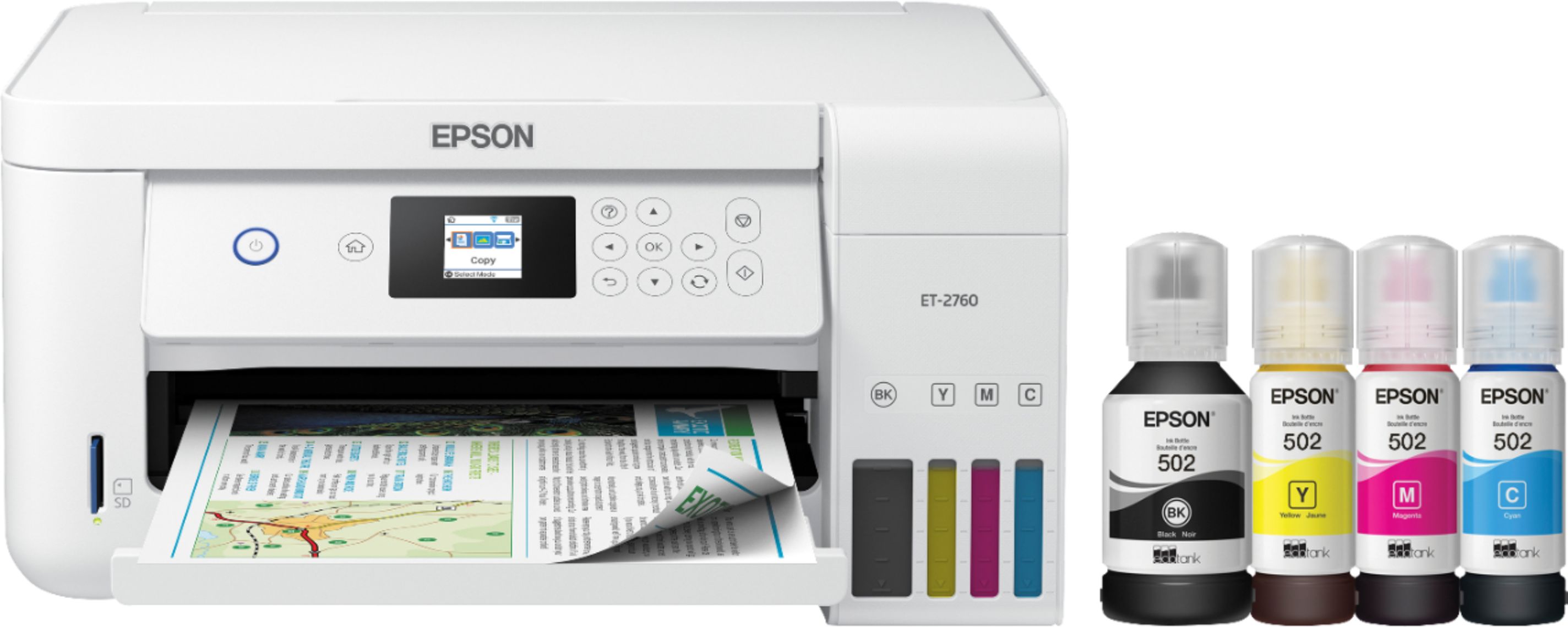
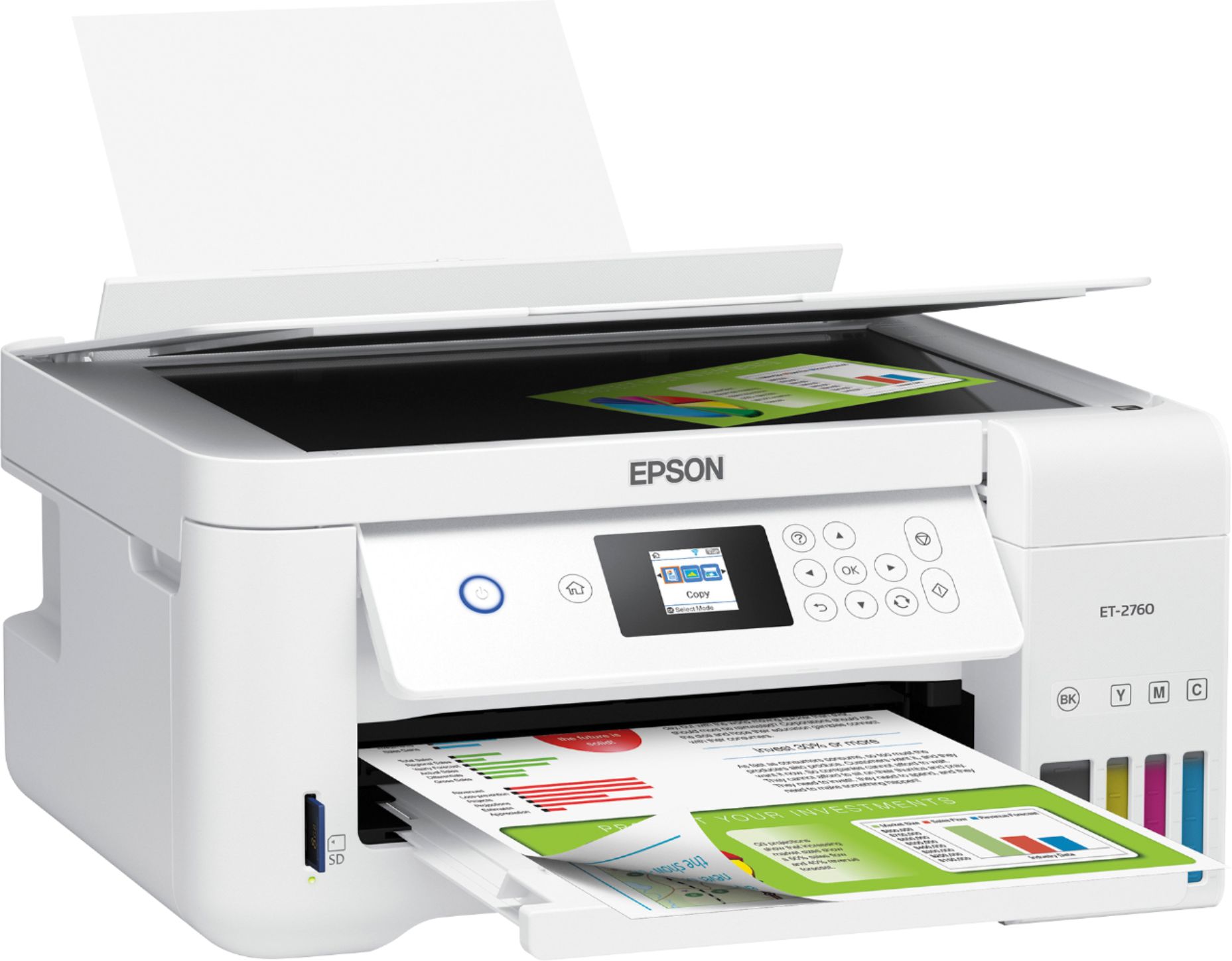
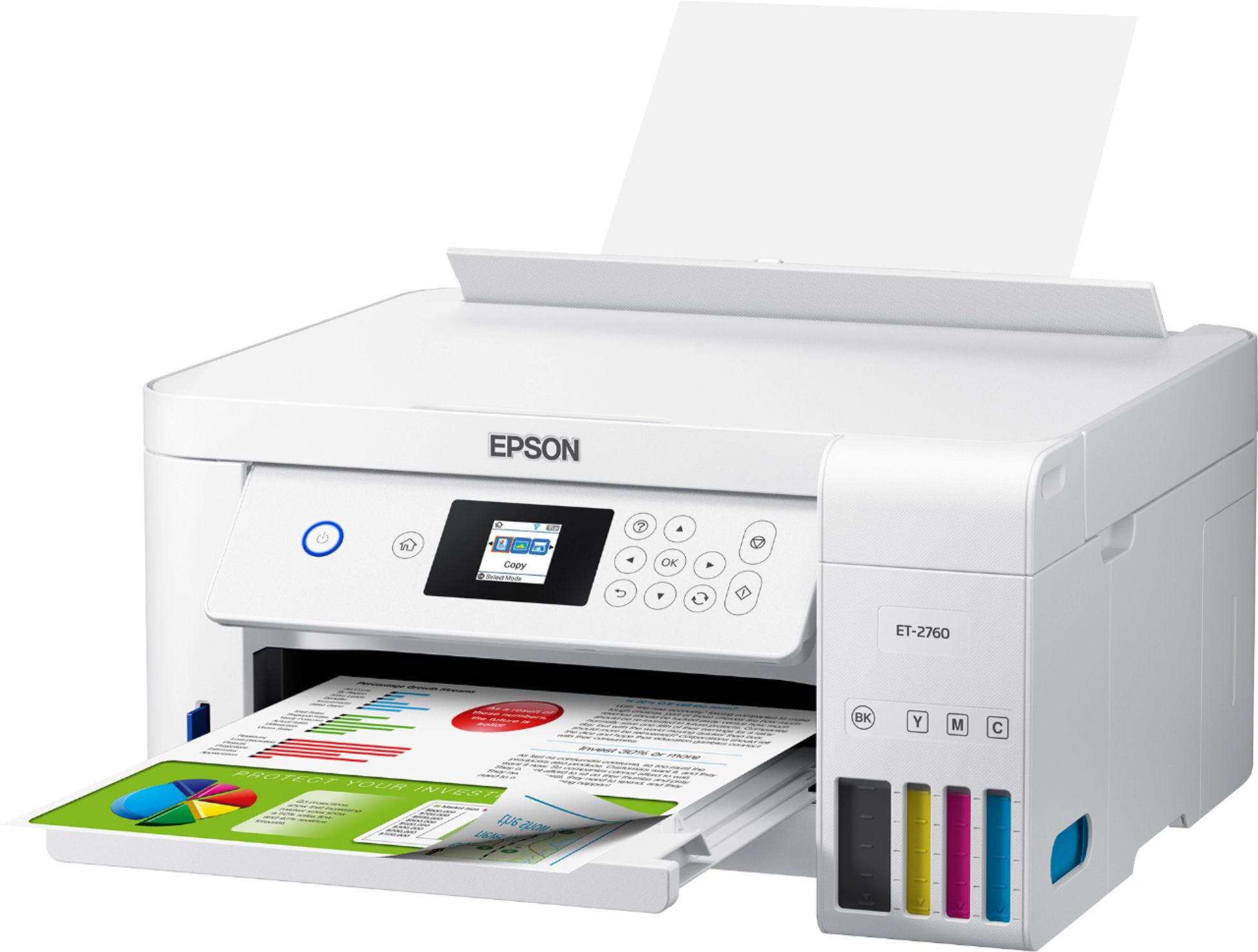
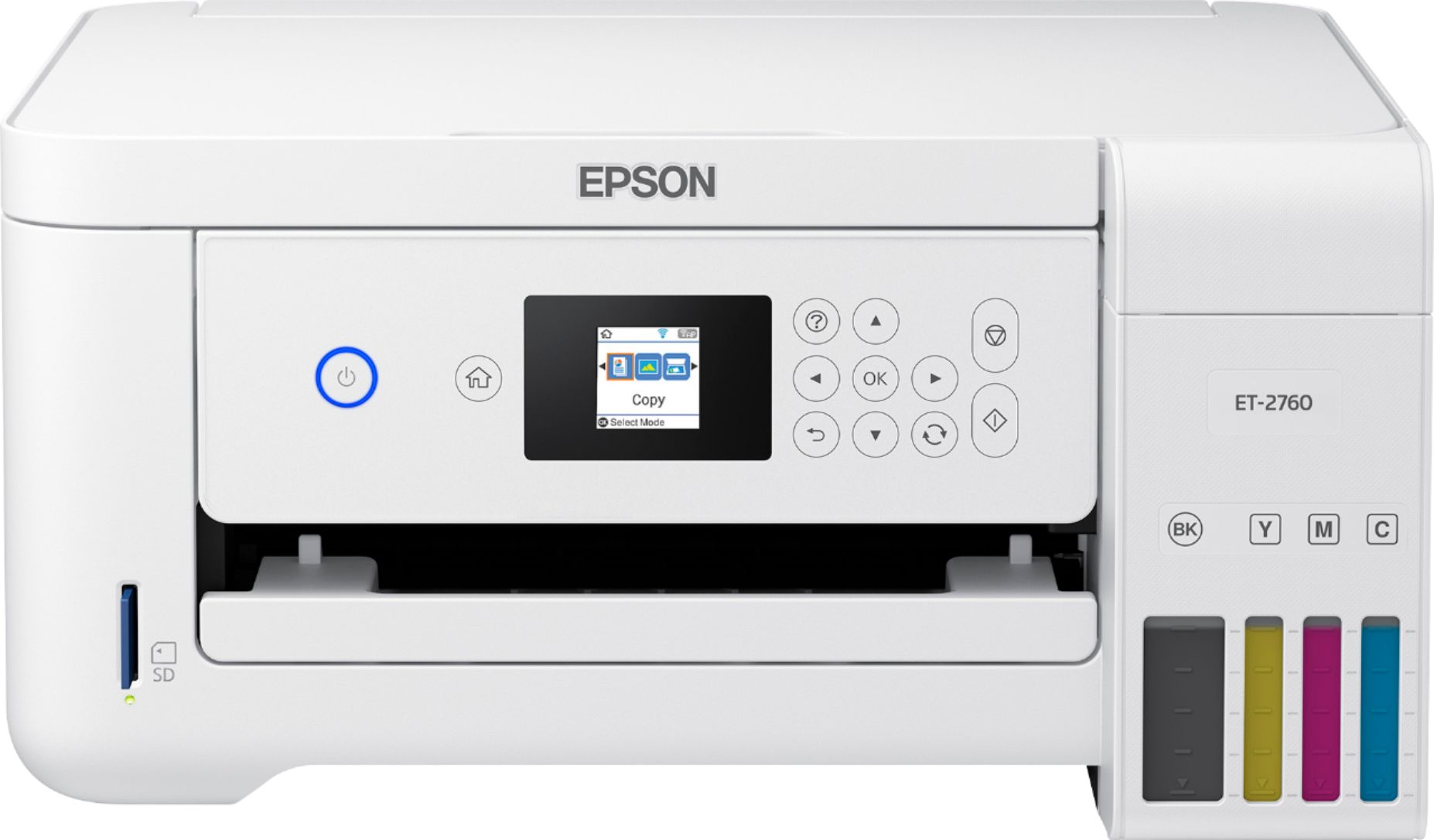
- ECOTANK ET-2760 PRINTER C11CG
- SKU:
- 6347458
Rating by feature
- Value
Rating 4.4 out of 5 stars
- Quality
Rating 4.5 out of 5 stars
- Ease of Use
Rating 4.4 out of 5 stars
Customers are saying
Customers enjoy the EcoTank ET-2760's high-quality prints and user-friendly design, frequently praising its ease of use and setup. The printer's compact size is also a plus for many users, along with its wireless connectivity options and affordable price. However, some customers have reported concerns about the printer's reliability and noise level during operation.
This summary was generated by AI based on customer reviews.
Colors stop working black and white printer
||Posted . Owned for 1 year when reviewed.This reviewer received promo considerations or sweepstakes entry for writing a review.Printer stopped working after a year. Colors wont work and yes i used branded ink. on the phone with customer service.
No, I would not recommend this to a friendBrand response from Epson
Posted .Hello CruzLeo, we're sorry to hear about the colors not working with the ET-2760 printer. Epson takes into consideration all feedback to improve the performance and quality of our products. Epson provides useful information, including FAQs and self-help tools, on the product support web page at https://epson.com/Support/Printers/All-In-Ones/ET-Series/Epson-ET-2760/s/SPT_C11CG22203#questions. Additionally, Your EcoTank printer includes a 1-year Limited Warranty, plus free lifetime technical support. If you need assistance, our Epson Support Team would be happy to help you and can be reached at (562) 276-4382; Hours: Monday - Friday, 7 am - 4 pm PT; Sincerely, Sam - The Epson Team.

Horrible printer
||Posted . Owned for 9 months when reviewed.This reviewer received promo considerations or sweepstakes entry for writing a review.It keeps breaking down and even if the ink is full the picture contrast is weak. DO NOT RECOMMEND
No, I would not recommend this to a friendTerrible
||Posted .This reviewer received promo considerations or sweepstakes entry for writing a review.Not sure if it’s the printer or paper but this printer with every paper that I’ve been using has been jamming.
No, I would not recommend this to a friendBrand response from Epson
Posted .Hello Guzman, we're sorry to hear about the paper jamming issue with the ET-2760 printer. Epson takes into consideration all feedback to improve the performance and quality of our products. Epson provides useful information, including FAQs and self-help tools, on the product support web page at https://epson.com/Support/Printers/All-In-Ones/ET-Series/Epson-ET-2760/s/SPT_C11CG22203#questions. Additionally, your Ecotank printer includes a 1-year Limited Warranty, plus free lifetime technical support. If you need any assistance, our Epson Support Team would be happy to help you and can be reached at (562) 276-4382; Hours: Monday - Friday, 7 am - 4 pm PT; Sincerely, Sam - The Epson Team.
Do not buy
||Posted . Owned for 3 months when reviewed.This reviewer received promo considerations or sweepstakes entry for writing a review.I’ve had so many problems with this printer that I don’t even bother with it anymore. A waste of $300 plus ink.
No, I would not recommend this to a friendBrand response from Epson
Posted .Hello Mimi89, we're sorry to hear about the disappointing experience you had with your ET-2760 printer. The EcoTank printer is backed by a 1-year limited warranty and includes free lifetime technical support. Additionally, Epson provides useful information on troubleshooting most problems, including FAQs and self-help tools, on the product support web page at www.epson.com/Support/Printers/All-In-Ones/ET-Series/Epson-ET-2760/s/SPT_C11CG22203#questions. If you need further assistance, our Epson Support Team would be happy to help you and can be reached at (562) 276-4382; Hours: Monday - Friday, 7 am - 4 pm PT; Sincerely, Sam - The Epson Team.
The worst Epson printer model ever
||Posted .This reviewer received promo considerations or sweepstakes entry for writing a review.This model (ET2760) only lasted 5 months. I didn’t even use 3/4 of the ink. This model is NOT worth buying.
No, I would not recommend this to a friendBrand response from Epson
Posted .Hello Jls18, we're very sorry for the disappointing experience that you've encountered. Your EcoTank ET-2760 is backed by a 1-year Limited Warranty and includes free lifetime technical support. Please give us a chance to help by calling our Advanced Support Team directly at 1-800-241-5794 between 7 am - 4 pm (PT), Monday - Friday. We look forward to your call. Kind Regards, Bobby - The Epson Team.
Had to return
||Posted . Owned for 3 weeks when reviewed.This reviewer received promo considerations or sweepstakes entry for writing a review.I had to return this printer due to the red and blue ink tank leaked ink all over the file cabinet and floor.
No, I would not recommend this to a friendBrand response from Epson
Posted .Dear Valued Customer, we're so sorry for the ink tank issues that you had encountered with the Epson ET-2760. Your feedback is important to us, and we'll forward this information to the relevant departments as we're always looking to improve future Epson products. If we can help you with anything else, our support team can be reached by phone at (562) 276-4382 or by email at https://epson.custhelp.com/app/ask/p_model_name/Epson%20ET-2760; Hours: Monday - Friday, 7 am - 4 pm PT. Once again, thank you. Bobby - The Epson Team.
- Pros mentioned:Print quality

Great compact printer & outstanding b/w quality
|Posted .This reviewer received promo considerations or sweepstakes entry for writing a review.The printer is pretty compact and features outstanding b/w text and image print quality. The color capabilities are not as vibrant but still very acceptable. The upright paper feeding stance allows for use of different paper thickness with never a jam or misdeed, so live this upright feeding position. Setup is pretty easy and straightforward. The “priming” is pretty slow and seems to use as much as 1/8 to 1/10 of your ink...not sure why the priming uses so much ink or takes so so long. But the bottles come with enough ink to top up your ink containers after the priming process is completed, so no harm. I have far I have printed a mixture of about 300 pages of both color and b/w text and some images. So far the ink has only dipped a bit in each container so very very excited and pleased with the potential for ink savings. This is a keeper for a great little printer which seems to be very easy to refill with no mess and extremely economical on your wallet for refill containers/bottles. The only negative is lack of an ADF.
I would recommend this to a friend Faulty product
||Posted . Owned for 3 weeks when reviewed.This reviewer received promo considerations or sweepstakes entry for writing a review.The printer kept would print occasionally, but mostly gave a printing error message so we brought it back.
No, I would not recommend this to a friendBrand response from Epson
Posted .Hello Noname2020, we sincerely apologize for the disappointing experience that you had with the Epson ET-2760. You feedback is important to us, and we'll forward it to the relevant departments for review. If we can help you with anything else, our support team can be reached by phone at (562) 276-4382, Monday - Friday, 7 am - 4 pm PT; or by email at https://epson.custhelp.com/app/ask/p_model_name/Epson%20ET-2760. Hopefully, we can assist you with a future product. Kind Regards, Bobby D. - The Epson Team.
toy printer
||Posted . Owned for 3 weeks when reviewed.This reviewer received promo considerations or sweepstakes entry for writing a review.could not connect to the devices. cheaply made was like a toy compared to my old cannon
No, I would not recommend this to a friendBrand response from Epson
Posted .Hello nonprinter, we appreciate your feedback, and we'll forward this information to the relevant department to help improve future Epson products. Your EcoTank ET-2760 printer comes with a 1-year Limited Warranty and free lifetime technical support. If you need assistance, our support team can be reached by phone at (562) 276-4382 or by email at https://epson.custhelp.com/app/ask/p_model_name/Epson%20ET-2760; Hours: Monday - Friday, 7 am - 4 pm PT. Kind Regards, Bobby - The Epson Team.
Poor quality
||Posted . Owned for 4 months when reviewed.This reviewer received promo considerations or sweepstakes entry for writing a review.The quality of photo prints was bad. Lines there pictures.
No, I would not recommend this to a friendBrand response from Epson
Posted .Hello mrswoo, your Epson ET-2760 includes free lifetime technical support, and we're here to help. Epson provides information to help you troubleshoot print quality problems in the FAQs at www.epson.com/s/SPT_C11CG22203#faq-8796127537228. You can also contact our support team at (562) 276-4382; Hours: Monday - Friday, 6 am - 8 pm PT; Saturday, 7 am - 4 pm PT. Kind Regards, Bobby D. - The Epson Team.
- Pros mentioned:Print quality
Ink Value
|Posted .This reviewer received promo considerations or sweepstakes entry for writing a review.This printer offers good value and respectable performance but the dated style of the software with setup process that can be irritating for most, hinders it a bit. You will save a lot of $$$$ in ink with the large volume of ink and has incredibly low running costs thanks to its use of bottled ink that is poured into tanks built into the printer. Two years of ink is already included (around 7500 prints in black) and replacement bottle is a mere $20, so this and a monthly option offered by HP are best when it comes to this dept. Setup requires you to download the driver software from the internet and simple if you use the WPS option, otherwise using that tiny LCD to input WIFI password can be a pain. The print-head alignment process which requires you to evaluate two printed pages for vertical and horizontal, also there is another process where you select lines 1-7 and it’s all very confusing, I expect most like myself will get this wrong on the first try. Print quality proved solid in testing, within the average range for text, some backgrounds looked slightly dull. For photos, there was some loss of detail in bright areas, generally pictures do not look as vibrant as they do on my Canon printer. THE GOOD: Outstanding ink value SD Card reader Print, scan from mobile devices THE BAD: Dull colors in photos Software package not as up to date as some compeitors Very small LCD screen BOTTOM LINE: If you can get pass the three bad items then this the printer for you since its print quality is decent for basic text and graphics, speedy and dependable.
I would recommend this to a friend No option to Fax
||Posted . Owned for less than 1 week when reviewed.This reviewer received promo considerations or sweepstakes entry for writing a review.This is an expensive printer but without ability to Fax, not worth it. Thank you
No, I would not recommend this to a friendBrand response from Epson
Posted .Hi Robert, we're sorry to hear that the EcoTank ET-2760 did not meet your needs. Epson takes into consideration all feedback to improve the performance and quality of our products. We'll forward your feedback to the relevant departments for review. If we can help you with anything else, our support team can be reached by phone at (562) 276-4382, Monday - Friday, 7 am - 4 pm PT; or by email at https://epson.custhelp.com/app/ask/p_model_name/Epson%20ET-2760. Kind Regards, Bobby D. - The Epson Team.
Did not work
||Posted . Owned for 2 weeks when reviewed.This reviewer received promo considerations or sweepstakes entry for writing a review.Did not work afte like 13 days the printer head error came up
No, I would not recommend this to a friendBrand response from Epson
Posted .Dear Omgicant, we sincerely apologize for the disappointing experience that you had encountered with the EcoTank ET-2760. Your purchase should be eligible for a refund from Best Buy within the first 15 days of your purchase. If you are outside of the first 15 days, or if you need further assistance, please contact Advanced Support 1-800-241-5794 between 7 am - 4 pm (PT), Monday - Friday. Kind Regards, Bobby D. - The Epson Team.
- Pros mentioned:Ease of use, Print quality
great printer easy set up
Posted .This reviewer received promo considerations or sweepstakes entry for writing a review.more than happy with this printer I never had one of thrse but compared to the previous ones its the best one I would choose with my eyes closed for everything comes very well insured I cost a little bit of work to get it out of the box I think that was what that more delayed the installation was very simple with a very convenient LCD screen in size for easy navigation with the manual that guides you step by step no setbacks around 20 minutes takes the whole process. the connectivity lets you print remotely without a router, and voice-activated printing capabilities letd you schedule jobs using voice commands the ink cans fit perfectly so there are no losses and the best lasts two years is not super for me was a headache every time you had to change the cartridge less pollution less plastic planet wasted. The Eco Tank was easy to fill, no mess and again really hard to mess this part up as it is color-coded and easy to understand instructionsSet eplacement ink up to 7,500 pages black/6,000 color.Set of bottles equivalent to about 80 individual cartridges. we have a small office at home and for us it is very effective to be compatible with tablet and phone as many times works in the receipts and orders on our phone or tablet and just arrive and print if you have to pass them to the computer is excellent It is also compatible with memory card another point that should not be forgotten for the work of my son's school will be fabulous. Now time to use it is very happy to see the quality of the epson et-2760 has a double-sided auto print graphics are very colorful colors are excellent and you can still print 4x6 photos is not wonderful. for me the pros of the epson et -2760 are 1. wireless, 2. All in one 3. Easy installation 4. Compatible with tablet and cell phone and for me the best thing is Ecological when using a ink pack for two yearswould recommend this printer to everyone looking for a high quality printing with cheap ink refilling. “This is a review for the Epson EcoTank ET-2760 All-In-One SuperTank Printer that I received free of charge to do a beta test and review"
I would recommend this to a friend - Pros mentioned:Print quality, Size
great printer for my home office and family
Posted .This reviewer received promo considerations or sweepstakes entry for writing a review.I use a few Epson products including printer, but I wanted to try the new Epson EcoTank ET-2760 printer. I contacted Epson and received one, which is amazing and shows brands confidence in their product. The Apple AirPrint support feature is a value add and I really like the EcoTank feature. The printer is well packed with the printer, power cord, user's manual/setup guide and the 4 ink bottles. It was surprising to see 4 ink bottles in the box. The unit is well packed, and you can see a lot of blue tape that needs to be removed before setup. The looks and outside of the printer have a contemporary look and therefore it got a place in my living room. Out of the box it takes about 20 minutes to print the first page. The included setup guide walks the user through every step and is very well documented and includes illustrations. I'll admit I was a bit skeptical about installing ink, but the process couldn't have been easier. The ink bottles will only fit into the appropriate color tank and connect well so there's no leakage. I loaded the paper after charging the ink and installed the Epson software. Again, these steps are all very straight forward and outlined in the setup guide. I set this printer up wirelessly after connecting to my home network. I am using this printer primarily for office documents, spreadsheets, etc. The print quality is very good and very easy to set up for different sizes and layouts. I've just started scratching the surface of all the print options, but so far, so good! Apple AirPrint - this is such a great option as I can now print from my iPhone or iPad. Great print quality and easy scanning functions. Cons: - Lack of a document feeder for multi-page scanning jobs. Overall, the Epson EcoTank ET-2760 is a great home office printer option packed with features and great print quality and speed. It's smaller size fits well into my limited space and looks great. I would certainly recommend this printer to anyone looking for a new printer.
I would recommend this to a friend - Pros mentioned:Print quality, Wireless connectivity
amazing compact wireless printer!
Posted .This reviewer received promo considerations or sweepstakes entry for writing a review.I have had a couple all in one printer, but I am in love with my new EcoTank ET-2760 printer. It was one of the best experiences from opening the printer package, through the setup of the printer, and finally getting to see bundle of features and things printer is capable to do. The instructions were right available when I opened the box. Not only instructions are readily available but also, they are very detailed and made the whole process of unpacking, setting up, and using the printer a breeze. These are one of the easy to follow instructions that I followed instead of finding a YouTube video. All the components were packaged nicely, including the bottles of ink which are vacuumed sealed in individual package to avoid leaks. One of the best and interesting things was, putting the ink inside the labeled compartments. It was amazing to see how the bottles pour into their own individual areas and I could see it getting filled. I loved how I could set up alignment manually. It is different than the alignment process with other printers which use a scanning process. This compact printer is packed with a lot of features and can be placed anywhere in home because of the wireless connectivity. It saves pages by printing both sides. I am amazed how this printer is voice activated through Alexa. The printer does a wonderful job with both pictures and professional and art documents. The ink is cartridge free, has lot of more ink left and effectively costs less than regular cartridge. I would recommend this printer to anyone at home or in a small business. This is a review for the Epson EcoTank ET-2760 All-In-One SuperTank Printer that I received free of charge to do a beta test and review.
I would recommend this to a friend - Pros mentioned:Size
Pros and Cons
|Posted .This reviewer received promo considerations or sweepstakes entry for writing a review.The concept of this printer is really nice. It comes with up to two years of ink (of course depending on usage). The ink is really easy to load and it appears to be pretty cheap to replace. Overall, the size of the printer is appealing if someone has a small space to fit it in. However, the paper loads into the upper back. I am not a fan of this because it is an easy way to get dust onto the paper and eventually into the printer. The scanner lid is extremely light. In fact, it is so light that it does not smooth out creases in previously folded paper. There is also a small lip running the perimeter of the scanner. If someone needs to scan something in a book or binder, that lip gets in the way. However, the scanner is not all bad. The actual image quality is nice. The Epson software is extremely basic and easy to use. And, this is the quietest flatbed scanner I have ever heard. It is so quiet that I had to double check that it was working. While the ink lasts for a really long time, I have noticed that the print quality is inferior to my old printer. When printing a test page to check quality, this printer can only make it up to the 80% mark for saturation while my old printer vividly prints up to 100%. When printing text, it is faded to me but some people may not notice. Photo printing via the Epson phone app is still a little faded but decent as long as it is on actual photo paper. Printing photos on plain paper did not work. The printer has the ability to connect to voice assistants. I have not found a huge use for it but there are some nice functions. It works well once it is connected. Alexa seems to be happy with the printer. Bottom line, if someone needs a basic printer and scanner and they are willing to sacrifice a little quality in order to save a ton of money on ink, this would be a good printer. However, it is not up to my standards for print quality. I expected much better.
No, I would not recommend this to a friend - Pros mentioned:Print quality, Size
Good printer!!
Posted .This reviewer received promo considerations or sweepstakes entry for writing a review.Upon un-boxing the the All-in-one Printer I was pleasantly surprised on how small it was. After getting all of the items out of the box, It was an easy process to get the printer ready to use. I was very impressed with the cartridge-free supertank. I like that you can just purchase the ink bottles which are recyclable! That is a huge plus! I like that the ink will last a long time! I print many color images a week and it is nice to know that this will be sufficient for that! I like that the printer can hold many pieces of paper at once. I like that it has a quick start up time. If I had to pick one downfall of the device it would be that everything prints with a blue hue. I double checked that I loaded the ink bottles in their correct tank. Other than the hue, it prints beautifully! It also prints a bit slower, nothing major and definitely not a deal breaker. I would still recommend! I love that I can print directly from my phone! This is a review for the Epson EcoTank ET-2760 All-In-One SuperTank Printer that I received free of charge to do a beta test and review.
I would recommend this to a friend - Pros mentioned:Ease of use, Print quality
Excellent printer!
Posted .This reviewer received promo considerations or sweepstakes entry for writing a review.The Epson-EcoTank ET-2760 prints extremely well compared to a competitors printer/scanner I have had for a few years. Upon receiving the printer the setup was extremely easy, all instructions were easy to follow and detailed. There are multiple steps to sync the printer with your computer and wifi but mostly it was just a few clicks. Putting the ink into the printer can be a little tricky because you can't see if it's overflowing on the top. It did claim to stop the flow itself, but the blue ink did go over a tiny bit. However the features of using the bottles and refilling the tanks makes me extremely happy!! I am getting more ink then I feel like I am in cartridges, and the cost is less. The printer prints pages super fast from my phone, computer, ipad, whichever device I decide to print from they all print just as fast. The scanner is simple to use as well. I love the Alexa feature, I just have to tell her to print something and it's done! The only thing I'm not as crazy about is the display screen size. It was much smaller then my other printer and does make it a bit difficult to read, input the wifi password, and know which symbol they are referring too. Overall, I highly recommend and love my new printer! This is a review for the Epson EcoTank ET-2760 All-In-One SuperTank Printer that I received free of charge to do a beta test and review.
I would recommend this to a friend Not the best color saturation
|Posted .This reviewer received promo considerations or sweepstakes entry for writing a review.I really like the idea of the Ecotank line of printers. Instead of constantly buying cartridges you just buy bottles of ink. Epson claims that the ink bottles included with the printer are the equivalent of 30 cartridges. Obviously, I haven’t tested that claim yet but either way there should be enough ink to last a while without a trip to the store. This is so much better for the environment. So much packaging, shipping fuel, and waste is generated with ink cartridges. The downside is you pay a little more for the printer up front so depending on how much you print and how long you keep the printer you may not actually save much money, but should feel better about your part in saving the environment. Included with the 2760 are four bottles of ink. You simply pour each bottle into it’s tank near the front of the printer. Not all of the ink will fit into the reservoir until the printer is turned on and allowed to “charge” the ink, which takes about 10 minutes. I’m thinking this process just pumps the ink to the printer head. Once this process is complete you can use the remaining ink in the bottles then discard them. I have several printers on a shelf in my closet and so with the exception of the ink bottle business setup was consistent with others I have used. Simply connect the printer to your wifi then most of your devices including iPhones, Macs, and Windows PCs will see that it is available. There is an Epson app available for mobile devices which allow you to easily print pictures and documents. You should also install the drivers and utility software (download from Epson) to your computers so that you can easily manage the printer, including updating the firmware. You will also need to install the software if you want that computer to show up in the scan menu of the printer. You can also scan directly to a memory card but I never use this feature. The scans I tested were of the same quality of other all-in-ones I have. Actual printing on the other hand is where I was left disappointed. The color saturation seems to be off. Text that should black is less so than it is on my other inkjets. Text that should be of a red hue comes out as magenta or light red, same with blue hue. I thought maybe it was software related so I tried from both PC and Mac but the result was the same. I printed photos from the mobile app, but again the colors were not accurate. My son's shirt which looked accurate to life on screen was a lighter shade of red on the print. Finally, I tried several copies which showed the same issue. I copied a picture of a birthday cake, with a big red candle and the red came out again much lighter. It could be the paper I’m using, but my other printers all have much better color accuracy using the same paper, which leads me to believe it’s something with the printer itself. I went through all of the settings exhaustively looking for something to fix the issue but did not see anything other than a quality setting. Changing it to "best" helps the issue slightly. Pros: No cartridges Generous amount ink included No-mess bottles Scanning works well Prints directly from phones and tablets Dual-sided Cons: Expensive Poor Color Saturation Overall, I like the idea of using the ink bottles but at this point I have to continue using one of my existing printers as my primary as even black text does not look that great.
No, I would not recommend this to a friend