Customer Ratings & Reviews
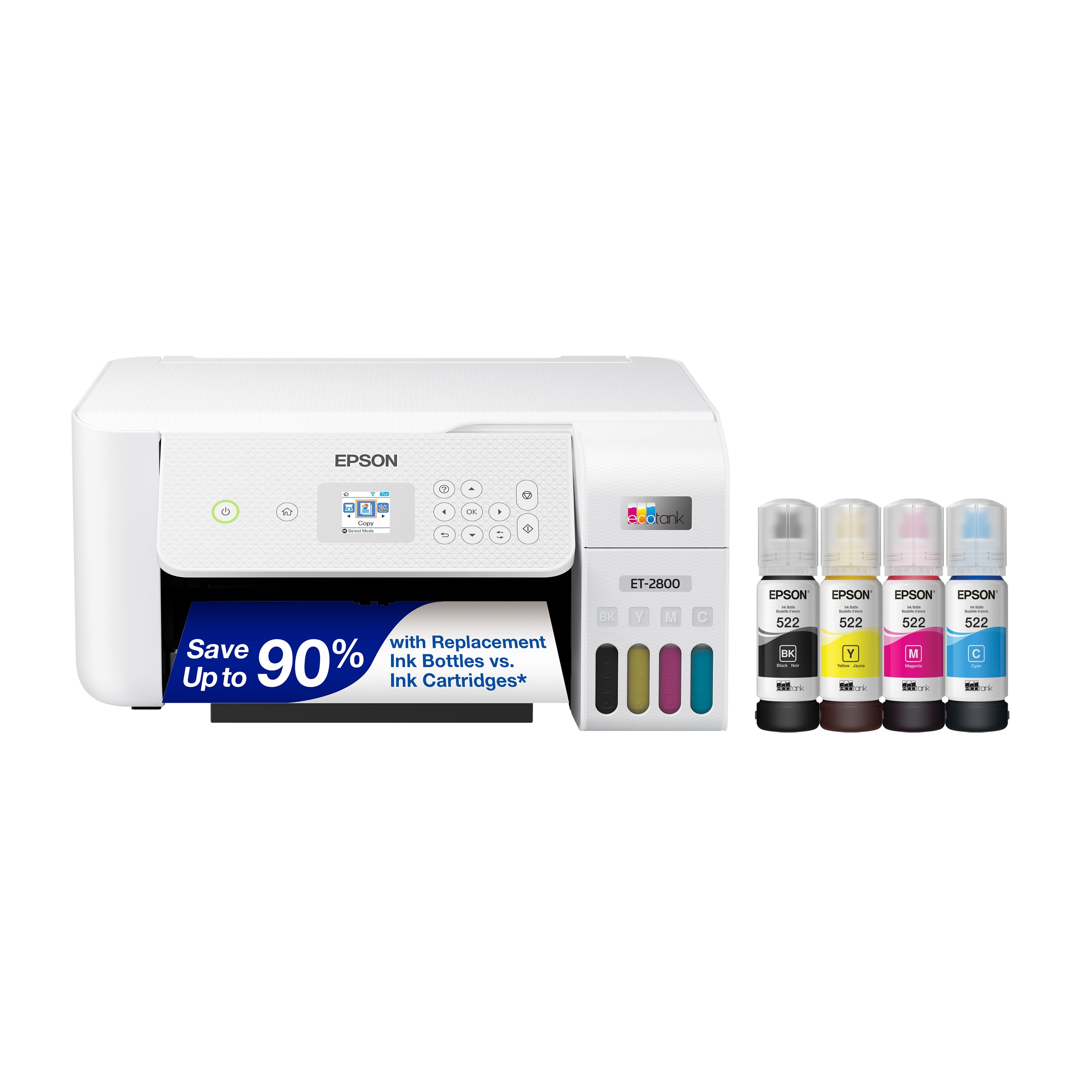
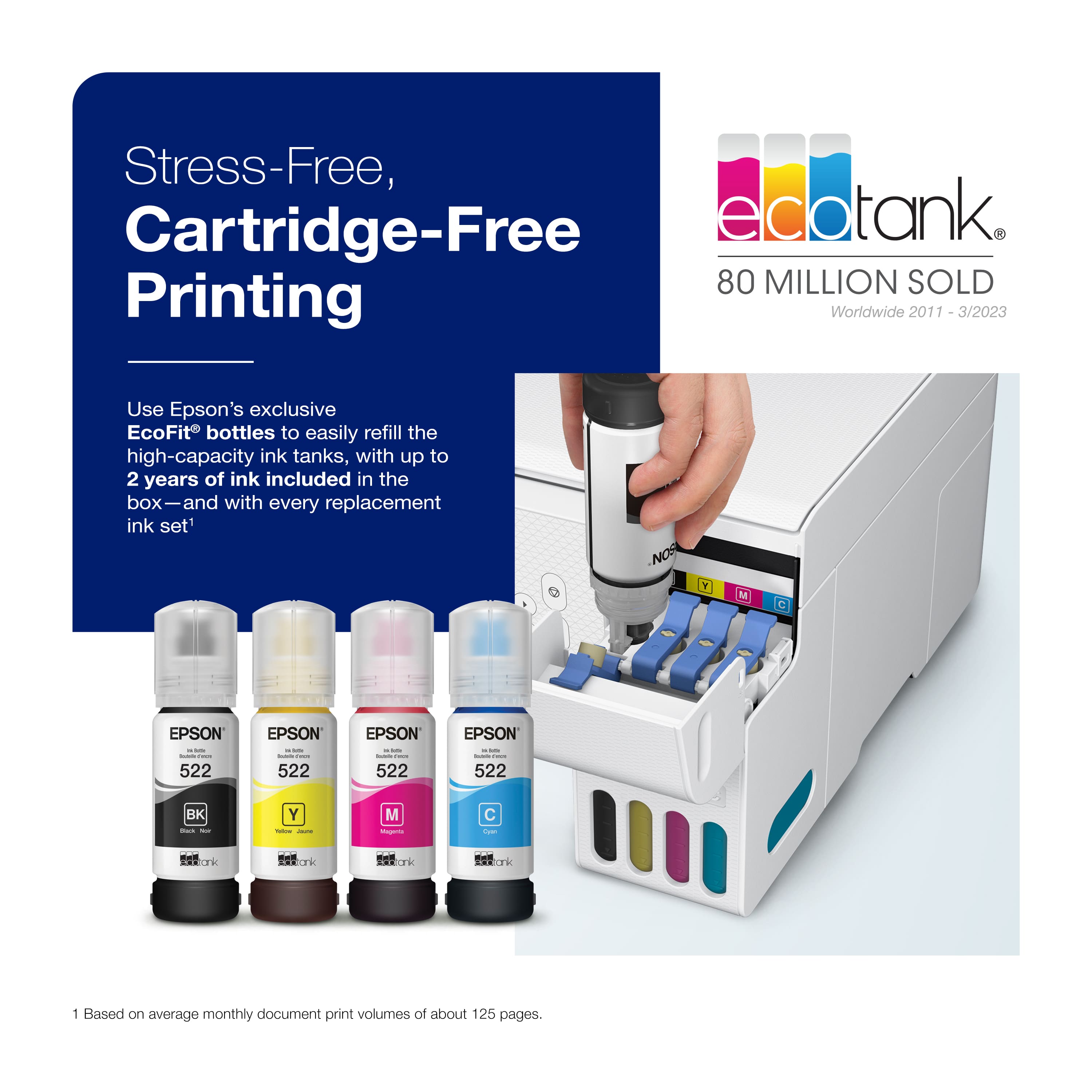
.](https://pisces.bbystatic.com/image2/BestBuy_US/images/products/6b8343ea-50ad-4766-b78d-ebdbb694bc44.jpg)
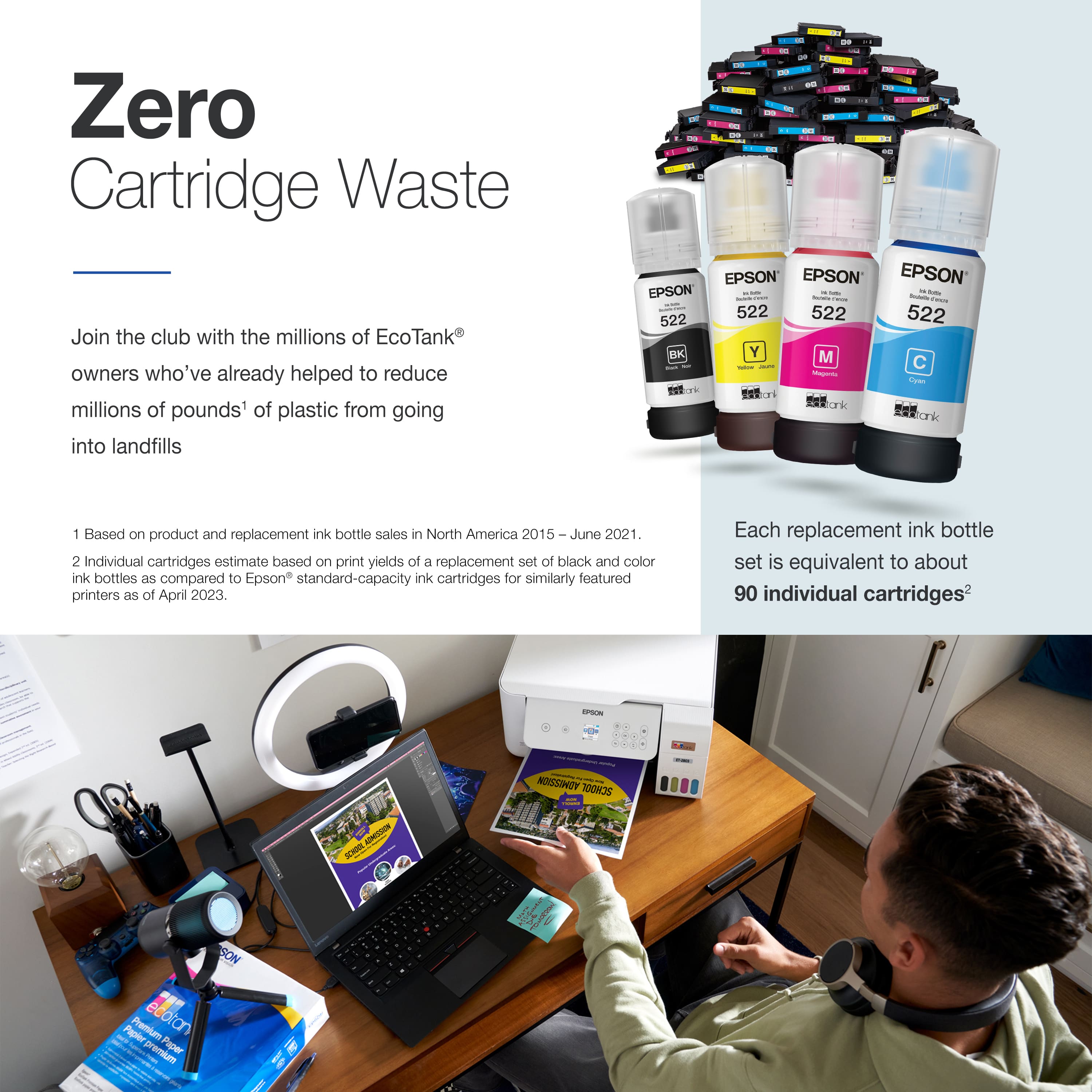
. 1 Most features require an Internet connection to the printer, as well as an Internet- and/or email-enabled device. For a list of Epson Connect enabled printers and compatible devices and apps, visit [www.epson.com/connect](http://www.epson.com/connect).](https://pisces.bbystatic.com/image2/BestBuy_US/images/products/5bf434fa-75e7-457c-b1f8-67b7b737348f.jpg)
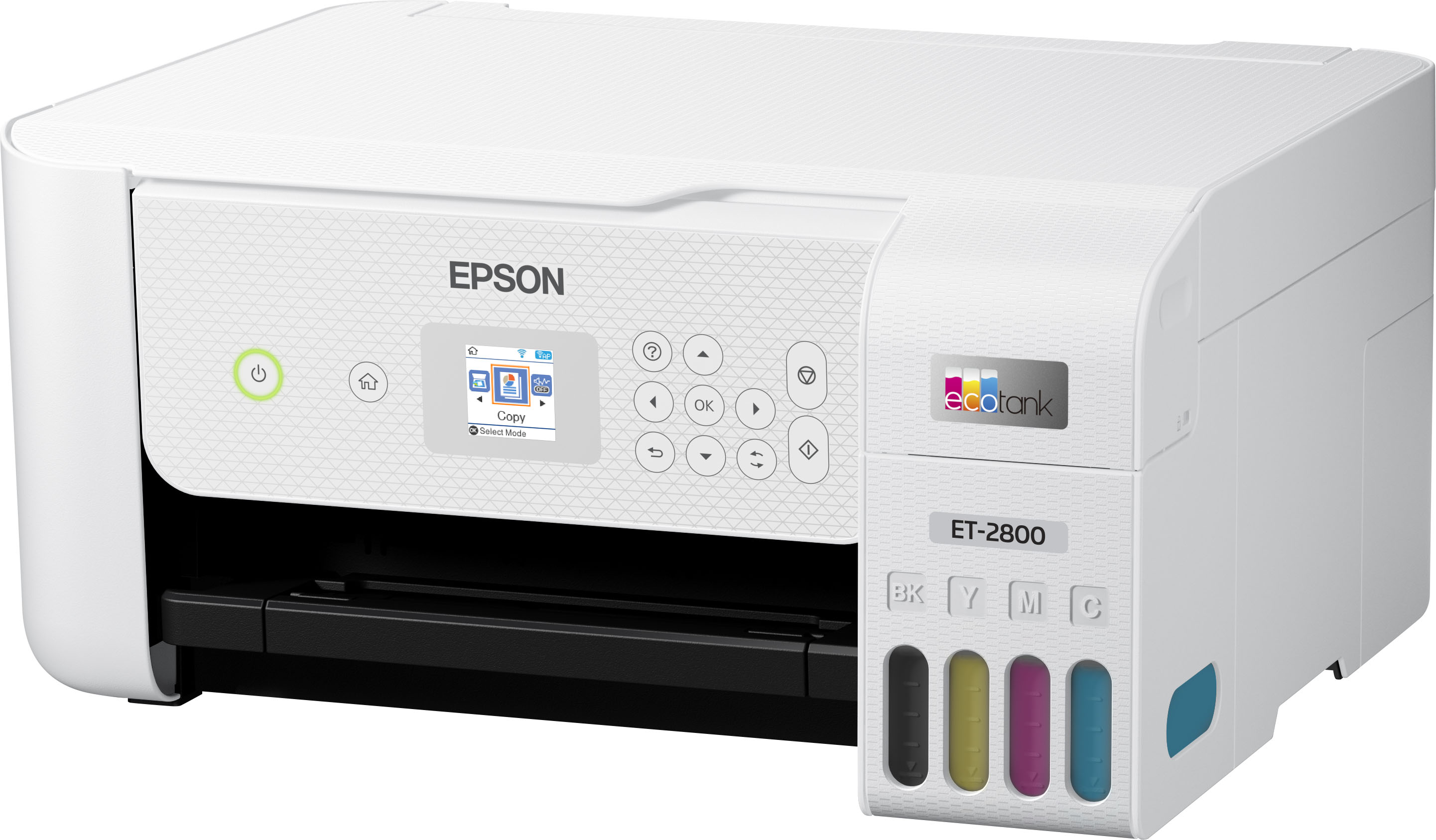
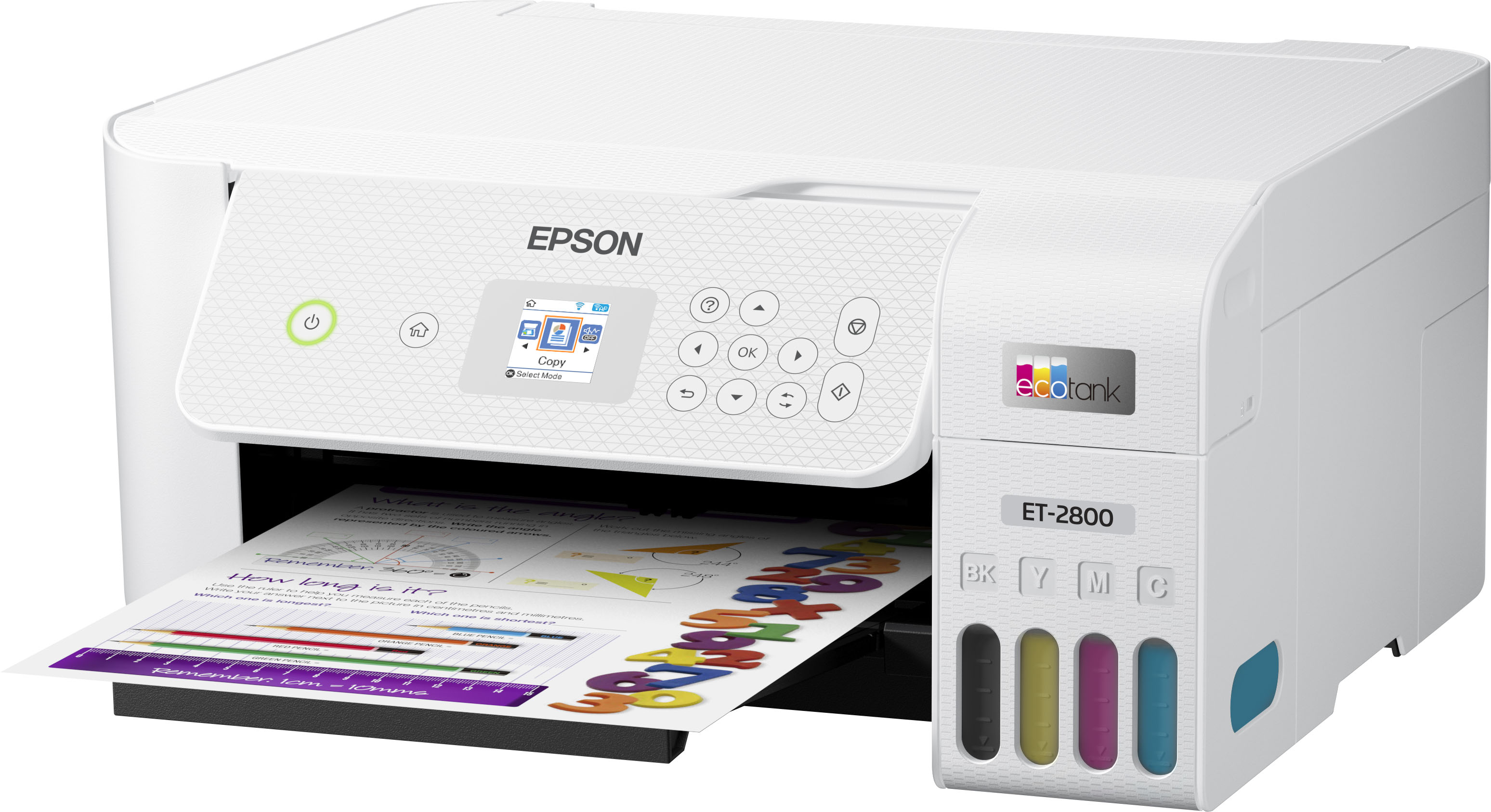
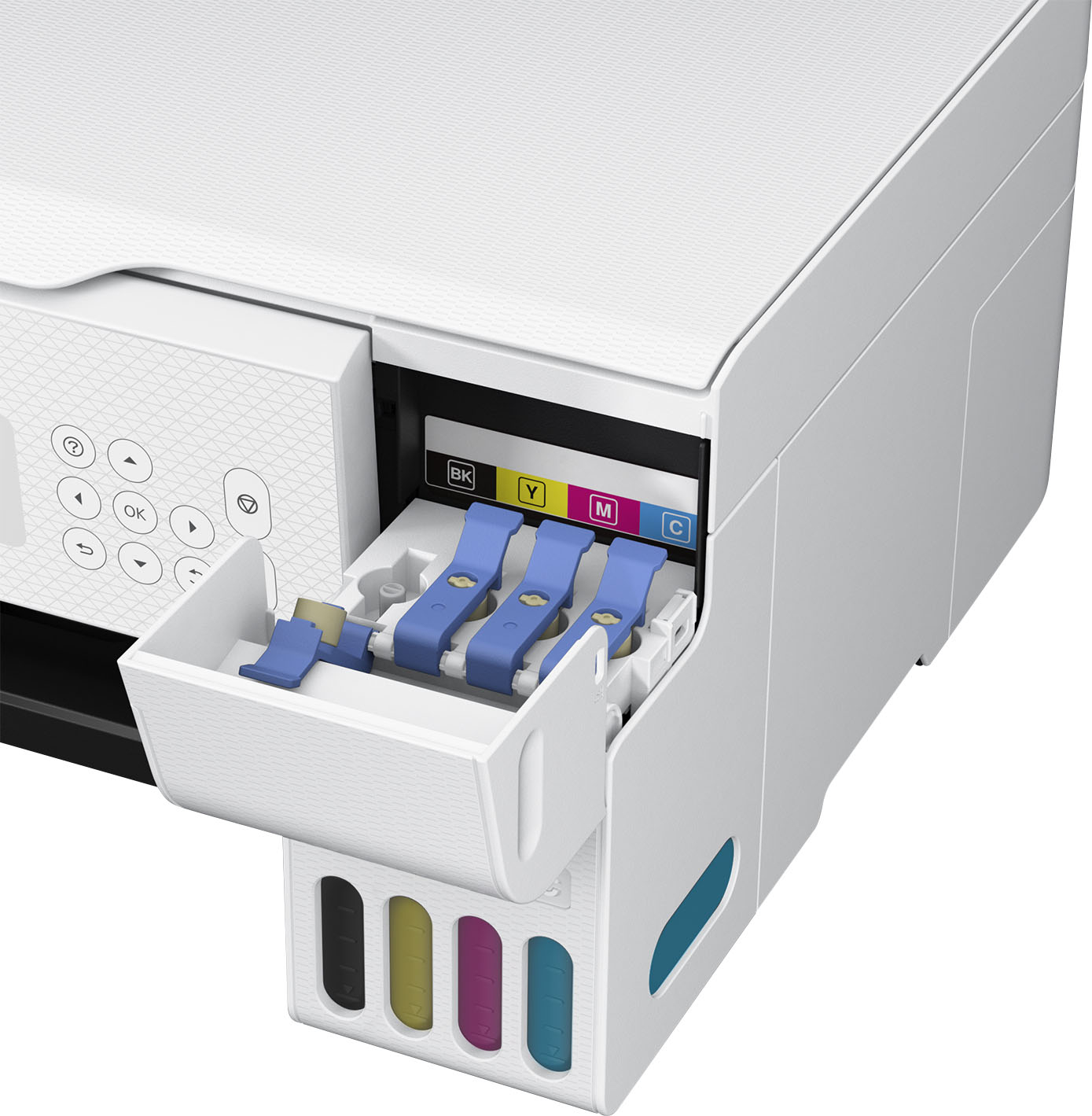
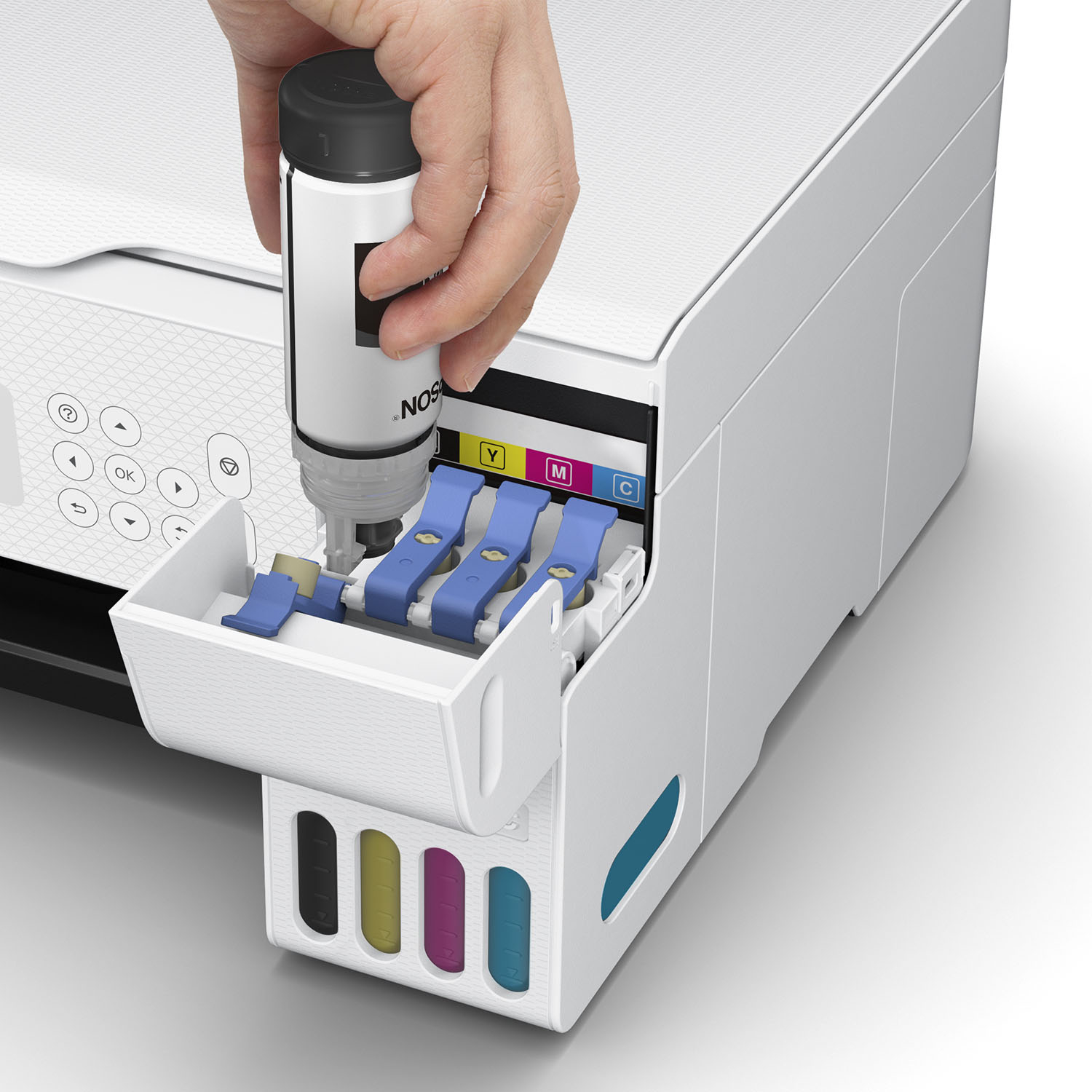
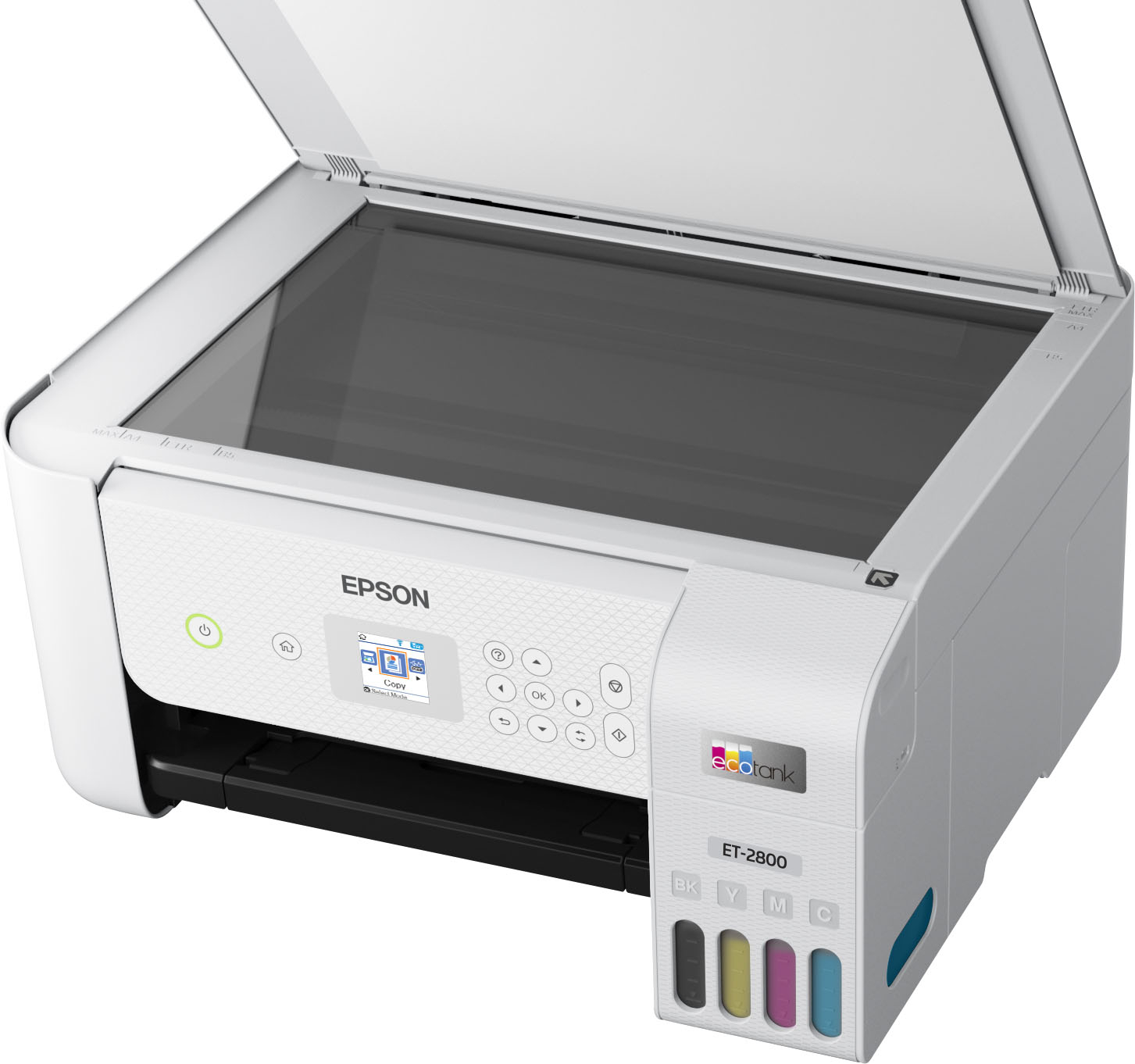
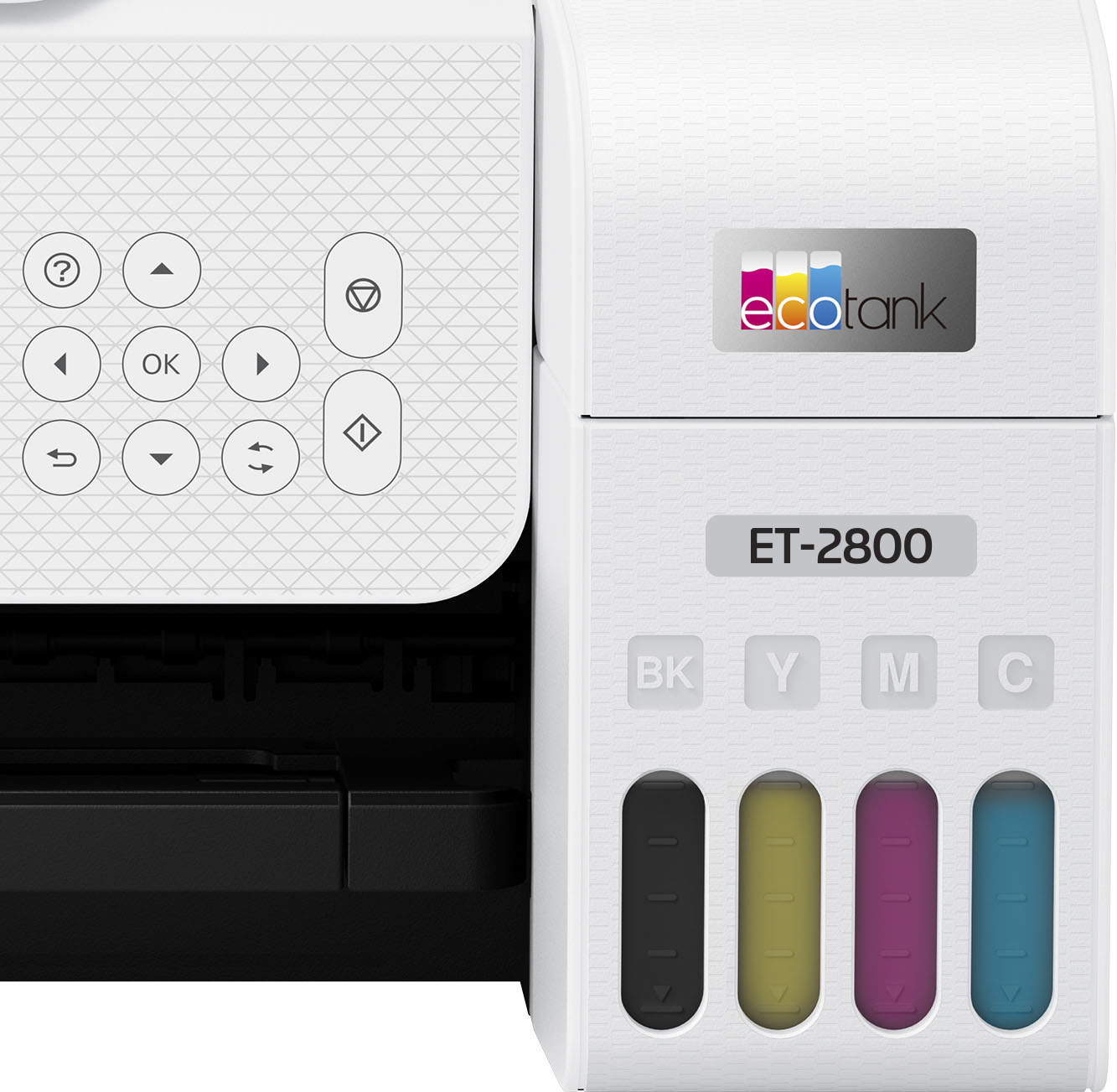
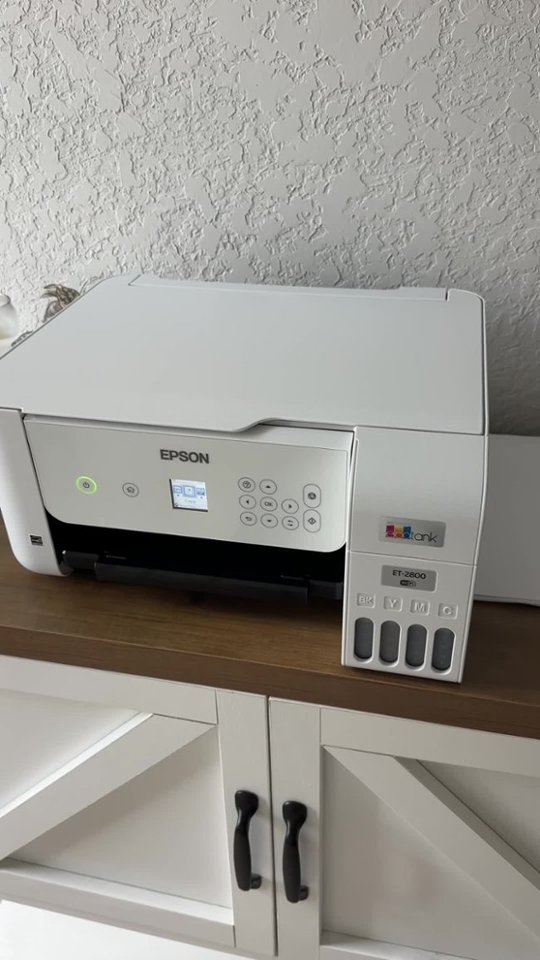

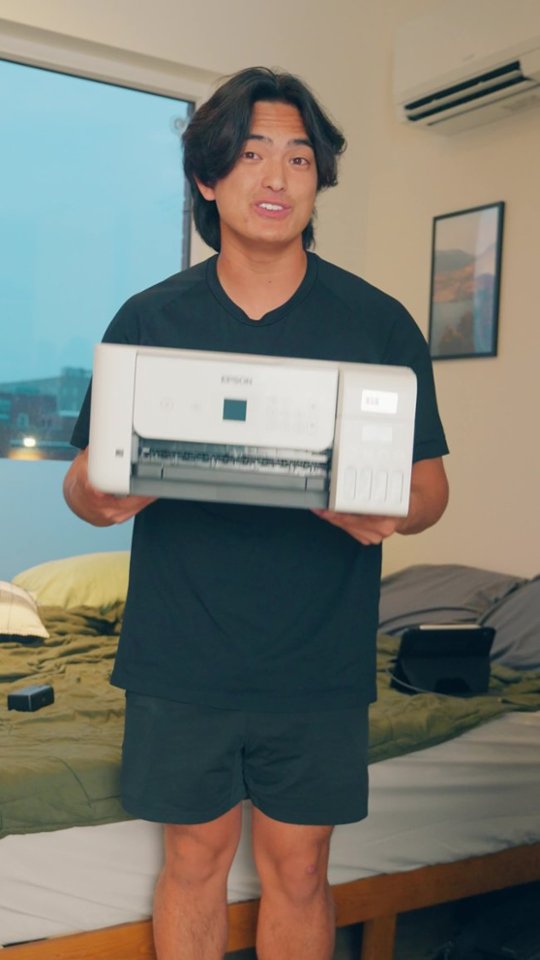

- Model:
- C11CJ66202
- SKU:
- 12890929
Rating by feature
- Value
Rating 4.6 out of 5 stars
- Quality
Rating 4.5 out of 5 stars
- Ease of Use
Rating 4.5 out of 5 stars
Customers are saying
Customers are pleased with the printer's impressive print quality, ease of use, and overall performance. Users also frequently highlight the simple setup process, compact size, and reliable connectivity as standout features. While the majority of feedback is positive, some users noted that the rear-loading paper tray and operational noise levels could be improved.
This summary was generated by AI based on customer reviews.
EPSON 2800 ET printer
||Posted . Owned for 2 months when reviewed.This reviewer received promo considerations or sweepstakes entry for writing a review.We love it. The ink system is so great no more costly cartridges! Printing is very good, photos so nice and crisp. Wireless printing is fantastic.
I would recommend this to a friendPrinter
||Posted . Owned for 1 month when reviewed.This reviewer received promo considerations or sweepstakes entry for writing a review.Bought this printer for my husband. He reports enjoying it.
I would recommend this to a friendIt's a paper jam.
||Posted . Owned for 3 weeks when reviewed.This reviewer received promo considerations or sweepstakes entry for writing a review.First & second day the paper jam. I took it back the next day.
No, I would not recommend this to a friendBrand response from Epson
Posted .Epson provides useful information on paper loading and clearing paper jams in the product User’s Guide at https://epson.com/Support/Printers/All-In-Ones/ET-Series/Epson-ET-2800/s/SPT_C11CJ66202#questions. If you continue having problems with your printer, our Epson Support Team would be happy to help you and can be reached at (562) 276-4382 between 7 am - 4 pm (PT), Monday - Friday. Sincerely, Tony – The Epson Team.

- Pros mentioned:Ease of use, Print qualityCons mentioned:Paper tray

The ink will last longer than the printer
|Posted .This reviewer received promo considerations or sweepstakes entry for writing a review.The Epson ecotank ET-2800 printer is recommended and made for home use. This all-in-one printer is the lowest model in the Epson ecotank printer line up and you can definitely tell as it very cheaply made and had minimal features compared to the industry and it higher model Epson brothers and sisters. Please read below for my full review: Setup: I thought setup would be quick and easy as most printers are but this printer takes forever although it is still easy. I opted for the intial setup using my mobile device. Once you turn on the printer a QR code pops up on the screen and you can easily use your cell phones camera (Apple or Android) to start the process. The QR code brings you to download their app. I thought the setup was weird as Epson brought you through like a chat or text process. I'm sorry but I don't want to chat with my printer. Set up took almost 15+ minutes in total. Yes you read that right. After filling up the ink with the bottles it took 11 minutes for the printer to set itself up. Don't worry it counts it down for you. I know you only usually setup a printer once but it took forever and I don't want to do it again. Ink: The printer comes with 4 full bottles of 522 Epson ink (65ML each). Tons of ink, more than I have ever handled in an inkjet printer in my life. I plan for this ink to last a long time. Advertisement says up to 2 years but I am sure I will kill the ink before then. The bottles are designed to not make a mess and allow you to easily flip them into the printer tank slots/transfer ports. The printer will also stop think from flowing once each printer tank is full. Even after dumping the ink in I sill had a little bit in each bottle to top off the printer later (that was a surprise). I do have to say that it was not perfect as the printer did leak a little of the magenta ink on the magenta lid on the printer. I am not even sure how it did this but it did. Printer: This printer has minimal amount of features. It can print, copy, and scan but I feel as though that's all it can do. It is also equipped with wifi and mobile printing. BIGGEST FLAW: it only has single sided printing. This is horrible as most printers have this. The next models up are equipped with auto 2 sided printing so you will have to spend more to get this. The screen is super small. Actually the smallest colored screen I have ever seen at 1.44 inches. The screen is a waste and if I can barely read it at my young age then many others wont be able to read off it. The paper can only be loaded from the rear and looks like my printers from the 2000's. To a front loading paper tray you have to go a full models up and at this price range I think that is bazar. Almost all printers in this range have a front loading paper tray. I expect a rear paper tray (which is stinking out of my printer now and wasting space) on a $19.99 printer. Quality: This is where I feel like where they get you. Okay you are going to save all this money on ink, right? Well then they are going to give you the cheapest quality printer known to man. While not broken, there was plastic flap already off the printer which I discovered as soon as I opened the box. Everything on this printer is cheap and flimsy. I mean everything. I expect the ink to last longer than the printer.
No, I would not recommend this to a friend - Pros mentioned:Print quality
GOOD QUALITY – BASIC SUPERTANK ALL-IN-ONE PRINTER
|Posted .This reviewer received promo considerations or sweepstakes entry for writing a review.REVIEW: EPSON - ECOTANK ET-2800 WIRELESS COLOR ALL-IN-ONE CARTRIDGE-FREE SUPERTANK PRINTER WITH SCAN AND COPY MODEL:C11CJ66202 GOOD QUALITY – BASIC SUPERTANK ALL-IN-ONE PRINTER / SCANNER The ECOTANK ET-2800 WIRELESS COLOR ALL-IN-ONE CARTRIDGE-FREE SUPERTANK is winning me over. The scan quality is actually very good, and the print quality is good. Actually, the color printing is more clear than the black printing in my tests. If you need a good no frills all around color printer / scanner the - ECOTANK ET-2800 WIRELESS COLOR ALL-IN-ONE CARTRIDGE-FREE SUPERTANK is a safe bet. It does not win any speed records, but the quality is overall pretty good. When I compare scans at 600DPI to other scanners I have, it is almost identical (see pics). The scans from the Epson were a touch softer, but the Epson did better at capturing brighter images. The print speed is slow, especially at high quality, but within stated specs (so no points off). As an example, I printed our 15 page appraisal report from our realtor. It contains a mixture of text, pictures, and charts. It took about 10 minutes to complete the printout. I would suggest you download and install the PC software from the Epson site to be able to use advanced features when scanning. I used the suggested Android app to scan and print which worked easily enough, but the results were poor, event when set to HQ. Still, if you need to print from your phone, it is probably not a situation that requires high quality. PRO’s - Very Good Scanning - Good Enough Printing Quality for Occasional use - WiFi Connectivity - Copy Feature does not require a pc and works very well (see pic) WHAT IS A SUPERTANK PRINTER? Back in the olden days (5-15 years ago), you bought a color ink jet printer for $59, but then the ink cartridges were up to $80 each (possibly even for each color). For infrequent users, often times, the ink would dry up before you came anywhere near using all the ink. So, off to the store to spend another $100 on ink. My solution at the time (15 years ago) was to get a color laser printer although more expensive ($500) initially, it allowed me to run 1-2 years before needed to replace cartridges. A few years ago all the ink jet makers started to switch to a supertank method where you initially pay a little more for the printer, but it usually comes with enough ink (via poured in bottles of ink) to last a few years for average home use. We probably print 5-10 pages per week. We have a different supertank printer (without scanner) and after 1.5 years we have only used about 1/2 of the included ink. I have a small concern about how fast I’m already burning through ink on the ECOTANK ET-2800 WIRELESS COLOR ALL-IN-ONE CARTRIDGE-FREE SUPERTANK. I’ve printed about 30 pages (HQ and lots of pics) and my ink levels are already down about 20% from where I started. Fortunately, INK is only $14 / bottle. I normally don’t print pics or HQ, so I assume my consumption rate will decline. SETUP I’m not going to lie, just about every device (this one included) that tries to make you do setup over the phone app is a huge hassle. My advice is to do the setup manually from the control panel screen on the printer and save yourself from pulling your hair out. (I don’t have that much to lose anymore). I followed the quick start guide and tried to do the install form the phone app. At first it could not see the printer on the default screen. Then I hit “menu” and “+” to add a printer, and it still was not seeing the printer. Then, as I started to power down the printer and suddenly it showed up in the phone app. I restarted the printer, and using the “+” method, it found the printer and nicely walked me step by step filling the ink and so on. Then it came time to enter my wifi information in the phone app for the phone to configure the printer. As soon as I hit “OK/SAVE” the phone lost contact with the printer and I could never get it back. Finally, I used the control panel on the printer to complete the WIFI setup, and this time it worked. The printer connected to my network, and it even found and downloaded new firmware without needing a screen. This time when I launched the phone app, the printer was found and I could scan / print from my phone, which was nice. SUMMARY / RECOMMENDATION If like me, you don’t print a lot (for home use) and sometimes need to scan, then the ECOTANK ET-2800 WIRELESS COLOR ALL-IN-ONE CARTRIDGE-FREE SUPERTANK does a very good job, without breaking the bank. If you need speed, then you need look at higher end models. The scanner is only a flatbed, so if you need a document feeder for scanning, then you need to look at a higher model. These are not negatives as the box even says right on the label “BASIC HOME PRINTER”. I can’t say it any better.
I would recommend this to a friend - Pros mentioned:Print quality, Setup
A Printer That Doesn't Cost a Fortune in Ink
||Posted . Owned for 1 year when reviewed.This reviewer received promo considerations or sweepstakes entry for writing a review.The Epson EcoTank ET-2800 has been one of the best printer purchases I've made. Setup was straightforward, and I was printing from my phone and laptop within minutes. The print quality is sharp and vibrant for both documents and color images. The biggest advantage is the EcoTank system. Instead of constantly replacing expensive ink cartridges, the refillable ink tanks last an incredibly long time and save a significant amount of money. I've printed hundreds of pages and barely made a dent in the ink levels. I also appreciate the wireless printing capabilities, which make it easy for everyone in the household to print from their devices. The scanner and copier work well, and the compact design doesn't take up much desk space. If you're tired of spending a fortune on ink and want a reliable all-in-one printer for home, school, or small business use, I highly recommend the Epson EcoTank ET-2800. It's efficient, easy to use, and offers excellent value for the price.
I would recommend this to a friend - Pros mentioned:Ease of use, Print quality, Setup
Can’t go wrong with an Epson
||Posted . Owned for 1 month when reviewed.This reviewer received promo considerations or sweepstakes entry for writing a review.Easy setup from adding ink to setting up Wi-Fi. Good print quality and small footprint makes this a perfect printer for my small office area.
I would recommend this to a friend A fantastic home printer
|Posted .This reviewer received promo considerations or sweepstakes entry for writing a review.I sort of gave up on inkjet printers several years ago. The ink, more than anything, had me fed up. It felt like all I could get was couple of decent sized color prints before I was having to change another tiny, overpriced cartridge. I eventually just picked up a color laser for standard printing and proofing, and if I wanted to print something high quality like a photo, I'd just send it to a printing service. So I was skeptical, but interested to try out a tank-based printer, and as far as printing goes, Epson knocked it out of the park. The tanks, at first glance, seem like they might not hold all that much, but even after a dozen or so full color, full page prints (and a variety of smaller ones) I've barely made a dent. The filling process is simple, but I did have a minor issue with a spill on removing a bottle from its fill socket, which is probably due to user error. The white plastic where the ink touched is now stained a faint blue where I cleaned it up, but it hasn't affected the prints at all. And man, the prints are fantastic. Maybe I've just become used to the sort of dull colors that my laser provides, or maybe there's really something to Epson's heat-free micro-piezo printing technology, but I don't ever remember inkjet prints looking this good. It prints perfectly. No streaking, no dull spots. I'm stunned. Setup was quick and easy using the Epson Smart Panel app. Printing wirelessly works without any issues with both my phone and windows 10 devices, without any additional installs required. A few days after setting it up, the printer itself prompted me to update the firmware, which I was able to do through the front panel display without any instructions, as the user interface, although rather tiny, is simple and easy to use. I did have to download scanner drivers from Epson's website to scan to my computer via USB. It worked out of the box with Windows' basic drivers, but the quality was astonishingly poor. Epson's drivers did clear that right up, however. The scanner pulls in 1200 dpi with Epson's drivers installed, and so far my scans have been very serviceable, with none of the weird crosshatching I've seen so often on all-in-one devices. There isn't a document feeder, so this is strictly single-page, and it's great for scanning in photos. All in all, I'm very happy with the performance of the printer, the size of the ink tanks and the price of replacement ink. Epson's got a winner on it's hands for anyone wanting a high quality printer for home use, and I definitely recommend it.
I would recommend this to a friend- Pros mentioned:Ease of use, Overall performance, Print quality
Great Printer/Scanner
||Posted . Owned for 1 month when reviewed.This reviewer received promo considerations or sweepstakes entry for writing a review.I had an earlier version of this printer (ET-2750) and this works great like that one. Easy setup and great quality.
I would recommend this to a friend - Pros mentioned:Overall performance, Print quality
About to buy my 3rd one!
||Posted . Owned for 1 year when reviewed.This reviewer received promo considerations or sweepstakes entry for writing a review.This is my second Epson ET-2800. It gets used to make stickers, and it can make a ton! The ink lasts forever. What I will say is you should do routine head cleanings. The first one I got, I didn't, and the ink would sometimes go on the edges of the paper. It didn't affect the stickers, but it was annoying. The only thing I have a complaint about is there is an ink pad in the back. Once that get full of ink, you can't use the printer until you get a new pad and reset the printer counter. The reset code you can only get by sketchy 3rd party sites. I cleaned my first pad which I don't recommend, as it does not last as long as a replacement. Each printer has lasted me a year, with I'd say an average of 30 vinyl sticker sheets a day. I didn't have a warranty on the first one, but I have one on my second one. They only stop because of the pad. Otherwise, they still work well. I heard that with a waranty they will just replace the printer instead of fix it. Probably make more economic sense to them. We will see. Either way, I'm about to buy a 3rd one because I don't have time to waste. If you want a printer for normal use, this one is perfect.
I would recommend this to a friend Really Nice Printer & More!!
|Posted .This reviewer received promo considerations or sweepstakes entry for writing a review.This All in One is simply awesome!! After removing it from its box you simply plug in the printer and download the Epson App on your smartphone. Once you have the app open on your phone it will walk you through every step nice and easy to get the printer setup. It was super easy to do and Im sure a lot of people will appreciate the simplified setup that comes with this printer. During the setup process you will be guided through the process to fill the different ink reservoirs, its very easy. You flip open the corresponding cover and unscrew the cap for the ink and match it up with the label on the bottle to the corresponding slot, flip it upside down and it fills and stops automatically. Repeat the process for all of the bottles and your done!! Now on to the actual experience of using this printer... Experience I have been printing everything and anything over the last few weeks and I am loving this thing. Ive printed out Photos and Text Only documents as well as mixed documents, and it has been a breeze to do so. I can print from any computer or phone that is on the same wifi network as the printer, which is something I have never had before, but wow does it make everything that much more enjoyable to use. Quality So far every picture I have printed out just using regular printing paper has come out very good. No complaints there. Im sure if I used photo paper the images would be that much better! The printing speed is also very fast with either photos or documents. All of the Text documents I have printed have been good also. It is worth noting that you can increase the quality in your printer settings on your device and also see the current ink levels in the machine. Features The Main Feature is the new Ink Bottle Refill system. This is supposed to save all of us some major money in the long run. On the Epson website it states ''Each replacement ink bottle set equivalent to about 90 individual ink cartridges'' Thats huge for me and why I wanted to get this printer. They also state ''Save up to 90% with replacement ink bottles vs. ink cartridges'' So right away if these statements are true, you can see the value here already. You can also use this machine to make copies and also scan images or documents to your computer. In order to do this, you will need to connect the printer to your computer using a USB A to USB B cable that is NOT INCLUDED. This to me is a major FAIL! I do not understand how a manufacturer can put features in a product and not supply you will the right cable to use those features. I think there will be a lot of people who get this printer, that will not be happy about this. I know that I wasn't when I first unboxed this printer. Just be aware that you need to buy the USB cable to use the scan feature. Other than the previous mention, I am very happy with this Printer. The ease of use just triumphs anything negative about this printer as a lot of people will be able to plug it in and get it setup quick. The form factor is also very nice and again the main feature is NO MORE INK CARTRIDGES!!! =) If you need a Network Printer, You should definitely give this one a look! *Had to lower to 4 stars due to the missing cable that is needed to use the scanner. There will be people that buy this printer that will have trouble with getting the right cable and it should have been included.
I would recommend this to a friend- Pros mentioned:Ease of use, Overall performance, Setup
nice printer
||Posted . Owned for 1 month when reviewed.This reviewer received promo considerations or sweepstakes entry for writing a review.easy set up, air print works wonderfully. So far works well
I would recommend this to a friend - Pros mentioned:Ease of use, Print quality, Size
I Don’t Know How I Lived Without This Printer
||Posted . Owned for 1 week when reviewed.This reviewer received promo considerations or sweepstakes entry for writing a review.Off the bat, setup was maybe a total of 35 minutes from the time I started unboxing it. After that great start, I also found The Epson ET-2800 printer easy to use. The quality of the printing has been perfect for my business and personal use. I work from home (graphic design) so this comes in especially handy for me because sub-par quality is not an option for my customers and they were not disappointed. I’ll cover that more a little later on the review. Another amazing feature, and in some ways the best one of all is the ET-2800 comes with more than enough ink so re-ordering toner as frequently as I normally do is one less thing I will have to worry about. Loading the ink tanks was easy and without any hassle. You can load paper into the ET-2800 via the front tray, rear paper feed or automatic feeder. The wireless capability made it so I could use it from any device in the house which is super convenient for schoolwork, my business, or just for fun. There are even voice-activated commands that both me and my daughter got a kick out of, not to mention it makes it extra convenient when I need an extra set of hands that aren’t available. The ET-2800 features a small colored screen that makes faxing, scanning, and settings adjustments a breeze. The print quality is top of the line. Accurate colors, no smudges, and clear as can be. You’d think that a machine with all of these capabilities would take up a ton of space, but it doesn’t. It fits right next to my desktop in my home office and takes up even less space than my other inkjet printer that held far less ink and wasn’t as productive as this machine. I highly recommend this for home use, especially if you work from home. This is a review for the Epson EcoTank ET-2800 Wireless Printer that I received free of charge to do a beta test and review.
I would recommend this to a friend - Pros mentioned:Ease of use, Setup
Bye Bye cartridges
||Posted . Owned for 5 months when reviewed.This reviewer received promo considerations or sweepstakes entry for writing a review.I just wanted a basic printer, with occasional scanning capabilities, where I didn't have to repeatedly buy overpriced ink cartridges that cost more than literal gold per oz. The ET-2800 has met all my needs. It's easy to set up, easy to use, and I've even been able to print images and documents directly from my phone 10/10. Would recommend.
I would recommend this to a friend The printer for the new era
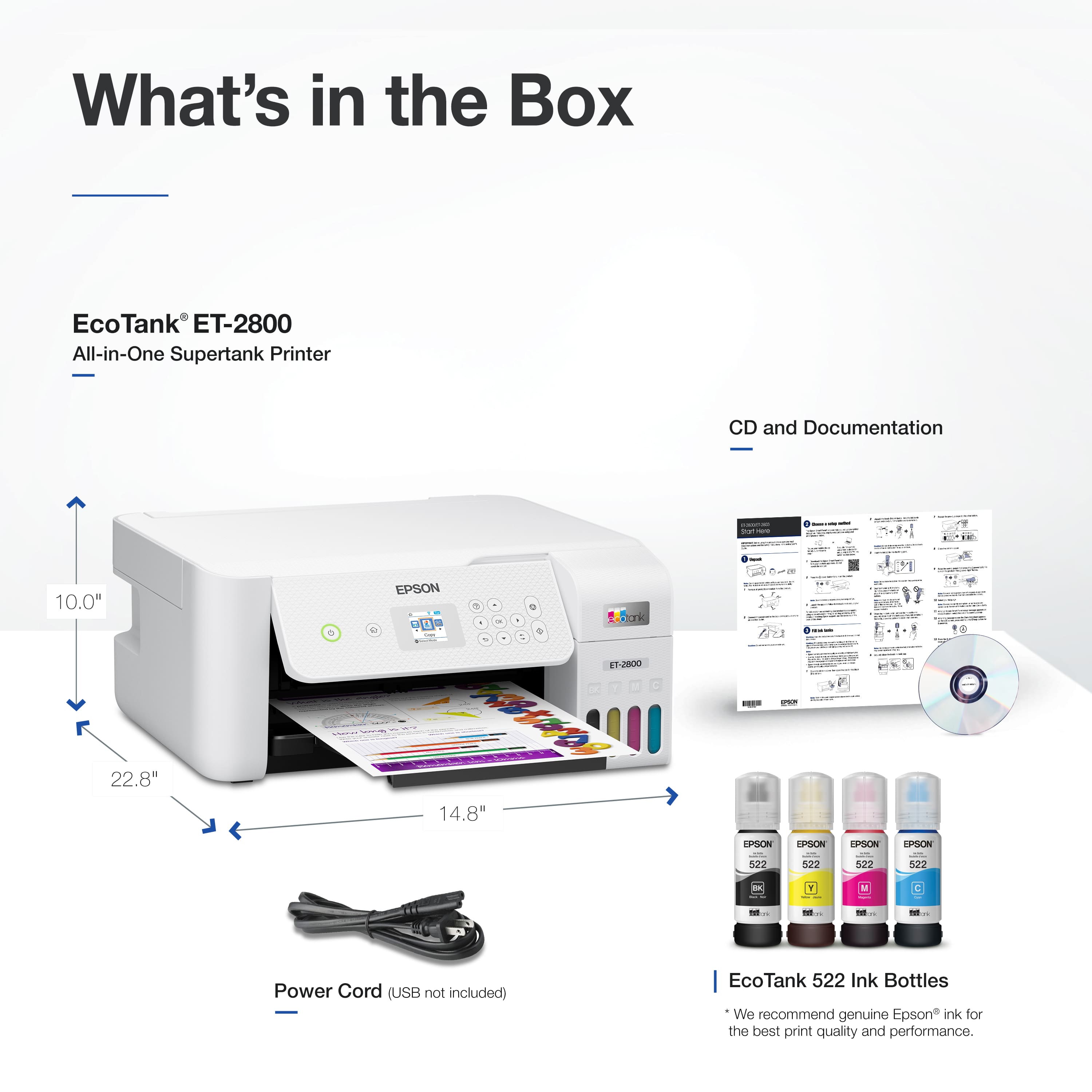
|Posted .This reviewer received promo considerations or sweepstakes entry for writing a review.I have been an Epson user for many years and I trust this brand when it comes to printers. I still own one of the first printers that were able to print on CD surfaces and it came from Epson. This ET-2800 takes it to a new level, EcoTank technology which claims to cost you less and last longer. I have owned this printer for a few days so I can't say much about the longevity of the ink, but I have read some other reviews about them and they claim it is true to last. Now as far as the cost goes, I think the inkjet ink and these Eco ink are pretty much about the same price. The only thing about his Eco ink is that you don't have to replace them as often and it will save you some money in the end. Manufacturer claims the ink will last approximately 2 years, that's a long time. The printer itself is very simple, modern looking and extremely light. Setting it up was very easy as well, download the Epson Smart Panel app on your mobile phone and follow a few steps and you will be good to go after like in 20 min. In the box you get the printer, 4 bottles of ink, power cord, manual and something rare, an installation CD. I actually tried using that CD and to be honest I ended up downloading the file from the Epson website LOL. From the app you can do everything this printer can offer. I honestly can say you won't need a computer or laptop to use this, and the app is easy to use. Before you get this printer up and running you need to fill up the ink tank with the ink provided. That will take a few minutes as you have to do it one by one. Loading the ink is pretty simple as they only go in a certain way and they won’t spill. Then the printer will take about 11 minutes to process the ink, then you have to print the ink pattern and calibration. Like I said before, the whole process will take about 20 minutes. That’s a take from the regular inkjet which just pops out and in, but inkjet won’t last 2 years. On the front you have a small LCD screen, power, home, and other functions buttons. I wished the LCD screen was a little bigger. Sometimes those small letters are hard to read, especially for someone with sight issues. The good part is that you can control it from your phone so basically you don’t have to look at that small screen. This printer can print 10 pages per minute black and 5 in color. I printed a 4x6 color photo and it did it pretty quick. Now, what really impressed me was how detailed and accurate the printing was. Not only the printing but the scanning as well. I scanned the same picture I printed and I compared it with the original. It was very close. I uploaded a photo in this review. Now the photo will not look as good as if you see it in person and it was printed in regular paper, not even on a photo paper. On the top you have a flat scanner that will fit 8.5 x 11 paper max , so if you wish to scan a bigger or legal paper you’re out of luck. That’s just limited to the scanner, you can still print legal documents. The connectivity on this device is Wi-Fi or Wi-Fi Direct only. It seems that it has built-in Bluetooth but it never gave me the option to connect it this way. It does not have a USB or Ethernet port either. So, your connectivity options are kind of limited. You can only print on one side compared to the more expensive options. That being said you can flip the same page and print on the other side. The paper feeder is on the back of the device. One thing that I didn’t like was the paper holder. When it is extended it feels very flimsy and it only holds the paper in the center, meaning the paper will kind of fold a little on the sides while it is sitting there instead of staying flat. That’s not a deal breaker but when the paper sits like that for a long time it will stay like that slightly curved. Over all this a very nice and sleek printer it is made for the future with no cables and voice connectivity. Yes, you can use this printer with Google assistant, Alexa or Siri. It works as intended and is very responsive, with great printing and scanning quality, and the fact that you can have ink for two years even better.
I would recommend this to a friendEasy to use and cheaper ink replacement
|Posted .This reviewer received promo considerations or sweepstakes entry for writing a review.Great printer, if you need a basic all in one printer for home or a soho, this printer will save you lots of money. Instead of replacing printer cartridges (that's where the expensive part is at), you only add liquid ink to it (you could say the cartridges are permanent in the printer, at least that's my thinking). You just buy new bottles of ink and replenish the printers tanks. Much cheaper. Setup was easy, however it took a few minutes, be prepare to spare around 15 minutes. Because once you add the ink from the bottles and turn the printer on, it does some sort of "ink prepare" and the process takes like 10 minutes. Once done, you can configure it using Epsons app on your phone. For the PC, they include a CDrom, this is a big con, who has a CD ROM on their PC anymore? It could have been cheaper to include an USB drive with the software and drivers. Anyway, I had to download the software from Epson's website and from there I configured the printer to use my wifi network, which is more convenient. This is a basic printer, and very good at it. Print quality is exceptional, just don't expect advance creature comfort features, like from more expensive ones (like the ability to scan documents automatically from a feeder, here you have to place each page to scan on the scanner bed) etc. I highly recommend it if you want to save money in future replacement ink, no more expensive cartridges or expensive subscriptions!!!!
I would recommend this to a friend- Pros mentioned:Ease of use, Print quality
Excellent printer and such a smart investment
||Posted .This reviewer received promo considerations or sweepstakes entry for writing a review.I had bought this same printer for my mom, and it's awesome. Super easy to set up, sips ink and the quality of printing is fantastic. So I got this one for home, and then thought "well I don't print that much, it's probably much more than I need". I returned it and regret it now. Why? Because I bought an inexpensive printer elsewhere... but the ink cost is ridiculous. That "inexpensive" printer will end up costing so much more over time than this one would have. Perfect example of a "penny wise, pound foolish" situation. Not to mention the hassle of having to constantly go buy ink, usually because the cheap one runs out in the middle of printing a super important document. With this printer, you see exactly how much ink is left per color and have plenty of warning to purchase only the color you need. I highly recommend this printer for convenience and quality. Invest a little more now and you will save a ton of money in the long run.
I would recommend this to a friend - Pros mentioned:Ease of use, Print quality
Five starsssss
||Posted . Owned for 1 year when reviewed.This reviewer received promo considerations or sweepstakes entry for writing a review.Setup was surprisingly easy and it connected to my WiFi without any issues. Print quality is sharp and clean, especially for documents.
I would recommend this to a friend - Pros mentioned:Ease of use, Overall performance, Setup
Great printer
||Posted . Owned for 1 month when reviewed.This reviewer received promo considerations or sweepstakes entry for writing a review.Printer does exactly what I need. Set up was really easy. I purchased it because of the positive reviews. I wish full instructions were included, but that doesn’t happen anymore.
I would recommend this to a friend - Pros mentioned:Overall performance, Print quality
EXCELLENT PRINTER
||Posted .This reviewer received promo considerations or sweepstakes entry for writing a review.Best Printer I ever owned. I have not bought ink in all the time of owned. Internet via bluetooth is excellent. I have never had any issues. I had all other brands and they were all a waste of money. I am grateful Epson printer. THANK YOU
I would recommend this to a friend