Customer Ratings & Reviews
.](https://pisces.bbystatic.com/image2/BestBuy_US/images/products/aae928b7-2a89-4f72-a9d7-a8b502cd3863.jpg)
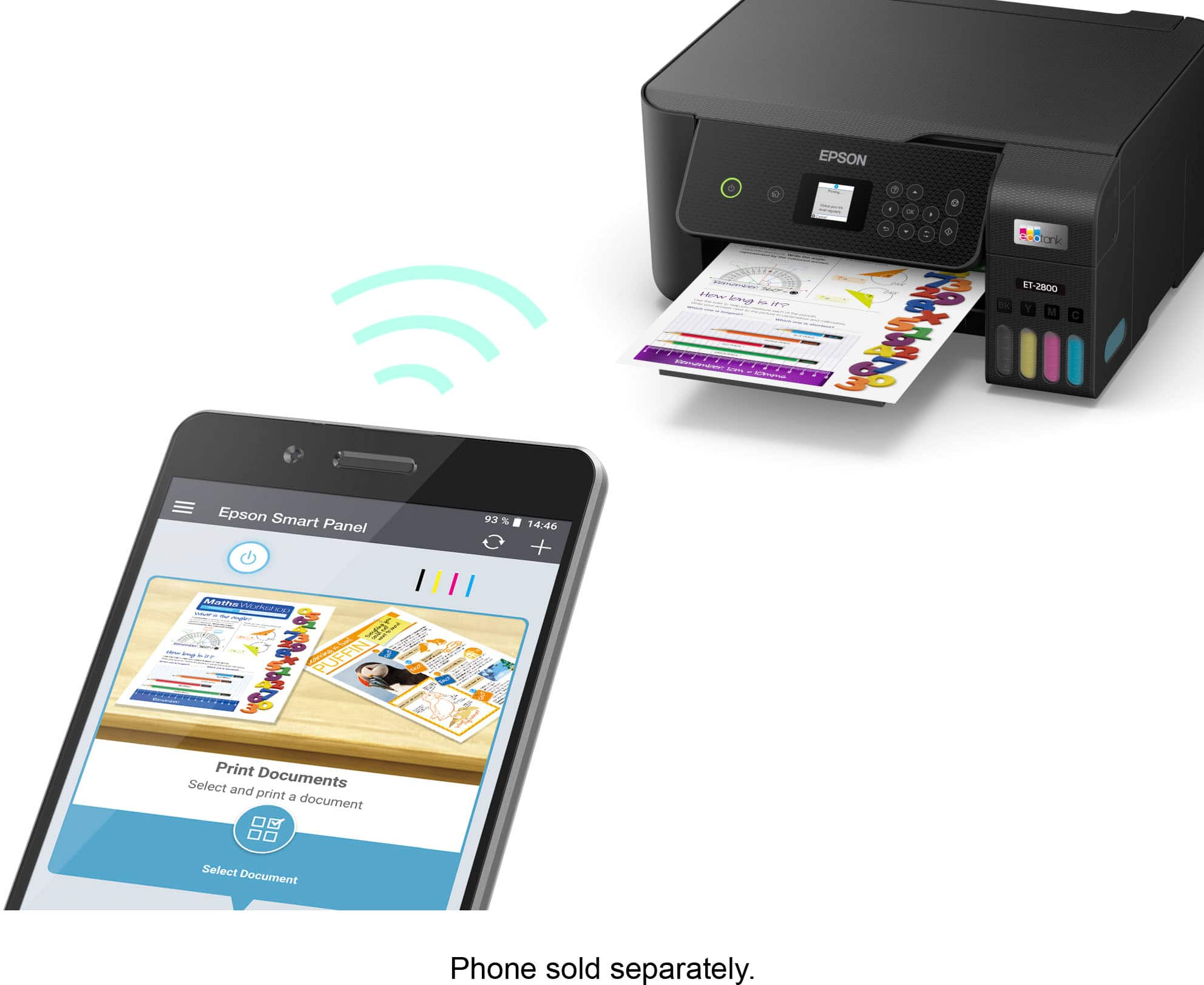
. 1 Most features require an Internet connection to the printer, as well as an Internet- and/or email-enabled device. For a list of Epson Connect enabled printers and compatible devices and apps, visit [www.epson.com/connect](http://www.epson.com/connect).](https://pisces.bbystatic.com/image2/BestBuy_US/images/products/74cbe1f4-35c2-4c28-a11d-ae4191c9a8b8.jpg)

- Model:
- C11CJ66201
- SKU:
- 6492050
Rating by feature
- Value
Rating 4.6 out of 5 stars
- Quality
Rating 4.5 out of 5 stars
- Ease of Use
Rating 4.5 out of 5 stars
Customers are saying
Customers enjoy the product's excellent print quality, amazing ease of use, and simple connectivity, along with its convenient size and straightforward setup. However, some customers have noted concerns regarding the rear paper tray loading and the noise level.
This summary was generated by AI based on customer reviews.
So far not so good
||Posted . Owned for 3 weeks when reviewed.This reviewer received promo considerations or sweepstakes entry for writing a review.So far not so good. I've printed just a few documents since receiving it only a couple of weeks ago, probably about 20 pages max, and they are not clear at all. The ink I'm using are the starter ones that came in the box and they're all still very full. The words print blury and numbers are unreadable most times. I am considering returning but I may see if the ink has anything to do with it first.
No, I would not recommend this to a friendBrand response from Epson
Posted .Hi Unison1979, You can find product information, including FAQs and the product's User’s Guide at www.epson.com/support/et2800 to help optimize photo print settings. If you continue to have problems with your printer, our Epson Support Team would be happy to help you and can be reached at (562) 276-4382; Hours: Monday – Friday, 7 a.m. to 4 p.m. (PT). Have a great day. Sincerely, Joseph – The Epson Team.

EcoTank printer
||Posted . Owned for 1 month when reviewed.This reviewer received promo considerations or sweepstakes entry for writing a review.Nice ecotank printer which can also be used for sublimation.
I would recommend this to a friendAverage
||Posted . Owned for 3 weeks when reviewed.This reviewer received promo considerations or sweepstakes entry for writing a review.I bought this printer as a replacement for my old HP 2860, it is adequate and produces good photos, paper feeding is an issue and is more hands on then the other, next time will step up to a higher end model.
No, I would not recommend this to a friendWas highly recommended but mine is not performing
||Posted . Owned for 1 month when reviewed.This reviewer received promo considerations or sweepstakes entry for writing a review.I purchase this printer because it was highly recommended to me and so many positive reviews. But the one I got is not performing well, the ink levels are going down fast significantly with only 30 prints I don’t know how is it possible to print thousands like it’s advertised. When printing, several papers gets fed at once. Ink smeared, even though I set up my printing settings every time I want to print something I have to re-set it or it won’t print automatically. I still want to give it a second chance if I could get it replaced.
I would recommend this to a friend- Pros mentioned:Ease of use, Print qualityCons mentioned:Paper tray

The printer for the new era
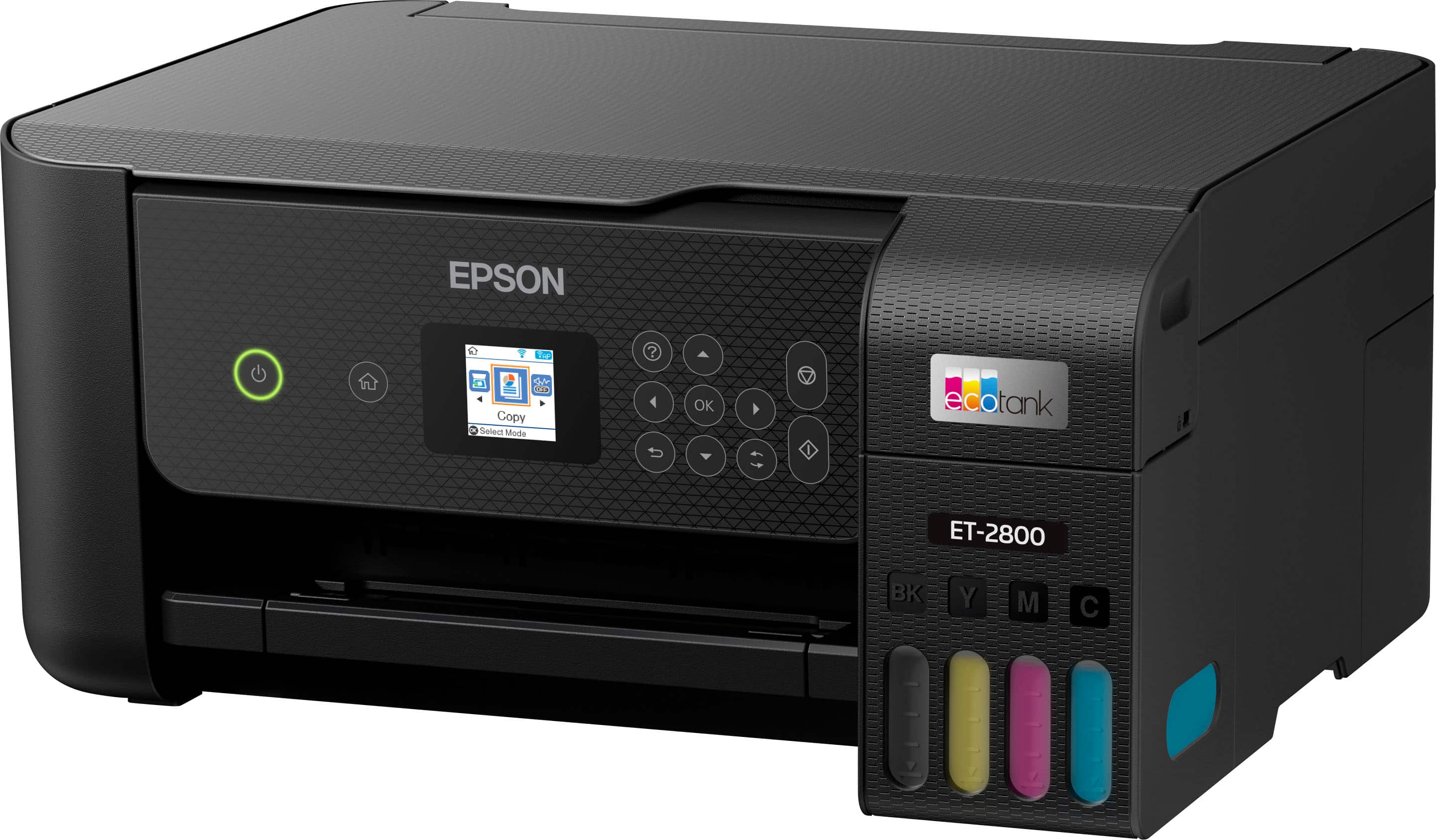
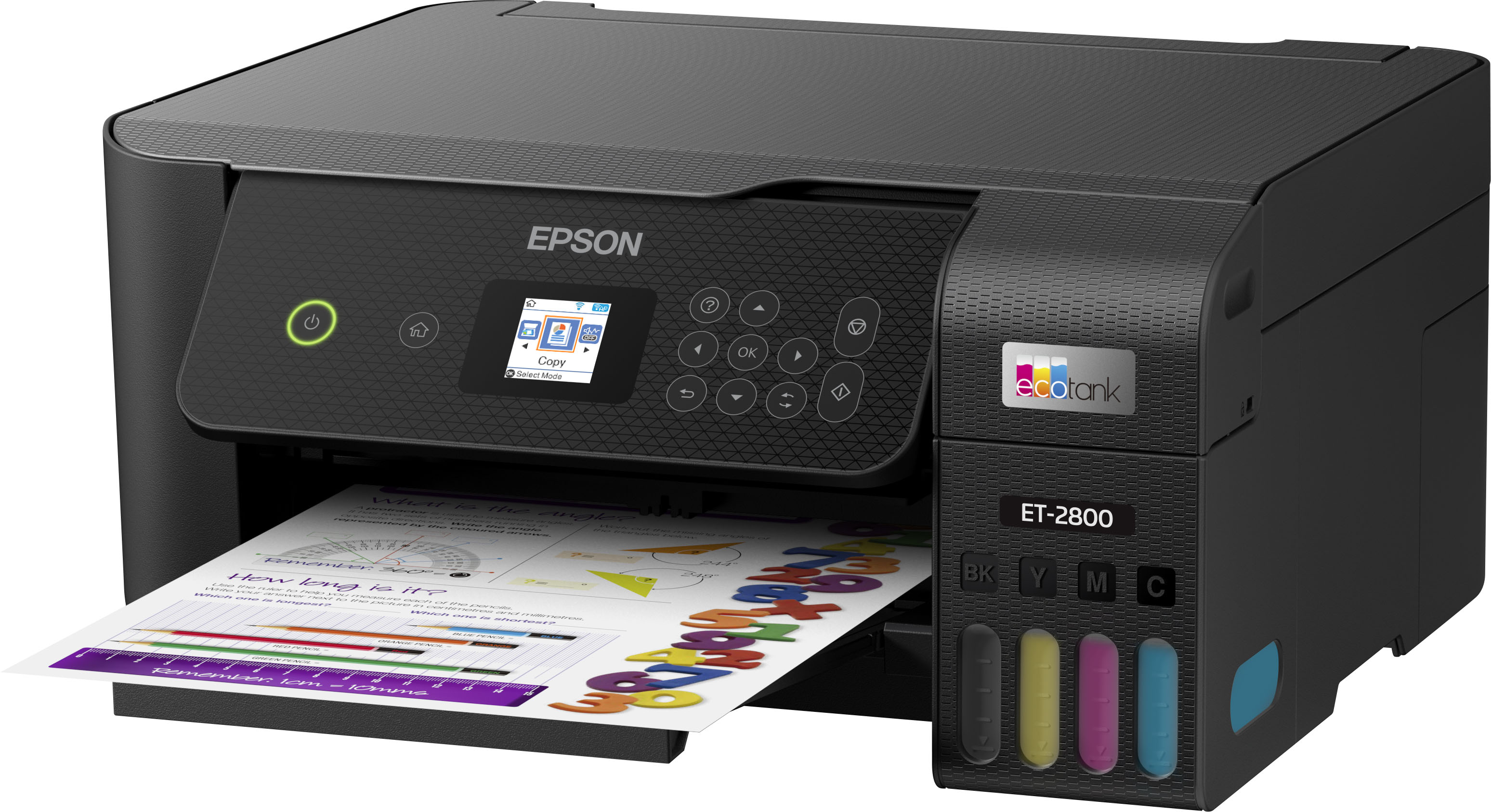
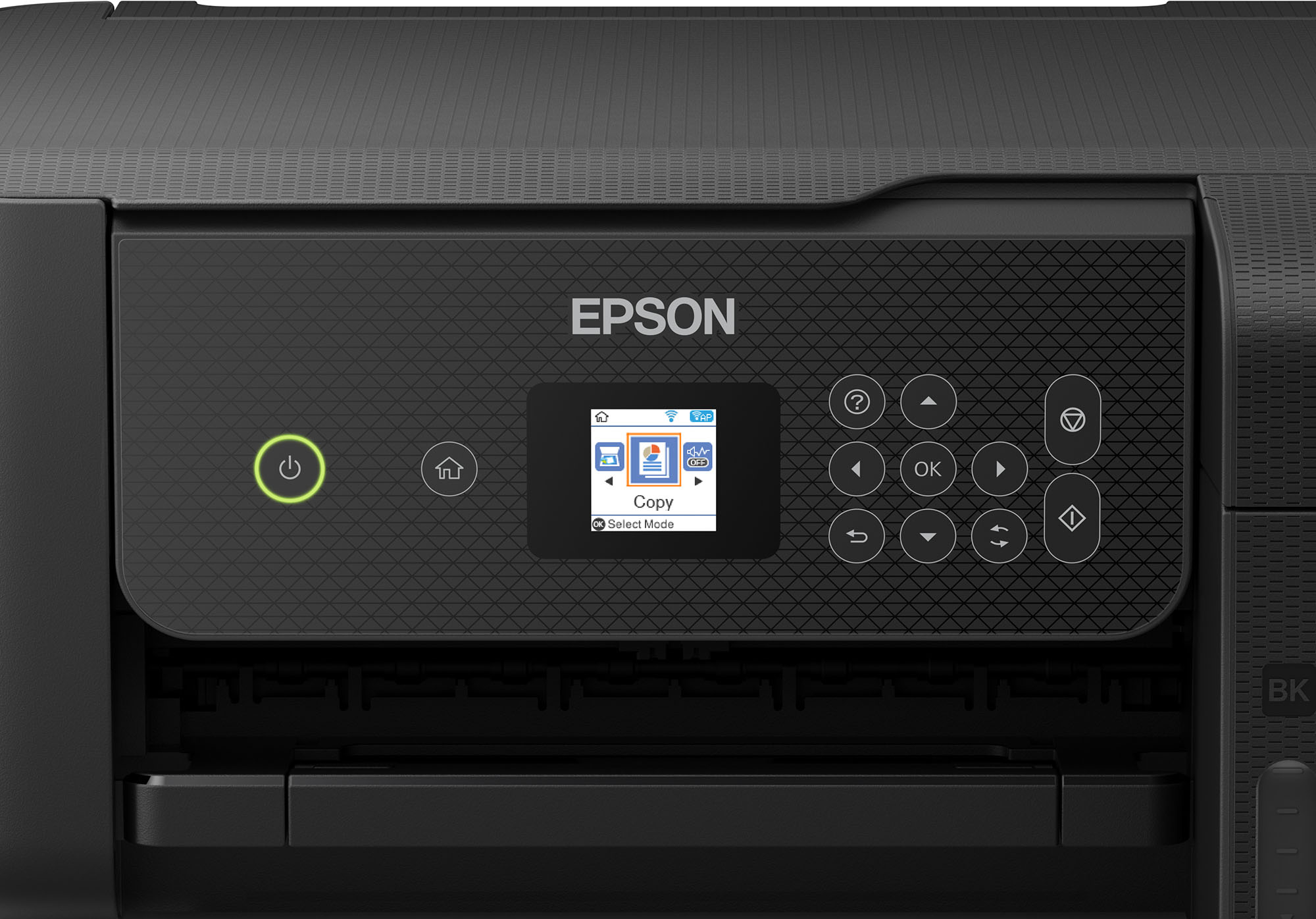
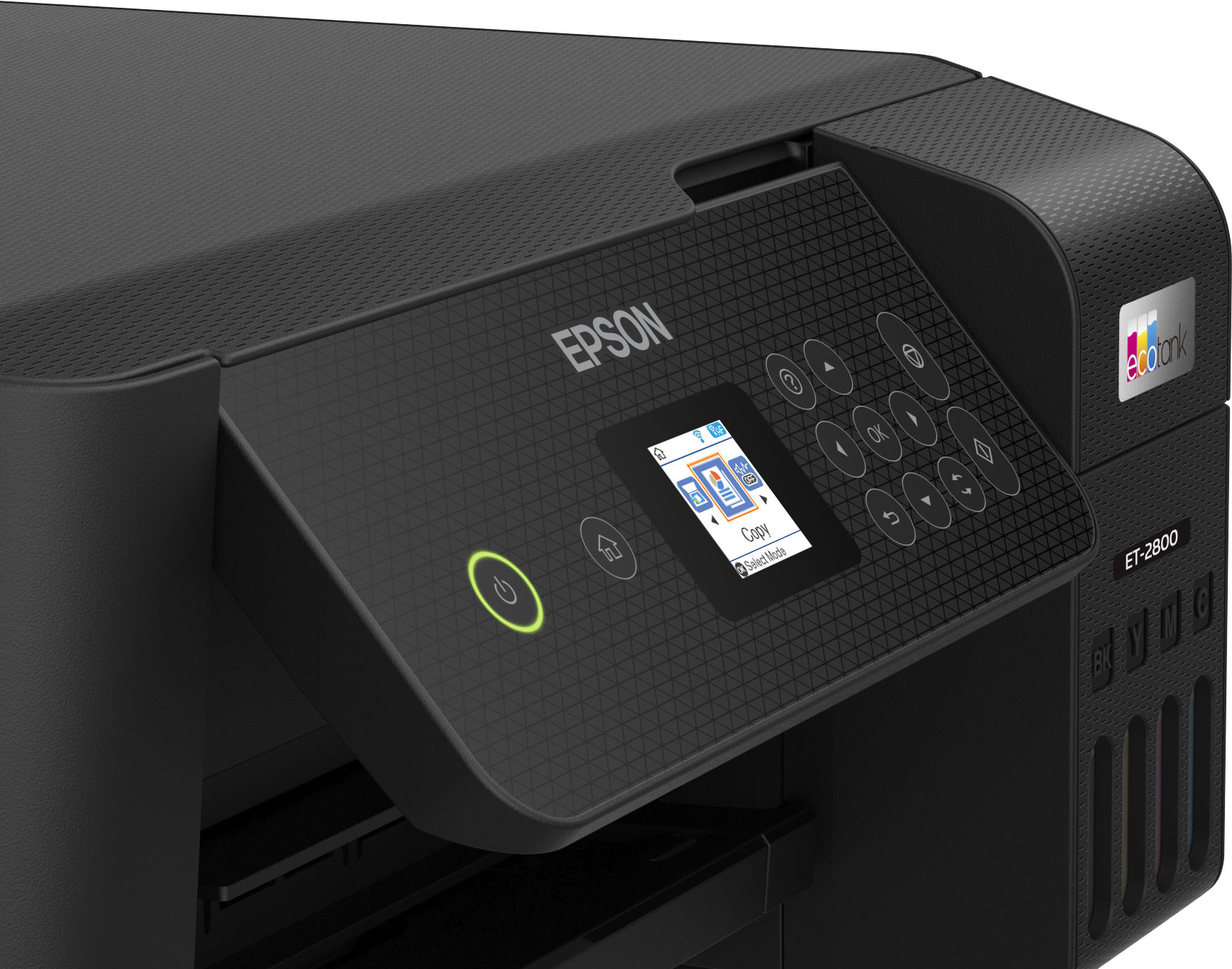
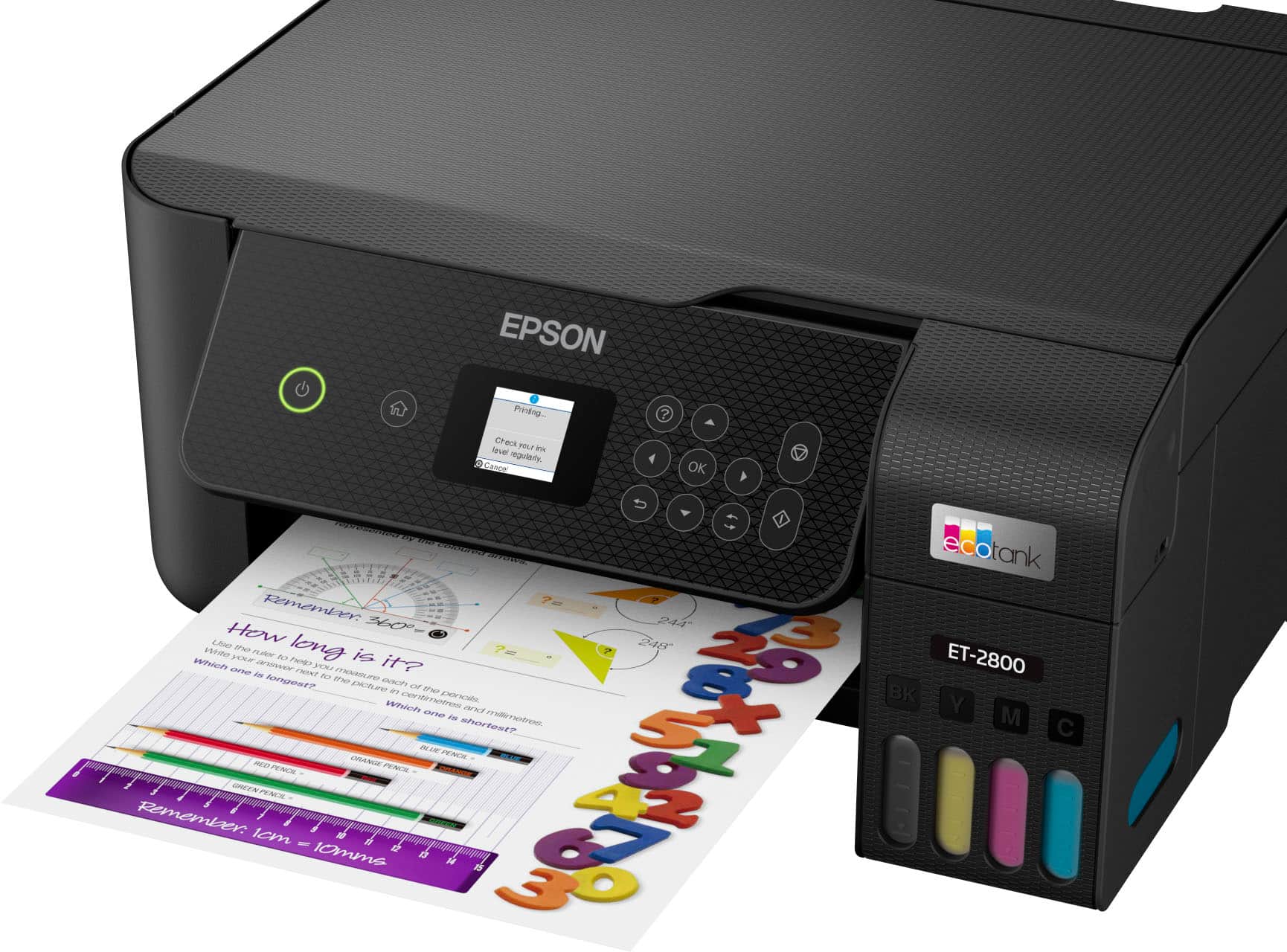
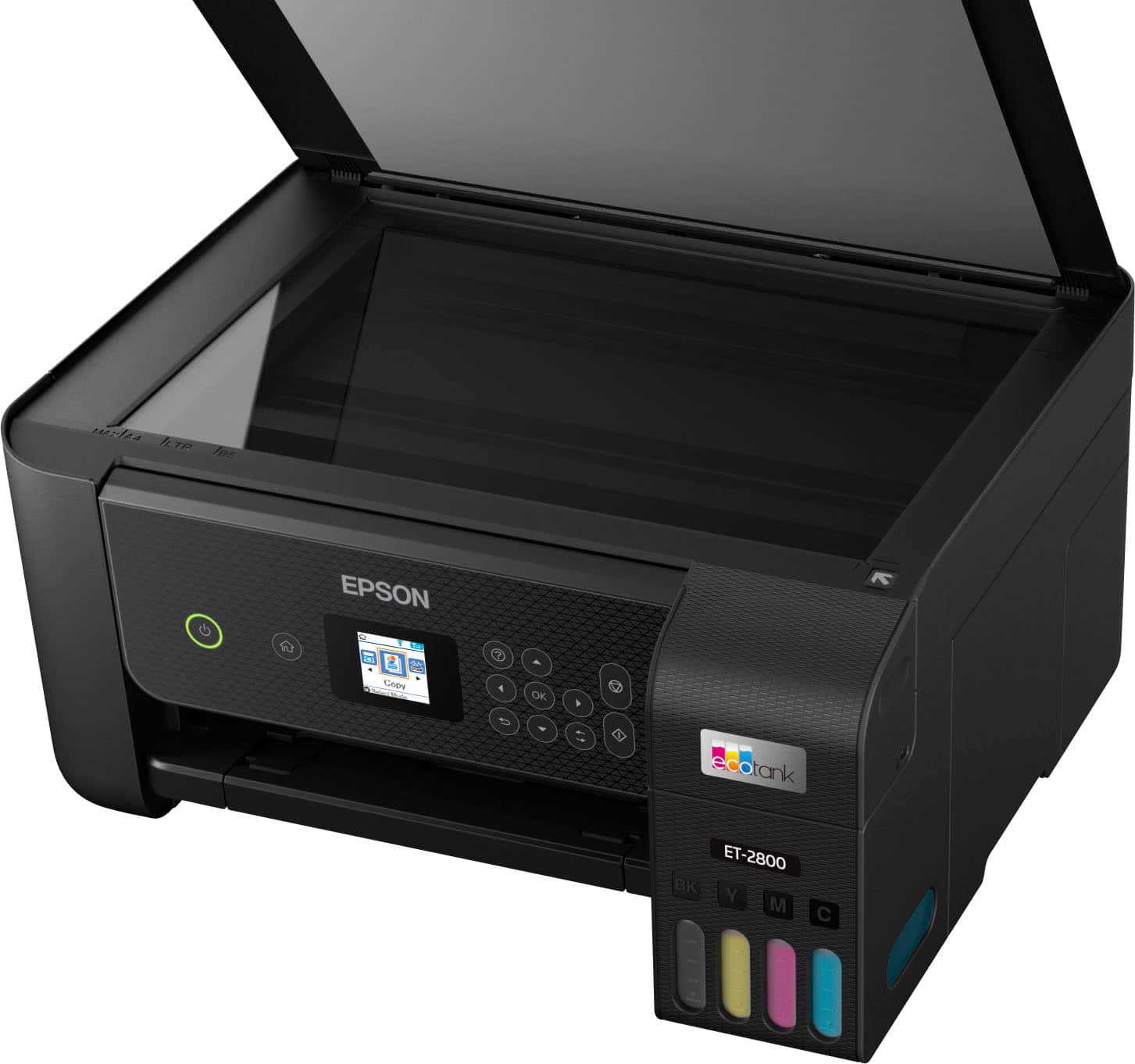
|Posted .This reviewer received promo considerations or sweepstakes entry for writing a review.I have been an Epson user for many years and I trust this brand when it comes to printers. I still own one of the first printers that were able to print on CD surfaces and it came from Epson. This ET-2800 takes it to a new level, EcoTank technology which claims to cost you less and last longer. I have owned this printer for a few days so I can't say much about the longevity of the ink, but I have read some other reviews about them and they claim it is true to last. Now as far as the cost goes, I think the inkjet ink and these Eco ink are pretty much about the same price. The only thing about his Eco ink is that you don't have to replace them as often and it will save you some money in the end. Manufacturer claims the ink will last approximately 2 years, that's a long time. The printer itself is very simple, modern looking and extremely light. Setting it up was very easy as well, download the Epson Smart Panel app on your mobile phone and follow a few steps and you will be good to go after like in 20 min. In the box you get the printer, 4 bottles of ink, power cord, manual and something rare, an installation CD. I actually tried using that CD and to be honest I ended up downloading the file from the Epson website LOL. From the app you can do everything this printer can offer. I honestly can say you won't need a computer or laptop to use this, and the app is easy to use. Before you get this printer up and running you need to fill up the ink tank with the ink provided. That will take a few minutes as you have to do it one by one. Loading the ink is pretty simple as they only go in a certain way and they won’t spill. Then the printer will take about 11 minutes to process the ink, then you have to print the ink pattern and calibration. Like I said before, the whole process will take about 20 minutes. That’s a take from the regular inkjet which just pops out and in, but inkjet won’t last 2 years. On the front you have a small LCD screen, power, home, and other functions buttons. I wished the LCD screen was a little bigger. Sometimes those small letters are hard to read, especially for someone with sight issues. The good part is that you can control it from your phone so basically you don’t have to look at that small screen. This printer can print 10 pages per minute black and 5 in color. I printed a 4x6 color photo and it did it pretty quick. Now, what really impressed me was how detailed and accurate the printing was. Not only the printing but the scanning as well. I scanned the same picture I printed and I compared it with the original. It was very close. I uploaded a photo in this review. Now the photo will not look as good as if you see it in person and it was printed in regular paper, not even on a photo paper. On the top you have a flat scanner that will fit 8.5 x 11 paper max , so if you wish to scan a bigger or legal paper you’re out of luck. That’s just limited to the scanner, you can still print legal documents. The connectivity on this device is Wi-Fi or Wi-Fi Direct only. It seems that it has built-in Bluetooth but it never gave me the option to connect it this way. It does not have a USB or Ethernet port either. So, your connectivity options are kind of limited. You can only print on one side compared to the more expensive options. That being said you can flip the same page and print on the other side. The paper feeder is on the back of the device. One thing that I didn’t like was the paper holder. When it is extended it feels very flimsy and it only holds the paper in the center, meaning the paper will kind of fold a little on the sides while it is sitting there instead of staying flat. That’s not a deal breaker but when the paper sits like that for a long time it will stay like that slightly curved. Over all this a very nice and sleek printer it is made for the future with no cables and voice connectivity. Yes, you can use this printer with Google assistant, Alexa or Siri. It works as intended and is very responsive, with great printing and scanning quality, and the fact that you can have ink for two years even better.
I would recommend this to a friend - Pros mentioned:Overall performance
Printer
||Posted . Owned for 1 month when reviewed.This reviewer received promo considerations or sweepstakes entry for writing a review.Bought this printer for my husband. He reports enjoying it.
I would recommend this to a friend - Pros mentioned:Print quality
EPSON 2800 ET printer
||Posted . Owned for 2 months when reviewed.This reviewer received promo considerations or sweepstakes entry for writing a review.We love it. The ink system is so great no more costly cartridges! Printing is very good, photos so nice and crisp. Wireless printing is fantastic.
I would recommend this to a friend Unparalleled Garbage
||Posted . Owned for 3 weeks when reviewed.This reviewer received promo considerations or sweepstakes entry for writing a review.Printer failed catastrophically the same day Best Buy would no longer accept a return. Printed/copied at most a few dozen pages over just a few weeks of extremely light use. Won't feed. Won't print. Locks up due due to non-existent paper jams and error messages that won't clear. Just freezes and says to contact Epson support (no help, of course).
No, I would not recommend this to a friendBrand response from Epson
Posted .Hi m004644, we're sorry to hear about the paper jam issue with the ET-2800 printer. Epson considers all feedback to improve the performance and quality of our products. Epson also offers helpful information, including FAQs and self-help tools, on the product support web page at https://epson.com/Support/Printers/All-In-Ones/ET-Series/Epson-ET-2800/s/SPT_C11CJ66202. Your EcoTank printer includes a 1-year Limited Warranty and free lifetime technical support. If you need any assistance, our Epson Support Team would be happy to help you and can be reached at (562) 276-4382; Hours: Monday - Friday, 7 am - 4 pm PT; Sincerely, Tony - The Epson Team.
- Cons mentioned:Paper tray
It's a paper jam.
||Posted . Owned for 3 weeks when reviewed.This reviewer received promo considerations or sweepstakes entry for writing a review.First & second day the paper jam. I took it back the next day.
No, I would not recommend this to a friendBrand response from Epson
Posted .Epson provides useful information on paper loading and clearing paper jams in the product User’s Guide at https://epson.com/Support/Printers/All-In-Ones/ET-Series/Epson-ET-2800/s/SPT_C11CJ66202#questions. If you continue having problems with your printer, our Epson Support Team would be happy to help you and can be reached at (562) 276-4382 between 7 am - 4 pm (PT), Monday - Friday. Sincerely, Tony – The Epson Team.
Garbage
||Posted . Owned for 2 months when reviewed.This reviewer received promo considerations or sweepstakes entry for writing a review.Absolute garbage. Unless you like to clean the printer head every single time you want to anything. Need a recipe, oh don’t forget to clean the printer head first. Need to print a return label, if you want more than 2% of the image, ya better clean that printer head, again.
No, I would not recommend this to a friendOne of the wrost printers
||Posted . Owned for 4 months when reviewed.This reviewer received promo considerations or sweepstakes entry for writing a review.This printer is one of the wrost. Take 45 minutes to print one page and does not even print the whole page. It gave me error code and can't be fixed. I would not recommend getting a epson eco tank wrost printer out there
No, I would not recommend this to a friendDon’t buy
||Posted . Owned for 11 months when reviewed.This reviewer received promo considerations or sweepstakes entry for writing a review.Bought printer 3 times in 3 years not worth it!! Print head terrible ink dries inside have to do nozzle check five to six times daily
No, I would not recommend this to a friendIt okay
||Posted . Owned for 2 months when reviewed.This reviewer received promo considerations or sweepstakes entry for writing a review.Overall this printer is a good choice. The only problem I have with it so far is that it keeps disconnecting from my WiFi. It been doing it more often now. So consider that when purchasing.
I would recommend this to a friendEpson Printer Was A Disappointment
||Posted . Owned for 1 year when reviewed.This reviewer received promo considerations or sweepstakes entry for writing a review.I was very surprised that the printer only print maybe 5 color prints. I read the instruction to keep the printer, so that the ink would flow. But it never did start printing color.
No, I would not recommend this to a friendEpson SUX!
||Posted . Owned for 3 months when reviewed.This reviewer received promo considerations or sweepstakes entry for writing a review.Thumbs down for EPSON can't manufacture a functioning printer! I did not open this for a while. Ive used it for about 1 month and its alreafy broken. ERROR CODE: EO1, 00000021. Junk!
No, I would not recommend this to a friendBrand response from Epson
Posted .Hello 12345, we're sorry to hear about your disappointing experience with the ET-2800 printer. Epson considers all feedback to improve the performance and quality of our products. Epson provides helpful information to address most problems, including FAQs and self-help tools, on the product support web page at https://epson.com/Support/Printers/All-In-Ones/ET-Series/Epson-ET-2800/s/SPT_C11CJ66202#questions. Additionally, your printer includes a 1-year Limited Warranty, plus free lifetime technical support. Please reach our support team directly at (562) 276-4382 between 7 am - 4 pm (PT), Monday - Friday, if you need any assistance.
Sincerely, Sam - The Epson Team.
Ecotank ET-2800
||Posted . Owned for 3 weeks when reviewed.This reviewer received promo considerations or sweepstakes entry for writing a review.The product is not appropriate for what I wanted to do I would have liked it to be of another dimension.
I would recommend this to a friend- Pros mentioned:Print quality, Setup
A fantastic home printer
|Posted .This reviewer received promo considerations or sweepstakes entry for writing a review.I sort of gave up on inkjet printers several years ago. The ink, more than anything, had me fed up. It felt like all I could get was couple of decent sized color prints before I was having to change another tiny, overpriced cartridge. I eventually just picked up a color laser for standard printing and proofing, and if I wanted to print something high quality like a photo, I'd just send it to a printing service. So I was skeptical, but interested to try out a tank-based printer, and as far as printing goes, Epson knocked it out of the park. The tanks, at first glance, seem like they might not hold all that much, but even after a dozen or so full color, full page prints (and a variety of smaller ones) I've barely made a dent. The filling process is simple, but I did have a minor issue with a spill on removing a bottle from its fill socket, which is probably due to user error. The white plastic where the ink touched is now stained a faint blue where I cleaned it up, but it hasn't affected the prints at all. And man, the prints are fantastic. Maybe I've just become used to the sort of dull colors that my laser provides, or maybe there's really something to Epson's heat-free micro-piezo printing technology, but I don't ever remember inkjet prints looking this good. It prints perfectly. No streaking, no dull spots. I'm stunned. Setup was quick and easy using the Epson Smart Panel app. Printing wirelessly works without any issues with both my phone and windows 10 devices, without any additional installs required. A few days after setting it up, the printer itself prompted me to update the firmware, which I was able to do through the front panel display without any instructions, as the user interface, although rather tiny, is simple and easy to use. I did have to download scanner drivers from Epson's website to scan to my computer via USB. It worked out of the box with Windows' basic drivers, but the quality was astonishingly poor. Epson's drivers did clear that right up, however. The scanner pulls in 1200 dpi with Epson's drivers installed, and so far my scans have been very serviceable, with none of the weird crosshatching I've seen so often on all-in-one devices. There isn't a document feeder, so this is strictly single-page, and it's great for scanning in photos. All in all, I'm very happy with the performance of the printer, the size of the ink tanks and the price of replacement ink. Epson's got a winner on it's hands for anyone wanting a high quality printer for home use, and I definitely recommend it.
I would recommend this to a friend Never again
||Posted . Owned for 1 year when reviewed.This reviewer received promo considerations or sweepstakes entry for writing a review.Printer has no way of getting a paper jam out other than ripping the side panel out. Paper tray has paper yet printer says there’s no papero
No, I would not recommend this to a friendBrand response from Epson
Posted .Hi Perla H, we are sorry to hear that you are having issues with your Epson ET-2800 printer. Epson provides useful information on paper loading and clearing paper jams in the product User’s Guide at www.epson.com/support/et2800 . If you continue to have problems with your printer, our Epson Support Team would be happy to help you and can be reached at (562) 276-4382; Hours: Monday – Friday, 7 a.m. – 4 p.m. PT. Sincerely, Joseph – The Epson Team.
- Pros mentioned:Print quality, Setup
Really Nice Printer & More!!
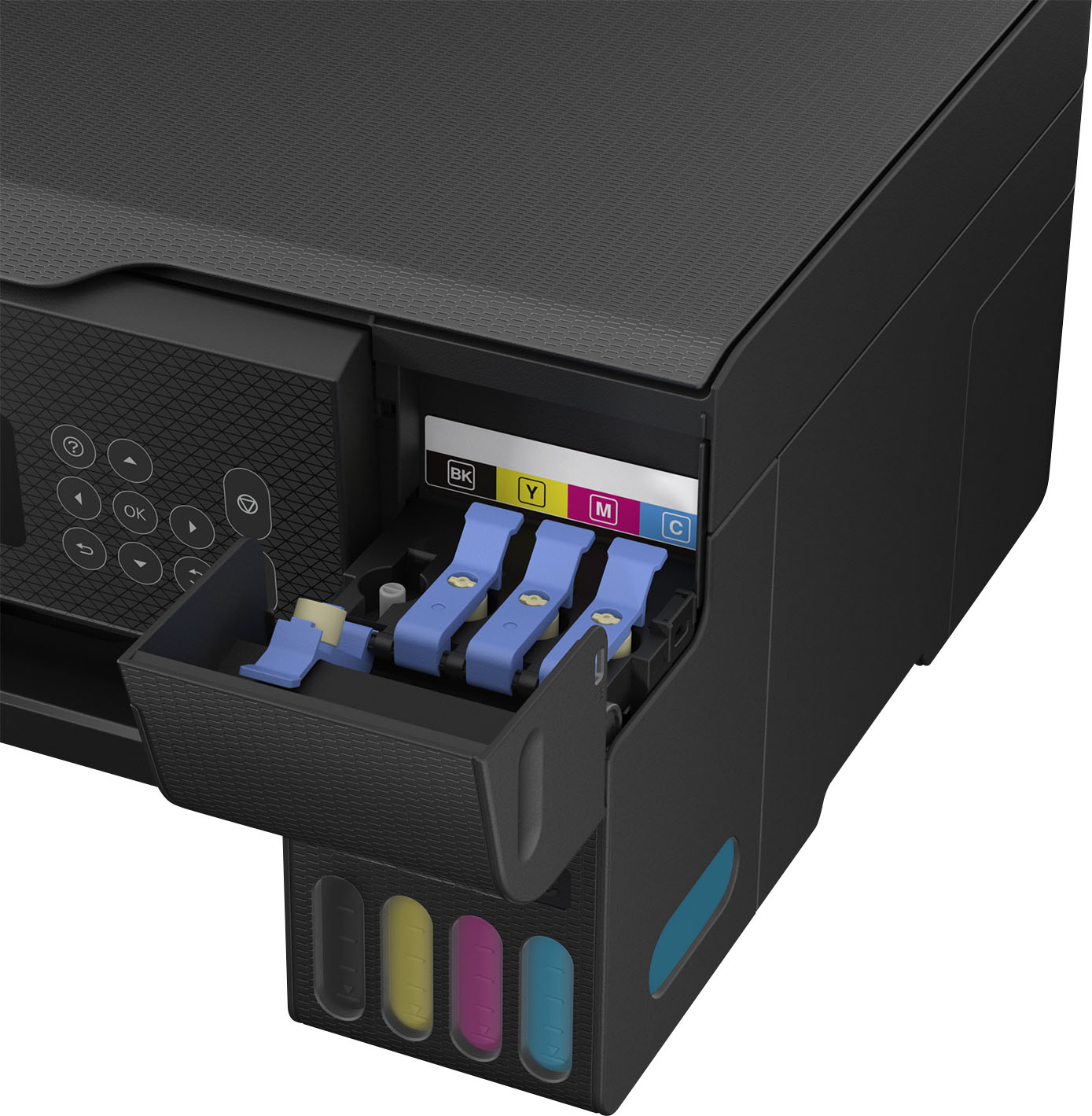
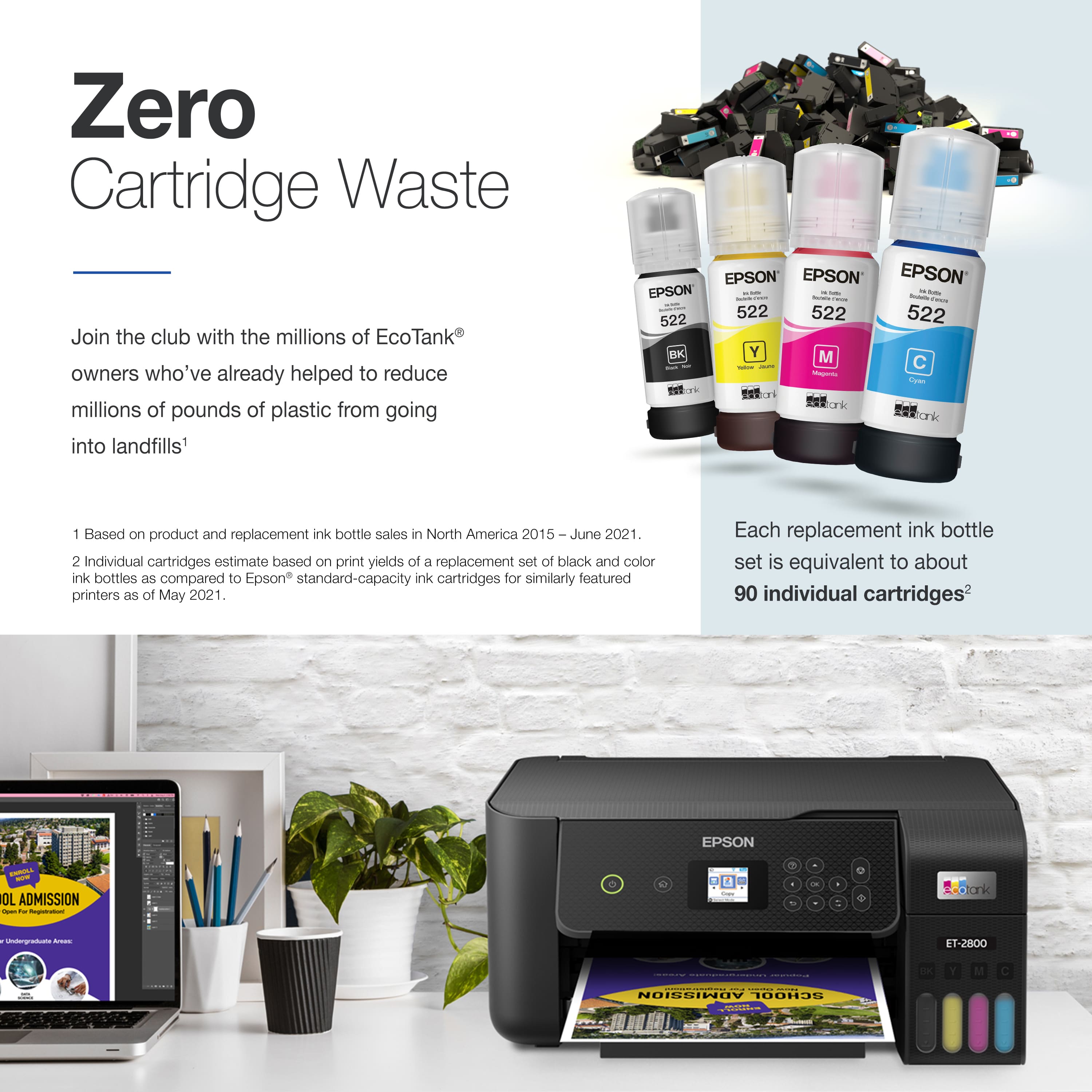
|Posted .This reviewer received promo considerations or sweepstakes entry for writing a review.This All in One is simply awesome!! After removing it from its box you simply plug in the printer and download the Epson App on your smartphone. Once you have the app open on your phone it will walk you through every step nice and easy to get the printer setup. It was super easy to do and Im sure a lot of people will appreciate the simplified setup that comes with this printer. During the setup process you will be guided through the process to fill the different ink reservoirs, its very easy. You flip open the corresponding cover and unscrew the cap for the ink and match it up with the label on the bottle to the corresponding slot, flip it upside down and it fills and stops automatically. Repeat the process for all of the bottles and your done!! Now on to the actual experience of using this printer... Experience I have been printing everything and anything over the last few weeks and I am loving this thing. Ive printed out Photos and Text Only documents as well as mixed documents, and it has been a breeze to do so. I can print from any computer or phone that is on the same wifi network as the printer, which is something I have never had before, but wow does it make everything that much more enjoyable to use. Quality So far every picture I have printed out just using regular printing paper has come out very good. No complaints there. Im sure if I used photo paper the images would be that much better! The printing speed is also very fast with either photos or documents. All of the Text documents I have printed have been good also. It is worth noting that you can increase the quality in your printer settings on your device and also see the current ink levels in the machine. Features The Main Feature is the new Ink Bottle Refill system. This is supposed to save all of us some major money in the long run. On the Epson website it states ''Each replacement ink bottle set equivalent to about 90 individual ink cartridges'' Thats huge for me and why I wanted to get this printer. They also state ''Save up to 90% with replacement ink bottles vs. ink cartridges'' So right away if these statements are true, you can see the value here already. You can also use this machine to make copies and also scan images or documents to your computer. In order to do this, you will need to connect the printer to your computer using a USB A to USB B cable that is NOT INCLUDED. This to me is a major FAIL! I do not understand how a manufacturer can put features in a product and not supply you will the right cable to use those features. I think there will be a lot of people who get this printer, that will not be happy about this. I know that I wasn't when I first unboxed this printer. Just be aware that you need to buy the USB cable to use the scan feature. Other than the previous mention, I am very happy with this Printer. The ease of use just triumphs anything negative about this printer as a lot of people will be able to plug it in and get it setup quick. The form factor is also very nice and again the main feature is NO MORE INK CARTRIDGES!!! =) If you need a Network Printer, You should definitely give this one a look! *Had to lower to 4 stars due to the missing cable that is needed to use the scanner. There will be people that buy this printer that will have trouble with getting the right cable and it should have been included.
I would recommend this to a friend System failure after some usage
||Posted . Owned for more than 2 years when reviewed.This reviewer received promo considerations or sweepstakes entry for writing a review.Loved it at first then a system failure keeps showing on my screen.
No, I would not recommend this to a friend