Customer Ratings & Reviews
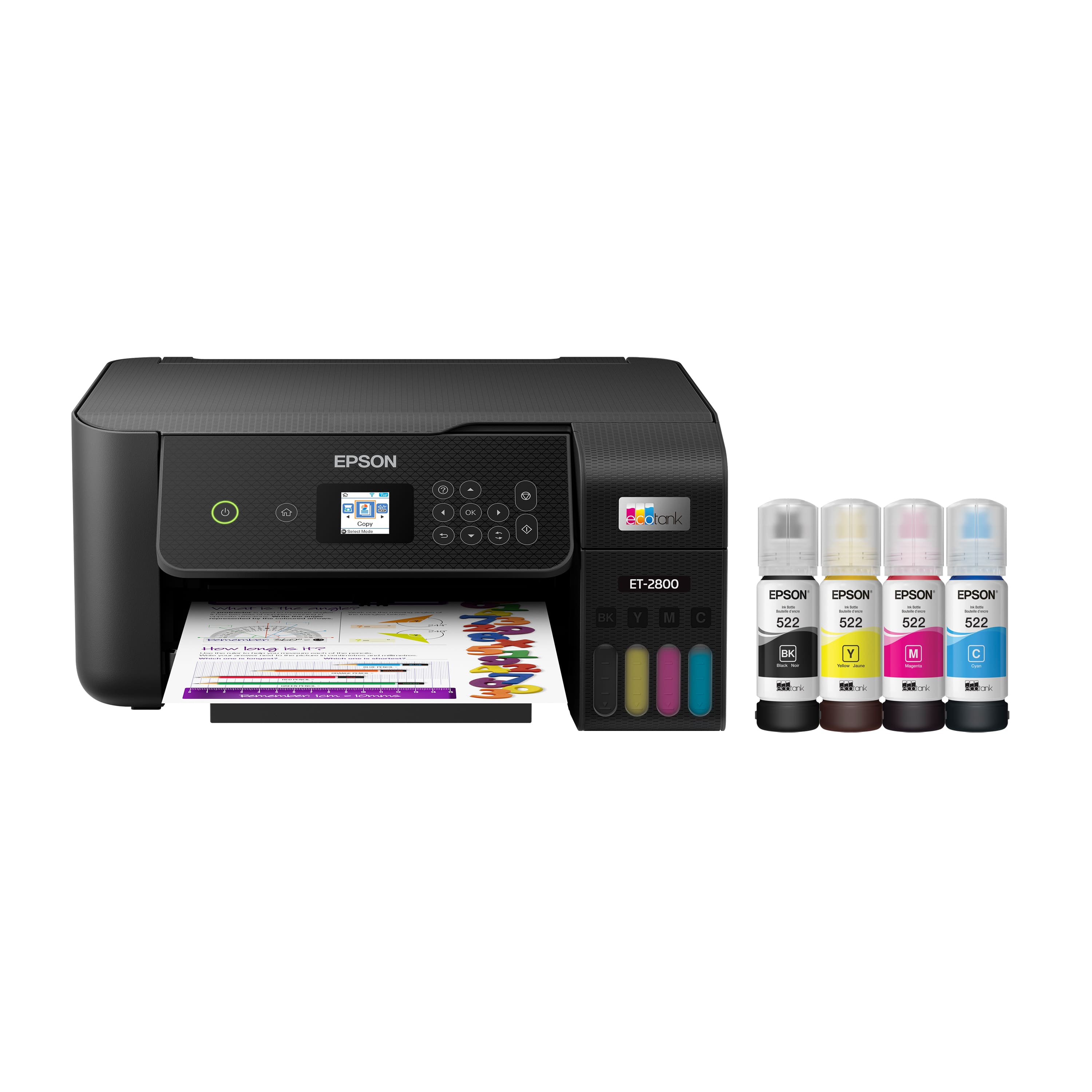
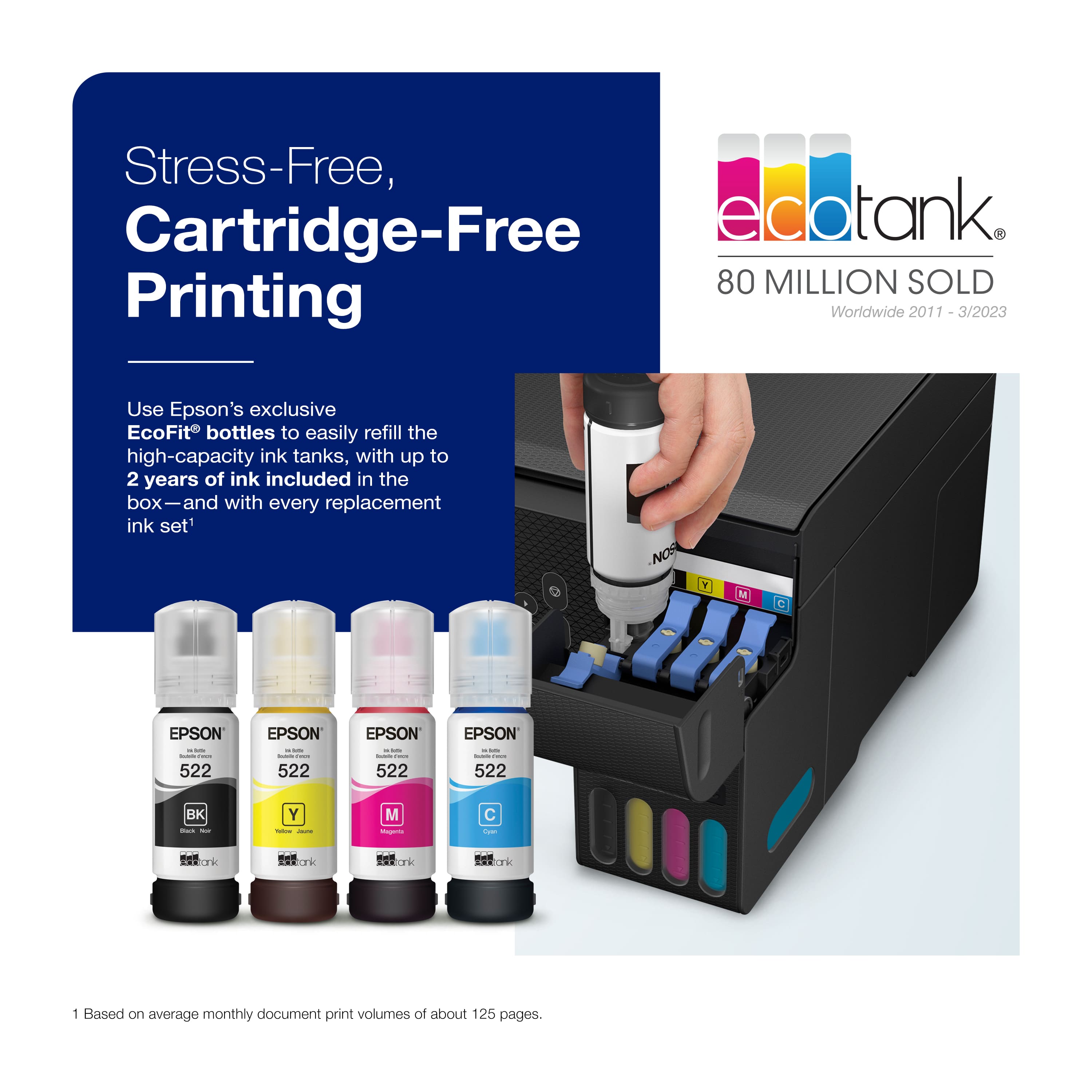
.](https://pisces.bbystatic.com/image2/BestBuy_US/images/products/aae928b7-2a89-4f72-a9d7-a8b502cd3863.jpg)
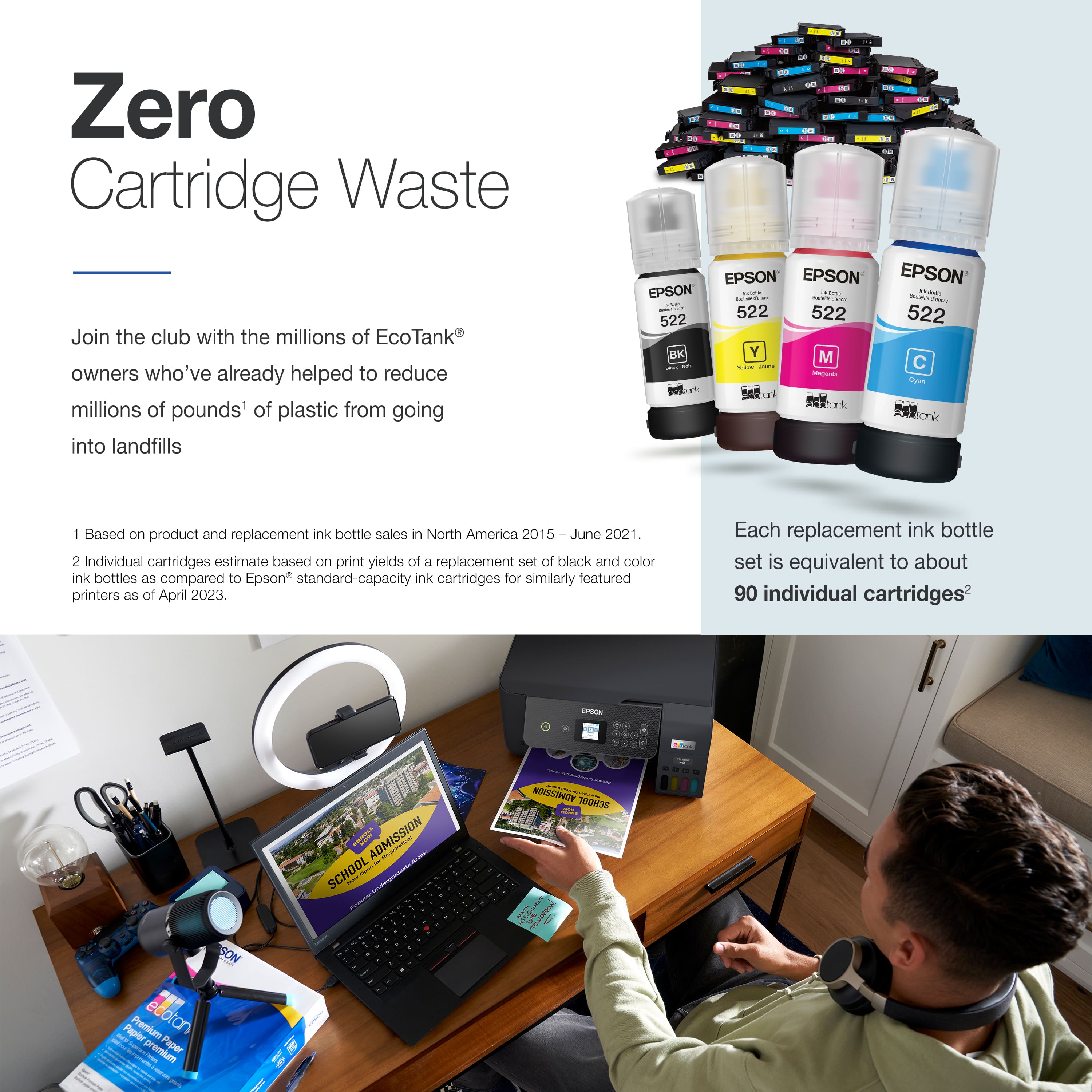
. 1 Most features require an Internet connection to the printer, as well as an Internet- and/or email-enabled device. For a list of Epson Connect enabled printers and compatible devices and apps, visit [www.epson.com/connect](http://www.epson.com/connect).](https://pisces.bbystatic.com/image2/BestBuy_US/images/products/74cbe1f4-35c2-4c28-a11d-ae4191c9a8b8.jpg)

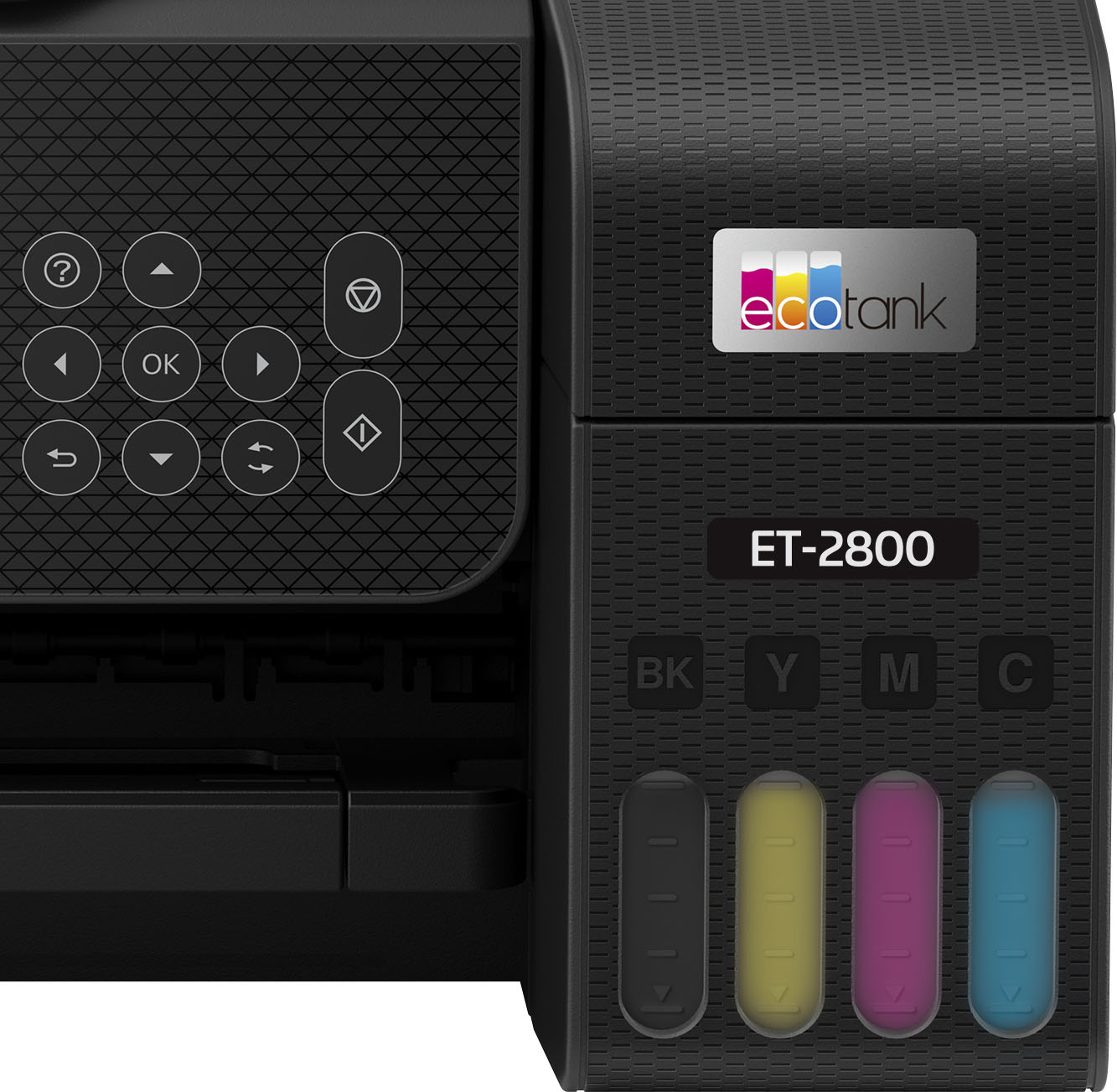
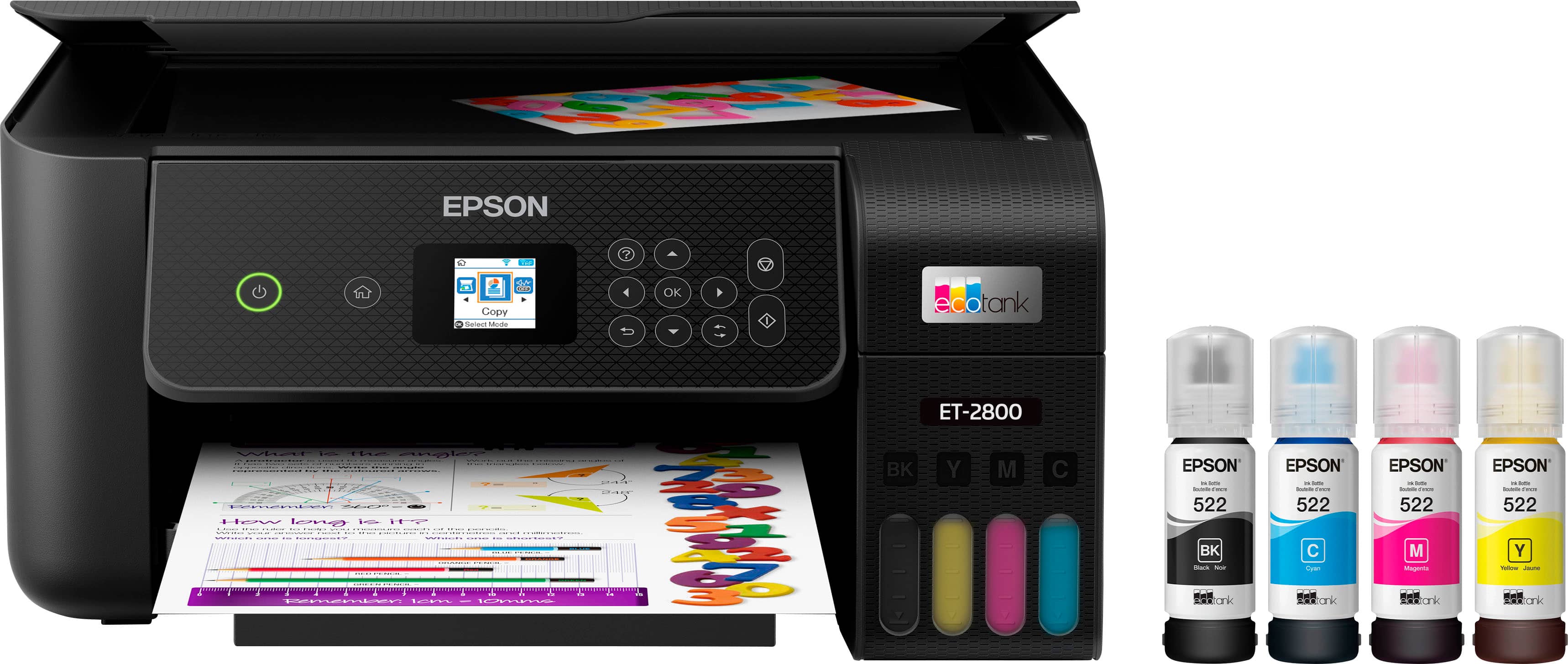
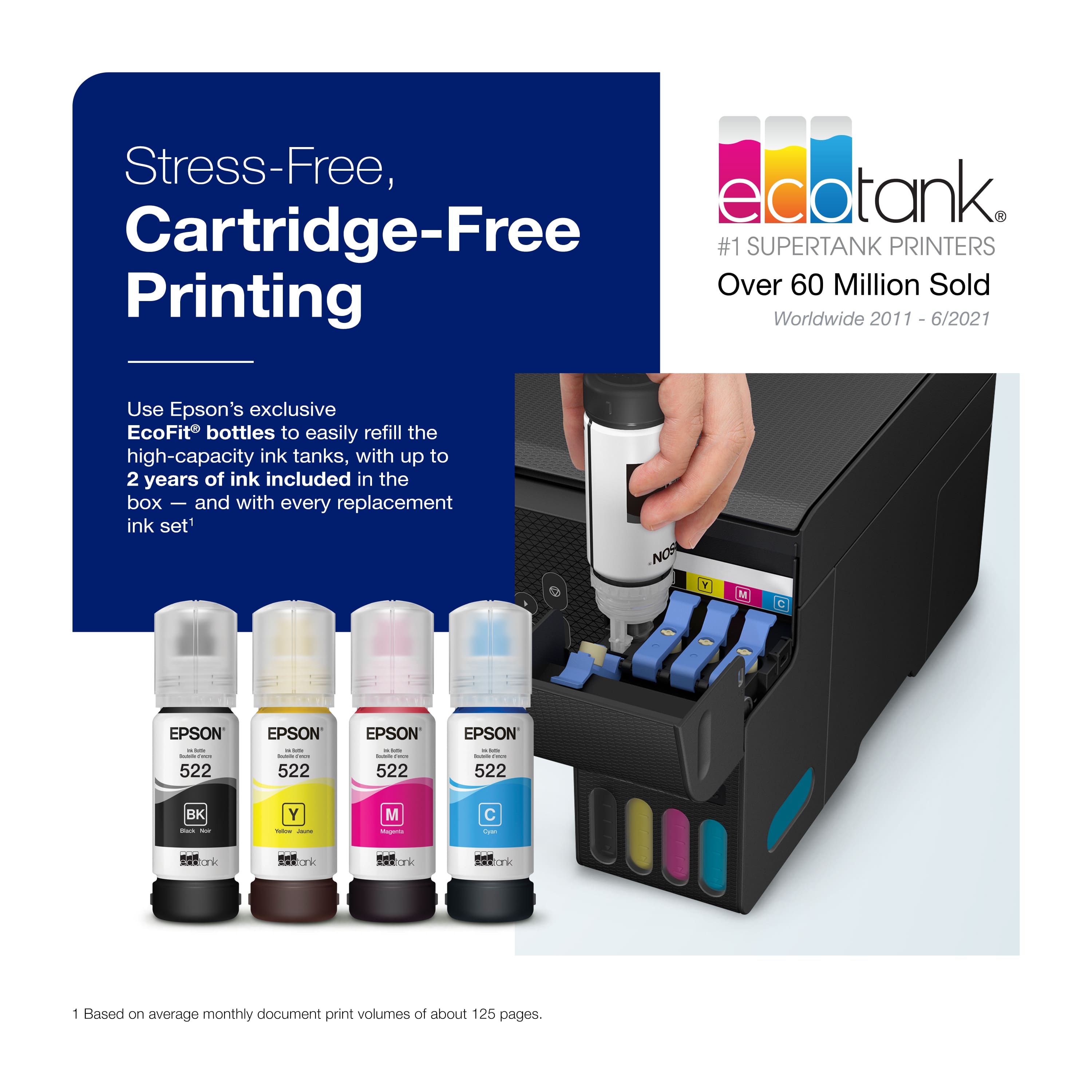
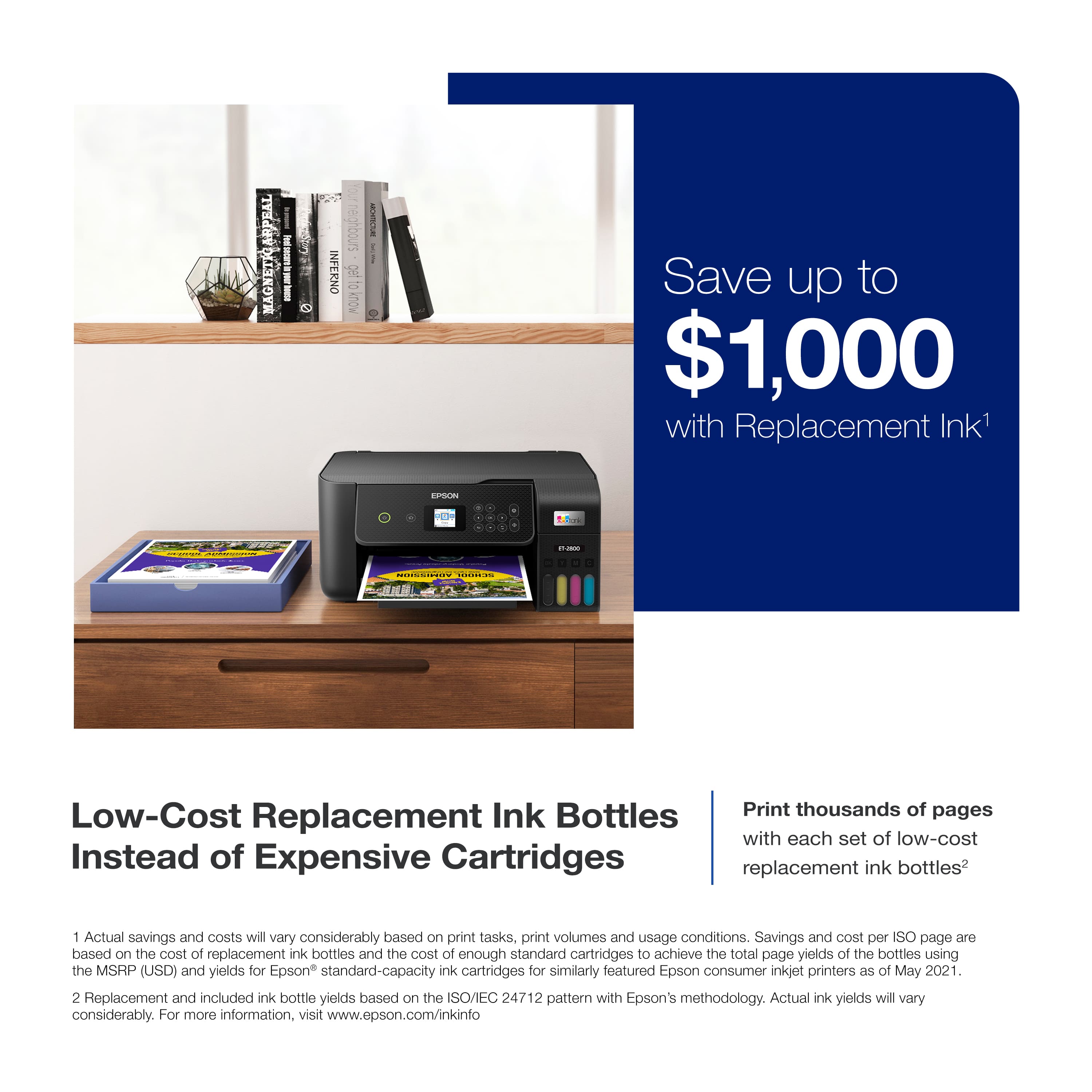
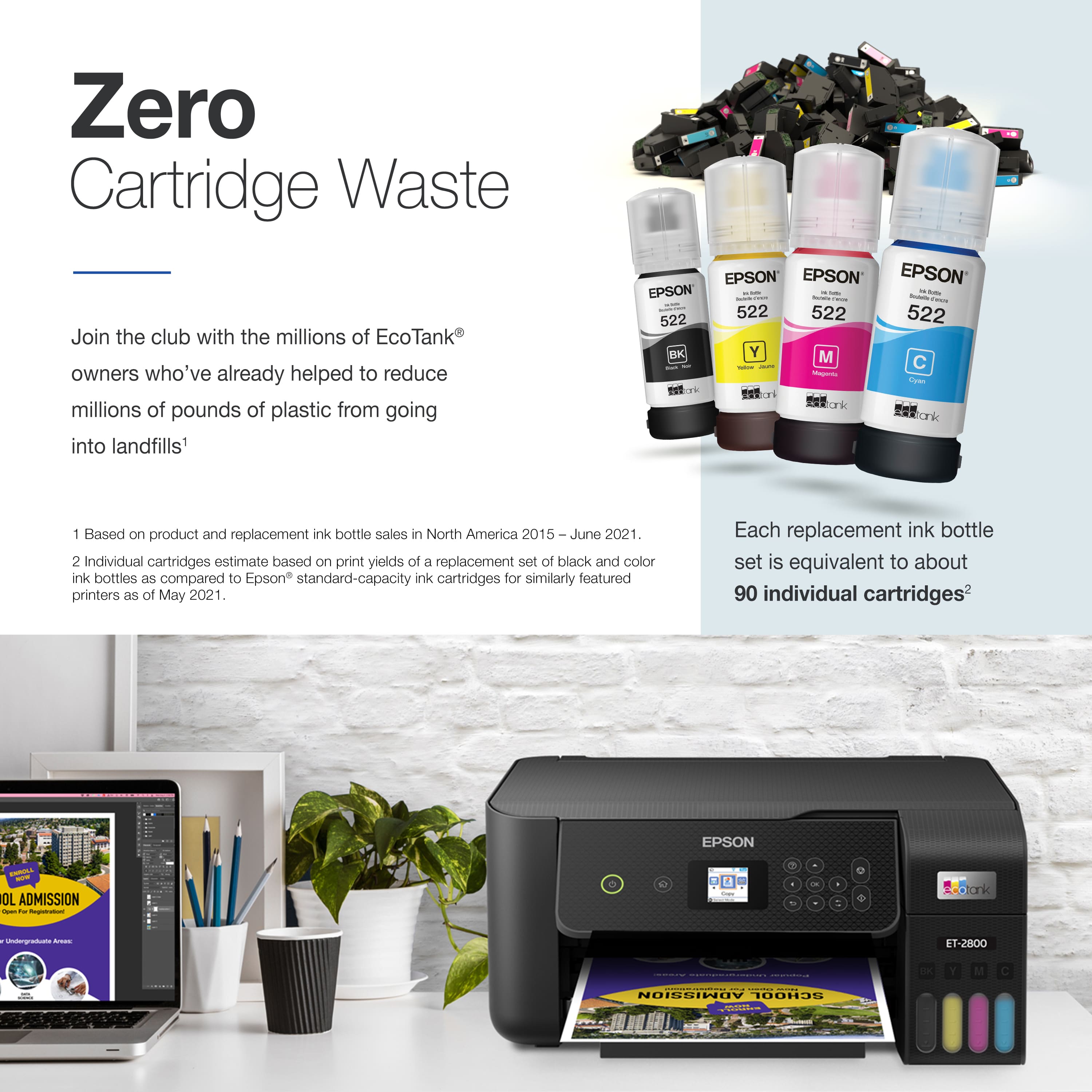
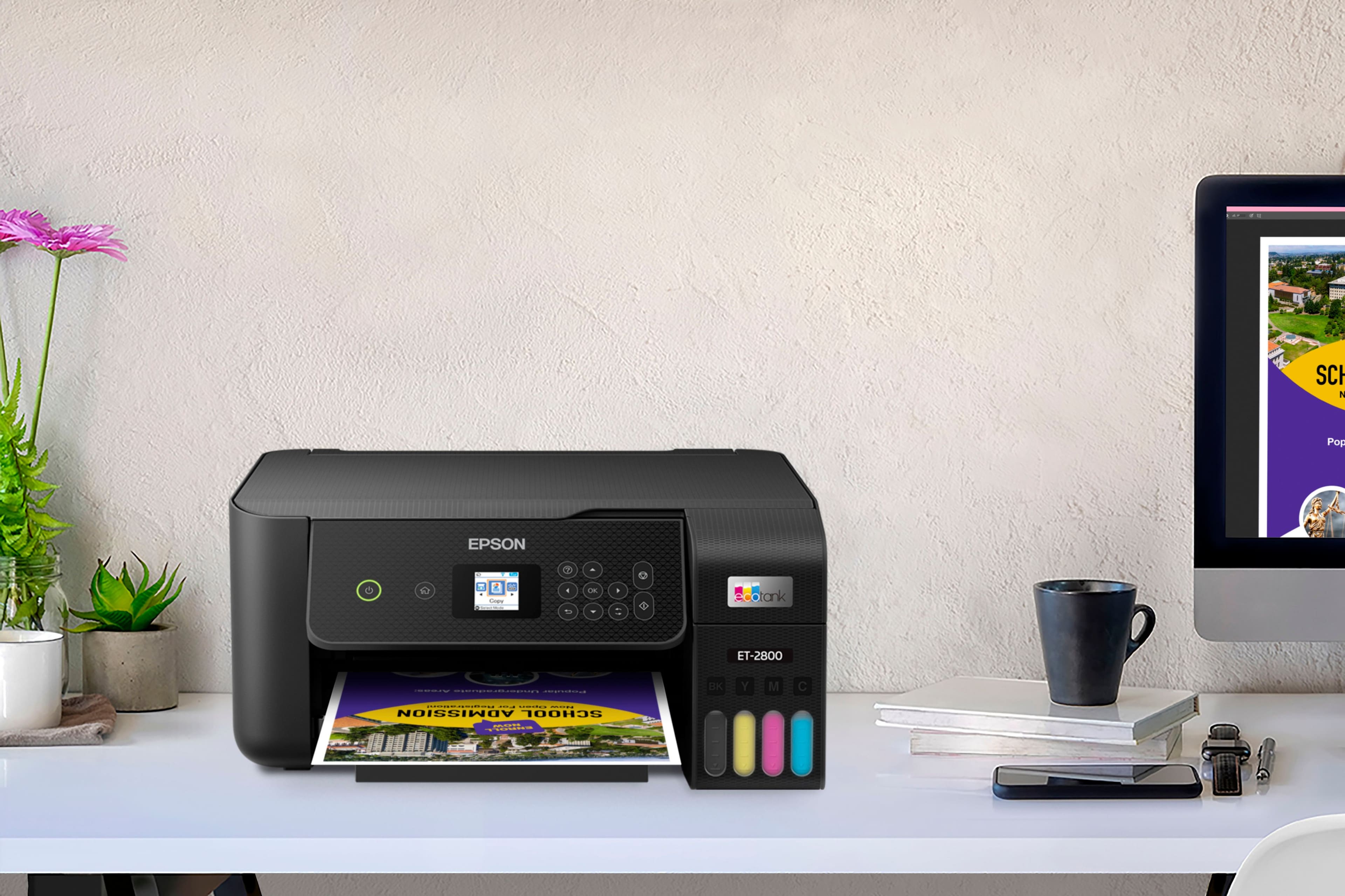
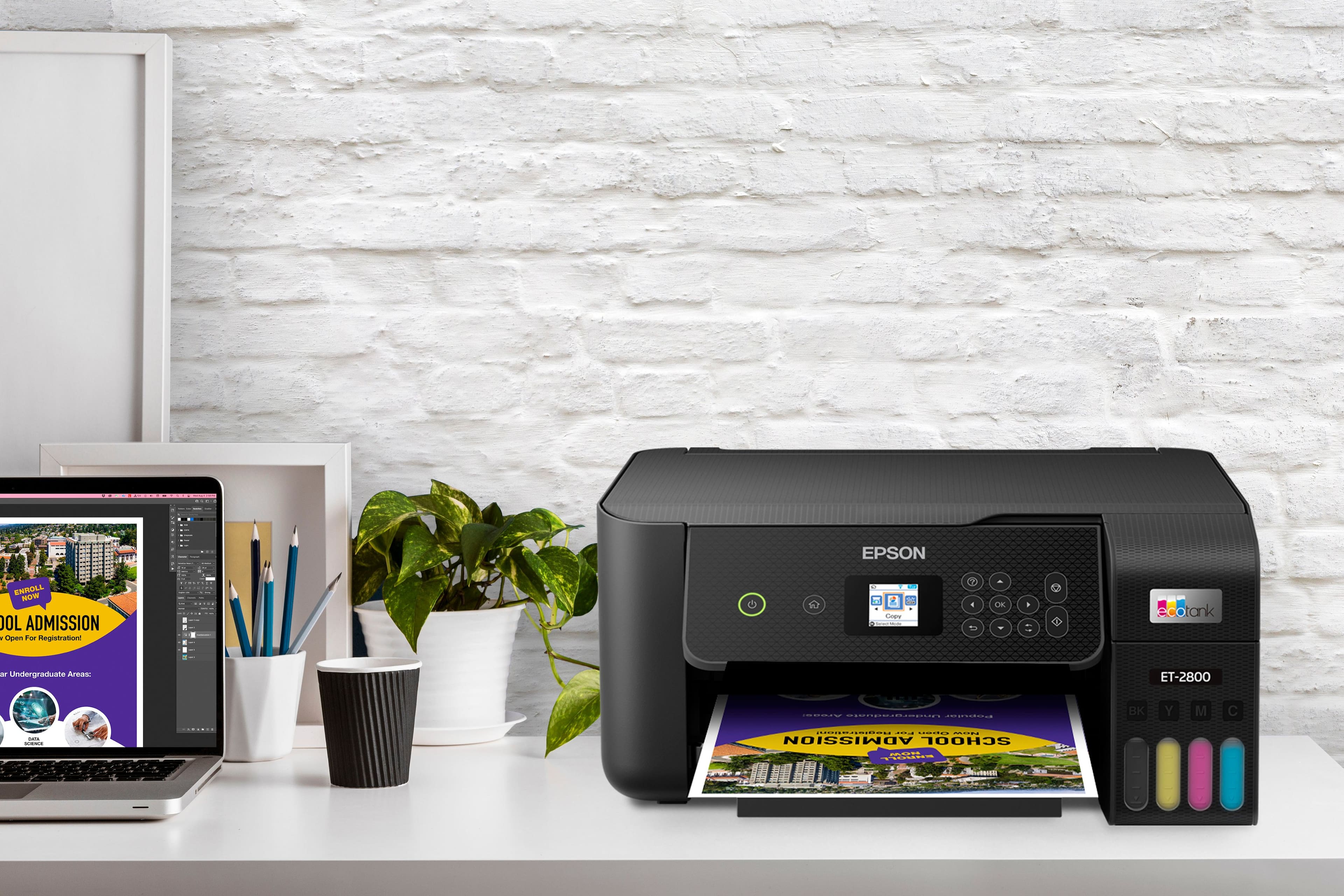
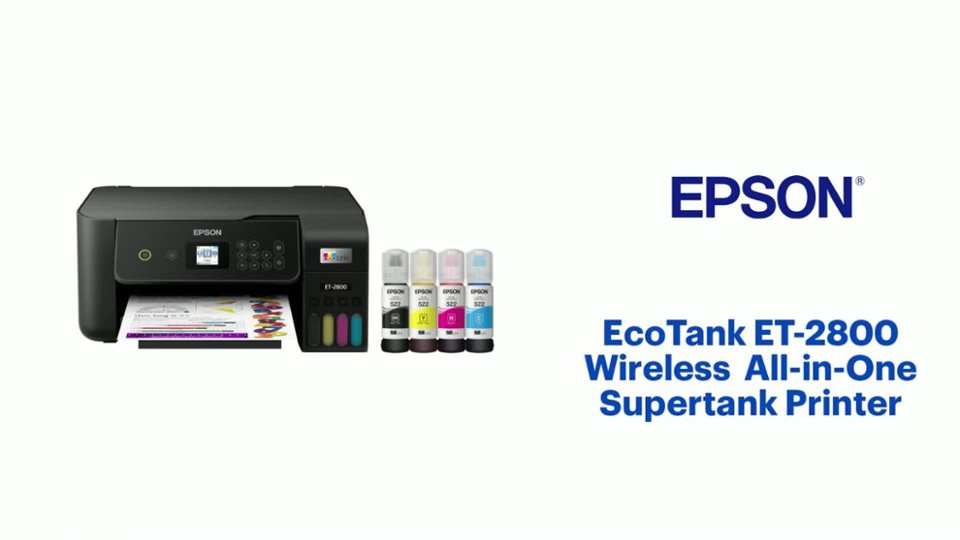
- Model:
- C11CJ66201
- SKU:
- 6492050
Rating by feature
- Value
Rating 4.6 out of 5 stars
- Quality
Rating 4.5 out of 5 stars
- Ease of Use
Rating 4.5 out of 5 stars
Customers are saying
Customers find value in the printer's impressive print quality and its remarkably user-friendly interface. Users frequently highlight the device's overall performance, simple setup process, and compact size as key benefits. While most feedback is positive, some users noted that the rear-loading paper tray and operational noise levels could be improved.
This summary was generated by AI based on customer reviews.
- Pros mentioned:Print quality, Setup

Easy to use and cheaper ink replacement
|Posted .This reviewer received promo considerations or sweepstakes entry for writing a review.Great printer, if you need a basic all in one printer for home or a soho, this printer will save you lots of money. Instead of replacing printer cartridges (that's where the expensive part is at), you only add liquid ink to it (you could say the cartridges are permanent in the printer, at least that's my thinking). You just buy new bottles of ink and replenish the printers tanks. Much cheaper. Setup was easy, however it took a few minutes, be prepare to spare around 15 minutes. Because once you add the ink from the bottles and turn the printer on, it does some sort of "ink prepare" and the process takes like 10 minutes. Once done, you can configure it using Epsons app on your phone. For the PC, they include a CDrom, this is a big con, who has a CD ROM on their PC anymore? It could have been cheaper to include an USB drive with the software and drivers. Anyway, I had to download the software from Epson's website and from there I configured the printer to use my wifi network, which is more convenient. This is a basic printer, and very good at it. Print quality is exceptional, just don't expect advance creature comfort features, like from more expensive ones (like the ability to scan documents automatically from a feeder, here you have to place each page to scan on the scanner bed) etc. I highly recommend it if you want to save money in future replacement ink, no more expensive cartridges or expensive subscriptions!!!!
I would recommend this to a friend - Pros mentioned:Ease of use, Print qualityCons mentioned:Paper tray
The ink will last longer than the printer
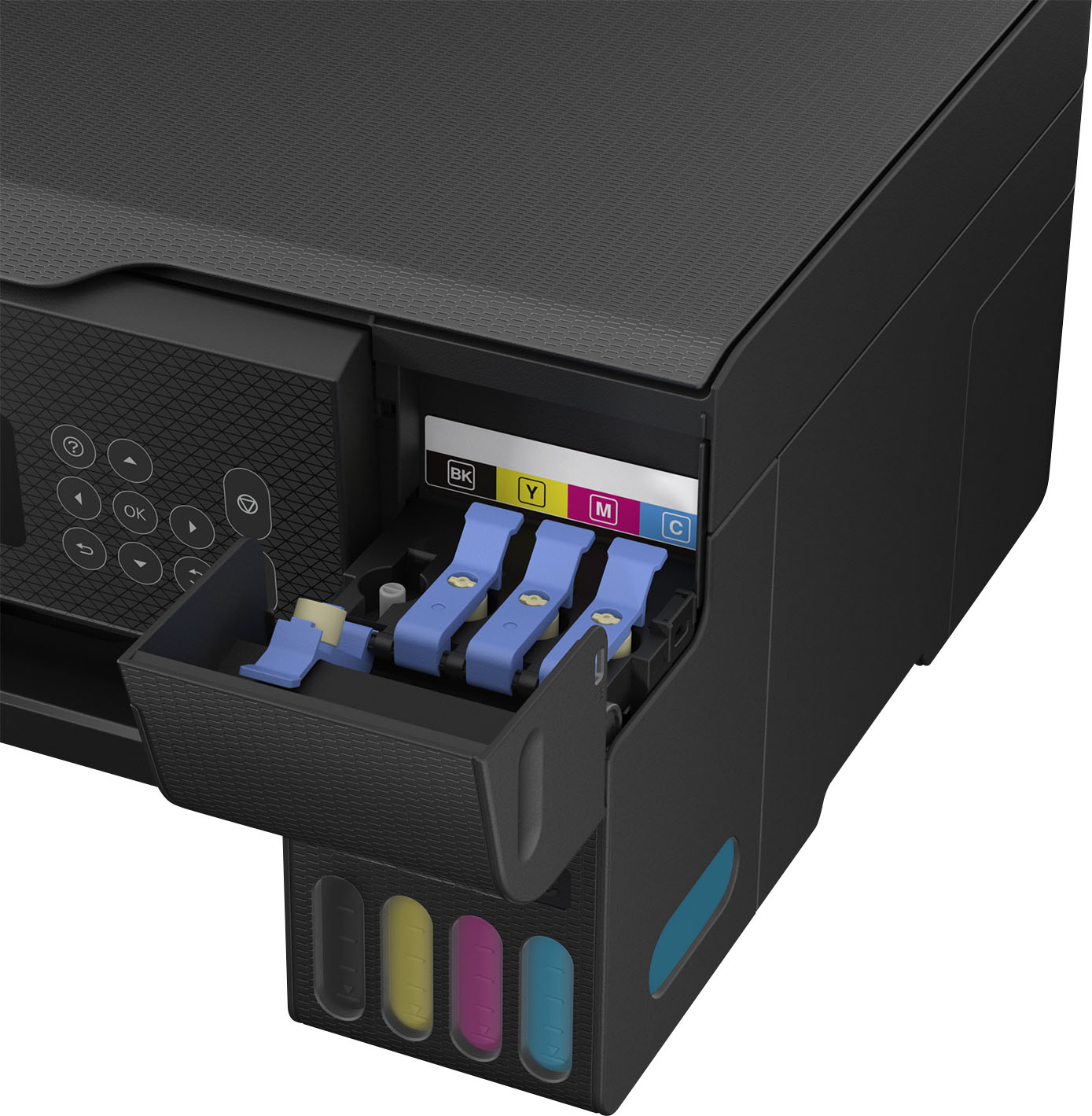
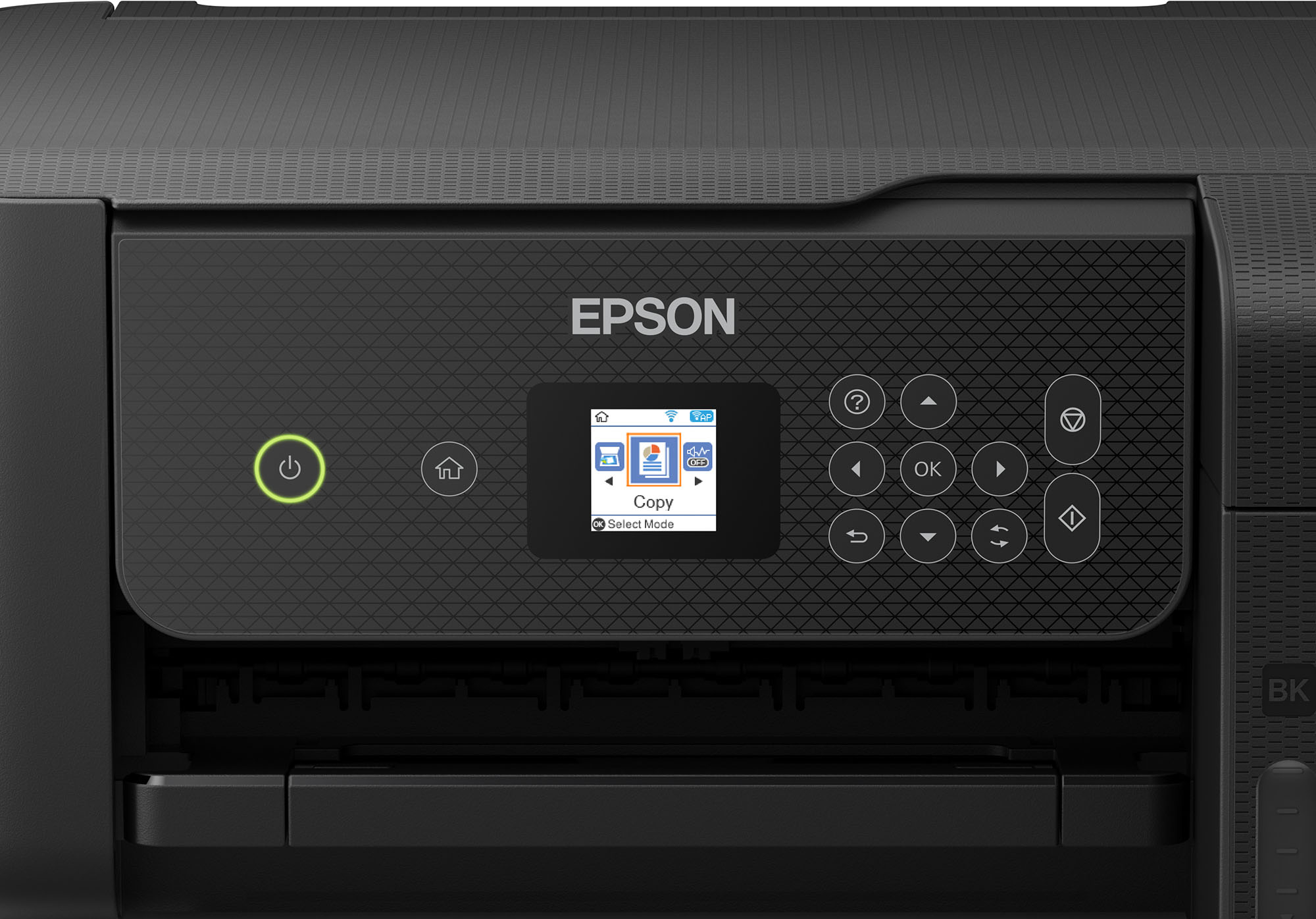
|Posted .This reviewer received promo considerations or sweepstakes entry for writing a review.The Epson ecotank ET-2800 printer is recommended and made for home use. This all-in-one printer is the lowest model in the Epson ecotank printer line up and you can definitely tell as it very cheaply made and had minimal features compared to the industry and it higher model Epson brothers and sisters. Please read below for my full review: Setup: I thought setup would be quick and easy as most printers are but this printer takes forever although it is still easy. I opted for the intial setup using my mobile device. Once you turn on the printer a QR code pops up on the screen and you can easily use your cell phones camera (Apple or Android) to start the process. The QR code brings you to download their app. I thought the setup was weird as Epson brought you through like a chat or text process. I'm sorry but I don't want to chat with my printer. Set up took almost 15+ minutes in total. Yes you read that right. After filling up the ink with the bottles it took 11 minutes for the printer to set itself up. Don't worry it counts it down for you. I know you only usually setup a printer once but it took forever and I don't want to do it again. Ink: The printer comes with 4 full bottles of 522 Epson ink (65ML each). Tons of ink, more than I have ever handled in an inkjet printer in my life. I plan for this ink to last a long time. Advertisement says up to 2 years but I am sure I will kill the ink before then. The bottles are designed to not make a mess and allow you to easily flip them into the printer tank slots/transfer ports. The printer will also stop think from flowing once each printer tank is full. Even after dumping the ink in I sill had a little bit in each bottle to top off the printer later (that was a surprise). I do have to say that it was not perfect as the printer did leak a little of the magenta ink on the magenta lid on the printer. I am not even sure how it did this but it did. Printer: This printer has minimal amount of features. It can print, copy, and scan but I feel as though that's all it can do. It is also equipped with wifi and mobile printing. BIGGEST FLAW: it only has single sided printing. This is horrible as most printers have this. The next models up are equipped with auto 2 sided printing so you will have to spend more to get this. The screen is super small. Actually the smallest colored screen I have ever seen at 1.44 inches. The screen is a waste and if I can barely read it at my young age then many others wont be able to read off it. The paper can only be loaded from the rear and looks like my printers from the 2000's. To a front loading paper tray you have to go a full models up and at this price range I think that is bazar. Almost all printers in this range have a front loading paper tray. I expect a rear paper tray (which is stinking out of my printer now and wasting space) on a $19.99 printer. Quality: This is where I feel like where they get you. Okay you are going to save all this money on ink, right? Well then they are going to give you the cheapest quality printer known to man. While not broken, there was plastic flap already off the printer which I discovered as soon as I opened the box. Everything on this printer is cheap and flimsy. I mean everything. I expect the ink to last longer than the printer.
No, I would not recommend this to a friend - Pros mentioned:Print quality, Setup
10 months later and still on the original ink
||Posted .This reviewer received promo considerations or sweepstakes entry for writing a review.I’ve been using the EcoTank ET-2800 daily for the past 10 months in a busy family household with two school-age kids, and it has been fantastic. The ink tanks that come with the printer were full from day one. Since then we’ve printed thousands of pages: black-and-white homework, math worksheets, permission slips, full-color school projects, maps, posters, and well over 200 photos (4x6 and 8x10) on glossy paper. After all of that heavy use, the black tank is only down about 20–25 % and the color tanks are still over half full. I’ve never had a printer last this long on the original ink supply. Print quality is sharp for text and surprisingly good for color. Photos on glossy paper look vibrant and clear enough that we’ve framed several of them. Scanning and copying work great from phones, tablets, and laptops over Wi-Fi, and setup was straightforward. It’s not the fastest printer, and there’s no automatic two-sided printing, but for everyday home and school use those things don’t bother us at all. The peace of mind knowing we won’t run out of ink mid-project has been wonderful. If you print regularly at home, this has been a complete game-changer for us. Highly recommend.
I would recommend this to a friend - Pros mentioned:Print quality, Setup
A Printer That Doesn't Cost a Fortune in Ink
||Posted . Owned for 1 year when reviewed.This reviewer received promo considerations or sweepstakes entry for writing a review.The Epson EcoTank ET-2800 has been one of the best printer purchases I've made. Setup was straightforward, and I was printing from my phone and laptop within minutes. The print quality is sharp and vibrant for both documents and color images. The biggest advantage is the EcoTank system. Instead of constantly replacing expensive ink cartridges, the refillable ink tanks last an incredibly long time and save a significant amount of money. I've printed hundreds of pages and barely made a dent in the ink levels. I also appreciate the wireless printing capabilities, which make it easy for everyone in the household to print from their devices. The scanner and copier work well, and the compact design doesn't take up much desk space. If you're tired of spending a fortune on ink and want a reliable all-in-one printer for home, school, or small business use, I highly recommend the Epson EcoTank ET-2800. It's efficient, easy to use, and offers excellent value for the price.
I would recommend this to a friend - Pros mentioned:Print qualityCons mentioned:Paper tray
High Upfront Cost, Savings In the Long Run
|Posted .This reviewer received promo considerations or sweepstakes entry for writing a review.--- SETUP --- The process for setting up the printer takes around 15 minutes. It’s quick to fill each ink tank with ink. However, there is an ink process that takes 11 minutes alone. The good thing is that, while that is happening, you can use the app to do other things you need to make the printer functional, like connect it to your WiFi setup. --- FEATURES --- This printer allows you to scan, copy, and wirelessly print from a computer or your phone. It is also cartridge free, so the ink goes directly into ink tanks inside the printer. --- PERFORMANCE --- The printer is made for home use, so the review will reflect home use. Note that there is a difference between home use and home office use. This review is specifically for home only. The Epson 2800 can print around 10 pages of black and white or 5 colored pages per minute. One color picture took around 4 minutes on an 8 ½ by 11 inch ultra premium glossy paper. The photo image came out pretty close to the picture I sent from my phone. As far as printing documents on regular paper, the printer is top notch in the quality department. I was able to get 10 pages of black and white and 5 pages of colored paper within a minute's time. Scanning worked great too and I was able to send the image to my computer. I recommend you download the Epson suite for the printer to give you these advanced features. Other than that, this printer doesn’t have many bells and whistles but it will save you on buying ink, as a pack of colored ink bottles comes out to around 45 bucks and the black ink bottle comes out to 20 dollars. The ink is to last you for 2 years and can be refilled before the entire ink tank is consumed, so you can always have backup ink saved when you need it most. --- EXPECTATIONS --- For the price, I would have expected this printer to have a front or rear loading paper tray. Instead, it has a paper feed where you can fit 100 regular sheets of paper that will be visible the entire time. Because of this, the printer is also only capable of printing single-sided. Though this is meant for home use, in today’s age, most people have a use for double-sided printing. For the price, I feel like both of these lacking features will be a disappointment to consumers. Essentially, what ends up happening is that you are paying a higher price upfront for the printer but end up saving in the long run if you keep the printer long enough. Think back to your last printer. If you had that for more than 2 years, then this would be a good investment for you. In my experience, though I do have printers at home that have lasted more than 2 years, I don’t think I’ve consumed 2 years worth of ink from them. The higher upfront cost doesn’t justify the savings that this printer will bring. --- APPROVAL --- The Epson printer will serve the needs of students or people who don’t print large quantities of paper at once and also don’t need to print double-sided. If you are one of the above, then this printer is for you.
No, I would not recommend this to a friend - Pros mentioned:Overall performance, Print quality
Incredible ink savings
||Posted . Owned for 1 month when reviewed.This reviewer received promo considerations or sweepstakes entry for writing a review.This printer is an outstanding investment for anyone looking to eliminate the frustration and high cost of traditional ink cartridges. The EcoTank refillable tank system is exceptionally clean and easy to fill, and the sheer volume of ink included in the box allows for thousands of pages of printing right away. The wireless setup is straightforward, and the companion mobile app works smoothly for scanning and printing directly from a phone or tablet. Text documents come out sharp, and the flatbed scanner delivers highly detailed digital copies. While the print speed is moderate and double-sided printing requires manual page turning, the massive long-term savings on ink and the reliable daily performance make it a perfect option for a home office or small business setup.
I would recommend this to a friend - Pros mentioned:Ease of use, Print quality
Good Quality Great Ink Life
||Posted . Owned for 3 weeks when reviewed.This reviewer received promo considerations or sweepstakes entry for writing a review.I really like this printer. The set up is easy with one exception. The ink is making both in terms of quality and quantity. The exception is the connection to the WiFi and the size of the touchscreen is very difficult to read. One of the reasons I moved from HP is that the HP website is a random mess and Epson's appeared far more user friendly. The downside? If you don't have home WiFi you have to use Direct WiFi. It took an hour on the phone with Epson technical support to get my phone to print to the printer. Note that I have my Chromebook connected to the printer via a USB cable. This printer will not work with hotspot or public WiFi, as this is all I have available. So this means that Epson Smart Panel app and other Epson apps will not work. Additionally, printing photos on the correct paper is a pain and has to be done separately for each 4x6 picture. The negatives almost made me return the printer but my research indicated that I would have the same issues no matter which printer I tried to use. The positives are still in the ascendancy so I would recommend this product as the difficulties I experienced are quite specific and secular to me
I would recommend this to a friend - Pros mentioned:Ease of use, Overall performance, Setup
Boom! Your copies are ready.
||Posted . Owned for more than 2 years when reviewed.This reviewer received promo considerations or sweepstakes entry for writing a review.Not much hype, just gets the job done! No stall outs or mechanical problems. Easy setup and away you go! Oh yea, the price was competitive considering the valuable features.
I would recommend this to a friend - Pros mentioned:Ease of use, Overall performance, Print quality
Epson printer
||Posted . Owned for 1 month when reviewed.This reviewer received promo considerations or sweepstakes entry for writing a review.Print quality,easy of use,overall performance.easy conection of wifi
I would recommend this to a friend - Pros mentioned:Ease of use, Overall performance, Print quality
Printer
||Posted . Owned for 1 month when reviewed.This reviewer received promo considerations or sweepstakes entry for writing a review.Works good, long lasting ink, easy to set up. Prints sorta slow for more detailed photos and quality of phot printing isn’t great. Isn’t double sided printing which is a down size for the price but overall great
I would recommend this to a friend - Pros mentioned:Ease of use, Overall performance, Print quality
Very nice printer.
||Posted . Owned for 3 weeks when reviewed.This reviewer received promo considerations or sweepstakes entry for writing a review.Printer was very easy to set up using the App. It has functioned perfectly thus far. Ink tanks are so much nicer than the old cartridges. Very satisfied so far.
I would recommend this to a friend - Pros mentioned:Ease of use, Print quality, Setup
Good value for the price
||Posted . Owned for 1 month when reviewed.This reviewer received promo considerations or sweepstakes entry for writing a review.Easy to set up. Good quality printing. Just hard to get the paper in & lined up correctly. I like that it’s compact.
I would recommend this to a friend - Pros mentioned:Overall performance, Print quality
About to buy my 3rd one!
||Posted . Owned for 1 year when reviewed.This reviewer received promo considerations or sweepstakes entry for writing a review.This is my second Epson ET-2800. It gets used to make stickers, and it can make a ton! The ink lasts forever. What I will say is you should do routine head cleanings. The first one I got, I didn't, and the ink would sometimes go on the edges of the paper. It didn't affect the stickers, but it was annoying. The only thing I have a complaint about is there is an ink pad in the back. Once that get full of ink, you can't use the printer until you get a new pad and reset the printer counter. The reset code you can only get by sketchy 3rd party sites. I cleaned my first pad which I don't recommend, as it does not last as long as a replacement. Each printer has lasted me a year, with I'd say an average of 30 vinyl sticker sheets a day. I didn't have a warranty on the first one, but I have one on my second one. They only stop because of the pad. Otherwise, they still work well. I heard that with a waranty they will just replace the printer instead of fix it. Probably make more economic sense to them. We will see. Either way, I'm about to buy a 3rd one because I don't have time to waste. If you want a printer for normal use, this one is perfect.
I would recommend this to a friend - Pros mentioned:Print quality
GOOD QUALITY – BASIC SUPERTANK ALL-IN-ONE PRINTER
|Posted .This reviewer received promo considerations or sweepstakes entry for writing a review.REVIEW: EPSON - ECOTANK ET-2800 WIRELESS COLOR ALL-IN-ONE CARTRIDGE-FREE SUPERTANK PRINTER WITH SCAN AND COPY MODEL:C11CJ66202 GOOD QUALITY – BASIC SUPERTANK ALL-IN-ONE PRINTER / SCANNER The ECOTANK ET-2800 WIRELESS COLOR ALL-IN-ONE CARTRIDGE-FREE SUPERTANK is winning me over. The scan quality is actually very good, and the print quality is good. Actually, the color printing is more clear than the black printing in my tests. If you need a good no frills all around color printer / scanner the - ECOTANK ET-2800 WIRELESS COLOR ALL-IN-ONE CARTRIDGE-FREE SUPERTANK is a safe bet. It does not win any speed records, but the quality is overall pretty good. When I compare scans at 600DPI to other scanners I have, it is almost identical (see pics). The scans from the Epson were a touch softer, but the Epson did better at capturing brighter images. The print speed is slow, especially at high quality, but within stated specs (so no points off). As an example, I printed our 15 page appraisal report from our realtor. It contains a mixture of text, pictures, and charts. It took about 10 minutes to complete the printout. I would suggest you download and install the PC software from the Epson site to be able to use advanced features when scanning. I used the suggested Android app to scan and print which worked easily enough, but the results were poor, event when set to HQ. Still, if you need to print from your phone, it is probably not a situation that requires high quality. PRO’s - Very Good Scanning - Good Enough Printing Quality for Occasional use - WiFi Connectivity - Copy Feature does not require a pc and works very well (see pic) WHAT IS A SUPERTANK PRINTER? Back in the olden days (5-15 years ago), you bought a color ink jet printer for $59, but then the ink cartridges were up to $80 each (possibly even for each color). For infrequent users, often times, the ink would dry up before you came anywhere near using all the ink. So, off to the store to spend another $100 on ink. My solution at the time (15 years ago) was to get a color laser printer although more expensive ($500) initially, it allowed me to run 1-2 years before needed to replace cartridges. A few years ago all the ink jet makers started to switch to a supertank method where you initially pay a little more for the printer, but it usually comes with enough ink (via poured in bottles of ink) to last a few years for average home use. We probably print 5-10 pages per week. We have a different supertank printer (without scanner) and after 1.5 years we have only used about 1/2 of the included ink. I have a small concern about how fast I’m already burning through ink on the ECOTANK ET-2800 WIRELESS COLOR ALL-IN-ONE CARTRIDGE-FREE SUPERTANK. I’ve printed about 30 pages (HQ and lots of pics) and my ink levels are already down about 20% from where I started. Fortunately, INK is only $14 / bottle. I normally don’t print pics or HQ, so I assume my consumption rate will decline. SETUP I’m not going to lie, just about every device (this one included) that tries to make you do setup over the phone app is a huge hassle. My advice is to do the setup manually from the control panel screen on the printer and save yourself from pulling your hair out. (I don’t have that much to lose anymore). I followed the quick start guide and tried to do the install form the phone app. At first it could not see the printer on the default screen. Then I hit “menu” and “+” to add a printer, and it still was not seeing the printer. Then, as I started to power down the printer and suddenly it showed up in the phone app. I restarted the printer, and using the “+” method, it found the printer and nicely walked me step by step filling the ink and so on. Then it came time to enter my wifi information in the phone app for the phone to configure the printer. As soon as I hit “OK/SAVE” the phone lost contact with the printer and I could never get it back. Finally, I used the control panel on the printer to complete the WIFI setup, and this time it worked. The printer connected to my network, and it even found and downloaded new firmware without needing a screen. This time when I launched the phone app, the printer was found and I could scan / print from my phone, which was nice. SUMMARY / RECOMMENDATION If like me, you don’t print a lot (for home use) and sometimes need to scan, then the ECOTANK ET-2800 WIRELESS COLOR ALL-IN-ONE CARTRIDGE-FREE SUPERTANK does a very good job, without breaking the bank. If you need speed, then you need look at higher end models. The scanner is only a flatbed, so if you need a document feeder for scanning, then you need to look at a higher model. These are not negatives as the box even says right on the label “BASIC HOME PRINTER”. I can’t say it any better.
I would recommend this to a friend - Pros mentioned:Ease of use, Print quality, Setup
Can’t go wrong with an Epson
||Posted . Owned for 1 month when reviewed.This reviewer received promo considerations or sweepstakes entry for writing a review.Easy setup from adding ink to setting up Wi-Fi. Good print quality and small footprint makes this a perfect printer for my small office area.
I would recommend this to a friend - Pros mentioned:Ease of use, Overall performance, Print quality
Great Printer/Scanner
||Posted . Owned for 1 month when reviewed.This reviewer received promo considerations or sweepstakes entry for writing a review.I had an earlier version of this printer (ET-2750) and this works great like that one. Easy setup and great quality.
I would recommend this to a friend - Pros mentioned:Ease of use, Print quality
Excellent printer for home use
||Posted . Owned for more than 2 years when reviewed.This reviewer received promo considerations or sweepstakes entry for writing a review.Print quality is excellent, ink cartridges last quite a while and printer has integrated features to help unclog them if they were to get clogged. Very very easy to use and the only negative i could come up with is that it doesn’t bring a usb cable to directly connect to device trying to print. Negligible considering how everything is bluetooth and wireless anyway.
I would recommend this to a friend - Pros mentioned:Ease of use, Overall performance, Setup
nice printer
||Posted . Owned for 1 month when reviewed.This reviewer received promo considerations or sweepstakes entry for writing a review.easy set up, air print works wonderfully. So far works well
I would recommend this to a friend - Pros mentioned:Ease of use, Setup
Bye Bye cartridges
||Posted . Owned for 5 months when reviewed.This reviewer received promo considerations or sweepstakes entry for writing a review.I just wanted a basic printer, with occasional scanning capabilities, where I didn't have to repeatedly buy overpriced ink cartridges that cost more than literal gold per oz. The ET-2800 has met all my needs. It's easy to set up, easy to use, and I've even been able to print images and documents directly from my phone 10/10. Would recommend.
I would recommend this to a friend - Pros mentioned:Ease of use
Reliable and solid printer
||Posted . Owned for 2 weeks when reviewed.This reviewer received promo considerations or sweepstakes entry for writing a review.The biggest point to this printer is the ink. The Ecotank is the best. You don't have to worry about expensive printer ink. Once you fill the printer with the liquid ink it will last you for a very very long time. Very easy to fill and the printer is so easy to set up. Best printer for home or student going to college. also, small and compact does not take up lots of room. No connecting wires expect for the electrical plug. Highly recommend.
I would recommend this to a friend