Customer Ratings & Reviews

.](https://pisces.bbystatic.com/image2/BestBuy_US/images/products/b5569c02-8627-4a03-9957-b063abecb45b.jpg)
. 1 Most features require a Internet connection to the printer, as well as an Internet- and/or email-enabled device. For a list of Epson Connect enabled printers and compatible devices and apps, visit [www.epson.com/connect](http://www.epson.com/connect).](https://pisces.bbystatic.com/image2/BestBuy_US/images/products/f1212168-027b-4ffa-9155-e0532bbc2ece.jpg)
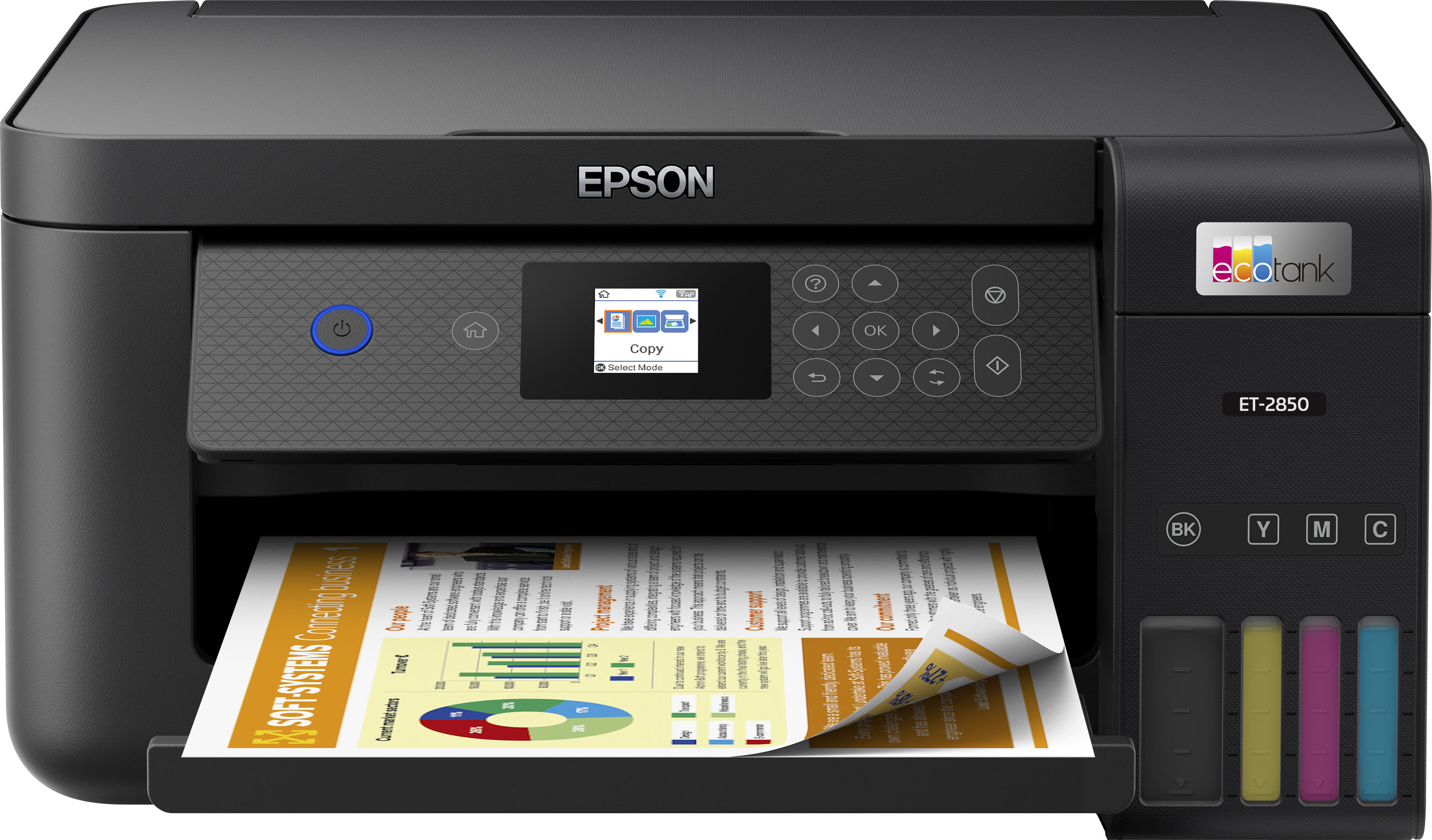
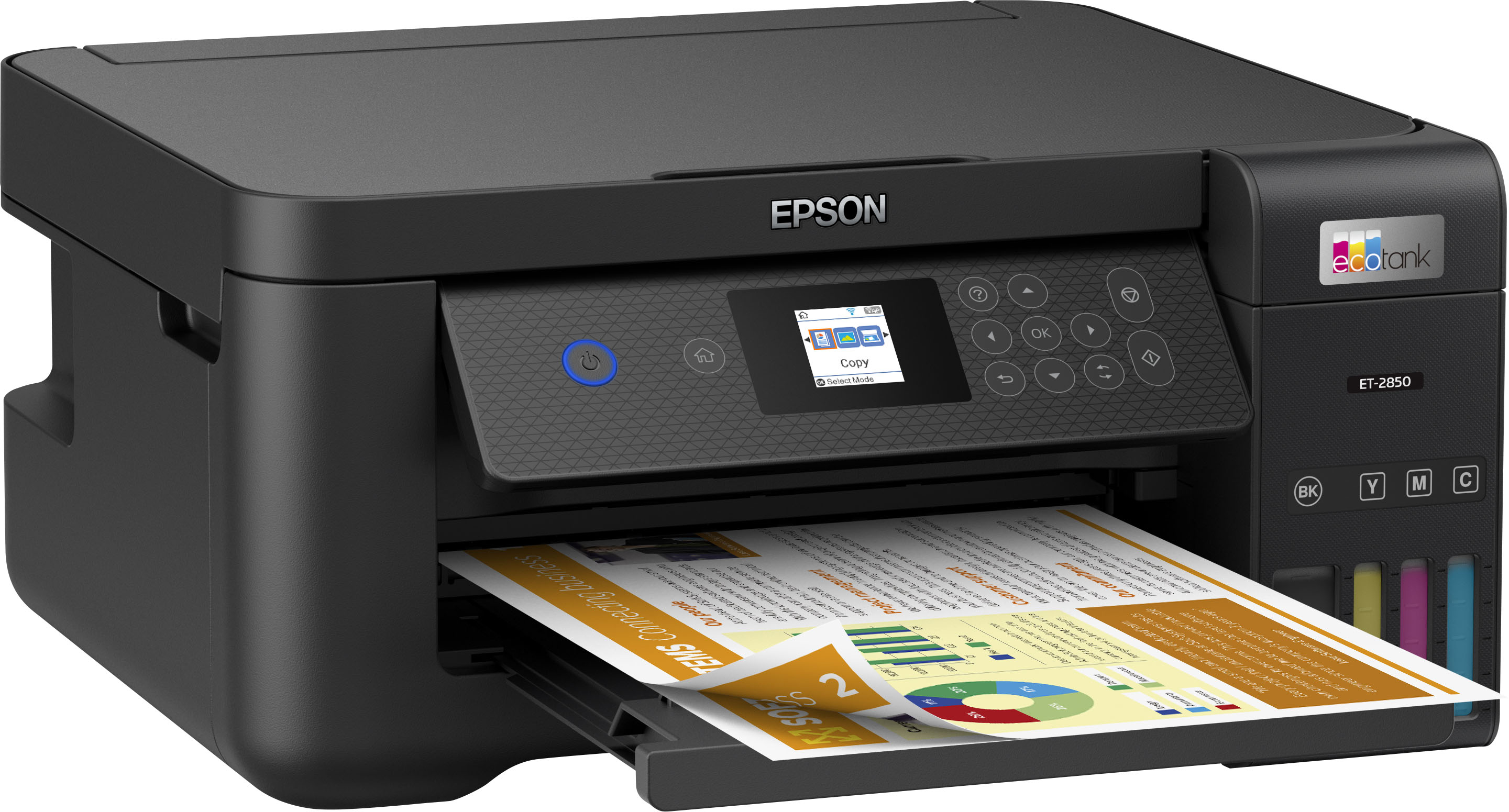

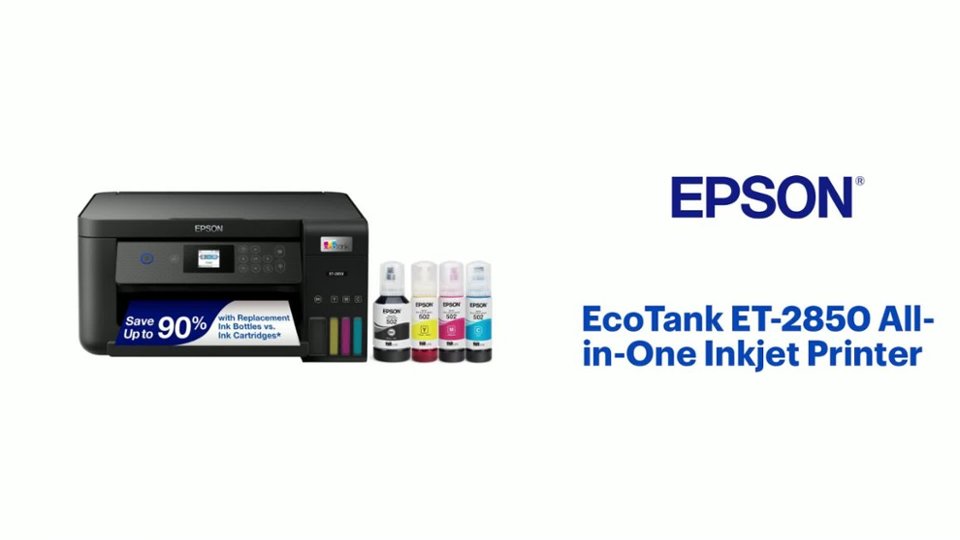
- Model:
- C11CJ63201
- SKU:
- 6470009
Rating by feature
- Value
Rating 4.5 out of 5 stars
- Quality
Rating 4.5 out of 5 stars
- Ease of Use
Rating 4.5 out of 5 stars
Customers are saying
Customers find value in the EcoTank ET-2850's print quality and ease of use. Many appreciate its overall performance, easy setup, and compact size. However, some customers have reported occasional paper jams and connectivity issues. A few have also noted that the printer can be quite noisy.
This summary was generated by AI based on customer reviews.
Epson printer ET2850
Posted .This reviewer received promo considerations or sweepstakes entry for writing a review.The delivery was on time. The product was properly described. I had an Epson Printer that was an ink cartridge "consumer"...but very durable...this will save ink costs from what I've seen thus far. "School" is still out on durability but Epson is a well established brand. There is software support from Epson and Microsoft...so far i'm happy.
I would recommend this to a friendGREAT PRINTER!
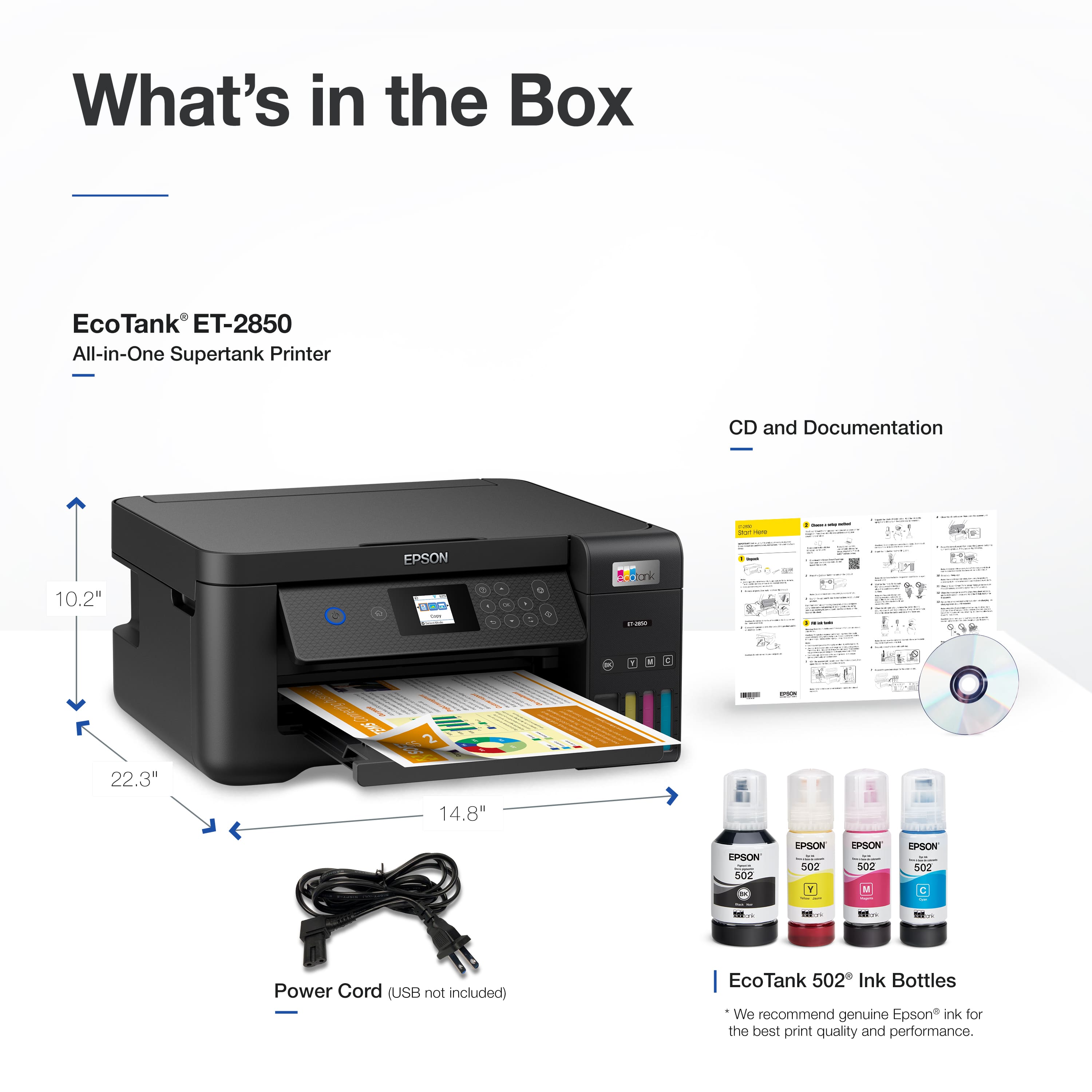
Posted .This reviewer received promo considerations or sweepstakes entry for writing a review.This printer has worked phenomenally...I would have ZERO complaints... Except I didn't read the text that this printer does NOT come with a cord... So I had to go back and buy one. Not s big expense, but was a little bit of a hassle... So, just keep in mind if you don't have a cord laying around!
I would recommend this to a friendsmart choice if you print a lot
Posted .This reviewer received promo considerations or sweepstakes entry for writing a review.This Eco tank replaces another that provided years of service. If you do a lot of photo printing, the Eco Tank products save so much money. Ink comes in bottles which last almost a year at the same price as conventional ink cartridges which would last a month.
I would recommend this to a friend- Cons mentioned:Connectivity
Not worth it
Posted .This reviewer received promo considerations or sweepstakes entry for writing a review.I had an Epson and had to replace it. The printer I wanted was not available and they were unsure if they'd get it back. I ended up getting this one. It worked and was easy (some-what) to set up to my laptop. So, I called Epson. They were helpful. Then a few weeks later, I had to scan something, and the scanner didn't work. I called again. They walked me through installing the scanner app (which doesn't say a separate app is needed) They helped me set it up again. It worked. I moved, and was able to set my printer up, and use it one time, and it has not worked since then. I spent how much on this and yet, another Epson failed. Now I must call again to sit on the phone with Epson and troubleshoot. It's not pairing to my laptop and not scanning, or printing.
No, I would not recommend this to a friendBrand response from Epson
Posted .Hi Wireless, thank you for taking the time to write a review of your new Epson printer. We appreciate your business, and value your feedback. Your ET-2850 includes free technical support for the life of your product, so if you’d like help, feel free to contact us at (562) 276-4382; Hours: Monday – Friday, 7 a.m. to 4 p.m. (PT). Kind Regards, Joseph – The Epson Team.

- Pros mentioned:Ease of use
My HP printer
Posted .This reviewer received promo considerations or sweepstakes entry for writing a review.Works great, easy to set up. Would definitely recommend this product!!!!!
I would recommend this to a friend - Pros mentioned:Print quality
Print quality is terrible, even after calibration.
Posted .This reviewer received promo considerations or sweepstakes entry for writing a review.Print quality is terrible. There are always lines in the printout. I have recalibrated the printer MANY times, and this is still a problem. There is Photo software included, but I can never get a print out of quality with just text, much less photo quality. The ink does last a long time, but we really don't print much.
No, I would not recommend this to a friend - Pros mentioned:Ease of use
Pretty good printer
Posted .This reviewer received promo considerations or sweepstakes entry for writing a review.Easy to set up, I am very happy that I can save money on cartridges.
I would recommend this to a friend - Pros mentioned:Print quality
Great printer
Posted .This reviewer received promo considerations or sweepstakes entry for writing a review.Great printer .suits my needs .ink more reasonable than cartridges
I would recommend this to a friend rewiew ET - 2580 compared to ET-3750
Posted .This reviewer received promo considerations or sweepstakes entry for writing a review.We had the previous / earlier model ET 3750. We have only used the new one for a few weeks and it has worked fine, uses the same ink. there is an issue with the speed, and it takes a while to figure out the optimal settings. We like to print saving ink, which is controlled by the paper type setting, which is not an intuitive thought process
I would recommend this to a friend- Pros mentioned:Ease of use
Perfecto
Posted .This reviewer received promo considerations or sweepstakes entry for writing a review.Epson 2850 works great, easy to install by WiFi, no problemos
I would recommend this to a friend Connected to Home Internet quickly
Posted .This reviewer received promo considerations or sweepstakes entry for writing a review.Quickly connected to my Home Internet, but i was unable to connect thru my alternative device. The screen is tiny compared to my previous printer. That Epson printer lasted 10 years, so i stuck with Epson brand for a printer.
I would recommend this to a friend- Pros mentioned:Ease of use
Works great
Posted .This reviewer received promo considerations or sweepstakes entry for writing a review.Works great and easy to install even without manual ;-)
I would recommend this to a friend Painless WiFi setup and inexpensive printing
Posted .This reviewer received promo considerations or sweepstakes entry for writing a review.Pros: 1. Painless WiFi connection setup. 2. Inexpensive printing. 3. Smooth double sided printing. 4. Reliable. 5. Cartridge free. Cons: 1. Printing quality is not good, just tolerable. For example, red color looks like pink. 2. Started skipping lines after two weeks. (Skipping lines can be fixed by head cleaning.)
I would recommend this to a friendgets it done
Posted .This reviewer received promo considerations or sweepstakes entry for writing a review.good printer, but for a dinosaur like me the setup instructions were woefully inadequate. Especially since they kept referring to online setup instructions...which conveniently omit what you need to know
I would recommend this to a friendpuffdaddy
Posted .This reviewer received promo considerations or sweepstakes entry for writing a review.Quick delivery from Best Buy and Best Buy has the largest selection of printers.
I would recommend this to a friendLove it, but......
Posted .This reviewer received promo considerations or sweepstakes entry for writing a review.I really like this printer. The only reason I give it a 4 star review is because the selections on the tiny screen is so small you almost need a magnifier to read it! The least they could do was make the screen as large as previous Epson printers I have owned.
I would recommend this to a friendCan't get past a setup step
Posted .This reviewer received promo considerations or sweepstakes entry for writing a review.Maybe it will work, eventually. Can't get past the "ink charging" step in set-up. Called customer service and apparently it is a (known?) problem requiring a technician's help. Late the next day I received two calls from a "restricted" caller id. The day after that my voice mail said an Epson technician had tried to call. The next day a basement construction project began at our house and since that is where the computer setup is located I need to be wait until it is completed. So, maybe it will work eventually. Note to Epson: I don't answer "restricted caller" calls
No, I would not recommend this to a friendBrand response from Epson
Posted .Hello GrammyN, we're sorry to hear about your disappointing experience with the Epson ET-2850 printer. Your EcoTank printer is backed by a 1-year Limited Warranty and includes free lifetime tech support. You can reach our Advanced Support Team directly at (562) 276-4382 between 7 am - 4 pm (PT), Monday - Friday. Additionally, Epson provides helpful information, including device drivers and self-help tools, on the product support website at https://epson.com/Support/Printers/All-In-Ones/ET-Series/Epson-ET-2850/s/SPT_C11CJ63202#questions.
Sincerely, Sam - The Epson Team
- Pros mentioned:Print quality
What a piece of crap
Posted .This reviewer received promo considerations or sweepstakes entry for writing a review.This printer is a major pain and the original advert for it is very, very misleading. First, forget about double-sided printing. Yes, it will print double-sided... IF you manually feed it page by page. This does not fit my description of double-sided printing capability. Second, you can not send more than one document to the printer at a time... in other words, is incapable of queuing up. The only advantage is that it's great when it comes to ink. It loads lots of ink at a time, and the ink is comparitively inexpensive. This advantage, while making it cost effective, does not make up for the inefficiencies.
No, I would not recommend this to a friendBrand response from Epson
Posted .Hi Linda, we are sorry to hear you are having issues with your Epson printer. Your ET-2850 includes a 1-year limited warranty plus free technical support for the life of your product. Our Epson Support Team would be happy to hear from you and can be reached at (562) 276-4382; Hours: Monday – Friday, 7 a.m. to 4 p.m. (PT). Sincerely, Joseph – The Epson Team.
Whideok
Posted .This reviewer received promo considerations or sweepstakes entry for writing a review.It’s working like it’s supposed to! It also makes copies, which I didn’t know, and the color print and copy capability is wonderful. So far, I’m really happy with this purchase.
I would recommend this to a friend- Pros mentioned:Ease of use
Disappointing, given reviews
Posted .This reviewer received promo considerations or sweepstakes entry for writing a review.Easy to set up, but given the great reviews, I was sorely disappointed at the color print quality and what feels like constant glitches I have to deal with just to make printouts. I am getting sick and tired of having to troubleshoot on a new printer.
No, I would not recommend this to a friend