Customer Ratings & Reviews
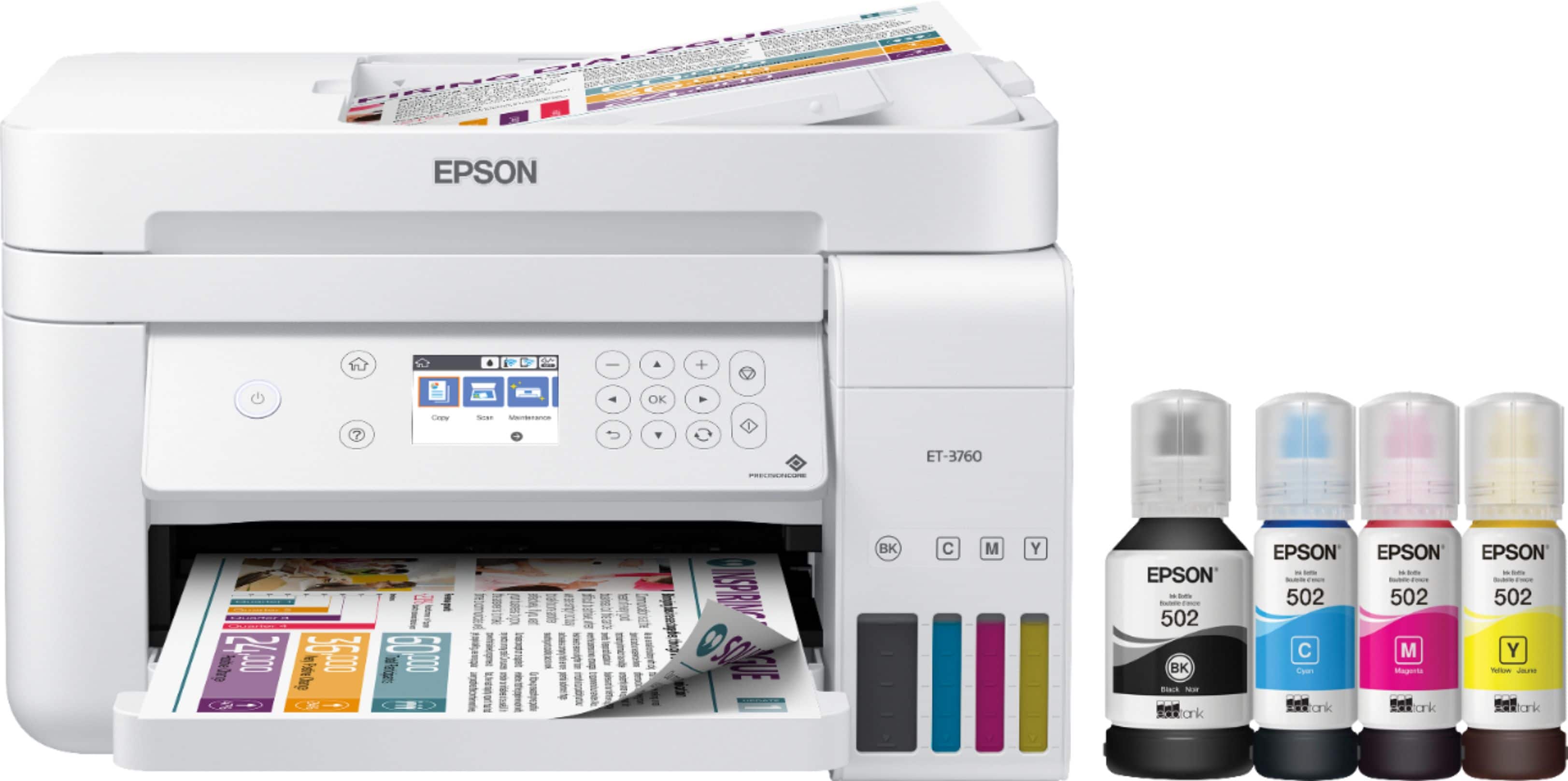
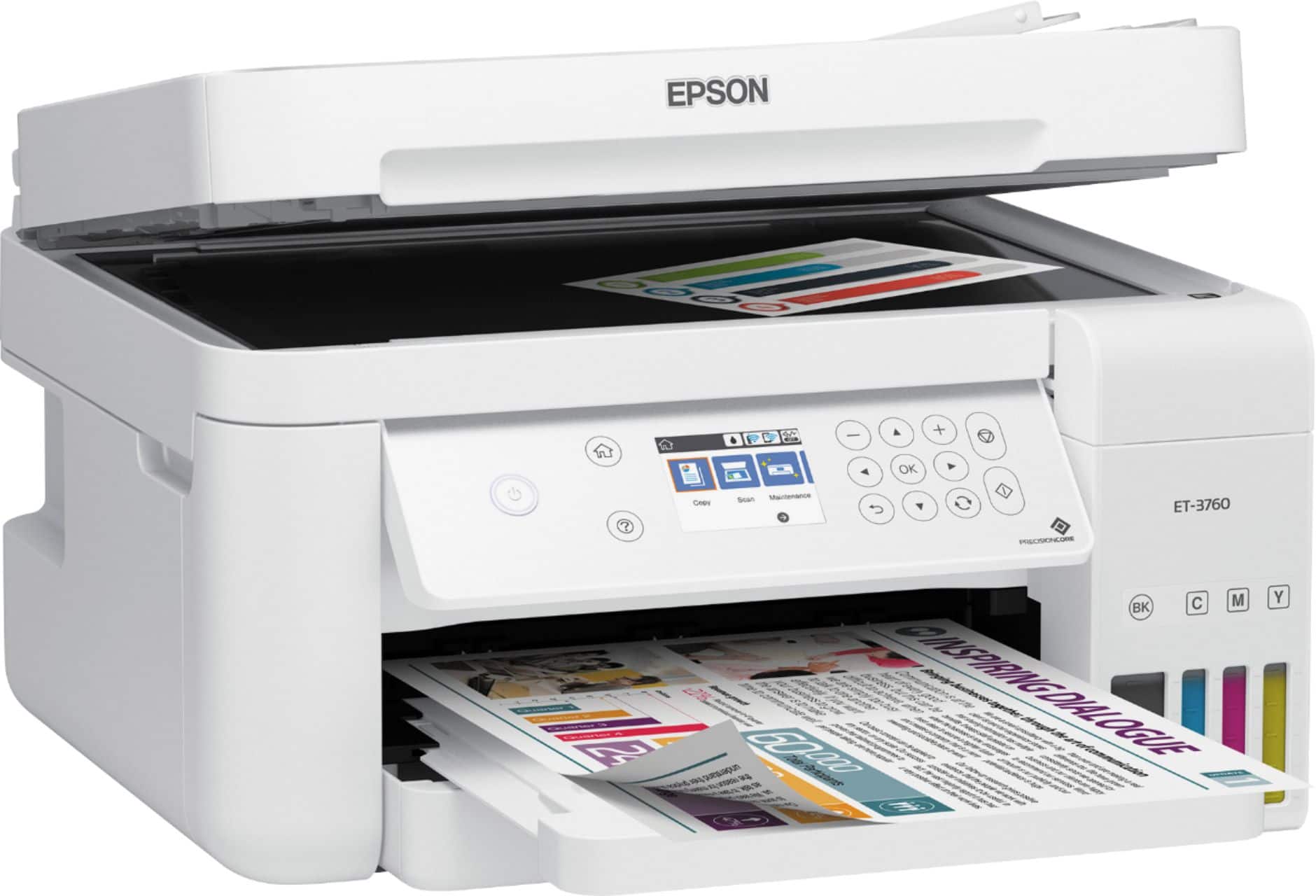
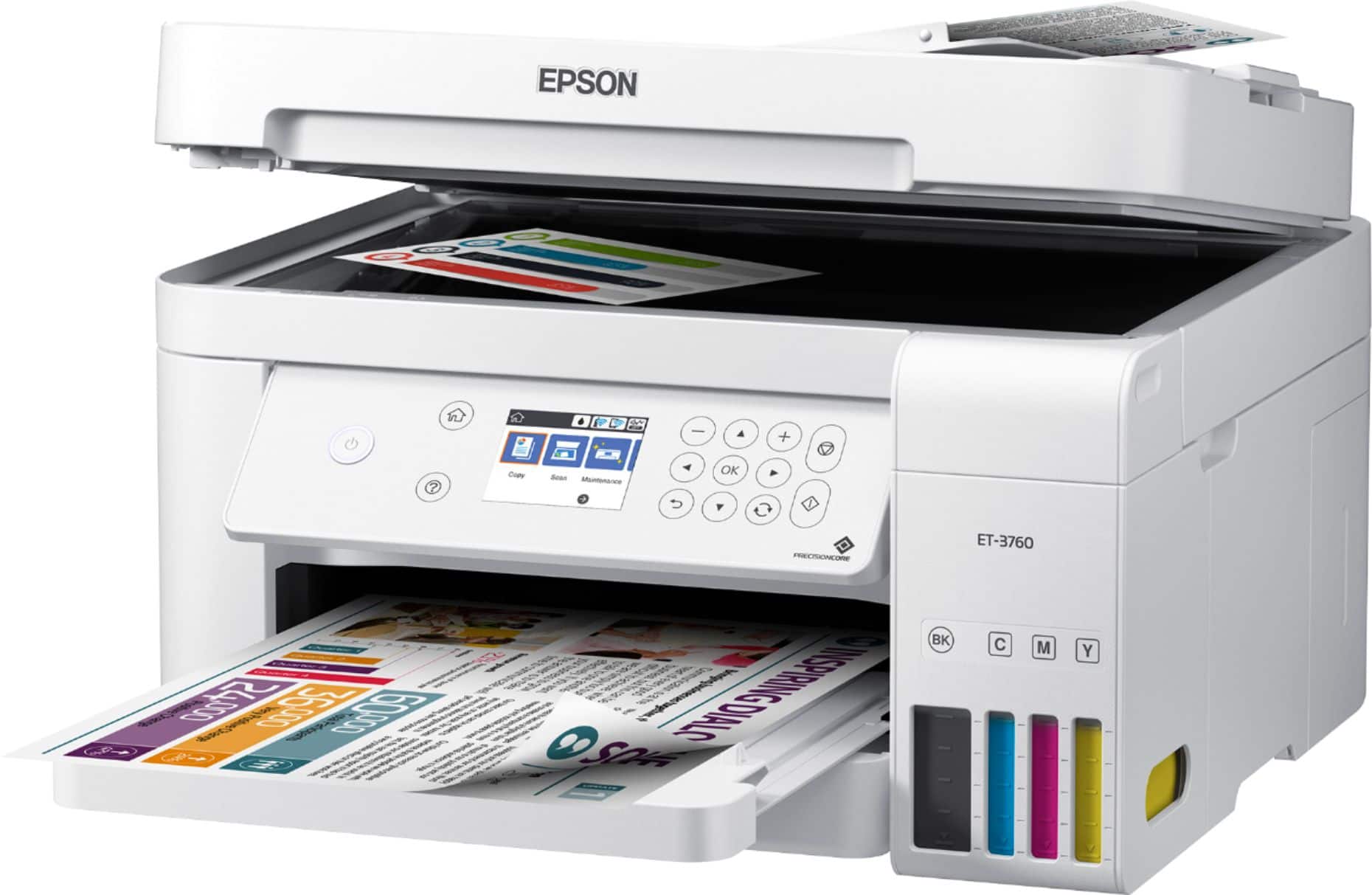
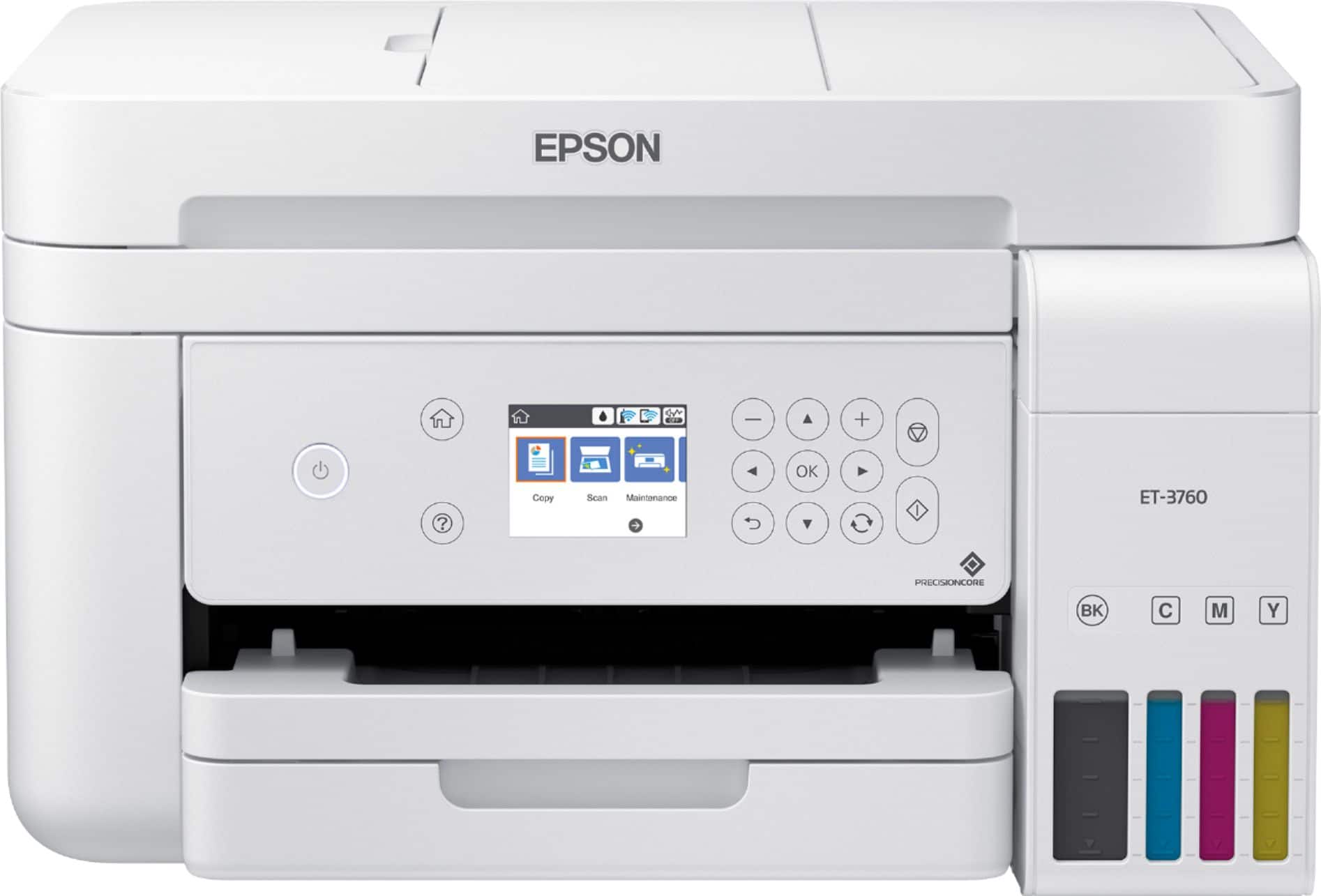


- Model:
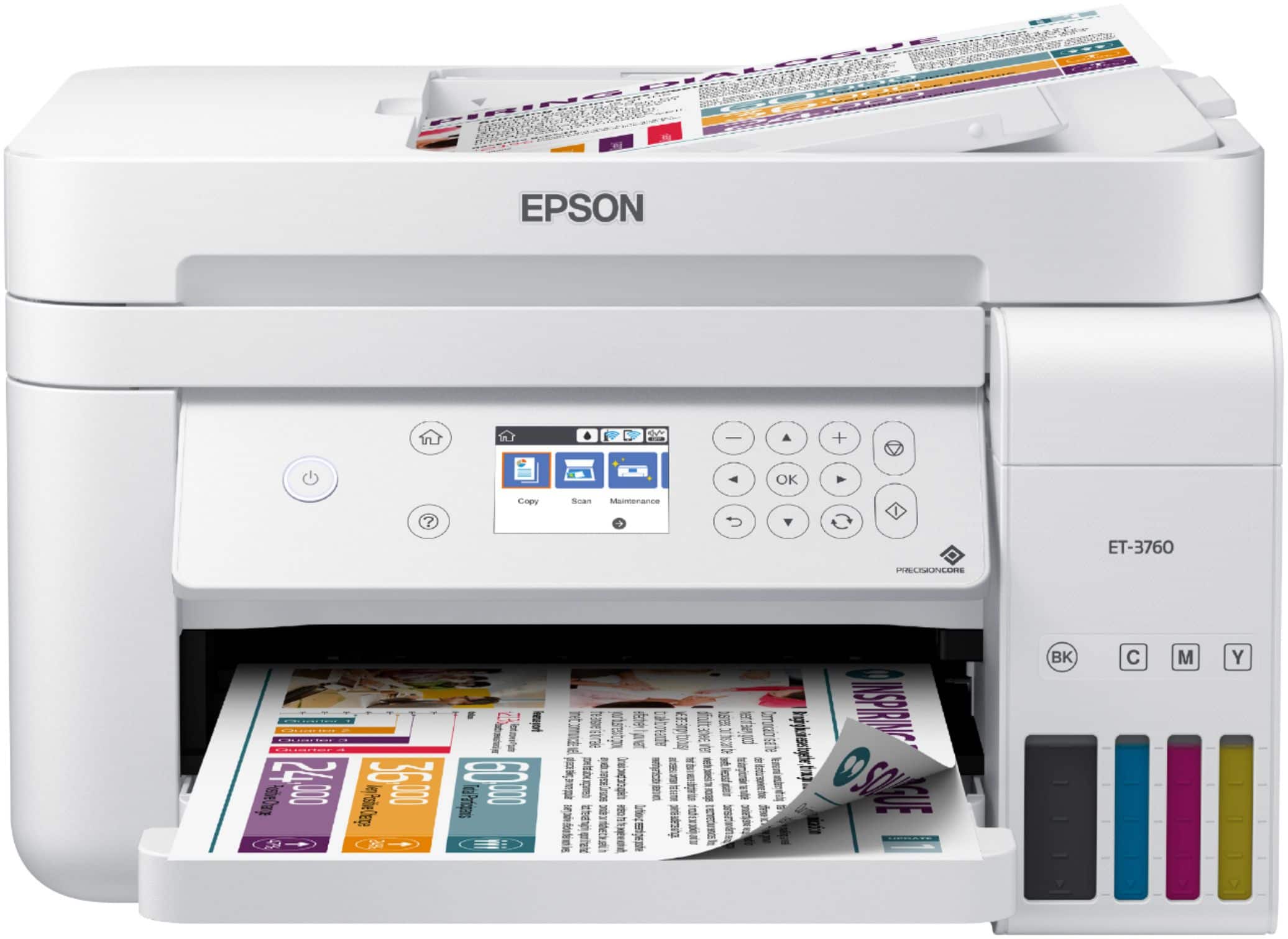
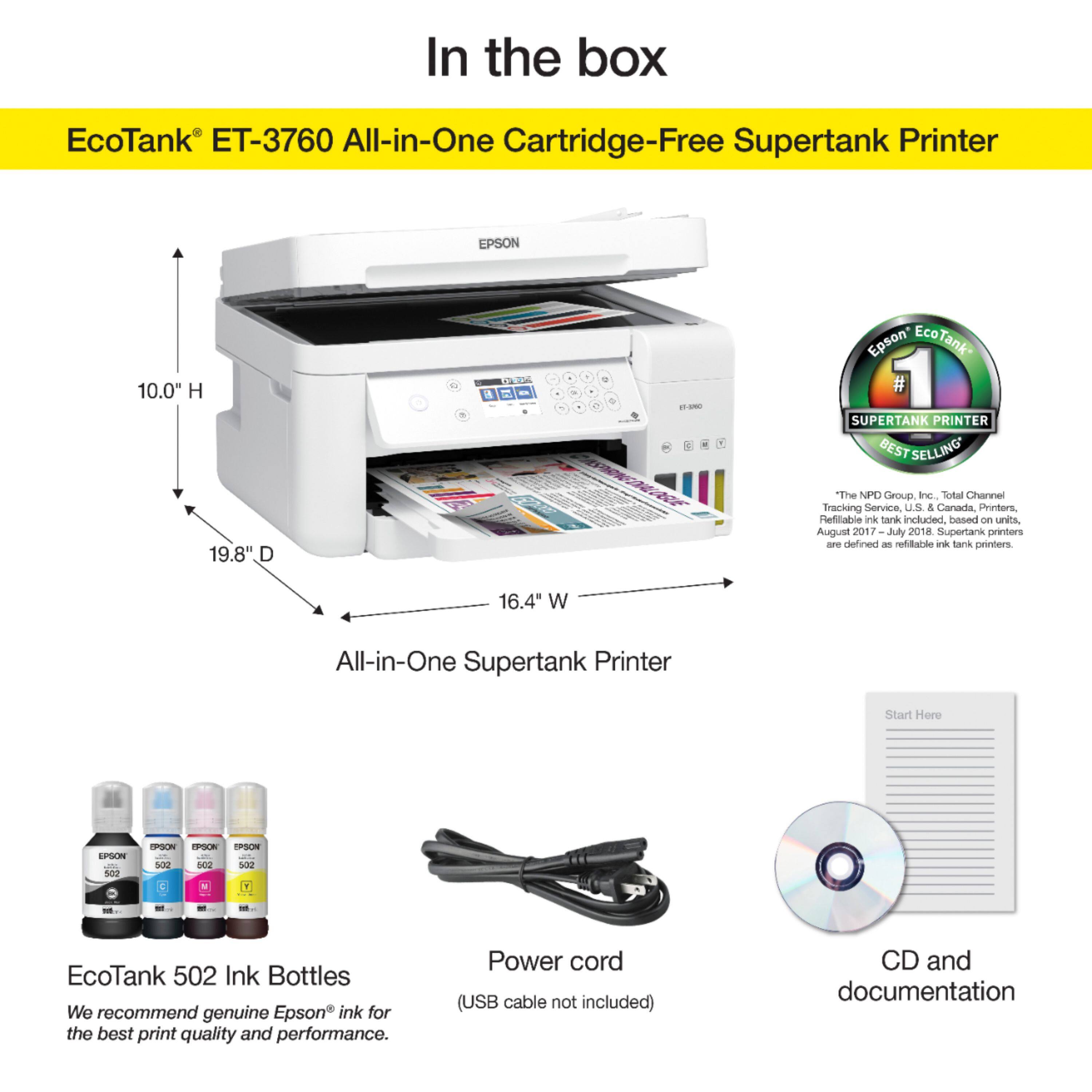
- EPSON ECOTANK ET-3760 C11CG20
- SKU:
- 6347464
Rating by feature
- Value
Rating 4.3 out of 5 stars
- Quality
Rating 4.5 out of 5 stars
- Ease of Use
Rating 4.4 out of 5 stars
Customers are saying
Customers find value in the EcoTank ET-3760's print quality and ease of use, with many praising its compact size and straightforward setup. However, some users reported challenges with the noise level, scanner functionality, and automatic document feeder. The lack of a touchscreen was also a recurring point of feedback. Overall, the printer receives positive feedback for its core printing functions but has some areas needing improvement.
This summary was generated by AI based on customer reviews.
Don't have one
||Posted . Owned for 1 week when reviewed.This reviewer received promo considerations or sweepstakes entry for writing a review.Printer was received missing the power cord. After 46 minutes on the phone with Epson, got one on order. It was not a good experience.
No, I would not recommend this to a friendBrand response from Epson
Posted .Hi Cliff, we're sincerely apologize for the disappointing experience you've encountered with our support team. Epson takes into consideration all feedback to improve the performance, quality, and support of our products. We'll ensure your feedback is sent to the relevant departments. If you ever need assistance again, please contact our Advanced Support Team directly at 1-800-241-5794; Hours: Monday - Friday, 7 am - 5 pm (PT). Thank you for you patience. Kind Regards, Bobby - The Epson Team.

Better than my last
||Posted . Owned for 1 month when reviewed.This reviewer received promo considerations or sweepstakes entry for writing a review.I've had a few issues... paper jam and scanning problems...
No, I would not recommend this to a friendBrand response from Epson
Posted .Hi Boo25, we're sorry to hear that you were having issues with your Epson printer. We appreciate the time you took to share your experience. Your ET-3760 includes a 1-year Limited Warranty, plus free lifetime technical support. If you ever need help or have questions, please call us at 562)276-4382; Hours: Monday – Friday, 6 am – 8 pm PT; Saturday, 7 am – 4 pm PT. Have a great day.
Sincerely,
Bobby – The Epson Team
- Pros mentioned:Print quality
Epson EcoTank not as advertised.
||Posted . Owned for 3 weeks when reviewed.This reviewer received promo considerations or sweepstakes entry for writing a review.We are replacing the Epson Workforce with the Epson EcoTank 3760. There is no comparison...the Workforce is so much sturdier, color is better. The 3760 is faster but not so sure it will work as hard as the old Workforce did. Also not sure of the color (inkjet) lasting as long as advertised.
No, I would not recommend this to a friendBrand response from Epson
Posted .Hello MeMine, thank you for your continued business. We appreciate your feedback, and we'll forward this information to the relevant department to help improve our future products. Your ET-3760 is backed by a 1-year Limited Warranty and includes free lifetime technical support. If you ever need assistance, Epson provides useful information, including FAQs and self-help tools, on the product support page at https://epson.com/Support/Printers/All-In-Ones/ET-Series/Epson-ET-3760/s/SPT_C11CG20203#questions. You can also call our support team at (562) 276-4382 between 7 am - 4 pm (PT), Monday - Friday. Once again, thank you. Sincerely, Kevin - The Epson Team.
- Cons mentioned:Scanner
Priner
||Posted . Owned for 1 week when reviewed.This reviewer received promo considerations or sweepstakes entry for writing a review.Unable to get scanning component to work. Took back to geeksquad and they were unable to get it to work. Returned it for us and got another one of the same model with the same problem. Ended up having to return and got the Cannon which then worked. Not sure what the issue is.
No, I would not recommend this to a friendBrand response from Epson
Posted .Hi Husker, we're sorry to hear about the trouble you had with the ET-3760 printer. Epson takes into consideration all feedback to improve the performance and quality of our products. We'll forward this information to the appropriate department for review. If we can help you with anything else, our support team can be reached by phone at (562) 276-4382; Hours: Monday - Friday, 7 am - 4 pm PT. Hopefully, we can assist you with a future product. Sincerely, Sam - The Epson Team.
It’s slow and does not complete out requirements
||Posted . Owned for 3 weeks when reviewed.This reviewer received promo considerations or sweepstakes entry for writing a review.It is slow and does not complete tour requirements
I would recommend this to a friendBrand response from Epson
Posted .Hi Peter, we appreciate your business and are sorry to hear you are not completely satisfied with your purchase. Customer feedback is very important to us. Your EcoTank ET-3760 includes free lifetime technical support. If you'd like help or have questions, please call our support team at (562)276-4382; Hours: Monday – Friday, 6am – 8pm PT; Saturday, 7am – 4pm PT. We welcome the opportunity to assist you.
Kind Regards,
Bobby — The Epson Team
- Cons mentioned:Scanner
Poorly made all-in-one printer.
||Posted . Owned for 1 month when reviewed.This reviewer received promo considerations or sweepstakes entry for writing a review.Purchased two Epson printerd. Both of them had Hardware failures for the scanner in a few weeks. Ended up returning them both. Will never buy Epson printers again. Tech support was unresponsive
No, I would not recommend this to a friendBrand response from Epson
Posted .Hi, we are sorry to hear that we have not yet been able to resolve this issue. Our Epson Advanced Support Team would like to hear from you and can be reached Monday – Friday, 6am – 8pm PT; Saturday, 7am – 4pm PT at 1-800-241-5794. Thank you for your patience. Kind Regards, Stephan – The Epson Team.
Slower than expected
||Posted .This reviewer received promo considerations or sweepstakes entry for writing a review.The Eco tank system is fantastic, but the print speed is lacking and the scanner speed is deplorable.
No, I would not recommend this to a friendBrand response from Epson
Posted .Hi Jaybozo,
We apologize for the disappointing experience you’re having with your Epson ET-3760. Epson provides useful FAQ's at https://epson.com/faq/SPT_C11CG20203~faq-00007fd-et3760. If you need further assistance, your ET-3760 includes free lifetime tech support and you can call us at (562) 276-4382 between 6am - 8pm (PT), Monday - Friday, or from 7am - 4pm (PT) on Saturdays.
Regards,
Elizabeth – The Epson Team
Epson printer
||Posted .This reviewer received promo considerations or sweepstakes entry for writing a review.Feels cheap, but it does the job. It needs an upgrade on the screen.
No, I would not recommend this to a friend- Pros mentioned:Print quality
Jams Galore - One Month Old
||Posted . Owned for 1 month when reviewed.This reviewer received promo considerations or sweepstakes entry for writing a review.Stay away from this printer. After 35 days the printer jams and tears every other page. I had high hopes for this printer. The print quality and color is great when it would print right. For the price point I would expect a better product from Epson.
No, I would not recommend this to a friendBrand response from Epson
Posted .Hi Kurt, we are sorry to hear that you are having issues with your Epson ET-3760 printer. Epson provides useful product information in the User’s Guide at www.epson.com/support/et3760 on tips on how to load paper and avoid paper jams. Your Epson includes free technical support for the life of your product. Our Epson Support Team would be happy to help you and can be reached at (562) 276-4382; Hours: Monday - Friday, 7 am - 4 pm PT. We appreciate your purchase, and we value your feedback. Sincerely, Kevin - The Epson Team.
Average
||Posted . Owned for 1 month when reviewed.This reviewer received promo considerations or sweepstakes entry for writing a review.The printer is okay the pictures is off a little but besides that it works
I would recommend this to a friendBrand response from Epson
Posted .Hello Average, thank you for your feedback. Your EcoTank ET-4760 printer is backed by a 1-year limited warranty and includes free lifetime technical support. If you need assistance, Epson provides useful information in the FAQs at www.epson.com/s/SPT_C11CG19203#faq-8796127537228 to address most issues with print quality. You can also call our support team at (562) 276-4382 between 7 am - 4 pm (PT), Monday - Friday. Otherwise, we'll forward your feedback to relevant product teams for review. Kind Regards, Bobby - The Epson Team.
Poor wi-fi connectivity
||Posted . Owned for 1 year when reviewed.This reviewer received promo considerations or sweepstakes entry for writing a review.Printing is fine, but it consistently loses the wi-fi connection and I have to reinstall. Epson says it is a problem with the wi-fi, but no other printer or device has ever had this problem. They said this will happen if you turn the p t inter off. So, I have to leave it on 24-7? I regret the purchase.
No, I would not recommend this to a friendBrand response from Epson
Posted .Hello CLSB, we understand your frustration, and we're here to help. Epson provides useful information in the FAQs at https://epson.com/Support/Printers/All-In-Ones/ET-Series/Epson-ET-3760/s/SPT_C11CG20203#faq-8796127635532 to help you troubleshoot most problems with Wi-Fi connectivity. If you need further assistance, your EcoTank printer includes free lifetime technical support, and our support team can be reached at (562) 276-4382 between 7 am - 4 pm (PT), Monday - Friday. Sincerely, Kevin - The Epson Team.
Unreliable - Avoid
||Posted . Owned for 4 months when reviewed.This reviewer received promo considerations or sweepstakes entry for writing a review.I've had this for three months. It jams every time I print more than a few pages. Most times, it errors out before printing. When it does, it is very slow. I have tried troubleshooting again and again, and I think this is just a broken prodect. Avoid.
No, I would not recommend this to a friendBrand response from Epson
Posted .Hello rcs60, we understand your frustration, and we're here to help. Your EcoTank ET-3760 is backed by a 1-year Limited Warranty and includes free lifetime technical support. Epson provides an FAQ at www.epson.com/faq/SPT_C11CG20201~faq-00004c6-et3750 to address issues with slow printing. Additionally, you can find other useful information in the FAQs to help troubleshoot problems with paper feed at www.epson.com/s/SPT_C11CG20201#faq-8796127504460. If you need further assistance, our support team can be reached at (562) 276-4382 between 7 am - 4 pm (PT), Monday - Friday. Sincerely, Bobby D. - The Epson Team.
Horrible, horrible, horrible
||Posted . Owned for 1 month when reviewed.This reviewer received promo considerations or sweepstakes entry for writing a review.I am so disappointed in this printer/scanner. I purchased this model because of the ink replacement system and the economy of it. Okay, yes, that’s nice, but that is it! Automatic feed gets jammed more often than not. I can only put five pages in at a time. It is very slow. It is flimsy and cheaply made. And setting it up was a little more complicated than most. For the price, I thought this would be a nice heavy-duty printer. It’s not. It
No, I would not recommend this to a friendBrand response from Epson
Posted .Hi Janakay, we’re sorry to hear that you’re having issues with your Epson printer. We appreciate your business, and we're here to help. Your can find information to help you troubleshoot problems with paper feed in the User's Guide, starting on page 194, at https://files.support.epson.com/docid/cpd5/cpd57088.pdf. If you'd like to speak with someone, your EcoTank ET-3760 includes a 1-year Limited Warranty and free lifetime technical support. Our support team welcome the opportunity to assist you and can be reached at (562)276-4382; Hours: Monday – Friday, 6 am – 8 pm PT; Saturday, 7 am – 4 pm PT.
Regards,
Bobby - The Epson Team
Not impressed
||Posted . Owned for 1 month when reviewed.This reviewer received promo considerations or sweepstakes entry for writing a review.I was really excited to buy a 2 side printing printer however for the price this device is made really cheap. I would estimate every 3-5 sheets of paper it jams up and I’ve wasted so much paper! It also prints incredibly slow. Overall really disappointed, but there’s no way I can afford another one.
No, I would not recommend this to a friendBrand response from Epson
Posted .Hello PsychNP907, we regret to hear your experience with the ET-3760 has been disappointing so far. We'll forward your feedback to the relevant departments to help improve the quality and performance of our future products. If we can help you with anything else, our support team can be reached by phone at (562) 276-4382, Monday - Friday, 7 am - 4 pm PT; or by email at https://epson.custhelp.com/app/ask/p_model_name/Epson%20ET-4760. Kind Regards, Bobby D. - The Epson Team.
- Pros mentioned:Ease of use, Print quality

Great Printer with lots of options
|Posted .This reviewer received promo considerations or sweepstakes entry for writing a review.This is the first tank style printer I've ever owned and so far I love it. If you're unfamiliar with the ecotank, rather than having ink cartridges you have to replace, the printer stores large quantities of ink in built in reservoirs. Instead of replacing the ink cartridges you just refill the ink tanks. Epson's pitch is that this is a much cheaper option than buying new cartridges. The ink is supposed to last up to two years which is no where close to anything I've ever gotten from a cartridge style printer. This alone is a sell for me because I can't count the number of dried out ink cartridges I've thrown away before I got to use them. Setup: Setup is super simple. The first thing to do is fill the ink tanks. You just rip the bottle up and connect it to the tank. It then drains into the tank. I was concerned this would be messy but, the connects on the tank and bottle don't allow flow unless they are both connected. I didn't drop a single drop of ink during this process, which was really surprising. The printer then primes itself for about 10 minutes, then you go through the normal alignment process you do with every printer. Setting up wifi was really really easy. You click your WiFi and put in the password. You're done. By far the simplest setup for a printer I've seen. Printing: The print quality is great, I have noticed any streaking and have been able to wirelessly print without any problems. You connect via the standard windows wireless printer option which is way better than having to use some proprietary software that other printers try to push. It's simple and it works. The document feeder works well, no issues here. The scan quality is great and it folds up to make it's footprint smaller if you plan to keep the printer in a drawer. Overall I haven't been more pleased with a printy. It's simple to use, has tons of features (scan, doc ffeed, wifi) and the two year ink supply makes this thing a great buy.
I would recommend this to a friend a little difficult to use
||Posted .This reviewer received promo considerations or sweepstakes entry for writing a review.this is a little difficult to use. It does however save on ink cost
I would recommend this to a friendBrand response from Epson
Posted .Hello Donna Lee,
We apologize for the disappointing experience you’ve encountered with your Epson ET-3760 printer. Your ET-3760 includes free technical support for the life of your product. Please reach out to our Epson Support Team for assistance with scanning at (562) 276-4382; Hours: Monday – Friday, 6am – 8pm PT; Saturday, 7am – 4pm PT. We’re here to help.
Sincerely,
Elizabeth – The Epson Team.
- Pros mentioned:Print quality, Size
Save $ on toner
|Posted .This reviewer received promo considerations or sweepstakes entry for writing a review.This is my second Super Tank all-in-one printer for this year. Other one was from a different OEM. While I was waiting to get the shipping notification that it was delivered, I studied the documentation online. Installed the Epson iPrint app on my Pixel 3XL Android phone and an Acer R11 Chromebook that is Android compatible. Thought it was strange that app is called iPrint. At first I thought it was for iOS but it’s an Android app ! App works great for scanning. Instructions are straight foward. Does take more time because filling toner tanks is a two step process. And ink charging takes a bit of time too. Using machine on Google Cloud Print. Nice that the printer supports CUPS which makes it real easy to use on Chrome OS. Used Pixel phone’s Google App to set up the Google Assistant. Voice commands is a recent feature of some printers. Note not all Super Tank printers support CUPS or the Google Assistant yet. Print quality is just as good as other competing Super Tank printers. Printer is also smaller and lighter than the last Super Tank I had. The one thing that bothers me is that shipping to Epson to recycle empty toner bottle is paid for by me. HP can send you pre-paid shipping envelopes. So will try to bring empty toner bottles to Office Depot or Best Buy. Recommend this printer for cost savings.
I would recommend this to a friend - Pros mentioned:Print quality, Size
Good, but not great
|Posted .This reviewer received promo considerations or sweepstakes entry for writing a review.I've had this printer for nearly two weeks an I just got it to connect to my wireless network. Im not sure what the problem was, because the directions seemed straight forward, but I couldn't connect it. I installed, deleted and then reinstalled the printer and still no joy. I was finally able to get it to connect when I disconnected it for a few days while I rearranged my office and then plugged it back in. To my surprise it was recognized on my network, I printed a test page and it was finally connected. Installation/setup aside, I really like this printer. According to the package it includes up to two years worth of ink, although that is based on usage and it was easy to fill up the tanks. I popped off the lids, stuck the ink in the chamber and emptied it. Once all were filled, you have to charge the printer which loads and measures the ink and then you are good to go. I did add it to my Epson connect account and now I can print from my phones, tablets, laptops, etc. The footprint is much smaller than some of the other printers I have and it prints pretty fast for an inkjet printer. All in all this is perfect for small home businesses or college students. My only complaint about this printer so far is the setup process, but the printer itself works very well and with its small size, it doesn't take up a lot of room on your desk.
I would recommend this to a friend Not happy with the Epsom ET 3760 printer
||Posted . Owned for 7 months when reviewed.This reviewer received promo considerations or sweepstakes entry for writing a review.I believe we got a lemon in this Epsom printer ET-3760. We have had much trouble: 1. the paper tends to jam quite often; 2. I think that the rollers are not working correctly; 3. the printer itself makes it difficult to copy and scan. The buttons on the printer do not always work well and sometimes just to get it to print we have to turn it off and back on; just not what I expected for a printer in this price range.
No, I would not recommend this to a friendNice printer but
||Posted . Owned for 3 weeks when reviewed.This reviewer received promo considerations or sweepstakes entry for writing a review.This is my third Epson eco tank the only problem it will not print Correctly after a year and half I have never ran out of ink it just print right hope they figure some way to last a least till I fill it ink the second time
No, I would not recommend this to a friendBrand response from Epson
Posted .Hi Wallpaper, we sincerely apologize for the disappointing experience that you've encountered with the Epson EcoTank printers. Your ET-3760 includes free lifetime technical support. Please reach out to Epson Advanced Support at 1-800-241-5794; Hours: Monday - Friday, 7 am - 5 pm (PT). We appreciate your continued business, and we're here to help. Sincerely, Bobby - The Epson Team.