Customer Ratings & Reviews
- Model:
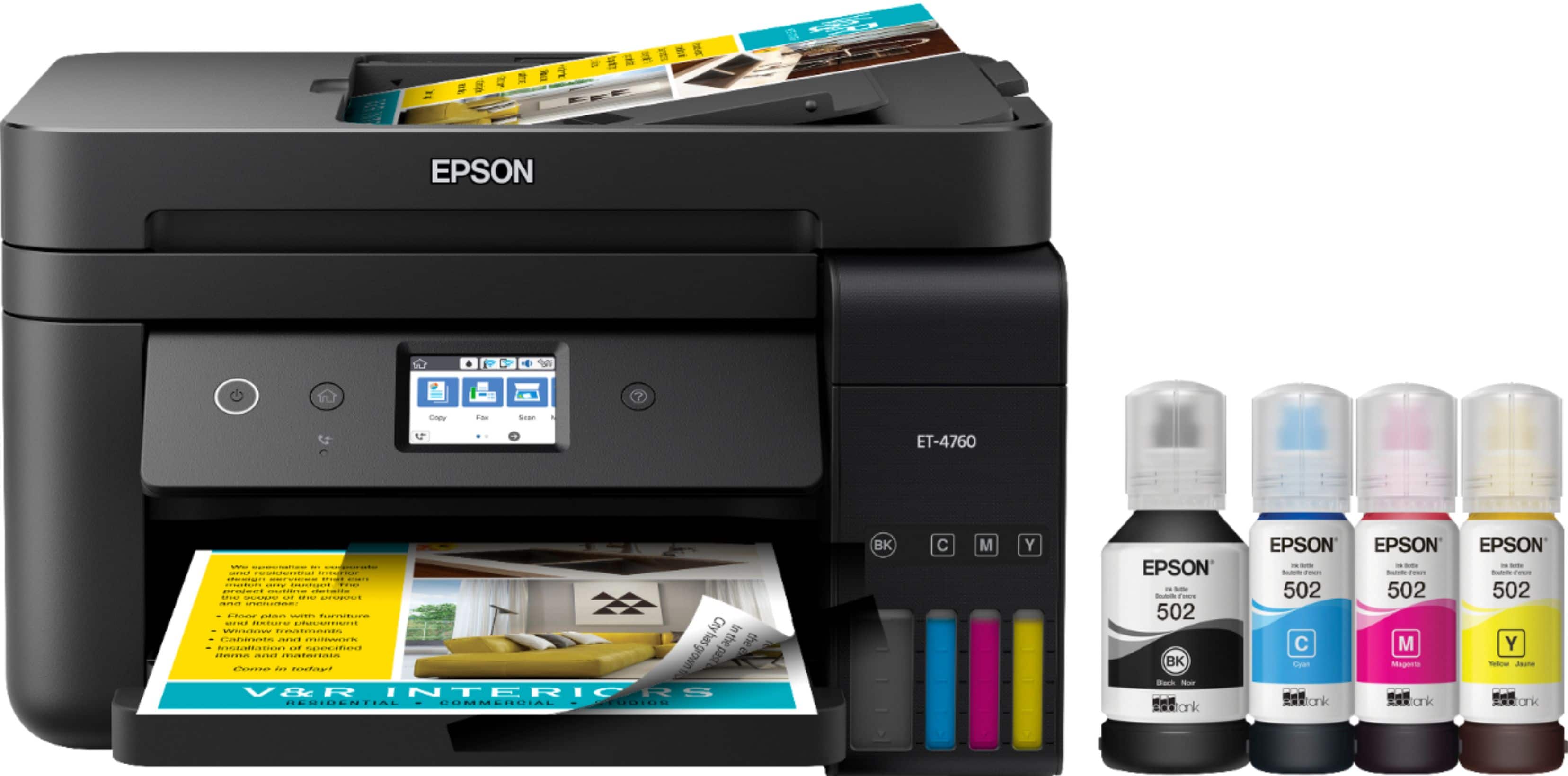
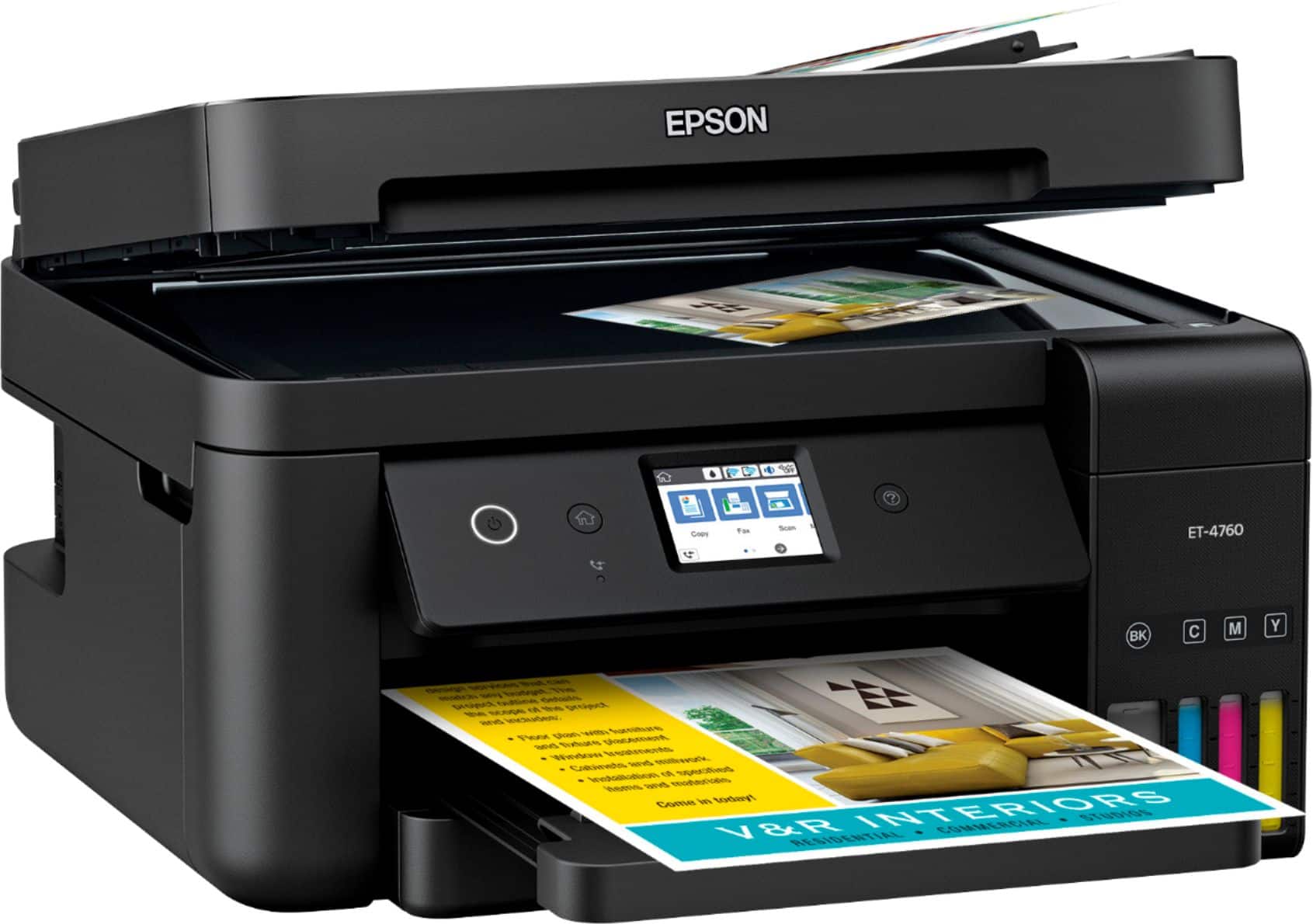
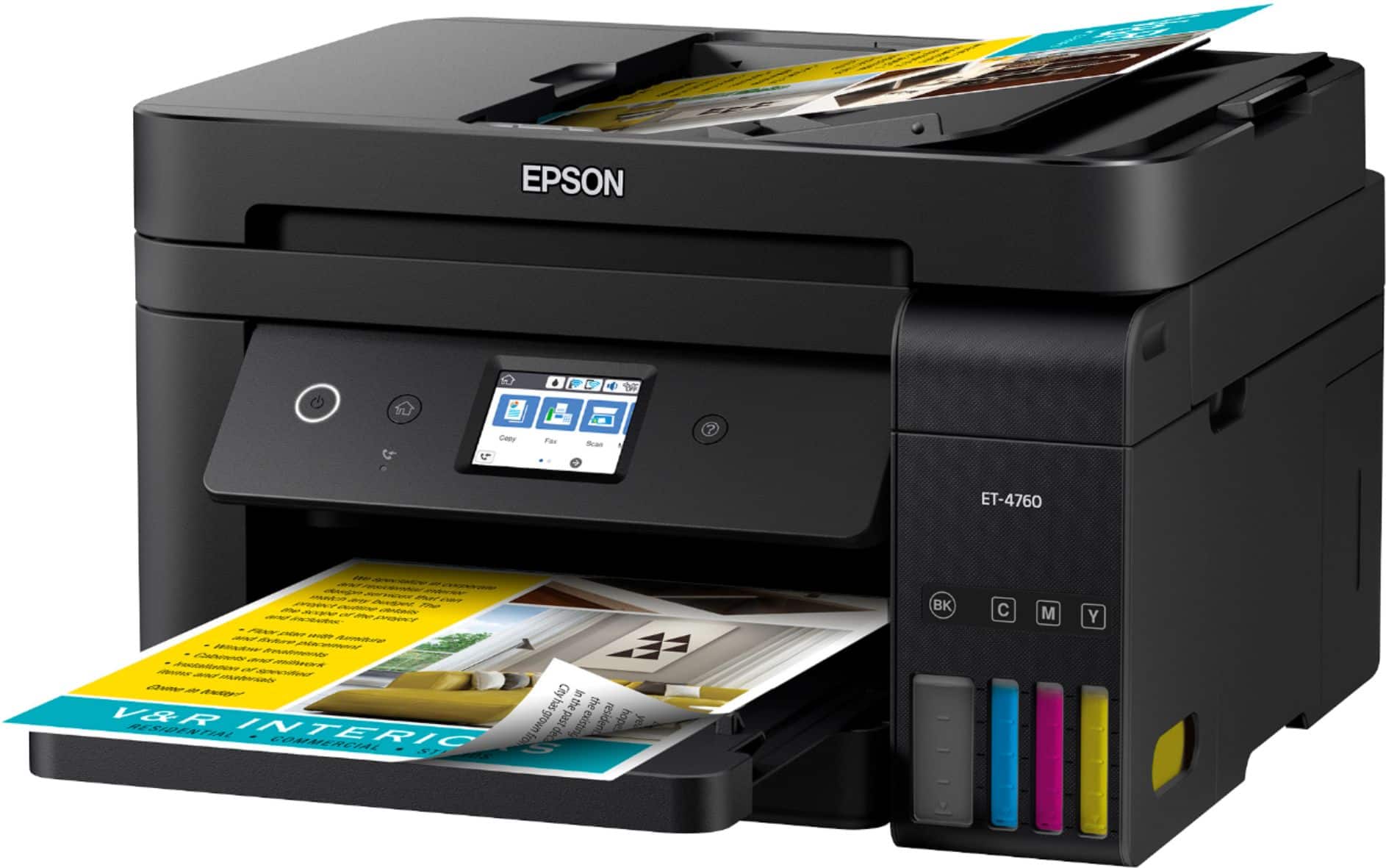
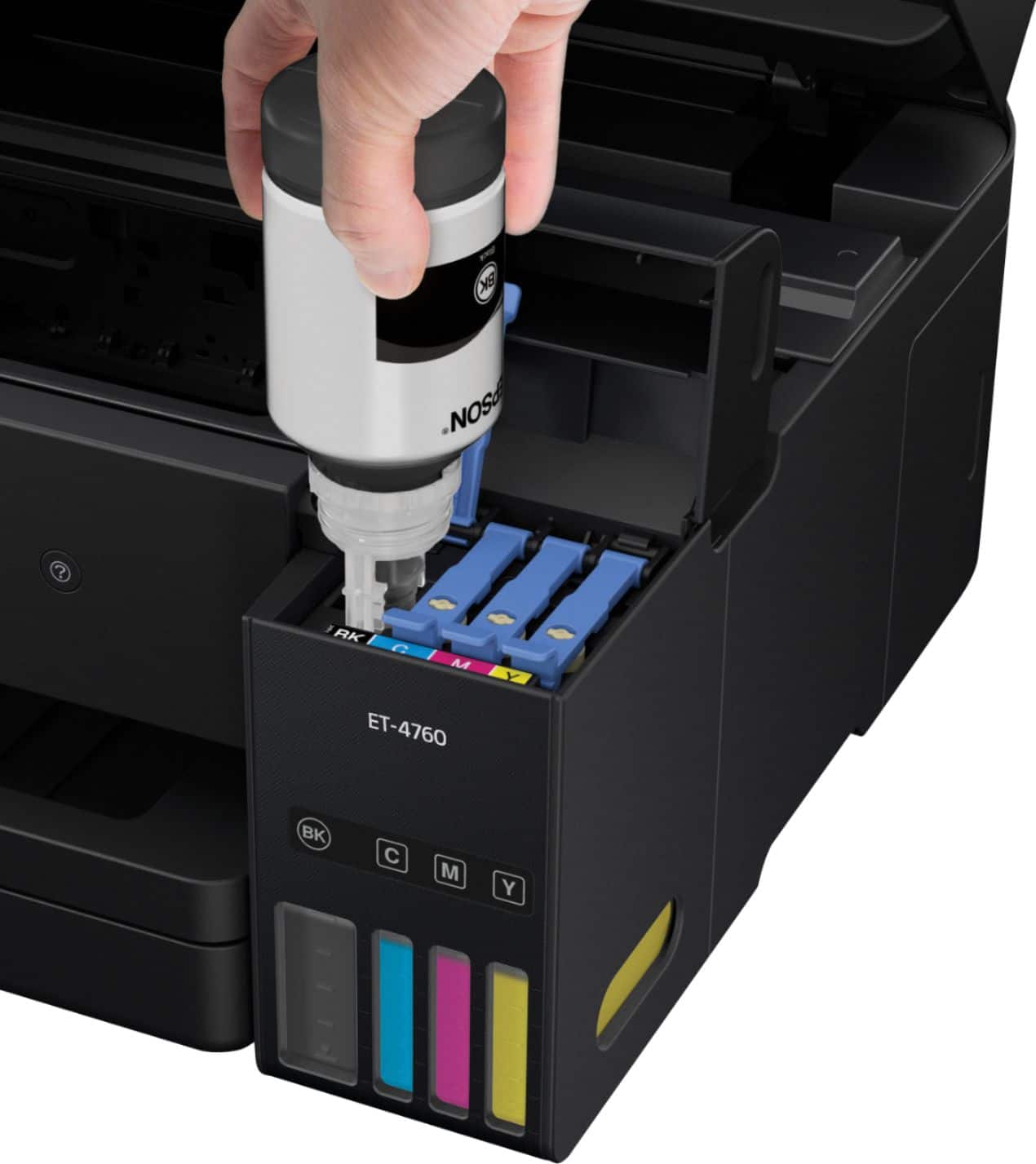
- EPSON ECOTANK ET-4760 C11CG19
- SKU:
- 6347466
Rating by feature
- Value
Rating 4.3 out of 5 stars
- Quality
Rating 4.5 out of 5 stars
- Ease of Use
Rating 4.5 out of 5 stars
Customers are saying
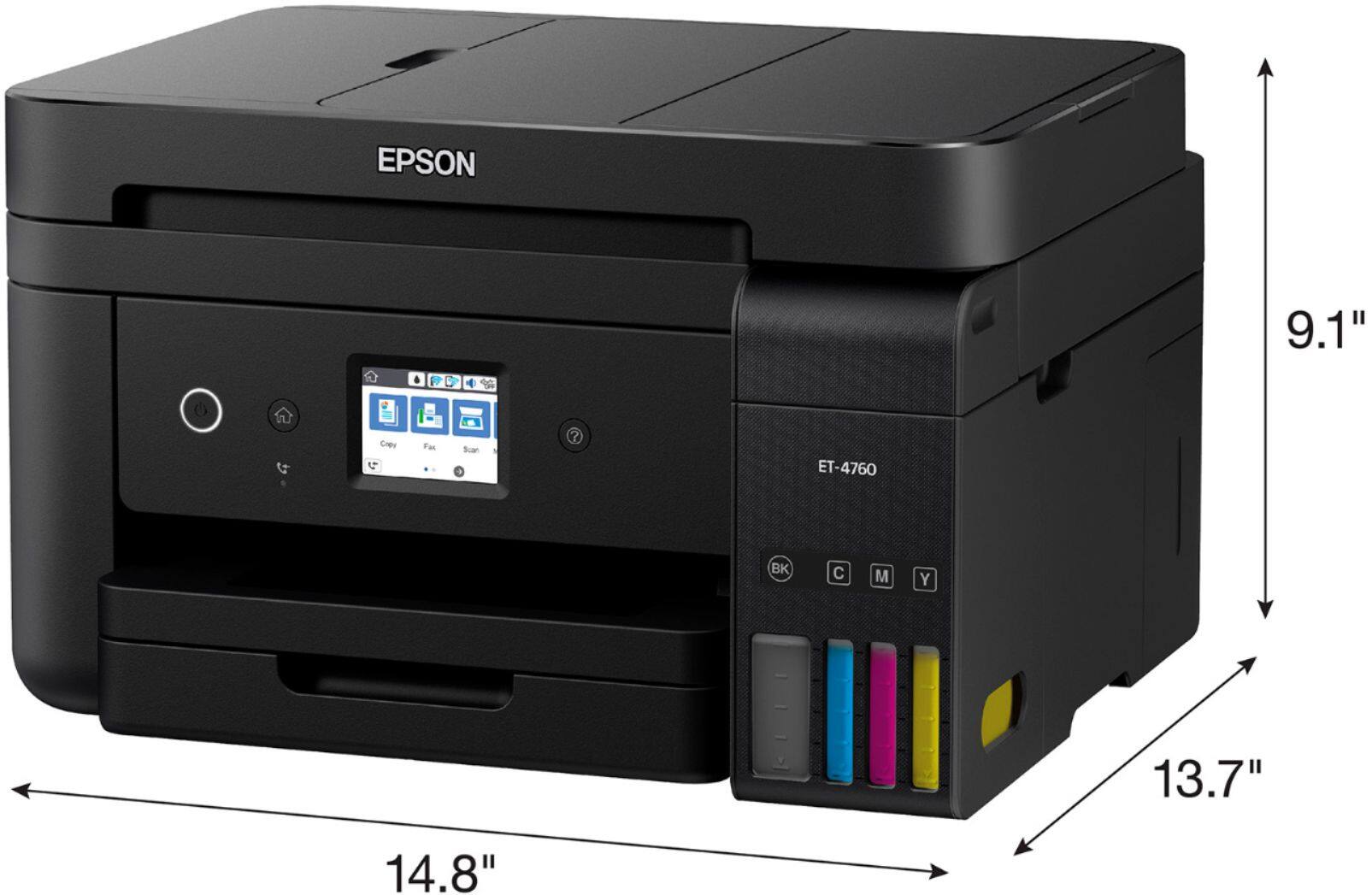
Customers often highlight the excellent print quality and ease of use of the EcoTank ET-4760 Wireless All-In-One Inkjet Printer. Many appreciate its compact size and straightforward setup process. While some users mention occasional noise and a higher price point, the positive feedback on printing and scanning capabilities is prominent.
This summary was generated by AI based on customer reviews.
- Pros mentioned:Ease of use, SizeCons mentioned:Price
Christmas early
||Posted . Owned for 1 month when reviewed.This reviewer received promo considerations or sweepstakes entry for writing a review.Took a little longer to set up than advertised. Copies aren't quit as crisp as I had hoped. Love the compact size. And, ink set up was quite easy. I will add we still concur that the $500 price tag is a bit ridiculous. Will give a more in depth review after the newness wears off.
I would recommend this to a friend - Pros mentioned:Ease of use, Print quality, Size
Mixed feelings so far
||Posted .This reviewer received promo considerations or sweepstakes entry for writing a review.It's kind of early to know for sure how much I like or dislike this printer so far.. So far, it was easy to set up, I like that the ink tanks aren't needing filling constantly, it doesn't take up too much space and wasn't super heavy. So far, I don't like that it frequently becomes disconnected from our WiFi, but i suspect that's because of where we live (in a mountainous area that's notorious for such issues) It didn't come with a regular power cable, which surprised me since not everyone needs/wants wireless capabilities. I'm still learning about functionality about scanning and faxing, etc.
No, I would not recommend this to a friendBrand response from Epson
Posted .Hello Unsure, thank you for taking the time to write this review on the Epson ET-4760. We're so sorry for the trouble that you had during the initial setup. Your EcoTank printer is backed by a 1-year limited warranty and includes free lifetime tech support. If you would like assistance with troubleshooting Wi-Fi connectivity issues or anything else, our Advanced Support Team can be reached directly at 1-800-241-5794 between 7 am - 4 pm (PT), Monday - Friday. We appreciate your patience, and we're here to help. Kind Regards, Bobby - The Epson Team.

- Pros mentioned:Print quality, Setup
So far so good!
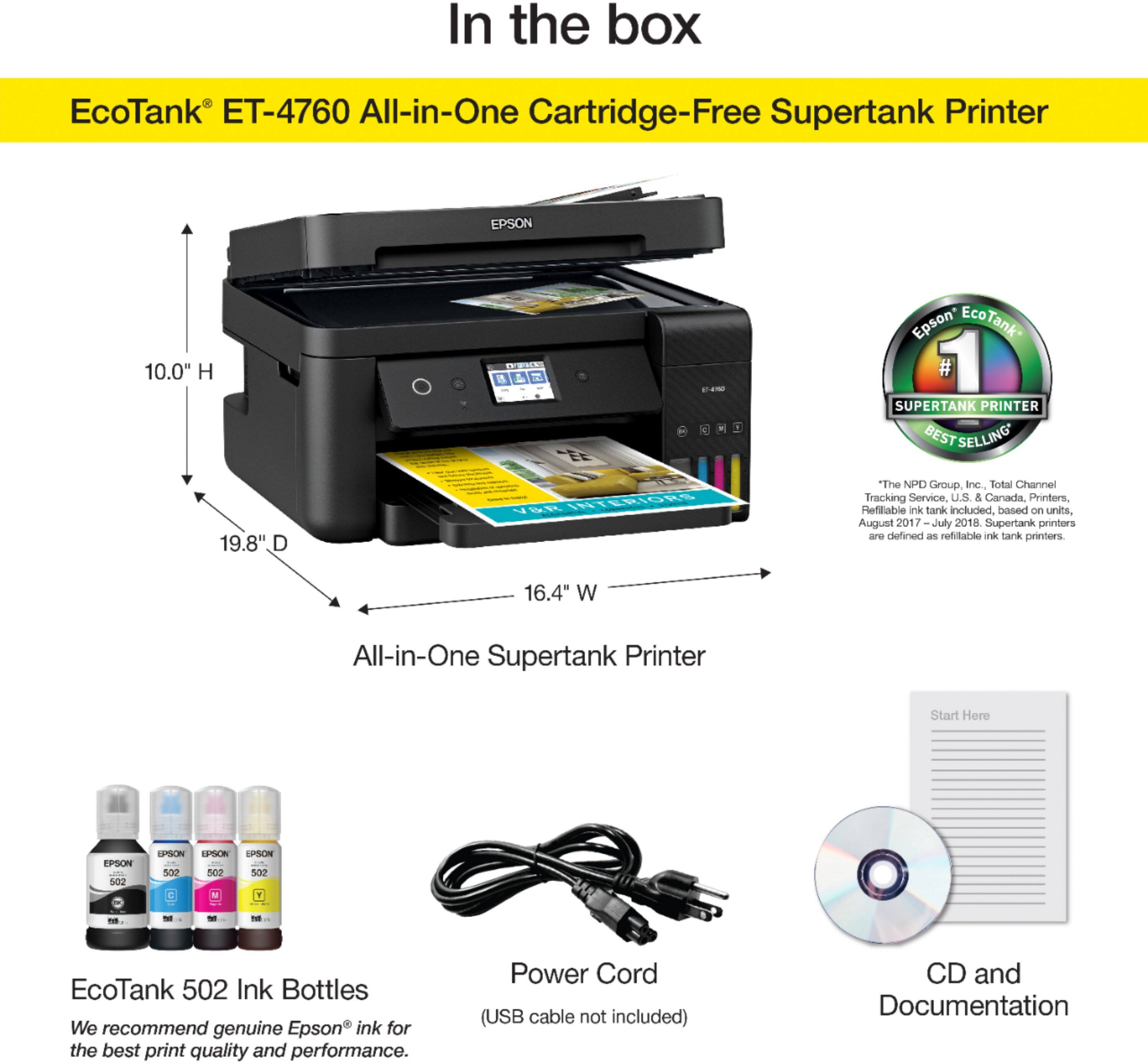
||Posted . Owned for 1 week when reviewed.This reviewer received promo considerations or sweepstakes entry for writing a review.The footprint of this printer is much smaller than my last all-in-one unit which is nice as my desk space is limited. Unboxing and setup was very easy. I connected the printer directly to my computer using a USB cable. I also connected this printer using both Wi-Fi and wired networking so that all my computers, tablets and phones in the home could connect. I simply followed the instructions on the front panel along with Windows "add a printer" and was up and running in no time. My only complaint was that despite the box stating there is installation media in the box, I did not get a disc and had to download from the Epson website. No big deal. We printed several pages of both b/w and color text/images. The print quality is great and the ink levels barely moved. I have high hopes for this unit as time roles on. I'll also brag a bit that I got this machine for the price of the lower model on sale making it a great value!
I would recommend this to a friend - Pros mentioned:Setup, Wireless
Good printer, but no USB ports
||Posted . Owned for 1 month when reviewed.This reviewer received promo considerations or sweepstakes entry for writing a review.My Epson XP 810 was getting a bit long in the tooth, and saw this printer advertised on TV, and decided to get it. It has a tank that holds the inks (refilled by bottles) that is supposed to be cheaper than the cartridges. I compared the cost of the ink bottles with the cost of cartridges for my XP 810, and the bottles cost the same or slightly more (although, if a bottle of ink lasts longer than a cartridge, then it will be cheaper in the long run. Set up was easy. The printer is wireless, but it as it is next to my router, I used an ethernet cable instead (I was always having to reset the wireless connection in my previous printer, anyway), and the printer works fine. The only thing I have against it is that my old Epson printer had a USB port and a memory card port, so that I could print items from those sources, or scan to them, without using the computer. The ET-4760 lacks these, so you are forced to print and scan from a computer.
I would recommend this to a friend - Pros mentioned:Print quality, Size
Best printer ... EVER!
||Posted . Owned for 3 weeks when reviewed.This reviewer received promo considerations or sweepstakes entry for writing a review.I bought this for the ink bottles. It says that you can print up to 7,500 pages for the black ink cartridge and up to 6,500 pages for the color ones, but it looks like that's not going to be the case. I have had it for almost a month now and it seems as if both cartridges are down to around 85%. I've only printed maybe five or six hundred copies, so we will see. Better than those toner cartridges, though, for sure!!!!!!!!! The printing is awesome. Wished it had laryngitis, though since it is very loud. The print quality is awesome and the scan feature is fantastic. And double-printed jobs are awesome. Bought this over the 3760 because this one has the automatic feeder. Small printer, but awesome in quality!
I would recommend this to a friend - Pros mentioned:Print quality, Size
Must buy for work from home/remote schooling
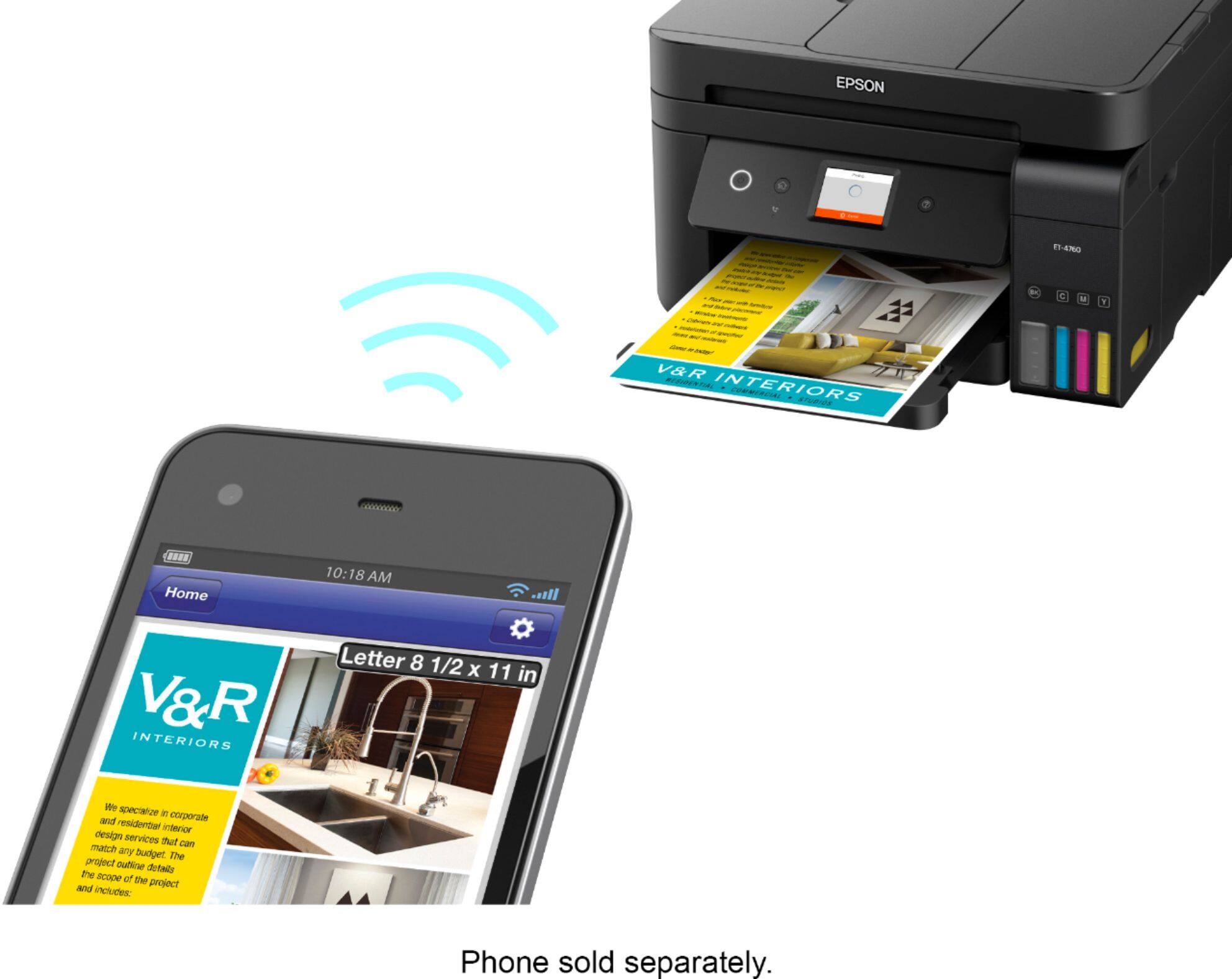
||Posted . Owned for 4 months when reviewed.This reviewer received promo considerations or sweepstakes entry for writing a review.The best purchase. Very efficient and easy to use and set up. Definitely saves a ton on ink. Quality of print is excellent and the size is fair. Not too big or space consuming. Cons: it can be very loud when printing. Also if you want to scan using the top tray you cannot start scanning on the glass. Once you turn on the machine the first time you scan that day, make sure to use the top tray vs putting the doc on the glass and shutting down the cover to scan. that way you can scan using the top tray for the rest of the day. not sure this is the case. easy to print to using mobile as well.
I would recommend this to a friend Great all in one printer
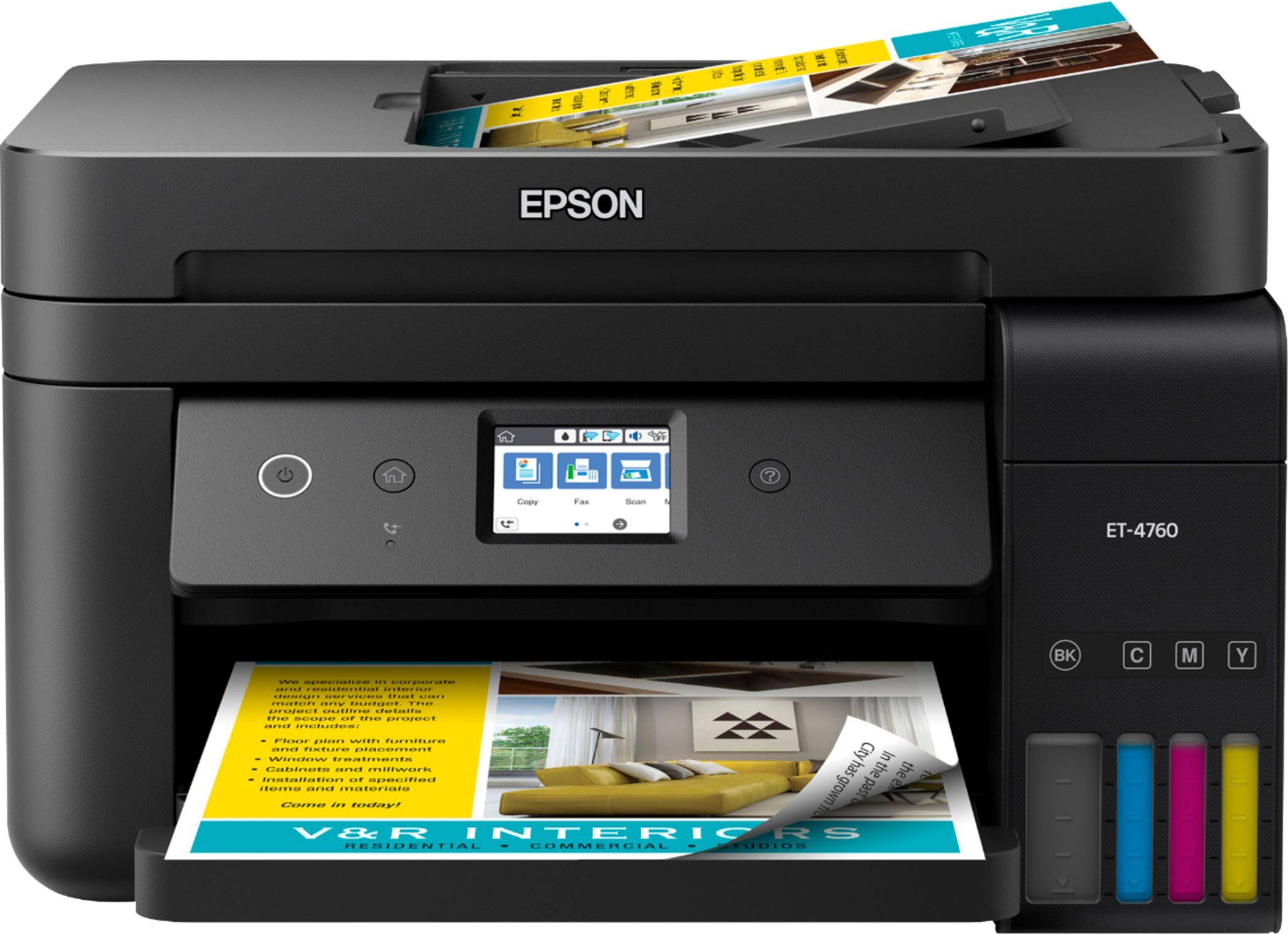
Posted .This reviewer received promo considerations or sweepstakes entry for writing a review.I have been looking at the eco tanks since they came out and drooling over them. As a homeschool mom and a business owner, they seemed like a sound investment. I always hesitated because I wasn’t sure if they lived up to their hype. Let me tell you - they do! From the sleek appearance and small (considering) footprint to the ease of use... this printer is perfect. It doesn’t take up much more room on my desk than my $50 HP printer, which is a great thing. It prints without shaking the desk or making too much noise. The ink was very easy to install and the instructions were perfect. I’ve printer several things out so far and I love how it tells you what it’s doing on the bright lcd screen that you can flip up and down for convenience. If you’re not sure how many pages you have left, there are clear indicators as well as being able to see the ink in the tank. There’s also a feature that allows you to print a status report type page that tells you how many color pages and how many black and white pages you’ve printed so far. All in all, the print quality is excellent. Every feature is easy to use and this has to be the simplest ink installation ever. I really love it and am so glad to use it for my everyday printing needs. This is a review for the Epson EcoTank ET-4760 All-In-One SuperTank Printer that I received free of charge to do a beta test and review.
I would recommend this to a friend- Pros mentioned:Print quality, Setup
No More expensive printer cartridges!!
||Posted . Owned for 1 month when reviewed.This reviewer received promo considerations or sweepstakes entry for writing a review.I have used HP all in one printers for probably 20 years. I considered them a quality product, software was at times quite buggy at times. My last HP died, would not communicate wirelessly no matter what I tried. I needed a new printer in a hurry for my small business, like NOW. I have been looking at Epson's eco-tanks for awhile after recommending one to my son. Setup was very easy no hitches and it's been preforming great for over a month now. It sure is nice not having to mess around with printer cartridges and worry that you're going to run out of ink in the middle of a big print job. I've had Epson's years ago and the print quality was not quite as good as the HP, but this printer preforms every bit as good as the HP. Yeah the initial cost is more but it's worth the money IMO.
I would recommend this to a friend - Pros mentioned:Print quality, SetupCons mentioned:Price
Expensive but so far so good
||Posted . Owned for 1 month when reviewed.This reviewer received promo considerations or sweepstakes entry for writing a review.So far this is a great printer. I have only had it for a few weeks. The print quality is good and it wasn't too complicated to set up. Gave it a 4 and not 5 star rating because it really was expensive.
I would recommend this to a friend - Pros mentioned:Ease of use, Print quality
Working great so fa
||Posted . Owned for 3 weeks when reviewed.This reviewer received promo considerations or sweepstakes entry for writing a review.It installed easy on one iMac and Windows 10 laptop. On my Mac mini I had to tell which version of operating system. On my windows 7 pro tower I had trouble because I had an Epson scanner that had software that needed upgrade, so I downloaded all the packages and installed them one by one. For one of them it told me I had an old version and asked me to upgrade. Interesting that it has its own email address now, have not tried that option. My son uses it a lot and the laser printer it replaces was costing a fortune. It looks like he has used about 1/4 ink in 2 months but he has gone through a couple reams of paper. I found a set of Epson ink for about $60 and other "compatible" for 1/3 to 1/2 that. The Brother laser it replaced cost $85 a color for original or 1/2 that for compatible, so it looks like this will cost a bit less to run.
I would recommend this to a friend - Pros mentioned:Ease of use, Print quality
Good printer.
||Posted . Owned for 1 year when reviewed.This reviewer received promo considerations or sweepstakes entry for writing a review.I have had this printer for about a year. So far I have been pleased. The print quality is good. I have not tried to print on photo paper yet so I can't speak on that. I do not print as heavily as I have in the past but I am still on the original inks that came with the printer. It was easy to setup to my computers, iPad, and iPhone. I am very pleased with this model. I was a little hesitant on the purchase because of the price, I did manage to purchase while it was on sale for a $100 off the price at the time of purchase (Aug 2019). The life of the ink has more than off set the cost of the printer as I have not had to purchase multiple ink cartridges. I use this printer for home use so my usage is moderate.
I would recommend this to a friend - Pros mentioned:Print quality
Great Printing Experience
||Posted . Owned for 1 year when reviewed.This reviewer received promo considerations or sweepstakes entry for writing a review.The Eco Tank ET 4760 has been one of the best printing experiences in my home office. I experienced some reasonable troubleshooting, but when I needed large print jobs, several hundred color copies were on card stock.
I would recommend this to a friend - Pros mentioned:Print quality
Printer EcoTank ET-4760
||Posted . Owned for more than 2 years when reviewed.This reviewer received promo considerations or sweepstakes entry for writing a review.This has been the most wonderful printer I have ever had. The ink never runs out and it does what it is suppose to do with the colors and in B & W. I print a lot of labels and it does the job!
I would recommend this to a friend - Pros mentioned:Print quality
Must have !!!
||Posted . Owned for 1.5 years when reviewed.This reviewer received promo considerations or sweepstakes entry for writing a review.By far the best printer purchase I’ve ever made! Bought in Fall off 2021 for my business and with all the printing we do, we’ve yet to have to buy new ink! Definitely worth every Penny!
I would recommend this to a friend - Pros mentioned:Ease of use, Print quality
Ink-saving printer
||Posted . Owned for 2 months when reviewed.This reviewer received promo considerations or sweepstakes entry for writing a review.I have had this printer for a couple of months now, and I am pretty satisfied with it. It has many functions and makes office tasks way easier. It took me around 20 min to set up the printer and sync it to my computer. But once that was done, it made printing online easier and faster, my roommates can all print from the website instead of having to sync the printer to every laptop in the house. The touchscreen is fairly small, but overall is pretty intuitive to navigate/use. The ink definitively lasts. The image quality is decent, I haven't tried the photo printing setting yet, so it might improve the image quality. I like that it can be used on different types of paper as well.
No, I would not recommend this to a friend - Pros mentioned:Print qualityCons mentioned:Price
Value at a $ and slight quality price.
||Posted .This reviewer received promo considerations or sweepstakes entry for writing a review.It is a good purchase if you intend to print a lot. the ink bottle last a very long time. However, this is very much within the price point of the printer being much more expensive than consumer models . it has a lot of moving parts but has clear instructions for setting up printer to a computer. IF you print a lot of documents from home, you will find that this print will save you money in the long run. However the up front cost may dissuade you. For solid colors and text this is a good deal if you intend to print since colors come out good. however for the scope of more detailed images the quality falls short as finer details are muddied out.
No, I would not recommend this to a friend - Pros mentioned:Ease of use, Print qualityCons mentioned:Noise level
Epson Printer
||Posted . Owned for 1 month when reviewed.This reviewer received promo considerations or sweepstakes entry for writing a review.It prints great, easy set up, and quiet. I read some of the reviews that said it was loud, but I don't have that problem.
I would recommend this to a friend - Pros mentioned:Ease of use, Print quality
Nice, cost-effective printer from Epson
||Posted . Owned for 3 weeks when reviewed.This reviewer received promo considerations or sweepstakes entry for writing a review.Until recently I was using an HP Laserjet but the cost of replacing the toner was outrageous. So I switched to this and I am happy with the product so far. It was easy to set up and the ink bottles are easy to use to refill the printer. The cost of replacement ink is a LOT less than for my laserjet. The quality of the print is nice and the printer is responsive, printing pages at a nice clip. Can't say it is as fast as the laser printer, but it is fast enough for me. This is a nice, cost-effective printer that should work well at home or even a small office
I would recommend this to a friend - Pros mentioned:Print quality, Size
It's GREAT !!!! at least for me.
||Posted . Owned for 1 month when reviewed.This reviewer received promo considerations or sweepstakes entry for writing a review.I love this printer!!!! It does everthing and more than my 2 year old name brand printer. During covid I could not find ink for my old printer so I decided to buy my Epson with ink bottles. I can see how much ink I have used. Hardly any after printing over 600 pages last week. It also is smaller and gives me more room on my desk. It also prints great photos of my new great third granddaughter. I would recommend this printer for small business and great grand parents or any one else. Best Buy also price matched for me and saved me a lot of money.
I would recommend this to a friend - Pros mentioned:Print quality
Nice All In One Printer
||Posted . Owned for 3 weeks when reviewed.This reviewer received promo considerations or sweepstakes entry for writing a review.Very nice printer. Many of the reviews state a quick set up but it does take about 30 minutes to unpack, read the instructions, fill the ink, test and align the printer heads and get started. Very easy to connect to wifi, download the apps for the computer and get started. I love the small space it occupies, and quick printing. So far no problems with printing and connecting other devices. Prints seamlessly without extra mobile apps, just use the built in Apple iOS AirPrint to print docs. Scans are easy. Definitely worth the cost.
I would recommend this to a friend