Customer Ratings & Reviews
.](https://pisces.bbystatic.com/image2/BestBuy_US/images/products/a01213e6-2fa2-47d6-b2f3-64e0bf48e22f.jpg)
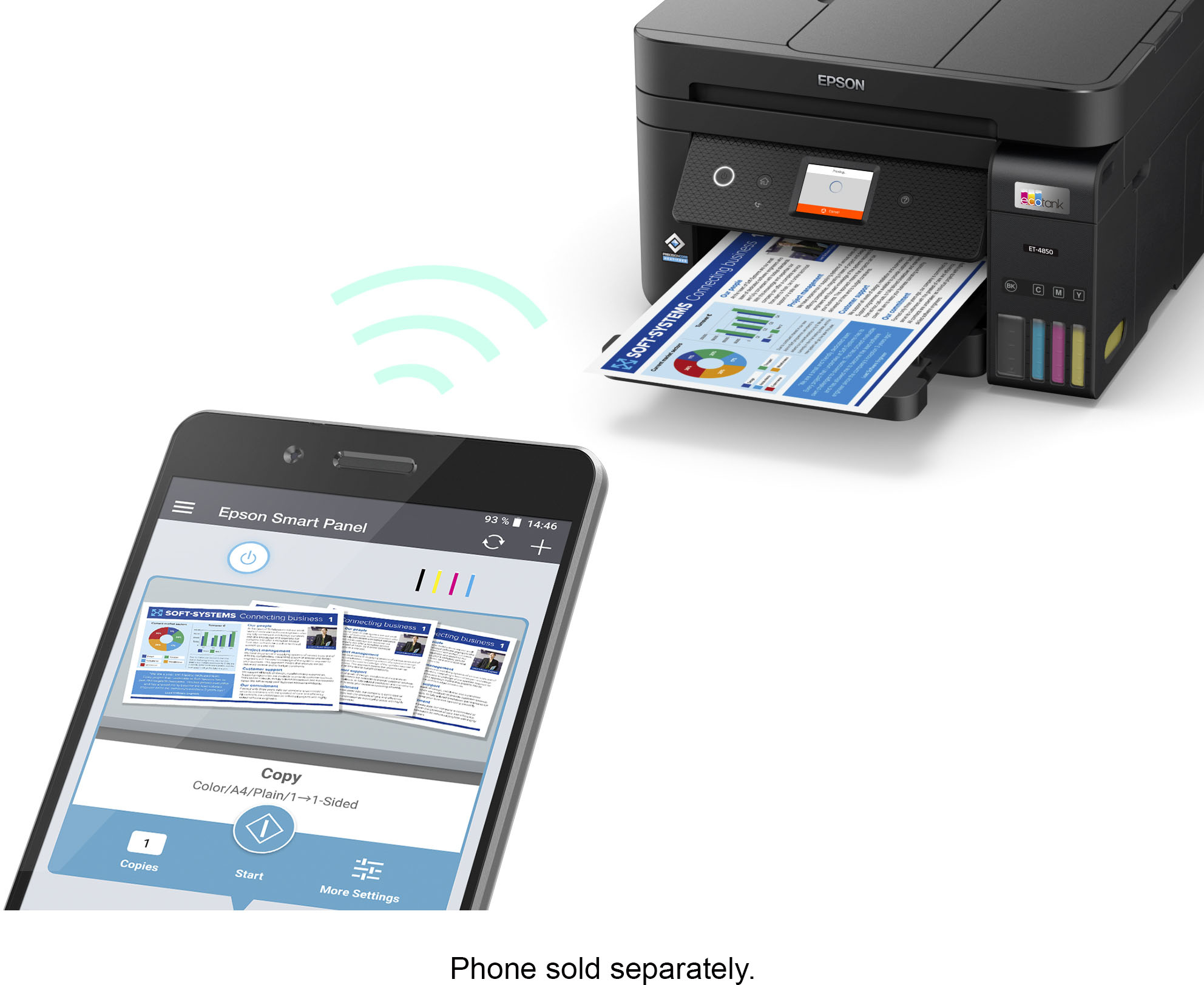
. Most features require a Internet connection to the printer, as well as an Internet- and/or email-enabled device. For a list of Epson Connect enabled printers and compatible devices and apps, visit [www.epson.com/connect](http://www.epson.com/connect).](https://pisces.bbystatic.com/image2/BestBuy_US/images/products/9d12aa07-d773-4dd1-9c3f-6223e2e99909.jpg)
- Model:
- C11CJ60201
- SKU:
- 10839885
Rating by feature
- Value
Rating 4.4 out of 5 stars
- Quality
Rating 4.5 out of 5 stars
- Ease of Use
Rating 4.5 out of 5 stars
to a friend
Jams & Paper Issues
||Posted . Owned for 1 week when reviewed.This reviewer received promo considerations or sweepstakes entry for writing a review.The printer jams alot and everytime I attempt to print I have to press "ok" because it does not recognize the paper type. I am working on trying to determine how to fix this issue. I have never had these types of issues with a printer. The cost for this printer is really too much for the types of issues I am dealing with.
No, I would not recommend this to a friendBrand response from Epson
Posted .Hello, we're sorry to hear about the paper jam issue with the ET-4850 printer. Epson considers all feedback to improve the performance and quality of our products. Epson also offers helpful information, including FAQs and self-help tools, on the product support web page at https://epson.com/Support/Printers/All-In-Ones/ET-Series/Epson-ET-4850/s/SPT_C11CJ60202#questions. Your EcoTank printer includes a 1-year Limited Warranty, plus free lifetime technical support. If you need assistance, our Epson Support Team would be happy to help you and can be reached at (562) 276-4382; Hours: Monday - Friday, 7 am - 4 pm PT; Sincerely, Sam - The Epson Team.

Not plug-and-play
||Posted . Owned for 3 weeks when reviewed.This reviewer received promo considerations or sweepstakes entry for writing a review.Installing the printer drivers was a bit of a headache. It wasn’t a plug-in-play experience, as I hoped. After the drivers were installed, it’s been working.
I would recommend this to a friendNot happy
||Posted . Owned for 3 weeks when reviewed.This reviewer received promo considerations or sweepstakes entry for writing a review.Not very happy would like to return it the color isn’t very has streaks in everything I print. Some people have luck with these printers me on the other hand have not. It prints just like my printer I’ve been trying to replace. I was so excited to use it because of the reviews.
No, I would not recommend this to a friendCan't scan to flashdrive
||Posted . Owned for 1 month when reviewed.This reviewer received promo considerations or sweepstakes entry for writing a review.Because their is no place for a flashdrive to obtain a scanned document, I am at a loss.
No, I would not recommend this to a friendNot as Expected
||Posted . Owned for 3 weeks when reviewed.This reviewer received promo considerations or sweepstakes entry for writing a review.I loved the idea reducing the cost of ink cartridges, but after I set up the printer, it didn't take long before the rollers were squeaking and eventually leaving a black mark on the copies.
No, I would not recommend this to a friendBrand response from Epson
Posted .Hello slplife, we're sorry to hear about your disappointing experience with the ET-4850 printer. Epson considers all feedback to improve the performance and quality of our products. Epson also offers helpful information, including FAQs and self-help tools, on the product support web page at https://epson.com/Support/Printers/All-In-Ones/ET-Series/Epson-ET-4850/s/SPT_C11CJ60202#questions. Your EcoTank printer includes a 1-year Limited Warranty, plus free lifetime technical support. If you need assistance, our Epson Support Team would be happy to help you and can be reached at (562) 276-4382; Hours: Monday - Friday, 7 am - 4 pm PT; Sincerely, Sam - The Epson Team.

I love Epson's EcoTank ET-4850
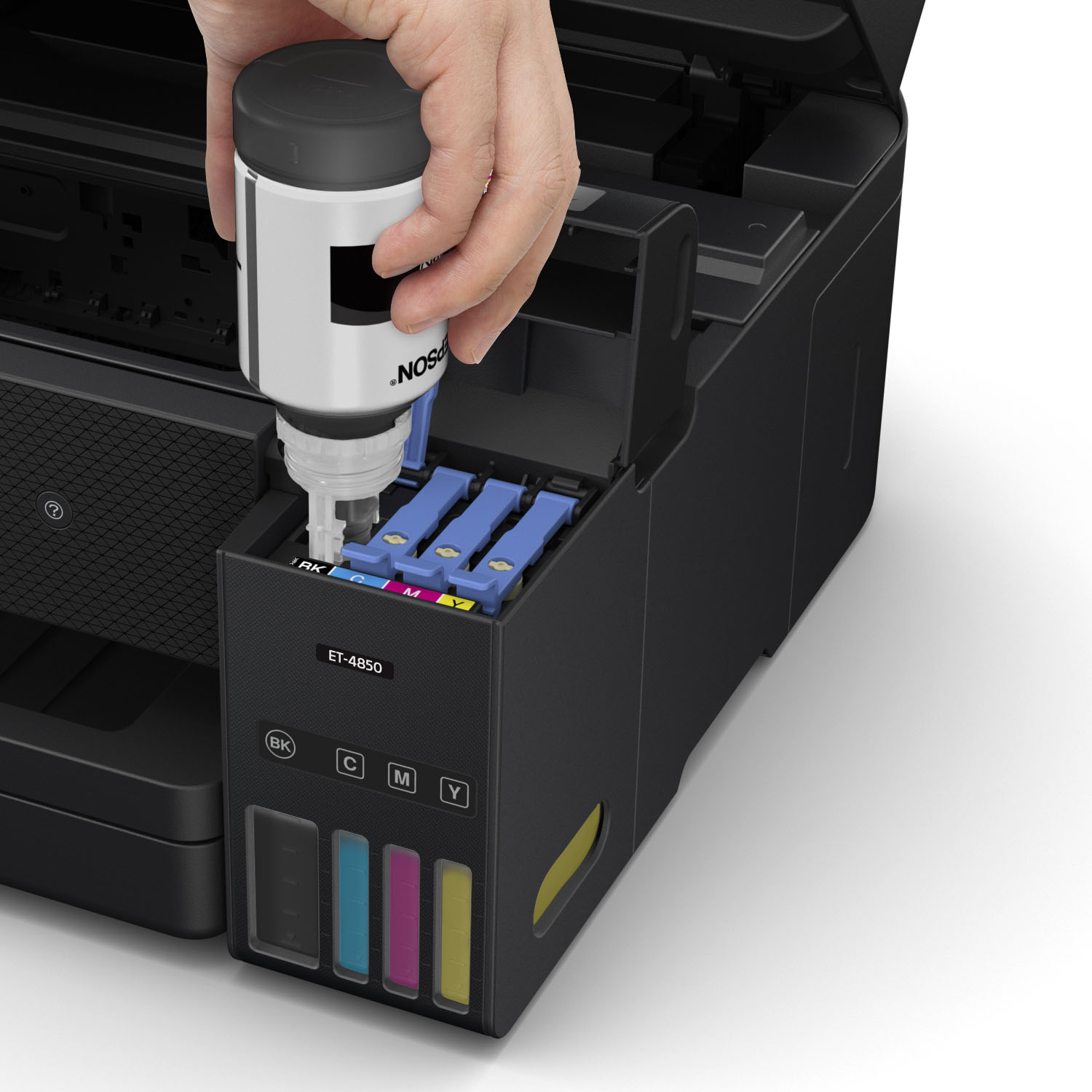
|Posted .This reviewer received promo considerations or sweepstakes entry for writing a review.I love Epson's EcoTank all-in-one printers. I hated the fact that I would have to buy small ink cartridges for my older printers, only for them to run out so fast. Epson's EcoTank printers have remedied that issue with their supertank printers and the EcoTank ET-4850 is no exception. Before getting the EcoTank ET-4850, I was using Epson's ET-3760 all-in-one printer. I went about one year without having to refill the tanks, even while in law school. I am sure that the EcoTank ET-4850 will be the same, as these EcoTank printers are very efficient. As of right now, I have had no connectivity issues, which I will admit I have had with their ET-3760, but is an easy fix by a simple restart. The EcoTank ET-4850 is extremely easy to set up, and best of all, refills are a breeze with leak-free Epson ink bottles. Another added bonus is the cost of refill bottles, which is not bad, considering the fact that ink lasts so long. Overall, I am extremely happy with the EcoTank ET-4850. It is compact and does everything that I need it to do. Buy with confidence!
I would recommend this to a friendET-4850 Screen non-operational. System unusable.
||Posted . Owned for 1 month when reviewed.This reviewer received promo considerations or sweepstakes entry for writing a review.The electronic screen is non-functional and Geek Squad was unable to remotely fix it so an in-person session was scheduled.
No, I would not recommend this to a friendHorrible printer
||Posted . Owned for 2 months when reviewed.This reviewer received promo considerations or sweepstakes entry for writing a review.Very unhappy with the print quality. Everything had a very blue tint to it, text and lines were fuzzy and unclear
No, I would not recommend this to a friendTrash
||Posted . Owned for 7 months when reviewed.This reviewer received promo considerations or sweepstakes entry for writing a review.TRASH DO NOT BUY THIS PRINTER. Its slow its limited it does not work I hate HP but im going to get another one.
No, I would not recommend this to a friendEpson printer
||Posted . Owned for 1 year when reviewed.This reviewer received promo considerations or sweepstakes entry for writing a review.Piece of crap. One year, to the day, it broke. Paper won't feed and says it's constantly jammed. Do not recommend.
No, I would not recommend this to a friendDifficult Setup, Great Ink System
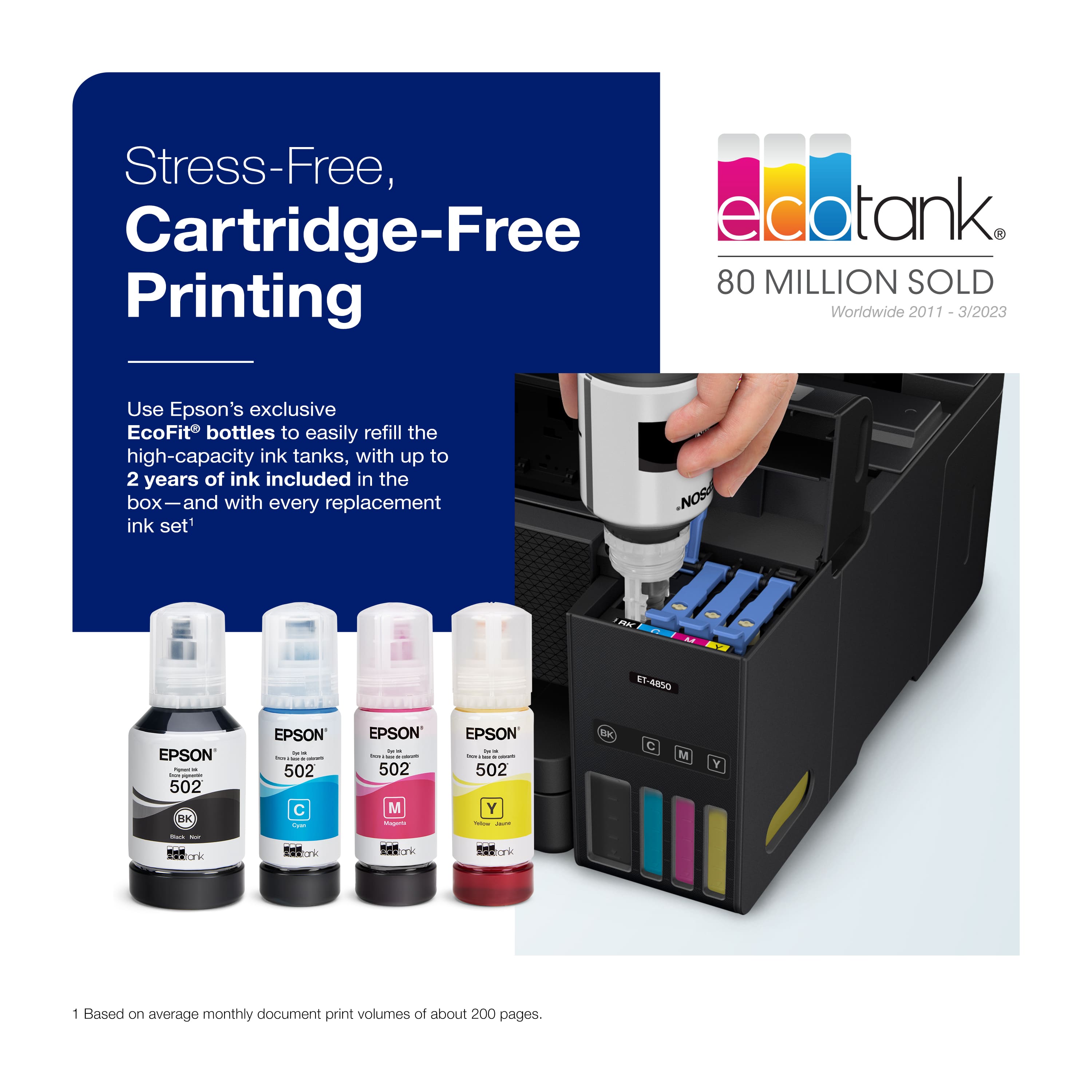
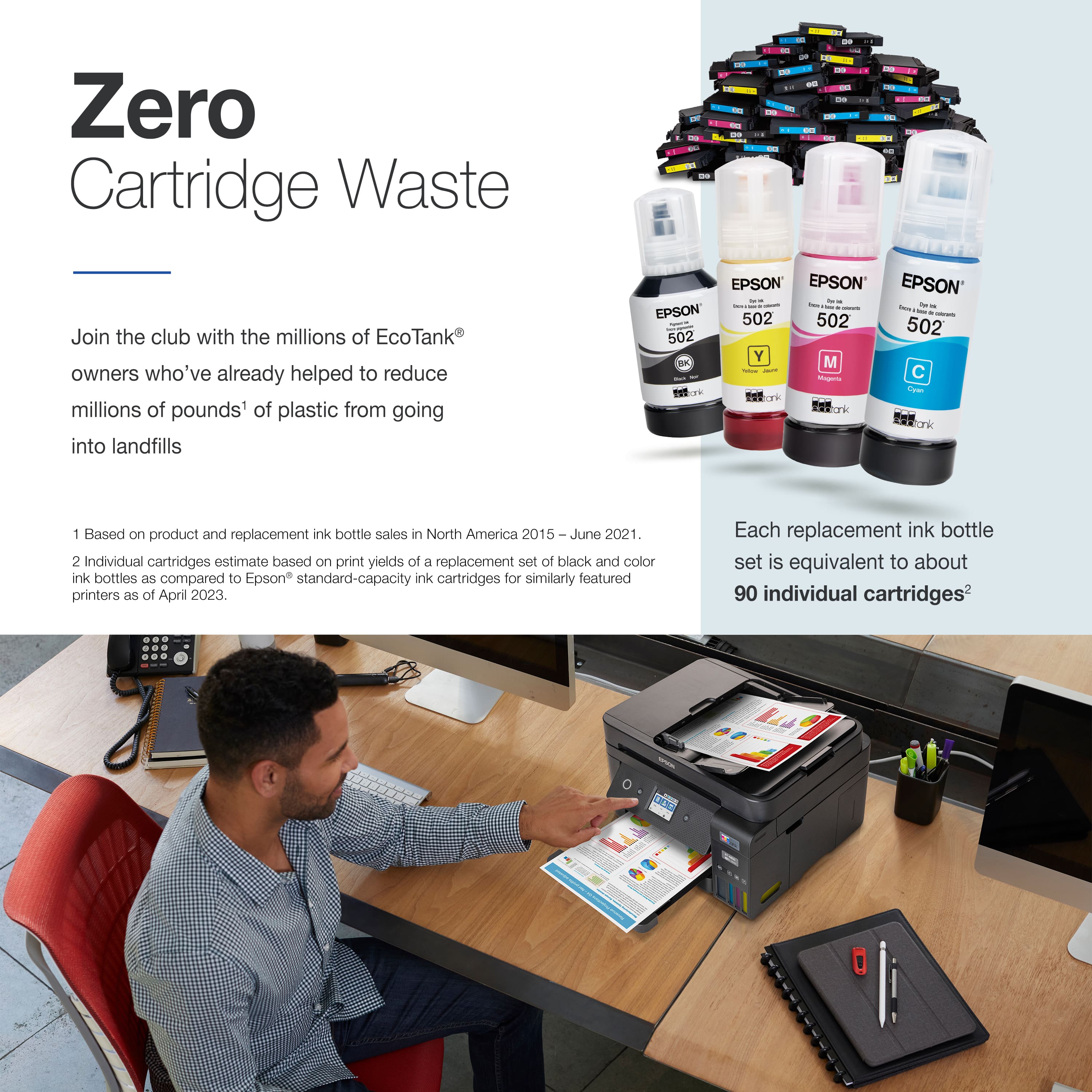
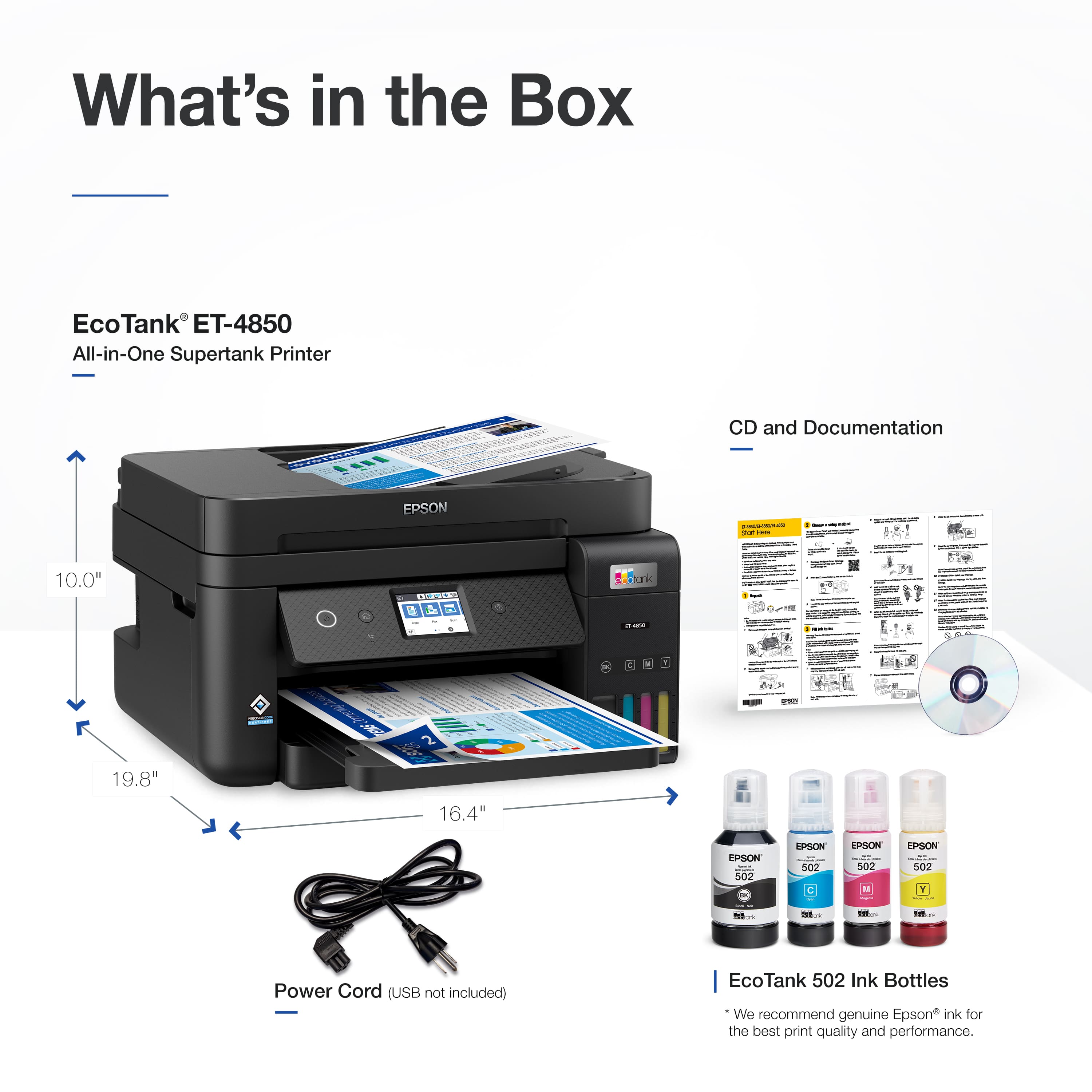
Posted .This reviewer received promo considerations or sweepstakes entry for writing a review.I bought this printer to mostly print in black and white, but I wanted color available. I also at times print user manuals for vintage amateur radio equipment, which are sometimes over 100 pages, so I wanted something cheap on ink. I also needed a scanner, and while I preferred a full duplex scanner that can scan both sides of a page on a stack of pages like my previous Brother 4710 printer, I could no longer find such in any printer I looked at under $1,000. I found the Epson EcoTank line and looked through most of them and settled on this one. It has the larger ink tanks than the less expensive models, and reviews said it was fine for envelope and card printing, so I purchased this model. I got a price match at another retailer and purchased an extended warranty since every printer I looked at the reviews of had some people who had premature failure, or needed something fixed, and I didn't want to end up owning a brick after the manufacturer's warranty was over. I normally don't buy extended warranties except on laptops but made an exception here. Setting up the machine was difficult at best, even with the Epson technical support. I had already got the printer to connect to my network on both the 2.4 and 5 GHz networks in my home, but I couldn't get my laptop to find the printer. The tech support person had a fairly strong Indian or Pakistani accent, and being hard of hearing to begin with, this made understanding her problematic. We tried a few different things, and what finally got it recognized was an Epson pop-up that tried to troubleshoot the network connection. It kept popping up, and I'd let it run while the support person tried to help me, and eventually it seemed to fix it. I haven't tried this on photo paper, envelopes, or anything except letter paper. The duplex printing works fine. It has a much smaller footprint than my Brother printer did, but then again, the scanner doesn't scan 8.5 x 14 inch paper, either. What is probably the greatest feature of this printer is the EcoTank system. It comes with enough ink to print 7,500 black and white and 6,500color pages, or about 90 ink cartridges that other printers would have to use up to provide that much printing. This brings the cost per page way down, and saves you some time and trouble of not having to change so many ink cartridges. It comes with empty ink tanks, and 4 bottles of ink. Filling the ink tanks is very easy. There will be a little ink left in each bottle. After priming the ink system, it will have lost a bit of the ink in all tanks, so I used what was left to top off each ink tank after I had it up and running. Just enough room was left in the ink tanks after priming the ink system to allow the rest of the ink to be used up. They tell you in the instructions that priming the machine will use enough ink that the first charge of ink won't quite last as long as when you do your first refill. However, topping the tanks up with the small amount of ink left in the bottles brought the level back up to the full level, so don't throw away the bottles after filling it. Run the priming operation, then use what's left to bring it back up to the full mark. The printer will ask if you topped up the 4 colors and if you tell it yes, then it will reset the calculations back to a full tank for each color and black. I deducted one star for the difficulty of setup combined with off-shore tech support that has a harsh accent and therefore was difficult to understand. I have nothing against people from other countries, but most companies screen their potential offshore tech support operations for an almost perfect American or English sound with little of the local dialect sound heard. I expected more of Epson. All in all, this seems like a very good printer. Time will tell if I have problems down the road. I will eventually use it to print some envelopes from time to time, and maybe make cards with it, too. If I have problems with the paper-handling, I will likely come back and update this review.
I would recommend this to a friendIDK...?
||Posted . Owned for 3 weeks when reviewed.This reviewer received promo considerations or sweepstakes entry for writing a review.Sometimes less is more and more-well, it's a toss-up! I can't decide whether I see the advantages. It's small and it's speed is delayed. I guess that is the delay when broad-band.
I would recommend this to a friendBrand response from Epson
Posted .Hello BillyW, we appreciate your feedback on the ET-4850 printer. Epson considers all feedback to improve the performance and quality of our products. Epson also provides helpful information on FAQs and self-help tools on the product support web page at https://epson.com/Support/Printers/All-In-Ones/ET-Series/Epson-ET-4850/s/SPT_C11CJ60202#questions. Additionally, your printer includes a 1-year Limited Warranty plus free lifetime technical support. Please get in touch with our support team directly at (562) 276-4382 between 7 am - 4 pm (PT), Monday - Friday, if you need further assistance.
Sincerely, Sam - The Epson Team
Epson print quality
||Posted . Owned for 1 month when reviewed.This reviewer received promo considerations or sweepstakes entry for writing a review.The print quality is very poor. The print is to light and hard to read. Even working with the Tech support it could not be corrected.
No, I would not recommend this to a friendFrustrated
||Posted . Owned for 3 weeks when reviewed.This reviewer received promo considerations or sweepstakes entry for writing a review.Difficult to install. Printing very slow Never got scanner to work.Hope to return
No, I would not recommend this to a friendBrand response from Epson
Posted .Hello SusanB, thank you for sharing your feedback on the Epson EcoTank ET-4850. We apologize for the disappointing experience you’re having and will be sure to pass the information along to our product teams. Your product comes with free lifetime tech support and we’d be happy to assist you. Please call Epson Support at (562) 276-4382 between 7am - 4pm (PT) on Saturdays. Regards, Dylan – The Epson Team
Unreliable.
||Posted . Owned for 6 months when reviewed.This reviewer received promo considerations or sweepstakes entry for writing a review.Prints nice but failed after 3 months. Unsolvable paper jams.
No, I would not recommend this to a friend05ruvolo
||Posted . Owned for 3 weeks when reviewed.This reviewer received promo considerations or sweepstakes entry for writing a review.It was a little complicated to install. It took me about 4 hours to install because I'm not tech savvy. Once I got past the insulation it was great
No, I would not recommend this to a friendBrand response from Epson
Posted .Hello 05ruvolo, we apologize for your disappointing experience with the ET-4850 printer. Epson considers all feedback to improve the performance and quality of our products. Epson also provides helpful information on FAQs and self-help tools on the product support web page at https://epson.com/Support/Printers/All-In-Ones/ET-Series/Epson-ET-4850/s/SPT_C11CJ60202#questions. Additionally, your printer includes a 1-year Limited Warranty plus free lifetime technical support. Please get in touch with our support team directly at (562) 276-4382 between 7 am - 4 pm (PT), Monday - Friday, if you need further assistance.
Sincerely, Sam - The Epson Team
don’t buy
||Posted . Owned for 2 months when reviewed.This reviewer received promo considerations or sweepstakes entry for writing a review.terrible printer - jams all the time - terrible functionality - terrible support from manufacturer
No, I would not recommend this to a friendEpson disappointment
||Posted . Owned for 1 week when reviewed.This reviewer received promo considerations or sweepstakes entry for writing a review.Very poor Epson support and unstable wireless connection. The rest of our network works fine. If you want is to work out of tge box, buy HP.
No, I would not recommend this to a friendBrand response from Epson
Posted .Hello Michael, we apologize for your disappointing experience with the ET-4850 printer. Epson considers all feedback to improve the performance and quality of our products. Epson provides helpful information, including FAQs and self-help tools, on the product support web page at https://epson.com/Support/Printers/All-In-Ones/ET-Series/Epson-ET-4850/s/SPT_C11CJ60202#questions. Additionally, your printer includes a 1-year Limited Warranty, plus free lifetime technical support. Please get in touch with our support team directly at (562) 276-4382 between 7 am - 4 pm (PT), Monday - Friday if you need assistance.
Sincerely, Sam - The Epson Team
Poor
||Posted . Owned for 1 week when reviewed.This reviewer received promo considerations or sweepstakes entry for writing a review.Would not connect to computer to scan. Geek Squad did not help. Returned for Brothers Laser. Internet full of scan problems
No, I would not recommend this to a friendpaper jam
||Posted . Owned for 1 week when reviewed.This reviewer received promo considerations or sweepstakes entry for writing a review.scan paper jam all the ET model from feeder. Save the ink but scanner is joke
No, I would not recommend this to a friendBrand response from Epson
Posted .Hello iAMIR, we appreciate your feedback on the ET-4850 printer. Epson considers all feedback to improve the performance and quality of our products. Epson also provides helpful information on FAQs and self-help tools on the product support web page at https://epson.com/Support/Printers/All-In-Ones/ET-Series/Epson-ET-4850/s/SPT_C11CJ60202#questions. Additionally, your printer includes a 1-year Limited Warranty plus free lifetime technical support. Please contact our support team directly at (562) 276-4382 between 7 am - 4 pm (PT), Monday - Friday, if you need further assistance.
Sincerely, Sam - The Epson Team