Customer Ratings & Reviews

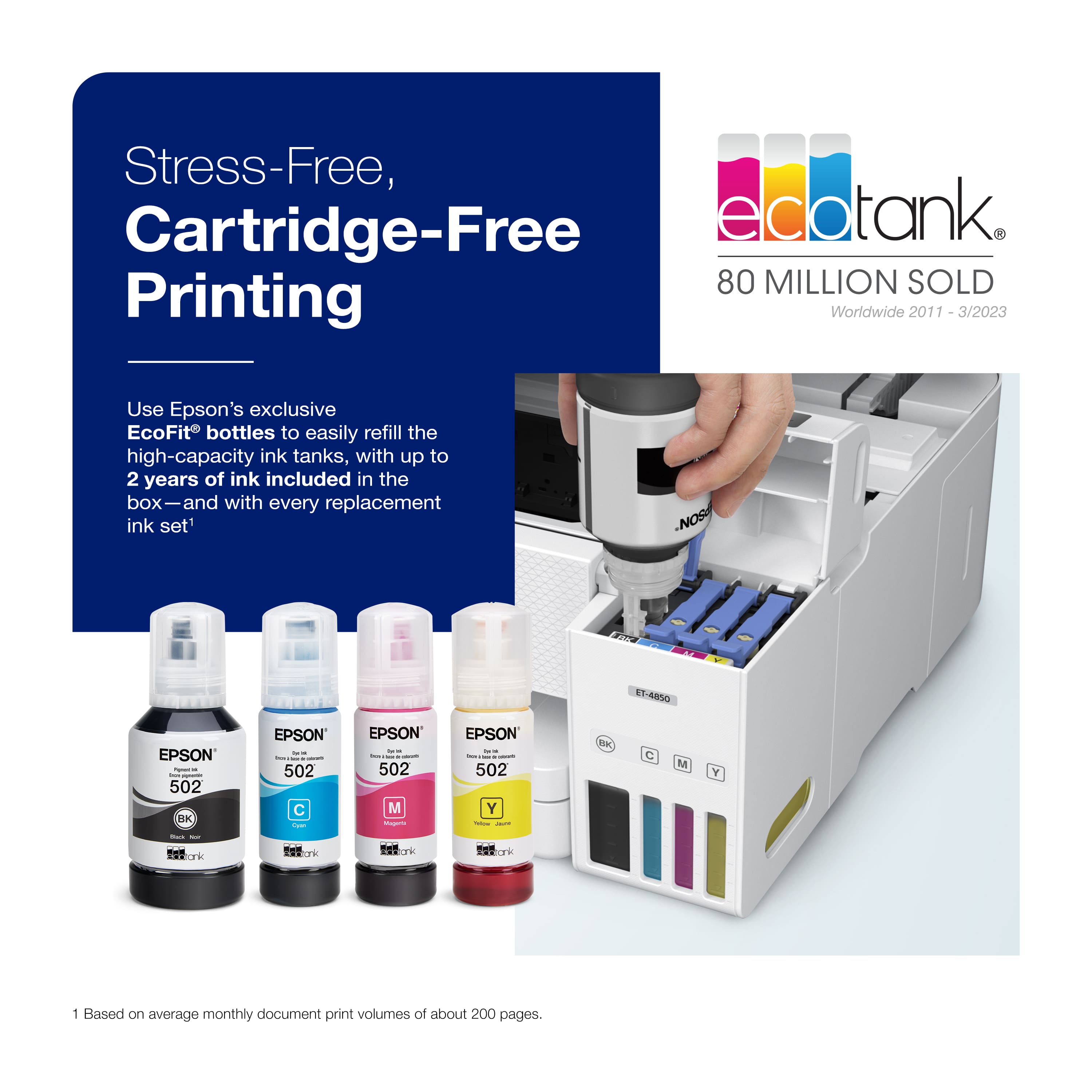
.](https://pisces.bbystatic.com/image2/BestBuy_US/images/products/e7f7b8a3-4d8b-4350-9bbd-c97539be30a7.jpg)
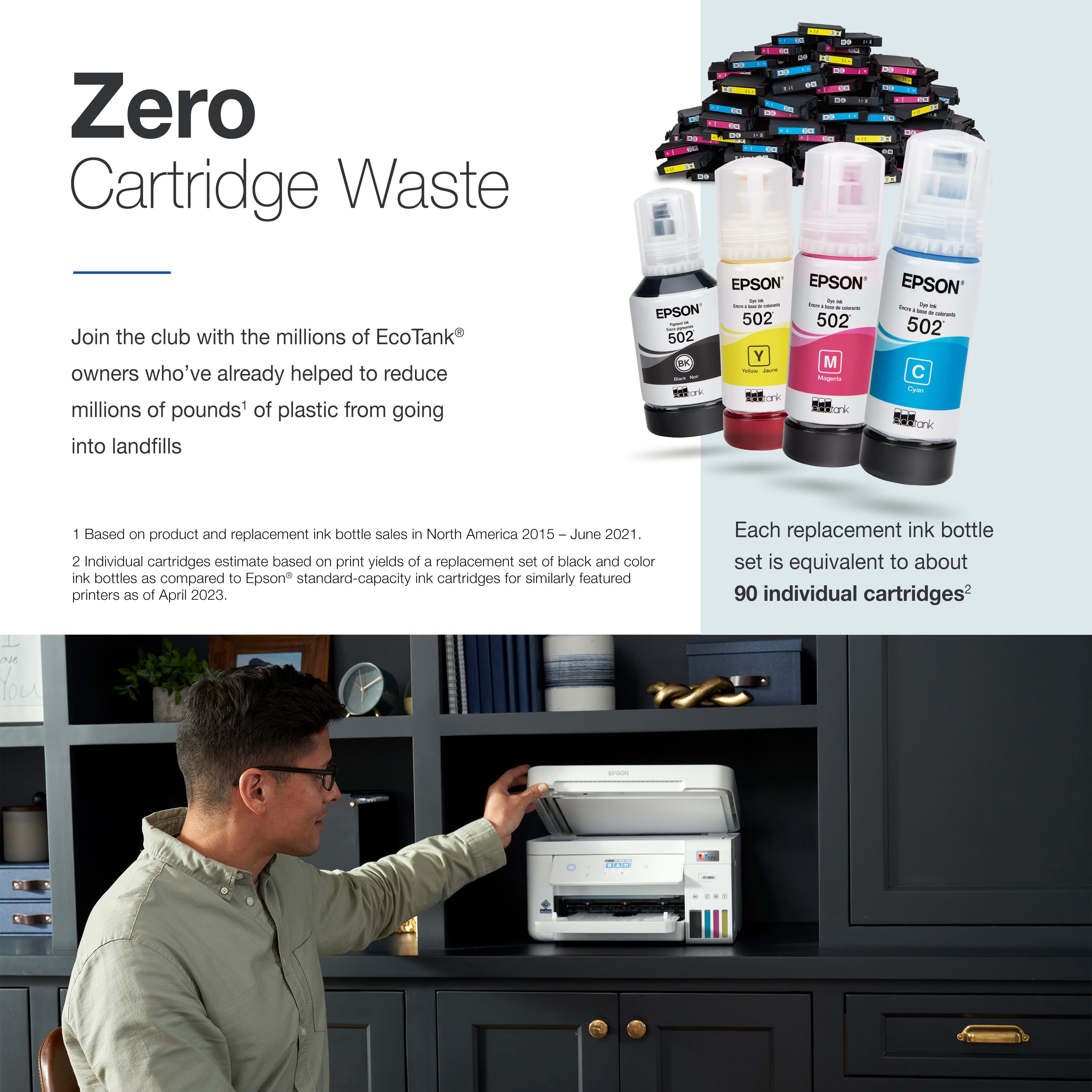
. 1 Most features require an Internet connection to the printer, as well as an Internet- and/or email-enabled device. For a list of Epson Connect enabled printers and compatible devices and apps, visit [www.epson.com/connect](http://www.epson.com/connect).](https://pisces.bbystatic.com/image2/BestBuy_US/images/products/d6e3691d-df7e-4aa7-8df7-3adddd584649.jpg)
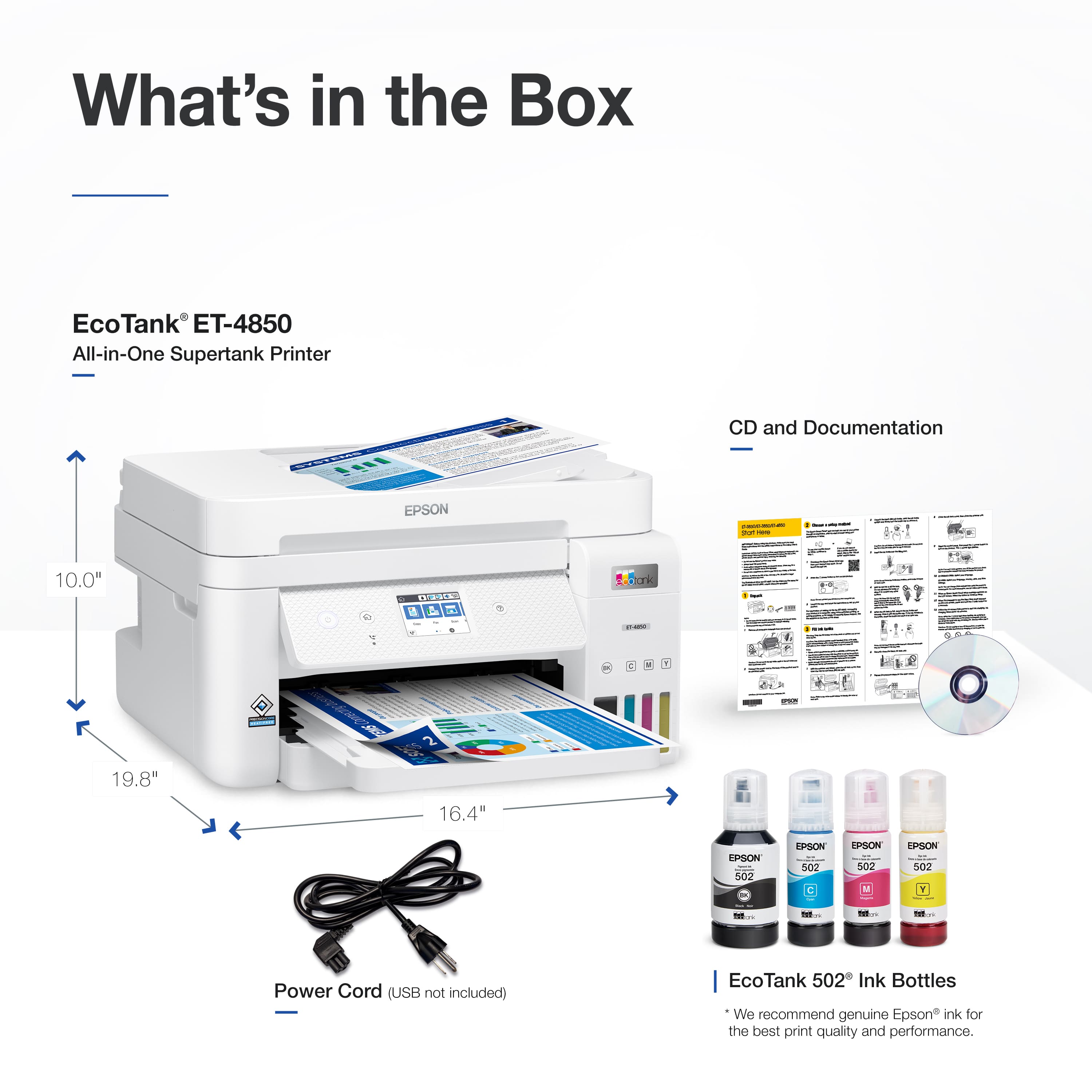



- Model:
- C11CJ60202
- |
- SKU:
- 6470011
Customer reviews
Rating 4.5 out of 5 stars with 1732 reviews
(1,732 customer reviews)Rating by feature
- Value4.4
Rating 4.4 out of 5 stars
- Quality4.5
Rating 4.5 out of 5 stars
- Ease of Use4.5
Rating 4.5 out of 5 stars
Customers are saying
Customers have good things to say about the EcoTank ET-4850's print quality, ease of use, and straightforward setup. Many appreciate its compact size. While some users find the noise level a bit high and have experienced challenges with the document feeder and scanning functions, the positive feedback on printing and ease of use outweighs these concerns for most. A few customers also mentioned the printer's price point as a potential drawback.
This summary was generated by AI based on customer reviews.
- Pros mentioned:Ease of use, Setup
Rated 5 out of 5 stars
De. Sam
||Posted . Owned for 3 weeks when reviewed.This reviewer received promo considerations or sweepstakes entry for writing a review.The Epson Eco Tank AIO printer is the Best Product in its field in my opinion. The technology is far and above the competition. I have used all the major brands and none compare with easy of use and reliability of the Epson Eco Tanks. I have the model ET-4850 and its amazing. Setup is a piece of cake. The whole process is done from your cellphone. The software is so easy to use and works on all my Apple, Windows and Android devices. The ink that comes with it will last 2-3 years for the average user. The cost of the refill bottles is much less expensive than ink cartridges. Registering the machine online will extend the factory warranty for 2 years, and their tech support is excellent too. I highly recommend it.
I would recommend this to a friend - Pros mentioned:Ease of use, Print quality, Setup
Rated 5 out of 5 stars
Best liquid ink printer and easy to use
||Posted .This reviewer received promo considerations or sweepstakes entry for writing a review.I love the ease of setting this printer up and the print quality is great. It is easy to use and has great help for any issues that arise.
I would recommend this to a friend - Pros mentioned:Ease of use, Print qualityCons mentioned:Noise level
Rated 5 out of 5 stars
Very nice Printer
||Posted . Owned for 1 month when reviewed.This reviewer received promo considerations or sweepstakes entry for writing a review.Printer was easy to setup. It does a nice really nice job. However its a little noisy on the initial start-up compared to our really old HP. I love the ink tank and hopefully it will last longer than the cartridges.
This review is from Epson - EcoTank ET-4850 All-in-One Supertank Inkjet Printer - Black
I would recommend this to a friend - Pros mentioned:Print quality
Rated 5 out of 5 stars
I like it.
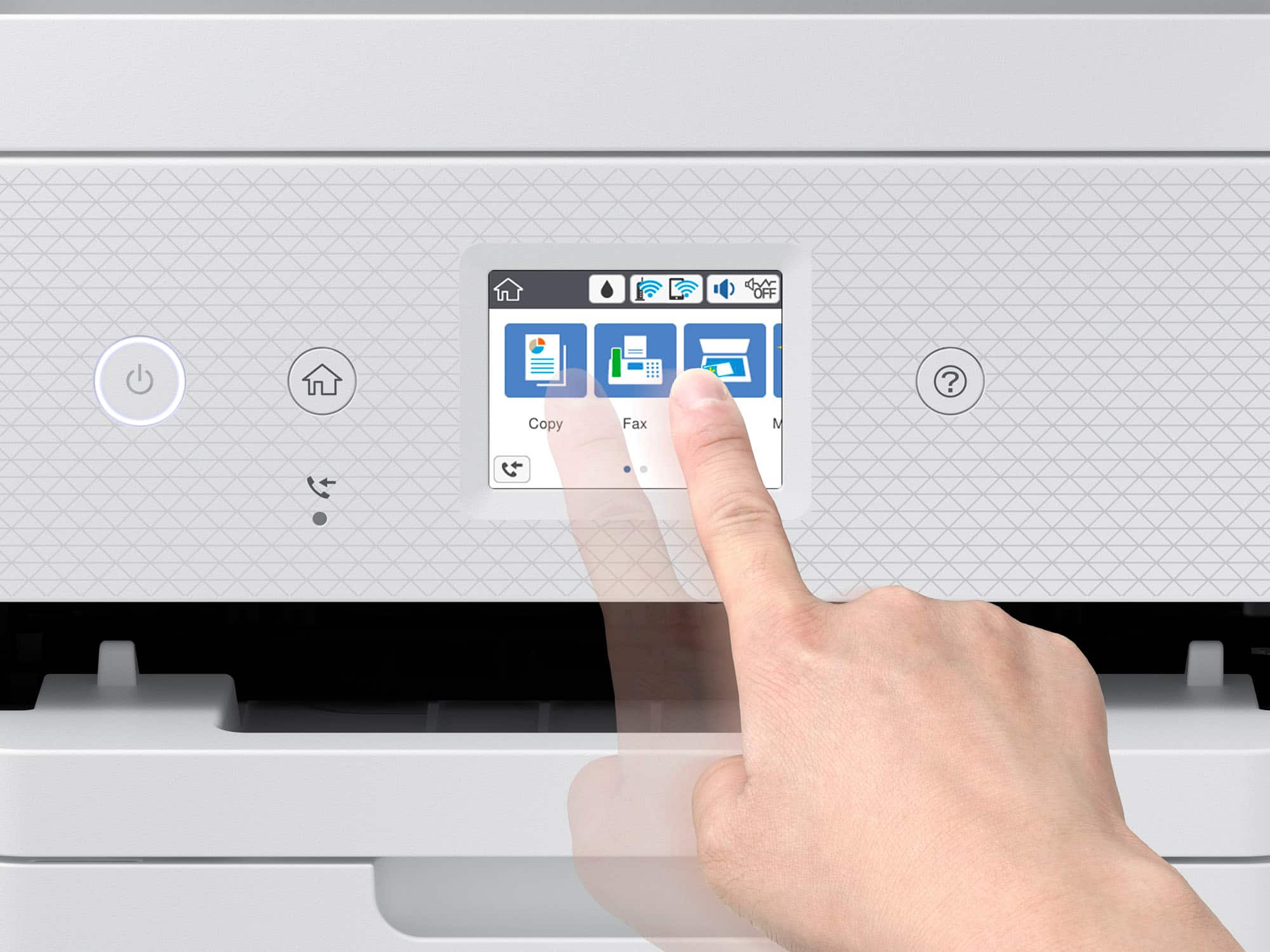
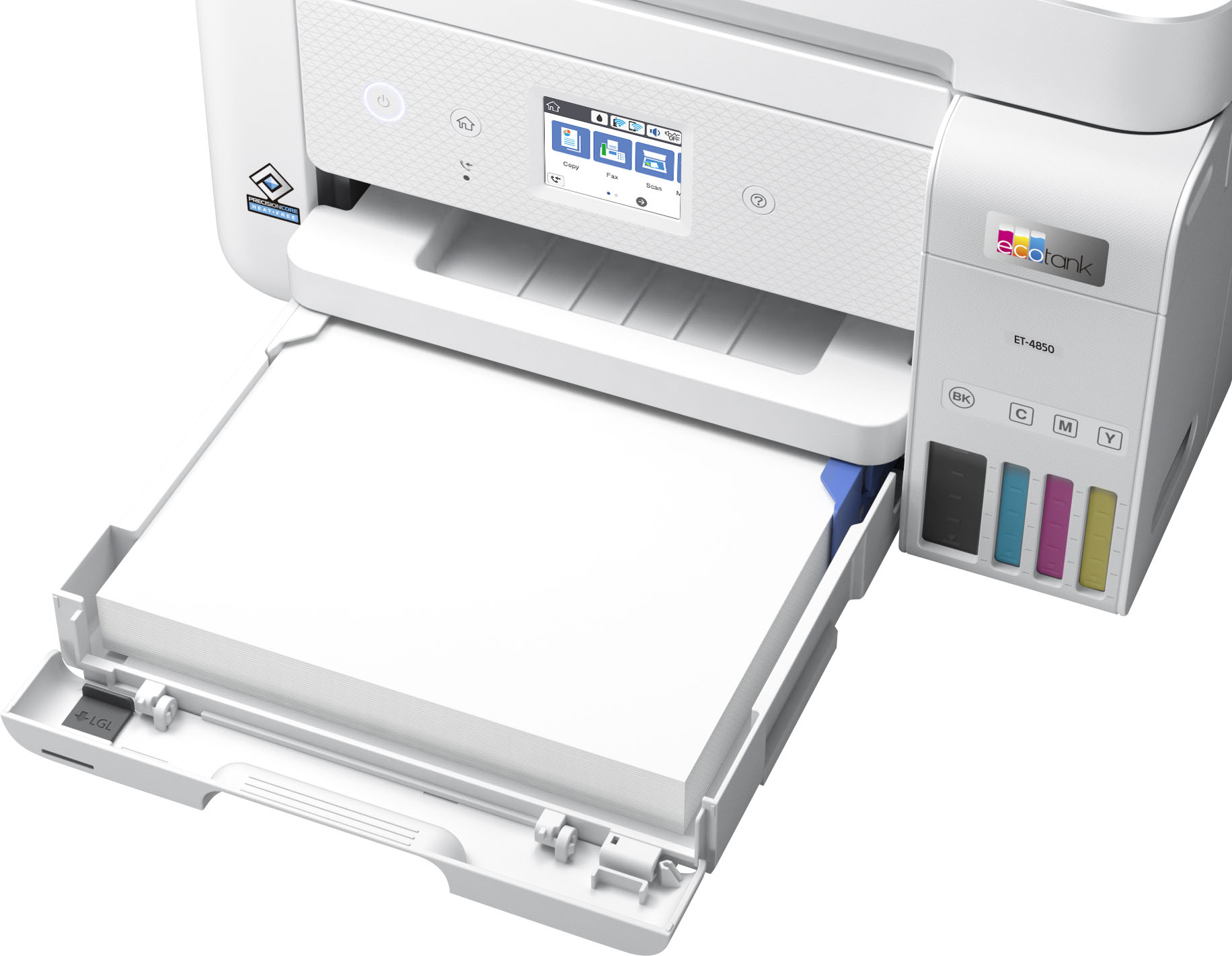
Posted .This reviewer received promo considerations or sweepstakes entry for writing a review.Very nice printer. The ink tanks are large on this one. They say you can print about 7000 pages before you have to refill one. This model includes a fax as well and a port for a phone with the fax line. The screen is a touch screen and it is easy to navigate. I set this up using my phone and it takes you step by step. The ink for the first time setting up the machine uses about a quarter from the tanks as it charges the lines in the printer. This is pretty much a one time thing unless you run the printer dry. It also pretty quiet vs other printers I have owned in the past. You are able to print via you cell phone and wirelessly on your computer. All in all this is a nice complete package in one unit.
I would recommend this to a friend - Pros mentioned:Ease of use, Print quality
Rated 5 out of 5 stars
Love it!
||Posted . Owned for 1 month when reviewed.This reviewer received promo considerations or sweepstakes entry for writing a review.When my HP printer of 15 years died, I replaced it with another mid-range priced HP. The set up for the HP was tedious, and the required app was a nightmare. After hours of struggling, I returned it and did TONS of reviews on other printers. I finally decided on the Epson 4850, and I am so pleased! Easy set up. Connection to wi-fi was a breeze. It paired immediately with my MacBook Pro and my iPhone. The app isn't required with the Epson. I love the ink bottles in lieu of the expensive cartridges. The print quality is very good. The document feeder works great. I'm sold on the Epson, and I highly recommend it!
I would recommend this to a friend - Pros mentioned:Ease of use, Print quality
Rated 5 out of 5 stars
Epson quality and performance
||Posted . Owned for 3 weeks when reviewed.This reviewer received promo considerations or sweepstakes entry for writing a review.I previously owned an Epson Workforce inkjet. It was an excellent printer but I used a substitute ink and the nozzle wouldn't clear. That printer was at least 7 years old so I looked forward to purchasing a new printer with the ink tank. This ET-4850 was a great purchase. I had to spend extra to get a paper tray and be able to automatically select print on both sides but it was worth it. The setup was reasonably simple, connecting to wi-fi took a few tries but everything else was prompt-driven. The copy quality is good although I haven't printed any pictures on photo-quality paper yet. It's relatively quiet. Even though the display is small it can be configured for the layout that best suits your needs. I love the smart scan features which are a big improvement. You can save time and use fewer steps to accomplish the work. Although it was a bit more expensive than some others I know the savings in ink purchases will easily offset the extra expense. I highly recommend this printer and believe Epson quality will allow it to perform for many years.
I would recommend this to a friend - Pros mentioned:Ease of use, Print qualityCons mentioned:Noise level
Rated 5 out of 5 stars
Great printer
||Posted . Owned for 1 month when reviewed.This reviewer received promo considerations or sweepstakes entry for writing a review.It has great printing quality. The set us was so easy, I just followed the prompts on my phone, it even told me when to be patient and about how much longer it would take. Some reviews said it was loud but it does not seem loud to me.
This review is from Epson - EcoTank ET-4850 All-in-One Supertank Inkjet Printer - Black
I would recommend this to a friend - Pros mentioned:Ease of use, Print quality, Setup
Rated 5 out of 5 stars
Great Printer!
||Posted . Owned for 3 weeks when reviewed.This reviewer received promo considerations or sweepstakes entry for writing a review.Easy to set up, easy to use. Loading ink was a breeze. Print quality is great.
I would recommend this to a friend - Pros mentioned:Ease of use, Print quality, Setup
Rated 5 out of 5 stars
Printer
||Posted .This reviewer received promo considerations or sweepstakes entry for writing a review.Prints great photos. This printer was easy to set up and use.
This review is from Epson - EcoTank ET-4850 All-in-One Supertank Inkjet Printer - Black
I would recommend this to a friend - Pros mentioned:Print quality, SetupCons mentioned:Noise level
Rated 5 out of 5 stars
Works for me!
||Posted . Owned for 3 weeks when reviewed.This reviewer received promo considerations or sweepstakes entry for writing a review.The setup went smoothly. The printing is fine. The sound of the printer could be changed (according to one member of my family), it grates on her nerves a bit, but I don't notice it particularly.
I would recommend this to a friend - Pros mentioned:Print quality
Rated 3 out of 5 stars
Underwhelming at the price point
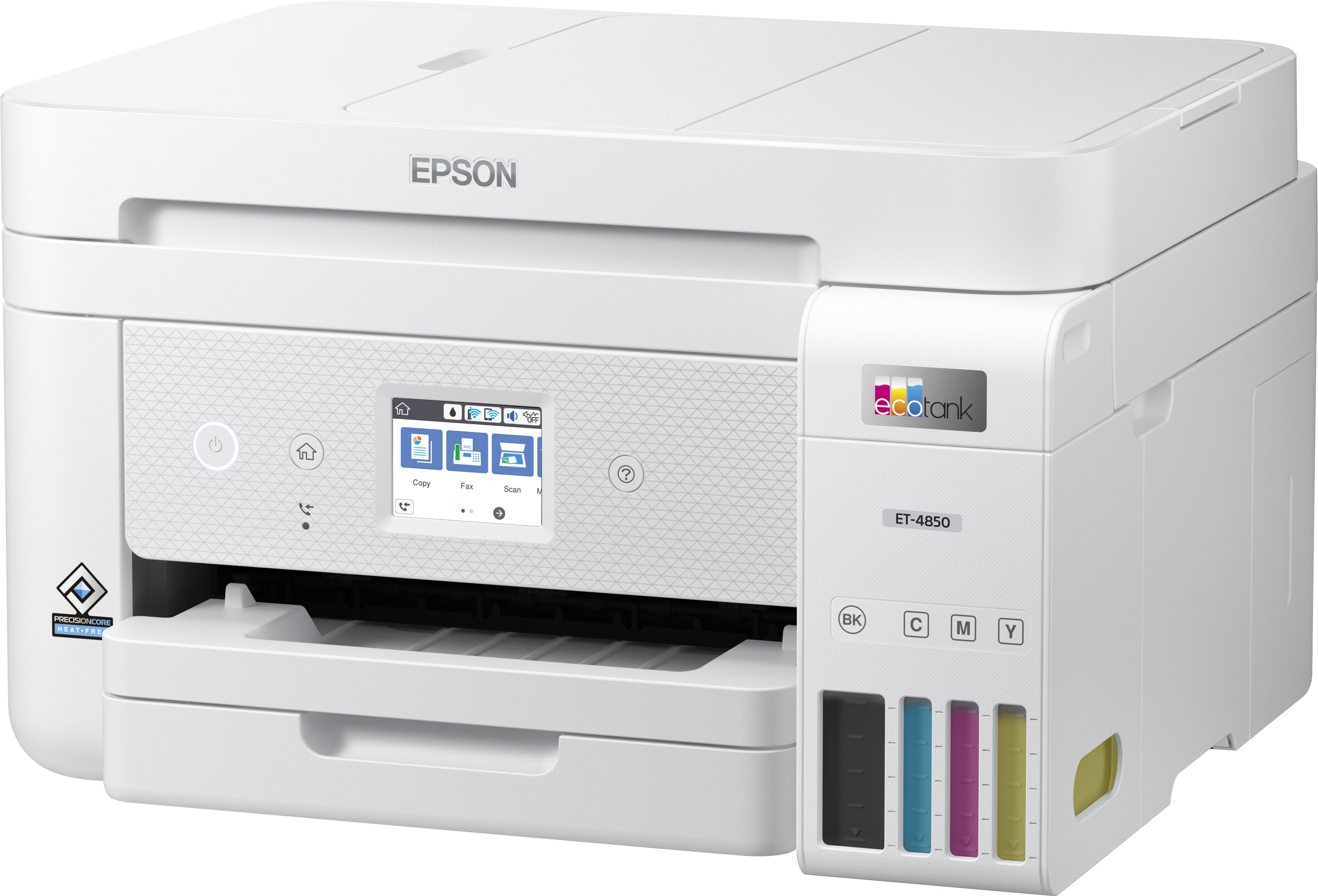
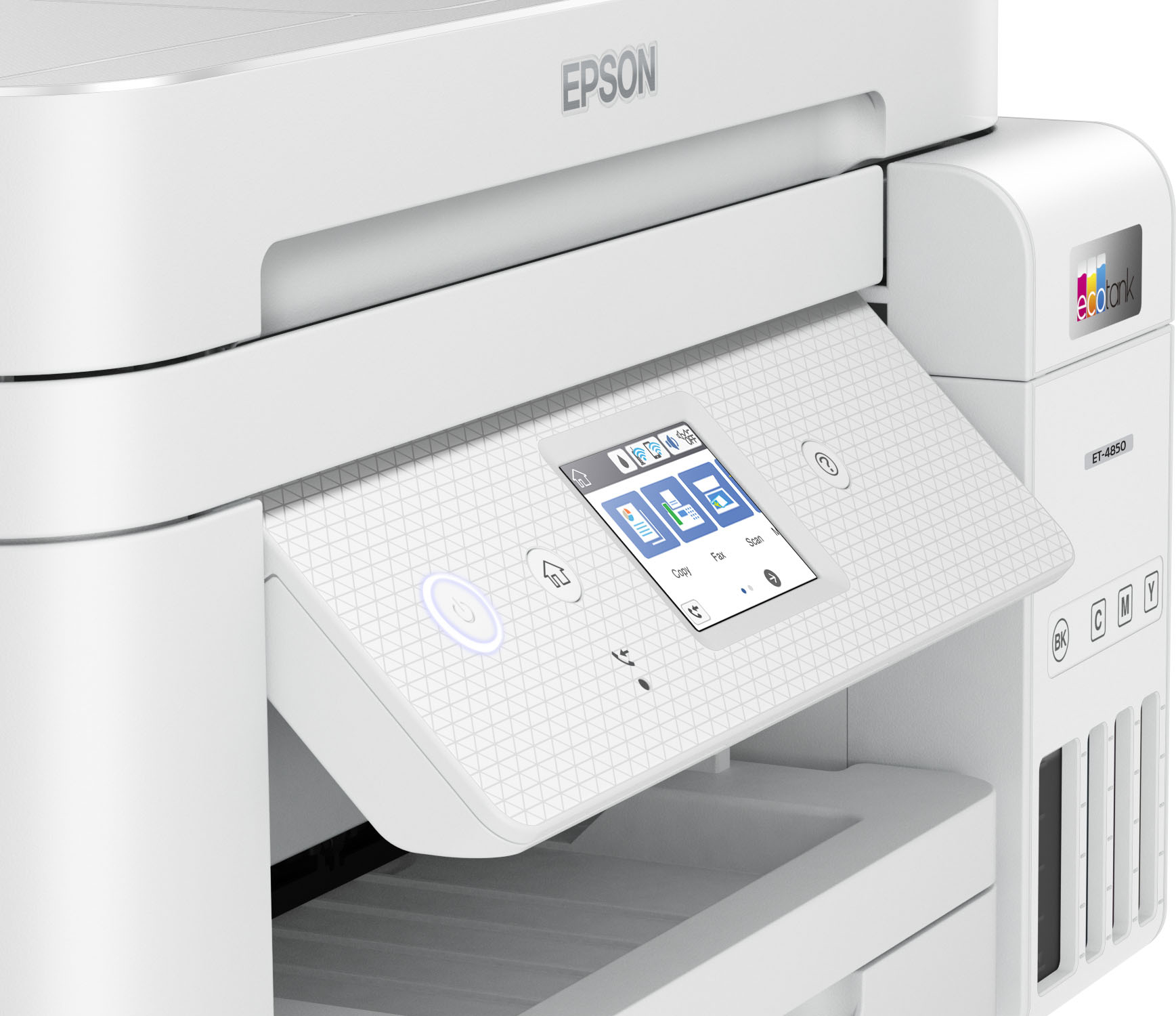
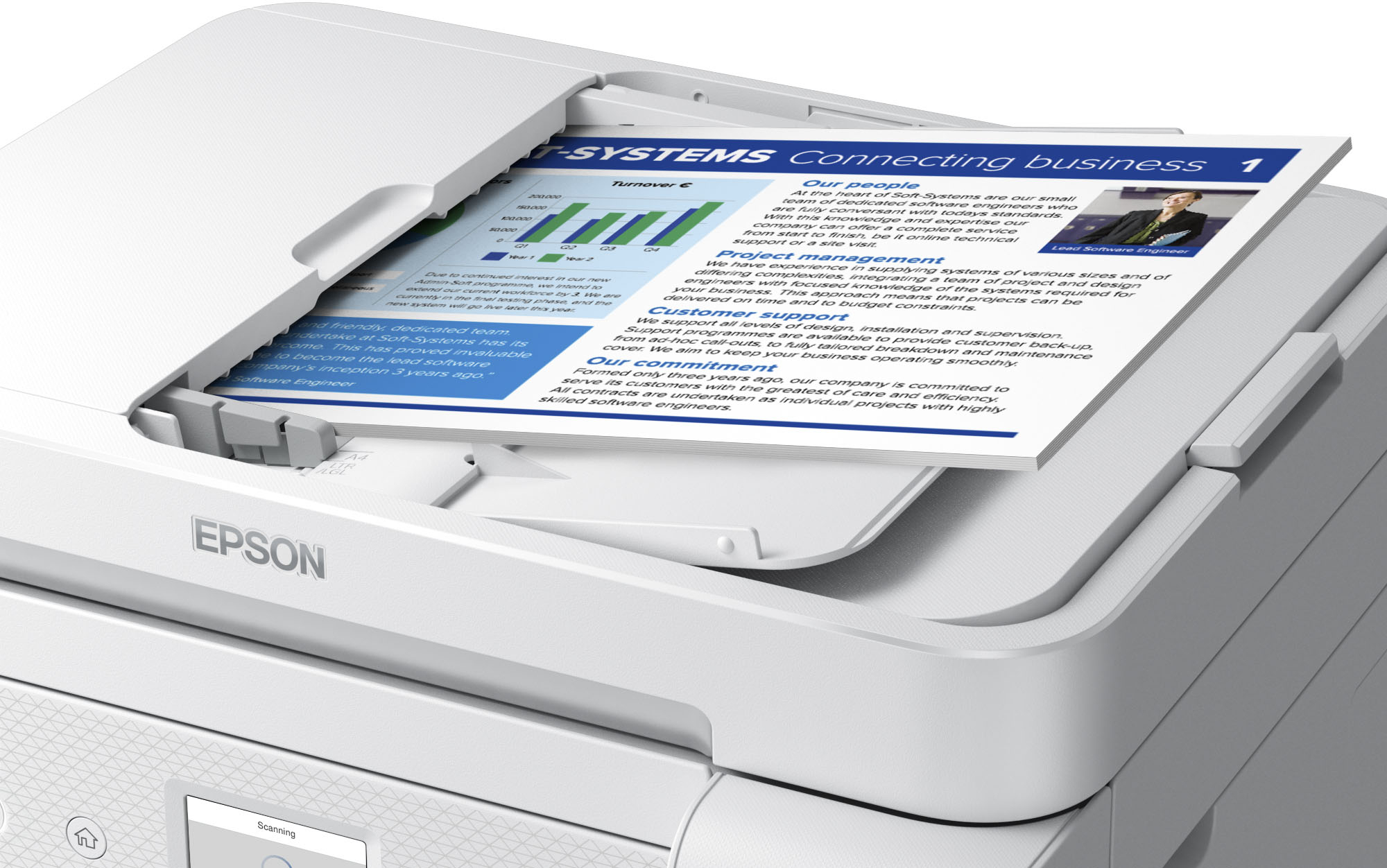
||Posted .This reviewer received promo considerations or sweepstakes entry for writing a review.Be careful about the glowing reviews for this printer. You will notice that most of them were written by people who received the printer for free, in exchange for a review. Generally when people review a product they didn't pay for they are more forgiving of flaws. I needed a new home office / family printer when my HP 8600 Pro recently died. That printer made it about 10 years and other than the expensive ink cartridges I had very few complaints about it. The Epson EcoTank 4850 is positioned at the very top end of what most home users will purchase. I chose this model for the touch screen and the automatic document feeder (ADF). You also get a fax interface on this model which many customers (like myself) probably will never use. The idea with tank printers is that you will pay more for the printer hardware up front, in this case $500, and pay less for ink. Epson says the ink that comes with the printer should last for two years, and after that, two more years of ink is about $50. Certainly if you do a lot of printing, this is more economical than cartridges. I'm sure I spent many hundreds of dollars on the cartridges I put in my HP, but the printer was also only $299 when I bought it. When I took the 4850 out of the box I could not believe how tiny it was. This is not necessarily a great thing as I'll cover in a moment. The printer is setup with an app on your phone, using BlueTooth and during the setup it will ask if you want to connect to WiFi. The Epson app seems to work well for the most part and the setup went quite smoothly although the process where you align the print head I thought was more difficult than it needed to be... those test page prints are microscopic and I had to get reading glasses that I almost never use to see the fine lines and choose the best option. Print quality is okay, but not great, and not as good as on the 10 year old much less expensive HP. Using the Epson app with the default settings the print was very washed out and undersaturated. I had to adjust the settings and turn off color correction and do another print, which looked better, but still not that impressive for a $500 printer. I'm not sure if there is a way to calibrate color on the printer. Print speed is quite good and the quality for "fast drafts" is definitely acceptable. Most of my criticisms come down to how the printer is constructed and used. The printer doesn't hold very much paper compared to my old one, and you can't completely remove the cartridge to make loading small photo paper easier. It also sits directly below the output tray, so you often have to move the output tray to get at the paper you are trying to put into the unit. It is not very well thought out at all and everything here seems like it was subject to cost cutting. The touchscreen is incredibly tiny, much much smaller than the one on my old printer, and it doesn't tilt, so you have to bend over to look at it or squat down in front of it. Terrible! The automatic document feeder is very flimsy and can't load very many sheets, it is also slow and REALLY noisy. The scanner is similarly very cheap feeling and I'm worried that the scanner door might eventually break based on how it is constructed. All in all I would rate this printer as just "okay". I'm certainly not impressed by it at the price point and based on how flimsy everything feels I am very skeptical it will last as long as my old one.
No, I would not recommend this to a friend - Pros mentioned:Print quality, Setup
Rated 4 out of 5 stars
No more cartridges or place for flash drive
||Posted . Owned for 3 weeks when reviewed.This reviewer received promo considerations or sweepstakes entry for writing a review.So long cartridges. What a plus. The super tank is great. I found it relatively easy to set up. There are two things I don't like. I can't use my flash drives. The screen is very small. It is very hard to read and change settings. I guess I will just need to use my reading glasses. These are minor inconveniences when I look at the quality of the printing.
I would recommend this to a friend - Pros mentioned:Ease of use, Setup, Size
Rated 5 out of 5 stars
Great Printer
||Posted . Owned for 1 month when reviewed.This reviewer received promo considerations or sweepstakes entry for writing a review.Great printer with a small footprint. Easy to set-up and operate.
I would recommend this to a friend - Pros mentioned:Print quality, Setup
Rated 5 out of 5 stars
Great quality prints and super easy setup
||Posted . Owned for 1 month when reviewed.This reviewer received promo considerations or sweepstakes entry for writing a review.I’m really impressed with this Epson printer. The setup was straightforward, and the instructions were clear. The print quality is excellent, especially for color documents and photos. Ink lasts a long time, and the refillable system is a great money-saver. It’s quiet, fast, and perfect for both home and work use. Highly recommend!
I would recommend this to a friend - Pros mentioned:SizeCons mentioned:Scanning
Rated 4 out of 5 stars
Good but slow
||Posted .This reviewer received promo considerations or sweepstakes entry for writing a review.Good but noticeably slower than the Workforce Pro series. Scanning in particular is really slow, as is double sided printing. Aside from that, it is definitely more compact than the Workforce Pro, and has the same decently solid build quality. We'll see if the cost savings in ink are worth the speed tradeoff.
This review is from Epson - EcoTank ET-4850 All-in-One Supertank Inkjet Printer - Black
I would recommend this to a friend - Pros mentioned:Ease of use, Print quality
Rated 5 out of 5 stars
Epsilon- Eco tank E 4850 printer
||Posted . Owned for 5 months when reviewed.This reviewer received promo considerations or sweepstakes entry for writing a review.I really like the printer it’s super easy to work. I have yet to try to print out photos so I can’t comment on that at this point, but the function of the printer is is great. It does all sides without having to turn the page over it does it automatically even if you don’t know that the paper is going to paint it on both sides if necessary, it makes the decision for you printing on both sides not that was surprising to me. I wasn’t expecting that plus that saves paper so far I am very pleased with it. It is a bit pricey but other than that it works super great and ink does not run out right away, so it does last a little while. It’s pretty full still for a few months, and I print quite a bit.
I would recommend this to a friend - Pros mentioned:Ease of use, Print quality
Rated 4 out of 5 stars
Solid printer, expect features for price point
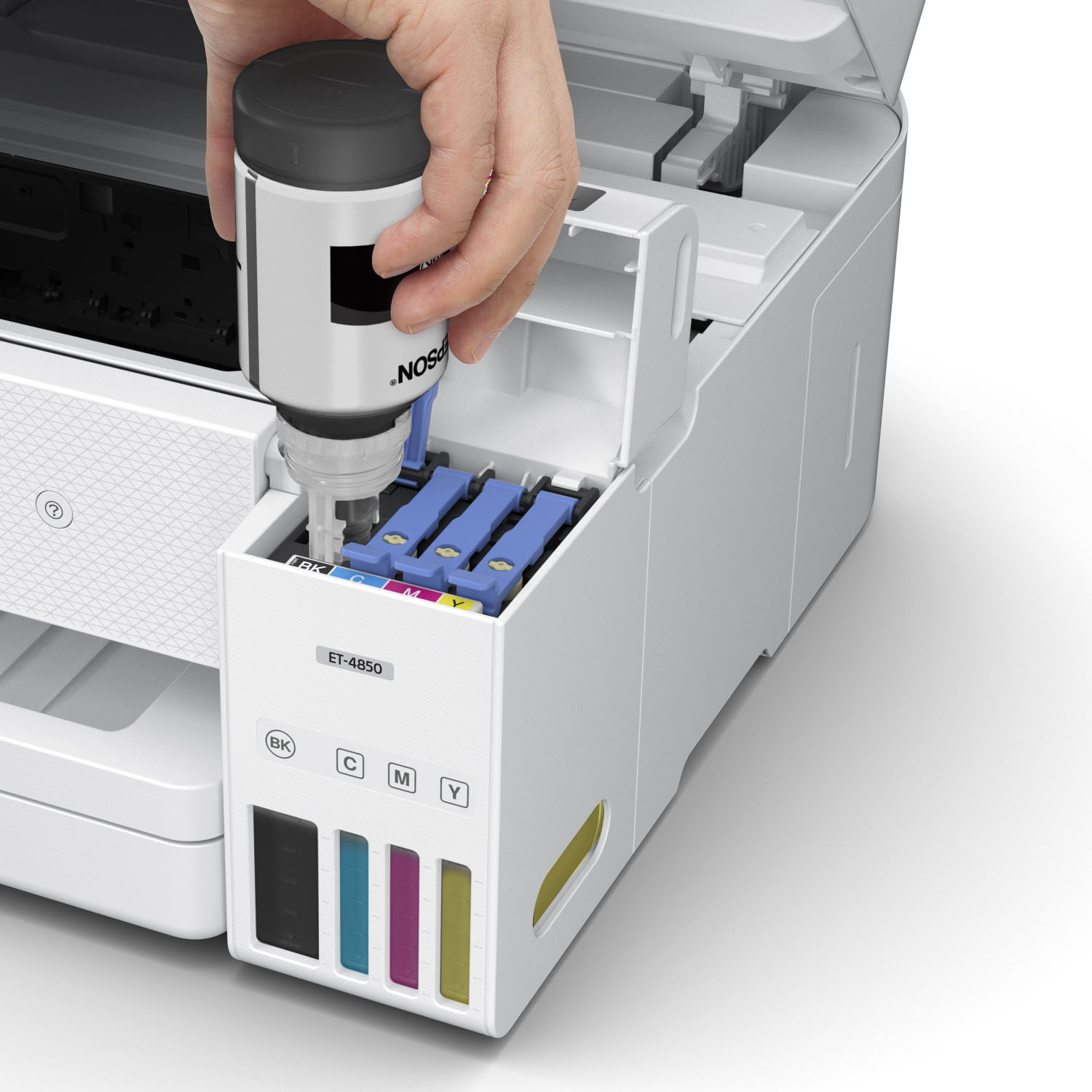
||Posted . Owned for 1 week when reviewed.This reviewer received promo considerations or sweepstakes entry for writing a review.My old cartridge printer wasn't connecting anymore, so I decided to switch to and try out an ink tank. Overall it is solid, but for the $500 price point there are a few things I would have hoped it had: - connectivity when printer is idle. Every time it wakes up it is not connected to smart phone or lap top. If I physically turn off after use and turn it on when ready for use it is connected well. - scan directly to email from printer: The smart phone app does a great job of scanning in which can email, however I would have liked to have that option on the printer. With that said, I prefer the ink tank over the cartridge. The usage is much better. Inserting the ink to the machine is very easy. The smartphone app is also very user friendly. Scan features work really well and good quality, and printing directly from devices also easy. The print quality is good. Prints fast and not loud. It is good to have document feeder for multiple pages for scans as well.
I would recommend this to a friend - Pros mentioned:Ease of use, Print quality
Rated 4 out of 5 stars
Great Little Printer
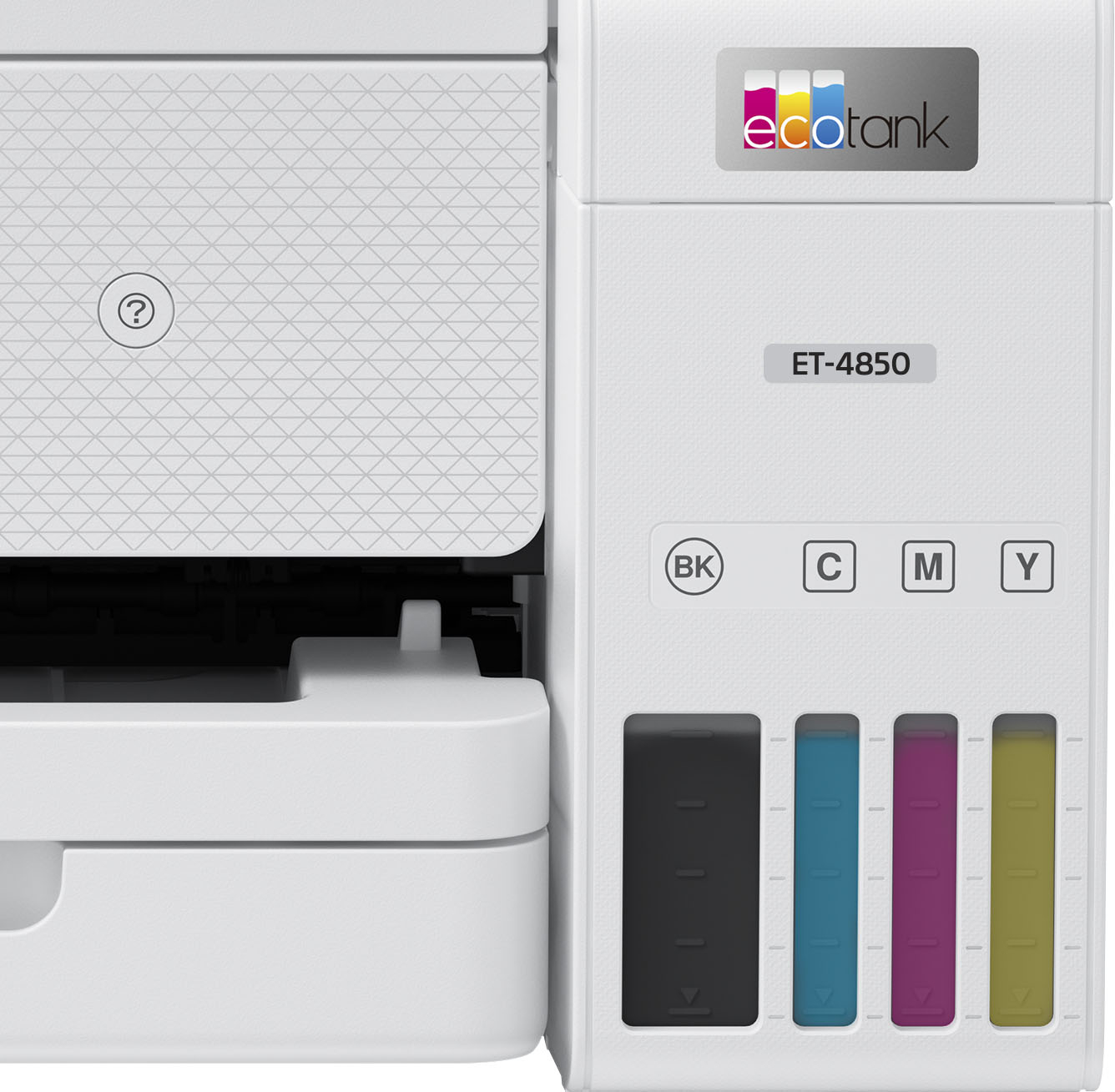
||Posted . Owned for 3 weeks when reviewed.This reviewer received promo considerations or sweepstakes entry for writing a review.I love this little printer. Purchased to replace an older inkjet printer that was super slow making copies and ink was expensive and didn't last very long. The Epson EcoTank prints quickly, scans easily, and holds a good amount of paper. So far, it seems the ink will last a very long time. Only drawback is, like others have said, the screen is pretty tiny. I'm used to it now and it isn't really a problem for me. I'm so happy I chose this printer, even if it does cost more than most inkjets. The ink savings will make it up quickly. The ink tanks are easy to fill, and you can see on the front of the printer how full they are. The scanning software is easy to use. I haven't been able to use the fax feature - not sure if it's me or the printer, but I can't receive faxes. If you are tired of replacing expensive ink cartridges, I recommend you check this printer out. Great for home or small office use.
I would recommend this to a friend - Pros mentioned:Print quality, Size
Rated 4 out of 5 stars
A 4 star and maybe a 5 star if it continues
||Posted . Owned for 3 weeks when reviewed.This reviewer received promo considerations or sweepstakes entry for writing a review.There are a lot of good things about this printer but a few bad things so far too. I had some difficulty understanding what I should be opening to access the ink tanks. I felt like a dummy when I finally understood I needed to open the entire scanner mechanism rather than the scanner lid. Not the fault of the printer but that of the operator! I have had to run the inkjet cleaning several times as I was having clogging of one or two of the blue jets and I would get large ¼ inch lines across pictures> Well, maybe it is OK now. I just ran a couple of runs of 50 with lots of colored images over the last two days and they were perfect. I do like the size of this printer compared to other Epsons I have had. I really like the new way to fill the ink tanks. A 100% improvement from earlier Epson inktank printers! If the ET-4850 continues to work like it has the past couple of days I could add a 5th star.
I would recommend this to a friend - Pros mentioned:Print quality, Size
Rated 5 out of 5 stars
Excellent
||Posted . Owned for 2 weeks when reviewed.This reviewer received promo considerations or sweepstakes entry for writing a review.This is a great concept for inkjet printing. Included bottles will probably last thousands of pages. Print speed is pretty fast and the bottom paper tray holds around 100-150 pages. No issues with scanner or copier either. I printed a few 4x6 images and they print slowly, but look fine. I have a dedicated canon photo printer which is still better, but this costs a lot less per photo and still looks ok. I was able to set it up via apple airprint and windows wireless printing, never needed to download any software or drivers. I connected the printer to wifi from the printer itself and didn't use the app. The app seemed clunky. The printer is a lot smaller than i was expecting, which is awesome. I needed something smaller for the space I had.
I would recommend this to a friend