Customer Ratings & Reviews

.](https://pisces.bbystatic.com/image2/BestBuy_US/images/products/e7f7b8a3-4d8b-4350-9bbd-c97539be30a7.jpg)
. 1 Most features require an Internet connection to the printer, as well as an Internet- and/or email-enabled device. For a list of Epson Connect enabled printers and compatible devices and apps, visit [www.epson.com/connect](http://www.epson.com/connect).](https://pisces.bbystatic.com/image2/BestBuy_US/images/products/d6e3691d-df7e-4aa7-8df7-3adddd584649.jpg)
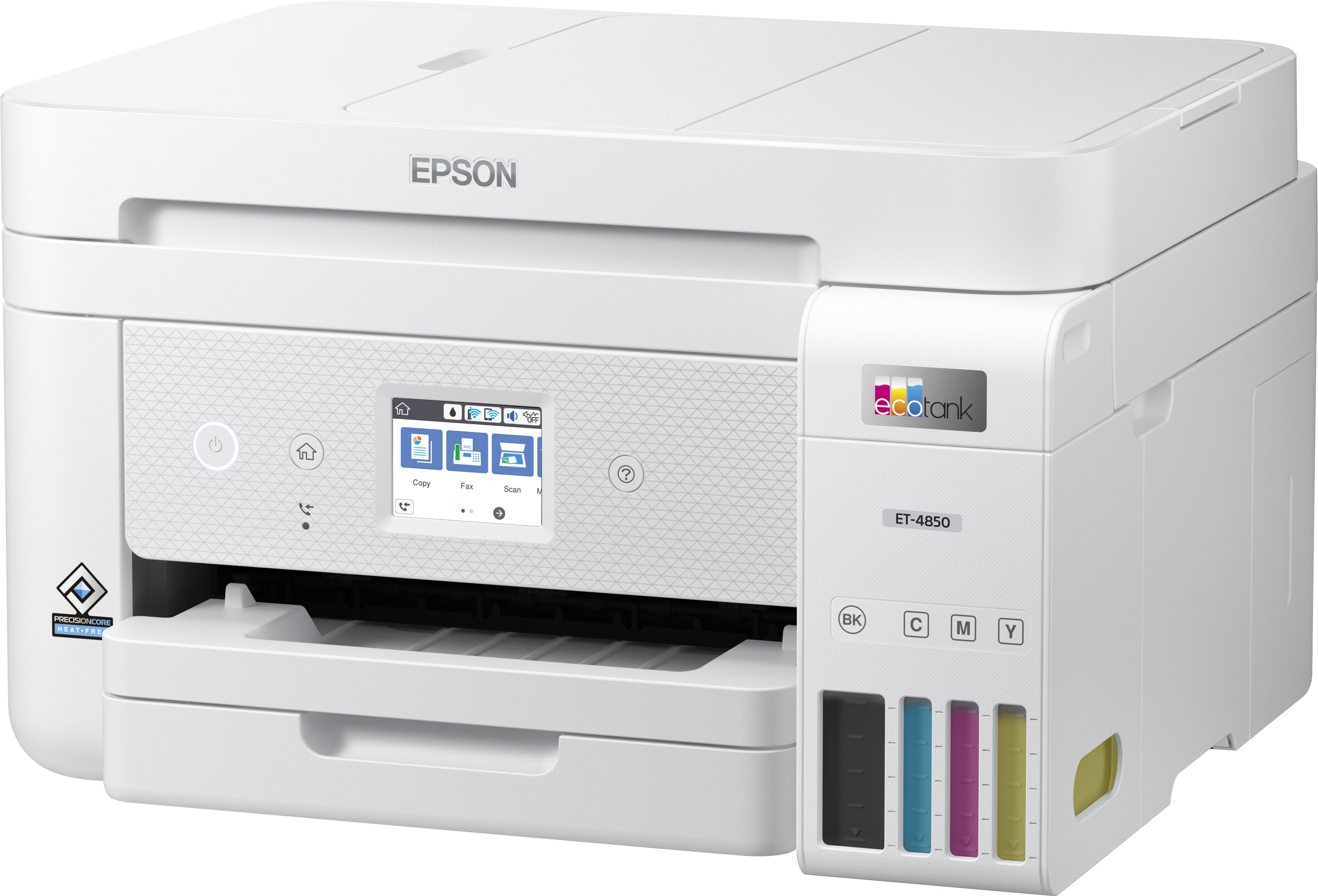

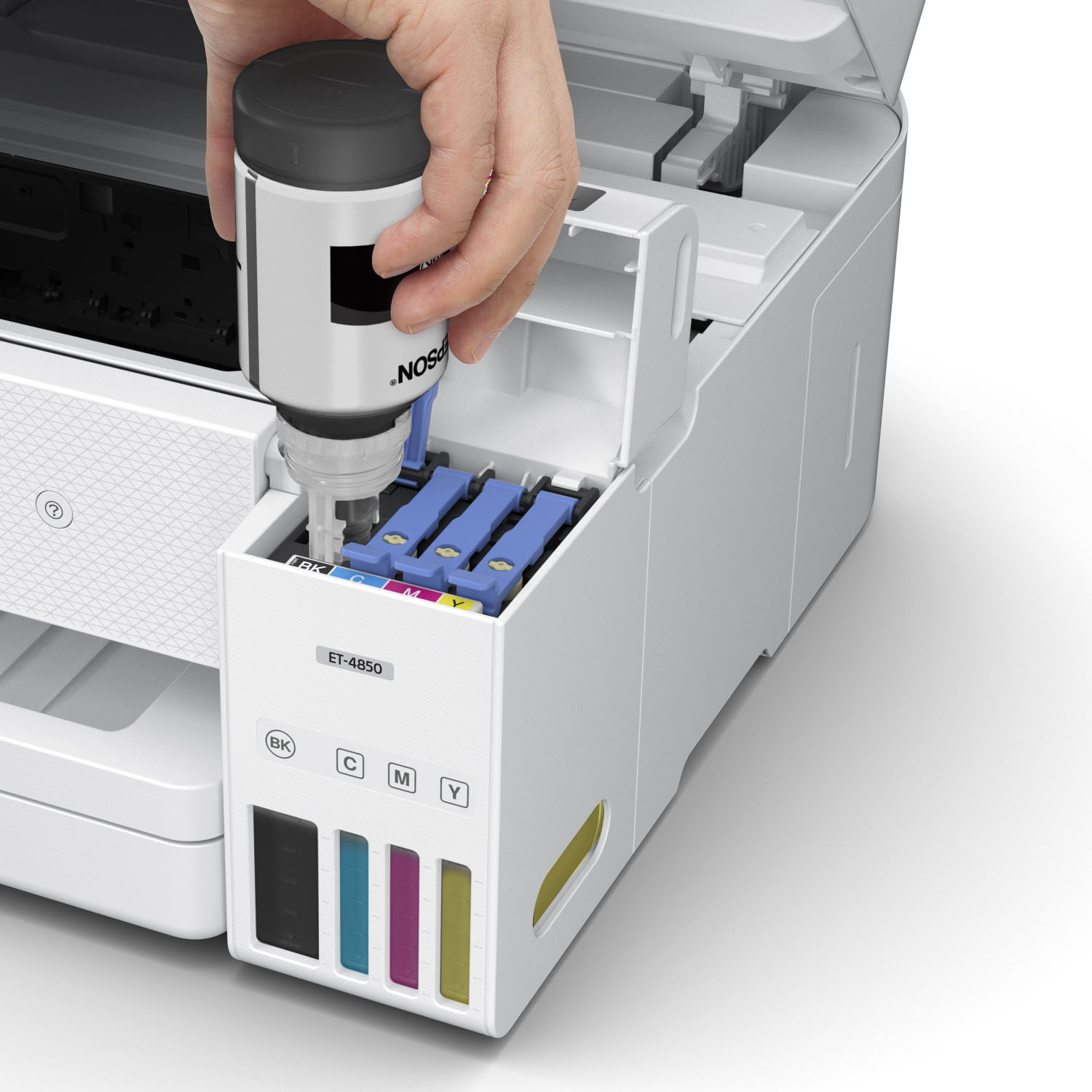
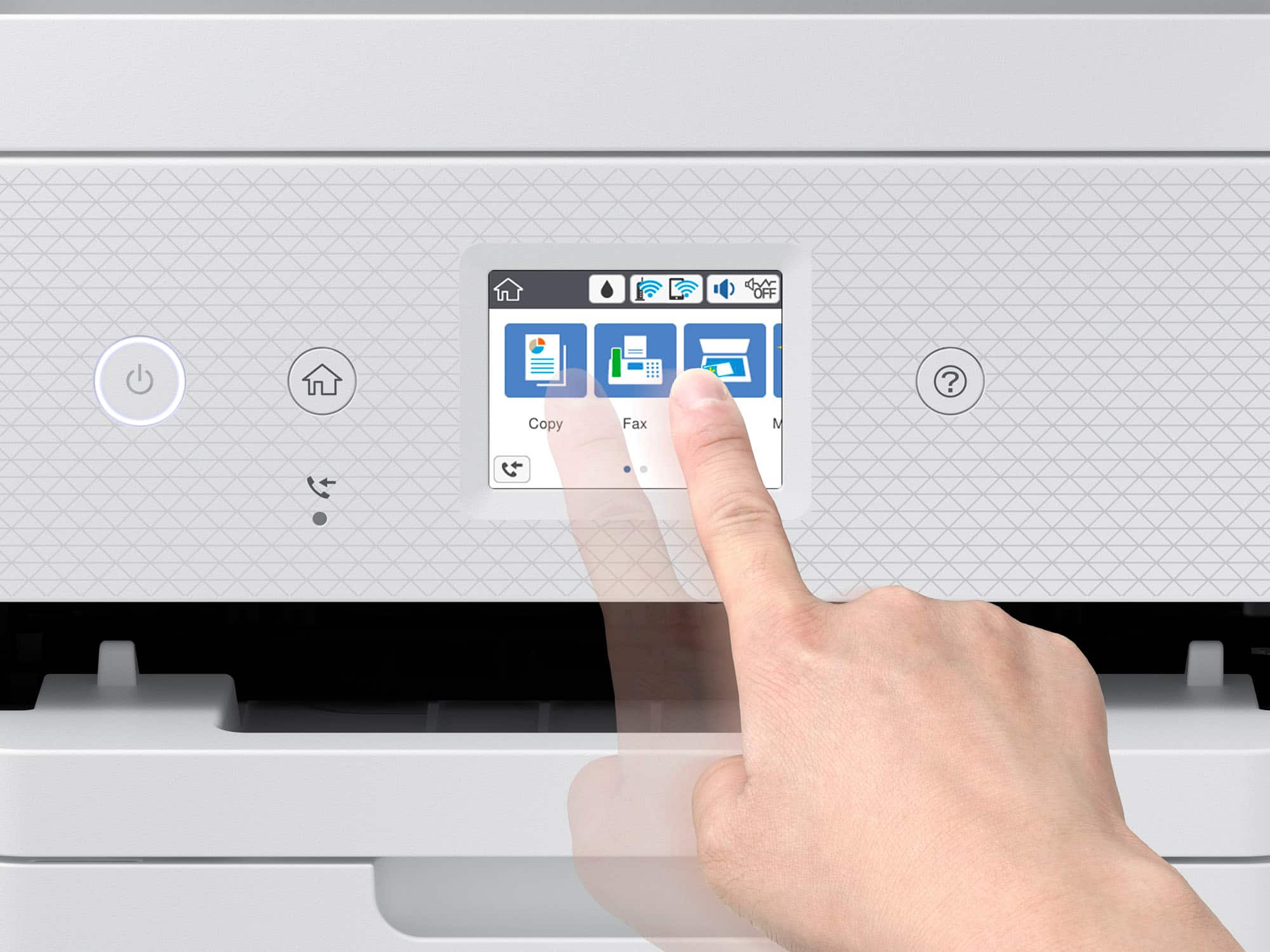
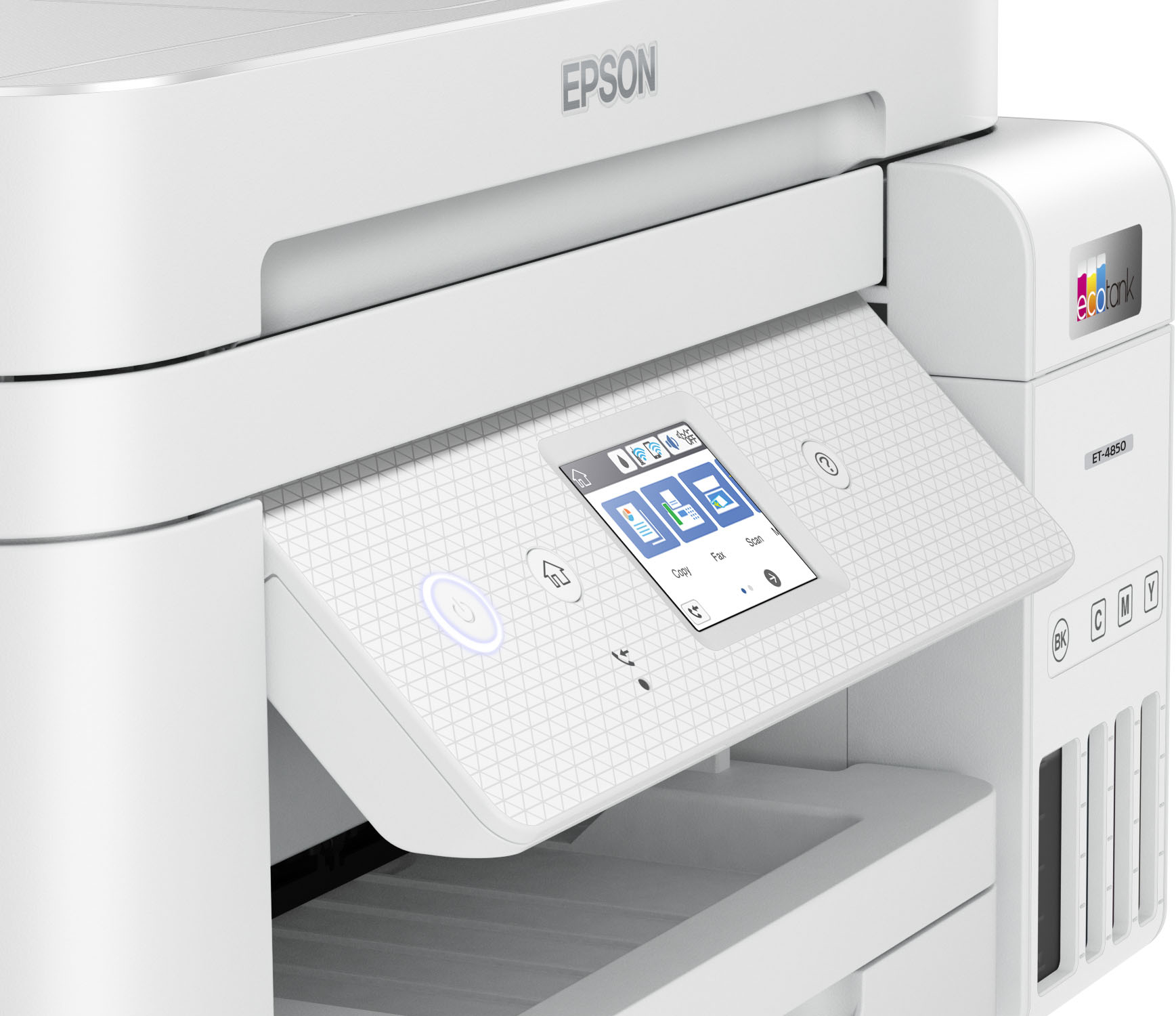


- Model:
- C11CJ60202
- SKU:
- 6470011
Rating by feature
- Value
Rating 4.4 out of 5 stars
- Quality
Rating 4.5 out of 5 stars
- Ease of Use
Rating 4.5 out of 5 stars
Customers are saying
Customers have good things to say about the EcoTank ET-4850's print quality, ease of use, and straightforward setup. Many appreciate its compact size. While some users find the noise level a bit high and have experienced challenges with the document feeder and scanning functions, the positive feedback on printing and ease of use outweighs these concerns for most. A few customers also mentioned the printer's price point as a potential drawback.
This summary was generated by AI based on customer reviews.
Do not buy !!
||Posted . Owned for 3 weeks when reviewed.This reviewer received promo considerations or sweepstakes entry for writing a review.Slower than Christmas. Took 2 days to set it up because the driver was missing and even the Geek Squad couldn’t fix. A mgr was supposed to contact me but did NOT! I want the extended warranty I purchased cancelled.
No, I would not recommend this to a friendBrand response from Epson
Posted .Dear Jack, we appreciate your business and are sorry to hear you are not completely satisfied with your purchase. Your Epson ET-4850 includes free technical support for the life of your product. Please reach out to our Epson Support Team for assistance at (562) 276-4382; Hours: Monday – Friday, 7 a.m. to 4 p.m. (PT). We’re here to help. Sincerely, Joseph – The Epson Team.

So far not satisfied.
||Posted . Owned for 1 month when reviewed.This reviewer received promo considerations or sweepstakes entry for writing a review.I printed a picture with it and the ink rubs right off the paper. When i tried to register it on line it wouldn't let me because it says that it is the incorrect serial number. I took the serial number off the machine and it was the same number on the box. So this was printed on the machine wrong or your system is messed up. Then after installing the printer on my lap top the icon for scan disappeared after using it one time.
No, I would not recommend this to a friendThis printer just made me angry!
||Posted . Owned for 7 months when reviewed.This reviewer received promo considerations or sweepstakes entry for writing a review.I returned this printer twice. 1st time, i thought the ink carrier was malfunctioning because it kept catching the bottom of my labels every time. 2nd time, i was just angry. It kept happening and i guess its a defect of the product. Never had that problem before with other brands and not since. It would literally catch the bottom and rip/scrunch the page. Destroyed tons of my pages and wasted so much time!
No, I would not recommend this to a friendNo good printers out there!
||Posted . Owned for 1 week when reviewed.This reviewer received promo considerations or sweepstakes entry for writing a review.This printer was not worth the price tag. It wouldn't stay connected to the wifi and had a hard time staying connected to my computer even with the usb port. Maybe just a bad one but there doesnt seem to be a decent printer anywhere
No, I would not recommend this to a friendBrand response from Epson
Posted .Hello Julia, we're sorry to hear about your disappointing experience with the ET-4850 printer. Epson considers all feedback to improve the performance and quality of our products. Epson provides helpful information to address most issues, including FAQs and self-help tools, on the product support web page at https://epson.com/Support/Printers/All-In-Ones/ET-Series/Epson-ET-4850/s/SPT_C11CJ60202#questions. Additionally, your printer includes a 1-year Limited Warranty, plus free lifetime technical support. Please reach our support team directly at (562) 276-4382 between 7 am - 4 pm (PT), Monday - Friday if you need any assistance.
Sincerely, Sam - The Epson Team.
Feeder not reliable
||Posted . Owned for 4 months when reviewed.This reviewer received promo considerations or sweepstakes entry for writing a review.The printer we bought has trouble with the feeder tray. Pages often jam by catching on one side and wadding up inside the machine.
No, I would not recommend this to a friendBrand response from Epson
Posted .Hi Shaner, we are sorry to hear that you are having paper jam issues with your Epson EcoTank ET-4850 printer. Please call the Epson Support Team at (562) 276-4382 for assistance; Hours: Monday – Friday, 7 a.m. to 4 p.m. (PT). We appreciate your purchase, and we value your feedback. Sincerely, Dylan – The Epson Team.
Major Loading paper issues
||Posted . Owned for 2 months when reviewed.This reviewer received promo considerations or sweepstakes entry for writing a review.worst printer! Has major issue loading paper. Paper keeps getting jammed and doesn't load. I have regular new paper, I fan the paper and it still doesn't load. Worst customer service as well. they promised me they will send me a new Epson printer not a refurbished one. Of course they send me a refurbished one and I now have to go through the hassle again of ages of customer service to try to get another new one which they promised me. I had just purchased it in January 2023!!
No, I would not recommend this to a friendMuch improved print performance
||Posted . Owned for 3 weeks when reviewed.This reviewer received promo considerations or sweepstakes entry for writing a review.I replaced another printer brand with this Epson as my previous printer kept losing connection and the ink cartridges were expensive. This printer is perfect!!
I would recommend this to a friendDisappointed read description
||Posted . Owned for 4 months when reviewed.This reviewer received promo considerations or sweepstakes entry for writing a review.Not recommended been having trouble with it since I got it already replaced it 3 times and it does the same thing it keeps getting paper jams after paper jams don’t buy you’ll been warned it’s a waste of money!!! And Epson won’t refund your money basically your on your own
No, I would not recommend this to a friendVery poor durability. stay away
||Posted . Owned for 1.5 years when reviewed.This reviewer received promo considerations or sweepstakes entry for writing a review.Aboslutely crappy unit. ADF failed in 6 monhts. Printer failed in 1 yr. Do not buy. Had a better interface than Canon and easier to use but that atleast worked for about 2 yrs
No, I would not recommend this to a friendDon't waste your money on this
||Posted . Owned for 3 weeks when reviewed.This reviewer received promo considerations or sweepstakes entry for writing a review.It kept saying paper jam ! there was no paper jam.
No, I would not recommend this to a friendGreat printer
||Posted . Owned for 1 month when reviewed.This reviewer received promo considerations or sweepstakes entry for writing a review.Great service great price we had planned on buying an Hp but with ink useage and how epson changed for the better we decided to try epson printer
I would recommend this to a friendDrnn
||Posted . Owned for 1.5 years when reviewed.This reviewer received promo considerations or sweepstakes entry for writing a review.I bought this printer because of its reviews but broke after 4-5 printing sessions. The repair will cost as much as to buy it new. Not very good printer at all.
I would recommend this to a friendIf you like jams…
||Posted . Owned for 1 year when reviewed.This reviewer received promo considerations or sweepstakes entry for writing a review.Buy this if you like jam ups. Bought it and took it back because it was constantly jamming. The second one was no better.
No, I would not recommend this to a friendDocument Eater
||Posted . Owned for 1.5 years when reviewed.This reviewer received promo considerations or sweepstakes entry for writing a review.Better than the first epson I bought, but still had the same issue - it ate one too many documents.
I would recommend this to a friendreturned
||Posted .This reviewer received promo considerations or sweepstakes entry for writing a review.Unfortunately the epson drivers conflicted with my operting system and i had to return it but best buy helped my pick out another and all's well
No, I would not recommend this to a friendBrand response from Epson
Posted .Hi asdf, we apologize for your disappointing experience with the ET-4850 printer. Epson considers all feedback to improve the performance and quality of our products. If we can help you with anything else, you can reach our support team at (562) 276-4382 between 7 am - 4 pm (PT), Monday - Friday. Hopefully, we can assist you with a future product.
Sincerely, Sam - The Epson Team.
Stuck on language screen
||Posted . Owned for 1 month when reviewed.This reviewer received promo considerations or sweepstakes entry for writing a review.We can’t get it to go past the select your language screen. We filled the tanks, but don’t know if they calibrated. Greek Squad doesn’t help unless we pay for them to come out. We may need to return it for a different one.
No, I would not recommend this to a friendRegretful purchase. Doesn't last over time.
||Posted . Owned for more than 2 years when reviewed.This reviewer received promo considerations or sweepstakes entry for writing a review.Doesn't work a year later after warranty ends go figure... Scanner jams non stop and no longer works. Printer is out of alignment and leaves lines on the prints. Regret buying.
No, I would not recommend this to a friendCrappy Orinter and Best Buy Support
||Posted . Owned for 3 weeks when reviewed.This reviewer received promo considerations or sweepstakes entry for writing a review.The printer prints pink instead of red at high quality 600 x 600 print settings. Best Buy said there was nothing they could do if the printer is printing something.
No, I would not recommend this to a friendInk issue
||Posted . Owned for 1 year when reviewed.This reviewer received promo considerations or sweepstakes entry for writing a review.This product was horrible. I used it a handful of times and it stopped printing
No, I would not recommend this to a friendNot a good experience
||Posted . Owned for 3 weeks when reviewed.This reviewer received promo considerations or sweepstakes entry for writing a review.I used to have HP Officejet 8250 for many years, it worked fantastically. As the feeder has spoiled I bought this Epson 4850. It was very slow while printing, mainly images and the quality were not that great. I had to return it after trying it for a few days.
No, I would not recommend this to a friendBrand response from Epson
Posted .Hello Natraj, we're sorry to hear about your disappointing experience with the ET-4850 printer. Epson considers all feedback to improve the performance and quality of our products. Hopefully, we can assist you with a future product.
Sincerely, Sam - The Epson Team.