Customer Ratings & Reviews
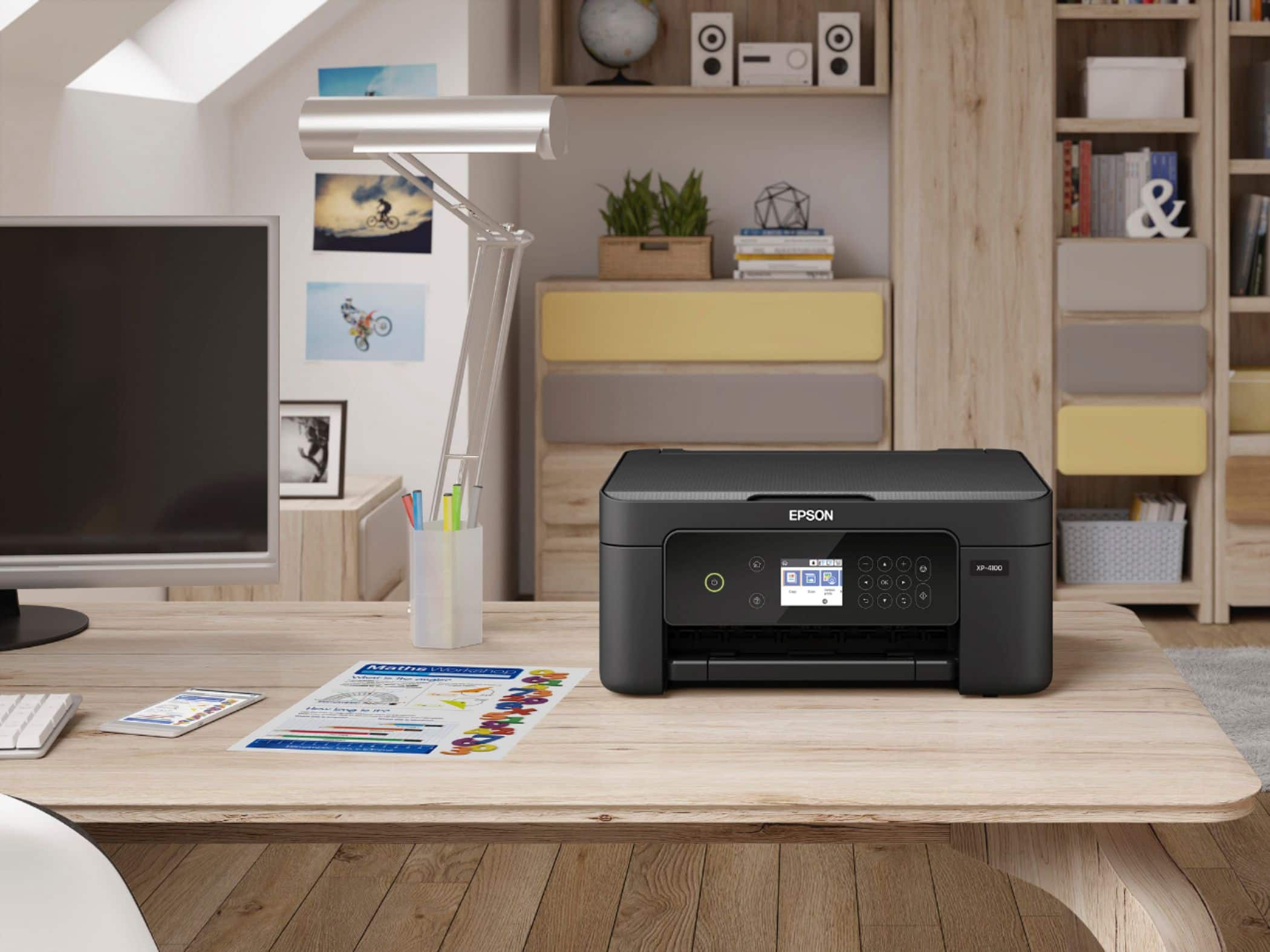
- Model:
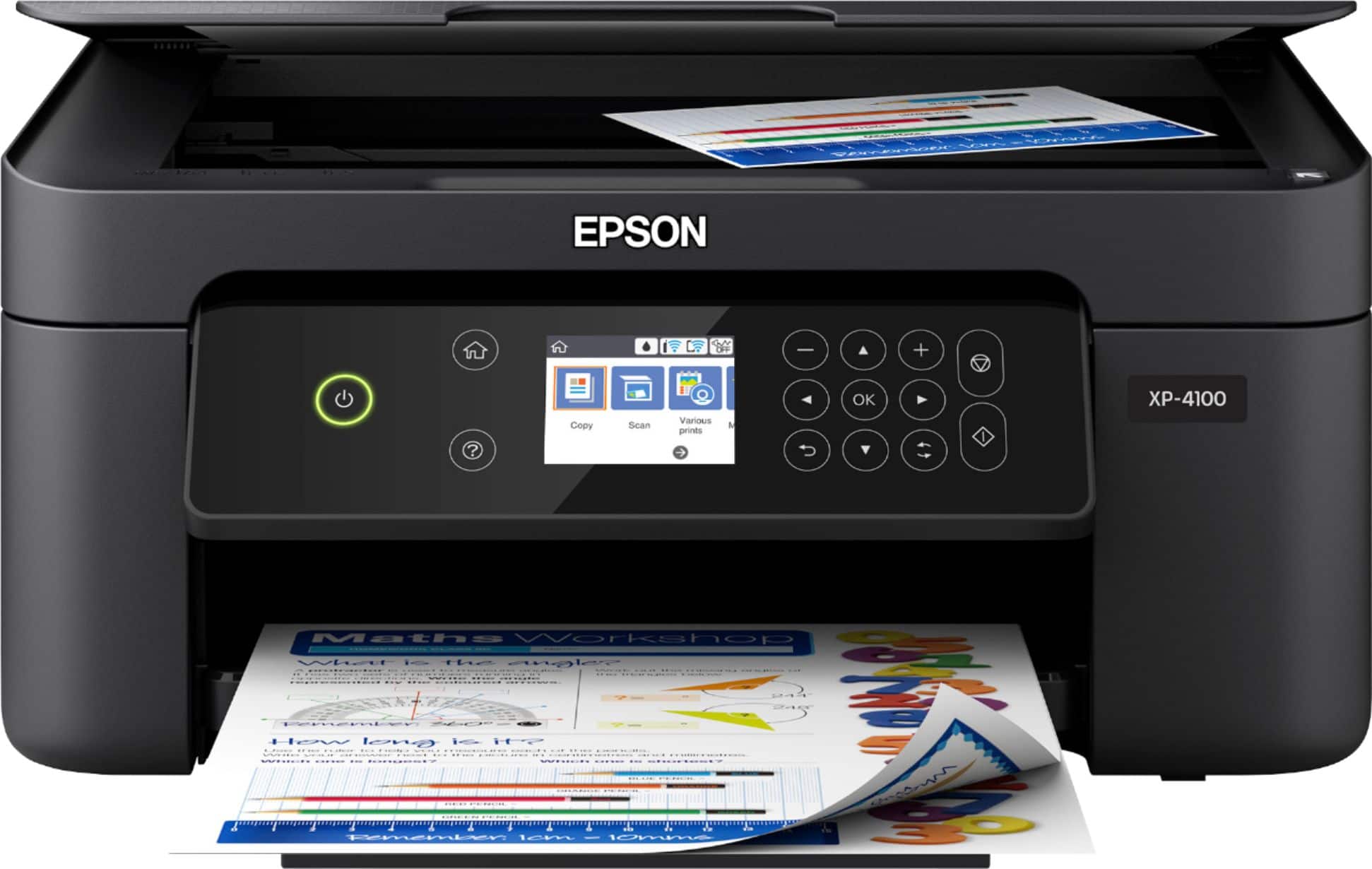
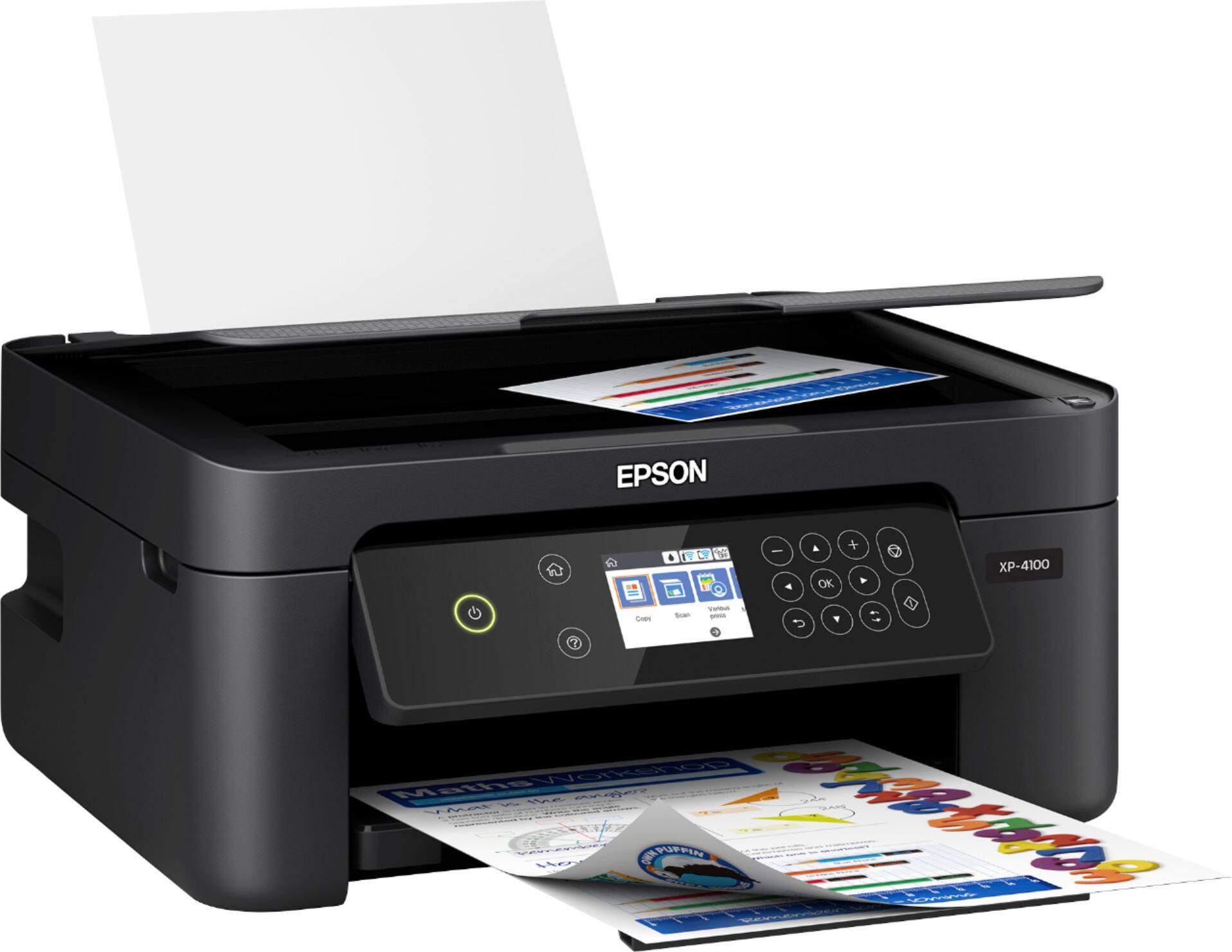
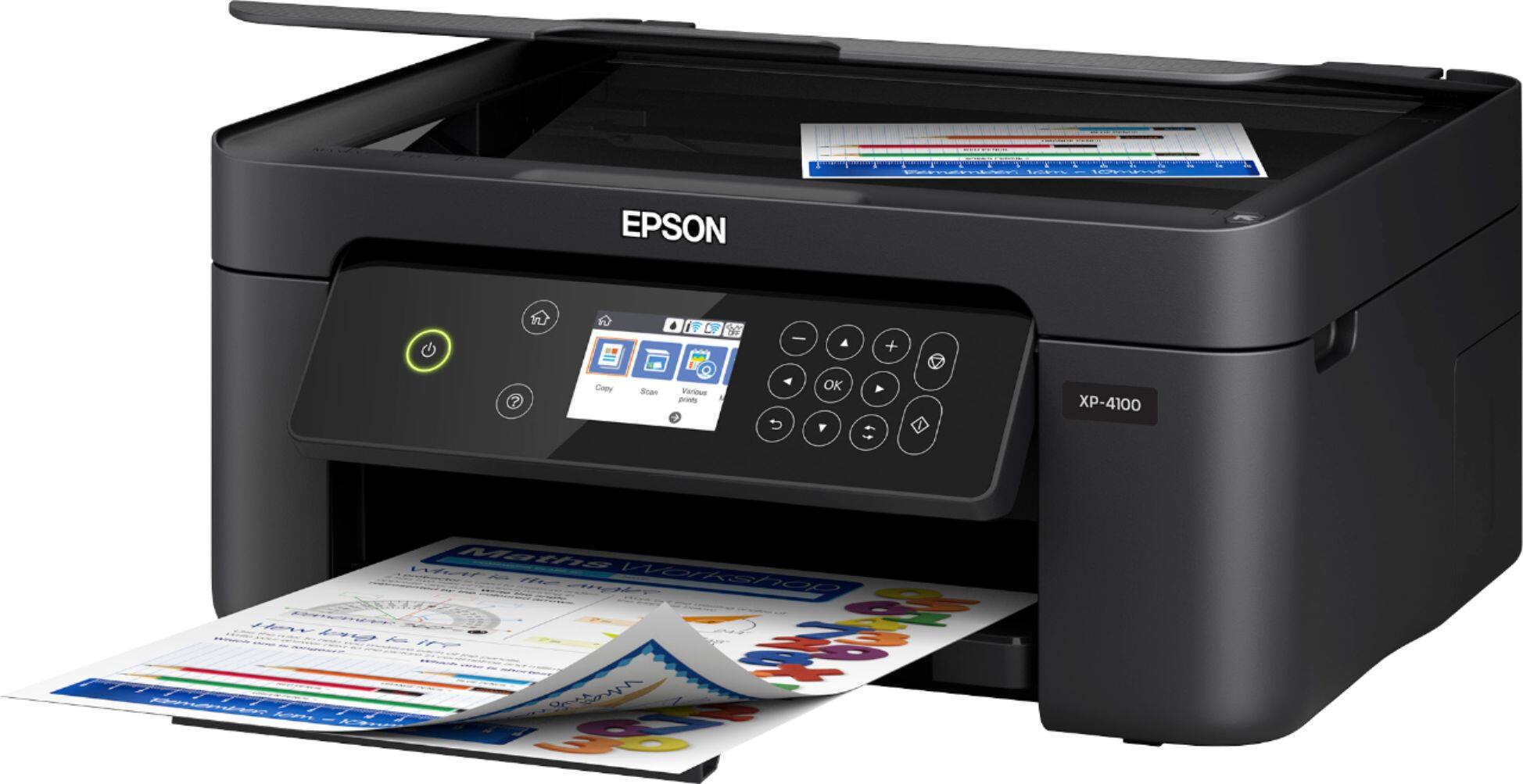
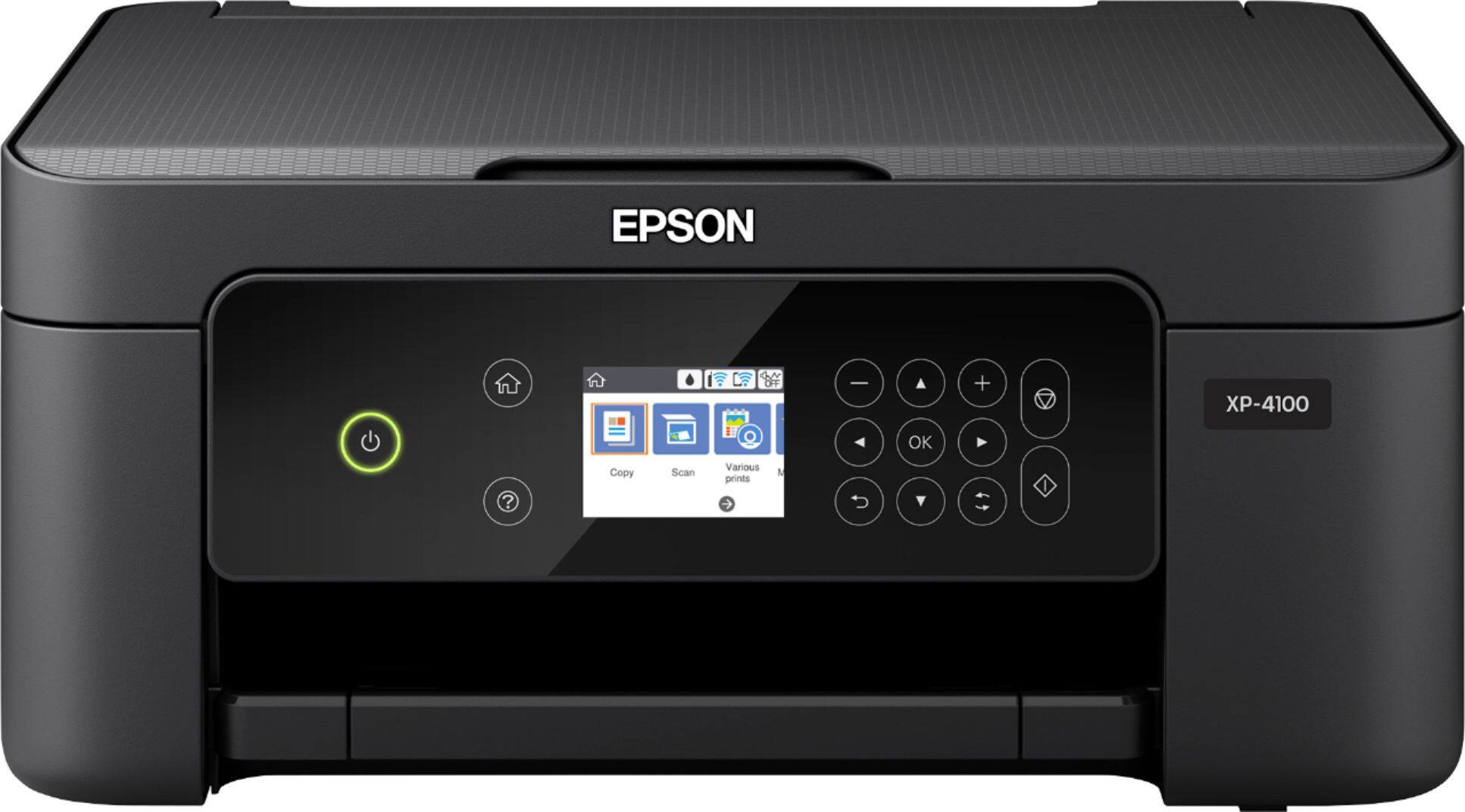
- EPSON XP-4100 PRINTER C11CG33
- SKU:
- 6348813
Rating by feature
- Value
Rating 4.2 out of 5 stars
- Quality
Rating 4.2 out of 5 stars
- Ease of Use
Rating 4.2 out of 5 stars
Customers are saying
Customers praise the Expression Home XP-4100 Wireless All-In-One Inkjet Printer for its ease of use, excellent print quality, and convenient size. Many also appreciate its reasonable price and wireless functionality, along with the straightforward setup process. Positive feedback highlights the printer's reliability. A small number of users noted that the printer can be noisy during operation.
This summary was generated by AI based on customer reviews.
The worst printer
Posted .This reviewer received promo considerations or sweepstakes entry for writing a review.Purchased this printer a year ago, so I really took my time to write an honest review about it. I can definitely say its the worst brand I have ever owned/used. The ink doesn't last at all! Good luck printing more than 10-12 papers. It takes just one ink to become low and you cant print anymore. There is no way to print in black when the color ink is low even if you choose greyscale in the settings. Also, it prints one line dark with the next one almost invisible. To avoid that you need to have all color ink completely full. I can't believe my patience dealing with this printer for a year! Im simply throwing it away and getting another one. Don't let its price trick you into buying it. You will lose more money and will never be able to print without wanting to smash it.
No, I would not recommend this to a friendBrand response from Epson
Posted .Hi Rima, thank you for taking the time to write a review on the Epson XP-4100. Customer feedback is very important to us. You can continue to print temporarily with black ink when you've expended a color ink. Please refer to the FAQ at www.epson.com/faq/spt_c11cg33201~faq-00007e5-xp4100_4105?faq_cat=faq-8796127373388 for more information. Our support team can also help adjust your print settings for more efficient ink consumption. If you need further assistance, please call Epson Support at (562) 276-4382 between 6 pm - 8 pm PT, Monday - Friday, or from 7 am - 4 pm PT on Saturdays. Kind Regards, Bobby - The Epson Team

Okay Printer
Posted .This reviewer received promo considerations or sweepstakes entry for writing a review.Generally works okay but I cannot get it to print in color.
No, I would not recommend this to a friendPoor print quality and uses ink too quickly
Posted .This reviewer received promo considerations or sweepstakes entry for writing a review.Printing black and white only uses color ink. I printed around 20 pages of black and white documents and all of the color ink was empty. I tried to print in only black and white but the printer would not operate with empty color ink and would tell me to put fresh ones in. I bought new color ink to replace the empty ones and tested it again to see if it was still using color to print black and white documents and it was. Another print session of about 20 pages and half of the color ink was gone. Do not recommend this product.
No, I would not recommend this to a friendBrand response from Epson
Posted .Hello Steve, we appreciate your time in sharing your experience with your Epson XP-4100 printer. Epson printers contain a permanent print head that needs to be charged with all colors to work. Even when you are printing black text only, a small amount of color ink is used to keep the print head charged, preventing air bubbles from entering. Air bubbles can damage the print head. If we can help you with anything else, please contact Epson Support at (562) 276-4382; Hours: Monday – Friday, 6am – 8pm PT; Saturday, 7am – 4pm PT.
Sincerely,
Bobby D. – The Epson Team
Don't waste your money
Posted .This reviewer received promo considerations or sweepstakes entry for writing a review.Do not waste your money. Cheap to buy, yes. But most expensive printer ever for ink. Go through so much. Always updating. The printer screens always take over your screen and good luck cancelling or shutting down. If one color is low or out, good luck for only printing in black. Will not happen. The program for this printer shows the smarts of the person who wrote it. Not smart at all. Spend a few more dollars and buy a better printer, you will wish you did after using this one. Ran out of one color. Can not print in black. And I know how to adjust the printer settings. Just had surgery, am going nowhere. Thank you for my aggravation Epson. This printer is best as a paper weight or under a tire. Epson failed with this one.
No, I would not recommend this to a friendBrand response from Epson
Posted .Hello AngelaB, we're here to help. Epson provides useful information on how to print temporarily with black ink when a color ink cartridge has been expended. For more information, refer to the "Printing with Black Ink and Expended Color Cartridges" section, page 167, of the User's Guide, or FAQ at www.epson.com/faq/SPT_C11CG33201~faq-00007e5-xp4100_4105. Our support team can also help adjust your print settings for more efficient ink consumption. If you need further assistance, please call Epson Support at (562) 276-4382 between 7 am - 4 pm (PT), Monday - Friday. Kind Regards, Bobby - The Epson Team.
Not a good idea
Posted .This reviewer received promo considerations or sweepstakes entry for writing a review.With all the good things in its details, the most important job it has is to print. Every time I want to print a document, I get notified I'm running low on ink- every time! Even if a new cartridge has been inserted. I bought an equivalent cartridge that is cheaper, and although it fits perfectly and this works on other printers, this one will not recognize it. It's more frustrating to have in the house than I thought. Also we have to turn it on and off several times before it wakes up and prints. Most of the time it will not have wifi and we get constant errors.
No, I would not recommend this to a friendBrand response from Epson
Posted .Hello laura, we're sorry to hear about your disappointing experience with the XP-4100 printer. Epson considers all feedback to improve the performance and quality of our products. Epson also offers helpful information, including FAQs and self-help tools, on the product support web page at https://epson.com/Support/Printers/All-In-Ones/XP-Series/Epson-XP-4100/s/SPT_C11CG33201#questions. Your Expression printer includes a 1-year Limited Warranty and free lifetime technical support. If you need any assistance, our Epson Support Team would be happy to help you and can be reached at (562) 276-4382; Hours: Monday - Friday, 7 am - 4 pm PT; Sincerely, Sam - The Epson Team.
The printer sucks
Posted .This reviewer received promo considerations or sweepstakes entry for writing a review.This is the biggest piece of garbage ever invented. The little screen that they give you on the printer was programmed in the 80's. It is confusing. They could easily have you set this up on an iPhone or a computer, but the default is to their little crappy screen. It is hard to print black only, because the magic screen will tell you that your ink cartridges are empty, even if they aren't. If they are empty, which will be ALOT on this printer, you have to run down and get some very expensive cartridges. Save you money, and buy yourself a laser printer. This thing sucks
No, I would not recommend this to a friendBrand response from Epson
Posted .Hello Buddy, we're sorry to hear about your disappointing experience with the XP-4100 printer. Epson takes into consideration all feedback to improve the performance and quality of our products. Epson offers helpful information, including FAQs and self-help tools, on the product support web page at https://epson.com/Support/Printers/All-In-Ones/XP-Series/Epson-XP-4100/s/SPT_C11CG33201#questions. Additionally, your Expression printer includes a 1-year Limited Warranty, plus free lifetime technical support. If you need any assistance, our Epson Support Team would be happy to help you and can be reached at (562) 276-4382; Hours: Monday - Friday, 7 am - 4 pm PT; Sincerely, Sam - The Epson Team.
Worse printer ever.
Posted .This reviewer received promo considerations or sweepstakes entry for writing a review.Do not buy this printer! It eats through ink (I have had to replace the cartridges 3 times and printed less than 200 pages of greyscale text). On top of that you cannot print at all unless you replace the color cartridges as well as black. I am using this with the Epson iPrint app on an Android device (which also has hoops to jump through to get it to print). Customer service is no help. The cartridges that came with the machine ran out after 30 pages. You will spend more than the cost of the printer monthly! Avoid this printer at all costs.
No, I would not recommend this to a friendBrand response from Epson
Posted .Hi Margo, we're sorry to hear about the trouble that you've encountered. Your XP-4100 includes free lifetime technical support, and we're here to help. Epson provides an FAQ at https://epson.com/Support/Printers/All-In-Ones/XP-Series/Epson-XP-4100/s/SPT_C11CG33201#questions to help you troubleshoot issues with ink cartridges. Our support team can also optimize your print settings for more efficient ink consumption. If you need further assistance, please call us at (562) 276-4382 between 7 am - 4 pm (PT), Monday - Friday. Sincerely, Sam - The Epson Team.
Epson XP printers are risky
Posted .This reviewer received promo considerations or sweepstakes entry for writing a review.I have had an Epson XP almost a year and it has been a disappointment every time I have used it. I see my model is no longer offered (good thing). It sets and makes all kinds of noises before it can print. When you run out of color ink, you can't set it on black only printing, (their is a setting but it does not work) it will not let you print at all, you have to run down and buy the color of ink that it is out of before you can print. I think the paper feed worked two times when I first got it, but then stopped. I have to fax papers one at a time. That is really not fun. Maybe the XP-4100 is better? I would not risk it.
No, I would not recommend this to a friendBrand response from Epson
Posted .Hello Brengy, thank you for sharing your thoughts on the Epson XP-4100 printer. Customer feedback is very important to us. We'll forward your feedback to the relevant Epson departments as we're always looking to make future Epson products better. If we can help you with anything else, please contact Epson Support at (562)276-4382; Hours: Monday – Friday, 6 am – 8 pm PT; Saturday, 7 am – 4 pm PT.
Sincerely,
Bobby – The Epson Team
Not happy
Posted .This reviewer received promo considerations or sweepstakes entry for writing a review.Run out of ink too fast, i use it at home, barely use it. Not happy with photos quality is poor and cant adjust settings properly
No, I would not recommend this to a friendBrand response from Epson
Posted .Hello Service, we apologize for your disappointing experience with the XP-4100 printer. Epson considers all feedback to improve the performance and quality of our products. Epson also provides helpful information on FAQs and self-help tools on the product support web page at https://epson.com/Support/Printers/All-In-Ones/XP-Series/Epson-XP-4100/s/SPT_C11CG33201#questions. Additionally, your printer includes a 1-year Limited Warranty plus free lifetime technical support. Please get in touch with our support team directly at (562) 276-4382 between 7 am - 4 pm (PT), Monday - Friday, if you need further assistance.
Sincerely, Sam - The Epson Team
NOT Windows 11 STABLE!
Posted .This reviewer received promo considerations or sweepstakes entry for writing a review.The printing is ok when it works. The printer drivers are not updated to handle Windows 11 effectively. The problem is how the printer addresses the print spooler in Windows 11! Epson customer support is a pile of garbage. If you have another scanner on your network, this scanner will not work unless you disable the other scanner. Even set up as a "local printer" via a USB cable does not remedy the problem. The drivers for this device need a do-over by Epson.
No, I would not recommend this to a friendBrand response from Epson
Posted .Hello Techguy52, we appreciate your time sharing your experience with the XP-4100 printer. Epson considers all feedback to improve the performance and quality of our products. Your printer includes free technical support for the life of the product. Additionally, Epson provides helpful information, including device drivers and self-help tools, on the product support website at https://epson.com/Support/Printers/All-In-Ones/XP-Series/Epson-XP-4100/s/SPT_C11CG33201#questions. If you have any questions, our Epson Support Team would be happy to assist you and can be reached at (562) 276-4382; Hours: Monday - Friday, 7 am - 4 pm PT.
Sincerely, Sam - The Epson Team
Broke- Less than a month
Posted .This reviewer received promo considerations or sweepstakes entry for writing a review.The printer screen stopped working except for the power button. I got the printer on March 18 and on April 20 I contacted Epson. The printer stopped working before that,but I hadn’t had time to contact Epson. They would only give me a refurbished printer because it was over a month. I looked online and this printer has this problem. I can’t believe that they sold me a defective piece of equipment and then only offered me a refurbished one . It’s a piece of junk that broke in less then a month and the company doesn’t stand behind its product,
No, I would not recommend this to a friendBrand response from Epson
Posted .Hello BJ4567, thank you for taking the time to share your experience. We've very sorry for the trouble that you had encountered with the Epson XP-4100. We'll forward your feedback to the relevant departments for review. If you need further assistance, please call our Advanced Support Team directly at 1-800-241-5794 between 7 am - 4 pm (PT), Monday - Friday. Kind Regards, Bobby D. - The Epson Team.
Keeps jamming paper, right out of the box.
Posted .This reviewer received promo considerations or sweepstakes entry for writing a review.Not in stock at the store, but shipping was free to my house and salesman was very helpful. Item arrived four days later. Went through the entire setup according to provided instructions. It went well until I tried to print a test page and the paper kept jamming. If I could be guaranteed this wouldn't happen again, I may consider a replacement. But for the moment I'll shop for another one. Sorry, Epson, you failed me on this one.
No, I would not recommend this to a friendBrand response from Epson
Posted .Hello TT56, we're sorry to hear about your disappointing experience with the XP-4100 printer. Epson considers all feedback to improve the performance and quality of our products. Epson provides helpful information to address most problems, including FAQs and self-help tools, on the product support web page at https://epson.com/Support/Printers/All-In-Ones/XP-Series/Epson-XP-4100/s/SPT_C11CG33201#questions. Additionally, your printer includes a 1-year Limited Warranty, plus free lifetime technical support. Please reach our support team directly at (562) 276-4382 between 7 am - 4 pm (PT), Monday - Friday, if you need any assistance.
Sincerely, Sam - The Epson Team.
DO NOT BUY, SCAM
Posted .This reviewer received promo considerations or sweepstakes entry for writing a review.Will never buy Epson again. I purchased the ink, placed it into my printer, ran a couple of alignment check pages, and now my printer says my ink is completely gone! I barely used two drops! My printer refuses to print now. This is the second time that this has happened to me. Not only is this ink outrageously expensive, but it never works. Check out the class action lawsuits against them for unethical proprietary ink practices. GARBAGE
No, I would not recommend this to a friendBrand response from Epson
Posted .Hello, we're sorry to hear about your disappointing experience with the XP-4100 printer. Epson considers all feedback to improve the performance and quality of our products. Epson also offers helpful information, including FAQs and self-help tools, on the product support web page at https://epson.com/Support/Printers/All-In-Ones/XP-Series/Epson-XP-4100/s/SPT_C11CG33201#questions. Your Expression printer includes a 1-year Limited Warranty and free lifetime technical support. If you need any assistance, our Epson Support Team would be happy to help you and can be reached at (562) 276-4382; Hours: Monday - Friday, 7 am - 4 pm PT; Sincerely, Sam - The Epson Team.
Worst Printer Ever!
Posted .This reviewer received promo considerations or sweepstakes entry for writing a review.Every single time I want to use the printer, I get failed messages. I have to jump through tons of hoops to finally get it to print. In addition, it goes through ink like crazy. I hardly ever use a printer, and I've already bought a whole new set of ink. And out of the new ones, the black ink is already over half way gone. I don't care how inexpensive this printer was, it wasn't worth all the headaches it's caused.
No, I would not recommend this to a friendBrand response from Epson
Posted .Hi dancemom, we apologize for the disappointing experience you’re having with the Epson XP-4100. Performing regular maintenance, such as a daily nozzle check, could greatly reduce the need for print head cleaning. Our support team can also help you customize your print settings for more efficient ink consumption. If you need further assistance, your Expression Home printer includes free lifetime tech support, and you can reach us by phone at (562) 276-4382 or by email at https://epson.custhelp.com/app/ask/p_model_name/Epson%20XP-4100; Hours: Monday - Friday, 7 am - 4 pm PT. Kind Regards, Bobby D. - The Epson Team.
XP-4100 is A Junk Epson Product!
Posted .This reviewer received promo considerations or sweepstakes entry for writing a review.xp-4100 IS poor quality and ink turns green to yellow and does not print correctly right off the bat! Also ink cartridge evaporates quickly and get used up with minimal usage. DO NOT BUY THIS PRINTER, ITS JUNK!
No, I would not recommend this to a friendBrand response from Epson
Posted .Hello PensaBoy, we're sorry about your disappointing experience with the XP-4100 printer. Epson considers all feedback to improve the performance and quality of our products. Epson provides helpful information, including FAQs and self-help tools, on the product support web page at https://epson.com/Support/Printers/All-In-Ones/XP-Series/Epson-XP-4100/s/SPT_C11CG33201#questions. Additionally, your printer includes a 1-year Limited Warranty, plus free lifetime technical support. Please contact our support team directly at (562) 276-4382 between 7 am - 4 pm (PT), Monday - Friday if you need assistance. Sincerely, Sam - The Epson Team.
DON'T BUY THIS PRINTER
Posted .This reviewer received promo considerations or sweepstakes entry for writing a review.DO NOT BUY THIS PRINTER. To print just black you must have ink in the color cartidges as well, as the printer uses some color in the color cartridges to prevent the print head from getting clogged. I have never had this funtion like this in any other printer I've owned. YOU CANNOT PRINT USING JUST BLACK (GRAYSCALE) UNLESS THE COLOR CARTRIDES HAVE INK IN THEM.
No, I would not recommend this to a friendBrand response from Epson
Posted .Hello, we're sorry to hear about the trouble you're experiencing with the XP-4100 printer. Your Expression printer contains a permanent print head that needs to be charged with all colors for normal operation. A small amount of color ink is used to keep the print head charged, even when you're printing black text only. This prevents air bubbles from entering and damaging the print head itself. Epson provides detailed instructions in the User's Guide on printing temporarily with black ink when a color ink cartridge has been expended. Please refer to the "Printing with Black Ink and Expended Color Cartridges" section at www.epson.com/Support/Printers/All-In-Ones/XP-Series/Epson-XP-4100/s/SPT_C11CG33201#manuals. If you need further assistance, our support team can be reached at (562) 276-4382 between 7 am - 4 pm (PT), Monday - Friday. Kind Regards, Sam - The Epson Team.
Ink cartridges have very, very short life.
Posted .This reviewer received promo considerations or sweepstakes entry for writing a review.Product information brags about how many pages it prints with one cartridge. Product information lies like anything. I barely use the printer, and have gotten fewer than 150 pages B & W and fewer still with color. It's a waste of money to keep buying cartridges that don't last. Cheaper to buy a different machine. Won't buy Epson again. Have had better success with an HP>
No, I would not recommend this to a friendBrand response from Epson
Posted .Hi babs, we're sorry to hear about the trouble that you've encountered. Your Expression Home XP-4100 comes with a 1-year Limited Warranty and free lifetime technical support. If you would like help optimizing your print settings for more efficient ink consumption, our support team can be reached by phone at (562) 276-4382 or by email at https://epson.custhelp.com/app/ask/p_model_name/Epson%20XP-4100; Hours: Monday - Friday, 7 am - 4 pm PT. Otherwise, we'll forward your feedback to the appropriate product team for review. Sincerely, Bobby - The Epson Team.
Piece of Garbage that jams every page
Posted .This reviewer received promo considerations or sweepstakes entry for writing a review.This thing jams every page that it attempts to print, folds papers it's running through to double-side print, and is overall just a hunk of junk. I understand that it's a cheap plastic thing and that EPSON's real game is to earn money on the ink. But this this is a trash.
No, I would not recommend this to a friendBrand response from Epson
Posted .Hi Kevv, we're sorry for the frustrating experience that you've encountered with your Epson printer. We appreciate your business and value your feedback. You can find useful tips to troubleshoot paper feed problems in the FAQs at www.epson.com/support/xp4100#questions. Your XP-4100 also includes a 1-year Limited Warranty and free lifetime technical support. If you'd like to speak to someone from Epson Support, please call (562) 276-4382; Hours: Monday - Friday, 6 am - 8 pm PT; Saturday, 7 am - 4 pm PT. We're here to help. Sincerely, Bobby - The Epson Team.
Forces you to buy Epson ink!!
Posted .This reviewer received promo considerations or sweepstakes entry for writing a review.My Epson printer forced an update and now won't accept anything but Epson ink. That's right, my printer worked great until I did an update and now it doesn't recognize the cartridges. DO NOT BUY ANYTHING FROM EPSON!!! The replacement ink costs more than the printer!
No, I would not recommend this to a friendBrand response from Epson
Posted .Hello Clavos,
The Epson XP-4100 is designed to use only genuine Epson-brand ink cartridges. Other brands of ink cartridges, and ink supplies, are not compatible, and even if described as compatible, may not function properly. From time to time, Epson updates its firmware to ensure the printer operates as designed. Epson provides information about the design of the printer on the box, as well as many other locations, including materials shipped with the printer.
Sincerely,
Elizabeth – The Epson Team.
WORST PRINTER
Posted .This reviewer received promo considerations or sweepstakes entry for writing a review.I do not print much by any means but I am buying ink nonstop. It won't print in black and white when there is a color missing. I would not recommend this printer. You should have the option to print in black and white if you are out of color and in a pinch.
No, I would not recommend this to a friendBrand response from Epson
Posted .Hello Jodi, we're sorry to hear about the disappointing experience you had with your XP-4100 printer. The Expression printer will not operate if a black ink cartridge is expended or any cartridge is removed. However, If a color cartridge is expended, you may be able to continue printing temporarily with black ink. It's best to always have extra cartridges on hand. Please refer to the FAQ at https://epson.com/faq/SPT_C11CG33201~faq-00004ea-xp4100_4105 for more information. Additionally, our support team can also help adjust your print settings for more efficient ink consumption. If you need further assistance, please call Epson Support at (562) 276-4382 between 7 am - 4 pm PT, Monday - Friday. Kind Regards, Sam - The Epson Team