Customer Ratings & Reviews
- Model:
- C11CK65201
- |
- SKU:
- 6516132
Customer reviews
Rating 4.3 out of 5 stars with 1784 reviews
(1,784 customer reviews)Rating by feature
- Value4.5
Rating 4.5 out of 5 stars
- Quality4.4
Rating 4.4 out of 5 stars
- Ease of Use4.4
Rating 4.4 out of 5 stars
Customers are saying
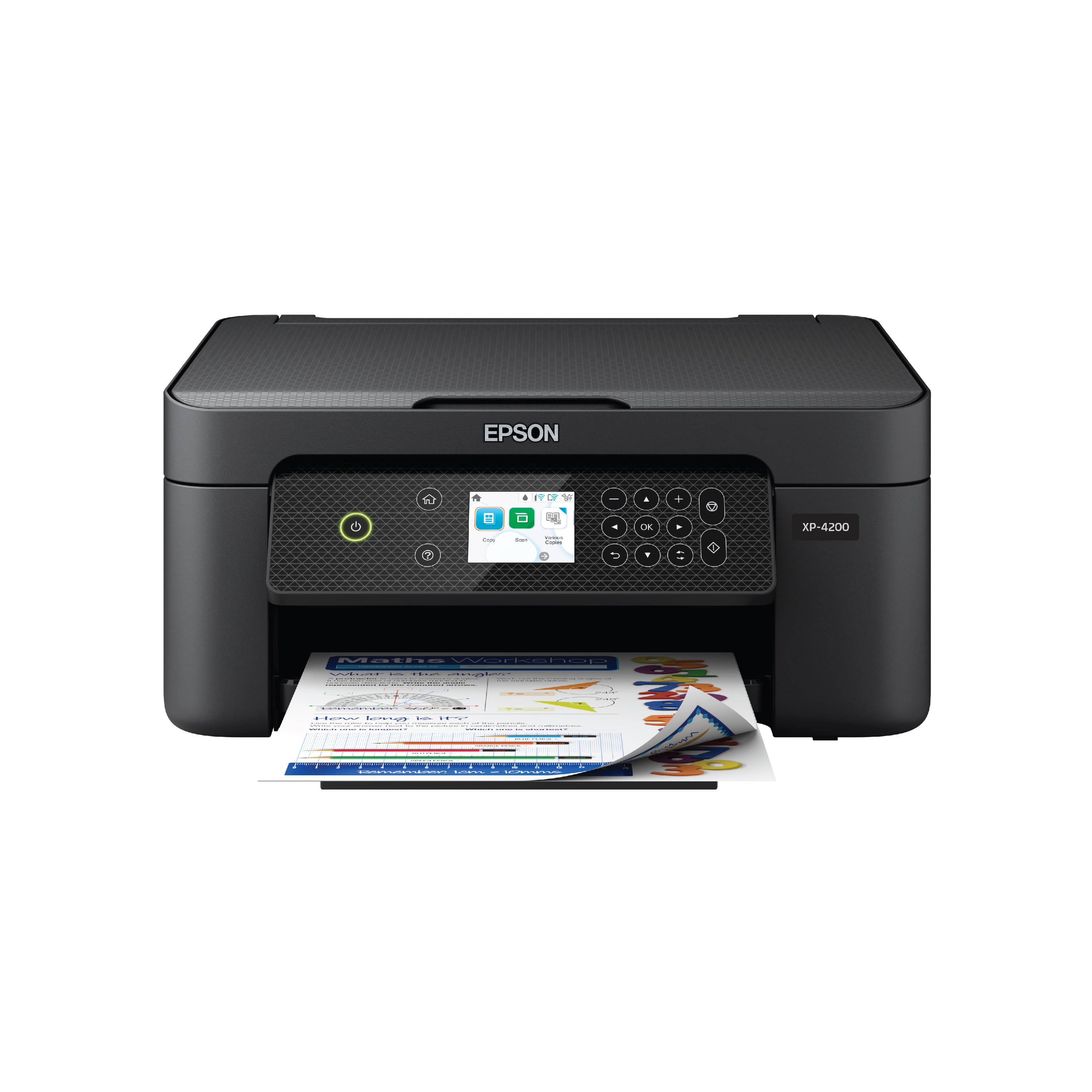
Customers are delighted by the Expression Home XP-4200 All-in-One Inkjet Printer, particularly its ease of use and good print quality. Many appreciate its overall performance, convenient size, and reasonable price. Furthermore, users find the wireless connectivity to be wide-ranging and the initial setup process to be simple.
This summary was generated by AI based on customer reviews.
Rated 1 out of 5 stars
Crappy printer
||Posted . Owned for 3 weeks when reviewed.This reviewer received promo considerations or sweepstakes entry for writing a review.I got a new printer and the print quality was poor.
No, I would not recommend this to a friendRated 1 out of 5 stars
Loved my Epson 3720, hate XP4200
||Posted . Owned for 1 month when reviewed.This reviewer received promo considerations or sweepstakes entry for writing a review.This is very unfriendly. Touchtone pad doesn't work efficiently. must make one copy at a time
No, I would not recommend this to a friendBrand response from Epson
Posted .Hello Raeview, we apologize for the disappointing experience you’ve encountered with your Epson printer. Your XP-4100 includes free technical support for the life of your product. Please reach out to our Epson Support Team for assistance at (562) 276-4382 between 7 am - 4 pm (PT), Monday - Friday. We’re here to help. Sincerely, Tony – The Epson Team.
Rated 1 out of 5 stars
Epson xp-4200
||Posted . Owned for 1 week when reviewed.This reviewer received promo considerations or sweepstakes entry for writing a review.It uses a lot of ink, the spare parts are very expensive. one is better. eco tank
No, I would not recommend this to a friendRated 1 out of 5 stars
Epson Inject Printer
||Posted . Owned for 1 month when reviewed.This reviewer received promo considerations or sweepstakes entry for writing a review.I was disapointed, Returned the product. Would not recomend
No, I would not recommend this to a friendRated 1 out of 5 stars
Súper bad
||Posted . Owned for 1 month when reviewed.This reviewer received promo considerations or sweepstakes entry for writing a review.Error and not function in one month buy. Not recommend this product
No, I would not recommend this to a friendRated 1 out of 5 stars
Will not buy an epson printer
||Posted . Owned for 3 weeks when reviewed.This reviewer received promo considerations or sweepstakes entry for writing a review.Could not get it to print, and nobody fixed it, I called 4 times and nobody fixed it
No, I would not recommend this to a friendBrand response from Epson
Posted .Hello GaryT, we apologize for your disappointing experience with the XP-4200 printer. Epson considers all feedback to improve the performance and quality of our products. Epson also provides helpful information on FAQs and self-help tools on the product support web page at https://epson.com/Support/Printers/All-In-Ones/XP-Series/Epson-XP-4200/s/SPT_C11CK65201#questions. Additionally, your printer includes a 1-year Limited Warranty plus free lifetime technical support. Please contact our support team directly at (562) 276-4382 between 7 am - 4 pm (PT), Monday - Friday, if you need further assistance.
Sincerely, Sam - The Epson Team
Rated 1 out of 5 stars
Expression Epson do 4200 Home printer
||Posted . Owned for 1 month when reviewed.This reviewer received promo considerations or sweepstakes entry for writing a review.Doesn’t print well. Freezes up when you try to cancel any printing.
No, I would not recommend this to a friendRated 1 out of 5 stars
Garbage
||Posted . Owned for 1 month when reviewed.This reviewer received promo considerations or sweepstakes entry for writing a review.It is difficult to set up and does not acknowledge wifi
No, I would not recommend this to a friendRated 1 out of 5 stars
Bad printer
||Posted . Owned for 3 weeks when reviewed.This reviewer received promo considerations or sweepstakes entry for writing a review.I can’t get it to print. Been trying since I purchased it.
No, I would not recommend this to a friend- Pros mentioned:Connectivity, Print quality
Rated 5 out of 5 stars
Epson XP-4200 - The Little do Everything Printer
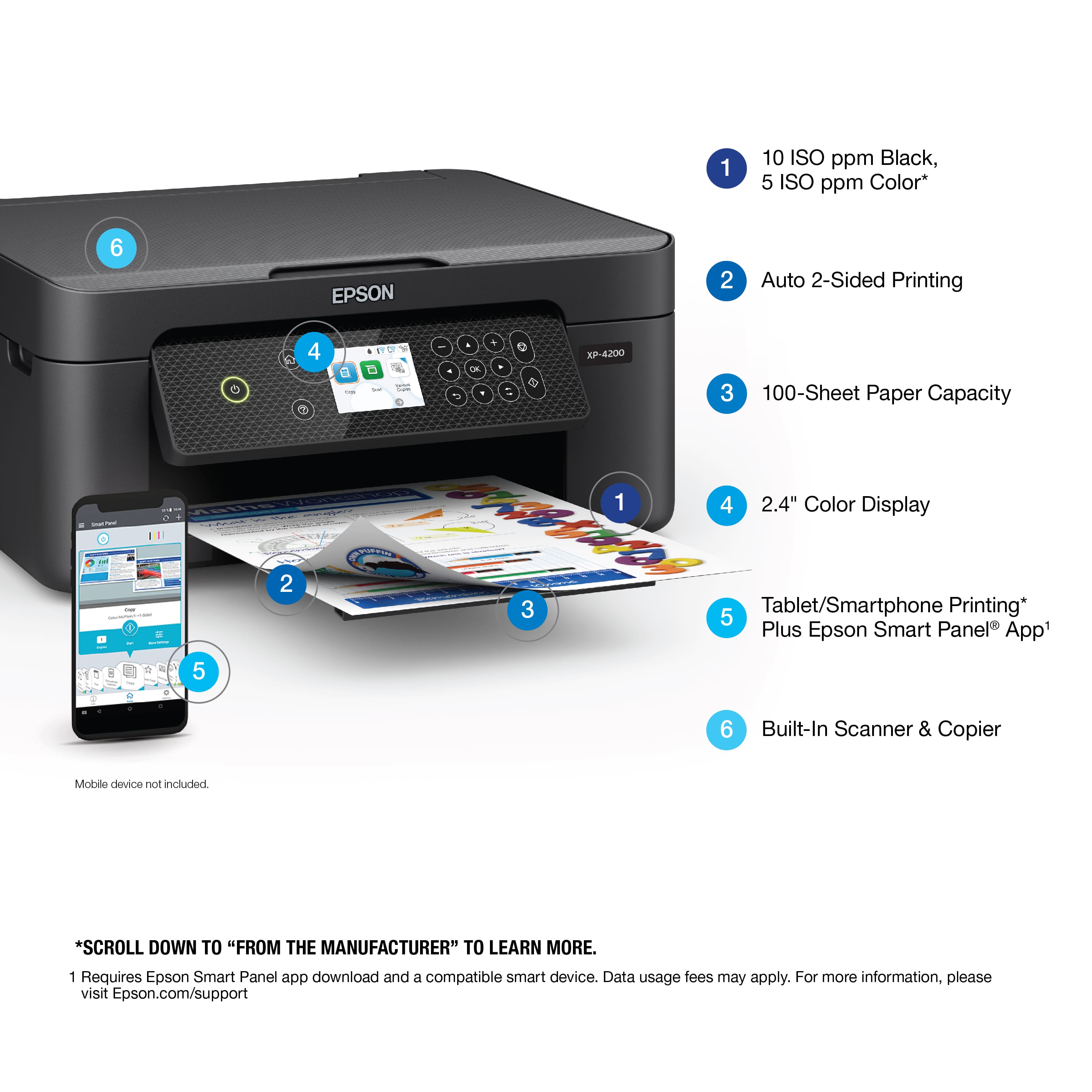
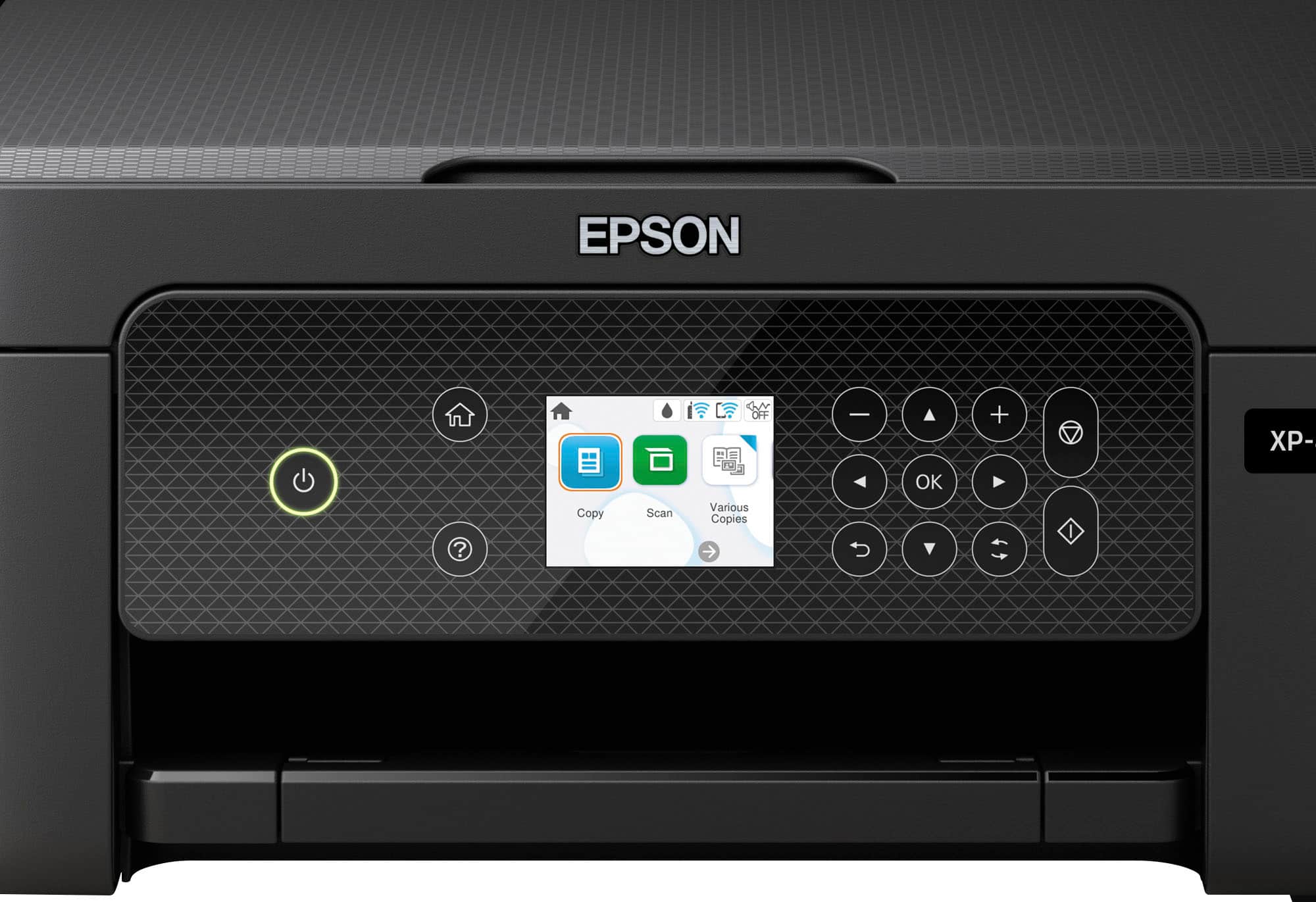
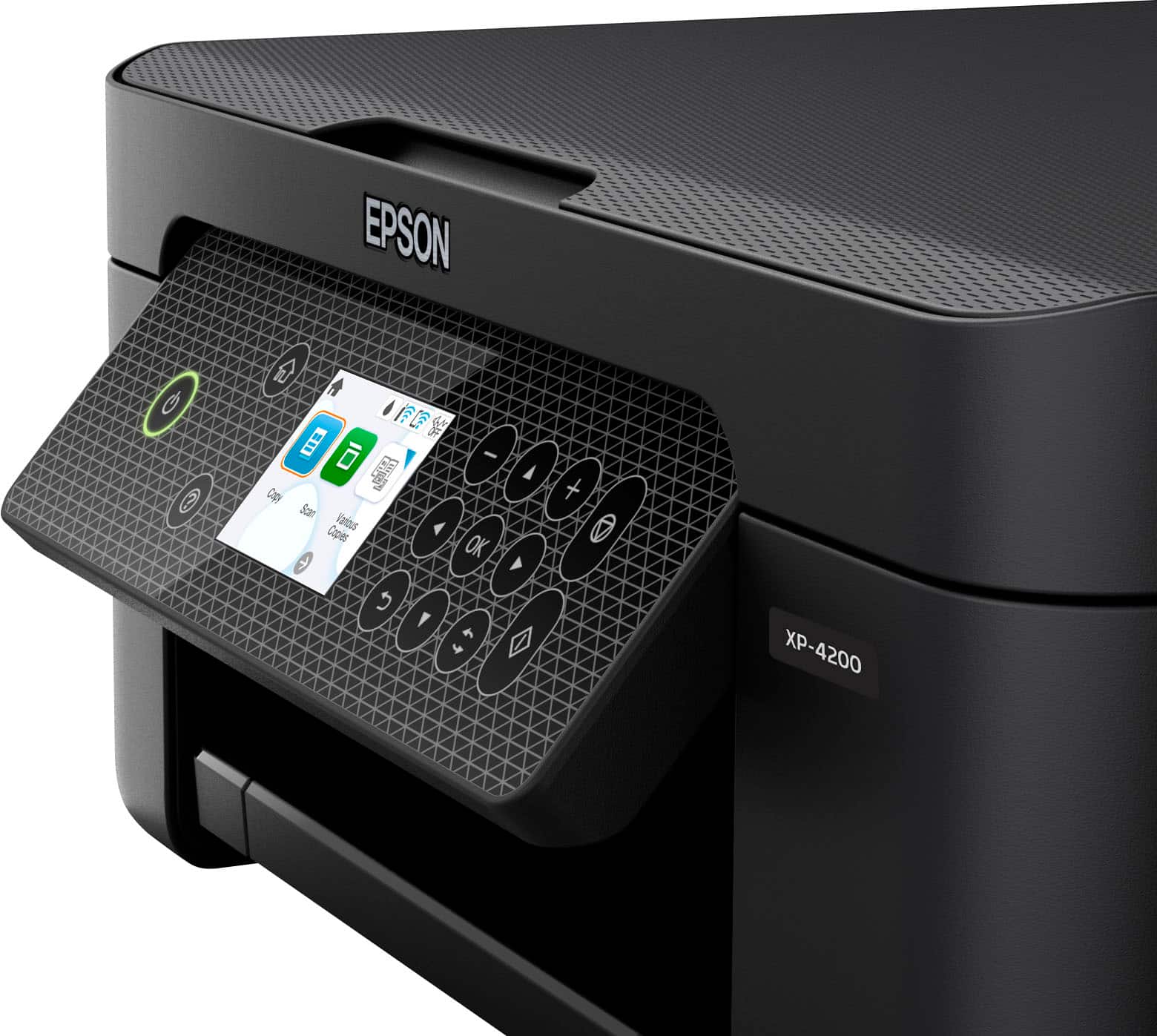
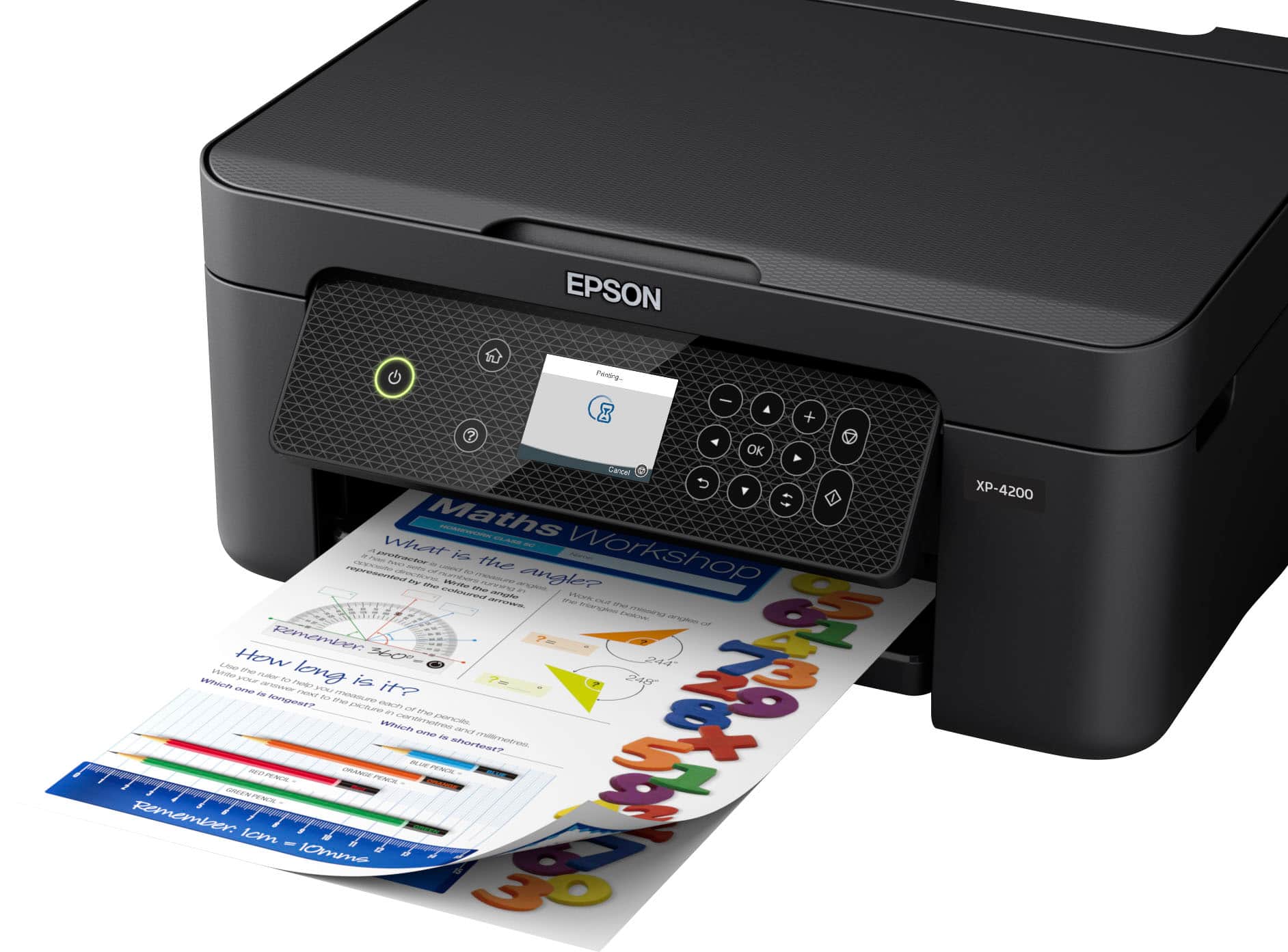
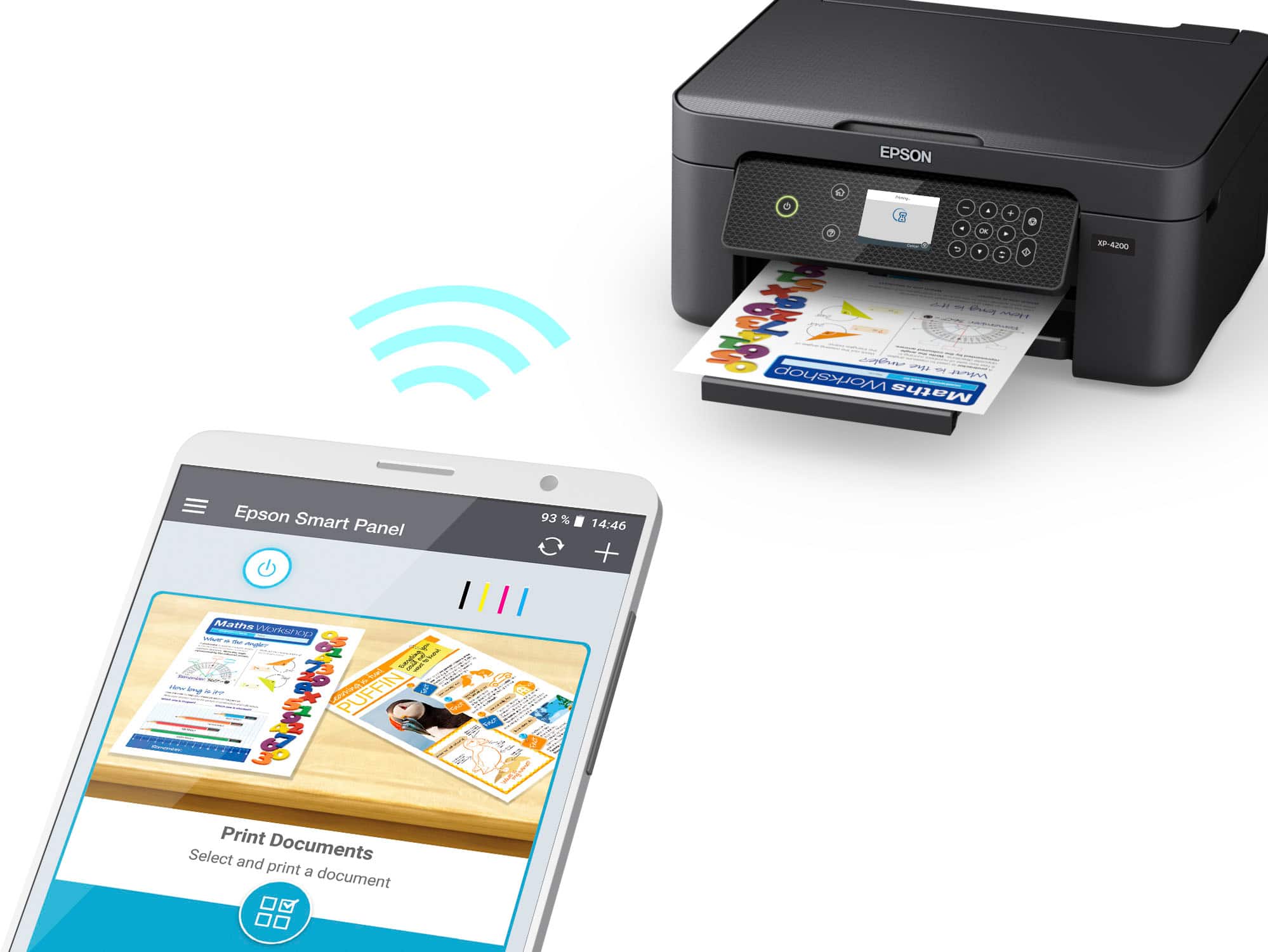
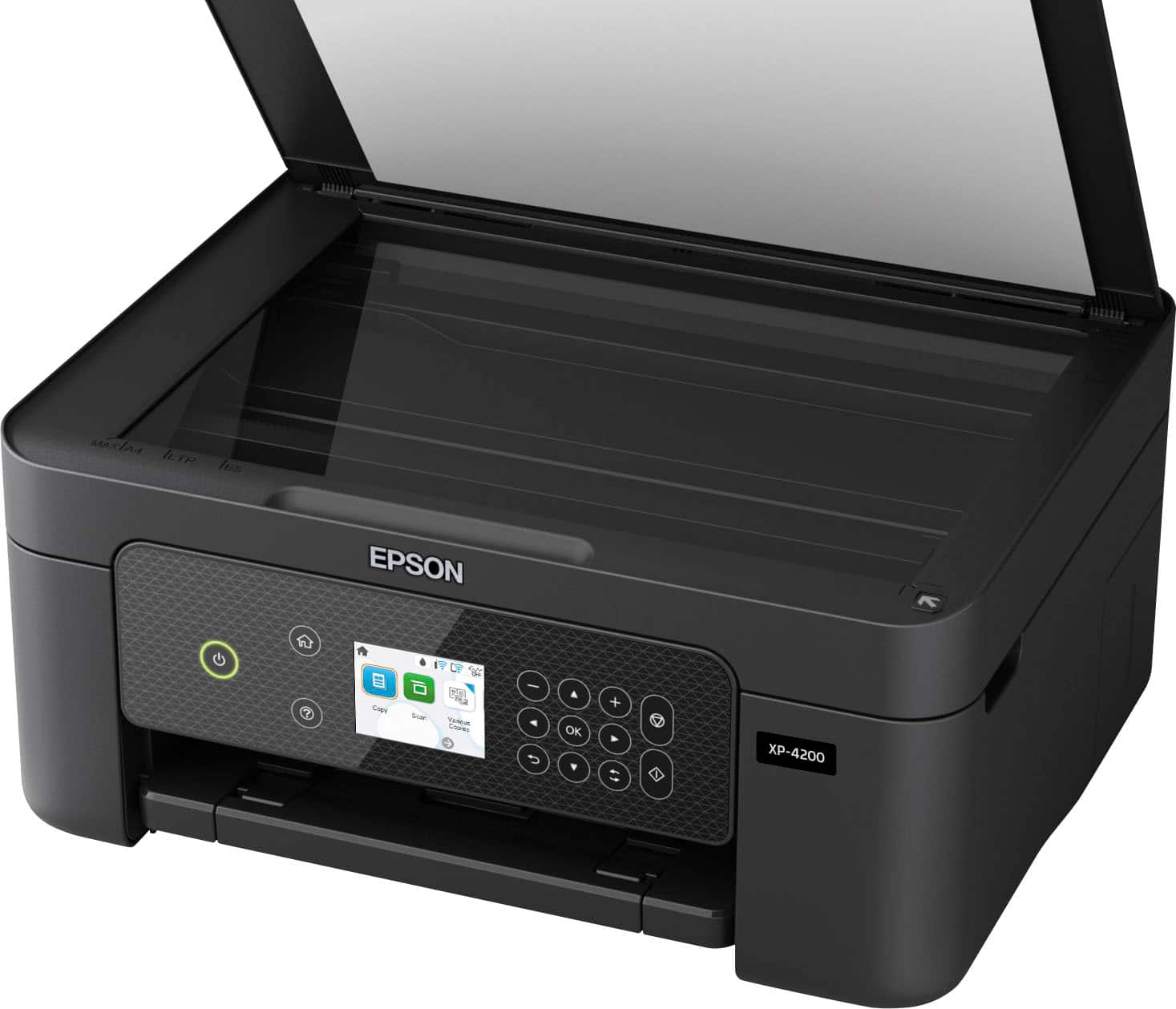
|Posted .This reviewer received promo considerations or sweepstakes entry for writing a review.I just installed the Epson Expression Home XP-4200 Color Inkjet in my home “office”, and I have to say I’m impressed with this small but capable All-in-One printer. The quick-start instructions are pretty much what you would expect, but the Epson Smart Panel app for Apple or Android smartphones used to set up the printer is world class. I installed the app on an Apple SE (iOS 15.6.1) and used it to finish the setup process including linking the printer to the Wi-Fi network. The app took on the appearance of a series of text messages and graphics telling me exactly what it was doing and what I should do next. Once the printer install completed, the app provided full control of the printer. The app has all the features you get from the PC software. The Epson driver and software install on a Windows 10 PC went just as smoothly. There is also an USB connection available. The unit has a 2.4” full color display, but it is not a touchscreen. Menu navigation is handled by using the adjacent keyboard. Epson supplies a complete suite of scanning and printing software. The ScanSmart app produced a sharp, color restored, scan of a 5x7” photo at 1600 dpi in 2.75 minutes. Not the fastest scan time, but still respectable for a feature rich, low priced All-in-One. The printer also has automatic double-sided printing. There is no document feeder, single documents a placed on the scanner glass. Paper is loaded in the upper back of the printer and can handle U.S. and European paper up to legal and A4. The scanner software has special settings for scanning id cards and bound books. Print quality is excellent. The “Clarina” ink used in this printer provides vivid, water-resistant output, something I tested on mixed text and graphics on standard inkjet paper. There was absolutely no smudging of the printing when wiped with a moistened tissue. Amazing! For me, color inkjet printers are best suited to printing photographs and other graphics. The XP-4200 exceeded my expectations when printing a photograph on Epson Premium Glossy Photo Paper. I had outstanding results when printing a bright, color intense 5x7” photo using the printer driver’s standard settings. The maximum print density for photos is 5760 x 1440 dpi, something you don’t find on many low-cost inkjet printers. The one feature I found to be helpful, but somewhat restrictive, is the limited opening allowed when lifting the scanner bed to install ink cartridges. The Epson engineers provided a plastic arm to hold the scanner bed open – much like the rod you use to hood open the hood of your car – but it has a positive stop and can only be opened about 5”. It is enough to provide access to the ink cartridges but seems a bit restrictive. To avoid damage to the arm, proper opening and closing of the scanner bed is important, but not immediately intuitive. I am guessing the arm will be the first thing I break. Ignoring the just mentioned concern, I would recommend this printer to anybody looking for a quality, low cost, multifunction, color inkjet printer. With only a few days of use I do not know how the printer will fair over the long haul, but there is a one year warranty and unlimited telephone support by Epson.
I would recommend this to a friend - Pros mentioned:Print quality, Size
Rated 4 out of 5 stars
Nice Printer With a Couple of Issues
|Posted .This reviewer received promo considerations or sweepstakes entry for writing a review.this is a very nice printer. It's compact and fits on a small desk if neeeded. It was a little difficult to set up at first because my phone and the printer wouldn't communicate with each other. Once that issue was resolved, it connected fine. The screen looks like a touch screen but it isn't which is a little odd. The front panel flips out if you want or it can stay flat, which I like because it makes the printer look better. It can use legal or letter size paper. I haven't tried other sizes or envelopes yet. The quality is really nice. There are two things I don't like. This printer, when you set it up is very noisy. However, I was able to make it quiet by changing a setting. I think it should be quiet right out of the box. You can also use this printer with an assistant like Google or Siri. I haven't tried that feature yet but I did find out you have to have a seprate app for that feature. I'm not sure why they just couldn't include it in the main app that you download when you setup the printer. Maybe they will in the future. So far this printer has been a nice unit. I'm looking forward to exploring other features to see what it can do.
I would recommend this to a friend - Pros mentioned:Print quality
Rated 4 out of 5 stars
A Fine Printer For The Money!
|Posted .This reviewer received promo considerations or sweepstakes entry for writing a review.Having never owned or used an Epson printer before, I was quite interested in trying out Epson's XP-4200 All-In-One color printer. It turned out to be quite acceptable especially at this price point! The Epson XP-4200 was eady to set up and its software works well. I did have to move the printer closer to my internet router to get it to connect to my network but found I was able to move it back to my office once set up and it works very well there. The Epson print quality is quite clear and crisp and it does take a bit slower than other printers I have used. I also found the printer to be somewhat louder when printing than what I am used to. While the printer does not had a thumb drive to scan documents to, scans can be saved to your computer to file, print or attach to an email or text as needed. This printer provides borderless photo printing, Wi-Fi and voice activated printing and auto two-sided printing as needed. Paper for the printer is loaded vertically in a slot in the rear of the printer and ink cartridges are easily accessable for changing as needed. The printer can also be used as a copier. This is a fine printer for the money!
I would recommend this to a friend - Pros mentioned:Ease of use, Print quality
Rated 5 out of 5 stars
A Good Printer Choice
|Posted .This reviewer received promo considerations or sweepstakes entry for writing a review.The Epson Expression Home XP-4200 is a good personal printer. The set up is very easy, with instructions included in the box and using the Epson Smart Panel app makes its fool proof. Before you get started though, make sure you choose the Epson Smart Panel app and not the Epson iPrint app, I made that mistake when going on the Play Store. The Smart Panel app is the current version and the iPrint is the old version. Wi-fi connection setup can be done either through the app or the control panel on the printer. Its a 3-in-1 so you're getting a Printer, Copier, and Scanner in a compact machine that doesn’t take up alot of desk space. The control panel is nice, with a screen that isn't small or hard to read and it uses actual buttons. It is an inkjet so be ready to buy some ink, the catridges are small so you'll get about 150pages before needing to reload, which is great for at-home workers or students, but that might be bad for anyone that prints alot. The print quality is great with no smudges or blurring. The only issue I have with the printer is that it doesn't come with a USB A to B cable to directly connect the printer to a PC, its a wireless printer so the cable isn’t necessary, but would be nice to have one just in case. Overall, I like the Epson Expression Home XP-4200, its a solid workhorse printer, that is great for personal use.
I would recommend this to a friend - Pros mentioned:Ease of use, Overall performance
Rated 5 out of 5 stars
My Best Buy Printer.
Posted .This reviewer received promo considerations or sweepstakes entry for writing a review.Love the printer. Works very well and it's not hard to use.
I would recommend this to a friend - Pros mentioned:Connectivity, Print quality
Rated 5 out of 5 stars
The Epson Expression Home XP-4200 All-in-One Inkje
Posted .This reviewer received promo considerations or sweepstakes entry for writing a review.The Epson Expression Home XP-4200 All-in-One Inkjet Printer in black is a reliable and versatile device that seamlessly combines performance with sleek design. Its compact footprint makes it a perfect fit for any workspace, while the intuitive controls ensure user-friendly operation. With vibrant color reproduction and sharp text output, this printer consistently delivers high-quality prints. The wireless connectivity options add convenience, allowing for effortless printing from various devices. The XP-4200's efficient ink usage and easy setup make it an excellent choice for both home and small office use. Overall, it's a commendable all-in-one printer that excels in functionality and aesthetics.
I would recommend this to a friend Rated 1 out of 5 stars
Eh
||Posted .This reviewer received promo considerations or sweepstakes entry for writing a review.I got this printer as a gift. Couldn't set it up because it wouldn't go beyond the ink installation. Told me over and over the black ink was empty. Bought a replacement and still had the issue. Might be a decent printer if you don't get this issue but, I don't even want to bother with a replacement. I returned it.
No, I would not recommend this to a friend- Pros mentioned:Connectivity, Print quality
Rated 3 out of 5 stars
Software updated needed
|Posted .This reviewer received promo considerations or sweepstakes entry for writing a review.The printer/scanner is loaded with useful features such as being able to print when away from home via email, google classroom integration and sharing your printer with a friend/family member. The display on the printer is really sharp and clear , it could be a bit bigger but it works and the controls are responsive with very little lag. The scanned documents come out really nice and it captures a lot of the detail of what it is scanning. The app for the printer is also full of features , such as scanning documents directly to your phone/tablet. The amount of features that are included with the printer are amazing and if all of them were done correctly it would be one of the best personal printers. All of the features stated above are great and they work perfectly , however there are certain things that need to be fixed. Any pictures you print through the app print out grainy , speaking of photos not text, and it doesn’t matter what quality you state or which paper you use (I used Espon premium photo paper and normal white paper). However if you print the same picture without the app it comes out great, the colors are rich and very close to how the picture was actually taken. The printer/scanner works great and connects easily to any computer on the same Wi-Fi network and was a breeze to set up via Wi-Fi or by connecting it directly to the computer. I did run into an issue when setting it up on my phone through the app and the app kept saying it wasn’t connected but it actually was. Overall i think it does a great job at printing text and scanning documents which is what it is made for but the features that are included/provided need to be fixed with a software update.
No, I would not recommend this to a friend - Pros mentioned:Print quality
Rated 4 out of 5 stars
Buy ink before you leave!
Posted .This reviewer received promo considerations or sweepstakes entry for writing a review.Setup was kind of a pain as there is no stored software and had to search for it. The next issue is buy ink before you leave the store. It took a bit to get the ink setup and aligned, and boom...out of black ink. Seriously, Epson, dont be so cheap, put full ink cartridges in the box. I have no idea how the xl black will last, but I do have to say that it does print very well, so not a total wash out.
I would recommend this to a friend - Pros mentioned:Ease of use, Print quality
Rated 2 out of 5 stars
Not the experience I had hoped for...
|Posted .This reviewer received promo considerations or sweepstakes entry for writing a review.I was hopeful that this printer would be more than what it is. In terms of simplicity of operation, I'd say it's good to have around home for occasional printing. It sets up easily with WiFi, and works great with a computer and with a tablet or phone. Scanner works great too and is easy to use while doing a good job. I do like that it has double sided printing capability and a rear feeding tray. Print quality is good and the speed is just okay unless you print black and then it's decent. Photos come out looking good but like other 3 ink systems they could be better depending on the photo. Based on my testing so far, most come out just fine. Keep in mind that Epson does recommend using Epson paper with the Claria ink for the best results. I didn't have any more Epson paper for all of my prints but they still turned out good on other photo paper. That said, this printer really is the bottom of the lineup printer and feels like it in how fast it is unfortunately. If all you need is something simple for occasional use this will do the job but beware of the ink! As I printed all the test prints I noticed that the ink levels went down fairly quick. That brings up the next point, there's a spot on the box, and Epson makes it clear you can only use genuine cartridges, so make sure you note that BEFORE you purchase this model. Simply going on Amazon and getting whatever cartridge you see comes up with the cartridge number will not fly with this printer, and it's clearly stated which is unfortunate because you have to dig to find the right ones just as with every other Epson cartridge. I like that Epson is making this clear and it's the only reason I'd rate it 2 stars, but it's also a negative for me, and I say that purely just comparing to other similar printers and the printouts you get, even Epson's own Eco Tank printers which they recommend if you want to use whatever ink you want. Don't get me wrong, it's overall a decent printer, I'd say 3-4 stars depending on how you use it (3 stars for photos and 4 stars for everyday use), but there are better options, even from Epson, so from that perspective I have to rate it two stars. It's unfortunate Epson does not provide options for ink for this printer so for that reason I think it falls behind all the others. You'd think with the extreme measures they take to stop you from using 3rd party ones they'd at least make it easier to use theirs with a subscription service or something like that but they do not. So, I honestly don't see what you are gaining in comparing the printouts over a comparable leading brand or an Eco Tank printer. The photos that come off this are no different than those that come off the other name brand printer I have in my home office so for that reason I have to say I cannot recommend this printer.
No, I would not recommend this to a friend - Pros mentioned:Ease of use, Print quality
Rated 5 out of 5 stars
New printer
Posted .This reviewer received promo considerations or sweepstakes entry for writing a review.Haven't had it too long yet, but so far I'm pleased. Good quality printing and easy to set up and use. So far the ink is holding up pretty well. My old printer wasted a lot of ink and constantly needed fresh cartridges. We'll see how it does and give you an update.
I would recommend this to a friend