Customer Ratings & Reviews
- Model:
- C11CF2720
- SKU:
- 5732908
Rating by feature
- Value
Rating 4.0 out of 5 stars
- Quality
Rating 3.9 out of 5 stars
- Ease of Use
Rating 4.0 out of 5 stars
Customers are saying
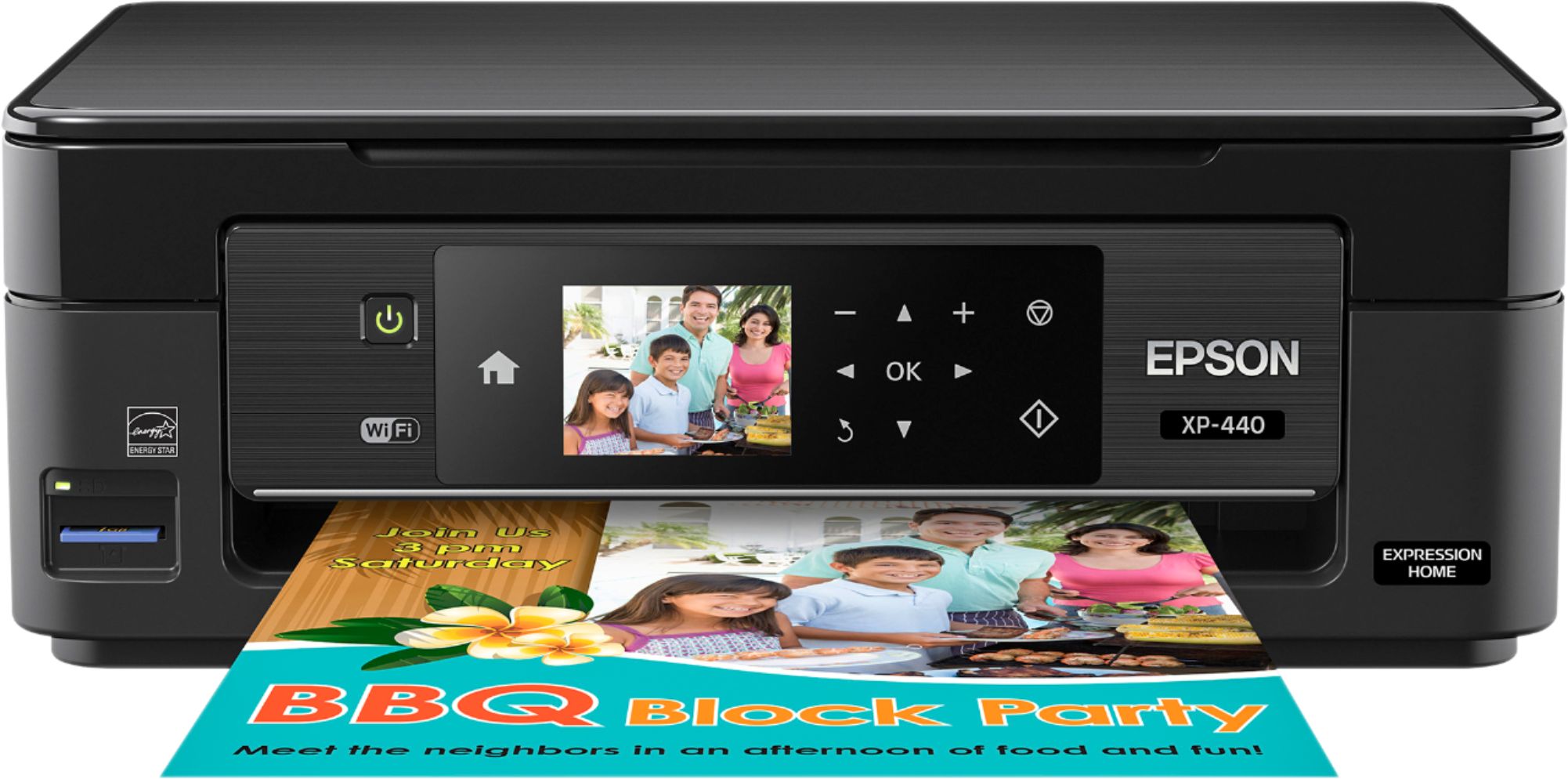
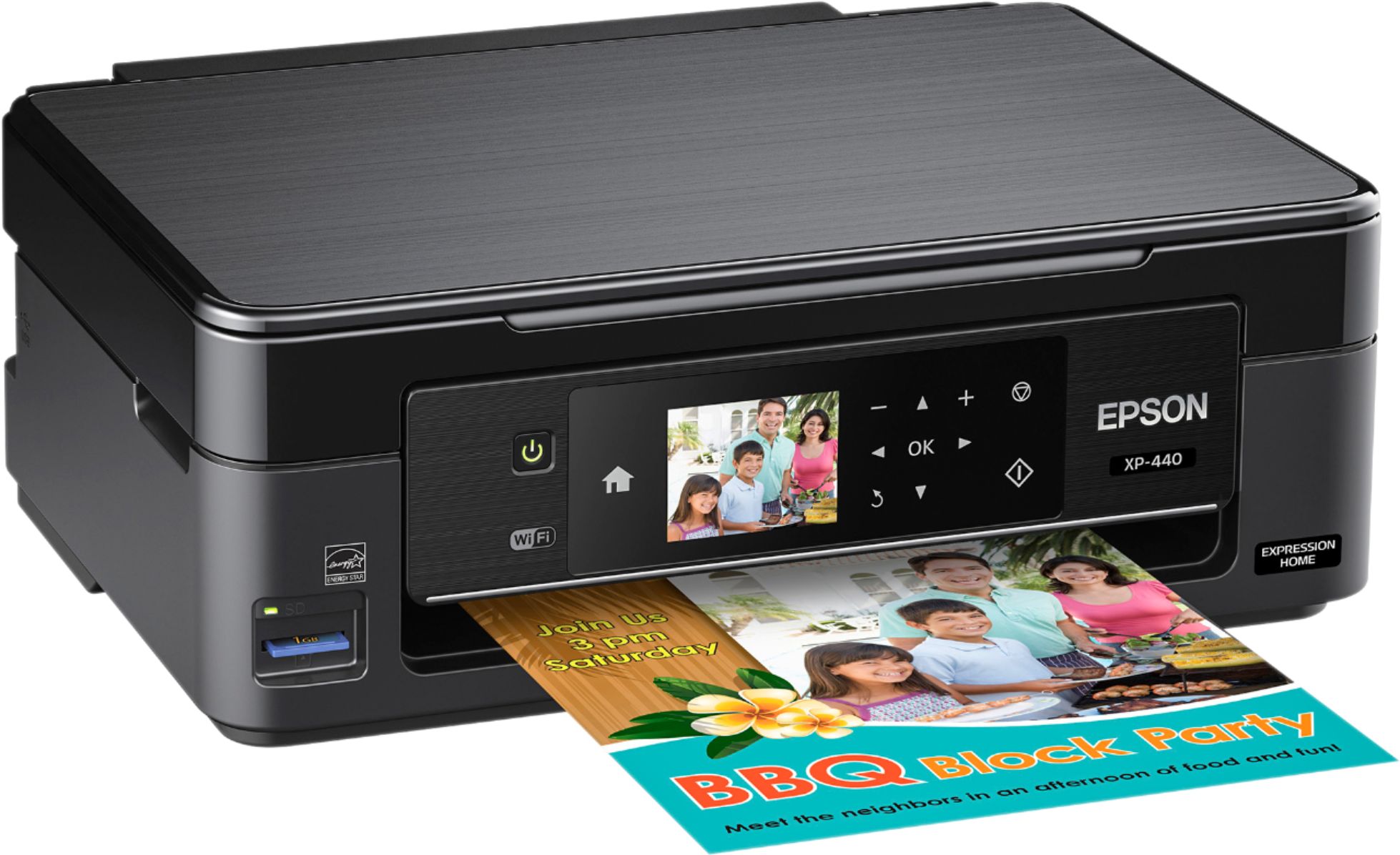
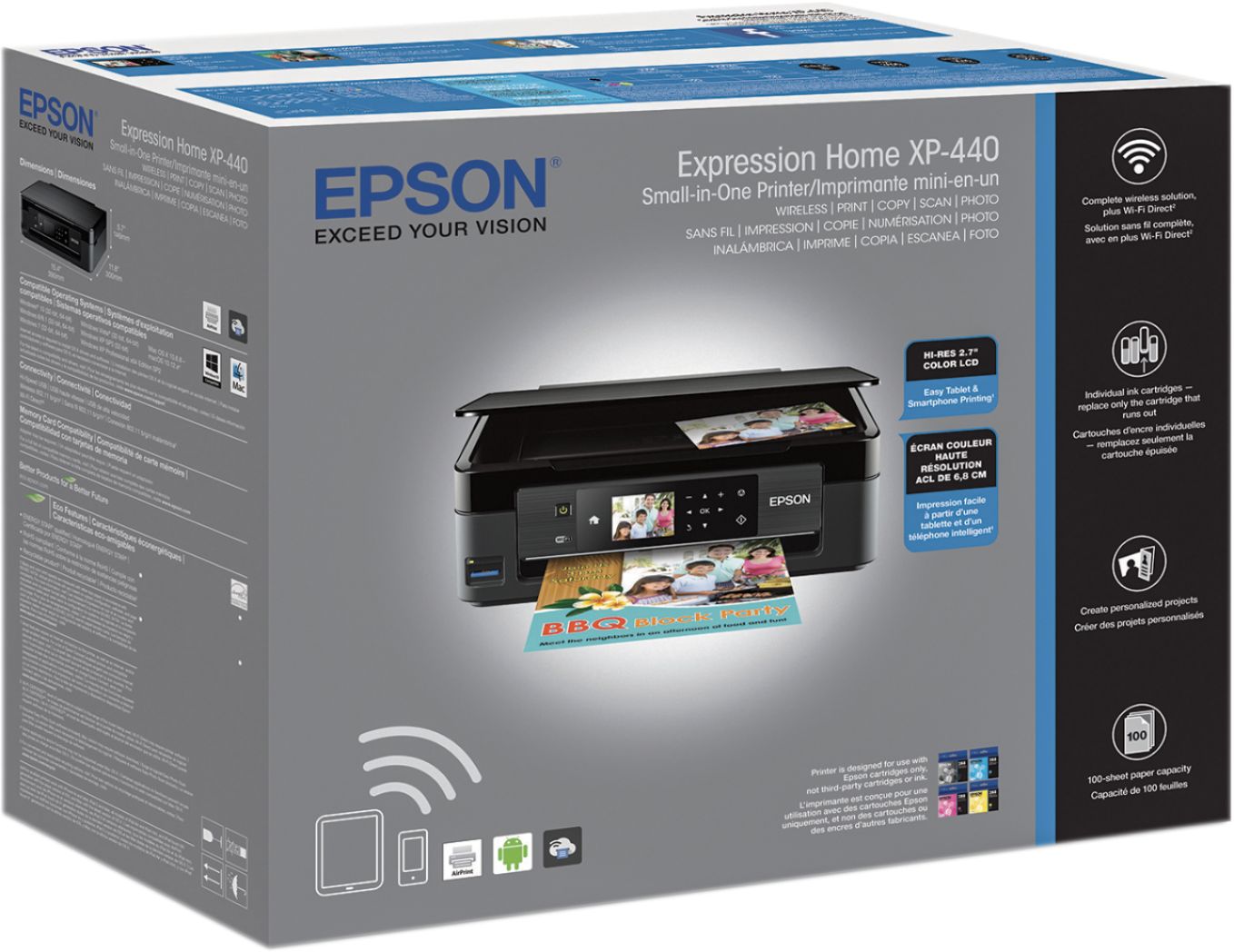
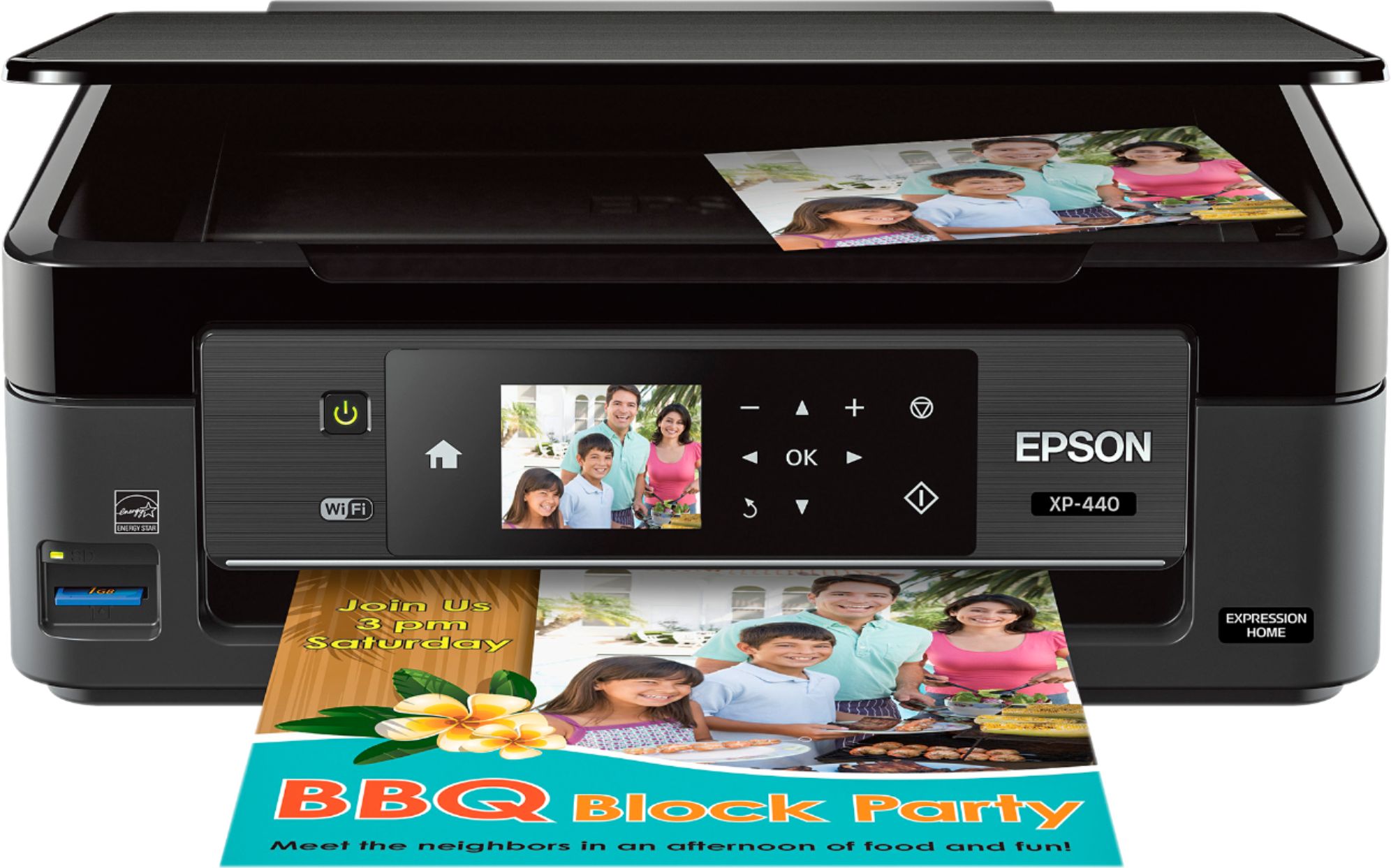
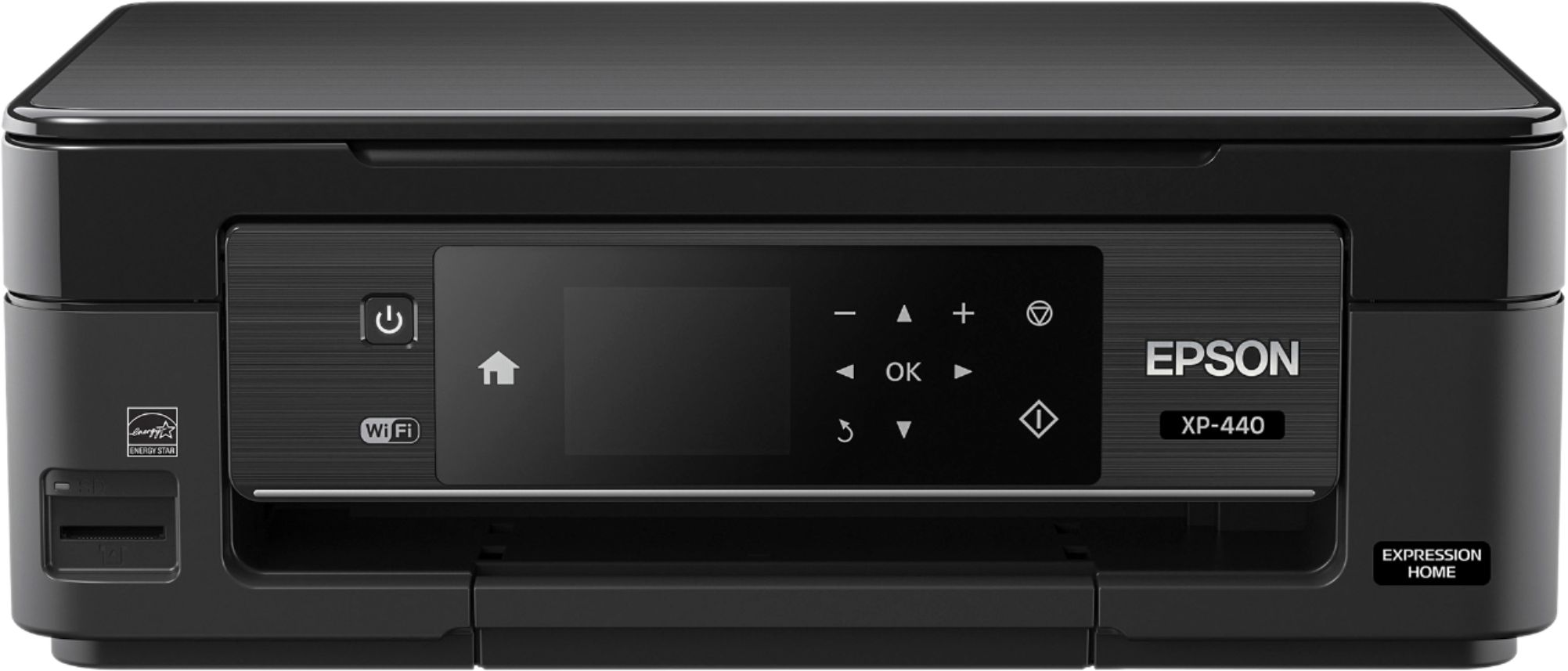
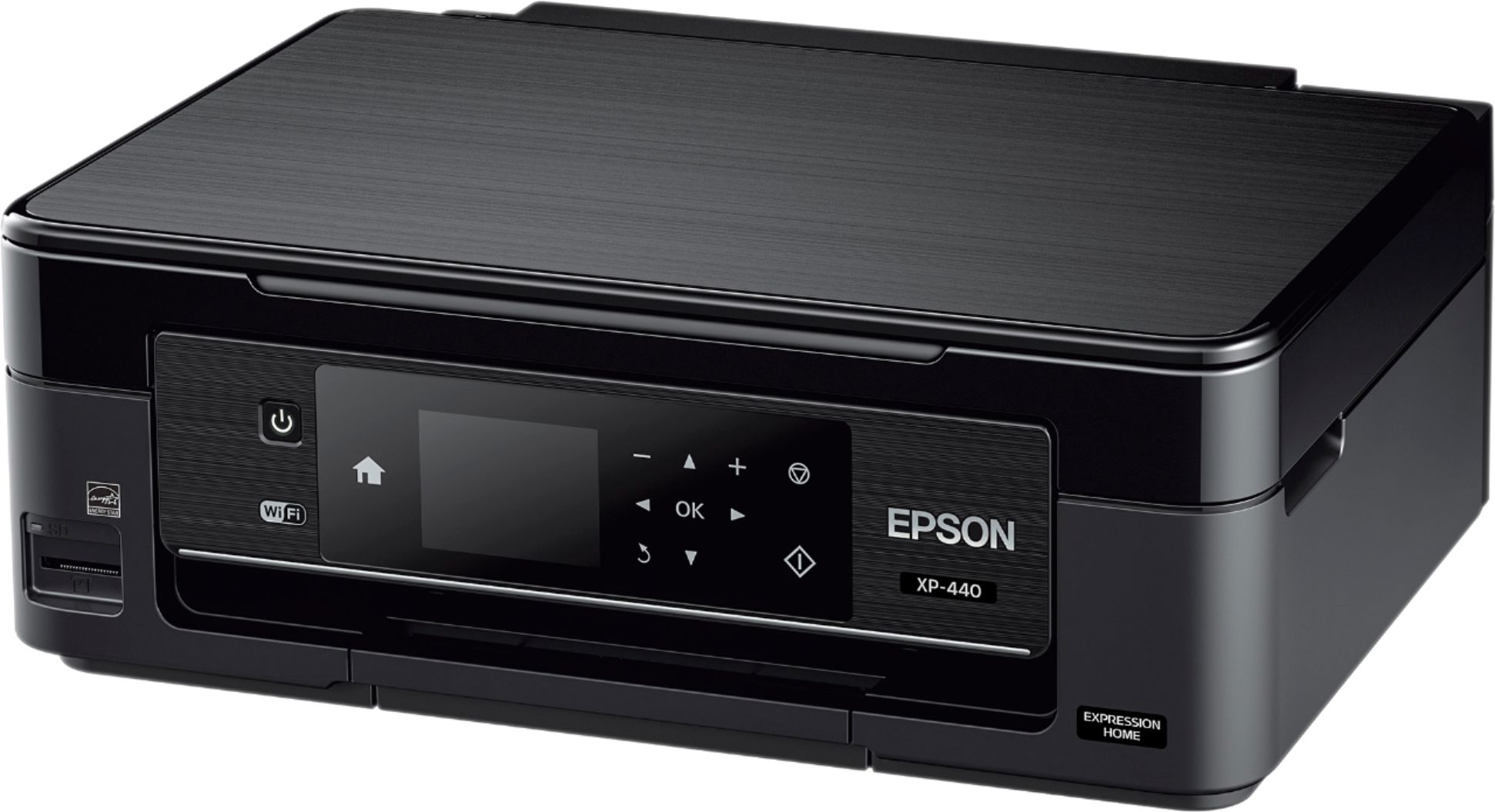
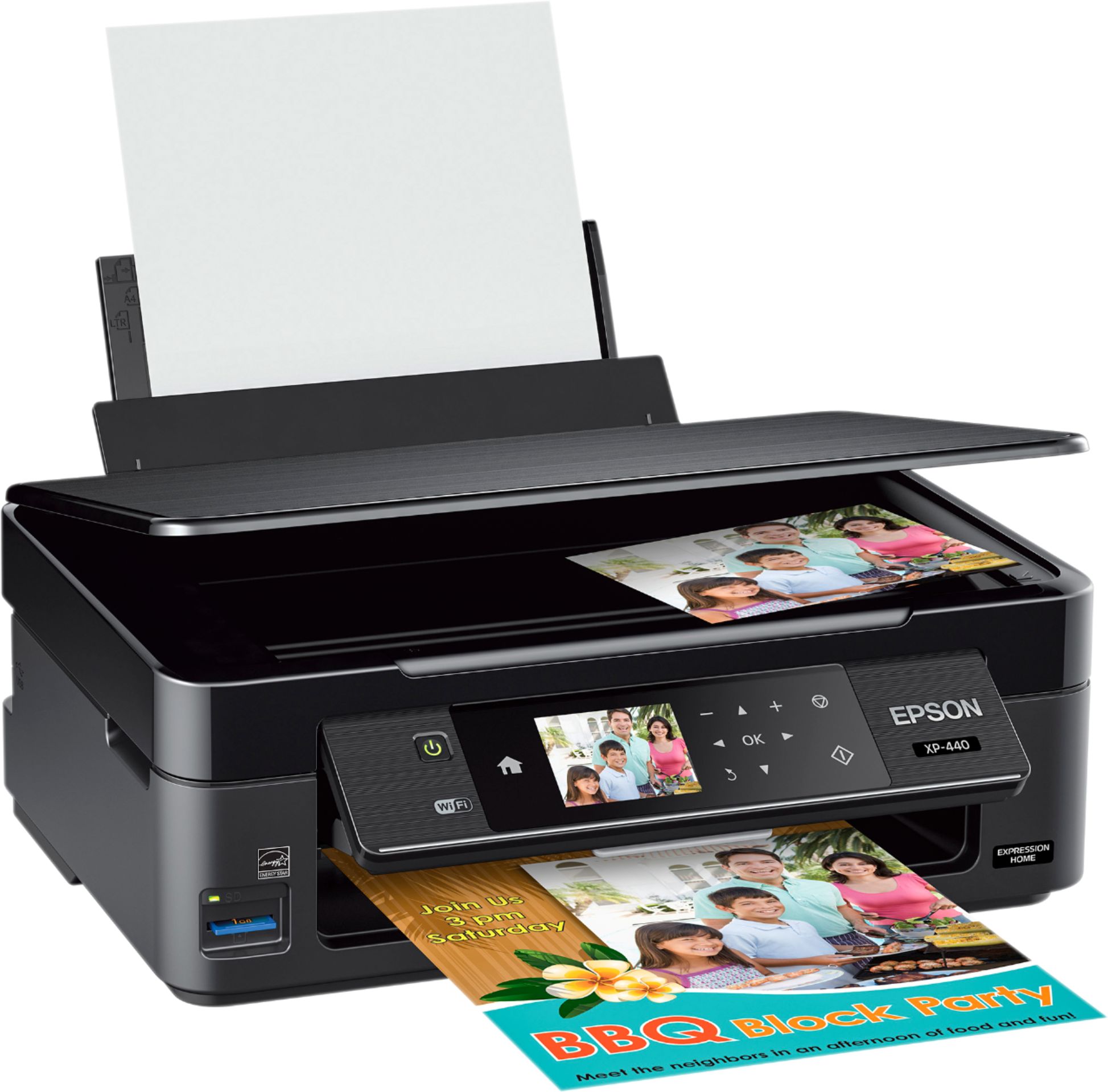
Customers are positive about the Expression Home XP-440 Wireless All-in-One Printer's print quality, ease of use, wireless functionality, and its compact size, frequently praising its value for the price. Many appreciate the straightforward setup process and quiet operation. However, some customers have expressed concerns regarding the printer's reliability. A small number reported issues with the printer ceasing to function after a short period.
This summary was generated by AI based on customer reviews.
Printer was defective
||Posted . Owned for 1 week when reviewed.This reviewer received promo considerations or sweepstakes entry for writing a review.It was printing visual ink lines. I returned the product.
No, I would not recommend this to a friendBrand response from Epson
Posted .Hi raij, Epson takes into consideration all feedback to improve the performance and quality of our products. We will forward your feedback to the relevant Epson department, as we are always looking to make future Epson products better. Regards, Patrick – The Epson Team.

- Pros mentioned:Size, Wireless
Excellent Beginner/College Student Printer
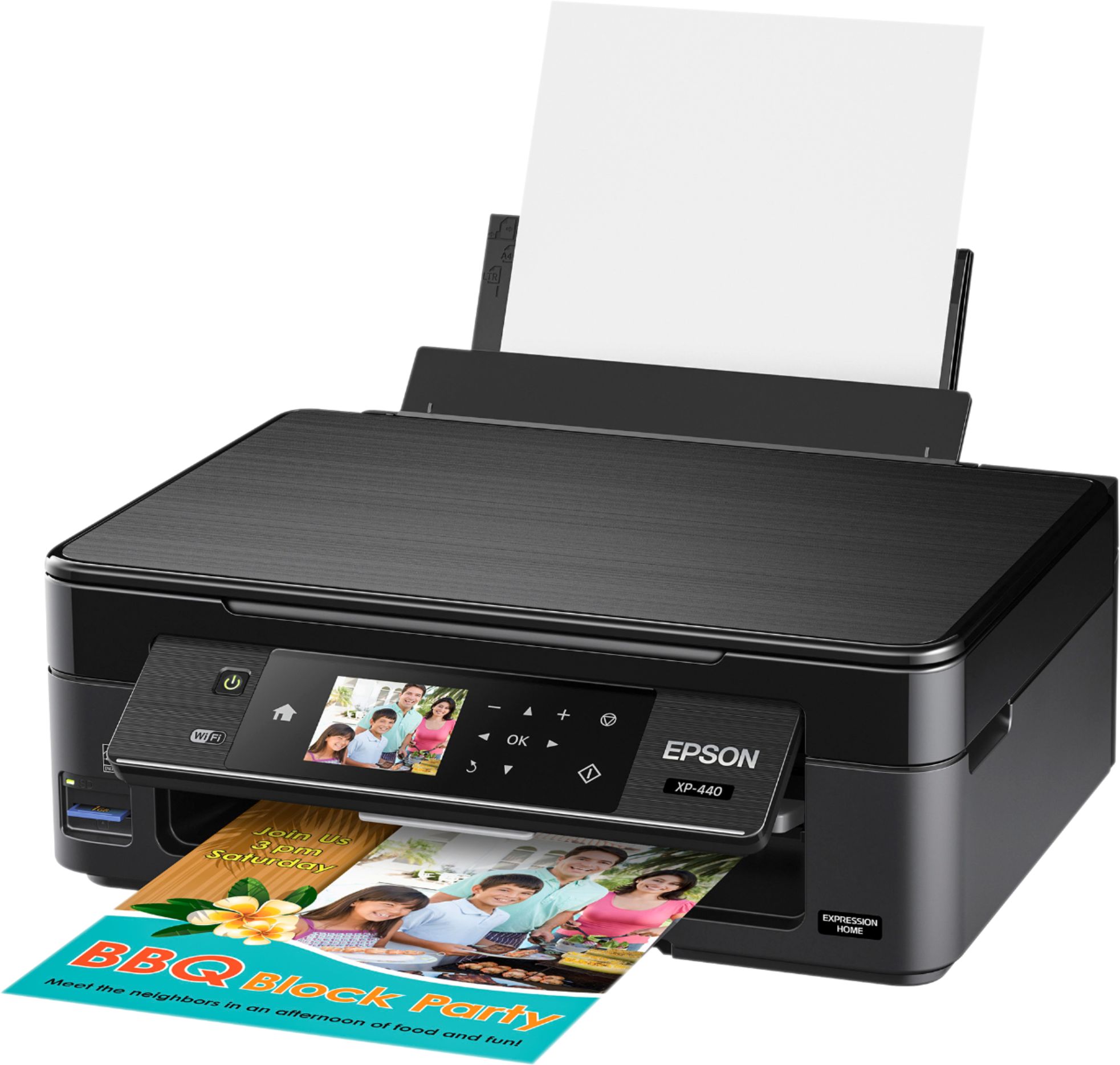
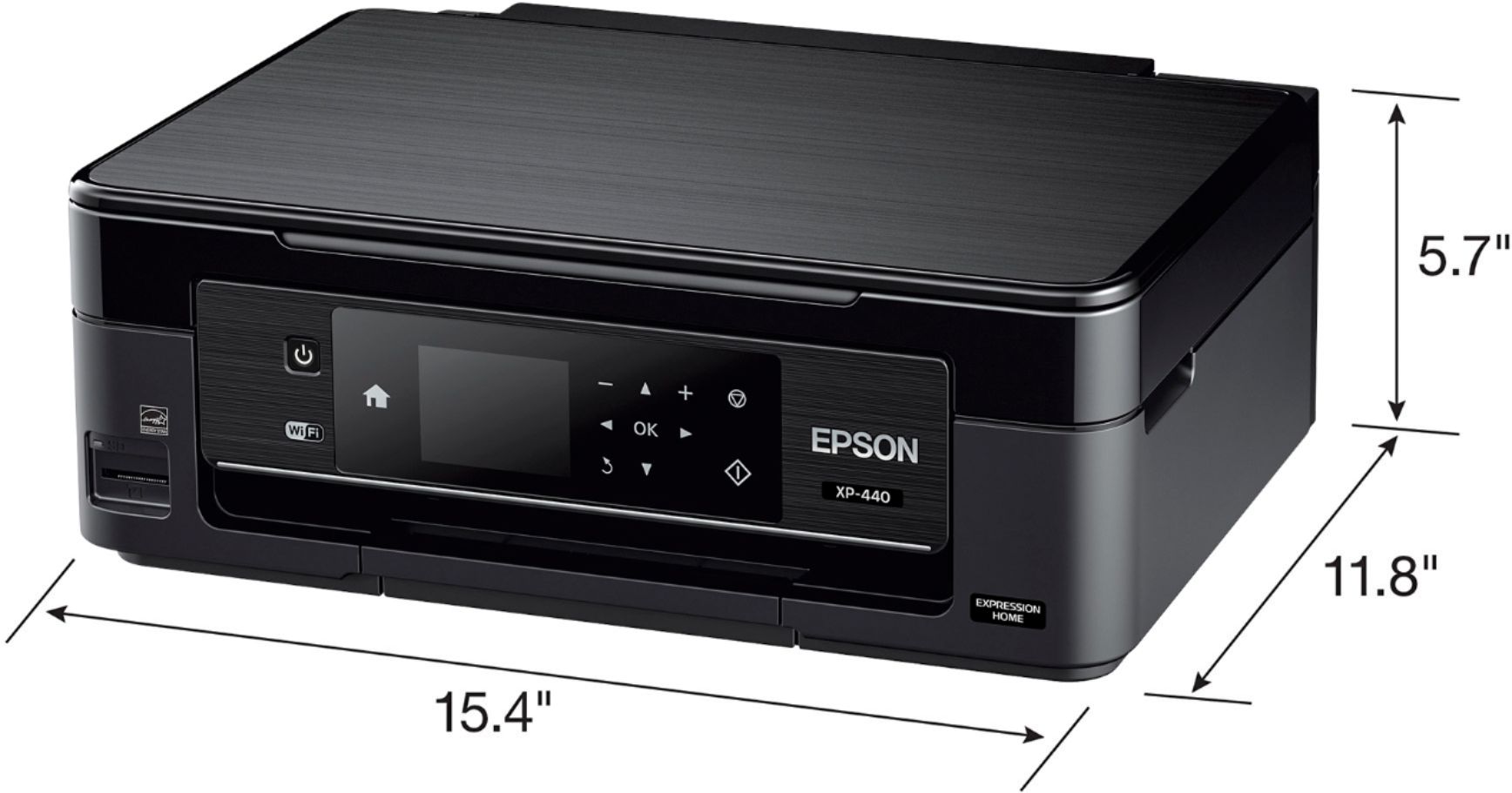
Posted .This reviewer received promo considerations or sweepstakes entry for writing a review.This is a review for the Epson Expression Home XP-440 Small-in-One Printer that I received free of charge to do a beta test and review. Review XP440 is a basic all in one printer/scanner (no fax). POSITIVES 1. Size: The printer has a very small footprint since you load the paper from the back and up so does not need 8x10 tray under the printer which also reduces the height. 2. It prints acceptable but not great edge less photos when used with the appropriate photo paper. The pictures are a little on the grainy side when compared to high end epson printers. 3. The printer can be used with a standard USB cable or wireless. The printer does allow apple airprint and works flawlessly especially for those working on iPads or Iphones this great for those without computers/laptops. 4. Weight: Very light and easy to carry for a college student that has to move out of the dorm every spring. THE PRINTER ALSO HAS SOME DOWNSIDES: 1. It is slower. Reminds me of the early 00's slow. 2. It is NOT a two-sided printer. To some this may not matter but for those trying to conserve paper it may be a deal breaker. 3. The LCD display screen is relatively small and is not high resolution. 4. Setting up the wifi password manually is a pain in the rear and feel like looking for a movie using a tv remote. 5.The ink cartridges are way overpriced to the point that they cost more than the print itself. Even the high capacity ink cartridge only print about 300 pages tops. It would be a great starter printer or college student that needs to only print occasionally. If you reporting at any sort of volume you really need a printer that holds more ink with less cost.
I would recommend this to a friend it has never worked sence i got it
||Posted .This reviewer received promo considerations or sweepstakes entry for writing a review.i have tried everything and it still wont make copy for me
No, I would not recommend this to a friendStopped working
||Posted .This reviewer received promo considerations or sweepstakes entry for writing a review.Replaced ink, doesn’t print still. Lasted a month.
No, I would not recommend this to a friendBrand response from Epson
Posted .Hi Wilfi, we are sorry to hear that you are having issues with your Epson printer. Your XP-440 includes a 1-Year Limited Warranty, plus free technical support for the life of your product. Our Epson Support Team would be happy to hear from you and can be reached at (562) 276-4382; Hours: Monday – Friday, 6am – 8pm PT; Saturday, 7am – 4pm PT. Sincerely, Patrick – The Epson Team.
- Pros mentioned:Ease of use, Print quality
Excellent home and small office printer
Posted .This reviewer received promo considerations or sweepstakes entry for writing a review.This is a review for the Epson Expression Home XP-440 Small-in-One Printer that I received free of charge to do a beta test and review. This is a very compact printer and it will print you standard page sizes and photo sizes. This is not a large format printer. It was a breeze to setup, you just power it on and it takes you through all the steps of setting it up including getting you setup on WIFI before you install the software on the computer. Follow all steps, don't put the ink in until it tell you. It does a 10-15 printer setup where the printer will make some noises. It will notify you when it is done to insert the ink cartridges. Driver was easy to install on the computer and it quickly found the printer on the wireless network and then asked if it could install the add-ons for printing from your phone, tablet, and via email. No problems at all and the printer was ready to go in less than 30 minutes. The printer is pretty quiet for a small home / office printer. Colors are vibrant and crisp. I did multiple tests with different paper types and they all came out excellent. The prints on 5 x 7 glossy came out excellent to and no smudging. Tanks are little small in my opinion but they are the standard size I have seen for printers of this type. Each color has its own tank and just replace the one that needs it. Printing from a mobile device was so simple and easy. Probably one of the easiest setups I have seen for this. All in all I think the printer is a good price for what it offers and it is a small footprint in your office.
I would recommend this to a friend Wouldn't buy again
||Posted .This reviewer received promo considerations or sweepstakes entry for writing a review.Ink nzzles clogged after printing 60 sheets. Rtrnd
No, I would not recommend this to a friendBrand response from Epson
Posted .Hi Moni, thank you for sharing your experience. Epson takes into consideration all feedback to improve the performance and quality of our products. We will forward your feedback to the relevant Epson department, as we are always looking to make future Epson products better. Once again, thank you. Regards, Marina – The Epson Team.
The worst printer ever
||Posted .This reviewer received promo considerations or sweepstakes entry for writing a review.WARNING: Do not purchase this printer! Not worth it.
No, I would not recommend this to a friendBrand response from Epson
Posted .Hi Lennae, we appreciate your business. Your XP-440 includes a 1-Year Limited Warranty, plus free technical support for the life of your product. If you're facing a specific issue, our Epson Support Team would be happy to help and can be reached at (562) 276-4382. Hours: Monday – Friday 6 am – 8 pm (PT), Saturday 7 am – 4 pm (PT). We hope to hear from you soon. Cheers, Quinn – The Epson Team.
Great!
||Posted .This reviewer received promo considerations or sweepstakes entry for writing a review.Great printer for the money! I would recommend for the value
I would recommend this to a friendCheap
||Posted .This reviewer received promo considerations or sweepstakes entry for writing a review.If your looking for a throw away printer get this one
No, I would not recommend this to a friendA bang for Your Buck Printer!
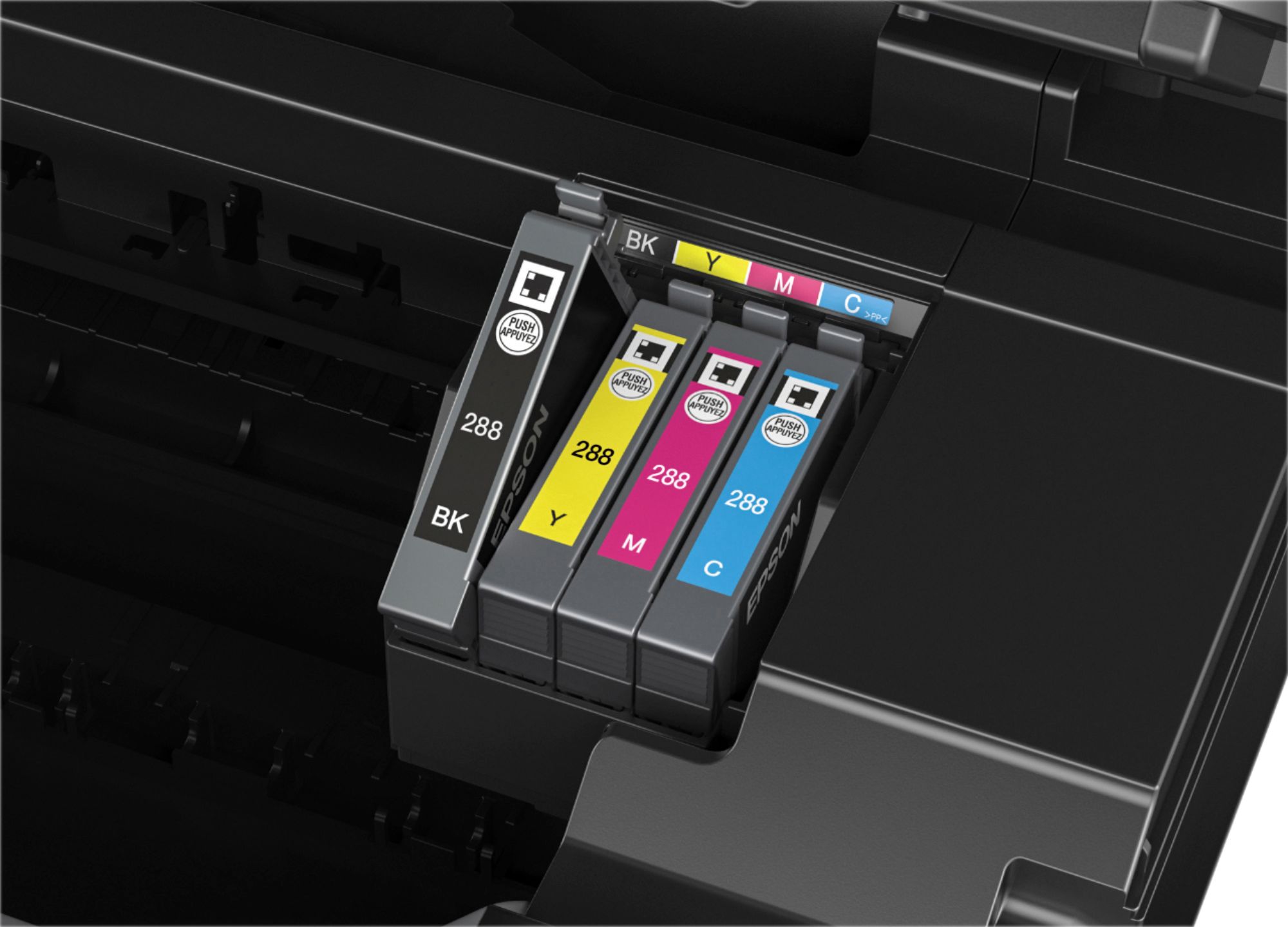
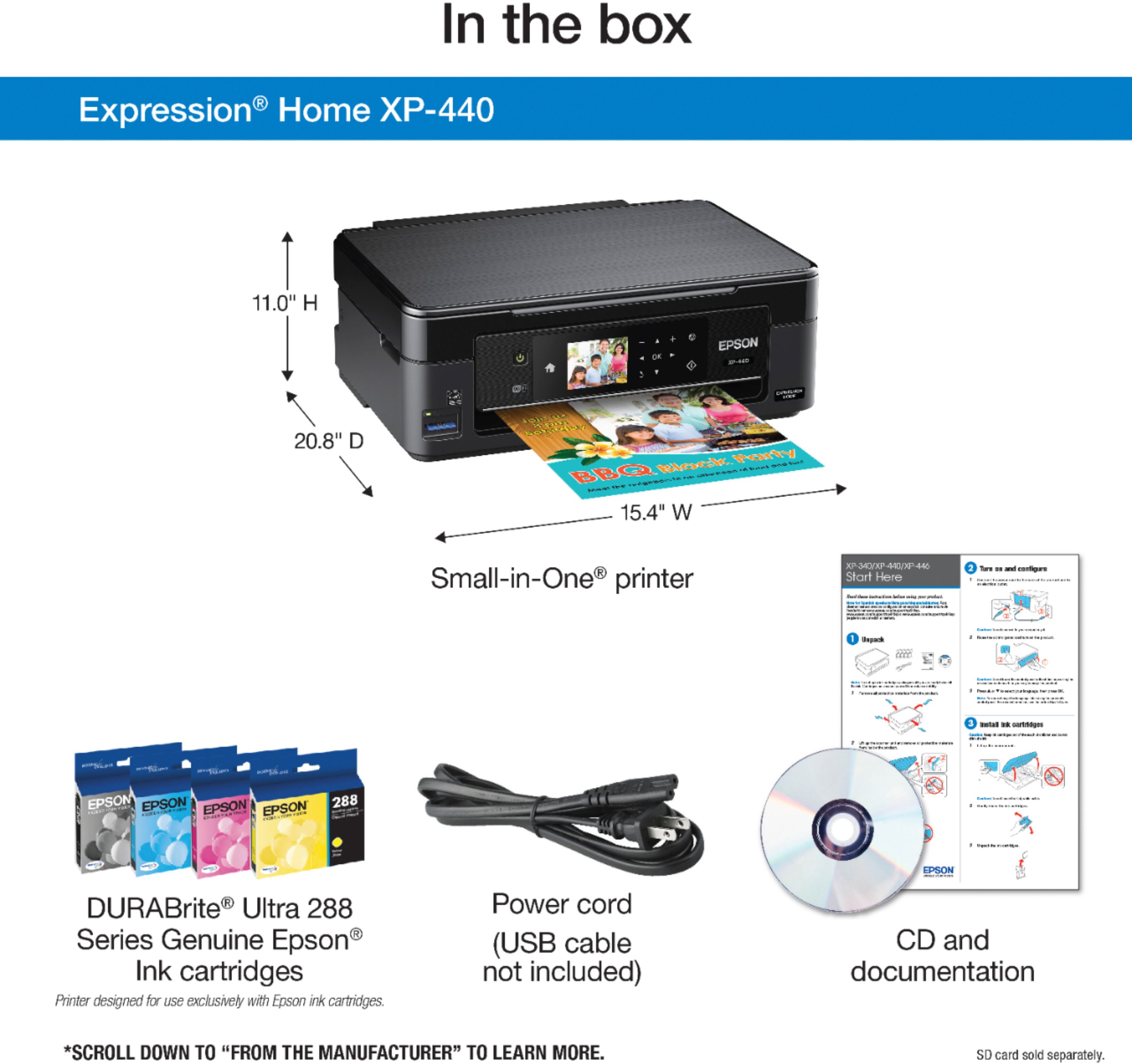
Posted .This reviewer received promo considerations or sweepstakes entry for writing a review.This is a review for the Epson Expression Home XP-440 Small-in-One Printer that I received free of charge to do a beta test and review. Overall I would say this printer in my opinion is for beginners, but it can be for those looking to save a buck or two as well. Depending on what we all need a printer for, this small in one will allow you to print, copy and scan documents / files and photos. There is a feature that allows you to scan and share to facebook and the cloud. So sharing to facebook would not really be for me, but for that person who wants an easier way to share photos, I would say this feature would be for you, and with the cloud, I find it useful as I am always sending files / data to the cloud, so that was another feature available along side that. Also you are able to do a creative print, so you can for example print facebook photos and creative custom cards, stationeries, and more with the creative print app on your phone, whether it be Android or iOS. when opening the box, the printer is securely packages, nothing is moving around loosely at all, everything was intact 100%, safety tape is on all parts of the printer. You get a Power Cable, software / driver software, setup guide, and printer. It is an easy setup, whether using a Windows based PC or a Mac. I based this from a beginner to tech savvy person as myself, it is easy to go about setting up a printer whether it was wireless or being connected via a PC of Mac with usb, just make sure for those who are not as tach savvy and may be new, that you follow the instructions step by step. Everyone will have a different experience, I will say if you happen to have an issue, depending on the store you purchased from, if you paid for a service, just remember you can contact them for help or Epson support as well. I am basing that statement off of my past experiences as a consumer and I have provided tech support for past 3rd parties both side business and as an employee, so I have been on both sides of the shoe. I will say only drawback is I wish printer companies would still send a usb cable with their printers, but they do not do this anymore, so make sure to when purchasing your printer whether it be online or in store that you purchase a Type A Male to Type B Male usb cable, I would say 6ft should be enough as that is what I am currently using for mine in the office, but each person will have a different preference. Also to mention if you do not want to use a usb, you can go fully wireless and print from anywhere in your house hold, whether close or far away. The printer happens to have a 2.8" screen, you can literally load 100 pages in the paper tray, as that is stated the max capacity, one may get away with one or two extra pages if lucky, but it will depends on the type of paper being used as well. As you can use standard paper, or the following: Premium Glossy Photo Paper, Borderless Glossy Photo Paper, Matte Paper (heavyweight), premium semigloss photo paper, and many more selection out there today, just make sure to watch for the thickness of the paper and if the printer can handle the print you are looking to do. The best part that I like about this printer is the cost of each ink cartridges compared to my experience with past printers from Epson, and competitors is the how high the cost of ink was, now the standard ink cartridges which would be about $9.99 which may differentiate on your location where you live. Epson has the XL ink cartridges as well, which are bit more, but they hold more ink in the cartridge itself, so you are able to do more printing. The types of cartridges this printer uses are cyan, yellow, blue, and black, just know if one goes out you are not constraint to replace all cartridges as some other brands make you do, you can just replace the cartridge that is out. Now I will point out if you are like me and like to print document as well and have many you need to print you can set the quality of the ink, in other words you can adjust how light or dark you print, which would determine how much ink is used from the printer, so you may use less or more. You can do another same when printer photos as well, just depends what setting you choose either if manual or using Epson’s software on your PC, Mac, Android, or iOS, and etc. Over all I am impressed with the quality of the prints, I like how when I scanned copies they scan pretty fast, I do not have to wait for the printer to run a few minutes before printer, it prints as soon as I select what I want and press print. I was able to do this with ease from both my wireless devices and my computer that is connected via usb. The photo prints will take a few minutes or longer depending on what you are printing and your print settings for photos, as I like high quality photos with the style of shooting I will do from DSL, Point and shoot, to GoPro photos. The quality was great as well, was able to print some memories from the past. This is a really good printer for the size, you can put it almost anywhere in your house of your choosing, depending if connect USB or wireless. So you can set this printer up in any room you choose, and on a desk, shelf, etc. Note: make sure that whichever room you hook your printer that the Wi-Fi signal is there when connecting) As past experience different rooms different materials of the house affect the signal of your Wi-Fi which affect connection, is one reason I personally go wired if I can. Right now just to throw it in, my printer is it set up as a print share on my network. So anyone and everyone I allow to can print from this printer on my network.
I would recommend this to a friend- Pros mentioned:Ease of use, Print quality
Great Value For Printing Needs
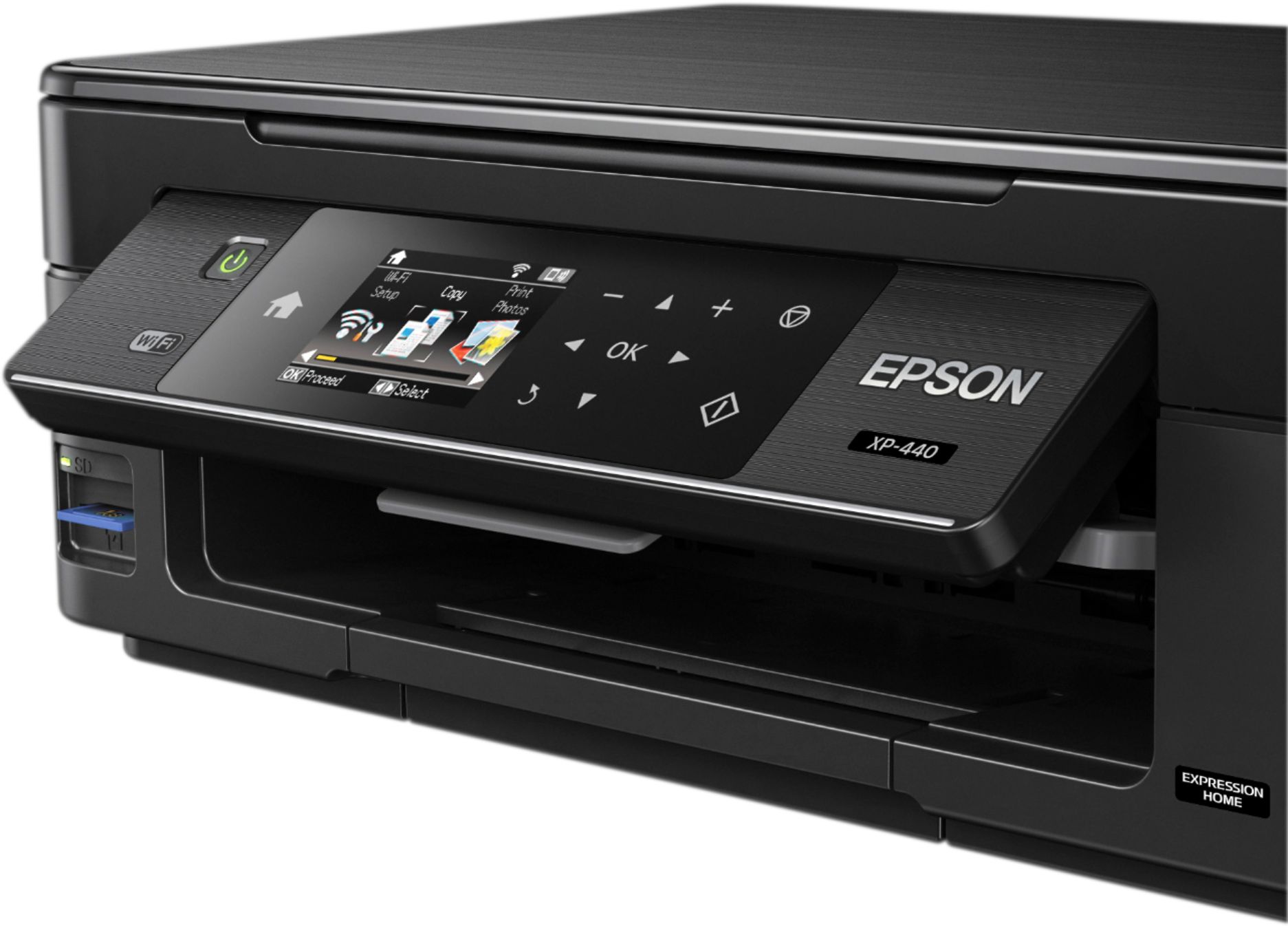
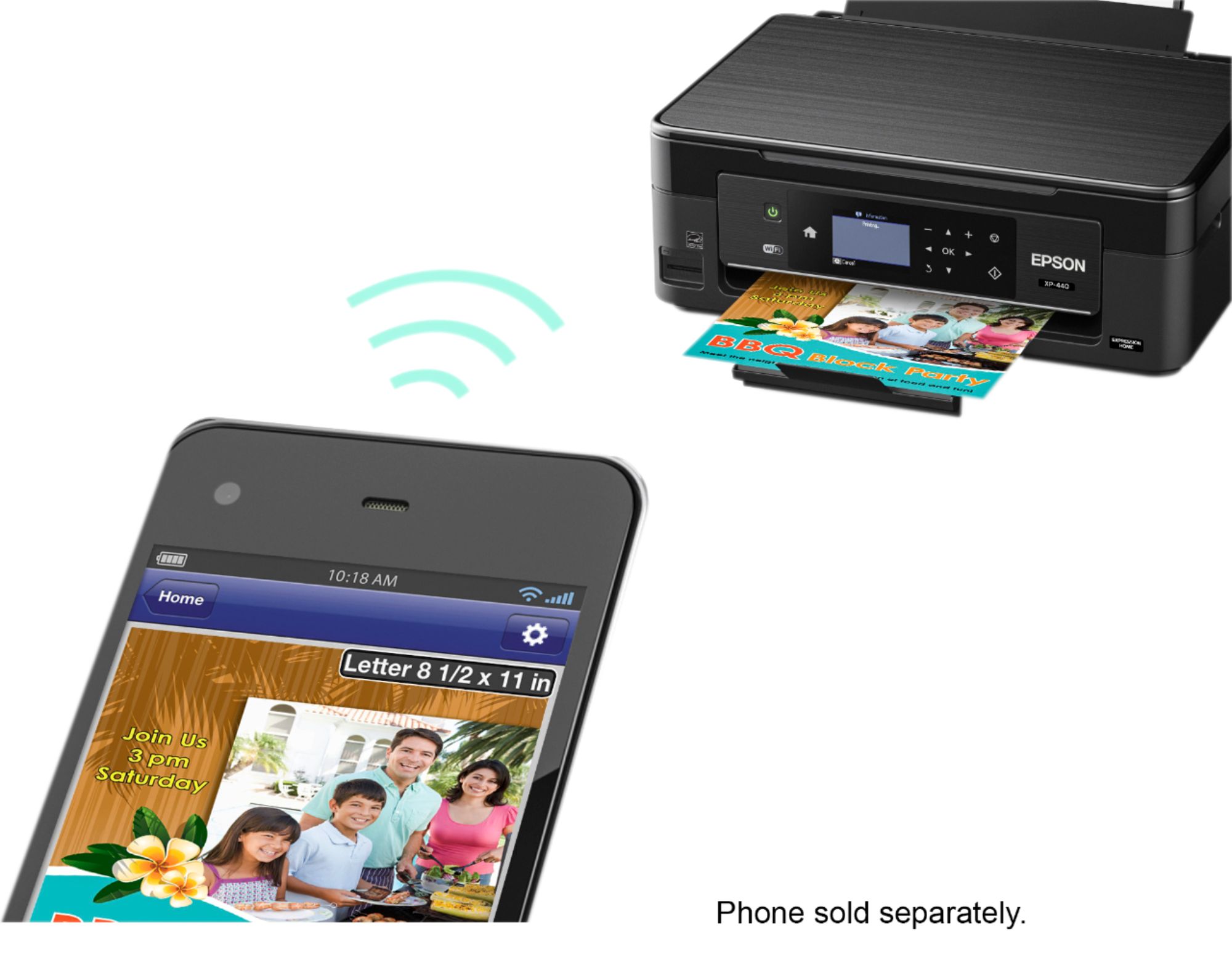
Posted .This reviewer received promo considerations or sweepstakes entry for writing a review.This is a review for the Epson Expression Home XP-440 Small-in-One Printer that I received free of charge to do a beta test and review. Upon opening the box I was surprise at how light weight the printer was. It is very convenient if you need to move the printer around from place to place like I do since I don't have a formal office. The printer itself comes with a variety of papers to test and try out which is nice because You can see what works best for your individual project. During set up I had to use the CD to install the driver for my Windows computer. It was a little bit of a struggle to get the correct driver installed. This was more than likely due to my laptop itself. Opening up the files on the computer and running the install software manually was a breeze, so if you laptop isn't the best or most up to date you can still install easily! My first print was from my Samsung S7 Edge. I installed the app as directed and that was it! I selected my photo and made sure the paper was installed and it came out perfect! I love that it was super easy friendly for the mobile device. I have another wireless printer and it was MUCH easier to get the Epson 440 to run using my phone. You have the benefit of the screen as well. It pops up to see it better just like the higher end all in one printers have. The nice part is underneath there is a button that you can push that makes the screen go back down to be flush with the printer again. With other printers I have had an issue getting the screen to go down and I have felt that I would break it. With the Epson 440 there was no worry or need to force anything. All in all it is a great printer. You get a lot of value for what you pay and it prints smoothly for photos and everything else.
I would recommend this to a friend - Pros mentioned:Print quality, Size
Review of Epson XP-440
Posted .This reviewer received promo considerations or sweepstakes entry for writing a review.This is a review for the Epson XP-440 that I received free of charge to do a beta test and review. First I want to explain my thinking of how a printer should arrive, be packaged and easy of setup and quality for the cost. The printer arrived ahead of schedule and was in good shape upon arrival. As I opened the box I was looking for how it was packed and if there was enough material to protect the printer. I am happy to say the printer is well packed. As I removed the printer I see that it is protected well. When I was ready to set it up. It was one of the easiest printers I have ever set up. Took longer to unbox it, then set it up, configure, and print my first page. I appreciate the easy ink cartridge install and everything is color coded. The printer is light and small in size. Just right for a desktop printer. The real test of any printer is how does the printout look. Well I am very pleased with the quality and the very fast print speed. Looking at cost of replacement ink cartridges I am happy to see the cost is below what I am paying now for about the same number of printed pages. As for the quality, price (if I had paid for it) speed and overall performance I give the Epson XP-440 a Thumbs up. The only thing I wish it had is a fax option.
I would recommend this to a friend - Pros mentioned:Ease of use, Print quality
Great all-in-one printer
Posted .This reviewer received promo considerations or sweepstakes entry for writing a review.This is a review for the Epson Expression Home XP-440 Small-in-One Printer that I received free of charge to do a beta test and review. This printer is a small, compact printer that is equipped with all the necessary functions needed for daily tasks. The printer's functioning exceeded my expectations. The printer comes with similar features as other printers, including the ability to scan and make copies. The copies/scans came out clear and surprisingly fast for such a small printer. The buttons on the face of the screen are easy to press and navigate through the functions of the printer. I especially liked how you can insert a USB and scan an image that can be e-mailed as a PDF. What I liked most about this printer is that it can be home for both in-home and business-related tasks without breaking the bank. The printer easily connected to WIFI for convenient wireless printing. This printer uses individual black/color cartridges, so you have the convenience of replacing only the necessary color needed. I always felt so wasteful when using other printers that would make you discard the entire cartridge, even if some of the color ink was still left. In my opinion, this is one of the most attractive features of the printer. The printer comes with a few sheets of high-quality paper that can be used to print photos from your social media easily with a USB. Overall, this a great printer for the price.
I would recommend this to a friend - Pros mentioned:Print quality, Wireless
Nice home printer
Posted .This reviewer received promo considerations or sweepstakes entry for writing a review.“This is a review for the Epson Expression Home XP-440 Small-in-One Printer that I received free of charge to do a beta test and review.” I also have an Epson WorkForce printer that i use for my home office and when we had an opportunity to test another printer for the family needs, i jumped on it.. This is a great little printer, supports both AirPrint (for our iPhones and iPads) and Google Cloud print (for the school chrome book) and was easy to setup. No more using my PC with 3rd party software to print from the iPad/iPhone or chromebook.. Printed a few pictures/documents and they looked good even in the standard quality. Photos with the sample paper / high quality settings looked amazing Works well, just wished Epson would have left the USB port on for use with the scanner and the large capacity Black cartridge which i've become used to in the WorkForce model...
I would recommend this to a friend - Cons mentioned:Reliability
Failed After 80 Days, Support Failed, Too
Posted .This reviewer received promo considerations or sweepstakes entry for writing a review.We bought this printer on Oct 17, 2017 at Best Buy. The black ink ran out at Christmas (less than 90 days), so installed a new Epson ink cartridge. It worked for about one day, then the printer locked up. The home screen was inaccessible. The ink cartridge was inacessible. When we turned it on, the screen said "Ink Out - Error" in red letters. So I took it to the Geek Squad. They were great! I bought another Epson cartridge. The Geek Squad figured out how to install the new cartridge. Same Error. I called Epson, while they waited. Epson's rep said the printer was defective and to ship it back, but Epson required a credit hold for the full purchase price. I gave them a credit card. Epson's rep submitted it twice, but said it was declined. Turns out Epson's rep misspelled my name. Fixed, Declined again, twice. Turns out one digit of the card was mis-entered. Fixed. Declined again, twice. Turns out the Epson rep misspelled my city name. Fixed. Declined again, twice. Turns out Epson's rep mis-entered my phone number. Fixed, Declined again. Twice. By this time, we had corrected every possible field in the credit card screen, and it was still being declined. Either some data entry errors persisted, or the credit card company 's fraud prevention kicked in after 8 failed attempts. I gave up. This printer is in the dumpster, along with Epson's reputation.
No, I would not recommend this to a friend - Pros mentioned:Print quality
Amazing photo printer but short on ink
Posted .This reviewer received promo considerations or sweepstakes entry for writing a review.If this was marketed as only a photo printer and scanner I would definitely give it five stars as the quality of prints on glossy paper is on par if not better than professional prints or photos from developed film. The scanning detail is some of the best I have seen in a consumer grade product as well. In regards to document printing I would say look elsewhere unless you want to replace ink frequently as the rating of even 150 pages would be prints at draft quality as after about 15 pages of just black and white text documents my ink was shown to be down to nearly 3/4 full. In summary this is an absolutely amazing printer for high quality photo prints and scans and I would recommend it for that purpose as the cost to use the printer is on par with the results but if you are going to use this for printing documents of any decent yield look at another device. "This is a review for the Epson Expression Home XP-440 Small-in-One Printer that I received free of charge to do a beta test and review."
I would recommend this to a friend - Pros mentioned:Print quality
Small but powerfull
Posted .This reviewer received promo considerations or sweepstakes entry for writing a review.Epson Expression Home XP-440 Small-in-One is a great little printer for personal or home office use. With a low pricepoint, you can start printing in color and great quality. Some of the great features that our Managed Services team here at Solutions Squad found was the ability to print via Wifi as well as from Memory card. The replacement ink can get a bit costly, but with the DURABrite technology, it's a great bargain. Scanning and copying are just the icing on the cake for this great little printer. This is a review for the Epson Expression Home XP-440 Small-in-One Printer that I received free of charge to do a beta test and review.
I would recommend this to a friend - Pros mentioned:Print quality, Size
Best Compact Printer
Posted .This reviewer received promo considerations or sweepstakes entry for writing a review.This is a review for the Epson Expression Home XP-440 Small-in-One Printer that I received free of charge to do a beta test and review.Overall the printer seems great, it was easy to setup, super lightweight and compact. the print quality was also good its not as loud as most printers are when there printing. i loved the idea of wireless printing and being able to send whatever your wanting to print to your printers email address and print from anywhere. ink is very affordable. i give this product a 5 star rating and i highly recommend this product to anyone looking for a lightweight, compact, affordable printer.
I would recommend this to a friend Good space saving printer
Posted .This reviewer received promo considerations or sweepstakes entry for writing a review.The first things that I noticed about this printer were the compact size and light weight. I think it would be a great printer for a home or home office where space may be limited (like mine). Or, it would be perfect for a student. Set up was very simple. To connect to my ipad, all I had to do was plug in the printer and connect it to my wifi connection. It printed directly from my air print without any problems! To print from my laptop, I did have to install the software that came with the printer but had zero problems there either. Epson has been known for many years as a go to brand for photo quality printing and although this is one of the less expensive models, it does not disappoint. Photos print sharp, ink dries instantly and the photo is smudge resistant. Remember the printers that would saturate your copy paper with ink and you were afraid to touch it? Not a problem with this one! It has some great features that do not usually come standard with an all in one printer (well, not any I have seen lately), unless you get a fancy expensive office type printer. One feature is double sided printing. I love this feature! It saves paper which saves money! It also reduces waste which is good for the planet (brownie point for Epson!). I was surprised that the paper tray held up to 100 sheets of paper considering the compact size of the printer. When scanning in a document, you have the option to scan it in as a JPEG or as a PDF. It also has an option to scan it to “Cloud” which I have not tried yet but I think it would eliminate the need to scan it to a memory disk or directly to the computer. A couple other optional functions include copy/restore photos, photo layout sheet, slideshow and personal stationary. Over all, this Epson printer is a great quality printer at a good price with a nice space saving design. If you are in need of a good quality printer but are limited with space, or you just don’t want to have a big bulky printer sitting in your home – I recommend this Epson printer! This is a review for the Epson Home XP- 440 Small in One Printer that I received free of charge to do a beta test and review.
I would recommend this to a friend- Pros mentioned:Print quality
Initial setup was a bit time consuming
Posted .This reviewer received promo considerations or sweepstakes entry for writing a review.I am pretty tech savy and the initial set up took about 30 mins. Not bad, but if I were a beginner or a person who just wanted a printer for printing, that's to hard. The instructions weren't much help either, just stating that the printer would detect the hook up and to follow the on screen instructions, the printer did detect the connection, but it took some messing with. Possibly this was because I connected it wireless , but IMO this is the easiest to way to connect a printer. The printer is great, copies, prints, scans, prints photos from a memory card. It does everything it is supposed to do and does it well. The print time is a bit slow, but the prints are incredible looking. I even printed something from my phone by emailing it to the printer, and it worked perfect. I was at work, I had a document emailed to me, I then forwarded it to my printer, and when I got home from work, it was printed and waiting for me to sign. The ink is a bit expensive if you print over 100 prints a month. I print around 100 to 150 prints per month, so for me it was a bit expensive. I am used to 1 color cartridge and 1 black cartridge, the Epsom XP-440 uses a black, yellow, magenta and cyan cartridge. Like I said, not a huge expense if you keep your prints to a minimum. “This is a review for the Epson Expression Home XP-440 Small-in-One Printer that I received free of charge to do a beta test and review.”
I would recommend this to a friend