Customer Ratings & Reviews
- Model:
- C11CF2720
- SKU:
- 5732908
Rating by feature
- Value
Rating 4.0 out of 5 stars
- Quality
Rating 3.9 out of 5 stars
- Ease of Use
Rating 4.0 out of 5 stars
Customers are saying
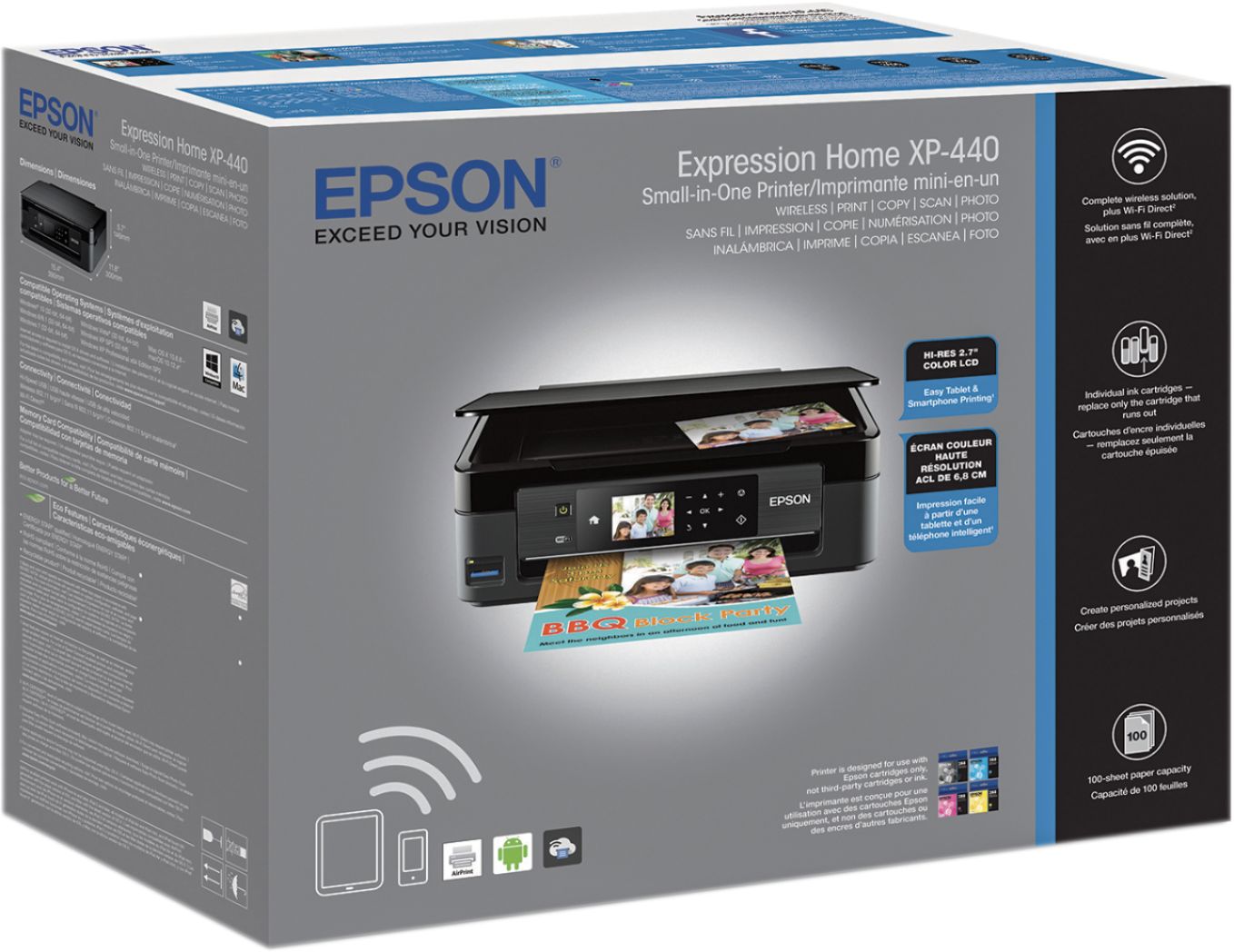
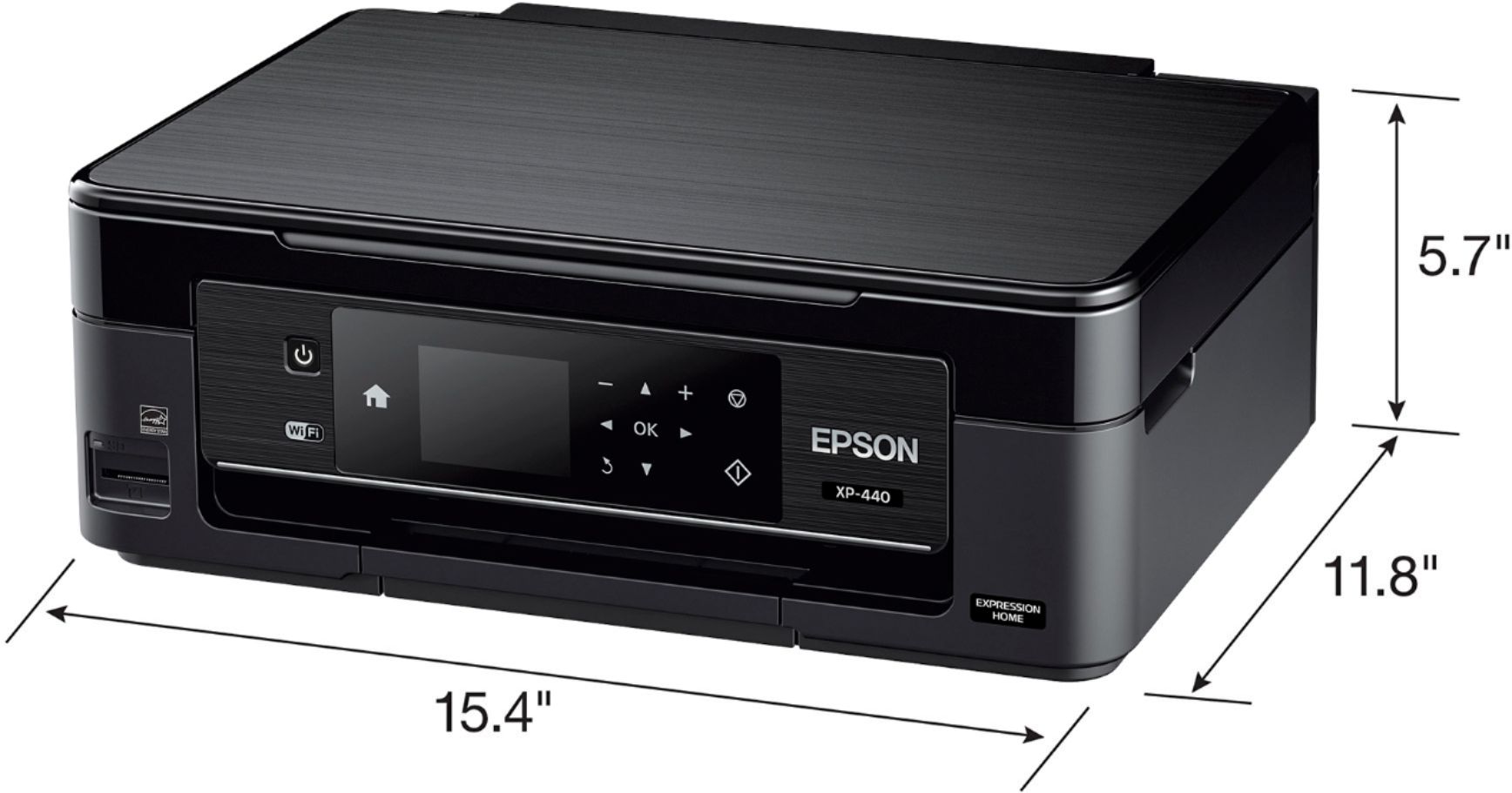
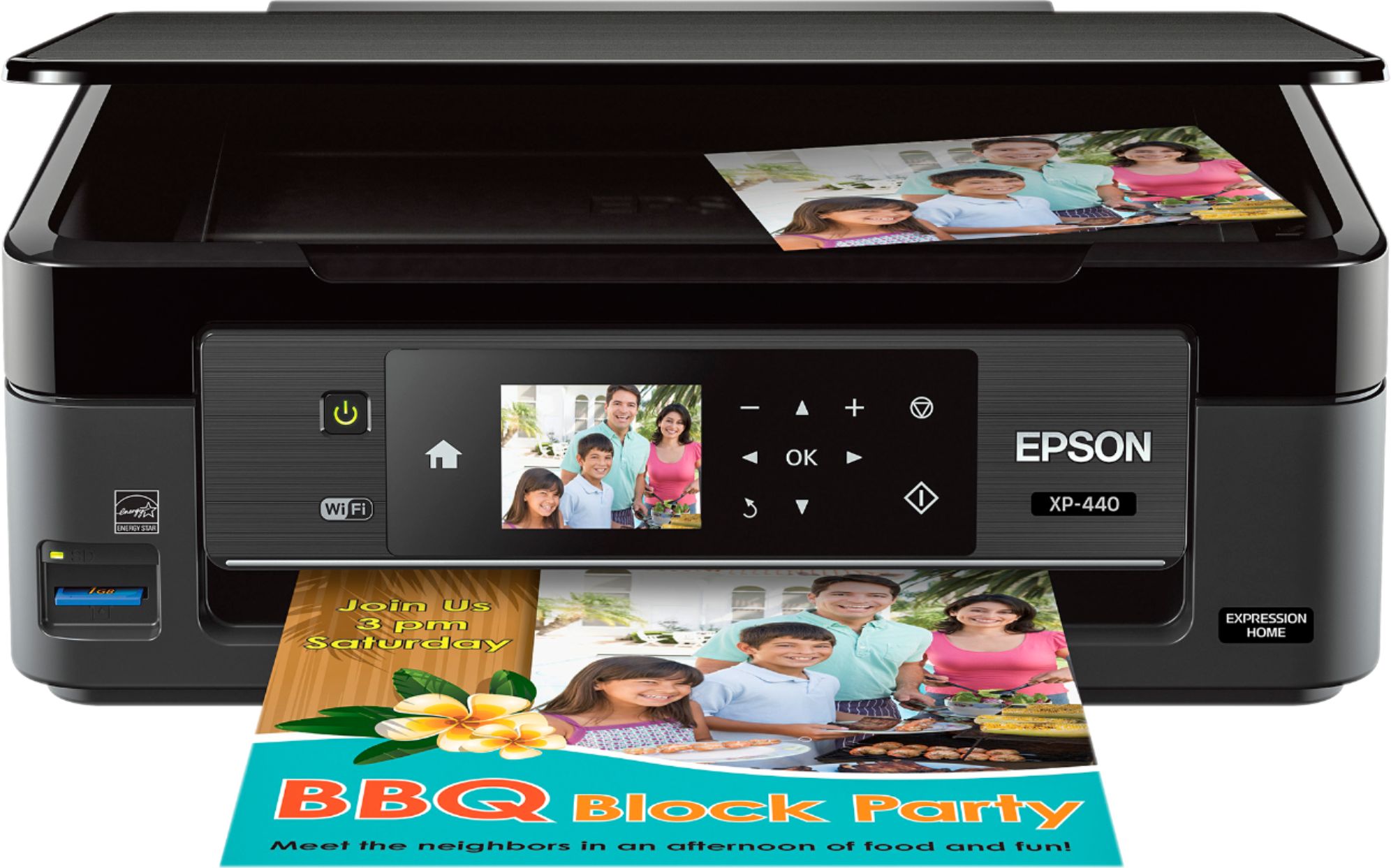
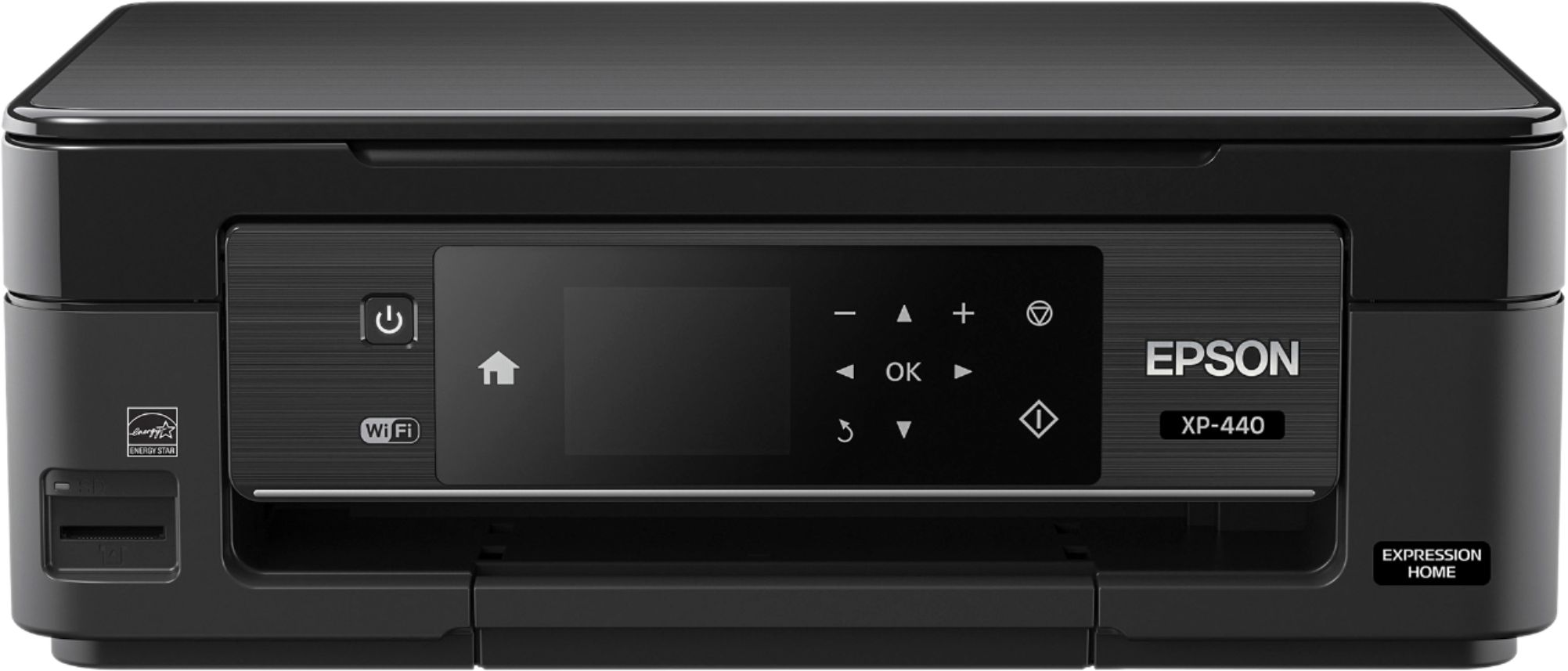
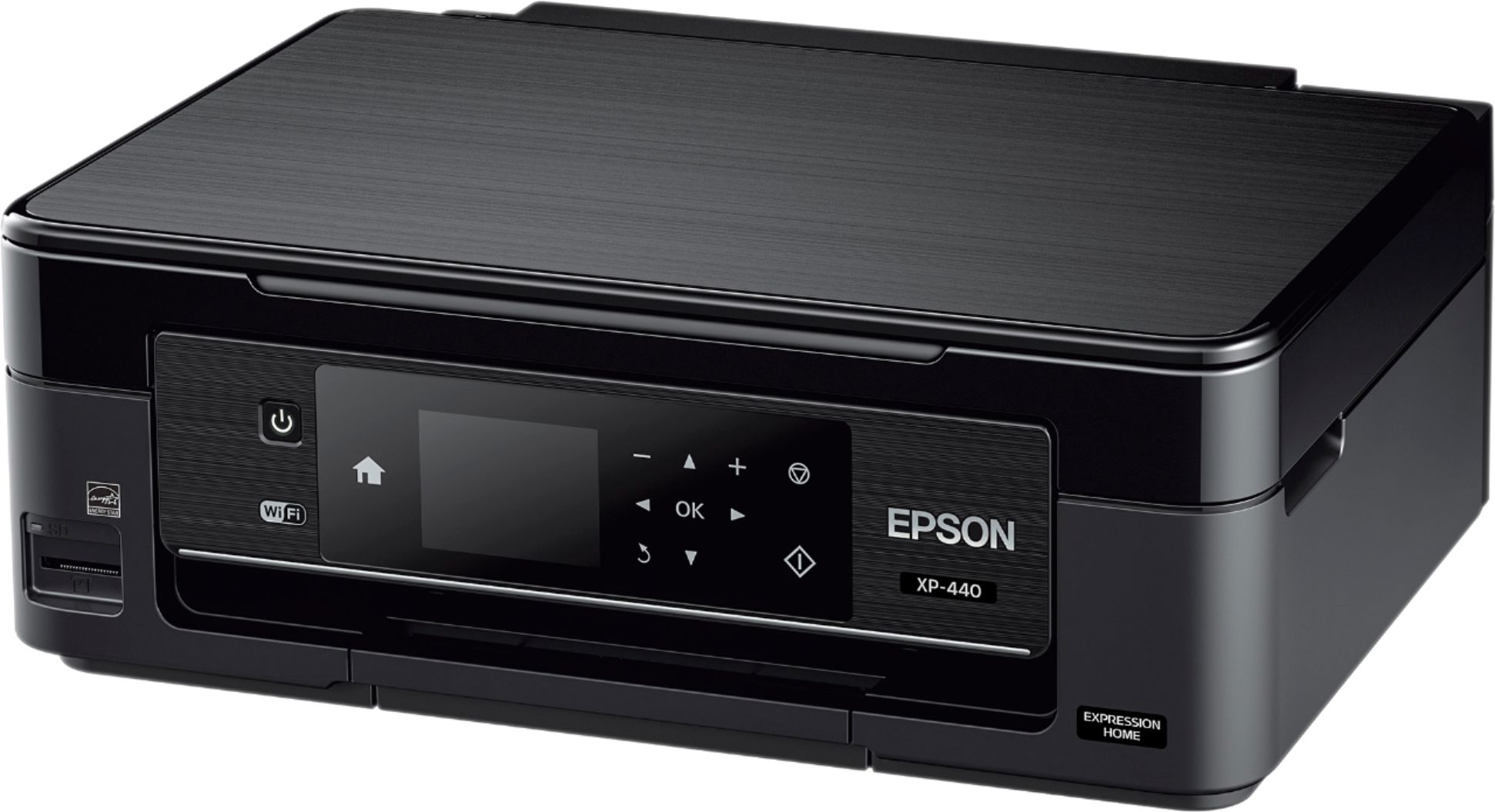
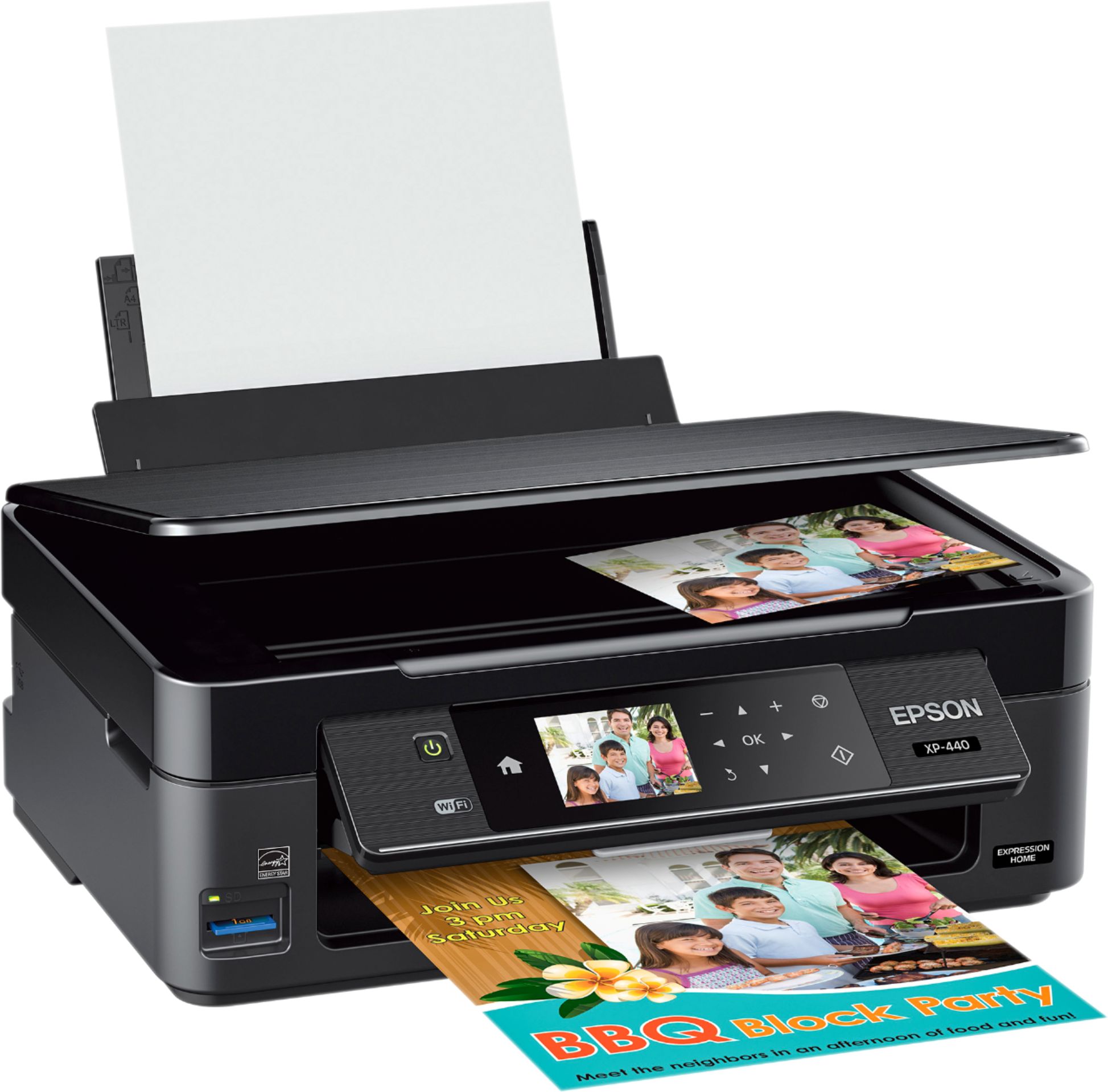
Customers are positive about the Expression Home XP-440 Wireless All-in-One Printer's print quality, ease of use, wireless functionality, and its compact size, frequently praising its value for the price. Many appreciate the straightforward setup process and quiet operation. However, some customers have expressed concerns regarding the printer's reliability. A small number reported issues with the printer ceasing to function after a short period.
This summary was generated by AI based on customer reviews.
Good printer for price
Posted .This reviewer received promo considerations or sweepstakes entry for writing a review.Love Epson. Think they’re a great company. Reliable. Better than Cannon or HP.
I would recommend this to a friend- Pros mentioned:Ease of use, Print quality
Good printer
Posted .This reviewer received promo considerations or sweepstakes entry for writing a review.Easy to set up and the wireless printing works great.
I would recommend this to a friendBrand response from Epson
Posted .Hi Jeebz, thank you for this postive review of your new Epson XP-440 wireless printer. We appreciate your business, and we're glad you enjoyed the easy setup! Cheers, Quinn – The Epson Team.

- Pros mentioned:Ease of use
A Rare Miss for Epson
Posted .This reviewer received promo considerations or sweepstakes entry for writing a review.This is a review for the Epson Expression Home XP-440 Small-in-One Printer that I received free of charge to do a beta test and review. Setting up and connecting was pretty straight forward but makes me reconnect with the wifi almost every time after it goes to sleep which is a pain especially when in a hurry. I've had really great printers from Epson before but this just isn't one. It flies through ink faster than I've ever seen any printer do and sometimes (about every 10 pages) I have to clean head 3 to 4 times then it only prints about half the page for 2-3 pages after that. I gave it three stars because it does actually print things, just not efficiently or in a timely manner, and scanner works really well especially for photographs.
No, I would not recommend this to a friend Great printer for the money
Posted .This reviewer received promo considerations or sweepstakes entry for writing a review.It took me 2 days off and on, and a chat with the representative on the website, before I finally got this printer to communicate with my computer. I recommend, if you download the driver and run the setup, and it won't print documents from your computer, go straight to the website and chat with a customer service rep. Installation problems aside, it's a great little printer. It's said it's for home use, at least partly because it's so "slow"...but it's so much faster than my old. It's also relatively quiet...unless you choose Quiet Mode, in which case you'll have to look to make sure it's printing. The printed colors are bright, and I like the idea that I can replace the inks one color at a I did see where you can get the package deal with a pack of replacement inks...it's always a good idea to have a backup, and the inks supplied with the printer are only starter size. All in all it's a good buy. Ecause who really prints tons of stuff and if you do they have bigger better printers for that.
I would recommend this to a friend- Pros mentioned:Print quality
Wonderful and durable printer
Posted .This reviewer received promo considerations or sweepstakes entry for writing a review.Had it since 2018 and even when a pop socket got stuck in the feed was able to slide it out carefully and it STILL printed great! Can wait to upgrade to a inkjet.
I would recommend this to a friend - Pros mentioned:Ease of use
Great quality, easy setup
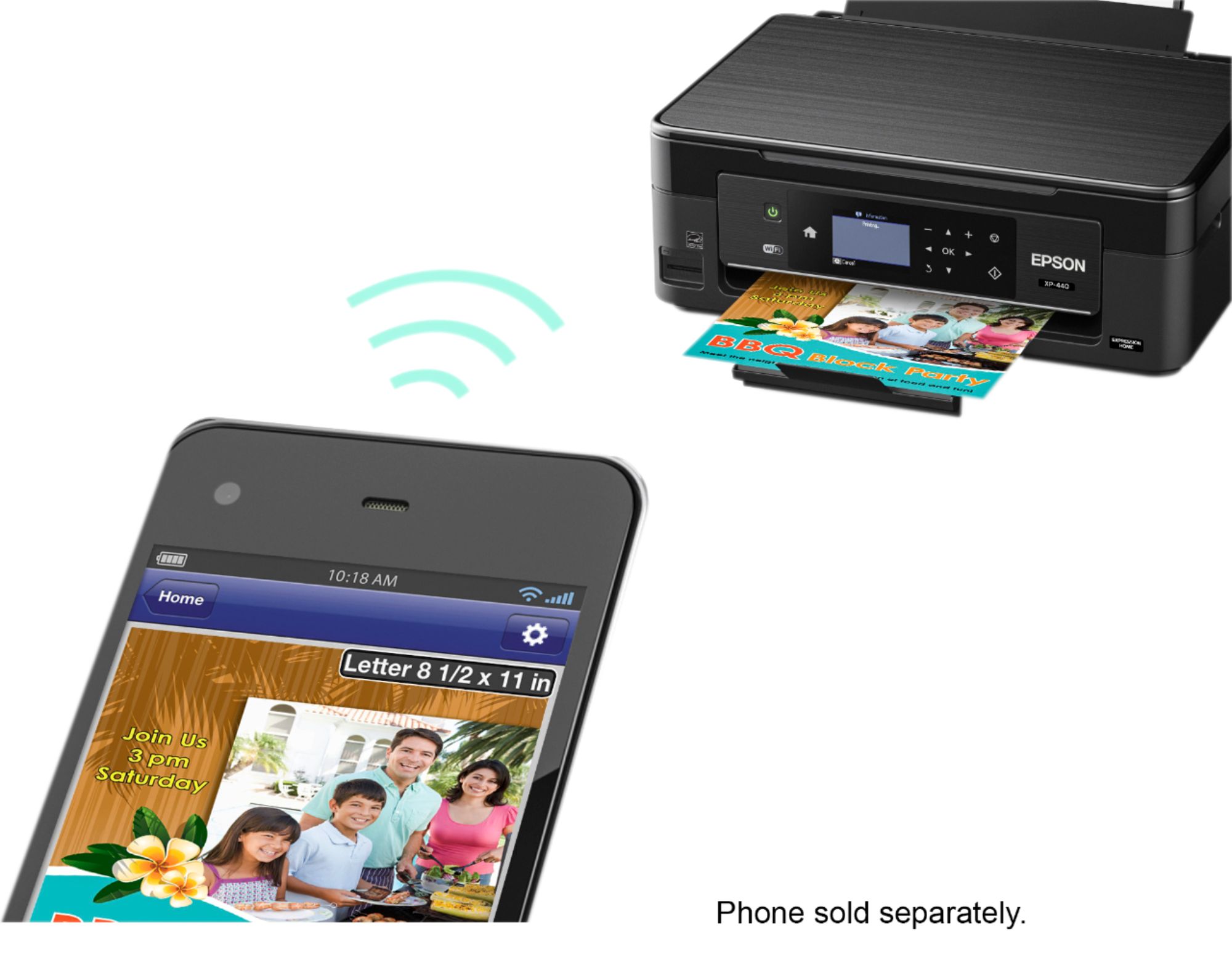
Posted .This reviewer received promo considerations or sweepstakes entry for writing a review.I do not have a home computer, I do everything from my iPad. This was super simple to setup: I followed setup instructions, connected the printer to Wifi, updated firmware, and it was automatically an option for AirPrint from my iPad.
I would recommend this to a friend - Pros mentioned:Price
this 3 in 1 printer rocks
Posted .This reviewer received promo considerations or sweepstakes entry for writing a review.i bought this 3 in one printer for everyday use. it copies, scan and prints. it had a great price. it is working efficiently since i bought it.
I would recommend this to a friend Worst purchase ever
Posted .This reviewer received promo considerations or sweepstakes entry for writing a review.We've had this printer for barely a year and it is the worst printer I have ever used. It never connects to the wifi, then we try to print with the USB since we cant print via wifi and it never recognizes ANY computer. The printer doesn't work anymore; it'll print but only the outline of the letters or designs even when all ink cartridges are full. Trying to scan is a joke; still will not connect to any computer and will not scan via USB either. There is no reason for ANY printer to act as awful as this one. I've looked up every way to try to fix it and nothing works. Last resort is geek squad but I am definitely not paying over $100 just for them to look at it and possibly find no solution.
No, I would not recommend this to a friend- Pros mentioned:Wireless
Simple and effective
Posted .This reviewer received promo considerations or sweepstakes entry for writing a review.I was in the market for a simple, cheap, wireless printer for my home office. Mission accomplished.
I would recommend this to a friend - Pros mentioned:Size
I have a hate, hate relationship with this ...
Posted .This reviewer received promo considerations or sweepstakes entry for writing a review.Purchased in Sept 2017 as an occasional use printer, homework, show tickets, etc. This was replacing an 8 yo HP work horse multifunction printer that had come to exceed my needs and space. I selected this one primarily because of the small footprint and because of the brand. (I also have an Epson Artisan 1430 that I use in my business.) This was intended to handle the occasional printing needs of my family, however I have to fight with it nearly everytime I need to print. Either it doesn't want to connect wirelessly with my devices or it prints with huge gaps of whitespace. It is a royal PITA everytime I need this thing. To resolve the whitespace issue, I have to run a couple of nozzle checks (because who doesn't have time for that when they need a quick printout?) I regret getting rid of my reliable HP. The only redeeming quality with this device is the size. But heck, don't we all prefer our paperweights to be small?
No, I would not recommend this to a friendBrand response from Epson
Posted .Hi Bina, we are sorry to hear that you are having issues with your Epson printer. Your XP-440 includes free technical support for the life of your product. Our Epson Support Team would be happy to help you optimize your print settings and can be reached at (562) 276-4382; Hours: Monday – Friday, 6am – 8pm PT; Saturday, 7am – 4pm PT. Sincerely, Quinn – The Epson Team.
- Pros mentioned:Print quality
printer worth it's weight in gold!!
Posted .This reviewer received promo considerations or sweepstakes entry for writing a review.PRINTER THAT IS BETTER THAN LISTED....WORKS LIKE A CHARM...BETTER THAN THE REVIEWS....A TRUE GEM OF A PRINTER!!!
I would recommend this to a friend - Pros mentioned:Print quality
Fast printing
Posted .This reviewer received promo considerations or sweepstakes entry for writing a review.I love how it's very fast at printing. Only think ink goes out right away
I would recommend this to a friend - Pros mentioned:Print quality
All in one printer
Posted .This reviewer received promo considerations or sweepstakes entry for writing a review.Good quality prints and very quick. Sleek and fits right on my desk
I would recommend this to a friend Terrible printer - 5 star ratings must be bogus
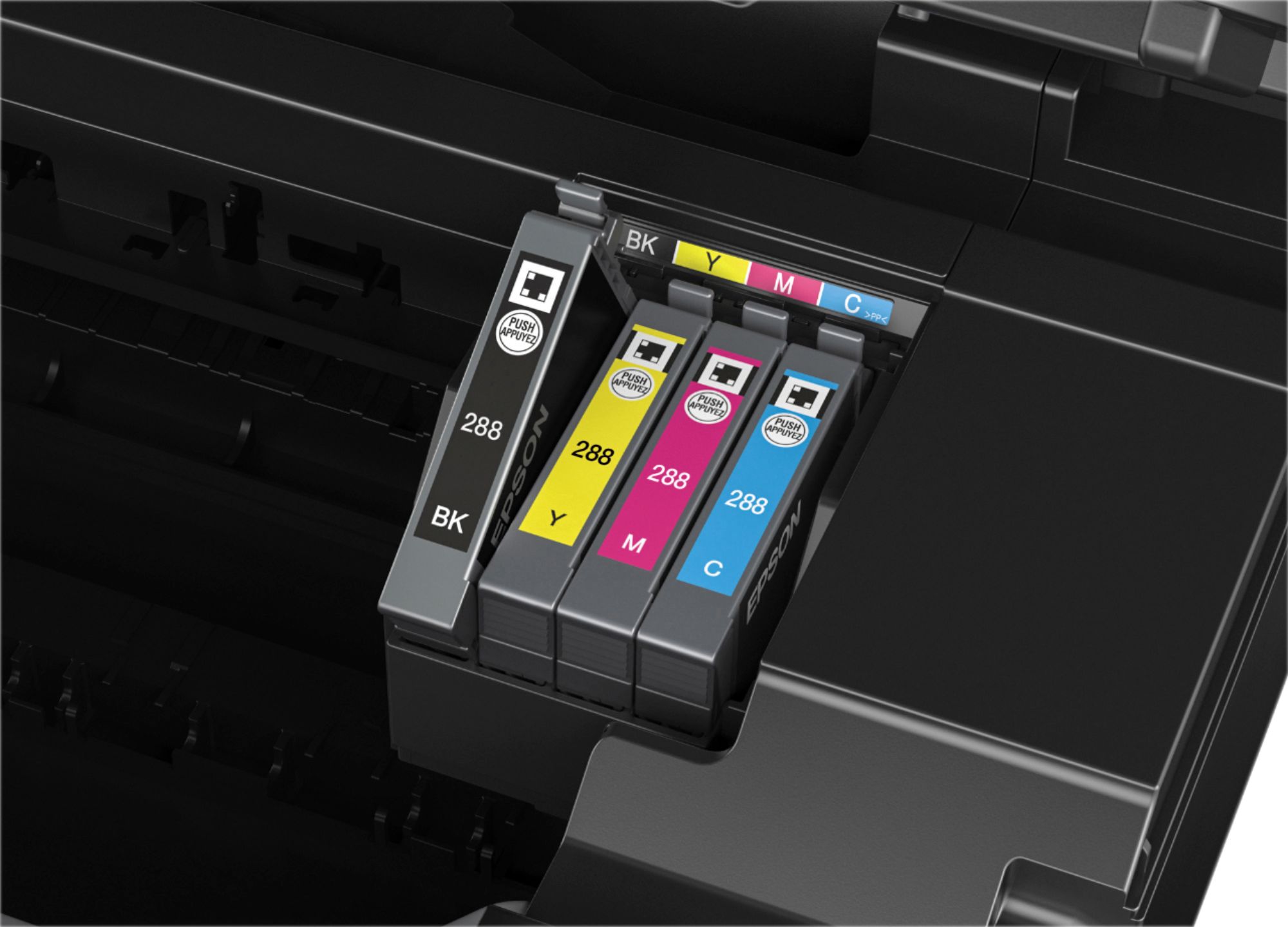
Posted .This reviewer received promo considerations or sweepstakes entry for writing a review.I purchased this printer in May of 2017 and i was dumb enough to not get the warranty on it...because i figured, I have purchased $29 black friday walmart printers and those have lasted me years. What could go wrong? I have had nothing but issues with it. For starters - The ink levels deplete insanely fast! Also, every time i print i have to clean the cartridges because it leaves streaks of unprinted area on my documents. I clean them and it works for a short while before i have to do it again. This of course depletes the ink level quite a bit. I have gone through so many cartridges and the ink is expensive. I even feel the XL cartridges do not last as long as the standard cartridge in another printer. Another HUGE con. I had just under half of my black ink left and had approximately 50 documents to print with just words. My black ink ran out at 45 pages! Was I able to switch to use the color cartridges for the remaining 5? NOPE! It will NOT allow you to print ANYTHING let alone access the menu on the printer until you change the empty cartridge! With all of this said, I have reached out to Epson and they simply stopped responding. This printer is better off in the trash than dealing with this headache!
No, I would not recommend this to a friend- Pros mentioned:Wireless
Good until you need to replace ink
Posted .This reviewer received promo considerations or sweepstakes entry for writing a review.This printer was excellent. Loved the wireless ability. HOWEVER, once the ink ran out that came with it, it’s been a disaster. I spent $65 on Epson brand replacement cartridges of all 4 colors and they lasted approximately one hour. We replaced the cartridges and it left every other swath of lines unprinted. Upon some google research it said we needed to clean the print heads. We did this many times with minor improvement each time until it said replace ink again. SERIOUSLY, we just blew all 4 cartridges trying to clean the print heads. I’m trashing it. I can buy a new printer for less than the ink costs with new cartridges. Total BS. This is my second Epson with the same issue. I’ll try another brand this time. Super disappointed because I liked the quality and features until it ran out of ink. Please see attached pic for what the last print looked like after numerous cleanings that drained ALL the brand new ink.
No, I would not recommend this to a friendBrand response from Epson
Posted .Hi Mello44554, we are sorry to hear that you are having issues with your Epson printer. Your XP-440 includes a 1-Year Limited Warranty, plus free technical support for the life of your product. Our Epson Advanced Support Team would be happy to help and can be reached at 1-800-241-5794; Hours: Monday – Friday, 6am – 8pm PT; Saturday, 7am – 4pm PT. Regards, Brandon – The Epson Team.
the perfect printer
Posted .This reviewer received promo considerations or sweepstakes entry for writing a review.this is the perfect printer for a college student my daughter loves it
I would recommend this to a friendPrinter great-Ink costly
Posted .This reviewer received promo considerations or sweepstakes entry for writing a review.I've always successfully used ink cartridges from independent suppliers. Was able to do this with my Epson printer XP-440 until I decided to connect to use it wireless and quickly received an Epson request to download updates. What Epson sent me was a block on using any cartridges except Epson manufactured. That was a costly mistake so don't connect for wireless use if you want to use much cheaper ink.
No, I would not recommend this to a friendNo usb cord
Posted .This reviewer received promo considerations or sweepstakes entry for writing a review.Printer was easy to connect to computer via WiFi to Print ONLY. Unable to scan documents to computer without a USB connection, which is not included. Have to instead upload to a cloud? (Not iCloud) which requires downloading a different software and even then the tutorial is incorrect on how to achieve this. It downloads and that’s it. Doesn’t connect. Still haven’t figured it out.
No, I would not recommend this to a friendBrand response from Epson
Posted .Hi Samrod, we’re sorry to hear that you’re having issues with your Epson XP-440. Your product has full printing and scanning functionality via Wi-Fi, without having to use a cloud service. Please see your product’s online User’s Guide for scanning instructions or call the Epson Support Team to take advantage of the XP-440’s free lifetime tech support. We’re available at (562) 276-4382 between 6am - 8pm (PT), Monday - Friday, or from 7am - 4pm (PT) on Saturdays. Regards, Patrick – The Epson Team
You get what you pay for.
Posted .This reviewer received promo considerations or sweepstakes entry for writing a review.I've had this printer for about a year. It was cheap, I don't do much. I scan sports cards and list on ebay, and print the shipping labels and invoices to mail them off with mostly. It scans darker than my old all-in-one but I use photoshop to brighten the scan, no big issue. But after a while, it started printing crooked, it still fit on the paper, just at an angle, just looked goofy. I tried to realign and do all sorts of troubleshooting. Then it started printing with huge gaps between things, just missing half the stuff it should print. Again, tried to align it, then printed the test pages to tell it which was the best looking option, but it didn't print half of the test page so I couldn't tell it which looked best, I couldn't see what line on the test page was line #2 or #3, #4, etc. I give up, going to buy a Canon or HP. From experience, they've lasted longer than this Epson, my only Epson I've ever had.
No, I would not recommend this to a friendBrand response from Epson
Posted .Hello BigNate79, you can find product information, including FAQs and recommended settings for printing photos in the product User’s Guide at www.epson.com/support/xp440. If you continue to have problems with your printer, our Epson Support Team would be happy to help you and can be reached at (562) 276-4382; Hours: Monday – Friday, 6am – 8pm PT; Saturday, 7am – 4pm PT. Sincerely, Patrick – The Epson Team.
Great Value
Posted .This reviewer received promo considerations or sweepstakes entry for writing a review.Awesome price and easy wifi network set up. Works very well easy to scan and setup with a Mac book pro.
I would recommend this to a friendBrand response from Epson
Posted .Hi Guavate, thanks for taking the time to write a review. We're glad to hear you're happy with your new XP-440 all-in-one printer. We appreciate your business and hope you have a nice day. Best, Brandon – The Epson Team.