Customer Ratings & Reviews
- Model:
- C11CK61201
- SKU:
- 6516129
Rating by feature
- Value
Rating 4.6 out of 5 stars
- Quality
Rating 4.5 out of 5 stars
- Ease of Use
Rating 4.3 out of 5 stars
Customers are saying
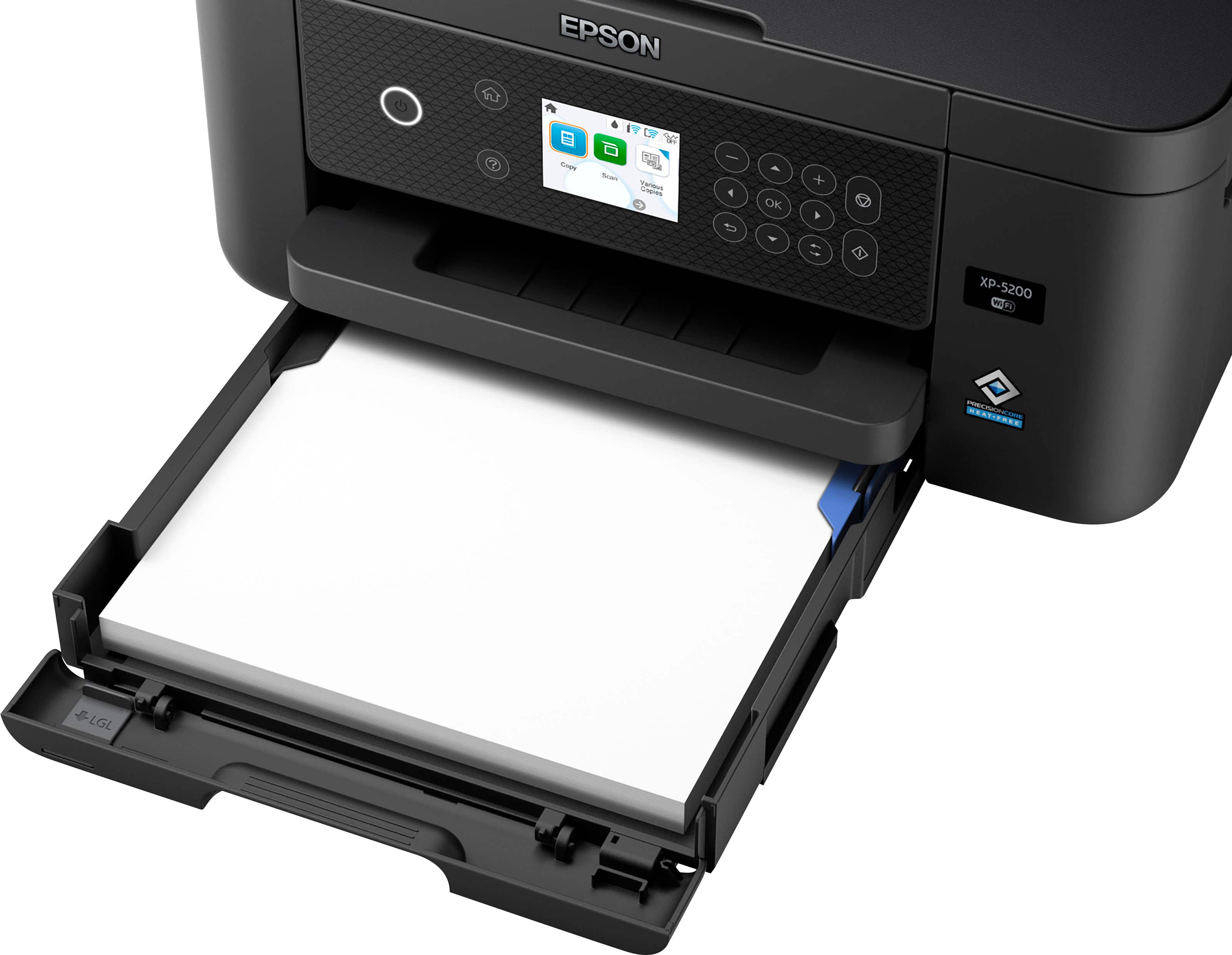
Customers are pleased with the excellent print quality, ease of use, and overall performance of the product, noting its effectiveness as a printer, copier, and scanner. They also appreciate its compact size, straightforward setup, quiet operation, and reliable connectivity options. However, a minor point of concern for some customers is the absence of a touchscreen.
This summary was generated by AI based on customer reviews.
- Pros mentioned:Print quality

Great "Some-In-One".
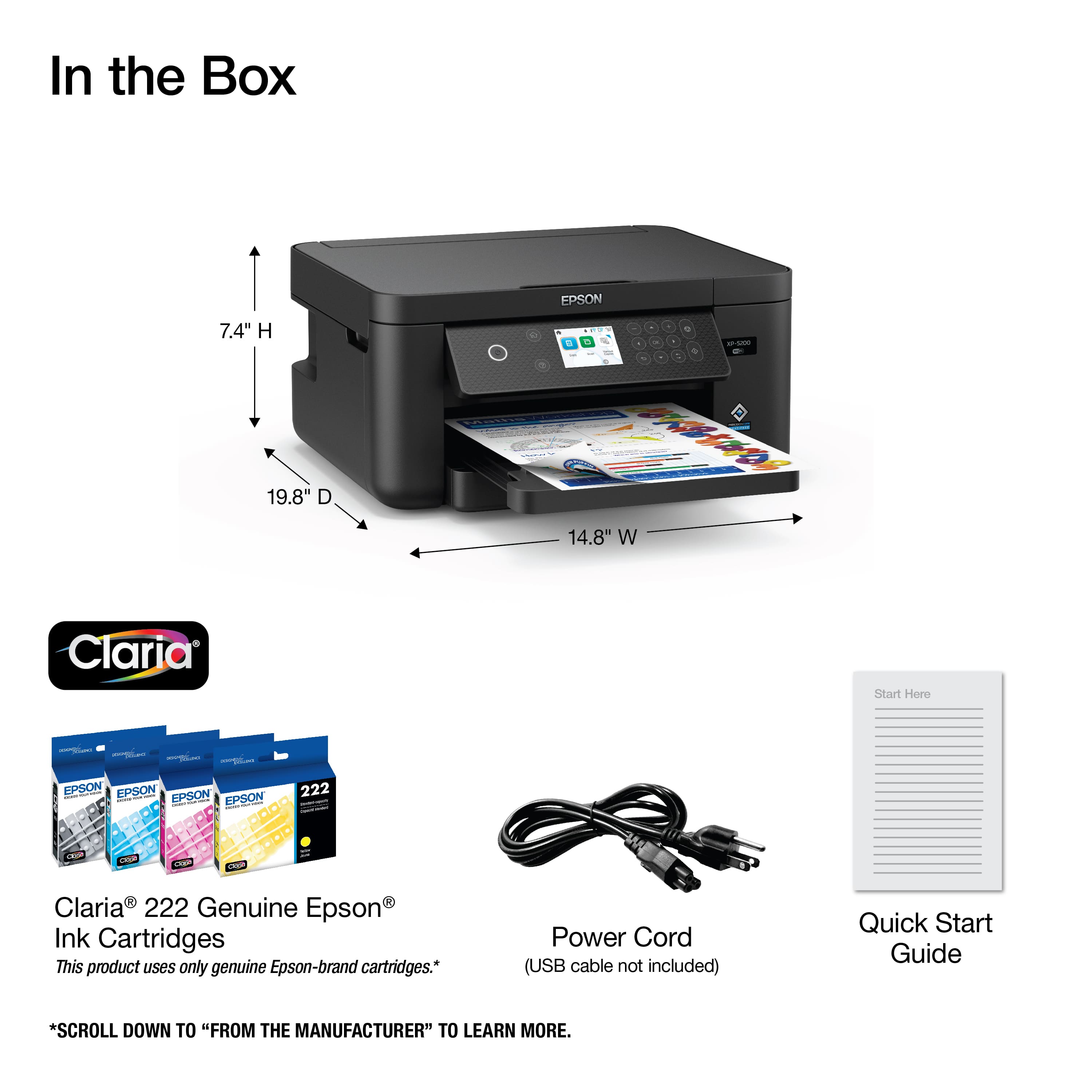
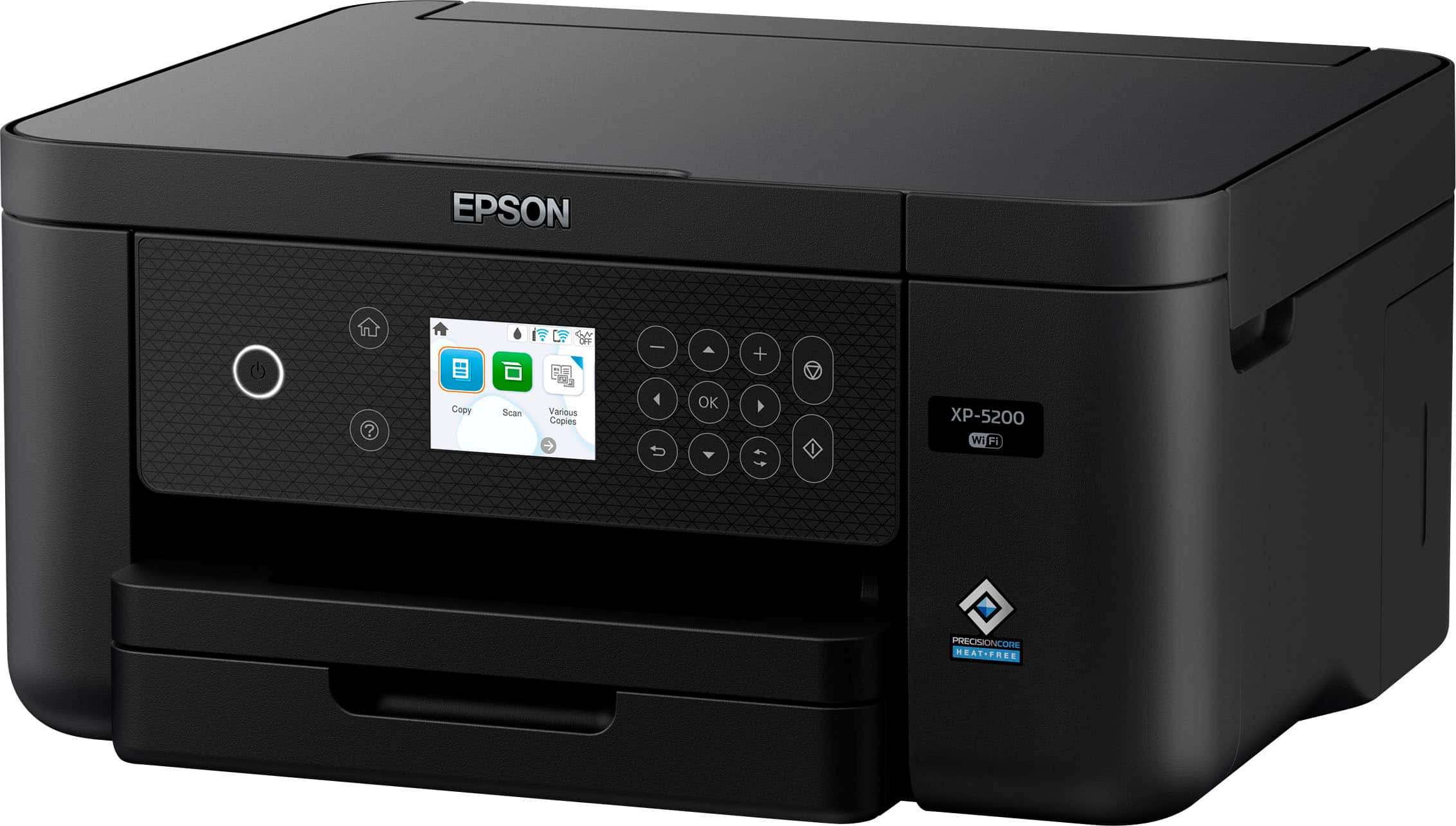
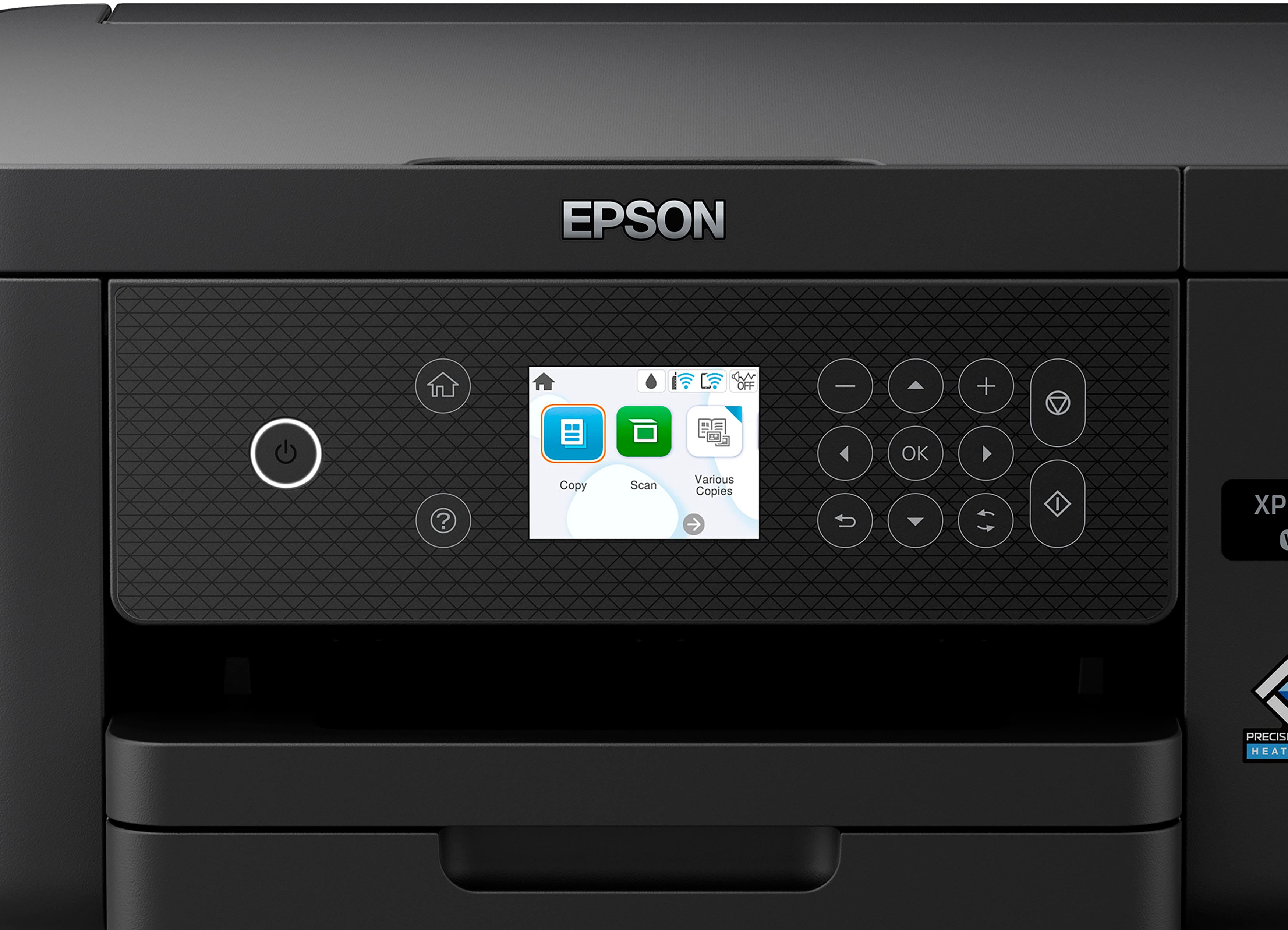
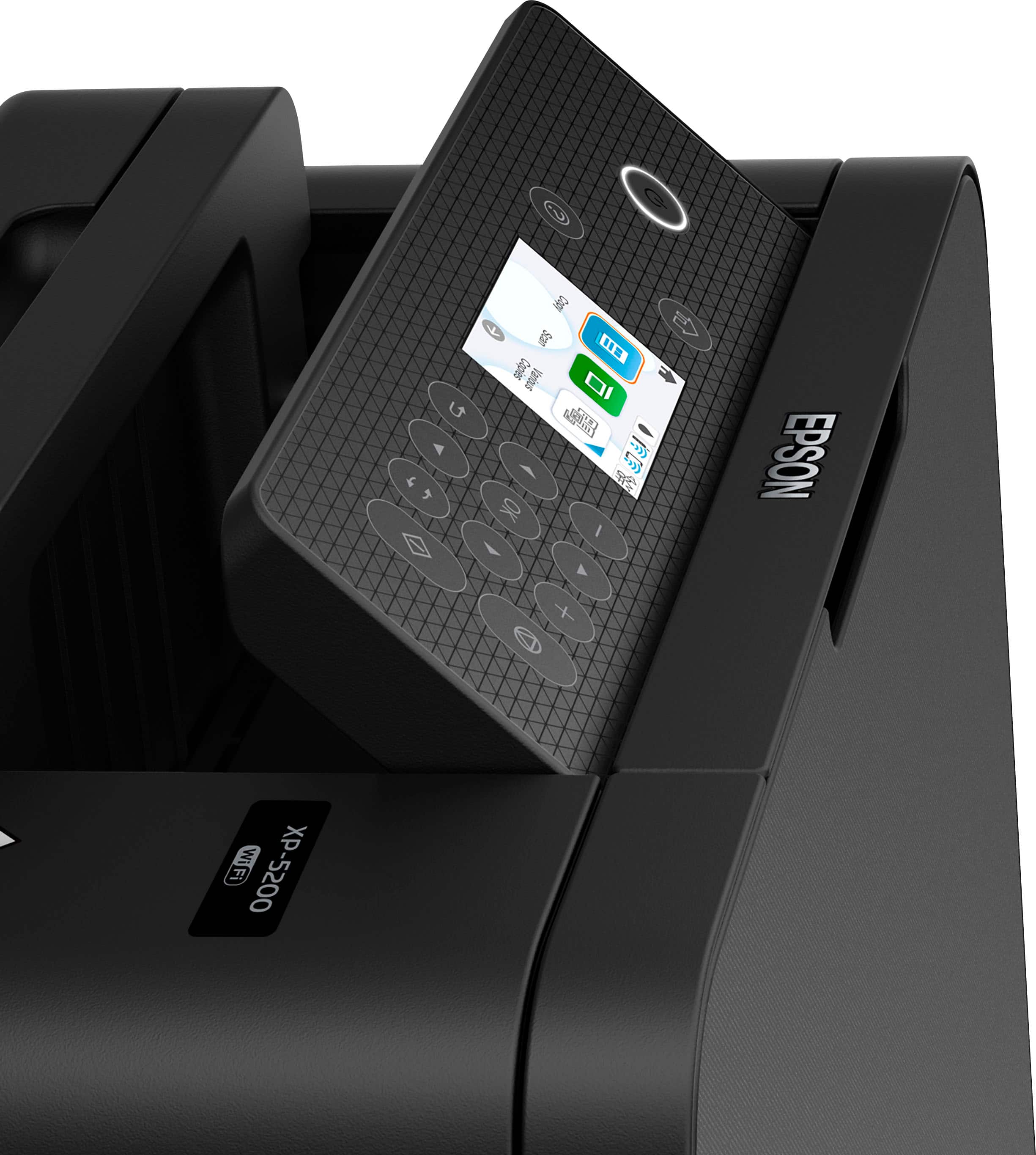
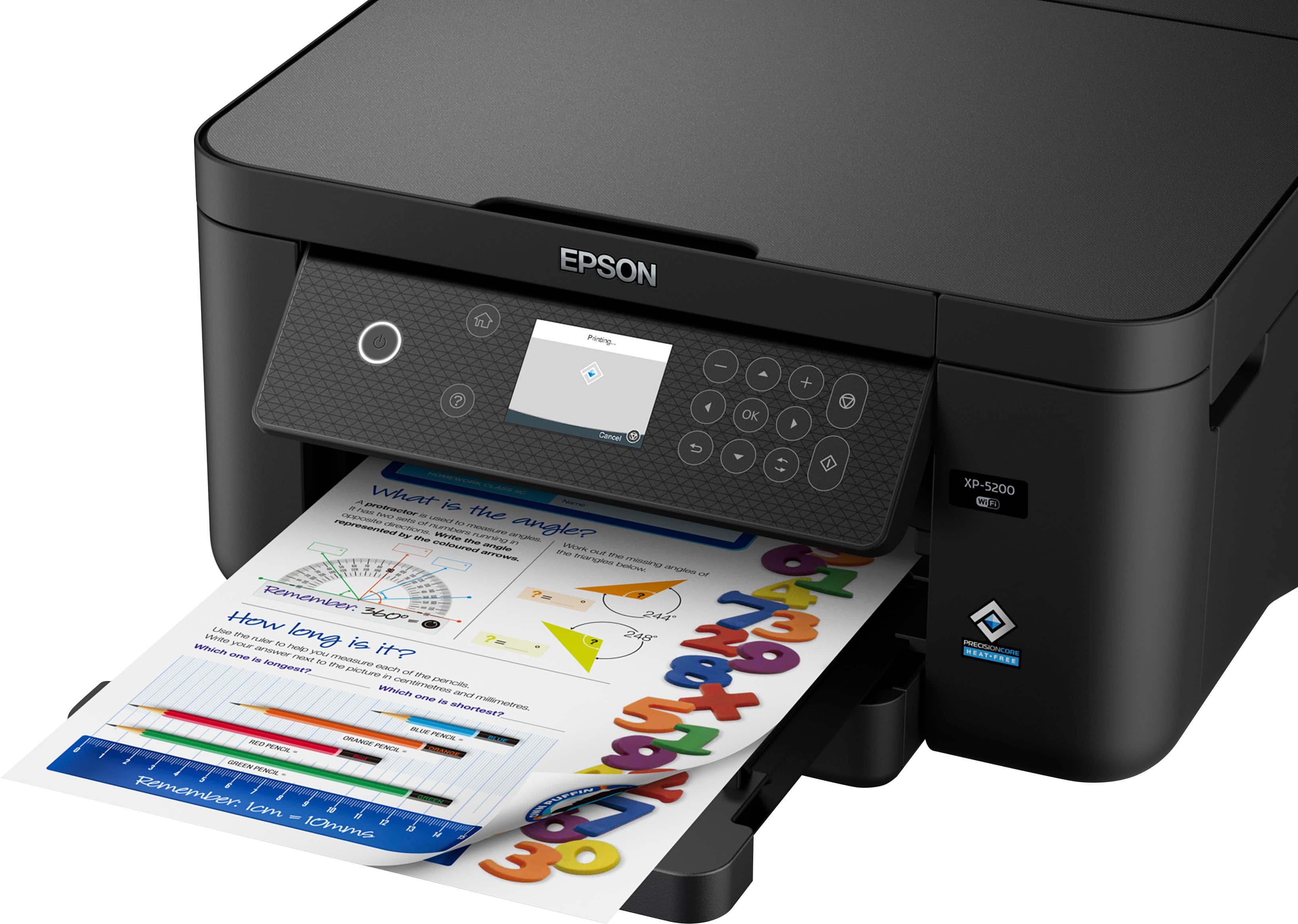
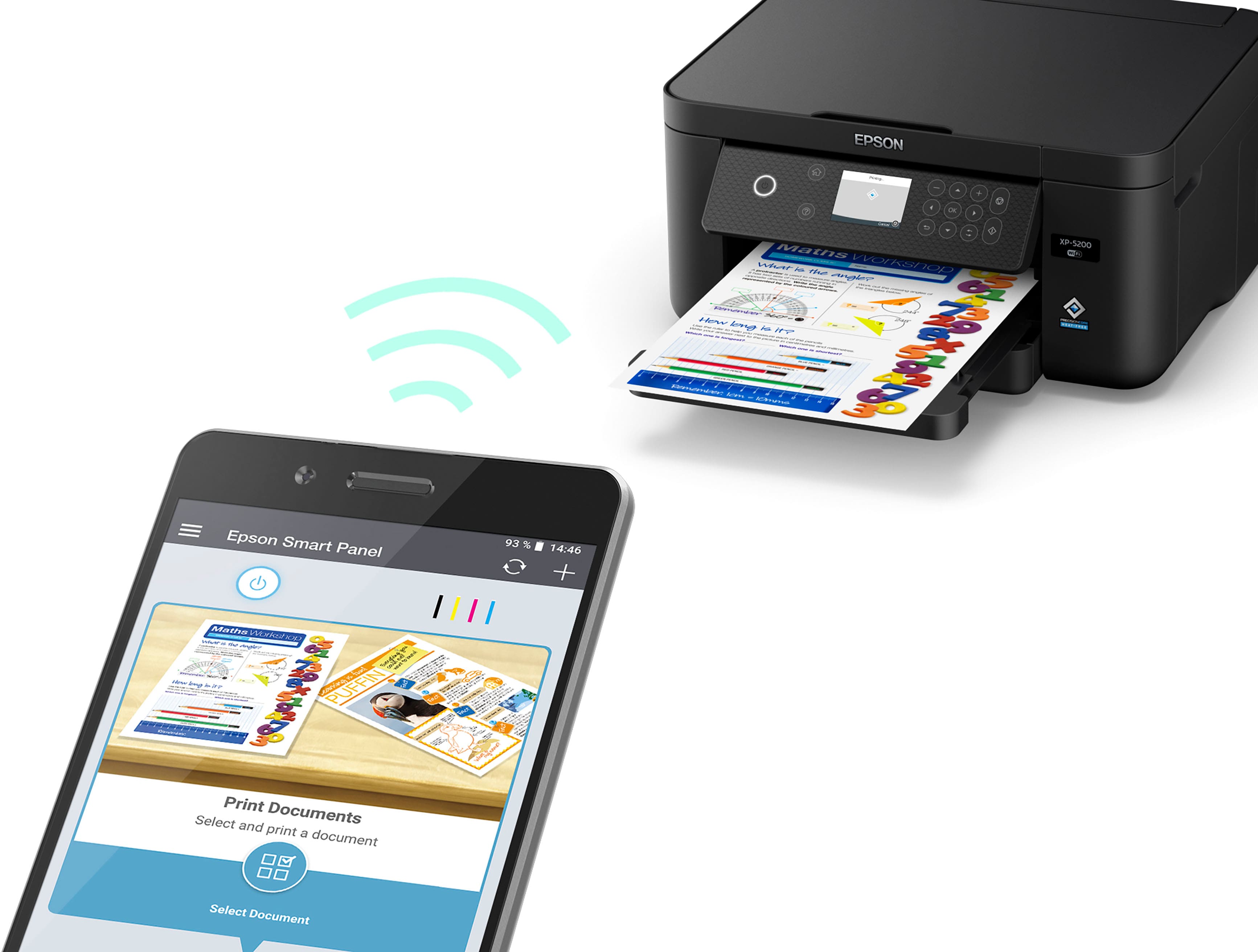
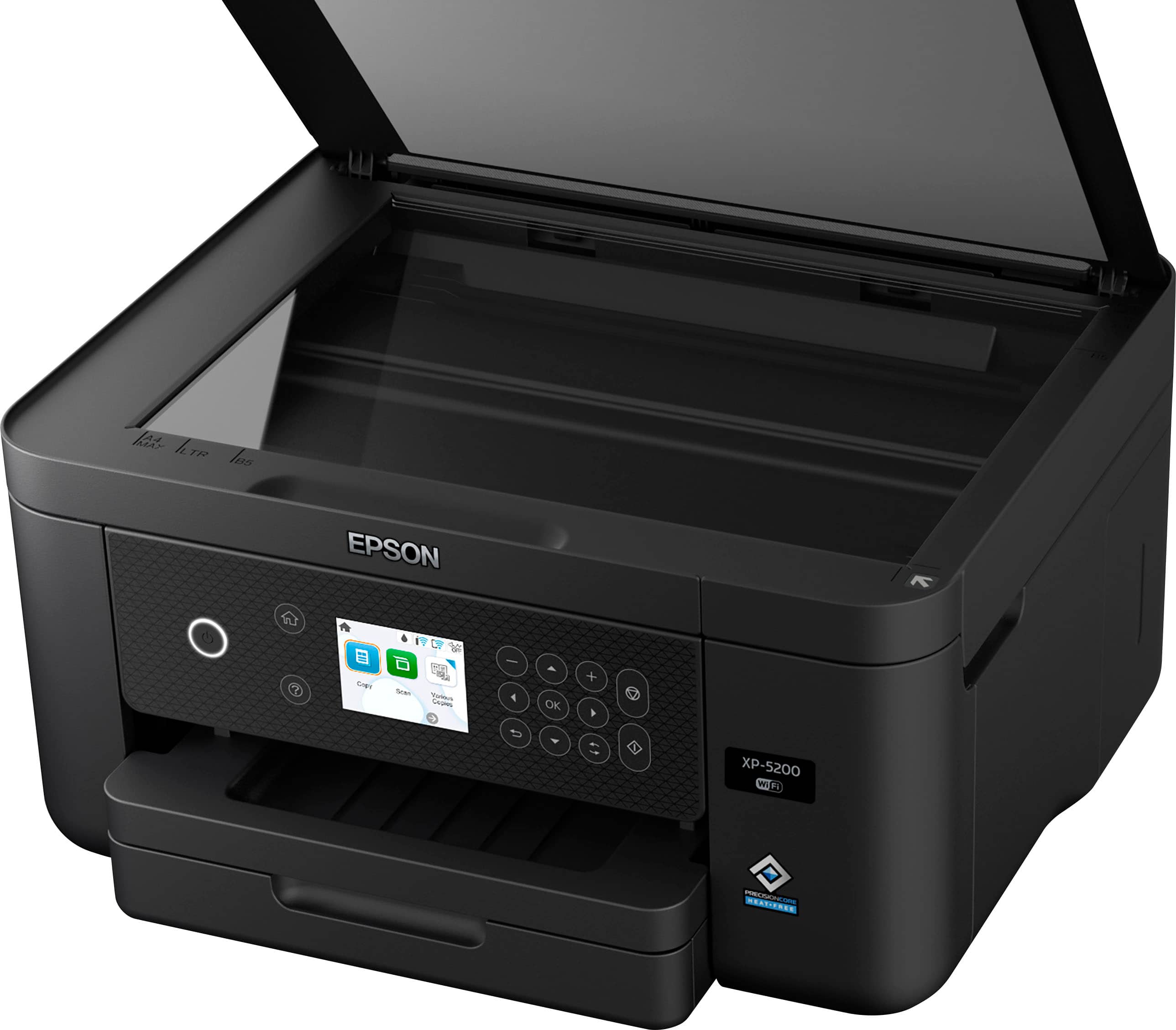
|Posted .This reviewer received promo considerations or sweepstakes entry for writing a review.Standouts: PRINTER HAS ITS OWN EMAIL - You can send emails to the printer's own address and it will automatically spit it out. This works for email body text as well as attached documents. This is a game changer. We regularly need to print labels and our old wifi-direct printer makes this a multi step process. This printer can receive a file and have it ready to go over email. Amazing. Deal Breakers: Following the prompts for glossy paper on the device, photo-paper prints came out absolutely horribly. This downgrades an "All-In-One" to a "Some-In-One". Being that photo-printing is advertised as a core product feature, this ABSOLUTELY must be fixed, EPSON. Printing using the desktop software made no difference. Confusingly, the listed specifications tout support for glossy print paper, but also say "Photo printing: no". Scanning experience is also a disappointment as well. Epson requires access to your Google Drive in order to scan to that, including "see" and "edit". #nope I couldn't create a searchable PDF. It may be possible, but watching two separate videos and reviewing Epson documentation didn't help. This should be easy. It isn't. Not a touch-screen, and quite small. We're talking smaller-than iPhone 1 size. First impressions: Sleek. Space efficient. Few removable parts (good for having a curious toddler around). Texture of materials suggests quality. Set up: Straight forward. The instructions were right on the money. Ink was easy to install. Four individual cartridges (magenta, yellow, cyan, black) silently and easily slot into place. Paper is super easy to install and the adjusters lock into place. Calibrating is easy. Follow the onscreen prompts. Connecting to WiFi to print from a phone is easy. Use the "Epson Smart Panel" app with WiFi and Bluetooth on. Follow the prompts in the app. Features: Print quality is par for the course - which is to say impressive for the cost. Photos on regular paper look great. Copying works well. Copies look like originals. Images can also be blown up. Scanning with the ability to convert to a searchable PDF is an excellent feature and 6' power cord length, common 2-prong type (many TVs use it). Easy access to components to clear a jam Can connect through USB, though it's old-school (Type B) and doesn't come in the box. Print software can be easily found through Epson's website using their Support tab. Easy to navigate screen menus (using touch buttons off to the side). Overall grade: This got a whole bunch right. As it stands, however a you're going to be horribly disappointed if you want to print and hang pictures. You're also going to be disappointed if you want to use their software to scan to your phone or to create searchable PDFs. Great printer if you don't need those things, though. Because they advertised it, 3 stars.
No, I would not recommend this to a friend - Pros mentioned:Ease of use, Overall performance, Print quality
Good buy
||Posted . Owned for 3 weeks when reviewed.This reviewer received promo considerations or sweepstakes entry for writing a review.Seems to work great, simple and easy app and wireless printing is great
I would recommend this to a friend - Pros mentioned:Print quality, Setup, Size
Perfect for Dorm Room Usage
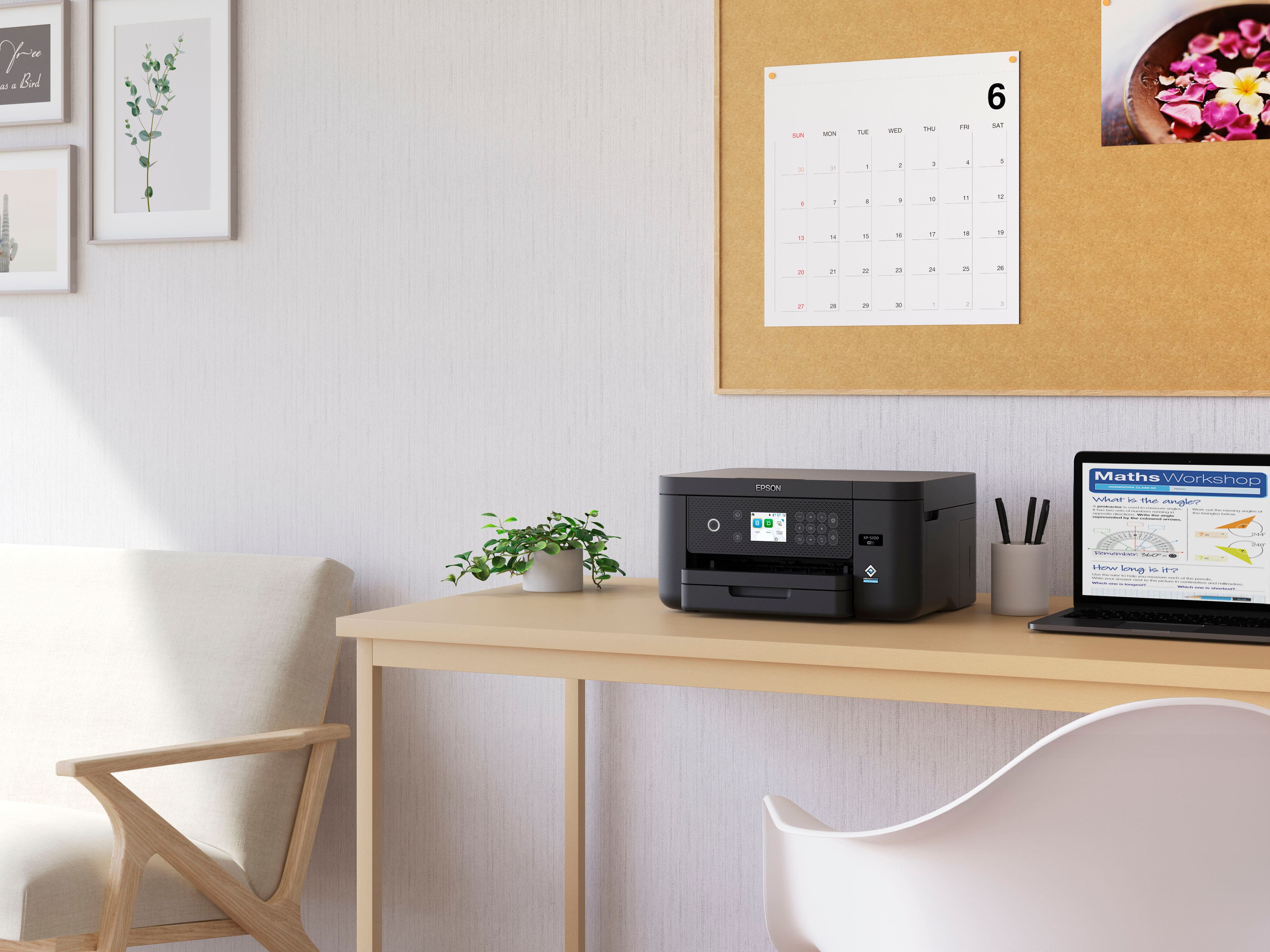
||Posted .This reviewer received promo considerations or sweepstakes entry for writing a review.Purchased for dorm room usage. Perfect compact size fit in lockable desk cubby. Print quality very good, easy to set up.
I would recommend this to a friend - Pros mentioned:Ease of use, Print quality
Epson XP-5200 all in one printer
||Posted . Owned for 3 weeks when reviewed.This reviewer received promo considerations or sweepstakes entry for writing a review.i have used this printer a month no problems was easy to hook up no problems with wireless connection prints fine went from using a hp printer the epson looks better in my area would recommend
I would recommend this to a friend - Pros mentioned:Ease of use
Outstanding Photo Printer – Simple, High-Quality
||Posted . Owned for 3 weeks when reviewed.This reviewer received promo considerations or sweepstakes entry for writing a review.I recently purchased this printer and couldn’t be happier! The photo quality is absolutely stunning—vibrant colors, sharp details, and true-to-life results that rival professional prints. Whether it’s family photos or creative projects, every image looks breathtaking. What truly sets this printer apart is its ease of use. Setting it up was a breeze, and the intuitive interface makes printing or scanning effortless. The mobile app integration is a game-changer: I can scan documents directly from my phone or print photos wirelessly in seconds—no complicated steps or cables required. It’s perfect for someone who values convenience without sacrificing quality. If you’re looking for a reliable, user-friendly printer that delivers professional-grade photos and seamless smartphone connectivity, this is it. Highly recommend for both casual users and photography enthusiasts! A+ purchase!
I would recommend this to a friend - Pros mentioned:Ease of use, Print quality
Good Price and Quality Printer
||Posted .This reviewer received promo considerations or sweepstakes entry for writing a review.For the price, this is a really good home printer. Easy set-up, easy network connection, good clean printed pages.
I would recommend this to a friend - Pros mentioned:Ease of use, Overall performance
Perfect for Occasional Home Use
||Posted .This reviewer received promo considerations or sweepstakes entry for writing a review.Very happy with this printer! We needed a home printer for occasional use, nothing fancy and not costly. This Epson fit the need perfectly: works well and set up was very simple.
I would recommend this to a friend - Pros mentioned:Ease of use, Print quality
Nice Quality Printer
||Posted . Owned for 2 weeks when reviewed.This reviewer received promo considerations or sweepstakes entry for writing a review.Seems like a nice quality printer. I’ve only used it several times, but the copies are crisp and clear in both color and black and white. Pretty easy to set up using the app. The price was certainly reasonable for this high quality printer.
I would recommend this to a friend - Pros mentioned:Ease of use, Print quality
Nice economical desktop printer
||Posted . Owned for 3 weeks when reviewed.This reviewer received promo considerations or sweepstakes entry for writing a review.I had an older model Epson printer that started having issues. I bought the 5200 at the advice of my daughter. I like the fact that it prints double sided and is faster than the old XP 410 model. Ink cost is a little more than the old one but wasn’t a deal breaker. It was fairly easy to set up. It is a little larger than the old one but still fits on my desk where the old one was. I wish the tray was designed a little differently but realized it is the way it is because of pulling the paper back to do the back side of double prints. I like the drawer tray for paper.
I would recommend this to a friend - Pros mentioned:Ease of use
Great Printer!!
||Posted .This reviewer received promo considerations or sweepstakes entry for writing a review.I thought I loved my old XP320 until it quit after about 8 years service. I’ve always loved Epson so after doing my research I decided on the XP5200. No regrets at all. I love it, easy to use and looking forward to many years of service at a reasonable price b
I would recommend this to a friend - Pros mentioned:Print quality, Setup
Easy to use.
||Posted . Owned for 1 month when reviewed.This reviewer received promo considerations or sweepstakes entry for writing a review.Easy to setup and use. Don't have to investigate why it doesn't print. Good quality prints.
I would recommend this to a friend - Pros mentioned:Ease of use, Print quality
Great for the price!
||Posted . Owned for 1 month when reviewed.This reviewer received promo considerations or sweepstakes entry for writing a review.Incredible printer for the price! Setup was lengthy, but surprisingly easy. The ink cartridges are easy to install, but the ones included don't go a long way, and this specific kind of cartridge is somewhat difficult to find. Otherwise great quality printing, especially for a home office!
I would recommend this to a friend - Pros mentioned:Ease of use
Great printer for home office
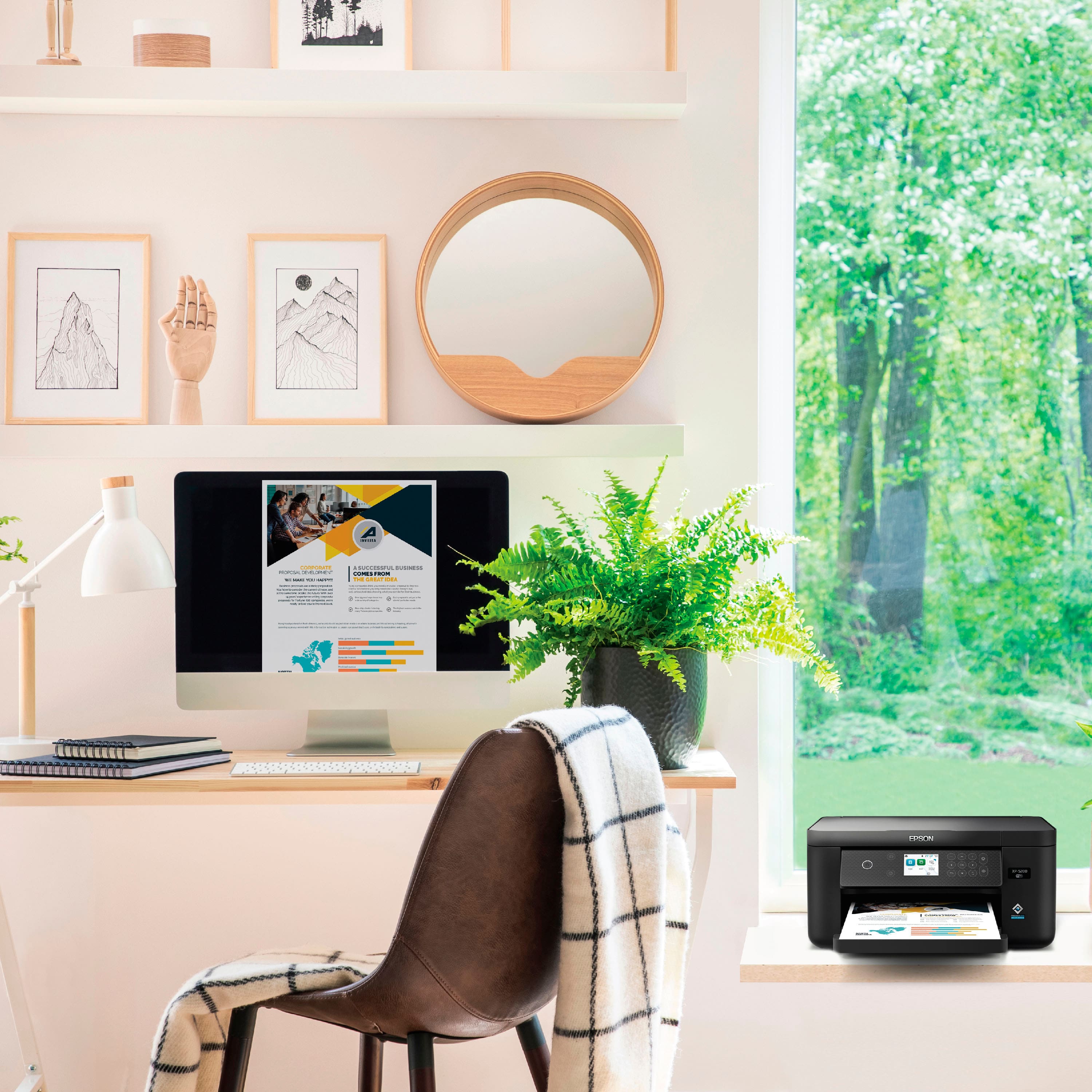
||Posted . Owned for 3 weeks when reviewed.This reviewer received promo considerations or sweepstakes entry for writing a review.Great printer for home office use. Set up was a snap. App is easy to use. WiFi connection is seamless and uninterrupted. Quiet operation. Front load tray holds plenty of paper. Much better than the HP printer it replaced.
I would recommend this to a friend - Pros mentioned:Ease of use, Print quality
Epson XP-5200
||Posted .This reviewer received promo considerations or sweepstakes entry for writing a review.This printer was easy to set up and the print quality is very good. I would recommend it to anyone looking for a simple home printer.
I would recommend this to a friend - Pros mentioned:Ease of use, Print quality
Excellent for moderate classroom or home use!
||Posted . Owned for 1 week when reviewed.This reviewer received promo considerations or sweepstakes entry for writing a review.This printer is perfect for my classroom! I printed a "stations" activity for my kids in color and when I showed a coworker, they asked, "Did you print this in the main office." When I said, "Nope, in my room on my new printer," she responded in amazement. The quality is excellent all around. I will note that it works better with higher-quality paper, like any printer would. It was fairly simple to set up, but still took about 30-40 minutes to get fully connected to the internet and also register the warranty.
I would recommend this to a friend - Pros mentioned:Print quality, Setup
Great home Printer!
||Posted .This reviewer received promo considerations or sweepstakes entry for writing a review.The Epson Expression Home Was easy to setup and provides a great quality for home printing, would buy again!
I would recommend this to a friend - Pros mentioned:Print quality, Setup
Review
||Posted . Owned for 1 month when reviewed.This reviewer received promo considerations or sweepstakes entry for writing a review.quality print output. Not too noisy. setup was reasonabley easy. did not realize there was no cable option. would be nice if that was clearly stated on the box.
I would recommend this to a friend - Pros mentioned:Overall performance
Great product
||Posted . Owned for 1 month when reviewed.This reviewer received promo considerations or sweepstakes entry for writing a review.so far the product is working as advertised. I would give it five starts but the documentation included is lacking some so there is a back and forth between checking online and the information provided.
I would recommend this to a friend - Pros mentioned:Ease of use, Print quality
Great printer.
||Posted . Owned for 2 months when reviewed.This reviewer received promo considerations or sweepstakes entry for writing a review.I bought This Epson printer because it works with the latest iMac OS. I am a confirmed Epson user because their printers do the talk asked of it, whether printing or copying. I have used Epson printers that used to have direct to DVD label printingand loved it. However that printer is an older model model that does not work with the latest iMac OS. The print quality is great,, the owners manual is very easy to understand which makes for easy setup. The inks are easily available and of the highest quality.This printer can be set up to print photos from a cell phone. I have not done this yet.I just wish it had a SD slot for direct card SD card printing
I would recommend this to a friend - Pros mentioned:Print quality, Setup
Great printer
||Posted . Owned for 3 weeks when reviewed.This reviewer received promo considerations or sweepstakes entry for writing a review.This Epson printer has worked out very well! It was easy to set up, and prints nicely! I bought this one to replace an older Epson and feel that Epson is still doing well with their products.
I would recommend this to a friend