Customer Ratings & Reviews


- Model:
- C11CG18201
- SKU:
- 6214989
Rating by feature
- Value
Rating 4.2 out of 5 stars
- Quality
Rating 4.2 out of 5 stars
- Ease of Use
Rating 4.1 out of 5 stars
Customers are saying
Customers often highlight the excellent print quality and ease of use of the Expression Premium XP-6000 Wireless All-In-One Printer. Many appreciate its compact size and the value for the price, along with the convenience of wireless printing. However, some users mention challenges with the paper tray design and the absence of a fax function.
This summary was generated by AI based on customer reviews.
Printed off
||Posted . Owned for 6 months when reviewed.This reviewer received promo considerations or sweepstakes entry for writing a review.Works well, although I sometimes forget that the tray needs to be fully extended or else nothing will print.
I would recommend this to a friendBrand response from Epson
Posted .Hi handsfreequeen, thank you for sharing your experience. Epson takes into consideration all feedback to improve the performance and quality of our products. We will forward your feedback to the relevant Epson department, as we are always looking to make future Epson products better. Once again, thank you. Regards, Patrick – The Epson Team.

DON'T BUY IT
||Posted .This reviewer received promo considerations or sweepstakes entry for writing a review.I'm mad I gave this printer a second chance and missed the 15-day return window. I have had the same problem over half the times I've attempted to use it, and have spent a total of 3+ hours on the phone with EPSON. For no reason at all, sometimes, the printer will have a service interruption with the WiFi, after which the only way to get a computer to reconnect to the printer is to shut off the printer, reboot the router, and then reboot the printer and restart connection setup, including retyping the WiFi password. It's an untenable requirement -- I can't be rebooting my router and retyping my password (on a non-keyboard interface) every time I need to print. I will not get a refund, and I will need to buy a new printer, but I used up a lot of their customer service time out of spite.
No, I would not recommend this to a friendBrand response from Epson
Posted .Hello HomeBusiness,
We're sorry for the disappointing experience you've encountered with your Epson XP-6000 printer. Our Advanced Epson Support Team may be able to provide additional assistance and can be reached at 1-800-241-5794; Hours: Monday – Friday, 6am – 8pm PT; Saturday, 7am – 4pm PT. We appreciate your business and look forward to your call.
Sincerely,
Elizabeth – The Epson Team.
Epsom printer
||Posted .This reviewer received promo considerations or sweepstakes entry for writing a review.The disappointment is that I have to keep shutting it off and then turning it back on to get it to print.
No, I would not recommend this to a friendBrand response from Epson
Posted .Hi Usps123, we are sorry to hear that you are having issues with your Epson printer. Your XP-6000 includes free technical support for the life of your product. Our Epson Support Team would be happy to hear from you and can be reached at (562) 276-4382; Hours: Monday – Friday, 6am – 8pm PT; Saturday, 7am – 4pm PT. Sincerely, Patrick – The Epson Team.
Good for small home jobs
||Posted .This reviewer received promo considerations or sweepstakes entry for writing a review.Cannot copy more than one paper at a time unless printing from the computer. Good for small jobs at home
I would recommend this to a friendBrand response from Epson
Posted .Hi Printeruser, thank you for this review of your new Epson printer. We are happy to hear that you are enjoying your XP-6000 and will make sure to share your feedback with our product teams. Kind Regards, Eddie – The Epson Team.
Terrible consider other options.
||Posted .This reviewer received promo considerations or sweepstakes entry for writing a review.If I was still within the return period I would most definitely return this printer. It has been by far the most frustrating printer I have ever purchased or even used for that matter. The printer does not "open" automatically and considering that this is a wireless printer it would be very important for the printer to open and function automatically. I often is working and subsequently printing from various rooms in my house and having to always get up and check to make sure the door is open and the print tray is extended is rather cumbersome, considering that other printers on the market do function in that way. Typically I take time to research a product, especially technology related, prior to making a purchase, however I purchased this printer spur of the moment and I truly regret it. Additionally, in the month that I have owned the printer I have had to realign and clean the print heads twice. This printer had been a head ache to say the least. Seriously, consider other products.
No, I would not recommend this to a friendBrand response from Epson
Posted .Hi Anders, we are sorry to hear that you are having issues with your Epson printer. Your XP-6000 includes a 1-Year Limited Warranty, plus free technical support for the life of your product. Our Epson Support Team would be happy to help and can be reached at (562) 276-4382; Hours: Monday – Friday, 6am – 8pm PT; Saturday, 7am – 4pm PT. Sincerely, Eddie – The Epson Team.
- Pros mentioned:Print quality, Size
Best High Quality All-In-One Printer
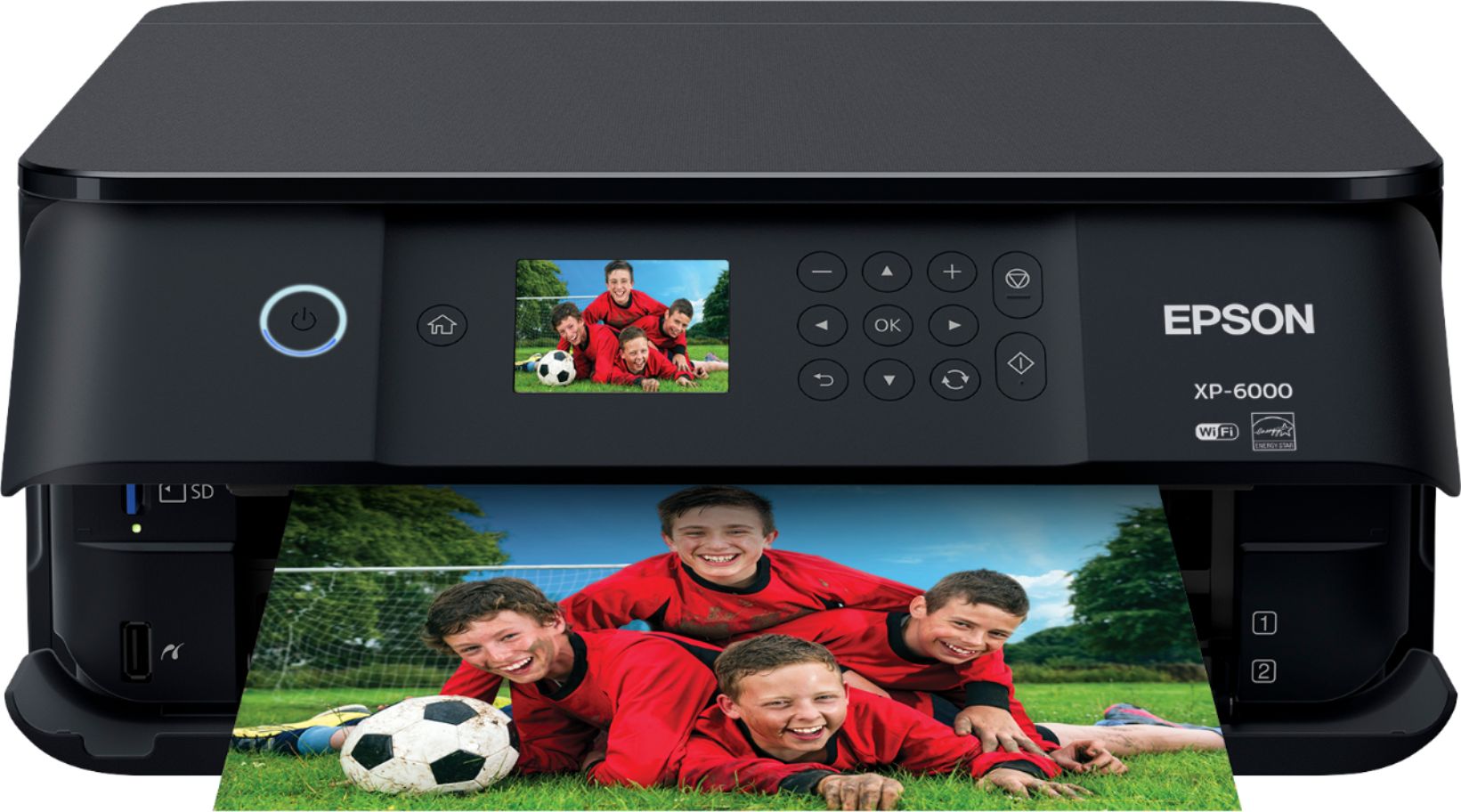
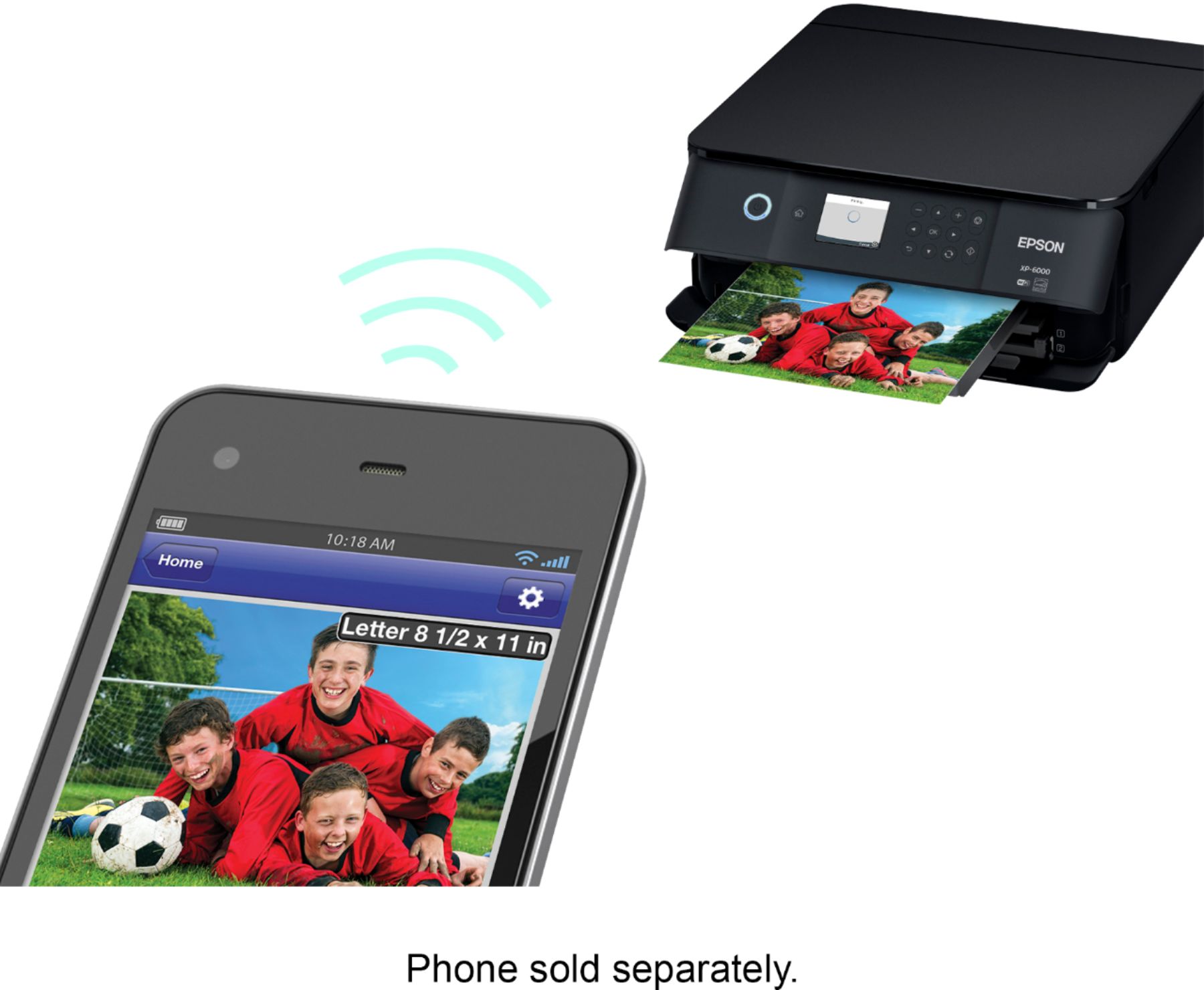
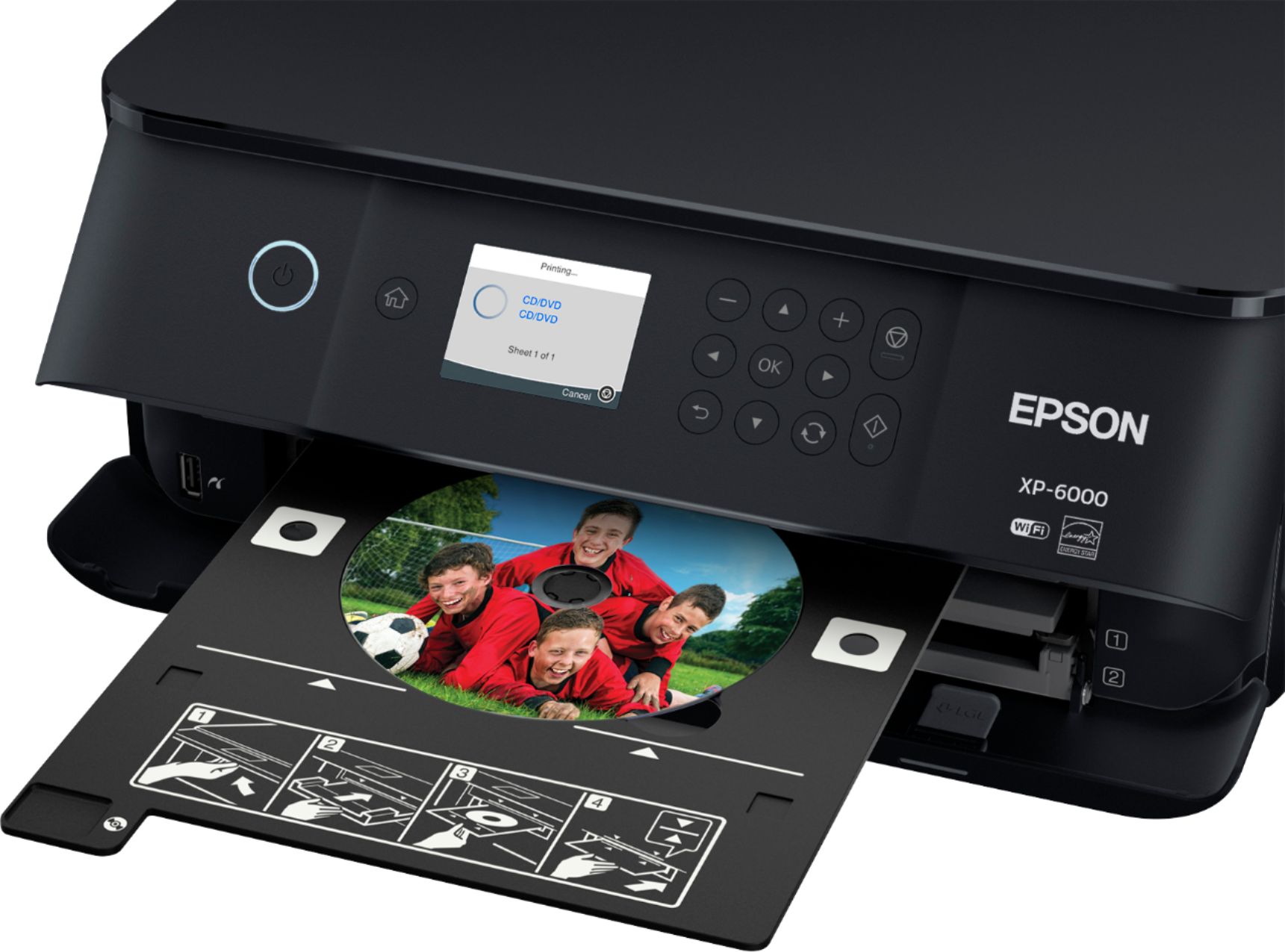
Posted .This reviewer received promo considerations or sweepstakes entry for writing a review.The Epson Expression Premium XP-6000 is the best all in one printers I have used yet. This printer is small yet very powerful. Setting up the printer is simple and doesn’t take that long. After the printer is finished with the set up I recommend also updating the firmware if needed. After setting up the printer, downloading the epson apps makes printing/scanning from your phone, tablet and computer so much easier plus it gives you much more printing options. Setting up the wireless connection was a breeze and I have not encountered any problems yet with the connection between all devices I own (phone, tablet, laptop). If you choose you can also download the included software to your computer if you decide to print/scan using this option. I really enjoy having freedom with this printer because it is wireless and I can print anywhere from in my home. This printer has a screen on the outside where you can manually print/scan and change settings. I only wish that the screen on the printer was also touch screen in addition to the buttons that are there to adjust settings. This printer is excellent at printing out crisp documents and high quality sharp photos. The image on device I was printing from compared to the printed image color is very similar which is why Epson printers are the best for color accuracy and superior photo quality. With this printer there are separate trays for different types of print jobs. Basic Paper, photo, cd/dvd printing each have there own tray to print from which makes this printer even easier to manage. I recommend using epson paper to get the best quality photos and documents possible. Scanning is another important feature that this printer also includes. It’s very easy to scan and preview your document before printing or saving to your device. When scanning the printed image is very crisp and the color is accurate. This high quality printer went above and beyond my expectations. It’s easy to use yet print/scans perfectly. The amount of settings for printing/scanning is the right amount and not overwhelming/confusing. I would recommend this all in one printer for anyone that wants a printer that is High Quality, Small, Easy to Use, & Fast at Printing. This is a review for the Epson Expression Premium XP-6000 Small-in-One Printer that I received free of charge to do a beta test and review.
I would recommend this to a friend Epson Printer
||Posted .This reviewer received promo considerations or sweepstakes entry for writing a review.Was not very user friendly; consistent issues with connectivity to wifi. Ink is expensive.
No, I would not recommend this to a friendBrand response from Epson
Posted .Hi MaxPower, we apologize for the disappointing experience you’re having with your Epson XP-6000. Performing regular maintenance, such as a daily nozzle check, could greatly reduce the need for print head cleaning. Our Epson Support Team can also help you customize your print settings for more efficient ink consumption. If you need further assistance, your product includes free lifetime tech support and you can call us at (562) 276-4382 between 6am - 8pm (PT), Monday - Friday, or from 7am - 4pm (PT) on Saturdays. Regards, Patrick – The Epson Team
Not a fan
||Posted .This reviewer received promo considerations or sweepstakes entry for writing a review.Honestly this was ridiculous to try and get it up and going. Not that great of a product.
No, I would not recommend this to a friendBrand response from Epson
Posted .Hello Frank,
We appreciate your business. Your XP-6000 includes a 1-Year Limited Warranty, plus free technical support for the life of your product. If you're facing a specific issue, our Epson Support Team would be happy to help and can be reached at (562) 276-4382. Hours: Monday – Friday 6am – 8pm (PT), Saturday 7am – 4pm (PT). We hope to hear from you soon.
Cheers,
Elizabeth – The Epson Team.
I would not reccomend this printer
||Posted . Owned for 6 months when reviewed.This reviewer received promo considerations or sweepstakes entry for writing a review.It loses connection with wi-fi repeatedly... It takes a long time to start printing when it does finally connect... I've got it hard wired to my computer now and it still takes a very long time to start printing... I've always liked Epson printers in the past, but I will probably change brands on my next purchase...
No, I would not recommend this to a friend- Pros mentioned:Ease of use
Works
||Posted .This reviewer received promo considerations or sweepstakes entry for writing a review.Works as expected. Easy set up. Easy directions. Good.
I would recommend this to a friendBrand response from Epson
Posted .Hi Jlks, thank you for sharing your experience with your new Epson XP-6000 printer. We appreciate your business, and we're glad you enjoyed the easy setup! Regards, Patrick – The Epson Team.
give a second try
||Posted .This reviewer received promo considerations or sweepstakes entry for writing a review.first one I received was defective have not set up the replacement yet, amend later
No, I would not recommend this to a friendBeware of replacement cartridge price
||Posted .This reviewer received promo considerations or sweepstakes entry for writing a review.Works fine but if research would not have bought. Ink cost more than printer
No, I would not recommend this to a friendBrand response from Epson
Posted .Hi, thank you for sharing your experience. Epson takes into consideration all feedback to improve the performance and quality of our products. We will forward your feedback to the relevant Epson department, as we are always looking to make future Epson products better. Once again, thank you. Regards, Marina – The Epson Team.
Easy set up
||Posted .This reviewer received promo considerations or sweepstakes entry for writing a review.I would get it a 5 stars if the inks wouldn't cost an arm and a leg.
No, I would not recommend this to a friendBrand response from Epson
Posted .Hi Djvc, we appreciate your time in sharing your experience, and will be sure to pass your feedback along to our product teams. Best, Patrick – The Epson Team.
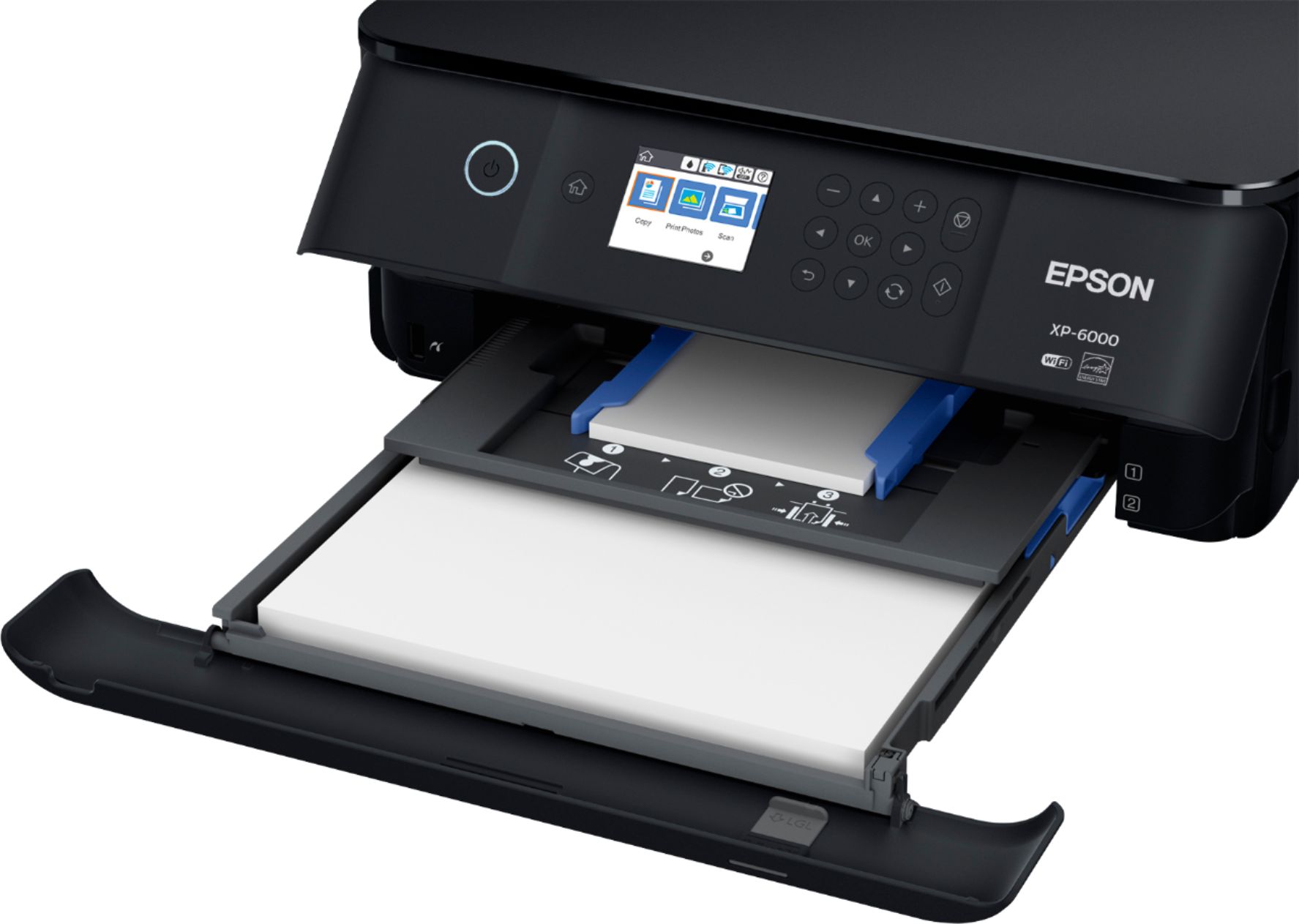
- Pros mentioned:Ease of use, SizeCons mentioned:Paper tray
Compact size
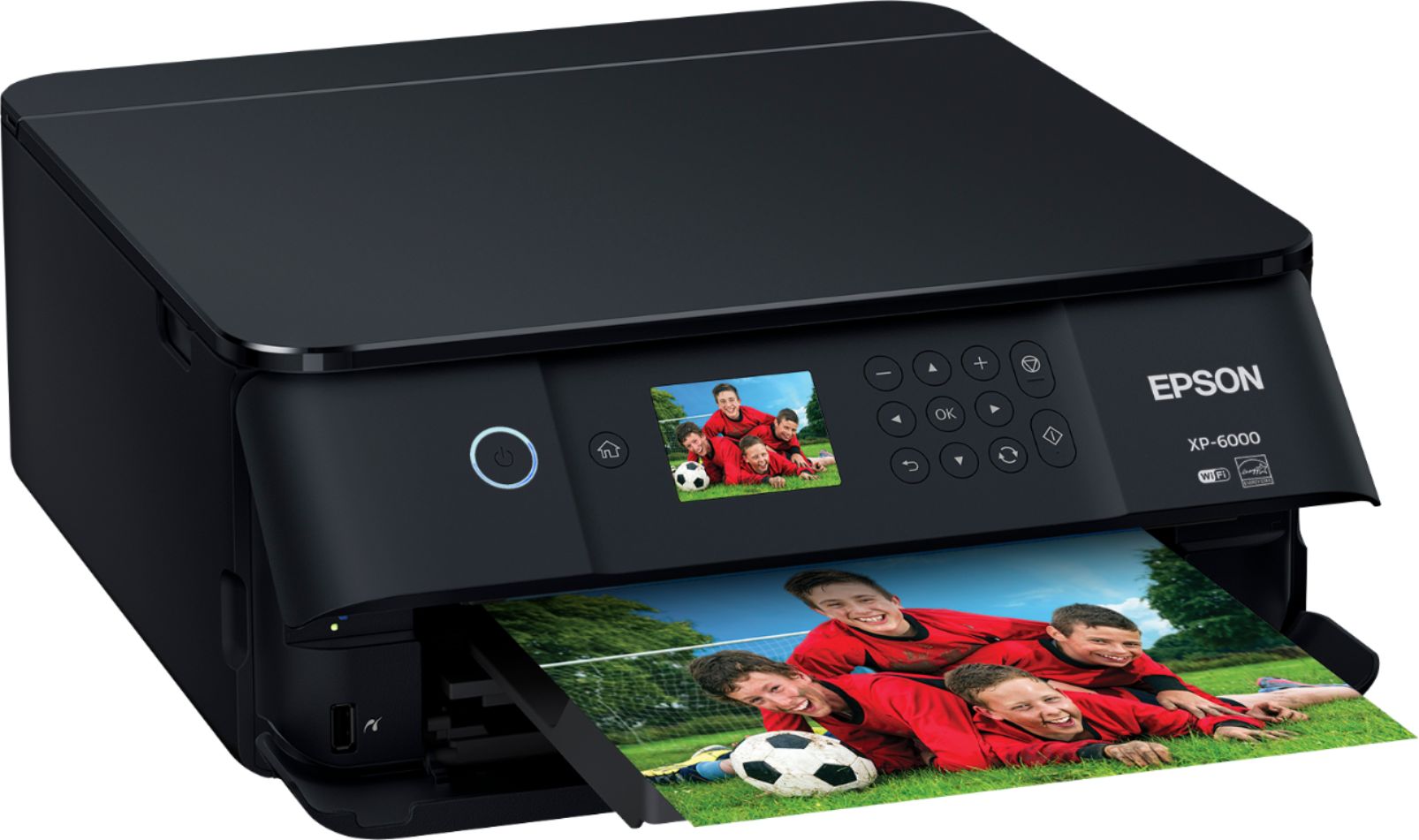
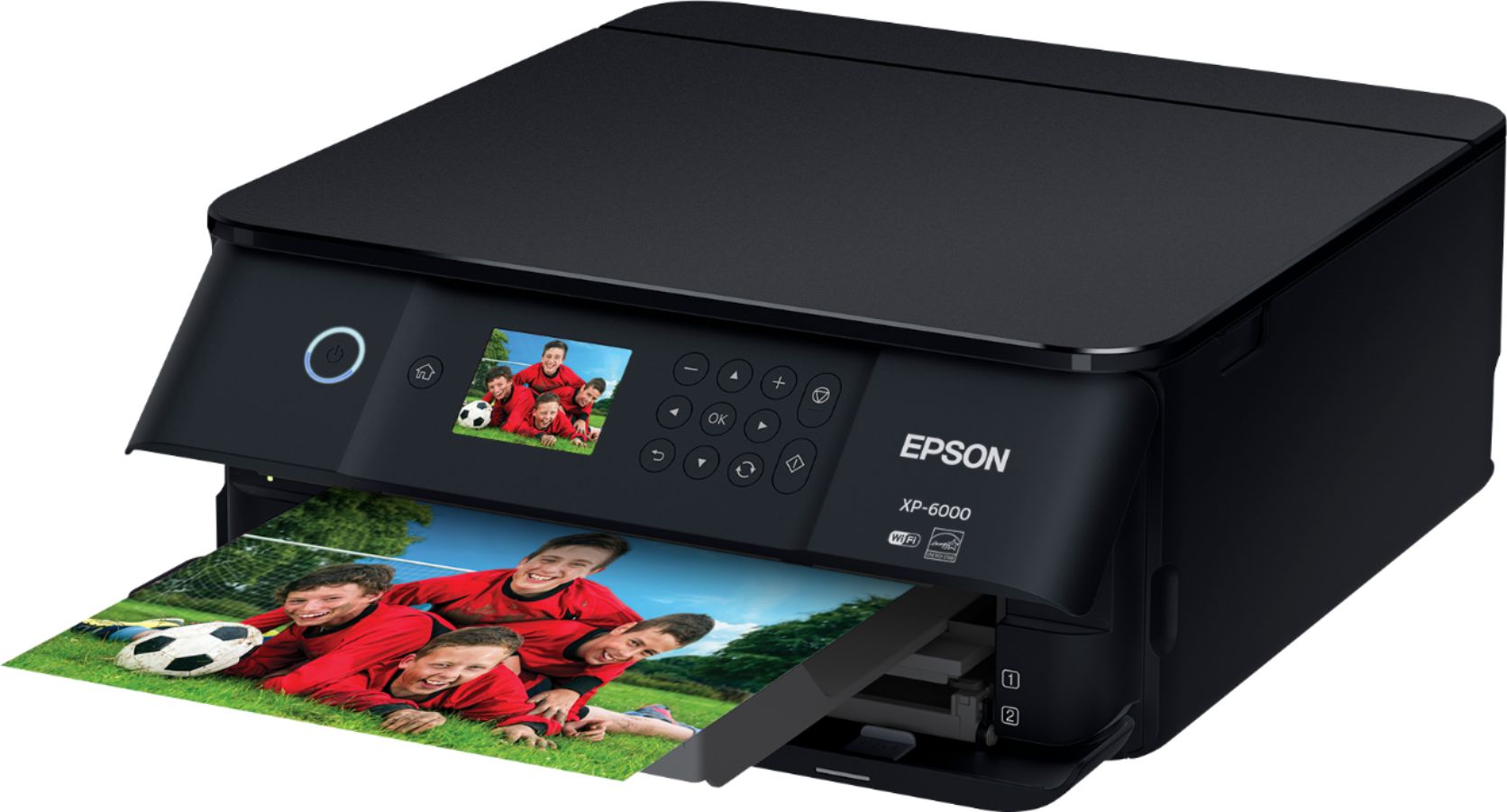
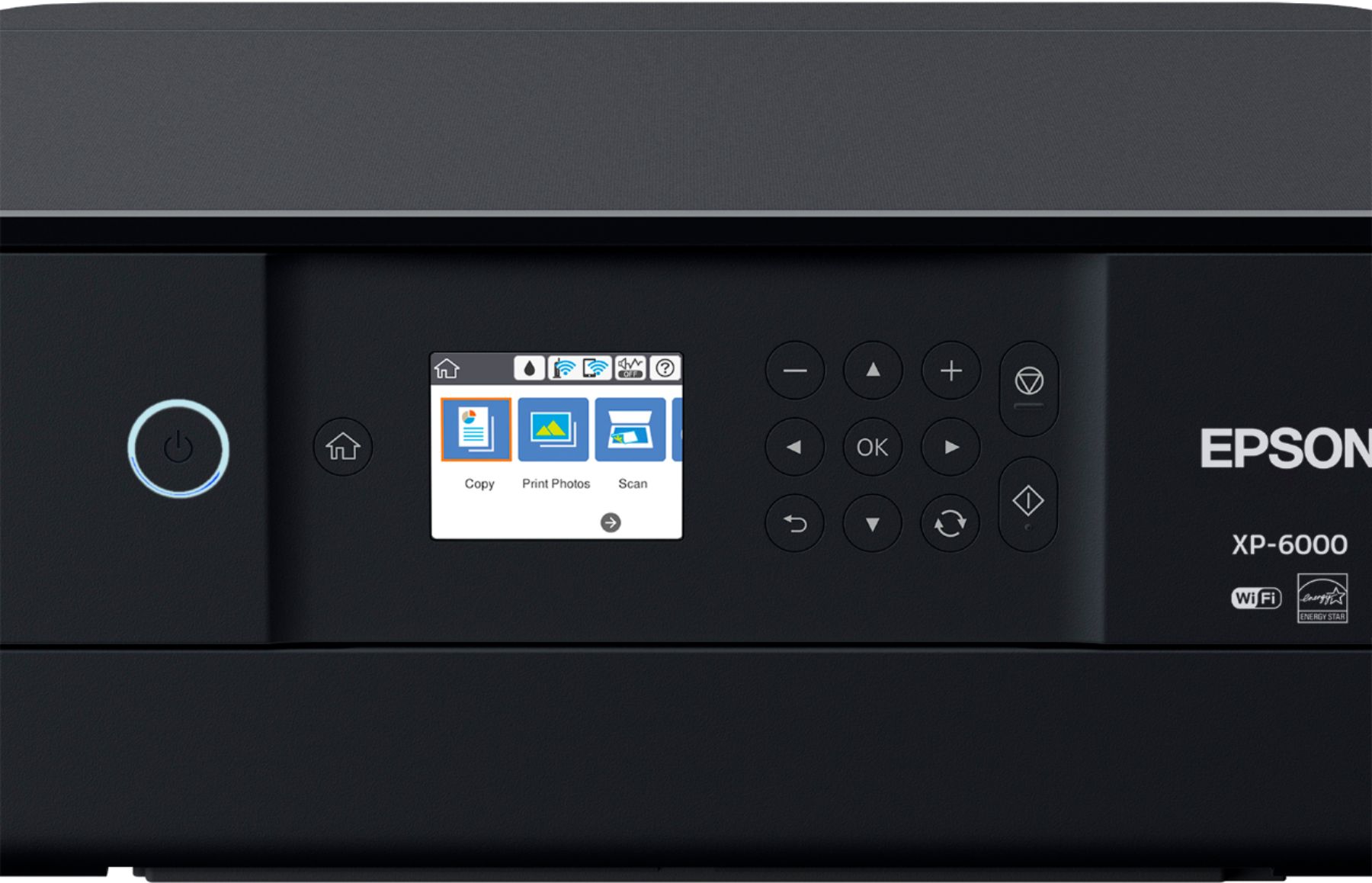
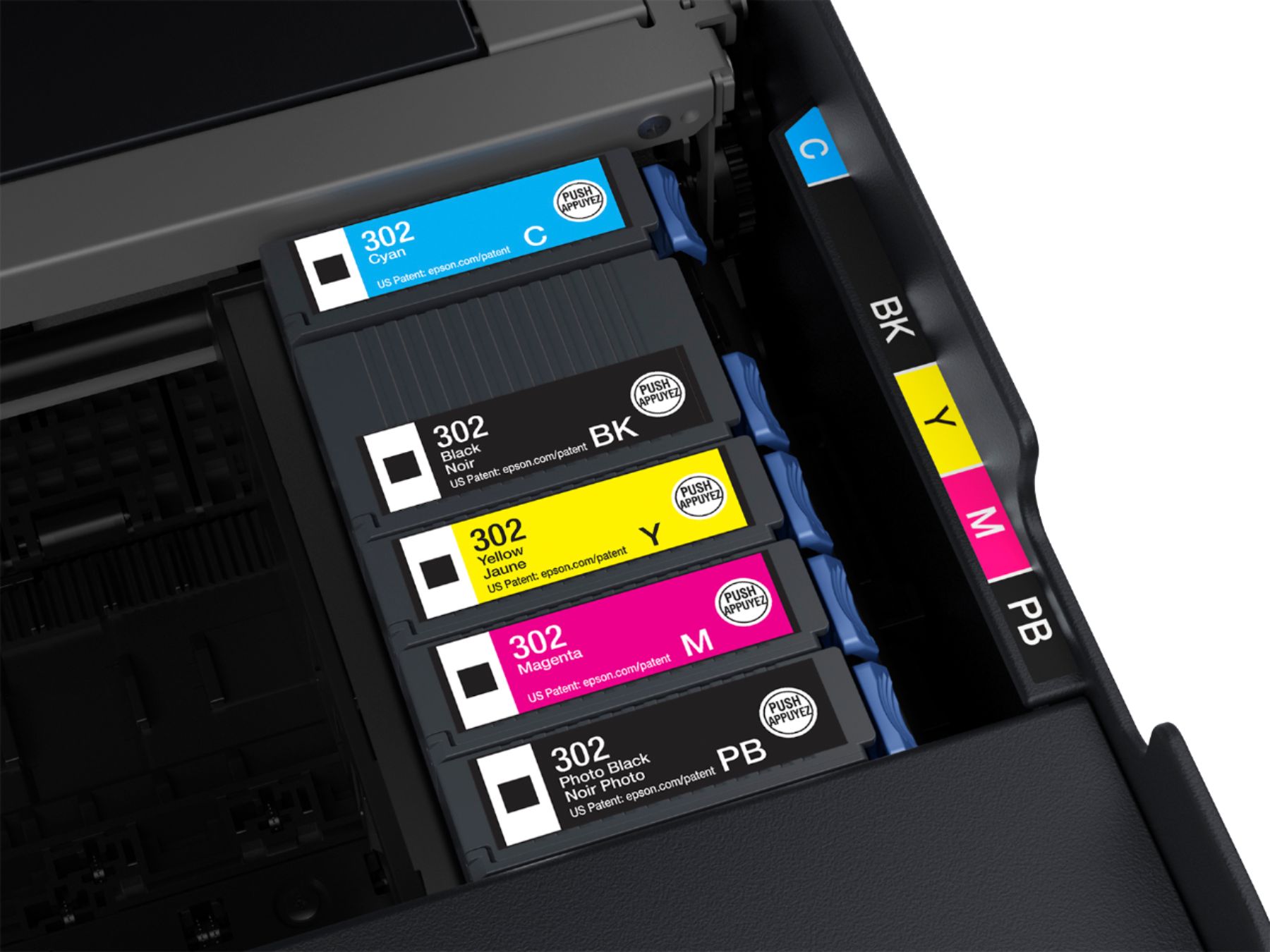
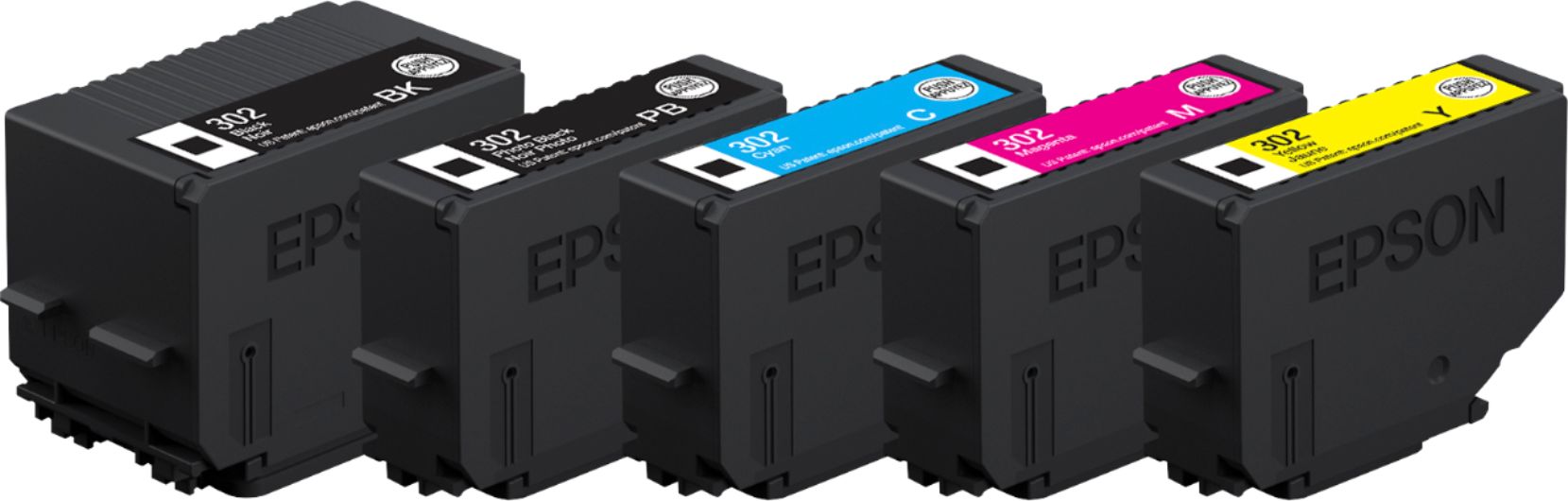
Posted .This reviewer received promo considerations or sweepstakes entry for writing a review.This is my first experience using an Epson printer. So far I liked it very much. It is easy to set up. Installation was a breeze. I liked how you can use it with a USB cable(Not included) or with WiFi. I found the WiFi print set up was very easy. It prints very quietly. The overall size is nice. It isn't very bulky so it saves space on a shelf or desk. It offers an SD card slot or USB slot for when wanting to print pictures. The printer installation software also offers a feature that allows you to connect your phone or tablet to quick printing. I liked that the inks are individual. So you can replace the colors you need. It also offers a photo black. The printer comes with everything you need to set it up in the box. It also has a hibernation mode so it shuts down after 10 minutes. The display screen is a decent size as are the function buttons on the front of the printer. It has a clamshell design so you will need to open it to add paper and to pull out the paper catch print tray. It offers 2 print trays. One for photos which can be sized for the photo paper you are using and the second tray is for legal paper or standard printer paper. The only cons I have found so far are the cord being a bit short and the way the paper catch tray is set up. Nothing too major you will need to lift the faceplate to pull out the catch tray but again nothing too annoying. All in all the printer has fit my needs. This is a review for the Epson Expression Premium XP-6000 Small-in-One Printer that I received free of charge to do a beta test and review.
I would recommend this to a friend Not great
||Posted .This reviewer received promo considerations or sweepstakes entry for writing a review.I purchased this and was not satisfied with the photo printing quality. It printed my photos with streaks through it and I cleaned the print head several times to no avail.
No, I would not recommend this to a friendBrand response from Epson
Posted .Hi Natasha, we are sorry to hear that you are having issues with your Epson printer. Epson provides useful information that can help you avoid ink smears by optimizing your print settings and using the correct paper type in the product User’s Guide at http://epson.com/support/xp6000 If you continue to have problems with your printer, our Epson Support Team is available and can be reached at (562) 276-4382; Hours: Monday – Friday, 6am – 8pm PT; Saturday, 7am – 4pm PT. Sincerely, Eddie – The Epson Team.
Gets the job done.
||Posted .This reviewer received promo considerations or sweepstakes entry for writing a review.That’s about it...scanning multiple pages is annoying. The set up takes a while. I wish I would have spent a little bit more money the get something better
No, I would not recommend this to a friendBrand response from Epson
Posted .Dear Chris, we are sorry to hear that you are disappointed with your Epson printer. Epson takes into consideration all feedback to improve the performance and quality of our products. We will forward your feedback to the relevant Epson department, as we are always looking to make future Epson products better.
Regards,
Bobby D. – The Epson Team.
- Pros mentioned:Ease of use, Print quality, Size
Easy Setup, Great size, loaded with features
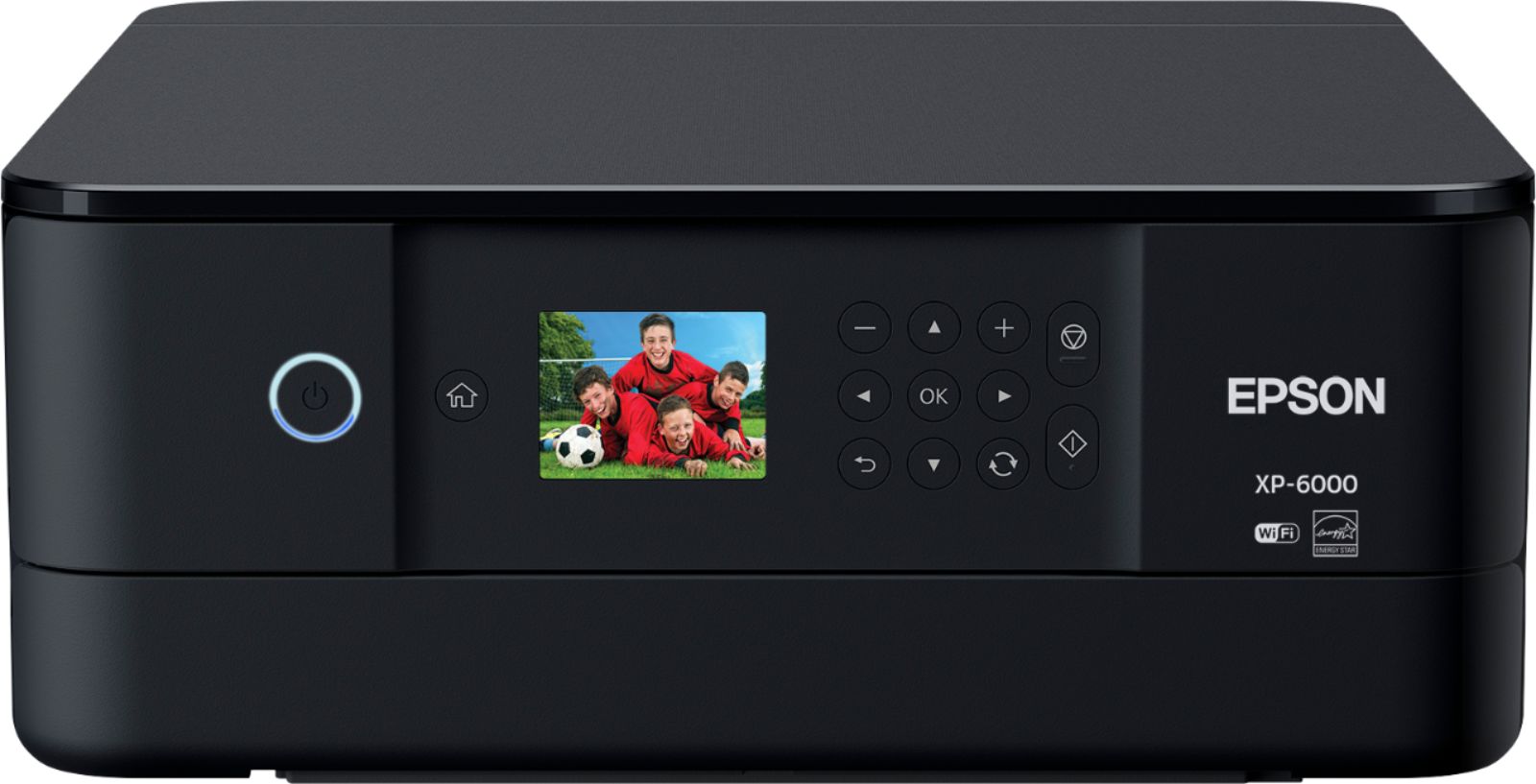
Posted .This reviewer received promo considerations or sweepstakes entry for writing a review.Got this Epson Expression XP-6000 to try and I have to say I am very impressed. The printer is nice and slim and has a very modern sleek design to it . Setup went very smooth for me, and I was up and running in no time. I also set mine up to print on WiFi network as we do a lot of printing from other computers, tablets and phones. The WiFi printing was quick and easy to do. The prints on this XP-6000 are quick and very vivid. I also scanned some documents and photos and those scanned in easily and the prints came out wonderful. You can even print on photo paper as well on this printer. The best part to me is how slim and compact it is. Also its super simple to use and has a nice color touch screen to control the prints. So far I am very impressed, and it as for sure exceeded my expectations. “This is a review for the Epson Expression Premium XP-6000 Small-in-One Printer that I received free of charge to do a beta test and review.”
I would recommend this to a friend Was good but then...
||Posted .This reviewer received promo considerations or sweepstakes entry for writing a review.So I had a great epson for like three 3years then the software/firmware stopped working well even after i updated. So i go to buy a new one and i thought I didn't want the exact same printer but I saw the specs and price on this one and it seemed great. I set it up and after a week or two it gave me problems because the paper kept saying it was improperly loaded. I checked multiple times. Thought maybe a paper jam but i could see no paper problem. It could not be fixed so i returned it.
No, I would not recommend this to a friendBrand response from Epson
Posted .Hi Hellomynameis, we are very sorry to hear that we were not able to resolve this issue. Epson takes into consideration all feedback to improve the performance and quality of our products. We will forward your feedback to the relevant Epson department, as we are always looking to make future Epson products better.
Regards,
Bobby D. – The Epson Team.
What the heck
||Posted . Owned for 8 months when reviewed.This reviewer received promo considerations or sweepstakes entry for writing a review.What the heck. Used a week....was awesome. Sat 3 months now prints worst pictures ever. No idea what this machine las problem is
No, I would not recommend this to a friendvery difficult to use with Apple computer
||Posted .This reviewer received promo considerations or sweepstakes entry for writing a review.I spent many hours discussing why it would not print envelopes with Exxon technical support, who initially thought the one purchased defective and sent me another. I finally reached a technically astute person who helped me get to be able to print a full page.. However, when I replace the paper with envelopes it failed to print
No, I would not recommend this to a friendBrand response from Epson
Posted .Hi joecain, we're sorry for the disappointing experience you've encountered with your XP-6000 printer. Please give our Advanced Epson Support Team the opportunity to assist you by calling 1-800-241-5794; Hours: Monday – Friday, 6am – 8pm PT; Saturday, 7am – 4pm PT. Thank you for your patience. Sincerely, Quinn – The Epson Team.