Customer Ratings & Reviews





- Model:
- B11B237201
- SKU:
- 6280709
Rating by feature
- Value
Rating 4.3 out of 5 stars
- Quality
Rating 4.7 out of 5 stars
- Ease of Use
Rating 4.7 out of 5 stars
Customers are saying
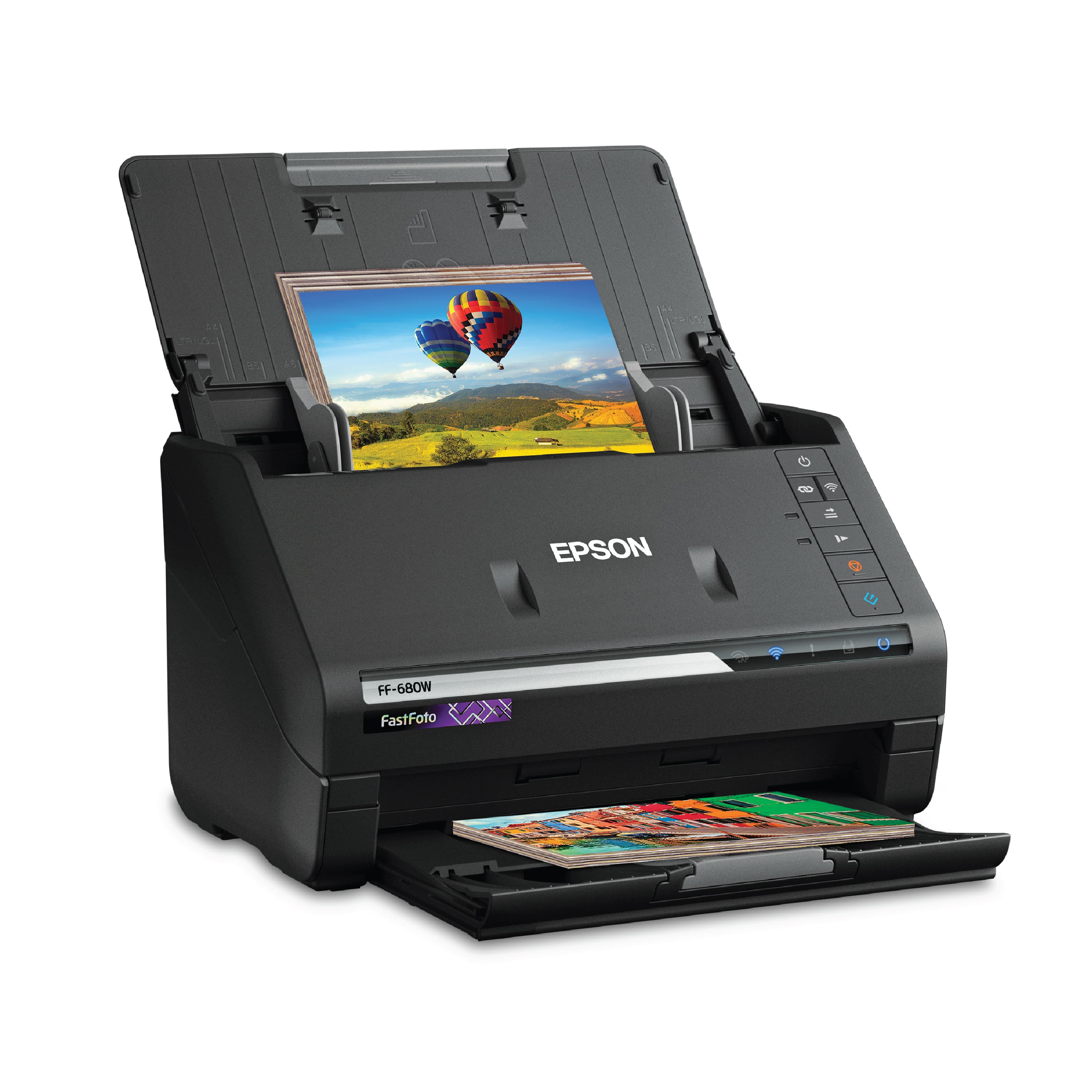
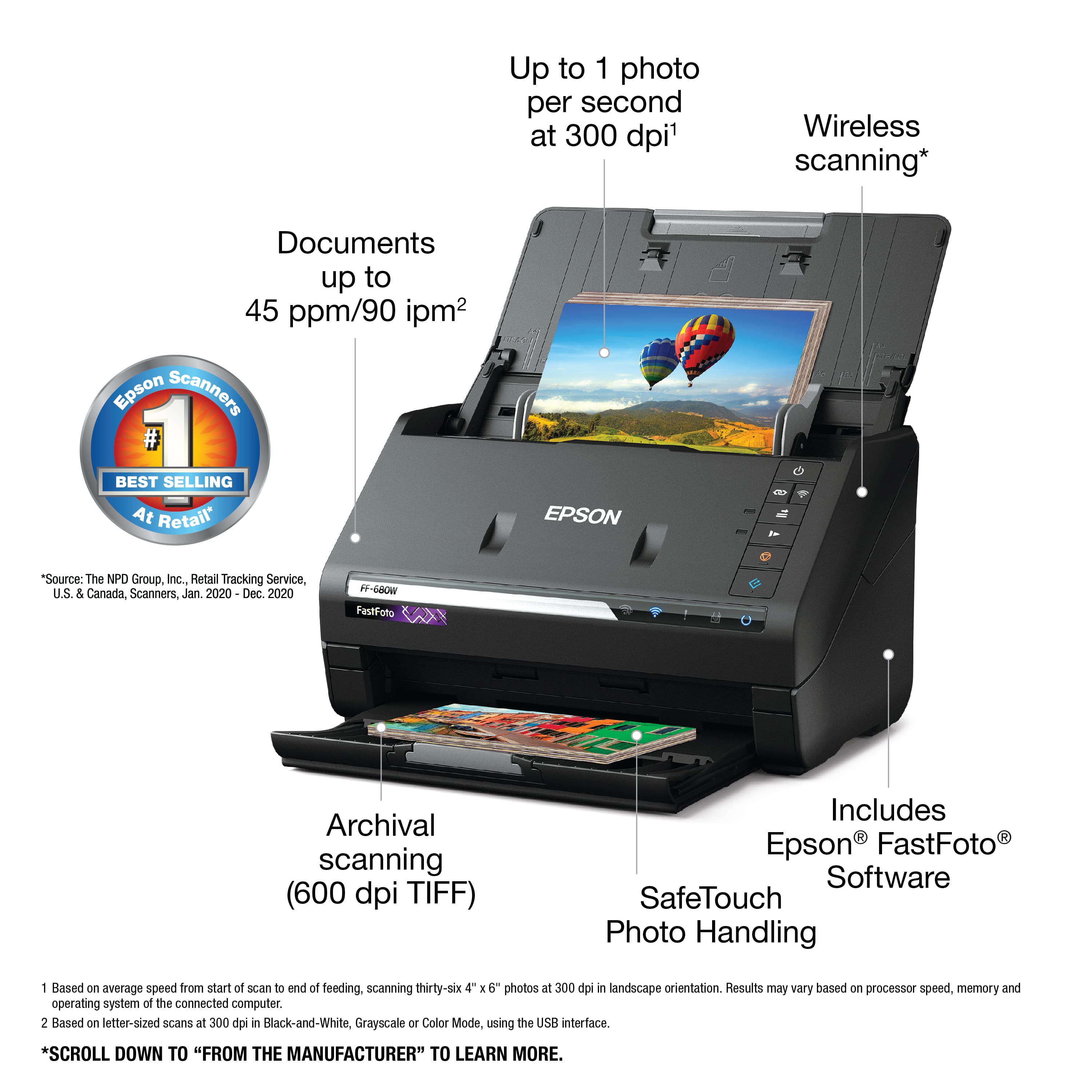
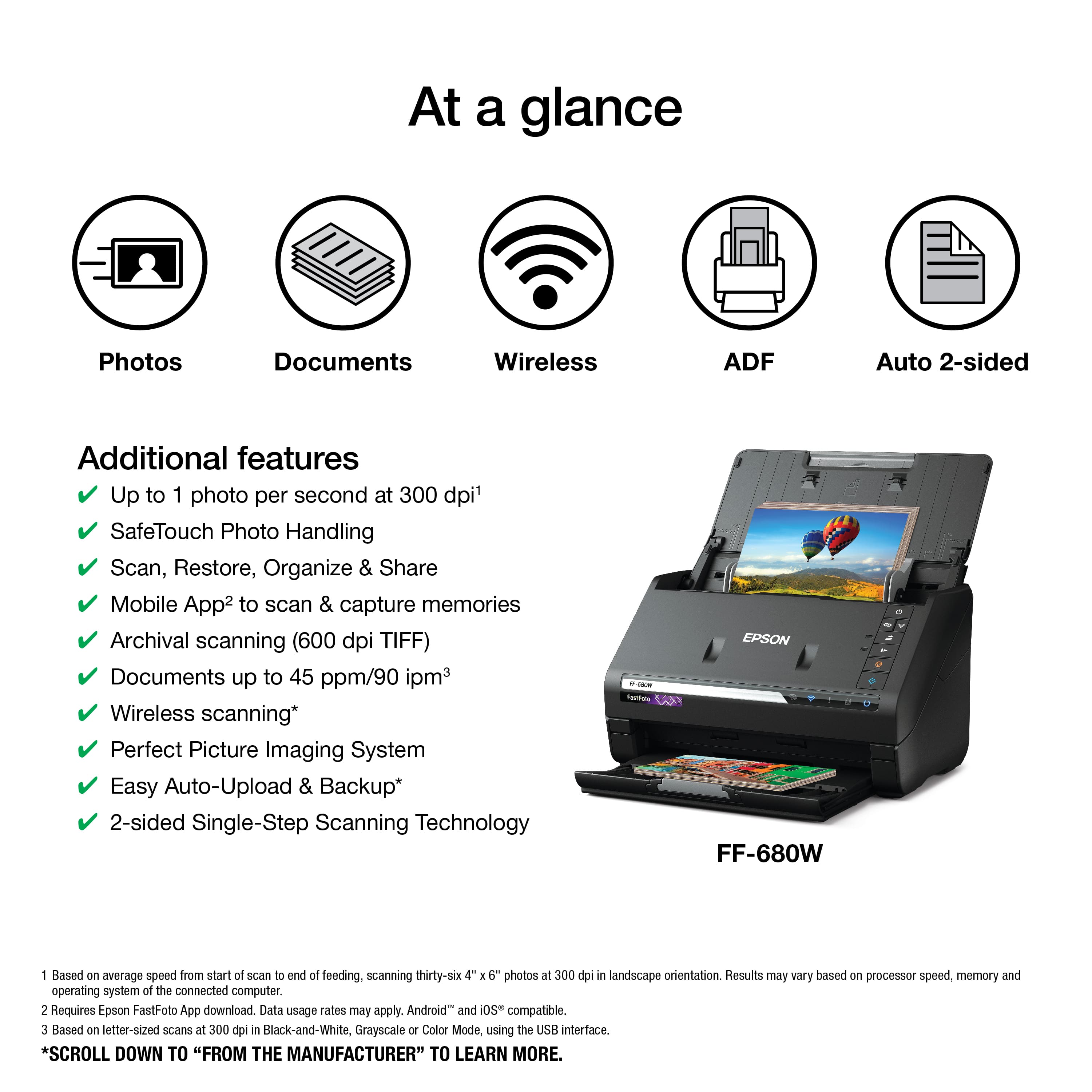
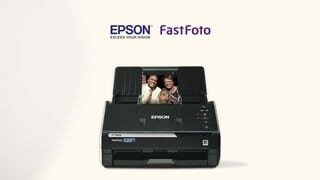
Customers enjoy the FastFoto FF-680W Wireless High-speed Photo Scanning System for its scanning speed, ease of use, and image quality. The included software and compact size are also appreciated. Some customers have expressed concerns about the price, occasional paper jams, connectivity issues, and compatibility with certain types of photos.
This summary was generated by AI based on customer reviews.
- Pros mentioned:Ease of use
JokFastFoto
||Posted . Owned for 1 month when reviewed.This reviewer received promo considerations or sweepstakes entry for writing a review.Works good easy to use. Some confusion on the button descriptions, but otherwise works on Wi-Fi connection
I would recommend this to a friend - Pros mentioned:Scanning speed
Amazing!
||Posted .This reviewer received promo considerations or sweepstakes entry for writing a review.Great For scanning photos! If you are looking to get rid of your stored images, this scanner is fantastic.
I would recommend this to a friend Fast and efficient
||Posted . Owned for 1 month when reviewed.This reviewer received promo considerations or sweepstakes entry for writing a review.If you are scanning dark or night photos, there will be reflective light flares on the digital image. This does not occur when I use a flatbed scanner.
I would recommend this to a friendBrand response from Epson
Posted .Hello LetMeDigitizeThatForYou, thank you for sharing your feedback on the FF-680W scanner. Epson considers all feedback to improve the performance and quality of our products. Epson provides helpful information, including FAQs and self-help tools, on the product support web page at https://epson.com/Support/Scanners/FastFoto-Series/Epson-FastFoto-FF-680W/s/SPT_B11B237201#questions. Additionally, your scanner includes a 1-year Limited Warranty, plus free lifetime technical support. Please contact our support team directly at (562) 276-4382 between 7 am - 4 pm (PT), Monday - Friday if you need assistance. Sincerely, Sam - The Epson Team.

Hopeful
||Posted . Owned for 1 year when reviewed.This reviewer received promo considerations or sweepstakes entry for writing a review.This was difficult for me to set up, but my son was able to, then I bought a new computer and cannot use it at this time.
I would recommend this to a friendBrand response from Epson
Posted .Hello Carolyn, we're sorry to hear about your trouble setting up the Epson FF-680W scanner. Epson takes into consideration all feedback to improve the performance and quality of our products. Epson offers helpful information, including FAQs and self-help tools, on the product support web page at https://epson.com/Support/Scanners/FastFoto-Series/Epson-FastFoto-FF-680W/s/SPT_B11B237201#questions. Additionally, your FastFoto scanner includes a 1-year Limited Warranty, plus free lifetime technical support. If you need any assistance, our Epson Support Team would be happy to help you and can be reached at (562) 276-4382; Hours: Monday - Friday, 7 am - 4 pm PT; Sincerely, Sam - The Epson Team.
Nice Scanner
||Posted . Owned for 2 weeks when reviewed.This reviewer received promo considerations or sweepstakes entry for writing a review.Leaves streaks permanently on pictures due to the roller, other than that, its a good scanner!
I would recommend this to a friendGreat for batch scanning
||Posted . Owned for 1 month when reviewed.This reviewer received promo considerations or sweepstakes entry for writing a review.Good for batch scanning, but App not compatible with MacBook Air.
I would recommend this to a friend- Pros mentioned:Ease of use, Image quality, Scanning speed
Excellent scanners
Posted .This reviewer received promo considerations or sweepstakes entry for writing a review.Epson Fast photo FF-680W is an excellent fast scanner with automatic feed that scans and shares many photos with just a few clips as this has the most current is that the Wi-Fi and very easy to use the Epson fastfoto FF-680W has the ability to scan up to 30 photos per minute and in my experience with it is very fast easy to use with a quality of the highest excellence indexes has the ability to scan standard panoramic square photos also recognizes the back of the sheets in case and that scan the two parts to capture special notes written by hand improves the old photographs manual or automatic Epson has exceeded what I expected in a photo scanner The Epson FastFoto FF680W is a large scanner of compact size that does not take up too much space. I was very impressed with the size and the ability to scan the image in a reasonable time this machine will be very helpful in my small business This is a review of the Epson FastFoto FF-680W wireless photo and document scanning system that I received for free perform a beta test and review.
I would recommend this to a friend Does not work for instant photos
||Posted . Owned for 8 months when reviewed.This reviewer received promo considerations or sweepstakes entry for writing a review.Had to return it because it jambed too much and I couldn't scan my hundreds of instant photos. It seemed fine for other pics. I didn't try any documents.
I would recommend this to a friendBrand response from Epson
Posted .Hi Shannonsd, we apologize for the disappointing experience that you had encountered with the FF-680W scanner. Epson takes into consideration all feedback to improve the performance and quality of our products. If we can help you with anything else, our support team can be reached at (562) 276-4382 between 7 am - 4 pm (PT), Monday - Friday. Hopefully, we can assist you with a future product. Sincerely, Kevin - The Epson Team.
- Pros mentioned:Ease of use
Awesome Scanner
||Posted . Owned for 1 month when reviewed.This reviewer received promo considerations or sweepstakes entry for writing a review.Great product by a little expensive. Easu to use and works well.
I would recommend this to a friend Does not work with polaroids
||Posted . Owned for 1 month when reviewed.This reviewer received promo considerations or sweepstakes entry for writing a review.If you just have normal photos this works great. It does not work with polaroids so I had to return as that was 1/2 of the reason I got it
I would recommend this to a friendBrand response from Epson
Posted .Hi Kate, we're sorry to hear about the compatibility issue with the FF-680W scanner. Epson takes into consideration all feedback to improve the performance and quality of our products. We'll forward this information to the appropriate department for review. If we can help you with anything else, our support team can be reached by phone at (562) 276-4382; Hours: Monday - Friday, 7 am - 4 pm PT. Hopefully, we can assist you with a future product. Sincerely, Sam - The Epson Team.
Good
||Posted . Owned for 1 month when reviewed.This reviewer received promo considerations or sweepstakes entry for writing a review.This does the job, just that sometimes it jams for no reason
I would recommend this to a friend- Cons mentioned:Price
Not what I expected
||Posted .This reviewer received promo considerations or sweepstakes entry for writing a review.For a printer/scanner that cost. Lot it only is used for just the photos. So dont buy if you are looking for more than that.
I would recommend this to a friendBrand response from Epson
Posted .Hi James, your Epson FF-680W includes free technical support for the life of your product. So if you ever need assistance, our Epson Support Team would be happy to help and can be reached at (562) 276-4382; Hours: Monday – Friday, 6am – 8pm PT; Saturday, 7am – 4pm PT. Sincerely, Marina – The Epson Team.
- Pros mentioned:Scanning speed
Very surprised how fast it scans pictures.
||Posted .This reviewer received promo considerations or sweepstakes entry for writing a review.Also gives you 2 scans per pic an edited touch up version and an unedited version. It works very well on old pictures.
I would recommend this to a friend Great and Overpriced !
||Posted . Owned for 1 month when reviewed.This reviewer received promo considerations or sweepstakes entry for writing a review.Product works great and is fast but completely overpriced !
I would recommend this to a friendGreat speed, not so great quality
||Posted . Owned for 1 month when reviewed.This reviewer received promo considerations or sweepstakes entry for writing a review.I found that the speed and ease of scanning is great! But I am not at all impressed with the quality of the scanned photo. Especially using the autocorrect feature which put a "haze" over the corrected image. Not impressed; returned the printer.
No, I would not recommend this to a friendBrand response from Epson
Posted .Hi LoRain, thank you for your feedback. We are sorry to hear that you are having issues with the software for your Epson FF-680W . To resolve this issue, try going through the video tutorials, found here: https://epson.com/Support/Scanners/FastFoto-Series/Epson-FastFoto-FF-680W/s/SPT_B11B237201#video , and the Epson online manual, found here: https://files.support.epson.com/docid/cpd5/cpd55191.pdf . If the issue continues, please contact Epson Support at (562) 276-4382; Hours: Monday – Friday, 6am – 8pm PT; Saturday, 7am – 4pm PT. Sincerely, Leo – The Epson Team.
Good option for photo scanning
||Posted .This reviewer received promo considerations or sweepstakes entry for writing a review.Good scanner but would sometimes get stuck when loading 30 photos at a time.
I would recommend this to a friendBrand response from Epson
Posted .Hello Speaker, thank you for your feedback on the RR-680W scanner. Epson considers all feedback to improve the performance and quality of our products. Epson provides helpful information, including FAQs and self-help tools, on the product support web page at https://epson.com/Support/Scanners/FastFoto-Series/Epson-FastFoto-FF-680W/s/SPT_B11B237201#questions. Additionally, your scanner includes a 1-year Limited Warranty, plus free lifetime technical support. Please contact our support team directly at (562) 276-4382 between 7 am - 4 pm (PT), Monday - Friday if you need assistance.
Sincerely, Sam - The Epson Team
Don’t waste your money on this expensive scanner
||Posted .This reviewer received promo considerations or sweepstakes entry for writing a review.A line appears on all scanned photos that runs the length of the photos in the same location.
No, I would not recommend this to a friend- Pros mentioned:Scanning speed, Software

Convenient/Easy to Use Photo Scanner – Worked Well
|Posted .This reviewer received promo considerations or sweepstakes entry for writing a review.I’ve had many scanners over the years, so I was curious to see how well this scanner worked. Unless you buy a high-volume professional scanner, the ability to scan a stack of papers or pictures, can be a long and arduous process. It usually involves fiddling with many software settings, scanning both the front side of pictures, followed by the back, and a lot of arranging of pictures on a flat scanner glass or automatic document feeder (ADF). After using this scanner, I found a lot of that hassle is minimized. It’s swift in handling large stacks of photos. And the software does a decent job saving and adjusting each photo. I was quite happy with how well the ADF worked. I tested it using a stack of pictures from the 90s that had some curl to them. The scanner smoothly feed them trough without hassle. A common problem with ADFs is their propensity to double feed documents. It’s a problem that eventually surfaces as the scanner ages. The rollers and feed pads start to deteriorate over time. The manual (online) does a good job clearly explaining the maintenance needed if any of these issues occur. However, with a stated lifecycle for the internal rollers at 200,000 scans, it will be quite a while (years maybe) before you even need to think about replacing them. The only other maintenance that is recommended is wiping the rollers and the internal thin piece of scanner glass with the included microfiber cloth after 300 scans, or if you notice streaking in your scanned images. This is usually due to dirt buildup from sending through large volumes of old pictures. The scanned images came out looking great. The provided software produces an original version of the scanned photo, as well as an enhanced version. It’s up to you to decide if you like the enhanced version. I found I preferred the original version for most photos I sent through, but for the view originals that were overexposed or had bad color, the software did a great job cleaning those up. Another nice touch is the scanners ability to scan the backside of every photo to preserve any handwritten notes or dates. It comes through on the computer as a separate image file, but they are organized together with their accompanying photo, based on file name. The only cons I experienced with the scanner was during the setup process. It was easy enough to follow the included instructions on how to download the software and drivers, but I experienced a little difficulty when trying to get my wireless router connected to the scanner wirelessly. During that part of the install, I choose to connect the two using the routers Wi-Fi Protected Setup (WPS) button. Since my router, a Linksys Velop doesn’t have a physical WPS button, I used the router’s app to initiate WPS. After following the steps closely, the scanner and router never was able to connect to each other through the WPS process. Since I couldn’t get it to work, the installation software allows you to use the included USB cable to setup the wireless connection between the scanner and your network. That method ended up working. After the two were connected, the USB cable can be disconnected from your computer, and it’s not needed anymore. At that point, you can truly utilize the benefit of wireless scanning. NOTE: The included USB 3.0 cable can be tricky to plug-in into the back of the scanner. After I first connected it, my computer wasn’t detecting the scanner. After double checking my connections, I discovered I had to really push the cable’s connection firmly into the back of the scanner. The new 3.0 style head makes the connection a little harder to make. Just make sure you’ve inserted it all the way when making the connection to the scanner. Overall, I am very pleased with this scanner. I look forward to scanning the tons of physical photos I have in my possession. I especially can’t wait to take the many photos sitting in piles at my mom’s house, and digitize them.
I would recommend this to a friend Epson app broken, can't use it.
||Posted . Owned for less than 1 week when reviewed.This reviewer received promo considerations or sweepstakes entry for writing a review.Have no idea how well it scans, as the mobile app that controls it can not connect. Am told that it is a known issue, no estimate on when it will be fixed. Add that to Epson requiring payment and credit card information before supplying support, and I deeply regret this purchase.
No, I would not recommend this to a friendHangs during scans
||Posted .This reviewer received promo considerations or sweepstakes entry for writing a review.I bought this scanner after reading the reviews but it's not working well on a WiFi connection. The FastFoto software will hang or pause for a significant time during scanning. I bought this for the fast scan , but the hanging symptom defeats the purpose of the purchase. .I will return this back to the store.
No, I would not recommend this to a friend