Customer Ratings & Reviews

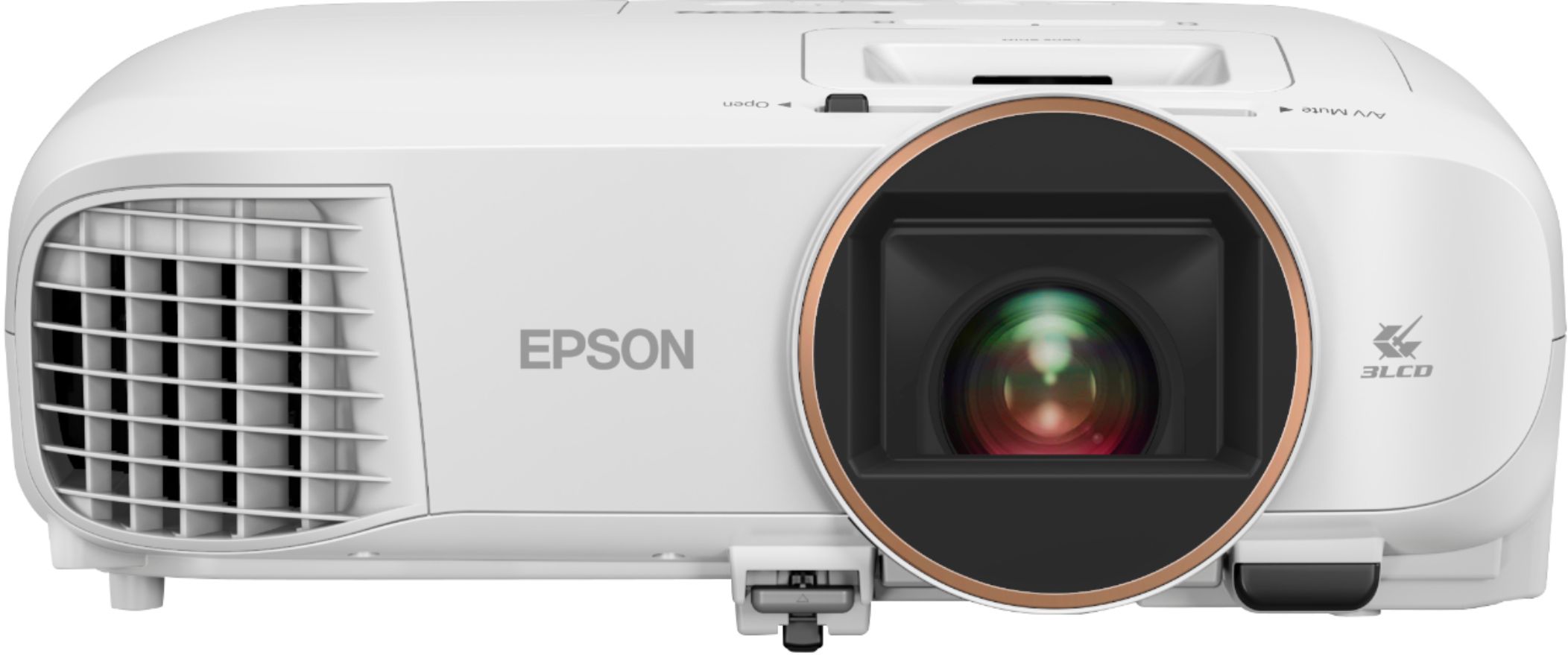
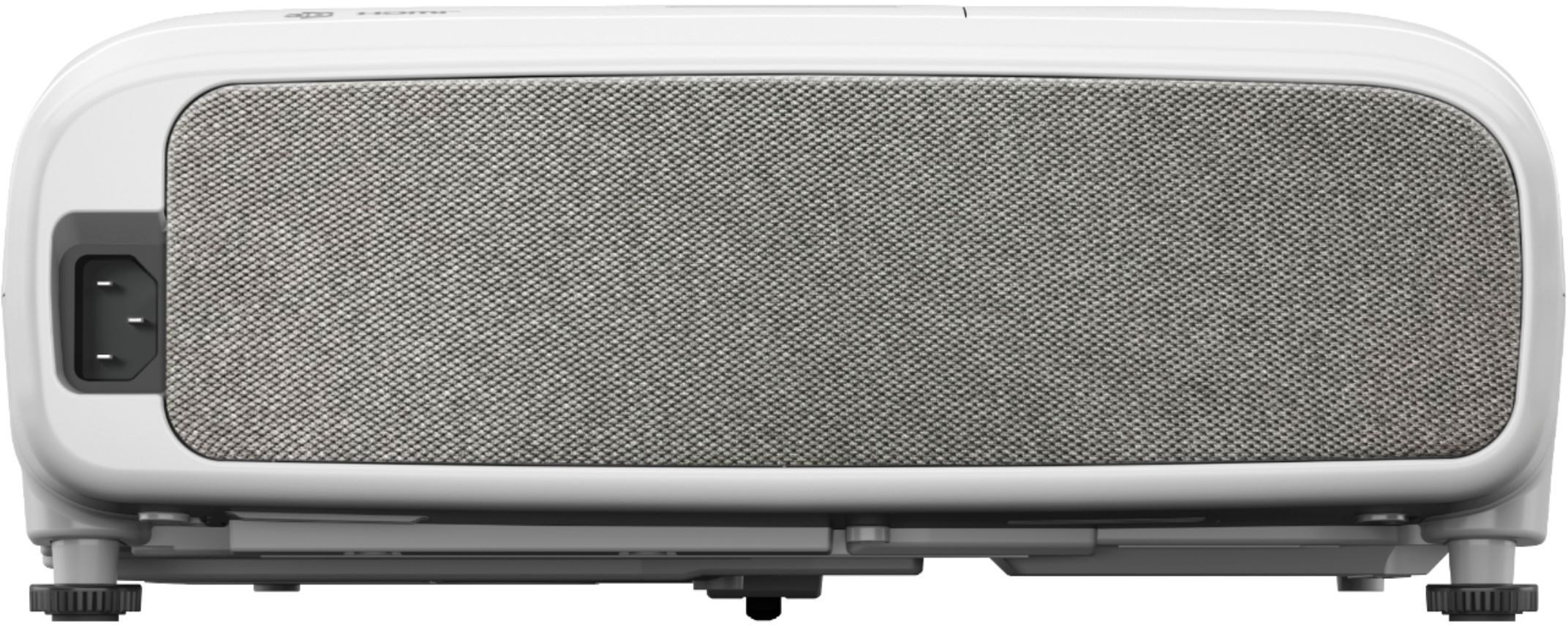
- Model:
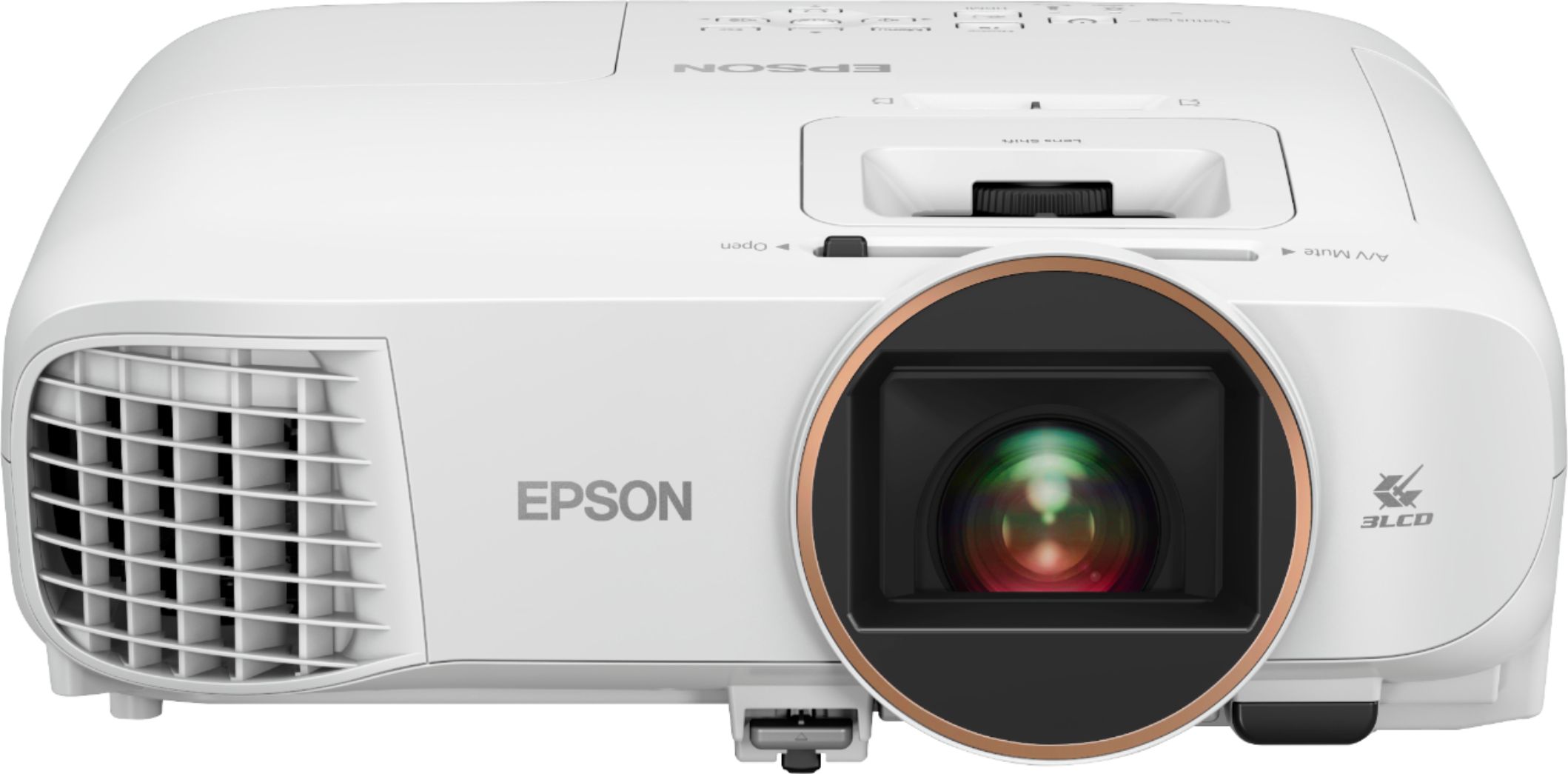
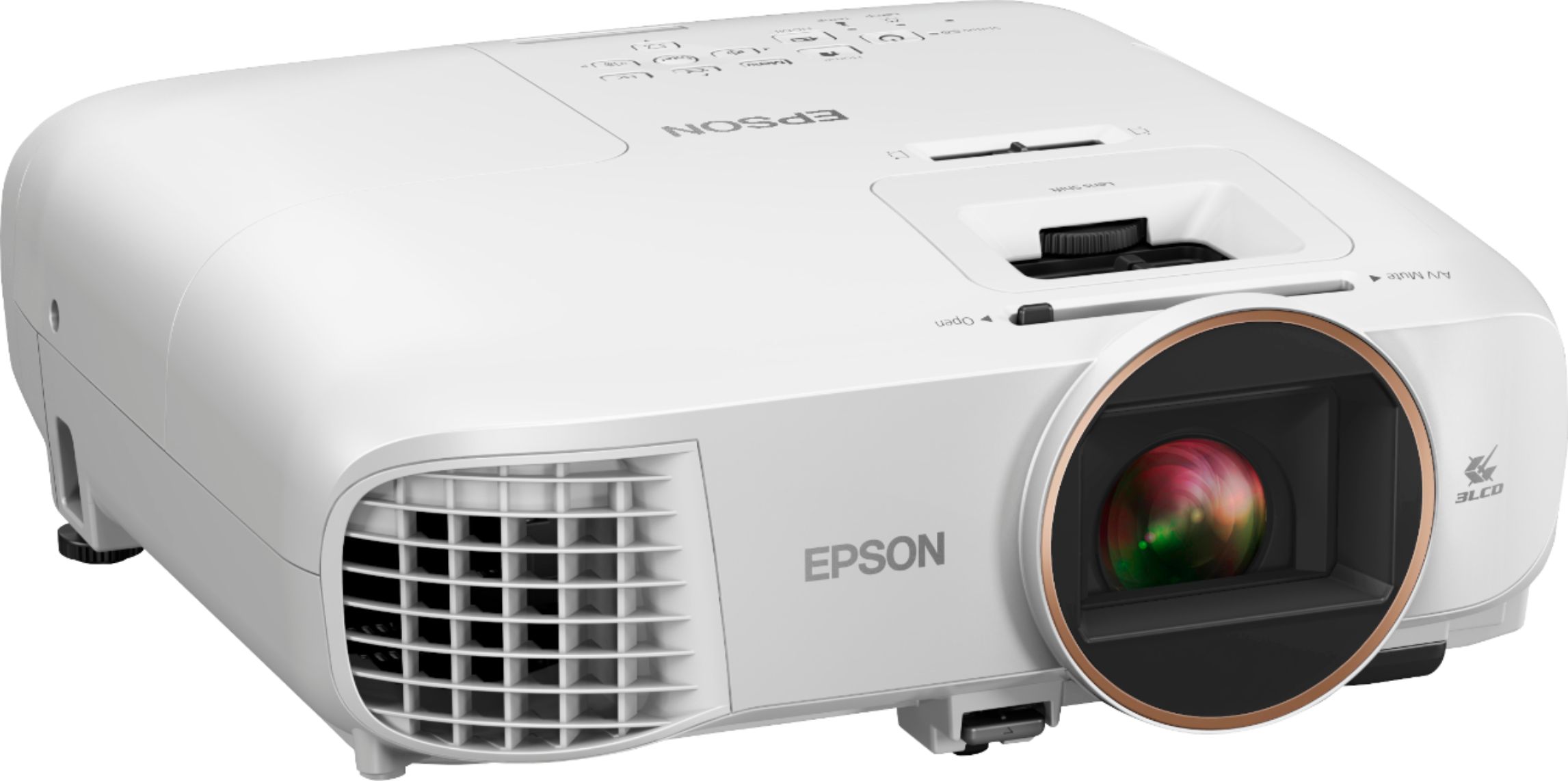
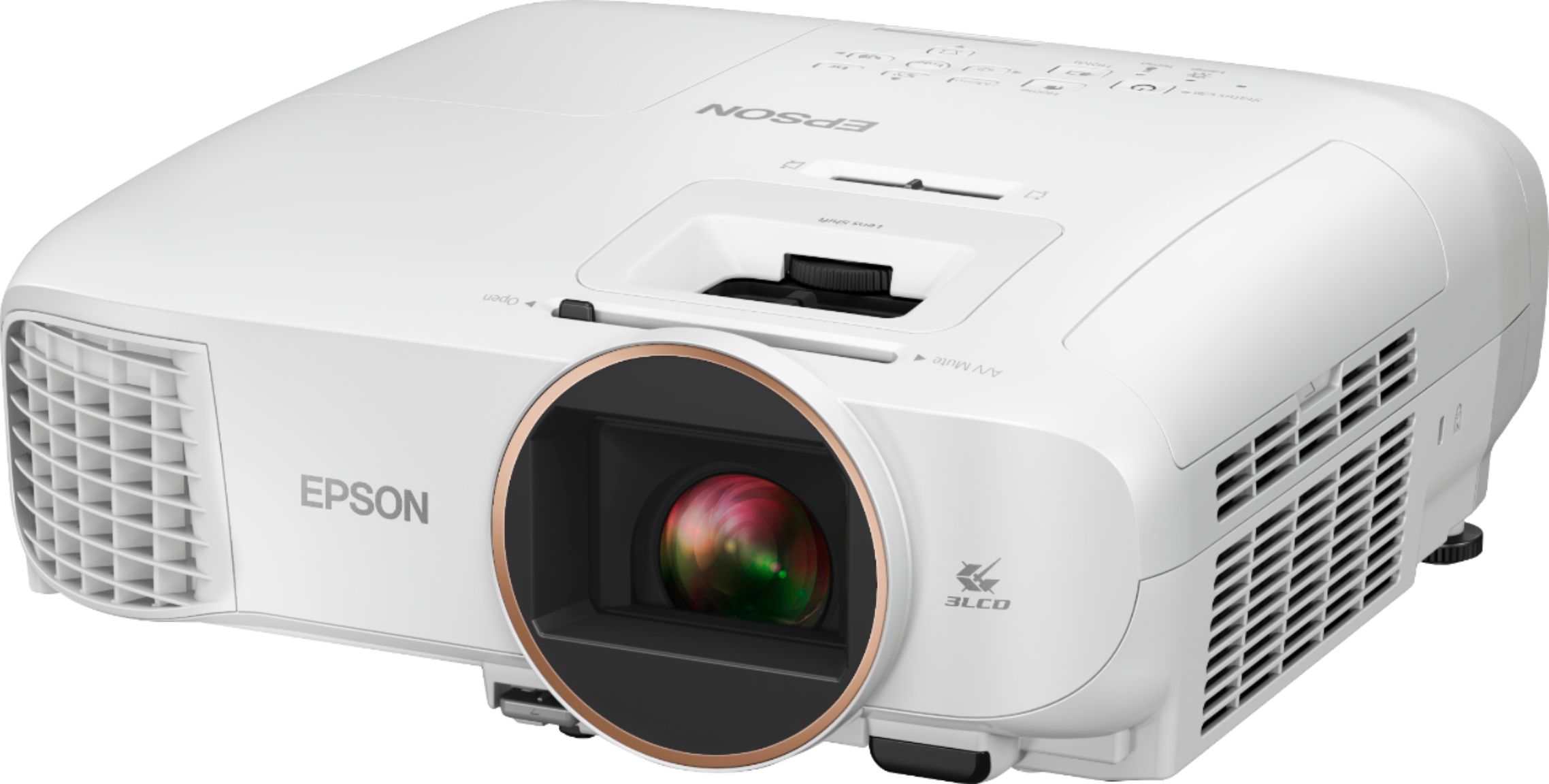
- EPSON HC2250 V11HA11020
- SKU:
- 6428462
Rating by feature
- Value
Rating 4.5 out of 5 stars
- Quality
Rating 4.6 out of 5 stars
- Ease of Use
Rating 4.6 out of 5 stars
Customers are saying
Customers are satisfied with the Home Cinema 2250 projector's picture quality, brightness, and ease of use. The built-in Android TV functionality and lens shift capabilities are also frequently praised. However, some users noted that the fan can be loud and the projector generates noticeable heat. A few customers also expressed concerns about the remote control and price.
This summary was generated by AI based on customer reviews.
- Cons mentioned:Fan noise, Heat

Poor Bluetooth drags down a good projector.
|Posted .This reviewer received promo considerations or sweepstakes entry for writing a review.I must agree with the other reviews concerning the Bluetooth connectivity. It is incredibly difficult to get anything to connect. That's a deal breaker. Picture clarity is outstanding and sound is maybe average. Apps load quickly but be sure to have a good wifi connection or otherwise you will obviously experience significant lagging. Set us was a breeze and took only a few minutes. Also be aware this until heats up quite a bit to the point you can feel it in a small bedroom. The fan is a bit noisy but the volume can easily drown this out. I expected more for something that cost 1k.
No, I would not recommend this to a friend Bluetooth is not working most of the sound system
||Posted . Owned for less than 1 week when reviewed.This reviewer received promo considerations or sweepstakes entry for writing a review.Bluetooth is not working for most of the sound system, Samsung Q70T is not working, Sonos is not working Don’t buy this unless you require Bluetooth Called technical support they said it is compatible with SCMS-T features and got to know Sony supports this
No, I would not recommend this to a friendSpeaker voice breaking
||Posted .This reviewer received promo considerations or sweepstakes entry for writing a review.The light and picture is really nice but the speaker voice breaking.. sad that I’m gonna have to return and have to pay for the restocking that’s it’s not my fault :(
No, I would not recommend this to a friendAwesome projector! Bright, sharp...but one gripe
|Posted .This reviewer received promo considerations or sweepstakes entry for writing a review.I got this 2250 to replace my very similar 2150. 3 years newer and some improved specs (moving the 2150 for garage use). Like the 2150, t's really the same exact design aside from the back of it, so mounting it to my same exact ceiling bracket was a breeze. Same 135" display that I have projected on my wall :) I think this 2250 is a little brighter and slightly better contrast for some movie tests and watching sports has no lag. These Epson projectors really are the best bang for the buck. So here's my gripe, and I even contacted Epson support and they told me basically too bad. The Android stick is a nice add-on and I may use it from time to time. Can even remove it so I can connect it to my HT input box. HOWEVER, this 2250 only has 2 inputs now: HOME and HDMI. The Android stick is connected to HOME, ok no big deal. BUT there is no way to have the projector start on HDMI by default. I need to change it from HOME to HDMI every single time I boot it up. I have a Harmony universal remote and it is annoying that I need to have a workaround or grab the 2250 remote to change inputs each time I start up. How can there not be an option to set the desired default input OR just leave it on the last input used? Alright, aside from my rant and for why i removed a star for it, this IS a great projector and I'm assuming I'll enjoy watching it as much as the 2150. Just fix the software! :)
I would recommend this to a friendProjector was sold with a non-working lamp
||Posted . Owned for less than 1 week when reviewed.This reviewer received promo considerations or sweepstakes entry for writing a review.I received my projector with a defective lamp (probably the lamp was refurbished). Very disappointing.
No, I would not recommend this to a friendHeats up in short duration..
||Posted . Owned for 2 months when reviewed.This reviewer received promo considerations or sweepstakes entry for writing a review.Not a good quality product.. it heats up in short duration…
No, I would not recommend this to a friendBeautiful Picture - Pitiful Streamer
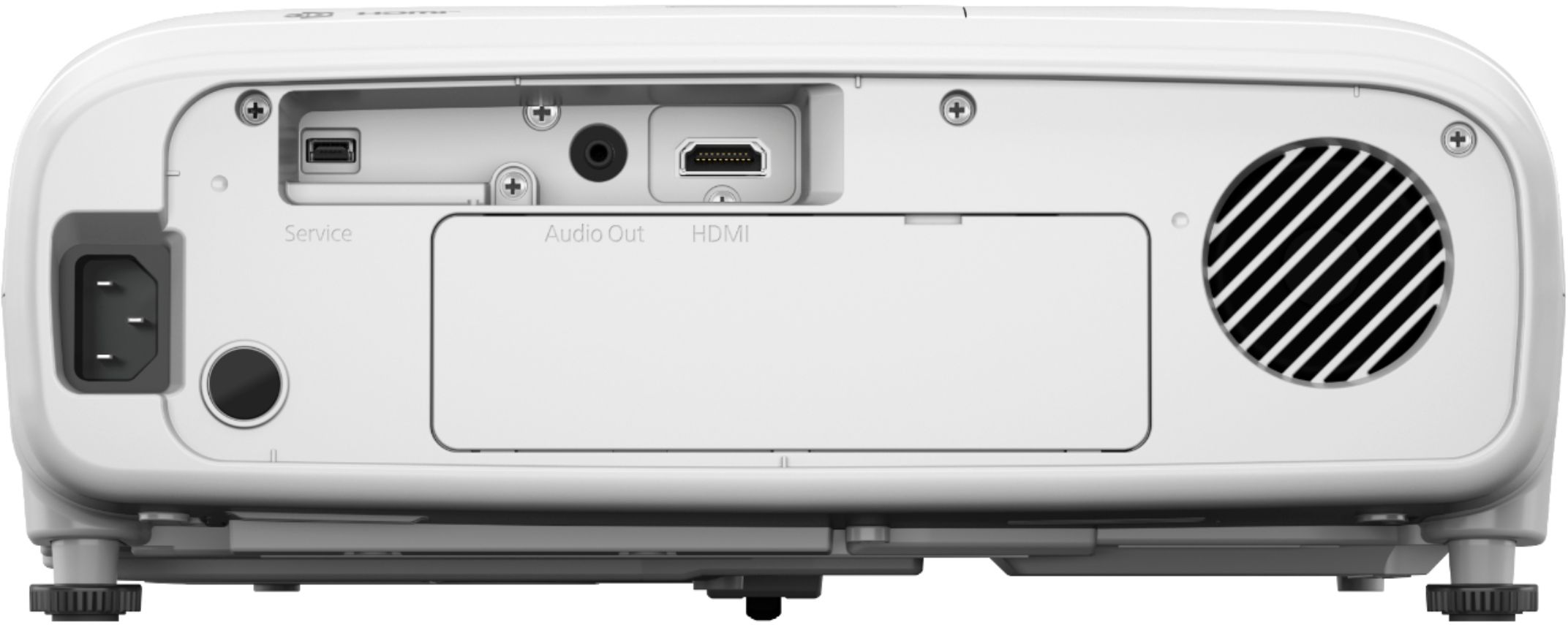
|Posted .This reviewer received promo considerations or sweepstakes entry for writing a review.This is my fourth projector and so far it's the best performing projector I've owned. The lamp is bright enough to keep everything highly visible with the lights on with a 120" screen. We project on the wall because my wife complained my 100" screen I made was too small. The wall we project on is a beige-ish wall and the included tweaks allow you to adjust the color easily to make whites display properly. Other projectors I had just allowed you to pick from a small swatch of wall colors. The only thing that I miss is that I've always bought short throw PJ's so this one needs to have the distance doubled to achieve the same screen size as my other projectors. The projector that the Epson replaced had pretty bad DLP rainbow effect. My wife and daughter didn't notice it at all so I just dealt with it. Over time I just got used to it. Great thing is that I see no rainbow effect on the 2250. Gorgeous picture, no rainbow, 1080p@60hz makes me a happy watcher. One thing that might be annoying is the auto-iris. It clicks like an old school hard drive scanning. It's not an issue if you actually turn on the volume to watch TV. It's just during quite scenes where you might notice the clicking. Now on to the Achilles' Heel - the Streaming stick. This is by far the worst performing stick I've used and is finicky or doesn't even work with some apps. The biggest issue is Hulu. It'll play for three seconds, pause for few, play for three... and on and on. Talking to Epson they blame Hulu, but they admit that another of their projectors has an issue with Hulu also. Talking with Hulu, they have no issues. I have a big collection of streaming devices and not a single one of them has any issue with Hulu or any other Android TV streaming apps. Just from observation it seems that a codec isn't configured properly or not installed. The stutter is like what happens when a device that doesn't have much horsepower switches from hardware decoding to software decoding. Navigating menu for apps and settings also showed some lag. For $300 premium for the stick over a similar spec'ed Epson projector this is NOT acceptable. I've had to revert to gutting the Epson branded stick and use my own 2017 streamer that still works 100% with all services. There is no HDMI ARC so you can't used the included stick for 5.1 or higher surround sound. No optical out either. So you either have to pull the stick out and connect it directly to a receiver or use a third party receiver for surround sound. Bluetooth support is included but I don't believe BT has enough bandwidth to support more than two channel audio. I didn't test it since I use a wired connection. Unless for some reason you have to have an all in one I'd have a tough time recommending this unit. If they added a high quality, or even decent quality, streaming stick then I probably could recommend it with some caveats. But as it is the extra cash for a terrible streaming stick is definitely not worth it. It just turns a wonderful projector into a terrible combo.
No, I would not recommend this to a friendExcellent
|Posted .This reviewer received promo considerations or sweepstakes entry for writing a review.I am very pleased with the Epson Home Cinema 2250 1080p 3LCD Projector with Android TV. Setup is relatively quick, especially if you have an Android phone. This allows you to easily pair the projector to your phone, so the projector will immediately have various logins you keep in your Google account. That is very handy for apps like Netflix, Amazon, HBO Max, Disney+, and Showtime. Instructions are a bit on the thin side, though. But setup is easy. As with other Android TVs I've tried, you can pair it with speakers or headphones via Bluetooth. I paired it with our Sonos Move, which significantly improves sound quality. Image quality is very strong, even in pretty bright light. It took me a minute to figure out how to use the sliders on the top to adjust for varying distances, but once I sorted that out, I was able to watch sharp, clear video as small as about 32" and as large as 90+". We got this mostly to use outside on the back deck and are very pleased with how well it performs. Of course, you will notice some fan noise, but it's not that bad - especially if you use a louder external speaker (like our Sonos). All in all, setup took just a few minutes. It seems to have a solid wifi connection and hasn't stuttered at all yet. Video and images are sharp and clear. AndroidTV built in is a nice plus; especially for us (we have a number of Google Home devices and are accustomed to using Google services). And external speakers can be connected via cable or Bluetooth. I've used projection units before, but this one has a lot more options and is far easier to use. Well done, Epson!
I would recommend this to a friend- Pros mentioned:Lens shift
Love the optical zoom 1.6x to remove gray border
Posted .This reviewer received promo considerations or sweepstakes entry for writing a review.Love the optical zoom 1.6x to eliminate the over splash (gray border around the image) because I shrinked the image to fit the screen. Bonuses are a better image via a 70k:1 contrast ratio (darker top and bottom black bars for anamorphic movies), vertical lens shift (1 ft towards the top of the projector ), builtin streaming, wifi updates, bluetooth to 1 speaker, Apple Airplay mirroring from iPhone (Use wifi 5ghz for videos or it will buffer). All buttons are on both projectors if u misplace the remote. https://www.youtube.com/watch?v=Orz7UQJtuwQ&feature=youtu.be
I would recommend this to a friend Awesome
Posted .This reviewer received promo considerations or sweepstakes entry for writing a review.I love this projector, the image is sharp and clear and the fact that is a smart projector, you can install apps without having to connect a Firestick or another streaming device. I recommend it to anybody interested in a multimedia projector.
I would recommend this to a friend- Pros mentioned:Picture quality
Easy to Set Up, Easy to Get Started, Good Picture
Posted .This reviewer received promo considerations or sweepstakes entry for writing a review.I started using this projector 1 month ago and happy with the device overall. I opened the package, plugged it in, paired the remote, linked a couple streaming services and was watching a movie in 10 minutes. The picture quality within 10 ft and 20 ft is real crisp in both low and high light, I was surprised by the quality under both distances and differing light conditions. I also enjoy having a built in speaker where you don't have to rely on an external plug in which makes this device very portable and meets my needs. This is a review for the Epson Home Cinema projector that I received free of charge to do a beta test and review
I would recommend this to a friend Don’t waste money on it
Posted .This reviewer received promo considerations or sweepstakes entry for writing a review.Not the greatest technology anymore but decent for the times it came out.many better options today. I like the new epson 2350 instead.
No, I would not recommend this to a friend- Pros mentioned:Picture quality
Great projector
Posted .This reviewer received promo considerations or sweepstakes entry for writing a review.I have owned this projector for just over a year now and I would say that it is worth every penny. It has been very reliable and it is great quality.
I would recommend this to a friend Wow!
Posted .This reviewer received promo considerations or sweepstakes entry for writing a review.The picture quality is amazing, it says 1080p but looks like a 4K, I’ve had a few projectors now and this is the best one yet, I love this thing don’t need a fire stick or anything everything is already there, awesome projector I definitely recommend!
I would recommend this to a friendStreaming Device to AV reciever
Posted .This reviewer received promo considerations or sweepstakes entry for writing a review.Can you please let me know if this android TV streaming device can be connected to AV receiver instead of projector? This would help to get the sound handled by AV receiver for the home theatre setup. Please let me know if anyone has tried or if it works.
I would recommend this to a friendDisappointed
Posted .This reviewer received promo considerations or sweepstakes entry for writing a review.I have had this model since 2020. It works great for a while. Then the hdmi ports say no signal. I am on my fourth third refurbished replacement, and my last according to Epson, due to it being out of warranty. If this projector does the same thing, I will not be replacing it with another Epson. The projectors ran fine for from 6-120 hrs before having this problem. Just beware.
No, I would not recommend this to a friend- Pros mentioned:Picture quality
Great picture, poor Android connectivity
Posted .This reviewer received promo considerations or sweepstakes entry for writing a review.Excellent picture quality, perfect for use in a home cinema.
I would recommend this to a friend Do not recommend.
Posted .This reviewer received promo considerations or sweepstakes entry for writing a review.turned orange on screen and quit working within 3 years
No, I would not recommend this to a friendAudio connection to receiver
Posted .This reviewer received promo considerations or sweepstakes entry for writing a review.I do not see a proper way to connect audio from projector to a 5.1 receiver. What is the use of smartness and inbuilt android TV. Did I pay for something that is of no use?
No, I would not recommend this to a friendBrand response from Epson
Posted .Hello art2020, we're sorry to hear about the audio support with your Home Cinema 2250 projector. Epson takes into consideration all feedback to improve the performance and quality of our products. Epson provides useful information, including FAQs and self-help tools, on the product support web page at https://epson.com/Support/Projectors/Cinema-Series/Epson-Home-Cinema-2250/s/SPT_V11HA11020#questions. Additionally, Your projector includes a 2-year Limited Warranty, plus free lifetime technical support. If you need further assistance, our Epson Support Team would be happy to help you and can be reached at (562) 276-4382; Hours: Monday - Friday, 7 am - 4 pm PT; Sincerely, Sam - The Epson Team.

LetterBoxing
Posted .This reviewer received promo considerations or sweepstakes entry for writing a review.if your main purpose is to watch movies from ( Netflix, Disney, or Amazon Prime ) then be prepared to have the annoying letterbox. no getting around it. if you change the aspect ratio to zoom that will crop the picture. so buyer beware. but if your main purpose is to watch tv shows like Grey's Anatomy then you will get full screen but not movies
No, I would not recommend this to a friend