Customer Ratings & Reviews
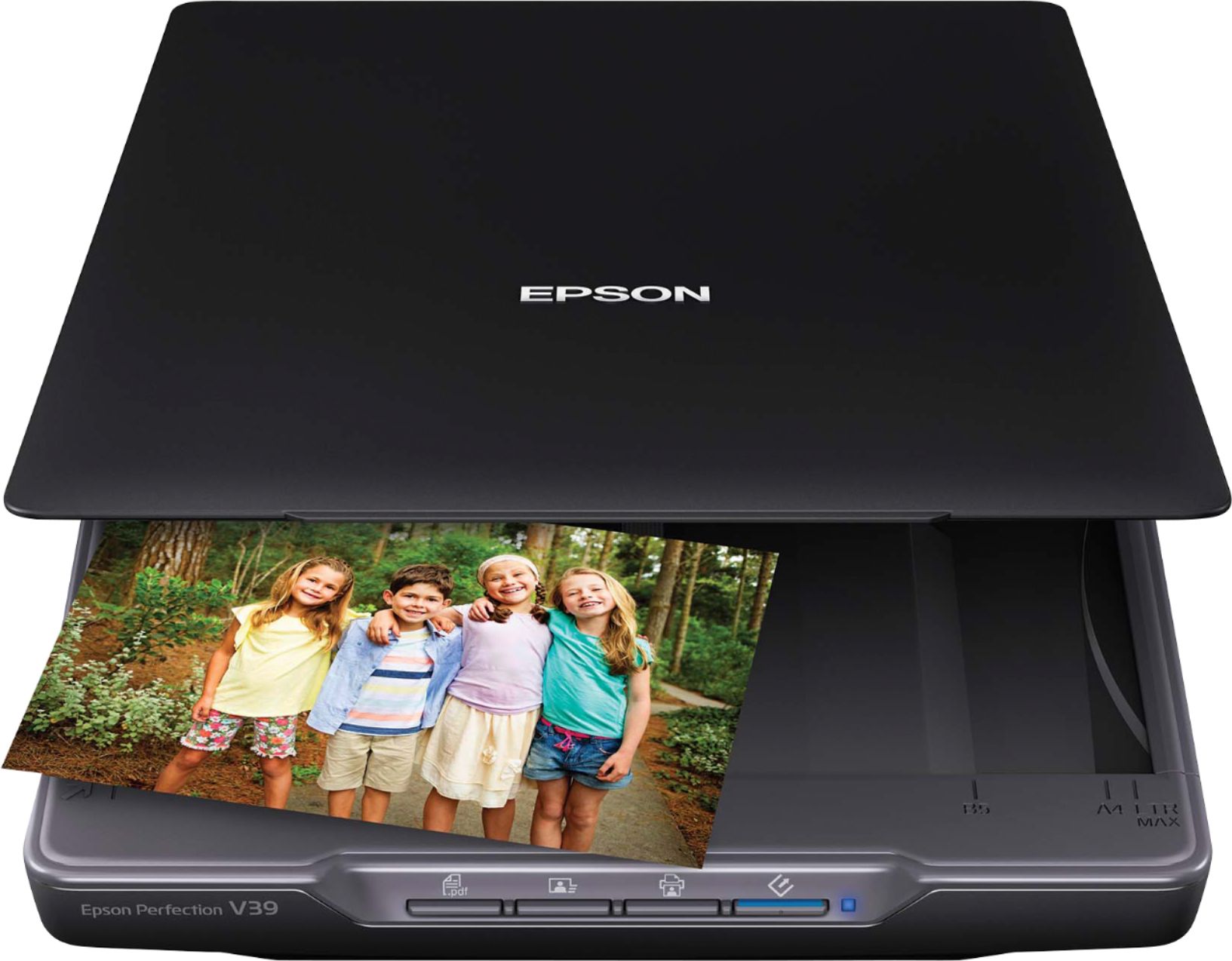
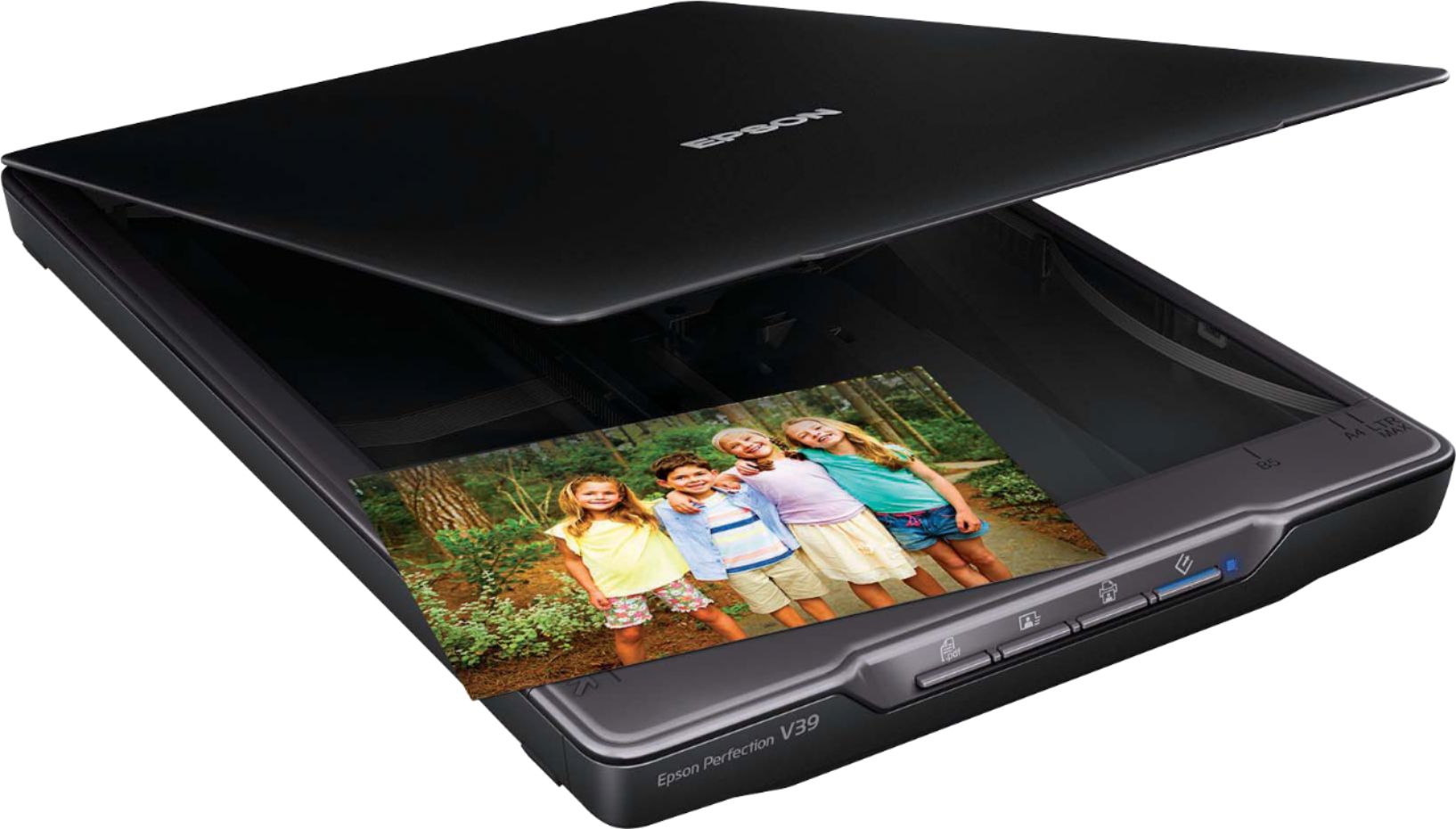
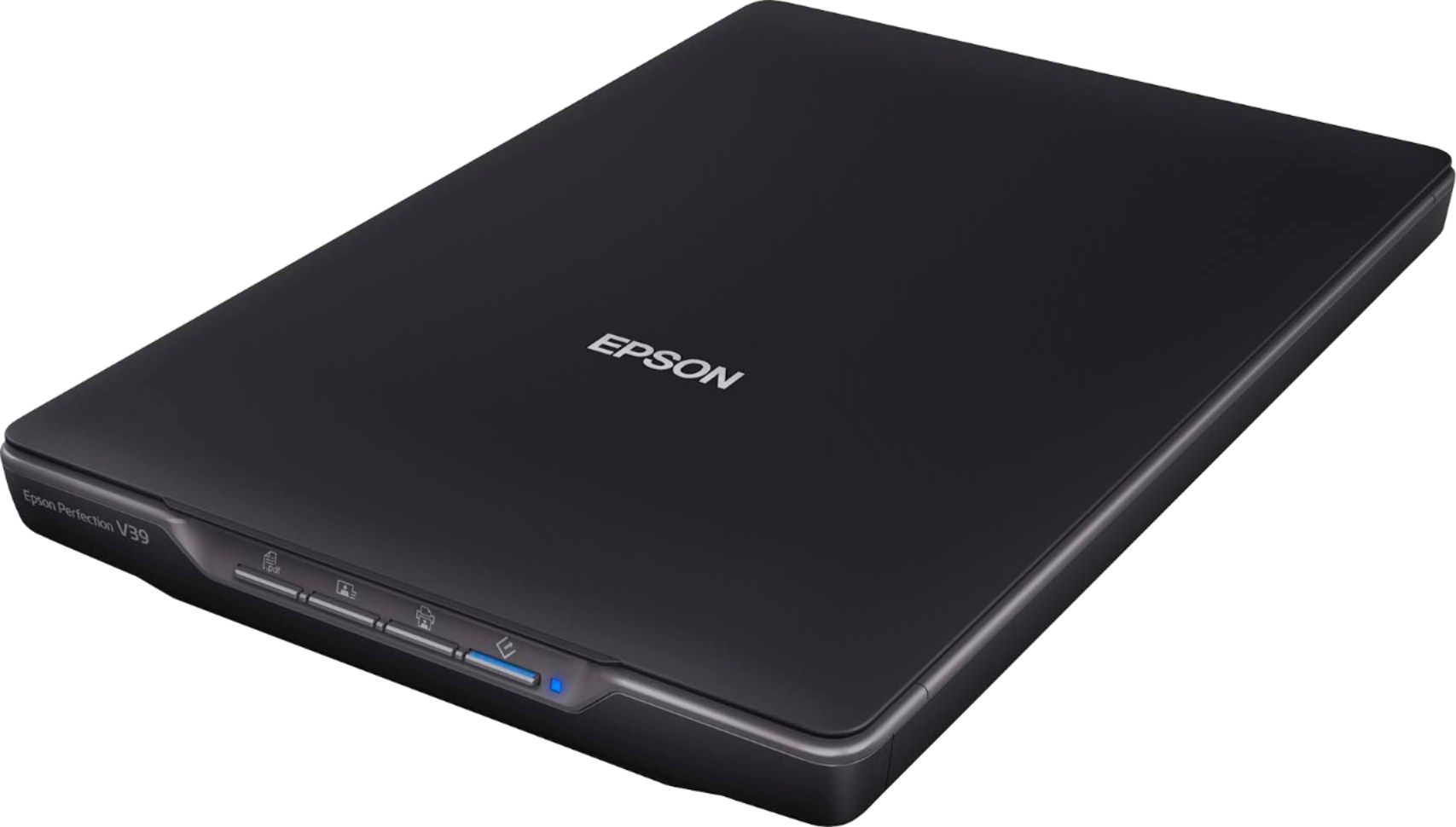

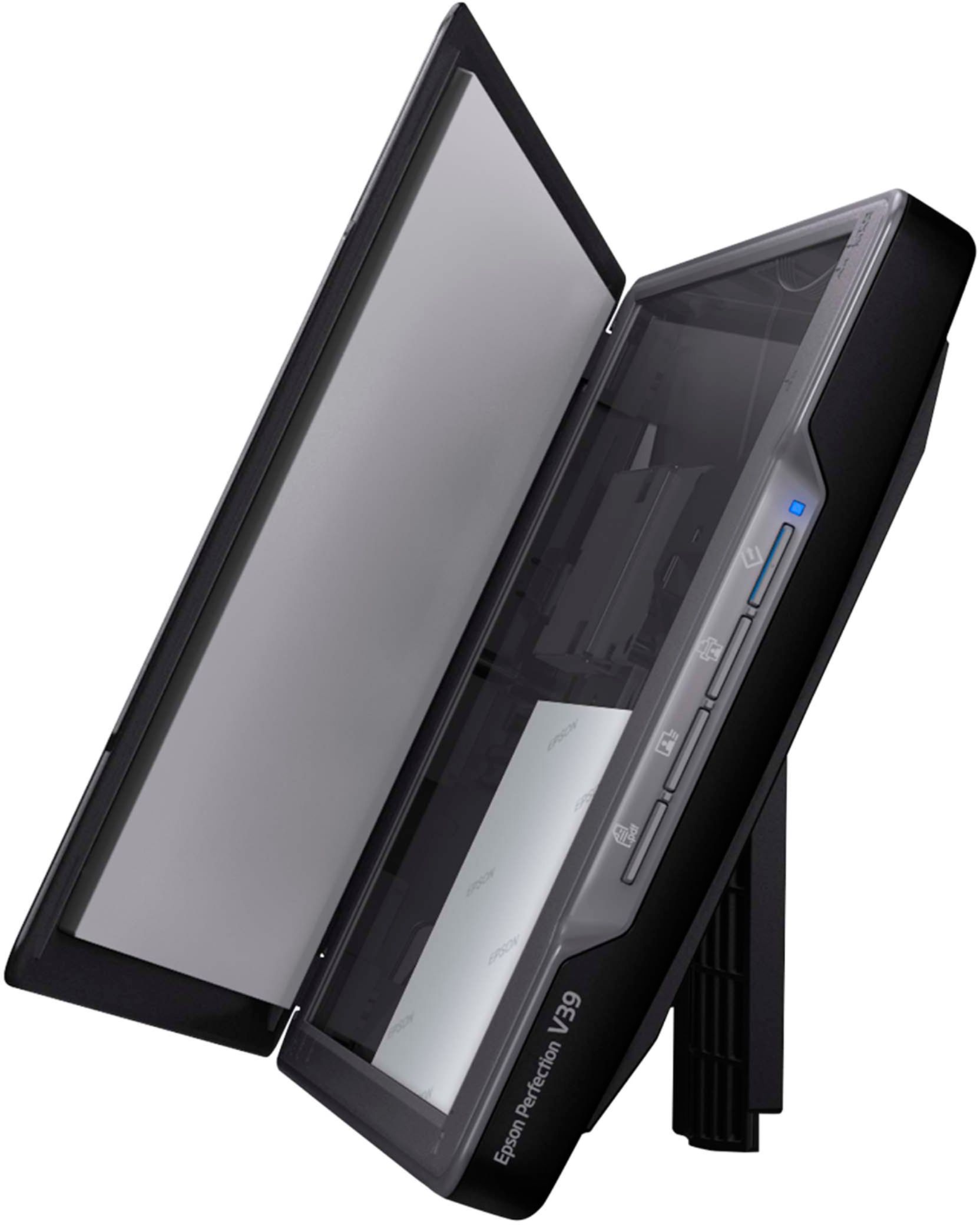
- Model:
- B11B232201
- SKU:
- 3700476
Rating by feature
- Value
Rating 4.4 out of 5 stars
- Quality
Rating 4.3 out of 5 stars
- Ease of Use
Rating 4.3 out of 5 stars
Customers are saying
Customers find value in the Perfection V39 Advanced Flatbed Color Photo Scanner for its user-friendly interface, portability, and affordable price. Many users appreciate the ease of use, describing the scanning process as quick and straightforward. The scanner's compact size and lightweight design make it convenient for users to move around and store. While some users have concerns about the software being basic and the scanning process being time-consuming, overall, customers are satisfied with the quality of scans and find it suitable for their needs.
This summary was generated by AI based on customer reviews.
- Cons mentioned:Power
Doesn’t turn on after a month
||Posted . Owned for 1 month when reviewed.This reviewer received promo considerations or sweepstakes entry for writing a review.Was working fine and then after a month it just wouldn’t turn on anymore. There’s no power, no light, no sounds, no life.
No, I would not recommend this to a friendBrand response from Epson
Posted .Hello Elvee, we're sorry to hear about your disappointing experience with the V39 scanner. Epson considers all feedback to improve the performance and quality of our products. Epson provides helpful information to address most problems, including FAQs and self-help tools, on the product support web page at https://epson.com/Support/Scanners/Perfection-Series/Epson-Perfection-V39/s/SPT_B11B232201#questions. Additionally, your scanner includes a 1-year Limited Warranty, plus free lifetime technical support. Please reach our support team directly at (562) 276-4382 between 7 am - 4 pm (PT), Monday - Friday, if you need any assistance.
Sincerely, Sam - The Epson Team.
Bad scanner
||Posted .This reviewer received promo considerations or sweepstakes entry for writing a review.Really poor quality scans. Not easy to set up either. Tried to return to Best Buy and was unable to because it was past 14 days. Would’ve purchased elsewhere since most stores have 30 days return policies. Will probably not purchase from Best Buy again.
No, I would not recommend this to a friendBrand response from Epson
Posted .Hello, we apologize for the disappointing experience that you've encountered with the Epson V39 scanner. Your business is important to us, and we're here to help. Epson provides information in the FAQs at https://epson.com/faq/SPT_B11B232201~faq-271687 to help you address most issues with scan quality. Your Perfection Scanner also includes free lifetime tech support, so if you need further assistance, our support team can be reached at (562) 276-4382 between 7 am - 4 pm (PT), Monday - Friday. Sincerely, Kevin - The Epson Team.
- Pros mentioned:Ease of use
Epson scanner v19
||Posted . Owned for 3 weeks when reviewed.This reviewer received promo considerations or sweepstakes entry for writing a review.Easy installation but wouldn't connect, worked on it for 2 hrs and still wouldn't connect
No, I would not recommend this to a friendBrand response from Epson
Posted .Hello Mbros, we're sorry about your disappointing experience with the V39 scanner. Epson considers all feedback to improve the performance and quality of our products. Epson provides helpful information, including FAQs and self-help tools, on the product support web page at https://epson.com/Support/Scanners/Perfection-Series/Epson-Perfection-V39/s/SPT_B11B232201#questions. Additionally, your scanner includes a 1-year Limited Warranty, plus free lifetime technical support. Please contact our support team directly at (562) 276-4382 between 7 am - 4 pm (PT), Monday - Friday if you need assistance.
Sincerely, Sam - The Epson Team.
doesn't work
||Posted .This reviewer received promo considerations or sweepstakes entry for writing a review.When connected to the computer with the usb cord nothing happens - no power, status light does not go on and none of the buttons respond. Hopefully, when I contact the company someone will be able to help or replace with a working device.
No, I would not recommend this to a friendBrand response from Epson
Posted .Hi Arthur, we sincerely apologize for the trouble that you've encountered. Your Epson V39 scanner is backed by a 1-year Limited Warranty and includes free lifetime technical support. Please call our Advanced Support Team directly at 1-800-241-5794 between 7 am - 4 pm (PT), Monday - Friday. We hope to hear from you soon. Kind Regards, Bobby D. - The Epson Team.
Was a waste of time
||Posted . Owned for 1 month when reviewed.This reviewer received promo considerations or sweepstakes entry for writing a review.When I ordered it online for pick up it said only one left so I ordered it went to pick it up and the sells person brought out one that the box looked like it was kicked out the door. He informed me this is the last one they have in stock and if I wanted it. So I opened the box and it was in good shape no cracks or dents so I took it home and of course it didn't work returned it and bought a HP all in one printer and it works!.
No, I would not recommend this to a friendBrand response from Epson
Posted .Hi roto57, we apologize for the disappointing experience that you had encountered with the V30 scanner. Epson takes into consideration all feedback to improve the performance and quality of our products. If we can help you with anything else, our support team can be reached at (562) 276-4382 between 7 am - 4 pm (PT), Monday - Friday. Hopefully, we can assist you with a future product. Sincerely, Sam - The Epson Team.
DOES NOT WORK USEFULLY
||Posted . Owned for 3 weeks when reviewed.This reviewer received promo considerations or sweepstakes entry for writing a review.To date 22.08.27 I have been unable to see a scanned item on my APPLE Mac mini (M1) LG 27UP600 monitor (also from Best Buy.. Connecting this scanner to the computer's USB3.0 port sounds as if it starts a preview but nothing shows on the monitor nor do any options to control its features appear. I have been unable to find a working link to Epson support.
No, I would not recommend this to a friendBrand response from Epson
Posted .Hello dave4lolad, we apologize for your disappointing experience with the V39 scanner. Epson considers all feedback to improve the performance and quality of our products. Epson provides helpful information, including FAQs and self-help tools, on the product support web page at https://epson.com/Support/Scanners/Perfection-Series/Epson-Perfection-V39/s/SPT_B11B232201#questions. Additionally, your scanner includes a 1-year Limited Warranty, plus free lifetime technical support. Please get in touch with our support team directly at (562) 276-4382 between 7 am - 4 pm (PT), Monday - Friday, if you need assistance.
Sincerely, Sam - The Epson Team
Not the fastest
||Posted . Owned for 9 months when reviewed.This reviewer received promo considerations or sweepstakes entry for writing a review.It will take you a while to scan photos at the best available resolution. Hope you have a lot of free time on your hands.
No, I would not recommend this to a friendBrand response from Epson
Posted .Hi Kazumasa, thank you for your feedback. We are sorry to hear that you are having issues with the scanning speed for your Epson V39. Scanning speed can be affected by the resolution, document mode, and the length of the document. Try adjusting scan settings and consult the online User’s Guide, found here: https://files.support.epson.com/docid/cpd5/cpd56105.pdf
If, after completing these steps, the issue continues, please contact Epson Support at (562) 276-4382; Hours: Monday – Friday, 6am – 8pm PT; Saturday, 7am – 4pm PT. Sincerely, Leo – The Epson Team.
Epson - Perfection V39 Advanced Flatbed Color Phot
||Posted . Owned for 2 weeks when reviewed.This reviewer received promo considerations or sweepstakes entry for writing a review.I had the hardest time opening up the downloaded file. Followed all instructions, then the light kept blinking (which stated a malfunction). Super difficult process for me, unfortunately, as I really could use a simple scanner. I will browse the store and ask an associate the simplest scanner for me on my next visit.
No, I would not recommend this to a friendBrand response from Epson
Posted .Hello CeeJay, we're sorry to hear that you have difficulty setting up your V39 scanner. Epson takes into consideration all feedback to improve the performance and quality of our products. Epson provides useful information, including FAQs and self-help tools, on the product support web page at https://epson.com/Support/Scanners/Perfection-Series/Epson-Perfection-V39/s/SPT_B11B232201. Additionally, your scanner includes a 1-year Limited Warranty, plus free lifetime technical support. If you need assistance, our Epson Support Team would be happy to help you and can be reached at (562) 276-4382; Hours: Monday - Friday, 7 am - 4 pm PT; Sincerely, Sam - The Epson Team.
i am having great difficulty with this scanner.
||Posted . Owned for 1 month when reviewed.This reviewer received promo considerations or sweepstakes entry for writing a review.i hope it is not too late to return it. i had good advice to get this one..i had a canoscan for i used many years that began to run down. i know how to use the various features..but cannot get good copies of text or grayscale drawings. if i could find that i was doing something wrong,id be glad to keep it,but i cant keep trying with no results.
No, I would not recommend this to a friendBrand response from Epson
Posted .Hello SMG1, we're sorry to hear about the trouble that you've encountered. Your Epson V39 scanner is backed by a 1-year Limited Warranty and includes free lifetime technical support. Please give our Advanced Support Team the opportunity to assist you by calling 1-800-241-5794; Hours: Monday - Friday, 7 am - 4 pm (PT). Thank you for your patience. Sincerely, Bobby D. - The Epson Team.
- Cons mentioned:Software
poor quality
||Posted .This reviewer received promo considerations or sweepstakes entry for writing a review.I purchased this to scan photos, software was horrible, couldn't scan anything after 3 hours...returned right away
No, I would not recommend this to a friendBrand response from Epson
Posted .Hi Suzanne, thank you for your feedback. We are sorry to hear that you are having issues with the software. Your Epson Perfection V39 includes free technical support for the life of your product. Our Epson Support Team would be happy to help and can be reached at (562) 276-4382; Hours: Monday – Friday, 6am – 8pm PT; Saturday, 7am – 4pm PT. Sincerely, Matt S – The Epson Team.
Slow scanner
||Posted . Owned for 3 months when reviewed.This reviewer received promo considerations or sweepstakes entry for writing a review.It works but it is very very slow. We have a lot of photos to scan so we returned it the next day.
No, I would not recommend this to a friendBrand response from Epson
Posted .Hi Hondo71, Epson takes into consideration all feedback to improve the performance and quality of our products. If we can help you with anything else, you can reach our support team at (562) 276-4382 between 7 am - 4 pm (PT), Monday - Friday. Hopefully, we can assist you with a future product. Sincerely, Sam - The Epson Team.
- Cons mentioned:Reliability
Returned item
||Posted .This reviewer received promo considerations or sweepstakes entry for writing a review.Took extremely long to get it working and then it worked for about an hour and just stopped. Returned the item.
No, I would not recommend this to a friendBrand response from Epson
Posted .Hi Kath, thank you for sharing your experience. Epson takes into consideration all feedback to improve the performance and quality of our products. We will forward your feedback to the relevant Epson department, as we are always looking to make future Epson products better. Once again, thank you. Sincerely, Marina – The Epson Team.
low quality performance
||Posted . Owned for 3 weeks when reviewed.This reviewer received promo considerations or sweepstakes entry for writing a review.Unit fails to operate consistently and then only with difficulty.
No, I would not recommend this to a friendBrand response from Epson
Posted .Hello WilliamV, we appreciate your feedback on the V39 scanner. Epson considers all feedback to improve the performance and quality of our products. Epson also provides helpful information on FAQs and self-help tools on the product support web page at https://epson.com/Support/Scanners/Perfection-Series/Epson-Perfection-V39/s/SPT_B11B232201#questions. Additionally, your scanner includes a 1-year Limited Warranty plus free lifetime technical support. Please get in touch with our support team directly at (562) 276-4382 between 7 am - 4 pm (PT), Monday - Friday, if you need further assistance.
Sincerely, Sam - The Epson Team
Epson scanner
||Posted . Owned for 2 months when reviewed.This reviewer received promo considerations or sweepstakes entry for writing a review.It has a nice design, but for some reason wasn't able to install the drivers and get it work. Returned it to the store.
No, I would not recommend this to a friendBrand response from Epson
Posted .Hi gmi21, we're sorry to hear you were not satisfied with the Perfection V39 scanner. Epson takes into consideration all feedback to improve the performance and quality of our products. If we can help you with anything else, our support team can be reached by phone at (562) 276-4382 or by email at https://epson.custhelp.com/app/ask/p_model_name/Epson%20Perfection%20V39; Hours: Monday - Friday, 7 am - 4 pm PT. Hopefully, we can assist you with a future product. Sincerely, Bobby D. - The Epson Team.
- Cons mentioned:Power
Trash
||Posted . Owned for 3 weeks when reviewed.This reviewer received promo considerations or sweepstakes entry for writing a review.Doesn’t turn on Needs to download to your computer
No, I would not recommend this to a friendBrand response from Epson
Posted .Hello Franki, thank you for sharing your experience. The Epson V39 scanner is USB-powered and uses the same USB cable to connect to your computer. If your need further assistance, your Perfection scanner includes free lifetime technical support, and our support team can be reached at (562) 276-4382 between 7 am - 4 pm (PT), Monday - Friday. Your business is important to us, and we're here to help. Kind Regards, Bobby D. - The Epson Team.
I donot like this scanner.
||Posted . Owned for 1 month when reviewed.This reviewer received promo considerations or sweepstakes entry for writing a review.I am unable to operate this scanner. It is far too complicated for me and the instructions are not very helpful. I am extremely unhappy. I MUST file cases online and until this scanner works for me. I am unable to comply with the requirement of the court that I efile everything.
No, I would not recommend this to a friendBrand response from Epson
Posted .Hello Vivian, we're sorry about your disappointing experience with the V39 scanner. Epson considers all feedback to improve the performance and quality of our products. Epson provides helpful information, including FAQs and self-help tools, on the product support web page at https://epson.com/Support/Scanners/Perfection-Series/Epson-Perfection-V39/s/SPT_B11B232201#questions. Additionally, your scanner includes a 1-year Limited Warranty, plus free lifetime technical support. Please get in touch with our support team directly at (562) 276-4382 between 7 am - 4 pm (PT), Monday - Friday if you need assistance.
Sincerely, Sam - The Epson Team
Error out after 5 pages
||Posted .This reviewer received promo considerations or sweepstakes entry for writing a review.It works but it has a problem scanning more than 5 pages at one time. There is always an error.
No, I would not recommend this to a friendBrand response from Epson
Posted .Dear Valued Customer, we're sorry to hear you're having trouble with the Epson V39. Your Perfection scanner includes a 1-year Limited Warranty, plus free technical support for the life of your product. Our support team would like to hear about the scanning issues you're experiencing and can be reached at (562) 276-4382. Hours: Monday - Friday, 7 am - 4 pm PT. We look forward to your call. Kind Regards, Bobby - The Epson Team.
Not great
||Posted . Owned for 1 month when reviewed.This reviewer received promo considerations or sweepstakes entry for writing a review.So slow! It is cheaper, but it is slower than my printer scanner which is the same price as this scanner alone. Very disappointed. The software also was way out of date when trying to connect it to my computer, and it took forever to figure out. Wouldnt suggest.
No, I would not recommend this to a friendBrand response from Epson
Posted .Hello Charles, thank you for your feedback on the V39 Scanner. We'll forward this information to the relevant department to help improve our future products. If you need assistance, Epson provides information in the FAQs https://epson.com/Support/Scanners/Perfection-Series/Epson-Perfection-V39/s/SPT_B11B232201#questions to address most issues with software and scan speeds. You can also contact Epson Support directly at (562) 276-4382 between 7 am - 4 pm (PT), Monday - Friday. Once again, thank you. Kind Regards, Kevin - The Epson Team.
Wouldn´t turn on...
||Posted .This reviewer received promo considerations or sweepstakes entry for writing a review.I need a scanner once in a blue moon to scan an important document or some materials for my students. I had the same scanner before and it would do a decent job for a year, but then, just stopped working. I bought this one since it is the cheapest on the market. It wouldn´t turn at all, ever... I ended up purchasing a new 3 in 1 ¨Brother¨ printer and am very happy with it:)
No, I would not recommend this to a friendBrand response from Epson
Posted .Hi SorJuana, we apologize that you are having issues with your scanner. Your Epson V39 includes free technical support for the life of your product. Our Epson Support Team would be happy to help and can be reached at (562) 276-4382; Hours: Monday – Friday, 6am – 8pm PT; Saturday, 7am – 4pm PT. Sincerely, Leo – The Epson Team.
Defective cable inside the scanner causes jams
||Posted . Owned for 1 month when reviewed.This reviewer received promo considerations or sweepstakes entry for writing a review.The Epson V39 I bought a month ago is a piece of junk. I had carriage jams from the beginning and then the thin cable on the right side split in two and the supporting part twisted. This would not happen if the two layers of the right cable were glued correctly.
No, I would not recommend this to a friendBrand response from Epson
Posted .Hi Gunter, we are sorry to hear you have issues with your Epson Scanner. Your Perfection V39 Scanner includes a 1-year limited warranty plus free technical support for the life of your product. Please reach our Advanced Support Team at (562) 276-4382 between 7 am - 4 pm (PT), Monday - Friday, if you need further assistance.
Sincerely, Tony - The Epson Team.