Customer Ratings & Reviews

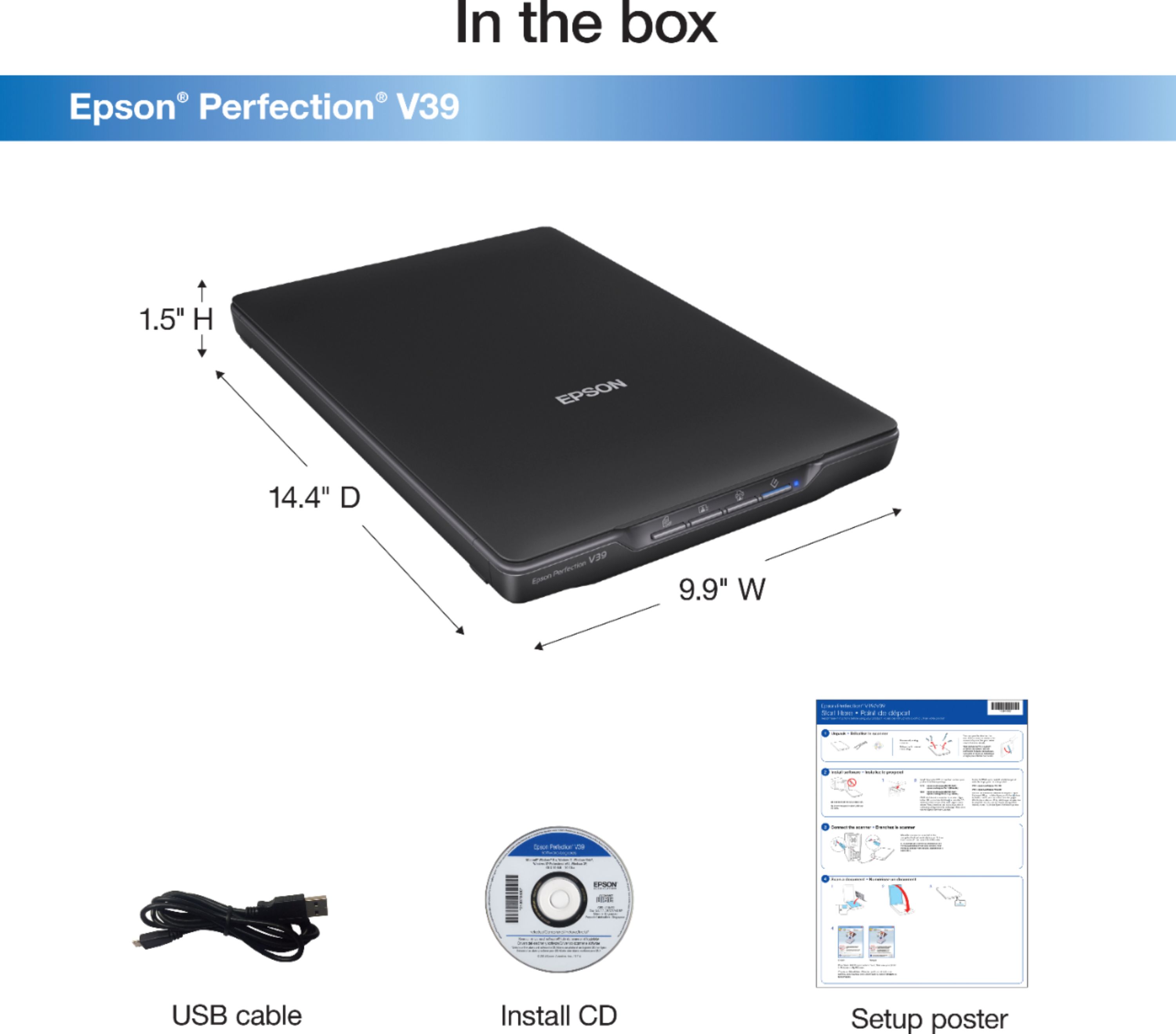
- Model:
- B11B232201
- SKU:
- 3700476
Rating by feature
- Value
Rating 4.4 out of 5 stars
- Quality
Rating 4.3 out of 5 stars
- Ease of Use
Rating 4.3 out of 5 stars
Customers are saying
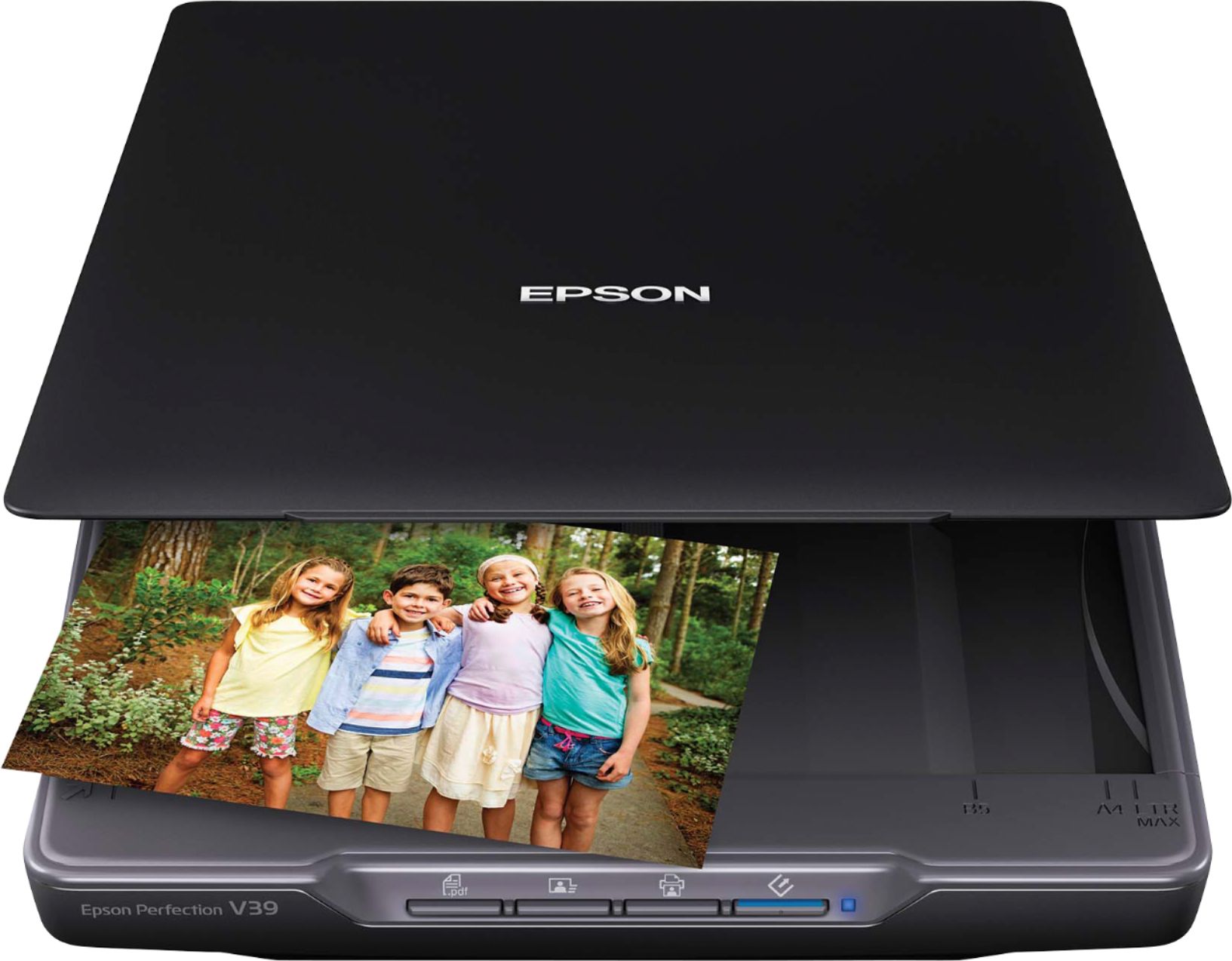
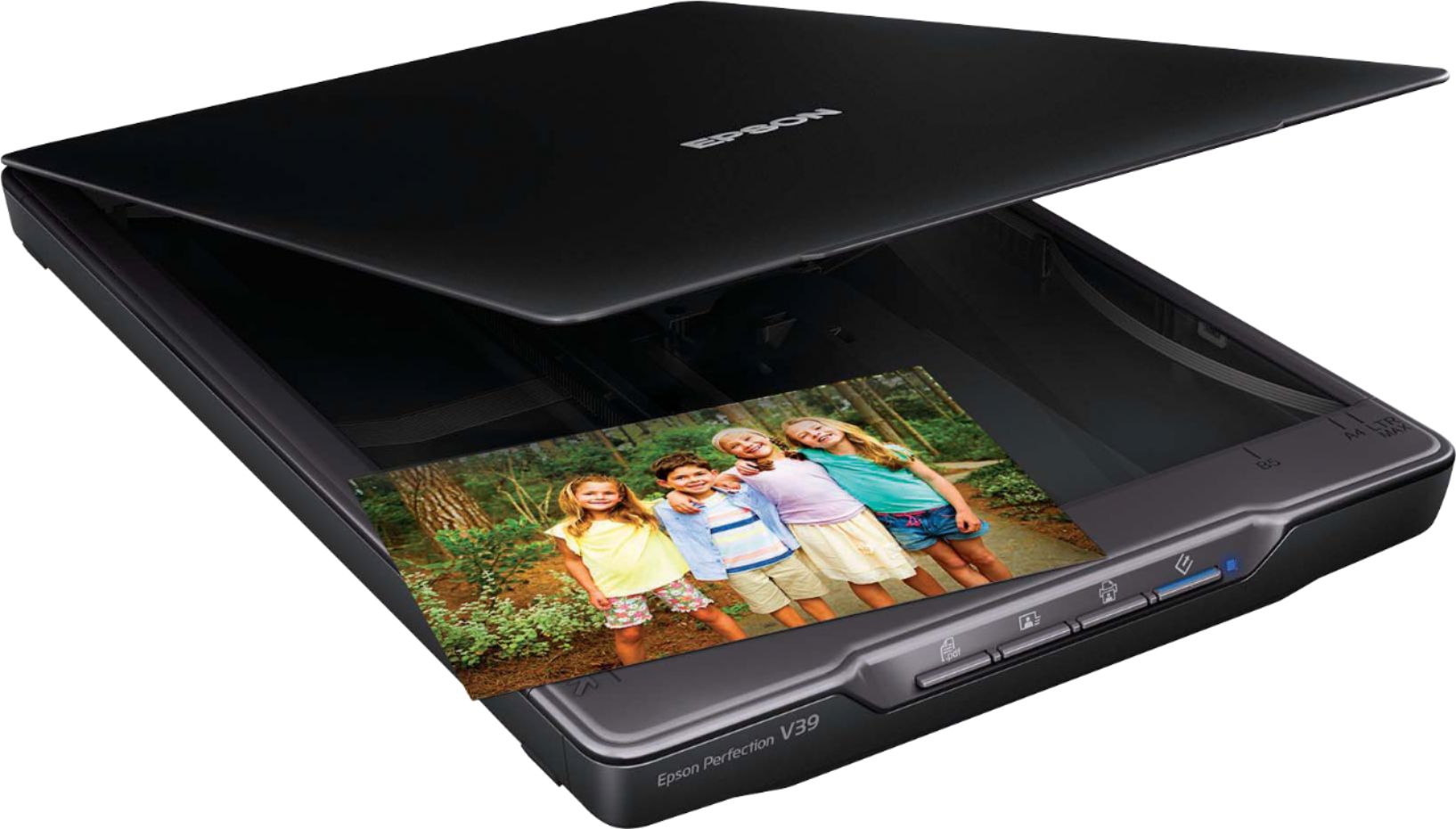
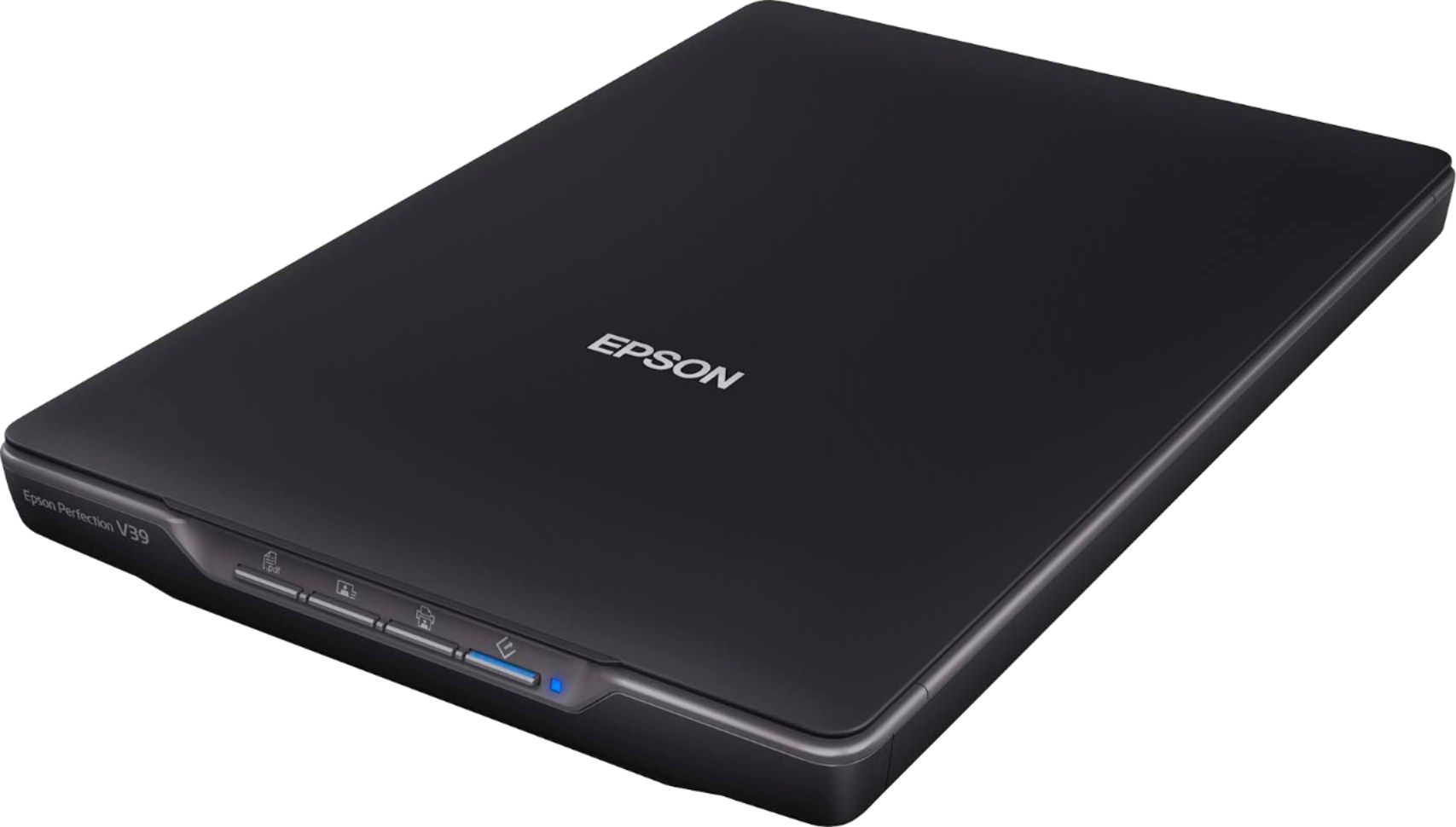
Customers find value in the Perfection V39 Advanced Flatbed Color Photo Scanner for its user-friendly interface, portability, and affordable price. Many users appreciate the ease of use, describing the scanning process as quick and straightforward. The scanner's compact size and lightweight design make it convenient for users to move around and store. While some users have concerns about the software being basic and the scanning process being time-consuming, overall, customers are satisfied with the quality of scans and find it suitable for their needs.
This summary was generated by AI based on customer reviews.
Sufficient.
Posted .This reviewer received promo considerations or sweepstakes entry for writing a review.It's sufficient for our needs. Neither exciting nor poor.
I would recommend this to a friendBrand response from Epson
Posted .Hi DaciaW, thanks for tasking the time to post a review. We appreciate your business. Kind Regards, Dylan. – The Epson Team.

- Pros mentioned:Scan qualityCons mentioned:Noise level
Lightweight, cheap, noisy
Posted .This reviewer received promo considerations or sweepstakes entry for writing a review.Scanner is overall, a disappointment. Have I mentioned how LOUD it is during scanning. It makes this grunting, groaning sound that is really hard to listen to. Scanned documents look fine, but the overall item is very cheap.
No, I would not recommend this to a friendBrand response from Epson
Posted .Hello cpeele3320, we apologize for your disappointing experience with the V39 scanner. Epson considers all feedback to improve the performance and quality of our products. Epson also provides helpful information on FAQs and self-help tools on the product support web page at https://epson.com/Support/Scanners/Perfection-Series/Epson-Perfection-V39/s/SPT_B11B232201#questions. Additionally, your scanner includes a 1-year Limited Warranty plus free lifetime technical support. Please contact our support team directly at (562) 276-4382 between 7 am - 4 pm (PT), Monday - Friday, if you need further assistance.
Sincerely, Sam - The Epson Team
- Pros mentioned:Size
Very happy with this Epson Scanner
Posted .This reviewer received promo considerations or sweepstakes entry for writing a review.This scanner is excellent and has a fairly small footprint compared to our old one that could scan the same size paper.
I would recommend this to a friend - Pros mentioned:Scan quality
Quick and easy
Posted .This reviewer received promo considerations or sweepstakes entry for writing a review.I was able to scan a bunch of old photographs pretty quickly. The quality was great and the pictures looked good when they were uploaded to the computer. The software was easy to use.
I would recommend this to a friend Nightmare on Scanner Street!
Posted .This reviewer received promo considerations or sweepstakes entry for writing a review.The installation disk reported that all the drivers and other features were successfully installed, but the scanner's window that opened on my computer monitor indicated that the scanner wasn't communicating with my computer. After about an hour on the phone with Epson Customer Service Department, the problem turned out to be a faulty connection between the USB Micro-B connector that came with the unit and the female connection port that it's supposed to fir into. It's a VERY small and flimsy connector that has to not only provide power to the unit but also carry the data! Definitely a faulty design that wasted several hours of my time--not to mention another trip back to Best Buy to look for a different brand of scanner. I'm through with Epson for good!
No, I would not recommend this to a friendscannerV39
Posted .This reviewer received promo considerations or sweepstakes entry for writing a review.works fine when its works. something is wrong with the connection have only had a few days contacted epson and thats what they told me. Not an offer to try and fix just use a different cord.Now it still does the same thing with a new cord.
No, I would not recommend this to a friendBrand response from Epson
Posted .Hello user551546, we apologize for your disappointing experience with the Epson Perfection V39 scanner. Epson considers all feedback to improve the performance and quality of our products. Epson also provides helpful information on FAQs and self-help tools on the product support web page at https://epson.com/Support/Scanners/Perfection-Series/Epson-Perfection-V39/s/SPT_B11B232201#questions. Your scanner also includes a 1-year Limited Warranty plus free lifetime technical support. Please contact our support team directly at (562) 276-4382 between 7 am - 4 pm (PT), Monday - Friday, if you need further assistance.
Sincerely, Sam - The Epson Team
It is nice and portable.
Posted .This reviewer received promo considerations or sweepstakes entry for writing a review.However it took a while to figure out how to use it and it is sometimes slower than I would like for photos
I would recommend this to a friendI returned it
Posted .This reviewer received promo considerations or sweepstakes entry for writing a review.The colors didn't come out right no matter how many different settings I tried. None of the pinks show up and I was scanning my original illustrations, so I returned it.
No, I would not recommend this to a friendBrand response from Epson
Posted .Hello KatG, we apologize for your disappointing experience with the V39 scanner. Epson considers all feedback to improve the performance and quality of our products. We'll forward this information to the appropriate department for review. Hopefully, we can assist you with a future product. If we can help you with anything else, our support team can be reached by phone at (562) 276-4382; Hours: Monday - Friday, 7 am - 4 pm PT.
Sincerely, Sam - The Epson Team.
- Pros mentioned:Ease of use
Mahalo
Posted .This reviewer received promo considerations or sweepstakes entry for writing a review.Great. Love it. ESP it was easy to set up. Mahalo for mailing it
I would recommend this to a friend Great Scanner! Works with my MacBook Pro!
Posted .This reviewer received promo considerations or sweepstakes entry for writing a review.Great scanner for a good price! Works with my 2019 MacBook Pro. I used the built-in Mac Image Capture software and it was very easy. The scanner even lets you scan multiple photos at once. I would do the preview scan, adjust the crop, then do a full scan and it would export the photos into separate files.
I would recommend this to a friend- Cons mentioned:Software
Epson Scanner
Posted .This reviewer received promo considerations or sweepstakes entry for writing a review.It would be nice if the software came with this machine. It took so forever to find the right software. Other than that it works fine.!
I would recommend this to a friendBrand response from Epson
Posted .Hello Valerie, thank you for your feedback on the Perfection V39 scanner. Epson considers all feedback to improve the performance and quality of our products. Epson also offers helpful information, including FAQs and self-help tools, on the product support web page at https://epson.com/Support/Scanners/Perfection-Series/Epson-Perfection-V39/s/SPT_B11B232201#questions. Your Perfection scanner includes a 1-year Limited Warranty and free lifetime technical support. If you need any assistance, our Epson Support Team would be happy to help you and can be reached at (562) 276-4382; Hours: Monday - Friday, 7 am - 4 pm PT; Sincerely, Sam - The Epson Team.
Not fully compatible with Windows 10
Posted .This reviewer received promo considerations or sweepstakes entry for writing a review.The scanner works fine as long as I don't have any other applications open. If I open an Adobe .pdf file or any Web browser, the scanner freezes up and I have to reboot my laptop in order for it to work again. Spent around 2 hours with tech support from Epson, last rep told me to call Microsoft because it is a Win 10 issue! Really???? Useless and a waste of time.
No, I would not recommend this to a friendEpson Perfection V39
Posted .This reviewer received promo considerations or sweepstakes entry for writing a review.Have this scanner now for about 3 weeks, so far working well, I have no problem with it.
I would recommend this to a friendEasy to use
Posted .This reviewer received promo considerations or sweepstakes entry for writing a review.Works great. I like the way you can scan more than one photo at a time and be able to separate them after scanning.
I would recommend this to a friendDo it again? In a heartbeat!
Posted .This reviewer received promo considerations or sweepstakes entry for writing a review.Good photo quality on scans. Haven't used the extras much, but am more than satisfied so far.
I would recommend this to a friend- Cons mentioned:Reliability
Did not last long
Posted .This reviewer received promo considerations or sweepstakes entry for writing a review.Very rudimentary software -- reminds me of software from the 90's. Very lightweight and cheap feel to it. Scanner stopped working after only a few uses. Won't even turn on -- I've tried different cords.
No, I would not recommend this to a friendBrand response from Epson
Posted .Hi amy2865, thanks for taking the time to post a review, and we are sorry to see that you aren’t completely satisfied. Your Epson V39 Photo Scanner includes a 1-year Limited Warranty, plus free technical support for the life of your product. If you need help, please contact Epson Support at (562) 276-4382; Hours: Monday - Friday, 6 am - 8 pm PT; Saturday, 7 am - 4 pm PT. Sincerely, Kevin - The Epson Team.
Very Quirky Scanner
Posted .This reviewer received promo considerations or sweepstakes entry for writing a review.Works fine, when it wants to. Button for auto scan typically does not work, have to go to the software on the laptop to start a scan, often says can’t communicate with the scanner even when the blue light is on.
No, I would not recommend this to a friendBrand response from Epson
Posted .Hello CharlestonJohn, thank you for sharing your review on the Epson V39 scanner. Epson takes into consideration all feedback to improve the performance and quality of our products. Epson offers helpful information, including FAQs and self-help tools, on the product support web page at https://epson.com/Support/Scanners/Perfection-Series/Epson-Perfection-V39/s/SPT_B11B232201#questions. Additionally, your Perfection scanner includes a 1-year Limited Warranty, plus free lifetime technical support. If you need any assistance, our Epson Support Team would be happy to help you and can be reached at (562) 276-4382; Hours: Monday - Friday, 7 am - 4 pm PT; Sincerely, Sam - The Epson Team.
sadscanner
Posted .This reviewer received promo considerations or sweepstakes entry for writing a review.This scanner did a great job when it worked, but it only worked two afternoons in over a week of continual effort. Even with the help of an Epson technician, we could not get it to work right - if at all! We could not tell if it was simply incompatible with Windows 11 or if the scanner was simply defective. Either way, it was useless to me and I was very disappointed.
No, I would not recommend this to a friendBrand response from Epson
Posted .Hello, we're sorry to hear about your disappointing experience with the V39 scanner. Epson considers all feedback to improve the performance and quality of our products. Epson provides helpful information to address most problems, including FAQs and self-help tools, on the product support web page at https://epson.com/Support/Scanners/Perfection-Series/Epson-Perfection-V39/s/SPT_B11B232201#questions. Additionally, your scanner includes a 1-year Limited Warranty, plus free lifetime technical support. Please reach our support team directly at (562) 276-4382 between 7 am - 4 pm (PT), Monday - Friday, if you need any assistance.
Sincerely, Sam - The Epson Team.
It's An Insult to Artists
Posted .This reviewer received promo considerations or sweepstakes entry for writing a review.It sucks. Scanner forcefully cuts off around paper.
No, I would not recommend this to a friendpoor connectivity
Posted .This reviewer received promo considerations or sweepstakes entry for writing a review.Like it fine when it works. Terrible connectivity to computer..sometimes works, but often requires multiple installations and restarts, etc. Epson support not very useful...SOMETHING IN SOFTWARE NEEDS UPDATING!!
No, I would not recommend this to a friendBrand response from Epson
Posted .Hi Mac1, thank you for sharing your experience. We will forward your feedback to the relevant Epson department as we are always looking to improve the performance and quality of our products. Should you have any questions or concerns, our Epson Support Team would be happy to help and can be reached at (562) 276-4382; Hours: Monday – Friday, 6am – 8pm PT; Saturday, 7am – 4pm PT. Regards, Matt S. – The Epson Team.