Customer Ratings & Reviews

- Model:
- B11B268201
- SKU:
- 12247957
Rating by feature
- Value
Rating 4.4 out of 5 stars
- Quality
Rating 4.3 out of 5 stars
- Ease of Use
Rating 4.2 out of 5 stars
to a friend
Customers are saying
Customers commend the Perfection V39 II Color Photo and Document Flatbed Scanner for its sharp scan quality and ease of use. Many appreciate its overall performance, reasonable size, and user-friendly software. Some customers have expressed concerns about its connectivity options and compatibility with certain systems, while others find the kickstand unnecessary.
This summary was generated by AI based on customer reviews.

Share Those Old Photos With The World
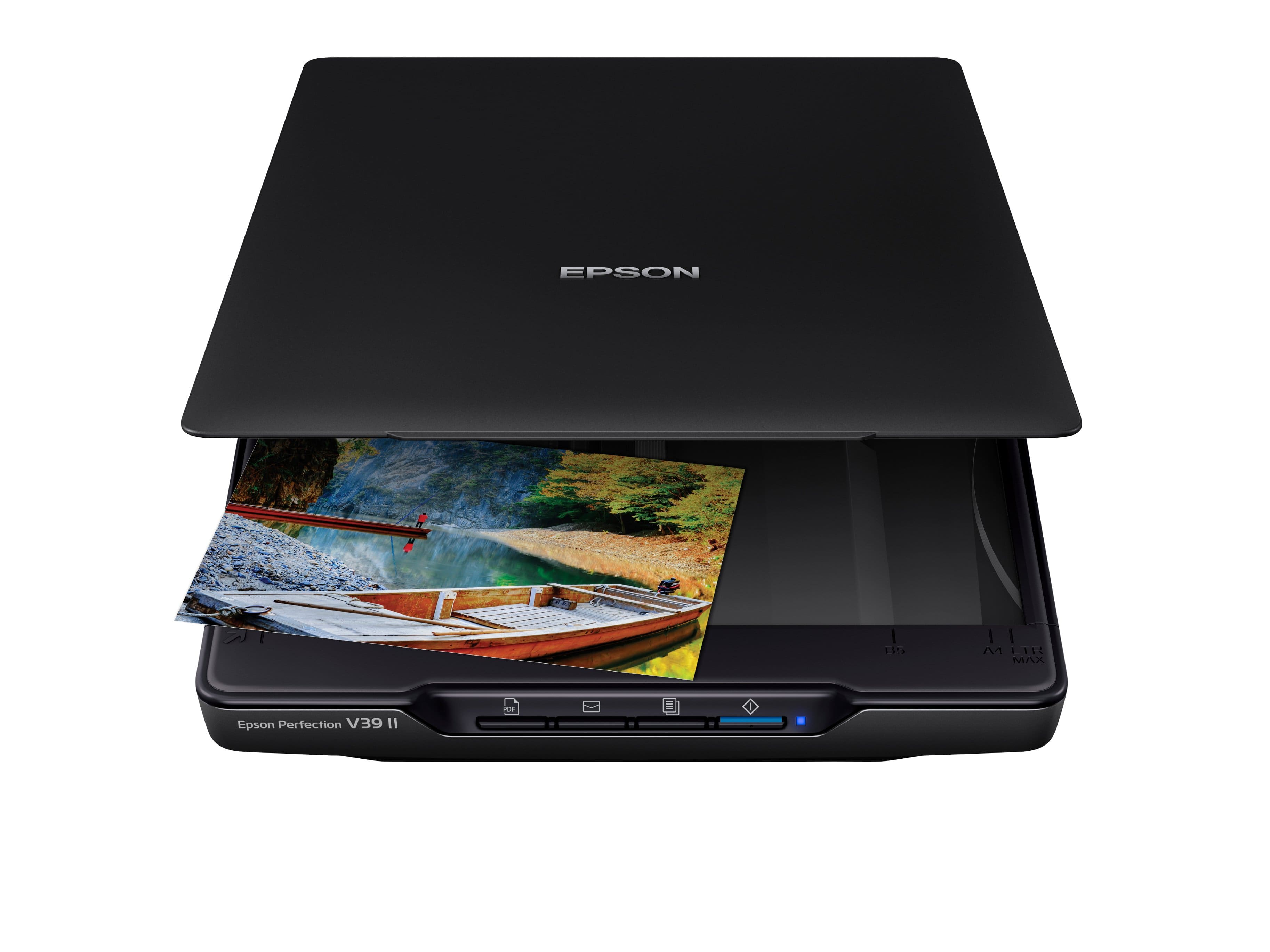
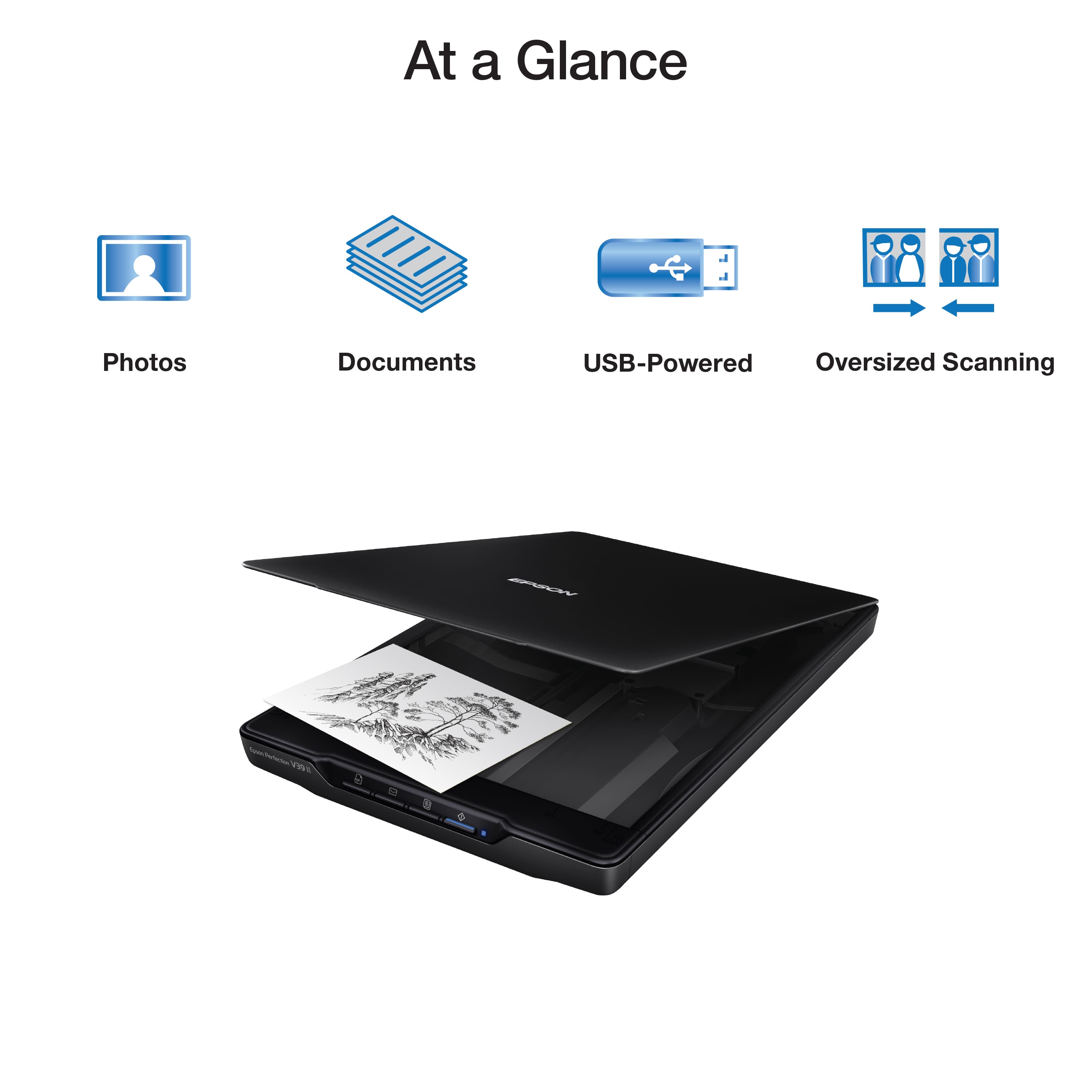
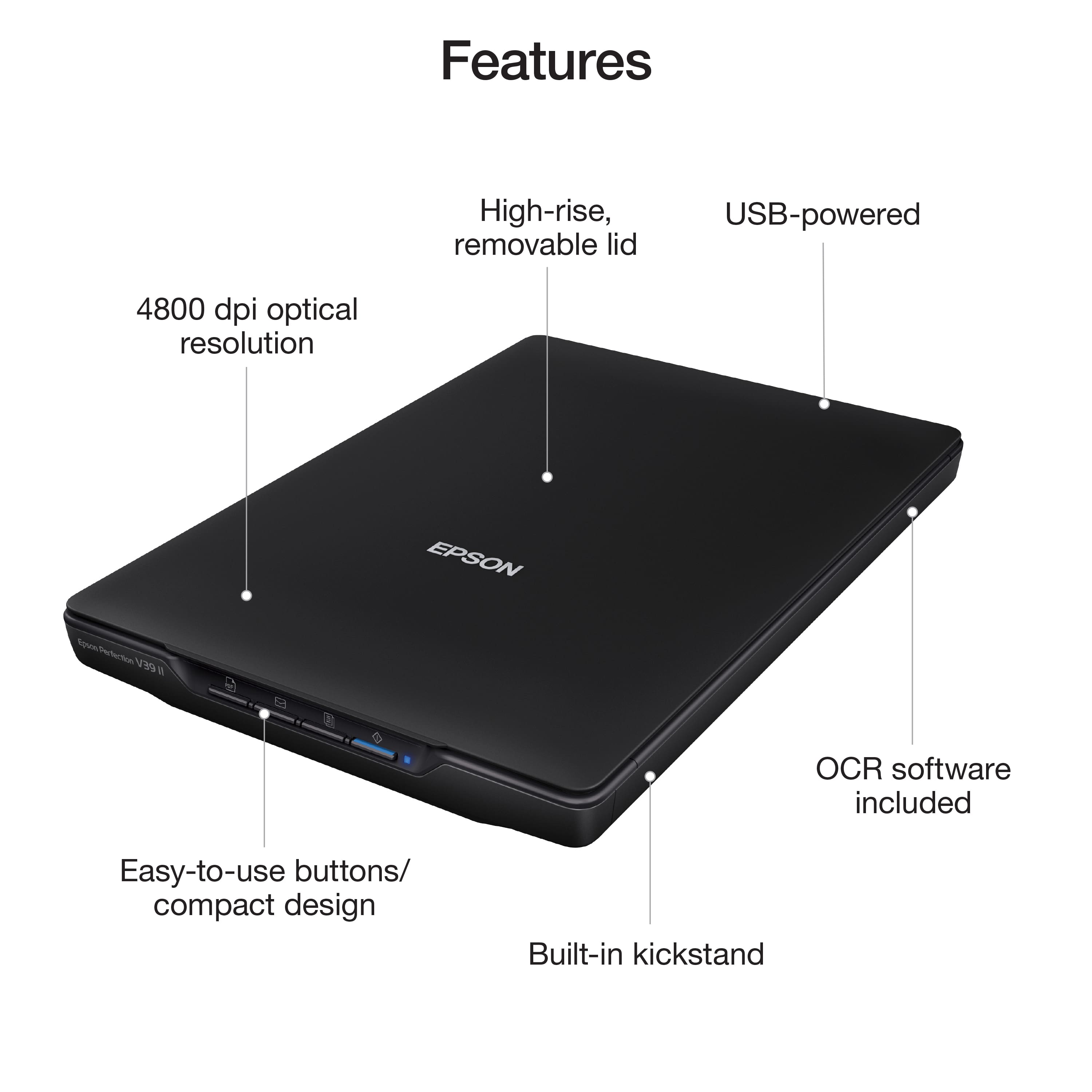
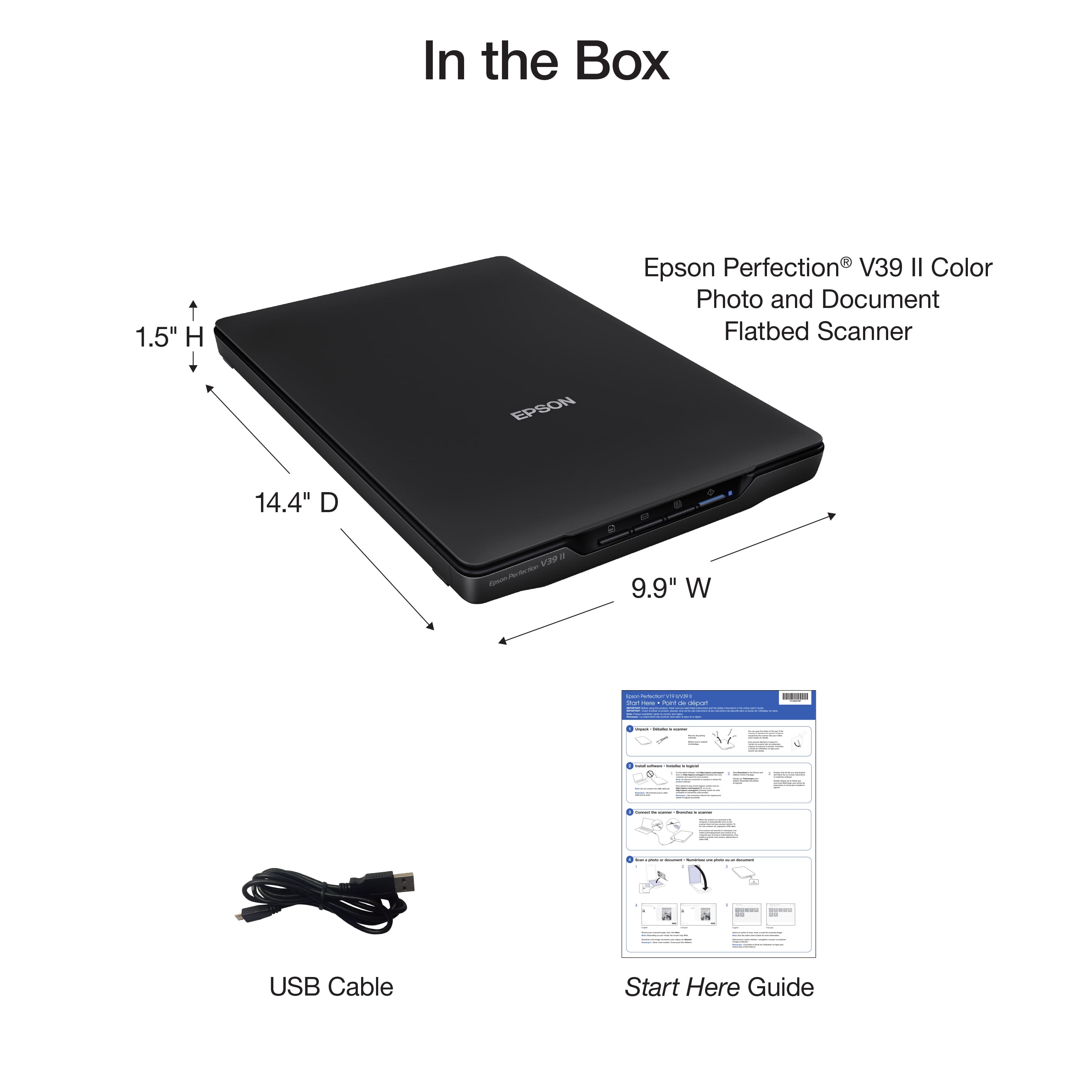
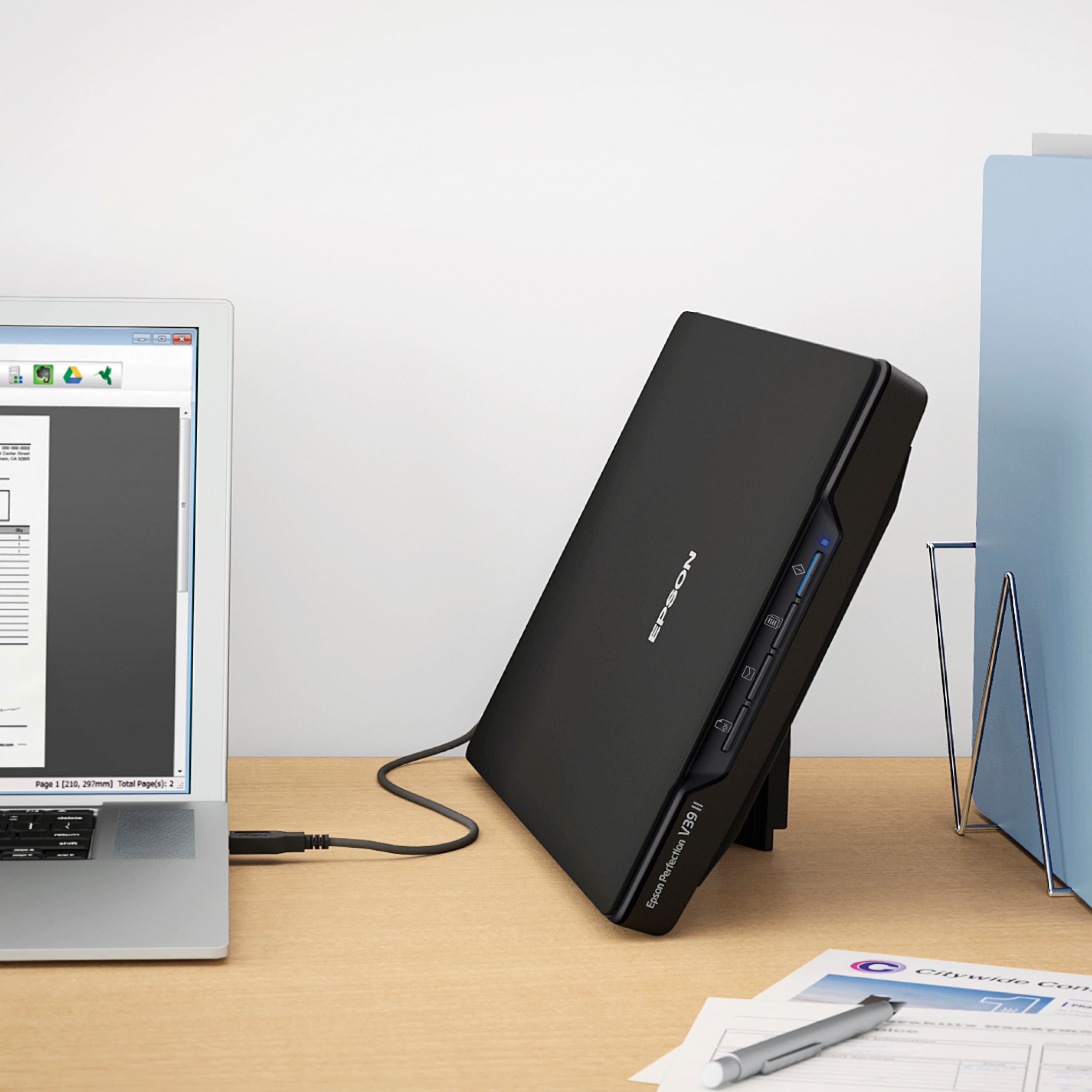
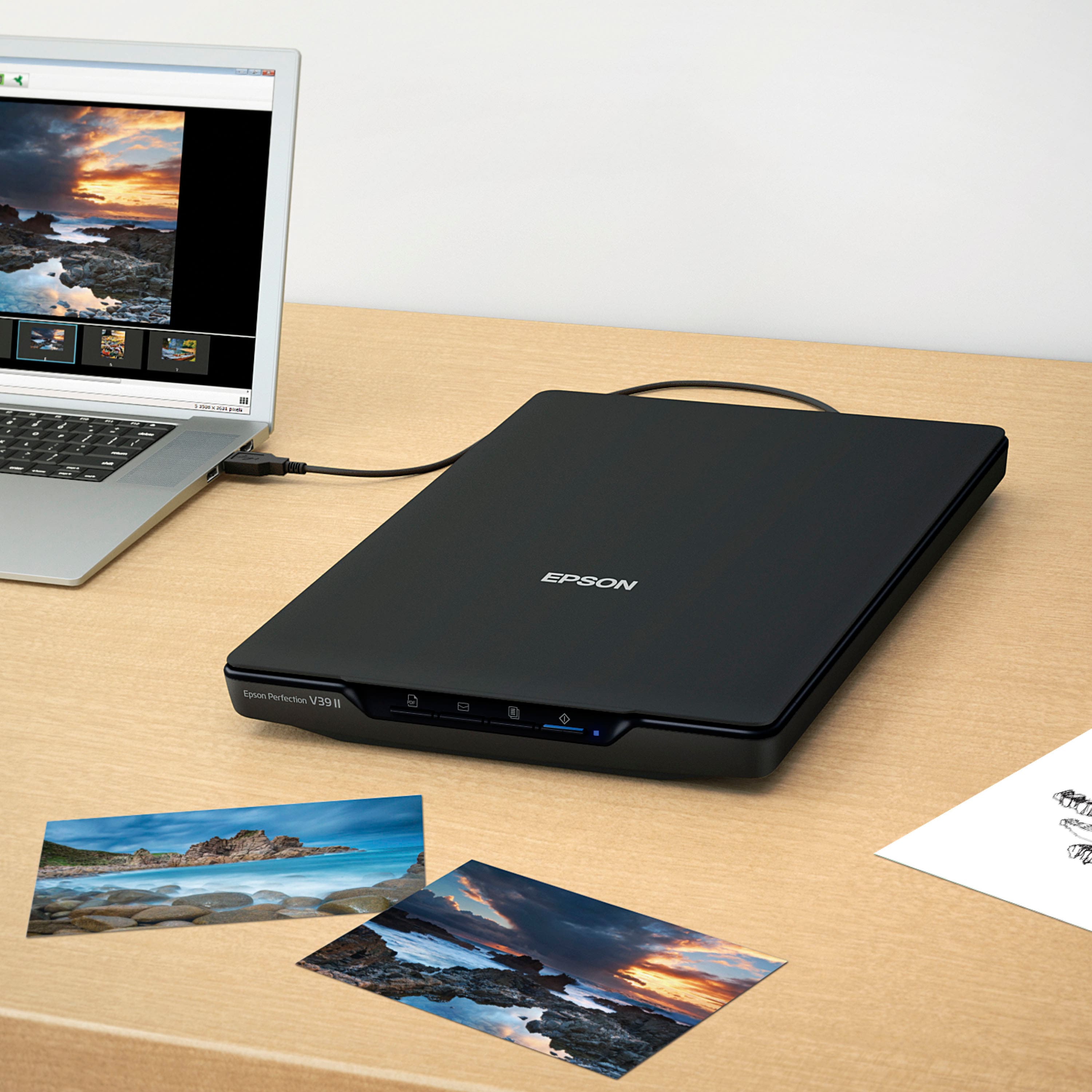
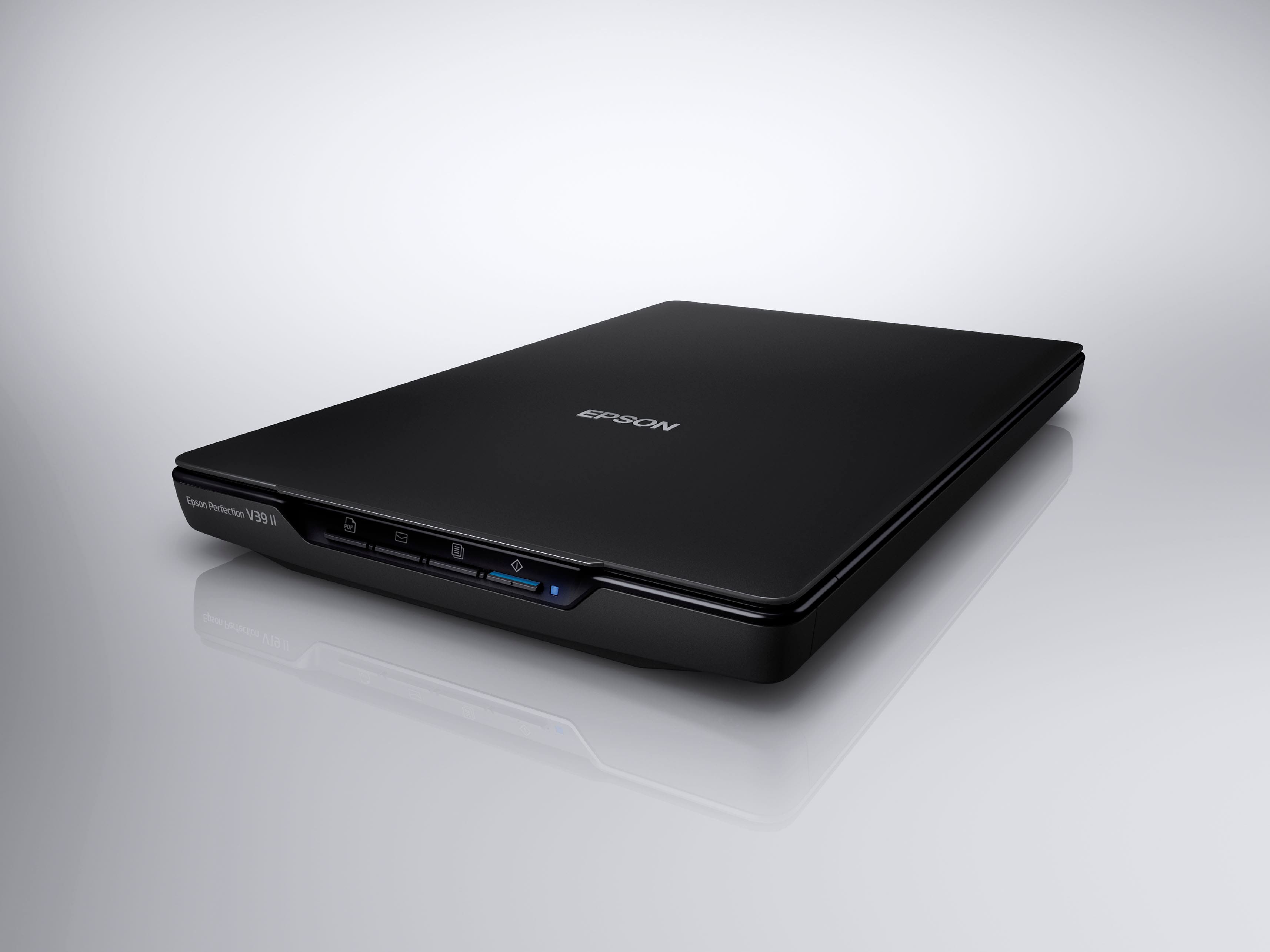
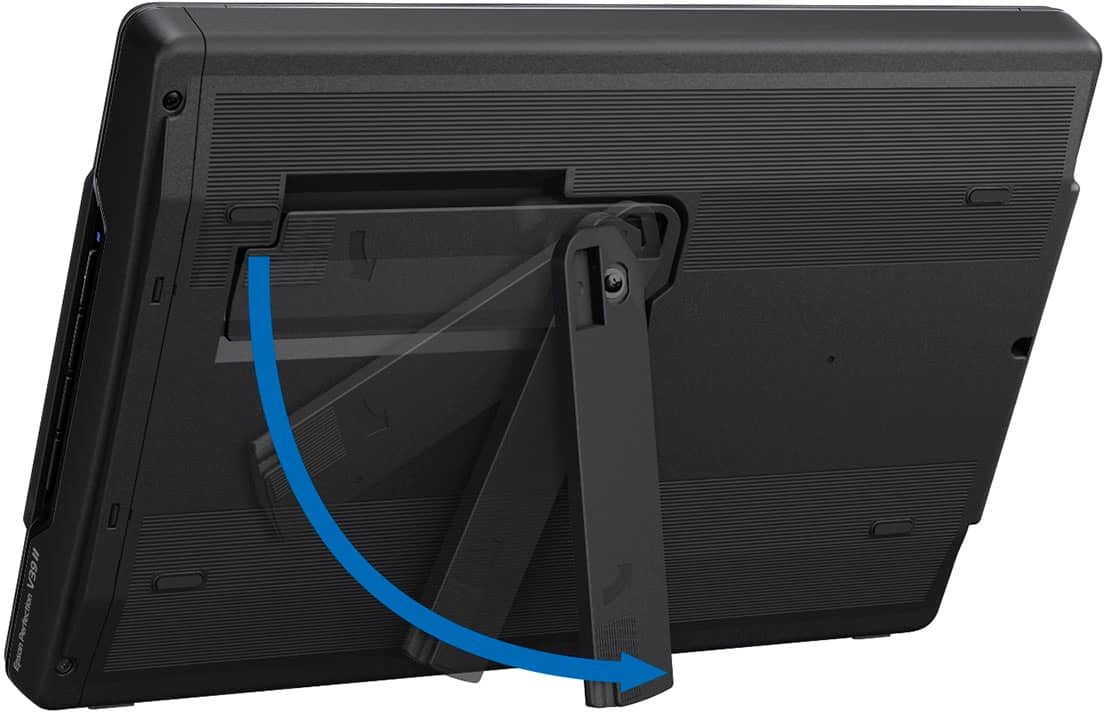
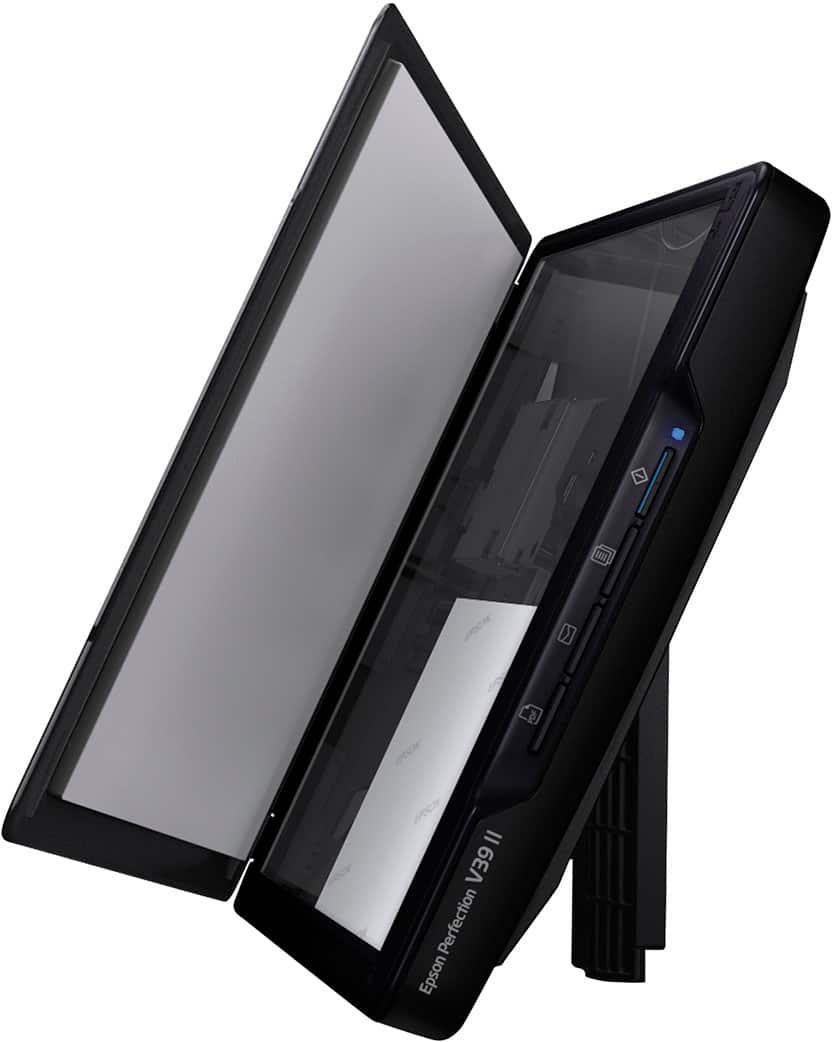
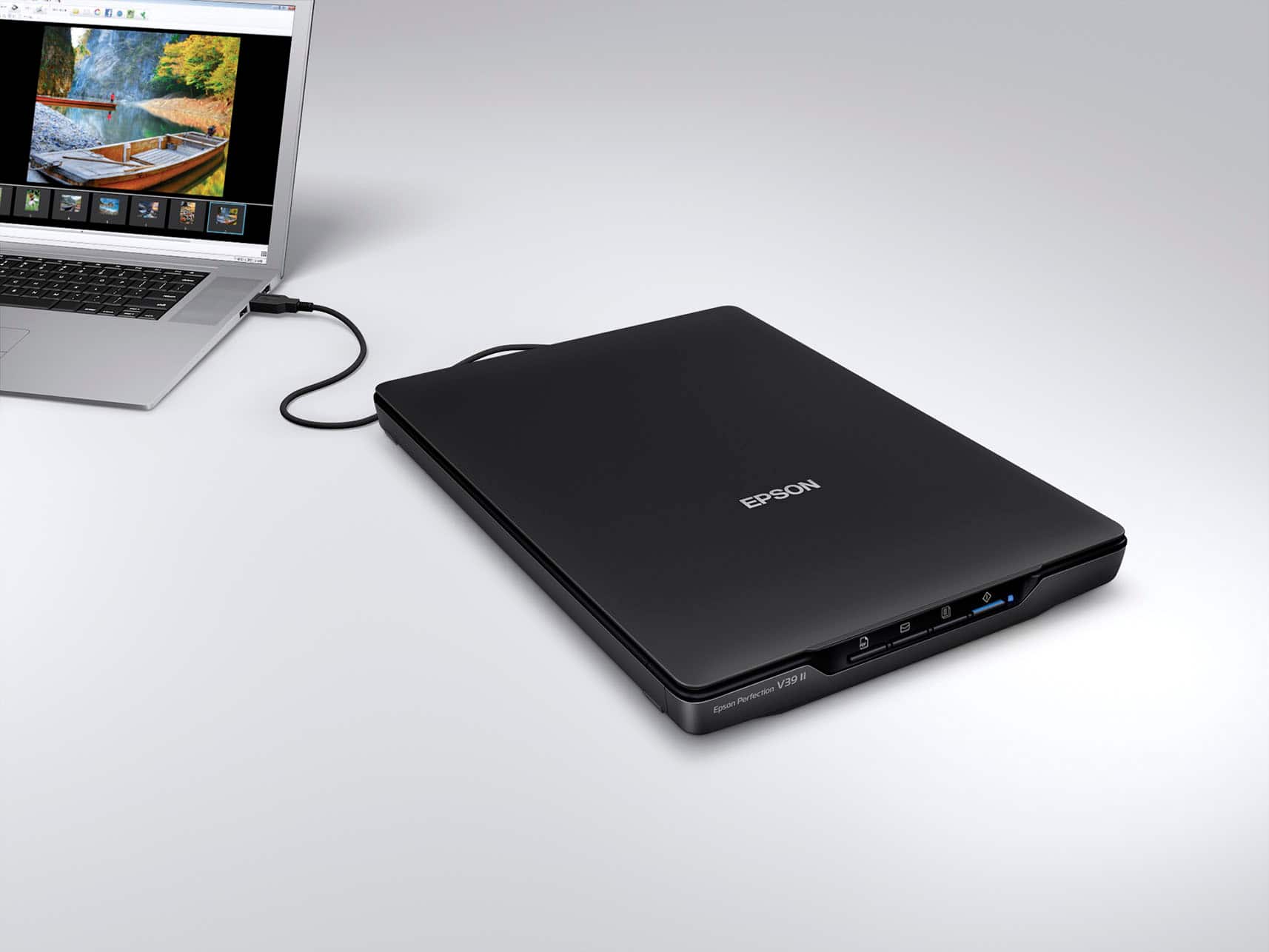
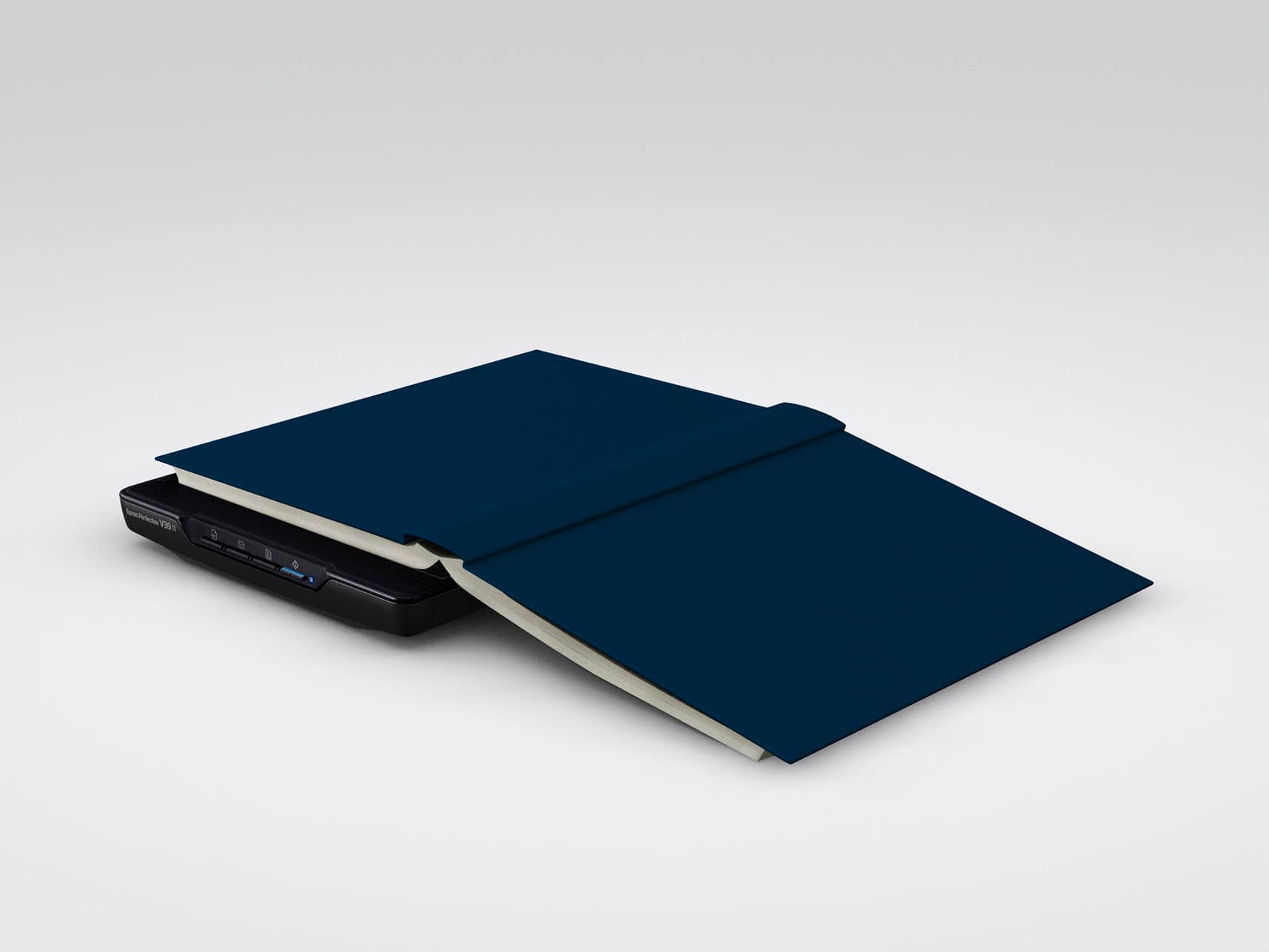
|Posted .This reviewer received promo considerations or sweepstakes entry for writing a review.This scanner is compact and lightweight with an optical resolution of 4800 dpi and can scan photos and documents very quickly. It comes with a micro USB to USB-A cable to connect to your computer and a setup guide. On the back of the scanner is a little kickstand so that it will sit upright. Setup is simple. You will need to download software for any computer you are going to use this on, plug it in and follow the instructions. The software you download from the Epson website has Epson Easy Photo Fix, which helps bring more color to your photos if they are a bit faded, removes red eye and even removes dust and scratches from your old photos. There are four buttons to make things simpler where you can just press to scan, copy, and share your scans. When saving photos, you have the option to save to your computer or cloud storage. Your digital images can be saved in a number of formats like JPEG, PDF and Bitmap to name a few. I like that you can put a few photos onto the screen and once it has scanned the photos, they will be cropped into individual pictures, saving you time if you have a lot of photos like my daughter does. Since this scans at a 4800 dpi resolution, you are able to capture more details in the things you scan. This is a document/photo scanner all in one. I plan to use it for both documents and the photo scanning. It will be so much nicer to have all my paper files disappear. There will be little need for most of them, since I will have everything recorded in my computer files. My daughter loves photography and the scan is excellent for making the sizes vary and putting them in frames for her to display. The scan really does her photography justice because of the Easy Photo Fix. I highly recommend this scanner for its ease of use, speed in which it scans and the software especially for fixing older photos.
I would recommend this to a friendEpson flatbed scanner
||Posted . Owned for 1 month when reviewed.This reviewer received promo considerations or sweepstakes entry for writing a review.It does what it's supposed to do. Was impressed at the quality of resulting docs.
I would recommend this to a friendDecent
||Posted .This reviewer received promo considerations or sweepstakes entry for writing a review.Decent...but the resolution wasn't as high as I expected...I haven't really went back to find the problem so it could be user error.
No, I would not recommend this to a friendBrand response from Epson
Posted .Hi MekellJ, we apologize that you are having issues with your scanner. Your Epson Perfection V39 II includes free technical support for the life of your product. Our Epson Support Team would be happy to help and can be reached at (562) 276-4382; Hours: Monday – Friday, 7 a.m. to 4 p.m. (PT). Sincerely, Joseph – The Epson Team.

Great Value
||Posted . Owned for 2 months when reviewed.This reviewer received promo considerations or sweepstakes entry for writing a review.Very convenient and useful… Great value product. 100%
I would recommend this to a friendvery nice
||Posted . Owned for 2 weeks when reviewed.This reviewer received promo considerations or sweepstakes entry for writing a review.very nice printer.Seems well made, large screen bed.
I would recommend this to a friendWaste of money
||Posted . Owned for less than 1 week when reviewed.This reviewer received promo considerations or sweepstakes entry for writing a review.Doesn't work. It won't recognize the USB cable connected between my computer & the scanner. Nothing but trash. Do not recommend.
No, I would not recommend this to a friendBrand response from Epson
Posted .Hi JoC1, we apologize that you are having issues with your scanner. Your Epson Perfection V39 II has a one-year warranty and includes free technical support for the life of your product. Our Epson Support Team would be happy to help and can be reached at (562) 276-4382; Hours: Monday – Friday, 7 a.m. to 4 p.m. (PT). Sincerely, Joseph – The Epson Team.
Have not opened the box yet
||Posted . Owned for 1 month when reviewed.This reviewer received promo considerations or sweepstakes entry for writing a review.I have not opened the box yet to use it. Can’t give you a review because I have not used it.
I would recommend this to a friendBrand response from Epson
Posted .Hi DanS, thank you for sharing your experience. Should you have questions or need assistance, the Epson Support Team would be happy to help. You can reach them at (562) 276-4382; Hours: Monday – Friday, 7 a.m. to 4 p.m. (PT). Sincerely, Joseph – The Epson Team.
Works great!
||Posted . Owned for less than 1 week when reviewed.This reviewer received promo considerations or sweepstakes entry for writing a review.Bought it for my grandfather when his original scanner stopped working post Windows 11 upgrade.
I would recommend this to a friendgood scanner
||Posted . Owned for 1 month when reviewed.This reviewer received promo considerations or sweepstakes entry for writing a review.for the price it is well worth it. Just have to remember it only does 300 dpi but otherwise just fine.
I would recommend this to a friendcan't use without drivers
||Posted . Owned for 1 month when reviewed.This reviewer received promo considerations or sweepstakes entry for writing a review.Epson drivers are evidently not compatible with Windows 11. Have wasted countless hours with Epson support and have gotten different answers each time. Not willing to pay $39 for Geek Squad intervention.
No, I would not recommend this to a friendBrand response from Epson
Posted .Hi NinaA, we are sorry to hear about the disappointing experience you've encountered with our Customer Support team. Epson takes into consideration all feedback to improve the performance, quality, and support of our products. We will forward your feedback to the relevant department. If the issue still persists, you may reach out directly to our Advanced Epson Support Team at 1-800-241-5794. We appreciate your time and we look forward to your call. Kind Regards, Joseph – The Epson Team.
Excellent photo scanner!
||Posted . Owned for 1 month when reviewed.This reviewer received promo considerations or sweepstakes entry for writing a review.Excellent photo scanner that works better than more expensive ones!
I would recommend this to a friendRetired
||Posted . Owned for 3 weeks when reviewed.This reviewer received promo considerations or sweepstakes entry for writing a review.This scanner once installed scans fast. And is OCR WHICH is great for editing pictures..
I would recommend this to a friendMaybe it was the Epson site online, or the scanner
||Posted . Owned for 1 week when reviewed.This reviewer received promo considerations or sweepstakes entry for writing a review.I could not get the software uploaded at all. My laptop was connect full internet strength and it would get to download and say it failed to connect to internet…. However I was online at the time and even opened a second tab online and went back into the website just to get the same message. So obviously I was connected to internet.
No, I would not recommend this to a friendBrand response from Epson
Posted .Hi Jstudent999, we apologize that you are having issues with your scanner. Your Epson Perfection V39 II includes free technical support for the life of your product. Our Epson Support Team would be happy to help and can be reached at (562) 276-4382; Hours: Monday – Friday, 7 a.m. to 4 p.m. (PT). Sincerely, Joseph – The Epson Team.
So far I like everything about it.
||Posted . Owned for 3 weeks when reviewed.This reviewer received promo considerations or sweepstakes entry for writing a review.It does its job very well and is an excellent value.
I would recommend this to a friendFamily Photos Perfect Everytime
||Posted . Owned for 3 weeks when reviewed.This reviewer received promo considerations or sweepstakes entry for writing a review.I love this scanner, my old family photos look beautiful!
I would recommend this to a friendPhoto scanner
||Posted . Owned for 1 month when reviewed.This reviewer received promo considerations or sweepstakes entry for writing a review.Affordable quality scanner, totally met my expectations and then some.
I would recommend this to a friendGreat Portable Scanner
||Posted . Owned for 1 month when reviewed.This reviewer received promo considerations or sweepstakes entry for writing a review.Great portable scanner! Worked well for scanning documents.
I would recommend this to a friendGood
||Posted . Owned for 1 month when reviewed.This reviewer received promo considerations or sweepstakes entry for writing a review.Amazing copier for the price. Much better than scanning by phone
I would recommend this to a friendScanner
||Posted . Owned for 1 year when reviewed.This reviewer received promo considerations or sweepstakes entry for writing a review.Didn’t scan small photos with much detail. Could never get the dpi to increase. Returned it because of the bad scanning quality
No, I would not recommend this to a friendBrand response from Epson
Posted .Hi janet, thank you for taking the time to post a review on your Epson Perfection V39 scanner. We are sorry that you were not completely satisfied with your scanner. We will send your feedback to the product management team. Regards, Alissa A. – The Epson Team.
Item did not work
||Posted . Owned for 3 weeks when reviewed.This reviewer received promo considerations or sweepstakes entry for writing a review.It did not work We exchange the first one we purchased got a new one and the new one did not work either.
No, I would not recommend this to a friendBrand response from Epson
Posted .Hello Charlotte B, we are sorry to hear that we were not able to resolve this issue. For further assistance, please contact Epson Support and include your name and support ticket number, if available. Ask to be escalated to our Epson Advanced Support Team. Please call (562) 276-4382; Hours: Monday – Friday, 7 a.m. to 4 p.m. (PT). Thank you for your patience. Sincerely, Joseph – The Epson Team.