Customer Ratings & Reviews

- Model:
- B11B268201
- SKU:
- 12247957
Rating by feature
- Value
Rating 4.4 out of 5 stars
- Quality
Rating 4.3 out of 5 stars
- Ease of Use
Rating 4.2 out of 5 stars
to a friend
Customers are saying
Customers commend the Perfection V39 II Color Photo and Document Flatbed Scanner for its sharp scan quality and ease of use. Many appreciate its overall performance, reasonable size, and user-friendly software. Some customers have expressed concerns about its connectivity options and compatibility with certain systems, while others find the kickstand unnecessary.
This summary was generated by AI based on customer reviews.
Good Product
||Posted . Owned for 3 months when reviewed.This reviewer received promo considerations or sweepstakes entry for writing a review.Great product for a great price!! Will buy again!!
I would recommend this to a friendGood value.
||Posted . Owned for 1 week when reviewed.This reviewer received promo considerations or sweepstakes entry for writing a review.The Epson flatbed scanner is a pretty good value for the price. I would consider other brands though such as HP
I would recommend this to a friendScanner
||Posted . Owned for 1 month when reviewed.This reviewer received promo considerations or sweepstakes entry for writing a review.I have a new computer with windows 11 and this could not download the hardware, called customer service which sent me the same link I was using to download and still wouldn't work and they didn't know so I just returned it.
No, I would not recommend this to a friendBrand response from Epson
Posted .Hi MattS, we are sorry to hear about the disappointing experience you've encountered with our Customer Support team. Epson takes into consideration all feedback to improve the performance, quality, and support of our products. We will forward your feedback to the relevant department. If the issue still persists, you may reach out directly to our Advanced Epson Support Team at 1-800-241-5794. We appreciate your time and we look forward to your call. Kind Regards, Joseph – The Epson Team.

Satisfied
||Posted . Owned for 1 week when reviewed.This reviewer received promo considerations or sweepstakes entry for writing a review.Works great! So far no problems at all. Good price.
I would recommend this to a friendScan quality so bad that I returned it immediately
||Posted . Owned for 1 month when reviewed.This reviewer received promo considerations or sweepstakes entry for writing a review.Scan quality worse than those all-in-one printer. Not worth $120
No, I would not recommend this to a friendBrand response from Epson
Posted .Hi Fishlikemeat, we apologize that you are having issues with your scanner. Your Epson Perfection V39 II includes free technical support for the life of your product. Our Epson Support Team would be happy to help and can be reached at (562) 276-4382; Hours: Monday – Friday, 7 a.m. to 4 p.m. (PT). Sincerely, Joseph – The Epson Team.
No-go for Windows 10
||Posted . Owned for 3 weeks when reviewed.This reviewer received promo considerations or sweepstakes entry for writing a review.Can’t get it to work on Windows 10. Where the heck is the driver software? Tried multiple sources but no-go.
No, I would not recommend this to a friendBrand response from Epson
Posted .Hi Techie, Sorry you are having issues setting up your Perfection V39 II. You can find product information, including FAQs and the product's User’s Guide at https://epson.com/Support/Scanners/Perfection-Series/Epson-Perfection-V39-II/s/SPT_B11B268201 .The Epson Support Team would be happy to help you and can be reached at (562) 276-4382; Hours: Monday – Friday, 7 a.m. to 4 p.m. (PT). Have a great day. Sincerely, Joseph – The Epson Team.
Difficult to set up
||Posted . Owned for 3 weeks when reviewed.This reviewer received promo considerations or sweepstakes entry for writing a review.Had a hard time setting it up on my MacBook Air. Finding the correct cord was frustrating.
No, I would not recommend this to a friendBrand response from Epson
Posted .Hi ForrestM, we are sorry to hear that you are experiencing issues with your printer. Your Perfection V39 II includes free technical support for the life of your product. Our Epson Support Team would be happy to help and can be reached at (562) 276-4382; Hours: Monday – Friday, 7 a.m. – 4 p.m. PT. Sincerely, Joseph – The Epson Team.

A mighty scanner
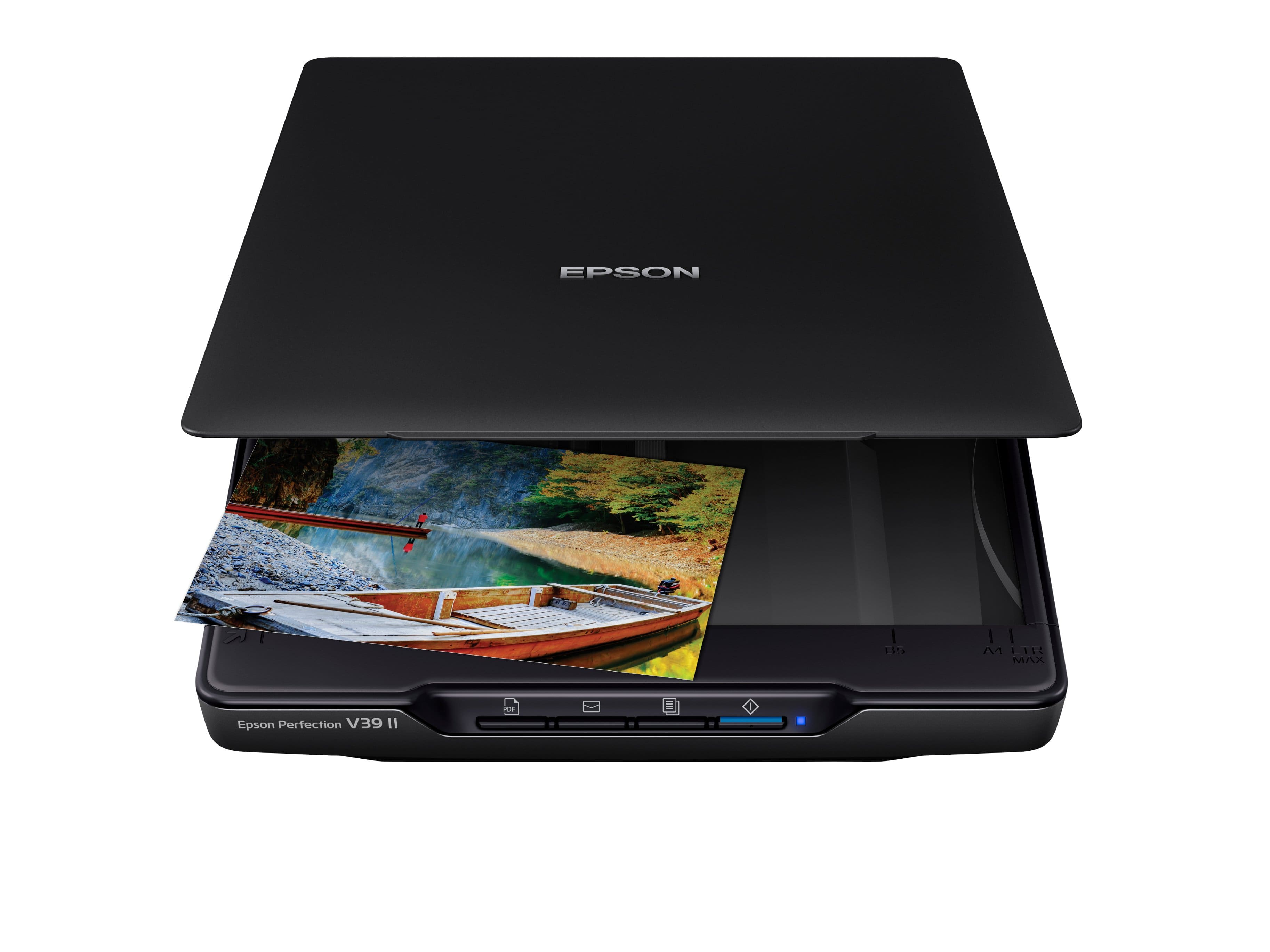
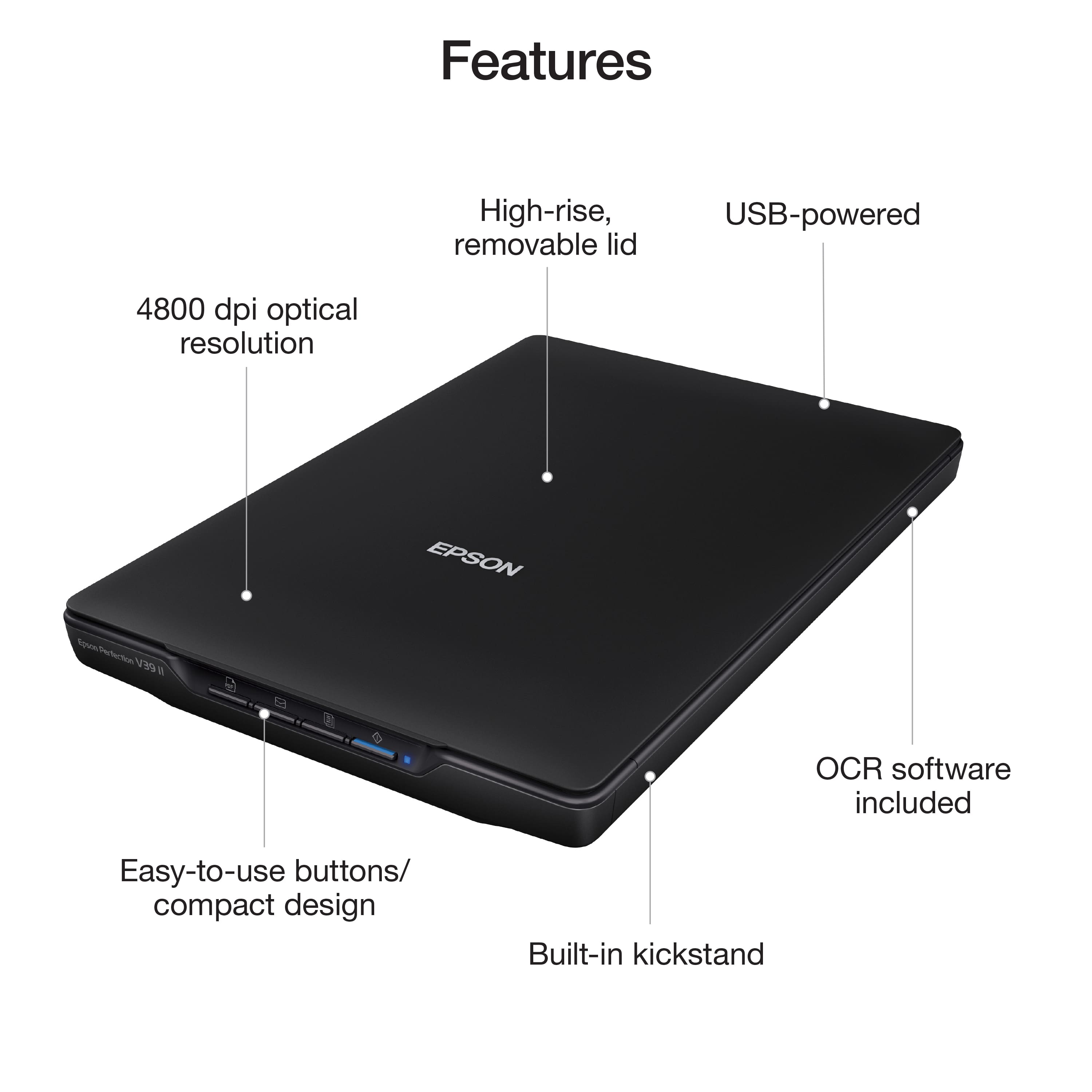
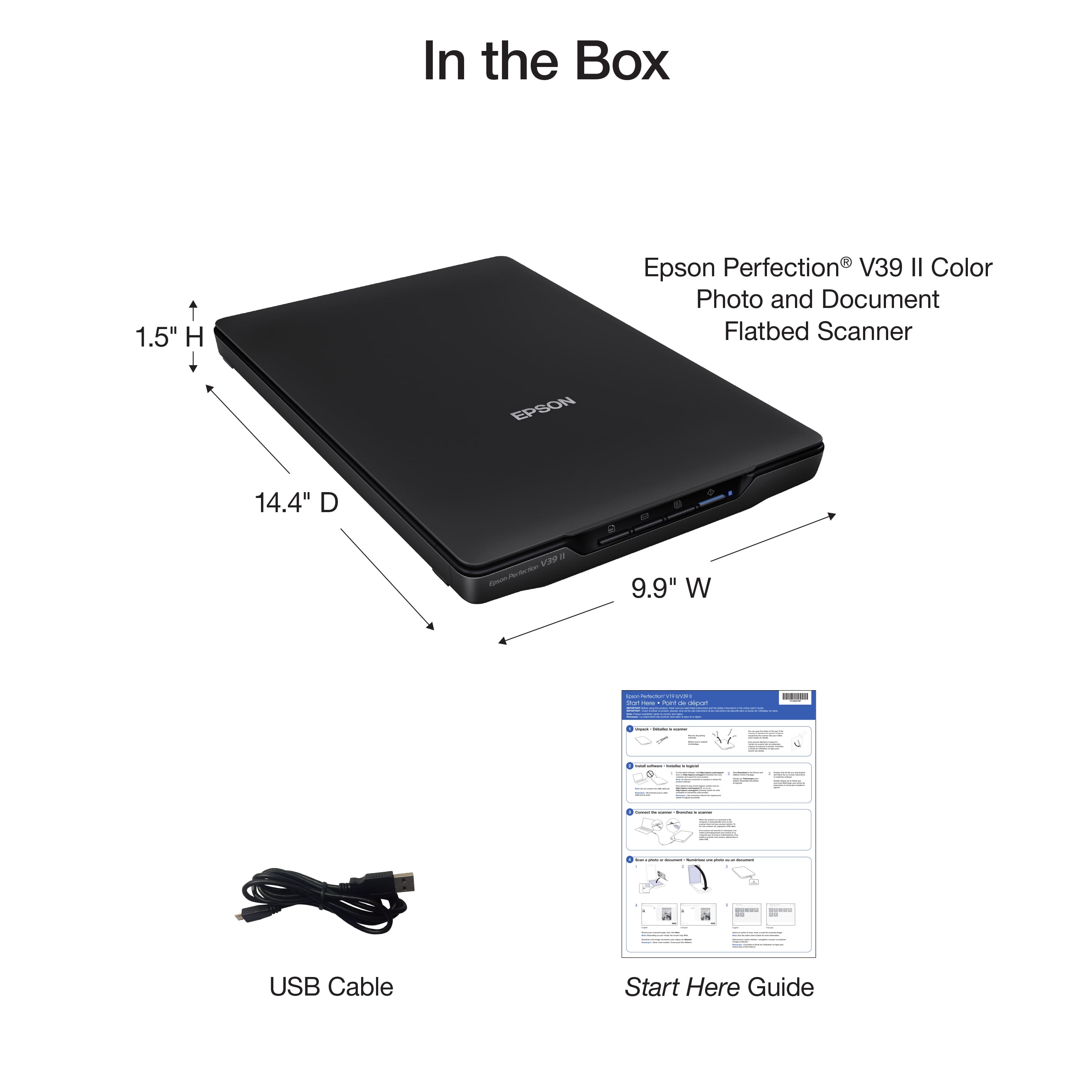
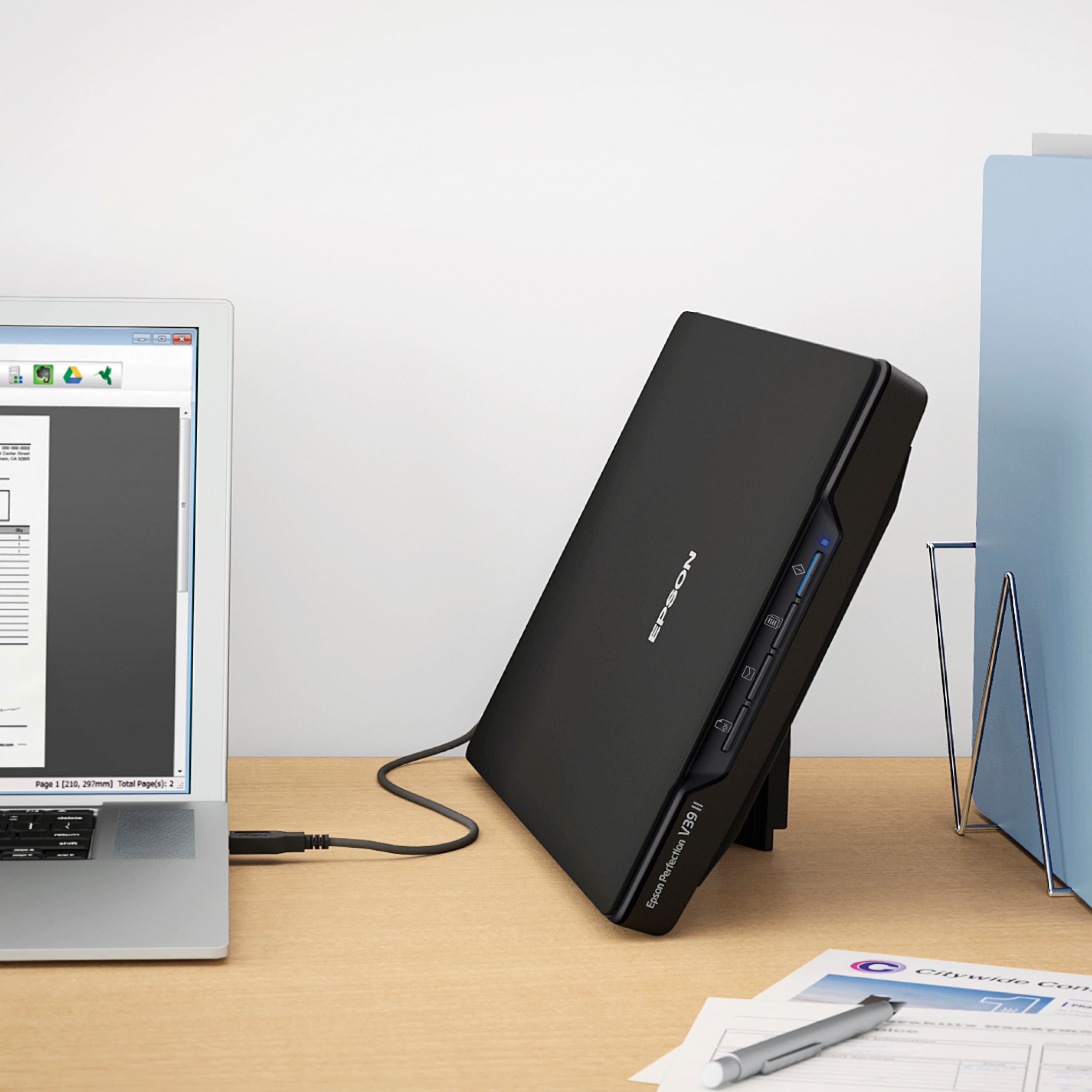
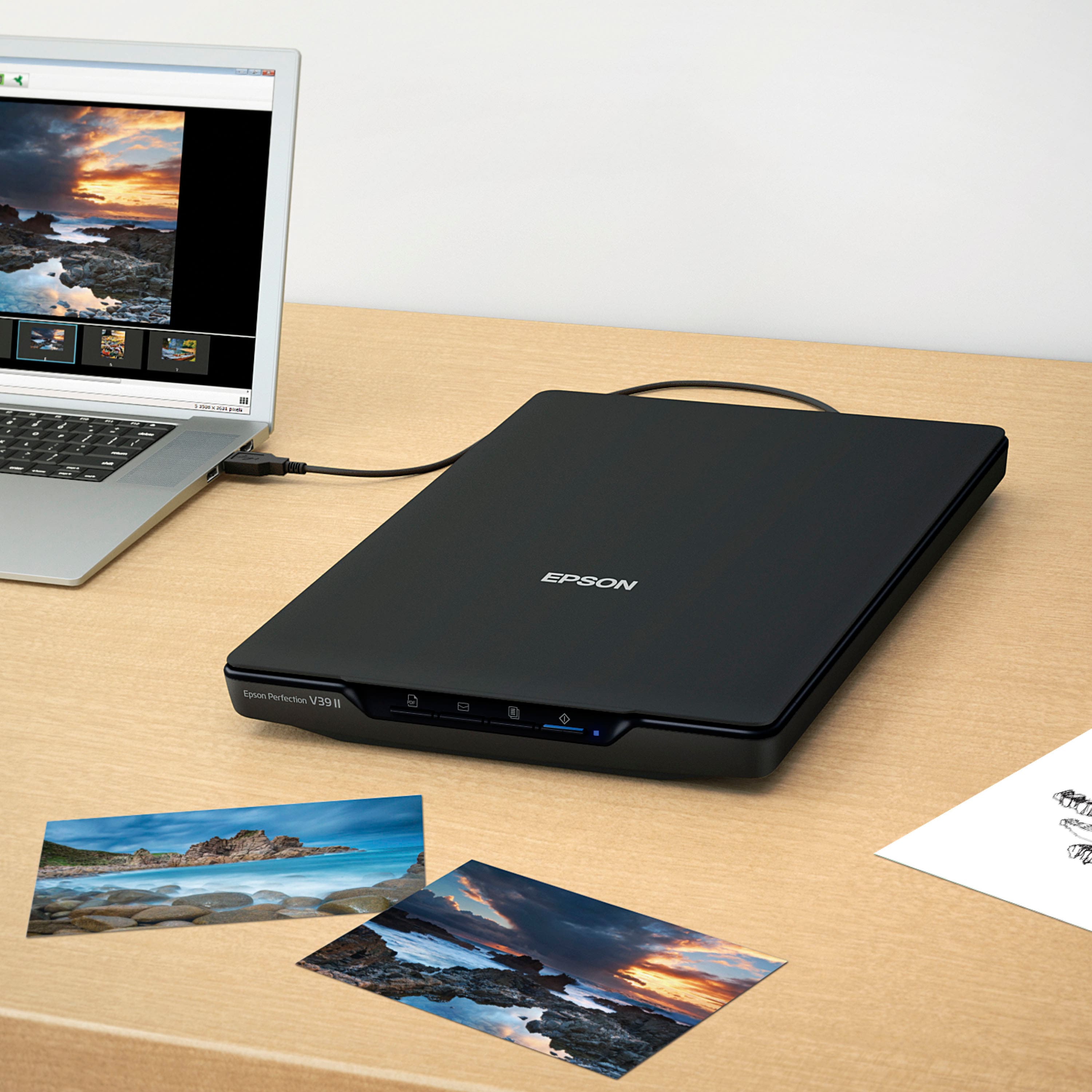
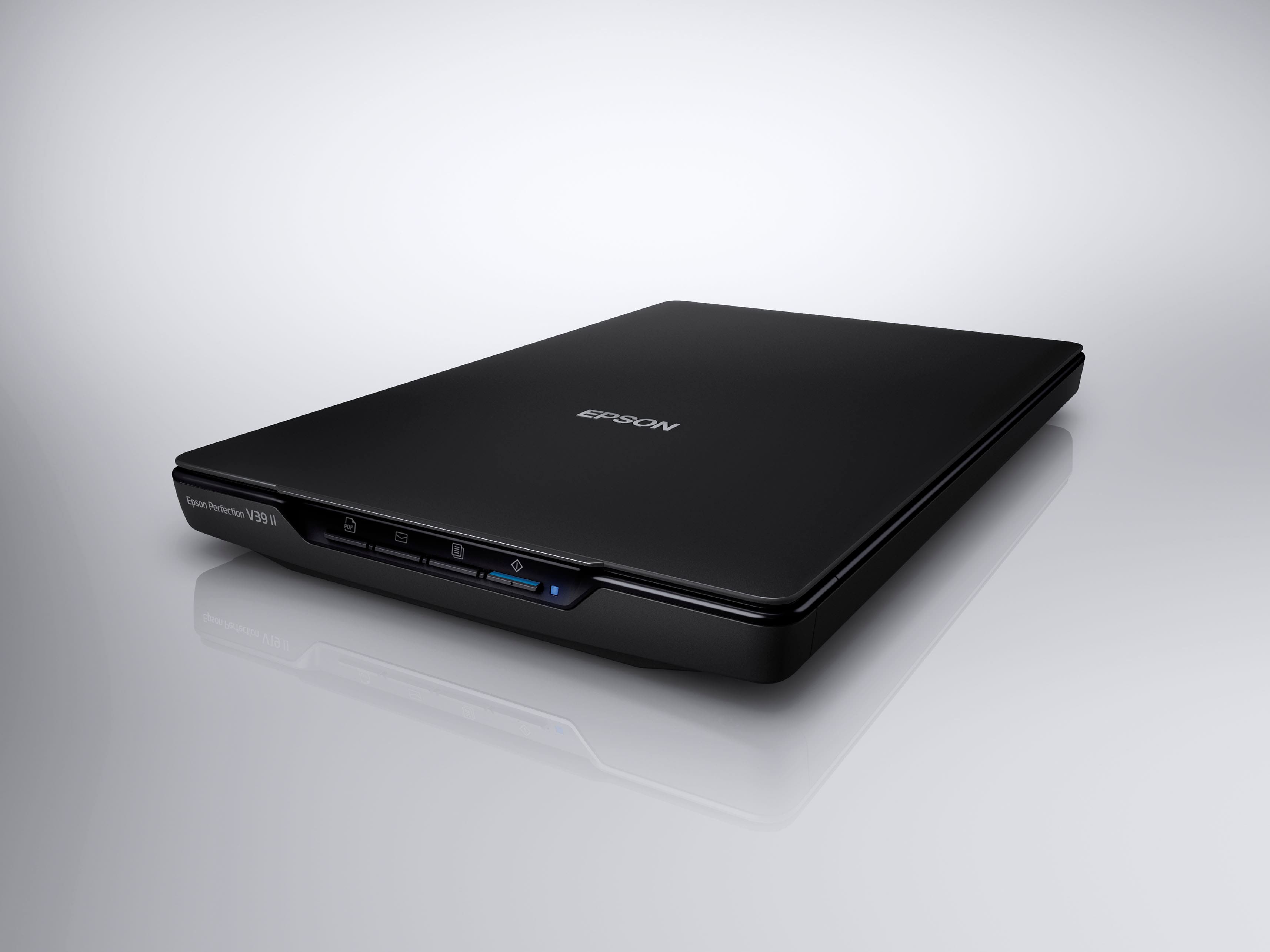
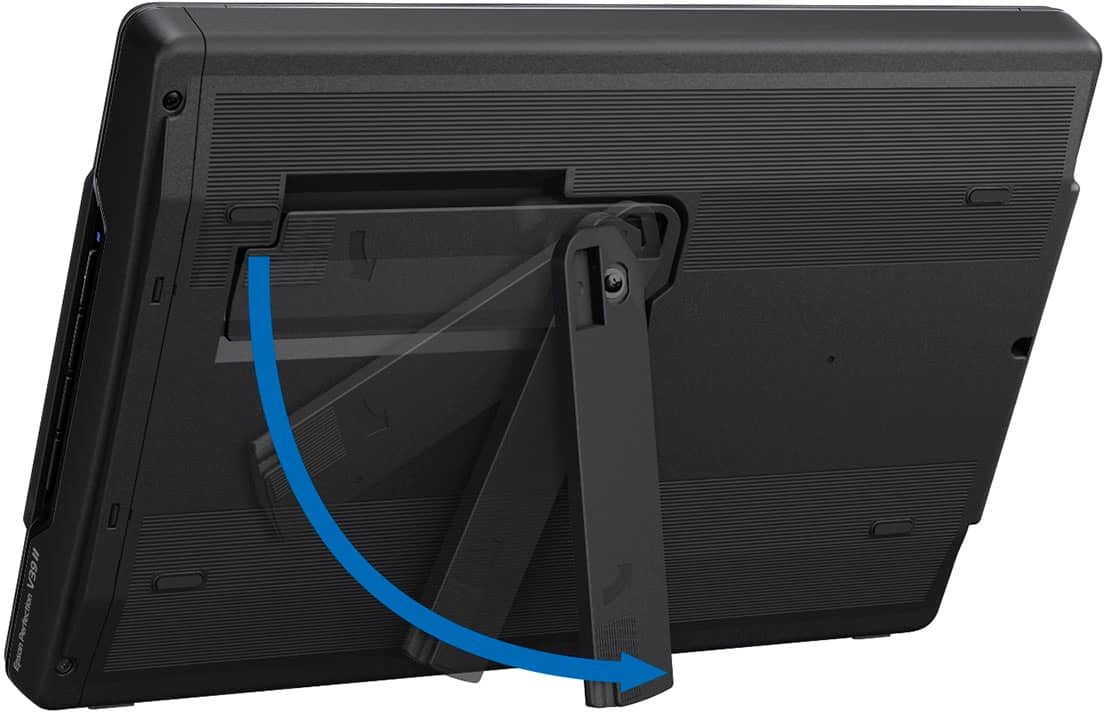
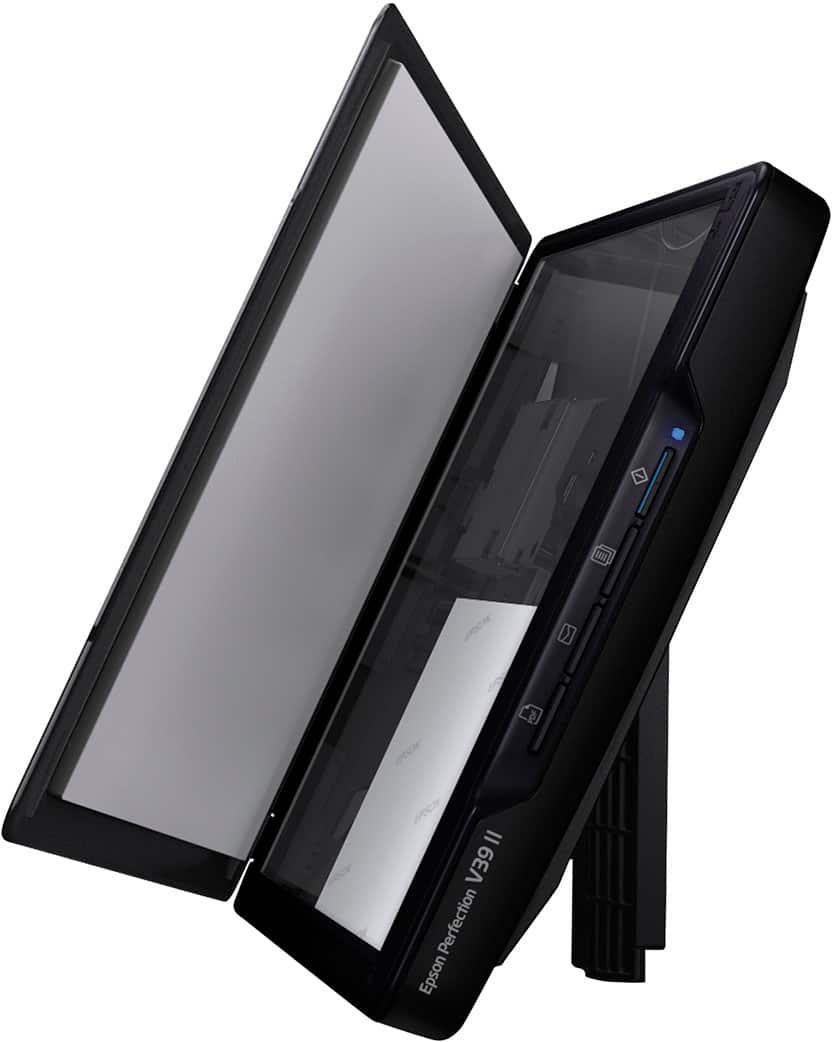
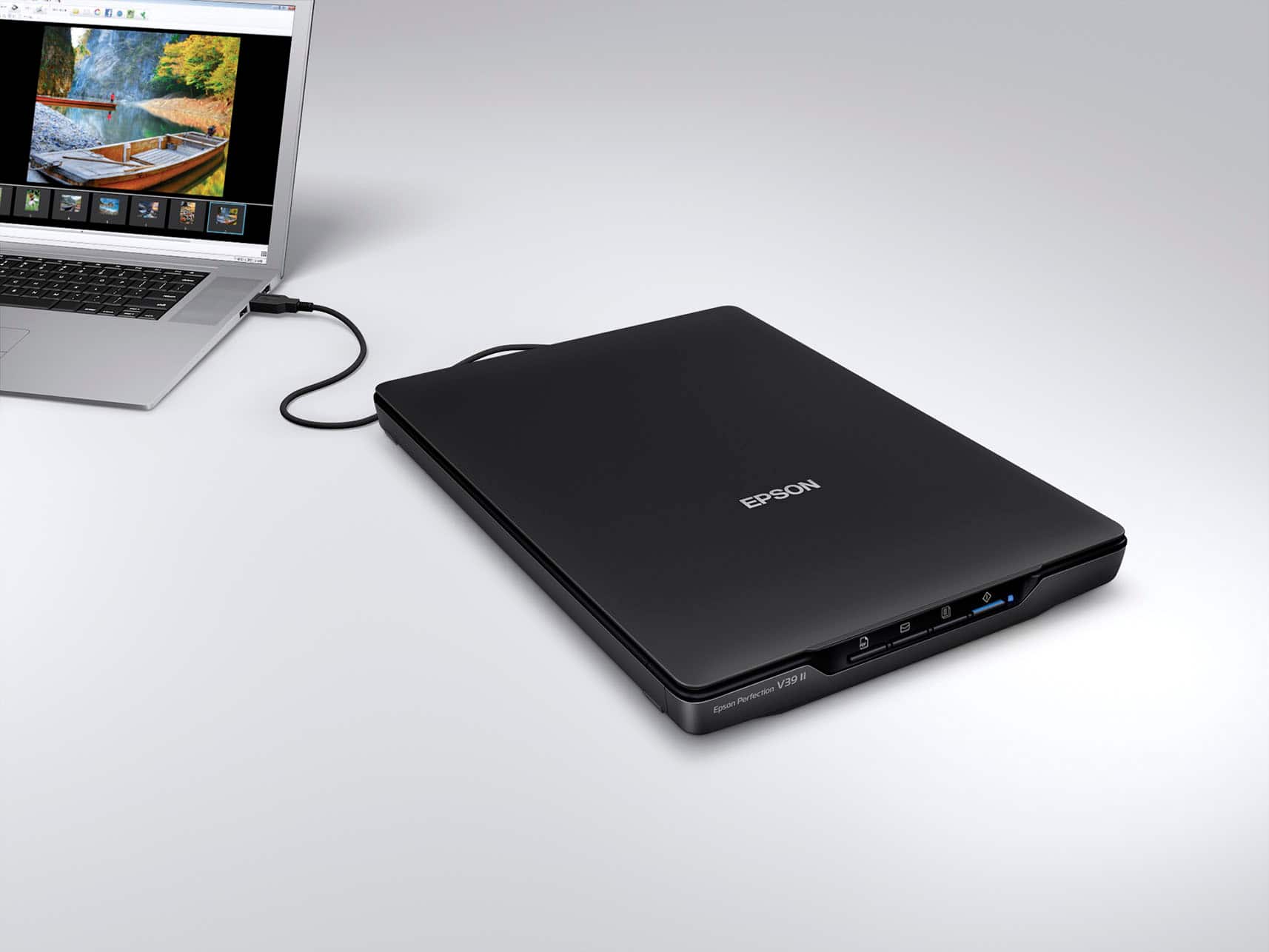
|Posted .This reviewer received promo considerations or sweepstakes entry for writing a review.The Epson Perfection V39 II flatbed scanner is the ideal solution for high quality photo and document scanning. While unpacking, it is nicely supported in the box with sturdy foam sleeves. It has some packing tape that needs removed from the scanner itself. In the box is also about a 4ft usb cable , and a quick start guide and some warranty literature. The scanner itself is very lightweight and is about the size of a laptop but a little over an inch thick. It had a kickstand on the bottom that will let the scanner set at an angle to to minimize desktop space , but then you need to keep the space in front of it clear so you can still open the lid to scan things. The scanner orientation is set at the front left corner so when it is on the kickstand, the item you are scanning can rest on the little ledge there is, but I found practically unless your document or picture is perfectly flat, it will always want to fall out of the scanner before you can get the lid closed. For me, I prefer the scanner in the flat position, but it is nice to have another option. Before plugging in the scanner to your computer, you will need to go to the Epson website and download the driver and software. After that is installed then the usb can be plugged in The front of the scanner has quick scan buttons that make it easy to send your scan different places. It has a pdf button that automatically saves a document as a pdf file, a email button that automatically creates a new email with the scan attached, a print button that automatically sends the scan to a printer, and just a regular scan button that will scan and send the image to your computer and open in the scan editor. Each worked pretty easily for me, but may require some extra set up depending on your computers settings or printers. The scan editor is pretty basic but allows you to do some correction to the scan and save the file how you want. The overall scan quality is very high. It scans at 4800 dpi/ppp and allows for many editing options while keeping detail. Prepare to have some storage space though, files scanned that high of quality can be very big in size. Overall, the ease of use, the scan quality and overall quality of the scanner make this a product well worth the buy if you have a lot of scanning to do.
I would recommend this to a friendPoor Software, power issues via micro usb
||Posted . Owned for 1 month when reviewed.This reviewer received promo considerations or sweepstakes entry for writing a review.Returned the unit for poorly designed software. Powered by micro usb. Power drain can compromise the motherboard on your pc or laptop.
No, I would not recommend this to a friendBrand response from Epson
Posted .Hi JimW, we apologize that you are having issues with your scanner. Your Epson Perfection V39 II has a one-year warranty and includes free technical support for the life of your product. Our Epson Support Team would be happy to help and can be reached at (562) 276-4382; Hours: Monday – Friday, 7 a.m. to 4 p.m. (PT). Sincerely, Joseph – The Epson Team.
Did not work
||Posted . Owned for 1 month when reviewed.This reviewer received promo considerations or sweepstakes entry for writing a review.I plugged in the scanner as instruons detailed and it did not work with my MacBook Pro
No, I would not recommend this to a friendBrand response from Epson
Posted .Hi CARRE, we apologize that you are having issues with your scanner. Your Epson Perfection V39 II includes free technical support for the life of your product. Our Epson Support Team would be happy to help and can be reached at (562) 276-4382 between 7 am - 4 pm (PT), Monday - Friday. Sincerely, Tony – The Epson Team.
Definite thumbs up!
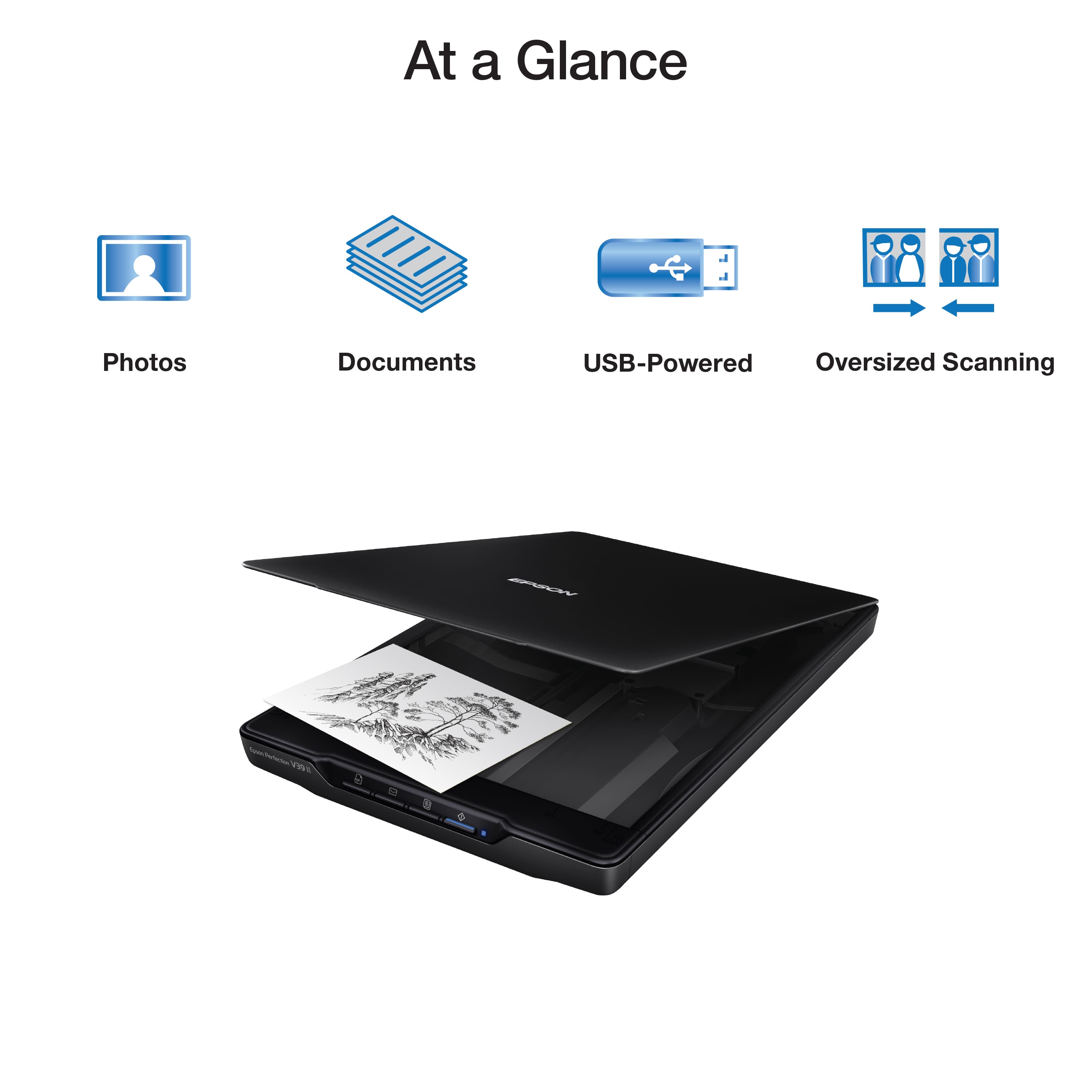
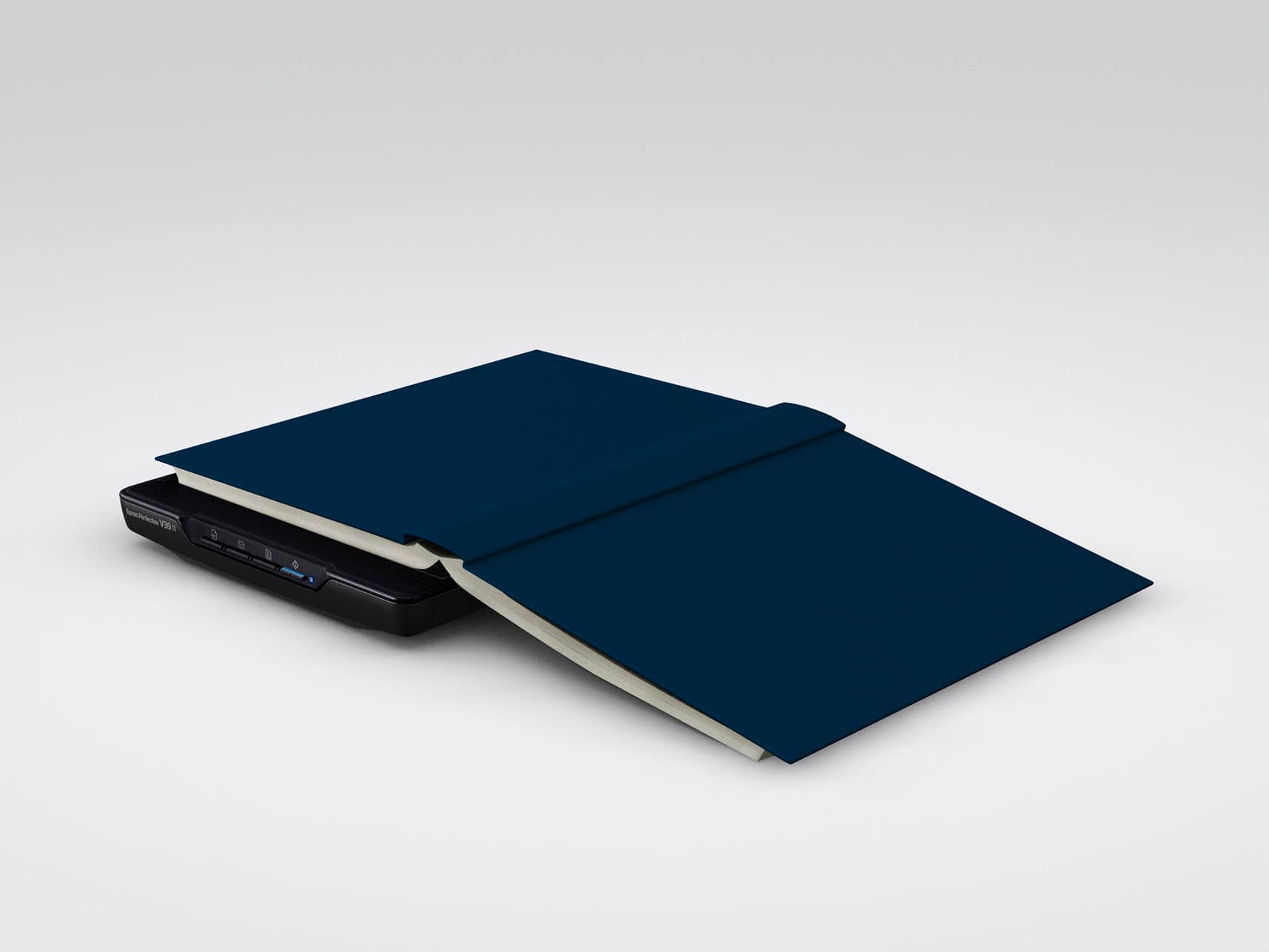
|Posted .This reviewer received promo considerations or sweepstakes entry for writing a review.The Epson Perfection V39 II isn't much larger than a sheet of paper and the thickness of a laptop. It's thin, lightweight and because it's USB powered, there's no "power brick" or cord to deal with making it truly portable. It also includes a "kickstand" which allows you to store it vertically to save space. The lid lifts easily and is double-hinged allowing for you to scan thicker materials. It's even removable for large bulky items. The "start here" guide lists 2 models so don't make the mistake of downloading the incorrect software like I did. Fortunately, the great support people at Epson helped me sort out my error and everything went smoothly after that. Once downloaded, the Scan Smart software is very user-friendly. It even includes Easy Photo Fix which allows you to restore color to faded photographs. Other features include fit to screen, rotate, crop, and stitch - for joining multiple scans together into one image. The V39 operates quietly and can scan a letter in as little as ten seconds. There are four easy-to-use buttons on the scanner: 1. Scan to pdf 2. Scan to email 3. Copy 4. Scan and save These same functions are available within the software as well. You can even send your scanned documents to Google Drive, Drop Box, Ever Note, and One Drive directly from the software. The color scan recreates the image accurately, and colors are crisp and bright. The Epson Perfection V39 II is a great, compact scanner. It's size and functionality make it so easy to use at home or on the go. I give it a definite thumbs up!
I would recommend this to a friendJunk
||Posted . Owned for 3 weeks when reviewed.This reviewer received promo considerations or sweepstakes entry for writing a review.The first one I purchased was defective. The power light came on, blinked and turned off. We called Epson tech support, and were told that was a sign that the unit was defective. I returned it and bought another one from Best Buy. It had the same problem, so I returned it.
No, I would not recommend this to a friendBrand response from Epson
Posted .Hi ddddddddddddddddd, we are sorry to hear about the disappointing experience you've encountered with your Epson product. Epson takes into consideration all feedback to improve the performance, quality, and support of our products. We will forward your feedback to the relevant department. If the issue still persists, you may reach out directly to our Advanced Epson Support Team at 1-800-241-5794. We appreciate your time and we look forward to your call. Kind Regards, Joseph – The Epson Team.
Do not purchase.
||Posted .This reviewer received promo considerations or sweepstakes entry for writing a review.Only worked for 1 year. I had to throw it in the garbage.
No, I would not recommend this to a friendBrand response from Epson
Posted .Hi NatalieS, we are sorry to hear you are having issues with your Epson scanner. Your Perfection V39 II includes free technical telephone support for the life of your product. Our Epson Support Team would be happy to help you and can be reached at (562) 276-4382; Hours: Monday – Friday, 7 a.m. to 4 p.m. (PT). Sincerely, Joseph – The Epson Team.
Scanner Review
||Posted . Owned for 3 weeks when reviewed.This reviewer received promo considerations or sweepstakes entry for writing a review.Color scanning was fine. Black and white photos were terrible.
No, I would not recommend this to a friendBrand response from Epson
Posted .Hi Epson Customer, we apologize that you are having issues with your scanner. Your Epson Perfection V39 II includes free technical support for the life of your product. Our Epson Support Team would be happy to help and can be reached at (562) 276-4382; Hours: Monday – Friday, 7 a.m. to 4 p.m. (PT). Sincerely, Joseph – The Epson Team.
Bad driver issues.
||Posted . Owned for 3 weeks when reviewed.This reviewer received promo considerations or sweepstakes entry for writing a review.Scanner has some driver issues. Never got it to work on any of our computers. We had to return it and buy a different model. The driver issue is pretty common once you start googling it.
I would recommend this to a friendCheap scanner
||Posted . Owned for 1 month when reviewed.This reviewer received promo considerations or sweepstakes entry for writing a review.This would not work with either my laptop or my tower.
No, I would not recommend this to a friendBrand response from Epson
Posted .Hi Elizabeth, we thank you for your feedback and apologize for the disappointing experience you’re having with your Epson V39 II Scanner. The scanner is powered by a USB connection with your computer. Before connecting the USB cable, please follow the instructions on the Start Here sheet and make sure the scanner software is installed on your computer. Also, make sure to use the USB cable that is provided with your scanner. If the problem persists, please see the FAQs tab at https://epson.com/Support/Scanners/Perfection-Series/Epson-Perfection-V39-II/s/SPT_B11B268201 for helpful information regarding your scanner’s initial setup. Should you need further assistance, we’d be happy to help. You can call Epson Support at (562) 276-4382 between 7 a.m. and 4 p.m. (PT), Monday – Friday. Sincerely, Dylan. – The Epson Team
Not mac pro compatible
||Posted . Owned for less than 1 week when reviewed.This reviewer received promo considerations or sweepstakes entry for writing a review.Bought this to use with my mac pro. It is not compatible. I spent over an hour with geek squd (3 different people) and could not get it to work. If we plugged it into a usb port it would start, not with usb-c
No, I would not recommend this to a friendBrand response from Epson
Posted .Hi Yvette, we thank you for your feedback and apologize for the disappointing experience you’re having with your Epson Perfection V39 II Scanner. The scanner is powered by a USB connection with your computer. Before connecting the USB cable, please follow the instructions on the Start Here sheet and make sure the scanner software is installed on your computer before connecting your scanner. Also, make sure to use the USB cable that is provided with your scanner. If the problem persists, please see the FAQs tab at https://epson.com/Support/v39 for helpful information and potential solutions regarding your scanner’s initial setup. Should you need further assistance, we’d be happy to help. You can call Epson Support at (562) 276-4382 between 7 am – 4 pm Monday – Friday (PT). Sincerely, Dylan. – The Epson Team.
Canon V39
||Posted . Owned for 1 month when reviewed.This reviewer received promo considerations or sweepstakes entry for writing a review.Poor quality of photo scanning, pictures do not scan clear. Restoring software doesn’t work
No, I would not recommend this to a friendDownload software from Canada?
||Posted . Owned for 5 months when reviewed.This reviewer received promo considerations or sweepstakes entry for writing a review.no included software. after downloading somewhere other than Canada, which wanted to charge, it didn't work
No, I would not recommend this to a friendBrand response from Epson
Posted .Hi LarryO, we apologize that you are having issues with your scanner. Your Epson PerfectionV39 II includes free technical support for the life of your product. Our Epson Support Team would be happy to help and can be reached at (562) 276-4382; Hours: Monday – Friday, 7 a.m. to 4 p.m. (PT). Sincerely, Joseph – The Epson Team.
Didn’t work
||Posted . Owned for 3 weeks when reviewed.This reviewer received promo considerations or sweepstakes entry for writing a review.Had to return it . Tried on two different laptops and kept getting an error message in regards to the connection on both laptops. Disappointed.
No, I would not recommend this to a friendBrand response from Epson
Posted .Hi KathyN, thank you for sharing your experience. Epson takes into consideration all feedback to improve the performance and quality of our products. We will forward your feedback to the relevant Epson department, as we are always looking to make future Epson products better. Once again, thank you. Sincerely, Joseph – The Epson Team.