Customer Ratings & Reviews

- Model:
- B11B268201
- SKU:
- 6546531
Rating by feature
- Value
Rating 4.4 out of 5 stars
- Quality
Rating 4.3 out of 5 stars
- Ease of Use
Rating 4.2 out of 5 stars
to a friend
Customers are saying
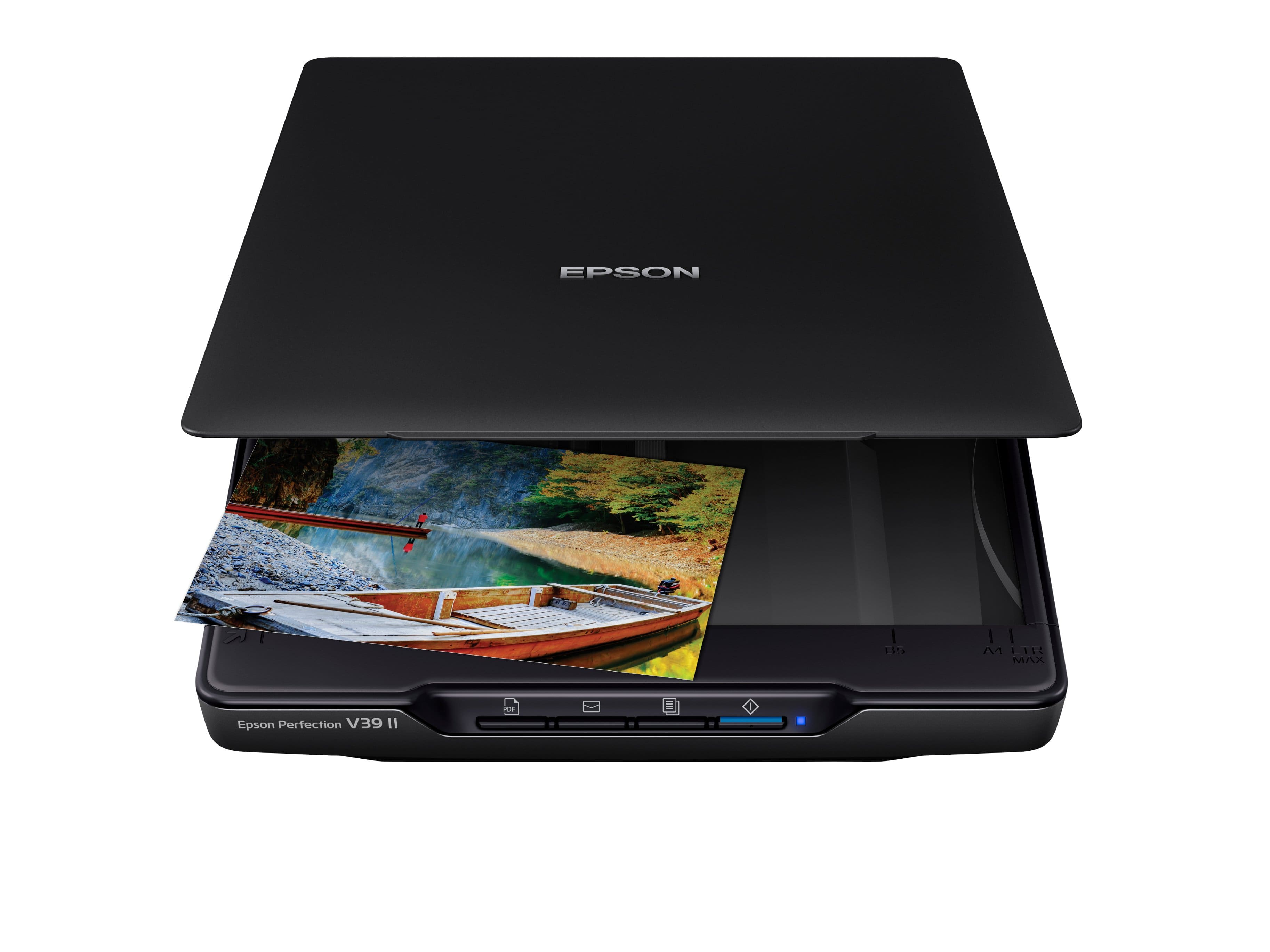
Customers commend the Perfection V39 II Color Photo and Document Flatbed Scanner for its sharp scan quality and ease of use. Many appreciate its overall performance, reasonable size, and user-friendly software. Some customers have expressed concerns about its connectivity options and compatibility with certain systems, while others find the kickstand unnecessary.
This summary was generated by AI based on customer reviews.
Didn’t work
||Posted . Owned for 3 weeks when reviewed.This reviewer received promo considerations or sweepstakes entry for writing a review.Had to return it . Tried on two different laptops and kept getting an error message in regards to the connection on both laptops. Disappointed.
No, I would not recommend this to a friendBrand response from Epson
Posted .Hi KathyN, thank you for sharing your experience. Epson takes into consideration all feedback to improve the performance and quality of our products. We will forward your feedback to the relevant Epson department, as we are always looking to make future Epson products better. Once again, thank you. Sincerely, Joseph – The Epson Team.

Just ok
||Posted . Owned for 3 weeks when reviewed.This reviewer received promo considerations or sweepstakes entry for writing a review.Not as convenient as I thought it would be. A bit bulky.
No, I would not recommend this to a friendBrand response from Epson
Posted .Hi Kory, thank you for sharing your experience. We strive to improve the performance and quality of our products and will forward your feedback to the relevant Epson department(s). Should you have questions or need assistance, the Epson Support Team would be happy to help. You can reach them at (562) 276-4382; Hours: Monday – Friday, 7 a.m. to 4 p.m. (PT). Sincerely, Dylan – The Epson Team.

A good basic scanner with CLOUD! Easy!
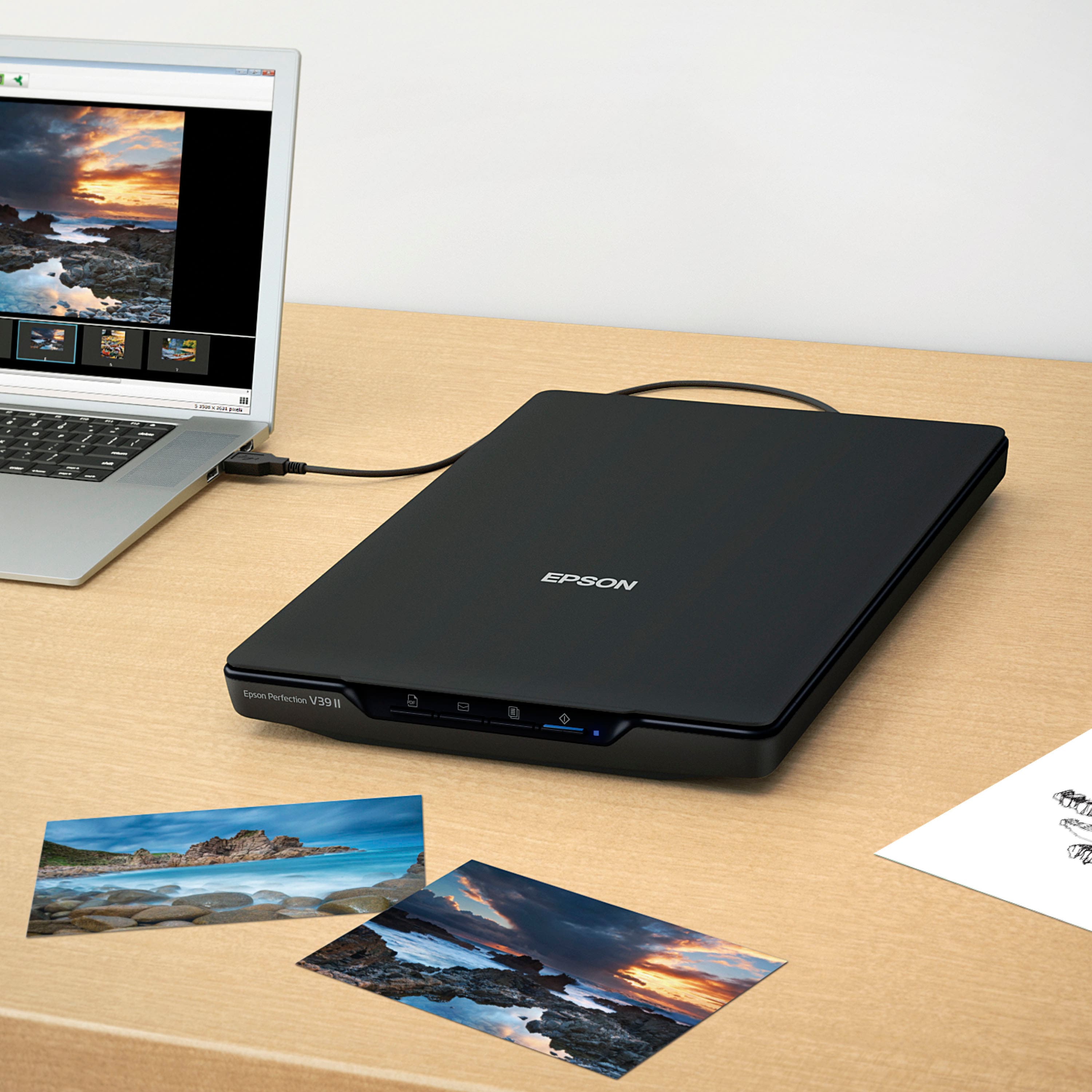
|Posted .This reviewer received promo considerations or sweepstakes entry for writing a review.The Epson Perfection V39 ii is on its face a fairly basic scanner with a clean design and very sparce button layout, but that's a massive strength. It's very straightforward to use and easy whether you use the software or not. My first scan was easy because Microsoft Scan found the scanner and I was able to scan quickly without any software installed. YMMV because I have some basic additional drivers installed on my system that may have helped Windows see the scanner. This method is fairly no frills with no features, but the quality was fairly good so that tells me the base scanning is fairly good! I tried the scan software and it's pretty easy to use and is typical of a modern scan software setup. Restoring photos is pretty easy with two click results that gets some passable photos that are snapshot quality. If you're looking for archival repair, I'd continue to use some pro software, but for my uses around the house repairing old photos to print and put in frames this software does the job and is a very nice bonus. My favorite feature is direct to cloud. Yes, you can do the same with your phone into Google Drive, but that's way more tedious than using a flatbed scanner, and definitely the quality is worse on your phone if you aren't using an app that adjusts for perspective. Regardless, the image quality is not nearly as good than on this scanner, and it's only one button. For the price, it's a fairly decent speed scanner. Scanning an 8x10 took me about 10 seconds, which is slower than larger $1000 scanners but typical for a scanner of this size. Since it's only one cable to the computer and is powered by USB as well, it's forgivable for the convenience of being able to quickly connect, scan, then put away the scanner. I'm a fan of this scanner. It's small enough to be pushed into my photoalbums and hid away (where I keep it) but large enough to be actually useful when I do pull it out. I'm not going to retire my larger Epson professional scanner for when I'm doing some serious restoration, but I know I won't use it as much now that I have this scanner that's so darn easy to pull out and use. If you're looking for a quick and easy scanner with moderate scan performance and good quality, this is a good bet.
I would recommend this to a friendNice Versatile Scanner
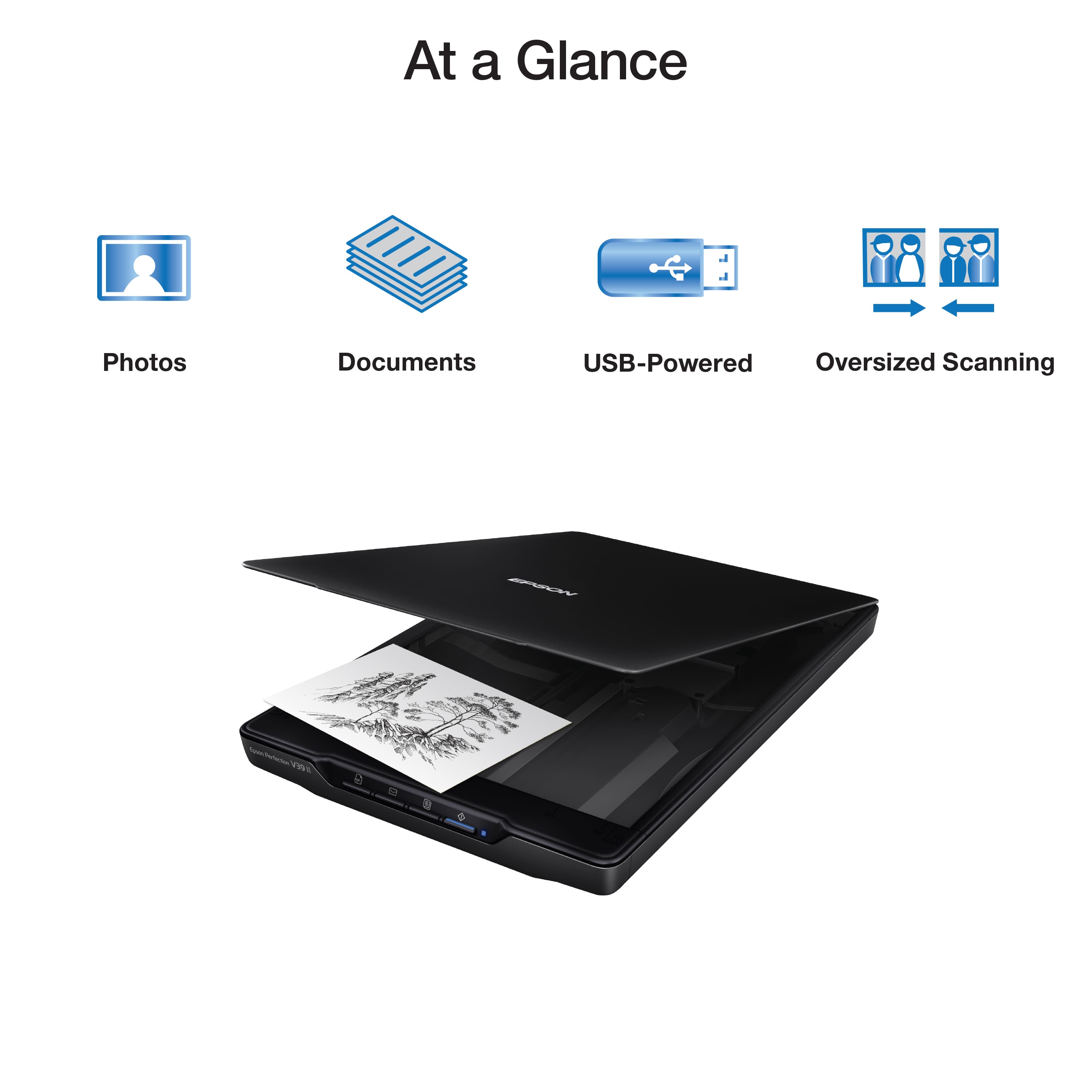
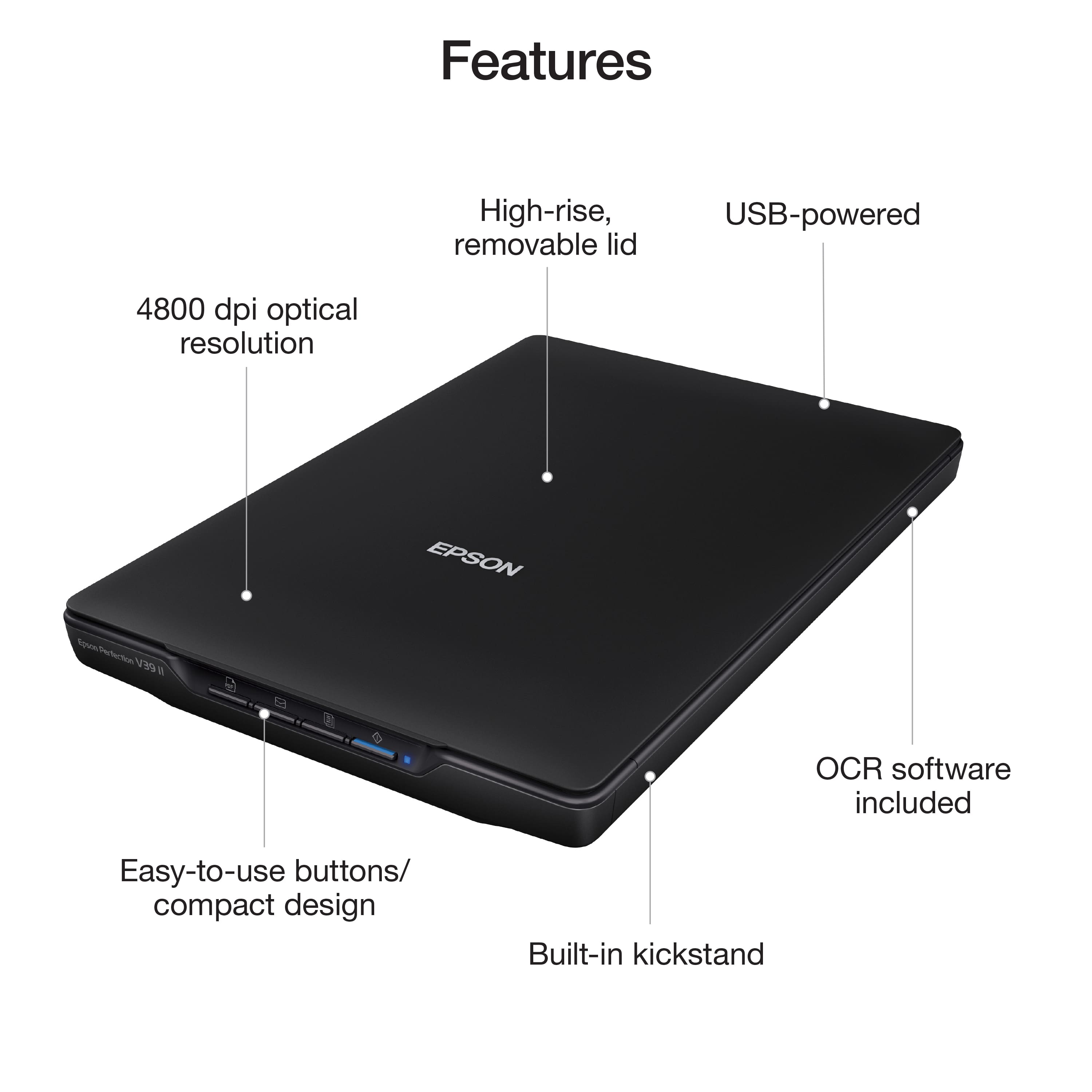
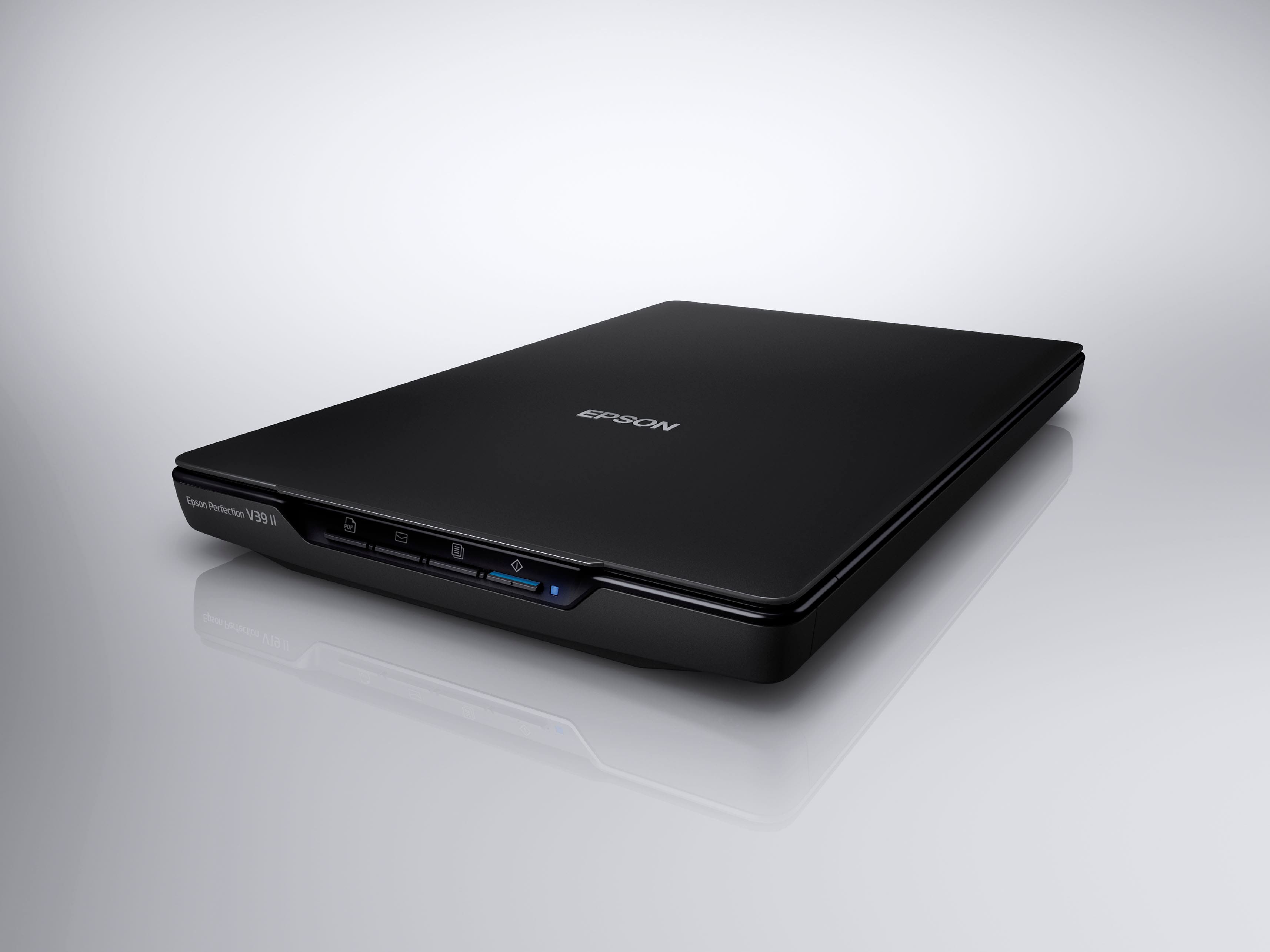
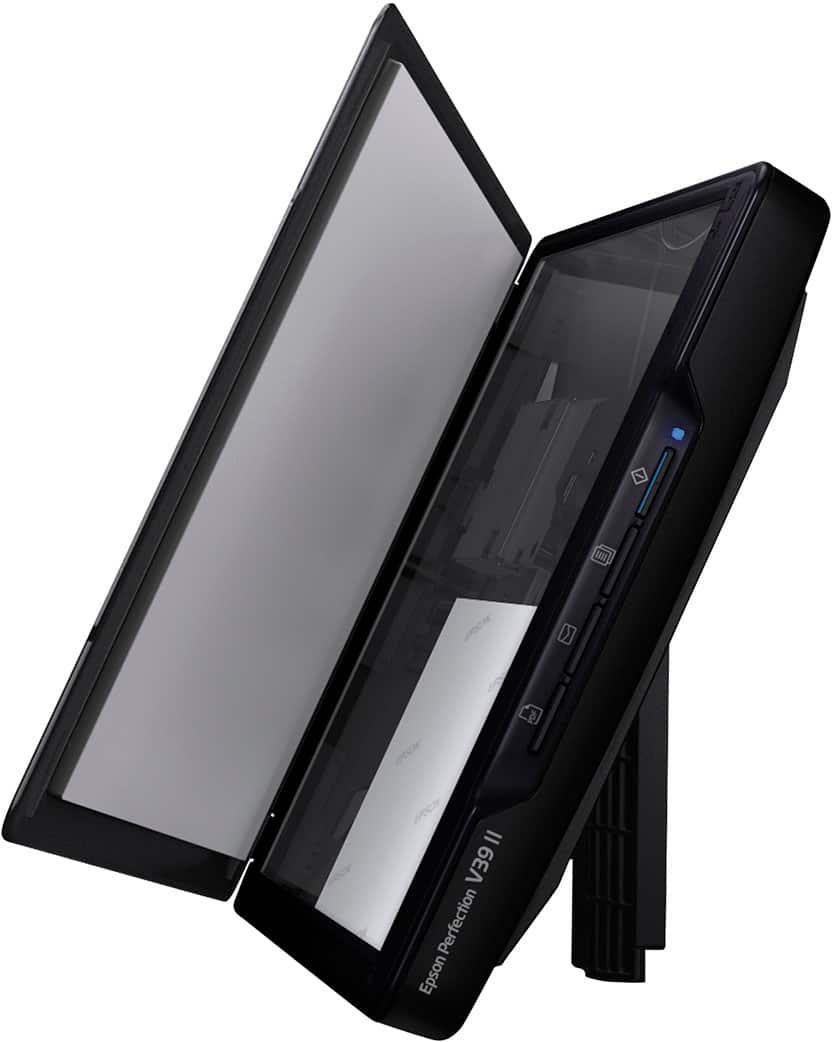
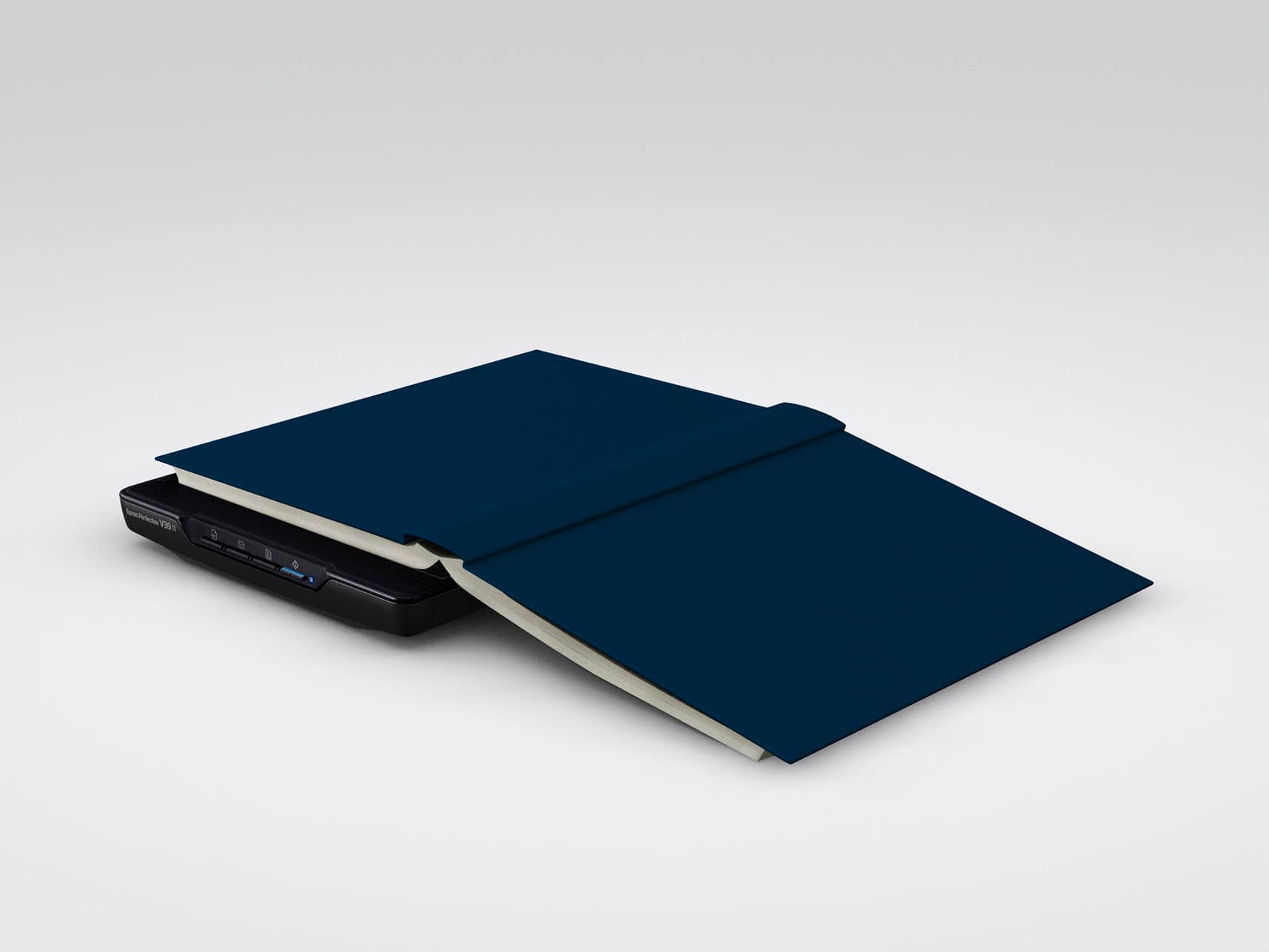
|Posted .This reviewer received promo considerations or sweepstakes entry for writing a review.This is a very nice full page scanner, a little more compact then some scanners I have had in the past. The device itself has quick buttons on the front that add quick functionality to the scanner, which is nice for launching the app(s) on the computer . Pros: Front facing quick buttons that send you right into Scan to pdf/email/ or send to printer etc. 4800 DPI for nice quality full color scans. Easy to install and use software, full of any scan related task you will need to accomplish. Only 1 Cable needed for both power and connection to the computer. You can remove the scanner's lid, so you can scan books or photo albums which is nice. Uniquely this can be placed horizontal or vertical on it's side w/built in stand. Cons: Can be placed vertical w/built in stand, but milage may vary... I started to test the side sitting unit using a standard piece of paper, but a few times of removing it and placing it back on the scanner caused for a little warping of the paper, when this happened, the paper wouldn't stay in place as gravity would take over and it ended up sliding over the small lip of the scanner bed and then falling out of place. I think if the unit would of had the border of the bed a little higher (taller lip) this would help keep the document in place, but again this wasn't really an everytime issue until the paper went from being perfect to slightly bent, for the majority of things i tried photos, card stock, etc things stayed in place as they should. Overall, I am enjoying this scanner, it's quiet, quickly scans, and has quick launch buttons that makes wanting to use this device that much more enjoyable. I would recommend this product for anyone looking for a good scanner!
I would recommend this to a friendExcellent scanner
|Posted .This reviewer received promo considerations or sweepstakes entry for writing a review.This scanner came at just the right time. We recently lost a family member and have a ton of 70+ year old photos we wanted to be able to preserve and share. This was easy to set up and fairly easy to get up and running. I like that this isn't a huge printer type item that takes up a ton of storage space as I don't know that it will get much use beyond preserving photos so it's not something I'll leave on my desk long term. It's allowed me to be able to quickly scan photos to share or recreate later. I appreciate that this isn't hard to use and does allow you to do several things with it. I am going to start trying to scan my children's artwork to save digitally versus having to have stacks of paper or an overflowing fridge. I'd like to be able to create slideshows of the pictures and then folders with dates or time spans for the kids art to share with family as well. If you want something easy to use and have documents or photos or kids art to save then you won't be disappointed with this item. I feel like the price point was great for this item as well.
I would recommend this to a friendGreat for portability. Scan app can be clunky
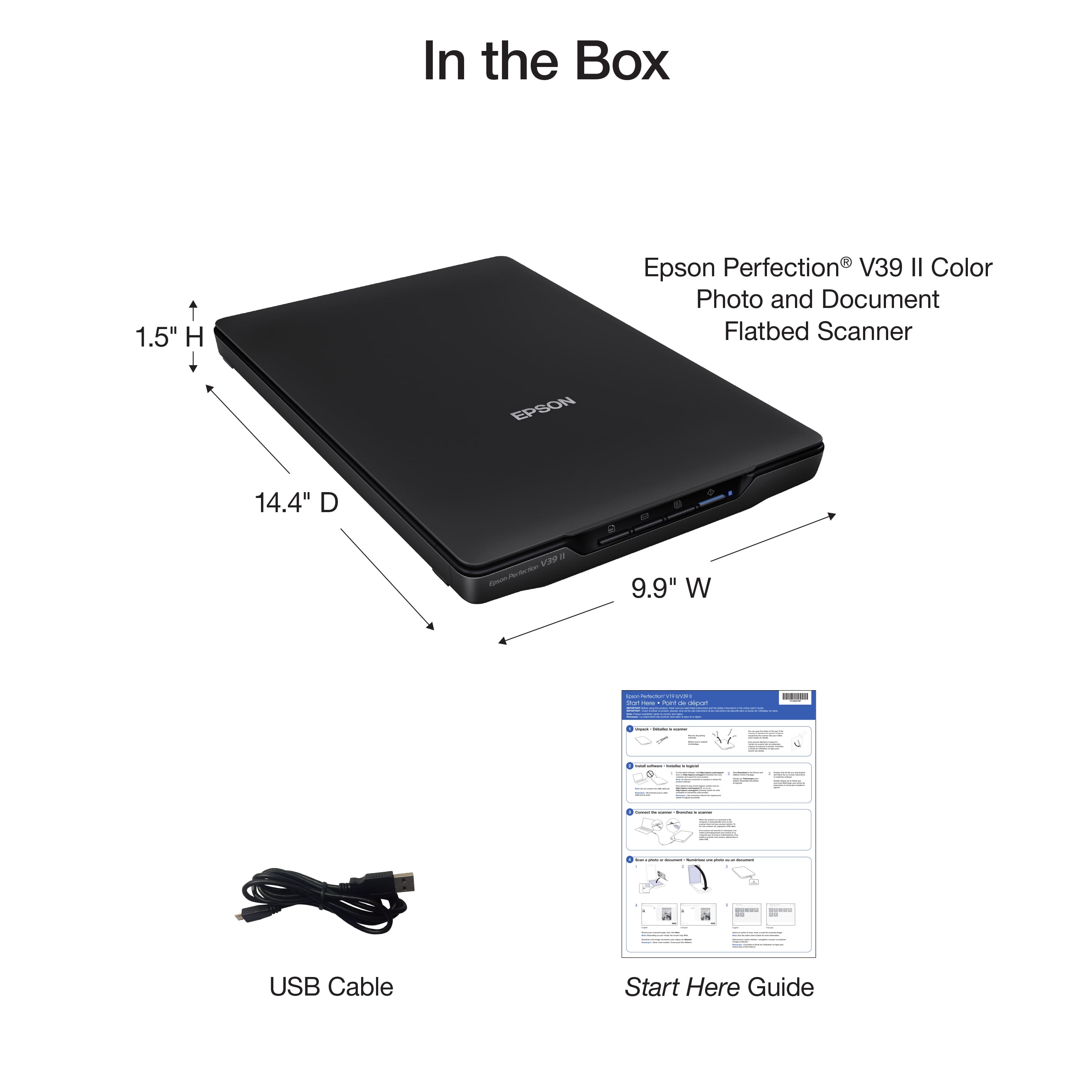
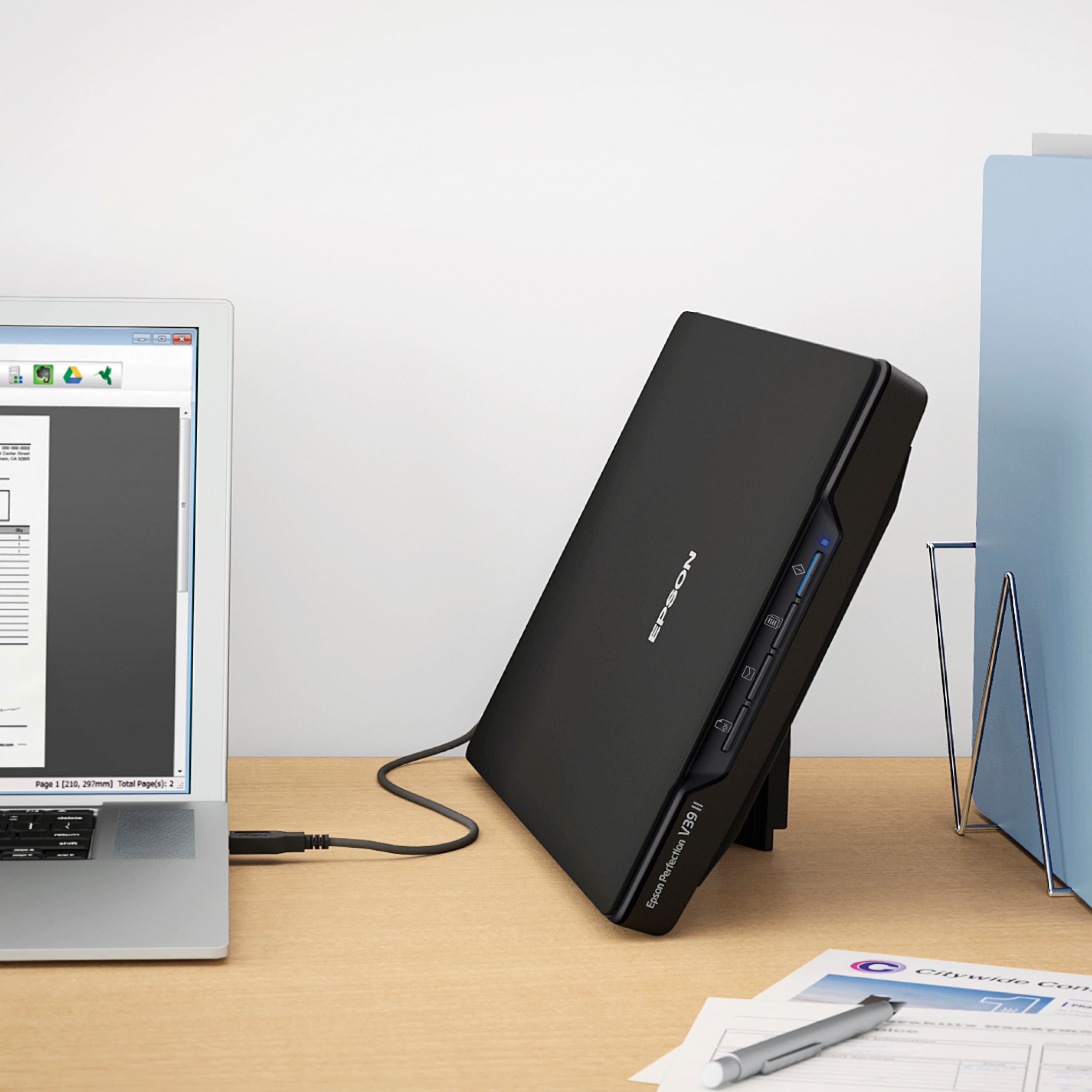
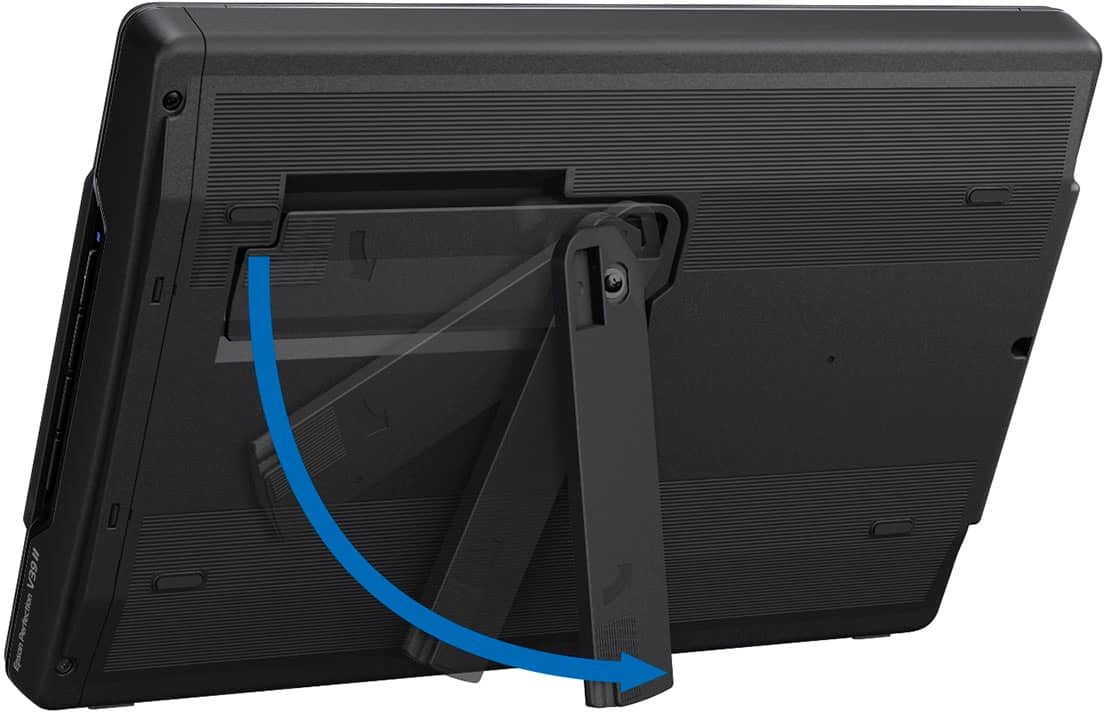
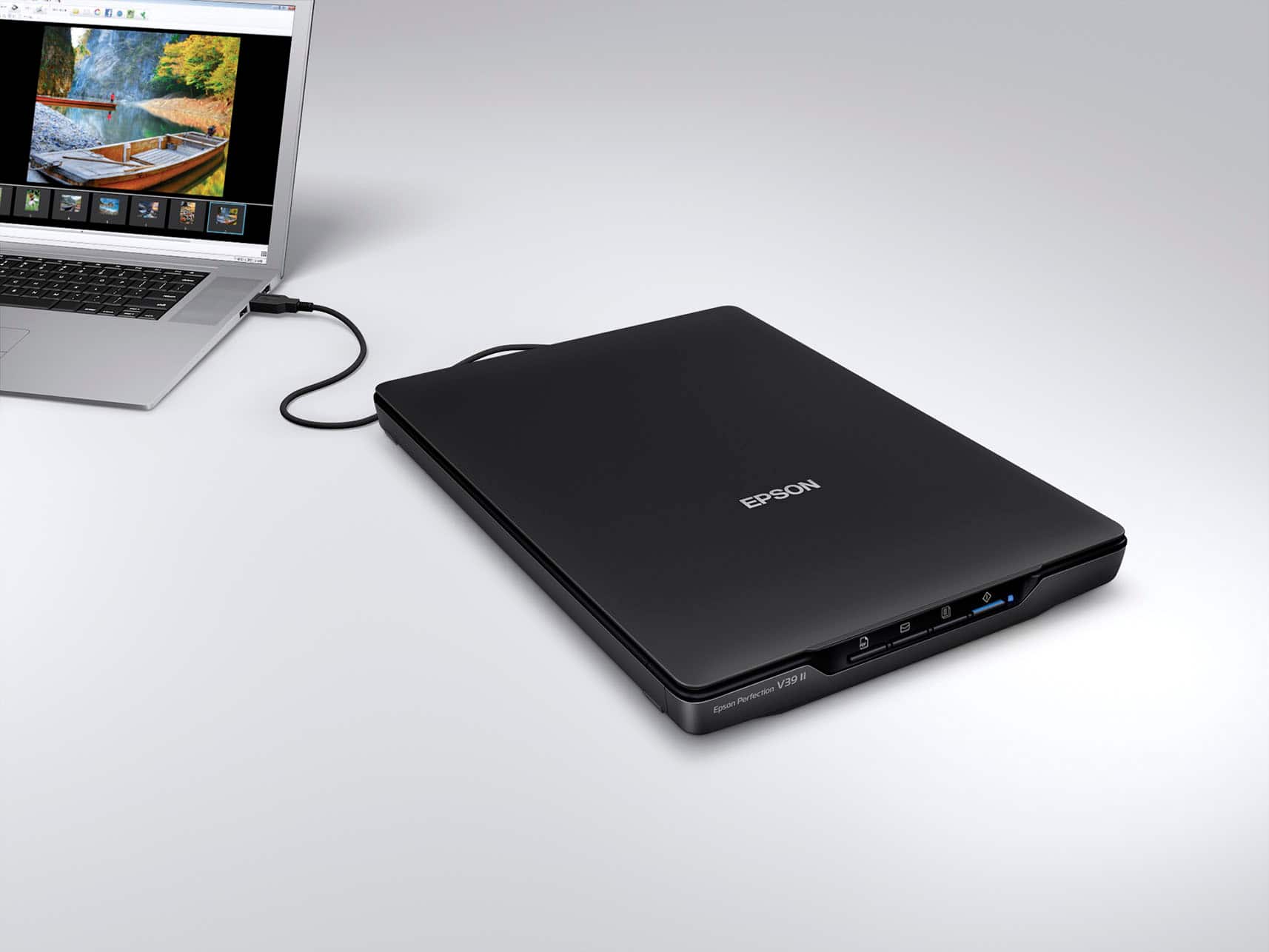
|Posted .This reviewer received promo considerations or sweepstakes entry for writing a review.Pro: -USB powered -Light and portable -Good scan quality Con: -ScanSmart is clunky -Advanced settings are harder to access -Still uses micro USB The Perfection v39 II is a small and lightweight scanner. It’s about the size of a 15 inch laptop, big enough for 8x10 paper, and great for portability. There’s a kickstand on the back that lets it stand vertically for some space saving. It’s powered by a single micro USB cable, but at this point it should be a USB-C. The scan quality is sharp, with 4800 dpi. The software doesn’t have the best user experience. Changing the settings are clunky, and the default auto mode is a hit and miss, depending on what’s being scanned. The ScanSmart software is fine to use for quick documents scanning, and using the quick auto settings or shortcut button will give good results. For photo and color prints, it still can do a good job, but sometimes the auto color correction isn’t what you’d want. For something like a pencil sketch, the auto mode will think it’s a document and convert to a pure black and white scan, and the result is terrible. The settings can be changed, but the issue is that you have to manually select the mode when you first start the application or else it won’t let you change the settings or open up the advanced options. The menu is just clunky. If you want to scan artwork, it’s best to skip the SmartScan and open up the standalone scanning app. That will allow you to change the document type and has more options to adjust the colors. It’s still clunky to navigate, especially compared to how it used to be years ago. The scanning speed is a bit slower but still decent. It does take a little while to scan at 600 dpi, but the overall quality is great. There’s quick buttons on the front for scanning as a pdf, attaching it to an email, send it to a printer, or to start ScanSmart. Overall the scanner is fine, only hindered by the software. It’s light and portable and can produce good results. It’s best to just not use the auto mode or skip the ScanSmart app altogether, unless it’s for simple document scans. For documents, the quick options are good for converting to a scan to pdf or printing.
I would recommend this to a friendNo way
||Posted . Owned for 1 month when reviewed.This reviewer received promo considerations or sweepstakes entry for writing a review.Hard to hook up I did not understand how to do it.
No, I would not recommend this to a friendBrand response from Epson
Posted .Hi PaulaW, we apologize that you are having issues with your scanner. Your Epson Perfection V39 has a one-year warranty and includes free technical support for the life of your product. Our Epson Support Team would be happy to help and can be reached at (562) 276-4382; Hours: Monday – Friday, 7 a.m. to 4 p.m. (PT). Sincerely, Joseph – The Epson Team.
Well thought out and quality scanning
|Posted .This reviewer received promo considerations or sweepstakes entry for writing a review.I have quite a few products from Epson including printers and document scanners and this one is actually a welcome addition. The other scanners that I have are used primarily for business purposes in order to keep track of receipts, backup invoices and other important documents. I even have their portable ES-50 scanner that my wife and I use for lease agreements and other documents while we are away from our home office. This scanner will serve an entirely different purpose for my household than my other ones. I have school aged kids who get the benefit of growing up in an age where they no longer need Encyclopedia's or the knowledge of how to use the Dewey Decimal System to find things in the library in order to complete an assignment. Now they have the internet and digital devices that make doing homework much easier than when I was a kid. My kids have to assignments that are to be submitted electronically. Some of the projects that they do have to have visual aids that need to be inputted into presentations and the like. That's where this scanner comes in. A flatbed scanner is much more user friendly than a document scanner. I scanned in several photos and even some clippings from the newspaper (yes, I still prefer printed paper, lol) and the resolution was great and the speed was fast. You have the option of selecting format type if you need to save as a photo, pdf, etc. You can also change the resolution as well. If you prefer a more quality image, you want a higher resolution or DPI. If you need to save some quickly and quality isnt as big of an issue, then you can use a lower resolution. Two of my favorite features are the USB power versus having a large charging brick and the top that adjusts to allow scanning of thicker items such as scanning a page from a book or magazine. I was surprised to see that it uses a micro-usb cable as opposed to USB-c though. It also has an arm or extension underneath so that you can stand the scanner up vertically to save some space on your desktop. In this position, i found the scanner to be pretty sturdy and didnt move at all when using it. The one thing I was hoping for is that it would work with my tablet using and apater, but unfortunately it didnt. So for anyone wanting to use it for that purpose, it didnt work for me. Overall, I really like this scanner and I'm confident I will put it to good use. I would recommend this
I would recommend this to a friendIf you need it, it is good... but not a must have
|Posted .This reviewer received promo considerations or sweepstakes entry for writing a review.So going into the way back machine, we all used to have dedicated standalone scanners. But with the advent of phone's and pictures->pdf... more and more people don't find the need to have one of these devices anymore. Multi-funtion printers, also serve the role, but are often very clunky and that door on top is heavy, and just makes it difficult to use for some projects. This scanner is great, for the right need and project. If you want to scan a bunch of photos, you know the ones that are still on printed media... :) This will work out very well, great.. crisp scanning with a lot of depth.. with allow you to get those physical pictures quickly into digital form. Scan a few at once, and use the software to split them up into individual pictures. This one is going to be great, to help transfer physical scrapbook that were made 20 years ago, into digital mediums... so we can regenerate them and put them with the books we have been making the last 10 years. With the big scan bed, and light lid, we will be able to position things on this scanner, like none of the other ones... and get much better quality then a camera pictures. I am not sure about ever using all the button functions on front... As connected to a desktop, the software on the screen handles most of the controls for you.. Overall for a flat bed scanner, it does a very good job for the price. Now for my nit picks... really I wanted to give this 3.5 stars. First: it is not quiet, it is pretty loud actually... louder then I expected it to be.. Second: while quick.. for a dedicated scanner that has no other functionality, I expected it to be quicker. it isn't bad, but you are going to really notice if you are doing a lot of documents or scans. Those combined.. maybe a -.5 star. My biggest issue, and seriously... The lack of USB-C. While this does come with the cable, the connection to the scanner is micro-usb, and on the other side full USB. It is 2023. My newest laptop has no legacy USB ports. My Mac-book, no legacy USB.. my Mac-Mini, has one.. that is used by my external keyboard. I was actually stunned that this didn't have USB-C on it. So it took me a while, to find an adapter that wasn't in use, to connect this. Also, was a little struck that this didn't just connect and work. That you had to download the software, run the installation routine, and then connect. A little old-school style. This will make it a little more less friendly to use around the various computers in the house.
I would recommend this to a friendbarebones scanner but that isn't a bad thing
|Posted .This reviewer received promo considerations or sweepstakes entry for writing a review.Want to scan some stuff and have it look presentable? V39 II is for you! Documents, photos, receipts, you name it, so long as it fits on the scanner bed, the V39 II will knock it out for you relatively pain-free. Relatively pain-free due to the fact that if you have anything even remotely outside the definition of "basic" you are going to have a headache or two with the V39 II. The higher you go with your settings, the slower it goes (and the noisier it gets). Have something larger than the scan bed and/or want to stitch a few scans together? Not all that seamless and took me multiple attempts to get a single poster to come out even remotely close to the real-life version. But, those are really nit-picky things. Overall, I had very few issues with the V39 II. It isn't a speed demon and once I accepted that I was fine with it. It does a great job replicating the likeness of images regardless of the detail, but then again I also wasn't trying to do any family photos from the 50s/60s in black and white, so your mileage may vary there. I will say the same thing some other reviewers have, though. And this might not be a problem for most as more and more we are all getting used to things feeling a little cheaper and being slightly under-whelmed when comparing new versions of items to items of yore: the V39 II does feel really cheap. It's light, yes, but feels "cheap" light if that makes sense. The buttons feel cheap, the lid feels cheap. It isn't a total deal breaker, but I want to mention it all the same because I noticed it, too, and after scanning the reviews and seeing it mentioned reassured me that it wasn't just me that was noticing it. Aside from that, great scanner for basic tasks. Recommended if you aren't looking for pro quality.
I would recommend this to a friendSimple scanner with portable capability
|Posted .This reviewer received promo considerations or sweepstakes entry for writing a review.GOOD - Powered off USB alone so doesn't need a separate power cable - Can run off laptop USB output, doesn't need "high-power" output jacks - Lightweight and somewhat portable - Kickstand helps reduce desk footprint - Scanning apps don't require making an account w/ Epson, registering the device, or a subscription BAD - 2mm margin around the edge of the bed doesn't get scanned - Uses micro-USB connection instead of current type-C. - Can only scan up to US Letter / A4 documents, not Legal TLDR The V39 II is a simple, lightweight scanner that only needs a single USB cable in order to work. No need for a power cable, internet connection, or special account / subscription. Just plug it in to your desktop or laptop with a USB cable and scan whatever you want. DETAILS I'm not sure how big the market for semi-portable flatbed scanners is, but I'm guessing it's fairly niche. As such, it would be wrong to compare the V39 II scanner to something like a multipurpose printer that has copy, fax, scanning, and network capabilities. However, the simplicity at play here is quite nice. You hook the scanner to your computer with a USB cable and that's it. It doesn't need a separate power cable as the scanner can draw all the power it needs over basic USB ( even from a laptop connector ). What's better is that Epson doesn't require you to make an account with them, register the scanner, or sign up for a subscription service in order to use the scanner. Just install the drivers and scanning software and that's it. With so many other manufacturers, like HP, treating office devices as a service, this is refreshing indeed. The scanner is light enough to easily pack up and take on the go, provided you have room in your bags for it. Not needing separate network or power cables makes this easier. Perhaps if you need something to take with you to help your friends or family scan older documents, this is a good option. Also, being easy to setup and not requiring any kind of internet connection and login credentials, it's something that could be easily shared around too. The scanner also has a kickstand so it can stand on its side and not take up much desk space, reinforcing the portable nature. In terms of device performance, it's what you would expect from a general-purpose scanner. You can scan in color. greyscale, or B&W, and the software has multiple profiles for photos, text documents, and other things to get good results without needing you to fine tune all the settings each time. Image output is good for everyday work, scanning old photos for scrapbooks or archiving, etc. As long as you don't expect some kind of reference lab quality and color matching, you shouldn't me disappointed. The biggest downside is the 2mm margin area around the scanner bed that isn't scanned. If like most of us you use the frame around the scanning bed to square up the photo or document you're scanning, this means you'll always lose a little bit of the edges or whatever you scan. If you use it on the kickstand, everything you scan will of course slide into that frame on one side. Every scanner I've used in the past has had a margin like this, but this is perhaps the widest margin I've encountered before. It's not a big, heavy scanner that eats up desk or office space.space on your desk To start off, this is somewhat of a niche product, since not as many people are looking for a semi-portable scanner instead of a multipurpose printer/scanner unit. So it's not quite right to compare this to a combo printer unit.. Most people are probably better served by a multi-purpose printer/scanner. But if you want just a scanner, maybe something There are of course some trade-offs to the simplicity. There's no network capability for multiple machines to share the scanner. It can't scan Legal sized documents and it doesn't have an auto-document feeder since it was designed to be small and light. These are really minor complaints, though since this thing isn't meant to be anything like a shared office scanner.
I would recommend this to a friendGood for the price
Posted .This reviewer received promo considerations or sweepstakes entry for writing a review.Very good for the price. I use it to scan all those images I took before digital cameras came along. It is also great for old family photos from long ago. It cannot scan slides or negatives but I knew that when I bought it. While I didn't buy it for document scanning I have used it for that and works well.
I would recommend this to a friendEasily scans photos & documents for digital storag
|Posted .This reviewer received promo considerations or sweepstakes entry for writing a review.The Epson Perfection V39 II Flatbed Scanner was easy to setup. I only had to remove all protective materials, download the latest software for the Drivers and Utilities on my desktop and then connect the scanner to my computer. The Epson Perfection V39 II Flatbed Scanner has no on and off switch, but turns on once plugged in to my computers USB port. To turn the scanner off, I merely had to unplug the USB cable from the computer. I can initiate scanning by closing the cover and pressing the Scan command on the scanner for PDF files. Files can be saved wherever desired and can be edited from that source. The scanned image can be saved, sent with email as an attachment, sent to the printer or can be edited. Many functions can be produced such as changing color into black and white, removing an object from the picture and other edits as well. Editing is much harder than the easy setup. It takes reading the help section to learn everything that can be done with the software. The Epson Perfection V39 II Flatbed Scanner allows me the ability to scan and store physical documents and pictures that can be damaged by aging and atmosphere.
I would recommend this to a friendExcellent scanner for saving old photos
Posted .This reviewer received promo considerations or sweepstakes entry for writing a review.I love this scanner for saving old photos. I can sit in my easy chair with the scanner on the end table next to me plugged into my laptop. I save and sort into folders each photo I scan. Perfect for this type of job.
I would recommend this to a friendGood scanner.
Posted .This reviewer received promo considerations or sweepstakes entry for writing a review.Great product, easy to setup, takes up less space.
I would recommend this to a friendGreat little scanner
Posted .This reviewer received promo considerations or sweepstakes entry for writing a review.This is a great little scanner. I bought it so I could help my parents with scanning and organizing important year end and medical docs. Fits in my suitcase easily for travel
I would recommend this to a friendA good basic scanner
Posted .This reviewer received promo considerations or sweepstakes entry for writing a review.A solid scanner. It does a good job scanning photos and documents. I bought it to scan and save family photos. And it does what I wanted.
I would recommend this to a friend"THE BEST BUY"Made
Posted .This reviewer received promo considerations or sweepstakes entry for writing a review.Made my world clean and vibrant, good thing i stepped on my old one, lol
I would recommend this to a friendScanner
Posted .This reviewer received promo considerations or sweepstakes entry for writing a review.Works as advertised. Replacing an old canon. Scanning photos.
I would recommend this to a friendWorth Every Penny
Posted .This reviewer received promo considerations or sweepstakes entry for writing a review.High quality, wide variety of functions at an affordable price.
I would recommend this to a friend